);
}
```
For native Shopify integration with automatic product sync, see the [Shopify app](/integrations/shopify-sign-customiser/).
* * *
## Custom API integration
For advanced integrations, you can sync products and orders directly with the Sign Customiser API.
### Product sync API
When a product is created in the customiser, sync it with your backend:
BashSwipe for more →Scroll for more →Copy
```
POST https://web.signcustomiser.com/api/customisers/{customiserId}/products
Authorization: Bearer YOUR_API_TOKEN
Content-Type: application/json
{
"product_id": "your-product-id",
"cart": {},
"price_breakdown": {},
"custom_background_path": "url",
"custom_background_original_path": "url",
"product_type_paths": {},
"logo_original_path": null
}
```
### Order submission API
When an order is placed, notify Sign Customiser:
BashSwipe for more →Scroll for more →Copy
```
POST https://web.signcustomiser.com/api/orders
Authorization: Bearer YOUR_API_TOKEN
Content-Type: application/json
X-API-Client: generic
{
"order_id": "123456",
"order_number": "ORD-1001",
"products": [
{ "id": "product-id-from-sync" }
]
}
```
See the full [Custom API Integration guide](/help/integrations/custom-api-integration/) for webhook setup, signature verification, and complete payload schemas.
* * *
## Why headless?
Traditional product configurators cause three problems in headless architectures:
**SSR conflicts.** Most configurators call browser APIs on load, causing hydration mismatches.
**Styling collisions.** Injected CSS clashes with your design system.
**Data silos.** Getting product data out requires workarounds.
Sign Customiser avoids these issues. The iframe provides complete isolation, and the postMessage API gives you full control over the data flow.
* * *
## What you get
- **Real-time rendering** — designs update instantly as customers type
- **Dynamic pricing** — price recalculates on every change
- **Multiple sign types** — neon, LED, acrylic, metal, wood with unique rendering
- **Production-ready exports** — completed designs include dimensions, specs, and previews
* * *
## Related
- [Generic Integration Guide](/help/integrations/) — step-by-step embed instructions
- [Custom API Integration](/help/integrations/custom-api-integration/) — webhook and API setup
- [Handle Add to Cart Actions](/help/integrations/custom-integration-how-to-handle-add-to-cart-actions/) — event handling details
- [Shopify App](/integrations/shopify-sign-customiser/) — native integration with product sync
- [Website Embed](/integrations/embed-sign-customiser/) — generic embed guide
## Sitemap
See the full [sitemap](/sitemap.md) for all pages.
---
## Integrations - Connect Sign Customiser with Shopify, WooCommerce & More
Source: [https://www.signcustomiser.com/integrations/](https://www.signcustomiser.com/integrations/)
- ### Shopify
Supercharge your Shopify store with the ability to sell or quote custom signs!
[Learn more: Shopify](/integrations/shopify-sign-customiser/)
- ### WooCommerce
Would you like the ability to sell or quote custom signs on your WooCommerce-powered WordPress site?
[Learn more: WooCommerce](/integrations/woocommerce-sign-customiser/)
- ### Etsy
Sell custom signs on Etsy without building a website.
[Learn more: Etsy](/integrations/etsy-sign-customiser/)
- ### Customiser link
A shareable link for your customiser, hosted on signcustomiser.com — no website required.
[Learn more: Customiser link](/integrations/quick-link-sign-customiser/)
- ### Headless commerce
Add sign product customisation to your headless ecommerce stack. API-first configurator for React, Next.js, Vue, and Shopify Hydrogen. Embed in minutes.
[Learn more: Headless commerce](/integrations/headless-commerce-sign-customiser/)
- ### Squarespace
Supercharge your Squarespace store with the ability to quote custom signs!
[Learn more: Squarespace](/integrations/squarespace-sign-customiser/)
- ### Webflow
Supercharge your Webflow store with the ability to quote custom signs!
[Learn more: Webflow](/integrations/webflow-sign-customiser/)
- ### Website embed
Embed Sign Customiser on your website to allow your customers to create beautiful custom signs directly on your website with live pricing and live sign rendering capabilities.
[Learn more: Website embed](/integrations/embed-sign-customiser/)
- ### Wix
Supercharge your Wix store with the ability to quote custom signs!
[Learn more: Wix](/integrations/wix-sign-customiser/)
- ### WordPress
Would you like the ability to quote custom signs on your WordPress site?
[Learn more: WordPress](/integrations/wordpress-sign-customiser/)
## Sitemap
See the full [sitemap](/sitemap.md) for all pages.
---
## Customiser link - Sign Customiser
Source: [https://www.signcustomiser.com/integrations/quick-link-sign-customiser/](https://www.signcustomiser.com/integrations/quick-link-sign-customiser/)
## What is a Customiser link?
A Customiser Link is a unique URL for each of your customisers, hosted on our domain. This eliminates the need to set up a website, making it the fastest and easiest way to integrate our app into your business. Add the URL to a button on your website, social profile, email signature, or an Etsy listing description so customers can design and submit their order without ever leaving the link.
Quote Mode customisers are Customiser Link-compatible. When the Etsy integration is enabled, every customiser in your store can use a Customiser Link.
### Option A: Use Quote Mode
Use Quote Mode if you want customer designs delivered to your inbox so you can quote and invoice manually.
1. Set up a **Quote Mode** form with the necessary fields for your users.
2. Follow our [Add and Edit Custom Form Field Options](/help/ai-sign-designer/add-and-edit-custom-form-field-options/) guide to create the form.
3. Enable **Quote Mode** on the customiser and select your form. See the [Quote Mode Guide](/help/features/quote-mode/) for detailed instructions.
### Option B: Use the Etsy integration
Use the Etsy integration if your orders live on Etsy. Customers design on your Customiser Link, copy a structured summary, and paste it into the Etsy personalisation box at checkout.
1. Open **Integrations** and connect Etsy.
2. Open **Etsy listing settings** on any customiser to add an optional Etsy listing URL and choose whether to show the price.
3. See [Add your Customiser Link to an Etsy listing](/help/integrations/add-your-hosted-customiser-link-to-an-etsy-listing/) for the listing-side steps.
### Enable your Customiser link
1. Navigate to the **Sign Customiser Admin** for your store.
- **Universal users**: Go to **Home** in your account.
- **Shopify users**: Find it in the frontpage of the Sign Customiser’s app settings.
2. If you completed Option A or Option B above, your customiser will be visible under the **Compatible Customisers** section with a unique URL.
- If you don’t see your customiser, enable **Quote Mode** on it or connect Etsy in **Integrations**.
3. Click on **Customiser Links**.
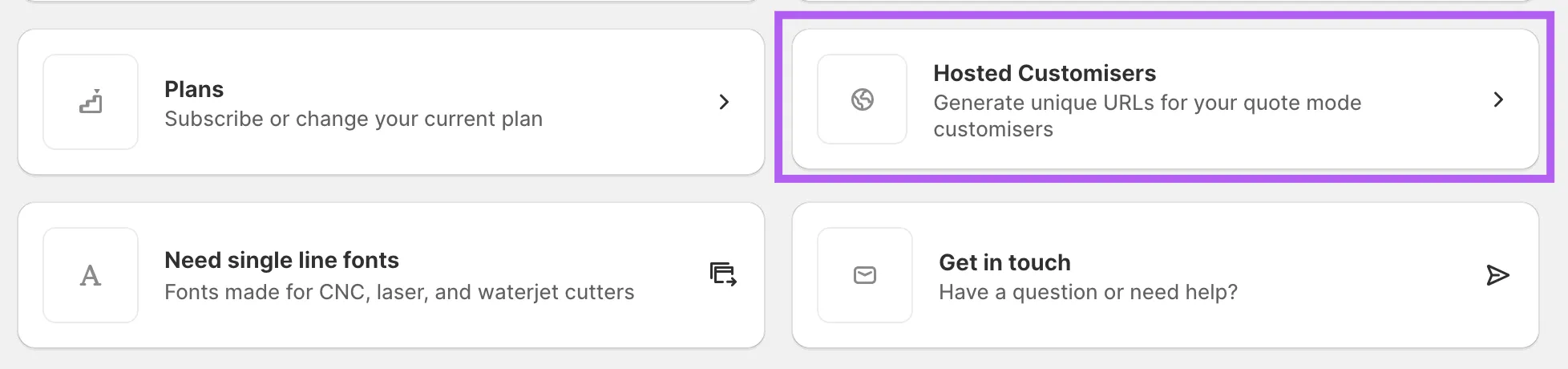
4. Check the box labeled **Enable Customiser Link**.
5. _(Optional)_ Enter a **Return URL** to redirect users back to your store when they click “Back to Store.”
6. _(Optional)_ Adjust the **Navigation Color** to match your brand.
7. _(Optional)_ Upload a **Logo** that will display in the navigation on your Customiser Link page.
8. Click **Save**.
Your Customiser Link is now ready to use. Copy the URL and place it wherever you want — on your website, social media profiles, an Etsy listing description, or anywhere else online.
## Sitemap
See the full [sitemap](/sitemap.md) for all pages.
---
## Shopify app for Sign Customiser - Sign Customiser
Source: [https://www.signcustomiser.com/integrations/shopify-sign-customiser/](https://www.signcustomiser.com/integrations/shopify-sign-customiser/)
## How to install Sign Customiser on your Shopify store
Play video: Integrate Sign Customiser with Shopify using app blocks
Integrate Sign Customiser with Shopify using app blocks
1. Add the Sign Customiser app to your Shopify store. Visit the [Shopify app install page](https://apps.shopify.com/neon-product-customiser) to get started.
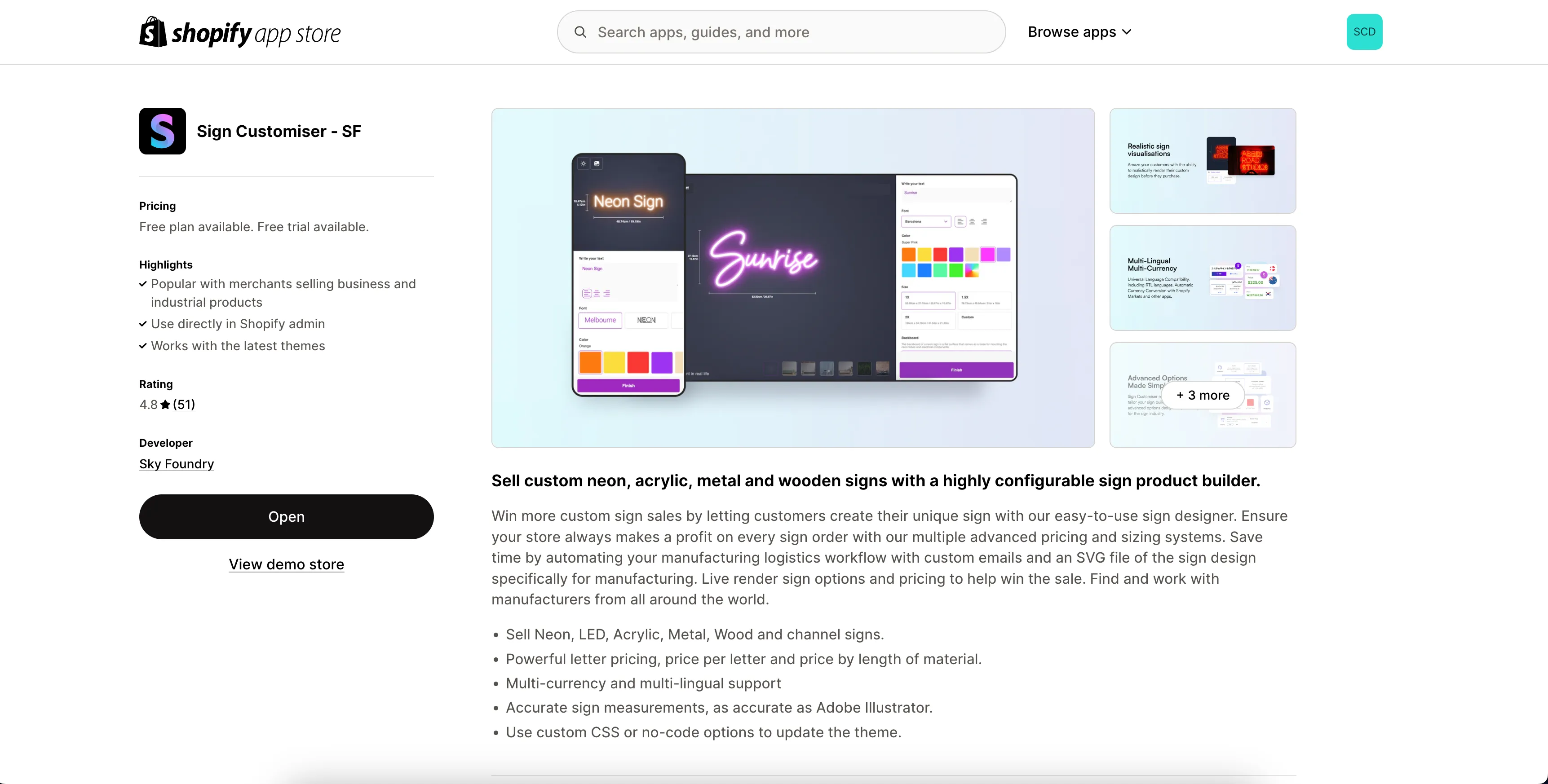
2. Navigate to Sign Customiser app on the Shopify admin dashboard.
3. Click “Get Started” and follow the prompts to create your first customiser based on a sign type.
4. Follow these instructions to note your [customiser ID](/help/integrations/find-your-sign-customiser-id/), this will be important for the next step.
5. Follow these instructions to [add Sign Customiser to a product/page](/help/integrations/install-customiser-on-a-product-or-page-on-your-shopify-storefront-app-blocks/) of your choosing on your store.
## Sitemap
See the full [sitemap](/sitemap.md) for all pages.
---
## Squarespace app for Sign Customiser - Sign Customiser
Source: [https://www.signcustomiser.com/integrations/squarespace-sign-customiser/](https://www.signcustomiser.com/integrations/squarespace-sign-customiser/)
## How to integrate Sign Customiser in Squarespace
To integrate Sign Customiser with Squarespace, you need to subscribe to our [Universal plan](https://web.signcustomiser.com/register).
### Steps to integrate:
1. Log in to your [Sign Customiser account](https://web.signcustomiser.com/login).
2. Create your customiser.
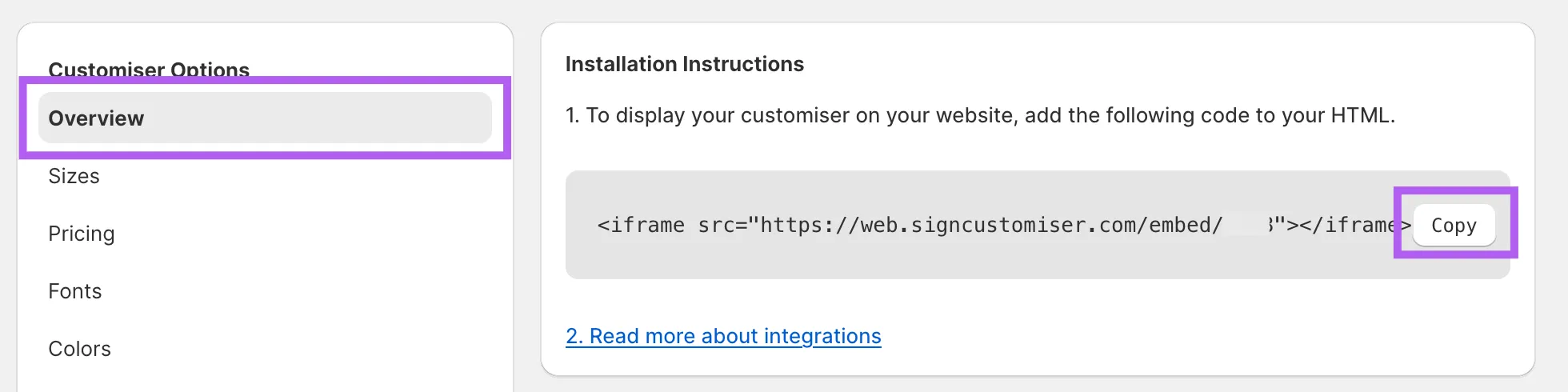
3. Navigate to **Overview settings** in the menu of your customiser.
4. Click **Copy** to copy the embed code.

### Embedding Sign Customiser in Squarespace
1. Log into your [Squarespace account](https://www.squarespace.com/auth/protected-redirect/login?location=https%3A%2F%2Faccount.squarespace.com).
2. Create a new page or select an existing page where you want to display the customiser.
3. Add a new Section.
4. Add a new Block and choose **Code** element.
5. Paste the copied code into the element.
_(Optional)_ If the customiser does not fill the container, ensure your iframe includes width and height styling. Replace **YOUR\_CUSTOMISER\_ID** with the actual ID of your customiser:
For help finding your ID, refer to our guide: [Find Your Sign Customiser ID](/help/integrations/find-your-sign-customiser-id/).
Consult our [**Squarespace Integration**](/help/integrations/squarespace-integration/) guide for further details.
## Sitemap
See the full [sitemap](/sitemap.md) for all pages.
---
## Webflow app for Sign Customiser - Sign Customiser
Source: [https://www.signcustomiser.com/integrations/webflow-sign-customiser/](https://www.signcustomiser.com/integrations/webflow-sign-customiser/)
## How to integrate Sign Customiser in Webflow
To integrate Sign Customiser with Webflow, you need to subscribe to our [Universal plan](https://web.signcustomiser.com/register).
### Steps to integrate:
1. Log in to your [Sign Customiser account](https://web.signcustomiser.com/login).
2. Create your customiser.
3. Navigate to **Overview settings** in the menu of your customiser.
4. Click **Copy** to copy the embed code.

### Embedding Sign Customiser in Webflow
1. Log in to your [Webflow account](https://webflow.com).
2. Create a new page or select an existing page where you want to display the customiser.
3. Add a section or container.
4. Click on **Add Elements** in the Webflow menu, then select and drag the **Code Embed** element ([Webflow Custom Code Embed Guide](https://help.webflow.com/hc/en-us/articles/33961332238611-Custom-code-embed)) into your section or container.
5. Paste the copied embed code into the **Code Embed** window and save your changes.
_(Optional)_ If the customiser does not fill the container, ensure your iframe includes width and height styling. Replace **YOUR\_CUSTOMISER\_ID** with the actual ID of your customiser:
For help finding your ID, refer to our guide: [Find Your Sign Customiser ID](/help/integrations/find-your-sign-customiser-id/).
Consult our [Webflow Integration](/help/integrations/webflow-integration/) guide for further details.
## Sitemap
See the full [sitemap](/sitemap.md) for all pages.
---
## Wix app for Sign Customiser - Sign Customiser
Source: [https://www.signcustomiser.com/integrations/wix-sign-customiser/](https://www.signcustomiser.com/integrations/wix-sign-customiser/)
## How to integrate Sign Customiser in Wix
For complete setup instructions, please refer to our [Wix Integration guide](/help/integrations/wix-integration/).
Note
To integrate Sign Customiser with Wix, you need to subscribe to our [Universal plan](https://web.signcustomiser.com/register).
### Quick start overview
The integration consists of two main steps:
#### Step 1: Establish account connection
1. **Access Integration Settings** Navigate to your Sign Customiser dashboard, select **Tools**, then click **Integrations**
2. **Initiate Wix Connection** Locate the Wix integration card and click **Connect Wix**
3. **Grant Permissions** You’ll be redirected to Wix where you’ll authorise Sign Customiser’s access to your account
4. **Finalise Connection** Return to Sign Customiser and confirm by clicking **Connect Wix Account**
5. **Save Your Credentials** Document your **Customiser ID** and **Integration ID** for the next phase
#### Step 2: Deploy to your Wix site
1. **Open Your Site Editor** Go to your Wix dashboard and select **Edit Site**
2. **Choose Your Location** Either create a new page or select an existing page for the customiser
3. **Insert the App** Create a section, click **Add Elements**, find Sign Customiser, and insert it
4. **Input Configuration Details** Right-click the placeholder, select **Settings**, and enter both IDs from Step 1
5. **Publish Changes** Click **Publish** to make your customiser live and test its functionality
Your integration is now complete and customers can customise signs directly on your Wix site.
## Sitemap
See the full [sitemap](/sitemap.md) for all pages.
---
## WooCommerce plugin for Sign Customiser - Sign Customiser
Source: [https://www.signcustomiser.com/integrations/woocommerce-sign-customiser/](https://www.signcustomiser.com/integrations/woocommerce-sign-customiser/)
## How to add Sign Customiser to WordPress/WooCommerce
For complete setup instructions, please refer to our [WooCommerce API Integration guide](/help/integrations/connecting-woocommerce-with-sign-customiser/).
To see how products, the cart and orders move between Sign Customiser and WooCommerce, and how to choose between a plugin and a hosted customiser, read [how a custom sign builder works on WooCommerce](/posts/general/woocommerce-custom-sign-builder-tutorial/).
### Quick start overview
The integration consists of three main steps:
#### 1\. Generate WooCommerce API credentials
1. Access your WordPress admin dashboard
2. Navigate to **WooCommerce → Settings → Advanced → REST API**
3. Click **Add Key** and configure:
- **Description:** “Sign Customiser”
- **User:** Choose an admin user
- **Permissions:** Select “Read/Write”
4. Click **Generate API Key** and copy both the Consumer Key and Consumer Secret immediately (you cannot retrieve the secret again)
#### 2\. Connect Sign Customiser to WooCommerce
1. Log into your [Sign Customiser account](https://web.signcustomiser.com/register)
2. Navigate to **Integrations** from the home screen
3. Click **Connect WooCommerce**
4. Enter your connection details:
- **WordPress API URL:** Your store URL followed by `/wp-json/`, for example `https://yourstore.com/wp-json/`
- **Consumer Key:** Paste from Step 1
- **Consumer Secret:** Paste from Step 1
5. Complete the connection and copy the displayed HTML embed code
#### 3\. Add the customiser to your website
1. Navigate to your target WordPress page or post
2. Add a **Custom HTML block** where you want the customiser to appear
3. Paste the HTML embed code (includes customiser-id, integration-id, and woocommerce driver)
4. Save and publish the page
Your integration is now complete and customers can customise products directly on your site with automatic product syncing and cart integration.
Having trouble connecting? See our [troubleshooting guide](/help/integrations/connecting-woocommerce-with-sign-customiser/#troubleshooting) for common issues.
## Sitemap
See the full [sitemap](/sitemap.md) for all pages.
---
## WordPress plugin for Sign Customiser - Sign Customiser
Source: [https://www.signcustomiser.com/integrations/wordpress-sign-customiser/](https://www.signcustomiser.com/integrations/wordpress-sign-customiser/)
## How to embed Sign Customiser on WordPress
1. Create a [free Sign Customiser account](https://web.signcustomiser.com/register).
2. Click “Get Started” and follow the prompts to create your first customiser based on a sign type.
3. Follow these instructions to note your [customiser ID](/help/integrations/find-your-sign-customiser-id/), this will be important for the next step.
4. Follow these instructions to [add Sign Customiser on any page of your website](/help/integrations/).
## Sitemap
See the full [sitemap](/sitemap.md) for all pages.
---
## Sign Customisers: Manufacturing Partners - Sign Customiser
Source: [https://www.signcustomiser.com/manufacturer-registration/](https://www.signcustomiser.com/manufacturer-registration/)
**Manufacturing Partners is not Find Sign Makers.**Manufacturing Partners is a paid advertising channel in the Sign Customiser app. [Find Sign Makers](/find-sign-makers/) is our different public directory of sign manufacturers. A Find Sign Makers listing is free. A Sign Customiser subscription includes Find Sign Makers Pro. It does not include Manufacturing Partners. You can join one programme or both programmes.
## What is the Manufacturing Partners programme?
The Sign Customisers: Manufacturing Partners programme is a premium advertising channel that allows select manufacturers to be prominently featured to new merchants. We've built a streamlined Customiser creation process that enables any merchant to instantly create a new Customiser with your manufacturing data pre-filled.
### Key benefits for manufacturers
- **Direct exposure to new merchants**Be discovered by merchants actively seeking manufacturing partners
- **Pre-filled templates**Your manufacturing details and capabilities are automatically populated when merchants select you
- **Prominent placement**Featured in the customiser creation flow and highlighted with your location details
- **Email marketing exposure**Promoted to every new merchant through our onboarding email campaigns
- **Perfect match making**Connect with merchants who need exactly what you offer
This programme is the ideal solution for manufacturers looking to expand their merchant network and for merchants seeking reliable manufacturing partners. It's the perfect way for merchants to discover and connect with the right manufacturing partner for their specific needs.
## How to become a Manufacturing Partner
1. 1
Step 1
### Apply and secure your listing
Fill out the application form and pay a 12-month upfront listing fee. This ensures your commitment to the programme and guarantees your exposure for a full year.
[Apply now](/contact/)
2. 2
Step 2
### Set up your platform
Create either a Shopify store or a Universal account. This will serve as your base for managing customiser templates and processing orders from new merchant partners.
3. 3
Step 3
### Create your customiser templates
Create at least one Customiser template that will be used as the installable template for merchants. We recommend creating templates for:
- **Simple Letter model**For basic sign customisation needs
- **Advanced Letter model**For more complex customisation requirements
- **Frame Fit model**For frame-based sign products
While only one template is required to join the programme, we strongly recommend creating all three. The more product types and customisation options you offer, the more attractive you become to potential merchant partners.
## How merchants find you
When merchants create a new customiser in Universal, they have the option to select from our featured manufacturers. Your profile will be displayed with:
- Your company name and location
- Manufacturing capabilities
- Available customiser templates
- Specialities and product types
This makes it incredibly easy for merchants to identify and partner with manufacturers that match their specific needs and geographic preferences.
## Ready to get started?
Join the Sign Customisers: Manufacturing Partners programme today and start connecting with merchants who need your manufacturing expertise.
[Apply now](/contact/)
## Sitemap
See the full [sitemap](/sitemap.md) for all pages.
---
## Connect to the Sign Customiser MCP Server
Source: [https://www.signcustomiser.com/mcp/connect/](https://www.signcustomiser.com/mcp/connect/)
## At a glance
Endpoint
`https://mcp.signcustomiser.com`
Transport
Streamable HTTP
Method
POST, with Accept: application/json, text/event-stream
Protocol revisions
2025-11-25, 2025-06-18, 2025-03-26, 2024-11-05
Authorization
OAuth 2.1, authorization code with PKCE S256
Dynamic client registration
Available, RFC 7591, public clients only
Tools
58 named tools
Tenancy
One token is bound to one store for its whole life
## Discovery
The MCP endpoint and the authorization server are on two different origins. `mcp.signcustomiser.com` serves the transport and the RFC 9728 document that describes it. `web.signcustomiser.com` serves the authorize, token, register and revoke endpoints. A merchant is already signed in on that origin. An unauthenticated request to the endpoint answers with the pointer that starts discovery:
HTTPCopy
```
HTTP/1.1 401 Unauthorized
WWW-Authenticate: Bearer resource_metadata="https://mcp.signcustomiser.com/.well-known/oauth-protected-resource"
```
Swipe for more
- `https://mcp.signcustomiser.com/.well-known/oauth-protected-resource`RFC 9728 protected-resource metadata on the MCP origin. It names the authorization server on web.signcustomiser.com.
- `https://web.signcustomiser.com/.well-known/oauth-authorization-server`RFC 8414 authorization-server metadata. The MCP origin answers the same path with the same document. Some clients probe the resource origin for this document.
- `https://web.signcustomiser.com/oauth/register`RFC 7591 dynamic client registration. No secret is issued or accepted. Redirect URIs must be HTTPS or loopback HTTP, matched exactly.
- `https://web.signcustomiser.com/oauth/authorize`Authorization endpoint. PKCE S256 is mandatory. Send resource=https://mcp.signcustomiser.com per RFC 8707.
- `https://web.signcustomiser.com/oauth/token`Token endpoint. Grants: authorization\_code, refresh\_token. Access tokens last 60 minutes, refresh tokens 30 days and rotate on use.
- `https://web.signcustomiser.com/oauth/revoke`RFC 7009 revocation. Authenticate with the client\_id the token was issued to.
The authorization response carries no RFC 9207 `iss` parameter, so take issuer assurance from discovery. A token is bound to one store, and the binding survives refresh rotation. Nothing a client sends can change which store it acts for.
## Scopes
Request the smallest set that covers the work. A tool whose scope the merchant declined answers with an `insufficient_scope` error naming what it needed, rather than failing quietly.
ScopeMeaning
`customisers:read`
Read customisers and every option family they own.
`customisers:write`
Create and change customisers and their option records.
`pricing:read`
Read a customiser's pricing document and pricing model.
`pricing:write`
Replace or merge a customiser's pricing document.
`products:read`
Read products created from a customiser.
`products:write`
Record integration products against a customiser.
`orders:read`
Read orders and their design, production and delivery details.
`orders:write`
Create orders. An order can reach a manufacturer.
`quotes:read`
Read quote and custom-design submissions.
`webhooks:read`
Read webhook subscriptions and available event types.
`webhooks:write`
Create, change and delete webhook subscriptions. To create a subscription, or to change its topic or URL, the connection must also have the read scope of the topic. The read scope is orders:read for order:created, products:read for product:created and quotes:read for form:submitted.
`store:read`
Read the store record, its subscription and its granted scopes.
`analytics:read`
Read the order and revenue summary.
## Client configuration
Claude Code:
BashCopy
```
claude mcp add --transport http sign-customiser https://mcp.signcustomiser.com
```
Swipe for more
Run `/mcp` afterwards and choose Authenticate to complete the browser consent step. A signed-out merchant is asked for a connection code instead of a password. They generate it in **Tools & Settings > MCP server**, in the Shopify app or at web.signcustomiser.com.
Cursor, and any other client that reads an `mcp.json`. In Cursor that is `.cursor/mcp.json` in the project, or `~/.cursor/mcp.json` globally:
JSONCopy
```
{
"mcpServers": {
"sign-customiser": {
"type": "http",
"url": "https://mcp.signcustomiser.com"
}
}
}
```
Swipe for more
Clients that infer the transport from the URL ignore `"type"`. Leave it in; it is harmless where it is not needed.
Codex, in `~/.codex/config.toml`:
TOMLCopy
```
[mcp_servers.sign_customiser]
url = "https://mcp.signcustomiser.com"
```
Swipe for more
Claude on the web and Claude Desktop: **Settings > Connectors > Add custom connector**, then paste the endpoint URL. ChatGPT: **Settings > Connectors**, add a custom connector with the endpoint URL. Developer mode is required while a connector is unlisted.
MCP Inspector: run `npx @modelcontextprotocol/inspector`, connect with transport Streamable HTTP, and leave `protocolEra` at `legacy`. This server answers the `initialize` family of revisions and does not answer the 2026-07-28 `server/discover` family, so a run configured with `modern` fails to negotiate by design.
## First call
List the tools the connection can see:
BashCopy
```
curl -sS https://mcp.signcustomiser.com \
-H "Authorization: Bearer $SIGN_CUSTOMISER_MCP_TOKEN" \
-H "Content-Type: application/json" \
-H "Accept: application/json, text/event-stream" \
-d '{"jsonrpc":"2.0","id":1,"method":"tools/list"}'
```
Swipe for more
Then identify the store. `get_store` takes no arguments, needs `store:read`, and reports which scopes the merchant approved, which is the cheapest way to find out what the rest of the session can do:
JSONCopy
```
{
"jsonrpc": "2.0",
"id": 2,
"method": "tools/call",
"params": {
"name": "get_store",
"arguments": {}
}
}
```
Swipe for more
The result:
JSONCopy
```
{
"jsonrpc": "2.0",
"id": 2,
"result": {
"content": [
{
"type": "text",
"text": "Connected to the universal store \"Demo Signs\" (id 12)."
}
],
"structuredContent": {
"request_id": "req_01jz9x2k7c8f3m5n6p7q8r9s0t",
"store": { "id": 12, "name": "Demo Signs" },
"id": 12,
"name": "Demo Signs",
"platform": "universal",
"plan": "starter",
"currency": "GBP",
"integrations": [
{
"object": "integration",
"id": 17,
"type": "custom",
"name": "Warehouse bridge",
"enabled": true
}
],
"scopes": ["store:read", "customisers:read"],
"created_at": "2026-01-12T03:14:15Z"
},
"isError": false
}
}
```
Swipe for more
Every tool returns `structuredContent` alongside the text summary, and every result carries the `request_id` and the `store` it acted on. List tools return an opaque cursor; pass it back unchanged rather than building one.
## Write conventions
- Reads and writes are separate tools. Nothing changes a store unless its name says so.
- Every write that supports it takes `dry_run: true` and returns the same validation verdict without applying anything. Call it that way first.
- Deletions, order creation and product creation require `confirm: true` and an `idempotency_key`. A replayed key returns the original result with `idempotent_replay: true`.
- Prices are integer minor units with an explicit currency. Sizes are centimetres.
- Start from `list_customisers` to get an integer customiser id. Every other customiser tool needs one. Read an option family with `list_customiser_options` before writing to it.
## Errors
CodeMeaning and action
`401`
The response carries a resource\_metadata challenge. No token, an expired token, or a token bound to another resource. Run discovery from the challenge URL and re-authorise.
`invalid_target`
An authorization request whose resource parameter named an API other than this one. Send resource=https://mcp.signcustomiser.com, or omit it.
`insufficient_scope`
A tool result, not a protocol error. The connection is valid; the merchant did not approve the permission that tool needs. Read required\_scopes from the error and ask the merchant to reconnect and approve it. Do not retry.
`-32602`
An argument failed the tool's input schema. Read the argument name from the message and correct it.
`429`
The endpoint's own rate limit. Wait for retry\_after.
## Reference
- [Sign Customiser Agent Skill](/help/sign-customiser/SKILL.md)Use the generated Agent Skill to find Sign Customiser documentation and terminology.
- [mcp-tools.json](/help/mcp-tools.json)Every tool with its scope, annotations, input and output schema, error cases and wire-shape examples. One file, generated from the running server.
- [/help/mcp/](/help/mcp/)The tool reference. One page per tool at /help/mcp/tools//, each with a .md alternate at the same path plus .md.
- [/help/mcp/guides/connect/](/help/mcp/guides/connect/)Per-client setup, what the merchant approves, and how a connection is revoked.
- [/help/mcp/guides/authentication/](/help/mcp/guides/authentication/)Discovery, dynamic registration, PKCE, resource binding, token lifetimes, revocation.
- [/help/llms.txt](/help/llms.txt)The documentation index in plain text. /help/llms-full.txt is the whole corpus in one file.
Using an agent rather than building one? [The MCP server overview](/mcp/) explains what a connection can do and how a merchant approves it.
## Sitemap
See the full [sitemap](/sitemap.md) for all pages.
---
## Sign Customiser MCP Server | Connect Claude and ChatGPT
Source: [https://www.signcustomiser.com/mcp/](https://www.signcustomiser.com/mcp/)
## What you can askit to do
Every one of these is a named tool with a documented shape, not a prompt trick.
- ### Set up customisers
Start a customiser from a sign prototype, rename it, change its labels, and take it live or off the storefront when you are ready.
- list\_customiser\_prototypes
- create\_customiser
- set\_customiser\_status
- ### Edit every option family
Colours, fonts, sizes, materials, backboards, backlights and mountings. Add records, reorder them, change them, remove them.
- create\_customiser\_option
- reorder\_customiser\_options
- ### Change pricing
Read the pricing document a customiser sells at, then replace or merge it. Prices are integer minor units with an explicit currency, so nothing rounds behind your back.
- get\_customiser\_pricing
- update\_customiser\_pricing
- ### Create products and orders
Record a product built from a customiser, or an order against it, and hand it off for production the same way your storefront does.
- create\_integration\_product
- create\_order
- ### Look things up
Orders, quotes and design enquiries, your subscription, and an order and revenue summary over 7, 30, 90 or 365 days.
- list\_orders
- list\_quotes
- get\_analytics\_summary
- ### Wire up the rest of your shop
Manage the webhook subscriptions that tell your other systems about new orders and products, and search the Sign Customiser documentation without leaving the chat.
- create\_webhook\_subscription
- search\_docs
## Connecting takesone URL
No API key is created, pasted or stored anywhere in this flow.
1. 1
### Paste one URL
Your agent asks for a server address. Give it https://mcp.signcustomiser.com. There is no API key to create, copy or store.
2. 2
### Choose a store and approve permissions
Sign Customiser opens a consent screen in your browser. If it asks for a connection code, generate one in Tools & Settings > MCP server, in the Shopify app or at web.signcustomiser.com. Pick the store the agent acts for, then approve permissions written in plain language, such as View customisers and Manage pricing.
3. 3
### Watch what it does
Tools & Settings > MCP server in your admin lists every connected agent, how many calls each tool made, and every change a connection has written.
4. 4
### Revoke in one click
Revoking takes effect immediately and does not need the agent's cooperation.
[Setup steps for Claude, ChatGPT, Cursor and Codex](/help/mcp/guides/connect/)
## You decide what itis allowed to touch
An agent with access to your storefront pricing is worth being careful about. The permissions are the product, not a footnote.
- ### Permissions you chose, checked on every call
A connection only holds the permissions you ticked. Ask an agent to do something you did not approve and the tool answers with the name of the permission it needs, rather than doing it anyway.
- ### One store per connection
A connection is bound to one store for its whole life, and the store comes from the token rather than from anything the agent sends. Connecting a second store means connecting again and picking it.
- ### Dry runs before writes
Every write that supports it takes dry\_run: true and returns the same verdict without changing anything. Deletions, order creation and product creation also need an explicit confirmation.
- ### A record you can read
Every change is logged with the tool that made it, the agent that called it, the member who approved the connection, and whether it succeeded.
## Building the clientrather than using one?
The endpoint, the OAuth discovery documents, the scope list and a copy-paste config for every client we have tested are all on one page.
- [Connection referenceEndpoint, discovery URLs, scopes, client configs, first call](/mcp/connect/)
- [Tool referenceA page per tool, with arguments, results, errors and examples](/help/mcp/)
- [Authentication guideDiscovery, dynamic registration, PKCE, token lifetimes, revocation](/help/mcp/guides/authentication/)
- [mcp-tools.jsonThe whole surface as one machine-readable manifest](/help/mcp-tools.json)
- [Sign Customiser Agent SkillUse the generated Agent Skill to find Sign Customiser documentation and terminology](/help/sign-customiser/SKILL.md)
## Sitemap
See the full [sitemap](/sitemap.md) for all pages.
---
## Media for Sign Customiser - Sign Customiser
Source: [https://www.signcustomiser.com/media/](https://www.signcustomiser.com/media/)
## Branding
Click on a folder or asset you wish to view or use. This will open the asset in Google Drive.
## Sitemap
See the full [sitemap](/sitemap.md) for all pages.
---
## Sign Pricing Models: Simple Letter, Advanced & Frame Fit
Source: [https://www.signcustomiser.com/models/](https://www.signcustomiser.com/models/)
Simple LetterAdvanced LetterFrame Fit
## Pricing method
Primary pricing calculation
Simple Letter: Character count × tier price
Advanced Letter: **Multiple options:**• Material length (cm)• Area (cm²)• Volume (cm³)
Frame Fit: **Dimensional pricing:**• Area (cm²)• Volume (cm³)
Fixed price per letter
Simple Letter: Yes
Advanced Letter: Yes
Frame Fit: No
Start price
Simple Letter: No
Advanced Letter: Yes
Frame Fit: Yes
Base price per line
Simple Letter: Yes
Advanced Letter: No
Frame Fit: No
Material length-based pricing
Simple Letter: No
Advanced Letter: Yes
Frame Fit: No
Area-based pricing
Simple Letter: No
Advanced Letter: Yes
Frame Fit: Yes
## Sizing & dimensions
Size options
Simple Letter: Predefined tiers
Advanced Letter: Presets + custom dimensions
Frame Fit: Presets + custom dimensions
Customer-chosen dimensions
Simple Letter: No
Advanced Letter: Yes
Frame Fit: Yes
Accurate font-based sizing
Simple Letter: No
Advanced Letter: Yes
Frame Fit: No
Maximum lines of text
Simple Letter: Up to 6 lines
Advanced Letter: Unlimited
Frame Fit: N/A (frame-based)
Character limits per line
Simple Letter: Yes
Advanced Letter: No
Frame Fit: No
## Features & capabilities
Font-based tier pricing
Simple Letter: Yes
Advanced Letter: Yes
Frame Fit: No
Min height for letters
Simple Letter: No
Advanced Letter: Yes
Frame Fit: No
Volumetric shipping calculations
Simple Letter: No
Advanced Letter: Yes
Frame Fit: Yes
Best for
Simple Letter: Signs with fixed height or fixed width sizes
Advanced Letter: Neon signs, cut letters with material costs
Frame Fit: Lightbox signs, panels, and frame-focused products
Simple LetterAdvanced LetterFrame Fit
## Pricing method
Primary pricing calculation
Simple Letter: Character count × tier priceAdvanced Letter: **Multiple options:**• Material length (cm)• Area (cm²)• Volume (cm³)Frame Fit: **Dimensional pricing:**• Area (cm²)• Volume (cm³)
Fixed price per letter
Simple Letter: YesAdvanced Letter: YesFrame Fit: No
Start price
Simple Letter: NoAdvanced Letter: YesFrame Fit: Yes
Base price per line
Simple Letter: YesAdvanced Letter: NoFrame Fit: No
Material length-based pricing
Simple Letter: NoAdvanced Letter: YesFrame Fit: No
Area-based pricing
Simple Letter: NoAdvanced Letter: YesFrame Fit: Yes
## Sizing & dimensions
Size options
Simple Letter: Predefined tiersAdvanced Letter: Presets + custom dimensionsFrame Fit: Presets + custom dimensions
Customer-chosen dimensions
Simple Letter: NoAdvanced Letter: YesFrame Fit: Yes
Accurate font-based sizing
Simple Letter: NoAdvanced Letter: YesFrame Fit: No
Maximum lines of text
Simple Letter: Up to 6 linesAdvanced Letter: UnlimitedFrame Fit: N/A (frame-based)
Character limits per line
Simple Letter: YesAdvanced Letter: NoFrame Fit: No
## Features & capabilities
Font-based tier pricing
Simple Letter: YesAdvanced Letter: YesFrame Fit: No
Min height for letters
Simple Letter: NoAdvanced Letter: YesFrame Fit: No
Volumetric shipping calculations
Simple Letter: NoAdvanced Letter: YesFrame Fit: Yes
Best for
Simple Letter: Signs with fixed height or fixed width sizesAdvanced Letter: Neon signs, cut letters with material costsFrame Fit: Lightbox signs, panels, and frame-focused products
Looking for more detail? Read about [sign pricing software](/sign-pricing-software/), see how Sign Customiser [compares to dezigner.ai](/dezigner-ai-vs-sign-customiser/), or [start a free trial](/install/) to set up your first sign customiser.
## Sitemap
See the full [sitemap](/sitemap.md) for all pages.
---
## Free Neon Sign Maker Online - Design Custom Neon Signs
Source: [https://www.signcustomiser.com/neon-sign-maker-online-free/](https://www.signcustomiser.com/neon-sign-maker-online-free/)
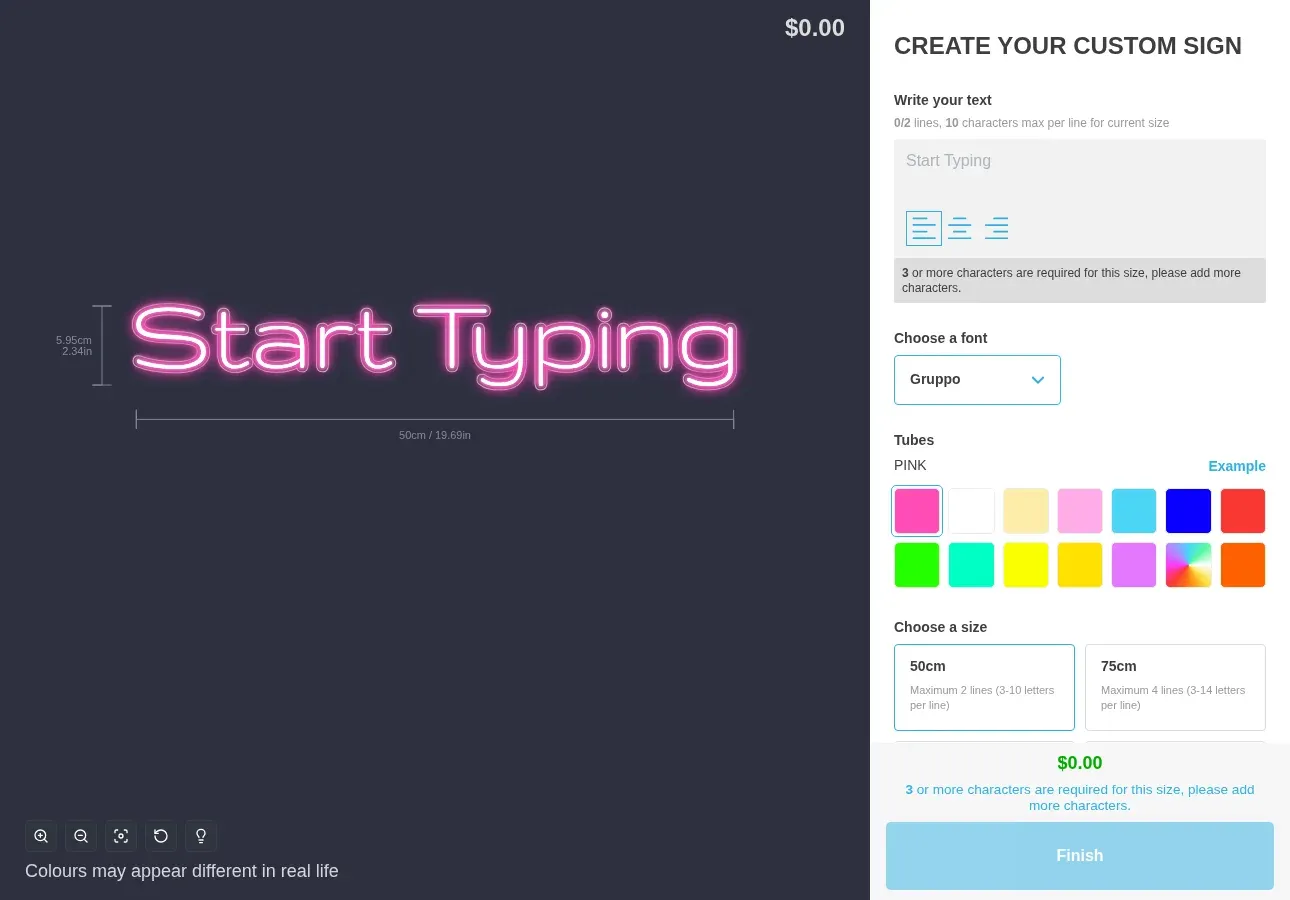
Start designing your neon sign
## How to createyour neon sign
Our neon sign creator makes it easy to design professional-looking LED neon signs in just a few simple steps. No design experience required.
1. 1
### Enter your text
Type your desired message, name, or phrase into the neon sign maker. Whether it's "Open", your business name, or a wedding hashtag, our tool handles it all.
2. 2
### Choose your font style
Browse through our collection of neon-compatible fonts. From elegant scripts to bold block letters, find the perfect style to match your vision.
3. 3
### Select your neon colour
Pick from a vibrant palette of neon colours including classic pink, electric blue, warm white, and more. See your design glow in real-time.
4. 4
### Adjust size and layout
Resize your neon sign to fit your space. Our generator shows accurate proportions so you know exactly how your sign will look.
5. 5
### Preview your design
See exactly how your custom neon sign will look with our realistic preview. Make adjustments until it's perfect.
6. 6
### Download or order
Download your neon sign design as a PNG image for free. Use it to get quotes from manufacturers or share with friends.
## Neon font stylesand options
The right font can make or break your neon sign. Our neon font generator includes styles perfect for every occasion and brand personality.
### Script and cursive fonts
Elegant flowing scripts are the most popular choice for neon signs. They create a sophisticated, romantic feel perfect for:
- Wedding neon signs and couple names
- Restaurant and bar signage
- Inspirational quotes and phrases
- Beauty salon and spa branding
### Block and bold fonts
Strong, bold letterforms make a powerful statement. These fonts are ideal for:
- Business names and logos
- Open/Closed signs
- Gaming rooms and man caves
- Retail store displays
### Retro and vintage styles
Capture the classic neon aesthetic with nostalgic font styles. Great for:
- Diners and retro-themed venues
- Vintage-inspired home decor
- Rock and roll themed spaces
- Classic Americana designs
### Modern and minimalist
Clean, contemporary fonts for a sleek modern look. Perfect for:
- Tech companies and startups
- Contemporary home decor
- Minimalist business branding
- Modern event signage
## Neon colourselection guide
Colour plays a crucial role in the impact of your neon sign. Here's how to choose the perfect shade for your custom neon sign.
### Pink and magenta
The most popular neon colour. Pink creates a fun, energetic vibe and photographs beautifully. Ideal for:
- \- Instagram-worthy backdrops
- \- Wedding and party signs
- \- Beauty and fashion brands
### Blue and electric blue
Cool and calming, blue neon signs are versatile and professional. Perfect for:
- \- Corporate and tech spaces
- \- Bars and nightclubs
- \- Gaming rooms
### Red and orange
Bold and attention-grabbing, warm tones create urgency and excitement. Great for:
- \- Open signs and storefronts
- \- Food and beverage venues
- \- Entertainment spaces
### Green and mint
Fresh and natural, green neon brings a unique touch. Suitable for:
- \- Eco-friendly brands
- \- Garden centres and florists
- \- Health and wellness spaces
### Yellow and gold
Warm and inviting, yellow creates a sunny, welcoming atmosphere. Best for:
- \- Cafes and bakeries
- \- Children's spaces
- \- Positive affirmation signs
### White and warm white
Classic and timeless, white neon is incredibly versatile. Excellent for:
- \- Minimalist designs
- \- Wedding signage
- \- Professional branding
## Popular neonsign uses
Custom neon signs have become essential for creating memorable spaces. Here are the most popular applications for LED neon signs.
### Wedding signs
Create stunning photo backdrops with personalised neon wedding signs featuring your names, date, or romantic phrases.
### Business signage
Attract customers with eye-catching neon business signs, from open signs to branded logos and slogans.
### Home decor
Add personality to bedrooms, living rooms, and home offices with custom neon wall art and inspirational quotes.
### Gaming rooms
Level up your gaming setup with custom neon signs featuring gamer tags, logos, or gaming-themed designs.
### Bars and restaurants
Create ambiance and attract patrons with neon signs for menus, specials, or atmospheric decor.
### Events and parties
Make celebrations memorable with custom neon signs for birthdays, anniversaries, and special occasions.
### Photo studios
Professional photographers use neon signs to create unique backdrops and add visual interest to shoots.
### Office spaces
Boost company culture and brand presence with custom neon signs in reception areas and meeting rooms.
For sign businesses
## Add this neon sign makerto your store
The neon sign tool you just used powers 700+ sign shops worldwide. Get it on YOUR website and turn visitors into paying customers 24/7.
### Automate sign sales
Let customers design, price, and purchase neon signs 24/7 without manual quotes. No more email back-and-forth.
### Instant production files
Get manufacturing specs, tube bending guides, and production files automatically generated for every order.
### Works with your store
Integrates with Shopify, WooCommerce, Wix, Squarespace, and more. Embed on any website in minutes.
[Start your free 7-day trial](/install/)
## Frequently askedquestions
How much does a custom neon sign cost?
Custom LED neon signs typically range from $150 to $500+ depending on size, complexity, and the manufacturer. Smaller signs (50cm) start around $150-200, while larger signs (100cm+) can cost $400-800 or more. Our free neon sign maker lets you design and preview your sign before getting quotes from manufacturers.
[Compare sign estimating software options](/posts/general/best-sign-estimating-software/)
How long does it take to make a neon sign?
Production time for custom LED neon signs is typically 5-10 business days, plus shipping time. Rush orders may be available from some manufacturers for an additional fee. The design process using our free neon sign maker takes just minutes.
Are LED neon signs as good as real neon?
LED neon signs offer several advantages over traditional glass neon: they're more energy-efficient, safer (no high voltage or fragile glass), lighter weight, and more affordable. While traditional neon has a classic aesthetic, modern LED neon closely replicates the look while being more practical for most applications.
Can I design my own neon sign?
Yes! Our free online neon sign maker lets you design your own custom neon sign in minutes. Simply enter your text, choose a font style, select your preferred colour, and preview your design instantly. You can then download the image or use it to get quotes from manufacturers.
What size neon sign do I need?
The ideal size depends on your intended use and viewing distance. For home decor and small spaces, 40-60cm works well. For business signage or wedding backdrops, 80-120cm provides better visibility. Our neon sign maker lets you preview different sizes before deciding.
Is this neon sign generator really free?
Yes, our neon sign maker is completely free to use. You can design as many neon signs as you like and download them as PNG images at no cost. There's no account required and no hidden fees.
Can I use the downloaded image to order a real sign?
Absolutely! Many customers use our neon sign maker to create a design, then send the downloaded image to neon sign manufacturers for production quotes. The image serves as a perfect visual reference for what you want.
Can I add this neon sign maker to my business website?
Yes! If you run a sign business, you can add this exact neon sign customiser tool to your own website. Sign Customiser is software that helps sign shops sell custom signs online with automated pricing, instant quotes, and production file generation. It integrates with Shopify, WooCommerce, Wix, and more.
[Learn more about Sign Customiser for businesses](/solutions/neon-signs/)[Compare 10 sign configurator solutions](/posts/general/best-ecommerce-sign-configurators-compared/)[See what customers type into a name sign generator](/posts/neon/name-in-lights-generator/)
## Explore moreneon resources
Learn more about neon signs, design tips, and creative inspiration from our blog.
[Neon sign blogDiscover ideas, trends, and inspiration for your custom neon sign projects.](/posts/neon/)[Neon sign solutionsFor businesses: Learn how to sell custom neon signs with our software.](/solutions/neon-signs/)[How to make neon signsA complete guide to the neon sign manufacturing process.](/resources/how-to-make-neon-signs/)[Best sign estimating softwareCompare 8 sign estimating tools for your business.](/posts/general/best-sign-estimating-software/)[Start a neon sign businessLaunch a profitable LED sign business on Shopify for under $500.](/posts/shopify/how-to-start-neon-sign-business-shopify/)
## Sitemap
See the full [sitemap](/sitemap.md) for all pages.
---
## Platform integrations for Sign Customiser - Sign Customiser
Source: [https://www.signcustomiser.com/platform-integrations/](https://www.signcustomiser.com/platform-integrations/)
### Shopify - Shopify app
- Full support of all features and integrations - [docs](/help/integrations/setup-customiser-on-shopify-app-embed-theme-best-for-page-builders-old-themes-headless-storefronts/)
- Add to cart / Add to checkout integration - [demos](https://demo.signcustomiser.com/)
- Order integration
- Customer data syncing with embedded forms integration
- Easy theme installation using Shopify theme editor App blocks/legacy theme support/third-party theme app support
- Live currency conversion - (Native theme / Shopify Markets and third-party apps)
- Manufacturer emails
### WordPress/WooCommerce - Universal app
- iFrame embed theme installation - [docs](/help/integrations/connecting-woocommerce-with-sign-customiser/)
- WooCommerce add-to-cart/checkout integration - [demo](https://woocommerce-demo.signcustomiser.com/woocommerce-demo/)
- Customiser link
- Quote mode
- Order integration - [docs](/help/integrations/connecting-woocommerce-with-sign-customiser/)
- Manufacturer emails
### Wix - Universal app
- iFrame embed theme installation
- Customiser link
- Quote mode
- Add to cart (requires custom implementation)
- Order integration (Not supported)
- Manufacturer emails (Not supported)
### Etsy - Universal app
- Customiser link
- Quote mode
- Manufacturer emails (Not supported)
- Add to cart (Not supported)
- Order integration (Not supported)
### Squarespace - Universal app
- iFrame embed theme installation
- Customiser link
- Quote mode
- Add to cart (requires custom implementation)
- Order integration (Not supported)
- Manufacturer emails (Not supported)
### Webflow - Universal app
- iFrame embed theme installation
- Customiser link
- Quote mode
- Add to cart (requires custom implementation)
- Manufacturer emails (Not supported)
### Static sites - Universal app
- iFrame embed theme installation - [docs](/help/integrations/embed-the-customiser-on-any-website/)
- Customiser link
- Quote mode
- Add to cart (requires custom implementation)
- Order integration (Not supported)
- Manufacturer emails (Not supported)
## Sitemap
See the full [sitemap](/sitemap.md) for all pages.
---
## 3D Acrylic Letters: What They Are, How They're Made - Sign Customiser Blog
Source: [https://www.signcustomiser.com/posts/acrylic/3d-acrylic-letters/](https://www.signcustomiser.com/posts/acrylic/3d-acrylic-letters/)
## Quick answer: 3D acrylic letters
- **What they are.** 3D acrylic letters are dimensional signs built from one or more layers of cut acrylic, raised off the wall on standoffs or stacked to create depth. Flat-cut acrylic letters, by contrast, sit flush against the wall.
- **How they look.** A shadow gap sits between the letter and the wall, or between layers, so the sign catches light differently through the day. Some designs are backlit for a halo glow at night.
- **How they’re made.** A laser cutter or CNC router cuts the letter shapes from acrylic sheet. Single-layer letters mount on standoffs. Multi-layer letters stack two or more pieces of acrylic with a gap between them.
- **Where they’re used.** Reception and lobby signage, retail storefronts, office branding, cafes and event signage: anywhere a flat sign would look too plain.
## What are 3D acrylic letters?
3D acrylic letters are multi-layer or standoff-mounted acrylic signs that create depth, rather than sitting flush against the wall like flat-cut acrylic letters. Depth comes from one of two constructions: a single layer of acrylic held away from the wall on standoffs, or two or more layers stacked with a gap between them.
Acrylic (PMMA, also sold as Perspex or Plexiglas) transmits up to 92% of visible light at 3 mm thickness, and weighs roughly half as much as glass of the same size ([Wikipedia: Poly(methyl methacrylate)](https://en.wikipedia.org/wiki/Poly\(methyl_methacrylate\))). It is often used as an alternative to glass.
## 3D vs flat acrylic: the key difference
Feature
Flat-Cut Acrylic
3D Acrylic
Layers
1 layer
1 layer on standoffs, or 2 or more stacked layers
Mounting
Flush to wall
Standoffs (for example, 5-50mm)
Visual effect
Clean, minimal
Depth, shadows
Best suited to
Budget signage, small text
Feature walls, lobby signage, branding
Swipe for more
## Layering techniques
The “3D” in 3D acrylic comes from layering or standoff spacing. Configurations include:
Technique
Layers
Effect
Suits
Single layer on standoffs
1
Shadow behind the letter
Simple dimensional signage
Simple stack
2
Basic depth, shadow behind
Budget 3D signs
Multi-colour
2-3
Colour contrast, outline effect
Logos, brand colours
Gradient depth
3-5
Progressive shadow, layered look
Corporate lobbies
Floating letters
1 or more, on hidden standoffs
Halo/glow effect when backlit
Reception areas
Swipe for more
### Layer and standoff spacing
The gap between the letter and the wall, or between layers, sets how strong the shadow reads. These ranges are a practical starting point, not a standard:
- **5-10mm:** subtle shadow, close mounting.
- **15-25mm:** a clear shadow, visible from a few metres away.
- **30-50mm:** a dramatic float, needs a solid wall fixing.
For outdoor signs, choose standoffs rated for outdoor use, such as stainless steel.

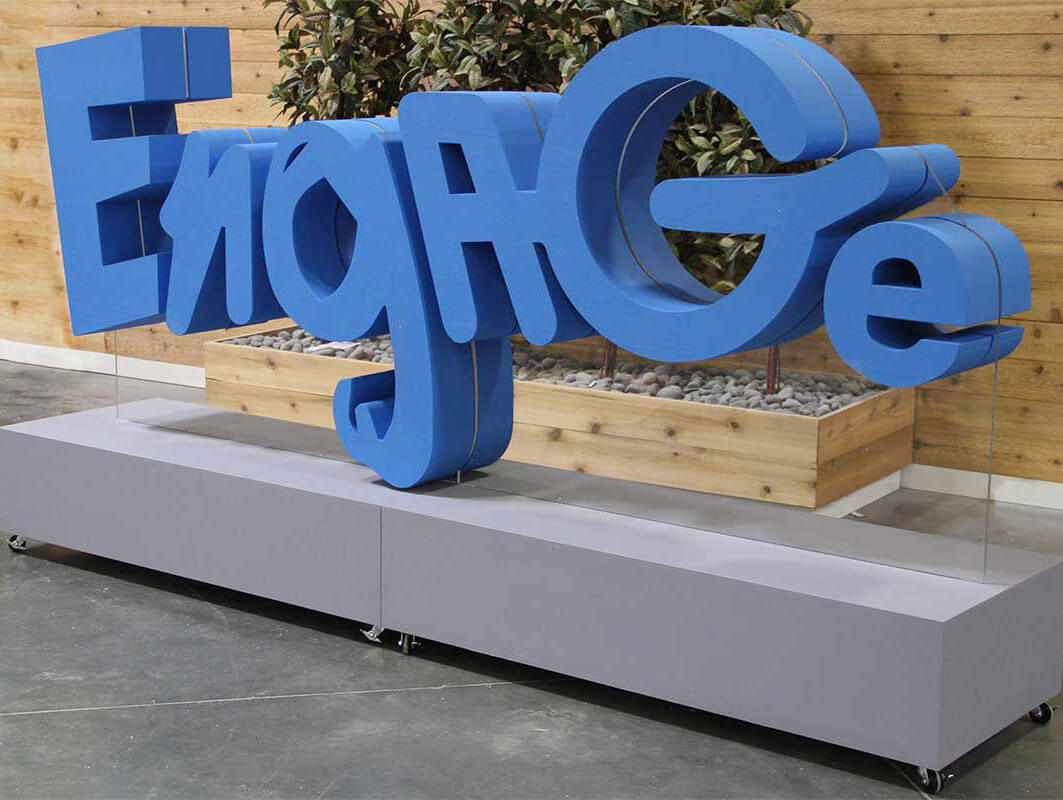
The render above shows no actual sign; it illustrates the kind of stacked, layered depth that layering techniques aim to recreate in acrylic.
## Comparisons with other acrylic signage types
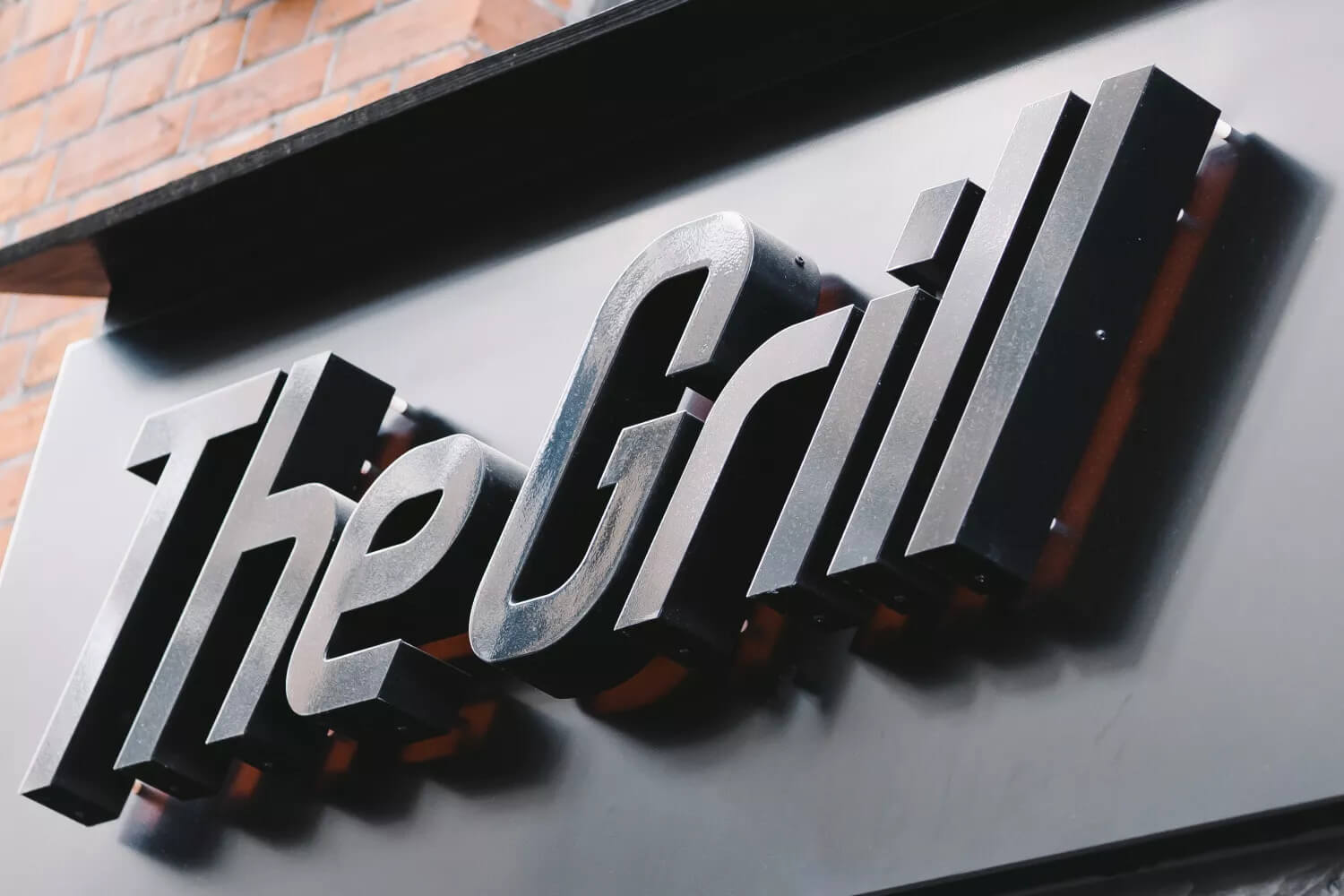
Image source: glyphics.co.uk
3D acrylic letters sit alongside other sign materials. Each has a different look, cost and durability profile.
### Neon signs
[Neon signs](https://en.wikipedia.org/wiki/Neon_sign) use glowing gas-filled glass tubes, or LED neon, for a retro, glowing look. 3D acrylic letters do not glow on their own. Their effect comes from shape and shadow rather than light, though they can be backlit with LEDs for a halo effect after dark.
### Metal signs
Metal gives a different look and finish. 3D acrylic letters come in a wide range of colours and finishes.
### Wood signs
Wood signs carry a natural, rustic look that acrylic does not try to copy. Acrylic gives a smooth, coloured or clear finish instead.
## 3D acrylic letters: applications in various industries
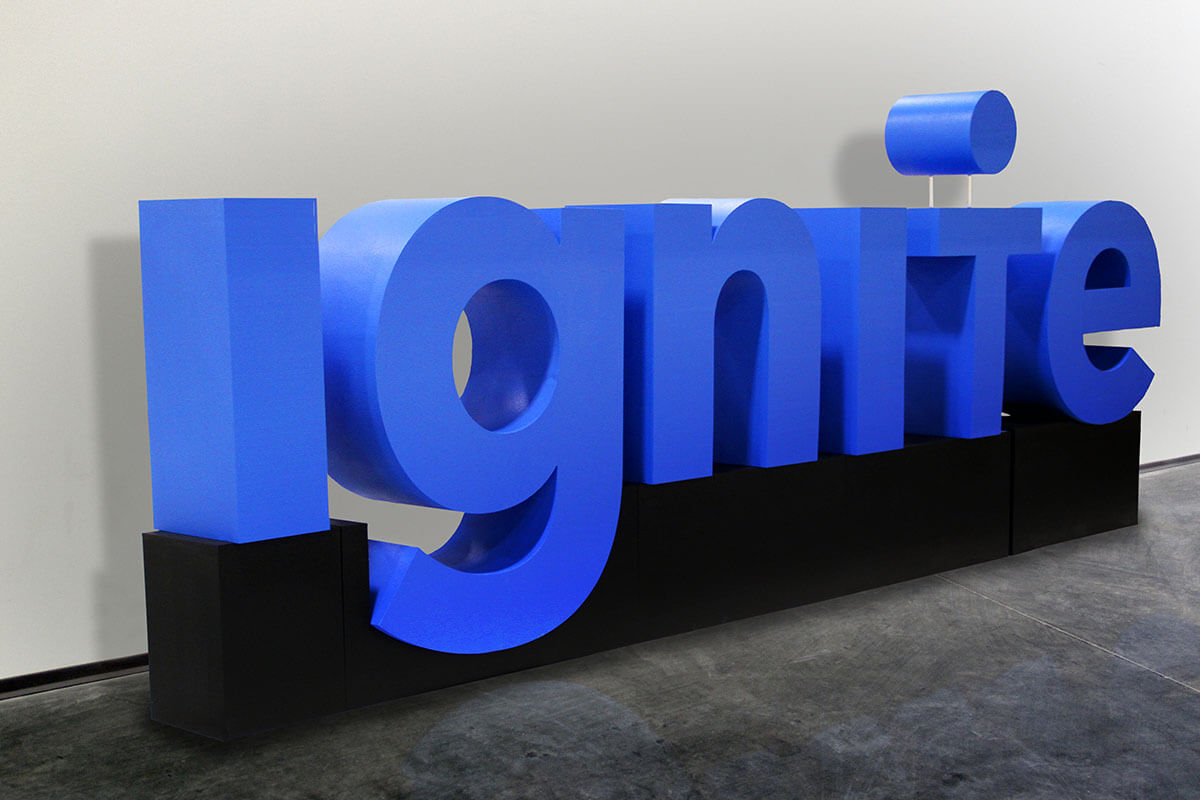
Image source: whiteclouds.com
3D acrylic letters turn up across retail, interior design, corporate branding and events.
### Retail signage
Storefronts use 3D acrylic letters for shop names and promotional signage. The raised lettering adds depth and shadow that a flat vinyl sign lacks.
### Interior design
Cafes, restaurants and boutiques use 3D acrylic lettering on feature walls and above counters, where the shadow effect adds texture to an otherwise flat surface.
### Corporate branding
Office lobbies and reception desks suit 3D acrylic letters. A raised logo or company name adds depth and shadow to the wall.
### Event marketing
For trade show booths and conference signage, 3D acrylic letters are an alternative to foam board or printed banners, and can be reused between events.
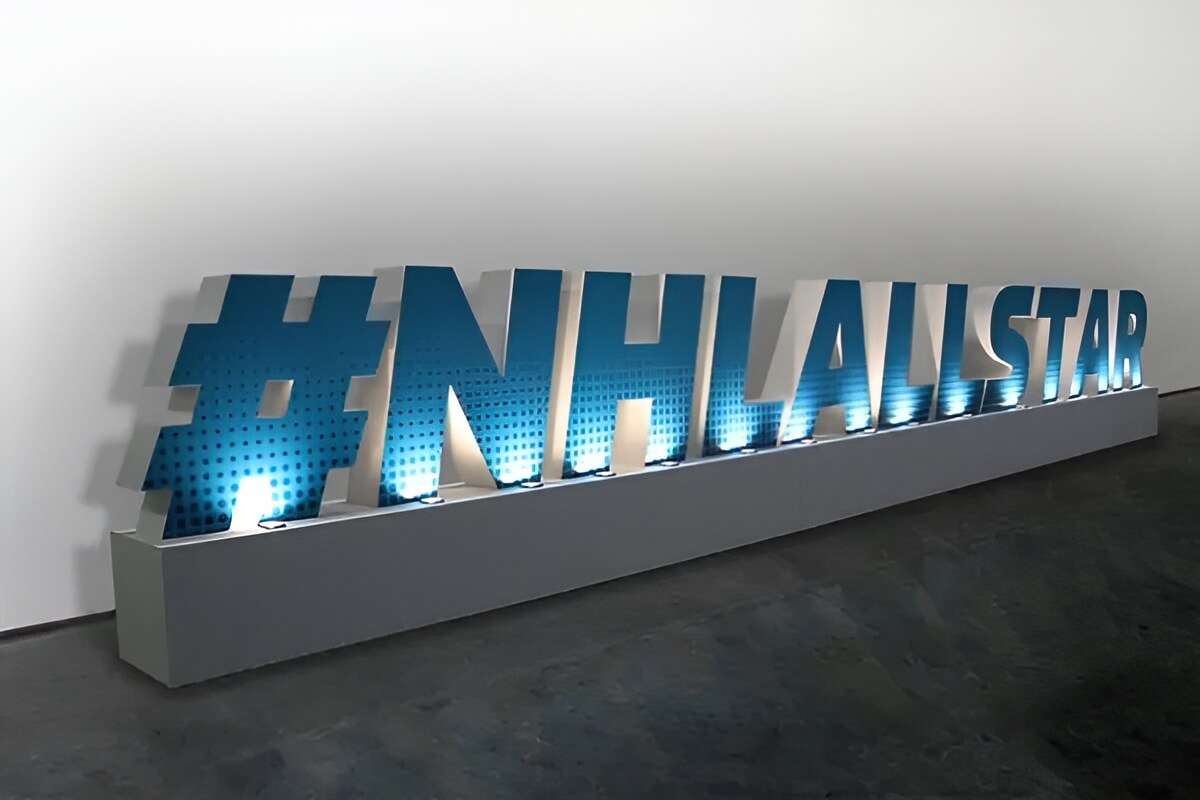
Image source: whiteclouds.com
## Popular styles and fonts for 3D acrylic letters
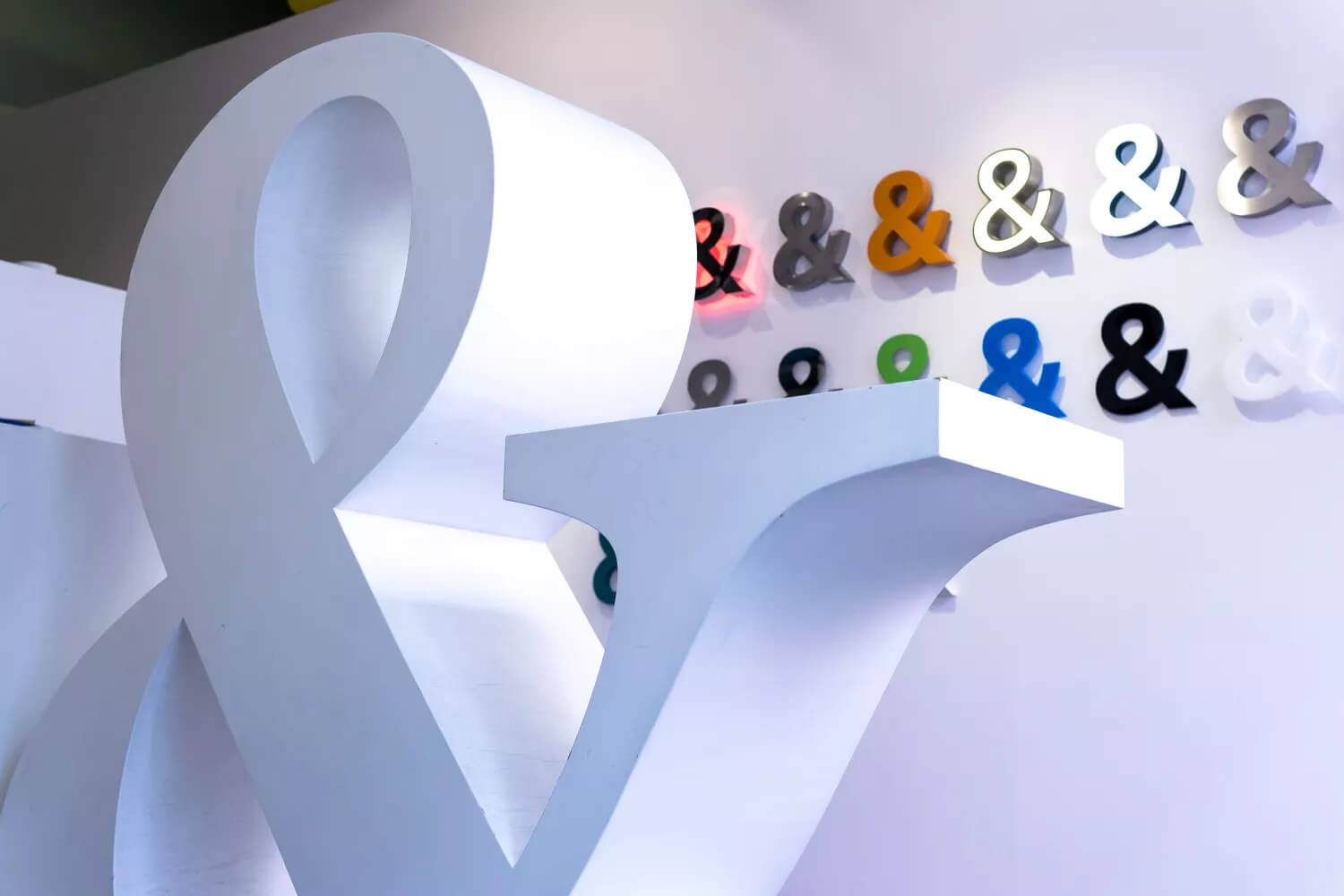
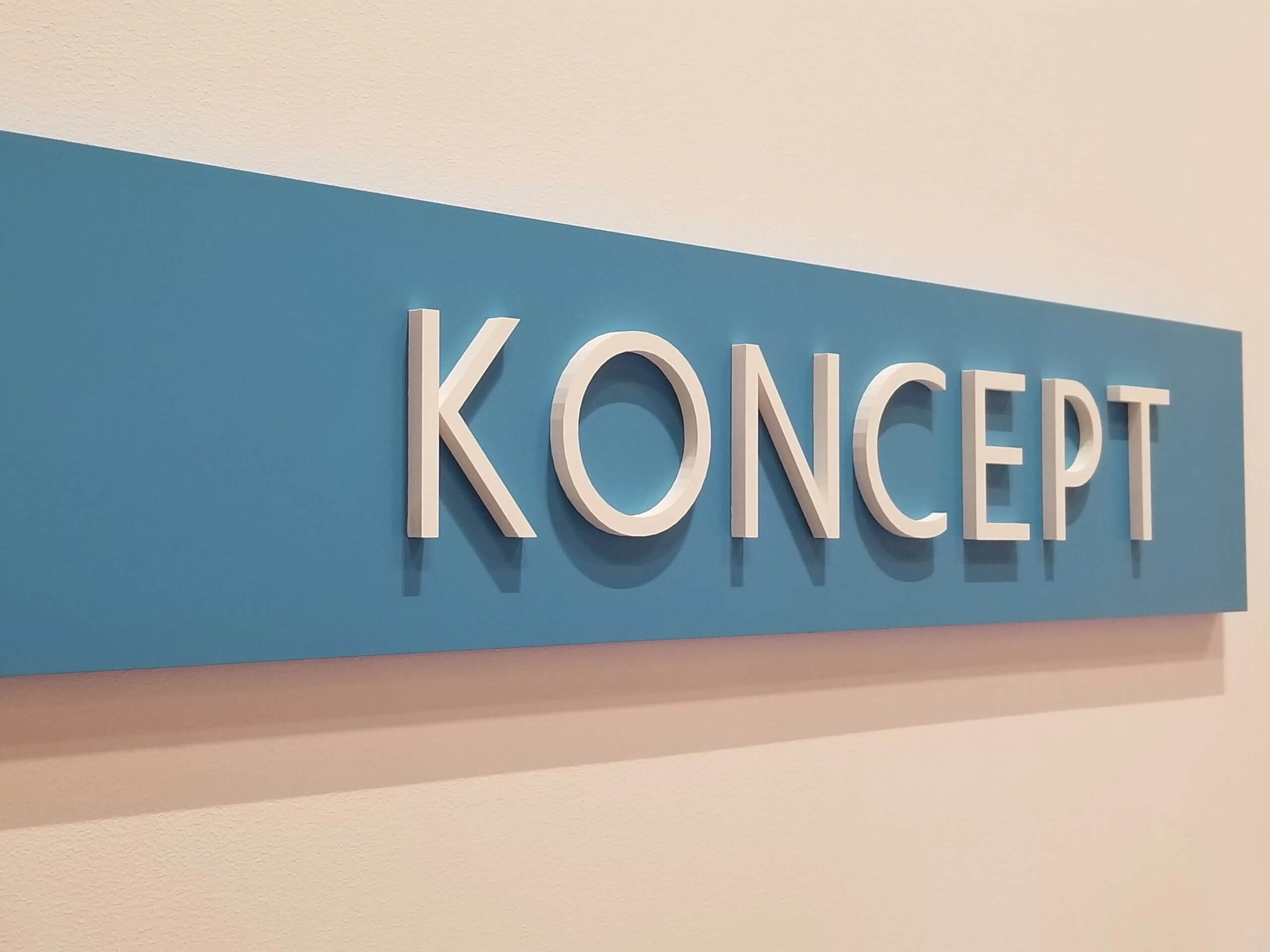
Image source: signsny.com
Font choice changes how a 3D acrylic sign reads. [Serif and sans-serif fonts](https://www.adobe.com/creativecloud/design/discover/serif-vs-sans-serif.html) sit at opposite ends. Serif fonts can look authoritative and traditional; sans-serif fonts are associated with modern design, like the letters above.
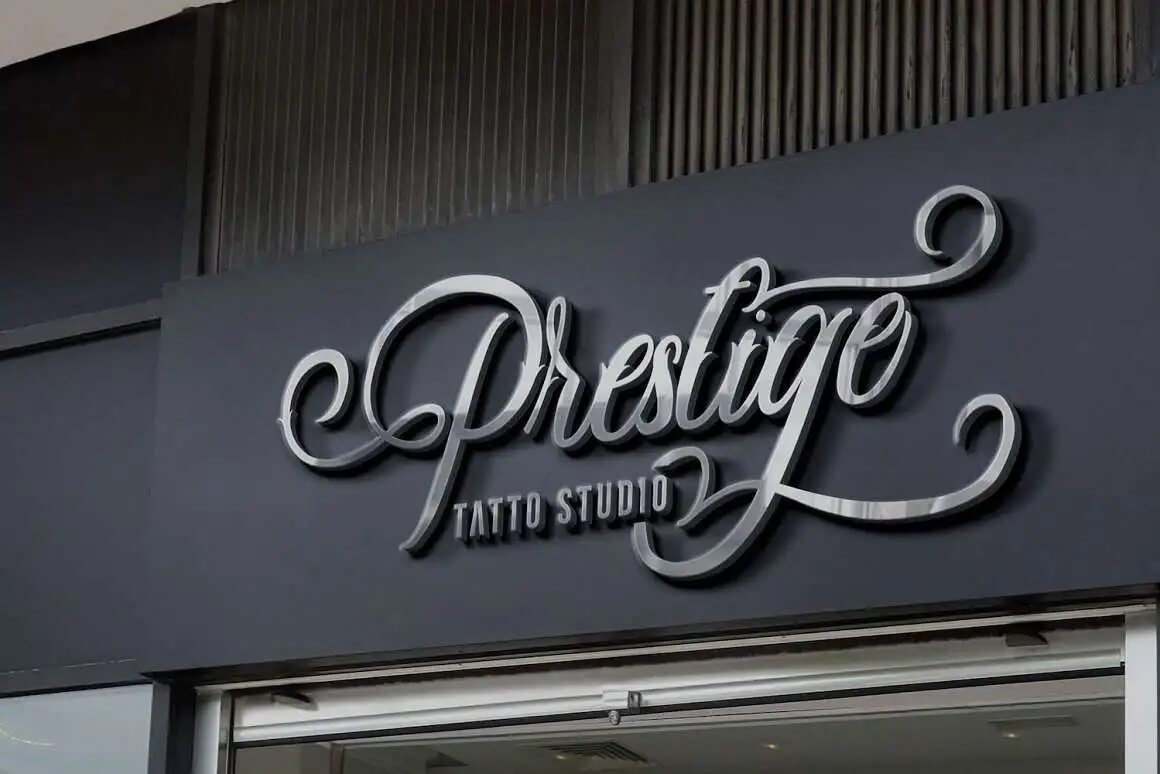
Image source: dafontfree.co
Script fonts work well for names, quotes or a single word, and the dimensional cut brings out the flow of the cursive strokes.
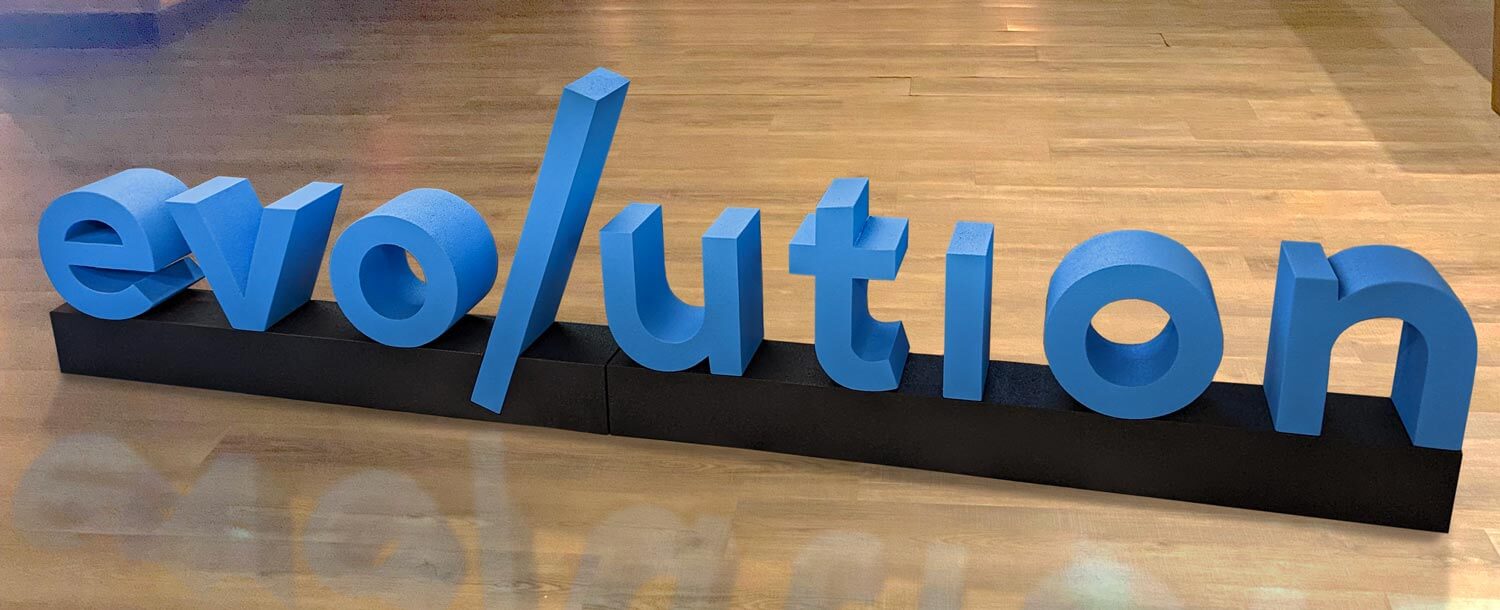
Image source: whiteclouds.com
Bold geometric or minimalist letterforms suit more contemporary branding.
## Lighting techniques for enhanced effects
3D acrylic letters can be lit or left unlit. Backlighting mounts LEDs behind the letters, with enough standoff gap for the light to spread, and creates a halo glow around each letter that is most noticeable after dark. Edge-lighting runs LEDs along the side of the acrylic so light travels through the material, and works for simpler single-layer designs. Left unlit, the letters still cast a natural shadow from ambient light.
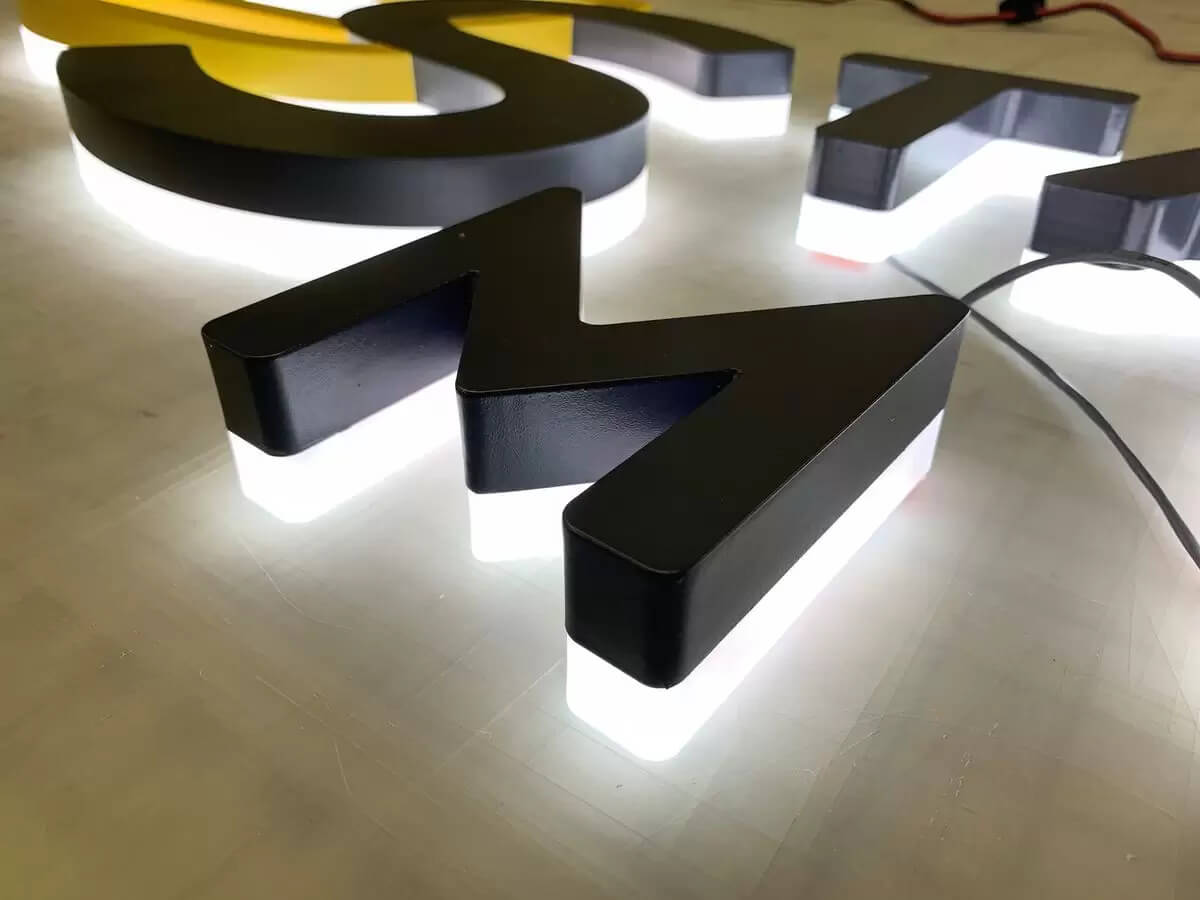
Image source: frontsigns.com
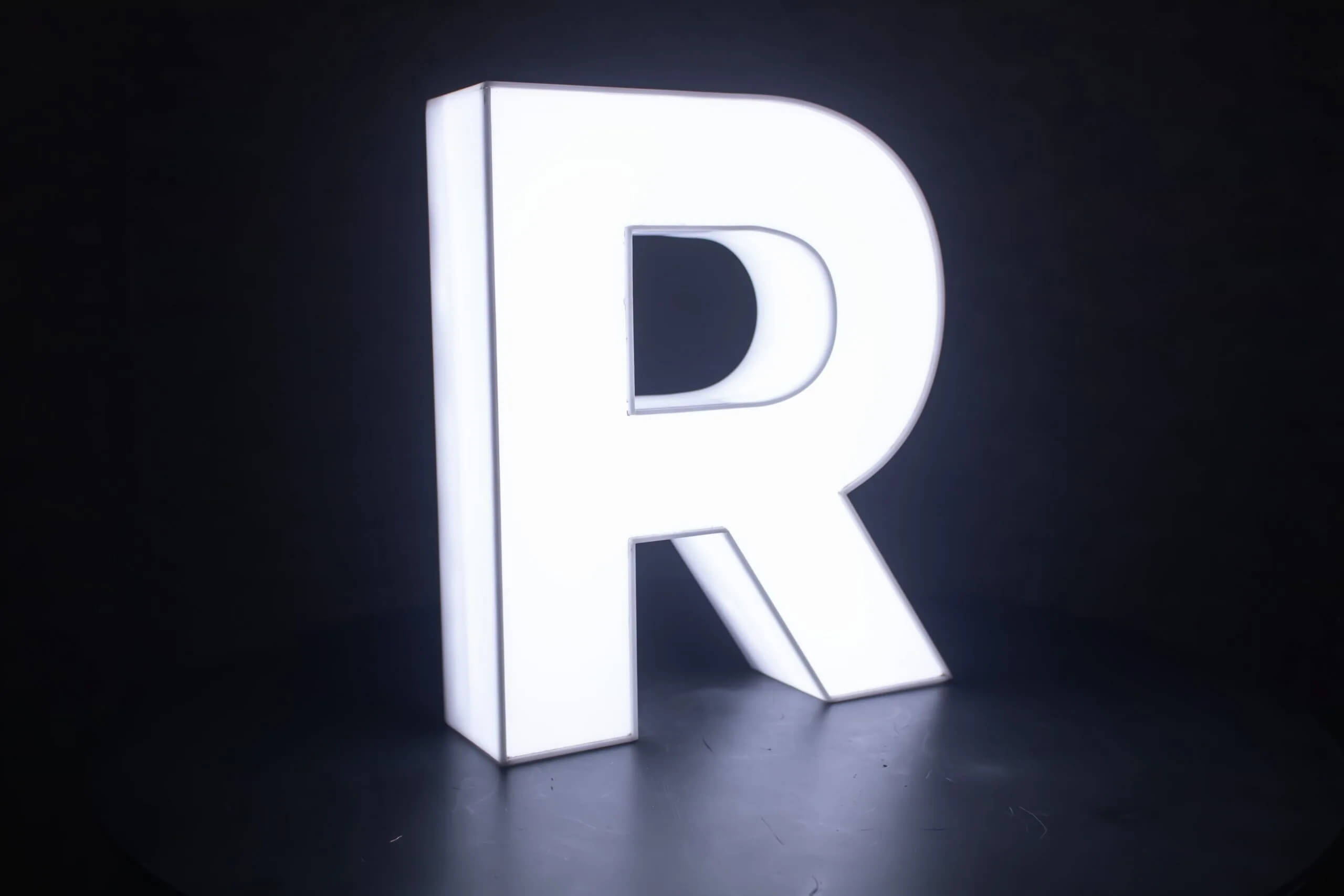
Image source: signagemumbai.in
## How to make 3D acrylic letter signs?
1. **Design.** Choose the font, size and layer count. [Acrylic sign design software](/solutions/acrylic-channel-letter-signs/) can capture the customer’s font and size choices.
2. **Material selection.** Choose acrylic sheet thickness based on letter size. A thinner sheet suits a front layer; a thicker sheet suits a structural back layer or single-layer standoff mount.
3. **Cutting.** A laser cutter or [CNC](https://en.wikipedia.org/wiki/Numerical_control) router cuts the letter shapes from the sheet.
4. **Colour and finish.** Colour comes from coloured or painted acrylic, or from printing or vinyl-wrapping a clear layer. Finishes range from gloss to matte.
5. **Lighting (optional).** Add LED backlighting or edge-lighting if the design calls for it.
6. **Assembly.** Fit standoffs, or stack the layers with spacers, and attach any lighting.
7. **Quality check.** Check alignment, standoff spacing and finish before it ships.

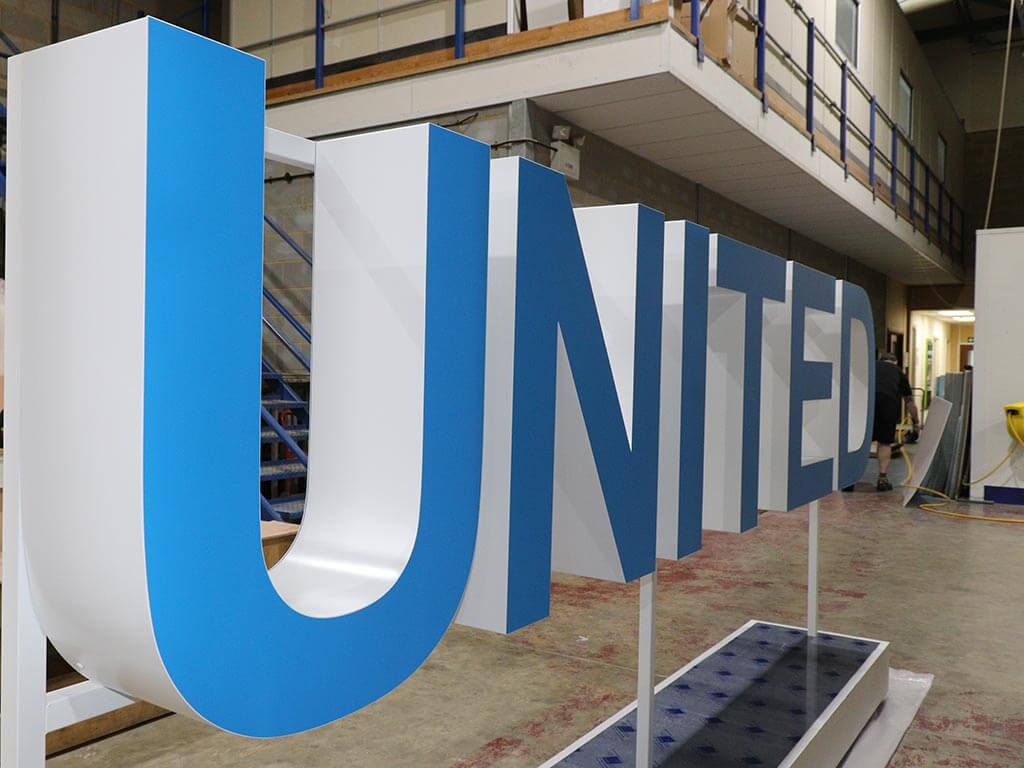
## How to install 3D acrylic letters?
1. **Site assessment.** Check the wall for visibility, lighting and a solid fixing point for the standoffs.
2. **Prepare the surface.** Clean the wall so the mounting template sits flat and level.
3. **Position and align.** Mark the standoff positions with a level and a light pencil line.
4. **Drill and fit standoffs.** Drill at the marked points, fit wall plugs where needed, and screw in the standoff bases.
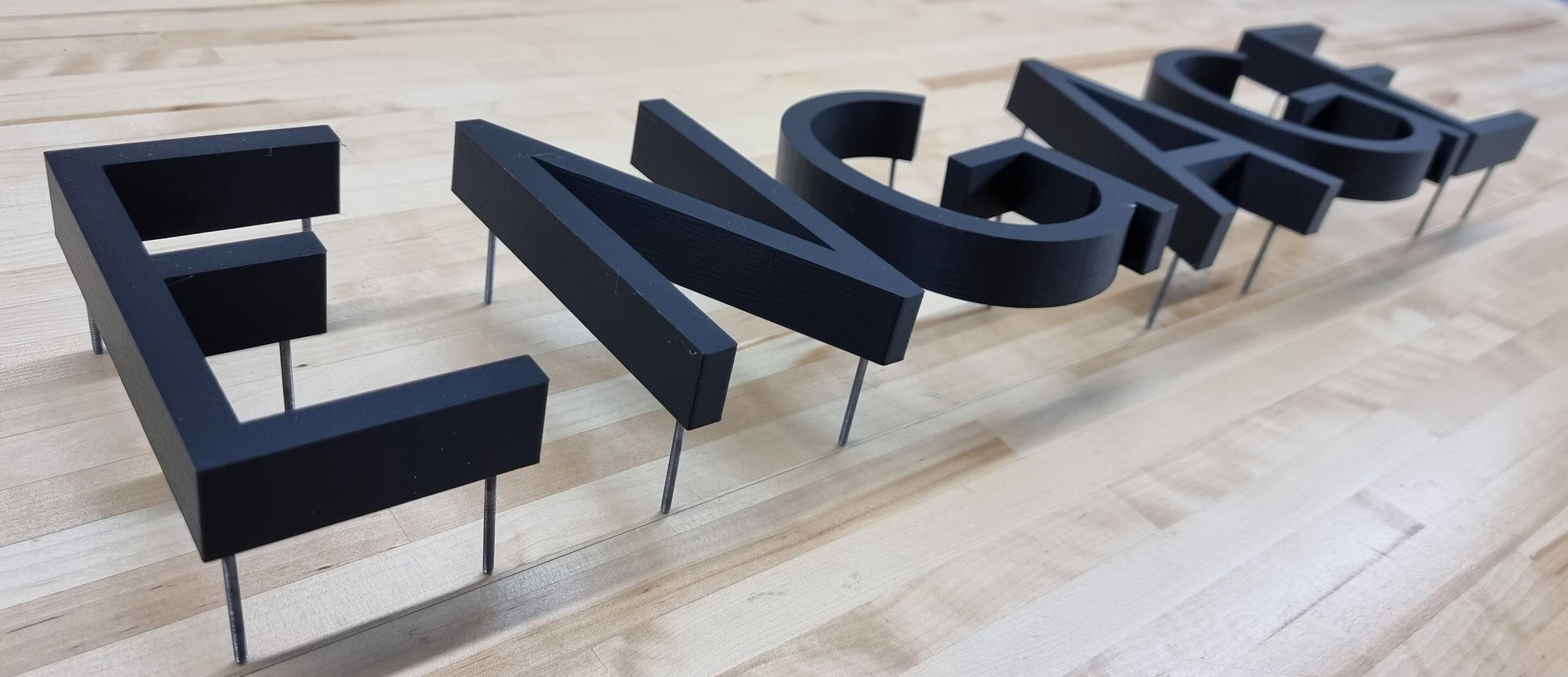
5. **Mount the letters.** Fit the letters onto the standoffs and secure them, following the standoff manufacturer’s fixings.
6. **Final check.** Confirm alignment and that every standoff is tight before leaving the site.
For larger or multi-line installations, a professional installer is worth the cost. Getting spacing wrong on a long word is hard to fix afterwards.
## Maintenance tips for 3D acrylic letters
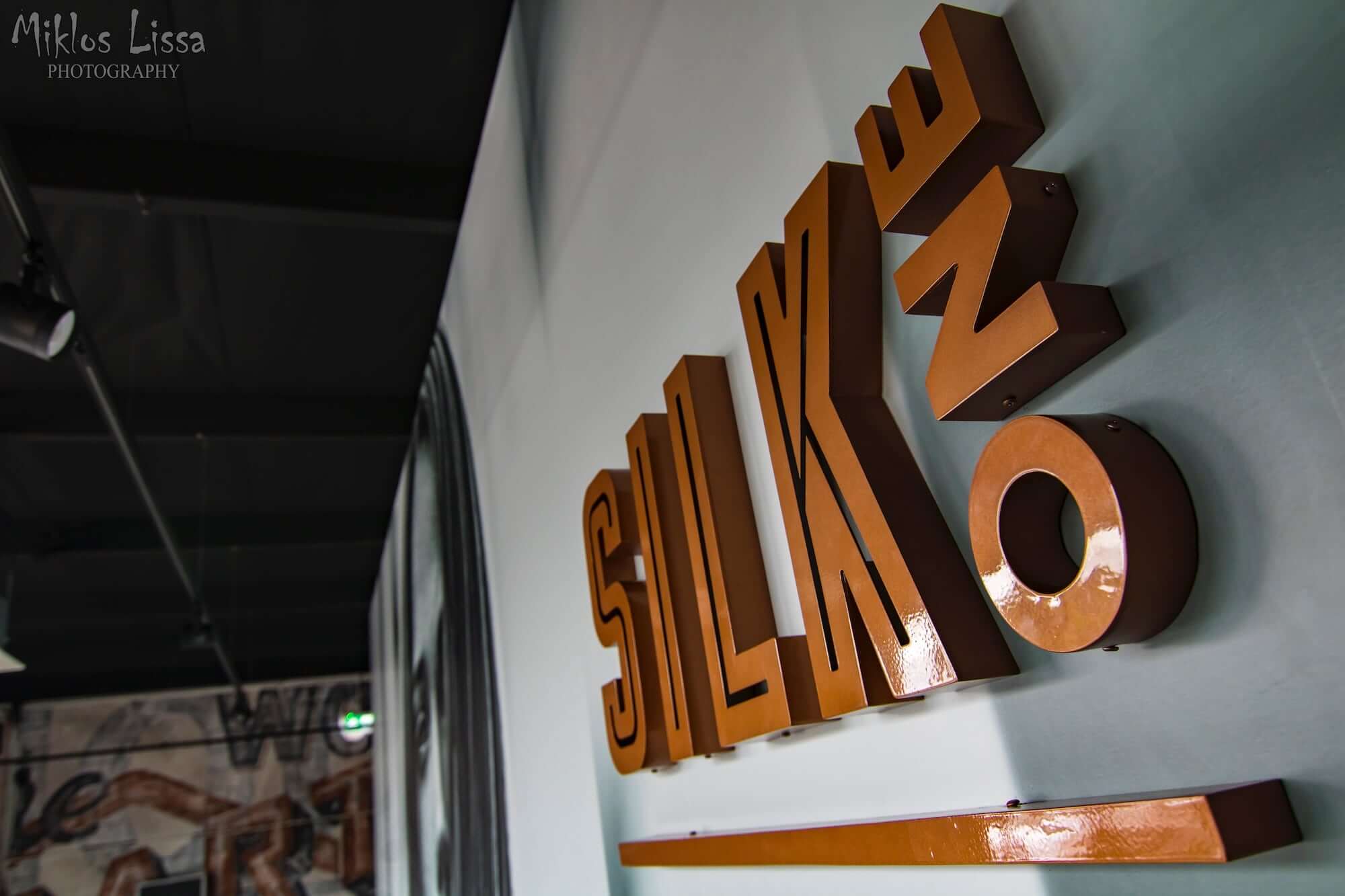
Image source: showcaseplastics.com.au
- **Clean gently.** Use a soft cloth and a mild soap or acrylic-specific cleaner. Many organic solvents can swell or dissolve acrylic ([Wikipedia: Poly(methyl methacrylate)](https://en.wikipedia.org/wiki/Poly\(methyl_methacrylate\))).
- **Avoid scratches.** Acrylic scratches more easily than glass, so wipe rather than scrub.
- **Check the mounting.** Inspect standoffs from time to time for movement, especially on outdoor signs.
- **Check any lighting.** If the sign is backlit, check the LEDs still work and replace any that fail.
## Style ideas for 3D acrylic
### Layered typography with colour contrast
A contrasting back layer, for example black, behind a coloured front layer is one way to build depth. The colour contrast can create a shadow effect without needing backlighting.
### Mixed materials: acrylic and metal
Pairing a metal backing panel with coloured acrylic letters is another option worth considering. The metal gives a different texture to the backing; the acrylic carries the letter colour.
### Floating letters with hidden standoffs
Standoffs mounted behind the letter, out of sight from the front, give a cleaner “floating” look. It takes more care to install.
### LED integration: edge-lit and backlit
LEDs behind the letters create a halo after dark, as described above. LEDs along the edge send light through the acrylic itself for a simpler glow.
### Gradient and ombré finishes
UV-printed colour gradients across the acrylic layers are another finish option to consider.
## Why sign shops choose 3D acrylic
### Who buys 3D acrylic letters
Buyers include, for example, corporate offices and reception areas that want a raised logo or name sign. Retailers and hospitality venues, such as cafes, salons and boutiques, buy them for feature walls and storefront branding. Event and exhibition companies buy reusable letter sets for trade show stands.
### Pricing and selling it online
Instead of quoting each 3D acrylic job by email, a live customiser lets a shopper type their text, pick a font and colour, choose a size, and see the price update as they build the design. [Sign Customiser](/solutions/acrylic-channel-letter-signs/) supports standoff mounting and per-word colour choices, with separate face, return and trim colours, in the same builder used for flat-cut acrylic letters, so a shop can offer both from one product.
### A worked pricing example
Sign Customiser’s Simple Letter (FIXED\_WIDTH) pricing model prices a line as a base price plus a per-letter charge: line price = base price + (non-space character count × price per letter). A standoff-mounted or multi-layer option can then carry its own base price or price multiplier on top. The rates below are illustrative only; you set your own in the admin.
Design
Letters
Base price (example rate)
Price per letter (example rate)
3D/standoff option (example rate)
Illustrative total
Short logo sign, single layer
6
$25
$6
+$20 flat
$81
Reception name sign, 2-layer
14
$35
$8
+$60 flat
$207
Swipe for more
### Production and material notes
3D acrylic letters are cut on a laser cutter or CNC router from acrylic sheet. Cast acrylic machines more cleanly than extruded acrylic ([Wikipedia: Poly(methyl methacrylate)](https://en.wikipedia.org/wiki/Poly\(methyl_methacrylate\))). When SVG output is turned on, the order email links to an SVG file of the design, along with the letter type, colours and options the customer chose, so your production team gets order-ready details without chasing the customer for missing specs.
### Get started
[Sign Customiser](/solutions/acrylic-channel-letter-signs/) works with Shopify, WooCommerce, Wix, Webflow, Squarespace and Etsy. Plans run from $29 to $299 a month, and every plan starts with a 7-day free trial. [Start your free trial](/install/), or see full [pricing](/pricing/).
**Related:** [Acrylic letters for signs: types, uses and pricing](/posts/acrylic/acrylic-letters/) and [3D acrylic logo signs](/posts/acrylic/3d-acrylic-logo-sign/) for corporate branding applications.
## FAQs
### How much do 3D acrylic letters cost?
It depends on the size, layer count and mounting you choose, and every sign shop sets its own rates. A quick way to check is to build the design in a live customiser and see the price update as you go.
### What acrylic thickness works best for 3D letters?
As a rule of thumb, a thinner front layer (for example 3-5mm) is lighter and easier to mount, and a thicker back layer or standoff-mounted single layer (for example 5-10mm or more) gives more support. For outdoor signs, ask your supplier which thickness suits the site.
### How do you mount 3D acrylic letters?
Standoffs (metal spacers) hold the letters away from the wall. Installers screw each standoff base into a wall plug, then fix the letter to the bases with the standoff caps. A mounting template keeps multi-letter signs aligned.
### Can 3D acrylic letters be backlit?
Yes. Leave enough standoff gap behind the letters for LED strips, and the letters cast a halo glow around their edges after dark.
### What’s the difference between 3D acrylic and channel letters?
Channel letters are hollow, illuminated boxes with acrylic faces and metal or plastic returns. 3D acrylic letters are solid acrylic, layered or standoff-mounted rather than hollow.
## Sources
- [Wikipedia: Poly(methyl methacrylate)](https://en.wikipedia.org/wiki/Poly\(methyl_methacrylate\))
- [Wikipedia: Numerical control](https://en.wikipedia.org/wiki/Numerical_control)
- [Wikipedia: Neon sign](https://en.wikipedia.org/wiki/Neon_sign)
- [Adobe: Serif vs. sans-serif fonts](https://www.adobe.com/creativecloud/design/discover/serif-vs-sans-serif.html)
Tags
- [acrylic](/posts/acrylic/)

About the author
### Matthew Attanasio
Founder, Sign Customiser
Matthew founded Sign Customiser to solve a problem he saw sign businesses facing every day: the endless back-and-forth of manual quoting. With a background in e-commerce development and a decade of experience building Shopify solutions at Sky Foundry, he set out to automate the entire custom sign selling process.
- E-commerce
- Shopify
- Sign Industry
- Product Strategy
[View profile](/authors/matthew-attanasio/)[](https://au.linkedin.com/in/matthew-attanasio-92500a36)[](https://github.com/matthewattanasio)
Let your customers design their own signs

Add a full sign customiser to your online store in minutes. Neon, acrylic, metal — with real-time pricing.
[Start your free 7-day trial](/install/)
Works with Shopify, WooCommerce, Wix & more. 7 days free. Every plan includes every feature.
Let your customers design their own signs

Add a full sign customiser to your online store in minutes. Neon, acrylic, metal — with real-time pricing.
[Start your free 7-day trial](/install/)
Works with Shopify, WooCommerce, Wix & more. 7 days free. Every plan includes every feature.
Related
## From theblog
Expert insights, industry trends, and actionable tips to enhance your online sign business.
[View all articles](/posts/)
acrylic·February 2, 2024
### [3D acrylic logo signs: corporate branding, colour matching & pricing](/posts/acrylic/3d-acrylic-logo-sign/)
Guide to 3D acrylic logo signs for sign shops. Covers corporate client workflows, Pantone colour matching, logo complexity pricing, and reception signage best practices.
Read more
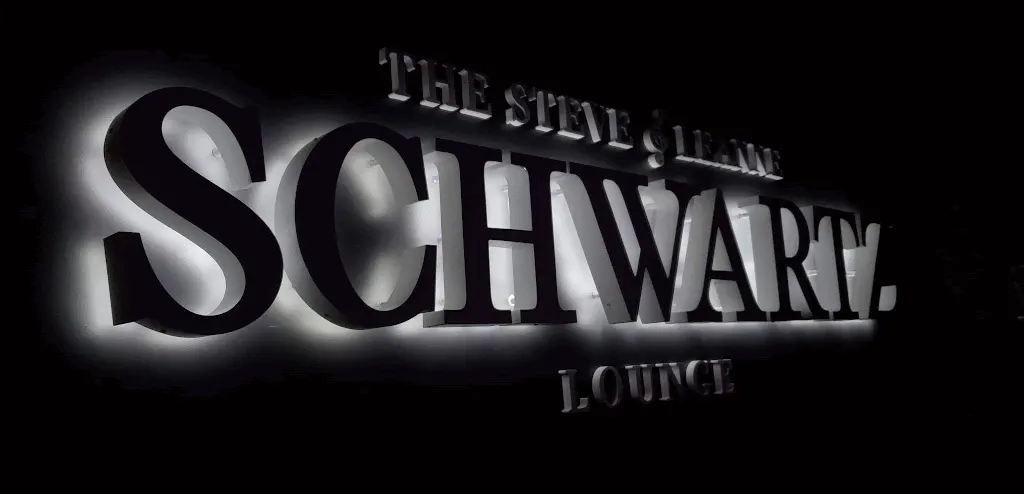
acrylic·January 29, 2024
### [How are acrylic channel letters transforming businesses?](/posts/acrylic/acrylic-channel-letters/)
Are you curious about acrylic channel letters? Let's explore how acrylic channel letters redefine business visibility and captivate your audience.
Read more
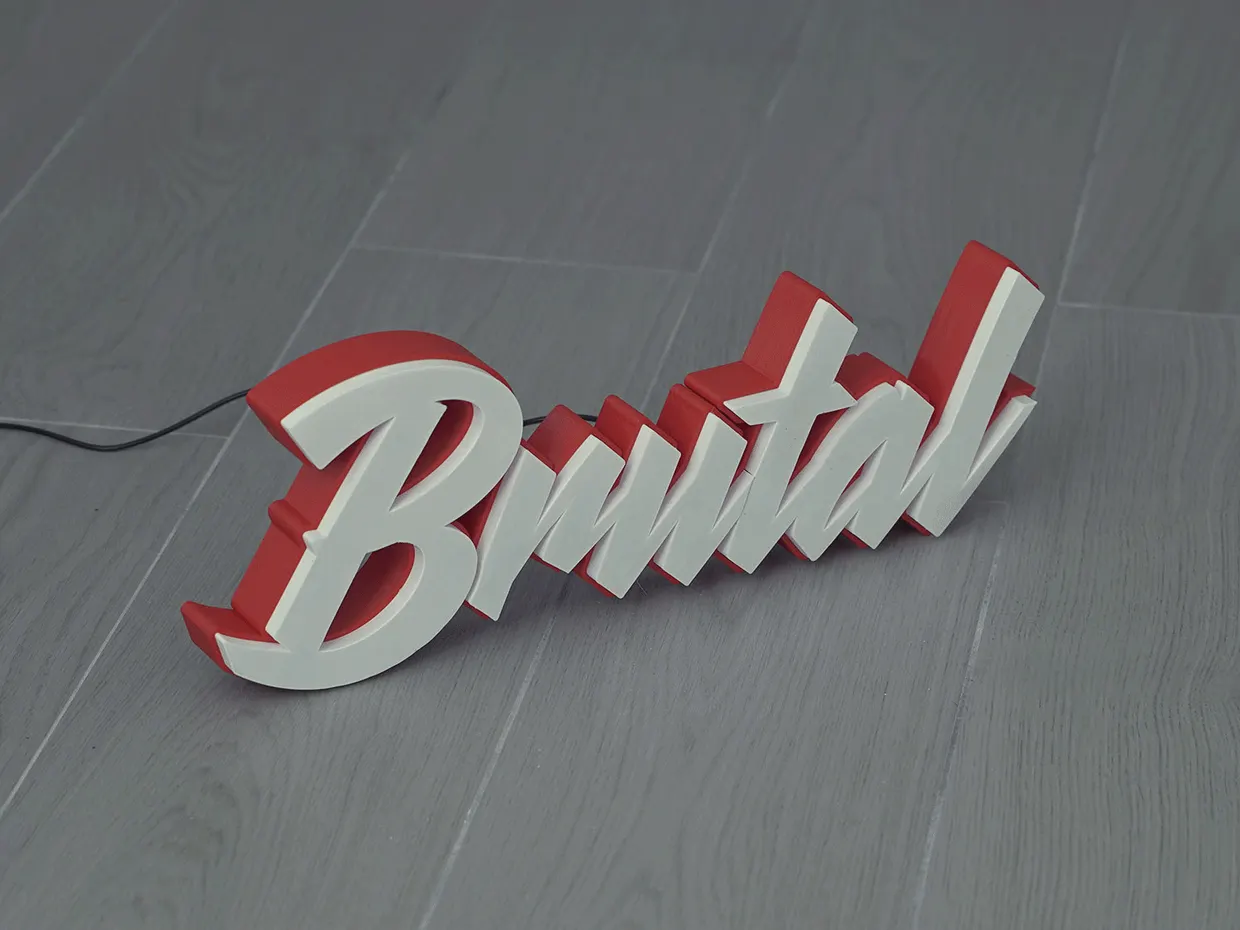
acrylic·January 29, 2024
### [Acrylic letters for signs: types, uses & pricing](/posts/acrylic/acrylic-letters/)
What acrylic letters for signs are, the thicknesses, finishes and mounting options, plus how sign shops price and sell them online with a live customiser.
Read more
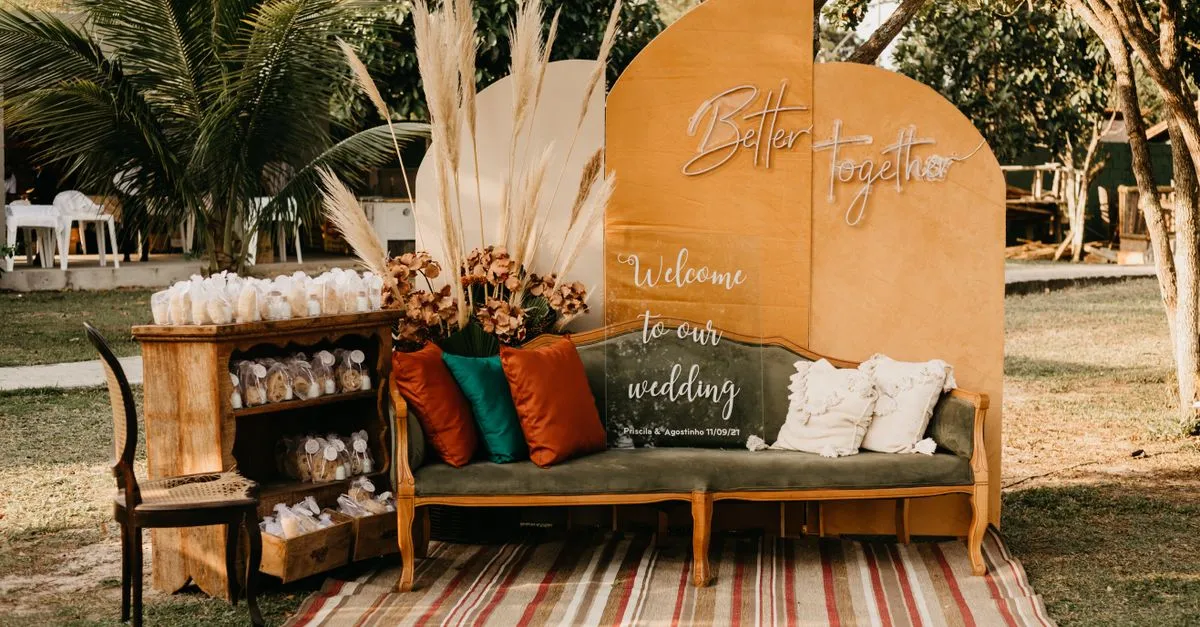
acrylic·January 29, 2024
### [Top spots to shop chic wedding acrylic signs](/posts/acrylic/wedding-acrylic-signs/)
Wedding acrylic signs have taken the wedding scene by storm, offering a sleek, modern touch to any nuptial celebration.
Read more

neon·March 30, 2023
### [Exploring the benefits of acrylic neon signs for business signage](/posts/neon/acrylic-neon-signs/)
Customizable and Durable: Why Acrylic Neon Signs are a Smart Choice for Your Business Signage Needs
Read more

neon·April 3, 2023
### [Faux neon signs: LED alternatives, costs & business guide (2026)](/posts/neon/faux-neon-sign/)
Complete guide to faux neon (LED neon) signs. Compares LED vs glass neon, covers profit margins for sign shops, and explains why LED neon dominates the market.
Read more
[View all articles](/posts/)
## Sitemap
See the full [sitemap](/sitemap.md) for all pages.
---
## 3D Acrylic Logo Signs: Corporate Branding, Colour Matching & Pricing - Sign Customiser Blog
Source: [https://www.signcustomiser.com/posts/acrylic/3d-acrylic-logo-sign/](https://www.signcustomiser.com/posts/acrylic/3d-acrylic-logo-sign/)
3D acrylic logo signs are multi-layer acrylic reproductions of company logos, used primarily in corporate reception areas, office lobbies, and retail environments. Unlike [3D acrylic letters](https://www.signcustomiser.com/posts/acrylic/3d-acrylic-letters/) (text-focused), logo signs require precise colour matching, brand guideline compliance, and often involve complex multi-colour designs.
This guide covers the corporate client workflow—from receiving brand assets to Pantone colour matching to final installation. For sign shops, logo work is premium work: it adds colour matching, layer planning and brand sign-off to a standard acrylic job, and the quote should reflect that.
## Why logo signs require different skills
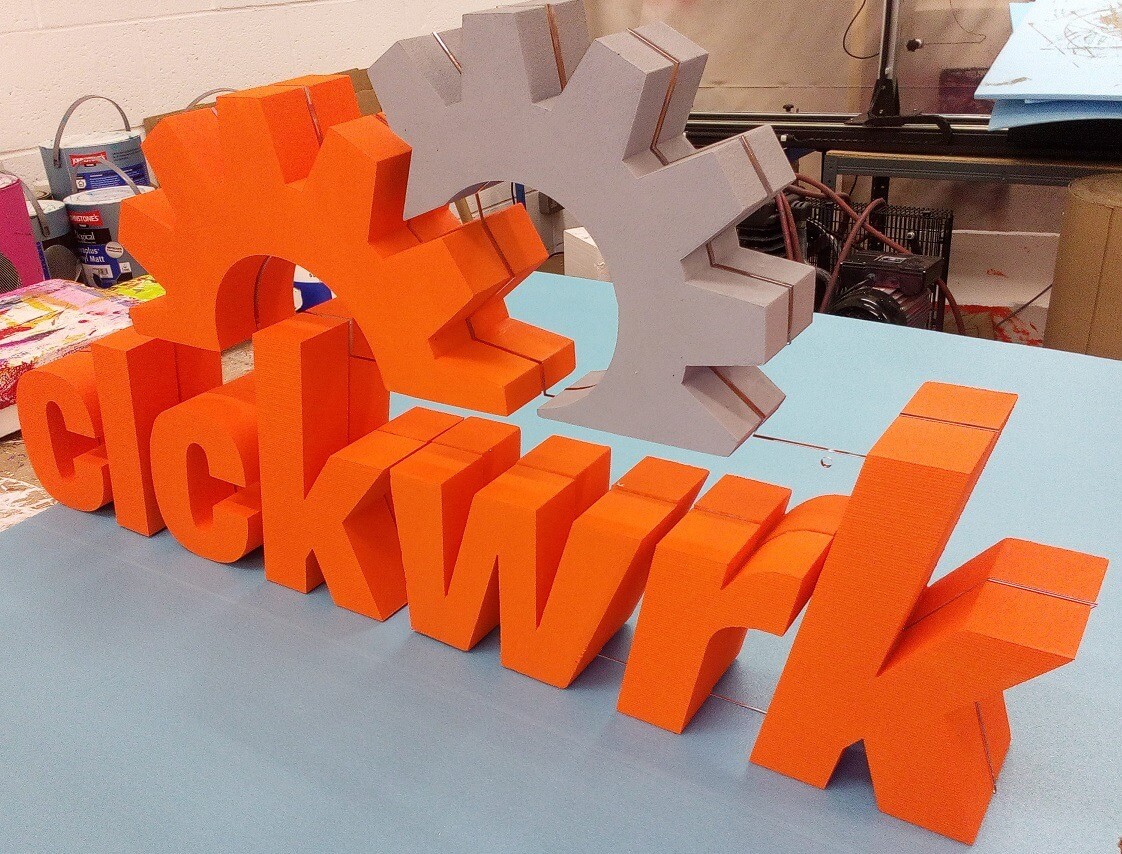
Logo reproduction differs from letter signs in several ways:
Factor
Letter Signs
Logo Signs
Colour precision
”Close enough” works
Pantone match required
Client approval
Usually single round
2-3 revision rounds typical
Design complexity
Simple shapes
Curves, gradients, multi-part
File requirements
Text/font
Vector files (AI, EPS, SVG)
Brand compliance
N/A
Must match brand guidelines
Pricing
Per letter
Per project (complexity-based)
Swipe for more
Corporate clients expect exact brand colour reproduction. A logo that’s “close but not quite right” will get rejected.
## Pantone colour matching for acrylic
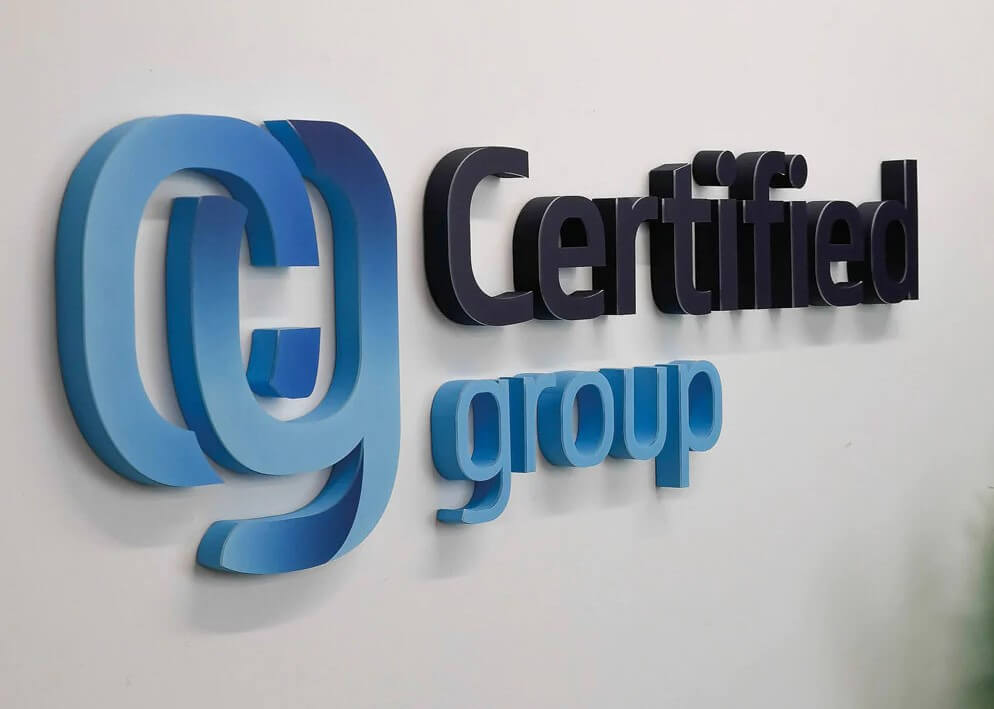
Corporate clients will provide Pantone (PMS) codes for their brand colours. Your job is translating those to acrylic.
### Options for colour matching
**1\. Pre-coloured acrylic sheets:** Limited palette (20-30 standard colours). Works if the brand colour happens to match. Check suppliers like Perspex, Plexiglas, or Cast Acrylic.
**2\. Vinyl wrapping:** Apply colour-matched vinyl to white or clear acrylic. More colour options but adds a production step and can peel over time.
**3\. Painted acrylic:** Spray paint clear/white acrylic with colour-matched automotive or sign paint. Most precise matching but requires spray booth and curing time.
**4\. UV printing:** Print directly onto white acrylic. Best for gradients, photographs, or complex multi-colour logos. Requires UV flatbed printer.
### Colour matching workflow
1. Client provides brand guidelines PDF with Pantone codes
2. Check pre-coloured acrylic availability against Pantone swatches
3. If no match, quote for vinyl wrap or paint option (add 20-30% to price)
4. Create physical colour sample before production
5. Get written client approval on sample before proceeding
## Logo complexity pricing guide
Pricing logo signs by complexity is more accurate than by size alone:
Logo Type
Complexity
Colours
Price Range
Labour Hours
Text-only wordmark
Low
1-2
£150-400
1-2
Simple icon + text
Medium
2-3
£300-800
2-4
Complex illustrated logo
High
3-5
£600-1,500
4-8
Full-colour photographic
Very High
5+
£1,000-3,000+
6-12
Swipe for more
### Factors that increase price
- **Multiple separate pieces:** Each disconnected element needs individual mounting
- **Fine details under 5mm:** Requires precision cutting, higher breakage rate
- **Gradient colours:** UV printing or complex vinyl work
- **Backlighting requirements:** LED integration adds £100-300
- **Outdoor installation:** Weather-sealing, stronger fixings, site visit
## Working with corporate clients
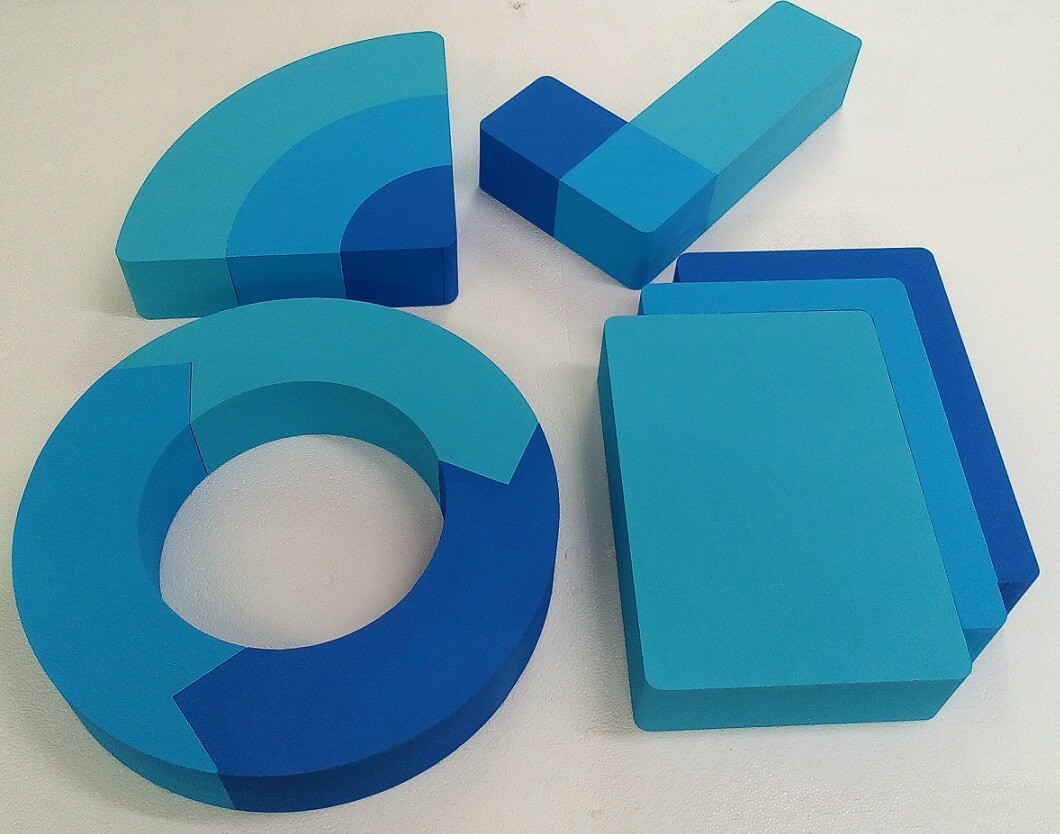
Corporate logo projects follow a different workflow than consumer orders. Here’s what to expect:
### Typical corporate client workflow
1. **Initial enquiry:** Often from office manager, facilities team, or marketing department
2. **Brand asset request:** Ask for vector logo files (AI, EPS, SVG) and brand guidelines PDF
3. **Site survey:** Measure wall space, assess mounting options, check lighting conditions
4. **Quote submission:** Itemise materials, production, and installation separately
5. **Design mockup:** Create photorealistic rendering showing logo on client’s wall
6. **Revision rounds:** Budget 2-3 rounds of feedback (size, placement, finish adjustments)
7. **Colour sample approval:** Physical sample sign-off before production
8. **Production:** Allow 5-10 working days depending on complexity
9. **Installation:** Professional installation typically required (factor into quote)
10. **Sign-off and invoicing:** Get written approval, invoice on completion
### Common corporate requirements
- **Multiple locations:** Same logo, multiple offices. Template once, produce repeatedly.
- **Brand compliance sign-off:** Marketing department may need to approve before production.
- **Purchase orders:** Larger companies use PO systems—quote format matters.
- **Insurance certificates:** Some require proof of liability insurance before on-site work.
## Corporate applications
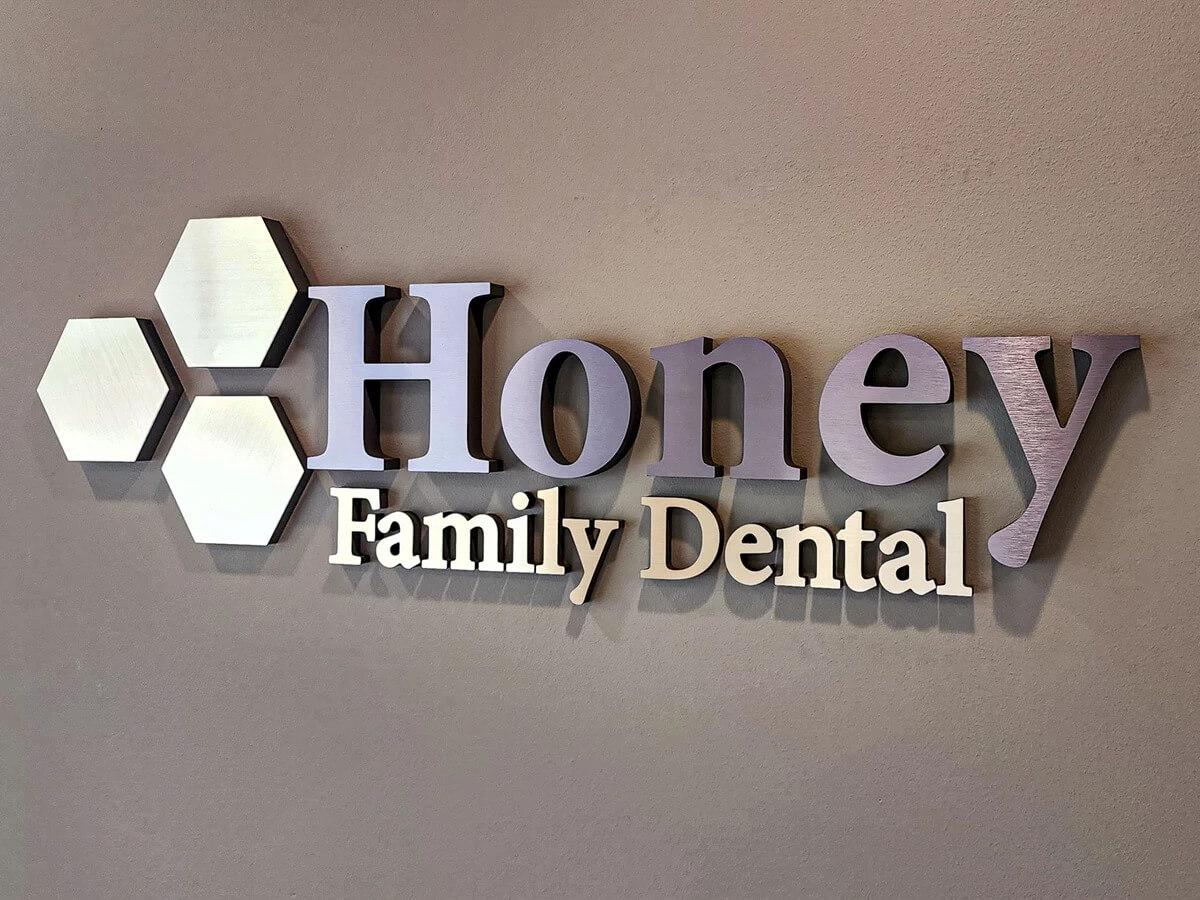
### Reception and lobby signs
The most common corporate application. Size guidelines:
Space Size
Recommended Logo Width
Typical Price
Small reception (< 20m²)
60-90cm
£300-600
Medium lobby (20-50m²)
90-150cm
£600-1,200
Large entrance (50m²+)
150-250cm
£1,200-3,000+
Swipe for more
Mount height: Centre of logo at 150-170cm (eye level when standing).
### Conference room branding
Smaller logos (30-60cm) identifying meeting rooms. Often paired with room name text. Multiple rooms = bulk pricing opportunity.
### Building exterior signage
Outdoor logos require:
- UV-stable acrylic or protective coating
- Stainless steel standoffs (not aluminium)
- Weather-sealed electrical connections if backlit
- Planning permission check (varies by location)
### Trade show and event displays
Portable 3D logos for temporary installations. Consider:
- Lightweight construction (thinner acrylic, foam core backing)
- Tool-free assembly
- Protective carrying case
- Quick setup time (client assembles on-site)
## Popular shapes for 3D acrylic logo signs
Exploring the diverse landscape of 3D acrylic logo signs unveils a myriad of shapes that not only capture attention but also play a crucial role in shaping the brand identity of businesses.
### 1\. Classic geometrics
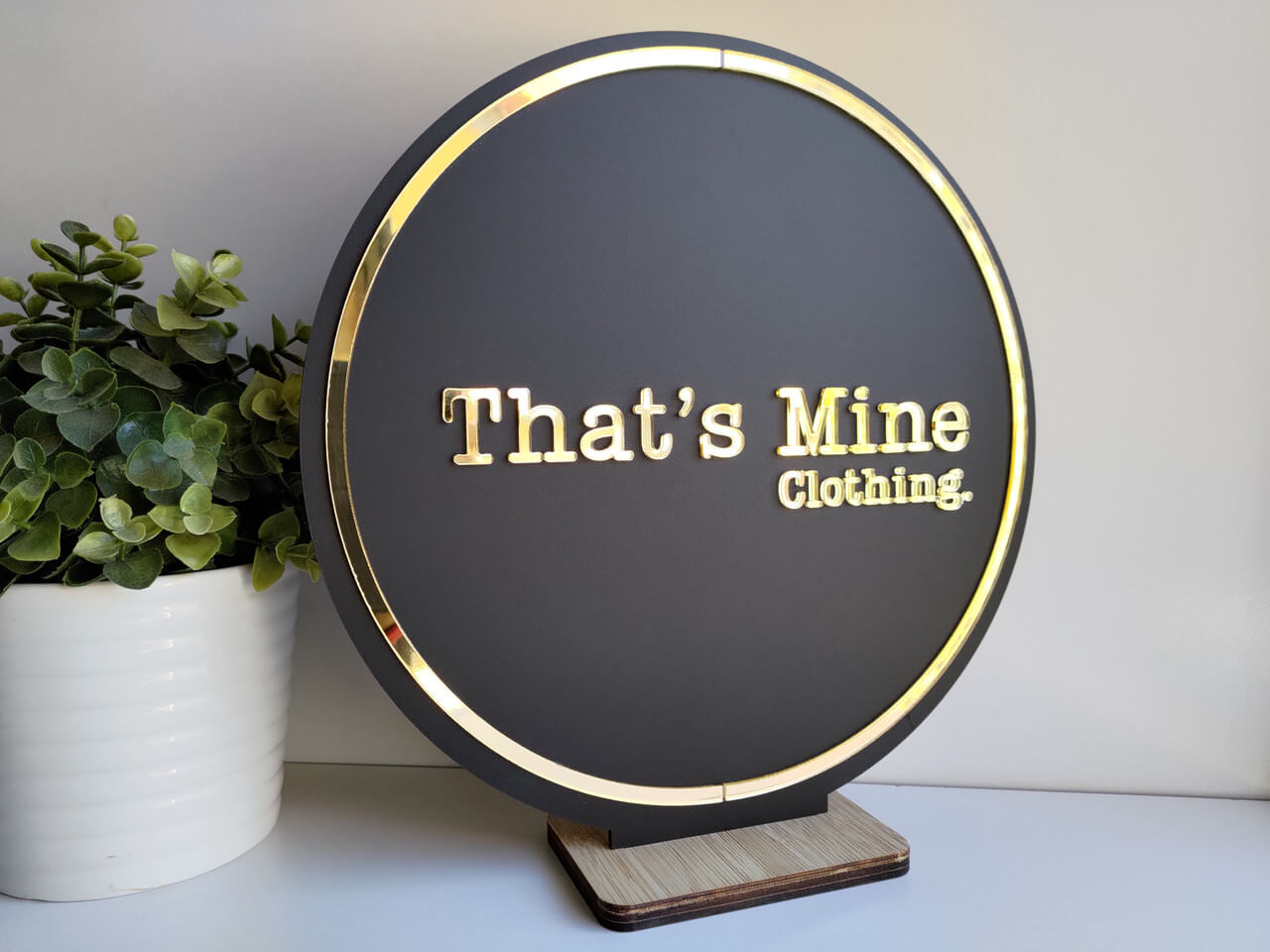
Image source: bigcommerce.com
Classic geometrical shapes form the cornerstone of 3D acrylic logo signs, offering a timeless and versatile canvas for brand expression.
**Circles and squares, with their symmetrical elegance, convey a sense of balance and order.** These shapes are ideal for businesses seeking a polished and contemporary aesthetic.
\*\*On the other hand, triangles and diamonds inject a touch of dynamism and modernity. \*\*This makes them suitable for brands that aim to project innovation and forward-thinking.
The versatility of classic geometrical shapes allows businesses to tailor their signage to align seamlessly with their brand ethos, creating a visual identity that resonates with their target audience.
### 2\. Acrylic letter signs
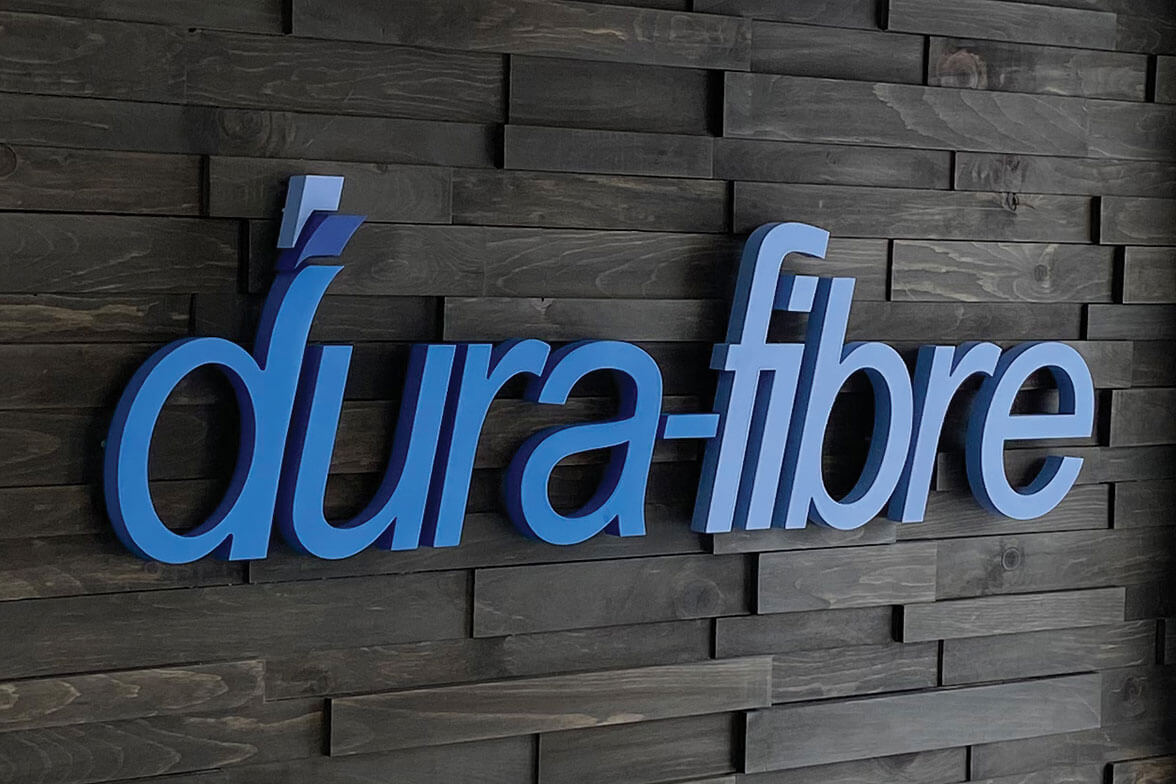
Image source: creativesigncompany.com
The artistry of 3D acrylic logo signs finds expression in the form of [3D acrylic letter signs](https://www.signcustomiser.com/posts/acrylic/3d-acrylic-letters/). **These signs transcend the conventional, transforming brand names or initials into captivating visual elements.**
The three-dimensional aspect of [acrylic letters](https://www.signcustomiser.com/posts/acrylic/acrylic-letters/) adds depth and character to the signage, making it a compelling focal point. Whether it’s a storefront or an office lobby, acrylic letter signs spell out sophistication and professionalism.
The customization options in font styles and sizes further amplify the branding potential, allowing businesses to craft a unique and memorable representation of their name.
### 3\. Letter-based
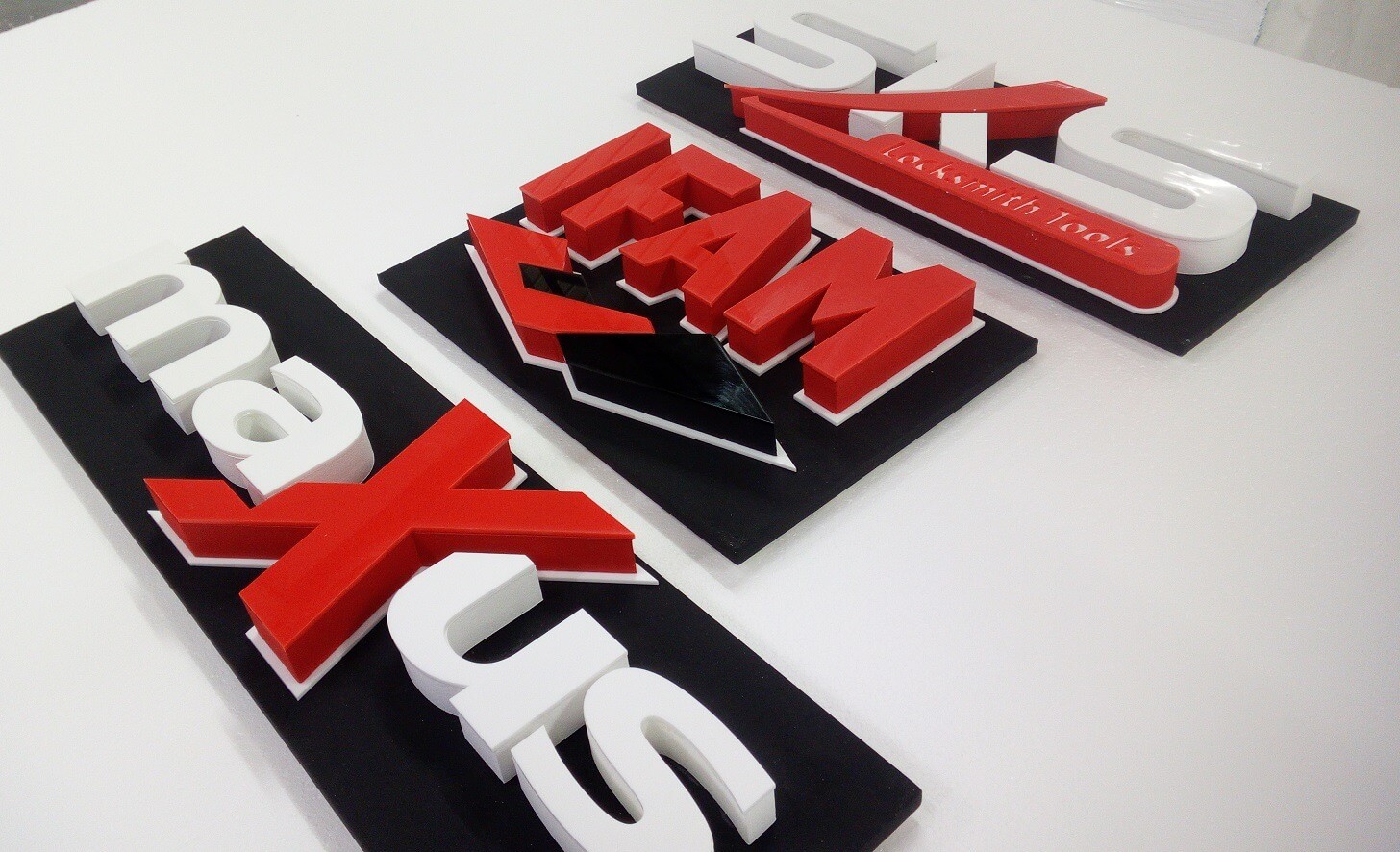
Image source: [foamcutting.co.uk](https://foamcutting.co.uk/)
For 3D acrylic logo signs, the emphasis on letters as the primary design element opens avenues for creativity and personalization. **Businesses can showcase their brand identity through stylized and three-dimensional letters, creating a distinctive and memorable impression.**
The letter-based approach allows for a harmonious blend of form and function, as each letter becomes a design element in itself. This style is particularly effective for businesses with short and impactful brand names, as it ensures that every letter contributes to the overall visual appeal of the signage.
## Lighting techniques for 3D acrylic logo signs
Embarking on the exploration of lighting techniques unveils the transformative power they bring to 3D acrylic logo signs, elevating their visual impact to new heights.
### 1\. Backlit options
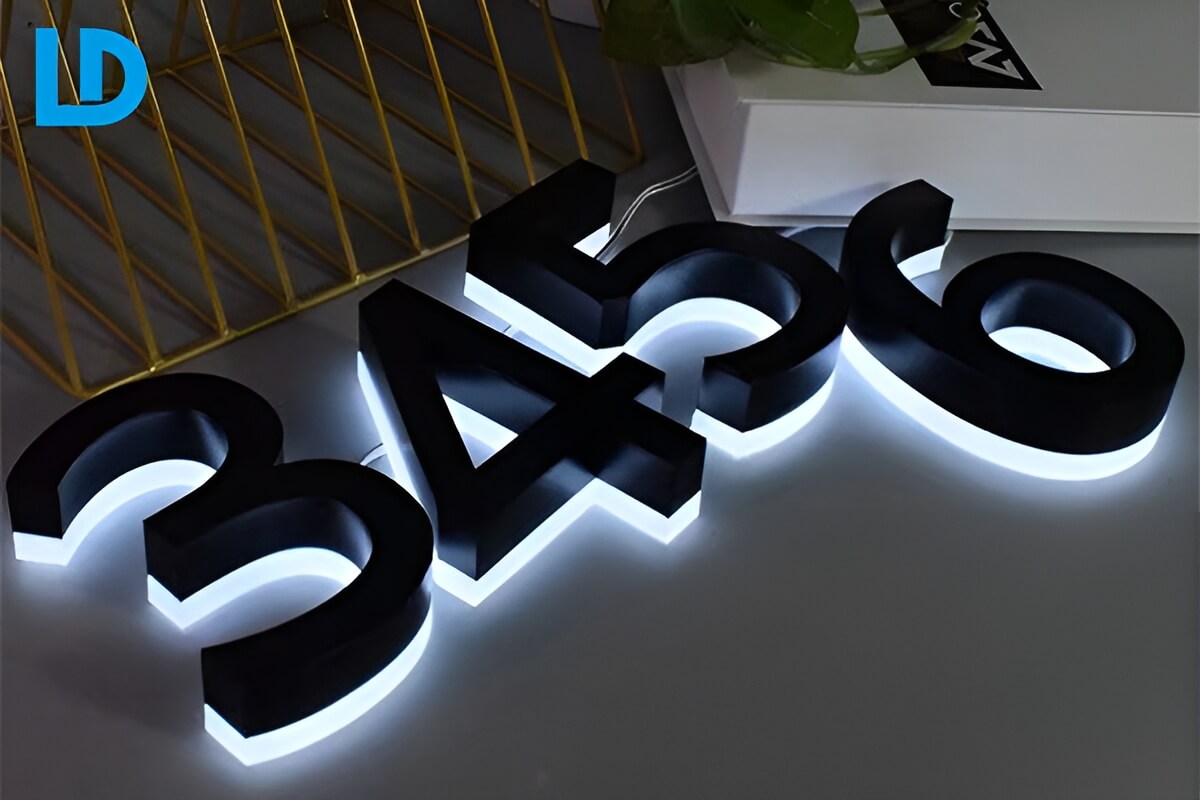
One of the enchanting facets of 3D acrylic logo signs lies in the realm of backlit options. **Illuminating the signage from behind creates a captivating glow that not only enhances visibility but also adds a touch of allure.**
In the retail sector, this technique accentuates the brand logo, making it stand out even in low-light conditions. The interplay of light and shadow creates a dynamic visual experience, ensuring that the signage remains captivating, whether it’s day or night.
Backlit 3D acrylic logo signs are a strategic choice for businesses aiming to make a luminous impression that resonates with their customers.
### 2\. LED integration
Image source: farartneonadv.com
In the modern landscape of signage, [LED](https://en.wikipedia.org/wiki/Light-emitting_diode) integration has become a game-changer, and 3D acrylic logo signs are no exception. LED lights seamlessly embedded within the acrylic structure bring a vibrant and energy-efficient illumination.
**This technique not only enhances the visibility of the logo but also allows for dynamic lighting effects.** From color-changing options to subtle transitions, LED integration adds a layer of sophistication and versatility to acrylic signs.
Beyond aesthetics, the longevity and cost-effectiveness of LED lighting make it a practical choice for businesses seeking a sustainable and visually striking branding solution.
### 3\. Ambient lighting
Image source: hyper-creative.uk
A subtler yet equally impactful approach to lighting 3D acrylic logo signs is through ambient lighting. This technique involves strategically placing external lights to cast a gentle glow around the signage, highlighting its contours and three-dimensional features.
**The result is a sophisticated and understated illumination that complements the overall ambiance.** In corporate offices, ambient lighting creates a welcoming and polished atmosphere, while in retail spaces, it guides customers’ attention to the brand message.
The adaptability of ambient lighting ensures that 3D acrylic logo signs seamlessly integrate into various environments, leaving a lasting impression.
## How to make 3D acrylic logo signs?
Creating 3D acrylic logo signs involves precision and careful execution. Here are step-by-step instructions:
### Materials and tools
- Acrylic sheets of the desired color and thickness
- Design template or logo
- Laser cutting or [CNC](https://en.wikipedia.org/wiki/Numerical_control) routing machine
- Sandpaper
- Adhesive
- Mounting hardware (if necessary)
- LED lights for illumination (optional)
### 1\. [Design preparation](https://www.signcustomiser.com/solutions/acrylic-channel-letter-signs/)
Begin by creating or obtaining a digital design of the logo or text you want for the sign. Ensure it’s suitable for a 3D effect.
### 2\. Acrylic sheet selection
Choose the appropriate color and thickness of acrylic sheets based on your design and aesthetic preferences. Thicker sheets provide more depth.
### 3\. Laser cutting or CNC routing
Use a laser cutting or CNC routing machine to cut the acrylic sheets according to the design. This process requires precision to achieve accurate shapes and sizes.
### 4\. Assembly of layers
If your design involves multiple layers, carefully stack and adhere them together. This creates the 3D effect, with each layer contributing to the overall depth of the sign.
### 5\. Smoothing edges
Use sandpaper to smooth the edges of the acrylic pieces. This step ensures a polished and professional finish to your 3D acrylic logo sign.
### 6\. Adding illumination (optional)
If desired, integrate LED lights behind the acrylic layers for a backlit effect. Ensure the lights are evenly distributed to enhance the visual impact of the sign.
### 7\. Testing and adjustments
Test the sign to ensure all components align correctly. Make any necessary adjustments to the layers or lighting for optimal visual appeal.
### 8\. Adhesive application
Apply a suitable adhesive to bond the layers securely. Follow the adhesive manufacturer’s instructions for the best results.
### 9\. Mounting (if necessary)
Depending on the intended use, install mounting hardware to affix the sign to walls, facades, or other surfaces.
### 10\. Final inspection
Inspect the 3D acrylic logo sign for any imperfections. Address any issues to guarantee a flawless finished product.
Play video: How to make a 3D signboard
How to make a 3D signboard
## How to install 3D acrylic logo signs?
Installing 3D acrylic logo signs requires careful planning and precision. Here are step-by-step instructions:
### Materials and tools
- 3D acrylic logo sign
- Mounting template (if provided)
- Measuring tape
- Level
- Pencil
- Wall anchors and screws suitable for the wall type (concrete, drywall, etc.)
- Screwdriver or drill
- Protective gear (gloves, safety glasses)
### 1\. Preparation
Ensure you have the necessary tools and materials. Wear protective gear, especially if you’ll be working with power tools.
### 2\. Determine placement
Decide where you want to install the 3D acrylic logo sign. Consider factors such as visibility, aesthetics, and any local regulations.
### 3\. Use mounting template (if provided)
If the 3D acrylic logo sign comes with a mounting template, use it to mark the precise locations for drilling holes. If not, measure and mark the desired positions on the wall.
### 4\. Mark hole locations
Use a pencil and a level to mark the locations for the mounting holes on the wall. Ensure the marks are level and aligned according to your design preferences.
### 5\. Drill pilot holes
Based on the marked positions, drill pilot holes into the wall. Use the appropriate drill bit size for the wall anchors you’ll be using.
### 6\. Insert wall anchors
Insert wall anchors into the drilled holes. If the wall is made of drywall, ensure the anchors provide sufficient support for the weight of the sign.
### 7\. Affix the sign
Align the 3D acrylic logo sign with the drilled holes and gently attach it to the wall. If the sign has multiple pieces or layers, ensure they are properly aligned.
### 8\. Secure with screws
Use screws to secure the sign to the wall through the drilled holes and into the wall anchors. Tighten the screws evenly to ensure a secure and stable installation.
### 9\. Check alignment
Use a level to check that the sign is straight and aligned correctly. Make any necessary adjustments to ensure a professional and aesthetically pleasing installation.
### 10\. Final inspection
Step back and inspect the installed 3D acrylic logo sign from different angles. Confirm that it meets your design expectations and is securely mounted.
## Maintenance tips for 3D acrylic logo signs
Image source: [foamcutting.co.uk](https://foamcutting.co.uk/)
Maintaining your 3D acrylic logo sign is crucial to ensure its longevity and visual appeal. Here are some maintenance tips to keep your sign looking its best:
### 1\. Gentle cleaning solutions
Use a mild detergent or acrylic-specific cleaner diluted in water. Avoid abrasive or corrosive cleaners that may damage the acrylic surface.
### 2\. Soft cloth or sponge
Clean the sign using a soft microfiber cloth or sponge. Gently wipe the surface to remove dirt, dust, or grime. Avoid using rough materials that could scratch the acrylic.
### 3\. Avoid harsh chemicals
Refrain from using harsh chemicals, alcohol-based solutions, or abrasive materials for cleaning, as they can degrade the acrylic and affect its clarity.
### 4\. Weather protection
If your sign is installed outdoors, consider applying a protective coating or sealant to the acrylic to enhance weather resistance. This can help prevent damage from UV rays and harsh weather conditions.
### 5\. Regular inspection
Periodically inspect the sign for any signs of wear, discoloration, or damage. Address issues promptly to prevent further deterioration.
### 6\. Check illumination
If your 3D acrylic logo sign includes lighting elements, regularly check the functionality of the lights. Replace any burned-out bulbs or malfunctioning LED components promptly.
### 7\. Secure wiring
Ensure that the wiring behind the sign is secure and protected. Loose or exposed wires can pose a safety hazard and may affect the sign’s performance.
### 8\. Inspect mounting
Periodically check the mounting hardware and brackets to ensure they are secure. Tighten screws or replace any components that show signs of wear.
### 9\. Address physical damage
If the sign sustains any physical damage, such as cracks or chips, address it immediately. Depending on the severity, you may need to consult with a professional for repairs.
### 10\. Professional inspection
Consider scheduling regular professional inspections for your 3D acrylic logo sign. Professionals can identify and address potential issues before they become significant problems.
## Trending ideas for 3D acrylic logo signs
Staying ahead in the dynamic world of signage requires a keen eye for emerging trends. Here are some of the latest and most captivating ideas for 3D acrylic logo sign designs that are making waves in the industry:
### 1\. Minimalist elegance
Image source: bigcommerce.com
In a world where simplicity often speaks volumes, minimalist designs are gaining popularity. Clean lines, subtle colors, and a focus on essential elements create a sophisticated and modern aesthetic.
Businesses are opting for 3D acrylic logo signs that convey their brand identity with understated elegance, making a lasting impression without overwhelming the viewer.
### 2\. Nature-inspired elements
image source: bigcommerce.com
Nature-inspired 3D acrylic logo signs are on the rise by bringing the outdoors in. Incorporating natural elements like leaves, branches, or abstract organic shapes adds a touch of freshness and eco-friendliness to the signage.
This trend resonates well with businesses aiming to convey a commitment to sustainability and a connection with the environment.
### 3\. Gradient effects
Image source: artsigns.com
The play of colors takes center stage with the use of gradient effects in 3D acrylic logo signs. Transitioning from one color to another creates a visually dynamic and eye-catching display.
This technique adds depth and dimension, making the signage more captivating. Businesses are embracing gradient effects to infuse vibrancy into their brand representation.
### 4\. Mixed materials

Image source: bigcommerce.com
Combining acrylic with other materials, such as metal or wood, adds a tactile and visually appealing element to 3D acrylic logo signs.
This trend introduces texture and contrasts, creating a multi-dimensional and impactful display. Businesses looking to make a bold statement are opting for mixed-material designs that stand out and leave a memorable impression.
### 5\. Vintage revival
Image source: etsy.com
A nod to nostalgia, vintage-inspired 3D acrylic logo signs are making a comeback. Classic fonts, retro color palettes, and iconic design elements from the past evoke a sense of familiarity and timelessness.
Businesses are leveraging this trend to connect with audiences on an emotional level, tapping into the charm of bygone eras.
### 6\. Abstract and artistic interpretations
Image source: frontsigns.com
Businesses are opting for abstract and artistic interpretations of their logos in 3D acrylic form for breaking away from traditional representations
These avant-garde designs allow for creative freedom, enabling businesses to convey their brand identity in a visually compelling and thought-provoking manner. This trend appeals to those seeking a unique and unconventional approach to signage.
### 7\. Floating blocks
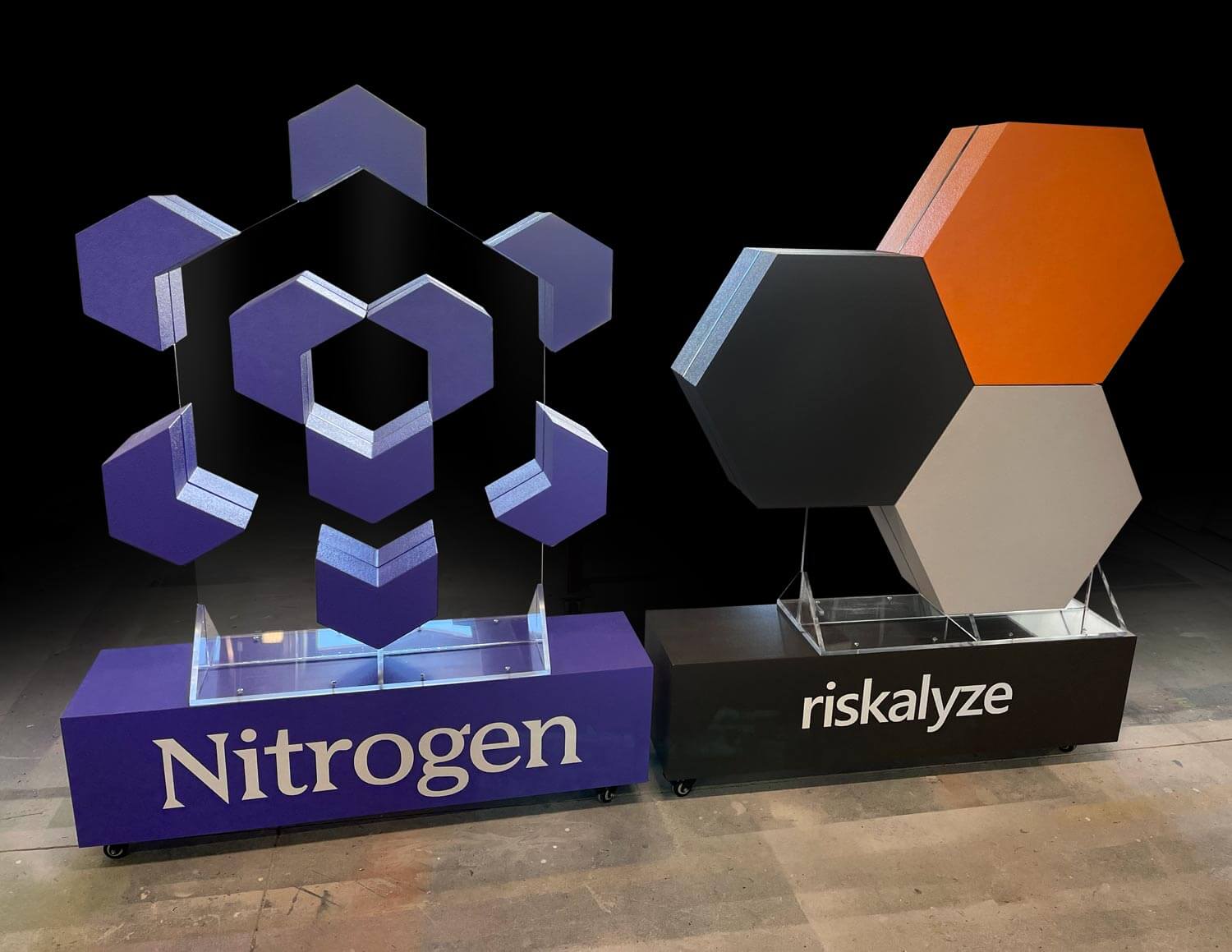
Image source: whiteclouds.com
Embrace modern aesthetics with floating blocks where individual elements of your logo appear suspended in space. This technique creates a visually striking effect, adding a sense of depth and intrigue to your 3D acrylic logo sign.
### 8\. Layers structures
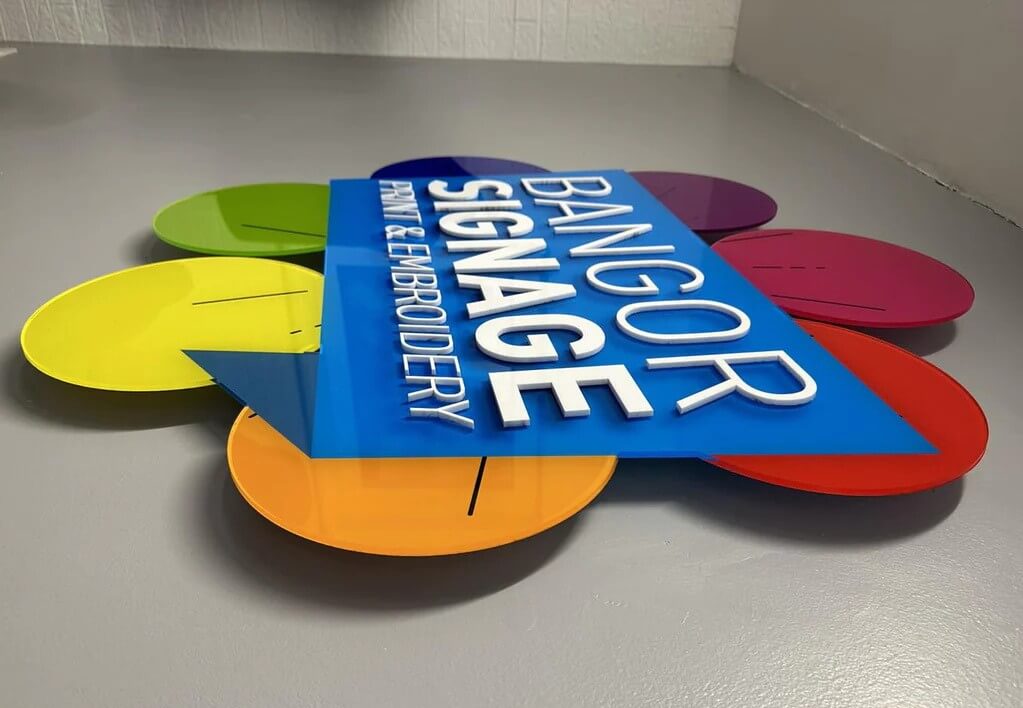
Image source: bangorsignage.co.uk
Explore innovation by incorporating multiple acrylic layers with varying thicknesses. This design approach adds complexity and depth to your logo, providing a captivating and dynamic visual impact.
### 9\. Huge 3D logos
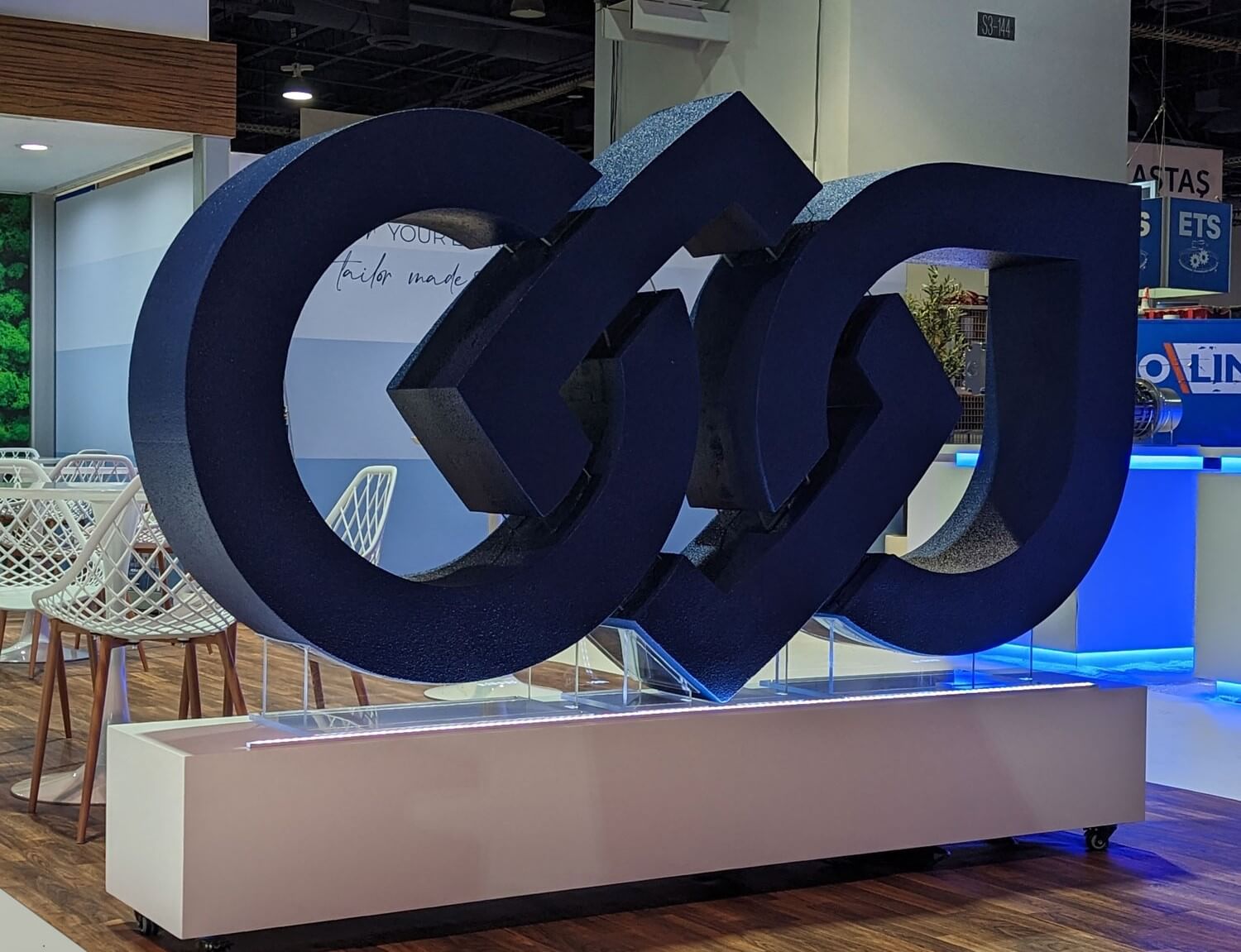
Image source: whiteclouds.com
Make a bold statement that dominates their surroundings. Enlarging your logo in three dimensions ensures maximum visibility, making it an impactful choice for attracting attention in large spaces or outdoor settings.
## Selling logo signs with Sign Customiser
[Sign Customiser](https://www.signcustomiser.com) can handle acrylic logo sign enquiries, though the workflow differs from text-based signs:
### Configuration approach for logos
1. **Upload-based pricing:** Let customers upload their logo file, select size tier, and get instant pricing
2. **Complexity tiers:** Create pricing tiers (simple/medium/complex) with example images
3. **Size selection:** Offer preset sizes (60cm, 90cm, 120cm, 150cm) with corresponding prices
4. **Add-on options:** Backlighting, colour matching service, installation
### When to use automated vs manual quoting
Order Type
Automated (Sign Customiser)
Manual Quote
Standard sizes, simple logos
✓
Complex multi-colour logos
✓
Site survey required
✓
Corporate bulk orders
✓
Re-orders (existing template)
✓
Swipe for more
For high-value corporate projects, use Sign Customiser for initial enquiry capture, then follow up manually with detailed quotes.
**Related guides:**
- [3D acrylic letters: layering and standoffs](https://www.signcustomiser.com/posts/acrylic/3d-acrylic-letters/)
- [Flat-cut acrylic letters](https://www.signcustomiser.com/posts/acrylic/acrylic-letters/)
## FAQs
### How much do corporate logo signs cost?
Most corporate reception logos cost £300-1,500 depending on size and complexity. Budget £500-800 for a typical medium-sized (90-120cm) two-colour logo with professional installation.
### What files do I need from the client?
Vector files (AI, EPS, SVG) are essential—they scale without quality loss. If clients only have JPG/PNG, you’ll need to vectorise the logo first (add £50-100 to quote) or request the original from their designer.
### How long does production take?
Simple logos: 3-5 working days. Complex multi-colour or backlit logos: 7-10 working days. Add 1-2 days for colour sample approval if using custom Pantone matching.
### Can any logo be made in 3D acrylic?
Most logos work, but some need adaptation. Gradients require UV printing (adds cost). Very fine details under 3-5mm may not cut cleanly. Disconnected elements need individual standoffs. Always review the logo file before quoting.
### Indoor vs outdoor—what’s different?
Outdoor logos need: UV-stable acrylic or coating, stainless steel fixings, weatherproofed electrical connections (if lit), and potentially planning permission. Budget 30-50% more than equivalent indoor signs.
### How do I handle Pantone colour matching?
1. Get Pantone code from client’s brand guidelines
2. Check against pre-coloured acrylic swatches
3. If no match: quote vinyl wrap or spray paint option
4. Always produce physical colour sample for approval before full production
Tags
- [acrylic](/posts/acrylic/)

About the author
### Matthew Attanasio
Founder, Sign Customiser
Matthew founded Sign Customiser to solve a problem he saw sign businesses facing every day: the endless back-and-forth of manual quoting. With a background in e-commerce development and a decade of experience building Shopify solutions at Sky Foundry, he set out to automate the entire custom sign selling process.
- E-commerce
- Shopify
- Sign Industry
- Product Strategy
[View profile](/authors/matthew-attanasio/)[](https://au.linkedin.com/in/matthew-attanasio-92500a36)[](https://github.com/matthewattanasio)
Let your customers design their own signs

Add a full sign customiser to your online store in minutes. Neon, acrylic, metal — with real-time pricing.
[Start your free 7-day trial](/install/)
Works with Shopify, WooCommerce, Wix & more. 7 days free. Every plan includes every feature.
Let your customers design their own signs

Add a full sign customiser to your online store in minutes. Neon, acrylic, metal — with real-time pricing.
[Start your free 7-day trial](/install/)
Works with Shopify, WooCommerce, Wix & more. 7 days free. Every plan includes every feature.
Related
## From theblog
Expert insights, industry trends, and actionable tips to enhance your online sign business.
[View all articles](/posts/)
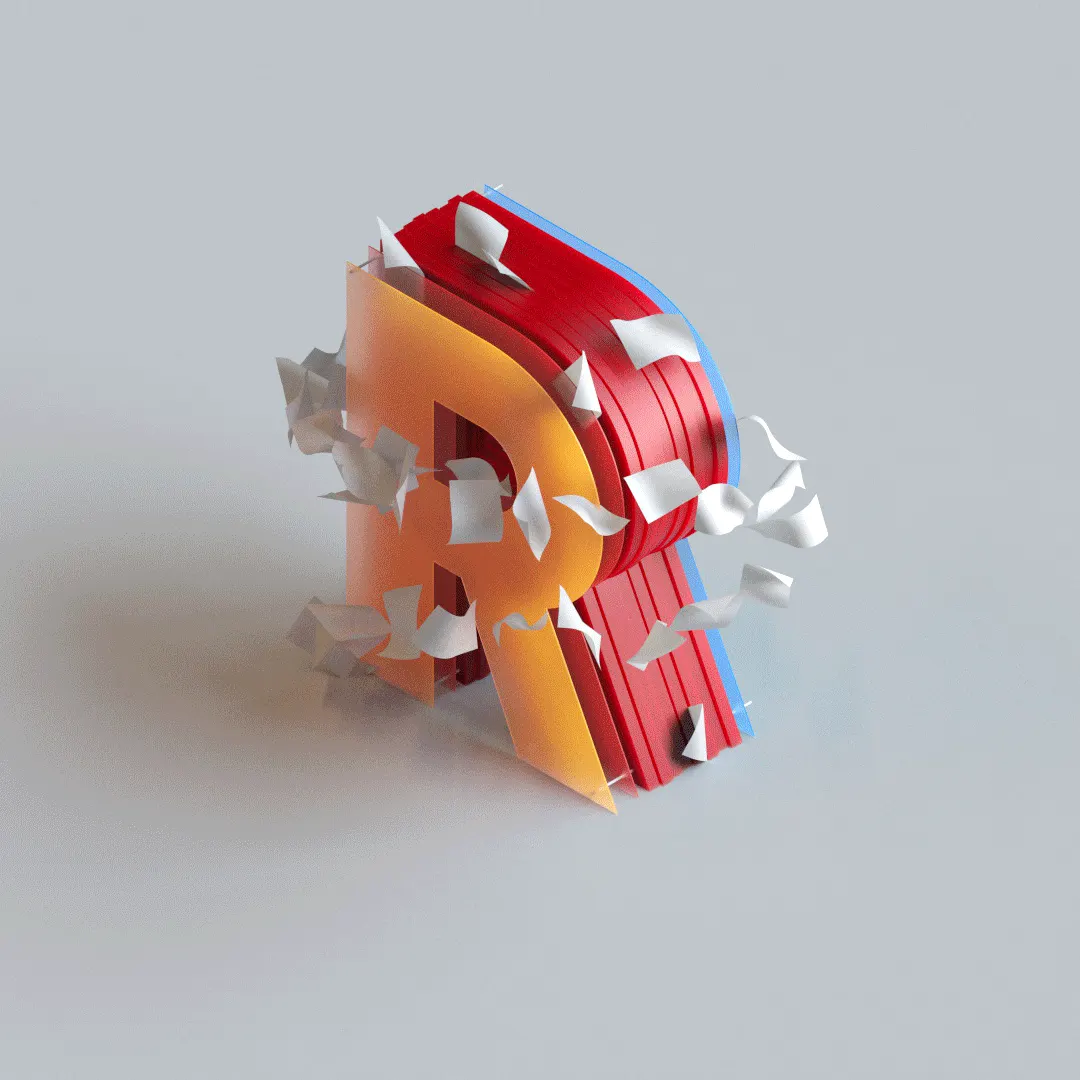
acrylic·January 29, 2024
### [3D acrylic letters: what they are, how they're made](/posts/acrylic/3d-acrylic-letters/)
What 3D acrylic letters are, how they're layered and mounted, and how sign shops price and sell them online with a live customiser and worked example.
Read more

acrylic·January 29, 2024
### [How are acrylic channel letters transforming businesses?](/posts/acrylic/acrylic-channel-letters/)
Are you curious about acrylic channel letters? Let's explore how acrylic channel letters redefine business visibility and captivate your audience.
Read more

acrylic·January 29, 2024
### [Acrylic letters for signs: types, uses & pricing](/posts/acrylic/acrylic-letters/)
What acrylic letters for signs are, the thicknesses, finishes and mounting options, plus how sign shops price and sell them online with a live customiser.
Read more

acrylic·January 29, 2024
### [Top spots to shop chic wedding acrylic signs](/posts/acrylic/wedding-acrylic-signs/)
Wedding acrylic signs have taken the wedding scene by storm, offering a sleek, modern touch to any nuptial celebration.
Read more

neon·March 30, 2023
### [Exploring the benefits of acrylic neon signs for business signage](/posts/neon/acrylic-neon-signs/)
Customizable and Durable: Why Acrylic Neon Signs are a Smart Choice for Your Business Signage Needs
Read more

neon·April 3, 2023
### [Faux neon signs: LED alternatives, costs & business guide (2026)](/posts/neon/faux-neon-sign/)
Complete guide to faux neon (LED neon) signs. Compares LED vs glass neon, covers profit margins for sign shops, and explains why LED neon dominates the market.
Read more
[View all articles](/posts/)
## Sitemap
See the full [sitemap](/sitemap.md) for all pages.
---
## How are acrylic channel letters transforming businesses? - Sign Customiser Blog
Source: [https://www.signcustomiser.com/posts/acrylic/acrylic-channel-letters/](https://www.signcustomiser.com/posts/acrylic/acrylic-channel-letters/)
## Exploring the world of acrylic channel letters
In the ever-evolving landscape of business signage, one radiant solution has been rewriting the rules and capturing the spotlight – acrylic channel letters.
This article dives into the world of acrylic channel letters and answers the pressing questions of entrepreneurs and sign enthusiasts alike.
**From customization to installation, durability to design trends, join us on a journey where every letter becomes a luminous element of brand identity.**
## What are acrylic channel letters?

Image source: tuppsigns.com
In simple terms, acrylic channel letters are three-dimensional signage elements commonly used for business displays and branding. These letters, crafted from acrylic material, form a prominent part of the signage industry.
**Acrylic channel letters consist of individual letters, logos, or shapes designed using [acrylic](https://en.wikipedia.org/wiki/Poly\(methyl_methacrylate\)), a durable and versatile material.** These letters are typically illuminated, enhancing visibility and making them stand out, especially in low-light conditions.
Over time, using acrylic channel letters in signage has evolved significantly. Basic, non-illuminated designs have transformed into dynamic, eye-catching displays.
The evolution is marked by design and lighting technology innovations, contributing to their widespread adoption in various business contexts.
## Benefits of acrylic channel letters
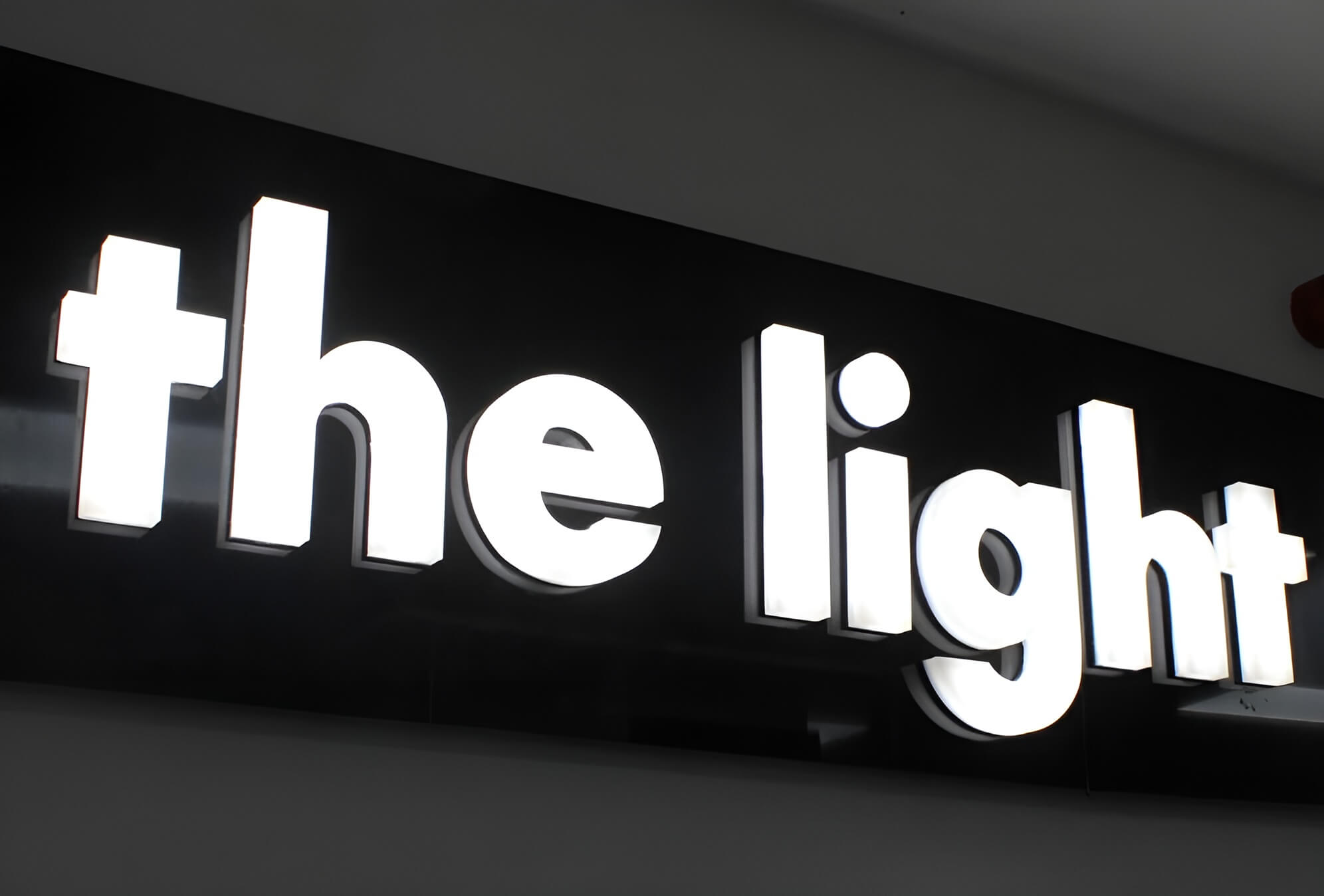
Image source: thelightlab.com
Acrylic channel letters offer a range of advantages, making them a preferred choice for acrylic letter sign enthusiasts and store owners alike.
### 1\. Durability and weather resistance
Acrylic channel letters excel in durability, standing resilient against the elements. These letters withstand various weather conditions, ensuring a long-lasting signage solution for businesses.
### 2\. Energy efficiency in illumination
One standout feature is their energy efficiency in illumination. Acrylic channel letters, especially with LED lights, provide brilliant and vibrant illumination while consuming minimal energy, resulting in business cost savings.
### 3\. Versatility in application
The versatility of acrylic channel letters extends to their application in diverse settings. Whether adorning commercial spaces, enhancing brand visibility, or contributing to architectural aesthetics, these letters seamlessly adapt to different environments.
### 4\. Cost-effectiveness
An additional appeal lies in the cost-effectiveness of acrylic channel letters. These letters prove to be a financially prudent investment for businesses seeking impactful and budget-friendly signage solutions.
The average price range for acrylic channel letters:
- **General range**: The typical price range for acrylic channel letter signs sits between $2,000 and $20,000 (or even more for complex projects).
- **Industry standard:** For basic setups, the industry-standard cost often falls within $4,000 to $6,000.
## Comparisons with other signage types
Image source: businesssign.com
When evaluating signage options, acrylic channel letters emerge as a distinct choice, offering unique advantages over other common signage types.
### 1\. Neon signs
Once a popular choice, [Neon signs](https://en.wikipedia.org/wiki/Neon_sign) have faced challenges compared to acrylic channel letters. While neon signs provide a classic, vibrant glow, they often require more maintenance, are less energy-efficient, and may pose environmental concerns due to the use of gasses.
### 2\. LED signs
In modern signage, [LED signs](https://en.wikipedia.org/wiki/LED_display) present a formidable competitor to acrylic channel letters. However, [acrylic letters](https://www.signcustomiser.com/posts/acrylic/acrylic-letters/) hold their ground by combining durability with versatility.
Acrylic channel letters are often preferred for their ability to showcase intricate designs, whereas LED signs may face limitations in achieving such detailed aesthetics.
### 3\. Wooden signs
Wooden signs, known for their rustic charm, contrast the contemporary appeal of acrylic channel letters. While wooden signs evoke a traditional ambiance, they may need more visibility and durability than acrylic channel letters inherently possess.
Additionally, acrylic’s versatility allows for a broader range of design possibilities, making it a preferred choice for businesses aiming for a more modern and dynamic visual presence.
## Applications in signage
Image source: davessigns.com
Acrylic channel letters find diverse applications in signage, contributing significantly to commercial spaces, branding initiatives, and architectural aesthetics.
### Commercial signage
In commercial signage, acrylic channel letters emerge as dynamic and attention-grabbing solutions. Their versatility allows businesses to craft impactful exterior signage that draws the eye, establishing a strong visual presence.
**Whether adorning storefronts, promoting sales, or guiding customers, these letters are powerful tools for businesses to communicate effectively with their audience.**
### Branding for businesses
Regarding business branding, acrylic channel letters are pivotal in creating a distinctive and memorable identity. **The customizable nature of these letters allows for incorporating brand colors, fonts, and logos, ensuring a cohesive and recognizable representation.**
Whether displayed on storefronts or as part of an overall marketing strategy, acrylic channel letters contribute to brand visibility and recognition.
### Architectural enhancement
Beyond traditional signage, acrylic channel letters contribute to architectural enhancement. These letters seamlessly integrate with the architectural design of buildings, adding a touch of sophistication and modernity.
Whether illuminating building names, creating unique entrances, or enhancing the overall aesthetics of structures, acrylic channel letters have become integral in merging functionality with architectural appeal.
**Their ability to blend seamlessly into diverse architectural styles makes them a favored choice for designers and architects seeking both form and function.**
## Popular types of acrylic channel letters
Acrylic channel letters, renowned for their versatility, come in various types, each contributing a distinct aesthetic and functional appeal to signage.
### 1\. Front-lit channel letters
Image source: frontsigns.com
Front-lit channel letters stand as the quintessential representation of traditional signage. With the letter face crafted from acrylic, these letters are illuminated from the front, often employing energy-efficient LED lights.
This classic design ensures clear visibility and readability, making it a time-tested choice for businesses seeking a timeless, straightforward signage solution.
### 2\. Back-lit (halo-lit) channel letters
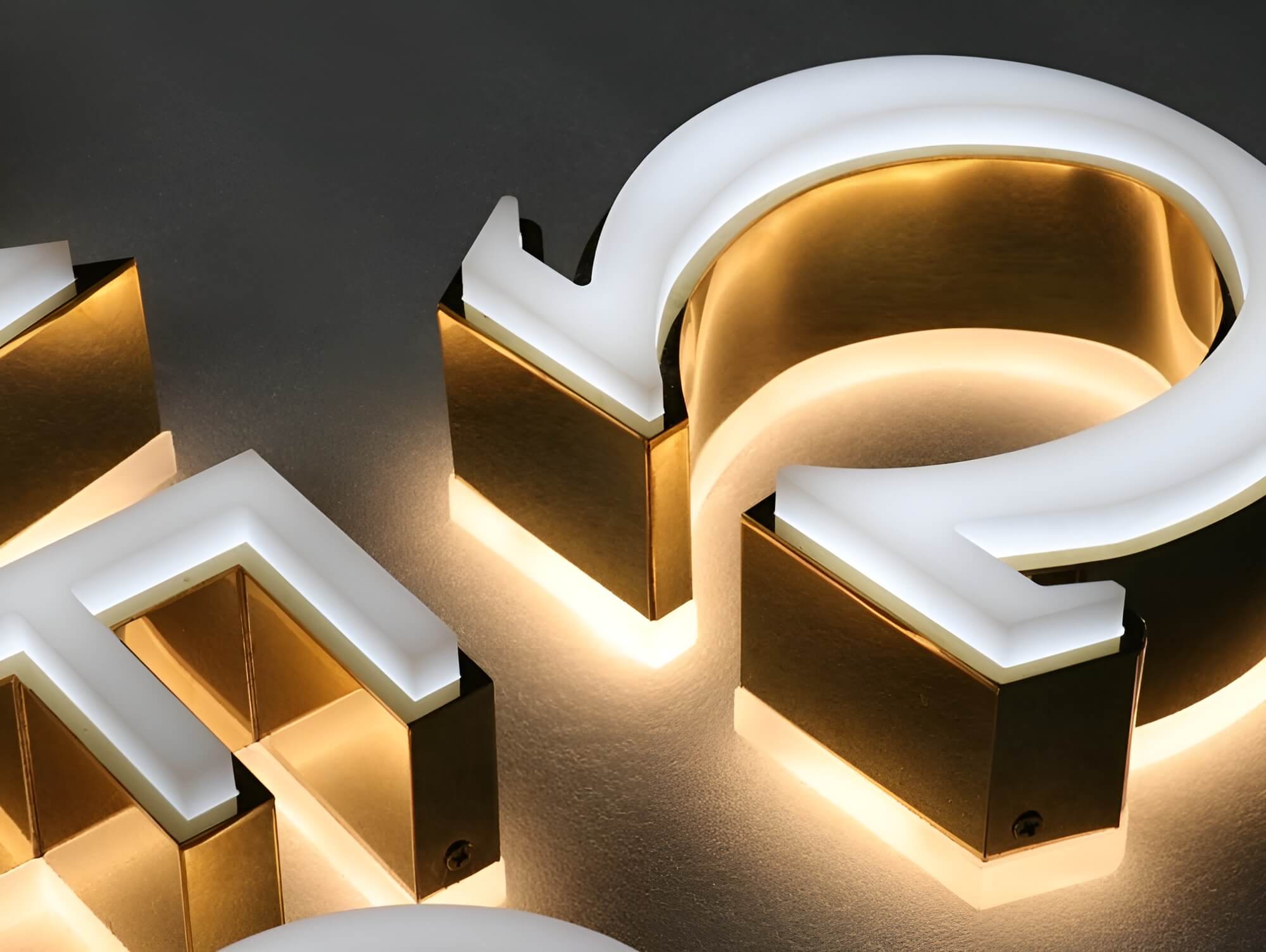
Image source: halolitsigns.com
The allure of back-lit channel letters lies in the captivating halo effect they create. Illumination emanates from the back of the letter, casting a subtle glow around the edges.
Typically featuring an opaque face, these letters skillfully utilize the spill of light behind them, adding an elegant and eye-catching dimension to the signage. This type is often favored for its ability to evoke a sense of sophistication.
### 3\. Front and back-lit channel letters
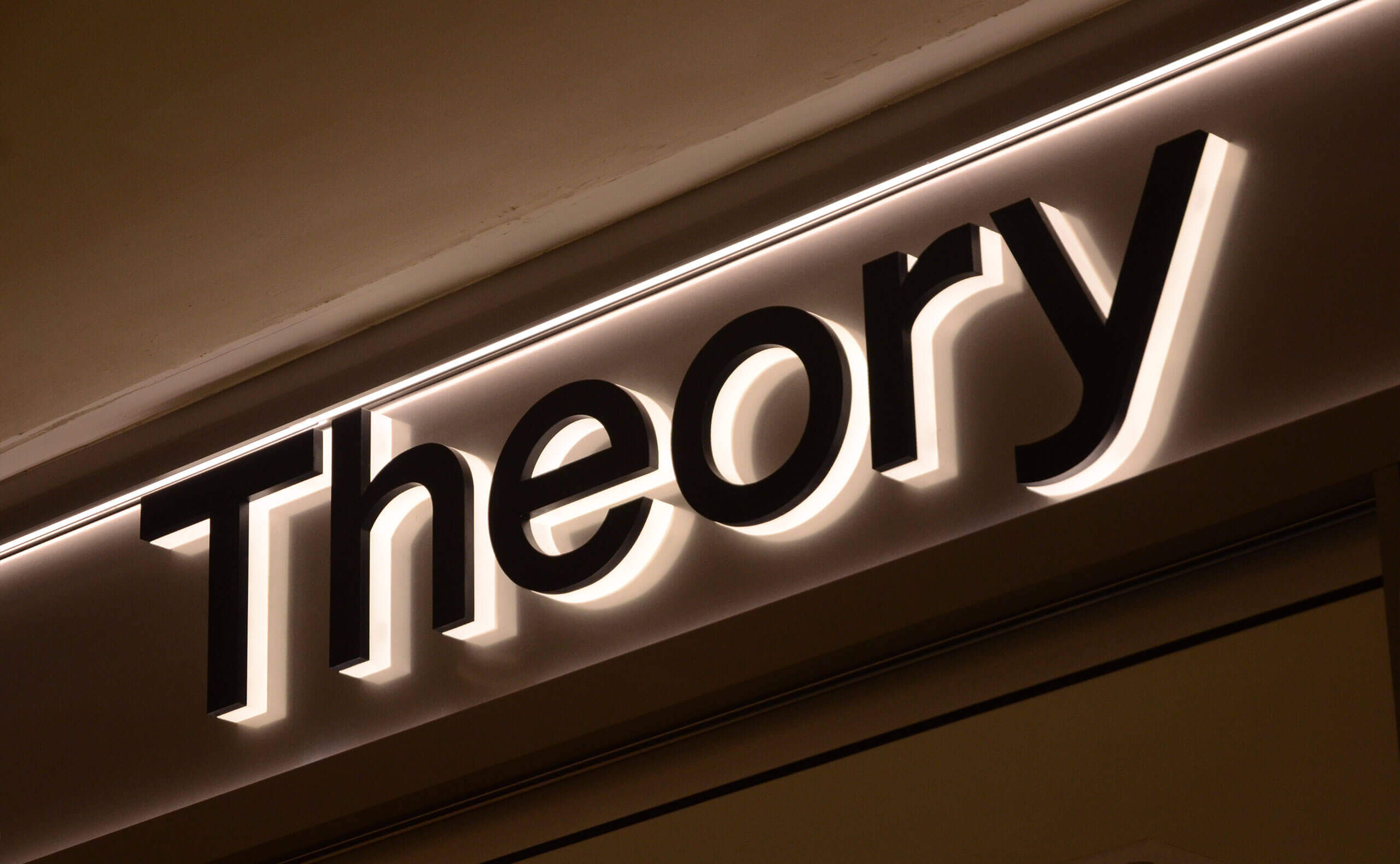
Image source: signsplaza.com
Combining the best of both worlds, front and back-lit channel letters offer a dynamic and attention-grabbing signage solution. The face, typically made of translucent acrylic, allows for front illumination, while the open back creates a halo effect.
This type caters to businesses seeking a versatile and impactful signage option that stands out both day and night.
### 4\. Open face channel letters

Image source: tdhsigns.com
Open-face channel letters make a bold statement for those desiring a retro or vintage aesthetic. These letters showcase the raw beauty of neon or LED lights by featuring an exposed face with no acrylic covering.
This type not only adds a nostalgic touch to the signage but also allows for a distinctive visual impact, making it a preferred choice for businesses aiming for a distinctive and unconventional look.
### 5\. Trimless (flush mount) channel letters

Image source: advancedmultisignstore.com
Trimless channel letters redefine the aesthetics of signage by eliminating visible trim or borders around each letter. The face seamlessly aligns with the building surface, presenting a clean and unbroken visual appeal.
This design choice not only provides a modern and sophisticated look but also ensures that the focus remains solely on the illuminated lettering.
### 6\. Reverse pan channel letters
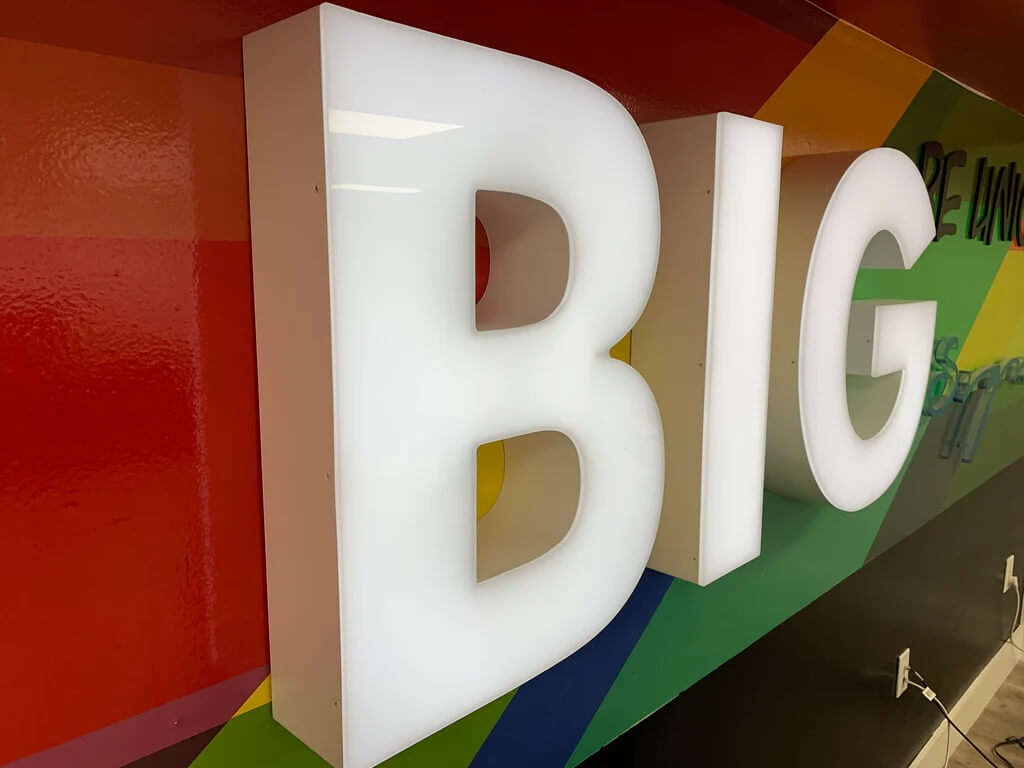
Image source: reversechannelletters.com
Reverse Pan channel letters introduce a distinctive structural element to signage. Characterized by a pan or box-like structure, these letters uniquely illuminate from the back.
The face, typically opaque, allows light to spill out, creating a captivating halo effect. This design choice adds depth and dimension to the signage, making it stand out, especially in low-light conditions.
### 7\. Dual-layer channel letters
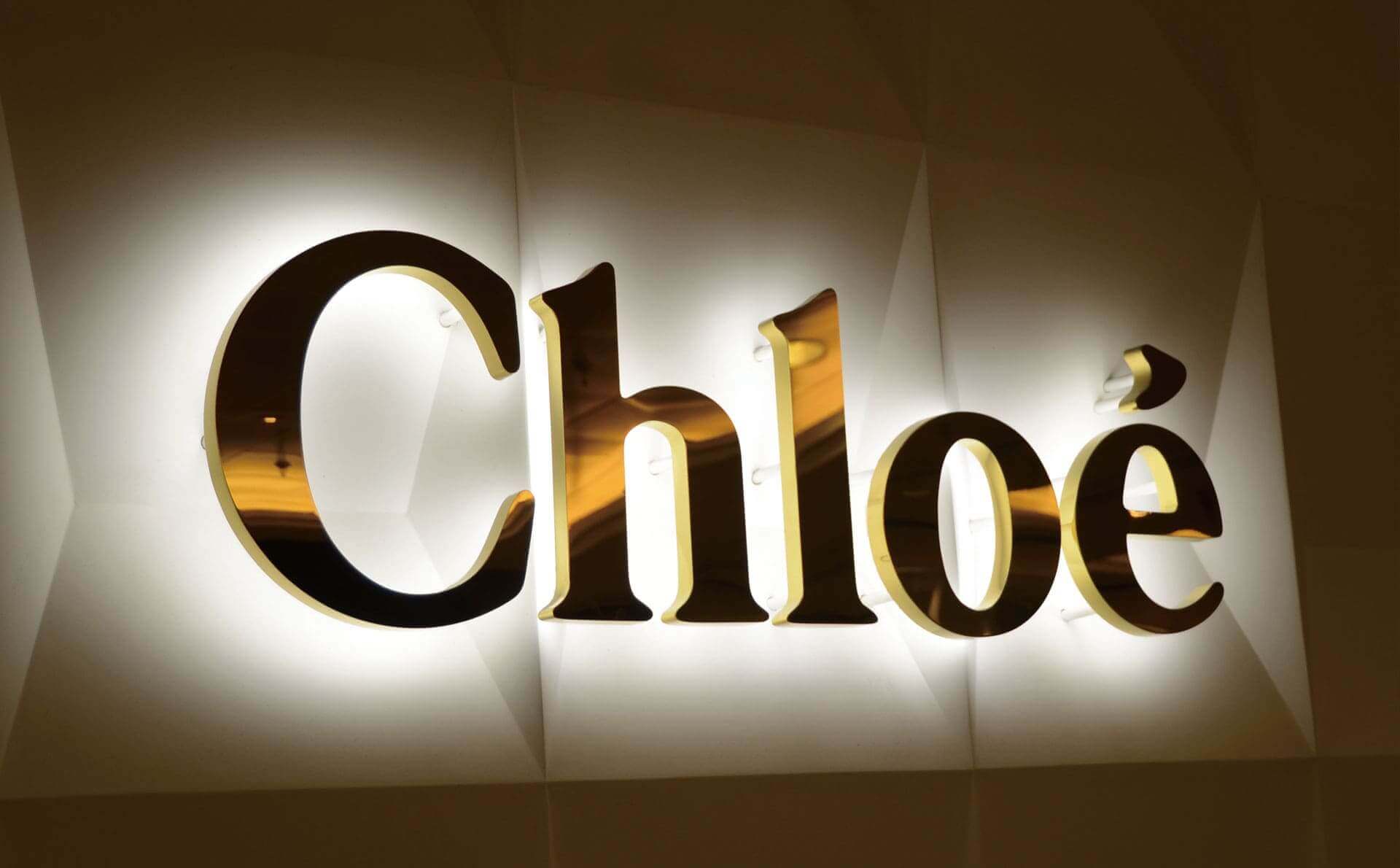
Image source: buysigns.shop
Dual-layer channel letters showcase an innovative approach to visual impact. They comprise two layers of acrylic, often with different colors. These letters achieve a striking contrast.
The front layer is precisely cut to reveal the back layer, resulting in a visually appealing and dynamic effect. This design option enhances visibility and offers a creative way to incorporate brand colors or create eye-catching signage that captures attention effectively.
## How to make acrylic channel letter signs
Creating acrylic channel letter signs involves precise steps to ensure a professional and visually appealing outcome.
Before starting the process, gather the necessary materials and tools:
- \*\*Acrylic sheets: \*\*Choose high-quality acrylic sheets in the desired color and thickness.
- **LED modules:** Select LED modules for efficient and effective illumination.
- **Channel letter bending machine:** Invest in a bending machine for shaping the acrylic letters.
- **Power supply:** Ensure a reliable power supply for the LED modules.
- \*\*Adhesive: \*\*Use a strong adhesive to bond the acrylic letters and secure the LED modules.
### Step 1: [Design and planning](https://www.signcustomiser.com/solutions/acrylic-channel-letter-signs/)
- Begin by designing the layout of your acrylic channel letters. Consider the font, size, and spacing to achieve the desired visual impact. Plan the placement of LEDs for effective illumination.
### Step 2: Cutting acrylic
- Use the channel letter bending machine to cut the acrylic sheets into the desired letter shapes. Precision is crucial to ensure a seamless fit when assembling the letters.
### Step 3: Bending letters
- Utilize the bending machine to bend the cut acrylic letters into the desired 3D shapes. This step requires careful handling to maintain the integrity of the letters.
### Step 4: Creating backs and returns
- For certain types, such as reverse pan channel letters, create backs or returns to enclose the LED modules. This step enhances the halo effect by allowing light to spill out from the back.
### Step 5: Illumination installation
- Attach the LED modules to the inside of the acrylic letters. Ensure proper spacing and alignment for uniform illumination. Connect the LEDs to a reliable power supply.
### Step 6: Assembly
- Assemble the different components of the acrylic channel letters, ensuring a snug fit. Use a strong adhesive to bond the acrylic faces, backs, and returns securely.
### Step 7: Quality check
- Carefully inspect each acrylic channel letter for any imperfections or inconsistencies. Check the illumination to ensure even lighting throughout.
### Step 8: Installation
- Choose an appropriate mounting method for your acrylic channel letters. Whether flush mount, wall mount, or another option, ensure secure installation for longevity.
### Step 9: Final touches
- Make any necessary adjustments and perform [final quality checks](/posts/general/sign-quality-control-checklist/). Clean the acrylic surfaces and remove any protective film to reveal the finished product.
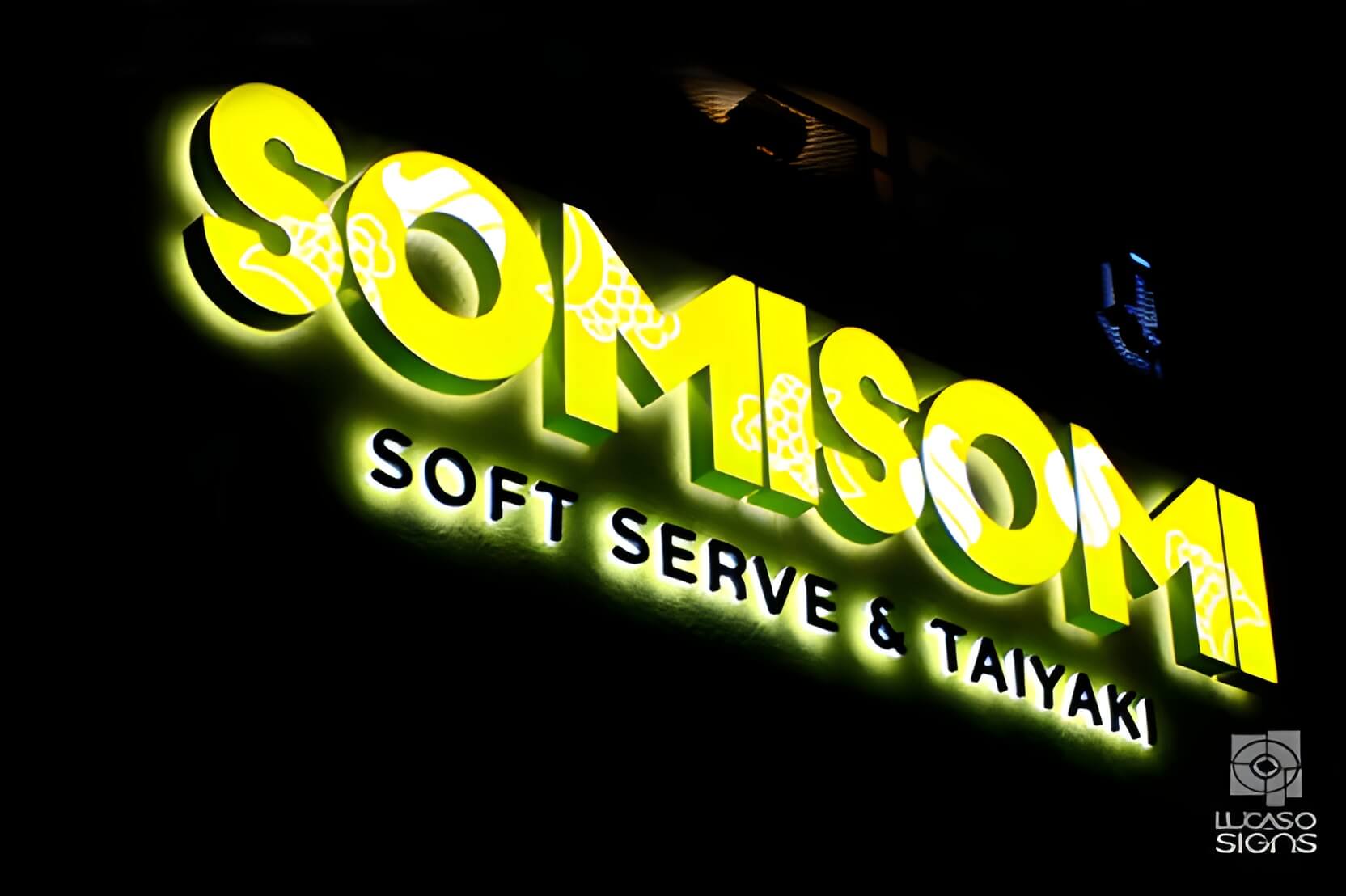
## Installation considerations
Installing an acrylic channel letter sign requires precision and attention to detail. Ensure you have all necessary materials and tools, including the acrylic letters, mounting hardware, power drill, anchors, screws, silicone adhesive, and a level.
### Step 1: Site preparation
- Assess the location for optimal visibility and alignment. Consider factors such as height, visibility from different angles, and potential obstacles.
- Use a pencil or marker to mark the positions where each acrylic letter will be mounted. Ensure the letters are evenly spaced and aligned according to your design.
### Step 2: Mounting options
- Select the appropriate mounting method based on your preference and building structure – flush mount, raceway mount, or individual mounting.
- \_Flush mounting:\_In this method, letters are directly affixed to the building surface, creating a sleek and integrated appearance. Flush mounting is ideal for a modern, minimalist look, enhancing the overall aesthetic appeal.
- _Raceway mounting:_ Raceways are metal boxes that house the electrical components and wiring. Acrylic channel letters are mounted on the raceway, providing a streamlined and organized solution. This method simplifies maintenance and is often preferred for larger signage installations.
- _Individual mounting:_ Each letter is mounted separately, allowing for flexibility in design and spacing. Individual mounting provides a distinct, eye-catching effect and is suitable for businesses aiming for a more dynamic and personalized visual presence.
- Attach the mounting hardware securely to the building surface if using a raceway or flush mount. For individual mounting, affix mounting brackets to the back of each letter.
### Step 3: Wiring and electrical
- Plan the route for wiring, ensuring it is discrete and hidden. Drill holes for wiring if necessary, keeping in mind the electrical requirements of the signage.
- Connect the wiring according to the design, ensuring a secure and weather-resistant connection. Follow proper electrical safety guidelines.
### Step 4: Letter installation
- Apply silicone adhesive generously on the back of each letter, ensuring even coverage.
- Carefully position each acrylic letter on its designated spot, pressing firmly to adhere it to the mounting surface. Use a level to maintain a straight alignment.
### Step 5: Final adjustments
- Verify that each letter is level and aligned according to your markings. Make any necessary adjustments before the adhesive fully sets.
- If using an individual mounting, secure each letter with screws through the mounting brackets. Wipe away excess adhesive and ensure a clean finish.
### Step 6: Electrical testing
- Before completing the installation, test the illumination of each letter to ensure all LED lights are functioning correctly.
## Maintenance and cleaning tips
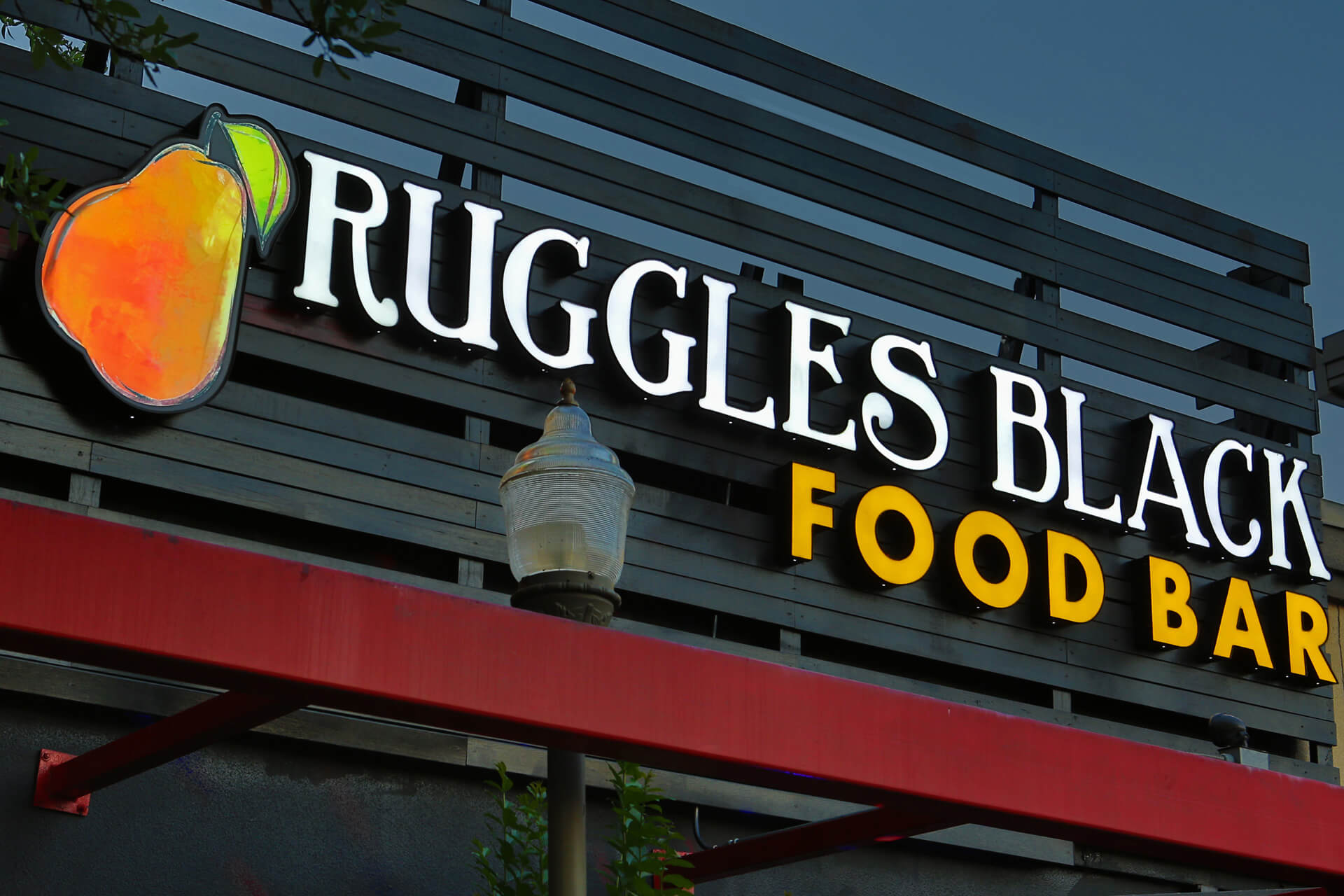
Image source: ariasigns.com
Maintaining acrylic channel letters is crucial to ensure their longevity, visibility, and overall effectiveness. Here are some tips for proper maintenance:
### Gentle cleaning solutions
Use mild, non-abrasive cleaning solutions and a soft cloth to clean the acrylic surfaces. Avoid harsh chemicals that can damage the material or the lighting components.
### Avoid pressure washing
Refrain from using high-pressure washers, as they can damage the acrylic and compromise the integrity of the letters. Opt for gentle cleaning methods to prevent scratches or cracks.
### Regular inspections
Conduct regular visual inspections to check for any signs of damage, discoloration, or malfunctioning lights. Early detection allows for timely repairs and prevents more extensive issues.
### Address electrical issues promptly
If you notice any flickering lights or sections not illuminating, address the electrical issues promptly. This may involve checking wiring connections or replacing malfunctioning LED modules.
### Seal exposed edges
If your acrylic channel letters have exposed edges, adequately seal them to prevent water infiltration. This is particularly important for outdoor signage exposed to the elements.
### Weather-resistant materials
Consider using weather-resistant materials, such as silicone sealant and corrosion-resistant hardware, during the initial installation. This enhances the signage’s durability against varying weather conditions.
### Scheduled professional inspections
Arrange for periodic professional inspections to assess the overall condition of the acrylic channel letters. Professionals can identify potential issues and perform preventive maintenance.
### Professional cleaning services
For larger or hard-to-reach signs, consider professional cleaning services. They have the expertise and equipment to clean signage effectively without causing damage.
### Anti-graffiti coatings
Consider applying anti-graffiti coatings on the acrylic surface in areas prone to vandalism. These coatings make it easier to remove graffiti without damaging the signage.
### Adjustments for changing seasons
Be mindful of seasonal changes and adjust the illumination settings if necessary. For example, brighter settings during darker winter months may enhance visibility.
### Snow and ice removal
Be cautious when removing snow or ice around the signage in snowy regions to avoid causing damage. Use gentle methods and avoid scraping the acrylic.
## Trending ideas for acrylic channel letters
### #1. Neon-inspired led signs
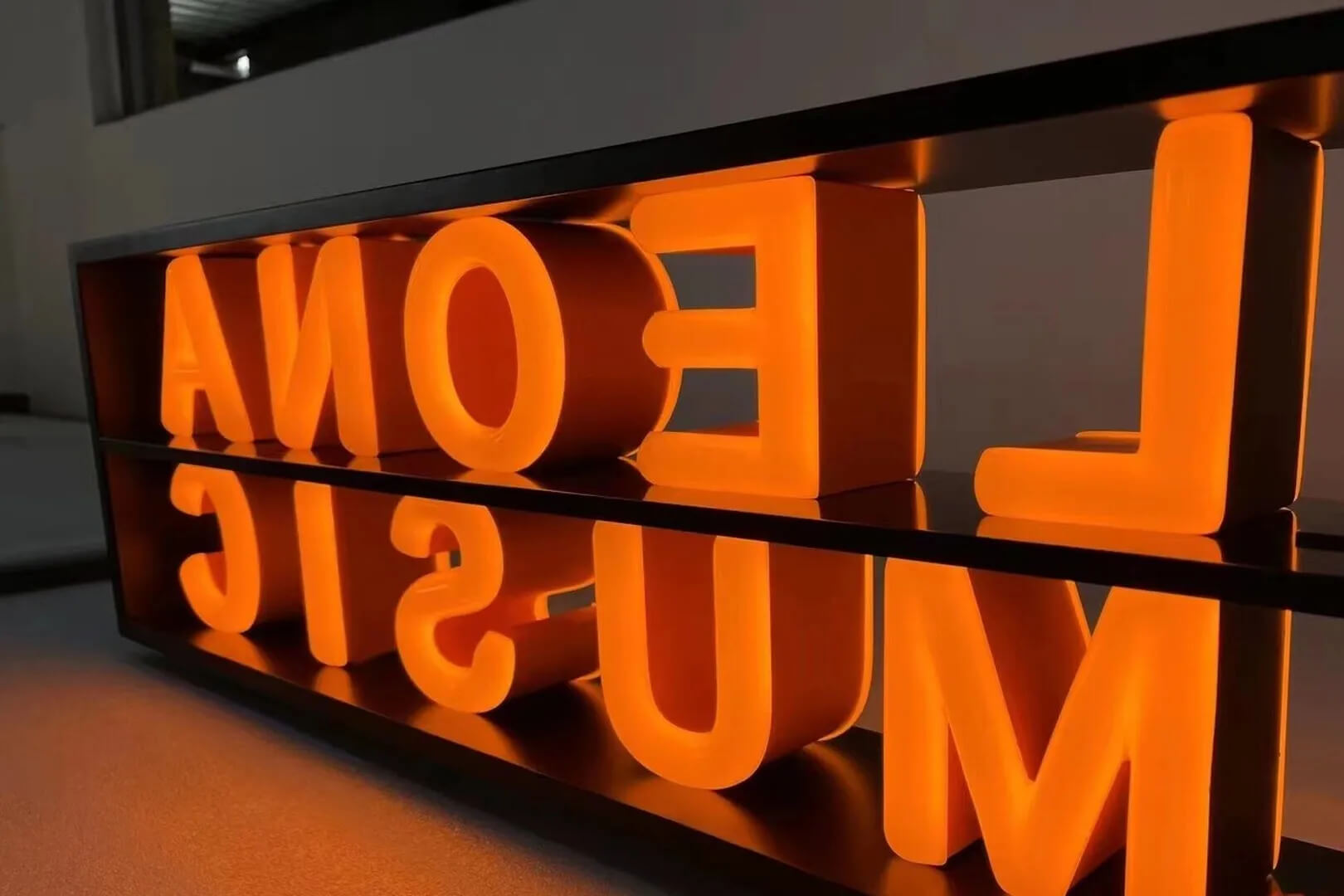
Image source: lindosignage.com
Create a modern twist on the classic [neon sign](/posts/neon/neon-sign/) by using vibrant LED lights in acrylic channel letters. This trend combines nostalgia with energy-efficient technology, resulting in eye-catching and dynamic signage.
### #2. Gradient color effects
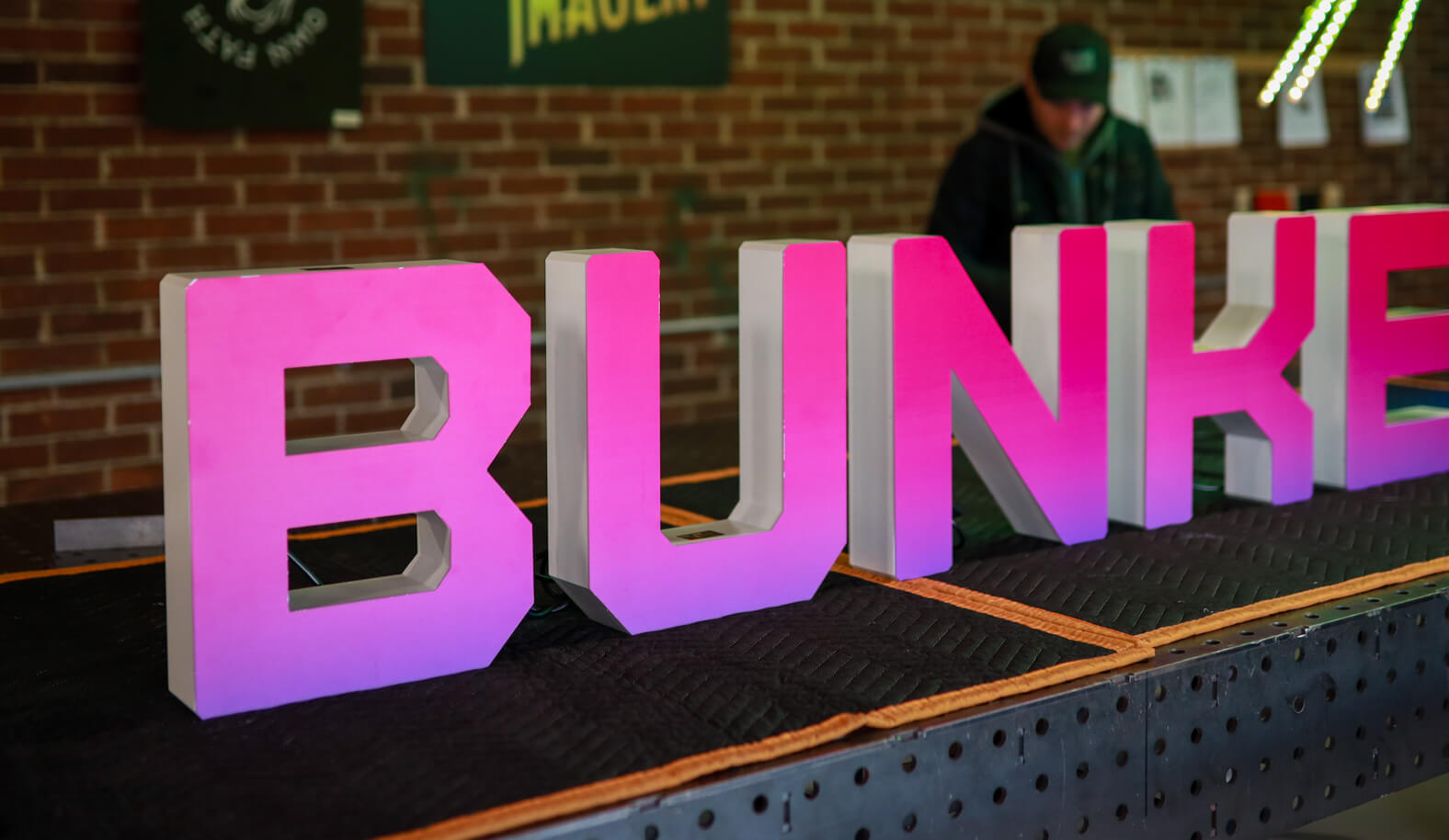
Image source: michiganimagery.com
Incorporate [gradient color effects](https://en.wikipedia.org/wiki/Color_gradient) within the acrylic letters for a visually striking and contemporary look. Transitioning colors within the letters can add depth and dimension to the signage.
### #3. Geometric shapes and patterns
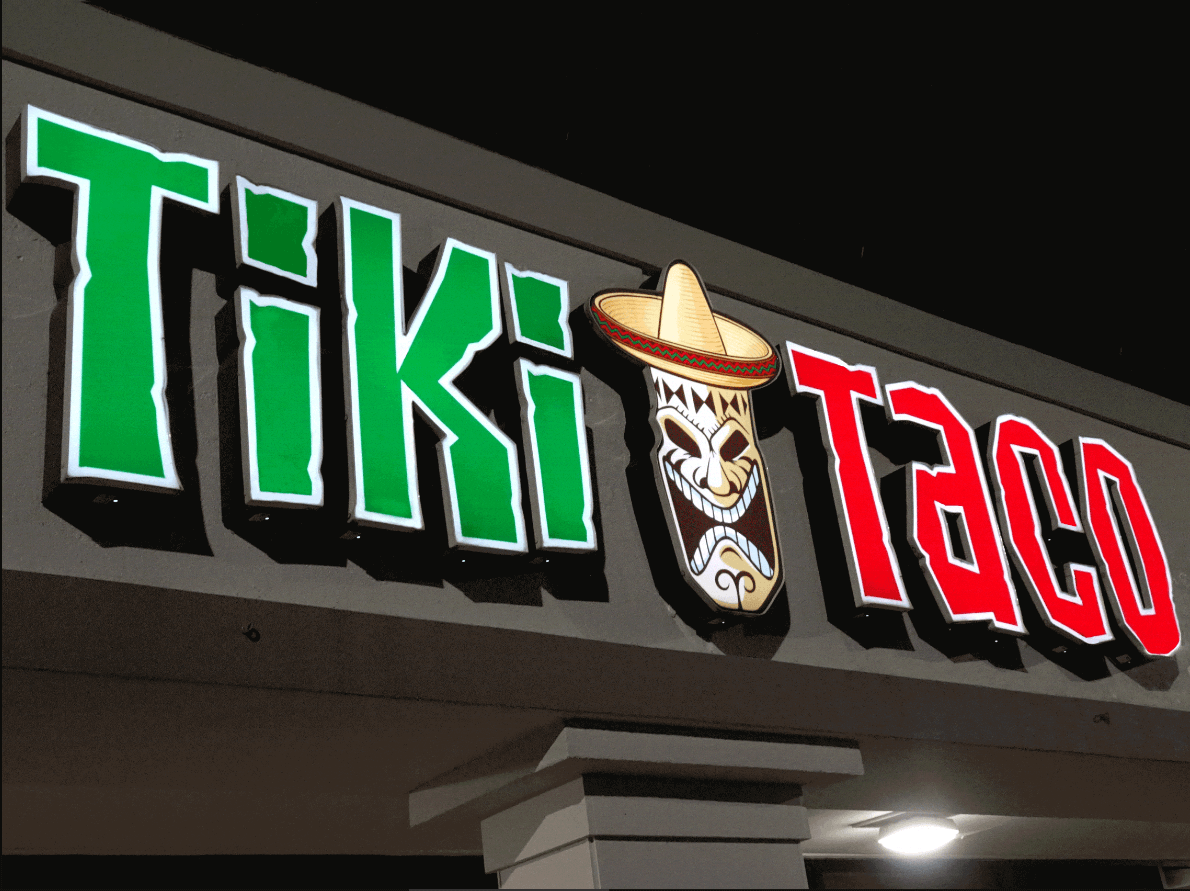
Image source: thesignchef.com
Experiment with geometric shapes and intricate patterns within the acrylic channel letters. This trend adds a modern and artistic touch, making the signage stand out as a unique visual focal point.
### #4. Backlit 3d logos
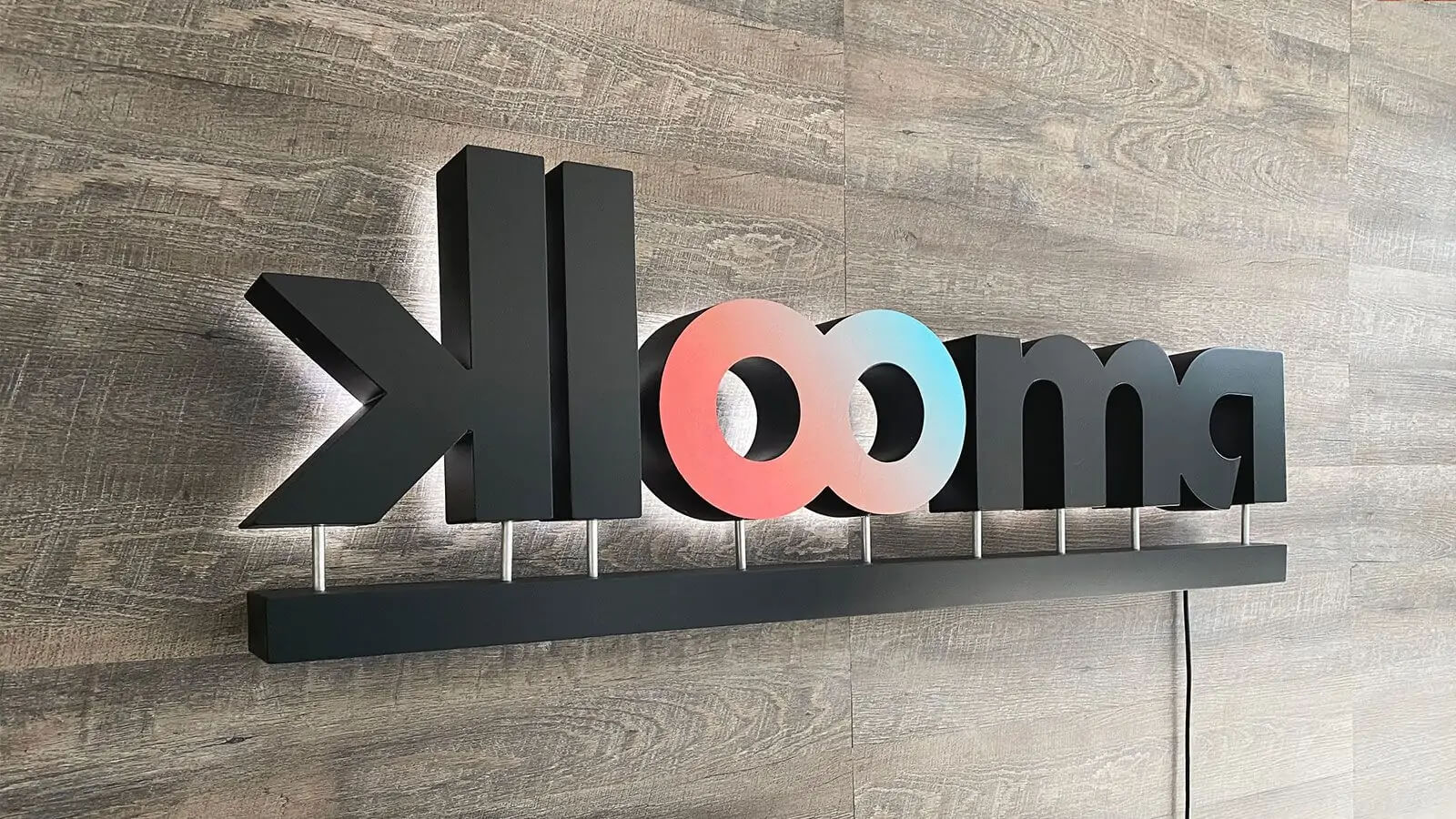
Image source: frontsigns.com
Opt for backlit 3D logos that create a halo effect around the letters. This technique adds a sense of depth and sophistication, making the signage visually appealing both day and night.
### #5. Mixed materials and textures
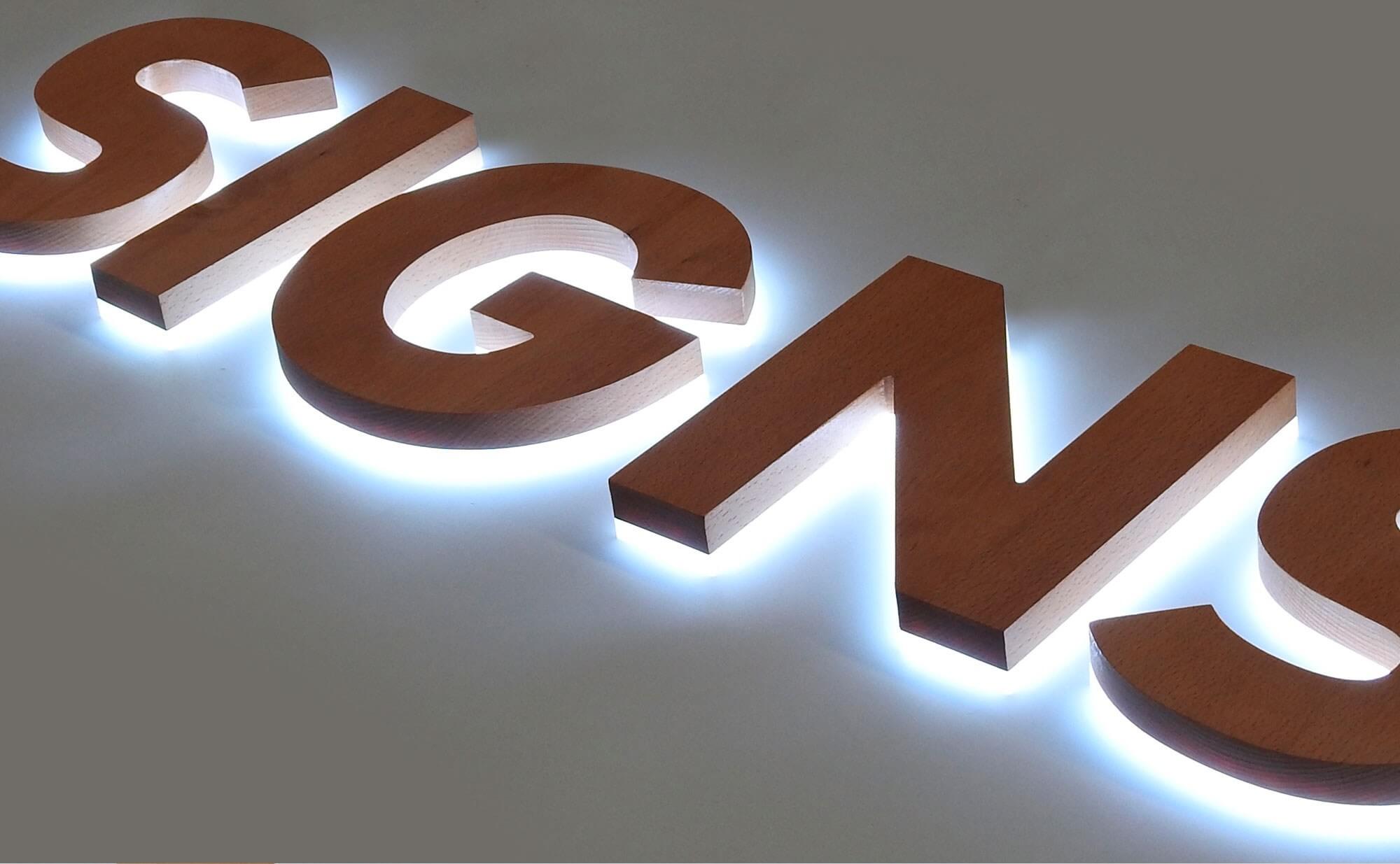
Image source: signsplaza.com
Combine acrylic with other materials like metal, glass, or wood to create a multi-dimensional and textured effect. This trend enhances the overall aesthetic and creates a customized and unique appearance.
### #6. Custom typography
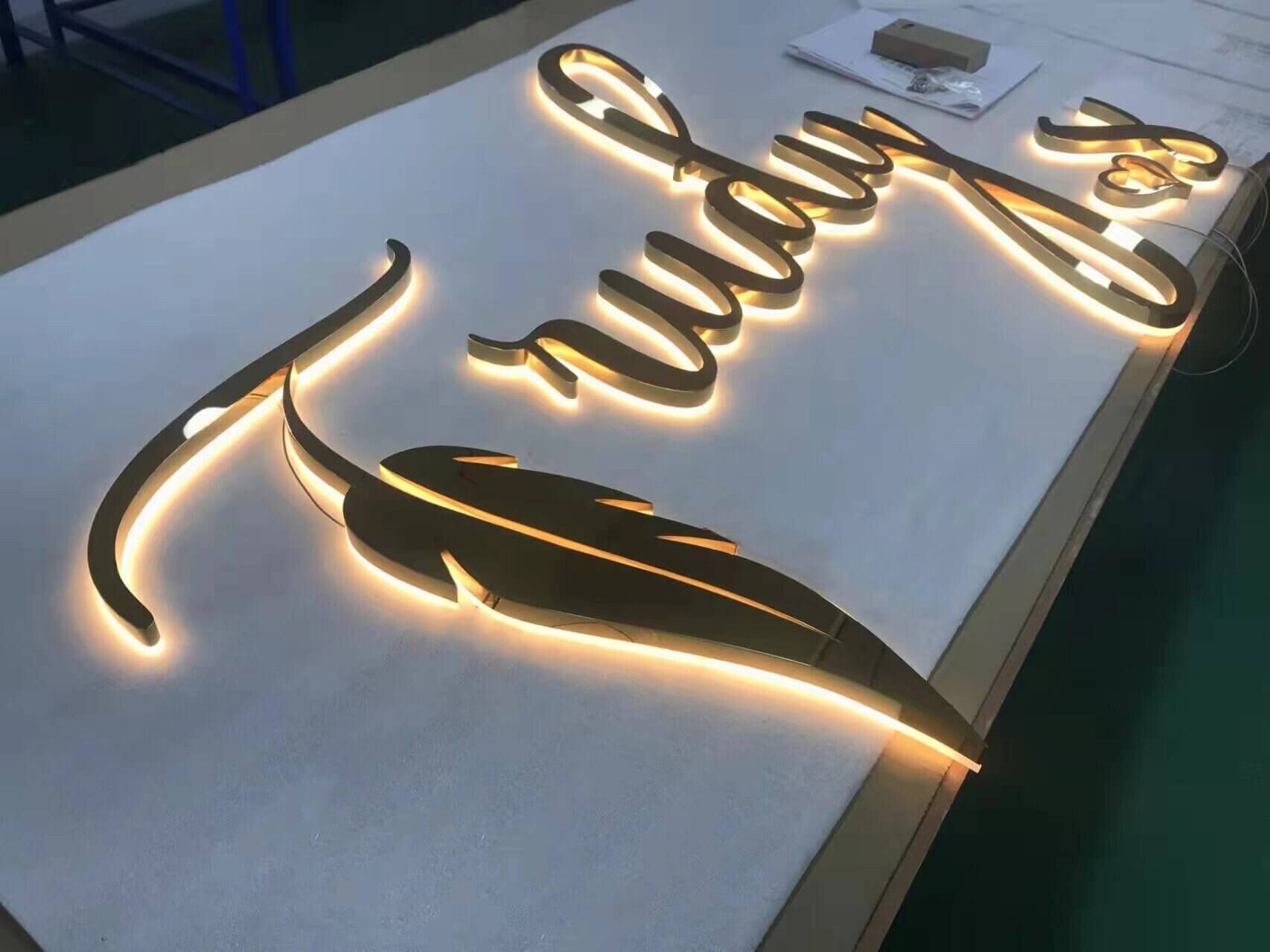
Image source: etsy.com
Embrace custom typography that reflects the brand’s personality. Unique and stylized fonts add character to the signage, contributing to brand identity and recognition.
### #7. Floating letters
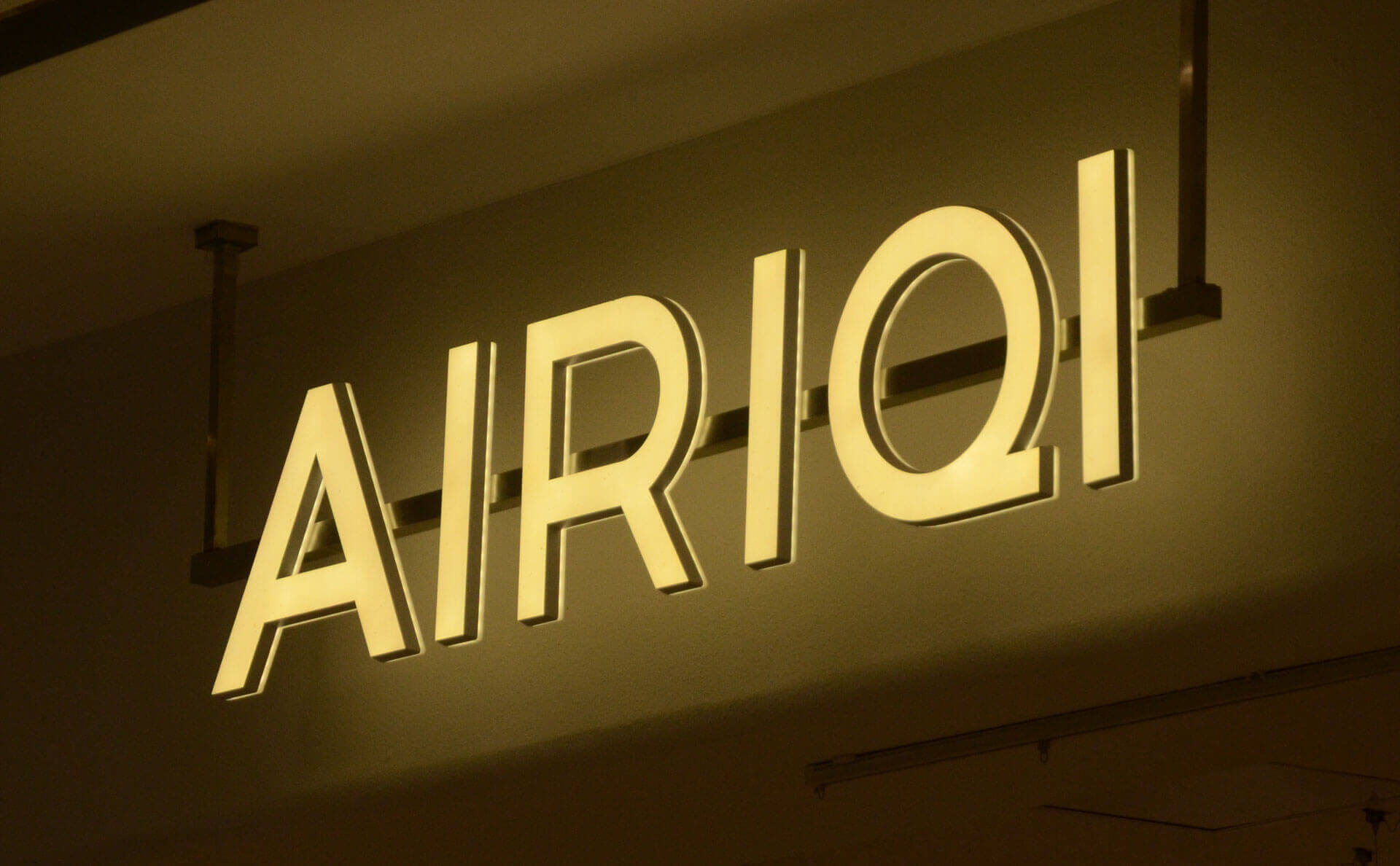
Image source: businesssigns.net
Design acrylic channel letters that appear to float in mid-air by incorporating hidden mounting mechanisms. This minimalist and sleek approach creates a modern and sophisticated look.
### #8. Negative space lettering
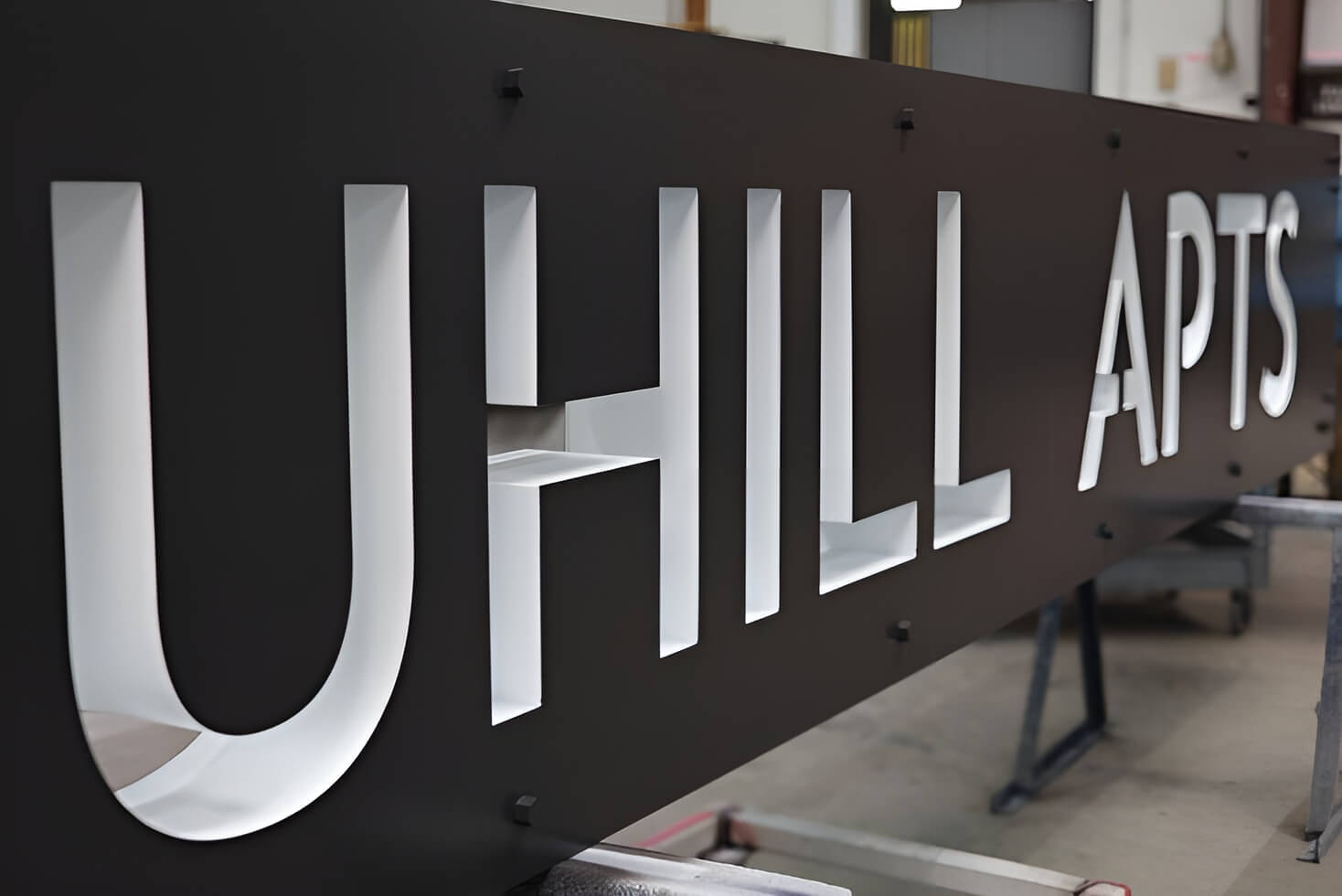
Image source: etsy.com
Explore negative space within the letters, where the acrylic surrounds empty spaces. This trend plays with perception, creating visually interesting and contemporary signage.
## FAQs about acrylic channel letters
### What material is channel lettering?
Channel lettering is commonly made from materials like acrylic, aluminum, or a combination of both. Acrylic is often used for the faces, while aluminum forms the sides or returns.
### What is the difference between channel letters and dimensional letters?
While both are three-dimensional, dimensional letters are solid, individual letters without internal illumination. Channel letters, on the other hand, are hollow and internally lit, providing a more prominent and illuminated signage option.
### What are the different types of channel letters?
Various types include front-lit, back-lit (halo-lit), front and back-lit, open face, trimless, reverse pan, and dual-layer channel letters. Each type offers distinct visual effects and applications.
### Are channel letters always illuminated?
Yes, channel letters are typically illuminated. The illumination can come from the front (front-lit), the back (back-lit), or both, depending on the specific type of channel letter.
### How thin can channel letters be?
Channel letters can vary in thickness, but the minimum thickness often depends on the chosen materials and the type of illumination used. Generally, they can be as thin as 3 to 5 inches.
### What is the difference between channel letters and reverse channel letters?
Channel letters are hollow, with the light source inside illuminating the front. Reverse channel letters have an opaque face and emit light from the back, creating a halo effect around the letters.
### What are backlit channel letters?
Backlit channel letters, also known as halo-lit letters, have illumination coming from behind the letters, creating a subtle and visually appealing halo effect around the letters.
### How are channel letters attached?
Channel letters are typically attached to a raceway, directly mounted flush to the building, or individually mounted. The choice depends on factors like aesthetics, building structure, and local regulations.
### How big should channel letters be?
The size of channel letters depends on factors such as viewing distance, surrounding environment, and local regulations. Generally, letters should be large enough for clear visibility and readability.
### How deep is a channel letter?
The depth of channel letters varies based on design and illumination requirements. Standard depths range from 3 to 5 inches, but this can be adjusted for specific needs.
### How much does a channel letter weigh?
The weight of a channel letter depends on its size, the materials used, and the type of illumination. On average, a medium-sized channel letter may weigh around 10 to 20 pounds.
### What is the minimum stroke for channel letters?
Channel letters’ minimum stroke width depends on the font and letter size. Generally, a stroke width of at least 1 to 1.5 inches is recommended for optimal visibility and fabrication.
Tags
- [acrylic](/posts/acrylic/)
- [channel](/posts/channel/)

About the author
### Matthew Attanasio
Founder, Sign Customiser
Matthew founded Sign Customiser to solve a problem he saw sign businesses facing every day: the endless back-and-forth of manual quoting. With a background in e-commerce development and a decade of experience building Shopify solutions at Sky Foundry, he set out to automate the entire custom sign selling process.
- E-commerce
- Shopify
- Sign Industry
- Product Strategy
[View profile](/authors/matthew-attanasio/)[](https://au.linkedin.com/in/matthew-attanasio-92500a36)[](https://github.com/matthewattanasio)
Let your customers design their own signs

Add a full sign customiser to your online store in minutes. Neon, acrylic, metal — with real-time pricing.
[Start your free 7-day trial](/install/)
Works with Shopify, WooCommerce, Wix & more. 7 days free. Every plan includes every feature.
Let your customers design their own signs

Add a full sign customiser to your online store in minutes. Neon, acrylic, metal — with real-time pricing.
[Start your free 7-day trial](/install/)
Works with Shopify, WooCommerce, Wix & more. 7 days free. Every plan includes every feature.
Related
## From theblog
Expert insights, industry trends, and actionable tips to enhance your online sign business.
[View all articles](/posts/)

acrylic·January 29, 2024
### [3D acrylic letters: what they are, how they're made](/posts/acrylic/3d-acrylic-letters/)
What 3D acrylic letters are, how they're layered and mounted, and how sign shops price and sell them online with a live customiser and worked example.
Read more

acrylic·February 2, 2024
### [3D acrylic logo signs: corporate branding, colour matching & pricing](/posts/acrylic/3d-acrylic-logo-sign/)
Guide to 3D acrylic logo signs for sign shops. Covers corporate client workflows, Pantone colour matching, logo complexity pricing, and reception signage best practices.
Read more

acrylic·January 29, 2024
### [Acrylic letters for signs: types, uses & pricing](/posts/acrylic/acrylic-letters/)
What acrylic letters for signs are, the thicknesses, finishes and mounting options, plus how sign shops price and sell them online with a live customiser.
Read more

acrylic·January 29, 2024
### [Top spots to shop chic wedding acrylic signs](/posts/acrylic/wedding-acrylic-signs/)
Wedding acrylic signs have taken the wedding scene by storm, offering a sleek, modern touch to any nuptial celebration.
Read more

channel·July 18, 2023
### [8 benefits of halo lit channel letters signs](/posts/channel/8-benefits-of-halo-lit-channel-letters-signs/)
With a myriad of signage options available, it can be overwhelming to make a decision. One compelling choice to consider is a halo-lit 3D channel letters sign
Read more
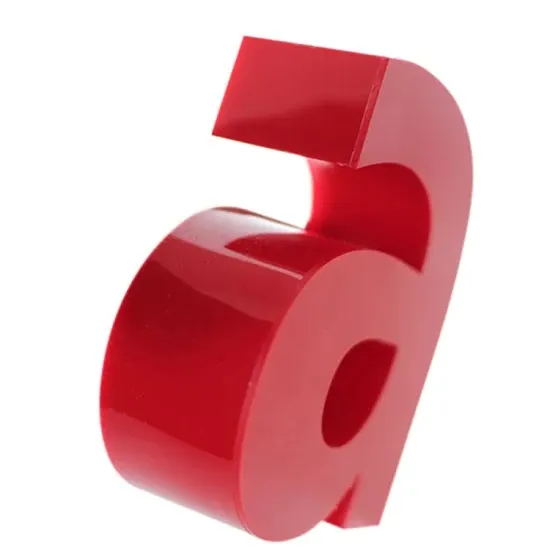
channel·June 28, 2023
### [How to make channel letter signs: a beginner's guide](/posts/channel/how-to-make-channel-letter-signs-a-beginners-guide/)
Channel letter signs are a captivating and effective way to showcase a business's name or logo. If you're a beginner interested in learning how to create these eye-catching signs, this guide will walk you through the essential steps.
Read more
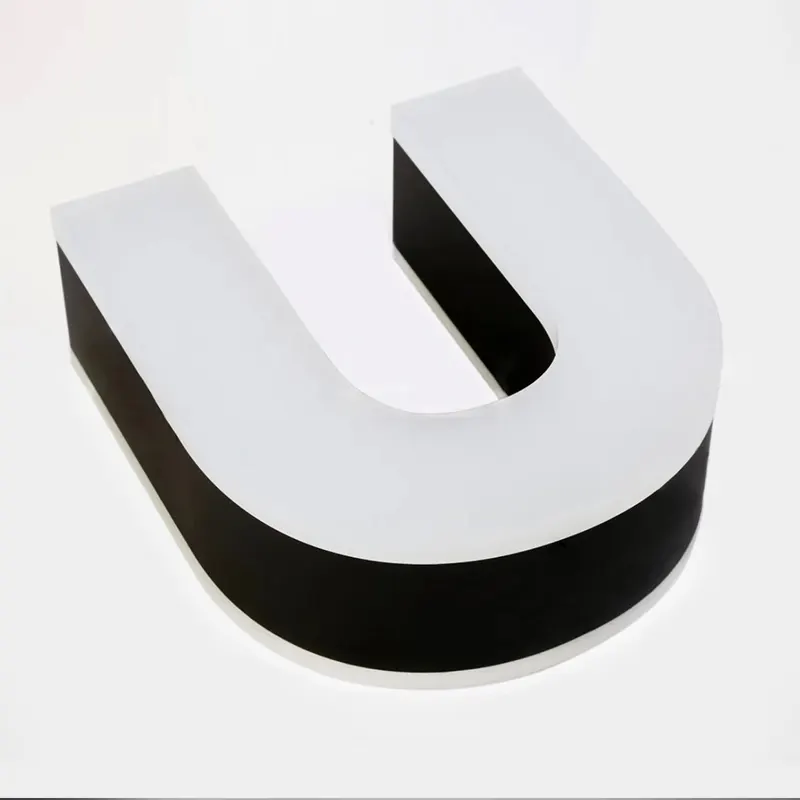
channel·June 27, 2023
### [Exploring advanced techniques: layering and 3D effects in DIY acrylic signs](/posts/channel/master-the-art-of-diy-acrylic-neon-signs/)
In this article, we will delve into the world of advanced acrylic sign making, providing you with insights, tips, and step-by-step instructions on how to master layering and create stunning 3D effects in your DIY acrylic signs.
Read more
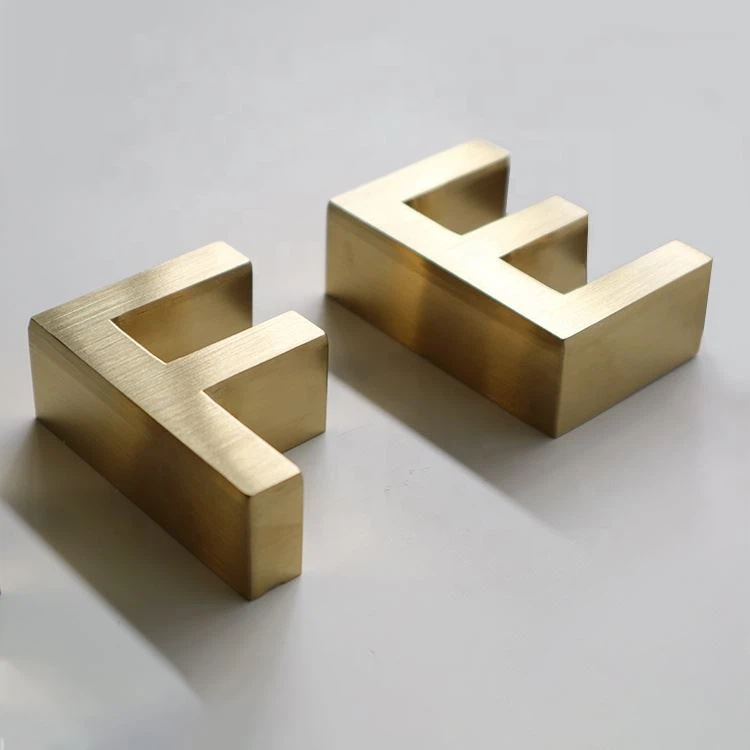
channel·June 27, 2023
### [Master the art of DIY metal signs: a step-by-step guide for beginners, crafted by experts](/posts/channel/master-the-art-of-diy-metal-signs-a-step-by-step-guide-for-beginners-crafted-by-experts/)
Whether you want to create custom wall art for your home or craft personalized gifts for loved ones, mastering the art of DIY metal signs is a rewarding endeavor.
Read more

neon·March 30, 2023
### [Exploring the benefits of acrylic neon signs for business signage](/posts/neon/acrylic-neon-signs/)
Customizable and Durable: Why Acrylic Neon Signs are a Smart Choice for Your Business Signage Needs
Read more

neon·April 3, 2023
### [Faux neon signs: LED alternatives, costs & business guide (2026)](/posts/neon/faux-neon-sign/)
Complete guide to faux neon (LED neon) signs. Compares LED vs glass neon, covers profit margins for sign shops, and explains why LED neon dominates the market.
Read more
[View all articles](/posts/)
## Sitemap
See the full [sitemap](/sitemap.md) for all pages.
---
## Acrylic Letters for Signs: Types, Uses & Pricing - Sign Customiser Blog
Source: [https://www.signcustomiser.com/posts/acrylic/acrylic-letters/](https://www.signcustomiser.com/posts/acrylic/acrylic-letters/)
## Quick answer: acrylic letters for signs
- **What they are.** Acrylic letters are individual letter shapes cut from sheets of PMMA (polymethyl methacrylate), the plastic also sold as Perspex, Plexiglas or Lucite ([Wikipedia: Poly(methyl methacrylate)](https://en.wikipedia.org/wiki/Poly\(methyl_methacrylate\))).
- **Thickness.** Sheet comes in a range of thicknesses, for example 3mm, 5mm, 10mm or 20mm.
- **Finish.** Clear, opaque in a wide range of colours, frosted/opal for even light diffusion, and mirror or metallic-effect sheet.
- **Mounting.** Adhesive pads for light indoor use, threaded studs into the wall for a flush fit, or standoffs that hold the letters away from the surface for a shadow effect.
- **Where they’re used.** Reception and office signage, retail storefronts, restaurant and hotel signage, wayfinding, and as the acrylic face on illuminated channel letters.
## What are acrylic letters?

Acrylic letters are individual letterforms cut from sheet PMMA, the transparent plastic behind trade names such as Perspex, Plexiglas and Lucite. Acrylic (PMMA) transmits up to 92% of visible light at 3mm thickness, weighs roughly half as much as glass of the same size, and breaks into dull pieces instead of sharp shards if it fails ([Wikipedia: Poly(methyl methacrylate)](https://en.wikipedia.org/wiki/Poly\(methyl_methacrylate\))). Those properties are why it suits both illuminated and non-illuminated signage.
Shops cut acrylic letters with laser cutters, CNC routers, or for example a jigsaw or bandsaw for thin material. Thicker sheet holds its shape and takes fixings better; thinner sheet keeps weight down.
## Understanding acrylic material
### Cast vs extruded acrylic
Two manufacturing methods produce the acrylic sheet a shop works with. Cast acrylic is poured as liquid monomer into a mould and cured; extruded acrylic is made continuously from pellets that are heated and forced through a die, then polished rollers ([Wikipedia: Cast acrylic](https://en.wikipedia.org/wiki/Cast_acrylic)). Cast sheet has better optical properties, machines more predictably, and resists solvent crazing better. Extruded sheet is more prone to melting at the cut edge. For sign work that involves machining, cast acrylic tends to give the cleaner result.
### Transparency options
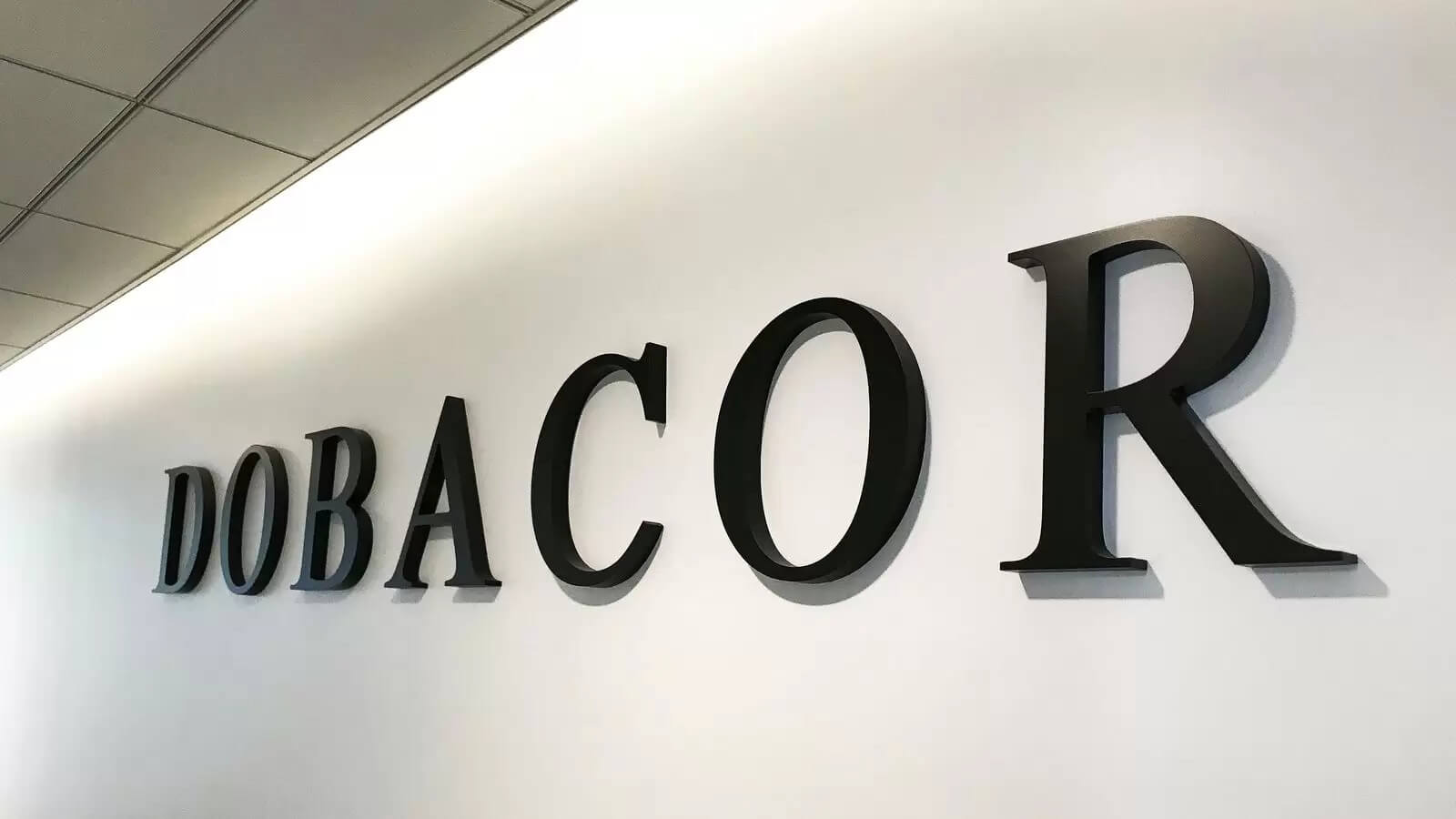
- **Transparent/clear** acrylic lets light pass straight through, which suits edge-lit letters where the glow travels through the material.
- **Translucent/opal** acrylic diffuses light evenly which suits backlit or channel-letter faces.
- **Opaque** acrylic blocks light and suits flat-cut, non-illuminated letters, available in a wide range of colours including metallics.
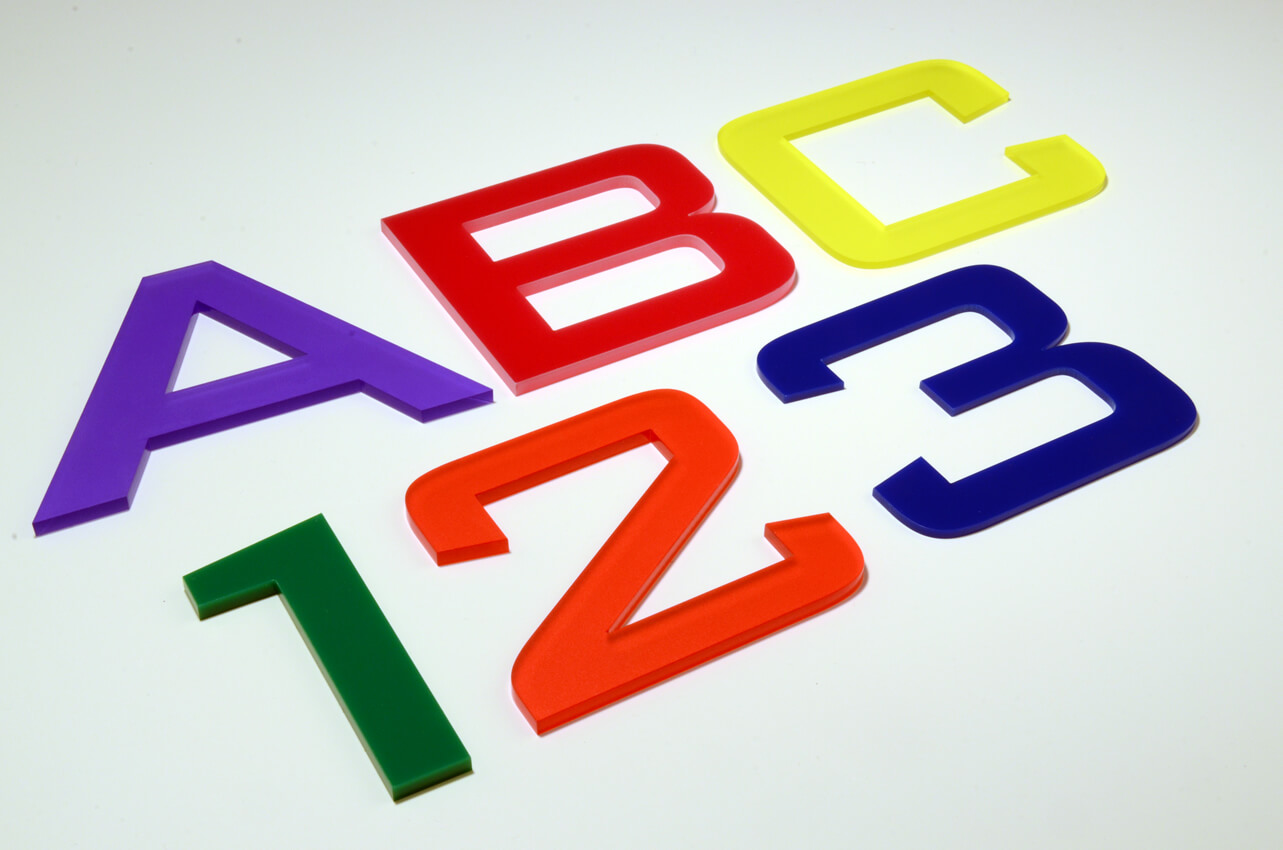
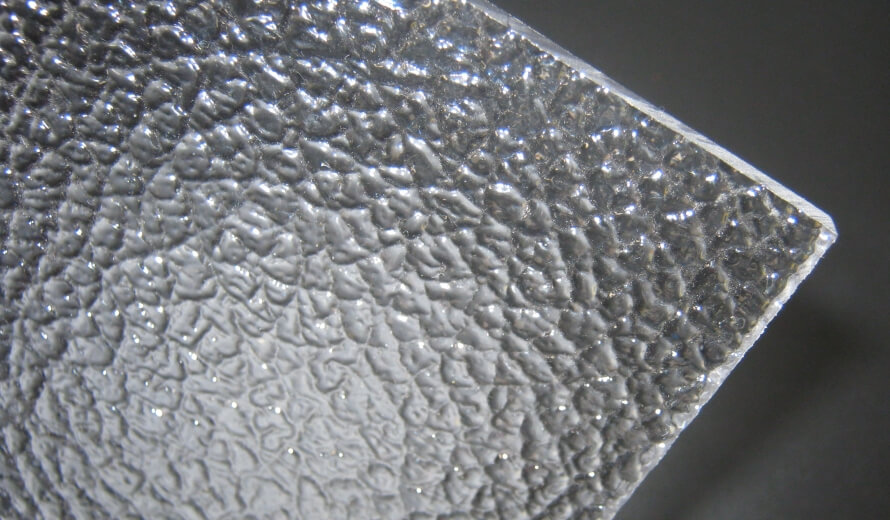
## Types of acrylic letter signs
**Flat-cut letters** are the simplest type. A single sheet of acrylic is cut to the letter outline and mounted flush or on studs. They suit reception signs, office branding and retail wayfinding.
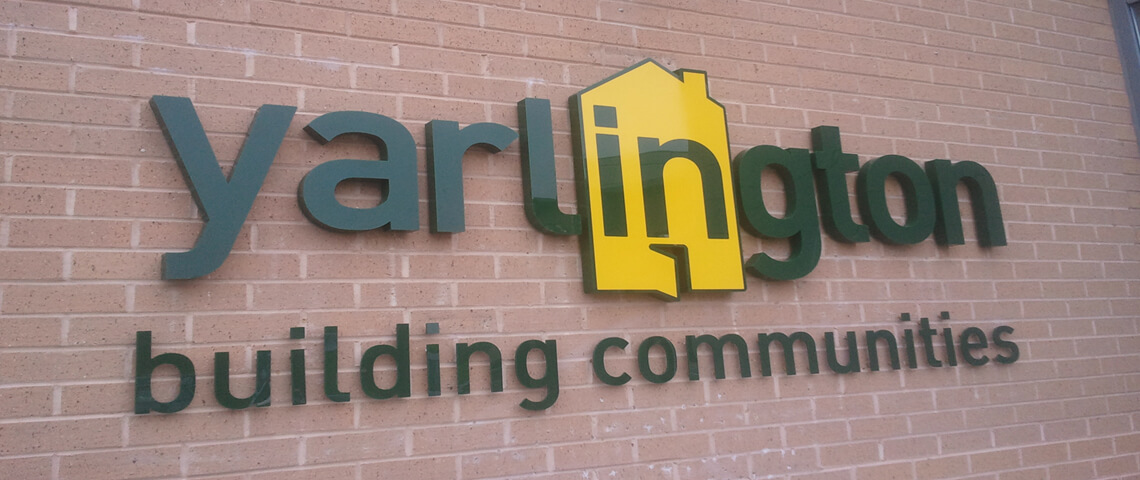
**[3D acrylic letters](/posts/acrylic/3d-acrylic-letters/)** stack two or more layers, or mount a single letter on standoffs, to create depth and a shadow line. They give more depth than flat-cut letters for the same text.
Image source: surreyshopsigns.co.uk
**Moulded acrylic letters** are heated and shaped over a mould to make curved, dimensional shapes. Consider this for many identical letters, such as a logo repeated across several stores.
**[Acrylic channel letters](/posts/acrylic/acrylic-channel-letters/)** are a 3D box construction: an acrylic face, metal or plastic sides (“returns”), and internal LED illumination. They suit storefront signage that needs to stay visible after dark.
## Illumination options
**Backlit (halo-lit)** letters mount on standoffs with LEDs behind them, so light spills onto the wall and creates a glow around each letter’s edge.
**Front-lit** letters have LEDs illuminating the face directly, either through translucent acrylic or from external spotlights. Marquee letters, like the “Cosmopolitan” example below, use exposed bulbs set into the letter face instead.
Image source: cleveridaho.com
**Edge-lit** letters have LEDs positioned at the letter’s edge, so light travels through clear acrylic and the letter appears to glow from within. As a rule of thumb, this works best with thicker clear or lightly frosted acrylic; opaque colours won’t transmit light this way.
Image source: artsigns.com
## Font selection for acrylic letters
Not every font cuts cleanly in acrylic. Thin strokes can snap during handling, and letters set with tight kerning can leave a weak connection between them.
**Work well:** sans-serif fonts (Helvetica, Arial, Montserrat), geometric fonts (Futura, Proxima Nova) and slab serifs (Rockwell, Roboto Slab). All three have fairly even stroke weights with few hairline details, which survive cutting and handling.
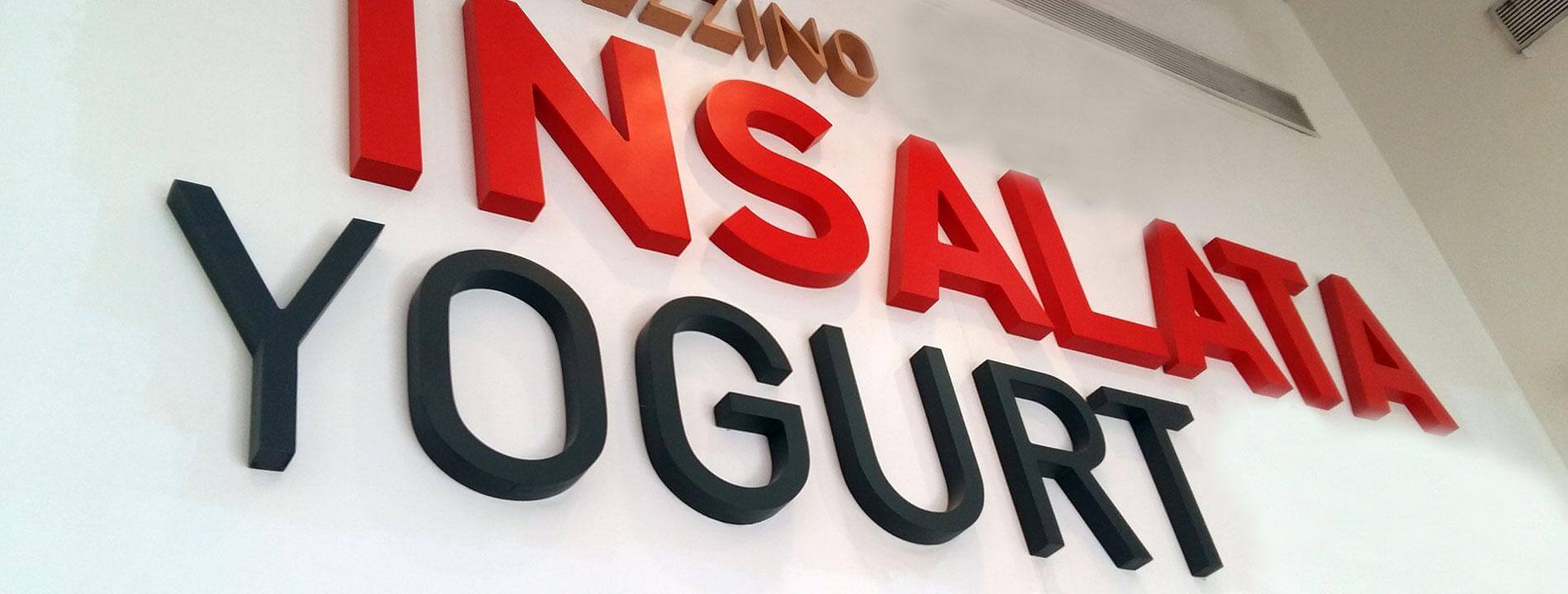
Image source: seizsigns.com
**Need care:** thin scripts and hairline weights, where very thin strokes can break. Enlarge the design, move to thicker material, or ask for bridges connecting loose elements such as the dot on an “i”. Letters set close together benefit from extra spacing to avoid a weak join.
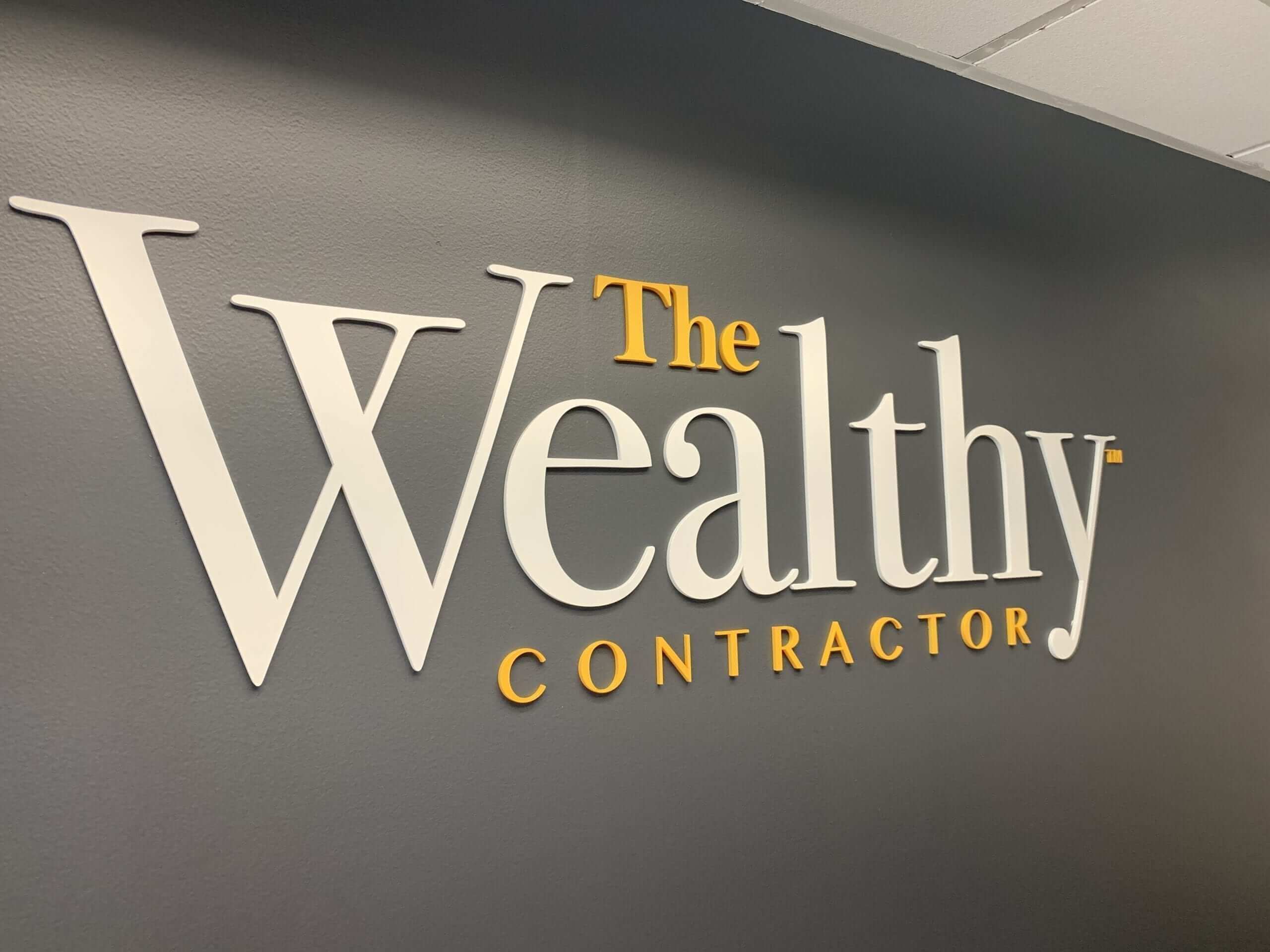
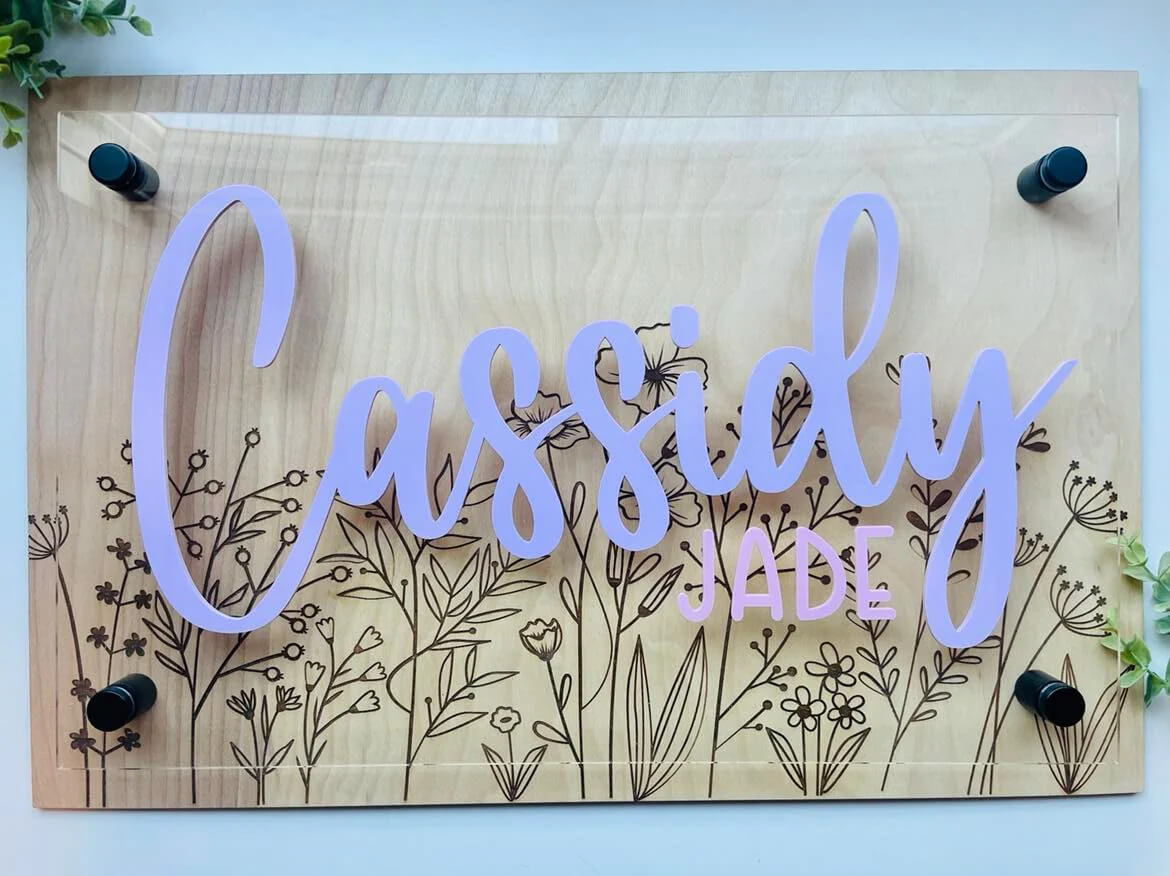
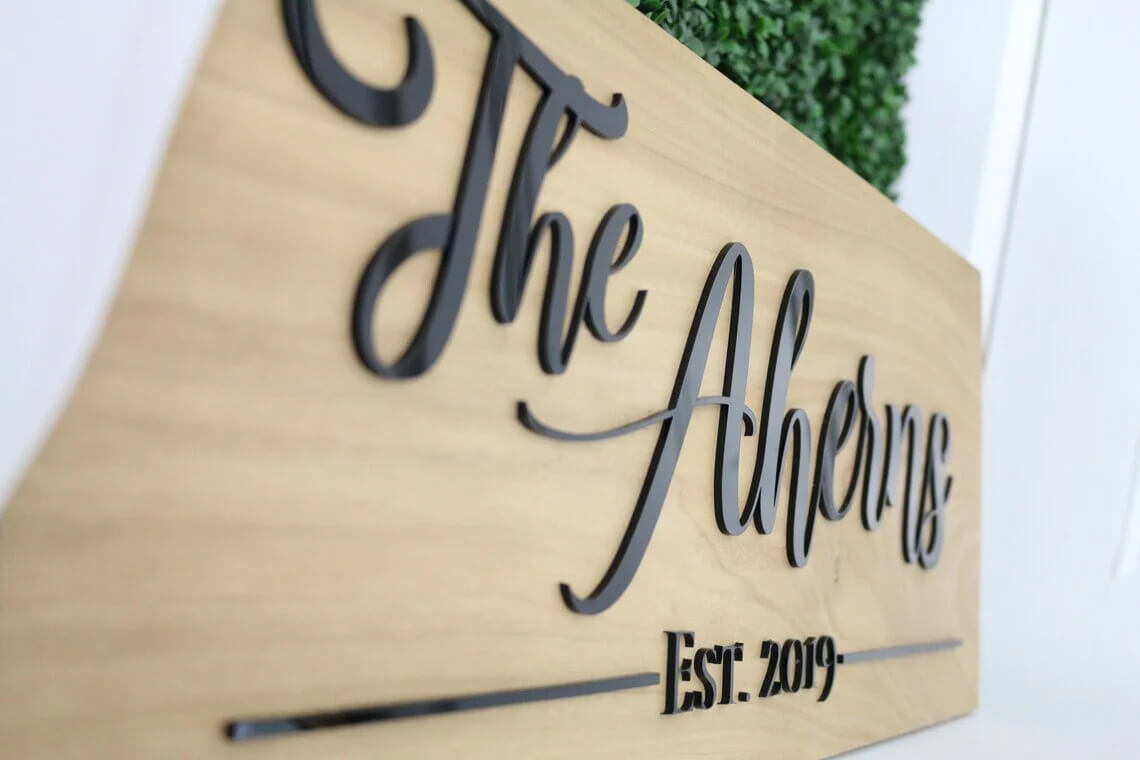
Image source: pinterest.com
## How to make acrylic letter signs?
Production follows a consistent sequence regardless of scale. A design is set in the chosen font and sized to the space it needs to fill. The file is then cut. Laser cutting is precise, holding close tolerances and a fine surface finish ([Wikipedia: Laser cutting](https://en.wikipedia.org/wiki/Laser_cutting)). For 3D or channel-letter builds, layers or returns are then assembled with acrylic cement or fixings, and any LEDs and wiring are fitted before the sign leaves for site.
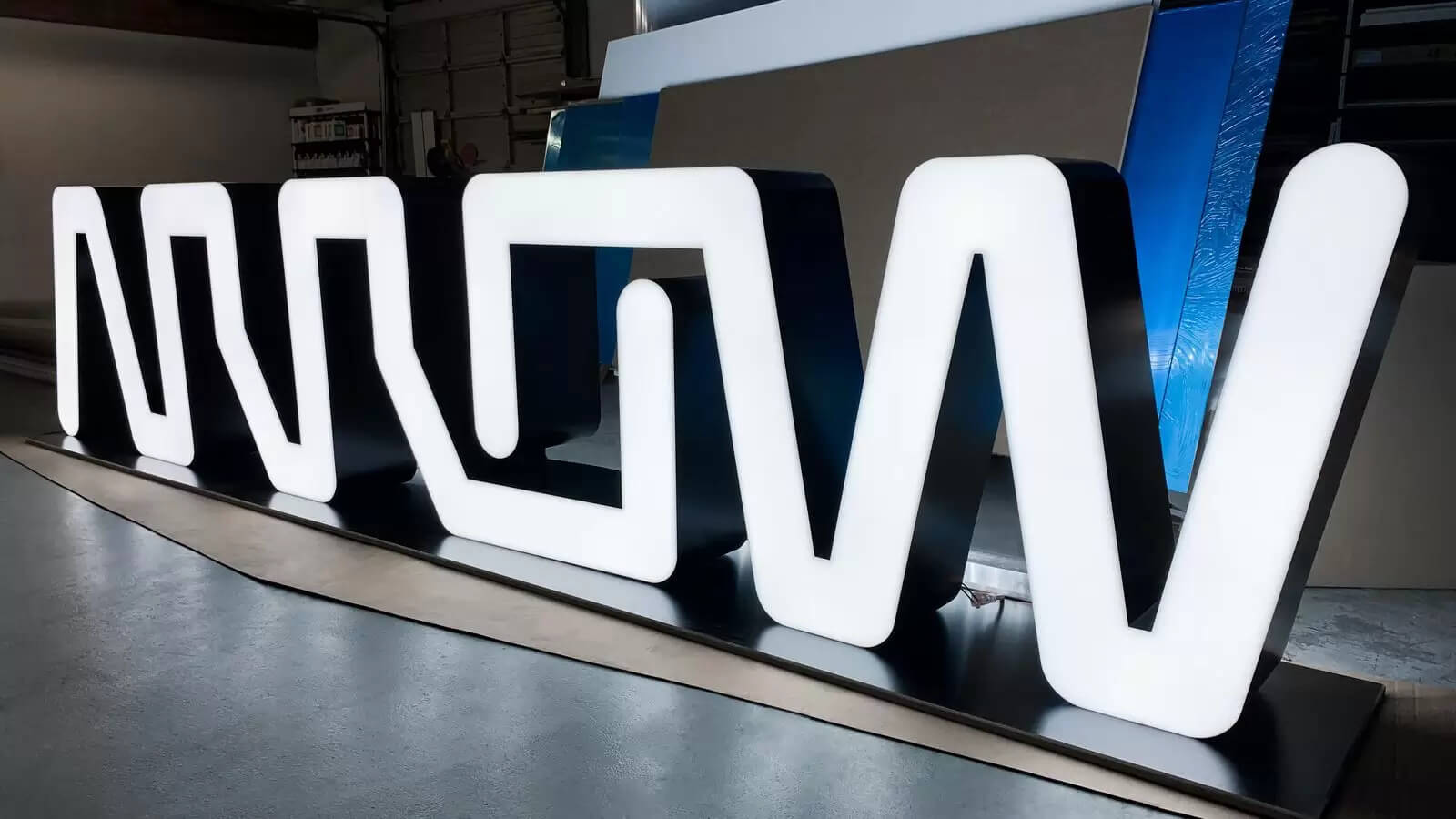
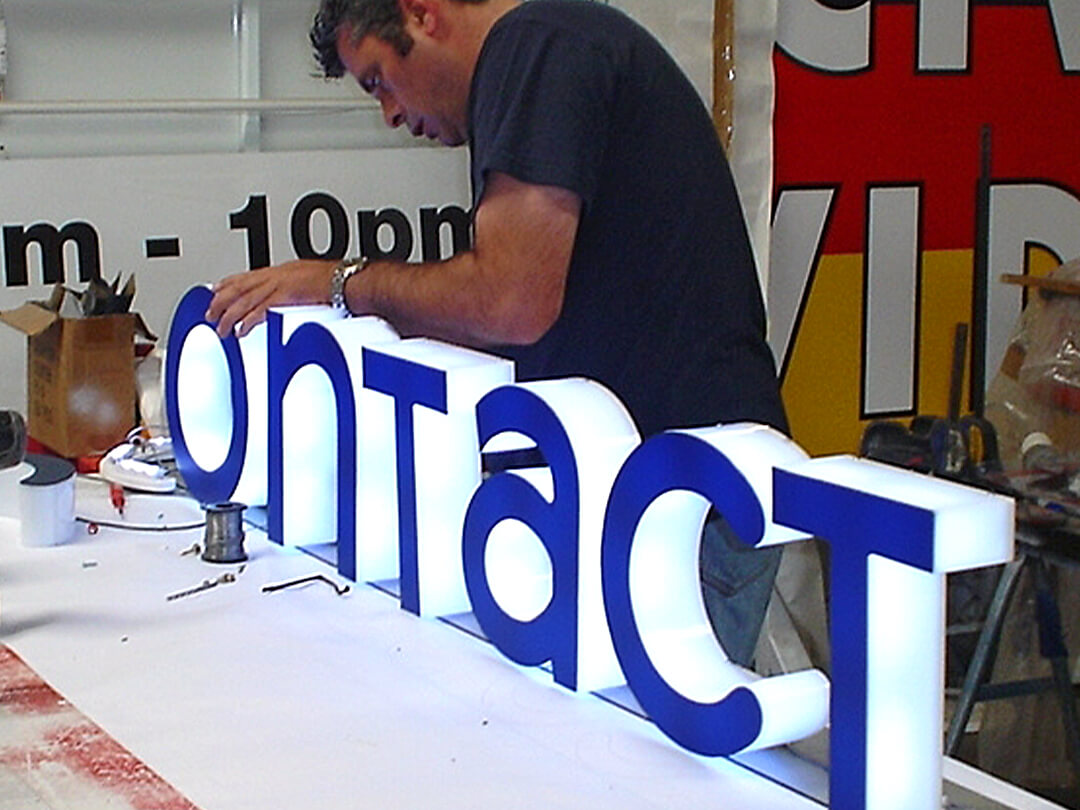
## Installation tips and best practices
Flat letters can go up with either adhesive pads (fast, indoor use, smooth clean surfaces only) or threaded studs set into pre-drilled holes in the wall. Studs are the more secure method for anything above a small desktop sign. Standoff mounts add a visible gap between the letter and the wall for a floating or shadowed look, and need slightly longer fixings and a level surface to look right. Whichever method, a printed or plotted template keeps multi-letter signs straight and evenly spaced, and a spirit level at the fixing stage saves a re-drill later. Illuminated signs get one extra step: test the lighting before final fixing, since a wiring fault is much easier to fix with the letters still on the bench.
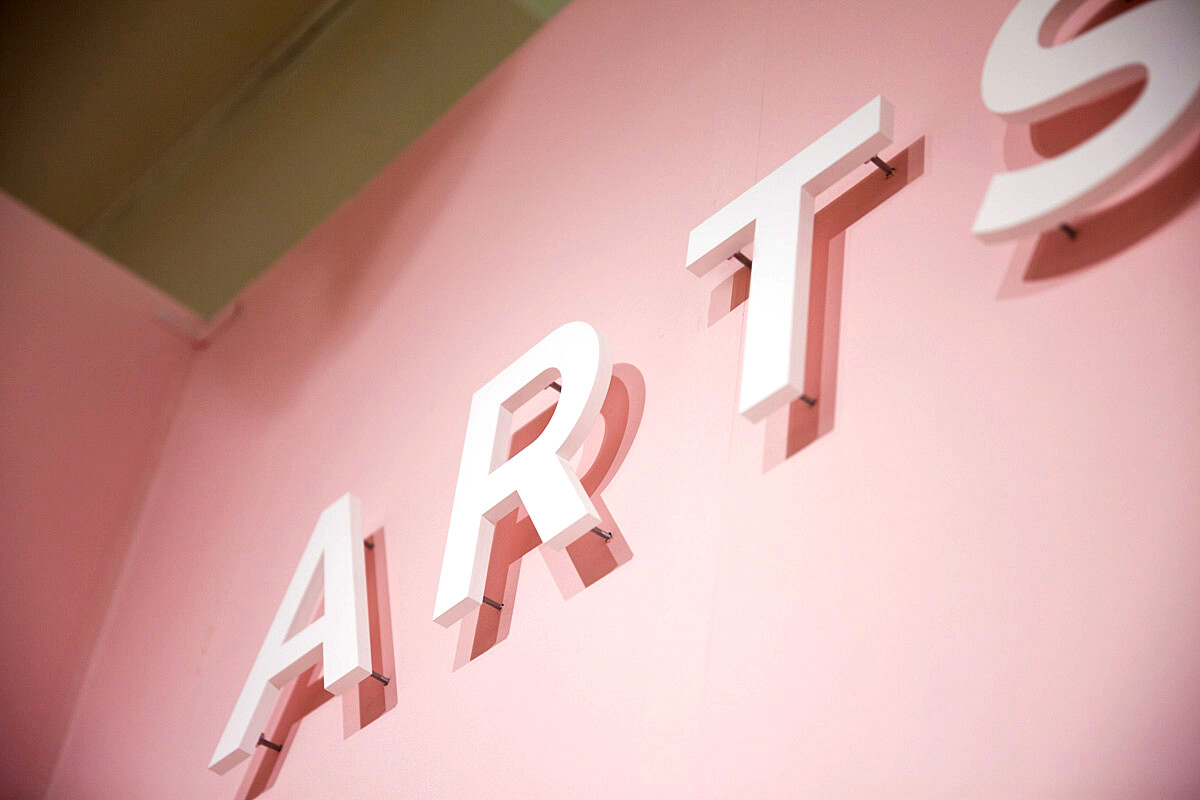
Image source: signkiosk.com
## Maintenance and care
Clean acrylic with a soft, non-abrasive cloth and mild soap and water. Many organic solvents can swell or dissolve acrylic, so avoid solvent-based cleaners ([Wikipedia: Poly(methyl methacrylate)](https://en.wikipedia.org/wiki/Poly\(methyl_methacrylate\))). Avoid abrasive pads. Outdoor signs benefit from a periodic check of fixings. Ask your supplier about repair or replacement for a damaged letter.
## Selling acrylic letters at your sign shop
### Who buys acrylic letter signs
Acrylic letters suit a wide range of a sign shop’s customers. Retailers and hospitality businesses buy them for storefront and reception signage. Offices and corporate clients buy them for reception walls and directory boards, for example in the 3D or moulded styles for a premium look. Other buyers can include, for example, property developers who need building identification. The same material and cutting process work for a single small letter or a full storefront run.
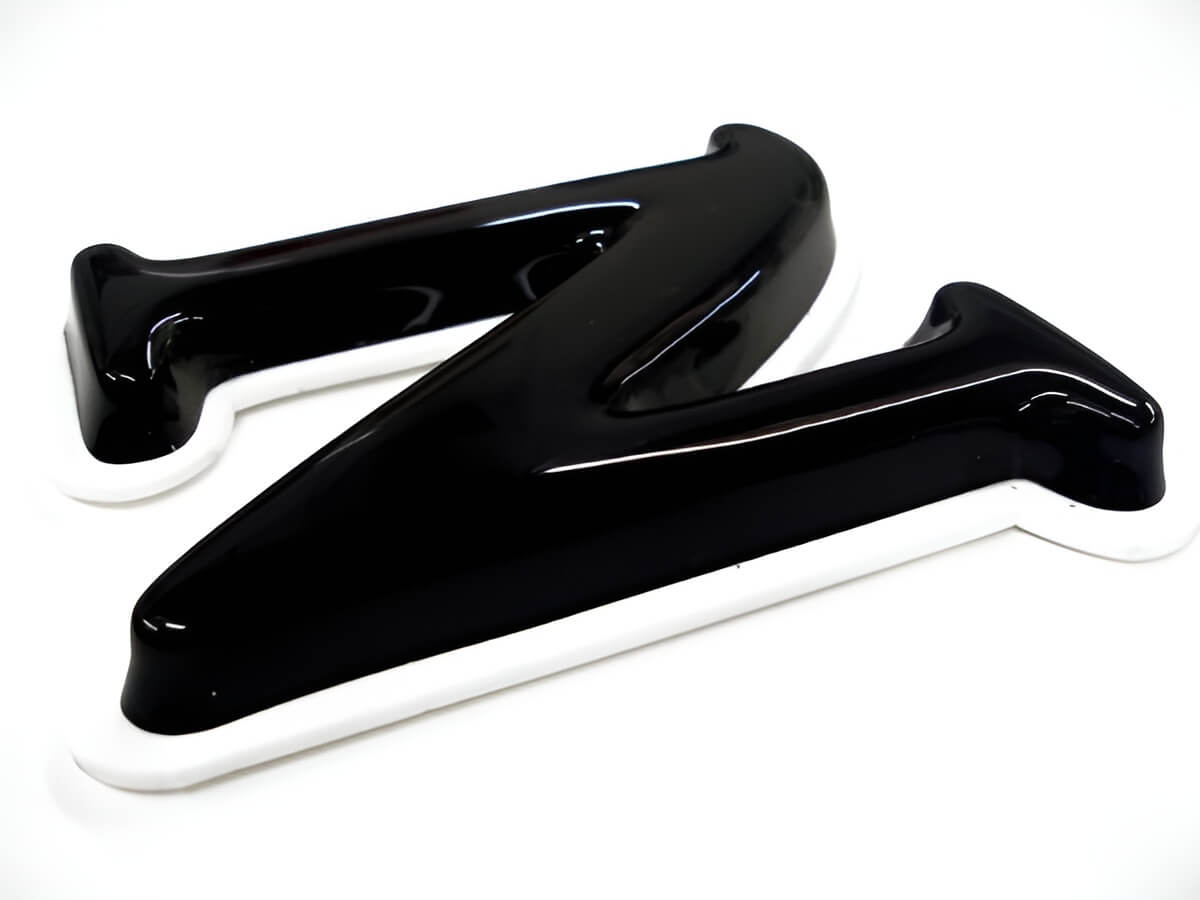
### Pricing acrylic letter signs
Instead of quoting every job by email, a live customiser lets a shopper type their text, pick a font and colour, choose a size, and see a price update as they build the sign. [Sign Customiser](/solutions/acrylic-channel-letter-signs/) is built for this: a sign shop configures its fonts, colours or finishes, sizes and mounting add-ons once, and customers design their acrylic letter sign on the shop’s own website.
The FIXED\_WIDTH (“Simple Letter”) pricing model prices a line as base price + (character count × price per letter), where spaces aren’t counted. The numbers below are illustrative only. A merchant sets their own rates in the admin.
Sign
Characters
Price per letter (example rate)
Base price (example rate)
Illustrative total
”OPEN” (small, flat-cut)
4
$6
$20
$44
”WELCOME” (medium, flat-cut)
7
$6
$20
$62
Swipe for more
A mounting option, such as standoffs instead of adhesive pads, or an illumination upgrade, can add a further base price or a price multiplier on top of that total. The merchant controls what each selection costs.
### Production and material notes
Cast acrylic suits cut sign work that involves machining, because it machines more cleanly than extruded sheet ([Wikipedia: Cast acrylic](https://en.wikipedia.org/wiki/Cast_acrylic)). Illuminated letters add LEDs, which have long service lives. One report estimates 35,000 to 50,000 hours of useful life for white LEDs ([Wikipedia: Light-emitting diode](https://en.wikipedia.org/wiki/Light-emitting_diode)). When vector output is turned on, the order email links to the design file (SVG, and optionally EPS or AI), so a shop’s own workshop or trade supplier gets order-ready specifications without a back-and-forth.
### Get started
[Sign Customiser](/solutions/acrylic-channel-letter-signs/) works with Shopify, WooCommerce, Wix, Webflow, Squarespace and Etsy. Plans run from $29 to $299 a month, and every plan starts with a 7-day free trial. [Start your free trial](/install/), or see full [pricing](/pricing/).
## Frequently asked questions
### What’s the difference between acrylic letters and channel letters?
Flat-cut acrylic letters are a single layer of sheet material, with optional lighting behind or around them. [Channel letters](/posts/acrylic/acrylic-channel-letters/) are a 3D box construction with an acrylic face and metal or plastic sides housing internal LEDs, and can be lit from inside.
### What mounting works best for acrylic letters?
Adhesive pads for quick indoor fixing on a smooth surface, threaded studs for a secure flush mount, or standoffs for a floating look with a visible gap behind the letter.
### Can any font be cut in acrylic?
Many fonts work. As a rule of thumb, avoid very thin strokes in thin acrylic; they can break during handling. Give tightly-kerned or script fonts extra spacing or a bridge between loose elements.
### How do I clean acrylic letter signs?
A damp microfibre cloth with mild soap. Skip solvent-based cleaners and abrasive pads.
## Sources
- [Wikipedia: Poly(methyl methacrylate)](https://en.wikipedia.org/wiki/Poly\(methyl_methacrylate\))
- [Wikipedia: Cast acrylic](https://en.wikipedia.org/wiki/Cast_acrylic)
- [Wikipedia: Light-emitting diode](https://en.wikipedia.org/wiki/Light-emitting_diode)
- [Wikipedia: Laser cutting](https://en.wikipedia.org/wiki/Laser_cutting)
Tags
- [acrylic](/posts/acrylic/)

About the author
### Matthew Attanasio
Founder, Sign Customiser
Matthew founded Sign Customiser to solve a problem he saw sign businesses facing every day: the endless back-and-forth of manual quoting. With a background in e-commerce development and a decade of experience building Shopify solutions at Sky Foundry, he set out to automate the entire custom sign selling process.
- E-commerce
- Shopify
- Sign Industry
- Product Strategy
[View profile](/authors/matthew-attanasio/)[](https://au.linkedin.com/in/matthew-attanasio-92500a36)[](https://github.com/matthewattanasio)
Let your customers design their own signs

Add a full sign customiser to your online store in minutes. Neon, acrylic, metal — with real-time pricing.
[Start your free 7-day trial](/install/)
Works with Shopify, WooCommerce, Wix & more. 7 days free. Every plan includes every feature.
Let your customers design their own signs

Add a full sign customiser to your online store in minutes. Neon, acrylic, metal — with real-time pricing.
[Start your free 7-day trial](/install/)
Works with Shopify, WooCommerce, Wix & more. 7 days free. Every plan includes every feature.
Related
## From theblog
Expert insights, industry trends, and actionable tips to enhance your online sign business.
[View all articles](/posts/)

acrylic·January 29, 2024
### [3D acrylic letters: what they are, how they're made](/posts/acrylic/3d-acrylic-letters/)
What 3D acrylic letters are, how they're layered and mounted, and how sign shops price and sell them online with a live customiser and worked example.
Read more

acrylic·February 2, 2024
### [3D acrylic logo signs: corporate branding, colour matching & pricing](/posts/acrylic/3d-acrylic-logo-sign/)
Guide to 3D acrylic logo signs for sign shops. Covers corporate client workflows, Pantone colour matching, logo complexity pricing, and reception signage best practices.
Read more

acrylic·January 29, 2024
### [How are acrylic channel letters transforming businesses?](/posts/acrylic/acrylic-channel-letters/)
Are you curious about acrylic channel letters? Let's explore how acrylic channel letters redefine business visibility and captivate your audience.
Read more

acrylic·January 29, 2024
### [Top spots to shop chic wedding acrylic signs](/posts/acrylic/wedding-acrylic-signs/)
Wedding acrylic signs have taken the wedding scene by storm, offering a sleek, modern touch to any nuptial celebration.
Read more

neon·March 30, 2023
### [Exploring the benefits of acrylic neon signs for business signage](/posts/neon/acrylic-neon-signs/)
Customizable and Durable: Why Acrylic Neon Signs are a Smart Choice for Your Business Signage Needs
Read more

neon·April 3, 2023
### [Faux neon signs: LED alternatives, costs & business guide (2026)](/posts/neon/faux-neon-sign/)
Complete guide to faux neon (LED neon) signs. Compares LED vs glass neon, covers profit margins for sign shops, and explains why LED neon dominates the market.
Read more
[View all articles](/posts/)
## Sitemap
See the full [sitemap](/sitemap.md) for all pages.
---
## Acrylic Signs Blog
Source: [https://www.signcustomiser.com/posts/acrylic/](https://www.signcustomiser.com/posts/acrylic/)
[All](/posts/)[General](/posts/general/)[Neon signs](/posts/neon/)[Acrylic signs](/posts/acrylic/)[Channel letter signs](/posts/channel/)[Metal signs](/posts/metal/)[Lightbox signs](/posts/lightbox/)[AI](/posts/ai/)[Shopify](/posts/shopify/)
## Acrylic signs
Learn all about acrylic signs and how to use them to create stunning signage for your business.

Published February 2, 2024
### [3D acrylic logo signs: corporate branding, colour matching & pricing](/posts/acrylic/3d-acrylic-logo-sign/)
Guide to 3D acrylic logo signs for sign shops. Covers corporate client workflows, Pantone colour matching, logo complexity pricing, and reception signage best practices.
Read more
Published January 29, 2024
### [3D acrylic letters: what they are, how they're made](/posts/acrylic/3d-acrylic-letters/)
What 3D acrylic letters are, how they're layered and mounted, and how sign shops price and sell them online with a live customiser and worked example.
Read more
Published January 29, 2024
### [How are acrylic channel letters transforming businesses?](/posts/acrylic/acrylic-channel-letters/)
Are you curious about acrylic channel letters? Let's explore how acrylic channel letters redefine business visibility and captivate your audience.
Read more
Published January 29, 2024
### [Acrylic letters for signs: types, uses & pricing](/posts/acrylic/acrylic-letters/)
What acrylic letters for signs are, the thicknesses, finishes and mounting options, plus how sign shops price and sell them online with a live customiser.
Read more
Published January 29, 2024
### [Top spots to shop chic wedding acrylic signs](/posts/acrylic/wedding-acrylic-signs/)
Wedding acrylic signs have taken the wedding scene by storm, offering a sleek, modern touch to any nuptial celebration.
Read more
Published April 3, 2023
### [Faux neon signs: LED alternatives, costs & business guide (2026)](/posts/neon/faux-neon-sign/)
Complete guide to faux neon (LED neon) signs. Compares LED vs glass neon, covers profit margins for sign shops, and explains why LED neon dominates the market.
Read more
Published March 30, 2023
### [Exploring the benefits of acrylic neon signs for business signage](/posts/neon/acrylic-neon-signs/)
Customizable and Durable: Why Acrylic Neon Signs are a Smart Choice for Your Business Signage Needs
Read more
## Sitemap
See the full [sitemap](/sitemap.md) for all pages.
---
## Top Spots to Shop Chic Wedding Acrylic Signs - Sign Customiser Blog
Source: [https://www.signcustomiser.com/posts/acrylic/wedding-acrylic-signs/](https://www.signcustomiser.com/posts/acrylic/wedding-acrylic-signs/)
## Top spots to shop chic wedding acrylic signs
Photo by [Jonathan Borba](https://www.pexels.com/@jonathanborba) on [Pexels](https://www.pexels.com/photo/welcome-to-our-wedding-sign-and-sofa-9703866/)
Wedding acrylic signs have taken the wedding scene by storm, offering a sleek, modern touch to any nuptial celebration. They’re the perfect blend of elegance and clarity, guiding guests while adding a personalized flair to your special day.
We’ve seen these chic signs become a staple for couples looking for that extra wow factor. From welcoming attendees to displaying menus and quotes, acrylic signs are as versatile as they are stunning.
Join us as we dive into the world of wedding acrylic signs, exploring how they can elevate your wedding aesthetic and create an unforgettable ambiance for you and your guests.
## Importance of wedding acrylic signs
### Enhancing the aesthetic appeal
When it comes to wedding decorations, **wedding acrylic signs** stand out for their sleek and chic appearance. Acrylic’s transparent nature lends a touch of sophistication that can seamlessly integrate with any theme or color scheme. These signs catch the light beautifully, creating a captivating glow that enhances the overall visual experience. Guests often marvel at how such a simple piece can dramatically elevate a venue’s look, reinforcing the idea that details make all the difference.
Not only do acrylic signs blend with existing decor, but they also add to the ambiance. Whether it’s an outdoor garden wedding where the signs appear to float among the greenery or an indoor ballroom where they reflect the glittering lights, these signs can transform an ordinary space into something extraordinary.
### Personalization and customization
One of the biggest draws of **wedding acrylic signs** is the level of personalization they offer. Couples can have their names, the wedding date, or meaningful quotes etched onto the acrylic in a variety of fonts and colors. This allows for a unique touch that’s specifically tailored to the couple’s style and personal story. It’s the details like these that make a wedding feel more intimate and special.
Customization options extend beyond text, too. Acrylic signs can be cut into various shapes and sizes, perfect for accommodating different aspects of the wedding. For instance, small acrylic blocks can serve as elegant place cards, while larger panels might direct guests to different stations throughout the venue. The ability to customize these signs to fit specific needs is a testament to their versatility.
### Effective communication
Beyond their beauty and customizability, **wedding acrylic signs** fulfill a crucial practical purpose: they guide and inform guests. Clear signage is key in ensuring the day goes smoothly. Here’s how acrylic signs can serve as effective communication tools:
- **Directional Signage:** Help guests navigate the space confidently. An elegantly worded “Ceremony This Way” brings ease to the guest experience.
- **Schedule of Events:** Share timelines in a stylish format, keeping everyone in sync with the day’s progression.
- **Menu Displays:** Detail the culinary offerings with a sign that’s both informative and appetizing.
With careful consideration of font size and legibility, these signs can communicate essential information while still maintaining the event’s aesthetic integrity. Acrylic’s durability also means that signs remain pristine throughout the event, ensuring that the messages stay clear and visible no matter the setting or weather conditions.
## Types of wedding acrylic signs
Acrylic signs have taken the wedding scene by storm, becoming a staple for couples looking to add that extra flair to their special day. Let’s dive into the different types that can elevate any wedding atmosphere.
### Welcome signs
Welcome Signs are the first thing greeting your guests, setting the tone for your wedding as they enter. They’re more than mere indicators of the event location; they’re an opportunity for couples to showcase their style. Whether it’s a simple, elegant script with the couple’s names or a more elaborate design featuring florals and graphics, welcome signs on acrylic give a modern twist to this traditional element. They also serve as a teaser for what’s to come, enticing guests with a sneak peek of the wedding’s theme and colors.
### Seating charts
A well-crafted **seating chart** is essential for any smoothly run reception. Wedding acrylic signs for seating arrangements offer a crystal-clear rundown of where guests should head. They’re incredibly practical yet can be fashioned into stunning displays that complement your decor. Rather than a plain list, imagine an acrylic panel with beautifully printed or etched names, sorted by table, that doubles as a piece of art. This functionality-meets-design approach not only makes finding seats easier but also adds to the visual appeal of your venue.
### Menu displays
Menus are no longer just a list of what’s to eat; they’re part of the dining experience. Menu Displays on acrylic integrate seamlessly into your table setting, providing a hygienic and stylish way to communicate meal choices. They can stand alone on individual tables or be featured as a large sign for buffet setups or food stations. With the versatility of acrylic, the text and graphics can be customized to reflect the sophistication or rustic charm of your wedding day cuisine.
### Directional signs
To ensure the day unfolds without a hitch, Directional Signs are indispensable. These practical guides help guests navigate the venue with ease. Wedding acrylic signs offer a clear and elegant way to point out various areas like ceremony spots, cocktail lounges, and restrooms. Sophisticated lettering on a translucent background not only serves a purpose but also adds to the décor, ensuring guests experience the cohesion of your wedding theme at every turn.
## Factors to consider when choosing wedding acrylic signs
### Size and placement
When selecting **wedding acrylic signs**, it’s crucial to think about where each sign will be positioned throughout your venue. The size of the sign should correspond to its location and the space available. For welcome signs, a larger size ensures visibility while guests arrive. **Seating charts** may require more intricate details, so choosing a size that is readable at a glance is key. Directional signs, on the other hand, should be noticeable but not overpowering, strategically placed to guide guests effortlessly. Consider the layout of your venue and pinpoint exactly where each sign will make the biggest impact.
### Design and style
Our **wedding’s theme** and colors set the stage for the design and style of our acrylic signs. We want to ensure they complement the overall aesthetic of our special day. Elegance and cohesiveness should be the guiding principles when crafting the look of each sign, from the font choice to the color scheme. For a timeless appeal, we might opt for classic calligraphy on transparent or frosted backgrounds. Those aiming for a more modern vibe could select bold, contemporary typesets with vibrant colors. Remember, each sign is an extension of the wedding decor, and the design should reflect the style we adore.
### Material quality
The longevity and appearance of our wedding acrylic signs heavily depend on the quality of the material used. High-grade acrylic offers a glossy finish and sturdy construction, providing an upscale look as opposed to low-grade materials that could cloud over time or easily scratch. We’re investing in these signs to last beyond our wedding day, possibly as keepsakes or home decor. Therefore, it’s important to source our signs from reputable vendors known for using premium acrylic. Not only will this ensure durability, but it’ll also give each sign a professional and polished edge.
### Budget
Budgets can vary widely among couples, and it’s essential to set a realistic budget for our wedding signage. Acrylic can range from cost-effective options suitable for do-it-yourself (DIY) enthusiasts to more luxurious, custom-made pieces. We’ll want to factor in the number of signs needed, the complexity of designs, and the potential for custom personalization when determining our budget. It’s not uncommon for couples to prioritize certain signs over others based on their visibility and importance. Weighing the cost versus the impact is a smart approach to allocating funds without compromising on the elegant ambience we desire.
## DIY wedding acrylic signs
For couples looking to add a personal touch to their wedding décor, creating DIY Wedding Acrylic Signs can be both fulfilling and budget-friendly. With a bit of creativity and some basic materials, we can craft unique signs that perfectly match the wedding’s theme and style.
### Materials and tools required
Before starting, it’s essential to gather all the necessary supplies. Here’s what we’ll need:
- **High-Quality Acrylic Sheets**: Be sure to choose the appropriate thickness for stability.
- **Vinyl Cutter or Adhesive Vinyl**: For precise lettering and design.
- **Transfer Tape**: To move the vinyl design to the acrylic.
- **Acrylic Paint or Paint Pens**: If we prefer a hand-painted look.
- **Weeding Tools**: To remove excess vinyl.
- **Ruler and Marking Tools**: For accurate alignment.
- **Cleaning Supplies**: Such as microfiber cloth and alcohol for a dust-free surface.
- **Protective Gear**: Gloves and glasses for safety when cutting.
- **Standoffs or Easels**: For displaying the signs.
### Step-by-step guide to creating wedding acrylic signs
The process for making our own wedding acrylic signs involves a few detailed steps. Here’s a streamlined guide:
1. **Design the Signage**: We’ll start by creating the design digitally, keeping in mind the wedding’s aesthetic.
2. **Cut the Vinyl**: Using a vinyl cutter, we cut out the design, paying close attention to the intricacies.
3. **Weed the Excess Vinyl**: We’ll remove the parts of the vinyl we don’t need, leaving only the design.
4. **Prepare the Acrylic Surface**: We clean the acrylic sheet thoroughly to ensure it’s free from fingerprints and dust.
5. **Transfer the Design**: We use transfer tape to move the vinyl design onto the acrylic, smoothing out bubbles.
6. **Remove the Transfer Tape**: We carefully peel back the tape, leaving the vinyl adhered to the sign.
7. **Secure the Sign**: If the sign is to be displayed upright, we’ll attach standoffs; otherwise, an easel will suffice.
### Tips and tricks for DIY success
Creating wedding acrylic signs can be daunting, but with these tips, we can achieve professional-looking results:
- Always measure twice; cut once for precision.
- Use a squeegee when applying transfer tape to prevent bubbles.
- Experiment with background colors that make the lettering pop.
- Practice on smaller pieces before moving on to larger designs.
- Consider using LED lights for a backlit effect that adds drama.
By ensuring we have all our materials ready, following a clear step-by-step process, and utilizing some handy tips, we’ll produce stunning wedding acrylic signs that add a special touch to our big day.
## Popular wedding acrylic sign ideas
As we delve into the creative world of wedding acrylic signs, there’s a wealth of ideas that can add a personalized and chic touch to your special day. From the romantic swirls of modern calligraphy to the sharp lines of geometric patterns, let’s explore some popular concepts.
### Modern calligraphy designs
Weaving in the timeless beauty of hand-written words, **modern calligraphy** designs have become a must-have for couples looking to infuse a touch of sophistication into their wedding acrylic signs. Elegant fonts and whimsical lettering not only guide guests through the event but also serve as charming keepsakes. Whether it’s displaying welcome messages, quotes about love, or directing guests to their tables, calligraphy on acrylic adds a level of artisanal flair that’s hard to replicate.
### Geometric patterns
For those who adore contemporary styles, Geometric Patterns offer a modern twist on traditional wedding signage. Bold lines and shapes create a visually striking element that can complement the wedding’s theme. Geometric designs work exceptionally well for couples who prefer a more structured look and feel. Incorporating these patterns can add symmetry and balance to signs used for seating charts, menus, or even just a simple ‘Reserved’ notice.
### Floral and greenery accents
Adding Floral and Greenery Accents to wedding acrylic signs is one way to bring a natural and organic ambiance to your decor. Vivid flowers and lush foliage can frame the sign’s content or subtly embellish the corners for a touch of elegance. This design choice harmonizes especially well with garden or outdoor weddings, but we’ve also seen it enhance indoor spaces. Flowers and greenery can easily be tailored to match the color schemes and themes of your celebration.
### Minimalistic elegance
If you’re fans of the ‘less is more’ philosophy, then a **minimalist approach** to your wedding acrylic signs could be the perfect fit. Clean lines, uncluttered design, and a focus on readability define this style. Sometimes, it’s a simple welcome sign with the couple’s names and the wedding date, or perhaps menu details presented in a chic, understated fashion. This minimalist approach allows the beauty of the acrylic material to stand out, with the added benefit of blending seamlessly with any decor.
Embracing the art of wedding acrylic signs not only elevates the aesthetic of your special day but also creates memorable moments captured in each sign’s design. Whether you’re drawn to the whimsy of calligraphy, the orderliness of geometric shapes, the freshness of florals, or the simplicity of minimalism, there’s a myriad of options available to express your unique love story.
## Where to buy wedding acrylic signs
### Online retailers
When searching for the perfect wedding acrylic signs, online retailers are a goldmine. They offer a diverse range of options with **customizable features** to match the style of any wedding. Vendors on platforms like Etsy or Amazon have made it incredibly convenient to find what we’re searching for. Here’s what we typically consider when browsing online:
- **Variety of designs**: From intricate **modern calligraphy** to bold **geometric patterns**, the selections are endless.
- **Personalization**: Many retailers provide tools to preview personalized text, color schemes, and layouts.
- **Reviews and ratings**: We can gauge the quality and service from previous customers’ experiences.
Remember to check the production and shipping times to ensure the signs arrive well before the big day.
### Local wedding supply stores
Local wedding supply stores are our go-to for couples who prefer to see and feel the acrylic signs in person. Local vendors are knowledgeable about the latest trends and can often also provide recommendations or customization services. Benefits of shopping local include:
- Support for local businesses.
- No waiting for shipment—the signs are ready to take home.
- Potential to work directly with the staff for custom designs.
It’s always a good idea to call ahead and ask if they have wedding acrylic signs in stock before making the trip.
### Custom sign shops
Custom sign shops specialize in creating personalized wedding acrylic signs that are as unique as our love story. These shops often feature skilled artisans who can craft signs with a high level of craftsmanship and detail. Here are a few things we keep in mind when considering custom sign shops:
- **Tailored Experience**: Custom shops typically offer a more personalized service, working one-on-one with us to bring our vision to life.
- **Local Reputation**: These shops often come highly recommended and showcase their portfolios to inspire confidence in their work.
- **Premium Materials**: A focus on quality materials ensures our signs will have the desired look and durability for the wedding day and beyond.
Whether it’s online convenience, local expertise, or custom craftsmanship, these options ensure that finding the perfect wedding acrylic signs is both simple and enjoyable. Let’s continue to explore other elements that contribute to the perfect wedding ambiance.
## Conclusion
We’ve seen how wedding acrylic signs can add a touch of elegance and personalization to your special day. With the ease of online shopping, the charm of local stores, and the craftsmanship of custom sign shops, there’s a solution for every couple’s style and budget. Let’s make your wedding day as unique as your love story with the perfect sign to welcome guests and celebrate your union. Remember, the right sign not only directs your guests but also serves as a cherished keepsake for years to come. So let’s embrace the beauty and versatility of acrylic signs and make your wedding truly unforgettable.
## Frequently asked questions
### What are acrylic signs for weddings?
Acrylic signs are modern, stylish displays made of a clear plastic material, used to showcase information like directions, schedules, and guest names at weddings.
### Where can I buy wedding acrylic signs?
You can purchase wedding acrylic signs from online retailers, local wedding supply stores, and custom sign shops offering personalized options.
### Why should I consider buying acrylic signs online?
Online retailers offer a vast selection of customizable wedding acrylic signs, making it easy to find something that suits your style and wedding theme.
### What are the benefits of buying acrylic signs from local stores?
Local stores allow you to support community businesses and give you the opportunity to see and touch the acrylic signs in person before purchasing.
### Are custom sign shops a good option for wedding signs?
Yes, custom sign shops are excellent for those who seek unique, hand-crafted wedding acrylic signs with a high level of personalization and craftsmanship.
Tags
- [acrylic](/posts/acrylic/)

About the author
### Matthew Attanasio
Founder, Sign Customiser
Matthew founded Sign Customiser to solve a problem he saw sign businesses facing every day: the endless back-and-forth of manual quoting. With a background in e-commerce development and a decade of experience building Shopify solutions at Sky Foundry, he set out to automate the entire custom sign selling process.
- E-commerce
- Shopify
- Sign Industry
- Product Strategy
[View profile](/authors/matthew-attanasio/)[](https://au.linkedin.com/in/matthew-attanasio-92500a36)[](https://github.com/matthewattanasio)
Let your customers design their own signs

Add a full sign customiser to your online store in minutes. Neon, acrylic, metal — with real-time pricing.
[Start your free 7-day trial](/install/)
Works with Shopify, WooCommerce, Wix & more. 7 days free. Every plan includes every feature.
Let your customers design their own signs

Add a full sign customiser to your online store in minutes. Neon, acrylic, metal — with real-time pricing.
[Start your free 7-day trial](/install/)
Works with Shopify, WooCommerce, Wix & more. 7 days free. Every plan includes every feature.
Related
## From theblog
Expert insights, industry trends, and actionable tips to enhance your online sign business.
[View all articles](/posts/)

acrylic·January 29, 2024
### [3D acrylic letters: what they are, how they're made](/posts/acrylic/3d-acrylic-letters/)
What 3D acrylic letters are, how they're layered and mounted, and how sign shops price and sell them online with a live customiser and worked example.
Read more

acrylic·February 2, 2024
### [3D acrylic logo signs: corporate branding, colour matching & pricing](/posts/acrylic/3d-acrylic-logo-sign/)
Guide to 3D acrylic logo signs for sign shops. Covers corporate client workflows, Pantone colour matching, logo complexity pricing, and reception signage best practices.
Read more

acrylic·January 29, 2024
### [How are acrylic channel letters transforming businesses?](/posts/acrylic/acrylic-channel-letters/)
Are you curious about acrylic channel letters? Let's explore how acrylic channel letters redefine business visibility and captivate your audience.
Read more

acrylic·January 29, 2024
### [Acrylic letters for signs: types, uses & pricing](/posts/acrylic/acrylic-letters/)
What acrylic letters for signs are, the thicknesses, finishes and mounting options, plus how sign shops price and sell them online with a live customiser.
Read more

neon·March 30, 2023
### [Exploring the benefits of acrylic neon signs for business signage](/posts/neon/acrylic-neon-signs/)
Customizable and Durable: Why Acrylic Neon Signs are a Smart Choice for Your Business Signage Needs
Read more

neon·April 3, 2023
### [Faux neon signs: LED alternatives, costs & business guide (2026)](/posts/neon/faux-neon-sign/)
Complete guide to faux neon (LED neon) signs. Compares LED vs glass neon, covers profit margins for sign shops, and explains why LED neon dominates the market.
Read more
[View all articles](/posts/)
## Sitemap
See the full [sitemap](/sitemap.md) for all pages.
---
## AI Visual Font Rendering: Enhancing Readability and Design through Technology - Sign Customiser Blog
Source: [https://www.signcustomiser.com/posts/ai/AI-Visual-Font-Rendering/](https://www.signcustomiser.com/posts/ai/AI-Visual-Font-Rendering/)
Artificial intelligence has revolutionized the way we interact with technology, and its impact on the art of typography is no exception.
AI visual font rendering refers to the use of sophisticated algorithms to create, manipulate, and display fonts in a visually appealing manner.
This technology leverages machine learning and computer vision to analyze and generate typefaces and text in a variety of styles and contexts.
By doing so, it enhances the user’s visual experience, ensuring that the text is not only legible but also aesthetically pleasing.
The incorporation of AI into font rendering merges the boundaries between art and technology, bringing a new level of creativity to digital typography.
Designers and developers can employ AI to automate the process of font creation, to generate fonts from a few examples, or to recommend font pairings that complement each other.
Technologies such as localized style representations and factorization allow for fine-grained control over the style and appearance of type, tailoring it to specific needs and platforms with unprecedented precision.
[AI-driven tools](https://www.signcustomiser.com/features/) can significantly reduce the time and effort required to select and refine typography.
This can be particularly beneficial in the fields of web design and digital media, where font choice can have a profound impact on user engagement and content accessibility.
As artificial intelligence becomes more advanced, its applications in visual font rendering continue to expand.
This has implications for enhancing readability across different devices and screen sizes, as well as creating dynamic and responsive text for various applications.
AI’s ability to analyze visual elements and predict outcomes allows for real-time adaptation of fonts, creating a cohesive visual language that resonates with the audience.
These advancements underscore the ongoing synergy between AI, art, and technology, as they work together to elevate the visual dimension of our digital world.
## Fundamentals of AI in visual font rendering
Play video: How does font rendering work?
How does font rendering work?
Artificial Intelligence has brought a transformation in the way text is rendered, combining the precision of machine learning models and the creativity of [art and design](https://www.signcustomiser.com/posts/neon/aesthetic-neon-signs/).
### AI and text rendering
AI significantly enhances text rendering by introducing new levels of efficiency.
High-fidelity [glyphs](https://www.signcustomiser.com/changelog/create-2d-and-3d-letter-sign-customisers/) can now be produced with intelligent algorithms that learn from extensive datasets of fonts.
These AI systems consider the intricate subtleties of typefaces to generate text that is both legible and aesthetically pleasing.
### AI models and machine learning
Machine learning, particularly through neural networks, serves as the backbone of AI in visual font rendering.
AI models, trained on diverse datasets that include various font styles and weights, learn to predict and generate the visual representation of text---optimizing the process for both speed and accuracy.
### The artistic intersection: AI and design
In the visual domain, AI crosses paths with **art** and **design**, enhancing the artistic creation of fonts by offering new sources of _inspiration_ and a more streamlined [design process](https://www.signcustomiser.com/posts/general/top-5-sign-making-software-options-for-profesional-designers-in-2024/).
Image generation powered by AI opens up unprecedented possibilities for designers to experiment with form and style.
### Engineering perspectives
From an engineering standpoint, AI in visual font rendering tackles the **technology** and **architecture** behind rendering systems.
It pushes the boundaries of what’s possible, profoundly understanding and manipulating fonts from the perspective of OpenType specifications. However, it also encounters certain limitations that necessitate ongoing refinement.
### Type and typography in the AI era
The intricate relationship between type and **typography** has been redefined in the AI era.
AI addresses the dynamic nature of text across different mediums, ensuring that fonts maintain their integrity regardless of scale or format, and adapts to the needs of the product it is enhancing.
### The importance of attributes and features
Attributes such as font weight, style, and kerning are critical in AI visual font rendering.
Features within the AI models assess these attributes to render text that not only communicates effectively but also aligns with the overarching vision of the design project.
## AI image generation techniques
Play video: Explained simply: how does AI create art?
Explained simply: how does AI create art?
In the domain of digital design, AI image generation techniques have revolutionized the way visuals are conceived and created.
These techniques leverage neural networks to transform inspiration into artwork and text into detailed images, enhancing the speed and capabilities of design projects.
### From inspiration to visuals
AI-driven design tools can **convert abstract concepts** into vivid, detailed images.
Such tools extrapolate elements from provided inspiration, aiding artists in the **artistic creation** process.
For instance, a rough sketch or mood board can inform the generation of a comprehensive visual theme, greatly accelerating the development cycle of a design project.
### AI-driven design tools
Designers now harness AI tools to **make** highly customized fonts and images that were once considered too time-intensive to craft by hand.
Tools like the **Expressive Text-to-Image Generation** technology allow for the creation of images from textual descriptions, opening up new avenues for **art** and design.
These tools can discern and visually render multiple objects from _complex text prompts_, enhancing the expressiveness of digital typography and imagery.
### Understanding neural networks in art
The core of these advancements lies in **neural networks**, which mimic the human brain to interpret and process large datasets.
Neural networks analyze patterns in **art** and learn to generate new, often **artistic creations** on their own.
This technology enables the generation of images that adapt and morph based on artistic styles, contributing to diverse artistic expressions.
### AI and small image text
Even with **small image text**, AI has shown proficiency in accurately rendering legible and aesthetically fitting designs that align with the overall imagery.
The precision of **AI images** has surged, capable of addressing intricate details in font rendering within **images**, ensuring that textual content is both legible and harmoniously integrated into the larger visual context.
## Practical aspects and product integration
The integration of artificial intelligence into visual font rendering significantly transforms product development and engineering operations. Recognizing AI’s role streamlines workflows and improves the efficiency and performance of design systems.
### Incorporating AI into products
In the realm of visual font rendering, incorporating **AI** is indispensable for modern design platforms.
AI-driven algorithms can interpret and optimize text presentation dynamically, resulting in products with enhanced readability and user experience.
### Impact of AI on design and engineering workflow
AI’s introduction into the **design** and **engineering workflow** ushers a shift toward automation and predictive analytics.
It empowers projects to foresee rendering issues and adjust parameters _before_ deployment. This proactive stance mitigates potential **limitations** and ensures consistent **performance** across diverse platforms.
### Dataset and training considerations
For AI to make informed decisions in visual rendering, **datasets** are vital.
These datasets must represent a vast array of typefaces and styles to train **machine learning** models effectively.
Quality and diversity in training data directly correlate with the AI’s ability to render fonts accurately and adaptively.
### Performance metrics and speed optimizations
Metrics such as **render speed** and design **performance** serve as benchmarks to gauge the AI’s efficiency.
Optimizations in the underlying **technology** strive for reducing latency while maintaining high fidelity in font rendering.
This is critical for a positive user experience and robust **engineering** practices.
## Operational and legal considerations
For AI visual font rendering, there are critical operational and legal considerations that must be taken into account.
This involves understanding the legal landscape as it pertains to AI technology, addressing security and ethical concerns during operations, and adhering to documentation standards that facilitate contributions and handle criticism constructively.
### AI in the legal perspective
AI technology intersects significantly with legal frameworks, notably in how it is deployed and used within various sectors.
When it comes to **visual font rendering**, developers and companies must be aware of **intellectual property laws** since font designs can be copyrighted.
Permission and licensing of font software are paramount to avoid legal disputes.
Moreover, as AI progresses, **regulatory compliance** becomes a moving target.
Scholars have discussed **conceptual frameworks** necessary to govern AI and robotics, emphasizing the need to balance innovation with legal obligations.
### Security and ethical concerns
**AI systems** in visual font rendering bring **security** risks such as unauthorized access, which could lead to the misuse or manipulation of sensitive design data.
Ethical concerns also emerge from the potential for biased AI algorithms that could inadvertently perpetuate stereotypes through [font design choices](https://www.signcustomiser.com/neon-sign-maker-online-free/).
Ensuring transparency and explainability of AI decisions is fundamental to build trust and avoid **judicial concerns**.
As the AI learns and evolves, continuous monitoring is required to safeguard against these risks, aligning operational security with ethical imperatives.
### Documentation and contribution guidelines
Effective **documentation** is the backbone of technological advancement.
It not only facilitates operational handovers but also serves as a reference point for contributions and **suggestions**.
Clear documentation standards are critical, including how-to guides, API documentation, and adhering to proper code commenting practices.
Contribution guidelines should be explicit, allowing for constructive **criticism** and fostering a collaborative environment.
This promotes ongoing improvements and the secure, ethical use of AI within technology development.
## Advanced topics and future directions
The intersection of AI and visual font rendering is constantly evolving, with advancements in technology fueling new capabilities within the visual domain.
This section highlights the technical sophistication that AI brings to advancing visual font rendering and its seamless integration with existing architectures.
### Exploring the visual domain through AI
AI has the capacity to revolutionize the **visual domain**, particularly in how fonts are rendered and perceived across various applications.
By harnessing **[AI technology](https://www.signcustomiser.com/changelog/generate-svg-image-of-sign/)**, developers can go beyond traditional methods, enabling imaginative solutions that adaptively improve text clarity and aesthetic appeal on diverse displays.
### Technical deep dive: AI and text rendering engines
One of the core components in visual font rendering is the **text rendering engine**.
Tools like **FreeType** have been pivotal in this area, but AI introduces a significant enhancement.
AI-driven algorithms can optimize font rendering based on context, content, and user interaction, dynamically refining the text display in real-time.
## Conclusion: the evolution of font rendering with AI
As the field of artificial intelligence continues to mature, its application in the realm of **font rendering** has shown significant progress.
The transformation from traditional methods to AI-assisted techniques represents a substantial **evolution** in how text is rendered across digital media.
Early font rendering relied heavily on manual design and labor-intensive processes. With AI, these methods have undergone a profound change.
AI algorithms are now capable of generating a wide variety of font styles and weights, adapting dynamically to different contexts. This has armed designers with tools that spark greater **imagination** and creativity.
In recent developments, AI models like [SCFont](https://ojs.aaai.org/index.php/AAAI/article/view/4294) have been instrumental in creating visually consistent character images that maintain the correct content.
AI’s ability to **render text** with precise aesthetic and contextual appropriateness reflects this marked shift from manual to intelligent automation.
The potential of AI in font rendering appears robust, holding promise for even more refined and intuitive applications.
Instead of merely drawing characters, AI systems are conceptualizing typefaces with contextual understanding---a leap from traditional rendering to an era where text on digital platforms is as varied and adaptive as the content it represents.
The integration of AI into font rendering is not just an innovation; it represents a modern-day renaissance in design.
These intelligent systems are not replacing human creativity but amplifying it, fulfilling the promise of technology as a true extension of human intellect and expression.
Tags
- [ai](/posts/ai/)

About the author
### Matthew Attanasio
Founder, Sign Customiser
Matthew founded Sign Customiser to solve a problem he saw sign businesses facing every day: the endless back-and-forth of manual quoting. With a background in e-commerce development and a decade of experience building Shopify solutions at Sky Foundry, he set out to automate the entire custom sign selling process.
- E-commerce
- Shopify
- Sign Industry
- Product Strategy
[View profile](/authors/matthew-attanasio/)[](https://au.linkedin.com/in/matthew-attanasio-92500a36)[](https://github.com/matthewattanasio)
Let your customers design their own signs

Add a full sign customiser to your online store in minutes. Neon, acrylic, metal — with real-time pricing.
[Start your free 7-day trial](/install/)
Works with Shopify, WooCommerce, Wix & more. 7 days free. Every plan includes every feature.
Let your customers design their own signs

Add a full sign customiser to your online store in minutes. Neon, acrylic, metal — with real-time pricing.
[Start your free 7-day trial](/install/)
Works with Shopify, WooCommerce, Wix & more. 7 days free. Every plan includes every feature.
## Sitemap
See the full [sitemap](/sitemap.md) for all pages.
---
## AI in the Sign Industry
Source: [https://www.signcustomiser.com/posts/ai/](https://www.signcustomiser.com/posts/ai/)
[All](/posts/)[General](/posts/general/)[Neon signs](/posts/neon/)[Acrylic signs](/posts/acrylic/)[Channel letter signs](/posts/channel/)[Metal signs](/posts/metal/)[Lightbox signs](/posts/lightbox/)[AI](/posts/ai/)[Shopify](/posts/shopify/)
## AI
Learn all about how AI can be used in the sign industry. From design to production, AI is changing the way we make signs.

Published February 27, 2024
### [AI visual font rendering: enhancing readability and design through technology](/posts/ai/AI-Visual-Font-Rendering/)
Explore how artificial intelligence is revolutionizing typography through advanced font rendering, from automated font creation to dynamic text adaptation. Learn about AI's role in enhancing readability, design workflows, and the future of digital typography.
Read more
## Sitemap
See the full [sitemap](/sitemap.md) for all pages.
---
## 8 benefits of halo lit channel letters signs - Sign Customiser Blog
Source: [https://www.signcustomiser.com/posts/channel/8-benefits-of-halo-lit-channel-letters-signs/](https://www.signcustomiser.com/posts/channel/8-benefits-of-halo-lit-channel-letters-signs/)
Choosing the right sign for your business is crucial for attracting attention and establishing a strong brand presence. With a myriad of signage options available, it can be overwhelming to make a decision. One compelling choice to consider is a halo-lit 3D channel letters sign.
This article will provide an in-depth overview of the benefits offered by halo-lit channel letters, highlighting their eye-catching appeal, versatility, energy efficiency, durability, and customization options.
### 1\. Captivating visual appeal
One of the standout advantages of halo-lit channel letter signs is their captivating and 3D visual appeal. The halo effect created by these signs makes them stand out from traditional signage options.
The letters are mounted away from the wall, allowing light to be projected onto the surface behind the letters. This results in a soft, halo-like glow that surrounds the letters, adding a touch of elegance and sophistication to your business’s exterior.
The subtle illumination produced by halo-lit channel letters provides a unique and eye-catching display, particularly during the evening hours. The soft glow creates a sense of depth, making the letters appear three-dimensional and visually striking.
This attention-grabbing quality ensures that your business stands out from the competition, attracting potential customers and making a lasting impression.
### 2\. Versatility in design and branding
Halo-lit channel letter signs offer tremendous versatility in terms of design and branding. The letters can be custom-made to match your business’s logo, font, and style. Whether your brand identity requires bold and blocky letters or elegant and cursive script, halo-lit channel letters can be customized to suit your specific requirements.
Additionally, these signs are available in a wide range of colors and finishes, allowing you to align your signage with your brand’s color scheme and overall aesthetic. Whether you prefer a sleek and modern look or a vintage and retro vibe, halo-lit channel letters can be tailored to reflect your brand’s personality.
Moreover, halo-lit channel letter signs can incorporate various materials, including acrylic, metal, or even translucent faces. This flexibility in materials opens up endless possibilities for creating unique and visually captivating signs that truly represent your business’s identity.
### Energy efficiency
In today’s environmentally conscious world, energy efficiency is an essential consideration for businesses. Halo-lit channel letters signs offer an energy-efficient lighting solution compared to other traditional signage options.
LED lights are commonly used in halo-lit signs due to their low energy consumption and long lifespan. LED technology consumes significantly less power than traditional lighting options, resulting in reduced energy costs for your business.
Moreover, LEDs emit little to no heat, reducing the strain on cooling systems and further contributing to energy efficiency.
### Durability and longevity
Investing in a durable and long-lasting sign is crucial for your business’s longevity and cost-effectiveness. Halo-lit channel letters signs are built to withstand various weather conditions and are highly resistant to fading, chipping, or cracking.
The materials used in the construction of halo-lit channel letters signs are specifically chosen for their durability. Metal frames and sturdy acrylic or polycarbonate faces ensure that these signs can withstand outdoor elements, such as rain, wind, and UV exposure.
This durability translates into a sign that retains its vibrant appearance and functions optimally for many years, reducing the need for frequent replacements or repairs.
### Customization options
Halo-lit channel letters signs offer extensive customization options to make your business’s signage truly unique. You can choose from a variety of letter sizes, fonts, and styles to suit your specific branding needs. Whether you want large, attention-grabbing letters or smaller, more intricate designs, halo-lit channel letters can be customized accordingly.
Additionally, the lighting effects can be tailored to match your preferences. You can opt for a subtle and understated halo effect or a more pronounced and dramatic glow.
The choice of LED colors allows you to create different moods and visual effects, adding an extra layer of personalization to your signage.
### Visibility and legibility
Halo-lit channel letter signs are designed to maximize visibility and legibility, even from a distance or in low-light conditions. The illuminated halo effect ensures that your business name or message is easily readable, making it effective for attracting attention and guiding potential customers to your location.
The soft glow surrounding the letters creates a clear contrast against the background, enhancing readability and ensuring that your signage stands out day and night.
### Increased brand recognition
A halo-lit channel letters sign serves as a powerful branding tool. By incorporating your brand’s logo, colors, and fonts, you create a cohesive visual identity that reinforces brand recognition.
Consistency in branding across various touchpoints, including signage, fosters familiarity and helps customers associate the sign with your business.
The unique and memorable appearance of a halo-lit channel letters sign leaves a lasting impression, contributing to the overall recognition and recall of your brand.
### Easy maintenance
Halo-lit channel letter signs are relatively low maintenance compared to other types of signage. LED lights used in halo-lit signs have an extended lifespan, reducing the need for frequent bulb replacements.
Additionally, LED technology is highly reliable, ensuring consistent illumination over time. The materials used in halo-lit channel letter signs are also resistant to fading, chipping, and corrosion, minimizing the need for repairs or refurbishments.
Routine cleaning and inspection of the sign can help maintain its optimal performance and appearance, ensuring that your signage remains vibrant and visually appealing for years to come.
### Compliance with signage regulations
Halo-lit channel letter signs are often designed to comply with local signage regulations. Many municipalities have specific guidelines regarding the size, placement, and illumination of signs.
Halo-lit channel letters can be customized to meet these requirements, ensuring that your signage is both visually appealing and in compliance with local regulations. This saves you from potential fines or legal complications associated with non-compliant signage.
### Conclusion
When it comes to selecting the perfect signage for your business, a halo-lit channel letters sign offers numerous benefits. By investing in a halo-lit channel letters sign, you can showcase your business in a distinctive and eye-catching manner, setting yourself apart from the competition and attracting customers to your doorstep.
Tags
- [channel](/posts/channel/)

About the author
### Matthew Attanasio
Founder, Sign Customiser
Matthew founded Sign Customiser to solve a problem he saw sign businesses facing every day: the endless back-and-forth of manual quoting. With a background in e-commerce development and a decade of experience building Shopify solutions at Sky Foundry, he set out to automate the entire custom sign selling process.
- E-commerce
- Shopify
- Sign Industry
- Product Strategy
[View profile](/authors/matthew-attanasio/)[](https://au.linkedin.com/in/matthew-attanasio-92500a36)[](https://github.com/matthewattanasio)
Let your customers design their own signs

Add a full sign customiser to your online store in minutes. Neon, acrylic, metal — with real-time pricing.
[Start your free 7-day trial](/install/)
Works with Shopify, WooCommerce, Wix & more. 7 days free. Every plan includes every feature.
Let your customers design their own signs

Add a full sign customiser to your online store in minutes. Neon, acrylic, metal — with real-time pricing.
[Start your free 7-day trial](/install/)
Works with Shopify, WooCommerce, Wix & more. 7 days free. Every plan includes every feature.
Related
## From theblog
Expert insights, industry trends, and actionable tips to enhance your online sign business.
[View all articles](/posts/)

acrylic·January 29, 2024
### [How are acrylic channel letters transforming businesses?](/posts/acrylic/acrylic-channel-letters/)
Are you curious about acrylic channel letters? Let's explore how acrylic channel letters redefine business visibility and captivate your audience.
Read more

channel·June 28, 2023
### [How to make channel letter signs: a beginner's guide](/posts/channel/how-to-make-channel-letter-signs-a-beginners-guide/)
Channel letter signs are a captivating and effective way to showcase a business's name or logo. If you're a beginner interested in learning how to create these eye-catching signs, this guide will walk you through the essential steps.
Read more

channel·June 27, 2023
### [Exploring advanced techniques: layering and 3D effects in DIY acrylic signs](/posts/channel/master-the-art-of-diy-acrylic-neon-signs/)
In this article, we will delve into the world of advanced acrylic sign making, providing you with insights, tips, and step-by-step instructions on how to master layering and create stunning 3D effects in your DIY acrylic signs.
Read more

channel·June 27, 2023
### [Master the art of DIY metal signs: a step-by-step guide for beginners, crafted by experts](/posts/channel/master-the-art-of-diy-metal-signs-a-step-by-step-guide-for-beginners-crafted-by-experts/)
Whether you want to create custom wall art for your home or craft personalized gifts for loved ones, mastering the art of DIY metal signs is a rewarding endeavor.
Read more
[View all articles](/posts/)
## Sitemap
See the full [sitemap](/sitemap.md) for all pages.
---
## How to Make Channel Letter Signs: A Beginner's Guide - Sign Customiser Blog
Source: [https://www.signcustomiser.com/posts/channel/how-to-make-channel-letter-signs-a-beginners-guide/](https://www.signcustomiser.com/posts/channel/how-to-make-channel-letter-signs-a-beginners-guide/)
Channel letter signs are a captivating and effective way to showcase a business’s name or logo. If you’re a beginner interested in learning how to create these eye-catching signs, this guide will walk you through the essential steps. From design and material selection to fabrication and installation, we’ll cover the fundamentals to help you embark on your channel letter sign-making journey.
## What are channel letter signs? For whom can channel letter signs be made?
Channel letter signs are illuminated outdoor signs that can be easily installed on various types of buildings or properties. These signs typically feature letters, numbers, logos, or graphics, providing a visually striking and attention-grabbing display. Channel letter signs are versatile and can be customized to suit different industries and businesses.
They are commonly used by:
- Schools
- Hospitals
- Restaurants
- Performance venues
- Sports facilities
- Retailers
- Office parks
- Business towers
With a wide range of materials, mounting options, and display choices available, channel letter signs offer businesses the opportunity to stand out from their competition and make a lasting impression on customers.
By selecting the right design, materials, and lighting options, you can help businesses enhance their brand visibility and create a distinctive visual identity.
## How to make channel letter signs
1. **Design and Conceptualization**
The first step in making channel letter signs is to develop a solid design concept. Start by understanding the client’s branding and vision. Consider the size, font, color, and overall aesthetics that align with their identity.
Utilize design software or sketch out your ideas to create a digital rendering of the sign. This process allows you to visualize the final result before moving forward.
Once you have a design concept in mind, create templates for each letter or logo element. This will serve as a guide during fabrication. Consider factors such as the thickness and depth of the letters, which can impact the overall visual impact of the sign.
2. **Material Selection**
Choosing the right materials is crucial for the durability and visual impact of channel letter signs. Aluminum, stainless steel, and acrylic are commonly used options.
Aluminum is lightweight, easy to customize, and resistant to corrosion. Stainless steel offers a sleek and modern appearance, while acrylic provides a variety of color choices. Consider factors such as weather resistance, cost, and client preferences when selecting materials.
In addition to the main materials, you’ll also need translucent acrylic for the faces of front-lit signs or opaque acrylic for back-lit signs. These materials allow light to pass through or reflect off them, enhancing the visual impact of the sign.
3. **Fabrication Techniques**
Fabricating channel letter signs requires several key steps. Begin by cutting the chosen material into the desired shapes and sizes. Specialized tools like CNC routers or laser cutters ensure precision and smooth edges. Take extra care when cutting intricate designs or curved shapes.
Next, use bending machines or manual techniques to shape the letters according to the design. Aluminum and stainless steel can be bent using appropriate tools, while acrylic can be heated and bent to achieve the desired shape. Ensure that the letters are uniform and correctly aligned to maintain a professional look.
Welding or bonding the components together is the next critical step. Aluminum and stainless steel letters can be welded using TIG or MIG welding techniques. [Acrylic letters](/posts/acrylic/acrylic-letters/) can be bonded using adhesives designed for acrylic bonding. Take care to maintain consistent spacing and alignment to achieve a visually appealing result.
4. **Illumination Options**
Illumination is a key element that enhances the impact of channel letter signs, especially during nighttime. There are several illumination options to consider. Front-lit signs use translucent faces to allow light to emit through the letters’ front surfaces, creating vibrant and colorful effects.
- Back-lit signs: They also known as halo-lit signs, have opaque faces with lighting directed towards the wall behind the letters, producing a halo effect. Combination-lit signs incorporate both front and back illumination for maximum visual impact.
- Front-lit signs: Consider using LED modules or neon lighting. LED modules are energy-efficient, long-lasting, and available in various colors. Neon lighting provides a classic and vibrant glow but requires specialized skills for fabrication and maintenance.
- Open-Face: This letter style does not have a front face, leaving any bulbs or neon tubing inside the letters exposed. It can create a nostalgic and retro aesthetic, evoking a vintage feel. However, it’s important to note that the use of open-face letters may be restricted by lighting laws in certain regions.
5. **Installation and Wiring**
Proper installation is crucial for the longevity and functionality of channel letter signs. Work closely with installers or follow installation guidelines carefully. Mount the letters securely, ensuring proper alignment and spacing.
Take care during the wiring process to route it discreetly through the letters, connecting the internal illumination to the power source. Attention to detail during installation ensures a visually appealing finished product.
6. **Finishing and Protecting the Sign**
After fabrication, it’s important to give your channel letter sign a finished appearance and protect it from environmental elements. Consider options such as powder coating or painting the metal components for added durability and aesthetics. Apply a protective clear coat to the faces of the sign to prevent damage from UV rays, dirt, and weathering.
7. **Maintenance and Care**
Regular maintenance is essential for preserving the appearance and functionality of your channel letter sign. Clean the sign faces periodically using mild soap and water, avoiding harsh chemicals that may damage the materials.
Inspect the sign for any loose components, damage, or lighting issues, and address them promptly. Consider scheduling routine maintenance to keep the sign in optimal condition.
## Conclusion
Creating channel letter signs may seem daunting at first, but with a beginner’s guide like this, you can confidently embark on your sign-making journey. Remember to focus on design conceptualization, material selection, fabrication techniques, illumination options, and proper installation.
By following these fundamental steps, you’ll be able to craft visually striking and professional channel letter signs that make a lasting impression on businesses and their customers alike. With practice and experience, you’ll continue to refine your skills and take your sign-making abilities to new heights.
Tags
- [channel](/posts/channel/)

About the author
### Matthew Attanasio
Founder, Sign Customiser
Matthew founded Sign Customiser to solve a problem he saw sign businesses facing every day: the endless back-and-forth of manual quoting. With a background in e-commerce development and a decade of experience building Shopify solutions at Sky Foundry, he set out to automate the entire custom sign selling process.
- E-commerce
- Shopify
- Sign Industry
- Product Strategy
[View profile](/authors/matthew-attanasio/)[](https://au.linkedin.com/in/matthew-attanasio-92500a36)[](https://github.com/matthewattanasio)
Let your customers design their own signs

Add a full sign customiser to your online store in minutes. Neon, acrylic, metal — with real-time pricing.
[Start your free 7-day trial](/install/)
Works with Shopify, WooCommerce, Wix & more. 7 days free. Every plan includes every feature.
Let your customers design their own signs

Add a full sign customiser to your online store in minutes. Neon, acrylic, metal — with real-time pricing.
[Start your free 7-day trial](/install/)
Works with Shopify, WooCommerce, Wix & more. 7 days free. Every plan includes every feature.
Related
## From theblog
Expert insights, industry trends, and actionable tips to enhance your online sign business.
[View all articles](/posts/)

acrylic·January 29, 2024
### [How are acrylic channel letters transforming businesses?](/posts/acrylic/acrylic-channel-letters/)
Are you curious about acrylic channel letters? Let's explore how acrylic channel letters redefine business visibility and captivate your audience.
Read more

channel·July 18, 2023
### [8 benefits of halo lit channel letters signs](/posts/channel/8-benefits-of-halo-lit-channel-letters-signs/)
With a myriad of signage options available, it can be overwhelming to make a decision. One compelling choice to consider is a halo-lit 3D channel letters sign
Read more

channel·June 27, 2023
### [Exploring advanced techniques: layering and 3D effects in DIY acrylic signs](/posts/channel/master-the-art-of-diy-acrylic-neon-signs/)
In this article, we will delve into the world of advanced acrylic sign making, providing you with insights, tips, and step-by-step instructions on how to master layering and create stunning 3D effects in your DIY acrylic signs.
Read more

channel·June 27, 2023
### [Master the art of DIY metal signs: a step-by-step guide for beginners, crafted by experts](/posts/channel/master-the-art-of-diy-metal-signs-a-step-by-step-guide-for-beginners-crafted-by-experts/)
Whether you want to create custom wall art for your home or craft personalized gifts for loved ones, mastering the art of DIY metal signs is a rewarding endeavor.
Read more
[View all articles](/posts/)
## Sitemap
See the full [sitemap](/sitemap.md) for all pages.
---
## Channel Letter Signs Blog
Source: [https://www.signcustomiser.com/posts/channel/](https://www.signcustomiser.com/posts/channel/)
[All](/posts/)[General](/posts/general/)[Neon signs](/posts/neon/)[Acrylic signs](/posts/acrylic/)[Channel letter signs](/posts/channel/)[Metal signs](/posts/metal/)[Lightbox signs](/posts/lightbox/)[AI](/posts/ai/)[Shopify](/posts/shopify/)
## Channel letter
2D and 3D letters are a popular choice for storefront signage. Learn more about the different types of channel letters, their applications, and how to install them.

Published January 29, 2024
### [How are acrylic channel letters transforming businesses?](/posts/acrylic/acrylic-channel-letters/)
Are you curious about acrylic channel letters? Let's explore how acrylic channel letters redefine business visibility and captivate your audience.
Read more
Published July 18, 2023
### [8 benefits of halo lit channel letters signs](/posts/channel/8-benefits-of-halo-lit-channel-letters-signs/)
With a myriad of signage options available, it can be overwhelming to make a decision. One compelling choice to consider is a halo-lit 3D channel letters sign
Read more
Published June 28, 2023
### [How to make channel letter signs: a beginner's guide](/posts/channel/how-to-make-channel-letter-signs-a-beginners-guide/)
Channel letter signs are a captivating and effective way to showcase a business's name or logo. If you're a beginner interested in learning how to create these eye-catching signs, this guide will walk you through the essential steps.
Read more
Published June 27, 2023
### [Exploring advanced techniques: layering and 3D effects in DIY acrylic signs](/posts/channel/master-the-art-of-diy-acrylic-neon-signs/)
In this article, we will delve into the world of advanced acrylic sign making, providing you with insights, tips, and step-by-step instructions on how to master layering and create stunning 3D effects in your DIY acrylic signs.
Read more
Published June 27, 2023
### [Master the art of DIY metal signs: a step-by-step guide for beginners, crafted by experts](/posts/channel/master-the-art-of-diy-metal-signs-a-step-by-step-guide-for-beginners-crafted-by-experts/)
Whether you want to create custom wall art for your home or craft personalized gifts for loved ones, mastering the art of DIY metal signs is a rewarding endeavor.
Read more
## Sitemap
See the full [sitemap](/sitemap.md) for all pages.
---
## Exploring Advanced Techniques: Layering and 3D Effects in DIY Acrylic Signs - Sign Customiser Blog
Source: [https://www.signcustomiser.com/posts/channel/master-the-art-of-diy-acrylic-neon-signs/](https://www.signcustomiser.com/posts/channel/master-the-art-of-diy-acrylic-neon-signs/)
When it comes to DIY [acrylic signs](/posts/neon/acrylic-neon-signs/), exploring advanced techniques can take your creations to the next level. One such technique is layering, which allows you to add depth and dimension to your signs. Additionally, incorporating 3D effects can make your acrylic signs visually captivating and unique.
In this article, we will delve into the world of advanced acrylic sign making, providing you with insights, tips, and step-by-step instructions on how to master layering and create stunning 3D effects in your DIY acrylic signs.
## Understanding layering in acrylic signs
Layering is a technique that involves stacking multiple layers of acrylic to create depth and visual interest. By combining different colors, textures, and opacities, you can achieve striking effects that elevate the overall aesthetics of your signs. To start, choose acrylic sheets of varying thicknesses and colors that complement your design.
Consider the mood and theme you want to convey with your sign and select the appropriate colors accordingly. Cut the sheets to the desired size using appropriate tools such as a laser cutter or a scoring knife. Then, carefully align and glue the layers together, ensuring a secure bond. It’s important to plan the layering sequence in advance to achieve the desired visual effect.
## Creating 3D effects with standoffs
Adding three-dimensionality to DIY acrylic signs can make them stand out from the crowd. One effective method for achieving this is by using standoffs.
Standoffs are small hardware pieces that lift the acrylic off the mounting surface, creating a sense of depth. Begin by determining the desired placement of the standoffs on your acrylic sign.
Consider the composition and focal points of your design to strategically position the standoffs. Then, drill corresponding holes into the acrylic and the mounting surface. Use the appropriate drill bit size for the standoffs you’re using.
Attach the standoffs securely using screws or other appropriate fasteners. Finally, mount the acrylic sign onto the standoffs, allowing it to float above the surface. This technique not only adds depth but also provides a visually striking and professional appearance.
## Combining layering and 3D effects
The true magic of advanced acrylic sign making lies in the ability to combine layering and 3D effects. By utilizing both techniques, you can create visually dynamic and captivating signs that leave a lasting impression.
1. **First Design Your Design**
Start by designing your sign, considering how layering and 3D elements can complement each other. Determine which layers should be placed in front or behind others, considering the desired visual hierarchy. Additionally, think about incorporating standoffs strategically to enhance the overall 3D effect.
2. **Cut and Prepare Your Acrylic Layers**
Once you have a clear plan, proceed with cutting and preparing your acrylic layers. Pay close attention to the alignment of the layers during the assembly process, ensuring precise positioning.
Use a high-quality adhesive suitable for acrylic bonding to secure the layers together. Take your time to ensure a seamless and strong bond between each layer.
3. **Position the Standoffs**
As you attach the layers, consider the placement of the standoffs. By strategically positioning the standoffs, you can create additional depth and dimensionality, enhancing the overall visual impact of your sign.
## Tips for success to DIY acrylic signs
To achieve the best results with layering and 3D effects in DIY acrylic signs, consider the following tips:
1. Plan your design carefully before starting the project. Sketch out your ideas and visualize how the layers and 3D elements will come together.
2. Choose acrylic sheets of different colors, textures, and opacities that complement each other and the overall design. Consider how light will interact with the layers and create different effects.
3. Invest in high-quality cutting tools, such as a laser cutter or a scoring knife, to ensure precise and clean cuts. Sharp tools will result in smoother edges and better overall finish.
4. Use an appropriate adhesive designed for bonding acrylic to secure the layers together. Follow the manufacturer’s instructions for optimal results. Consider using a glue that dries clear for seamless layering.
5. Pay attention to alignment and precision during the layering process. Use guides or templates to ensure accurate placement. Take your time and make adjustments as needed to achieve the desired visual effect.
6. When incorporating standoffs, select a style that complements your design and consider the appropriate size and spacing for optimal visual impact. Ensure the standoffs are sturdy and capable of securely holding the weight of the acrylic layers.
## Additional techniques for specific events or occasions
1. **Holiday-themed Techniques**
- Snowflake Cutouts: Create intricate snowflake designs by using a laser cutter or a precision cutting tool on a transparent acrylic sheet. Layer multiple snowflake shapes to add depth and use different shades of white or silver acrylic for a sparkling effect.
- Light-Up Effects: Embed small LED lights within the layers of your acrylic sign to create a festive glow. Use colored acrylic sheets to enhance the desired holiday theme, such as red and green for Christmas or orange and black for Halloween.
2. **Wedding and Anniversary Techniques:**
- Lace Overlay: Layer a delicate lace pattern over a solid-colored acrylic sheet to add elegance and a touch of romance to wedding or anniversary signs. Use adhesive spray or a clear, non-toxic adhesive to attach the lace securely.
- Laser Etching: Incorporate laser etching techniques to personalize DIY acrylic signs with the couple’s names, wedding dates, or special messages. Etch the information onto a separate acrylic layer and then layer it with other decorative elements.
3. **Graduation Techniques**
- Dimensional Diplomas: Cut out an acrylic sheet in the shape of a graduation cap and diploma. Use a laser cutter to engrave details like the graduate’s name and school. Layer these cutouts over a solid-colored acrylic background to create a three-dimensional effect.
- Tassel Attachment: Add a real or simulated graduation tassel to your acrylic sign by attaching it with a small adhesive dot or by drilling a small hole in the top layer of the sign and threading the tassel through.
4. **Birthday Party Techniques**
- Confetti Inclusion: Embed colorful confetti within the layers of your acrylic sign to create a festive and celebratory look. Use clear adhesive and layer the confetti between two acrylic sheets for a visually dynamic effect.
- Balloon Cutouts: Cut out acrylic shapes resembling balloons and layer them on the sign. Use different colors and sizes to mimic a festive balloon arrangement. Attach the balloons using adhesive or small standoffs for a three-dimensional effect.
Remember, these DIY acrylic sign techniques can be adapted and combined to suit your specific event or occasion. Don’t be afraid to experiment and customize your DIY acrylic signs to create memorable and unique pieces that capture the spirit of the event.
## Conclusion
Layering and 3D effects are advanced techniques that can elevate your DIY acrylic signs to new heights. By mastering these techniques, you can create visually stunning and unique signage that grabs attention. Remember to plan your design carefully, select high-quality materials, and pay attention to precision during the assembly process.
With practice and creativity, you’ll be able to eye-catching DIY acrylic signs that leave a lasting impression. So, embrace these advanced techniques, experiment, and let your imagination soar as you embark on your acrylic sign-making journey.
Tags
- [channel](/posts/channel/)
- 3D
- [Acrylic](/posts/acrylic/)

About the author
### Matthew Attanasio
Founder, Sign Customiser
Matthew founded Sign Customiser to solve a problem he saw sign businesses facing every day: the endless back-and-forth of manual quoting. With a background in e-commerce development and a decade of experience building Shopify solutions at Sky Foundry, he set out to automate the entire custom sign selling process.
- E-commerce
- Shopify
- Sign Industry
- Product Strategy
[View profile](/authors/matthew-attanasio/)[](https://au.linkedin.com/in/matthew-attanasio-92500a36)[](https://github.com/matthewattanasio)
Let your customers design their own signs

Add a full sign customiser to your online store in minutes. Neon, acrylic, metal — with real-time pricing.
[Start your free 7-day trial](/install/)
Works with Shopify, WooCommerce, Wix & more. 7 days free. Every plan includes every feature.
Let your customers design their own signs

Add a full sign customiser to your online store in minutes. Neon, acrylic, metal — with real-time pricing.
[Start your free 7-day trial](/install/)
Works with Shopify, WooCommerce, Wix & more. 7 days free. Every plan includes every feature.
Related
## From theblog
Expert insights, industry trends, and actionable tips to enhance your online sign business.
[View all articles](/posts/)

acrylic·January 29, 2024
### [How are acrylic channel letters transforming businesses?](/posts/acrylic/acrylic-channel-letters/)
Are you curious about acrylic channel letters? Let's explore how acrylic channel letters redefine business visibility and captivate your audience.
Read more

channel·July 18, 2023
### [8 benefits of halo lit channel letters signs](/posts/channel/8-benefits-of-halo-lit-channel-letters-signs/)
With a myriad of signage options available, it can be overwhelming to make a decision. One compelling choice to consider is a halo-lit 3D channel letters sign
Read more

channel·June 28, 2023
### [How to make channel letter signs: a beginner's guide](/posts/channel/how-to-make-channel-letter-signs-a-beginners-guide/)
Channel letter signs are a captivating and effective way to showcase a business's name or logo. If you're a beginner interested in learning how to create these eye-catching signs, this guide will walk you through the essential steps.
Read more

channel·June 27, 2023
### [Master the art of DIY metal signs: a step-by-step guide for beginners, crafted by experts](/posts/channel/master-the-art-of-diy-metal-signs-a-step-by-step-guide-for-beginners-crafted-by-experts/)
Whether you want to create custom wall art for your home or craft personalized gifts for loved ones, mastering the art of DIY metal signs is a rewarding endeavor.
Read more
[View all articles](/posts/)
## Sitemap
See the full [sitemap](/sitemap.md) for all pages.
---
## Master the Art of DIY Metal Signs: A Step-by-Step Guide for Beginners, Crafted by Experts - Sign Customiser Blog
Source: [https://www.signcustomiser.com/posts/channel/master-the-art-of-diy-metal-signs-a-step-by-step-guide-for-beginners-crafted-by-experts/](https://www.signcustomiser.com/posts/channel/master-the-art-of-diy-metal-signs-a-step-by-step-guide-for-beginners-crafted-by-experts/)
Are you looking to add a touch of personalized artistry to your space? DIY metal signs offer a unique and eye-catching way to express your creativity.
Whether you want to create custom wall art for your home or craft personalized gifts for loved ones, mastering the art of DIY metal signs is a rewarding endeavor.
In this step-by-step guide, crafted by experts, we’ll walk you through the process of creating stunning metal signs from start to finish.
## Step 1: Gather your materials
Before diving into your DIY metal sign project, it’s essential to gather all the necessary materials. Here’s a comprehensive list of what you’ll need:
1. **Metal sheet:** Choose a durable metal sheet like aluminum or galvanized steel. Ensure it’s the appropriate size for your desired sign dimensions.
2. **Safety equipment:** Wear gloves, safety glasses, and a dust mask to protect yourself during the metalworking process.
3. **Cutting tools:** Depending on your preference and the complexity of your design, you can use tin snips, a jigsaw, or a plasma cutter.
4. **Sandpaper:** Use sandpaper with different grits to smooth the edges and surface of the metal.
5. **Ruler or measuring tape:** Accurate measurements are crucial for a precise and professional-looking sign.
6. **Design template:** Create or print out a design template to guide your cutting and painting process.
7. **Drill and drill bits:** You’ll need these for creating holes for hanging or mounting your finished sign.
8. **Paint and brushes:** Acrylic or spray paint in your desired colors, along with suitable brushes, will help you bring your design to life.
9. **Clear coat sealant:** Apply a clear coat sealant to protect your sign from rust and ensure longevity.
## Step 2: Prepare and cut the metal
Now that you have your materials ready for making DIY metal signs, it’s time to prepare the metal sheet for cutting. Place your design template on top of the metal and secure it with tape or clamps. Using a marker, trace the design onto the metal sheet. Ensure the lines are clear and visible.
Next, put on your safety gloves and glasses. Using the appropriate cutting tool, carefully follow the traced lines to cut out your design. Take your time to ensure smooth and accurate cuts. If necessary, use sandpaper to smooth the edges of the metal and remove any sharp or rough areas.
## Step 3: Paint and decorate
With your metal sign cut and smoothed, it’s time to unleash your creativity through painting and decorating. Start by cleaning the metal surface with a mild detergent and water. This will remove any oils or dirt that may affect the paint adhesion.
Once the metal is dry, apply a layer of primer to create a smooth base for your paint. Allow the primer to dry completely according to the manufacturer’s instructions.
Now, it’s time to add color! Use acrylic or spray paint to carefully apply your chosen colors onto the metal surface. Follow your design template as a guide, or let your imagination run wild with unique patterns and styles.
Allow the paint to dry thoroughly between each coat. Apply multiple layers for vibrant and even coverage. Once you’re satisfied with the colors and finish, let the final coat dry completely.
## Step 4: Apply a clear coat sealant
A clear coat sealant is essential for protecting your DIY metal sign from rust and ensuring its longevity. This sealant acts as a barrier, shielding your artwork from the elements and maintaining its beauty over time.
Choose a clear coat sealant specifically designed for metal surfaces. Apply it evenly over the entire sign, following the product instructions. Allow sufficient drying time for the sealant to cure fully.
## Step 5: Add finishing touches
Now that your painted metal sign is fully protected, it’s time to add the finishing touches to make it truly shine. Depending on your design and preferences, here are a few options to consider:
1. Distressing: If you want to achieve a vintage or rustic look, consider distressing the painted surface. Use sandpaper or a sanding block to lightly sand areas of the sign, focusing on edges and corners. This technique adds character and gives your sign an aged appearance.
2. Embellishments: Get creative by adding embellishments to enhance the visual appeal of your metal sign. Consider attaching small metal accents, such as decorative nails, rivets, or metal cutouts, to complement your design. You can also incorporate other materials like wood or fabric for a mixed-media effect.
3. Mounting or Framing: Decide how you want to display your metal sign. You can attach hanging hardware, such as hooks or wire, to the back for easy wall mounting.
Alternatively, consider framing your metal sign with a wooden or metal frame to give it a polished and professional look.
## Step 6: Hang and enjoy
With the finishing touches complete, it’s time to hang your DIY metal sign and enjoy the fruits of your labor.
Use a drill and appropriate screws or nails to securely mount the sign on the desired surface. Take measurements to ensure proper alignment and spacing if you’re hanging multiple signs together.
Whether you’re showcasing your metal sign in your living room, bedroom, or even outdoor space, step back and admire the masterpiece you’ve created. Your unique DIY metal sign adds a personal touch to any space and serves as a testament to your artistic skills.
Remember, as you continue to explore the art of DIY metal signs, you’ll gain more confidence and refine your techniques. Feel free to experiment with different designs, color combinations, and finishes to create truly one-of-a-kind pieces.
## Precautions to take when crafting DIY metal signs
Safety should always be your top priority when engaging in any DIY project, including creating metal signs. Take the necessary precautions and follow best practices to ensure a safe and enjoyable crafting experience.
1. Safety first! Wear gloves, safety glasses, and a dust mask to protect yourself during metalworking.
2. Keep your workspace well-ventilated to minimize fumes and ensure clean air.
3. Use appropriate cutting tools and techniques to avoid accidents or injuries while working with metal.
4. Secure your metal sheet firmly before cutting to prevent slips or misalignments.
5. Beware of sharp edges! Use sandpaper to smooth out any rough areas on the metal.
6. Take breaks to avoid fatigue and maintain focus throughout the project.
7. Keep a fire extinguisher nearby in case of any unexpected sparks or flames.
8. Double-check your electrical connections and ensure that all equipment is properly grounded.
9. Avoid working alone; have someone nearby who can assist you or provide help if needed.
10. Clean up your workspace regularly to prevent tripping hazards and maintain a clutter-free environment.
## Conclusion
Mastering the art of DIY metal signs is an exciting journey that allows you to unleash your creativity and personalize your space with stunning handmade artwork.
By following this step-by-step guide crafted by experts, you’ll gain the knowledge and skills necessary to create beautiful metal signs from start to finish.
Embrace the world of DIY metal signs, and let your imagination take flight as you craft extraordinary pieces that showcase your artistic flair.
Tags
- [channel](/posts/channel/)
- [metal](/posts/metal/)

About the author
### Matthew Attanasio
Founder, Sign Customiser
Matthew founded Sign Customiser to solve a problem he saw sign businesses facing every day: the endless back-and-forth of manual quoting. With a background in e-commerce development and a decade of experience building Shopify solutions at Sky Foundry, he set out to automate the entire custom sign selling process.
- E-commerce
- Shopify
- Sign Industry
- Product Strategy
[View profile](/authors/matthew-attanasio/)[](https://au.linkedin.com/in/matthew-attanasio-92500a36)[](https://github.com/matthewattanasio)
Let your customers design their own signs

Add a full sign customiser to your online store in minutes. Neon, acrylic, metal — with real-time pricing.
[Start your free 7-day trial](/install/)
Works with Shopify, WooCommerce, Wix & more. 7 days free. Every plan includes every feature.
Let your customers design their own signs

Add a full sign customiser to your online store in minutes. Neon, acrylic, metal — with real-time pricing.
[Start your free 7-day trial](/install/)
Works with Shopify, WooCommerce, Wix & more. 7 days free. Every plan includes every feature.
Related
## From theblog
Expert insights, industry trends, and actionable tips to enhance your online sign business.
[View all articles](/posts/)

acrylic·January 29, 2024
### [How are acrylic channel letters transforming businesses?](/posts/acrylic/acrylic-channel-letters/)
Are you curious about acrylic channel letters? Let's explore how acrylic channel letters redefine business visibility and captivate your audience.
Read more

channel·July 18, 2023
### [8 benefits of halo lit channel letters signs](/posts/channel/8-benefits-of-halo-lit-channel-letters-signs/)
With a myriad of signage options available, it can be overwhelming to make a decision. One compelling choice to consider is a halo-lit 3D channel letters sign
Read more

channel·June 28, 2023
### [How to make channel letter signs: a beginner's guide](/posts/channel/how-to-make-channel-letter-signs-a-beginners-guide/)
Channel letter signs are a captivating and effective way to showcase a business's name or logo. If you're a beginner interested in learning how to create these eye-catching signs, this guide will walk you through the essential steps.
Read more

channel·June 27, 2023
### [Exploring advanced techniques: layering and 3D effects in DIY acrylic signs](/posts/channel/master-the-art-of-diy-acrylic-neon-signs/)
In this article, we will delve into the world of advanced acrylic sign making, providing you with insights, tips, and step-by-step instructions on how to master layering and create stunning 3D effects in your DIY acrylic signs.
Read more

metal·January 31, 2024
### [Custom laser cut metal signs: materials, pricing & business guide](/posts/metal/custom-laser-cut-metal-signs/)
Complete guide to laser cut metal signs for sign shops. Covers material costs, gauge selection, pricing strategies, and equipment options for selling custom metal signage.
Read more

metal·January 31, 2024
### [Cut out metal signs: design and durability in modern signage](/posts/metal/cut-out-metal/)
Cut out metal signs have become a popular choice for both businesses and homeowners looking to add a touch of personalization and durability to their signage.
Read more

metal·January 31, 2024
### [Funny metal signs: elevate your decor with humor](/posts/metal/funny-metal-signs/)
Funny metal signs have become a popular decorative choice for individuals looking to add a touch of humor and personality to their home or workplace.
Read more
metal·January 31, 2024
### [Laser cut metal signs: precision craftsmanship for your branding needs](/posts/metal/laser-cut-metal-signs/)
Laser cut metal signs are a prominent feature in various settings, from businesses and public spaces to personal decor.
Read more
metal·January 31, 2024
### [Metal monogram signs: enhancing personal style in home decor](/posts/metal/metal-monogram-signs/)
Metal monogram signs blend personalization with a touch of elegance, creating a distinctive piece of decor for both residential and commercial settings.
Read more

metal·January 31, 2024
### [Metal outdoor signs: durability and design for all-weather visibility](/posts/metal/metal-outdoor-signs/)
Metal outdoor signs are a durable and versatile option for both businesses and private properties, allowing for a variety of custom designs to suit any need.
Read more

metal·January 31, 2024
### [Characteristics of vintage steel sign design](/posts/metal/vintage-metal-signs/)
Bold typography, porcelain enamel and embossed tin define vintage steel sign design, plus how sign shops price and sell retro metal sign reproductions.
Read more
[View all articles](/posts/)
## Sitemap
See the full [sitemap](/sitemap.md) for all pages.
---
## Sign Industry Articles - Page 2
Source: [https://www.signcustomiser.com/posts/general/2/](https://www.signcustomiser.com/posts/general/2/)
[All](/posts/)[General](/posts/general/)[Neon signs](/posts/neon/)[Acrylic signs](/posts/acrylic/)[Channel letter signs](/posts/channel/)[Metal signs](/posts/metal/)[Lightbox signs](/posts/lightbox/)[AI](/posts/ai/)[Shopify](/posts/shopify/)
## General
Discover tips, updates, and best practices for Sign Customiser—the platform that helps sign makers offer custom sign design experiences on Shopify, WooCommerce, Etsy, and more.

Published February 3, 2026
### [Headless commerce for sign businesses: API-first product customisation guide](/posts/general/headless-commerce-sign-customiser-integration/)
Learn how to integrate Sign Customiser with headless commerce architectures. Complete guide with React, Vue, and Hydrogen code examples for custom sign API integration.
Read more
Published February 3, 2026
### [How to automate your sign business: complete guide to workflow efficiency](/posts/general/how-to-automate-your-sign-business/)
Master sign business automation with this comprehensive guide. Learn to automate order intake, quoting, production, and customer communication for maximum efficiency.
Read more
Published February 3, 2026
### [Selling custom signs on Etsy: complete guide](/posts/general/selling-custom-signs-etsy-complete-guide/)
Learn how to sell custom neon signs and personalised signage on Etsy. Complete guide covering shop setup, listing optimisation, pricing, and scaling your sign business.
Read more
Published February 3, 2026
### [Complete guide to setting up a Shopify product customiser for your sign business](/posts/general/shopify-sign-customiser-complete-setup-guide/)
Step-by-step guide to installing and configuring Sign Customiser on Shopify. Learn product setup, pricing models, order management, and troubleshooting for your custom sign business.
Read more
Published February 3, 2026
### [Shopvox alternative: why sign businesses are switching](/posts/general/shopvox-alternative/)
Compare Shopvox alternatives for your sign shop. Learn when Sign Customiser, SignTracker, or other tools are the better choice for your business workflow.
Read more
Published February 3, 2026
### [Vector file formats for signs: DXF, AI, EPS & raster guide](/posts/general/sign-production-file-formats/)
What is a vector file and which formats work for sign production? Compare AI, EPS, SVG, and DXF file types. Learn vector vs raster differences and fix common issues.
Read more
Published February 3, 2026
### [Sign proof approval: what to show and how to get sign-off](/posts/general/sign-proof-approval/)
What a sign proof must show that a print proof does not, how to get approval that holds, and who pays when an approved proof is wrong. Template included.
Read more
Published February 3, 2026
### [Sign quality control checklist: a printable sheet for sign shops](/posts/general/sign-quality-control-checklist/)
A printable sign quality control checklist: eight checks from order to packing, with the UL, NEC, ADA, IP and vinyl maker numbers behind each one.
Read more
## Sitemap
See the full [sitemap](/sitemap.md) for all pages.
---
## Sign Industry Articles - Page 3
Source: [https://www.signcustomiser.com/posts/general/3/](https://www.signcustomiser.com/posts/general/3/)
[All](/posts/)[General](/posts/general/)[Neon signs](/posts/neon/)[Acrylic signs](/posts/acrylic/)[Channel letter signs](/posts/channel/)[Metal signs](/posts/metal/)[Lightbox signs](/posts/lightbox/)[AI](/posts/ai/)[Shopify](/posts/shopify/)
## General
Discover tips, updates, and best practices for Sign Customiser—the platform that helps sign makers offer custom sign design experiences on Shopify, WooCommerce, Etsy, and more.

Published February 3, 2026
### [Sign making equipment: what to buy first and what it costs in 2026](/posts/general/sign-shop-equipment-guide/)
Sign making equipment with October 2026 prices: vinyl cutters, wide-format and UV printers, CNC routers and lasers, matched to the signs you sell.
Read more
Published February 3, 2026
### [Sign shop management software: complete buyer's guide](/posts/general/sign-shop-management-software-guide/)
Discover the best sign shop management software for your business. Compare features, pricing, and integrations to streamline quotes, orders, and production tracking.
Read more
Published February 3, 2026
### [Custom sign builder for WooCommerce: how it works and how to set it up](/posts/general/woocommerce-custom-sign-builder-tutorial/)
How a custom sign builder works on WooCommerce: three ways to sell custom signs, what happens at add to cart, a six-step setup and fixes for each error.
Read more
Published October 30, 2025
### [How to win more sales with Sign Customiser](/posts/general/how-to-win-more-sales-with-sign-customiser/)
A practical guide for merchants to optimise their Sign Customiser setup, reduce cart abandonment, and implement effective marketing strategies to increase conversions.
Read more
Published August 18, 2025
### [Integrating Sign Customiser with enterprise workflows using our custom API](/posts/general/integrating-sign-customiser-with-enterprise-workflows-custom-api/)
Discover how Sign Customiser's new API enables seamless integration with any platform, helping sign businesses automate workflows and scale operations.
Read more
Published August 18, 2025
### [Real-time automation with Sign Customiser webhook subscriptions](/posts/general/real-time-automation-with-webhook-subscriptions/)
Learn how webhook subscriptions enable instant notifications and automated workflows when customers create signs, helping you build a more responsive sign business.
Read more
Published January 4, 2025
### [Top banner and sign maker tools for small businesses in 2026](/posts/general/top-banner-sign-maker-tools-small-business/)
Discover the best banner and sign maker tools for small businesses. Compare features, pricing, and ease of use to find the perfect solution for making a banner or custom sign.
Read more
Published June 3, 2024
### [Making the most of the new share feature](/posts/general/making-the-most-of-the-new-share-feature/)
In this post, we will discuss how you can maximise the share feature potential of Sign Customiser on your store.
Read more
## Sitemap
See the full [sitemap](/sitemap.md) for all pages.
---
## Sign Industry Articles - Page 4
Source: [https://www.signcustomiser.com/posts/general/4/](https://www.signcustomiser.com/posts/general/4/)
[All](/posts/)[General](/posts/general/)[Neon signs](/posts/neon/)[Acrylic signs](/posts/acrylic/)[Channel letter signs](/posts/channel/)[Metal signs](/posts/metal/)[Lightbox signs](/posts/lightbox/)[AI](/posts/ai/)[Shopify](/posts/shopify/)
## General
Discover tips, updates, and best practices for Sign Customiser—the platform that helps sign makers offer custom sign design experiences on Shopify, WooCommerce, Etsy, and more.

Published February 23, 2024
### [Unconvential ideas on how to use Sign Customiser](/posts/general/unconvential-ideas-on-how-to-use-sign-customiser/)
This articles goes through some unconvential ideas on how to use Sign Customiser to help you sell more signs.
Read more
Published February 6, 2024
### [Sign making software in 2026: tools to design, cut and sell signs online](/posts/general/top-5-sign-making-software-options-for-profesional-designers-in-2024/)
Sign making software compared by job: design, cutting and printing, and selling online. Vendor prices checked 29 September 2026, with each tool's limits.
Read more
## Sitemap
See the full [sitemap](/sitemap.md) for all pages.
---
## Automated Quote Generation for Sign Shops: Save Hours Every Week - Sign Customiser Blog
Source: [https://www.signcustomiser.com/posts/general/automated-quote-generation-sign-shops/](https://www.signcustomiser.com/posts/general/automated-quote-generation-sign-shops/)
Every sign shop owner knows the quote bottleneck. A potential customer sends an enquiry at 9am. By the time you’ve read their requirements, calculated materials, factored in labour, added margin, and formatted a professional quote, it’s 10am. That customer has already requested quotes from three competitors.
Manual quoting doesn’t just consume time. It costs you sales.
The sign industry has a quoting problem. Custom products mean variable pricing. Variable pricing means calculations for every enquiry. Calculations mean time. And time, for a sign shop owner, is the scarcest resource.
[Sign quoting software](/sign-quoting-software/) changes this equation. Automated pricing means instant quotes. Consistent calculations mean accurate margins on every job. Customer-facing automation means buyers see real-time pricing before they even contact you, shortening the sales cycle from days to minutes.
This guide covers everything sign shops need to know about automated quote generation: why manual quoting creates bottlenecks, how automated pricing works, the specific technology behind Sign Customiser’s pricing engine, and a practical roadmap for implementation.
## The problem: manual quoting bottlenecks
Before discussing solutions, let’s examine why manual quoting fails at scale.
### The anatomy of a manual quote
Consider what happens when a customer enquires about a custom neon sign.
**Step 1: Receive and interpret the request.** The customer emails asking for “a neon sign with my business name, about 60cm wide, in blue.” Already you’re making assumptions. What font? What shade of blue? Is 60cm exact or approximate?
**Step 2: Clarification back-and-forth.** You email back with questions. They respond hours later. You ask follow-up questions. Days pass.
**Step 3: Calculate materials.** Once specifications are clear, you calculate tubing length based on the text, font complexity, and dimensions. You reference your material costs, which may or may not be current.
**Step 4: Calculate labour.** Estimate fabrication time based on complexity. Add wiring, mounting prep, and finishing time. Apply your hourly rate.
**Step 5: Factor overhead.** Add shop overhead, consumables, and equipment depreciation. These calculations are often approximations or forgotten entirely.
**Step 6: Apply margin.** Add profit margin. But what margin? It varies by how busy you are, how much you want the job, what you remember charging last time.
**Step 7: Format and send.** Create a professional-looking quote document. Email it to the customer.
**Step 8: Follow up.** When you don’t hear back in a week, follow up. Then again. Most quotes never convert.
This process takes 20-60 minutes per quote. A busy sign shop handles 20-40 enquiries weekly. That’s 7-40 hours every week devoted to quotes, most of which result in nothing.
### The hidden costs of manual quoting
Time is the obvious cost. The hidden costs are worse.
**Inconsistent pricing.** Without systematic calculations, prices vary based on who does the quote, when they do it, and their mood. You undercharge when eager for work, overcharge when busy. Customers who compare quotes over time notice inconsistency.
**Margin erosion.** Under time pressure, it’s easy to forget overhead costs, underestimate labour, or apply insufficient margins. Each small error compounds. A sign shop with systematic margin problems can be profitable on paper while haemorrhaging money on every job. Before you automate anything, [work out your shop rate and markup](/posts/general/how-to-price-signs/) so the rules you configure start from real costs.
**Slow response times.** In a competitive market, response time correlates directly with close rate. Customers requesting quotes from multiple shops choose the first professional response. If your quote takes 48 hours, you’ve already lost.
**Limited capacity.** When quoting consumes significant time, you can only handle so many enquiries. Growth requires either more quoting staff (expensive) or declining enquiries (lost revenue).
**No scalability.** Manual quoting that works for 20 weekly enquiries breaks at 50. The process that suits a solo operator fails when you add staff, because knowledge lives in heads rather than systems.
### The real cost: opportunity
Calculate your effective hourly rate. If you bill $80 for production work but spend 15 hours weekly on quotes, you’re not earning $1,200 from that time. You’re earning nothing, while production capacity sits idle.
Worse, quotes that don’t convert mean you’ve invested time for zero return. If 30% of quotes convert (typical for custom sign work), 70% of your quoting time generates no revenue.
The opportunity cost of manual quoting isn’t what you spend on the process. It’s what you could earn if that time went to production, sales, or business development.
## How automated quoting works
Automated sign pricing replaces manual calculations with systematic, rule-based pricing engines. You configure the rules once; the system applies them infinitely.
### The pricing engine concept
Think of a pricing engine as a calculator that knows your business. You teach it:
- What materials cost
- How material usage relates to sign specifications
- Your labour rates and time estimates
- Overhead percentages to apply
- Margin targets by product type
Given any sign specification, the engine calculates price instantly using your rules. No human calculation required.
### Internal vs customer-facing automation
Automated quoting divides into two approaches, each solving different problems.
**Internal automation** generates quotes for your review. Enquiry comes in, you enter specifications, system calculates price, you send the quote. This eliminates calculation time while maintaining human control over what goes to customers.
Internal automation works well for:
- Complex custom projects requiring judgement
- High-value orders warranting personal attention
- Situations where you prefer human touchpoints
**Customer-facing automation** lets buyers see pricing in real-time. They design their sign on your website, see the price update with each choice, and purchase without ever requesting a quote.
Customer-facing automation works well for:
- Standard products with clear specifications
- E-commerce-focused sales models
- High-volume, lower-touch transactions
- Eliminating the quote-to-close delay entirely
Most successful sign shops use both approaches. Standard products go through customer-facing automation. Complex custom work gets internal quotes with automated calculations.
For comprehensive strategies on implementing both approaches, see our guide to [automating your sign business](/posts/general/how-to-automate-your-sign-business/).
### What automation can and cannot do
Automated quoting excels at:
- Consistent application of pricing rules
- Instant calculations for any specification
- Eliminating arithmetic errors
- Handling multiple pricing models simultaneously
- Scaling infinitely without additional time cost
Automated quoting cannot:
- Judge whether a design is feasible
- Negotiate complex custom requirements
- Provide consultation on design choices
- Handle truly unique, one-off projects
- Replace relationship-building with key accounts
The goal isn’t replacing human judgement. It’s eliminating calculation work so humans can focus on judgement, relationships, and production.
## Sign Customiser’s pricing engine deep-dive
[Sign Customiser’s pricing features](/features/) demonstrate how modern sign quoting software handles the complexity of custom sign pricing. Understanding these capabilities helps evaluate any automated pricing solution.
### Material-based pricing
The most sophisticated sign pricing tracks actual material usage, not just general estimates.
**How material path pricing works:**
For neon and LED signs, material cost depends on tubing or strip length. But length depends on font characteristics. A script font with loops and flourishes uses significantly more material than a compact sans-serif at the same visual size.
Sign Customiser’s material length pricing model calculates actual letter paths:
1. Customer selects font and enters text
2. System calculates the outline path of each character
3. Path lengths are summed for total material requirement
4. Material cost applies based on actual length
**Example calculation:**
Customer wants “Welcome” in a decorative script font at 80cm width.
- “W” path length: 38cm
- “e” path length: 22cm
- “l” path length: 14cm
- “c” path length: 18cm
- “o” path length: 20cm
- “m” path length: 32cm
- “e” path length: 22cm
Total path: 166cm
At $2.50 per centimetre of LED neon, material cost is $415.
The same text in a compact sans-serif might use only 98cm, pricing at $245.
This precision isn’t achievable with manual quoting for every enquiry. You’d either estimate (risking margin) or spend significant time measuring paths (losing efficiency).
### Size tier calculations
Many sign types work better with tier-based pricing than precise calculations. Sign Customiser supports both approaches.
**Fixed width pricing model:**
Customers choose from predefined size options. Pricing adjusts based on tier and character count.
Size Tier
Max Characters
Base Price
Per Letter
Small (40cm)
12
$180
$12
Medium (60cm)
18
$260
$14
Large (80cm)
25
$380
$16
X-Large (100cm)
35
$520
$18
Swipe for more
Customer entering “COFFEE SHOP” (10 characters) in Medium size: Base $260 + (10 x $14) = $400
This model simplifies customer decisions while maintaining consistent margins. It works particularly well for products where production efficiency comes from standardised sizing.
**Fixed height pricing model:**
Similar to fixed width, but dimensions are calculated based on height targets. Useful for applications where vertical space is the constraint, like shopfront fascias.
### Frame-fit area pricing
Signs sold in frames or with backing often price better by area than by letter count.
**How frame-fit works:**
1. Customer selects or specifies frame dimensions
2. System calculates total area
3. Base price applies per square unit
4. Text content adds per-character or per-line charges
5. Material upgrades (backing type, frame finish) add modifiers
**Example:**
60cm x 40cm lightbox sign:
- Area: 2,400 sq cm
- Rate: $0.45 per sq cm = $1,080
- Base frame cost: $120
- Text content (12 characters): $48
- **Total: $1,248**
This model suits [lightbox signs](/solutions/lightbox-signs/), framed neon, and any product where the enclosure represents significant cost regardless of content. For the build itself, see [how to make a lightbox sign](/posts/lightbox/how-to-make-a-lightbox-sign/).
### Font complexity tiers
Different fonts require different production time and skill. Automated pricing can handle this through complexity tiers that you configure during setup.
**Tier configuration example:**
- **Tier 1 (Simple):** Clean sans-serifs, basic block letters. Base pricing.
- **Tier 2 (Moderate):** Serif fonts, cursive without excessive loops. +15% to labour.
- **Tier 3 (Complex):** Elaborate scripts, detailed decorative fonts. +35% to labour.
You assign each font to a tier during configuration. When customers select fonts, the system applies the tier multiplier you’ve set. This requires upfront categorisation work but eliminates per-quote assessment.
### Real-time customer previews
Customer-facing automated pricing only works if customers trust it. Real-time visual previews build this trust.
As customers design in Sign Customiser:
- Text appears in their chosen font
- Colours match their selections
- Size adjusts to their specifications
- Price updates with every change
Customers see exactly what they’re buying and exactly what it costs. No surprises, no trust gap, no need to wait for a quote to learn pricing.
This transparency accelerates decisions. Customers who might wait days for quotes make purchase decisions in minutes when pricing is instant and clear.
For more on how automated pricing compares across different software options, see our [sign estimating software comparison](/posts/general/best-sign-estimating-software/).
## Integration with e-commerce platforms
Automated quoting delivers maximum value when connected to your sales platform. Isolated pricing tools help; integrated systems transform operations.
### Native Shopify integration
Sign Customiser’s Shopify integration demonstrates tight e-commerce connection:
**Seamless embedding:** The customiser appears directly on Shopify product pages. Customers design and add to cart without leaving your store.
**Cart integration:** Configured products add to the Shopify cart with full specifications. Customers see their design preview in checkout.
**Order capture:** When orders complete, full production details are captured: text, fonts, colours, dimensions, and design files.
**Payment processing:** Shopify handles payment using your existing configuration. No separate payment setup required.
For detailed setup instructions, see our [Shopify sign customiser guide](/posts/general/shopify-sign-customiser-complete-setup-guide/).
### WooCommerce and other platforms
Beyond native integrations, sign quoting software should offer embedding options for other platforms.
**Embedded customisers** work on any website by adding a snippet of code. The customiser loads within your page, maintaining your branding while handling design and pricing.
**API connections** enable custom integrations for headless commerce, custom platforms, or complex multi-system architectures.
For headless implementations, our [headless commerce integration guide](/posts/general/headless-commerce-sign-customiser-integration/) covers the technical details.
### Webhook automation for post-order processing
E-commerce integration isn’t just about selling. It’s about what happens after the sale.
**Webhook subscriptions** notify your systems instantly when events occur:
- `order:created`: Trigger production scheduling when orders complete
- `product:created`: Sync new products to other systems
- `form:submitted`: Alert sales team when contact forms are submitted. This topic is deprecated. It still fires unchanged and has no removal date, but new integrations should read submissions from `GET /api/v3/quotes` with the `quotes:read` scope and deduplicate on the quote id.
These real-time notifications enable automation when connected to downstream tools:
- Production systems can receive order data for job creation
- Accounting software can receive invoice data
- Customer service can receive order context
Our guide on [webhook subscriptions for automation](/posts/general/real-time-automation-with-webhook-subscriptions/) covers implementation in depth.
### AI-assisted design options
Modern sign quoting extends beyond pricing into design assistance.
[Sign Customiser’s AI Sign Designer](/ai-sign-designer/) demonstrates this evolution:
- Customers upload logos
- AI analyses and converts to production-ready formats
- Pricing calculates automatically based on AI-generated specifications
This addresses the common scenario where customers know what they want visually but can’t specify it technically. The AI bridges the gap, enabling automated pricing for scenarios that traditionally required human design review.
## Case study: time savings calculation
Let’s quantify the impact of automated quoting with a realistic scenario.
### The sign shop: before automation
**Profile:**
- 3-person team (owner + 2 production staff)
- 35 enquiries per week average
- 30% quote-to-order conversion
- Average order value: $450
**Manual quoting process:**
- Simple quotes: 20 minutes
- Complex quotes: 45 minutes
- Average across all enquiries: 28 minutes
**Weekly quoting time:** 35 enquiries x 28 minutes = 980 minutes = **16.3 hours per week**
**Monthly quoting time:** 65 hours devoted to quotes
**Who does the quoting:** The owner handles 80% of quotes because they understand pricing best. Owner’s 52 hours monthly on quotes = 52 hours not on production, sales, or growth.
### The sign shop: after automation
**Implementation:**
- Sign Customiser for e-commerce orders (customer-facing automation)
- Internal pricing engine for complex custom work
- Webhook integration for order processing
**New enquiry breakdown:**
- 60% convert to self-service online orders (no quote needed): 21 enquiries
- 25% get automated internal quotes (5 minutes each): 9 enquiries
- 15% require custom consultation quotes (30 minutes each): 5 enquiries
**Weekly quoting time:**
- Self-service: 0 minutes
- Automated internal: 9 x 5 = 45 minutes
- Custom consultation: 5 x 30 = 150 minutes
- **Total: 195 minutes = 3.25 hours per week**
### The impact
**Time saved weekly:** 16.3 - 3.25 = **13 hours**
**Time saved monthly:** **52 hours**
**Annual time savings:** **624 hours**
At an effective rate of $60/hour, that’s **$37,440 in annual capacity**.
But the impact extends beyond time:
**Improved conversion:** Real-time pricing reduces abandonment. Quote-to-order conversion increased from 30% to 45% for standard products.
**Faster sales cycle:** Average time from enquiry to order dropped from 4.2 days to 0.8 days for automated products.
**Capacity increase:** With quoting bottleneck removed, the shop handles 50% more enquiries without adding staff.
**Margin consistency:** Automated pricing eliminates underquoting errors. Average margin improved 4% due to consistent application of overhead and profit.
**Owner freedom:** 52 monthly hours returned to production, sales, and strategic work. The owner reports spending more time on customer relationships and less on calculations.
### ROI calculation
**Investment:**
- Sign Customiser subscription: $29-299/month based on volume (example: $49/month = $588/year)
- Implementation time: 8 hours x $60 = $480 (one-time)
- **First-year cost: approximately $1,068**
**Returns (modelled for this example shop):**
- Time savings value: $37,440 in recovered capacity (624 hours at $60/hour)
- Margin improvement (4% on $150,000 revenue): $6,000
- Increased conversion value (estimated): $15,000
**The honest read:** treat the $37,440 as hours returned to production and sales rather than cash in the bank. Even counting only the margin improvement, a first-year cost of roughly $1,068 returns about five times over - and that ignores the recovered hours and conversion gains entirely.
Even conservative estimates show automated quoting paying for itself within the first month of operation.
## Getting started: implementation checklist
Ready to implement automated quoting? Follow this structured approach.
### Phase 1: Preparation (week 1)
**Document current state:**
- List all sign types you sell
- Document current pricing for each type
- Track time spent on quotes for one week
- Identify which products generate most enquiries
- Note which quotes are most time-consuming
**Gather pricing data:**
- Current material costs for all substrates
- Labour rates by task type
- Overhead percentage calculations
- Target margins by product category
- Competitor pricing for reference
**Define requirements:**
- Which sign types need automation first?
- Customer-facing, internal, or both?
- Integration requirements with existing systems
- Budget for software and implementation
### Phase 2: Software selection (week 2)
**Evaluate options against requirements:**
- Does the software support your pricing models?
- Does it integrate with your e-commerce platform?
- Is customer-facing automation available?
- What’s the learning curve and support quality?
- Does pricing fit your budget?
**Trial and test:**
- Set up trial accounts for top candidates
- Configure a simple product end-to-end
- Test customer experience on desktop and mobile
- Verify order capture and data quality
- Check support responsiveness
See our [sign estimating software comparison](/posts/general/best-sign-estimating-software/) for detailed options analysis.
### Phase 3: Configuration (weeks 3-4)
**Basic setup:**
- Create account and configure business settings
- Set up first customiser for highest-volume product
- Configure fonts and upload custom typefaces
- Add colour options with accurate preview colours
- Set up size tiers or dimension ranges
**Pricing configuration:**
- Choose pricing model for each product type
- Enter material costs and labour rates
- Configure overhead and margin calculations
- Set up any volume discounts or promotions
- Test calculations against manual benchmarks
**Integration setup:**
- Connect to e-commerce platform
- Configure webhook notifications
- Set up order routing and notifications
- Connect accounting or inventory systems if applicable
### Phase 4: Testing (week 5)
**Functional testing:**
- Test all configuration options
- Verify pricing accuracy across scenarios
- Test checkout process end-to-end
- Verify order details capture correctly
- Test on multiple devices and browsers
**User testing:**
- Have team members test customer experience
- Get feedback from trusted customers
- Identify and fix usability issues
- Document any edge cases or limitations
**Pricing verification:**
- Compare automated prices to manual calculations
- Check margin protection across scenarios
- Verify no underpricing on complex configurations
- Confirm pricing feels appropriate from customer perspective
### Phase 5: Launch (week 6)
**Soft launch:**
- Enable on low-traffic pages or for specific products
- Monitor orders closely for issues
- Gather early customer feedback
- Refine configuration based on real usage
**Full launch:**
- Enable across all intended products
- Announce capability to customers
- Update marketing to highlight instant pricing
- Train staff on new order handling process
### Phase 6: Optimisation (ongoing)
**Monitor performance:**
- Track conversion rates before and after
- Monitor average order values
- Measure time savings realisation
- Review margin performance
**Continuous improvement:**
- Refine pricing based on results
- Add additional products to automation
- Implement advanced features (webhooks, API)
- Expand to additional sales channels
## Frequently asked questions
### What is automated sign quoting software?
Automated sign quoting software calculates prices for custom signs based on predefined rules covering materials, sizes, fonts, and complexity. Instead of manually calculating each quote, the software applies your pricing logic instantly, whether for internal quote generation or customer-facing real-time pricing.
### How much time can automated quoting save a sign shop?
Most sign shops save 10-20 hours per week with automated quoting. Manual quotes take 20-60 minutes each. At 30 enquiries weekly, that’s 10-30 hours on quotes alone. Automated systems reduce this to nearly zero for standard products, with time only needed for complex custom projects.
### Can automated pricing handle complex sign calculations?
Yes. Modern sign quoting software supports multiple pricing models including per-character pricing, material path calculations based on font complexity, area-based pricing for framed signs, and custom formulas for specialty products. The software handles calculations that would take humans significant time.
### What’s the difference between internal and customer-facing automated quotes?
Internal automated quotes generate pricing for your sales team to review and send manually. Customer-facing automated quotes show real-time pricing as customers design their sign online. Both use the same pricing engine, but customer-facing quotes eliminate the quote request and response cycle entirely.
### How accurate is automated sign pricing compared to manual quotes?
Automated pricing is typically more consistent and accurate than manual quotes. It eliminates human calculation errors, ensures pricing rules are applied uniformly, and removes variation from tired or rushed quoting. Accuracy depends on proper initial configuration of your material costs and margins.
### Does automated quoting work with my existing e-commerce platform?
Most sign quoting software integrates with major e-commerce platforms. Sign Customiser offers native Shopify integration and can be embedded in WooCommerce and other platforms. Some solutions also provide APIs for custom integrations with any e-commerce system.
## Conclusion
Automated quote generation isn’t about replacing human expertise. It’s about eliminating the repetitive calculation work that prevents sign shop owners from using their expertise effectively.
The maths is clear. Manual quoting at scale consumes 15-30 hours weekly. Those hours have direct opportunity cost, whether measured in lost production, missed sales, or sacrificed growth time. Automated quoting recovers that time while improving consistency, speed, and customer experience.
The technology exists today. Sign Customiser and similar tools provide the pricing engine, e-commerce integration, and customer-facing automation that sign shops need. Implementation takes weeks, not months. ROI appears in the first month.
The question isn’t whether automated quoting makes sense for sign shops. The evidence is overwhelming that it does. The question is whether you’ll implement it before your competitors do.
Start with one product. Configure automated pricing. Test with real customers. Measure the time saved. Then expand.
Your quotes don’t need to be a bottleneck. They can be a competitive advantage.
* * *
Ready to automate your sign shop’s quoting process? [Explore Sign Customiser’s features](/features/) or [view pricing plans](/pricing/) to get started. For custom integration requirements, [contact our team](mailto:support@signcustomiser.com) to discuss your specific needs.
Tags
- [general](/posts/general/)

About the author
### Matthew Attanasio
Founder, Sign Customiser
Matthew founded Sign Customiser to solve a problem he saw sign businesses facing every day: the endless back-and-forth of manual quoting. With a background in e-commerce development and a decade of experience building Shopify solutions at Sky Foundry, he set out to automate the entire custom sign selling process.
- E-commerce
- Shopify
- Sign Industry
- Product Strategy
[View profile](/authors/matthew-attanasio/)[](https://au.linkedin.com/in/matthew-attanasio-92500a36)[](https://github.com/matthewattanasio)
Let your customers design their own signs

Add a full sign customiser to your online store in minutes. Neon, acrylic, metal — with real-time pricing.
[Start your free 7-day trial](/install/)
Works with Shopify, WooCommerce, Wix & more. 7 days free. Every plan includes every feature.
Let your customers design their own signs

Add a full sign customiser to your online store in minutes. Neon, acrylic, metal — with real-time pricing.
[Start your free 7-day trial](/install/)
Works with Shopify, WooCommerce, Wix & more. 7 days free. Every plan includes every feature.
Related
## From theblog
Expert insights, industry trends, and actionable tips to enhance your online sign business.
[View all articles](/posts/)

general·February 4, 2026
### [Best e-commerce sign configurators: 10 solutions compared](/posts/general/best-ecommerce-sign-configurators-compared/)
Compare 10 sign configurator software options for online sign builders. Find the best custom product configurator for your sign business on Shopify, WooCommerce, or standalone.
Read more

general·February 3, 2026
### [Sign estimating software: 8 tools and prices for 2026](/posts/general/best-sign-estimating-software/)
Compare sign estimating software prices, user limits and quoting workflows. Choose tools for shop estimates, production management or online sign sales.
Read more

general·February 3, 2026
### [Best ecommerce platforms for sign businesses: Shopify vs WooCommerce vs the rest](/posts/general/ecommerce-platform-comparison-sign-businesses/)
Compare Shopify, WooCommerce, Wix, Squarespace, and Webflow for your sign business. Find the best ecommerce product customisation platform with pricing analysis and integration depth.
Read more

general·February 3, 2026
### [Headless commerce for sign businesses: API-first product customisation guide](/posts/general/headless-commerce-sign-customiser-integration/)
Learn how to integrate Sign Customiser with headless commerce architectures. Complete guide with React, Vue, and Hydrogen code examples for custom sign API integration.
Read more

general·February 3, 2026
### [How to automate your sign business: complete guide to workflow efficiency](/posts/general/how-to-automate-your-sign-business/)
Master sign business automation with this comprehensive guide. Learn to automate order intake, quoting, production, and customer communication for maximum efficiency.
Read more

general·September 29, 2026
### [How to price signs: a sign pricing guide for sign shops](/posts/general/how-to-price-signs/)
How to price signs: the cost-plus formula, your shop rate, markup vs margin, and what 201 Sign Customiser stores charge for LED neon online.
Read more

general·October 30, 2025
### [How to win more sales with Sign Customiser](/posts/general/how-to-win-more-sales-with-sign-customiser/)
A practical guide for merchants to optimise their Sign Customiser setup, reduce cart abandonment, and implement effective marketing strategies to increase conversions.
Read more

general·August 18, 2025
### [Integrating Sign Customiser with enterprise workflows using our custom API](/posts/general/integrating-sign-customiser-with-enterprise-workflows-custom-api/)
Discover how Sign Customiser's new API enables seamless integration with any platform, helping sign businesses automate workflows and scale operations.
Read more

general·June 3, 2024
### [Making the most of the new share feature](/posts/general/making-the-most-of-the-new-share-feature/)
In this post, we will discuss how you can maximise the share feature potential of Sign Customiser on your store.
Read more

general·August 18, 2025
### [Real-time automation with Sign Customiser webhook subscriptions](/posts/general/real-time-automation-with-webhook-subscriptions/)
Learn how webhook subscriptions enable instant notifications and automated workflows when customers create signs, helping you build a more responsive sign business.
Read more

general·February 3, 2026
### [Selling custom signs on Etsy: complete guide](/posts/general/selling-custom-signs-etsy-complete-guide/)
Learn how to sell custom neon signs and personalised signage on Etsy. Complete guide covering shop setup, listing optimisation, pricing, and scaling your sign business.
Read more

general·February 3, 2026
### [Complete guide to setting up a Shopify product customiser for your sign business](/posts/general/shopify-sign-customiser-complete-setup-guide/)
Step-by-step guide to installing and configuring Sign Customiser on Shopify. Learn product setup, pricing models, order management, and troubleshooting for your custom sign business.
Read more

general·February 3, 2026
### [Shopvox alternative: why sign businesses are switching](/posts/general/shopvox-alternative/)
Compare Shopvox alternatives for your sign shop. Learn when Sign Customiser, SignTracker, or other tools are the better choice for your business workflow.
Read more

general·February 4, 2026
### [Sign Customiser vs Flexi Sign Pro: which software fits your business?](/posts/general/sign-customiser-vs-flexi-sign-pro/)
Flexi Design is US$46.99 a month, Flexi Complete US$91.99 (SAi, October 2026). What Flexi Sign Pro does, where it stops, and when you also need Sign Customiser.
Read more

general·February 3, 2026
### [Vector file formats for signs: DXF, AI, EPS & raster guide](/posts/general/sign-production-file-formats/)
What is a vector file and which formats work for sign production? Compare AI, EPS, SVG, and DXF file types. Learn vector vs raster differences and fix common issues.
Read more

general·February 3, 2026
### [Sign proof approval: what to show and how to get sign-off](/posts/general/sign-proof-approval/)
What a sign proof must show that a print proof does not, how to get approval that holds, and who pays when an approved proof is wrong. Template included.
Read more

general·February 3, 2026
### [Sign quality control checklist: a printable sheet for sign shops](/posts/general/sign-quality-control-checklist/)
A printable sign quality control checklist: eight checks from order to packing, with the UL, NEC, ADA, IP and vinyl maker numbers behind each one.
Read more

general·September 29, 2026
### [Low-resolution and AI-generated artwork: an intake policy for sign shops](/posts/general/sign-shop-artwork-policy/)
A customer sends a low-res or AI-made logo. Check it against the sign's size and how it is made, then print, upscale, trace or redraw. Policy included.
Read more

general·February 3, 2026
### [Sign making equipment: what to buy first and what it costs in 2026](/posts/general/sign-shop-equipment-guide/)
Sign making equipment with October 2026 prices: vinyl cutters, wide-format and UV printers, CNC routers and lasers, matched to the signs you sell.
Read more

general·February 3, 2026
### [Sign shop management software: complete buyer's guide](/posts/general/sign-shop-management-software-guide/)
Discover the best sign shop management software for your business. Compare features, pricing, and integrations to streamline quotes, orders, and production tracking.
Read more

general·February 4, 2026
### [SignLab vs Sign Customiser: desktop vs cloud sign software](/posts/general/signlab-vs-sign-customiser/)
Compare CADlink SignLab with Sign Customiser. See how cloud-based sign software stacks up against traditional desktop solutions for modern sign shops.
Read more

general·February 6, 2024
### [Sign making software in 2026: tools to design, cut and sell signs online](/posts/general/top-5-sign-making-software-options-for-profesional-designers-in-2024/)
Sign making software compared by job: design, cutting and printing, and selling online. Vendor prices checked 29 September 2026, with each tool's limits.
Read more

general·January 4, 2025
### [Top banner and sign maker tools for small businesses in 2026](/posts/general/top-banner-sign-maker-tools-small-business/)
Discover the best banner and sign maker tools for small businesses. Compare features, pricing, and ease of use to find the perfect solution for making a banner or custom sign.
Read more

general·February 23, 2024
### [Unconvential ideas on how to use Sign Customiser](/posts/general/unconvential-ideas-on-how-to-use-sign-customiser/)
This articles goes through some unconvential ideas on how to use Sign Customiser to help you sell more signs.
Read more

general·February 3, 2026
### [Custom sign builder for WooCommerce: how it works and how to set it up](/posts/general/woocommerce-custom-sign-builder-tutorial/)
How a custom sign builder works on WooCommerce: three ways to sell custom signs, what happens at add to cart, a six-step setup and fixes for each error.
Read more
[View all articles](/posts/)
## Sitemap
See the full [sitemap](/sitemap.md) for all pages.
---
## Best E-commerce Sign Configurators: 10 Solutions Compared - Sign Customiser Blog
Source: [https://www.signcustomiser.com/posts/general/best-ecommerce-sign-configurators-compared/](https://www.signcustomiser.com/posts/general/best-ecommerce-sign-configurators-compared/)
Sign configurator software solves a problem that’s obvious to anyone who’s tried to sell custom signs online: standard e-commerce doesn’t work for products where every order is different.
A customer wants “Happy Anniversary Sarah & Mike” in script lettering. Another wants “OPEN” in block letters. A third wants their company logo rendered in LED neon. Each needs different pricing, different production files, and different specifications. You can’t pre-list these as products. You can’t use standard checkout without endless back-and-forth.
An online sign builder bridges this gap. Customers design their sign, see what it will look like, get instant pricing, and checkout—all without your sales team touching it. The right custom product configurator turns a 3-day quote cycle into a 3-minute purchase.
This comparison covers 10 sign configurator options, from purpose-built sign tools to general product customisers adapted for signage. Each has trade-offs depending on whether you prioritise sign-specific features, platform compatibility, or price.
## Why sign businesses need specialised configurators
Generic product customisation tools handle t-shirts and phone cases well. They struggle with signs for three specific reasons.
**Pricing complexity.** A 10-character sign costs less than a 50-character sign. A compact font uses less material than an elaborate script. Some materials cost $2 per centimetre; others cost $8. Sign configurator software needs to calculate all this dynamically. Generic tools typically offer fixed option prices that don’t account for actual material usage.
**Production requirements.** When an order comes through, your production team needs vector files, exact dimensions, material specifications, and mounting details. Generic customisers often deliver a preview image and some form field data. Sign-specific tools generate production-ready outputs.
**Visual accuracy.** Customers spending hundreds on a wedding sign or thousands on business signage need to see exactly what they’re getting. A rough preview isn’t enough. The configurator needs to render accurate font representations, realistic material effects, and proper proportions.
General product customisers can work for basic sign needs. For serious sign businesses, specialised tools pay for themselves in reduced manual work and fewer customer service issues.
## Evaluation criteria
Every sign configurator comparison online lists features. Few explain what actually matters for day-to-day operations. Here’s what to evaluate.
### Real-time visual preview
Can customers see their exact design as they build it? Some tools update instantly; others require clicking “preview.” Some show photorealistic renders; others show basic text on a background. The quality of preview directly affects conversion rates—customers buy what they can see.
### Dynamic pricing calculation
Does the price update as the design changes? Can you price by character count, by material length, by area, or by complexity tier? Sign businesses need flexible pricing models that reflect actual production costs. A tool with only fixed-option pricing will either leave money on the table or frustrate customers with manual quotes.
### Production file generation
What files does the configurator generate? PDF vectors, SVG cut files, DXF for CNC? Does it include specifications like exact dimensions, colour codes, and material choices? Manual file creation for each order doesn’t scale.
### Platform compatibility
Does it work with your e-commerce platform? Shopify, WooCommerce, Wix, BigCommerce, or headless? Some tools are platform-specific; others work anywhere. Deep integration (automatic cart sync, order management) beats shallow embedding (iframe with manual order transfer).
### Mobile experience
Over half of e-commerce traffic is mobile. Does the configurator work on phones? Can customers realistically design a sign on a 6-inch screen? Some tools are desktop-first and barely functional on mobile.
### Setup complexity
How long before you’re live? Some tools take an afternoon. Others require weeks of configuration. Enterprise solutions might need professional implementation. Match the tool to your technical resources.
## Top 10 sign configurators compared
Solution
Best For
Platform
Starting Price
Sign-Specific
Sign Customiser
LED neon, acrylic, metal signs
Shopify, WooCommerce, embed
$29/month (volume-based)
Yes
Customily
Photo personalisation with signs
Shopify, Etsy, WooCommerce
$49/month per platform
Partial
Zakeke
3D product visualisation
Shopify, WooCommerce, Magento
$39.90/month
No
Inkybay
Print products with sign add-on
Shopify
$19.99/month
Partial
Product Options & Customizer
Simple Shopify customisation
Shopify only
$9.99/month
No
Kickflip
Visual product customisation
Shopify
$49/month
No
ConfigureID
Enterprise CPQ
Platform-agnostic
Custom pricing
Partial
Threekit
Enterprise 3D configuration
Platform-agnostic
Custom pricing
No
Custom-built solutions
Unique requirements
Any
Development cost
Varies
Spreadsheet + manual
Minimal orders
Any
Free
N/A
Swipe for more
## Detailed reviews
### 1\. Sign Customiser
**Best for:** Sign businesses selling LED neon, acrylic letters, metal signs, or lightbox signs through e-commerce
[Sign Customiser](/features/) is purpose-built for the sign industry. While general product customisers handle signs as one of many product types, Sign Customiser focuses exclusively on signage with industry-specific pricing models and production workflows.
**How it works:** Customers select their sign type, enter text, choose fonts and colours, and see a real-time render of their design. Pricing updates instantly based on character count, font complexity, size, and materials. When they checkout, the order includes full specifications and production-ready files.
**Pricing models supported:**
- Fixed width with character-count tiers
- Fixed height calculations
- Material length pricing (actual font path measurement)
- Frame-fit area pricing
**Key strengths:**
- Native [Shopify integration](/integrations/shopify-sign-customiser/) through the App Store
- WooCommerce and universal embed options
- [AI Sign Designer](/ai-sign-designer/) for logo-to-sign conversion
- [Webhook subscriptions](/posts/general/real-time-automation-with-webhook-subscriptions/) for production automation
- Production files attached to every order
- Font path calculations for precise material costing
**Limitations:**
- Focused on text-based signs (less suited for complex graphical signs)
- No built-in shop management or scheduling
- Requires separate tools for internal quote workflows
**Pricing:** $29-299/month based on order volume, with all features included on every plan. No feature gating between tiers. See [pricing details](/pricing/).
**Best fit:** Sign shops selling standardised sign products online who want to automate customer-facing sales completely.
### 2\. Customily
**Best for:** Businesses selling personalised products where signs are part of a broader catalogue
Customily targets the personalisation market broadly—think custom gifts, engraved items, and photo products. It handles signs but wasn’t built specifically for them.
**How it works:** Create product templates with customisable elements. Customers add text, upload images, choose options. Preview updates in real-time. Orders include design specifications.
**Key strengths:**
- Works across Shopify, Etsy, and WooCommerce
- Strong image personalisation features
- Conditional logic for option visibility
- Design templates for quick setup
**Limitations:**
- No sign-specific pricing (can’t price by material length or font complexity)
- Production files are basic—may need post-processing
- Preview quality varies by template design
- Per-product pricing model gets expensive with large catalogues
**Pricing:** $49/month per platform (Shopify, Etsy, or WooCommerce). Higher tiers for advanced features.
**Best fit:** Gift shops or small businesses where custom signs are one product category among many.
### 3\. Zakeke
**Best for:** Products requiring 3D visualisation
Zakeke emphasises 3D product configuration—rotating views, realistic renders, augmented reality previews. It’s impressive technology but generalised rather than sign-focused.
**How it works:** Upload 3D models of your products. Define customisable areas. Customers interact with a 3D viewer to personalise and see results from multiple angles.
**Key strengths:**
- Stunning 3D visualisation
- AR preview capability
- Works across major platforms
- Strong API for custom implementations
**Limitations:**
- Requires 3D models (significant upfront investment)
- No sign-specific pricing models
- Overkill for text-based signs
- Higher complexity for setup and maintenance
**Pricing:** $39.90-249.90/month depending on features and usage. 3D features require higher tiers.
**Best fit:** Premium sign businesses with 3D modelling resources who want to showcase products with AR/3D experiences.
### 4\. Inkybay
**Best for:** Print businesses expanding into signage
Inkybay serves the print-on-demand and custom printing market. Signs fit within its broader capabilities for vinyl, banners, and printed products.
**How it works:** Visual product designer with layers, clipart, and text tools. Customers build designs on predefined product templates. Orders export with print specifications.
**Key strengths:**
- Mature product designer interface
- Good for vinyl and printed signs
- Clipart libraries for customer creativity
- Print-ready file exports
**Limitations:**
- Print-focused rather than sign-focused
- Limited support for LED, neon, or dimensional signs
- Pricing by area rather than sign-specific models
- Shopify-only platform support
**Pricing:** $19.99/month (Basic) to $199.99/month (Enterprise)
**Best fit:** Print shops adding sign products to existing operations.
### 5\. Product options & customizer (bold)
**Best for:** Simple Shopify customisation without visual preview
Bold’s Product Options handles basic customisation—dropdowns, text fields, file uploads. It’s not really a sign configurator; it’s a form builder for product pages.
**How it works:** Add custom fields to product pages. Customers fill in options. Data passes to cart and order. No visual preview.
**Key strengths:**
- Simple to set up
- Low cost
- Handles basic customisation needs
- Native Shopify integration
**Limitations:**
- No visual preview of designs
- No dynamic pricing based on design
- No production file generation
- Customers can’t see what they’re ordering
**Pricing:** $9.99/month (Basic) to $49.99/month (Advanced)
**Best fit:** Sign businesses with very simple products where customers don’t need visual confirmation—essentially, a step up from email quotes.
### 6\. Kickflip
**Best for:** Visual product customisation with moderate complexity
Kickflip positions between basic form builders and full 3D configurators. It offers visual customisation without requiring 3D models.
**How it works:** Create product images with defined customisation zones. Customers add text, images, or select options. Preview updates with choices overlaid on product images.
**Key strengths:**
- Good visual preview quality
- Reasonable setup complexity
- Multi-view support
- Conditional pricing rules
**Limitations:**
- Not sign-specific
- No material path calculations
- Limited to predefined customisation zones
- Preview quality depends on template images
**Pricing:** $49/month starting, scaling with usage
**Best fit:** Businesses wanting visual customisation without the complexity of 3D tools or the limitations of form builders.
### 7\. ConfigureID
**Best for:** Enterprise CPQ requirements
ConfigureID is a configure-price-quote (CPQ) platform for complex products. It handles sophisticated pricing logic, approval workflows, and B2B selling scenarios.
**How it works:** Rule-based configuration with complex pricing engines. Often requires professional implementation. Handles scenarios like quantity breaks, customer-specific pricing, and multi-step approvals.
**Key strengths:**
- Handles complex B2B scenarios
- Advanced pricing logic
- Integration with ERP systems
- Workflow automation
**Limitations:**
- Overkill for straightforward sign sales
- Significant implementation cost
- Not designed for consumer-facing e-commerce
- Enterprise pricing model
**Pricing:** Custom quotes; expect enterprise pricing.
**Best fit:** Large sign companies with complex B2B sales requiring approval workflows and ERP integration.
### 8\. Threekit
**Best for:** Enterprise visual commerce
Threekit is an enterprise platform for 3D configuration and visual commerce. It’s used by major brands for complex product visualisation.
**How it works:** Professional 3D asset creation, rendering, and configuration. Real-time 3D views and AR experiences. Enterprise-grade infrastructure.
**Key strengths:**
- Top-tier visual quality
- Scalable infrastructure
- AR/VR capabilities
- Enterprise support
**Limitations:**
- Enterprise pricing (typically $50K+ annually)
- Requires professional 3D asset development
- Massive overkill for most sign businesses
- Long implementation timelines
**Pricing:** Enterprise custom pricing.
**Best fit:** Enterprise sign companies with significant budgets wanting best-in-class 3D experiences.
### 9\. Custom-built solutions
**Best for:** Unique requirements that no off-the-shelf tool addresses
Some sign businesses build their own configurators. This makes sense when you have truly unique requirements or development resources.
**Key strengths:**
- Complete control over functionality
- No recurring subscription fees
- Exactly matches your workflow
- Competitive differentiation
**Limitations:**
- Significant development cost ($20K-100K+)
- Ongoing maintenance requirements
- No external support
- Slow to add features
**Best fit:** Sign businesses with dedicated development resources and requirements that justify custom work.
### 10\. Spreadsheet + manual process
**Best for:** Very low volume or testing the market
Sometimes the answer is no configurator. Customers email requests, you quote manually, they pay through a simple checkout.
**Key strengths:**
- No software cost
- Complete flexibility
- Works immediately
- No technical requirements
**Limitations:**
- Doesn’t scale beyond 10-20 orders weekly
- Inconsistent customer experience
- Quote delays lose sales
- Manual file creation for every order
**Best fit:** Side businesses or market testing before investing in proper tools.
## Platform compatibility matrix
Different configurators support different platforms. Here’s where each works best.
Configurator
Shopify
WooCommerce
BigCommerce
Wix
Standalone
Sign Customiser
Native app
Embed
Embed
Embed
Customiser Link
Customily
Native app
Plugin
No
No
No
Zakeke
Native app
Plugin
Plugin
Yes
API
Inkybay
Native app
No
No
No
No
Bold Product Options
Native app
Plugin
No
No
No
Kickflip
Native app
No
No
No
No
ConfigureID
API
API
API
API
Yes
Threekit
API
API
API
API
Yes
Swipe for more
**Shopify merchants** have the most options. Sign Customiser’s [native Shopify integration](/integrations/shopify-sign-customiser/) provides the deepest sign-specific functionality.
**WooCommerce users** have good options through plugins and embeds. Sign Customiser works through JavaScript embedding with full functionality.
**Other platforms** typically require API integrations or iframe embeds, which work but with less seamless checkout experiences.
## Best configurator by business size
### Home-based sign makers (under 20 orders monthly)
You’re building a business. Every dollar and hour matters. Complex tools add overhead you don’t need yet.
**Recommended:** Sign Customiser entry tier ($29/month) or Customily
Why: Low monthly cost, quick setup, handles the essentials. Sign Customiser if you’re sign-focused; Customily if signs are one of several product types.
### Growing sign shops (20-100 orders monthly)
Revenue is real but margins are tight. Automation improvements directly impact profitability.
**Recommended:** [Sign Customiser](/pricing/) (all features included at every tier)
Why: Dynamic pricing models ensure you’re not undercharging complex orders. Production file automation saves hours weekly. The investment pays for itself quickly at this volume.
### Established sign businesses (100+ orders monthly)
Operations need to run smoothly. Minor efficiency gains multiply across volume.
**Recommended:** Sign Customiser (scales with volume) or ConfigureID for B2B
Why: Advanced automation, webhook integrations, and priority support matter when volume is high. ConfigureID adds value if your sales involve complex B2B workflows.
### Multi-location sign companies
Complex operations need enterprise tools—or simpler tools applied consistently.
**Recommended:** Sign Customiser for online sales, ConfigureID or Threekit for complex B2B
Why: Customer-facing e-commerce works best with streamlined tools. B2B with approvals and custom pricing needs enterprise CPQ.
## Integration capabilities comparison
The value of a configurator multiplies with good integrations. Here’s what connects to what.
### E-commerce platform integration
**Deep integration** means automatic cart sync, order details in your admin, seamless checkout. Sign Customiser and Customily on Shopify achieve this.
**Shallow integration** means embed codes and manual order transfer. Functional but creates extra work.
### Production system integration
Can orders automatically trigger production? Sign Customiser offers [webhook subscriptions](/posts/general/real-time-automation-with-webhook-subscriptions/) and an [API](/posts/general/integrating-sign-customiser-with-enterprise-workflows-custom-api/) for connecting to production management tools. Most general customisers lack this capability.
### Accounting integration
Order data flowing to QuickBooks or Xero simplifies bookkeeping. This typically happens through your e-commerce platform rather than the configurator itself.
## Making your decision
The “best” sign configurator depends on your specific situation. Here’s a decision framework.
**Choose Sign Customiser if:**
- You sell LED neon, acrylic, metal, or lightbox signs
- Customer-facing, automated sales matter
- You want sign-specific pricing models
- Shopify or WooCommerce is your platform
- Production file automation is valuable
**Choose Customily or Zakeke if:**
- Signs are one product category among many
- Photo personalisation is a significant feature
- You need Etsy integration
- Visual preview matters more than sign-specific pricing
**Choose ConfigureID or Threekit if:**
- You’re an enterprise with complex B2B requirements
- Budget exceeds $50K annually for tools
- You need CPQ workflows with approvals
- 3D visualisation is a competitive requirement
**Choose simpler tools or manual processes if:**
- You’re testing the market
- Volume is under 20 orders monthly
- Your products are simple enough that visual preview isn’t critical
## Frequently asked questions
### What’s the best sign configurator for Shopify?
[Sign Customiser](/integrations/shopify-sign-customiser/) offers the deepest Shopify integration with native app installation, automatic order sync, and sign-specific features. Customily and Zakeke are alternatives if you need broader personalisation features.
### Can I use a sign configurator on Etsy?
Directly, no—Etsy doesn’t support embedded apps. However, Sign Customiser’s Customiser Links let you direct Etsy customers to a hosted configurator, then fulfil orders manually. Customily has direct Etsy integration for certain product types.
### How long does it take to set up a sign configurator?
Sign Customiser: 1-2 hours for basic setup, a day for full configuration. General customisers: similar timeframe. Custom builds: weeks to months. Enterprise tools: months with professional services.
### Do customers actually use online sign builders?
Yes. Sign businesses using configurators commonly see a significant portion of orders coming through self-service. Customers prefer seeing exactly what they’re getting and knowing the price immediately. The remaining orders typically involve custom requirements that need consultation.
### Will a configurator replace my sales team?
For standard products, largely yes. Customers design, preview, price, and purchase without human involvement. Complex custom work, B2B relationships, and high-value projects still benefit from human sales. Most sign businesses use configurators for standard products and manual processes for custom work.
### How accurate is automated sign pricing?
As accurate as your configuration. Sign Customiser’s material-length pricing uses actual font path calculations—it measures how much LED tubing a specific design requires. Set your material costs correctly, and the automation matches or exceeds manual accuracy with perfect consistency.
## Getting started
If you’re selling signs online without a configurator, you’re creating unnecessary friction. Customers want to see their design and know the price. Manual quotes lose sales to competitors offering instant answers.
[Sign Customiser](/features/) provides purpose-built sign configuration for LED neon, acrylic, metal, and lightbox signs. Native Shopify integration, flexible pricing models, and production file automation designed specifically for sign businesses.
Try it with a [free trial](/pricing/) or see it in action on a [demo store](/).
For questions about which configurator fits your situation, contact [support@signcustomiser.com](mailto:support@signcustomiser.com).
**Related comparisons:**
- [Best Product Customizer Apps for Shopify Sign Stores](/posts/shopify/best-product-customizer-apps-shopify-signs/)
- [Shopvox Alternative: Why Sign Businesses Are Switching](/posts/general/shopvox-alternative/)
- [Sign Shop Management Software: Complete Buyer’s Guide](/posts/general/sign-shop-management-software-guide/)
Tags
- [general](/posts/general/)

About the author
### Matthew Attanasio
Founder, Sign Customiser
Matthew founded Sign Customiser to solve a problem he saw sign businesses facing every day: the endless back-and-forth of manual quoting. With a background in e-commerce development and a decade of experience building Shopify solutions at Sky Foundry, he set out to automate the entire custom sign selling process.
- E-commerce
- Shopify
- Sign Industry
- Product Strategy
[View profile](/authors/matthew-attanasio/)[](https://au.linkedin.com/in/matthew-attanasio-92500a36)[](https://github.com/matthewattanasio)
Let your customers design their own signs

Add a full sign customiser to your online store in minutes. Neon, acrylic, metal — with real-time pricing.
[Start your free 7-day trial](/install/)
Works with Shopify, WooCommerce, Wix & more. 7 days free. Every plan includes every feature.
Let your customers design their own signs

Add a full sign customiser to your online store in minutes. Neon, acrylic, metal — with real-time pricing.
[Start your free 7-day trial](/install/)
Works with Shopify, WooCommerce, Wix & more. 7 days free. Every plan includes every feature.
Related
## From theblog
Expert insights, industry trends, and actionable tips to enhance your online sign business.
[View all articles](/posts/)

general·February 3, 2026
### [Automated quote generation for sign shops: save hours every week](/posts/general/automated-quote-generation-sign-shops/)
Discover how sign quoting software automates pricing calculations, eliminates manual bottlenecks, and integrates with e-commerce. Save 10-20 hours weekly on quotes.
Read more

general·February 3, 2026
### [Sign estimating software: 8 tools and prices for 2026](/posts/general/best-sign-estimating-software/)
Compare sign estimating software prices, user limits and quoting workflows. Choose tools for shop estimates, production management or online sign sales.
Read more

general·February 3, 2026
### [Best ecommerce platforms for sign businesses: Shopify vs WooCommerce vs the rest](/posts/general/ecommerce-platform-comparison-sign-businesses/)
Compare Shopify, WooCommerce, Wix, Squarespace, and Webflow for your sign business. Find the best ecommerce product customisation platform with pricing analysis and integration depth.
Read more

general·February 3, 2026
### [Headless commerce for sign businesses: API-first product customisation guide](/posts/general/headless-commerce-sign-customiser-integration/)
Learn how to integrate Sign Customiser with headless commerce architectures. Complete guide with React, Vue, and Hydrogen code examples for custom sign API integration.
Read more

general·February 3, 2026
### [How to automate your sign business: complete guide to workflow efficiency](/posts/general/how-to-automate-your-sign-business/)
Master sign business automation with this comprehensive guide. Learn to automate order intake, quoting, production, and customer communication for maximum efficiency.
Read more

general·September 29, 2026
### [How to price signs: a sign pricing guide for sign shops](/posts/general/how-to-price-signs/)
How to price signs: the cost-plus formula, your shop rate, markup vs margin, and what 201 Sign Customiser stores charge for LED neon online.
Read more

general·October 30, 2025
### [How to win more sales with Sign Customiser](/posts/general/how-to-win-more-sales-with-sign-customiser/)
A practical guide for merchants to optimise their Sign Customiser setup, reduce cart abandonment, and implement effective marketing strategies to increase conversions.
Read more

general·August 18, 2025
### [Integrating Sign Customiser with enterprise workflows using our custom API](/posts/general/integrating-sign-customiser-with-enterprise-workflows-custom-api/)
Discover how Sign Customiser's new API enables seamless integration with any platform, helping sign businesses automate workflows and scale operations.
Read more

general·June 3, 2024
### [Making the most of the new share feature](/posts/general/making-the-most-of-the-new-share-feature/)
In this post, we will discuss how you can maximise the share feature potential of Sign Customiser on your store.
Read more

general·August 18, 2025
### [Real-time automation with Sign Customiser webhook subscriptions](/posts/general/real-time-automation-with-webhook-subscriptions/)
Learn how webhook subscriptions enable instant notifications and automated workflows when customers create signs, helping you build a more responsive sign business.
Read more

general·February 3, 2026
### [Selling custom signs on Etsy: complete guide](/posts/general/selling-custom-signs-etsy-complete-guide/)
Learn how to sell custom neon signs and personalised signage on Etsy. Complete guide covering shop setup, listing optimisation, pricing, and scaling your sign business.
Read more

general·February 3, 2026
### [Complete guide to setting up a Shopify product customiser for your sign business](/posts/general/shopify-sign-customiser-complete-setup-guide/)
Step-by-step guide to installing and configuring Sign Customiser on Shopify. Learn product setup, pricing models, order management, and troubleshooting for your custom sign business.
Read more

general·February 3, 2026
### [Shopvox alternative: why sign businesses are switching](/posts/general/shopvox-alternative/)
Compare Shopvox alternatives for your sign shop. Learn when Sign Customiser, SignTracker, or other tools are the better choice for your business workflow.
Read more

general·February 4, 2026
### [Sign Customiser vs Flexi Sign Pro: which software fits your business?](/posts/general/sign-customiser-vs-flexi-sign-pro/)
Flexi Design is US$46.99 a month, Flexi Complete US$91.99 (SAi, October 2026). What Flexi Sign Pro does, where it stops, and when you also need Sign Customiser.
Read more

general·February 3, 2026
### [Vector file formats for signs: DXF, AI, EPS & raster guide](/posts/general/sign-production-file-formats/)
What is a vector file and which formats work for sign production? Compare AI, EPS, SVG, and DXF file types. Learn vector vs raster differences and fix common issues.
Read more

general·February 3, 2026
### [Sign proof approval: what to show and how to get sign-off](/posts/general/sign-proof-approval/)
What a sign proof must show that a print proof does not, how to get approval that holds, and who pays when an approved proof is wrong. Template included.
Read more

general·February 3, 2026
### [Sign quality control checklist: a printable sheet for sign shops](/posts/general/sign-quality-control-checklist/)
A printable sign quality control checklist: eight checks from order to packing, with the UL, NEC, ADA, IP and vinyl maker numbers behind each one.
Read more

general·September 29, 2026
### [Low-resolution and AI-generated artwork: an intake policy for sign shops](/posts/general/sign-shop-artwork-policy/)
A customer sends a low-res or AI-made logo. Check it against the sign's size and how it is made, then print, upscale, trace or redraw. Policy included.
Read more

general·February 3, 2026
### [Sign making equipment: what to buy first and what it costs in 2026](/posts/general/sign-shop-equipment-guide/)
Sign making equipment with October 2026 prices: vinyl cutters, wide-format and UV printers, CNC routers and lasers, matched to the signs you sell.
Read more

general·February 3, 2026
### [Sign shop management software: complete buyer's guide](/posts/general/sign-shop-management-software-guide/)
Discover the best sign shop management software for your business. Compare features, pricing, and integrations to streamline quotes, orders, and production tracking.
Read more

general·February 4, 2026
### [SignLab vs Sign Customiser: desktop vs cloud sign software](/posts/general/signlab-vs-sign-customiser/)
Compare CADlink SignLab with Sign Customiser. See how cloud-based sign software stacks up against traditional desktop solutions for modern sign shops.
Read more

general·February 6, 2024
### [Sign making software in 2026: tools to design, cut and sell signs online](/posts/general/top-5-sign-making-software-options-for-profesional-designers-in-2024/)
Sign making software compared by job: design, cutting and printing, and selling online. Vendor prices checked 29 September 2026, with each tool's limits.
Read more

general·January 4, 2025
### [Top banner and sign maker tools for small businesses in 2026](/posts/general/top-banner-sign-maker-tools-small-business/)
Discover the best banner and sign maker tools for small businesses. Compare features, pricing, and ease of use to find the perfect solution for making a banner or custom sign.
Read more

general·February 23, 2024
### [Unconvential ideas on how to use Sign Customiser](/posts/general/unconvential-ideas-on-how-to-use-sign-customiser/)
This articles goes through some unconvential ideas on how to use Sign Customiser to help you sell more signs.
Read more

general·February 3, 2026
### [Custom sign builder for WooCommerce: how it works and how to set it up](/posts/general/woocommerce-custom-sign-builder-tutorial/)
How a custom sign builder works on WooCommerce: three ways to sell custom signs, what happens at add to cart, a six-step setup and fixes for each error.
Read more
[View all articles](/posts/)
## Sitemap
See the full [sitemap](/sitemap.md) for all pages.
---
## Sign Estimating Software: 8 Tools & Prices (2026)
Source: [https://www.signcustomiser.com/posts/general/best-sign-estimating-software/](https://www.signcustomiser.com/posts/general/best-sign-estimating-software/)
For **staff-led sign estimating**, shortlist shopVOX, SignTracker, EstiMate Desktop and Cyrious Control. For **customers designing and pricing a sign on your website**, consider Sign Customiser. Print Reach Midnight suits a print-production shortlist; Estimate Rocket and JobNimbus are contractor options to evaluate when site work and installation drive your quotes.
The best sign estimating software is the one that handles your actual jobs, including what happens after a customer accepts the price. Start with the costs and plan limits below, then use the demo checklist to test your shortlist.
**How we compared:** We reviewed public vendor pricing and product documentation on 15 October 2026. We publish Sign Customiser, which is included here. Recommendations are based on documented workflows; we have not run hands-on trials of every competing product. The order is not a score or ranking.
**On this page:** [Prices](#pricing-comparison) · [Workflow comparison](#feature-comparison-table) · [Eight tools](#8-sign-estimating-software-options-compared) · [Demo checklist](#what-to-look-for-in-sign-estimating-software) · [Free options and FAQs](#frequently-asked-questions)
## Pricing comparison
These are published monthly prices, not discounted annual equivalents. Each source links to the vendor’s current terms. Dollar amounts follow the currency notation on that page; confirm your billing currency and tax before buying. Request a written quote where no public starting amount is listed.
Software
Published monthly price
Included users or allowance
What to budget for
[Sign Customiser](/pricing/)
US$29–299
Plan based on order volume; every feature on every plan
Your ecommerce platform and payment costs
[shopVOX](https://shopvox.com/pricing/)
Express US$109; PRO US$249
One user
Extra full users US$29/49 respectively; PRO onboarding from US$499; optional add-ons
[SignTracker](https://www.sign-tracker.com/pricing-plans/)
$65 / $129 / $189
1–2 / 3–5 / unlimited users
Choose the user band your team needs
[Cyrious Control](https://www.cyrious.com/products/control/)
Request a quote
Confirm in your proposal
Licences, implementation and required connections
[Estimate Rocket](https://www.estimaterocket.com/pricing)
Launch $139
Three full users
Extra full users $79 each on Launch; field users $10 each
[JobNimbus](https://www.jobnimbus.com/pricing)
Request a quote
Confirm in your proposal
Access needed by office and field staff
[Print Reach Midnight](https://printreach.com/printing-money-how-much-does-print-management-software-cost/)
Request a quote
Confirm in your proposal
Required modules, implementation and connections
[EstiMate Desktop](https://www.estimatesoftware.com/pricing)
Quoting Only $39; all-feature plans from $69
One simultaneous user at either entry price
More simultaneous users; shop management is excluded from Quoting Only
Swipe for more
A starting price does not give you a like-for-like comparison. Ask for the first-year total with your actual users, required integrations and onboarding included. Keep payment fees and your ecommerce subscription separate so you can see what the estimating software itself costs.
## Compare tools by quoting workflow
First decide who creates the quote and which handoff you need. A customer opening a proposal is different from a customer configuring a sign and seeing its price change.
Your main job
Shortlist to investigate
Demonstration to request
Build sign estimates in the office
shopVOX, SignTracker, EstiMate Desktop, Cyrious Control
Price your own materials, labour and quantities; revise the estimate
Carry accepted jobs through production
shopVOX, SignTracker, Cyrious Control, Midnight; EstiMate’s shop-management plans
Turn a quote into the work orders and production records you need
Sell configured signs online
Sign Customiser
Change the sign’s design and size, then inspect the cart or quote request
Quote installation and site work
Estimate Rocket, JobNimbus; also test your sign-specific shortlist
Include access, travel, labour and subcontractors; revise the scope
Swipe for more
This is a workflow shortlist, not a claim that other products lack a feature. For example, [Cyrious also offers ecommerce](https://www.cyrious.com/products/control/). Ask each vendor to demonstrate the exact storefront or production connection you need.
## 8 sign estimating software options compared
### 1\. Sign Customiser
**Consider it when customers need to design and price signs on your store.**
[Sign Customiser’s sign quoting software](/sign-quoting-software/) lets shoppers choose a supported sign’s text, font, dimensions and options, with a selling price based on your configuration. You can offer checkout or collect the configured design through a quote request. [Shopify](/integrations/shopify-sign-customiser/) and [WooCommerce](/integrations/woocommerce-sign-customiser/) integrations support online sales.
The distinction is the price you are calculating. Sign Customiser applies your [sign pricing rules](/sign-pricing-software/); you still need to establish those rules from your costs and margin. If you need staff to build detailed fabrication estimates, manage inventory or schedule installation crews, evaluate the relevant shop-management tools alongside it.
**Check in a demo:** Change the font, size and mounting options on one of your products. Follow the design through to a cart or quote request and confirm the details your team receives.
### 2\. Shopvox
**Consider it when quoting and production management need to share a system.**
[shopVOX](https://shopvox.com/) serves sign, print and apparel shops with quoting and job-management workflows. Its pricing distinguishes Express from PRO, so compare the plan that includes the production features you need. The base subscription includes one user; a team quote should include the extra seats and any add-ons.
**Check in a demo:** Use a product you sell repeatedly, revise its material cost, then follow an accepted quote into production. Ask the vendor to name the plan and add-ons used in the demonstration.
For the distinction between internal shop operations and online customer pricing, see our [shopVOX comparison](/posts/general/shopvox-alternative/).
### 3\. SignTracker
**Consider it for sign and wrap shop quoting, job management and team coordination.**
[SignTracker’s plans](https://www.sign-tracker.com/pricing-plans/) include quoting, contracts, job and contact management, a shared calendar and QuickBooks integration. Every plan includes the features; the monthly tiers above differ by user band.
**Check in a demo:** Create a quote from one of your existing jobs, assign the work, and check how the next person finds the approved specification. Confirm the accounting handoff with your own QuickBooks setup.
### 4\. Cyrious control
**Consider it when estimating needs to connect to job costs, inventory and purchasing.**
[Cyrious Control](https://www.cyrious.com/products/control/) documents estimating, actual job-cost tracking, work orders, inventory, purchasing and invoicing for sign and graphics businesses. Its pricing options include area, cost-plus, table and custom formulas. Request pricing for your operation rather than assuming a fixed enterprise subscription.
**Check in a demo:** Start with a sign that combines fabrication and installation. Inspect the estimated costs, bill of materials and work order, then ask how actual costs are recorded against that job.
### 5\. Estimate Rocket
**Consider it for service proposals and crew-based work.**
[Estimate Rocket](https://www.estimaterocket.com/pricing) combines estimates, interactive proposals, crew scheduling, job tracking and invoicing. Launch includes three full users. Accelerate is $259/month for seven full users; Expand is $359/month for fifteen. Additional full users cost $79, $39 or $19/month respectively, so compare the plans at your actual team size. Mobile access uses a web app, so test the tasks your crew needs on its actual phones and connection.
**Check in a demo:** Build an installation proposal with labour, access equipment and subcontracted work. Revise one item, approve the proposal, and check the schedule and invoice. Ask how you would configure any fabrication calculations you also need.
### 6\. JobNimbus
**Consider it when contractor sales and project coordination dominate the work.**
[JobNimbus](https://www.jobnimbus.com/pricing) offers a contractor CRM with estimates, project boards, mobile access, invoicing and QuickBooks integration. Request a quote for the people and features your team needs.
**Check in a demo:** Move a site enquiry through an estimate and into the project board. Have a field user update it from a phone. If you fabricate signs, also request a demonstration of your production workflow before choosing a contractor-focused system.
### 7\. Print Reach midnight
**Consider it when print production is central to your sign business.**
Midnight is Print Reach’s management information system for print and mail businesses. Its [standard-services documentation](https://support.printreach.com/hc/en-us/articles/360053047233-Standard-Services-Setup) covers estimating setup, including wide-format work. [Print Reach supplies tailored pricing](https://printreach.com/printing-money-how-much-does-print-management-software-cost/).
**Check in a demo:** Quote a printed rigid sign with substrate, printing, finishing and delivery. Inspect the production and invoice handoff. Bring any dimensional or illuminated work you sell too, so you can see whether it needs a separate estimating process.
### 8\. EstiMate desktop
**Consider it for Windows-based, sign-specific estimating.**
[EstiMate Desktop](https://www.estimatesoftware.com/features) has process-specific pricing screens for work such as vinyl signs, wide-format printing, vehicle wraps and dimensional items. Quotes can be exported as PDF or Excel files.
Its [Quoting Only plan](https://www.estimatesoftware.com/pricing) excludes job tracking, invoicing, purchase orders and work orders. All-feature plans start at $69/month for one simultaneous user; $119 covers three and $139 covers unlimited simultaneous users. Named accounts and installations are unlimited: concurrent access determines the plan.
**Check in a demo:** Price a job using the screen for your production method, then test quantity changes and minimum charges. If you need job management, trial the plan that includes it.
## What to look for in sign estimating software
Give each shortlisted vendor the same brief and your own approved cost sheet. Use these three jobs to expose different requirements; they are suggested demo exercises, not tests we have already performed.
### A personalised sign sold online
Bring the text, two font choices, two sizes and your mounting options. Change each selection and check the selling price against your expected result. Complete the checkout or quote-request path. Confirm that the design, dimensions and selected options reach your team together.
This tests the customer-pricing workflow. It does not prove that the system can cost a site survey or manage production.
### A batch of printed rigid signs
Bring sheet dimensions, substrate costs, print and laminate costs, waste allowance, setup time and finishing rates. Ask for quantities of one and twenty. Check how the estimator handles setup costs, minimum charges and units. Confirm whether the price uses markup or target margin, then compare the customer quote with the internal job instructions.
Use your own [cost and target-margin calculation](/resources/sign-cost-calculator/) as a cross-check. A matching total is useful only if you can also explain how it was calculated.
### An installed illuminated shopfront sign
Bring fabrication costs, electrical components, labour, travel, access equipment and subcontractor allowances. Keep unknown site costs visible. Change an installation assumption after the initial quote and inspect how the revision is recorded.
Then follow the accepted scope into the next step your business needs: work orders, purchasing, scheduling or invoicing. Record anything your team must re-enter. A missing handoff can matter more than a cheaper subscription.
Before subscribing, ask each vendor for a written plan quote and a demonstration of data export. Choose the tool that reproduces your expected price and carries the approved specification into the work your team actually does.
## Frequently asked questions
### What is sign estimating software?
Sign estimating software helps a sign business turn job specifications and configured costs into a quote. Staff estimating tools can account for materials, labour and production processes. Customer-facing tools let shoppers configure a sign and see a selling price based on the shop’s rules. Check which workflow you need before comparing plans.
### Is there free sign estimating software?
For an occasional estimate, you can use a spreadsheet or [Sign Customiser’s free sign pricing calculator](/resources/sign-cost-calculator/) with your own costs. A calculator does not replace a system for saved quotes, approvals and job tracking. [SignPricer](https://signpricer.com/sign-estimating-software) also offers a free beta calculator for one estimate at a time. Sign Customiser’s paid customiser plans start at US$29/month with a [seven-day trial](/pricing/).
### Can customers get a sign quote on my website?
Yes. Sign Customiser lets customers configure supported sign products and see prices based on your settings. It supports Shopify and WooCommerce, where customers can add their configured sign to the cart or send a quote request. Check the design, price and selected options through your chosen workflow before launch.
If online customer pricing is your priority, explore [Sign Customiser’s sign estimating software](/sign-estimating-software/). See where it fits alongside [sign shop management software](/sign-shop-software/), or use the [sign shop management guide](/posts/general/sign-shop-management-software-guide/) to prepare your shortlist.
Tags
- [general](/posts/general/)

About the author
### Matthew Attanasio
Founder, Sign Customiser
Matthew founded Sign Customiser to solve a problem he saw sign businesses facing every day: the endless back-and-forth of manual quoting. With a background in e-commerce development and a decade of experience building Shopify solutions at Sky Foundry, he set out to automate the entire custom sign selling process.
- E-commerce
- Shopify
- Sign Industry
- Product Strategy
[View profile](/authors/matthew-attanasio/)[](https://au.linkedin.com/in/matthew-attanasio-92500a36)[](https://github.com/matthewattanasio)
Let your customers design their own signs

Add a full sign customiser to your online store in minutes. Neon, acrylic, metal — with real-time pricing.
[Start your free 7-day trial](/install/)
Works with Shopify, WooCommerce, Wix & more. 7 days free. Every plan includes every feature.
Let your customers design their own signs

Add a full sign customiser to your online store in minutes. Neon, acrylic, metal — with real-time pricing.
[Start your free 7-day trial](/install/)
Works with Shopify, WooCommerce, Wix & more. 7 days free. Every plan includes every feature.
Related
## From theblog
Expert insights, industry trends, and actionable tips to enhance your online sign business.
[View all articles](/posts/)

general·February 3, 2026
### [Automated quote generation for sign shops: save hours every week](/posts/general/automated-quote-generation-sign-shops/)
Discover how sign quoting software automates pricing calculations, eliminates manual bottlenecks, and integrates with e-commerce. Save 10-20 hours weekly on quotes.
Read more

general·February 4, 2026
### [Best e-commerce sign configurators: 10 solutions compared](/posts/general/best-ecommerce-sign-configurators-compared/)
Compare 10 sign configurator software options for online sign builders. Find the best custom product configurator for your sign business on Shopify, WooCommerce, or standalone.
Read more

general·February 3, 2026
### [Best ecommerce platforms for sign businesses: Shopify vs WooCommerce vs the rest](/posts/general/ecommerce-platform-comparison-sign-businesses/)
Compare Shopify, WooCommerce, Wix, Squarespace, and Webflow for your sign business. Find the best ecommerce product customisation platform with pricing analysis and integration depth.
Read more

general·February 3, 2026
### [Headless commerce for sign businesses: API-first product customisation guide](/posts/general/headless-commerce-sign-customiser-integration/)
Learn how to integrate Sign Customiser with headless commerce architectures. Complete guide with React, Vue, and Hydrogen code examples for custom sign API integration.
Read more

general·February 3, 2026
### [How to automate your sign business: complete guide to workflow efficiency](/posts/general/how-to-automate-your-sign-business/)
Master sign business automation with this comprehensive guide. Learn to automate order intake, quoting, production, and customer communication for maximum efficiency.
Read more

general·September 29, 2026
### [How to price signs: a sign pricing guide for sign shops](/posts/general/how-to-price-signs/)
How to price signs: the cost-plus formula, your shop rate, markup vs margin, and what 201 Sign Customiser stores charge for LED neon online.
Read more

general·October 30, 2025
### [How to win more sales with Sign Customiser](/posts/general/how-to-win-more-sales-with-sign-customiser/)
A practical guide for merchants to optimise their Sign Customiser setup, reduce cart abandonment, and implement effective marketing strategies to increase conversions.
Read more

general·August 18, 2025
### [Integrating Sign Customiser with enterprise workflows using our custom API](/posts/general/integrating-sign-customiser-with-enterprise-workflows-custom-api/)
Discover how Sign Customiser's new API enables seamless integration with any platform, helping sign businesses automate workflows and scale operations.
Read more

general·June 3, 2024
### [Making the most of the new share feature](/posts/general/making-the-most-of-the-new-share-feature/)
In this post, we will discuss how you can maximise the share feature potential of Sign Customiser on your store.
Read more

general·August 18, 2025
### [Real-time automation with Sign Customiser webhook subscriptions](/posts/general/real-time-automation-with-webhook-subscriptions/)
Learn how webhook subscriptions enable instant notifications and automated workflows when customers create signs, helping you build a more responsive sign business.
Read more

general·February 3, 2026
### [Selling custom signs on Etsy: complete guide](/posts/general/selling-custom-signs-etsy-complete-guide/)
Learn how to sell custom neon signs and personalised signage on Etsy. Complete guide covering shop setup, listing optimisation, pricing, and scaling your sign business.
Read more

general·February 3, 2026
### [Complete guide to setting up a Shopify product customiser for your sign business](/posts/general/shopify-sign-customiser-complete-setup-guide/)
Step-by-step guide to installing and configuring Sign Customiser on Shopify. Learn product setup, pricing models, order management, and troubleshooting for your custom sign business.
Read more

general·February 3, 2026
### [Shopvox alternative: why sign businesses are switching](/posts/general/shopvox-alternative/)
Compare Shopvox alternatives for your sign shop. Learn when Sign Customiser, SignTracker, or other tools are the better choice for your business workflow.
Read more

general·February 4, 2026
### [Sign Customiser vs Flexi Sign Pro: which software fits your business?](/posts/general/sign-customiser-vs-flexi-sign-pro/)
Flexi Design is US$46.99 a month, Flexi Complete US$91.99 (SAi, October 2026). What Flexi Sign Pro does, where it stops, and when you also need Sign Customiser.
Read more

general·February 3, 2026
### [Vector file formats for signs: DXF, AI, EPS & raster guide](/posts/general/sign-production-file-formats/)
What is a vector file and which formats work for sign production? Compare AI, EPS, SVG, and DXF file types. Learn vector vs raster differences and fix common issues.
Read more

general·February 3, 2026
### [Sign proof approval: what to show and how to get sign-off](/posts/general/sign-proof-approval/)
What a sign proof must show that a print proof does not, how to get approval that holds, and who pays when an approved proof is wrong. Template included.
Read more

general·February 3, 2026
### [Sign quality control checklist: a printable sheet for sign shops](/posts/general/sign-quality-control-checklist/)
A printable sign quality control checklist: eight checks from order to packing, with the UL, NEC, ADA, IP and vinyl maker numbers behind each one.
Read more

general·September 29, 2026
### [Low-resolution and AI-generated artwork: an intake policy for sign shops](/posts/general/sign-shop-artwork-policy/)
A customer sends a low-res or AI-made logo. Check it against the sign's size and how it is made, then print, upscale, trace or redraw. Policy included.
Read more

general·February 3, 2026
### [Sign making equipment: what to buy first and what it costs in 2026](/posts/general/sign-shop-equipment-guide/)
Sign making equipment with October 2026 prices: vinyl cutters, wide-format and UV printers, CNC routers and lasers, matched to the signs you sell.
Read more

general·February 3, 2026
### [Sign shop management software: complete buyer's guide](/posts/general/sign-shop-management-software-guide/)
Discover the best sign shop management software for your business. Compare features, pricing, and integrations to streamline quotes, orders, and production tracking.
Read more

general·February 4, 2026
### [SignLab vs Sign Customiser: desktop vs cloud sign software](/posts/general/signlab-vs-sign-customiser/)
Compare CADlink SignLab with Sign Customiser. See how cloud-based sign software stacks up against traditional desktop solutions for modern sign shops.
Read more

general·February 6, 2024
### [Sign making software in 2026: tools to design, cut and sell signs online](/posts/general/top-5-sign-making-software-options-for-profesional-designers-in-2024/)
Sign making software compared by job: design, cutting and printing, and selling online. Vendor prices checked 29 September 2026, with each tool's limits.
Read more

general·January 4, 2025
### [Top banner and sign maker tools for small businesses in 2026](/posts/general/top-banner-sign-maker-tools-small-business/)
Discover the best banner and sign maker tools for small businesses. Compare features, pricing, and ease of use to find the perfect solution for making a banner or custom sign.
Read more

general·February 23, 2024
### [Unconvential ideas on how to use Sign Customiser](/posts/general/unconvential-ideas-on-how-to-use-sign-customiser/)
This articles goes through some unconvential ideas on how to use Sign Customiser to help you sell more signs.
Read more

general·February 3, 2026
### [Custom sign builder for WooCommerce: how it works and how to set it up](/posts/general/woocommerce-custom-sign-builder-tutorial/)
How a custom sign builder works on WooCommerce: three ways to sell custom signs, what happens at add to cart, a six-step setup and fixes for each error.
Read more
[View all articles](/posts/)
## Sitemap
See the full [sitemap](/sitemap.md) for all pages.
---
## Best Ecommerce Platforms for Sign Businesses: Shopify vs WooCommerce vs the Rest - Sign Customiser Blog
Source: [https://www.signcustomiser.com/posts/general/ecommerce-platform-comparison-sign-businesses/](https://www.signcustomiser.com/posts/general/ecommerce-platform-comparison-sign-businesses/)
Choosing an ecommerce platform for your sign business isn’t like picking one for a t-shirt shop. Standard product pages work fine when every item is identical. Custom signs break that model completely. Each order is unique. Customers need to design their sign before buying. Pricing depends on what they actually create.
Most platform comparison articles ignore this reality. They’ll tell you about themes, payment gateways, and SEO features. Important stuff, but not the critical question for sign sellers: can this platform handle custom product builder functionality that lets customers design, preview, and price their signs in real-time?
I’ve helped sign businesses migrate between platforms, watched them struggle with the wrong choice, and seen the relief when they find one that actually works. This guide covers what matters for custom sign businesses: product customisation software compatibility, integration depth, true costs, and which platform fits which type of business.
## Why platform choice matters more for sign businesses
Standard ecommerce runs on a simple premise: list a product, customer buys it, you ship it. Custom signs break this in three fundamental ways.
**Every order is unique.** A customer ordering “Happy Birthday Sarah” in pink LED neon needs different production files and pricing than “Open 24 Hours” in blue. You cannot pre-list every possible combination. Thousands of fonts, millions of colour combinations, infinite text possibilities. Your platform needs to generate products dynamically.
**Customers need visual confirmation.** When someone’s spending hundreds on a wedding sign or business signage, they want to see exactly what they’re getting. A text field with a font dropdown doesn’t cut it. They need real-time preview showing their exact design before committing.
**Pricing depends on the design itself.** A 10-character sign costs less than a 50-character sign. A compact sans-serif font uses less LED tubing than an elaborate script. Your ecommerce product customisation needs to calculate prices based on actual material usage, not just option selections.
These requirements eliminate most “simple” platforms immediately. The question becomes: which platforms support sophisticated product personalisation software, and how deeply?
## Shopify for sign sellers: the market leader
Shopify dominates ecommerce for good reasons. But for sign businesses specifically, its strengths and weaknesses are particular.
### What Shopify gets right
**App ecosystem depth.** Shopify’s App Store includes multiple custom product builder options, from basic personalisation to sophisticated configurators. [Sign Customiser integrates natively](/integrations/shopify-sign-customiser/) through the App Store, making installation straightforward.
**Online Store 2.0 themes.** Modern Shopify themes support app blocks, meaning you can drop a customiser into your product pages without touching code. The customiser inherits your theme’s styling automatically.
**Reliability at scale.** Shopify handles traffic spikes, manages security, and maintains uptime. During wedding season when orders surge, your store stays online. This matters when custom sign businesses often see 10x traffic around holidays.
**Checkout optimisation.** Shopify’s checkout is conversion-optimised through millions of transactions. Shop Pay, accelerated checkout, and mobile optimisation come standard. For custom products with higher average order values, reducing checkout friction directly impacts revenue.
### Where Shopify falls short
**Monthly costs add up.** Basic Shopify is $39/month. Add a sophisticated product customisation software app ($29-99/month typically), premium theme ($350 once), and you’re looking at $80-150/month ongoing before transaction fees.
**Limited without apps.** Shopify’s native customisation options are basic. Custom text fields exist, but no preview capability. For real product personalisation, you need apps. This creates dependency on third-party developers.
**Locked ecosystem.** You’re renting Shopify, not owning it. If they change policies, raise prices, or remove features, your options are limited. Migration is possible but painful.
### Best for
Shopify suits sign businesses prioritising growth and willing to invest in it. If you’re doing (or aiming for) $10,000+ monthly revenue, Shopify’s costs become percentage noise. The stability, app ecosystem, and checkout optimisation justify the investment.
See our [complete Shopify setup guide](/posts/general/shopify-sign-customiser-complete-setup-guide/) for detailed implementation instructions.
## WooCommerce: the self-hosted contender
WooCommerce runs on WordPress, powering roughly 25% of all online stores. For sign businesses, it offers a fundamentally different model than Shopify.
### What WooCommerce gets right
**True ownership.** You own your store, your data, your customer list. No platform can kick you off or change your terms. For businesses planning long-term operations, this matters.
**Lower ongoing costs.** WooCommerce itself is free. Hosting costs $20-100/month depending on needs. No transaction fees beyond payment processing. For businesses with tighter margins or unpredictable revenue, this model is more sustainable.
**Flexibility.** WordPress’s open architecture means anything is technically possible. Complex pricing logic, unusual checkout flows, custom integrations with production software. If you can code it (or hire someone who can), WooCommerce can do it.
**Content marketing integration.** WordPress is, at its core, a content platform. If your customer acquisition strategy involves blog content, tutorials, or SEO, WordPress handles this natively better than any alternative.
### Where WooCommerce falls short
**Technical responsibility.** You’re responsible for hosting, security, updates, and backups. Managed WordPress hosts handle most of this, but you’re still making decisions Shopify handles automatically.
**Plugin conflicts.** WooCommerce sites often run 20-30 plugins. Sometimes they conflict. A WooCommerce product configurator might break your caching plugin, or a theme update might affect checkout. Testing and maintenance take time.
**Mobile checkout friction.** WooCommerce’s default checkout isn’t as optimised as Shopify’s. Cart abandonment rates tend to run higher unless you invest in checkout optimisation plugins.
### Product customiser integration
Sign Customiser embeds on WooCommerce through JavaScript integration rather than a native plugin. This actually provides benefits: no plugin conflicts, processing happens on Sign Customiser’s servers, and updates roll out automatically without touching your WordPress installation.
Our guide to [how a custom sign builder works on WooCommerce](/posts/general/woocommerce-custom-sign-builder-tutorial/) covers the technical implementation in detail.
### Best for
WooCommerce suits sign businesses with technical comfort or resources, long-term thinking about platform ownership, and content marketing strategies. If you’re already running WordPress for your business website, adding WooCommerce makes obvious sense.
## Wix, Squarespace, and Webflow: the website builders
These platforms target simplicity over power. For many businesses, that’s the right trade-off. For custom sign sellers, it’s often the wrong one.
### Wix for sign businesses
Wix has improved significantly for ecommerce, but its product customisation options remain limited.
**Native capabilities:** Wix offers product options (dropdowns, checkboxes) and custom text fields. No real-time preview. Basic personalisation works; sophisticated configuration doesn’t.
**Third-party apps:** Wix’s App Market includes some product personaliser tools, but the ecosystem is smaller and less mature than Shopify’s. Deep integration with external tools like Sign Customiser is possible but requires more technical work.
**Best for:** Sign businesses selling primarily standard products with occasional custom requests. If 80% of your sales are pre-designed signs with 20% custom work, Wix might work.
### Squarespace for sign businesses
Squarespace prioritises design over ecommerce functionality. The templates are beautiful; the product customisation is not.
**Native capabilities:** Squarespace offers product variants and basic customisation fields. No preview functionality. No dynamic pricing based on customisation.
**Third-party integration:** Squarespace’s extension ecosystem is limited. External embeds work but aren’t officially supported in the same way as Shopify or WooCommerce integrations.
**Best for:** Sign businesses prioritising brand aesthetics over functionality, selling primarily photography or portfolio work with occasional product sales. Not ideal for businesses where custom configuration drives revenue.
### Webflow for sign businesses
Webflow is a design powerhouse that added ecommerce almost as an afterthought.
**Native capabilities:** Webflow’s ecommerce handles standard products well. Product customisation is essentially non-existent natively.
**Custom solutions:** Webflow’s strength is custom development. A developer can build custom configuration interfaces, but you’re building from scratch rather than using purpose-built tools.
**Best for:** Agencies building unique experiences or businesses with development resources wanting complete design control. Not for sign sellers wanting out-of-box product customisation.
## Feature comparison matrix
Here’s how the platforms compare on features that matter specifically for custom sign businesses:
Feature
Shopify
WooCommerce
Wix
Squarespace
Webflow
Native product customisation
Basic
Basic
Basic
Basic
None
Real-time design preview
Via apps
Via embed
Limited
No
Custom only
Dynamic pricing
Via apps
Via embed
Limited
No
Custom only
Sign Customiser integration
Native app
Embed
Embed
Embed
Embed
Production file generation
Via apps
Via embed
Limited
No
Custom only
Mobile checkout
Excellent
Good
Good
Good
Good
SEO capabilities
Good
Excellent
Good
Good
Excellent
Content marketing
Limited
Excellent
Good
Good
Good
Swipe for more
For ecommerce product customisation specifically, Shopify and WooCommerce pull ahead significantly. Both support deep integration with product personalisation software, while the website builders require workarounds.
## Integration depth: what actually matters
“Integration” gets thrown around loosely. A platform might claim to “integrate” with a tool, but integration depth varies enormously.
### Surface-level integration
At the shallow end, integration means embedding. You paste some code, a customiser appears on your page. Customers design their sign. Then what?
With shallow integration:
- Customer finishes design
- They have to somehow communicate specifications to you
- You manually create an order
- Pricing might not sync
- Design files might require manual transfer
This works for low volume. It breaks at scale.
### Deep integration
With deep integration (like [Sign Customiser on Shopify](/integrations/shopify-sign-customiser/)):
- Customer designs their sign
- Add to cart includes all specifications automatically
- Pricing calculates live and passes to cart
- Checkout works normally
- Order includes design files and production specifications
- Webhooks notify your production systems instantly
The difference is operational efficiency. One requires constant manual intervention. The other runs itself.
### Integration comparison
Capability
Shopify + Sign Customiser
WooCommerce + Sign Customiser
Website Builders
Auto add-to-cart
Yes
Yes
Manual process
Live pricing sync
Yes
Yes
Quote required
Order specifications
Automatic
Automatic
Manual transfer
Production files
Attached to order
Attached to order
Separate download
Webhook automation
Full support
Full support
Limited
Swipe for more
If you’re processing 50+ custom sign orders monthly, deep integration saves hours per week. That time cost should factor into platform decisions.
## Cost analysis by business size
Platform costs scale differently. The “cheapest” option at low volume might be expensive at high volume, and vice versa.
### Startup phase (0-20 orders/month)
At low volume, fixed costs dominate. You need the platform to work, but efficiency gains from deep integration don’t yet justify premium tools.
Platform
Monthly Cost
Transaction Fees
Notes
Shopify Basic
$39 + $29-99 app
2.9% + $0.30
Higher fixed, lower friction
WooCommerce
$30 hosting
2.9% + $0.30
Lower fixed, more setup
Wix Business
$36
2.9% + $0.30
Simple, limited customisation
Squarespace Commerce
$33
3% + $0.30
Beautiful, limited function
Swipe for more
**Recommendation:** WooCommerce or Wix for cost sensitivity. Shopify if growth is the primary goal and capital is available.
### Growth phase (20-100 orders/month)
Integration efficiency starts mattering. Manual processes that took 10 minutes per order now consume hours weekly. Investment in proper tools pays off.
Platform
Monthly Cost
Transaction Fees
Efficiency Gain
Shopify Basic + Sign Customiser
$138-338
2.9% + $0.30
High automation
WooCommerce + Sign Customiser
$129-329
2.9% + $0.30
High automation
Wix + manual process
$36
2.9% + $0.30
Hours of manual work
Swipe for more
At 50 orders monthly, the Growth 50 plan costs $249/month and replaces roughly eight hours of manual quoting and file preparation - ten minutes per order adds up fast. If your time is worth more than $30/hour, the maths works.
**Recommendation:** Shopify or WooCommerce with proper product customisation software integration.
### Scale phase (100+ orders/month)
At scale, transaction fees and efficiency become primary concerns. Platform choice affects margins directly.
Platform
Monthly Cost
On $20,000 Revenue
Total Platform Cost
Shopify Advanced
$299 + $299 app
$580 (2.9%)
$1,178
WooCommerce
$100 hosting + $299 app
$580 (2.9%)
$979
Shopify Plus
$2,300 + $299 app
$460 (2.3%)
$3,059
Swipe for more
At high volume, WooCommerce’s lower fixed costs create meaningful savings. However, Shopify’s stability and reduced operational overhead might justify the premium.
**Recommendation:** Analyse your specific situation. WooCommerce for maximum margin. Shopify for maximum reliability.
## Scalability considerations
Growth creates problems that don’t exist at low volume. Your platform choice affects how painful scaling becomes.
### Traffic handling
Sign businesses often see traffic spikes around holidays, wedding season, and marketing campaigns. How platforms handle load:
**Shopify:** Handles essentially unlimited traffic. Infrastructure is their problem, not yours.
**WooCommerce:** Depends on your hosting. Basic shared hosting fails under load. Managed WordPress hosts like WP Engine or Kinsta handle significant traffic but cost more.
**Website builders:** Generally handle reasonable traffic, but less transparent about limits.
### Team access and permissions
As you add staff, you need granular permissions. Who can edit products? Who can process orders? Who can access financial data?
**Shopify:** Robust staff accounts with detailed permissions.
**WooCommerce:** User roles are flexible but require configuration. Plugins extend permissions further.
**Website builders:** More limited staff access options, though improving.
### Multi-channel expansion
Eventually, you might want to sell on marketplaces, at events, or through B2B channels. Platform ecosystem affects this.
**Shopify:** Native POS system, marketplace integrations, B2B features in higher tiers.
**WooCommerce:** Plugins for most channels, but integration quality varies.
**Website builders:** More limited multi-channel support.
If you’re planning to [sell on Etsy](/posts/general/selling-custom-signs-etsy-complete-guide/) alongside your website, both Shopify and WooCommerce support this. Sign Customiser’s Customiser Links work for Etsy regardless of your website platform.
## Recommendation by business type
General advice is useless. Here’s specific guidance based on business characteristics.
### Home-based makers processing under 30 orders monthly
You’re building a business, not running an enterprise. Every dollar matters. Time is somewhat flexible.
**Recommended:** WooCommerce on managed WordPress hosting ($25-50/month total)
Why: Lowest ongoing cost. Adequate for volume. Sign Customiser embed works without native integration overhead. Time spent on setup is investment in understanding your business.
Alternative: Wix if technical comfort is low and custom product builder needs are minimal.
### Growing businesses processing 30-100 orders monthly
Revenue is real, but margins are tight. Efficiency improvements directly impact profitability. You’re probably working too many hours.
**Recommended:** Shopify Basic with Sign Customiser app ($68-100/month)
Why: Time saved through deep integration exceeds cost premium. Shopify’s reliability reduces stress. Focus shifts from operations to growth.
Alternative: WooCommerce with Sign Customiser embed if you have technical resources or already run WordPress successfully.
### Established businesses processing 100+ orders monthly
Operations need to be smooth. Staff might be involved. Minor efficiency improvements multiply across volume.
**Recommended:** Shopify Advanced or WooCommerce with professional hosting
Why: Both platforms handle scale. Choice depends on whether you value Shopify’s managed experience or WooCommerce’s flexibility and cost savings. Either works well with deep product customisation software integration.
### B2B-focused sign companies
You’re selling to businesses, often with quotes, custom specifications, and account relationships. Transaction volume might be lower, but order values are higher.
**Recommended:** WooCommerce with B2B extensions or Shopify Plus
Why: B2B functionality requires flexibility. WooCommerce’s ecosystem includes B2B-specific plugins for quoting, account management, and custom pricing. Shopify Plus includes B2B features natively but at enterprise pricing.
### Multi-location sign shops
You sell online and in-person. Inventory and orders need to sync. Staff need mobile access.
**Recommended:** Shopify with POS
Why: Shopify’s native POS integration is unmatched. Inventory syncs between online and physical locations. Staff can process orders anywhere. Sign Customiser configurations work across channels.
## Migration paths between platforms
Made the wrong choice initially? It happens. Here’s how migration typically works.
### Moving to Shopify
**From WooCommerce:** Export products via CSV. Import to Shopify. Reconfigure customisation. Order history doesn’t migrate cleanly; export separately for records.
**From website builders:** Product export varies. Manual recreation might be necessary. Customer data exports usually work.
**Timeframe:** 2-4 weeks for full migration with testing.
### Moving to WooCommerce
**From Shopify:** Export products and customers via CSV. Import to WooCommerce. Reconfigure checkout and customisation. Many plugins help automate this.
**From website builders:** Similar to Shopify migration.
**Timeframe:** 2-6 weeks depending on complexity.
### Minimising migration pain
**Keep records:** Export everything before migrating. Order history, customer data, product configurations.
**Parallel operation:** Run old and new stores simultaneously during transition. Redirect traffic gradually.
**Communication:** Tell customers about the change. Some will have issues; prepare support resources.
**Test thoroughly:** Process test orders through complete workflows before going live.
## Frequently asked questions
### Which platform has the best product customisation software options?
Shopify and WooCommerce tie for first place. Shopify’s app ecosystem includes multiple online product customizer options with varying sophistication. WooCommerce’s plugin ecosystem is equally rich. Website builders trail significantly, offering basic product options but lacking sophisticated product personalisation software integration.
### Can I use Sign Customiser on any platform?
Yes, but integration depth varies. Shopify has a native app for seamless integration. WooCommerce uses JavaScript embedding that works well. Website builders support embedding but with less automated order flow. See our [features page](/features/) for platform-specific details.
### How much does a sign business website really cost monthly?
All-in costs typically run:
- Shopify: $68-150/month (platform + apps + customiser)
- WooCommerce: $50-100/month (hosting + plugins + customiser)
- Website builders: $33-60/month (platform + limited customisation)
These exclude transaction fees (2.5-3% typically) and marketing costs.
### Should I prioritise SEO or product customisation features?
Both matter, but product customisation affects conversion rates while SEO affects traffic. Getting traffic to a store that can’t handle custom orders helps no one. Prioritise product personalisation software that works, then optimise for search.
Both Shopify and WooCommerce support strong SEO. WooCommerce with WordPress has a slight edge for content marketing due to WordPress’s blogging heritage.
### Can I switch platforms later without losing everything?
Yes, but it’s work. Products and customers export from most platforms. Order history is harder to migrate. Customiser configurations need rebuilding. Plan for 2-4 weeks of parallel operation during migration. The pain of migrating is real, so choose carefully initially.
### Do I need coding skills for WooCommerce?
Not for basic setup. Managed WordPress hosts handle technical infrastructure. Plugins handle most functionality. Sign Customiser embeds with a simple code snippet.
You’ll need coding skills (or a developer) for custom functionality, theme modifications, or complex integrations. Many sign businesses run WooCommerce without writing code.
### What’s the best platform for selling on multiple channels?
Shopify leads for multi-channel. Native integrations with marketplaces, POS for physical sales, and established patterns for B2B. WooCommerce supports multi-channel through plugins but requires more configuration.
For Etsy specifically, both platforms work equally well since Sign Customiser’s Customiser Links operate independently of your website platform.
## Making your decision
Platform choice isn’t permanent, but switching costs time and money. Choose based on where you are and where you’re heading.
**Choose Shopify if:** You prioritise reliability, growth, and conversion optimisation. You’re willing to pay for managed infrastructure. Your custom product builder needs are sophisticated but standard.
**Choose WooCommerce if:** You value ownership and flexibility. You have some technical comfort or resources. Content marketing is central to your strategy. Cost optimisation matters significantly.
**Choose website builders if:** Your product customisation needs are basic. Simplicity matters more than advanced features. You’re testing the market before significant investment.
Whichever platform you choose, the [Sign Customiser integration](/features/) provides the ecommerce product customisation capabilities that transform standard product pages into interactive design experiences. Customers design, preview, and price their custom signs in real-time. Your production team receives ready-to-use specifications and files.
The platform is the foundation. Product customisation software is what makes custom sign businesses actually work online. Get both right, and you’re positioned for sustainable growth.
For specific platform setup guidance, explore our [Shopify](/posts/general/shopify-sign-customiser-complete-setup-guide/) and [WooCommerce](/posts/general/woocommerce-custom-sign-builder-tutorial/) tutorials. Questions about which platform fits your situation? Contact [support@signcustomiser.com](mailto:support@signcustomiser.com).
Tags
- [general](/posts/general/)

About the author
### Matthew Attanasio
Founder, Sign Customiser
Matthew founded Sign Customiser to solve a problem he saw sign businesses facing every day: the endless back-and-forth of manual quoting. With a background in e-commerce development and a decade of experience building Shopify solutions at Sky Foundry, he set out to automate the entire custom sign selling process.
- E-commerce
- Shopify
- Sign Industry
- Product Strategy
[View profile](/authors/matthew-attanasio/)[](https://au.linkedin.com/in/matthew-attanasio-92500a36)[](https://github.com/matthewattanasio)
Let your customers design their own signs

Add a full sign customiser to your online store in minutes. Neon, acrylic, metal — with real-time pricing.
[Start your free 7-day trial](/install/)
Works with Shopify, WooCommerce, Wix & more. 7 days free. Every plan includes every feature.
Let your customers design their own signs

Add a full sign customiser to your online store in minutes. Neon, acrylic, metal — with real-time pricing.
[Start your free 7-day trial](/install/)
Works with Shopify, WooCommerce, Wix & more. 7 days free. Every plan includes every feature.
Related
## From theblog
Expert insights, industry trends, and actionable tips to enhance your online sign business.
[View all articles](/posts/)

general·February 3, 2026
### [Automated quote generation for sign shops: save hours every week](/posts/general/automated-quote-generation-sign-shops/)
Discover how sign quoting software automates pricing calculations, eliminates manual bottlenecks, and integrates with e-commerce. Save 10-20 hours weekly on quotes.
Read more

general·February 4, 2026
### [Best e-commerce sign configurators: 10 solutions compared](/posts/general/best-ecommerce-sign-configurators-compared/)
Compare 10 sign configurator software options for online sign builders. Find the best custom product configurator for your sign business on Shopify, WooCommerce, or standalone.
Read more

general·February 3, 2026
### [Sign estimating software: 8 tools and prices for 2026](/posts/general/best-sign-estimating-software/)
Compare sign estimating software prices, user limits and quoting workflows. Choose tools for shop estimates, production management or online sign sales.
Read more

general·February 3, 2026
### [Headless commerce for sign businesses: API-first product customisation guide](/posts/general/headless-commerce-sign-customiser-integration/)
Learn how to integrate Sign Customiser with headless commerce architectures. Complete guide with React, Vue, and Hydrogen code examples for custom sign API integration.
Read more

general·February 3, 2026
### [How to automate your sign business: complete guide to workflow efficiency](/posts/general/how-to-automate-your-sign-business/)
Master sign business automation with this comprehensive guide. Learn to automate order intake, quoting, production, and customer communication for maximum efficiency.
Read more

general·September 29, 2026
### [How to price signs: a sign pricing guide for sign shops](/posts/general/how-to-price-signs/)
How to price signs: the cost-plus formula, your shop rate, markup vs margin, and what 201 Sign Customiser stores charge for LED neon online.
Read more

general·October 30, 2025
### [How to win more sales with Sign Customiser](/posts/general/how-to-win-more-sales-with-sign-customiser/)
A practical guide for merchants to optimise their Sign Customiser setup, reduce cart abandonment, and implement effective marketing strategies to increase conversions.
Read more

general·August 18, 2025
### [Integrating Sign Customiser with enterprise workflows using our custom API](/posts/general/integrating-sign-customiser-with-enterprise-workflows-custom-api/)
Discover how Sign Customiser's new API enables seamless integration with any platform, helping sign businesses automate workflows and scale operations.
Read more

general·June 3, 2024
### [Making the most of the new share feature](/posts/general/making-the-most-of-the-new-share-feature/)
In this post, we will discuss how you can maximise the share feature potential of Sign Customiser on your store.
Read more

general·August 18, 2025
### [Real-time automation with Sign Customiser webhook subscriptions](/posts/general/real-time-automation-with-webhook-subscriptions/)
Learn how webhook subscriptions enable instant notifications and automated workflows when customers create signs, helping you build a more responsive sign business.
Read more

general·February 3, 2026
### [Selling custom signs on Etsy: complete guide](/posts/general/selling-custom-signs-etsy-complete-guide/)
Learn how to sell custom neon signs and personalised signage on Etsy. Complete guide covering shop setup, listing optimisation, pricing, and scaling your sign business.
Read more

general·February 3, 2026
### [Complete guide to setting up a Shopify product customiser for your sign business](/posts/general/shopify-sign-customiser-complete-setup-guide/)
Step-by-step guide to installing and configuring Sign Customiser on Shopify. Learn product setup, pricing models, order management, and troubleshooting for your custom sign business.
Read more

general·February 3, 2026
### [Shopvox alternative: why sign businesses are switching](/posts/general/shopvox-alternative/)
Compare Shopvox alternatives for your sign shop. Learn when Sign Customiser, SignTracker, or other tools are the better choice for your business workflow.
Read more

general·February 4, 2026
### [Sign Customiser vs Flexi Sign Pro: which software fits your business?](/posts/general/sign-customiser-vs-flexi-sign-pro/)
Flexi Design is US$46.99 a month, Flexi Complete US$91.99 (SAi, October 2026). What Flexi Sign Pro does, where it stops, and when you also need Sign Customiser.
Read more

general·February 3, 2026
### [Vector file formats for signs: DXF, AI, EPS & raster guide](/posts/general/sign-production-file-formats/)
What is a vector file and which formats work for sign production? Compare AI, EPS, SVG, and DXF file types. Learn vector vs raster differences and fix common issues.
Read more

general·February 3, 2026
### [Sign proof approval: what to show and how to get sign-off](/posts/general/sign-proof-approval/)
What a sign proof must show that a print proof does not, how to get approval that holds, and who pays when an approved proof is wrong. Template included.
Read more

general·February 3, 2026
### [Sign quality control checklist: a printable sheet for sign shops](/posts/general/sign-quality-control-checklist/)
A printable sign quality control checklist: eight checks from order to packing, with the UL, NEC, ADA, IP and vinyl maker numbers behind each one.
Read more

general·September 29, 2026
### [Low-resolution and AI-generated artwork: an intake policy for sign shops](/posts/general/sign-shop-artwork-policy/)
A customer sends a low-res or AI-made logo. Check it against the sign's size and how it is made, then print, upscale, trace or redraw. Policy included.
Read more

general·February 3, 2026
### [Sign making equipment: what to buy first and what it costs in 2026](/posts/general/sign-shop-equipment-guide/)
Sign making equipment with October 2026 prices: vinyl cutters, wide-format and UV printers, CNC routers and lasers, matched to the signs you sell.
Read more

general·February 3, 2026
### [Sign shop management software: complete buyer's guide](/posts/general/sign-shop-management-software-guide/)
Discover the best sign shop management software for your business. Compare features, pricing, and integrations to streamline quotes, orders, and production tracking.
Read more

general·February 4, 2026
### [SignLab vs Sign Customiser: desktop vs cloud sign software](/posts/general/signlab-vs-sign-customiser/)
Compare CADlink SignLab with Sign Customiser. See how cloud-based sign software stacks up against traditional desktop solutions for modern sign shops.
Read more

general·February 6, 2024
### [Sign making software in 2026: tools to design, cut and sell signs online](/posts/general/top-5-sign-making-software-options-for-profesional-designers-in-2024/)
Sign making software compared by job: design, cutting and printing, and selling online. Vendor prices checked 29 September 2026, with each tool's limits.
Read more

general·January 4, 2025
### [Top banner and sign maker tools for small businesses in 2026](/posts/general/top-banner-sign-maker-tools-small-business/)
Discover the best banner and sign maker tools for small businesses. Compare features, pricing, and ease of use to find the perfect solution for making a banner or custom sign.
Read more

general·February 23, 2024
### [Unconvential ideas on how to use Sign Customiser](/posts/general/unconvential-ideas-on-how-to-use-sign-customiser/)
This articles goes through some unconvential ideas on how to use Sign Customiser to help you sell more signs.
Read more

general·February 3, 2026
### [Custom sign builder for WooCommerce: how it works and how to set it up](/posts/general/woocommerce-custom-sign-builder-tutorial/)
How a custom sign builder works on WooCommerce: three ways to sell custom signs, what happens at add to cart, a six-step setup and fixes for each error.
Read more
[View all articles](/posts/)
## Sitemap
See the full [sitemap](/sitemap.md) for all pages.
---
## Headless Commerce for Sign Businesses: API-First Product Customisation Guide - Sign Customiser Blog
Source: [https://www.signcustomiser.com/posts/general/headless-commerce-sign-customiser-integration/](https://www.signcustomiser.com/posts/general/headless-commerce-sign-customiser-integration/)
Headless commerce has transformed how developers build ecommerce experiences. The frontend is decoupled from the backend. APIs handle data exchange. You choose your stack without platform constraints. But custom product configurators present a challenge that most headless resources ignore.
Standard product pages display fixed items. Add to cart. Checkout. Done. Custom signs break this pattern entirely. Every order is unique. Customers need real-time previews. Pricing depends on what they design. And your production team needs vector files, not just order details.
This guide covers integrating product customisation into headless architectures using Sign Customiser’s API-first approach. We’ll work through React, Vue, and Shopify Hydrogen implementations with actual code you can deploy.
## What headless commerce means for sign businesses
Traditional ecommerce platforms bundle everything together. Your storefront, checkout, admin panel, and product management all live in one system. Change one thing, you’re constrained by everything else.
Headless commerce separates concerns. The “head” (your storefront) connects to backend services through APIs. You build the frontend in React, Vue, Next.js, Nuxt, or whatever fits your team’s expertise. The commerce engine handles inventory, payments, and order processing behind the scenes.
For sign businesses, this matters for three reasons.
**Custom experiences require custom frontends.** When customers design signs, they need sophisticated interfaces: real-time previews, font selectors, colour pickers, size adjusters, dynamic pricing displays. Page builders and theme customisers can’t deliver this level of interactivity. A React or Vue application can.
**Performance expectations have risen.** Modern web standards expect sub-second interactions. Server-rendered pages with round-trips for every change feel slow. Client-side rendering with API calls delivers the responsiveness customers expect when designing their perfect sign.
**Multi-channel is the norm.** Your custom sign configurator might appear on your website, in a mobile app, at trade show kiosks, or embedded in partner sites. With a headless approach, the same API powers every channel without rebuilding the integration each time.
## Benefits of API-first product configuration
Sign Customiser operates as an embeddable service that communicates through iframe postMessage APIs. This architecture brings several advantages to headless implementations.
### Complete isolation
The customiser runs in an iframe, completely isolated from your application. Your React component library, CSS framework, and global styles don’t leak in. The customiser’s styles don’t leak out. No conflicts, no overrides, no debugging mysterious styling issues.
This isolation also solves SSR challenges. Many product configurators call browser APIs on load, causing hydration mismatches in Next.js or Nuxt applications. The iframe approach sidesteps this entirely. The customiser loads client-side in its own context.
### Real-time data exchange
The postMessage API provides two-way communication. When customers complete designs, your application receives detailed product data: dimensions, specifications, pricing breakdowns, preview images. You control what happens next, whether that’s adding to a custom cart, sending to an external checkout, or triggering a webhook to your backend.
You can also send messages to the customiser. Pre-populate designs based on URL parameters. Update settings dynamically. Control the loading state after cart operations complete.
### Vendor independence
Your frontend isn’t locked to any specific commerce platform. The Sign Customiser integration works identically whether your backend is Shopify, BigCommerce, Medusa, Saleor, a custom GraphQL API, or anything else that accepts product data. Switch backends without touching your frontend integration.
## Sign Customiser JavaScript SDK overview
The Sign Customiser integration centres on iframe embedding and postMessage communication. Here’s the core pattern.
### Basic embed structure
HTMLCopy
```
```
Swipe for more
Replace `YOUR_CUSTOMISER_ID` with the ID from your [Sign Customiser dashboard](https://web.signcustomiser.com/register). You’ll find this in your customiser settings. See [how to find your customiser ID](/help/integrations/find-your-sign-customiser-id/) for detailed instructions.
### Event listening
When customers click “Add to Cart” within the customiser, a message posts to your parent window.
JavaScriptCopy
```
window.addEventListener('message', (event) => {
// Security: verify the message origin
if (event.origin !== 'https://web.signcustomiser.com') return;
if (event.data.type === 'sc:product:created') {
const productData = event.data;
// productData contains:
// - product: the created product with variant details
// - productFormatted: line item properties for cart
// - shopify.cartAction: configured cart behaviour
// - teamId or shop: organisation identifier
handleAddToCart(productData);
}
});
```
Swipe for more
### Sending messages to the customiser
After processing the product data, signal the customiser to hide its loading overlay.
JavaScriptCopy
```
const iframe = document.querySelector('#sign-customiser-iframe');
iframe.contentWindow.postMessage(
{ type: 'hideLoadingScreen' },
'https://web.signcustomiser.com'
);
```
Swipe for more
This two-way communication provides complete control over the user experience while keeping the customiser logic encapsulated.
## React integration example
React applications, whether Create React App, Next.js, or Remix, follow the same pattern. Here’s a production-ready component.
TSXCopy
```
// components/SignCustomiser.tsx
'use client';
import { useEffect, useRef, useCallback } from 'react';
interface ProductData {
type: string;
price: number;
dimensions: {
width: number;
height: number;
};
specifications: {
text: string;
font: string;
colour: string;
};
preview_url: string;
}
interface SignCustomiserProps {
customiserId: string;
onProductCreated: (data: ProductData) => void;
height?: number;
}
export function SignCustomiser({
customiserId,
onProductCreated,
height = 600
}: SignCustomiserProps) {
const iframeRef = useRef(null);
// Store callback in ref to maintain reference stability
const callbackRef = useRef(onProductCreated);
callbackRef.current = onProductCreated;
const hideLoadingScreen = useCallback(() => {
iframeRef.current?.contentWindow?.postMessage(
{ type: 'hideLoadingScreen' },
'https://web.signcustomiser.com'
);
}, []);
useEffect(() => {
function handleMessage(event: MessageEvent) {
// Security: always verify origin
if (event.origin !== 'https://web.signcustomiser.com') return;
if (event.data.type === 'sc:product:created') {
// Call the handler
callbackRef.current(event.data);
// Signal completion to customiser
hideLoadingScreen();
}
}
window.addEventListener('message', handleMessage);
return () => window.removeEventListener('message', handleMessage);
}, [hideLoadingScreen]);
return (
);
}
```
Swipe for more
### Using the component
TSXCopy
```
// pages/products/custom-neon-sign.tsx
import { SignCustomiser } from '@/components/SignCustomiser';
import { useCart } from '@/hooks/useCart';
export default function CustomNeonSignPage() {
const { addItem } = useCart();
async function handleProductCreated(data) {
// Transform Sign Customiser data to your cart format
const cartItem = {
name: `Custom Neon Sign: "${data.specifications.text}"`,
price: data.price,
quantity: 1,
metadata: {
dimensions: data.dimensions,
specifications: data.specifications,
preview_url: data.preview_url,
},
};
await addItem(cartItem);
// Optionally navigate to cart
// router.push('/cart');
}
return (
Design Your Custom Neon Sign
);
}
```
Swipe for more
### Next.js app router considerations
With the Next.js App Router, mark the component as a client component using `'use client'` at the top. The iframe itself doesn’t need server-side rendering, and the postMessage listener must run in the browser.
TSXCopy
```
// app/products/[slug]/page.tsx
import { SignCustomiser } from '@/components/SignCustomiser';
import { getProduct } from '@/lib/products';
export default async function ProductPage({ params }) {
const product = await getProduct(params.slug);
return (
{product.title}
{
// Handle client-side
}}
/>
);
}
```
Swipe for more
## Vue integration example
Vue applications follow a similar structure using the Composition API.
VueCopy
```
```
Swipe for more
### Using in a Vue page
VueCopy
```
Design Your Custom Sign
```
Swipe for more
### Nuxt 3 integration
For Nuxt 3 applications, the component works identically. You might wrap it in a `` component if you encounter hydration issues, though the iframe approach typically avoids these.
VueCopy
```
{{ product.title }}
```
Swipe for more
## Shopify Hydrogen integration
Shopify Hydrogen is Shopify’s React framework for headless storefronts. While [Sign Customiser has a native Shopify app](/integrations/shopify-sign-customiser/) for traditional Shopify themes, Hydrogen deployments require the headless integration approach.
TSXCopy
```
// app/routes/products.$handle.tsx
import { json } from '@shopify/remix-oxygen';
import { useLoaderData } from '@remix-run/react';
import { useEffect, useRef } from 'react';
import { CartForm } from '@shopify/hydrogen';
export async function loader({ params, context }) {
const { product } = await context.storefront.query(PRODUCT_QUERY, {
variables: { handle: params.handle },
});
// Get customiser ID from product metafield or config
const customiserId = product.metafield?.value || 'default-customiser-id';
return json({ product, customiserId });
}
export default function Product() {
const { product, customiserId } = useLoaderData();
const iframeRef = useRef(null);
useEffect(() => {
function handleMessage(event: MessageEvent) {
if (event.origin !== 'https://web.signcustomiser.com') return;
if (event.data.type === 'sc:product:created') {
// Hydrogen cart integration happens here
// You'll dispatch to the cart action
console.log('Product created:', event.data);
iframeRef.current?.contentWindow?.postMessage(
{ type: 'hideLoadingScreen' },
'https://web.signcustomiser.com'
);
}
}
window.addEventListener('message', handleMessage);
return () => window.removeEventListener('message', handleMessage);
}, []);
return (
{product.title}
{product.description}
);
}
const PRODUCT_QUERY = `#graphql
query Product($handle: String!) {
product(handle: $handle) {
id
title
description
metafield(namespace: "sign_customiser", key: "customiser_id") {
value
}
}
}
`;
```
Swipe for more
### Hydrogen cart integration
Hydrogen uses a specific pattern for cart operations. To add the customised sign to the Hydrogen cart, you’ll use the Cart Form pattern.
TSXCopy
```
// Custom hook for Sign Customiser cart integration
import { useFetcher } from '@remix-run/react';
export function useSignCustomiserCart() {
const fetcher = useFetcher();
function addToCart(productData) {
fetcher.submit(
{
action: 'CustomLineItemAdd',
title: `Custom Sign: "${productData.specifications.text}"`,
price: productData.price,
attributes: JSON.stringify({
dimensions: productData.dimensions,
preview_url: productData.preview_url,
...productData.specifications,
}),
},
{ method: 'POST', action: '/cart' }
);
}
return { addToCart, isLoading: fetcher.state !== 'idle' };
}
```
Swipe for more
For the native Shopify experience without custom cart handling, consider using the [standard Shopify integration](/posts/general/shopify-sign-customiser-complete-setup-guide/) instead.
## PostMessage API for iframe communication
The postMessage API is the communication backbone between your application and Sign Customiser. Understanding its security model and capabilities helps build robust integrations.
### Security considerations
Always verify the message origin before processing events.
JavaScriptCopy
```
window.addEventListener('message', (event) => {
// Critical: verify origin
if (event.origin !== 'https://web.signcustomiser.com') {
return; // Ignore messages from unknown sources
}
// Safe to process
handleCustomiserMessage(event.data);
});
```
Swipe for more
This prevents malicious sites from spoofing customiser events if your page were ever embedded elsewhere.
### Available events
The customiser emits several event types.
**sc:product:created**: The primary event. Fires when customers complete their design and click “Add to Cart”. Contains complete product data.
JavaScriptCopy
```
{
type: 'sc:product:created',
product: {
id: 'product-uuid',
external_data: { variant_id: '12345678' }
},
productFormatted: {
// Line item properties for cart display
'Sign Text': 'Welcome',
'Font': 'Neon Script',
'Colour': 'Warm White',
'Size': '60cm x 30cm'
},
shopify: {
cartAction: 'CART' // or 'CHECKOUT' or 'CUSTOM'
},
teamId: 'team-id', // or shop for Shopify
shop: 'your-shop.myshopify.com'
}
```
Swipe for more
**addToCartFailed**: Fires when the parent frame signals a cart operation failure. The customiser listens for this to update its UI state.
### Messages you can send
Your application can send messages to control the customiser.
**hideLoadingScreen**: Signals that cart processing is complete.
JavaScriptCopy
```
iframe.contentWindow.postMessage(
{ type: 'hideLoadingScreen' },
'https://web.signcustomiser.com'
);
```
Swipe for more
**setDesign**: Pre-populate the customiser with specific values.
JavaScriptCopy
```
iframe.contentWindow.postMessage(
{
type: 'setDesign',
text: 'Welcome Home',
font: 'Classic Neon'
},
'https://web.signcustomiser.com'
);
```
Swipe for more
## Order data handling
When integrating with your backend, you need to sync order data with Sign Customiser for production file access and order tracking.
### Product sync API
After receiving the `sc:product:created` event, sync the product with your backend and Sign Customiser.
JavaScriptCopy
```
async function syncProduct(productData) {
// 1. Save to your database
const savedProduct = await yourApi.createProduct({
name: productData.specifications.text,
price: productData.price,
metadata: productData,
});
// 2. Sync with Sign Customiser API
await fetch(`https://web.signcustomiser.com/api/customisers/${customiserId}/products`, {
method: 'POST',
headers: {
'Authorization': `Bearer ${process.env.SIGN_CUSTOMISER_API_TOKEN}`,
'Content-Type': 'application/json',
},
body: JSON.stringify({
product_id: savedProduct.id,
cart: productData.cart,
price_breakdown: productData.price_breakdown,
}),
});
return savedProduct;
}
```
Swipe for more
### Order submission
When an order is placed through your checkout, notify Sign Customiser.
JavaScriptCopy
```
async function submitOrder(orderId, orderNumber, products) {
await fetch('https://web.signcustomiser.com/api/orders', {
method: 'POST',
headers: {
'Authorization': `Bearer ${process.env.SIGN_CUSTOMISER_API_TOKEN}`,
'Content-Type': 'application/json',
'X-API-Client': 'generic',
},
body: JSON.stringify({
order_id: orderId,
order_number: orderNumber,
products: products.map(p => ({ id: p.signCustomiserProductId })),
}),
});
}
```
Swipe for more
This sync ensures your production team can access design files and specifications through the Sign Customiser dashboard, regardless of which frontend or checkout system processed the order.
For complete API documentation, see the [Custom API Integration guide](/help/integrations/custom-api-integration/).
## Performance optimisation
Headless commerce is partly about performance. Here’s how to keep your Sign Customiser integration fast.
### Lazy loading the iframe
Don’t load the customiser until customers need it, especially on pages with multiple products.
TSXCopy
```
// React example with lazy loading
import { useState } from 'react';
export function LazySignCustomiser({ customiserId }) {
const [isLoaded, setIsLoaded] = useState(false);
if (!isLoaded) {
return (
);
}
return (
);
}
```
Swipe for more
### Intersection observer loading
Load the customiser when it scrolls into view.
TSXCopy
```
import { useEffect, useRef, useState } from 'react';
export function ViewportSignCustomiser({ customiserId }) {
const containerRef = useRef(null);
const [isVisible, setIsVisible] = useState(false);
useEffect(() => {
const observer = new IntersectionObserver(
([entry]) => {
if (entry.isIntersecting) {
setIsVisible(true);
observer.disconnect();
}
},
{ rootMargin: '100px' }
);
if (containerRef.current) {
observer.observe(containerRef.current);
}
return () => observer.disconnect();
}, []);
return (
{isVisible && (
)}
);
}
```
Swipe for more
### Preconnect hints
Add preconnect hints for faster iframe loading.
HTMLCopy
```
```
Swipe for more
In Next.js, add these to your `app/layout.tsx` or `_document.tsx`.
## Enterprise headless implementation: a case study
A wholesale sign distributor approached us with a complex requirement. They needed custom sign configuration available to their B2B customers through a partner portal, their direct-to-consumer website, and sales rep mobile apps. Three channels, one product configurator, zero code duplication.
### The architecture
Their setup used:
- **Frontend**: Next.js application deployed on Vercel
- **Commerce API**: Custom GraphQL API running on AWS
- **Authentication**: Auth0 for B2B portal access
- **Mobile**: React Native app sharing components with web
The Sign Customiser integration was identical across all three channels. The iframe embed worked in the browser, in the React Native WebView, and on mobile web. The postMessage API handled communication consistently regardless of context.
### B2B pricing customisation
Their B2B customers had negotiated pricing tiers. The implementation passed pricing multipliers to the customiser through URL parameters.
TSXCopy
```
function B2BSignCustomiser({ customiserId, customerTier }) {
const pricingMultiplier = getPricingMultiplier(customerTier);
return (
);
}
```
Swipe for more
### Order routing
When orders came through, webhooks routed them to different fulfilment paths based on order source.
JavaScriptCopy
```
// Webhook handler
export async function handleSignCustomiserWebhook(request) {
const order = await request.json();
if (order.source === 'b2b_portal') {
await routeToWholesaleFulfilment(order);
} else if (order.source === 'mobile_app') {
await routeWithMobileNotifications(order);
} else {
await routeToStandardFulfilment(order);
}
}
```
Swipe for more
### Results
The distributor launched all three channels in six weeks. The shared codebase meant bug fixes and improvements deployed everywhere simultaneously. When they added a new sign type to their Sign Customiser configuration, it appeared across all channels without any frontend changes.
## Getting started with headless sign customisation
Ready to add product customisation to your headless storefront? Here’s the path forward.
### Step 1: Create your Sign Customiser account
Register at [web.signcustomiser.com/register](https://web.signcustomiser.com/register). The free tier gives you full access to test the integration.
### Step 2: Configure your customiser
Create a customiser matching your product offering. Choose sign types, configure [pricing models](/posts/general/shopify-sign-customiser-complete-setup-guide/#pricing-model-setup), add fonts and colours. This configuration drives the customer experience.
### Step 3: Implement the frontend integration
Use the React, Vue, or vanilla JavaScript examples from this guide. Start simple with the basic iframe embed, then add the postMessage handling for cart integration.
### Step 4: Connect your backend
Implement the product sync and order submission APIs to ensure production files and specifications flow through to your fulfilment team.
### Step 5: Test the full flow
Run through the complete customer journey: design a sign, add to cart, complete checkout, verify order data reaches Sign Customiser for production file access.
## Additional resources
For platform-specific guidance, explore these related resources:
- [Shopify Sign Customiser Setup Guide](/posts/general/shopify-sign-customiser-complete-setup-guide/) - Native Shopify theme integration
- [WooCommerce Custom Sign Builder Tutorial](/posts/general/woocommerce-custom-sign-builder-tutorial/) - WordPress and WooCommerce setup
- [Ecommerce Platform Comparison for Sign Businesses](/posts/general/ecommerce-platform-comparison-sign-businesses/) - Choosing the right platform
- [Real-Time Automation with Webhook Subscriptions](/posts/general/real-time-automation-with-webhook-subscriptions/) - Order automation
- [Enterprise Workflow Integration](/posts/general/integrating-sign-customiser-with-enterprise-workflows-custom-api/) - API integration details
The headless approach gives you freedom. Build the exact experience your customers need, using the technologies your team knows best. Sign Customiser’s API-first architecture meets you wherever you’re building.
Explore the [features](/features/) that make Sign Customiser the choice for custom sign businesses, or check our [pricing](/pricing/) to find the plan that fits your operation. Questions about headless integration? Contact [support@signcustomiser.com](mailto:support@signcustomiser.com).
Tags
- [general](/posts/general/)

About the author
### Matthew Attanasio
Founder, Sign Customiser
Matthew founded Sign Customiser to solve a problem he saw sign businesses facing every day: the endless back-and-forth of manual quoting. With a background in e-commerce development and a decade of experience building Shopify solutions at Sky Foundry, he set out to automate the entire custom sign selling process.
- E-commerce
- Shopify
- Sign Industry
- Product Strategy
[View profile](/authors/matthew-attanasio/)[](https://au.linkedin.com/in/matthew-attanasio-92500a36)[](https://github.com/matthewattanasio)
Let your customers design their own signs

Add a full sign customiser to your online store in minutes. Neon, acrylic, metal — with real-time pricing.
[Start your free 7-day trial](/install/)
Works with Shopify, WooCommerce, Wix & more. 7 days free. Every plan includes every feature.
Let your customers design their own signs

Add a full sign customiser to your online store in minutes. Neon, acrylic, metal — with real-time pricing.
[Start your free 7-day trial](/install/)
Works with Shopify, WooCommerce, Wix & more. 7 days free. Every plan includes every feature.
Related
## From theblog
Expert insights, industry trends, and actionable tips to enhance your online sign business.
[View all articles](/posts/)

general·February 3, 2026
### [Automated quote generation for sign shops: save hours every week](/posts/general/automated-quote-generation-sign-shops/)
Discover how sign quoting software automates pricing calculations, eliminates manual bottlenecks, and integrates with e-commerce. Save 10-20 hours weekly on quotes.
Read more

general·February 4, 2026
### [Best e-commerce sign configurators: 10 solutions compared](/posts/general/best-ecommerce-sign-configurators-compared/)
Compare 10 sign configurator software options for online sign builders. Find the best custom product configurator for your sign business on Shopify, WooCommerce, or standalone.
Read more

general·February 3, 2026
### [Sign estimating software: 8 tools and prices for 2026](/posts/general/best-sign-estimating-software/)
Compare sign estimating software prices, user limits and quoting workflows. Choose tools for shop estimates, production management or online sign sales.
Read more

general·February 3, 2026
### [Best ecommerce platforms for sign businesses: Shopify vs WooCommerce vs the rest](/posts/general/ecommerce-platform-comparison-sign-businesses/)
Compare Shopify, WooCommerce, Wix, Squarespace, and Webflow for your sign business. Find the best ecommerce product customisation platform with pricing analysis and integration depth.
Read more

general·February 3, 2026
### [How to automate your sign business: complete guide to workflow efficiency](/posts/general/how-to-automate-your-sign-business/)
Master sign business automation with this comprehensive guide. Learn to automate order intake, quoting, production, and customer communication for maximum efficiency.
Read more

general·September 29, 2026
### [How to price signs: a sign pricing guide for sign shops](/posts/general/how-to-price-signs/)
How to price signs: the cost-plus formula, your shop rate, markup vs margin, and what 201 Sign Customiser stores charge for LED neon online.
Read more

general·October 30, 2025
### [How to win more sales with Sign Customiser](/posts/general/how-to-win-more-sales-with-sign-customiser/)
A practical guide for merchants to optimise their Sign Customiser setup, reduce cart abandonment, and implement effective marketing strategies to increase conversions.
Read more

general·August 18, 2025
### [Integrating Sign Customiser with enterprise workflows using our custom API](/posts/general/integrating-sign-customiser-with-enterprise-workflows-custom-api/)
Discover how Sign Customiser's new API enables seamless integration with any platform, helping sign businesses automate workflows and scale operations.
Read more

general·June 3, 2024
### [Making the most of the new share feature](/posts/general/making-the-most-of-the-new-share-feature/)
In this post, we will discuss how you can maximise the share feature potential of Sign Customiser on your store.
Read more

general·August 18, 2025
### [Real-time automation with Sign Customiser webhook subscriptions](/posts/general/real-time-automation-with-webhook-subscriptions/)
Learn how webhook subscriptions enable instant notifications and automated workflows when customers create signs, helping you build a more responsive sign business.
Read more

general·February 3, 2026
### [Selling custom signs on Etsy: complete guide](/posts/general/selling-custom-signs-etsy-complete-guide/)
Learn how to sell custom neon signs and personalised signage on Etsy. Complete guide covering shop setup, listing optimisation, pricing, and scaling your sign business.
Read more

general·February 3, 2026
### [Complete guide to setting up a Shopify product customiser for your sign business](/posts/general/shopify-sign-customiser-complete-setup-guide/)
Step-by-step guide to installing and configuring Sign Customiser on Shopify. Learn product setup, pricing models, order management, and troubleshooting for your custom sign business.
Read more

general·February 3, 2026
### [Shopvox alternative: why sign businesses are switching](/posts/general/shopvox-alternative/)
Compare Shopvox alternatives for your sign shop. Learn when Sign Customiser, SignTracker, or other tools are the better choice for your business workflow.
Read more

general·February 4, 2026
### [Sign Customiser vs Flexi Sign Pro: which software fits your business?](/posts/general/sign-customiser-vs-flexi-sign-pro/)
Flexi Design is US$46.99 a month, Flexi Complete US$91.99 (SAi, October 2026). What Flexi Sign Pro does, where it stops, and when you also need Sign Customiser.
Read more

general·February 3, 2026
### [Vector file formats for signs: DXF, AI, EPS & raster guide](/posts/general/sign-production-file-formats/)
What is a vector file and which formats work for sign production? Compare AI, EPS, SVG, and DXF file types. Learn vector vs raster differences and fix common issues.
Read more

general·February 3, 2026
### [Sign proof approval: what to show and how to get sign-off](/posts/general/sign-proof-approval/)
What a sign proof must show that a print proof does not, how to get approval that holds, and who pays when an approved proof is wrong. Template included.
Read more

general·February 3, 2026
### [Sign quality control checklist: a printable sheet for sign shops](/posts/general/sign-quality-control-checklist/)
A printable sign quality control checklist: eight checks from order to packing, with the UL, NEC, ADA, IP and vinyl maker numbers behind each one.
Read more

general·September 29, 2026
### [Low-resolution and AI-generated artwork: an intake policy for sign shops](/posts/general/sign-shop-artwork-policy/)
A customer sends a low-res or AI-made logo. Check it against the sign's size and how it is made, then print, upscale, trace or redraw. Policy included.
Read more

general·February 3, 2026
### [Sign making equipment: what to buy first and what it costs in 2026](/posts/general/sign-shop-equipment-guide/)
Sign making equipment with October 2026 prices: vinyl cutters, wide-format and UV printers, CNC routers and lasers, matched to the signs you sell.
Read more

general·February 3, 2026
### [Sign shop management software: complete buyer's guide](/posts/general/sign-shop-management-software-guide/)
Discover the best sign shop management software for your business. Compare features, pricing, and integrations to streamline quotes, orders, and production tracking.
Read more

general·February 4, 2026
### [SignLab vs Sign Customiser: desktop vs cloud sign software](/posts/general/signlab-vs-sign-customiser/)
Compare CADlink SignLab with Sign Customiser. See how cloud-based sign software stacks up against traditional desktop solutions for modern sign shops.
Read more

general·February 6, 2024
### [Sign making software in 2026: tools to design, cut and sell signs online](/posts/general/top-5-sign-making-software-options-for-profesional-designers-in-2024/)
Sign making software compared by job: design, cutting and printing, and selling online. Vendor prices checked 29 September 2026, with each tool's limits.
Read more

general·January 4, 2025
### [Top banner and sign maker tools for small businesses in 2026](/posts/general/top-banner-sign-maker-tools-small-business/)
Discover the best banner and sign maker tools for small businesses. Compare features, pricing, and ease of use to find the perfect solution for making a banner or custom sign.
Read more

general·February 23, 2024
### [Unconvential ideas on how to use Sign Customiser](/posts/general/unconvential-ideas-on-how-to-use-sign-customiser/)
This articles goes through some unconvential ideas on how to use Sign Customiser to help you sell more signs.
Read more

general·February 3, 2026
### [Custom sign builder for WooCommerce: how it works and how to set it up](/posts/general/woocommerce-custom-sign-builder-tutorial/)
How a custom sign builder works on WooCommerce: three ways to sell custom signs, what happens at add to cart, a six-step setup and fixes for each error.
Read more
[View all articles](/posts/)
## Sitemap
See the full [sitemap](/sitemap.md) for all pages.
---
## How to Automate Your Sign Business: Complete Guide to Workflow Efficiency - Sign Customiser Blog
Source: [https://www.signcustomiser.com/posts/general/how-to-automate-your-sign-business/](https://www.signcustomiser.com/posts/general/how-to-automate-your-sign-business/)
Every sign shop owner knows the feeling. It’s 6pm, orders are piling up, and you’re still answering emails from customers who want quotes for projects that may never materialise. Your production team finished early today—ironic, since tomorrow they’ll be scrambling to meet deadlines because orders weren’t processed in time.
This is the reality of running a sign business without automation. Good work, capable staff, steady demand—yet the business runs you instead of the other way around.
The solution isn’t working harder or hiring more people. It’s building systems that handle the repetitive work automatically, freeing you to focus on what actually grows your business: customer relationships, quality production, and strategic decisions.
This guide covers sign business automation comprehensively, from the first step of automated order intake through to measuring your return on investment. Whether you’re a solo operator looking to reclaim your evenings or a growing shop preparing to scale, you’ll find actionable strategies to transform your sign shop workflow.
## The automation opportunity for sign businesses
Sign shops face unique automation challenges. Unlike commodity products with fixed specifications, custom signs involve variables: text content, font choices, sizes, materials, colours, mounting options. Traditional automation built for assembly lines doesn’t apply.
But this complexity creates opportunity. Sign shops that solve the automation puzzle gain massive competitive advantages:
**Speed to customer.** While competitors take 24-48 hours to return quotes, automated shops provide instant pricing. Customers choose the fast, transparent option.
**Error elimination.** Manual data entry—from quote to order to production—introduces errors at every handoff. Automation means the customer’s specifications flow directly to production without human transcription.
**Capacity without headcount.** A shop that automates quote processing, order intake, and customer communication can handle 50% more volume with the same staff. Or the same volume with better margins.
**Consistency at scale.** Every customer gets the same professional experience whether you’re processing 5 orders or 50. Automation doesn’t have bad days.
The sign industry is at an inflection point. Shops that embrace automation now will compound their advantages over the next five years. Those that don’t will find themselves competing on price alone—a race to the bottom.
## Order intake automation
Order intake is where most sign shops haemorrhage time. Every enquiry requires attention: reading the request, clarifying requirements, calculating options, preparing quotes, following up. Most enquiries don’t convert, but each demands the same initial effort.
### Online configurators vs manual quotes
The fundamental shift in order intake automation is moving from reactive quoting to proactive self-service. Instead of customers describing what they want and waiting for a quote, they design it themselves and see pricing instantly.
**Manual quote process:**
1. Customer sends enquiry (often vague)
2. Staff reads and interprets request
3. Back-and-forth to clarify specifications
4. Staff calculates pricing manually
5. Quote formatted and sent
6. Customer considers, often shops competitors
7. Follow-up required if no response
8. Repeat until order or abandonment
**Automated configurator process:**
1. Customer visits your website
2. Customer selects sign type and enters text
3. Customer chooses options (colours, sizes, materials)
4. Price updates in real-time with each choice
5. Customer adds to cart when satisfied
6. Complete order with specifications received instantly
The time difference is stark. Manual quoting takes 20-60 minutes per enquiry. Automated ordering takes zero staff time for standard products.
### How Sign Customiser handles real-time pricing
[Sign Customiser](/features/) solves the complexity challenge that prevents most configurators from working for sign shops. The platform supports multiple pricing models that match how signs are actually priced:
**Fixed width pricing.** Customers enter text and select from size tiers. Price adjusts based on character count within each tier. A 10-letter name in medium size costs X; a 15-letter name in large costs Y. The configurator handles the calculation instantly.
**Material length pricing.** For neon and LED signs where material usage depends on font path complexity, Sign Customiser calculates precise material requirements. A script font uses more tubing than a sans-serif at the same size—the pricing reflects this automatically.
**Frame-fit pricing.** Area-based pricing for signs with frames or backing. Customer sets dimensions; price calculates based on total area plus per-character content costs.
**Per-letter pricing.** Channel letters and dimensional signs often price per letter with size tiers. The configurator presents this clearly: “A-Z letters, 12 inch height, $X each.”
The key insight: customers see transparent, logical pricing that matches how you actually calculate costs. No surprises, no “we’ll get back to you,” no trust gap.
For shops wanting to dive deeper into how this automation connects to their broader systems, our article on [real-time automation with webhook subscriptions](/posts/general/real-time-automation-with-webhook-subscriptions/) explains the technical foundation.
## Quote generation workflows
Not every order can go through a customer-facing configurator. Custom projects, unusual specifications, and high-value commercial work often require human involvement. But even these quotes can be largely automated.
### Automated pricing calculations
The goal isn’t eliminating human judgement from quoting—it’s eliminating manual calculation. Your quote system should handle the maths automatically:
**Material cost calculation.** Input substrate type and dimensions; system calculates square metres and material cost based on current prices. No more looking up sheet sizes and doing the maths manually.
**Labour time estimation.** Based on sign type and complexity, system applies standard labour rates. A dimensional letter set takes approximately X hours for fabrication, Y hours for finishing, Z hours for wiring. System calculates, you adjust if the specific job warrants it.
**Overhead allocation.** System applies your overhead rate automatically. No more forgetting to include machine time, consumables, or shop overhead.
**Margin application.** Set target margins by product type or customer segment. System applies markup consistently—no more accidentally underpricing jobs when you’re busy or tired.
The output: a complete quote in minutes instead of hours, with consistent pricing that protects your margins.
### Dynamic pricing based on materials and sizes
Modern quoting systems maintain databases of current material costs and automatically adjust pricing. When your aluminium composite supplier raises prices, you update one number and every future quote reflects the change.
**Size-based pricing tiers** handle the complexity of sign pricing:
Size Range
Base Price
Per Letter Additional
Up to 500mm
$X
$Y
500-1000mm
$X + 20%
$Y + 15%
1000-2000mm
$X + 50%
$Y + 40%
Custom/Larger
Quote required
Quote required
Swipe for more
Your quoting system stores these rules and applies them automatically. Staff don’t need to remember pricing structures—they focus on understanding customer needs while the system handles calculations.
**Material multipliers** account for different substrate costs:
- Foamex: base price
- Aluminium composite: base + 30%
- Brushed stainless: base + 80%
- Solid timber: base + 60%
The customer or salesperson selects the material; the system adjusts pricing automatically.
For shops using Sign Customiser alongside internal quoting tools, our [custom API integration guide](/posts/general/integrating-sign-customiser-with-enterprise-workflows-custom-api/) explains how to connect these systems.
## Production scheduling integration
The most frustrating inefficiency in many sign shops isn’t production itself—it’s the handoff from sales to production. Orders sit in email inboxes. Specifications get misunderstood. Production starts late because jobs weren’t communicated promptly.
Automation eliminates these handoff failures.
### Order-to-production handoff
When a customer completes an order through an automated system, the production team should know immediately. Not through email forwarding, not through someone printing the order and walking it over—through direct system integration.
**Automated handoff can include (with proper tooling and integration):**
**Job ticket generation.** When orders flow to your production management system (via webhooks to tools like Shopvox, SignTracker, or custom solutions), job tickets can generate with all specifications. Sign Customiser provides the order data; your production system creates the tickets.
**Production file preparation.** Sign Customiser generates production-ready design files automatically. The customer’s text, font choice, and size specifications translate directly into files your production team can use.
**Scheduling slot allocation.** Production management systems like Shopvox can assign production slots based on sign type, size, and current workload. Sign Customiser’s webhook notifications can trigger these assignments automatically.
**Material checking.** With integration to inventory management systems (via Zapier, Make, or custom API connections), orders can trigger inventory checks and alerts. This requires setting up the integration between Sign Customiser’s order data and your inventory system.
### Webhook-triggered workflows
Webhooks are the technical mechanism that makes real-time automation possible. When an event occurs (customer places order), the webhook sends data to your other systems instantly.
**Common webhook-triggered workflows:**
**Order → Production management system.** New orders can automatically appear in your job queue with all details. Tools like Shopvox, SignTracker, or custom systems can receive order data via Sign Customiser webhooks.
**Order → Inventory system.** With custom integration (via Zapier, Make, or API development), material requirements can deduct from inventory counts. This isn’t built into Sign Customiser but can be achieved through webhook-triggered workflows.
**Order → Accounting software.** With integration through Zapier or similar tools, revenue records and customer invoices can create automatically in QuickBooks, Xero, or your accounting system.
**Form submission → Design queue.** When a customer submits a custom design or quote form, the `form:submitted` webhook can create the design job in your system. That webhook still fires but is deprecated; new integrations should read submissions from the API’s quotes endpoint instead. Sign Customiser has no proof-approval step, so move the job to production when the customer’s written approval arrives.
Sign Customiser sends three webhook events: `product:created` when a customised product is created for the cart, `order:created` when an order is placed, and `form:submitted` when a customer submits a custom design or quote form. Your systems can react to each one instantly. Our [webhook documentation](/help/integrations/subscribe-to-webhooks/) provides complete implementation details.
## Customer communication automation
Customer communication consumes enormous time in sign businesses. Order confirmations, design proofs, production updates, shipping notifications, review requests—each requiring someone to compose and send messages.
Automation handles the routine communications while freeing staff for meaningful customer interactions.
### Order confirmations
The moment a customer orders, they should receive confirmation. Automated confirmations include:
- Order summary with specifications
- Price breakdown
- Expected timeline
- Next steps (what to expect)
- Contact information for questions
This seems obvious, but many sign shops still send manual confirmations hours or days after orders. In that gap, customers wonder if their order went through. They email asking for confirmation, creating support load that wouldn’t exist with instant automation.
Beyond basic confirmation, automated systems can personalise based on order type:
- **First-time customers** receive welcome information about your process
- **Repeat customers** get streamlined confirmations acknowledging their history
- **Rush orders** confirm the expedited timeline and any applicable fees
- **Large orders** trigger personal follow-up scheduling (automated email from a salesperson to arrange a call)
### Status updates
Customers want to know where their order stands. Proactive updates prevent the “just checking in” emails that consume staff time.
**Automated status sequence:**
1. **Order received** – Immediate confirmation
2. **Design in production** – When job moves to active production
3. **Quality check complete** – When sign passes inspection
4. **Shipped/Ready for pickup** – With tracking information
5. **Delivery confirmed** – Follow-up with care instructions
6. **Review request** – A week after delivery
Each status change triggers automatically based on job updates in your production system. Staff mark jobs complete at each stage; customers receive updates without anyone composing emails.
For shops with webhook integrations, status updates can trigger across any channel: email, SMS, WhatsApp, or push notifications. Meet customers where they prefer to communicate.
### Design proofs
Proof approvals are a common bottleneck. Manual proofing requires staff to generate the proof, compose an email, send it, track whether it was opened, and follow up on non-responses.
Two things cut that work:
**Fewer proofs.** When a customer designs a standard sign in Sign Customiser, they type the text and choose the font, colours, size and options themselves, so the order is the specification and most of these orders need no separate proof. The order email carries a JPEG preview image of the design (PNG for lightbox signs) that you can forward as a proof copy. Sign Customiser has no built-in proof-approval step, so uploaded logos, redrawn artwork and any change you make after the order still need a proof.
**Proofing software for the rest.** Dedicated proofing tools can send proofs with an approve button, track who has opened and approved them, and send reminders. Whatever you use, get an explicit written approval before production. Our [sign proof approval guide](/posts/general/sign-proof-approval/) covers what a sign proof must show and who pays when an approved proof is wrong.
## Integration examples
Automation power multiplies when systems connect. Standalone tools help; integrated ecosystems transform operations.
### Zapier workflows
Zapier connects over 5,000 applications through a visual, no-code interface. For sign shops, common Zapier workflows include:
**Order to project management:**
- Trigger: New order in Sign Customiser
- Action: Create task in Asana/Monday.com/Trello
- Result: Production tasks appear automatically with due dates
**Order to CRM:**
- Trigger: New customer order
- Action: Create or update contact in HubSpot/Salesforce
- Result: Sales team sees order history, can segment for marketing
**Order to accounting:**
- Trigger: Order completed and shipped
- Action: Create invoice in QuickBooks/Xero
- Result: Bookkeeping happens automatically
**Form submission to notification:**
- Trigger: Custom quote request form submitted
- Action: Send Slack notification to sales channel
- Result: Team sees hot leads immediately
**Low inventory alert:**
- Trigger: Inventory count below threshold
- Action: Email purchasing team or create purchase order
- Result: Materials reorder before stock-out
Zapier plans start free for basic automations, with paid tiers for higher volume or more complex workflows. Most sign shops operate well within the $20-50/month tier.
### Make (Integromat) scenarios
Make (formerly Integromat) offers more sophisticated automation with visual workflow building. It’s particularly strong for complex, multi-step processes.
**Example: Complete order processing scenario**
1. New order received (webhook from Sign Customiser)
2. Check inventory for required materials
3. If materials available:
- Generate production ticket
- Assign to appropriate team based on sign type
- Update delivery estimate
- Send confirmation to customer
4. If materials unavailable:
- Create purchase requisition
- Adjust delivery timeline
- Send updated confirmation with new timeline
- Alert production manager
Make handles branching logic that Zapier struggles with. For complex workflows, the additional capability justifies the learning curve.
### Native webhook subscriptions
For maximum control and performance, direct webhook integration beats third-party connectors. Sign Customiser’s webhook system sends real-time data to any URL you specify.
**Setting up native webhooks:**
1. Create an endpoint in your system to receive webhook data
2. Register the endpoint URL in Sign Customiser
3. Select which events to subscribe to (orders, designs, forms)
4. Implement signature verification for security
5. Build your processing logic
Native webhooks offer:
- **Lowest latency** – Data arrives in milliseconds, not minutes
- **Full data access** – Complete order details, not summarised fields
- **Custom processing** – Build exactly what your workflow needs
- **No third-party costs** – Pay only for your hosting
Shops with development resources should consider native webhooks for core workflows. Use Zapier/Make for peripheral integrations where flexibility matters more than performance.
Our [API documentation](/help/integrations/custom-api-integration/) covers webhook implementation in detail, including authentication and payload formats.
## Building your automation stack
Automation isn’t all-or-nothing. The most successful sign shops build incrementally, starting with highest-impact automation and expanding as they learn.
### Phase 1: Customer-facing automation (month 1-2)
Start where customers interact with your business. This creates immediate value and generates ROI to fund further automation.
**Essential components:**
**Product configurator.** [Sign Customiser](/features/) or similar tool for online design and pricing. Customers design signs and see real-time pricing. Orders include complete specifications.
**Automated confirmations.** Every order triggers immediate confirmation. Use your ecommerce platform’s built-in automation or connect Zapier.
**Basic payment processing.** Accept payments at time of order. Shopify, WooCommerce, or standalone payment tools. No more invoicing and chasing payments.
**Timeline:** 2-4 weeks for setup and testing. ROI positive within first month through time savings on quoting.
### Phase 2: Internal process automation (month 3-4)
With customer-facing automation generating orders, streamline internal handling.
**Essential components:**
**Production ticket automation.** Orders automatically generate job tickets with specifications. Tools: Shopvox, SignTracker, or custom solution.
**Status tracking.** Staff update job status; customers receive automatic notifications. Reduces “where’s my order” enquiries.
**Proof workflow.** Proof delivery and approval tracking in a proofing tool, for the orders that need a proof.
**Timeline:** 4-6 weeks. Requires connecting systems via webhooks or Zapier.
### Phase 3: Integration and optimisation (month 5-6)
Connect remaining systems and refine based on learnings.
**Components:**
**Accounting integration.** Orders flow to QuickBooks/Xero automatically.
**Inventory connection.** Material usage updates inventory; low stock triggers alerts or orders.
**Analytics dashboard.** Aggregated view of sales, production, and customer metrics.
**Process refinement.** Based on bottlenecks identified, add automation to address specific friction points.
### Phase 4: Advanced automation (month 7+)
With foundations solid, explore advanced capabilities.
**Possibilities:**
**AI-powered design assistance.** [Sign Customiser’s AI Sign Designer](/ai-sign-designer/) converts customer logo uploads into production-ready designs automatically.
**Predictive inventory.** Historical data predicts material needs; ordering happens ahead of demand.
**Customer segmentation and marketing.** Purchase history drives targeted campaigns automatically.
**Custom integration development.** Bespoke connections for your specific workflow needs.
## Measuring automation ROI
Automation investments require justification. Track these metrics to demonstrate and optimise ROI.
### Time savings metrics
**Quote time reduction.** Track average time to generate quotes before and after automation. Target: 80-90% reduction for standard products.
**Order processing time.** From customer submission to job ticket creation. Manual: 10-30 minutes. Automated: under 1 minute.
**Customer service load.** Number of “where’s my order” and “what’s the status” enquiries. Should decrease 50%+ with proactive notifications.
**Administrative hours per week.** Total staff time on order processing, communication, and data entry. Track monthly; target 50%+ reduction.
### Revenue impact metrics
**Quote-to-close rate.** Percentage of quotes that become orders. Real-time pricing typically increases conversion 20-40% by eliminating quote waiting period.
**Average order value.** Configurators can increase AOV through upselling options and add-ons. Track before/after implementation.
**Order volume capacity.** How many orders can you process with current staff? Automation increases capacity 30-50% without adding headcount.
**Customer lifetime value.** Better experience through automation increases repeat purchases. Track 6-12 month repurchase rates.
### Cost metrics
**Error rate reduction.** Track rework costs before and after automation. Manual data entry errors typically cost 3-5% of revenue.
**Labour cost per order.** Total labour cost divided by orders processed. Should decrease significantly with automation.
**Software costs.** Track total automation tool costs. Should be small fraction of savings generated.
### Calculating ROI
**Simple ROI calculation:**
TextCopy
```
Annual time savings: X hours × hourly labour cost = $A
Error reduction: Y reworks avoided × average rework cost = $B
Revenue increase: Z additional orders × average profit per order = $C
Total benefit: $A + $B + $C
Total cost: Software subscriptions + implementation time
ROI: (Total benefit - Total cost) / Total cost × 100%
```
Swipe for more
Most sign shops see 200-400% first-year ROI on automation investments, with improving returns in subsequent years as systems mature and expand.
## Common automation pitfalls and how to avoid them
### Automating broken processes
Automation amplifies what exists. If your quoting process is chaotic, automating it creates faster chaos. Before automating:
- Document current processes completely
- Identify inefficiencies and fix them first
- Design the ideal process, then automate that
### Over-automation too fast
Trying to automate everything at once leads to fragile systems and frustrated teams. Build incrementally:
- Start with one high-impact workflow
- Master it before adding complexity
- Let team adapt to each change before the next
### Ignoring the human element
Automation handles routine work; humans handle exceptions and relationships. Design systems that:
- Flag unusual situations for human review
- Make it easy for staff to intervene when needed
- Preserve personal touch for high-value customers
### Poor integration planning
Disconnected automations create new problems. Before connecting systems:
- Map how data needs to flow between tools
- Define what triggers what and when
- Plan for failures and retries
- Test thoroughly before going live
### Neglecting maintenance
Automated systems require ongoing attention. Budget time for:
- Monitoring workflow performance
- Updating integrations when platforms change
- Refining automations based on results
- Training staff on evolving systems
## The future of sign shop automation
The automation tools available today would have seemed like science fiction five years ago. The next five years will bring equally dramatic advances.
**AI-driven design.** Customers describe what they want in natural language; AI generates design options. Sign Customiser’s AI capabilities already enable logo-to-sign conversion; expect this to expand dramatically.
**Predictive operations.** Systems that anticipate demand, pre-position inventory, and schedule production before orders arrive based on historical patterns and leading indicators.
**Autonomous communication.** AI agents that handle routine customer interactions indistinguishably from humans, escalating only truly complex issues.
**End-to-end integration.** Sign shop ecosystems where design, ordering, production, shipping, and customer service operate as a unified system rather than connected tools.
Early adopters of today’s automation position themselves to benefit from tomorrow’s advances. The systems you build now become the foundation for capabilities not yet invented.
## Getting started: your first automation this week
Reading about automation accomplishes nothing. Action creates results.
**This week, implement one automation:**
**If you don’t have online ordering:** Set up Sign Customiser for your most popular product. One sign type, basic options, working checkout. Time required: 2-4 hours. [Start with our pricing plans](/pricing/) to choose the right tier.
**If you have online ordering but manual confirmations:** Set up automated order confirmation emails. Use your ecommerce platform’s built-in tools or Zapier. Time required: 1-2 hours.
**If you have confirmations but manual production handoff:** Create a Zapier workflow that sends order details to your production system or team. Time required: 2-3 hours.
**If you have production handoff but no status updates:** Implement one status notification—“Your sign has shipped.” Time required: 1-2 hours.
Each small automation builds capability and confidence for the next. A year from now, you’ll have a transformed business—but only if you start this week.
## Conclusion
Sign business automation isn’t about replacing human creativity and craftsmanship with machines. It’s about eliminating the repetitive administrative work that keeps skilled people from doing what they do best.
The shop that automates quoting spends those hours on customer relationships. The team freed from order entry focuses on production quality. The owner who isn’t chasing invoices builds strategy and growth.
Your competitors are automating. Every month you delay, they compound their advantages. But automation isn’t a race—start where you are, build what you can, improve continuously.
The resources exist: [Sign Customiser](/features/) for customer-facing automation, [webhooks](/posts/general/real-time-automation-with-webhook-subscriptions/) for system integration, [APIs](/posts/general/integrating-sign-customiser-with-enterprise-workflows-custom-api/) for custom development. The knowledge exists—you’ve just read it.
What remains is action. Pick your first automation. Implement it this week. Then pick the next one.
Transform your sign business from chaos to calm, one automated workflow at a time.
* * *
Ready to automate your sign business? [Explore Sign Customiser’s features](/features/) or [view pricing plans](/pricing/) to get started. For complex integration requirements, [contact our team](mailto:support@signcustomiser.com) to discuss your specific needs.
Tags
- [general](/posts/general/)

About the author
### Matthew Attanasio
Founder, Sign Customiser
Matthew founded Sign Customiser to solve a problem he saw sign businesses facing every day: the endless back-and-forth of manual quoting. With a background in e-commerce development and a decade of experience building Shopify solutions at Sky Foundry, he set out to automate the entire custom sign selling process.
- E-commerce
- Shopify
- Sign Industry
- Product Strategy
[View profile](/authors/matthew-attanasio/)[](https://au.linkedin.com/in/matthew-attanasio-92500a36)[](https://github.com/matthewattanasio)
Let your customers design their own signs

Add a full sign customiser to your online store in minutes. Neon, acrylic, metal — with real-time pricing.
[Start your free 7-day trial](/install/)
Works with Shopify, WooCommerce, Wix & more. 7 days free. Every plan includes every feature.
Let your customers design their own signs

Add a full sign customiser to your online store in minutes. Neon, acrylic, metal — with real-time pricing.
[Start your free 7-day trial](/install/)
Works with Shopify, WooCommerce, Wix & more. 7 days free. Every plan includes every feature.
Related
## From theblog
Expert insights, industry trends, and actionable tips to enhance your online sign business.
[View all articles](/posts/)

general·February 3, 2026
### [Automated quote generation for sign shops: save hours every week](/posts/general/automated-quote-generation-sign-shops/)
Discover how sign quoting software automates pricing calculations, eliminates manual bottlenecks, and integrates with e-commerce. Save 10-20 hours weekly on quotes.
Read more

general·February 4, 2026
### [Best e-commerce sign configurators: 10 solutions compared](/posts/general/best-ecommerce-sign-configurators-compared/)
Compare 10 sign configurator software options for online sign builders. Find the best custom product configurator for your sign business on Shopify, WooCommerce, or standalone.
Read more

general·February 3, 2026
### [Sign estimating software: 8 tools and prices for 2026](/posts/general/best-sign-estimating-software/)
Compare sign estimating software prices, user limits and quoting workflows. Choose tools for shop estimates, production management or online sign sales.
Read more

general·February 3, 2026
### [Best ecommerce platforms for sign businesses: Shopify vs WooCommerce vs the rest](/posts/general/ecommerce-platform-comparison-sign-businesses/)
Compare Shopify, WooCommerce, Wix, Squarespace, and Webflow for your sign business. Find the best ecommerce product customisation platform with pricing analysis and integration depth.
Read more

general·February 3, 2026
### [Headless commerce for sign businesses: API-first product customisation guide](/posts/general/headless-commerce-sign-customiser-integration/)
Learn how to integrate Sign Customiser with headless commerce architectures. Complete guide with React, Vue, and Hydrogen code examples for custom sign API integration.
Read more

general·September 29, 2026
### [How to price signs: a sign pricing guide for sign shops](/posts/general/how-to-price-signs/)
How to price signs: the cost-plus formula, your shop rate, markup vs margin, and what 201 Sign Customiser stores charge for LED neon online.
Read more

general·October 30, 2025
### [How to win more sales with Sign Customiser](/posts/general/how-to-win-more-sales-with-sign-customiser/)
A practical guide for merchants to optimise their Sign Customiser setup, reduce cart abandonment, and implement effective marketing strategies to increase conversions.
Read more

general·August 18, 2025
### [Integrating Sign Customiser with enterprise workflows using our custom API](/posts/general/integrating-sign-customiser-with-enterprise-workflows-custom-api/)
Discover how Sign Customiser's new API enables seamless integration with any platform, helping sign businesses automate workflows and scale operations.
Read more

general·June 3, 2024
### [Making the most of the new share feature](/posts/general/making-the-most-of-the-new-share-feature/)
In this post, we will discuss how you can maximise the share feature potential of Sign Customiser on your store.
Read more

general·August 18, 2025
### [Real-time automation with Sign Customiser webhook subscriptions](/posts/general/real-time-automation-with-webhook-subscriptions/)
Learn how webhook subscriptions enable instant notifications and automated workflows when customers create signs, helping you build a more responsive sign business.
Read more

general·February 3, 2026
### [Selling custom signs on Etsy: complete guide](/posts/general/selling-custom-signs-etsy-complete-guide/)
Learn how to sell custom neon signs and personalised signage on Etsy. Complete guide covering shop setup, listing optimisation, pricing, and scaling your sign business.
Read more

general·February 3, 2026
### [Complete guide to setting up a Shopify product customiser for your sign business](/posts/general/shopify-sign-customiser-complete-setup-guide/)
Step-by-step guide to installing and configuring Sign Customiser on Shopify. Learn product setup, pricing models, order management, and troubleshooting for your custom sign business.
Read more

general·February 3, 2026
### [Shopvox alternative: why sign businesses are switching](/posts/general/shopvox-alternative/)
Compare Shopvox alternatives for your sign shop. Learn when Sign Customiser, SignTracker, or other tools are the better choice for your business workflow.
Read more

general·February 4, 2026
### [Sign Customiser vs Flexi Sign Pro: which software fits your business?](/posts/general/sign-customiser-vs-flexi-sign-pro/)
Flexi Design is US$46.99 a month, Flexi Complete US$91.99 (SAi, October 2026). What Flexi Sign Pro does, where it stops, and when you also need Sign Customiser.
Read more

general·February 3, 2026
### [Vector file formats for signs: DXF, AI, EPS & raster guide](/posts/general/sign-production-file-formats/)
What is a vector file and which formats work for sign production? Compare AI, EPS, SVG, and DXF file types. Learn vector vs raster differences and fix common issues.
Read more

general·February 3, 2026
### [Sign proof approval: what to show and how to get sign-off](/posts/general/sign-proof-approval/)
What a sign proof must show that a print proof does not, how to get approval that holds, and who pays when an approved proof is wrong. Template included.
Read more

general·February 3, 2026
### [Sign quality control checklist: a printable sheet for sign shops](/posts/general/sign-quality-control-checklist/)
A printable sign quality control checklist: eight checks from order to packing, with the UL, NEC, ADA, IP and vinyl maker numbers behind each one.
Read more

general·September 29, 2026
### [Low-resolution and AI-generated artwork: an intake policy for sign shops](/posts/general/sign-shop-artwork-policy/)
A customer sends a low-res or AI-made logo. Check it against the sign's size and how it is made, then print, upscale, trace or redraw. Policy included.
Read more

general·February 3, 2026
### [Sign making equipment: what to buy first and what it costs in 2026](/posts/general/sign-shop-equipment-guide/)
Sign making equipment with October 2026 prices: vinyl cutters, wide-format and UV printers, CNC routers and lasers, matched to the signs you sell.
Read more

general·February 3, 2026
### [Sign shop management software: complete buyer's guide](/posts/general/sign-shop-management-software-guide/)
Discover the best sign shop management software for your business. Compare features, pricing, and integrations to streamline quotes, orders, and production tracking.
Read more

general·February 4, 2026
### [SignLab vs Sign Customiser: desktop vs cloud sign software](/posts/general/signlab-vs-sign-customiser/)
Compare CADlink SignLab with Sign Customiser. See how cloud-based sign software stacks up against traditional desktop solutions for modern sign shops.
Read more

general·February 6, 2024
### [Sign making software in 2026: tools to design, cut and sell signs online](/posts/general/top-5-sign-making-software-options-for-profesional-designers-in-2024/)
Sign making software compared by job: design, cutting and printing, and selling online. Vendor prices checked 29 September 2026, with each tool's limits.
Read more

general·January 4, 2025
### [Top banner and sign maker tools for small businesses in 2026](/posts/general/top-banner-sign-maker-tools-small-business/)
Discover the best banner and sign maker tools for small businesses. Compare features, pricing, and ease of use to find the perfect solution for making a banner or custom sign.
Read more

general·February 23, 2024
### [Unconvential ideas on how to use Sign Customiser](/posts/general/unconvential-ideas-on-how-to-use-sign-customiser/)
This articles goes through some unconvential ideas on how to use Sign Customiser to help you sell more signs.
Read more

general·February 3, 2026
### [Custom sign builder for WooCommerce: how it works and how to set it up](/posts/general/woocommerce-custom-sign-builder-tutorial/)
How a custom sign builder works on WooCommerce: three ways to sell custom signs, what happens at add to cart, a six-step setup and fixes for each error.
Read more
[View all articles](/posts/)
## Sitemap
See the full [sitemap](/sitemap.md) for all pages.
---
## Sign Pricing: How to Price Signs, With 2026 Benchmarks
Source: [https://www.signcustomiser.com/posts/general/how-to-price-signs/](https://www.signcustomiser.com/posts/general/how-to-price-signs/)
To price a sign, mark up the materials and waste, charge the labour hours at a shop rate that covers your overhead and profit, and add bought-in parts with a handling markup. That total is your floor price. Compare it with what other shops charge and with what the sign is worth to the customer. Never sell below the floor.
The formula fits on one line. The numbers that go into it are the hard part. This guide adds real figures. Sign Customiser counted 94,264 LED neon signs that shoppers priced and added to cart on 201 US-dollar stores in the 12 months to 28 September 2026. The median price was $281 and the median sign was about 32 inches wide. Taken sign by sign, the median price per inch of width was about $9.30.
We make Sign Customiser, software that shows a shopper the price of a custom sign while they design it. The figures in this guide come from the stores that use it. The method works whether or not you use our software.
**On this page:**
- [What 201 online stores charge for LED neon](#what-201-online-stores-charge-for-led-neon)
- [The cost-plus formula, step by step](#the-cost-plus-formula-step-by-step)
- [How to work out your shop rate](#how-to-work-out-your-shop-rate)
- [Markup vs margin](#markup-vs-margin)
- [Five ways to price signs, compared](#five-ways-to-price-signs-compared)
- [Options, add-ons and minimum prices](#options-add-ons-and-minimum-prices)
- [When to publish prices and when to quote](#when-to-publish-prices-and-when-to-quote)
- [Keep your prices current](#keep-your-prices-current)
- [Pricing mistakes that cost sign shops money](#pricing-mistakes-that-cost-sign-shops-money)
- [How we counted](#how-we-counted)
- [Frequently asked questions](#frequently-asked-questions)
## What 201 online stores charge for LED neon
LED neon is the one sign type where Sign Customiser has enough stores to publish a price. Across 94,264 LED neon signs added to cart on 201 Sign Customiser stores that price in US dollars, between 29 September 2025 and 28 September 2026, the median price was $281. The middle half of prices ran from $197 to $446. The median sign was about 32 inches wide.
Price by size is where it gets useful.
Median LED neon price by width on US-dollar Sign Customiser stores, 29 September 2025 to 28 September 2026: $181 at about 18 inches, $225 at about 24 inches, $264 at about 30 inches, $387 at about 48 inches and $563 at about 60 inches. The dashed marker shows $450, twice the 24-inch median. Source: Sign Customiser.
Price does not grow in step with size. A 48-inch sign is twice as wide as a 24-inch sign, but it does not sell for twice the price. When Sign Customiser compared each store’s 48-inch median with the same store’s 24-inch median, the typical ratio was 1.86 times, across 110 stores. The middle half of stores sat between 1.62 and 2.14 times. At 72 inches, the typical ratio was 2.84 times, across 72 stores. Small signs carry fixed costs (the power supply, the packing, the time to take the order), so they cost more per inch. Taken sign by sign, the median price per inch falls from about $9.90 at 18 inches to $8.25 at 48 inches, then rises again to about $9.50 at 60 inches.
Stores split between two ways of pricing. Of 594 LED neon customisers on 406 Sign Customiser stores, 54.9% priced by the length of LED neon the design uses and 41.9% priced by letter, with price tiers by size. These are the two main pricing models Sign Customiser offers, so the split shows which one stores choose, not how the whole market prices. For how much a second word adds to an LED neon name sign in the same store, see [what customers type into a neon name sign generator](/posts/neon/name-in-lights-generator/).
Almost every store charges for options. Of the same 406 Sign Customiser stores selling LED neon in the 12 months to 28 September 2026, 95% charge extra for at least one option. The [options section](#options-add-ons-and-minimum-prices) has the detail.
Stores that price in euros show a similar pattern, in euros and not converted: a median of €262 across 71,510 signs on 85 stores, and €8.60 per inch. These are selling prices, not costs, so they tell you where the online market sits, not what your margin is. Your floor still comes from your own costs, which is where the rest of this guide starts.
## The cost-plus formula, step by step
Cost-plus pricing is the base of every other method in this guide. Even if you end up pricing by the square foot or by the letter, the rate you charge per square foot or per letter has to come from this calculation.
The formula:
> **Price = (materials + waste) × material markup + (labour hours × shop rate) + (bought-in costs × handling markup)**
The shop rate already includes your overhead and profit, so labour needs no extra markup. The markups on materials and bought-in costs are where the rest of your margin comes from.
### 1\. Cost and mark up the materials
Turn every roll, sheet or length you buy into a cost per unit you can measure on a job. A sheet that costs $65 and gives you 32 square feet costs about $2.03 per square foot. Include the shipping and tax you paid to get it into the shop.
Then add waste. Joe Arenella, writing in SignShop in January 2024, notes that even tightly nested acrylic jobs waste about 10% or more of the sheet. Offcuts you never sell, test cuts, misprints and weeding losses are real costs. Then apply your material markup to the total (the [markup section](#markup-vs-margin) has the ranges shops use). Ink and other consumables go in here too, costed per square foot of print.
### 2\. Charge the labour
Estimate hours for each stage separately: design, production, finishing and installation. Multiply each by your shop rate (the next section shows how to work it out). If a machine does most of the work, such as a router, laser or wide-format printer, some shops charge a separate machine-hour rate that covers the machine’s cost over its working life. Separate stages make your estimates better over time, because you can compare each one with the actual hours after the job.
Labour matters more in signs than in most manufacturing. In the US Census Bureau’s 2022 Economic Census, payroll was 28.4% of the value of everything US sign manufacturers shipped. Across all manufacturing, payroll was 11.5%. Materials, parts, supplies and energy were 41.0% of shipments for sign makers and 57.8% for manufacturing overall. A sign shop that gets its material markup right but underprices its hours still loses money.
### 3\. Add bought-in parts and subcontracted work
Many shops buy in part of the sign: channel letters from a trade fabricator, LED neon from a specialist maker, power supplies, permits or an installation crew. Add what you pay plus a markup for handling, ordering and the risk if the supplier gets it wrong.
Keep that markup honest. Bill Dundas, writing on pricing in Signs of the Times, warns that a customer who knows what the subcontractor charged will probably resent paying more than a 20% markup on it.
### 4\. Check the margin
Add the three lines and you have a price. Before you send it, check what the job earns: take away what the materials, bought-in parts and wages cost you, and divide what is left by the price. To set a material markup from a target margin, use this formula:
> **Price = cost ÷ (1 − target margin)**
Materials that cost $50, priced for a 50% margin, sell for $50 ÷ 0.5 = $100. The [markup vs margin](#markup-vs-margin) section explains why this is not the same as adding 50%. Do not apply a second margin to the whole job: the labour line already carries your profit through the shop rate, and adding margin on top of it prices you out of work you should win.
### A worked example
These are example numbers to show the method. Use your own costs.
A 24 × 36 inch printed aluminium composite panel is 6 square feet.
- **Materials:** panel at $4.00 a square foot is $24.00. Print and laminate at $1.50 a square foot is $9.00. Add 10% for waste: $36.30. At a 100% material markup, the materials line is **$72.60**.
- **Labour:** 30 minutes of design and 45 minutes of print, lamination and trimming is 1.25 hours. At a shop rate of $95 an hour, the labour line is **$118.75**.
- **Bought-in costs:** none on this job.
- **Price:** $72.60 + $118.75 = **$191.35**. Round it to $195 if you like.
- **Margin check:** if the hours cost you $30 each in wages, the direct cost is $36.30 + $37.50 = $73.80. The job earns ($191.35 − $73.80) ÷ $191.35, about 61%, before overhead.
- **Market check:** in the 2026 Signs of the Times survey, the most common price band for a much larger 4 × 8 foot panel was $500 to $549. A 6 square foot panel at $195 sits in a sensible place against that.
If the same customer wants it installed, quote the installation as its own line: crew hours at your install rate, travel, and any equipment hire. That keeps the panel price comparable from job to job.
### 5\. Check the result against the market
The number you have now is a floor, not a price. Compare it with what other shops charge for the same sign: published price sheets from competitors, prices on their websites, and trade survey figures such as the Signs of the Times survey below. For LED neon, the figures above are one reference. If your floor is above the market, find out which cost is out of line before you cut the price. If your floor is well below the market, you are probably underpricing. The first item in the [mistakes section](#pricing-mistakes-that-cost-sign-shops-money) explains why.
## How to work out your shop rate
Your shop rate is what one billable hour must earn to cover your running costs and your profit. Running costs split into two kinds. Fixed costs, such as rent, insurance, software and loan repayments, you pay whether or not a job is running. Variable costs, such as materials, change with each job and are charged on the materials line, not in the shop rate. The standard formula:
> **Shop rate = (yearly running costs, including wages + yearly profit target) ÷ billable hours a year**
A signs101 beginner’s guide to pricing works one through. A shop with $100,000 a year in expenses and a 40% profit target needs $140,000. Working 40 hours a week for 49 weeks gives 1,960 hours. $140,000 ÷ 1,960 = $71.43 an hour.
Check three things before you trust the number:
- **Count billable hours, not paid hours.** Quoting, admin, cleaning, machine maintenance and chasing payments take time that no customer pays for directly. If your team bills 30 hours of a 40-hour week, divide by the 30.
- **Put every fixed cost in.** Wages, rent, insurance, software, vehicle costs, loan repayments and the cost of replacing equipment when it wears out. Spread the price of each machine over the years you expect it to last, and add that yearly amount.
- **Wages are the floor, not the rate.** In the 2022 Economic Census, production workers in US sign manufacturing earned $24.24 an hour in wages alone. The US Bureau of Labor Statistics puts May 2025 median hourly wages, across all industries, at $30.38 for electricians, $30.27 for graphic designers, $25.84 for welders, cutters, solderers and brazers, and $21.47 for miscellaneous assemblers and fabricators. Your shop rate must cover those wages plus payroll costs, overhead and profit, so it will be several times higher. Bill Dundas, writing on pricing in Signs of the Times, puts labour at 200% to 250% above what you pay in wages: a shop rate of three to three and a half times the wage.
**What other shops charge.** SignCraft, which has sold a sign pricing guide since 2005, says in a February 2026 article on the guide that shop rates range from $75 an hour to over twice that. In the 2026 Signs of the Times survey of sign companies, 25% of shops that answered charge $75 to $99 an hour for design time and another 25% charge $100 to $124. Only 1 in 12 charge under $50. The survey is a self-selected group of readers and does not state how many answered, so treat it as a range, not an average.
Location matters too. SignCraft found that shops in metro and tourist areas were all in its highest price bracket, and that in almost every market some shops successfully charge more than others. Check prices in your own area before you settle on a rate.
If your calculated rate comes out well under $75, check your billable hours first. Joe Arenella writes in SignShop that he often hears of shops that charge a flat $50 an hour for everything without calculating it.
## Markup vs margin
Mix the two up and you take profit off every job.
- **Markup** is profit as a percentage of **cost**.
- **Margin** is profit as a percentage of the **selling price**.
Penn State Extension gives the standard example: a $5.00 item with a 30% markup sells for $6.50. The profit is $1.50, which is a 23% margin, not 30%. The University of Maine Cooperative Extension puts it another way: a 50% markup on cost is only a 33⅓% margin on the selling price.
Use this table to convert:
Markup on cost
Price of a $100 job
Gross margin
25%
$125
20.0%
50%
$150
33.3%
100% (double)
$200
50.0%
150%
$250
60.0%
200% (triple)
$300
66.7%
300%
$400
75.0%
Swipe for more
The formula behind it: **margin = markup ÷ (1 + markup)**. To go the other way: **markup = margin ÷ (1 − margin)**.
Why it matters: if you want a 50% margin and you add 50% to cost, you get a 33% margin. On a job that costs $1,000, you planned to sell at $2,000 and make $1,000. Adding 50% sells it at $1,500 and makes $500.
**What markups shops use.** Trade sources agree on a range, not a number. Joe Arenella in SignShop says material markup is typically about 100% before waste. Bill Dundas in Signs of the Times puts most material markups at 50% to 100%. In the 2026 Signs of the Times survey, 35% of shops mark up materials on service calls by 50% to 99%, 27% by 25% to 49%, and 26% by 100% to 199%. A single markup for every material is a shortcut. It works only if you check that the jobs it prices still earn your target margin.
**What margin shops end up with.** In the same survey, the most common band of 2025 net profit was 10% to 20%, reported by 34% of shops that answered. 22% reported 5% to 10%, and 8% reported under 5%. Gross margin has to be much higher than those figures, because overhead comes out of it before net profit.
## Five ways to price signs, compared
Many shops mix methods. The right one depends on how standard the product is.
Method
How it works
Best for
Where it goes wrong
Cost-plus
Marked-up materials + labour at your shop rate + marked-up bought-in costs
Custom and one-off work, and setting the rates for every other method
Slow to quote by hand, and ignores what the market will pay
Per square foot
One rate per square foot for each material or product
Banners, printed panels, flat signs
Underprices small signs and overprices big ones unless you add a minimum
Per letter or per inch
A price per letter or per inch of letter height, often in size tiers
Channel letters, LED neon, flat-cut letters
Needs separate rates for each size range, font weight and lighting type
Price book or matrix
A table of set prices by size, material and options
Repeat products your staff quote every day
Goes out of date unless someone owns it
Value pricing
Price set by what the result is worth to the customer
Design-led work, brand signs, rush jobs
Hard to defend without a cost floor under it
Swipe for more
**Per inch for channel letters.** Some shops quote channel letters per inch of letter height, at least as a starting point. In a 2025 signs101 thread on vertical-inch pricing, one shop said it charges $19 per inch for remote-mounted letters, $21 for raceway-mounted and $22 for reverse channel. Another gave past jobs at $15 and $22 per upright inch. These are single shops in one thread, not a survey, but they show the shape: one rate per inch, adjusted for how the letters are built and mounted.
**Per inch or per letter for LED neon.** Sign Customiser’s LED neon data shows the per-inch trap. Taken sign by sign, the median price per inch fell from about $9.90 at 18 inches to $8.25 at 48 inches. Between those sizes, a single per-inch rate would either overprice the bigger signs or underprice the smaller ones. Use size tiers, or a base price per sign plus a rate, so the fixed costs of a small sign sit in the base. Both Sign Customiser pricing models let a store add a base price for this.
**Value pricing sits on top of cost-plus.** Use cost-plus to find the floor. Use value to decide how far above the floor you go. The [first mistake below](#pricing-mistakes-that-cost-sign-shops-money) makes the case.
**Trade and wholesale pricing.** If other sign shops or agencies resell your work, give them a trade price below retail so they can add their own markup, and keep it on a separate price list. If you buy from trade-only makers yourself, their price is your bought-in cost, not your price.
## Options, add-ons and minimum prices
A base price rarely covers everything a customer can choose. Options are where many shops lose margin, because each one looks small on its own.
Share of 406 Sign Customiser stores selling LED neon that charge extra for each option, 29 September 2025 to 28 September 2026: any option 95%, outdoor or waterproof 57%, backboard priced by type 56%, dimmer or remote 30%, rush production 7%. Source: Sign Customiser.
**Outdoor use.** 57% of the 406 stores charge extra for an outdoor or waterproof version. Where the upcharge is a percentage, the median is +20%, and the middle half of customisers charge +10% to +25% (247 customisers on 137 stores). US-dollar stores that charge a fixed fee instead typically charge about $50 to $60. An outdoor sign needs a sealed build and a waterproof power supply, so if you do not charge for it, the indoor price is paying for it.
**Backboards and mounting.** 56% of stores price the backboard by type, so some backboard types cost more than others. Price the backboard by area if you can: a bigger sign needs a bigger board, and a flat fee that covers a small board loses money on a large one.
**Dimmers and remotes.** 30% of stores charge for a dimmer or remote. US-dollar stores that charge a fixed fee for it charge a median of $20. If a remote ships with every sign, its cost belongs in the base price instead.
**Rush production.** Only 7% of stores list a paid rush option. If you offer faster turnaround, put a price on it: a rush job moves other work, adds overtime and raises the risk of a remake.
These shares come from matching option names in several languages, so they are lower bounds: a store that calls its outdoor option something unusual is not counted. Some percentage upcharges apply to the letter price only, not the whole sign.
**Minimum prices.** Any per-square-foot, per-letter or per-inch rate underprices the smallest signs, because the fixed costs of a job (taking the order, setting up the machine, packing) do not shrink with the sign. Set a minimum price, or a base price per sign that every size pays. 1-800-The-Sign’s published price sheet, for example, sets a $40 minimum on banners. Sign Customiser’s LED neon data shows the same effect: taken sign by sign, the median price per inch is higher at 18 inches than at 24 to 48 inches.
**Design fees.** If a customer needs artwork created or rebuilt, charge for it at your design rate (the [shop rate section](#how-to-work-out-your-shop-rate) has what other shops charge). Most customer files are raster images: in Sign Customiser’s count of 17,076 artwork files attached to design and quote requests over 12 months, 90% were PNG or JPG. Our guide to [sign production file formats](/posts/general/sign-production-file-formats/) covers what to ask for, and our guide to [handling low-resolution and AI-generated artwork](/posts/general/sign-shop-artwork-policy/) covers what to charge when the file needs work.
**Deposits, proofs and tax.** Take a deposit before you start custom work, so a cancelled order does not leave you holding a sign nobody else can use. Say how many proofs and revisions the price includes and what extra rounds cost. Quote sales tax or VAT as its own line, so the customer compares like with like.
## When to publish prices and when to quote
More buyers prefer to buy without talking to a salesperson. Gartner reported in March 2026 that 67% of B2B buyers prefer a buying experience without a sales rep, up from 61% a year earlier (646 buyers surveyed in August and September 2025). Those are buyers in all industries, not sign buyers, but the trend runs one way: more buyers want to see a price before they talk to anyone.
That does not mean every sign should have a price on the website. The line is how well you can know the cost before you see the job:
**Publish a price** for signs you make to a fixed specification: LED neon, flat-cut letters, printed panels, banners, stencils. The cost is predictable, so a formula can price it correctly every time. This is the work a [live sign pricing tool](/sign-pricing-software/) handles well.
**Quote by hand** for installed, illuminated or structural work: channel letters on a building, pylons, monuments, anything that needs power run to it. Marc Crane of FSG Signs, quoted in SignShop, recommends gathering site survey photos, permit research and subcontractor quotes before you quote, and getting written approval of the scope and every change order. Two storefronts that look the same from the street can cost very different amounts once you see the wall, the access and the electrics.
**Use a “from” price** for the middle ground: show a starting price for the sign itself and quote the installation separately. The customer gets a real number early, and you keep control of the part you cannot price without a visit.
If you sell online, the price rules have to be written down somewhere a computer can run them. Sign Customiser, for example, prices LED neon and letter signs either by the length of material in the design (“Advanced Letter”) or by per-letter size tiers (“Simple Letter”), and adds the price of each option the shopper picks. Our [sign pricing models guide](/posts/shopify/sign-pricing-models-explained/) compares the models with worked examples, and the [sign pricing calculator](/resources/sign-cost-calculator/) checks the margin on a single sign. For job tracking and quotes on installed work, our comparison of [sign estimating software](/posts/general/best-sign-estimating-software/) covers the tools shops use.
## Keep your prices current
A price list is correct on the day you write it. After that, costs move.
The US producer price index for sign manufacturing rose from 184.9 in August 2019 to 262.6 in August 2026, up 42%. The largest one-year rise came between August 2021 (194.2) and August 2022 (225.7): 16.2%. The year to August 2026 was almost flat, up 0.25%. Source: US Bureau of Labor Statistics via FRED; the August 2026 value is preliminary.
The US Bureau of Labor Statistics tracks the prices US sign manufacturers get for what they make. It measures selling prices, not costs, but it shows how far the market has moved. That index rose 42% from August 2019 to August 2026. The largest one-year rise was 16.2%, between August 2021 and August 2022. Since then it has slowed, and the year to August 2026 was up only 0.25%.
What that means for your price list:
- **If your prices date from before 2022, check every line.** Sign prices moved a long way that year, and a list written before it is likely to be well under what other makers now charge.
- **Review your costs once a year**, and after any large supplier increase. Re-run the cost-plus sum on your five most-sold products and compare the result with your list.
- **Change prices in one step.** If costs have risen across the board, a single percentage increase on the whole list is quicker and more consistent than editing each line. In Sign Customiser, [Adjust all prices](/help/get-started/15913361-quickly-adjust-all-prices/) applies one percentage to every price in a customiser, including sizes, fonts, materials, extras and mountings.
## Pricing mistakes that cost sign shops money
**Treating cost-plus as the price.** This is the strongest argument against the method in this guide, and it is a fair one. Cost-plus gives you the least you can charge, not the most. A study by Michael Marn and Robert Rosiello in Harvard Business Review (1992), across 2,463 companies, found that a 1% improvement in price raised operating profit by 11.1% on average, if volume held. The same improvement in variable cost raised it by 7.8%, and in volume by 3.3%. The numbers are old and come from large companies, but the point holds for a sign shop: small price gains are worth more than small cost savings. Price from your costs, then charge what your design and service are worth.
**Competing with online sellers on commodity signs.** In an early-2026 signs101 thread about racing to the bottom on price, a member pointed to an online seller offering 100 single-sided yard signs at $2.37 each, with stakes extra. The members’ advice was to compete on design, installation and service instead of price. In the 2026 Signs of the Times survey, 19% of shops named price competition from other sign companies as a top threat, and 20% named competition from non-sign companies. If a sign ships in a box and a customer can buy it online, your price has to include something the online seller cannot give.
**One flat rate for every kind of hour.** Design, CNC time, installation at height and electrical work do not cost the same. An installer working from a lift needs the lift hire in the price; electrical work needs a licensed electrician’s time. A single rate either overprices the simple work or underprices the skilled work, so set a rate for each kind of hour and price installs from the crew rate, travel and equipment hire.
**Letting AI set the price.** In a 2026 signs101 thread on asking AI for pricing advice, members said AI can do the arithmetic if you give it your full costs, but it cannot see the working height, the travel or the site conditions. Use it to check your maths, not to set your prices.
**Forgetting the price you did not charge for.** Revisions, extra proofs, site visits, rush and outdoor builds are all work. If they are not on the price list, you do them for free. Write down what the base price includes (for example, one proof and one round of changes) and put a price on everything after it.
If you want customers to see a price while they design their sign, [Sign Customiser’s plans](/pricing/) start at $29 a month, every plan includes every feature, and there is a 7-day free trial.
## How we counted
- **Source:** Sign Customiser production data, read on 29 September 2026 with read-only, aggregate-only queries. No store is named and no figure describes a single store.
- **Period:** 29 September 2025 to 28 September 2026.
- **What was counted:** LED neon signs that shoppers designed and added to cart on Sign Customiser stores. The price is the full selling price the shopper saw, including the options they chose and any discount, and excluding shipping and tax. It is a quote, not always a completed order.
- **Stores:** 201 stores whose base currency is US dollars for the US-dollar figures, and 85 euro stores for the euro figures. We did not convert currencies. 406 stores in all currencies for the option and pricing-model figures.
- **Excluded:** test and development stores, stores owned by Sign Customiser staff, and our demo store.
- **Checks:** every published figure covers at least 50 records and 20 stores, and no single store makes up more than 30% of any figure. We counted the headline a second way: taking each store’s own median first, then the median across stores, gives $291 against the overall $281. A check against completed orders landed within about 7% of the add-to-cart median. We do not publish the order figures, because one store makes up too large a share of them.
- **Limits:** the price and option figures cover LED neon only. Other sign types (channel letters, lightboxes, metal, wood) did not have enough stores to publish without one store dominating the result. A shopper can add several versions of the same sign to cart, so busy stores count more; the store-by-store median corrects for that. Option shares come from matching option names and are lower bounds.
The public figures come from the US Census Bureau’s 2022 Economic Census (NAICS 339950, sign manufacturing), the US Bureau of Labor Statistics (May 2025 occupational wage estimates, and the sign manufacturing producer price index via FRED), Penn State Extension, University of Maine Cooperative Extension, SignCraft, Signs of the Times, SignShop, Gartner, Harvard Business Review and signs101.com. Figures were checked on 29 September 2026.
## Frequently asked questions
### How do you price a custom sign?
Mark up the cost of materials and waste, charge the labour hours at a shop rate that already covers your overhead and profit, and add bought-in parts with a handling markup. That total is your floor. Then compare it with what similar shops charge and with what the sign is worth to the customer, and set the price at or above the floor.
### What is a good markup for signs?
Trade sources put material markups at about 50% to 100% of cost. Markup is not the same as margin: a 100% markup gives a 50% gross margin. Check what margin your markup gives on real jobs, not only what the rule of thumb says.
### How much should a sign shop charge per hour?
Divide your yearly running costs, including wages, plus your profit target by the hours you can bill. SignCraft, in a February 2026 article on its pricing guide, says shop rates range from $75 an hour to over twice that. In the 2026 Signs of the Times survey, half of the shops that answered charge between $75 and $124 an hour for design time.
### What is the difference between markup and margin?
Markup is profit as a percentage of cost. Margin is profit as a percentage of the selling price. A sign that costs $100 and sells for $200 has a 100% markup and a 50% margin. Margin equals markup divided by one plus markup.
### How much do LED neon signs sell for online?
Across 94,264 LED neon signs added to cart on 201 US-dollar Sign Customiser stores between 29 September 2025 and 28 September 2026, the median price was $281 at a median width of about 32 inches. The median was $225 at about 24 inches and $387 at about 48 inches.
### Should I put sign prices on my website?
Publish prices for signs you can make to a set specification, such as LED neon, flat-cut letters and printed panels. Quote by hand for work that needs a site survey, permits or electrical installation, because you cannot know the cost until you have seen the site.
### How often should I update my sign prices?
Check your costs at least once a year and after any big supplier price change. The US producer price index for sign manufacturing rose 42% from August 2019 to August 2026, so a price list that has not changed since 2019 is well behind the market.
Tags
- [general](/posts/general/)

About the author
### Matthew Attanasio
Founder, Sign Customiser
Matthew founded Sign Customiser to solve a problem he saw sign businesses facing every day: the endless back-and-forth of manual quoting. With a background in e-commerce development and a decade of experience building Shopify solutions at Sky Foundry, he set out to automate the entire custom sign selling process.
- E-commerce
- Shopify
- Sign Industry
- Product Strategy
[View profile](/authors/matthew-attanasio/)[](https://au.linkedin.com/in/matthew-attanasio-92500a36)[](https://github.com/matthewattanasio)
Let your customers design their own signs

Add a full sign customiser to your online store in minutes. Neon, acrylic, metal — with real-time pricing.
[Start your free 7-day trial](/install/)
Works with Shopify, WooCommerce, Wix & more. 7 days free. Every plan includes every feature.
Let your customers design their own signs

Add a full sign customiser to your online store in minutes. Neon, acrylic, metal — with real-time pricing.
[Start your free 7-day trial](/install/)
Works with Shopify, WooCommerce, Wix & more. 7 days free. Every plan includes every feature.
Related
## From theblog
Expert insights, industry trends, and actionable tips to enhance your online sign business.
[View all articles](/posts/)

general·February 3, 2026
### [Automated quote generation for sign shops: save hours every week](/posts/general/automated-quote-generation-sign-shops/)
Discover how sign quoting software automates pricing calculations, eliminates manual bottlenecks, and integrates with e-commerce. Save 10-20 hours weekly on quotes.
Read more

general·February 4, 2026
### [Best e-commerce sign configurators: 10 solutions compared](/posts/general/best-ecommerce-sign-configurators-compared/)
Compare 10 sign configurator software options for online sign builders. Find the best custom product configurator for your sign business on Shopify, WooCommerce, or standalone.
Read more

general·February 3, 2026
### [Sign estimating software: 8 tools and prices for 2026](/posts/general/best-sign-estimating-software/)
Compare sign estimating software prices, user limits and quoting workflows. Choose tools for shop estimates, production management or online sign sales.
Read more

general·February 3, 2026
### [Best ecommerce platforms for sign businesses: Shopify vs WooCommerce vs the rest](/posts/general/ecommerce-platform-comparison-sign-businesses/)
Compare Shopify, WooCommerce, Wix, Squarespace, and Webflow for your sign business. Find the best ecommerce product customisation platform with pricing analysis and integration depth.
Read more

general·February 3, 2026
### [Headless commerce for sign businesses: API-first product customisation guide](/posts/general/headless-commerce-sign-customiser-integration/)
Learn how to integrate Sign Customiser with headless commerce architectures. Complete guide with React, Vue, and Hydrogen code examples for custom sign API integration.
Read more

general·February 3, 2026
### [How to automate your sign business: complete guide to workflow efficiency](/posts/general/how-to-automate-your-sign-business/)
Master sign business automation with this comprehensive guide. Learn to automate order intake, quoting, production, and customer communication for maximum efficiency.
Read more

general·October 30, 2025
### [How to win more sales with Sign Customiser](/posts/general/how-to-win-more-sales-with-sign-customiser/)
A practical guide for merchants to optimise their Sign Customiser setup, reduce cart abandonment, and implement effective marketing strategies to increase conversions.
Read more

general·August 18, 2025
### [Integrating Sign Customiser with enterprise workflows using our custom API](/posts/general/integrating-sign-customiser-with-enterprise-workflows-custom-api/)
Discover how Sign Customiser's new API enables seamless integration with any platform, helping sign businesses automate workflows and scale operations.
Read more

general·June 3, 2024
### [Making the most of the new share feature](/posts/general/making-the-most-of-the-new-share-feature/)
In this post, we will discuss how you can maximise the share feature potential of Sign Customiser on your store.
Read more

general·August 18, 2025
### [Real-time automation with Sign Customiser webhook subscriptions](/posts/general/real-time-automation-with-webhook-subscriptions/)
Learn how webhook subscriptions enable instant notifications and automated workflows when customers create signs, helping you build a more responsive sign business.
Read more

general·February 3, 2026
### [Selling custom signs on Etsy: complete guide](/posts/general/selling-custom-signs-etsy-complete-guide/)
Learn how to sell custom neon signs and personalised signage on Etsy. Complete guide covering shop setup, listing optimisation, pricing, and scaling your sign business.
Read more

general·February 3, 2026
### [Complete guide to setting up a Shopify product customiser for your sign business](/posts/general/shopify-sign-customiser-complete-setup-guide/)
Step-by-step guide to installing and configuring Sign Customiser on Shopify. Learn product setup, pricing models, order management, and troubleshooting for your custom sign business.
Read more

general·February 3, 2026
### [Shopvox alternative: why sign businesses are switching](/posts/general/shopvox-alternative/)
Compare Shopvox alternatives for your sign shop. Learn when Sign Customiser, SignTracker, or other tools are the better choice for your business workflow.
Read more

general·February 4, 2026
### [Sign Customiser vs Flexi Sign Pro: which software fits your business?](/posts/general/sign-customiser-vs-flexi-sign-pro/)
Flexi Design is US$46.99 a month, Flexi Complete US$91.99 (SAi, October 2026). What Flexi Sign Pro does, where it stops, and when you also need Sign Customiser.
Read more

general·February 3, 2026
### [Vector file formats for signs: DXF, AI, EPS & raster guide](/posts/general/sign-production-file-formats/)
What is a vector file and which formats work for sign production? Compare AI, EPS, SVG, and DXF file types. Learn vector vs raster differences and fix common issues.
Read more

general·February 3, 2026
### [Sign proof approval: what to show and how to get sign-off](/posts/general/sign-proof-approval/)
What a sign proof must show that a print proof does not, how to get approval that holds, and who pays when an approved proof is wrong. Template included.
Read more

general·February 3, 2026
### [Sign quality control checklist: a printable sheet for sign shops](/posts/general/sign-quality-control-checklist/)
A printable sign quality control checklist: eight checks from order to packing, with the UL, NEC, ADA, IP and vinyl maker numbers behind each one.
Read more

general·September 29, 2026
### [Low-resolution and AI-generated artwork: an intake policy for sign shops](/posts/general/sign-shop-artwork-policy/)
A customer sends a low-res or AI-made logo. Check it against the sign's size and how it is made, then print, upscale, trace or redraw. Policy included.
Read more

general·February 3, 2026
### [Sign making equipment: what to buy first and what it costs in 2026](/posts/general/sign-shop-equipment-guide/)
Sign making equipment with October 2026 prices: vinyl cutters, wide-format and UV printers, CNC routers and lasers, matched to the signs you sell.
Read more

general·February 3, 2026
### [Sign shop management software: complete buyer's guide](/posts/general/sign-shop-management-software-guide/)
Discover the best sign shop management software for your business. Compare features, pricing, and integrations to streamline quotes, orders, and production tracking.
Read more

general·February 4, 2026
### [SignLab vs Sign Customiser: desktop vs cloud sign software](/posts/general/signlab-vs-sign-customiser/)
Compare CADlink SignLab with Sign Customiser. See how cloud-based sign software stacks up against traditional desktop solutions for modern sign shops.
Read more

general·February 6, 2024
### [Sign making software in 2026: tools to design, cut and sell signs online](/posts/general/top-5-sign-making-software-options-for-profesional-designers-in-2024/)
Sign making software compared by job: design, cutting and printing, and selling online. Vendor prices checked 29 September 2026, with each tool's limits.
Read more

general·January 4, 2025
### [Top banner and sign maker tools for small businesses in 2026](/posts/general/top-banner-sign-maker-tools-small-business/)
Discover the best banner and sign maker tools for small businesses. Compare features, pricing, and ease of use to find the perfect solution for making a banner or custom sign.
Read more

general·February 23, 2024
### [Unconvential ideas on how to use Sign Customiser](/posts/general/unconvential-ideas-on-how-to-use-sign-customiser/)
This articles goes through some unconvential ideas on how to use Sign Customiser to help you sell more signs.
Read more

general·February 3, 2026
### [Custom sign builder for WooCommerce: how it works and how to set it up](/posts/general/woocommerce-custom-sign-builder-tutorial/)
How a custom sign builder works on WooCommerce: three ways to sell custom signs, what happens at add to cart, a six-step setup and fixes for each error.
Read more
[View all articles](/posts/)
## Sitemap
See the full [sitemap](/sitemap.md) for all pages.
---
## How to Win More Sales with Sign Customiser - Sign Customiser Blog
Source: [https://www.signcustomiser.com/posts/general/how-to-win-more-sales-with-sign-customiser/](https://www.signcustomiser.com/posts/general/how-to-win-more-sales-with-sign-customiser/)
You’ve set up Sign Customiser on your store, and customers are engaging with it—adding custom signs to their cart. But are they completing the purchase? This guide will help you identify and fix common issues that prevent sales, and show you how to implement strategies that convert more browsers into buyers.
## Review your pricing configuration
One of the most common reasons customers abandon their carts is pricing confusion or unexpected costs. Sign Customiser offers multiple pricing models, and choosing the right one for your product type is crucial.
### Verify your pricing model
Sign Customiser supports three main pricing approaches:
**Simple Letter Pricing**: Best for straightforward character-based pricing where each letter has a fixed cost. Ideal for flat-cut letters and basic [neon signs](/posts/neon/neon-sign/).
**Advanced Letter Pricing**: Uses precise material length calculations based on actual font dimensions. Perfect for metal [channel letters](/posts/acrylic/acrylic-channel-letters/) and [acrylic letters](/posts/acrylic/acrylic-letters/) where material cost accuracy matters.
**Frame Fit Pricing**: Designed for signs sold in frames where the overall dimensions matter more than letter count. Great for [lightbox signs](/posts/lightbox/how-to-make-a-lightbox-sign/) and framed neon.
Take time to review which model you’re using and ensure it matches your product type. Your pricing should be competitive but also account for your actual material costs and labour.
### Check your price breaks
Review your pricing tiers to ensure there aren’t any unexpected jumps that might surprise customers:
- Are your size-based price increases logical and gradual?
- Have you set appropriate base prices for different complexity levels?
- Are shipping costs calculated correctly for your physical products?
Use the analytics dashboard in your Sign Customiser admin to identify where customers are dropping off. If you notice abandonment spikes at certain price points or sizes, you may need to adjust your pricing structure.
## Tackle cart abandonment with retargeting
Customers adding products to cart but not purchasing is one of the biggest opportunities for winning back sales. Since Sign Customiser now provides conversion tracking events, you can set up sophisticated retargeting campaigns.
### Set up conversion tracking
Sign Customiser fires JavaScript events when customers:
- Add a custom sign to their cart
- Submit a custom design form
- Complete an order
Connect these events to your advertising platforms to build remarketing audiences and track your true ROI. [Learn more about setting up conversion tracking](/help/faqs/tracking-events-for-ad-conversions/).
### Platform-specific retargeting strategies
**Facebook & Instagram Ads**: Create a custom audience of users who added products to cart but didn’t purchase within 7 days. Show them their custom design or similar sign styles with a limited-time offer to create urgency.
**Google Ads Remarketing**: Set up dynamic remarketing campaigns that show users the exact sign type they were customising. For example, if they were creating a neon sign, show them neon sign ads across the Google Display Network.
**Email Marketing**: Most e-commerce platforms can trigger automated abandoned cart emails. Make sure these are enabled and personalised. Include an image or reference to the custom sign they designed to remind them of their specific creation.
### Platform integration considerations
Sign Customiser works across Shopify, WordPress/WooCommerce, and other platforms. Each has its own marketing capabilities:
- **Shopify**: Take advantage of Shopify Email, Shopify’s abandoned cart recovery, and the extensive app ecosystem for SMS marketing
- **WordPress/WooCommerce**: Use plugins like Mailchimp, Klaviyo, or CartFlows for abandoned cart sequences
- **Customiser Link**: If you’re using Sign Customiser’s Customiser Links, implement your own tracking pixels and connect them to your CRM
## Optimise your product pages
Your product page is where customers make their buying decision. Even with the best customiser tool, a poorly optimised product page will lose sales.
### High-quality imagery
Show multiple examples of finished signs in your chosen category:
- For neon signs: Display different colours, sizes, and installation settings (bedroom, shop front, event)
- For metal channel letters: Show close-ups of the construction quality, lighting options, and different finishes
- For acrylic signs: Demonstrate the material quality, edge finishing, and mounting options
Include lifestyle images showing your signs in real-world settings. Customers need to envision the finished product in their space.
### Write clear, benefit-focused descriptions
Your product description should answer these questions before they’re asked:
**Materials and Quality**: What exactly are customers getting? Be specific about materials—is it [LED neon](/posts/neon/neon-vs-led/) flex, glass neon, 3mm acrylic, or aluminium channel letters?
**Production and Shipping**: How long will it take? Custom products naturally have longer lead times, so set clear expectations upfront.
**Installation**: Do you provide installation instructions? Are mounting hardware and power supplies included?
**Customisation Options**: Briefly explain what customers can customise in the tool—fonts, colours, sizes, mounting options, and any special features like remote-controlled colours or dimming.
### Match your description to your sign type
Be specific about the product type you’re displaying in Sign Customiser:
- “Create your custom neon sign” (if showing neon)
- “Design your metal channel letter sign” (if showing channel letters)
- “Build your acrylic letter sign” (if showing acrylic)
Avoid generic “custom sign” descriptions. Customers searching for specific sign types need to immediately recognise that your product matches their needs.
## Leverage Sign Customiser’s unique features
### Pre-designed templates
Use Sign Customiser’s share feature to create pre-designed templates for common use cases. This reduces decision paralysis and speeds up the buying process:
- Wedding sign templates
- Business name templates in popular fonts
- Seasonal or holiday designs
- Industry-specific templates (bars, restaurants, boutiques)
Link to these templates from your product pages or create dedicated landing pages for each category.
### Analytics for data-driven decisions
Sign Customiser’s analytics dashboard shows:
- Orders over time
- Form submissions over time
- Products created (add to carts) over time
Use these metrics to identify trends:
- Which customiser gets the most engagement?
- What days/times see the most activity?
- Where are customers dropping off in the customisation process?
If you see high form submissions but low add-to-carts, customers might be confused about the next step. If you see high add-to-carts but low orders, your pricing or checkout process might need adjustment.
## Test and iterate
Winning more sales isn’t a one-time fix—it’s an ongoing process of testing and optimisation.
### A/B test your pricing
Try different pricing structures and measure the impact on conversion rate. Sometimes a slightly higher price with “free shipping” converts better than a lower price plus shipping costs.
### Experiment with your product page layout
Test different arrangements of your customiser, images, and product information. Some customers prefer to see the customiser immediately, while others want to read about the product first.
### Gather customer feedback
Reach out to customers who abandoned their carts and ask why. The insights you gain will be invaluable for improving your setup.
## Conclusion
Winning more sales with Sign Customiser comes down to three core areas: proper pricing configuration, effective retargeting of interested customers, and well-optimised product pages that clearly communicate what you’re selling.
Start by auditing your current setup:
1. Review your pricing model and ensure it matches your product type
2. Set up conversion tracking and retargeting campaigns
3. Optimise your product pages with clear descriptions and quality imagery
4. Use analytics to identify and fix bottlenecks in your sales funnel
Remember, Sign Customiser provides the tools to create an excellent customer experience, but success requires attention to the entire sales journey—from first visit to final purchase.
Need help optimising your setup? Reach out to our support team at [support@signcustomiser.com](mailto:support@signcustomiser.com) for personalised guidance.
Tags
- [general](/posts/general/)

About the author
### Matthew Attanasio
Founder, Sign Customiser
Matthew founded Sign Customiser to solve a problem he saw sign businesses facing every day: the endless back-and-forth of manual quoting. With a background in e-commerce development and a decade of experience building Shopify solutions at Sky Foundry, he set out to automate the entire custom sign selling process.
- E-commerce
- Shopify
- Sign Industry
- Product Strategy
[View profile](/authors/matthew-attanasio/)[](https://au.linkedin.com/in/matthew-attanasio-92500a36)[](https://github.com/matthewattanasio)
Let your customers design their own signs

Add a full sign customiser to your online store in minutes. Neon, acrylic, metal — with real-time pricing.
[Start your free 7-day trial](/install/)
Works with Shopify, WooCommerce, Wix & more. 7 days free. Every plan includes every feature.
Let your customers design their own signs

Add a full sign customiser to your online store in minutes. Neon, acrylic, metal — with real-time pricing.
[Start your free 7-day trial](/install/)
Works with Shopify, WooCommerce, Wix & more. 7 days free. Every plan includes every feature.
Related
## From theblog
Expert insights, industry trends, and actionable tips to enhance your online sign business.
[View all articles](/posts/)

general·February 3, 2026
### [Automated quote generation for sign shops: save hours every week](/posts/general/automated-quote-generation-sign-shops/)
Discover how sign quoting software automates pricing calculations, eliminates manual bottlenecks, and integrates with e-commerce. Save 10-20 hours weekly on quotes.
Read more

general·February 4, 2026
### [Best e-commerce sign configurators: 10 solutions compared](/posts/general/best-ecommerce-sign-configurators-compared/)
Compare 10 sign configurator software options for online sign builders. Find the best custom product configurator for your sign business on Shopify, WooCommerce, or standalone.
Read more

general·February 3, 2026
### [Sign estimating software: 8 tools and prices for 2026](/posts/general/best-sign-estimating-software/)
Compare sign estimating software prices, user limits and quoting workflows. Choose tools for shop estimates, production management or online sign sales.
Read more

general·February 3, 2026
### [Best ecommerce platforms for sign businesses: Shopify vs WooCommerce vs the rest](/posts/general/ecommerce-platform-comparison-sign-businesses/)
Compare Shopify, WooCommerce, Wix, Squarespace, and Webflow for your sign business. Find the best ecommerce product customisation platform with pricing analysis and integration depth.
Read more

general·February 3, 2026
### [Headless commerce for sign businesses: API-first product customisation guide](/posts/general/headless-commerce-sign-customiser-integration/)
Learn how to integrate Sign Customiser with headless commerce architectures. Complete guide with React, Vue, and Hydrogen code examples for custom sign API integration.
Read more

general·February 3, 2026
### [How to automate your sign business: complete guide to workflow efficiency](/posts/general/how-to-automate-your-sign-business/)
Master sign business automation with this comprehensive guide. Learn to automate order intake, quoting, production, and customer communication for maximum efficiency.
Read more

general·September 29, 2026
### [How to price signs: a sign pricing guide for sign shops](/posts/general/how-to-price-signs/)
How to price signs: the cost-plus formula, your shop rate, markup vs margin, and what 201 Sign Customiser stores charge for LED neon online.
Read more

general·August 18, 2025
### [Integrating Sign Customiser with enterprise workflows using our custom API](/posts/general/integrating-sign-customiser-with-enterprise-workflows-custom-api/)
Discover how Sign Customiser's new API enables seamless integration with any platform, helping sign businesses automate workflows and scale operations.
Read more

general·June 3, 2024
### [Making the most of the new share feature](/posts/general/making-the-most-of-the-new-share-feature/)
In this post, we will discuss how you can maximise the share feature potential of Sign Customiser on your store.
Read more

general·August 18, 2025
### [Real-time automation with Sign Customiser webhook subscriptions](/posts/general/real-time-automation-with-webhook-subscriptions/)
Learn how webhook subscriptions enable instant notifications and automated workflows when customers create signs, helping you build a more responsive sign business.
Read more

general·February 3, 2026
### [Selling custom signs on Etsy: complete guide](/posts/general/selling-custom-signs-etsy-complete-guide/)
Learn how to sell custom neon signs and personalised signage on Etsy. Complete guide covering shop setup, listing optimisation, pricing, and scaling your sign business.
Read more

general·February 3, 2026
### [Complete guide to setting up a Shopify product customiser for your sign business](/posts/general/shopify-sign-customiser-complete-setup-guide/)
Step-by-step guide to installing and configuring Sign Customiser on Shopify. Learn product setup, pricing models, order management, and troubleshooting for your custom sign business.
Read more

general·February 3, 2026
### [Shopvox alternative: why sign businesses are switching](/posts/general/shopvox-alternative/)
Compare Shopvox alternatives for your sign shop. Learn when Sign Customiser, SignTracker, or other tools are the better choice for your business workflow.
Read more

general·February 4, 2026
### [Sign Customiser vs Flexi Sign Pro: which software fits your business?](/posts/general/sign-customiser-vs-flexi-sign-pro/)
Flexi Design is US$46.99 a month, Flexi Complete US$91.99 (SAi, October 2026). What Flexi Sign Pro does, where it stops, and when you also need Sign Customiser.
Read more

general·February 3, 2026
### [Vector file formats for signs: DXF, AI, EPS & raster guide](/posts/general/sign-production-file-formats/)
What is a vector file and which formats work for sign production? Compare AI, EPS, SVG, and DXF file types. Learn vector vs raster differences and fix common issues.
Read more

general·February 3, 2026
### [Sign proof approval: what to show and how to get sign-off](/posts/general/sign-proof-approval/)
What a sign proof must show that a print proof does not, how to get approval that holds, and who pays when an approved proof is wrong. Template included.
Read more

general·February 3, 2026
### [Sign quality control checklist: a printable sheet for sign shops](/posts/general/sign-quality-control-checklist/)
A printable sign quality control checklist: eight checks from order to packing, with the UL, NEC, ADA, IP and vinyl maker numbers behind each one.
Read more

general·September 29, 2026
### [Low-resolution and AI-generated artwork: an intake policy for sign shops](/posts/general/sign-shop-artwork-policy/)
A customer sends a low-res or AI-made logo. Check it against the sign's size and how it is made, then print, upscale, trace or redraw. Policy included.
Read more

general·February 3, 2026
### [Sign making equipment: what to buy first and what it costs in 2026](/posts/general/sign-shop-equipment-guide/)
Sign making equipment with October 2026 prices: vinyl cutters, wide-format and UV printers, CNC routers and lasers, matched to the signs you sell.
Read more

general·February 3, 2026
### [Sign shop management software: complete buyer's guide](/posts/general/sign-shop-management-software-guide/)
Discover the best sign shop management software for your business. Compare features, pricing, and integrations to streamline quotes, orders, and production tracking.
Read more

general·February 4, 2026
### [SignLab vs Sign Customiser: desktop vs cloud sign software](/posts/general/signlab-vs-sign-customiser/)
Compare CADlink SignLab with Sign Customiser. See how cloud-based sign software stacks up against traditional desktop solutions for modern sign shops.
Read more

general·February 6, 2024
### [Sign making software in 2026: tools to design, cut and sell signs online](/posts/general/top-5-sign-making-software-options-for-profesional-designers-in-2024/)
Sign making software compared by job: design, cutting and printing, and selling online. Vendor prices checked 29 September 2026, with each tool's limits.
Read more

general·January 4, 2025
### [Top banner and sign maker tools for small businesses in 2026](/posts/general/top-banner-sign-maker-tools-small-business/)
Discover the best banner and sign maker tools for small businesses. Compare features, pricing, and ease of use to find the perfect solution for making a banner or custom sign.
Read more

general·February 23, 2024
### [Unconvential ideas on how to use Sign Customiser](/posts/general/unconvential-ideas-on-how-to-use-sign-customiser/)
This articles goes through some unconvential ideas on how to use Sign Customiser to help you sell more signs.
Read more

general·February 3, 2026
### [Custom sign builder for WooCommerce: how it works and how to set it up](/posts/general/woocommerce-custom-sign-builder-tutorial/)
How a custom sign builder works on WooCommerce: three ways to sell custom signs, what happens at add to cart, a six-step setup and fixes for each error.
Read more
[View all articles](/posts/)
## Sitemap
See the full [sitemap](/sitemap.md) for all pages.
---
## Sign Industry Articles
Source: [https://www.signcustomiser.com/posts/general/](https://www.signcustomiser.com/posts/general/)
[All](/posts/)[General](/posts/general/)[Neon signs](/posts/neon/)[Acrylic signs](/posts/acrylic/)[Channel letter signs](/posts/channel/)[Metal signs](/posts/metal/)[Lightbox signs](/posts/lightbox/)[AI](/posts/ai/)[Shopify](/posts/shopify/)
## General
Discover tips, updates, and best practices for Sign Customiser—the platform that helps sign makers offer custom sign design experiences on Shopify, WooCommerce, Etsy, and more.

Published September 29, 2026
### [How to price signs: a sign pricing guide for sign shops](/posts/general/how-to-price-signs/)
How to price signs: the cost-plus formula, your shop rate, markup vs margin, and what 201 Sign Customiser stores charge for LED neon online.
Read more
Published September 29, 2026
### [Low-resolution and AI-generated artwork: an intake policy for sign shops](/posts/general/sign-shop-artwork-policy/)
A customer sends a low-res or AI-made logo. Check it against the sign's size and how it is made, then print, upscale, trace or redraw. Policy included.
Read more
Published February 4, 2026
### [Best e-commerce sign configurators: 10 solutions compared](/posts/general/best-ecommerce-sign-configurators-compared/)
Compare 10 sign configurator software options for online sign builders. Find the best custom product configurator for your sign business on Shopify, WooCommerce, or standalone.
Read more
Published February 4, 2026
### [Sign Customiser vs Flexi Sign Pro: which software fits your business?](/posts/general/sign-customiser-vs-flexi-sign-pro/)
Flexi Design is US$46.99 a month, Flexi Complete US$91.99 (SAi, October 2026). What Flexi Sign Pro does, where it stops, and when you also need Sign Customiser.
Read more
Published February 4, 2026
### [SignLab vs Sign Customiser: desktop vs cloud sign software](/posts/general/signlab-vs-sign-customiser/)
Compare CADlink SignLab with Sign Customiser. See how cloud-based sign software stacks up against traditional desktop solutions for modern sign shops.
Read more
Published February 3, 2026
### [Automated quote generation for sign shops: save hours every week](/posts/general/automated-quote-generation-sign-shops/)
Discover how sign quoting software automates pricing calculations, eliminates manual bottlenecks, and integrates with e-commerce. Save 10-20 hours weekly on quotes.
Read more
Published February 3, 2026
### [Sign estimating software: 8 tools and prices for 2026](/posts/general/best-sign-estimating-software/)
Compare sign estimating software prices, user limits and quoting workflows. Choose tools for shop estimates, production management or online sign sales.
Read more
Published February 3, 2026
### [Best ecommerce platforms for sign businesses: Shopify vs WooCommerce vs the rest](/posts/general/ecommerce-platform-comparison-sign-businesses/)
Compare Shopify, WooCommerce, Wix, Squarespace, and Webflow for your sign business. Find the best ecommerce product customisation platform with pricing analysis and integration depth.
Read more
## Sitemap
See the full [sitemap](/sitemap.md) for all pages.
---
## Integrating Sign Customiser with Enterprise Workflows Using Our Custom API - Sign Customiser Blog
Source: [https://www.signcustomiser.com/posts/general/integrating-sign-customiser-with-enterprise-workflows-custom-api/](https://www.signcustomiser.com/posts/general/integrating-sign-customiser-with-enterprise-workflows-custom-api/)
Sign businesses are increasingly looking for ways to streamline their operations and connect their various tools into a cohesive workflow. That’s why we’re excited to highlight Sign Customiser’s new API integration capabilities, which enable seamless product generation and order synchronisation with your existing systems—and lay the foundation for even more powerful integrations in the future.
## Why API integration matters for sign businesses
In today’s digital landscape, sign businesses often juggle multiple systems: inventory management, customer relationship management (CRM), accounting software, production scheduling, and more. Without proper integration, data gets siloed, leading to manual data entry, errors, and inefficiencies that slow down your business. The right [sign shop management software](/posts/general/sign-shop-management-software-guide/) can help address these challenges.
Our [Custom API Integration](/help/integrations/custom-api-integration/) starts to address this challenge by providing programmatic access to generate products and sync orders. Whether you’re a growing sign shop or an enterprise-level operation, you can now integrate Sign Customiser’s product generation capabilities directly into your existing technology stack, with more features on the horizon.
## Current capabilities and future vision
### What you can do today
The Sign Customiser API currently focuses on two core capabilities that transform how you handle custom sign orders:
**Automated Product Generation**: Programmatically generate products based on customer specifications. When integrated with your systems, the API can create sign products with the correct [pricing](/pricing/) rules applied, streamlining the path from design to order.
**Order Synchronisation**: When customers complete their purchase, the API ensures your systems are immediately notified. Orders placed through any channel—whether it’s your [Shopify store](/install/), custom website, or other platforms—automatically sync with your production and fulfilment systems.
### What’s coming next
We’re actively expanding our API capabilities based on customer feedback. Here’s a glimpse of what we’re working towards:
**Customiser Management**: Soon, you’ll be able to create, update, and retrieve customiser configurations directly from your systems, enabling dynamic [pricing models](/models/) based on your inventory.
**Advanced Order Processing**: Future updates will enable deeper integration with order management systems, allowing for real-time status updates and production tracking.
**Inventory and Pricing Sync**: We’re developing features to keep material costs and availability synchronised across all platforms, ensuring consistent margins across your [sign solutions](/solutions/neon-signs/).
## Real-world integration scenarios
### Current implementation: streamlined order flow
Here’s how businesses are using our API today to transform their operations:
**Automated Product Creation**: When a customer completes a design on your website, the API generates the product with all specifications, ready for your production team. No manual data entry, no transcription errors.
**Instant Order Notifications**: The moment an order is placed—whether through your [Shopify store](/install/), [Etsy shop](/integrations/etsy-sign-customiser/), or custom website—your production systems receive the complete order details, including design files and customer specifications.
**Multi-Platform Synchronisation**: Manage orders from multiple sales channels in one place. The API ensures that whether a customer orders through your website, a marketplace, or even a custom B2B portal, the order flows seamlessly into your production queue.
### Future integration possibilities
As we expand our API capabilities, here are the scenarios we’re working towards:
**ERP System Integration**: Connect with enterprise systems like SAP, Oracle, or Microsoft Dynamics to automatically sync orders, track production status, and manage inventory levels.
**Advanced Workflow Automation**: Build custom integrations that match your unique processes—from [automated quote generation](/posts/general/automated-quote-generation-sign-shops/) to shipping label creation and customer notification systems.
**Design Software Connectivity**: Import templates directly from your preferred design tools, maintaining consistency between your creative process and customer-facing customiser.
## WordPress and beyond
We’ve already updated our WordPress integration to leverage this new API architecture, resulting in improved performance and reliability for WordPress users. This demonstrates the power and flexibility of our API approach—existing integrations become more robust, while new possibilities emerge.
Looking ahead, we’re developing official plugins for additional platforms including Wix, Squarespace, and other major e-commerce solutions. Each integration will leverage our API to provide deep, native functionality while maintaining the flexibility that makes Sign Customiser unique.
## Getting started with API integration today
Whether you have an in-house development team or work with technology partners, you can start leveraging our current API capabilities immediately:
1. **Review the Documentation**: Our comprehensive [API documentation](/help/integrations/custom-api-integration/) provides detailed information on product generation and order sync endpoints, authentication methods, and example requests.
2. **Plan Your Integration**: Focus on automating product creation and order synchronisation first—these are the areas where you’ll see immediate benefits in efficiency and accuracy.
3. **Test Your Implementation**: Ensure your product generation and order sync workflows are working smoothly before rolling out to production.
4. **Stay Updated**: As we release new API features, you’ll be able to expand your integration to cover more aspects of your business operations.
## Security and reliability
Enterprise integrations demand enterprise-grade security. Our API includes:
- Secure authentication using API keys
- Rate limiting to prevent abuse
- Comprehensive error handling and logging
- Webhook signatures for data integrity
- SSL encryption for all communications
## Transform your sign business step by step
Today, our API integration helps you eliminate manual product creation and ensures orders flow seamlessly from customer to production. This foundation alone can save hours of manual work and reduce costly errors.
As we continue to expand our API capabilities, you’ll be able to automate even more of your business processes. Learn more about [how to automate your sign business](/posts/general/how-to-automate-your-sign-business/) comprehensively. We’re building towards a future where your entire sign business workflow—from design to delivery—can be orchestrated through intelligent integrations.
Whether you’re looking to [sell signs online](/sell-signs-online/) more efficiently, scale your [neon sign business](/solutions/neon-signs/), or integrate [AI-powered design tools](/ai-sign-designer/) into your workflow, our API provides both immediate value and a pathway to greater automation.
Ready to start integrating Sign Customiser into your workflow? Begin with product generation and order sync today, and grow your integration as we release new capabilities. Explore our [features](/features/) and discover how our API can transform your sign business operations, one integration at a time.
Tags
- [general](/posts/general/)

About the author
### Matthew Attanasio
Founder, Sign Customiser
Matthew founded Sign Customiser to solve a problem he saw sign businesses facing every day: the endless back-and-forth of manual quoting. With a background in e-commerce development and a decade of experience building Shopify solutions at Sky Foundry, he set out to automate the entire custom sign selling process.
- E-commerce
- Shopify
- Sign Industry
- Product Strategy
[View profile](/authors/matthew-attanasio/)[](https://au.linkedin.com/in/matthew-attanasio-92500a36)[](https://github.com/matthewattanasio)
Let your customers design their own signs

Add a full sign customiser to your online store in minutes. Neon, acrylic, metal — with real-time pricing.
[Start your free 7-day trial](/install/)
Works with Shopify, WooCommerce, Wix & more. 7 days free. Every plan includes every feature.
Let your customers design their own signs

Add a full sign customiser to your online store in minutes. Neon, acrylic, metal — with real-time pricing.
[Start your free 7-day trial](/install/)
Works with Shopify, WooCommerce, Wix & more. 7 days free. Every plan includes every feature.
Related
## From theblog
Expert insights, industry trends, and actionable tips to enhance your online sign business.
[View all articles](/posts/)

general·February 3, 2026
### [Automated quote generation for sign shops: save hours every week](/posts/general/automated-quote-generation-sign-shops/)
Discover how sign quoting software automates pricing calculations, eliminates manual bottlenecks, and integrates with e-commerce. Save 10-20 hours weekly on quotes.
Read more

general·February 4, 2026
### [Best e-commerce sign configurators: 10 solutions compared](/posts/general/best-ecommerce-sign-configurators-compared/)
Compare 10 sign configurator software options for online sign builders. Find the best custom product configurator for your sign business on Shopify, WooCommerce, or standalone.
Read more

general·February 3, 2026
### [Sign estimating software: 8 tools and prices for 2026](/posts/general/best-sign-estimating-software/)
Compare sign estimating software prices, user limits and quoting workflows. Choose tools for shop estimates, production management or online sign sales.
Read more

general·February 3, 2026
### [Best ecommerce platforms for sign businesses: Shopify vs WooCommerce vs the rest](/posts/general/ecommerce-platform-comparison-sign-businesses/)
Compare Shopify, WooCommerce, Wix, Squarespace, and Webflow for your sign business. Find the best ecommerce product customisation platform with pricing analysis and integration depth.
Read more

general·February 3, 2026
### [Headless commerce for sign businesses: API-first product customisation guide](/posts/general/headless-commerce-sign-customiser-integration/)
Learn how to integrate Sign Customiser with headless commerce architectures. Complete guide with React, Vue, and Hydrogen code examples for custom sign API integration.
Read more

general·February 3, 2026
### [How to automate your sign business: complete guide to workflow efficiency](/posts/general/how-to-automate-your-sign-business/)
Master sign business automation with this comprehensive guide. Learn to automate order intake, quoting, production, and customer communication for maximum efficiency.
Read more

general·September 29, 2026
### [How to price signs: a sign pricing guide for sign shops](/posts/general/how-to-price-signs/)
How to price signs: the cost-plus formula, your shop rate, markup vs margin, and what 201 Sign Customiser stores charge for LED neon online.
Read more

general·October 30, 2025
### [How to win more sales with Sign Customiser](/posts/general/how-to-win-more-sales-with-sign-customiser/)
A practical guide for merchants to optimise their Sign Customiser setup, reduce cart abandonment, and implement effective marketing strategies to increase conversions.
Read more

general·June 3, 2024
### [Making the most of the new share feature](/posts/general/making-the-most-of-the-new-share-feature/)
In this post, we will discuss how you can maximise the share feature potential of Sign Customiser on your store.
Read more

general·August 18, 2025
### [Real-time automation with Sign Customiser webhook subscriptions](/posts/general/real-time-automation-with-webhook-subscriptions/)
Learn how webhook subscriptions enable instant notifications and automated workflows when customers create signs, helping you build a more responsive sign business.
Read more

general·February 3, 2026
### [Selling custom signs on Etsy: complete guide](/posts/general/selling-custom-signs-etsy-complete-guide/)
Learn how to sell custom neon signs and personalised signage on Etsy. Complete guide covering shop setup, listing optimisation, pricing, and scaling your sign business.
Read more

general·February 3, 2026
### [Complete guide to setting up a Shopify product customiser for your sign business](/posts/general/shopify-sign-customiser-complete-setup-guide/)
Step-by-step guide to installing and configuring Sign Customiser on Shopify. Learn product setup, pricing models, order management, and troubleshooting for your custom sign business.
Read more

general·February 3, 2026
### [Shopvox alternative: why sign businesses are switching](/posts/general/shopvox-alternative/)
Compare Shopvox alternatives for your sign shop. Learn when Sign Customiser, SignTracker, or other tools are the better choice for your business workflow.
Read more

general·February 4, 2026
### [Sign Customiser vs Flexi Sign Pro: which software fits your business?](/posts/general/sign-customiser-vs-flexi-sign-pro/)
Flexi Design is US$46.99 a month, Flexi Complete US$91.99 (SAi, October 2026). What Flexi Sign Pro does, where it stops, and when you also need Sign Customiser.
Read more

general·February 3, 2026
### [Vector file formats for signs: DXF, AI, EPS & raster guide](/posts/general/sign-production-file-formats/)
What is a vector file and which formats work for sign production? Compare AI, EPS, SVG, and DXF file types. Learn vector vs raster differences and fix common issues.
Read more

general·February 3, 2026
### [Sign proof approval: what to show and how to get sign-off](/posts/general/sign-proof-approval/)
What a sign proof must show that a print proof does not, how to get approval that holds, and who pays when an approved proof is wrong. Template included.
Read more

general·February 3, 2026
### [Sign quality control checklist: a printable sheet for sign shops](/posts/general/sign-quality-control-checklist/)
A printable sign quality control checklist: eight checks from order to packing, with the UL, NEC, ADA, IP and vinyl maker numbers behind each one.
Read more

general·September 29, 2026
### [Low-resolution and AI-generated artwork: an intake policy for sign shops](/posts/general/sign-shop-artwork-policy/)
A customer sends a low-res or AI-made logo. Check it against the sign's size and how it is made, then print, upscale, trace or redraw. Policy included.
Read more

general·February 3, 2026
### [Sign making equipment: what to buy first and what it costs in 2026](/posts/general/sign-shop-equipment-guide/)
Sign making equipment with October 2026 prices: vinyl cutters, wide-format and UV printers, CNC routers and lasers, matched to the signs you sell.
Read more

general·February 3, 2026
### [Sign shop management software: complete buyer's guide](/posts/general/sign-shop-management-software-guide/)
Discover the best sign shop management software for your business. Compare features, pricing, and integrations to streamline quotes, orders, and production tracking.
Read more

general·February 4, 2026
### [SignLab vs Sign Customiser: desktop vs cloud sign software](/posts/general/signlab-vs-sign-customiser/)
Compare CADlink SignLab with Sign Customiser. See how cloud-based sign software stacks up against traditional desktop solutions for modern sign shops.
Read more

general·February 6, 2024
### [Sign making software in 2026: tools to design, cut and sell signs online](/posts/general/top-5-sign-making-software-options-for-profesional-designers-in-2024/)
Sign making software compared by job: design, cutting and printing, and selling online. Vendor prices checked 29 September 2026, with each tool's limits.
Read more

general·January 4, 2025
### [Top banner and sign maker tools for small businesses in 2026](/posts/general/top-banner-sign-maker-tools-small-business/)
Discover the best banner and sign maker tools for small businesses. Compare features, pricing, and ease of use to find the perfect solution for making a banner or custom sign.
Read more

general·February 23, 2024
### [Unconvential ideas on how to use Sign Customiser](/posts/general/unconvential-ideas-on-how-to-use-sign-customiser/)
This articles goes through some unconvential ideas on how to use Sign Customiser to help you sell more signs.
Read more

general·February 3, 2026
### [Custom sign builder for WooCommerce: how it works and how to set it up](/posts/general/woocommerce-custom-sign-builder-tutorial/)
How a custom sign builder works on WooCommerce: three ways to sell custom signs, what happens at add to cart, a six-step setup and fixes for each error.
Read more
[View all articles](/posts/)
## Sitemap
See the full [sitemap](/sitemap.md) for all pages.
---
## Making the most of the new share feature - Sign Customiser Blog
Source: [https://www.signcustomiser.com/posts/general/making-the-most-of-the-new-share-feature/](https://www.signcustomiser.com/posts/general/making-the-most-of-the-new-share-feature/)
We have recently introduced a new feature to Sign Customiser that allows a customer to [share the design of a sign](/changelog/sharing-and-saving/) using a unique URL. This feature has many hidden use cases that can help you to increase your sales and improve your customer experience.
In this post, we will discuss how you can maximise the share feature potential of Sign Customiser on your store.
## Basic use cases of the share feature:
1. **Social media sharing**: The most obvious use case of the share feature is to allow your customers to share their sign designs on social media. This can help your store to reach a wider audience and increase your brand visibility.
2. **Email marketing**: You can use the share feature to send personalised sign designs to your customers via email. This can help you to engage with your customers and encourage them to make a purchase.
3. **Customer feedback**: You can use the share feature to collect feedback from your customers on their sign designs. This can help you to improve your products and services based on your customers’ preferences.
4. **Collaboration**: You can use the share feature to collaborate with your customers on their sign designs. This can help you to create customised products that meet your customers’ specific requirements.
## Advanced use cases of the share feature:
### Pre-designed templates:
You can use the share feature to create pre-designed templates for your customers.
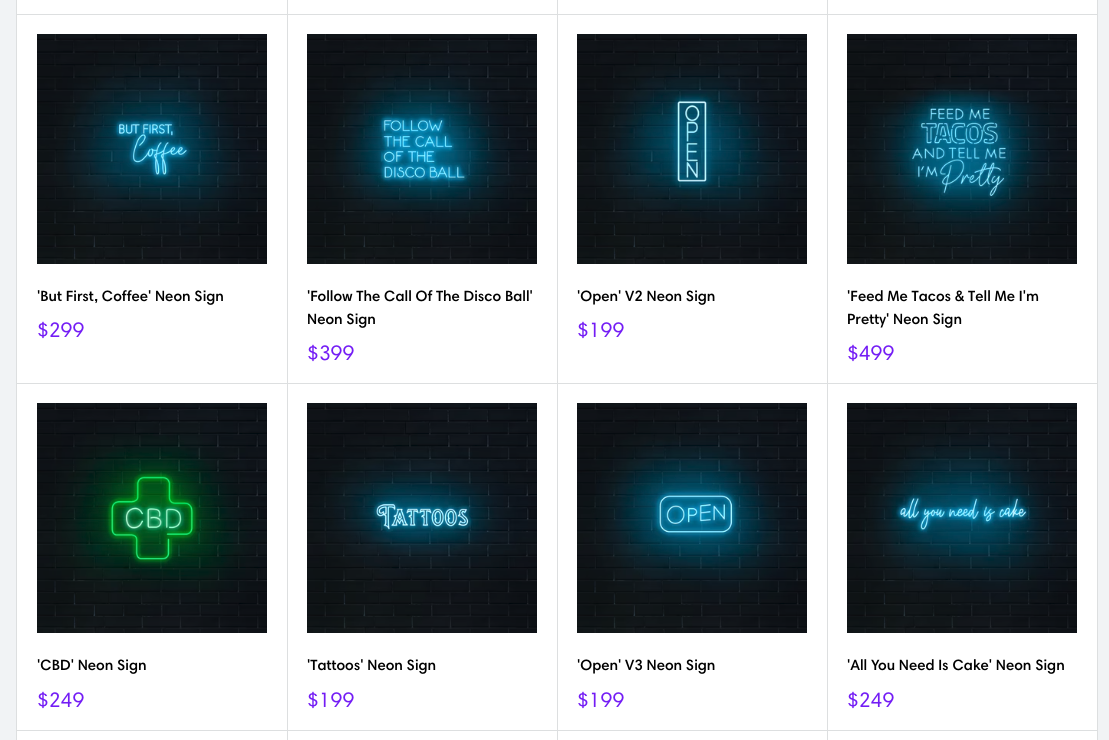
One of our most favourite use cases is to create collection/category pages that can showcase a wide range of sign designs on your website, all the product teasers on this page would include the generated URL from the share feature. Clicking on a product teaser would load the same design in Sign Customiser as illustrated by the product teaser image.
Another example is you can create a template for a wedding sign and share it with your customers via email. This can help you to save time and effort in creating customised sign designs for your customers.
### Personalised marketing:
You can use the share feature to create personalised marketing campaigns for your customers. For example, you can send targeted offers to customers who have shared their sign designs on social media.
### Cross-selling:
You can use the share feature to cross-sell related products to your customers. For example, if a customer shares a sign design for a wedding, you can recommend other wedding-related products such as invitations and decorations.
## Conclusion
The share feature of Sign Customiser has many hidden use cases that can help you to increase your sales and improve your customer experience. By using the share feature creatively, you can engage with your customers, personalise your marketing campaigns, and cross-sell related products to increase your revenue.
We cant wait to see how you are using it on your store!
Tags
- [general](/posts/general/)

About the author
### Matthew Attanasio
Founder, Sign Customiser
Matthew founded Sign Customiser to solve a problem he saw sign businesses facing every day: the endless back-and-forth of manual quoting. With a background in e-commerce development and a decade of experience building Shopify solutions at Sky Foundry, he set out to automate the entire custom sign selling process.
- E-commerce
- Shopify
- Sign Industry
- Product Strategy
[View profile](/authors/matthew-attanasio/)[](https://au.linkedin.com/in/matthew-attanasio-92500a36)[](https://github.com/matthewattanasio)
Let your customers design their own signs

Add a full sign customiser to your online store in minutes. Neon, acrylic, metal — with real-time pricing.
[Start your free 7-day trial](/install/)
Works with Shopify, WooCommerce, Wix & more. 7 days free. Every plan includes every feature.
Let your customers design their own signs

Add a full sign customiser to your online store in minutes. Neon, acrylic, metal — with real-time pricing.
[Start your free 7-day trial](/install/)
Works with Shopify, WooCommerce, Wix & more. 7 days free. Every plan includes every feature.
Related
## From theblog
Expert insights, industry trends, and actionable tips to enhance your online sign business.
[View all articles](/posts/)

general·February 3, 2026
### [Automated quote generation for sign shops: save hours every week](/posts/general/automated-quote-generation-sign-shops/)
Discover how sign quoting software automates pricing calculations, eliminates manual bottlenecks, and integrates with e-commerce. Save 10-20 hours weekly on quotes.
Read more

general·February 4, 2026
### [Best e-commerce sign configurators: 10 solutions compared](/posts/general/best-ecommerce-sign-configurators-compared/)
Compare 10 sign configurator software options for online sign builders. Find the best custom product configurator for your sign business on Shopify, WooCommerce, or standalone.
Read more

general·February 3, 2026
### [Sign estimating software: 8 tools and prices for 2026](/posts/general/best-sign-estimating-software/)
Compare sign estimating software prices, user limits and quoting workflows. Choose tools for shop estimates, production management or online sign sales.
Read more

general·February 3, 2026
### [Best ecommerce platforms for sign businesses: Shopify vs WooCommerce vs the rest](/posts/general/ecommerce-platform-comparison-sign-businesses/)
Compare Shopify, WooCommerce, Wix, Squarespace, and Webflow for your sign business. Find the best ecommerce product customisation platform with pricing analysis and integration depth.
Read more

general·February 3, 2026
### [Headless commerce for sign businesses: API-first product customisation guide](/posts/general/headless-commerce-sign-customiser-integration/)
Learn how to integrate Sign Customiser with headless commerce architectures. Complete guide with React, Vue, and Hydrogen code examples for custom sign API integration.
Read more

general·February 3, 2026
### [How to automate your sign business: complete guide to workflow efficiency](/posts/general/how-to-automate-your-sign-business/)
Master sign business automation with this comprehensive guide. Learn to automate order intake, quoting, production, and customer communication for maximum efficiency.
Read more

general·September 29, 2026
### [How to price signs: a sign pricing guide for sign shops](/posts/general/how-to-price-signs/)
How to price signs: the cost-plus formula, your shop rate, markup vs margin, and what 201 Sign Customiser stores charge for LED neon online.
Read more

general·October 30, 2025
### [How to win more sales with Sign Customiser](/posts/general/how-to-win-more-sales-with-sign-customiser/)
A practical guide for merchants to optimise their Sign Customiser setup, reduce cart abandonment, and implement effective marketing strategies to increase conversions.
Read more

general·August 18, 2025
### [Integrating Sign Customiser with enterprise workflows using our custom API](/posts/general/integrating-sign-customiser-with-enterprise-workflows-custom-api/)
Discover how Sign Customiser's new API enables seamless integration with any platform, helping sign businesses automate workflows and scale operations.
Read more

general·August 18, 2025
### [Real-time automation with Sign Customiser webhook subscriptions](/posts/general/real-time-automation-with-webhook-subscriptions/)
Learn how webhook subscriptions enable instant notifications and automated workflows when customers create signs, helping you build a more responsive sign business.
Read more

general·February 3, 2026
### [Selling custom signs on Etsy: complete guide](/posts/general/selling-custom-signs-etsy-complete-guide/)
Learn how to sell custom neon signs and personalised signage on Etsy. Complete guide covering shop setup, listing optimisation, pricing, and scaling your sign business.
Read more

general·February 3, 2026
### [Complete guide to setting up a Shopify product customiser for your sign business](/posts/general/shopify-sign-customiser-complete-setup-guide/)
Step-by-step guide to installing and configuring Sign Customiser on Shopify. Learn product setup, pricing models, order management, and troubleshooting for your custom sign business.
Read more

general·February 3, 2026
### [Shopvox alternative: why sign businesses are switching](/posts/general/shopvox-alternative/)
Compare Shopvox alternatives for your sign shop. Learn when Sign Customiser, SignTracker, or other tools are the better choice for your business workflow.
Read more

general·February 4, 2026
### [Sign Customiser vs Flexi Sign Pro: which software fits your business?](/posts/general/sign-customiser-vs-flexi-sign-pro/)
Flexi Design is US$46.99 a month, Flexi Complete US$91.99 (SAi, October 2026). What Flexi Sign Pro does, where it stops, and when you also need Sign Customiser.
Read more

general·February 3, 2026
### [Vector file formats for signs: DXF, AI, EPS & raster guide](/posts/general/sign-production-file-formats/)
What is a vector file and which formats work for sign production? Compare AI, EPS, SVG, and DXF file types. Learn vector vs raster differences and fix common issues.
Read more

general·February 3, 2026
### [Sign proof approval: what to show and how to get sign-off](/posts/general/sign-proof-approval/)
What a sign proof must show that a print proof does not, how to get approval that holds, and who pays when an approved proof is wrong. Template included.
Read more

general·February 3, 2026
### [Sign quality control checklist: a printable sheet for sign shops](/posts/general/sign-quality-control-checklist/)
A printable sign quality control checklist: eight checks from order to packing, with the UL, NEC, ADA, IP and vinyl maker numbers behind each one.
Read more

general·September 29, 2026
### [Low-resolution and AI-generated artwork: an intake policy for sign shops](/posts/general/sign-shop-artwork-policy/)
A customer sends a low-res or AI-made logo. Check it against the sign's size and how it is made, then print, upscale, trace or redraw. Policy included.
Read more

general·February 3, 2026
### [Sign making equipment: what to buy first and what it costs in 2026](/posts/general/sign-shop-equipment-guide/)
Sign making equipment with October 2026 prices: vinyl cutters, wide-format and UV printers, CNC routers and lasers, matched to the signs you sell.
Read more

general·February 3, 2026
### [Sign shop management software: complete buyer's guide](/posts/general/sign-shop-management-software-guide/)
Discover the best sign shop management software for your business. Compare features, pricing, and integrations to streamline quotes, orders, and production tracking.
Read more

general·February 4, 2026
### [SignLab vs Sign Customiser: desktop vs cloud sign software](/posts/general/signlab-vs-sign-customiser/)
Compare CADlink SignLab with Sign Customiser. See how cloud-based sign software stacks up against traditional desktop solutions for modern sign shops.
Read more

general·February 6, 2024
### [Sign making software in 2026: tools to design, cut and sell signs online](/posts/general/top-5-sign-making-software-options-for-profesional-designers-in-2024/)
Sign making software compared by job: design, cutting and printing, and selling online. Vendor prices checked 29 September 2026, with each tool's limits.
Read more

general·January 4, 2025
### [Top banner and sign maker tools for small businesses in 2026](/posts/general/top-banner-sign-maker-tools-small-business/)
Discover the best banner and sign maker tools for small businesses. Compare features, pricing, and ease of use to find the perfect solution for making a banner or custom sign.
Read more

general·February 23, 2024
### [Unconvential ideas on how to use Sign Customiser](/posts/general/unconvential-ideas-on-how-to-use-sign-customiser/)
This articles goes through some unconvential ideas on how to use Sign Customiser to help you sell more signs.
Read more

general·February 3, 2026
### [Custom sign builder for WooCommerce: how it works and how to set it up](/posts/general/woocommerce-custom-sign-builder-tutorial/)
How a custom sign builder works on WooCommerce: three ways to sell custom signs, what happens at add to cart, a six-step setup and fixes for each error.
Read more
[View all articles](/posts/)
## Sitemap
See the full [sitemap](/sitemap.md) for all pages.
---
## Real-Time Automation with Sign Customiser Webhook Subscriptions - Sign Customiser Blog
Source: [https://www.signcustomiser.com/posts/general/real-time-automation-with-webhook-subscriptions/](https://www.signcustomiser.com/posts/general/real-time-automation-with-webhook-subscriptions/)
In the fast-paced world of custom sign manufacturing, timing is everything. Customers expect quick responses, production teams need immediate updates, and business owners require real-time insights. That’s where Sign Customiser’s new webhook subscription feature comes in—transforming your sign business from reactive to proactive with instant, automated notifications. Webhooks are a key component of learning [how to automate your sign business](/posts/general/how-to-automate-your-sign-business/) effectively.
## Understanding webhooks: your business’s digital nervous system
Think of webhooks as your business’s instant notification system. Instead of constantly checking for new orders or updates (like refreshing your email), webhooks automatically push information to your systems the moment something happens. When a customer completes a sign design, places an order, or submits a special request, your systems know immediately—enabling instant action.
Our comprehensive [webhook documentation](/help/integrations/subscribe-to-webhooks/) shows you how to tap into this powerful capability, whether you’re automating a single workflow or orchestrating complex business processes.
## Transform your sign business with real-time events
Webhook subscriptions enable you to monitor and respond to crucial business events as they happen:
### Order creation events
The moment a customer places an order for a custom [neon sign](/solutions/neon-signs/) or [metal letter sign](/solutions/metal-channel-letter-signs/), your systems spring into action:
- Production scheduling software receives specifications instantly
- Inventory management updates material requirements
- Customer service gets notified of rush orders
- Accounting systems generate invoices automatically
### Product generation notifications
When customers use your [sign creator app](/signs/sign-creator-app/) to design their perfect sign, webhooks can:
- Save design specifications to your design library
- Calculate material requirements for [automated quote generation](/posts/general/automated-quote-generation-sign-shops/)
- Trigger approval workflows for complex designs
- Update your portfolio with customer creations (with permission)
### Form submission alerts
Custom quote requests and special orders through your [contact forms](/contact/) trigger immediate responses:
- Sales team receives hot leads instantly
- CRM systems create new opportunities
- Automated email sequences begin nurturing
- Priority notifications for high-value inquiries
## Building responsive workflows that scale
### Manufacturing automation
Connect Sign Customiser webhooks to your production systems for seamless manufacturing:
**Immediate Production Queue Updates**: When orders come through your [platform integrations](/platform-integrations/), webhooks instantly add them to your production queue with all specifications, materials, and deadlines clearly defined.
**Material Ordering Triggers**: Low on specific [acrylic letter sign](/solutions/acrylic-channel-letter-signs/) materials? Webhooks can automatically trigger reorder points when certain products are ordered, ensuring you never run out of popular materials.
**Quality Control Checkpoints**: Set up webhooks to create quality control tasks at specific stages, ensuring every sign meets your standards before shipping.
### Customer experience enhancement
Webhooks enable you to deliver exceptional customer service without manual intervention:
**Instant Order Confirmations**: Beyond basic email confirmations, webhooks can trigger personalised video messages, SMS updates, or even WhatsApp notifications based on customer preferences.
**Proactive Status Updates**: Keep customers informed throughout the production process. Webhooks can trigger updates when their sign enters production, passes quality control, and ships.
**Smart Follow-Up Sequences**: After delivery, webhooks can trigger review requests, care instructions, or complementary product suggestions based on what was ordered.
### Business intelligence and reporting
Real-time data flow enables better business decisions:
**Live Dashboards**: Connect webhooks to business intelligence tools and [sign estimating software](/posts/general/best-sign-estimating-software/) for real-time sales dashboards, showing orders as they happen across all your channels.
**Trend Detection**: Spot trending designs or sudden spikes in specific [pricing models](/models/) immediately, allowing you to adjust inventory and marketing accordingly.
**Performance Metrics**: Track conversion rates, average order values, and customer behaviour in real-time rather than waiting for end-of-day reports.
## Security and reliability built in
Webhook implementations require trust, which is why we’ve built comprehensive security features into our webhook system:
### Webhook signatures
Every webhook includes a cryptographic signature, ensuring the data comes from Sign Customiser and hasn’t been tampered with. This prevents malicious actors from sending fake events to your endpoints.
### Delivery
Sign Customiser sends each event once and does not retry a failed delivery. Requests time out after 15 seconds, so keep your endpoint available and make it respond quickly.
### Event filtering
Subscribe only to the events you need. This reduces unnecessary traffic and processing, making your integrations more efficient and cost-effective.
## Real-world implementation examples
### Integrated e-commerce ecosystem
A large sign retailer uses webhooks to synchronise their [Shopify integration](/install/) with multiple systems:
- Orders trigger immediate inventory checks across multiple warehouses
- Custom designs automatically generate production files
- Shipping webhooks update customers and trigger review requests
- Returns initiate quality inspection workflows
### Multi-location franchise operations
A sign franchise with multiple locations uses webhooks to coordinate operations:
- Orders route to the nearest production facility automatically
- Central dashboard shows real-time performance across all locations
- Inventory levels synchronise to prevent stock-outs
- Consistent pricing updates across all franchise locations
### B2B wholesale platform
A wholesale sign supplier leverages webhooks for their [commission-based](/commission/) dealer network:
- Dealer orders trigger approval workflows based on credit limits
- Automated commission calculations and reporting
- Real-time inventory availability for dealer portals
- Instant notifications for custom quote requests
## Getting started with webhooks
Implementing webhook subscriptions is straightforward:
1. **Identify Your Events**: Determine which events are critical for your workflows—order creation, product generation, or form submissions.
2. **Set Up Endpoints**: Create secure endpoints in your systems to receive webhook data. These can be simple scripts or sophisticated application integrations.
3. **Configure Subscriptions**: Use our [API integration](/help/integrations/custom-api-integration/) to subscribe to your chosen events.
4. **Test Thoroughly**: Use our testing tools to simulate events and ensure your endpoints handle data correctly.
5. **Monitor and Optimise**: Track webhook delivery and processing to ensure reliability and optimise performance.
## The future of automated sign businesses
Webhooks represent more than just technical integration—they’re about building a responsive, efficient, and scalable sign business. By automating routine tasks and ensuring instant communication between systems, you free up time to focus on creativity, customer relationships, and growth.
Combined with our [AI Sign Designer tools](/ai-sign-designer/) and comprehensive [features](/features/), webhooks enable you to build a truly modern sign business that can compete and win in today’s digital marketplace.
Whether you’re selling [lightbox signs](/solutions/lightbox-signs/), [wood signs](/solutions/wood-signs/), or exploring [unconventional uses](/posts/general/unconvential-ideas-on-how-to-use-sign-customiser/) for Sign Customiser, webhook subscriptions ensure you’re always connected, always responsive, and always ahead of the competition.
Ready to automate your sign business with real-time webhooks? Start exploring our [pricing plans](/pricing/) and discover how Sign Customiser can transform your operations today.
Tags
- [general](/posts/general/)

About the author
### Matthew Attanasio
Founder, Sign Customiser
Matthew founded Sign Customiser to solve a problem he saw sign businesses facing every day: the endless back-and-forth of manual quoting. With a background in e-commerce development and a decade of experience building Shopify solutions at Sky Foundry, he set out to automate the entire custom sign selling process.
- E-commerce
- Shopify
- Sign Industry
- Product Strategy
[View profile](/authors/matthew-attanasio/)[](https://au.linkedin.com/in/matthew-attanasio-92500a36)[](https://github.com/matthewattanasio)
Let your customers design their own signs

Add a full sign customiser to your online store in minutes. Neon, acrylic, metal — with real-time pricing.
[Start your free 7-day trial](/install/)
Works with Shopify, WooCommerce, Wix & more. 7 days free. Every plan includes every feature.
Let your customers design their own signs

Add a full sign customiser to your online store in minutes. Neon, acrylic, metal — with real-time pricing.
[Start your free 7-day trial](/install/)
Works with Shopify, WooCommerce, Wix & more. 7 days free. Every plan includes every feature.
Related
## From theblog
Expert insights, industry trends, and actionable tips to enhance your online sign business.
[View all articles](/posts/)

general·February 3, 2026
### [Automated quote generation for sign shops: save hours every week](/posts/general/automated-quote-generation-sign-shops/)
Discover how sign quoting software automates pricing calculations, eliminates manual bottlenecks, and integrates with e-commerce. Save 10-20 hours weekly on quotes.
Read more

general·February 4, 2026
### [Best e-commerce sign configurators: 10 solutions compared](/posts/general/best-ecommerce-sign-configurators-compared/)
Compare 10 sign configurator software options for online sign builders. Find the best custom product configurator for your sign business on Shopify, WooCommerce, or standalone.
Read more

general·February 3, 2026
### [Sign estimating software: 8 tools and prices for 2026](/posts/general/best-sign-estimating-software/)
Compare sign estimating software prices, user limits and quoting workflows. Choose tools for shop estimates, production management or online sign sales.
Read more

general·February 3, 2026
### [Best ecommerce platforms for sign businesses: Shopify vs WooCommerce vs the rest](/posts/general/ecommerce-platform-comparison-sign-businesses/)
Compare Shopify, WooCommerce, Wix, Squarespace, and Webflow for your sign business. Find the best ecommerce product customisation platform with pricing analysis and integration depth.
Read more

general·February 3, 2026
### [Headless commerce for sign businesses: API-first product customisation guide](/posts/general/headless-commerce-sign-customiser-integration/)
Learn how to integrate Sign Customiser with headless commerce architectures. Complete guide with React, Vue, and Hydrogen code examples for custom sign API integration.
Read more

general·February 3, 2026
### [How to automate your sign business: complete guide to workflow efficiency](/posts/general/how-to-automate-your-sign-business/)
Master sign business automation with this comprehensive guide. Learn to automate order intake, quoting, production, and customer communication for maximum efficiency.
Read more

general·September 29, 2026
### [How to price signs: a sign pricing guide for sign shops](/posts/general/how-to-price-signs/)
How to price signs: the cost-plus formula, your shop rate, markup vs margin, and what 201 Sign Customiser stores charge for LED neon online.
Read more

general·October 30, 2025
### [How to win more sales with Sign Customiser](/posts/general/how-to-win-more-sales-with-sign-customiser/)
A practical guide for merchants to optimise their Sign Customiser setup, reduce cart abandonment, and implement effective marketing strategies to increase conversions.
Read more

general·August 18, 2025
### [Integrating Sign Customiser with enterprise workflows using our custom API](/posts/general/integrating-sign-customiser-with-enterprise-workflows-custom-api/)
Discover how Sign Customiser's new API enables seamless integration with any platform, helping sign businesses automate workflows and scale operations.
Read more

general·June 3, 2024
### [Making the most of the new share feature](/posts/general/making-the-most-of-the-new-share-feature/)
In this post, we will discuss how you can maximise the share feature potential of Sign Customiser on your store.
Read more

general·February 3, 2026
### [Selling custom signs on Etsy: complete guide](/posts/general/selling-custom-signs-etsy-complete-guide/)
Learn how to sell custom neon signs and personalised signage on Etsy. Complete guide covering shop setup, listing optimisation, pricing, and scaling your sign business.
Read more

general·February 3, 2026
### [Complete guide to setting up a Shopify product customiser for your sign business](/posts/general/shopify-sign-customiser-complete-setup-guide/)
Step-by-step guide to installing and configuring Sign Customiser on Shopify. Learn product setup, pricing models, order management, and troubleshooting for your custom sign business.
Read more

general·February 3, 2026
### [Shopvox alternative: why sign businesses are switching](/posts/general/shopvox-alternative/)
Compare Shopvox alternatives for your sign shop. Learn when Sign Customiser, SignTracker, or other tools are the better choice for your business workflow.
Read more

general·February 4, 2026
### [Sign Customiser vs Flexi Sign Pro: which software fits your business?](/posts/general/sign-customiser-vs-flexi-sign-pro/)
Flexi Design is US$46.99 a month, Flexi Complete US$91.99 (SAi, October 2026). What Flexi Sign Pro does, where it stops, and when you also need Sign Customiser.
Read more

general·February 3, 2026
### [Vector file formats for signs: DXF, AI, EPS & raster guide](/posts/general/sign-production-file-formats/)
What is a vector file and which formats work for sign production? Compare AI, EPS, SVG, and DXF file types. Learn vector vs raster differences and fix common issues.
Read more

general·February 3, 2026
### [Sign proof approval: what to show and how to get sign-off](/posts/general/sign-proof-approval/)
What a sign proof must show that a print proof does not, how to get approval that holds, and who pays when an approved proof is wrong. Template included.
Read more

general·February 3, 2026
### [Sign quality control checklist: a printable sheet for sign shops](/posts/general/sign-quality-control-checklist/)
A printable sign quality control checklist: eight checks from order to packing, with the UL, NEC, ADA, IP and vinyl maker numbers behind each one.
Read more

general·September 29, 2026
### [Low-resolution and AI-generated artwork: an intake policy for sign shops](/posts/general/sign-shop-artwork-policy/)
A customer sends a low-res or AI-made logo. Check it against the sign's size and how it is made, then print, upscale, trace or redraw. Policy included.
Read more

general·February 3, 2026
### [Sign making equipment: what to buy first and what it costs in 2026](/posts/general/sign-shop-equipment-guide/)
Sign making equipment with October 2026 prices: vinyl cutters, wide-format and UV printers, CNC routers and lasers, matched to the signs you sell.
Read more

general·February 3, 2026
### [Sign shop management software: complete buyer's guide](/posts/general/sign-shop-management-software-guide/)
Discover the best sign shop management software for your business. Compare features, pricing, and integrations to streamline quotes, orders, and production tracking.
Read more

general·February 4, 2026
### [SignLab vs Sign Customiser: desktop vs cloud sign software](/posts/general/signlab-vs-sign-customiser/)
Compare CADlink SignLab with Sign Customiser. See how cloud-based sign software stacks up against traditional desktop solutions for modern sign shops.
Read more

general·February 6, 2024
### [Sign making software in 2026: tools to design, cut and sell signs online](/posts/general/top-5-sign-making-software-options-for-profesional-designers-in-2024/)
Sign making software compared by job: design, cutting and printing, and selling online. Vendor prices checked 29 September 2026, with each tool's limits.
Read more

general·January 4, 2025
### [Top banner and sign maker tools for small businesses in 2026](/posts/general/top-banner-sign-maker-tools-small-business/)
Discover the best banner and sign maker tools for small businesses. Compare features, pricing, and ease of use to find the perfect solution for making a banner or custom sign.
Read more

general·February 23, 2024
### [Unconvential ideas on how to use Sign Customiser](/posts/general/unconvential-ideas-on-how-to-use-sign-customiser/)
This articles goes through some unconvential ideas on how to use Sign Customiser to help you sell more signs.
Read more

general·February 3, 2026
### [Custom sign builder for WooCommerce: how it works and how to set it up](/posts/general/woocommerce-custom-sign-builder-tutorial/)
How a custom sign builder works on WooCommerce: three ways to sell custom signs, what happens at add to cart, a six-step setup and fixes for each error.
Read more
[View all articles](/posts/)
## Sitemap
See the full [sitemap](/sitemap.md) for all pages.
---
## Selling Custom Signs on Etsy: Complete Guide - Sign Customiser Blog
Source: [https://www.signcustomiser.com/posts/general/selling-custom-signs-etsy-complete-guide/](https://www.signcustomiser.com/posts/general/selling-custom-signs-etsy-complete-guide/)
Etsy moves 96 million active buyers through its marketplace every year. A significant chunk of them are searching for custom signs: wedding neon signs, business logos, personalised gifts. The demand is there. The question is whether your sign business can capture it.
I’ve watched sign makers struggle with Etsy for years. Some treat it like a set-and-forget side channel. They list a few products, wonder why sales trickle in, and conclude that “Etsy doesn’t work for custom products.” Others figure out the platform’s quirks, optimise their listings, and build six-figure revenue streams from Etsy alone.
The difference isn’t luck. It’s understanding how to sell custom products on a marketplace designed for handmade goods, and having the right tools to make the process efficient.
This guide covers everything you need to know about selling custom neon signs and LED signs on Etsy, from initial shop setup through scaling beyond the platform.
## Why Etsy works for custom sign sellers
Etsy isn’t Amazon. That’s precisely why it works for custom sign businesses.
**Buyers expect customisation.** Unlike general e-commerce platforms where shoppers want identical products shipped fast, Etsy customers actively seek personalised items. They understand that custom signs take time. They’re willing to communicate about specifications. They expect to pay premium prices for handmade work.
**The search algorithm rewards specialists.** Etsy’s search prioritises relevance and shop authority within niches. A shop focused entirely on LED neon signs will outrank a general gift shop for neon-related searches, even with fewer total sales. This means your custom sign business can compete without massive advertising budgets.
**Built-in trust infrastructure.** Etsy handles payments, provides buyer protection, and manages disputes. New customers don’t need to trust your standalone website; they trust Etsy. For a custom sign business just starting online sales, this removes a significant barrier.
**Lower customer acquisition costs.** Etsy’s marketplace brings buyers to you. While you still need to optimise listings and potentially run ads, you’re not building traffic from zero like you would with a new Shopify store. The platform has already done the hard work of convincing people to shop there.
The catch? Etsy takes fees. Currently 6.5% transaction fee plus payment processing. For high-margin custom neon signs, this is manageable. For lower-margin products, it cuts deeply. Know your numbers before committing.
## Setting up your Etsy shop for custom products
Your Etsy shop is more than a product catalogue. It’s a storefront that needs to communicate expertise, build trust, and make customisation feel approachable rather than complicated.
### Choosing your shop name
Pick something that signals what you sell. “LuminousNeonCo” tells visitors you specialise in neon. “CustomSignStudio” is broader but still clear. Avoid cute names that require explanation.
Check availability across platforms before committing. You’ll eventually want matching handles on Instagram, Pinterest, and possibly your own domain.
### Writing your shop description
Skip the generic “welcome to my shop” opening. State what you make, who it’s for, and what makes your work different.
**Weak:** “Welcome to my Etsy shop! I love creating custom signs for all occasions.”
**Stronger:** “We manufacture LED neon signs for weddings, businesses, and home décor. Each sign is hand-bent in our UK workshop using commercial-grade LED flex neon rated for 50,000 hours. Typical turnaround is 5-7 business days.”
The second version answers questions before they’re asked. Materials, location, quality, timing. Buyers making purchasing decisions need this information.
### Shop policies that reduce support burden
Custom products generate more questions than standard items. Comprehensive policies reduce back-and-forth:
**Production time:** Be specific. “7-10 business days production plus shipping” is clearer than “ships quickly.” Add buffer for busy periods.
**Customisation process:** Explain how buyers submit their requirements. Do they message you before ordering? Use a form? Enter text at checkout?
**Proof approval:** State whether you send design proofs before production. For signs over a certain value, proofs prevent costly remakes.
**Returns and damages:** Custom products typically aren’t returnable, but damaged items need clear resolution paths. Explain your process.
**Shipping and packaging:** Describe how you protect fragile signs during transit. This builds confidence before purchase.
### Payment and checkout configuration
Etsy handles payment processing, but you control some checkout elements:
**Personalisation fields:** For simple customisation, Etsy’s built-in personalisation feature works. Buyers type their text, select options, and checkout. This works for straightforward products but lacks design preview capabilities.
**Variations:** Use Etsy variations for size options, colour choices, and add-ons. Price each variation appropriately.
**Deposits for expensive items:** Some sellers require deposits for high-value custom signs, with the balance due before shipping. This requires manual invoice handling but protects against order cancellations.
## Optimising listings for Etsy search
Etsy’s search algorithm determines whether your custom neon signs appear when buyers search. Understanding and optimising for this algorithm is non-negotiable.
### Title structure
Etsy titles can be up to 140 characters. Use them strategically:
**Front-load primary keywords.** “Custom Neon Sign” should appear before “for Wedding Reception” because Etsy weights earlier words more heavily.
**Include natural variations.** “Custom Neon Sign, Personalised LED Neon Light, Wedding Neon Signs” captures multiple search terms without appearing spammy.
**Avoid keyword stuffing.** “Neon Sign Neon Signs Neon Lighting Neon Custom Neon” hurts your listing. Etsy’s algorithm penalises repetition.
**Example structure:** `Custom Neon Sign | Personalised LED Neon Light | Wedding Name Sign | Business Logo Neon | [Your Brand]`
### Tags that actually work
Etsy gives you 13 tags per listing. Each tag can be up to 20 characters. Use all 13.
**Think like a buyer.** What would someone type to find your product? “wedding neon sign,” “custom name sign,” “bar neon light,” “personalised gift for her.”
**Include long-tail phrases.** “neon wedding sign” is competitive. “neon wedding sign for reception” is specific and matches buyer intent.
**Mix broad and specific.** Some tags should catch general searches (“custom neon sign”). Others should capture specific intent (“neon bar sign custom”).
**Research competitor tags.** Tools like eRank and Marmalead reveal which tags successful listings use. Analyse top-performing listings in your category.
### Description optimisation
Etsy’s search algorithm reads your description, but buyers do too. Balance SEO with readability:
**First paragraph matters most.** Include primary keywords naturally while communicating your value proposition. This text appears in search result previews.
**Structure for scanning.** Use line breaks, bullet points, and clear sections. Buyers scan before reading.
**Answer common questions.** Size options, production time, what’s included, shipping details. Every question answered in the description is a support message avoided.
**Include secondary keywords naturally.** Mention “LED neon signs,” “custom led signs,” and “neon sign business” where relevant, but don’t force them.
### Photography standards
Your photos sell the product. For custom neon signs:
**Show the glow.** Neon signs look best photographed in low light where the LED effect is visible. Dark backgrounds with the sign illuminated demonstrate the actual product experience.
**Include scale references.** A sign photographed alone could be any size. Show it on a wall, next to furniture, or with dimensions overlaid.
**Display customisation examples.** If you offer different fonts, colours, or styles, show them. Buyers need to visualise their specific design.
**Lifestyle photography converts.** A neon sign photographed at an actual wedding reception converts better than the same sign on a plain background. Show the use case.
**Video grabs attention.** Etsy supports video listings. A short clip showing the sign’s glow, packaging, or production process adds credibility.
## Using Sign Customiser’s customiser links for Etsy
Here’s where most Etsy sign sellers hit a wall: Etsy’s built-in personalisation is basic. Buyers type text into a field. They don’t see how it looks. They can’t preview fonts or colours. They hope it turns out right.
This creates problems:
**Design mismatches.** Buyers imagine something different from what you produce. Disappointment follows.
**Extended back-and-forth.** “Can you show me what it looks like in Script font? Actually, try the other one. Can you make it a bit bigger?” Each message delays production.
**Quote requests instead of purchases.** For complex designs, buyers want to see before buying. Without a preview tool, they message instead of ordering. Many never convert.
[Sign Customiser](/features/) solves this with Customiser Links, a feature designed specifically for marketplace sellers who can’t embed a full customiser on the platform.
### How customiser links work
Customiser Links create shareable URLs that open your customiser pre-configured with specific settings. You control what options are available, which fonts appear, and how pricing calculates. The buyer sees their design in real-time and gets an exact quote.
For Etsy, the workflow looks like this:
1. Buyer finds your listing and messages with their design requirements
2. You create a Customiser Link pre-set with their specifications
3. Buyer opens the link, finalises their design with real-time preview
4. They see exact pricing based on their choices
5. You send a custom invoice or they return to Etsy to complete purchase
This eliminates the guesswork. Buyers know exactly what they’re getting before they pay. You spend less time on design revisions after the order is placed.
### Setting up customiser links for your Etsy shop
From your [Sign Customiser dashboard](/):
1. Create a customiser configured for your Etsy products
2. Set your fonts, colours, sizing options, and pricing rules
3. Enable Customiser Links in the customiser settings
4. Create template Customiser Links for common configurations
5. Customise links on-the-fly for specific customer requests
For example, you might create:
- A “Wedding Neon Sign” Customiser Link with script fonts and romantic colours pre-selected
- A “Business Logo” Customiser Link with professional fonts and brand colour options
- A “Home Decor” Customiser Link with the full range of options
### Including customiser links in Etsy listings
You can’t embed the customiser directly on Etsy, but you can:
**Add the link to your listing description.** “Design your sign with our live preview tool: \[link\]” lets buyers explore options before messaging.
**Use it in Etsy messages.** When buyers enquire about custom designs, send them a Customiser Link to finalise specifications.
**Include in your shop announcement.** Direct potential buyers to your customiser for browsing, even before they commit to a specific listing.
**Add to order follow-up.** After purchase, send the Customiser Link for final design confirmation before production.
This hybrid approach gives you the marketplace exposure of Etsy with the customisation experience of your own website.
## Multi-channel inventory management
If your custom sign business sells on Etsy and other channels, you need systems that prevent overselling and duplicated effort.
### The challenge with custom products
Standard inventory management assumes you’re selling pre-made stock. Custom signs work differently. You’re selling production capacity, not inventory. The bottleneck is how many signs you can produce per day, not how many you have on shelves.
### Managing production capacity
**Set realistic daily/weekly limits.** If you can produce 5 custom neon signs per week, don’t accept 20 orders across all channels. Etsy lets you limit listing quantities, which can approximate capacity management.
**Synchronise turnaround times.** If production time is 7 days, ensure that’s consistent across Etsy, your Shopify store, and any other channels. Inconsistency creates confusion and rushed jobs.
**Calendar-based capacity.** Some sellers block off capacity using calendar tools, then update listing availability based on their schedule. This works for highly variable production capacity.
### Cross-platform considerations
If you’re also running a Shopify store with [Sign Customiser embedded](/posts/general/shopify-sign-customiser-complete-setup-guide/), consider how channels interact:
**Pricing consistency.** Etsy fees mean your Etsy prices may need to be higher than direct sales. Alternatively, you absorb the fees as a customer acquisition cost. Decide deliberately.
**Branding alignment.** Your Etsy shop and standalone website should feel like the same business. Consistent photography, messaging, and product naming build brand recognition.
**Customer data ownership.** Etsy controls customer relationships on their platform. Encourage buyers to join your mailing list for direct marketing opportunities.
## Pricing strategies for custom signs on Etsy
Pricing custom neon signs on Etsy requires balancing competitiveness with profitability while accounting for platform fees.
### Understanding your true costs
Before setting prices, calculate actual costs per sign:
**Materials:**
- LED neon flex per metre
- Acrylic backing material
- Mounting hardware
- Power supply
- Packaging materials
**Production:**
- Labour time for design, bending, assembly
- Your hourly rate (don’t undervalue your expertise)
**Overhead allocation:**
- Workshop costs
- Equipment depreciation
- Software subscriptions
- Insurance
**Platform fees:**
- Etsy transaction fee: 6.5%
- Payment processing: ~3%
- Listing fee: $0.20 per listing
- Advertising (if used)
A sign with $50 in materials, 2 hours of labour at $30/hour, $10 overhead allocation, selling for $200, yields:
Revenue: $200 Materials: -$50 Labour: -$60 Overhead: -$10 Etsy fees (~10%): -$20 Net margin: $60 (30%)
Know these numbers before setting prices.
### Competitive pricing analysis
Research existing Etsy custom signs listings in your category:
**Sort by bestseller.** What price points have high sales velocity? This indicates market acceptance.
**Analyse premium listings.** What justifies higher prices? Better photography, more customisation options, faster shipping, established reputation.
**Identify underserved niches.** Perhaps everyone offers script fonts, but few offer bold minimalist options. Differentiation can command premium pricing.
### Value-based pricing
Custom signs are emotional purchases. A wedding neon sign isn’t competing against commodity products; it’s part of a couple’s special day. Price accordingly.
**Anchor to alternatives.** A custom neon sign at $200 seems reasonable when professional event décor rental costs $500+ for the day.
**Bundle value.** Include design consultation, free colour samples, or rush production as perceived value adds that justify higher prices.
**Segment your offering.** Entry-level options for price-sensitive buyers, premium options for those wanting the best. Capture both segments.
### Dynamic pricing with Sign Customiser
If you’re using Customiser Links to let buyers design their signs, your [pricing model](/pricing/) calculates automatically based on actual specifications.
For material-length pricing, the system measures actual letter dimensions using font path data. A “Welcome” sign in a thin sans-serif font uses less LED flex than the same word in a thick script font. Pricing reflects this accurately.
This transparency builds trust. Buyers see prices update as they adjust their design. No hidden fees, no surprise quotes. The price they see is the price they pay.
## Shipping configuration for fragile signage
Custom neon signs are fragile. Poor packaging creates damaged products, negative reviews, and replacement costs that destroy margins. This section is worth getting right.
### Packaging materials
**Inner protection:**
- Foam padding around the sign itself
- Bubble wrap for additional cushioning
- Corner protectors for acrylic backing
**Outer box:**
- Corrugated cardboard rated for shipping weight
- Oversized to allow cushioning space
- Double-walled for heavy signs
**Internal bracing:**
- Custom foam inserts for repeat products
- Crumpled paper or air pillows for one-offs
- Ensure the sign cannot shift during transit
### Testing your packaging
Before shipping to customers, test your packaging:
1. Package a sign as you normally would
2. Drop the box from waist height onto concrete
3. Open and inspect for damage
4. Repeat from different angles
If your test sign survives rough handling, your packaging is adequate. If not, improve before sending to customers.
### Shipping options and pricing
**Calculate dimensional weight.** Neon signs are often light but bulky. Carriers charge based on dimensional weight (size) rather than actual weight for large packages. Factor this into shipping costs.
**Offer shipping upgrades.** Some buyers want economy shipping; others pay for express. Let them choose.
**Consider insurance.** For high-value signs, shipping insurance protects against loss or damage claims. Build this into your pricing or offer as an optional upgrade.
**Signature requirement.** For expensive items, require signature confirmation. This prevents “package not received” disputes.
### International shipping considerations
Etsy attracts international buyers. Decide whether to offer international shipping:
**Customs declarations.** Describe products accurately. “LED decorative sign” not “electronics” to avoid incorrect duty classifications.
**Delivery timeframes.** International shipping takes longer and is less predictable. Set expectations clearly in listings.
**Returns complexity.** International returns are expensive and complicated. Your policy should address this specifically.
**Restricted destinations.** Some countries have import restrictions on electrical items. Research before accepting orders.
## Customer communication workflows
Custom products require more communication than standard items. Efficient workflows prevent bottlenecks.
### Pre-purchase communication
**Template responses.** Create saved replies for common enquiries:
- “Here’s our turnaround time and process…”
- “Yes, we can create custom logos. Here’s how it works…”
- “Our Customiser Link lets you preview your design: \[link\]”
**Response time expectations.** Etsy promotes shops that respond within 24 hours. Set up mobile notifications to maintain quick response times.
**Qualifying questions.** Before investing time in custom quotes, ensure the buyer is serious. “What’s your budget?” and “When do you need this by?” filter tyre-kickers.
### Order confirmation process
When an order is placed:
1. **Acknowledge immediately.** “Thanks for your order! I’ll send a design proof within 24 hours.”
2. **Clarify any ambiguities.** If their customisation text is unclear, ask before producing.
3. **Send proof for approval.** For signs over $100, always send a preview before production.
4. **Confirm production start.** “Your design is approved and in production. Expected completion: \[date\]“
### Managing revisions
Design revisions can spiral. Set boundaries:
**State revision limits upfront.** “Includes 2 rounds of revisions. Additional revisions $15 each.”
**Get written approval.** “Please reply ‘approved’ to confirm this design before I begin production.”
**Charge for scope changes.** Adding text, changing colours after approval, or resizing are new work. Price accordingly.
### Post-sale follow-up
After delivery:
1. **Check satisfaction.** “Hope your sign arrived safely. How does it look in place?”
2. **Request review.** “If you’re happy with your purchase, a review would really help other buyers find us.”
3. **Encourage sharing.** “We’d love to see photos of your sign installed!”
4. **Invite return business.** “Save 10% on your next order: \[code\]“
## Review generation strategies
Reviews are currency on Etsy. They influence search ranking, buyer confidence, and conversion rates. Actively generating reviews should be part of your process.
### The timing factor
Request reviews when customers are most delighted. This is typically:
- Right after they’ve installed their sign
- When they’ve received compliments on it
- During the event it was made for (weddings, parties)
Not:
- Immediately after delivery (they haven’t experienced it yet)
- Weeks later (the moment has passed)
### Making review requests easy
**Include physical insert.** A card in the package: “Love your sign? A review helps our small business grow. Scan this QR code to leave feedback.”
**Follow up via Etsy messages.** A personal message feels more compelling than an automated request.
**Be specific.** “Would you mind sharing what the sign looked like at your wedding?” prompts more detailed, helpful reviews than “Please leave a review.”
### Handling negative reviews
Negative reviews happen. Your response matters more than the review itself:
**Respond publicly and professionally.** “I’m sorry the sign didn’t meet expectations. Please message me and I’ll make this right.”
**Resolve the issue privately.** Offer replacement, refund, or discount on future order. Most buyers will update their review after a positive resolution.
**Learn from patterns.** If multiple reviews mention the same issue, fix the underlying problem rather than just managing complaints.
### Photo reviews
Reviews with photos carry more weight. Encourage customers to include installation photos:
“If you could include a photo of the sign in place, it really helps future buyers visualise what they’ll receive.”
These photos become social proof and can be repurposed (with permission) for your listing photography.
## Scaling beyond Etsy
Etsy is an excellent starting point, but building your custom sign business solely on a platform you don’t control has risks. Algorithm changes, fee increases, or policy shifts can impact your business overnight.
### When to consider your own website
Signs you’re ready to expand:
- Consistent monthly sales on Etsy
- Repeat customers who’d buy directly
- Brand recognition beyond the Etsy platform
- Products that benefit from deeper customisation tools
### The multi-channel approach
Rather than abandoning Etsy, add channels. For a detailed breakdown of platform options, see our [ecommerce platform comparison for sign businesses](/posts/general/ecommerce-platform-comparison-sign-businesses/).
**Shopify store with Sign Customiser.** Full customisation experience, no transaction fees beyond payment processing. See our [Shopify setup guide](/posts/general/shopify-sign-customiser-complete-setup-guide/) for implementation details.
**WooCommerce for WordPress users.** Similar benefits to Shopify with different ecosystem. Our [WooCommerce tutorial](/posts/general/woocommerce-custom-sign-builder-tutorial/) covers the setup process.
**Direct B2B sales.** Businesses ordering multiple signs or repeat orders often prefer direct relationships. A professional website enables this.
### Driving traffic to your own platform
**Include website on Etsy packaging.** Buyers who love their sign may order directly next time.
**Email list building.** Capture emails for direct marketing. “Join our list for exclusive designs and early access to sales.”
**Content marketing.** Blog posts about [LED neon signs](/posts/neon/led-neon-signs/), installation guides, and design inspiration attract organic traffic.
**Social media presence.** Instagram is particularly effective for visual products like neon signs. Pinterest drives purchase-intent traffic.
### Maintaining Etsy presence
Don’t abandon Etsy entirely. It continues to:
- Introduce new customers to your brand
- Provide social proof through reviews
- Capture searches you might not rank for on your own site
- Offer a lower-commitment entry point for hesitant buyers
The goal is reducing dependence on any single platform, not eliminating valuable channels.
## Frequently asked questions
How much does it cost to sell custom signs on Etsy?
Etsy charges $0.20 per listing (renewed every 4 months or when sold), 6.5% transaction fee on total sale price including shipping, and payment processing around 3% + $0.25. For a $200 sign with $30 shipping, expect roughly $25 in Etsy fees. Factor this into your pricing.
Can I use Sign Customiser with my Etsy shop?
Yes, through Customiser Links. While you can't embed the customiser directly on Etsy listings, you can share Customiser Links in your listing descriptions, Etsy messages, and order communications. Buyers click the link, design their sign with real-time preview, and you receive their exact specifications for production.
How long should I set for production time on custom neon signs?
Be realistic and add buffer. If you can typically complete a sign in 5 days, list 7-10 business days production time. This accounts for busy periods, supply delays, and revision requests. Underpromising and overdelivering builds reputation; the reverse destroys it.
Should I offer free shipping on Etsy custom signs?
Free shipping can improve search visibility on Etsy, but the cost must come from somewhere. Either build shipping into product prices (acceptable for consistent-size products) or offer calculated shipping rates that reflect actual costs. Large neon signs with expensive shipping may do better with transparent shipping charges.
How do I handle custom design requests before purchase?
Use Customiser Links to let buyers preview their exact design. For complex requests, provide a quote based on their specifications and create a reserved listing at the quoted price. This ensures both parties agree on specifications and pricing before production begins.
What's the best way to photograph custom neon signs for Etsy?
Photograph in low light to show the glow effect. Include lifestyle shots showing the sign in context (home, event, business). Display size reference. Show available colour options. Video listings demonstrating the sign illuminated perform particularly well on Etsy.
How do I compete with cheap overseas sellers?
Compete on value, not price. Emphasise local production, faster shipping, quality materials, design consultation, and customer service. Buyers willing to pay for quality will find you; buyers optimising purely on price aren't profitable customers anyway.
Can I sell the same designs on Etsy and my own website?
Yes, though consider differentiation strategies. Perhaps Etsy features your most popular, proven designs while your website offers exclusive options or deeper customisation. Alternatively, keep offerings identical but price your website slightly lower to encourage direct purchases.
## Moving forward
Selling custom neon signs on Etsy is viable, profitable, and scalable when approached strategically. The platform provides built-in traffic and trust. Your job is to optimise listings for discoverability, streamline the customisation process, and deliver quality products that generate reviews.
Start with the fundamentals: a well-configured shop, optimised listings, and clear communication workflows. Add [Sign Customiser’s Customiser Links](/) to solve the preview problem that plagues most custom product sellers. Build your review base systematically.
As you grow, expand beyond Etsy while maintaining your marketplace presence. Multiple channels reduce platform dependency and capture customers at different stages of their buying journey.
The sign businesses thriving on Etsy aren’t necessarily the most talented craftspeople. They’re the ones who understand the platform, optimise their processes, and treat their Etsy shop as a serious sales channel rather than an afterthought.
For detailed guidance on setting up a full e-commerce experience with live design preview, explore our platform guides for [Shopify](/posts/general/shopify-sign-customiser-complete-setup-guide/) and [WooCommerce](/posts/general/woocommerce-custom-sign-builder-tutorial/). Questions about implementing Customiser Links for your Etsy shop? Contact [support@signcustomiser.com](mailto:support@signcustomiser.com).
Tags
- [general](/posts/general/)

About the author
### Matthew Attanasio
Founder, Sign Customiser
Matthew founded Sign Customiser to solve a problem he saw sign businesses facing every day: the endless back-and-forth of manual quoting. With a background in e-commerce development and a decade of experience building Shopify solutions at Sky Foundry, he set out to automate the entire custom sign selling process.
- E-commerce
- Shopify
- Sign Industry
- Product Strategy
[View profile](/authors/matthew-attanasio/)[](https://au.linkedin.com/in/matthew-attanasio-92500a36)[](https://github.com/matthewattanasio)
Let your customers design their own signs

Add a full sign customiser to your online store in minutes. Neon, acrylic, metal — with real-time pricing.
[Start your free 7-day trial](/install/)
Works with Shopify, WooCommerce, Wix & more. 7 days free. Every plan includes every feature.
Let your customers design their own signs

Add a full sign customiser to your online store in minutes. Neon, acrylic, metal — with real-time pricing.
[Start your free 7-day trial](/install/)
Works with Shopify, WooCommerce, Wix & more. 7 days free. Every plan includes every feature.
Related
## From theblog
Expert insights, industry trends, and actionable tips to enhance your online sign business.
[View all articles](/posts/)

general·February 3, 2026
### [Automated quote generation for sign shops: save hours every week](/posts/general/automated-quote-generation-sign-shops/)
Discover how sign quoting software automates pricing calculations, eliminates manual bottlenecks, and integrates with e-commerce. Save 10-20 hours weekly on quotes.
Read more

general·February 4, 2026
### [Best e-commerce sign configurators: 10 solutions compared](/posts/general/best-ecommerce-sign-configurators-compared/)
Compare 10 sign configurator software options for online sign builders. Find the best custom product configurator for your sign business on Shopify, WooCommerce, or standalone.
Read more

general·February 3, 2026
### [Sign estimating software: 8 tools and prices for 2026](/posts/general/best-sign-estimating-software/)
Compare sign estimating software prices, user limits and quoting workflows. Choose tools for shop estimates, production management or online sign sales.
Read more

general·February 3, 2026
### [Best ecommerce platforms for sign businesses: Shopify vs WooCommerce vs the rest](/posts/general/ecommerce-platform-comparison-sign-businesses/)
Compare Shopify, WooCommerce, Wix, Squarespace, and Webflow for your sign business. Find the best ecommerce product customisation platform with pricing analysis and integration depth.
Read more

general·February 3, 2026
### [Headless commerce for sign businesses: API-first product customisation guide](/posts/general/headless-commerce-sign-customiser-integration/)
Learn how to integrate Sign Customiser with headless commerce architectures. Complete guide with React, Vue, and Hydrogen code examples for custom sign API integration.
Read more

general·February 3, 2026
### [How to automate your sign business: complete guide to workflow efficiency](/posts/general/how-to-automate-your-sign-business/)
Master sign business automation with this comprehensive guide. Learn to automate order intake, quoting, production, and customer communication for maximum efficiency.
Read more

general·September 29, 2026
### [How to price signs: a sign pricing guide for sign shops](/posts/general/how-to-price-signs/)
How to price signs: the cost-plus formula, your shop rate, markup vs margin, and what 201 Sign Customiser stores charge for LED neon online.
Read more

general·October 30, 2025
### [How to win more sales with Sign Customiser](/posts/general/how-to-win-more-sales-with-sign-customiser/)
A practical guide for merchants to optimise their Sign Customiser setup, reduce cart abandonment, and implement effective marketing strategies to increase conversions.
Read more

general·August 18, 2025
### [Integrating Sign Customiser with enterprise workflows using our custom API](/posts/general/integrating-sign-customiser-with-enterprise-workflows-custom-api/)
Discover how Sign Customiser's new API enables seamless integration with any platform, helping sign businesses automate workflows and scale operations.
Read more

general·June 3, 2024
### [Making the most of the new share feature](/posts/general/making-the-most-of-the-new-share-feature/)
In this post, we will discuss how you can maximise the share feature potential of Sign Customiser on your store.
Read more

general·August 18, 2025
### [Real-time automation with Sign Customiser webhook subscriptions](/posts/general/real-time-automation-with-webhook-subscriptions/)
Learn how webhook subscriptions enable instant notifications and automated workflows when customers create signs, helping you build a more responsive sign business.
Read more

general·February 3, 2026
### [Complete guide to setting up a Shopify product customiser for your sign business](/posts/general/shopify-sign-customiser-complete-setup-guide/)
Step-by-step guide to installing and configuring Sign Customiser on Shopify. Learn product setup, pricing models, order management, and troubleshooting for your custom sign business.
Read more

general·February 3, 2026
### [Shopvox alternative: why sign businesses are switching](/posts/general/shopvox-alternative/)
Compare Shopvox alternatives for your sign shop. Learn when Sign Customiser, SignTracker, or other tools are the better choice for your business workflow.
Read more

general·February 4, 2026
### [Sign Customiser vs Flexi Sign Pro: which software fits your business?](/posts/general/sign-customiser-vs-flexi-sign-pro/)
Flexi Design is US$46.99 a month, Flexi Complete US$91.99 (SAi, October 2026). What Flexi Sign Pro does, where it stops, and when you also need Sign Customiser.
Read more

general·February 3, 2026
### [Vector file formats for signs: DXF, AI, EPS & raster guide](/posts/general/sign-production-file-formats/)
What is a vector file and which formats work for sign production? Compare AI, EPS, SVG, and DXF file types. Learn vector vs raster differences and fix common issues.
Read more

general·February 3, 2026
### [Sign proof approval: what to show and how to get sign-off](/posts/general/sign-proof-approval/)
What a sign proof must show that a print proof does not, how to get approval that holds, and who pays when an approved proof is wrong. Template included.
Read more

general·February 3, 2026
### [Sign quality control checklist: a printable sheet for sign shops](/posts/general/sign-quality-control-checklist/)
A printable sign quality control checklist: eight checks from order to packing, with the UL, NEC, ADA, IP and vinyl maker numbers behind each one.
Read more

general·September 29, 2026
### [Low-resolution and AI-generated artwork: an intake policy for sign shops](/posts/general/sign-shop-artwork-policy/)
A customer sends a low-res or AI-made logo. Check it against the sign's size and how it is made, then print, upscale, trace or redraw. Policy included.
Read more

general·February 3, 2026
### [Sign making equipment: what to buy first and what it costs in 2026](/posts/general/sign-shop-equipment-guide/)
Sign making equipment with October 2026 prices: vinyl cutters, wide-format and UV printers, CNC routers and lasers, matched to the signs you sell.
Read more

general·February 3, 2026
### [Sign shop management software: complete buyer's guide](/posts/general/sign-shop-management-software-guide/)
Discover the best sign shop management software for your business. Compare features, pricing, and integrations to streamline quotes, orders, and production tracking.
Read more

general·February 4, 2026
### [SignLab vs Sign Customiser: desktop vs cloud sign software](/posts/general/signlab-vs-sign-customiser/)
Compare CADlink SignLab with Sign Customiser. See how cloud-based sign software stacks up against traditional desktop solutions for modern sign shops.
Read more

general·February 6, 2024
### [Sign making software in 2026: tools to design, cut and sell signs online](/posts/general/top-5-sign-making-software-options-for-profesional-designers-in-2024/)
Sign making software compared by job: design, cutting and printing, and selling online. Vendor prices checked 29 September 2026, with each tool's limits.
Read more

general·January 4, 2025
### [Top banner and sign maker tools for small businesses in 2026](/posts/general/top-banner-sign-maker-tools-small-business/)
Discover the best banner and sign maker tools for small businesses. Compare features, pricing, and ease of use to find the perfect solution for making a banner or custom sign.
Read more

general·February 23, 2024
### [Unconvential ideas on how to use Sign Customiser](/posts/general/unconvential-ideas-on-how-to-use-sign-customiser/)
This articles goes through some unconvential ideas on how to use Sign Customiser to help you sell more signs.
Read more

general·February 3, 2026
### [Custom sign builder for WooCommerce: how it works and how to set it up](/posts/general/woocommerce-custom-sign-builder-tutorial/)
How a custom sign builder works on WooCommerce: three ways to sell custom signs, what happens at add to cart, a six-step setup and fixes for each error.
Read more
[View all articles](/posts/)
## Sitemap
See the full [sitemap](/sitemap.md) for all pages.
---
## Complete Guide to Setting Up a Shopify Product Customiser for Your Sign Business - Sign Customiser Blog
Source: [https://www.signcustomiser.com/posts/general/shopify-sign-customiser-complete-setup-guide/](https://www.signcustomiser.com/posts/general/shopify-sign-customiser-complete-setup-guide/)
Selling custom signs online sounds straightforward until you try to do it. Standard Shopify product pages work brilliantly for fixed products, but custom signs are different. Every order is unique. Customers want to see exactly what they’re getting before they buy. And your pricing needs to adjust based on size, materials, and complexity.
That’s the gap a Shopify product customiser fills. It transforms your product pages from static catalogues into interactive design tools where customers create, preview, and price their custom signs in real time.
This guide walks you through setting up [Sign Customiser](/integrations/shopify-sign-customiser/) on your Shopify store from scratch. We’ll cover installation, product configuration, pricing models, order management, and the issues you’ll likely encounter along the way.
## Why custom signs need product personalisation on Shopify
Standard e-commerce works on a simple premise: you list a product, customers buy it, you ship it. Custom signs break this model in three ways.
**Every order is unique.** A customer ordering “Happy Birthday Sarah” in pink neon needs different pricing and production specs than someone ordering “Open 24 Hours” in blue LED. You can’t pre-list every possible combination.
**Customers need visual confirmation.** Buying a custom product sight unseen feels risky. When someone’s spending hundreds on a wedding sign, they want to see exactly how their text looks in their chosen font and colour before committing.
**Pricing depends on the design.** A 10-character sign costs less than a 50-character sign. A complex script font uses more material than a simple sans-serif. Your Shopify customisation needs to calculate prices dynamically based on what customers actually design.
A custom product builder for Shopify solves these problems by letting customers design their sign on your site, see a realistic preview, get instant pricing, and add the configured product directly to their cart.
## Prerequisites checklist
Before installing Sign Customiser, make sure you have these sorted:
**Shopify plan requirements:**
- Any paid Shopify plan works (Basic, Shopify, Advanced, or Plus)
- Development stores work for testing
- You need admin access to install apps
**Theme compatibility:**
- Online Store 2.0 themes (most themes since 2021) work with app blocks
- Vintage themes require manual code installation
- Check your theme’s documentation or contact your theme developer if unsure
**What you’ll need ready:**
- High-quality font files (TTF or OTF) for your sign styles
- Product images showing your sign types
- Your pricing structure figured out (more on this later)
- Realistic turnaround times for customer expectations
**Decisions to make beforehand:**
- Will the customiser appear on product pages, dedicated pages, or both?
- Which sign types will you offer? (neon, metal letters, acrylic, lightbox)
- What customisation options do customers need? (fonts, colours, sizes, backboards)
## Step-by-step installation from the Shopify app store
Installing Sign Customiser takes about five minutes. Here’s the process:
### Step 1: Add the app to your store
1. Visit the [Sign Customiser app page](https://apps.shopify.com/neon-product-customiser) on the Shopify App Store
2. Click “Add app”
3. Review the permissions and click “Install app”
4. You’ll land in the Sign Customiser admin dashboard within Shopify
### Step 2: Create your first customiser
1. Click “Get Started” on the welcome screen
2. Choose your sign type (neon signs, metal letters, acrylic letters, or lightbox signs)
3. The system creates a customiser with sensible defaults for that sign type
4. Note your customiser ID, you’ll need this for embedding
### Step 3: Embed on your storefront
For Online Store 2.0 themes (app block method):
1. Go to Online Store > Themes > Customise
2. Navigate to the product template or page where you want the customiser
3. Click “Add block” and find Sign Customiser
4. Enter your customiser ID
5. Save your changes
For vintage themes or custom sections:
1. Go to Online Store > Themes > Actions > Edit code
2. Find your product template file
3. Add the Sign Customiser embed code with your customiser ID
4. Save and preview
The customiser should now appear on your chosen page. Test it by typing some text and checking the preview updates.
## Theme compatibility and troubleshooting
Most modern Shopify themes work with Sign Customiser without issues. When problems occur, they usually fall into these categories:
### The customiser doesn’t appear
**Check the customiser ID.** The most common issue is a mistyped or missing customiser ID in the embed code. Copy it directly from your Sign Customiser dashboard rather than typing it manually.
**Verify you’re on the right template.** In Online Store 2.0, different products can use different templates. Make sure the customiser block is added to the template your product actually uses.
**Check for JavaScript conflicts.** Some themes or apps add scripts that interfere with the customiser. Test with other apps temporarily disabled. If that fixes it, you’ve found a conflict to resolve.
### Layout issues
**Container width problems.** The customiser needs adequate width to display properly. If it appears cramped, check your theme’s section settings for width controls.
**Mobile responsiveness.** The customiser adapts to mobile screens automatically, but some themes add padding or margins that cause display issues. Test thoroughly on mobile devices.
**Z-index conflicts.** Occasionally, the customiser preview appears behind other page elements. This requires CSS adjustments to your theme’s z-index values.
### Theme-specific notes
**Dawn and derivative themes:** Work excellently with app blocks. No modifications needed.
**Debut and older themes:** May require the manual code installation method. Contact support if the app block option doesn’t appear.
**Custom or heavily modified themes:** May need CSS adjustments for optimal display. The customiser is designed to inherit most theme styles automatically.
## Product configuration walkthrough
Once installed, you’ll configure your customiser to match your products and business. Here’s what each section does:
### Basic settings
**Customiser name:** Internal reference only. Customers don’t see this. Use something descriptive like “Neon Wedding Signs” or “Metal Business Letters”.
**Sign type:** Determines the visual style of the preview. Choose the one that matches your actual products.
**Default text:** What appears in the preview when customers first load the page. Something inviting like “Your text here” works well.
### Font configuration
Fonts are central to your customiser. You have two options:
**Google Fonts:** Quick to set up. Browse the Google Fonts library, find fonts that work for signs, and add them. Good for getting started.
**Custom fonts:** Upload your own TTF or OTF files. Essential if you have proprietary fonts, hand-lettered styles, or fonts specifically designed for sign production.
For each font, you’ll set:
- Display name (what customers see)
- Pricing tier (affects calculations, covered later)
- Whether it’s available for selection or just for internal use
### Colour options
Add the colours you offer. For each:
- Colour name (e.g., “Warm White”, “Cool White”, “Hot Pink”)
- Hex code for preview display
- Whether it’s a premium option with additional cost
### Size configuration
Sizes work differently depending on your pricing model. At minimum, define:
- Available size options or ranges
- Minimum and maximum dimensions
- Default size
### Backboard and mounting options
If you offer different backboard materials, shapes, or mounting options:
- Add each option with pricing if applicable
- Set which options are compatible with which sign types
- Configure any upsells or bundles
## Pricing model setup
Sign Customiser offers three main pricing approaches, each suited to different business models. Choose based on how you actually calculate costs.
### Simple Letter pricing (fixed width)
Best for straightforward per-character pricing where you charge a base rate plus a fixed amount per letter.
**How it works:** You define price tiers based on character count and font complexity. A sign with 10 characters in a simple font costs X, while 20 characters in a complex script font costs Y.
**Configuration:**
1. Create font tiers (simple, complex, very complex)
2. Assign each font to a tier
3. Set base prices and per-letter prices for each tier
4. Add size-based adjustments if needed
**Example:** Base price of $80 plus $8 per letter for simple fonts, $12 per letter for script fonts. A 15-letter sign in a simple font would be $80 + (15 x $8) = $200.
This model works well for [LED neon signs](/posts/neon/led-neon-signs/) and simple [acrylic letter signs](/posts/acrylic/acrylic-letters/) where material costs scale predictably with character count.
### Advanced Letter pricing (material length)
Best when you need precise material calculations based on actual letter dimensions.
**How it works:** The system measures each letter’s actual outline length using font path data. A tall, narrow “I” uses less material than a wide “W”, and pricing reflects this accurately.
**Configuration:**
1. Upload TTF font files (required for path calculations)
2. Set price per centimetre of material
3. Configure minimum charges and base prices
4. Define size-based multipliers
**Example:** Your LED neon costs $2 per centimetre of tubing. The system calculates that “Welcome” in a specific font at a specific size uses 340cm of material, pricing that line at $680 plus your base price.
This approach suits businesses where material cost accuracy matters, such as metal [channel letters](/posts/acrylic/acrylic-channel-letters/) or premium neon work.
### Frame Fit pricing
Best for signs sold in frames where overall dimensions matter more than letter count.
**How it works:** Pricing calculates based on frame width and height, not individual letters. A 60cm x 40cm sign costs the same regardless of how many characters fit inside.
**Configuration:**
1. Define frame size options or allow custom dimensions
2. Set price per square centimetre
3. Add base price for frame and materials
4. Configure shipping calculations
**Example:** $0.50 per square centimetre plus $50 base. A 60cm x 40cm frame (2,400 sq cm) would be $1,200 + $50 = $1,250.
This works well for [lightbox signs](/posts/lightbox/how-to-make-a-lightbox-sign/) and framed neon where the frame is the primary cost driver.
### Testing your pricing
Before going live:
1. Create test designs at various sizes and character counts
2. Compare calculated prices to your actual costs and margins
3. Check edge cases (very short text, very long text, unusual character combinations)
4. Ensure prices feel reasonable from a customer perspective
## Order management integration
When customers complete purchases through your Shopify product customiser app, orders flow into your standard Shopify order management. Here’s what happens:
### Order creation
When a customer adds a configured sign to cart and completes checkout:
- A line item appears in your Shopify orders with all customisation details
- The product variant includes customer specifications (text, font, colours, size)
- Design files are accessible from the order details
- Order notes capture any special requests
### Accessing design details
From any order containing a Sign Customiser product:
1. Go to Orders in your Shopify admin
2. Click the order
3. Find the Sign Customiser line item
4. Click “View design details” or similar link
5. Download production files, customer preview, and specifications
### Production file formats
Sign Customiser generates production-ready files:
- **PDF:** Vector format for most production software
- **SVG:** For direct import into design tools
- **PNG:** For customer reference and approval
### Automation options
For higher volume operations, consider:
- **Webhooks:** Get instant notifications when orders containing customised products are placed. Configure in Sign Customiser settings.
- **API access:** Programmatically retrieve order details and production files for integration with your production systems.
- **Third-party integrations:** Connect with inventory management, accounting, or production scheduling tools.
See our guide on [real-time automation with webhooks](/posts/general/real-time-automation-with-webhook-subscriptions/) for implementation details.
## Testing your Shopify product customiser
Before announcing your new capability to customers, test thoroughly:
### Functional testing
- Customiser loads correctly on desktop and mobile
- All fonts display and are selectable
- Colour options work as expected
- Size adjustments update the preview
- Price calculations are accurate
- Add to cart functions properly
- Checkout completes successfully
- Order appears in Shopify with correct details
### Customer journey testing
1. **Fresh visitor test:** Open your site in incognito mode and go through the entire process
2. **Mobile test:** Complete a purchase entirely on mobile
3. **Edge case test:** Try very long text, special characters, maximum sizes
4. **Confusion test:** Have someone unfamiliar with your business try to order
### Payment and checkout testing
If using Shopify’s test mode:
1. Enable test mode in Shopify Payments
2. Use test credit card numbers
3. Complete full checkout flow
4. Verify order details in admin
5. Test refund process
### Performance testing
- Check page load time with customiser embedded
- Test on slower connections (Chrome DevTools can simulate this)
- Verify the customiser works with your page caching solution
## Common issues and solutions
### Pricing shows incorrectly
**Symptoms:** Prices don’t match your expectations, seem random, or don’t update when designs change.
**Solutions:**
1. Verify your pricing model configuration in Sign Customiser admin
2. Check that fonts are assigned to the correct pricing tiers
3. Clear any caching that might serve stale pricing data
4. Test with a fresh browser to rule out local issues
### Preview doesn’t match production
**Symptoms:** The on-screen preview looks different from what you actually produce.
**Solutions:**
1. Use higher quality font files if available
2. Adjust preview settings to match your production materials more closely
3. Add prominent disclaimers that previews are approximations
4. Consider offering proof approval before production
### Customers can’t add to cart
**Symptoms:** The add to cart button doesn’t work, shows errors, or nothing happens when clicked.
**Solutions:**
1. Check browser console for JavaScript errors
2. Verify the Shopify app connection is active
3. Ensure the product template includes required Shopify cart functionality
4. Test with other apps disabled to identify conflicts
### Orders missing design details
**Symptoms:** Orders appear in Shopify but customisation details are missing or incomplete.
**Solutions:**
1. Check Sign Customiser dashboard for the order record
2. Verify webhook configurations if using automated systems
3. Ensure the app has required permissions in Shopify
### Mobile display issues
**Symptoms:** Customiser appears broken, cramped, or unusable on mobile devices.
**Solutions:**
1. Test on actual mobile devices, not just browser dev tools
2. Check your theme’s mobile styles for conflicts
3. Adjust the customiser container settings
4. Consider a dedicated mobile-optimised page for customisation
## Frequently asked questions
Can I use Sign Customiser with any Shopify theme?
Yes, but implementation varies. Online Store 2.0 themes support app blocks for easy installation. Older themes require manual code integration. Heavily customised themes may need CSS adjustments. All Shopify themes are technically compatible.
How does product personalisation affect my Shopify product catalogue?
Sign Customiser creates product variants dynamically when customers add configured signs to cart. This doesn't clutter your product catalogue with thousands of variants. Each customer's unique configuration becomes a variant only when they add to cart.
Can customers save designs and return later?
Yes, using the share feature. Customers can generate a link to their exact design configuration. When they return via that link, their design loads exactly as they left it. This also works for your sales team to send pre-configured quotes.
What happens to orders if I change my pricing?
Existing orders retain their original pricing. New orders use updated pricing. Changes take effect immediately for new sessions. There's no retroactive pricing adjustment.
How do I handle international customers with different currencies?
Sign Customiser uses your Shopify store's currency settings. If you use Shopify Markets for multi-currency, prices display in the customer's local currency based on your conversion settings.
Can I offer both instant purchase and quote request options?
Yes. Configure some customisers for immediate add-to-cart with live pricing. Configure others to collect customer information and designs for manual quoting. You can have both types on your store simultaneously.
### Can I use Sign Customiser with any Shopify theme?
Yes, but implementation varies. Online Store 2.0 themes support app blocks for easy installation. Older themes require manual code integration. Heavily customised themes may need CSS adjustments. All Shopify themes are technically compatible.
### How does product personalisation affect my Shopify product catalogue?
Sign Customiser creates product variants dynamically when customers add configured signs to cart. This doesn’t clutter your product catalogue with thousands of variants. Each customer’s unique configuration becomes a variant only when they add to cart.
### Can customers save designs and return later?
Yes, using the share feature. Customers can generate a link to their exact design configuration. When they return via that link, their design loads exactly as they left it. This also works for your sales team to send pre-configured quotes.
### What happens to orders if I change my pricing?
Existing orders retain their original pricing. New orders use updated pricing. Changes take effect immediately for new sessions. There’s no retroactive pricing adjustment.
### How do I handle international customers with different currencies?
Sign Customiser uses your Shopify store’s currency settings. If you use Shopify Markets for multi-currency, prices display in the customer’s local currency based on your conversion settings.
### Can I offer both instant purchase and quote request options?
Yes. Configure some customisers for immediate add-to-cart with live pricing. Configure others to collect customer information and designs for manual quoting. You can have both types on your store simultaneously.
## Next steps and advanced features
With your Shopify product customiser running, consider these enhancements:
### Optimise for conversions
- Add trust signals near the customiser (reviews, guarantees, production photos)
- Create template designs for common use cases (weddings, businesses, events)
- Implement abandoned cart recovery specifically mentioning their custom design
- Track analytics to identify where customers drop off
Read our guide on [winning more sales with Sign Customiser](/posts/general/how-to-win-more-sales-with-sign-customiser/) for detailed conversion strategies.
### Expand your offering
- Add additional sign types with new customisers
- Create different customisers for B2B and B2C customers
- Develop seasonal templates for holidays and events
- Offer upsells like installation services or rush production
### Integrate with your workflow
- Set up [webhook subscriptions](/posts/general/real-time-automation-with-webhook-subscriptions/) for instant order notifications
- Connect with your production software via the [API integration](/posts/general/integrating-sign-customiser-with-enterprise-workflows-custom-api/)
- Automate follow-up emails with design proofs
- Build custom reporting dashboards
### Leverage advanced features
- Use the [AI sign designer](/ai-sign-designer/) to help customers with design suggestions
- Implement multi-line text options for complex signs
- Configure volumetric shipping calculations for accurate freight quotes
- Set up commission tracking for reseller programmes
Your Shopify customisation setup is the foundation. From here, you’ll refine based on customer feedback, production experience, and business growth. The merchants who succeed with custom signs online are the ones who treat their customiser as a continuously improving tool rather than a set-and-forget installation.
For specific implementation questions, reach out to [support@signcustomiser.com](mailto:support@signcustomiser.com) or explore the detailed documentation in our [help centre](/help/).
**Related guides:**
- [How to Start an LED Sign Business on Shopify](/posts/shopify/how-to-start-neon-sign-business-shopify/)
- [Best Product Customizer Apps for Shopify Sign Stores](/posts/shopify/best-product-customizer-apps-shopify-signs/)
- [Sign Shop Management Software: Complete Buyer’s Guide](/posts/general/sign-shop-management-software-guide/)
Tags
- [general](/posts/general/)

About the author
### Matthew Attanasio
Founder, Sign Customiser
Matthew founded Sign Customiser to solve a problem he saw sign businesses facing every day: the endless back-and-forth of manual quoting. With a background in e-commerce development and a decade of experience building Shopify solutions at Sky Foundry, he set out to automate the entire custom sign selling process.
- E-commerce
- Shopify
- Sign Industry
- Product Strategy
[View profile](/authors/matthew-attanasio/)[](https://au.linkedin.com/in/matthew-attanasio-92500a36)[](https://github.com/matthewattanasio)
Let your customers design their own signs

Add a full sign customiser to your online store in minutes. Neon, acrylic, metal — with real-time pricing.
[Start your free 7-day trial](/install/)
Works with Shopify, WooCommerce, Wix & more. 7 days free. Every plan includes every feature.
Let your customers design their own signs

Add a full sign customiser to your online store in minutes. Neon, acrylic, metal — with real-time pricing.
[Start your free 7-day trial](/install/)
Works with Shopify, WooCommerce, Wix & more. 7 days free. Every plan includes every feature.
Related
## From theblog
Expert insights, industry trends, and actionable tips to enhance your online sign business.
[View all articles](/posts/)

general·February 3, 2026
### [Automated quote generation for sign shops: save hours every week](/posts/general/automated-quote-generation-sign-shops/)
Discover how sign quoting software automates pricing calculations, eliminates manual bottlenecks, and integrates with e-commerce. Save 10-20 hours weekly on quotes.
Read more

general·February 4, 2026
### [Best e-commerce sign configurators: 10 solutions compared](/posts/general/best-ecommerce-sign-configurators-compared/)
Compare 10 sign configurator software options for online sign builders. Find the best custom product configurator for your sign business on Shopify, WooCommerce, or standalone.
Read more

general·February 3, 2026
### [Sign estimating software: 8 tools and prices for 2026](/posts/general/best-sign-estimating-software/)
Compare sign estimating software prices, user limits and quoting workflows. Choose tools for shop estimates, production management or online sign sales.
Read more

general·February 3, 2026
### [Best ecommerce platforms for sign businesses: Shopify vs WooCommerce vs the rest](/posts/general/ecommerce-platform-comparison-sign-businesses/)
Compare Shopify, WooCommerce, Wix, Squarespace, and Webflow for your sign business. Find the best ecommerce product customisation platform with pricing analysis and integration depth.
Read more

general·February 3, 2026
### [Headless commerce for sign businesses: API-first product customisation guide](/posts/general/headless-commerce-sign-customiser-integration/)
Learn how to integrate Sign Customiser with headless commerce architectures. Complete guide with React, Vue, and Hydrogen code examples for custom sign API integration.
Read more

general·February 3, 2026
### [How to automate your sign business: complete guide to workflow efficiency](/posts/general/how-to-automate-your-sign-business/)
Master sign business automation with this comprehensive guide. Learn to automate order intake, quoting, production, and customer communication for maximum efficiency.
Read more

general·September 29, 2026
### [How to price signs: a sign pricing guide for sign shops](/posts/general/how-to-price-signs/)
How to price signs: the cost-plus formula, your shop rate, markup vs margin, and what 201 Sign Customiser stores charge for LED neon online.
Read more

general·October 30, 2025
### [How to win more sales with Sign Customiser](/posts/general/how-to-win-more-sales-with-sign-customiser/)
A practical guide for merchants to optimise their Sign Customiser setup, reduce cart abandonment, and implement effective marketing strategies to increase conversions.
Read more

general·August 18, 2025
### [Integrating Sign Customiser with enterprise workflows using our custom API](/posts/general/integrating-sign-customiser-with-enterprise-workflows-custom-api/)
Discover how Sign Customiser's new API enables seamless integration with any platform, helping sign businesses automate workflows and scale operations.
Read more

general·June 3, 2024
### [Making the most of the new share feature](/posts/general/making-the-most-of-the-new-share-feature/)
In this post, we will discuss how you can maximise the share feature potential of Sign Customiser on your store.
Read more

general·August 18, 2025
### [Real-time automation with Sign Customiser webhook subscriptions](/posts/general/real-time-automation-with-webhook-subscriptions/)
Learn how webhook subscriptions enable instant notifications and automated workflows when customers create signs, helping you build a more responsive sign business.
Read more

general·February 3, 2026
### [Selling custom signs on Etsy: complete guide](/posts/general/selling-custom-signs-etsy-complete-guide/)
Learn how to sell custom neon signs and personalised signage on Etsy. Complete guide covering shop setup, listing optimisation, pricing, and scaling your sign business.
Read more

general·February 3, 2026
### [Shopvox alternative: why sign businesses are switching](/posts/general/shopvox-alternative/)
Compare Shopvox alternatives for your sign shop. Learn when Sign Customiser, SignTracker, or other tools are the better choice for your business workflow.
Read more

general·February 4, 2026
### [Sign Customiser vs Flexi Sign Pro: which software fits your business?](/posts/general/sign-customiser-vs-flexi-sign-pro/)
Flexi Design is US$46.99 a month, Flexi Complete US$91.99 (SAi, October 2026). What Flexi Sign Pro does, where it stops, and when you also need Sign Customiser.
Read more

general·February 3, 2026
### [Vector file formats for signs: DXF, AI, EPS & raster guide](/posts/general/sign-production-file-formats/)
What is a vector file and which formats work for sign production? Compare AI, EPS, SVG, and DXF file types. Learn vector vs raster differences and fix common issues.
Read more

general·February 3, 2026
### [Sign proof approval: what to show and how to get sign-off](/posts/general/sign-proof-approval/)
What a sign proof must show that a print proof does not, how to get approval that holds, and who pays when an approved proof is wrong. Template included.
Read more

general·February 3, 2026
### [Sign quality control checklist: a printable sheet for sign shops](/posts/general/sign-quality-control-checklist/)
A printable sign quality control checklist: eight checks from order to packing, with the UL, NEC, ADA, IP and vinyl maker numbers behind each one.
Read more

general·September 29, 2026
### [Low-resolution and AI-generated artwork: an intake policy for sign shops](/posts/general/sign-shop-artwork-policy/)
A customer sends a low-res or AI-made logo. Check it against the sign's size and how it is made, then print, upscale, trace or redraw. Policy included.
Read more

general·February 3, 2026
### [Sign making equipment: what to buy first and what it costs in 2026](/posts/general/sign-shop-equipment-guide/)
Sign making equipment with October 2026 prices: vinyl cutters, wide-format and UV printers, CNC routers and lasers, matched to the signs you sell.
Read more

general·February 3, 2026
### [Sign shop management software: complete buyer's guide](/posts/general/sign-shop-management-software-guide/)
Discover the best sign shop management software for your business. Compare features, pricing, and integrations to streamline quotes, orders, and production tracking.
Read more

general·February 4, 2026
### [SignLab vs Sign Customiser: desktop vs cloud sign software](/posts/general/signlab-vs-sign-customiser/)
Compare CADlink SignLab with Sign Customiser. See how cloud-based sign software stacks up against traditional desktop solutions for modern sign shops.
Read more

general·February 6, 2024
### [Sign making software in 2026: tools to design, cut and sell signs online](/posts/general/top-5-sign-making-software-options-for-profesional-designers-in-2024/)
Sign making software compared by job: design, cutting and printing, and selling online. Vendor prices checked 29 September 2026, with each tool's limits.
Read more

general·January 4, 2025
### [Top banner and sign maker tools for small businesses in 2026](/posts/general/top-banner-sign-maker-tools-small-business/)
Discover the best banner and sign maker tools for small businesses. Compare features, pricing, and ease of use to find the perfect solution for making a banner or custom sign.
Read more

general·February 23, 2024
### [Unconvential ideas on how to use Sign Customiser](/posts/general/unconvential-ideas-on-how-to-use-sign-customiser/)
This articles goes through some unconvential ideas on how to use Sign Customiser to help you sell more signs.
Read more

general·February 3, 2026
### [Custom sign builder for WooCommerce: how it works and how to set it up](/posts/general/woocommerce-custom-sign-builder-tutorial/)
How a custom sign builder works on WooCommerce: three ways to sell custom signs, what happens at add to cart, a six-step setup and fixes for each error.
Read more
[View all articles](/posts/)
## Sitemap
See the full [sitemap](/sitemap.md) for all pages.
---
## Shopvox Alternative: Why Sign Businesses Are Switching - Sign Customiser Blog
Source: [https://www.signcustomiser.com/posts/general/shopvox-alternative/](https://www.signcustomiser.com/posts/general/shopvox-alternative/)
Shopvox has earned its reputation as the comprehensive solution for sign shop management. Thousands of sign businesses rely on it for quoting, production tracking, and customer management. It’s become something of an industry standard.
So why are sign shop owners searching for Shopvox alternatives?
The answer isn’t that Shopvox is bad software. It’s that the sign industry has diversified. A solo operator selling custom neon signs online has different needs than a 20-person shop producing channel letters for commercial clients. A business focused on ecommerce automation needs different tools than one handling complex, consultative projects.
This guide examines when Shopvox makes sense, when alternatives serve you better, and how to evaluate the options honestly. We’ll focus particularly on the distinction between comprehensive shop management and customer-facing ecommerce automation, two fundamentally different approaches that both fall under “sign shop software.”
## What is Shopvox and who uses it?
Shopvox is sign shop management software built specifically for the sign and graphics industry. It’s a comprehensive platform handling multiple business functions:
**Quoting and estimation.** Create detailed quotes with configured pricing for materials, labour, and markup. Send professional proposals to customers. Track quote status and follow up on outstanding enquiries.
**Customer relationship management.** Maintain customer records, communication history, and purchase patterns. Segment customers and track sales pipeline.
**Production management.** Schedule jobs across machines and personnel. Track production progress through stages. Monitor capacity and identify bottlenecks.
**Job tracking.** Follow orders from quote through production to delivery. Manage revisions and change orders. Track time and costs against estimates.
**Invoicing and payments.** Generate invoices, track payments, and integrate with accounting software.
### Shopvox strengths
The platform’s strengths are real:
**Industry-specific design.** Shopvox understands sign shop workflows. The pricing models, job stages, and terminology match how sign businesses actually operate. You’re not adapting generic software to your needs.
**Comprehensive coverage.** One platform handles most business functions. This eliminates data silos and reduces the need for multiple disconnected tools.
**Established ecosystem.** Years of development have created extensive features, integrations, and documentation. A large user community shares knowledge and best practices.
**Production-focused.** If production scheduling and job tracking are your primary challenges, Shopvox excels. The production dashboard provides visibility that simpler tools lack.
### Typical Shopvox user profile
Shopvox fits best for:
- Established sign shops with 5+ employees
- Businesses with dedicated sales and production roles
- Operations handling complex, consultative projects
- Shops prioritising production management over ecommerce
- Companies with budget for comprehensive software ($100+/month)
If this describes your business, Shopvox may be exactly right. The search for alternatives often comes from businesses that don’t fit this profile.
## Why sign businesses look for alternatives
Understanding the reasons behind alternative searches helps identify what you actually need.
### Cost concerns
**Pricing:** [shopVOX lists](https://shopvox.com/pricing/) Express at US$109/month and PRO at US$249/month, each including one user. Additional full users cost US$29/month on Express or US$49/month on PRO. PRO onboarding starts at US$499. Optional add-ons cost extra. Prices checked 15 October 2026.
For smaller operations, the maths looks different. A solo operator doing $5,000/month in revenue might find $200/month for software represents 4% of gross revenue before other costs. At that scale, simpler tools serving core needs offer better ROI.
The pricing isn’t “expensive” objectively. It’s about whether the features justify the cost for your specific situation. If you’re using 20% of Shopvox capabilities, you’re overpaying. If you’re using 80%, it’s good value.
### Learning curve and implementation
Comprehensive software requires comprehensive setup. Shopvox users report weeks to months of configuration before the system runs smoothly. Pricing templates, job stages, user permissions, integrations, all need attention.
For shops with dedicated admin staff or willingness to invest setup time, this is manageable. For owner-operators juggling production, sales, and operations, extensive setup time is a real cost.
Some businesses want software that works well within hours, not weeks. They’ll trade features for simplicity.
### Ecommerce focus vs internal management
This is the fundamental distinction many searchers haven’t clearly articulated.
**Shopvox focuses on internal management.** Your team creates quotes. Customers receive PDFs via email. Approved quotes become jobs. Production schedules internally. This workflow assumes human involvement at most stages.
**Ecommerce-focused tools automate the customer interface.** Customers design signs themselves. They see pricing in real-time. They add to cart and checkout without waiting for quotes. Orders arrive complete with specifications and production files.
These approaches serve different sales models:
- Phone and email enquiries with consultation → Shopvox-style internal quoting
- Website visitors wanting instant pricing → Ecommerce-style customer automation
Many sign businesses have both sales channels. The search for “Shopvox alternatives” often stems from realising they need customer-facing automation that Shopvox doesn’t emphasise, not necessarily replacement of internal management.
### Feature fit
Comprehensive doesn’t mean universal. Shopvox includes features for scenarios that may not apply to your business:
- Multi-location operations
- Large production teams with scheduling needs
- Detailed inventory management
- Complex approval workflows
If your operation is simpler, these features add complexity without benefit. You might prefer focused tools that do exactly what you need without the overhead.
Conversely, Shopvox may lack specific capabilities you need. Real-time customer-facing pricing, native Shopify integration, or AI-powered design tools might require supplementary solutions regardless.
## Sign Customiser vs Shopvox: different tools for different problems
[Sign Customiser](/features/) isn’t a Shopvox clone at a lower price. It’s a fundamentally different tool solving different problems.
### Core philosophy difference
**Shopvox philosophy:** Bring customers into your internal workflow. They request quotes, you respond, they approve, you produce.
**Sign Customiser philosophy:** Give customers tools to help themselves. They design, they see pricing, they order. You receive complete orders.
Neither approach is universally better. The right choice depends on your sales model and customer expectations.
### Feature comparison
Capability
Sign Customiser
Shopvox
Customer-facing design tool
Yes (core feature)
Limited
Real-time pricing for customers
Yes
No (quote-based)
Internal quote generation
No
Yes
Production scheduling
No
Yes
Job tracking
No
Yes
Native Shopify integration
Yes
Add-on/limited
WooCommerce support
Yes (embed)
Limited
Invoicing
Via ecommerce
Built-in
CRM features
No
Yes
AI design assistance
Yes
No
Webhook automation
Yes
Yes
Starting price
$29/month (volume-based)
US$109/month (Express, one user; additional users extra)
Swipe for more
The table reveals complementary strengths rather than direct competition. Sign Customiser excels at customer-facing automation. Shopvox excels at internal management.
### Pricing model approach
Both handle the complexity of sign pricing, but from different directions.
**Shopvox pricing:** Configure detailed pricing rules. Staff apply them when generating quotes. Customers see the final number after human calculation.
**Sign Customiser pricing:** Configure pricing rules that execute in real-time. Customers see prices update as they design. No staff involvement for standard products.
Sign Customiser supports multiple pricing models:
- **Fixed width pricing:** Character counts within size tiers
- **Material length pricing:** Precise calculations based on font path complexity
- **Frame-fit pricing:** Area-based calculations for backed signs
- **Per-letter pricing:** Individual letter costs with size variations
For detailed comparison of estimating approaches, see our [sign estimating software guide](/posts/general/best-sign-estimating-software/).
### Integration capabilities
**Shopvox integrations:** QuickBooks, Xero, various payment processors, Zapier connections, API access. Focused on connecting with business operations tools.
**Sign Customiser integrations:** Native [Shopify integration](/integrations/shopify-sign-customiser/), WooCommerce embedding, webhook subscriptions for real-time data flow, API access. Focused on connecting with ecommerce and automation.
If your business centres on Shopify, Sign Customiser’s native app provides deeper integration than Shopvox can offer. If your business centres on internal operations with accounting integration, Shopvox connects more directly.
### When each makes sense
**Choose Sign Customiser when:**
- Most customers find you online and want instant pricing
- You sell through Shopify, WooCommerce, or similar platforms
- Standard products dominate your product mix
- You want to automate quote-to-order entirely
- Your team is small and time is scarce
**Choose Shopvox when:**
- Custom, consultative projects dominate your business
- You have dedicated sales staff for quote handling
- Production scheduling across team members is a priority
- You need comprehensive job tracking and costing
- You want one platform for most business functions
**Use both when:**
- You have distinct sales channels (online vs consultative)
- Standard products sell online while custom work needs quotes
- You want customer-facing automation feeding internal production management
### Complementary usage example
A typical configuration using both tools:
1. **Customer visits website,** designs a standard neon sign in Sign Customiser
2. **Customer sees real-time pricing,** adds to cart, completes checkout
3. **Order arrives** with specifications and production files via Sign Customiser
4. **Webhook triggers** notification to production team
5. **Team creates job** in Shopvox for production tracking
6. **Shopvox manages** scheduling, progress tracking, and job costing
7. **Meanwhile,** complex commercial enquiries come through traditional channels
8. **Shopvox handles** quotes, approval, and production for these projects
This hybrid approach captures the strengths of both tools. Online sales automate completely. Complex work gets the attention it requires.
## Other Shopvox alternatives to consider
Sign Customiser isn’t the only alternative, and different alternatives serve different needs.
### SignTracker
**What it is:** Sign-specific quoting and job management software, simpler than Shopvox.
**Best for:** Small to mid-size sign shops wanting sign-specific features without enterprise complexity.
**Strengths:**
- Purpose-built for sign shops
- Quicker setup than Shopvox
- Solid mobile app for on-site quoting
- Reasonable pricing ($29-79/month)
**Limitations:**
- Fewer features than Shopvox
- No customer-facing pricing
- Limited ecommerce integration
**Compared to Shopvox:** Simpler, cheaper, faster to implement. Good for shops finding Shopvox overwhelming but wanting sign-specific management tools.
For more detail, see the SignTracker section in our [sign shop management software guide](/posts/general/sign-shop-management-software-guide/).
### Cyrious software (Control)
**What it is:** Enterprise-grade sign shop management for large operations.
**Best for:** Sign companies with $1M+ revenue needing comprehensive ERP-style management.
**Strengths:**
- Handles complex, multi-step production
- Strong inventory and purchasing management
- Detailed job costing
- Scales for large operations
**Limitations:**
- Significant investment in money and time
- Overkill for smaller shops
- Dated interface
- Steep learning curve
**Compared to Shopvox:** More powerful but more demanding. Suitable for larger operations finding Shopvox insufficient at scale.
### Estimate Rocket
**What it is:** General proposal and estimation software adaptable to sign work.
**Best for:** Sign businesses doing primarily installation work or simple projects.
**Strengths:**
- Clean, modern interface
- Fast proposal generation
- Reasonable pricing
- Good mobile experience
**Limitations:**
- Not sign-industry specific
- No sign-specific pricing models
- Limited production tracking
**Compared to Shopvox:** Simpler and cheaper, but generic. Works for basic estimation needs without sign-specific requirements.
### Comparison summary
Alternative
Best For
Starting Price
Sign-Specific
Sign Customiser
Online sales automation
$29/month
Yes
SignTracker
Simple sign shop management
$29/month
Yes
Cyrious Control
Large sign operations
Contact
Yes
Estimate Rocket
Basic service quoting
$19/month
No
Swipe for more
## When Shopvox is still the right choice
Balance requires acknowledging where Shopvox excels. Don’t switch for the wrong reasons.
### Complex production environment
If you’re scheduling 10+ production jobs across multiple machines and team members daily, Shopvox’s production management becomes essential. Simpler tools lack the scheduling sophistication for this complexity.
The visual production dashboard showing job status, machine allocation, and capacity helps optimise throughput. You can’t replicate this with spreadsheets or basic tools without significant friction.
### Consultative sales process
Some sign businesses thrive on the consultative approach. Customers want expert guidance. They expect human interaction before committing to significant purchases. The quote-and-approve process builds relationships.
If your average order value is $5,000+ and customers expect dedicated attention, the human-in-the-loop model isn’t a bug, it’s a feature. Shopvox supports this workflow elegantly.
### Full business visibility
Shopvox’s comprehensiveness becomes valuable when you need unified reporting across sales, production, and finance. Seeing job profitability, customer lifetime value, and production efficiency from one dashboard enables management decisions that disconnected tools make difficult.
For shops scaling beyond owner-operator to professional management, this visibility justifies the investment.
### Established workflow
If Shopvox already runs your business smoothly, switching costs are real. Reconfiguring pricing, retraining staff, and risking disruption during transition have tangible costs.
The question isn’t “is there a better tool?” but “would switching create enough value to justify the disruption?” For shops with working Shopvox implementations, often the answer is no.
## When to switch: making the decision
If you’re actively evaluating alternatives, here’s a framework for deciding.
### Signs you’ve outgrown Shopvox
**You’re paying for unused features.** If your subscription includes production scheduling but you’re a solo operation, invoicing but you use Xero, CRM but you track customers elsewhere, you’re funding functionality that doesn’t serve you.
**Online sales dominate but require manual handling.** Each web enquiry triggers the same quote-preparation process. Customers wait for pricing. Some buy from faster competitors. Automation would capture these sales with zero marginal effort.
**Setup never completed.** You’re still using basic features after months. Full implementation keeps getting deferred. The software’s potential never realised.
**Mobile access frustrates.** Your work happens away from desktop. Shopvox’s mobile experience doesn’t meet your needs.
### Signs you should stay
**Production management drives value.** The scheduling dashboard saves hours weekly. Job tracking catches problems early. Production visibility enables optimisation.
**Custom work dominates.** Most orders require consultation, custom specifications, and quote approval. Customer-facing automation wouldn’t capture your typical sale.
**Your team knows the system.** Staff are proficient. Processes are documented. Training investment would be lost.
**Comprehensive reporting matters.** Unified reporting across functions drives management decisions. Breaking into separate tools would fragment visibility.
### Hybrid consideration
Before switching entirely, consider whether complementary tools address your pain points without disruption.
If the issue is “I can’t capture online sales efficiently,” adding Sign Customiser for ecommerce while keeping Shopvox for custom work might solve it.
If the issue is “Shopvox is overkill for my operation,” switching to SignTracker or a simpler alternative makes sense.
If the issue is “I need enterprise features Shopvox lacks,” evaluating Cyrious or similar enterprise tools is appropriate.
## Migration considerations
If you decide to switch, plan carefully.
### Data to export
**Essential:**
- Customer contact information
- Product/pricing configurations (as reference)
- Outstanding quotes and orders
- Communication history with active customers
**If possible:**
- Historical order data for reference
- Job profitability records
- Supplier and material information
### Rebuilding pricing
The most time-consuming aspect of migration is recreating pricing logic. Shopvox pricing templates don’t export directly to other systems.
Document your pricing rules thoroughly before switching:
- Base prices by product type
- Size tier breakpoints
- Material multipliers
- Labour rates
- Markup percentages
This documentation becomes the specification for configuring the new system.
### Timeline expectations
**Simple transition (e.g., to SignTracker):** 2-3 weeks
- Export data, configure basics, test, switch
**Capability addition (e.g., adding Sign Customiser):** 1-2 weeks
- Configure products, integrate, test, launch
**Full replacement with different workflow:** 4-6 weeks
- Configure completely, train staff, parallel operation, verify, switch
### Maintaining business continuity
Run parallel systems during transition. New orders go through the new system; existing commitments complete through the old one. Only shut down the legacy system when confident in the replacement.
Communicate changes to customers where relevant. If they’re used to quote PDFs and will now see online configurators, brief explanation prevents confusion.
## Getting started with Sign Customiser
If customer-facing ecommerce automation addresses your needs, here’s how to evaluate Sign Customiser.
### Free trial exploration
Sign Customiser offers trial access to explore capabilities. During evaluation:
1. **Configure one product** completely with your actual pricing
2. **Test the customer experience** by designing and ordering
3. **Verify pricing accuracy** against your current calculations
4. **Check Shopify/WooCommerce integration** if relevant
5. **Explore the admin interface** for ongoing management
### Implementation path
**Week 1:** Configure 2-3 core products with complete pricing **Week 2:** Integrate with your ecommerce platform, test order flow **Week 3:** Soft launch with limited promotion, verify everything works **Week 4:** Full launch for online products
This timeline assumes focused effort. Fitting around existing responsibilities may extend it.
### Combining with existing tools
If keeping Shopvox for internal management, plan the integration:
- How do online orders from Sign Customiser become Shopvox jobs?
- Do you use webhooks for automatic notification, or manual transfer?
- Which system is the source of truth for each data type?
Clear boundaries prevent confusion and data inconsistency.
### Resources
**Product information:** [Sign Customiser features](/features/) **Pricing details:** [Plans and pricing](/pricing/) **Shopify specifics:** [Shopify integration guide](/integrations/shopify-sign-customiser/) **Automation capabilities:** [How to automate your sign business](/posts/general/how-to-automate-your-sign-business/) **Broader comparison:** [Sign shop management software guide](/posts/general/sign-shop-management-software-guide/) **Sign Customiser overview:** [How Sign Customiser works alongside sign shop management software](/sign-shop-software/)
## Conclusion
The search for a Shopvox alternative often reflects evolving business needs rather than Shopvox deficiency. As sign businesses diversify, software needs diversify too.
For shops finding Shopvox more than they need, simpler management tools like SignTracker offer focused functionality at lower cost. For shops needing customer-facing ecommerce automation, Sign Customiser provides capabilities Shopvox doesn’t emphasise. For growing operations, enterprise tools like Cyrious offer depth Shopvox can’t match.
The right choice depends on your business model, sales channels, team size, and growth plans. Generic recommendations fail because sign businesses vary enormously.
Ask the specific questions:
- Where do most customers find you?
- How do they expect to get pricing?
- What creates the most friction in your current process?
- What would you do with hours saved through automation?
The answers point toward the right tools. Sometimes that’s Shopvox. Sometimes it’s an alternative. Often it’s a combination serving different needs.
Whatever you choose, the goal remains the same: spend less time on administrative tasks, more time on work that builds your business. The tools should serve that goal, not become goals themselves.
Ready to explore customer-facing automation for your sign business? [See Sign Customiser’s features](/features/) and [pricing](/pricing/), or start with our guide on [automating your sign business](/posts/general/how-to-automate-your-sign-business/) for the complete picture.
**Related comparisons:**
- [SignLab vs Sign Customiser: Desktop vs Cloud](/posts/general/signlab-vs-sign-customiser/)
- [Sign Customiser vs Flexi Sign Pro](/posts/general/sign-customiser-vs-flexi-sign-pro/)
- [Best E-commerce Sign Configurators Compared](/posts/general/best-ecommerce-sign-configurators-compared/)
Tags
- [general](/posts/general/)

About the author
### Matthew Attanasio
Founder, Sign Customiser
Matthew founded Sign Customiser to solve a problem he saw sign businesses facing every day: the endless back-and-forth of manual quoting. With a background in e-commerce development and a decade of experience building Shopify solutions at Sky Foundry, he set out to automate the entire custom sign selling process.
- E-commerce
- Shopify
- Sign Industry
- Product Strategy
[View profile](/authors/matthew-attanasio/)[](https://au.linkedin.com/in/matthew-attanasio-92500a36)[](https://github.com/matthewattanasio)
Let your customers design their own signs

Add a full sign customiser to your online store in minutes. Neon, acrylic, metal — with real-time pricing.
[Start your free 7-day trial](/install/)
Works with Shopify, WooCommerce, Wix & more. 7 days free. Every plan includes every feature.
Let your customers design their own signs

Add a full sign customiser to your online store in minutes. Neon, acrylic, metal — with real-time pricing.
[Start your free 7-day trial](/install/)
Works with Shopify, WooCommerce, Wix & more. 7 days free. Every plan includes every feature.
Related
## From theblog
Expert insights, industry trends, and actionable tips to enhance your online sign business.
[View all articles](/posts/)

general·February 3, 2026
### [Automated quote generation for sign shops: save hours every week](/posts/general/automated-quote-generation-sign-shops/)
Discover how sign quoting software automates pricing calculations, eliminates manual bottlenecks, and integrates with e-commerce. Save 10-20 hours weekly on quotes.
Read more

general·February 4, 2026
### [Best e-commerce sign configurators: 10 solutions compared](/posts/general/best-ecommerce-sign-configurators-compared/)
Compare 10 sign configurator software options for online sign builders. Find the best custom product configurator for your sign business on Shopify, WooCommerce, or standalone.
Read more

general·February 3, 2026
### [Sign estimating software: 8 tools and prices for 2026](/posts/general/best-sign-estimating-software/)
Compare sign estimating software prices, user limits and quoting workflows. Choose tools for shop estimates, production management or online sign sales.
Read more

general·February 3, 2026
### [Best ecommerce platforms for sign businesses: Shopify vs WooCommerce vs the rest](/posts/general/ecommerce-platform-comparison-sign-businesses/)
Compare Shopify, WooCommerce, Wix, Squarespace, and Webflow for your sign business. Find the best ecommerce product customisation platform with pricing analysis and integration depth.
Read more

general·February 3, 2026
### [Headless commerce for sign businesses: API-first product customisation guide](/posts/general/headless-commerce-sign-customiser-integration/)
Learn how to integrate Sign Customiser with headless commerce architectures. Complete guide with React, Vue, and Hydrogen code examples for custom sign API integration.
Read more

general·February 3, 2026
### [How to automate your sign business: complete guide to workflow efficiency](/posts/general/how-to-automate-your-sign-business/)
Master sign business automation with this comprehensive guide. Learn to automate order intake, quoting, production, and customer communication for maximum efficiency.
Read more

general·September 29, 2026
### [How to price signs: a sign pricing guide for sign shops](/posts/general/how-to-price-signs/)
How to price signs: the cost-plus formula, your shop rate, markup vs margin, and what 201 Sign Customiser stores charge for LED neon online.
Read more

general·October 30, 2025
### [How to win more sales with Sign Customiser](/posts/general/how-to-win-more-sales-with-sign-customiser/)
A practical guide for merchants to optimise their Sign Customiser setup, reduce cart abandonment, and implement effective marketing strategies to increase conversions.
Read more

general·August 18, 2025
### [Integrating Sign Customiser with enterprise workflows using our custom API](/posts/general/integrating-sign-customiser-with-enterprise-workflows-custom-api/)
Discover how Sign Customiser's new API enables seamless integration with any platform, helping sign businesses automate workflows and scale operations.
Read more

general·June 3, 2024
### [Making the most of the new share feature](/posts/general/making-the-most-of-the-new-share-feature/)
In this post, we will discuss how you can maximise the share feature potential of Sign Customiser on your store.
Read more

general·August 18, 2025
### [Real-time automation with Sign Customiser webhook subscriptions](/posts/general/real-time-automation-with-webhook-subscriptions/)
Learn how webhook subscriptions enable instant notifications and automated workflows when customers create signs, helping you build a more responsive sign business.
Read more

general·February 3, 2026
### [Selling custom signs on Etsy: complete guide](/posts/general/selling-custom-signs-etsy-complete-guide/)
Learn how to sell custom neon signs and personalised signage on Etsy. Complete guide covering shop setup, listing optimisation, pricing, and scaling your sign business.
Read more

general·February 3, 2026
### [Complete guide to setting up a Shopify product customiser for your sign business](/posts/general/shopify-sign-customiser-complete-setup-guide/)
Step-by-step guide to installing and configuring Sign Customiser on Shopify. Learn product setup, pricing models, order management, and troubleshooting for your custom sign business.
Read more

general·February 4, 2026
### [Sign Customiser vs Flexi Sign Pro: which software fits your business?](/posts/general/sign-customiser-vs-flexi-sign-pro/)
Flexi Design is US$46.99 a month, Flexi Complete US$91.99 (SAi, October 2026). What Flexi Sign Pro does, where it stops, and when you also need Sign Customiser.
Read more

general·February 3, 2026
### [Vector file formats for signs: DXF, AI, EPS & raster guide](/posts/general/sign-production-file-formats/)
What is a vector file and which formats work for sign production? Compare AI, EPS, SVG, and DXF file types. Learn vector vs raster differences and fix common issues.
Read more

general·February 3, 2026
### [Sign proof approval: what to show and how to get sign-off](/posts/general/sign-proof-approval/)
What a sign proof must show that a print proof does not, how to get approval that holds, and who pays when an approved proof is wrong. Template included.
Read more

general·February 3, 2026
### [Sign quality control checklist: a printable sheet for sign shops](/posts/general/sign-quality-control-checklist/)
A printable sign quality control checklist: eight checks from order to packing, with the UL, NEC, ADA, IP and vinyl maker numbers behind each one.
Read more

general·September 29, 2026
### [Low-resolution and AI-generated artwork: an intake policy for sign shops](/posts/general/sign-shop-artwork-policy/)
A customer sends a low-res or AI-made logo. Check it against the sign's size and how it is made, then print, upscale, trace or redraw. Policy included.
Read more

general·February 3, 2026
### [Sign making equipment: what to buy first and what it costs in 2026](/posts/general/sign-shop-equipment-guide/)
Sign making equipment with October 2026 prices: vinyl cutters, wide-format and UV printers, CNC routers and lasers, matched to the signs you sell.
Read more

general·February 3, 2026
### [Sign shop management software: complete buyer's guide](/posts/general/sign-shop-management-software-guide/)
Discover the best sign shop management software for your business. Compare features, pricing, and integrations to streamline quotes, orders, and production tracking.
Read more

general·February 4, 2026
### [SignLab vs Sign Customiser: desktop vs cloud sign software](/posts/general/signlab-vs-sign-customiser/)
Compare CADlink SignLab with Sign Customiser. See how cloud-based sign software stacks up against traditional desktop solutions for modern sign shops.
Read more

general·February 6, 2024
### [Sign making software in 2026: tools to design, cut and sell signs online](/posts/general/top-5-sign-making-software-options-for-profesional-designers-in-2024/)
Sign making software compared by job: design, cutting and printing, and selling online. Vendor prices checked 29 September 2026, with each tool's limits.
Read more

general·January 4, 2025
### [Top banner and sign maker tools for small businesses in 2026](/posts/general/top-banner-sign-maker-tools-small-business/)
Discover the best banner and sign maker tools for small businesses. Compare features, pricing, and ease of use to find the perfect solution for making a banner or custom sign.
Read more

general·February 23, 2024
### [Unconvential ideas on how to use Sign Customiser](/posts/general/unconvential-ideas-on-how-to-use-sign-customiser/)
This articles goes through some unconvential ideas on how to use Sign Customiser to help you sell more signs.
Read more

general·February 3, 2026
### [Custom sign builder for WooCommerce: how it works and how to set it up](/posts/general/woocommerce-custom-sign-builder-tutorial/)
How a custom sign builder works on WooCommerce: three ways to sell custom signs, what happens at add to cart, a six-step setup and fixes for each error.
Read more
[View all articles](/posts/)
## Sitemap
See the full [sitemap](/sitemap.md) for all pages.
---
## Flexi Sign Pro Price (2026) vs Sign Customiser
Source: [https://www.signcustomiser.com/posts/general/sign-customiser-vs-flexi-sign-pro/](https://www.signcustomiser.com/posts/general/sign-customiser-vs-flexi-sign-pro/)
Flexi Sign Pro has been a standard tool for sign production for over two decades. SAi’s product page says nearly 3 out of 4 shops use it. We couldn’t find a survey behind that figure: the nearest is a 2009 Signs101 poll where 71% of 359 voting members said they used Flexi ([our sign making software guide](/posts/general/top-5-sign-making-software-options-for-profesional-designers-in-2024/) has the details). Even so, walk into a sign shop and there is a good chance you’ll see Flexi running on at least one workstation.
So why are sign business owners searching for a flexi sign pro alternative?
The answer usually isn’t dissatisfaction with Flexi’s design capabilities. It’s that the sign industry has shifted. Customers expect online ordering with instant pricing. They don’t want to email for quotes and wait 24 hours. Sign shops that can’t offer real-time ecommerce lose sales to competitors who can.
Here’s the thing: Flexi was never built for customer-facing ecommerce. It’s production software. Expecting it to handle online sales is like expecting your vinyl cutter to process payments.
This comparison breaks down what each tool actually does, where they overlap (spoiler: barely), and how to decide what your business needs.
## What each tool actually does
Before comparing features side-by-side, understanding the fundamental difference saves confusion.
### Flexi Sign Pro: production software
[Flexi](https://www.thinksai.com/products-flexi/) is where signs get made. It’s a professional design and output application that connects to your production equipment.
**Core functions:**
- Vector design with sign-specific tools (weeding lines, vinyl simulation, contour cutting)
- RIP functionality for wide-format printing
- Direct drivers for 7,500+ printers and 2,200+ vinyl cutters
- Colour management with ICC profiles and spot colour mapping
- True-shape nesting to minimise material waste
- Print-and-cut registration for decals and vehicle graphics
When a customer orders a sign, Flexi is where you (or your production staff) prepare files, set up cuts, and output to equipment. It’s the last stop before physical production.
### Sign Customiser: ecommerce software
[Sign Customiser](/features/) is where orders originate. It’s customer-facing software that embeds in your online store.
**Core functions:**
- Interactive sign builder customers use directly
- Real-time pricing as customers make choices
- [AI-powered design assistance](/ai-sign-designer/) for logo conversions
- Native [Shopify integration](/integrations/shopify-sign-customiser/) and WooCommerce embedding
- Production-ready file generation included with orders
- [Webhook automation](/posts/general/real-time-automation-with-webhook-subscriptions/) for workflow triggers
When a customer visits your website, Sign Customiser lets them design their sign, see the price instantly, and complete checkout without waiting for a quote.
### The overlap is minimal
These tools don’t compete. They handle different stages of the sales-to-production pipeline:
1. Customer finds your website
2. **Sign Customiser:** Customer designs sign, sees price, orders
3. Order arrives with specs and production files
4. **Flexi:** You prepare final output, cut vinyl or print
Asking “Sign Customiser vs Flexi” is a bit like asking “Shopify vs Photoshop.” Both are useful. Neither replaces the other.
## Feature comparison table
Capability
Sign Customiser
Flexi Sign Pro
Customer-facing design tool
Yes (core feature)
No
Real-time pricing display
Yes
No
Ecommerce checkout
Yes (via Shopify/WooCommerce)
No
Professional vector design
Basic (for preview)
Yes (comprehensive)
Vinyl cutter drivers
No
Yes (2,200+ cutters)
Wide-format printer RIP
No
Yes (7,500+ printers)
Print-and-cut output
No
Yes
Colour management
No
Yes (ICC profiles)
Material nesting
No
Yes (true-shape)
AI design assistance
Yes
No
Webhook automation
Yes
No
Native Shopify app
Yes
No
Quote generation
Automated real-time
Manual in separate tools
Target user
End customers
Production staff
Swipe for more
The table shows complementary capabilities rather than direct competition.
## Pricing breakdown
### Flexi pricing (subscription model)
Many shops still search for FlexiSIGN-PRO, the older name. SAi’s current Flexi page lists two subscription editions instead: Flexi Design and Flexi Complete. These are the prices on [SAi’s Flexi page](https://www.thinksai.com/products-flexi/), checked 1 October 2026 and again 20 October 2026:
**Flexi Design:**
- US$46.99/month
- US$420.99/year (paid annually, about US$35/month)
**Flexi Complete:**
- US$91.99/month
- US$865.99/year (paid annually, about US$72/month)
Flexi Design covers design work and sends jobs to a remote Production Manager. Flexi Complete adds the RIP and print-and-cut, and drives up to five printers or cutters at the same time.
Both include drivers, support, and automatic updates. No hidden costs for equipment connectivity.
### Sign Customiser pricing
Sign Customiser uses volume-based pricing with all features included on every plan:
- **$29-299/month** based on monthly order volume
- All features available on all plans (no feature gating)
- No per-user fees
- Includes Shopify integration and webhook access on all tiers
### Total cost comparison
For a sign shop wanting both online sales and production capabilities:
**Minimum viable setup:**
- Sign Customiser Seed: $29/month
- Flexi Design: $46.99/month
- **Total:** ~$76/month
**Higher-volume setup:**
- Sign Customiser Growth 10: $49/month
- Flexi Complete: $91.99/month
- **Total:** ~$141/month
Paying both yearly lowers each total. Flexi’s annual price works out at about US$35 (Design) or US$72 (Complete) a month, and Sign Customiser’s yearly plans save at least 20%.
Compare this to the cost of a single employee handling manual quotes. At 30 enquiries per week, 20 minutes per quote, that’s 40 hours per month just processing quotes. Sign Customiser eliminates this for standard products.
## When you need Flexi (and Sign Customiser won’t help)
Flexi isn’t optional for sign production. Sign Customiser can’t:
**Drive your equipment.** No cutter or printer drivers. If you’re producing in-house, you need production software.
**Handle complex design work.** Customer-submitted logos often need cleanup. Weeding lines need adding. Print files need colour correction. That’s Flexi territory.
**Manage colour accurately.** ICC profiles, spot colour mapping, and substrate-specific adjustments require proper RIP software.
**Nest efficiently.** Cutting multiple jobs from one vinyl roll with minimal waste requires true-shape nesting algorithms.
**Output print-and-cut jobs.** Registration marks, contour paths, and laminate overlays are production concerns.
If you manufacture signs, you need Flexi or equivalent production software. Full stop.
## When you need Sign Customiser (and Flexi won’t help)
Flexi doesn’t do ecommerce. It can’t:
**Let customers design online.** There’s no embeddable widget. No customer-facing interface. Flexi assumes a trained operator.
**Show real-time pricing.** Customers can’t see what their choices cost. They’d need to submit a request and wait for your quote.
**Integrate with Shopify or WooCommerce.** No cart, no checkout, no inventory sync, no order management.
**Automate the quote-to-order process.** Every enquiry requires human involvement to price and respond.
**Handle high-volume standard orders.** If you’re processing 50+ similar orders per week, manual quoting doesn’t scale.
If you sell online and want customers to order without waiting, you need Sign Customiser or similar ecommerce tooling.
## Use case recommendations
### Scenario 1: Traditional sign shop (custom work, in-person sales)
**Profile:** Most business comes from commercial clients. Projects require consultation. You bid on jobs and deliver installed signage.
**What you need:** Flexi for production. Possibly Shopvox or SignTracker for job management and quoting.
**Sign Customiser fit:** Limited. Your sales process requires human involvement. Real-time customer pricing doesn’t match your workflow.
### Scenario 2: Online-first sign business (standard products, ecommerce focus)
**Profile:** You sell neon signs, LED channel letters, or similar products through Shopify. Most customers order online without calling.
**What you need:** Sign Customiser for customer-facing sales automation. Flexi for production output (if manufacturing in-house) or production-ready files for suppliers.
**Sign Customiser fit:** Essential. Without it, every order requires manual quote generation. Your competitors with real-time pricing will win the customers who don’t want to wait.
### Scenario 3: Hybrid operation (both custom and standard products)
**Profile:** You sell standard products online but also handle custom commercial work requiring consultation.
**What you need:** Sign Customiser handles standard online products. Flexi handles production. Possibly Shopvox for custom quote management.
**Sign Customiser fit:** Strong for one sales channel. Configure your standard products in Sign Customiser. Route custom enquiries through traditional quoting.
### Scenario 4: Print shop expanding into signage
**Profile:** Wide-format print background. Adding dimensional signage to your offerings.
**What you need:** Flexi Complete (you likely have it already for printing). Sign Customiser if adding online sign sales.
**Sign Customiser fit:** Depends on your sales approach. If customers order via website, Sign Customiser adds instant pricing. If most work comes from account managers and existing clients, it’s less critical.
## Common migration questions
### ”Can I replace Flexi with Sign Customiser?”
No. They do different things. Sign Customiser generates orders. Flexi outputs files to production equipment. You can’t cut vinyl with Sign Customiser.
### ”Can I replace Sign Customiser with Flexi?”
Only if you don’t need online sales automation. Flexi won’t embed in your website or show customers real-time pricing.
### ”Do I need both?”
If you manufacture in-house AND sell online with instant pricing: yes.
If you outsource production: Sign Customiser alone might work. Your supplier handles the Flexi equivalent.
If you don’t sell online: Flexi alone might work. Traditional quoting suffices.
### ”What about VinylMaster, SignCut, or other production software?”
Sign Customiser is production-software-agnostic. It creates orders with specifications. What you use to produce those orders doesn’t matter to Sign Customiser. Flexi, VinylMaster, SignCut, CorelDRAW with cutter plugins - all work downstream from Sign Customiser orders.
## Integration workflow example
Here’s how Sign Customiser and Flexi work together in practice:
**1\. Customer arrives at your Shopify store** They browse your neon sign collection, powered by Sign Customiser.
**2\. Customer uses the sign builder** They type their text, choose colours, select size. Price updates with every change.
**3\. Customer completes checkout** Payment processed through Shopify. Order confirmed.
**4\. Order arrives with production specs** Sign Customiser generates the order with dimensions, colours, font, and preview images.
**5\. Your team prepares production files** Open the design in Flexi. Adjust paths if needed. Set up the cutter.
**6\. Production runs** Flexi sends to your equipment. Sign gets made.
**7\. Ship to customer** Fulfilment tracked through Shopify.
Sign Customiser handled steps 1-4 automatically. No manual quoting. No back-and-forth emails about pricing. Flexi handled step 5-6, where trained operators add value.
## Making your decision
Start with what’s blocking your growth.
**If you’re losing online sales because customers won’t wait for quotes:** Sign Customiser addresses this directly. [Explore the features](/features/) and [pricing](/pricing/).
**If your production output quality or efficiency needs improvement:** That’s a Flexi conversation, not a Sign Customiser one.
**If you need both customer automation and production improvement:** Budget for both. They’re complementary investments with different ROI paths.
**If you’re not sure:** Consider which problem costs you more money. Lost sales from slow quotes? Or inefficient production from inadequate software? Solve the expensive problem first.
## The bottom line
Sign Customiser and Flexi Sign Pro aren’t competitors. They’re different tools for different stages of the sign business.
Flexi creates signs. Sign Customiser sells them.
A shop that produces and sells online needs both. Asking which is “better” misunderstands what each does. The better question: which gap costs your business more?
For online sales automation with real-time pricing, [see what Sign Customiser offers](/features/). For production software, [explore Flexi’s options](https://www.thinksai.com/products-flexi/). For most growing sign businesses, the answer is both.
Ready to add instant online pricing to your sign business? [Check Sign Customiser pricing](/pricing/) or explore our guides on [automating your sign business](/posts/general/how-to-automate-your-sign-business/) and [choosing sign shop management software](/posts/general/sign-shop-management-software-guide/).
**Related comparisons:**
- [Shopvox Alternative: Why Sign Businesses Are Switching](/posts/general/shopvox-alternative/)
- [SignLab vs Sign Customiser: Desktop vs Cloud](/posts/general/signlab-vs-sign-customiser/)
- [Sign making software compared: design, output and online tools](/posts/general/top-5-sign-making-software-options-for-profesional-designers-in-2024/)
- [Best Sign Estimating Software Compared](/posts/general/best-sign-estimating-software/)
Tags
- [general](/posts/general/)

About the author
### Matthew Attanasio
Founder, Sign Customiser
Matthew founded Sign Customiser to solve a problem he saw sign businesses facing every day: the endless back-and-forth of manual quoting. With a background in e-commerce development and a decade of experience building Shopify solutions at Sky Foundry, he set out to automate the entire custom sign selling process.
- E-commerce
- Shopify
- Sign Industry
- Product Strategy
[View profile](/authors/matthew-attanasio/)[](https://au.linkedin.com/in/matthew-attanasio-92500a36)[](https://github.com/matthewattanasio)
Let your customers design their own signs

Add a full sign customiser to your online store in minutes. Neon, acrylic, metal — with real-time pricing.
[Start your free 7-day trial](/install/)
Works with Shopify, WooCommerce, Wix & more. 7 days free. Every plan includes every feature.
Let your customers design their own signs

Add a full sign customiser to your online store in minutes. Neon, acrylic, metal — with real-time pricing.
[Start your free 7-day trial](/install/)
Works with Shopify, WooCommerce, Wix & more. 7 days free. Every plan includes every feature.
Related
## From theblog
Expert insights, industry trends, and actionable tips to enhance your online sign business.
[View all articles](/posts/)

general·February 3, 2026
### [Automated quote generation for sign shops: save hours every week](/posts/general/automated-quote-generation-sign-shops/)
Discover how sign quoting software automates pricing calculations, eliminates manual bottlenecks, and integrates with e-commerce. Save 10-20 hours weekly on quotes.
Read more

general·February 4, 2026
### [Best e-commerce sign configurators: 10 solutions compared](/posts/general/best-ecommerce-sign-configurators-compared/)
Compare 10 sign configurator software options for online sign builders. Find the best custom product configurator for your sign business on Shopify, WooCommerce, or standalone.
Read more

general·February 3, 2026
### [Sign estimating software: 8 tools and prices for 2026](/posts/general/best-sign-estimating-software/)
Compare sign estimating software prices, user limits and quoting workflows. Choose tools for shop estimates, production management or online sign sales.
Read more

general·February 3, 2026
### [Best ecommerce platforms for sign businesses: Shopify vs WooCommerce vs the rest](/posts/general/ecommerce-platform-comparison-sign-businesses/)
Compare Shopify, WooCommerce, Wix, Squarespace, and Webflow for your sign business. Find the best ecommerce product customisation platform with pricing analysis and integration depth.
Read more

general·February 3, 2026
### [Headless commerce for sign businesses: API-first product customisation guide](/posts/general/headless-commerce-sign-customiser-integration/)
Learn how to integrate Sign Customiser with headless commerce architectures. Complete guide with React, Vue, and Hydrogen code examples for custom sign API integration.
Read more

general·February 3, 2026
### [How to automate your sign business: complete guide to workflow efficiency](/posts/general/how-to-automate-your-sign-business/)
Master sign business automation with this comprehensive guide. Learn to automate order intake, quoting, production, and customer communication for maximum efficiency.
Read more

general·September 29, 2026
### [How to price signs: a sign pricing guide for sign shops](/posts/general/how-to-price-signs/)
How to price signs: the cost-plus formula, your shop rate, markup vs margin, and what 201 Sign Customiser stores charge for LED neon online.
Read more

general·October 30, 2025
### [How to win more sales with Sign Customiser](/posts/general/how-to-win-more-sales-with-sign-customiser/)
A practical guide for merchants to optimise their Sign Customiser setup, reduce cart abandonment, and implement effective marketing strategies to increase conversions.
Read more

general·August 18, 2025
### [Integrating Sign Customiser with enterprise workflows using our custom API](/posts/general/integrating-sign-customiser-with-enterprise-workflows-custom-api/)
Discover how Sign Customiser's new API enables seamless integration with any platform, helping sign businesses automate workflows and scale operations.
Read more

general·June 3, 2024
### [Making the most of the new share feature](/posts/general/making-the-most-of-the-new-share-feature/)
In this post, we will discuss how you can maximise the share feature potential of Sign Customiser on your store.
Read more

general·August 18, 2025
### [Real-time automation with Sign Customiser webhook subscriptions](/posts/general/real-time-automation-with-webhook-subscriptions/)
Learn how webhook subscriptions enable instant notifications and automated workflows when customers create signs, helping you build a more responsive sign business.
Read more

general·February 3, 2026
### [Selling custom signs on Etsy: complete guide](/posts/general/selling-custom-signs-etsy-complete-guide/)
Learn how to sell custom neon signs and personalised signage on Etsy. Complete guide covering shop setup, listing optimisation, pricing, and scaling your sign business.
Read more

general·February 3, 2026
### [Complete guide to setting up a Shopify product customiser for your sign business](/posts/general/shopify-sign-customiser-complete-setup-guide/)
Step-by-step guide to installing and configuring Sign Customiser on Shopify. Learn product setup, pricing models, order management, and troubleshooting for your custom sign business.
Read more

general·February 3, 2026
### [Shopvox alternative: why sign businesses are switching](/posts/general/shopvox-alternative/)
Compare Shopvox alternatives for your sign shop. Learn when Sign Customiser, SignTracker, or other tools are the better choice for your business workflow.
Read more

general·February 3, 2026
### [Vector file formats for signs: DXF, AI, EPS & raster guide](/posts/general/sign-production-file-formats/)
What is a vector file and which formats work for sign production? Compare AI, EPS, SVG, and DXF file types. Learn vector vs raster differences and fix common issues.
Read more

general·February 3, 2026
### [Sign proof approval: what to show and how to get sign-off](/posts/general/sign-proof-approval/)
What a sign proof must show that a print proof does not, how to get approval that holds, and who pays when an approved proof is wrong. Template included.
Read more

general·February 3, 2026
### [Sign quality control checklist: a printable sheet for sign shops](/posts/general/sign-quality-control-checklist/)
A printable sign quality control checklist: eight checks from order to packing, with the UL, NEC, ADA, IP and vinyl maker numbers behind each one.
Read more

general·September 29, 2026
### [Low-resolution and AI-generated artwork: an intake policy for sign shops](/posts/general/sign-shop-artwork-policy/)
A customer sends a low-res or AI-made logo. Check it against the sign's size and how it is made, then print, upscale, trace or redraw. Policy included.
Read more

general·February 3, 2026
### [Sign making equipment: what to buy first and what it costs in 2026](/posts/general/sign-shop-equipment-guide/)
Sign making equipment with October 2026 prices: vinyl cutters, wide-format and UV printers, CNC routers and lasers, matched to the signs you sell.
Read more

general·February 3, 2026
### [Sign shop management software: complete buyer's guide](/posts/general/sign-shop-management-software-guide/)
Discover the best sign shop management software for your business. Compare features, pricing, and integrations to streamline quotes, orders, and production tracking.
Read more

general·February 4, 2026
### [SignLab vs Sign Customiser: desktop vs cloud sign software](/posts/general/signlab-vs-sign-customiser/)
Compare CADlink SignLab with Sign Customiser. See how cloud-based sign software stacks up against traditional desktop solutions for modern sign shops.
Read more

general·February 6, 2024
### [Sign making software in 2026: tools to design, cut and sell signs online](/posts/general/top-5-sign-making-software-options-for-profesional-designers-in-2024/)
Sign making software compared by job: design, cutting and printing, and selling online. Vendor prices checked 29 September 2026, with each tool's limits.
Read more

general·January 4, 2025
### [Top banner and sign maker tools for small businesses in 2026](/posts/general/top-banner-sign-maker-tools-small-business/)
Discover the best banner and sign maker tools for small businesses. Compare features, pricing, and ease of use to find the perfect solution for making a banner or custom sign.
Read more

general·February 23, 2024
### [Unconvential ideas on how to use Sign Customiser](/posts/general/unconvential-ideas-on-how-to-use-sign-customiser/)
This articles goes through some unconvential ideas on how to use Sign Customiser to help you sell more signs.
Read more

general·February 3, 2026
### [Custom sign builder for WooCommerce: how it works and how to set it up](/posts/general/woocommerce-custom-sign-builder-tutorial/)
How a custom sign builder works on WooCommerce: three ways to sell custom signs, what happens at add to cart, a six-step setup and fixes for each error.
Read more
[View all articles](/posts/)
## Sitemap
See the full [sitemap](/sitemap.md) for all pages.
---
## Vector File Formats for Signs: DXF, AI, EPS & Raster Guide - Sign Customiser Blog
Source: [https://www.signcustomiser.com/posts/general/sign-production-file-formats/](https://www.signcustomiser.com/posts/general/sign-production-file-formats/)
The file a customer sends determines how smoothly a job runs through production. A properly prepared vector file cuts hours off prep time. A 72 DPI JPEG blown up to billboard size? That’s a phone call nobody wants to make.
Sign shops receive files in every format imaginable—AI, PDF, PNG, JPEG, sometimes even PowerPoint. Knowing which formats work for which production methods, and how to handle the ones that don’t, separates efficient shops from those drowning in rework.
This guide covers the file formats you’ll encounter in sign production, when to use each, and how to fix the common problems that cause delays.
## What is a vector file?
A vector file stores graphics as mathematical equations rather than pixels. Where a photograph is made up of millions of tiny coloured dots, a vector file describes shapes using points, lines, and curves. Tell the software to draw a circle, and it remembers “circle, centre here, radius this big”—not “colour this pixel red, that one slightly less red.”
This distinction matters enormously for signage. A vector logo can scale from a business card to a building wrap without losing quality. The maths stays the same; only the output size changes. Try that with a JPEG and you get a blocky mess.
**Vector files are defined by:**
- Points (anchor points that define shape corners and curves)
- Paths (lines connecting those points)
- Fills and strokes (colours applied to enclosed areas and lines)
- Mathematical precision (shapes remain sharp at any size)
Most design elements in signage should be vector: logos, text, shapes, borders, and cut paths. The only exception is photographic content, which must remain raster.
**Common vector file formats include:**
- Adobe Illustrator (.ai)
- Encapsulated PostScript (.eps)
- Scalable Vector Graphics (.svg)
- AutoCAD Drawing Exchange (.dxf)
- PDF (when vectors are preserved)
## Vector formats for sign production
Vector files store artwork as mathematical paths rather than pixels. They scale infinitely without quality loss, making them essential for signage that ranges from business cards to building wraps.
### Adobe Illustrator (.AI)
The native Illustrator format preserves everything: layers, live text, effects, and colour profiles. If your production software supports AI files, this is the ideal format to receive.
**Best for:** Full editing capability, complex designs with multiple elements, jobs where you might need to adjust colours or text.
**Watch out for:** Linked images that aren’t embedded, live effects that need flattening before production, and files saved in newer versions than your software supports.
### Encapsulated PostScript (.EPS)
EPS has been the universal exchange format for decades. Nearly every design and production application reads EPS files, making it the safest choice when you don’t know what software the recipient uses.
**Best for:** Cross-platform compatibility, sending files to shops with older equipment, archival purposes.
**Watch out for:** Some EPS files contain rasterised previews at low resolution—the actual vector data may be fine, but the preview looks terrible. Always zoom in to check true quality.
### Scalable vector graphics (.SVG)
SVG is increasingly common, especially from web designers and online design tools. It’s an open standard that works well for simple graphics and logos.
**Best for:** Web-to-print workflows, designs created in browser-based tools, simple logos and icons.
**Watch out for:** Complex gradients and effects may not translate correctly. Some SVGs contain embedded raster images that defeat the purpose of vector. Check file size—a 50MB SVG probably has a photograph hiding inside.
### AutoCAD drawing exchange (.DXF)
DXF is the standard for CNC routing and laser cutting. It strips away the visual formatting and delivers pure geometry—exactly what cutting equipment needs.
**Best for:** Router-cut letters, laser-cut metal, any production method that follows toolpaths.
**Watch out for:** DXF files need clean, closed paths. Open endpoints, overlapping lines, and tiny gaps cause cutting errors. Always run a path cleanup before sending to the machine.
### When to use each vector format
Production Method
Recommended Format
Alternative
Large format print
AI or EPS
High-res PDF
Vinyl cutting
EPS or AI
SVG
CNC routing
DXF
AI (converted)
Laser cutting
DXF
SVG
Screen printing
EPS
AI
Swipe for more
## Raster formats and when to use them
Raster images store artwork as grids of pixels. They’re necessary for photographs and some complex imagery, but they come with resolution constraints that vectors don’t have.
### TIFF for print production
TIFF (Tagged Image File Format) is the professional standard for raster print production. It supports CMYK colour, high bit depth, and lossless compression.
**Best for:** Photographic elements in signage, high-quality scans, any raster content that needs to maintain quality through the production process.
**Specifications:** Request TIFFs in CMYK colour space, at the resolution appropriate for viewing distance, with LZW compression to reduce file size without quality loss.
### PNG for web-to-print
PNG works well for web-originated graphics, particularly logos and icons with transparency. However, it’s inherently RGB, requiring colour conversion for print.
**Best for:** Graphics from web sources, images with transparency, proofing and mockups.
**Limitations:** Always in RGB (needs conversion), can’t embed CMYK profiles, not suitable as a final production format for print.
### Why JPEG falls short
JPEG uses lossy compression—every save degrades quality. Those compression artefacts that are invisible on screen become obvious when printed at large scale.
**The problem:** A logo saved as JPEG picks up fuzzy edges and colour banding. Each edit-and-save cycle makes it worse. By the time it reaches your shop, that crisp logo has visible blocks around every edge.
**When JPEG is acceptable:** Original photographs at adequate resolution, one-time use where the original won’t be edited again, viewing distances over 10 metres where artefacts won’t be visible.
### Resolution requirements by viewing distance
Resolution isn’t one-size-fits-all. A billboard viewed from a motorway needs far fewer pixels per inch than a point-of-sale sign on a counter.
Viewing Distance
Minimum Resolution
Under 1 metre
200-300 DPI
1-3 metres
150 DPI
3-10 metres
75-100 DPI
10-50 metres
35-50 DPI
Over 50 metres
20-35 DPI
Swipe for more
These figures are at final print size. A 3-metre wide banner viewed from 5 metres needs about 100 DPI—which means the file should be roughly 12,000 pixels wide.
## CNC file types and laser cut files
Cutting equipment doesn’t care about colours or gradients. It needs paths—precise lines that tell the machine where to cut, how deep, and in what order.
### What is a DXF file?
DXF stands for Drawing Exchange Format. Developed by Autodesk in the 1980s, it was designed to enable data exchange between AutoCAD and other programs. Today, it’s become the standard file format for CNC routing and laser cutting across the sign industry.
A DXF file contains pure geometry—points, lines, arcs, and curves—without the visual formatting found in design files. There are no gradients, no shadows, no colour fills. Just the mathematical description of shapes that a cutting machine can follow.
**DXF files are used for:**
- CNC router cutting paths
- Laser cutting and engraving
- Plasma cutting for metal signs
- Waterjet cutting
- Vinyl cutter toolpaths (though EPS is more common)
**Why sign shops prefer DXF:**
- Universal compatibility with CAM software
- Clean geometry without unnecessary data
- Smaller file sizes than native CAD formats
- No font issues (everything is paths)
- Direct import to most cutting equipment
When you send a DXF file to a sign shop, you’re sending exactly what the machine needs: cut paths. Nothing more, nothing less.
### Understanding toolpath files
The file you send to a CNC router or laser cutter isn’t the same as your design file. [Sign design software](/posts/general/top-5-sign-making-software-options-for-profesional-designers-in-2024/) creates artwork; CAM (Computer-Aided Manufacturing) software converts that artwork into toolpaths.
**Common toolpath formats:**
- G-code: Universal machine language, works with most CNC equipment
- HPGL: Standard for vinyl cutters and plotters
- Proprietary formats: Some machines use manufacturer-specific files
Most sign shops handle the CAM conversion in-house. What they need from you is clean vector artwork in a format their CAM software can read.
### DXF vs DWG for routing
Both formats come from AutoCAD, but they serve different purposes.
**DXF (Drawing Exchange Format):** Open standard, universally readable, contains only geometry. This is what most sign shops want for production.
**DWG (AutoCAD Drawing):** Native AutoCAD format, contains additional data like dimension styles and block definitions. Useful if you’re collaborating with architects, but overkill for sign production.
For sign work, DXF is almost always the right choice. It strips away the complexity and delivers what the machine needs: lines and curves.
### Preparing files for laser cutting
Laser cutters are particularly sensitive to file quality. The laser follows the path exactly—every overlapping line gets cut twice, every open path gets an unwanted entry or exit point.
**Laser cutting checklist:**
- All paths closed (no gaps at corners)
- No overlapping or duplicate paths
- Paths joined where possible (reduces cut time)
- Appropriate kerf compensation for material thickness
- Separate layers for cut, engrave, and score operations
Test your file on scrap before committing to expensive material. A few minutes of testing prevents costly mistakes.
## Production-ready specifications
Even perfect artwork can fail in production if it’s not set up correctly for the output method.
### Colour space: CMYK vs RGB
Monitors display RGB (red, green, blue). Printers output CMYK (cyan, magenta, yellow, black). Converting between them changes colours—sometimes dramatically.
**The fix:** Work in CMYK from the start for print projects. If you receive RGB files, convert early and get customer approval on the converted colours before production.
**Pantone considerations:** For brand colours, ask for Pantone references. CMYK can approximate most Pantone colours, but exact matches require spot colour printing or vinyl selection.
### Bleed and safety margins
Bleed is the artwork that extends beyond the trim line, allowing for cutting tolerance. Without bleed, you get white edges on trimmed pieces.
**Standard bleed:** 3mm for small format, 10mm for large format, more for hand-trimmed items.
**Safety margin:** Keep critical elements (text, logos) at least 5mm inside the trim line. More for large format.
### Font handling: outlines vs embedded
Fonts cause more production problems than almost anything else. The font that looks perfect on the designer’s computer might not exist on the production system.
**Convert to outlines:** The safest approach. Text becomes vector paths, eliminating font dependency. Downside: text can no longer be edited.
**Embed fonts:** Keeps text editable but requires the production system to support font embedding. Works for PDF, less reliable for other formats.
**Never:** Send files with live text and no fonts. This guarantees substitution errors.
### Layer organisation best practices
Organised layers speed up production. Chaotic layers mean staff spend time guessing what goes where.
**Recommended layer structure:**
- Background elements (lowest)
- Photographic/raster content
- Vector graphics
- Text elements
- Cut lines/die lines (highest, often in spot colour)
Name layers clearly. “Layer 47 copy 3” tells nobody anything. “White vinyl - cut” does.
## Common file issues and how to fix them
These problems appear daily in sign shops. Knowing how to handle them keeps jobs moving.
### Low resolution artwork
**Symptom:** Images look fine on screen but pixelated when printed.
**Fix:** There isn’t one, really. You can’t add detail that doesn’t exist. Options are: get a higher resolution original, reduce print size, or increase viewing distance.
**Prevent:** Check resolution before accepting the job. Divide pixel dimensions by required DPI to get maximum print size. Our [artwork intake policy for low-resolution and AI-generated files](/posts/general/sign-shop-artwork-policy/) covers when to upscale, trace, redraw or decline.
### Missing fonts
**Symptom:** Text appears in a different typeface, or is missing entirely.
**Fix:** Request fonts from the customer, or ask for files with fonts converted to outlines.
**Prevent:** Add “fonts outlined” to your file requirements.
### Incorrect colour profiles
**Symptom:** Printed colours don’t match screen colours, or colours shift unexpectedly.
**Fix:** Convert to the correct colour space (usually CMYK for print). Verify profile assignment, not just mode conversion.
**Prevent:** Specify colour space requirements upfront. Provide colour proofs for customer approval.
### Open paths in cut files
**Symptom:** Cutting equipment won’t process the file, or creates unexpected entry/exit points.
**Fix:** Use your software’s path cleanup tools. In Illustrator, try Object > Path > Join. In CAD software, use polyline editing to close gaps.
**Prevent:** Request closed paths in your file specifications.
### Overlapping objects
**Symptom:** Double cuts on routers and lasers, knockout issues in print.
**Fix:** Remove duplicate objects. Merge overlapping paths where appropriate.
**Prevent:** Review files in outline mode (Illustrator: View > Outline) to spot hidden overlaps.
## Frequently asked questions
### What is the best file format for sign production?
Vector formats like AI, EPS, or SVG are best for most sign production as they scale without quality loss. For CNC routing and laser cutting, DXF is the standard format.
### Can I use a JPEG for large format sign printing?
JPEGs can work for large format printing if the resolution is adequate for viewing distance—typically 75-150 DPI at final size. However, TIFF or vector formats are preferred as JPEG compression can cause visible artefacts.
### What resolution do I need for outdoor signage?
Outdoor signage viewed from 10+ metres needs only 35-50 DPI at final size. Signs viewed from 3-10 metres require 75-100 DPI. Close-up viewing under 3 metres needs 150 DPI minimum.
### Why won’t my sign shop accept my PDF file?
PDFs may contain rasterised elements, missing fonts, or RGB colours instead of CMYK. Request that your designer provide the original vector file (AI or EPS) or a PDF with fonts outlined and images embedded at adequate resolution.
### What is a DXF file used for in sign making?
DXF (Drawing Exchange Format) is the standard for CNC routing and laser cutting in sign production. It contains vector paths that can be converted into toolpaths for cutting equipment.
## Conclusion
File format problems are predictable—and preventable. Clear specifications at the start of each job, combined with thorough file review before production, eliminate most issues before they cost time and materials.
Build a file specification document for your customers. Include acceptable formats, resolution requirements, colour space preferences, and font handling expectations. The ten minutes it takes to create saves hours of back-and-forth on every job.
For shops looking to streamline the design-to-production handoff, [Sign Customiser](/features/) generates production-ready files automatically from customer designs. The customer’s creative choices flow directly into files formatted for your production equipment—no manual file prep required.
Before a file goes to production, the customer approves a proof. Our [sign proof approval guide](/posts/general/sign-proof-approval/) covers what the proof must show and how to get a written yes.
Tags
- [general](/posts/general/)

About the author
### Matthew Attanasio
Founder, Sign Customiser
Matthew founded Sign Customiser to solve a problem he saw sign businesses facing every day: the endless back-and-forth of manual quoting. With a background in e-commerce development and a decade of experience building Shopify solutions at Sky Foundry, he set out to automate the entire custom sign selling process.
- E-commerce
- Shopify
- Sign Industry
- Product Strategy
[View profile](/authors/matthew-attanasio/)[](https://au.linkedin.com/in/matthew-attanasio-92500a36)[](https://github.com/matthewattanasio)
Let your customers design their own signs

Add a full sign customiser to your online store in minutes. Neon, acrylic, metal — with real-time pricing.
[Start your free 7-day trial](/install/)
Works with Shopify, WooCommerce, Wix & more. 7 days free. Every plan includes every feature.
Let your customers design their own signs

Add a full sign customiser to your online store in minutes. Neon, acrylic, metal — with real-time pricing.
[Start your free 7-day trial](/install/)
Works with Shopify, WooCommerce, Wix & more. 7 days free. Every plan includes every feature.
Related
## From theblog
Expert insights, industry trends, and actionable tips to enhance your online sign business.
[View all articles](/posts/)

general·February 3, 2026
### [Automated quote generation for sign shops: save hours every week](/posts/general/automated-quote-generation-sign-shops/)
Discover how sign quoting software automates pricing calculations, eliminates manual bottlenecks, and integrates with e-commerce. Save 10-20 hours weekly on quotes.
Read more

general·February 4, 2026
### [Best e-commerce sign configurators: 10 solutions compared](/posts/general/best-ecommerce-sign-configurators-compared/)
Compare 10 sign configurator software options for online sign builders. Find the best custom product configurator for your sign business on Shopify, WooCommerce, or standalone.
Read more

general·February 3, 2026
### [Sign estimating software: 8 tools and prices for 2026](/posts/general/best-sign-estimating-software/)
Compare sign estimating software prices, user limits and quoting workflows. Choose tools for shop estimates, production management or online sign sales.
Read more

general·February 3, 2026
### [Best ecommerce platforms for sign businesses: Shopify vs WooCommerce vs the rest](/posts/general/ecommerce-platform-comparison-sign-businesses/)
Compare Shopify, WooCommerce, Wix, Squarespace, and Webflow for your sign business. Find the best ecommerce product customisation platform with pricing analysis and integration depth.
Read more

general·February 3, 2026
### [Headless commerce for sign businesses: API-first product customisation guide](/posts/general/headless-commerce-sign-customiser-integration/)
Learn how to integrate Sign Customiser with headless commerce architectures. Complete guide with React, Vue, and Hydrogen code examples for custom sign API integration.
Read more

general·February 3, 2026
### [How to automate your sign business: complete guide to workflow efficiency](/posts/general/how-to-automate-your-sign-business/)
Master sign business automation with this comprehensive guide. Learn to automate order intake, quoting, production, and customer communication for maximum efficiency.
Read more

general·September 29, 2026
### [How to price signs: a sign pricing guide for sign shops](/posts/general/how-to-price-signs/)
How to price signs: the cost-plus formula, your shop rate, markup vs margin, and what 201 Sign Customiser stores charge for LED neon online.
Read more

general·October 30, 2025
### [How to win more sales with Sign Customiser](/posts/general/how-to-win-more-sales-with-sign-customiser/)
A practical guide for merchants to optimise their Sign Customiser setup, reduce cart abandonment, and implement effective marketing strategies to increase conversions.
Read more

general·August 18, 2025
### [Integrating Sign Customiser with enterprise workflows using our custom API](/posts/general/integrating-sign-customiser-with-enterprise-workflows-custom-api/)
Discover how Sign Customiser's new API enables seamless integration with any platform, helping sign businesses automate workflows and scale operations.
Read more

general·June 3, 2024
### [Making the most of the new share feature](/posts/general/making-the-most-of-the-new-share-feature/)
In this post, we will discuss how you can maximise the share feature potential of Sign Customiser on your store.
Read more

general·August 18, 2025
### [Real-time automation with Sign Customiser webhook subscriptions](/posts/general/real-time-automation-with-webhook-subscriptions/)
Learn how webhook subscriptions enable instant notifications and automated workflows when customers create signs, helping you build a more responsive sign business.
Read more

general·February 3, 2026
### [Selling custom signs on Etsy: complete guide](/posts/general/selling-custom-signs-etsy-complete-guide/)
Learn how to sell custom neon signs and personalised signage on Etsy. Complete guide covering shop setup, listing optimisation, pricing, and scaling your sign business.
Read more

general·February 3, 2026
### [Complete guide to setting up a Shopify product customiser for your sign business](/posts/general/shopify-sign-customiser-complete-setup-guide/)
Step-by-step guide to installing and configuring Sign Customiser on Shopify. Learn product setup, pricing models, order management, and troubleshooting for your custom sign business.
Read more

general·February 3, 2026
### [Shopvox alternative: why sign businesses are switching](/posts/general/shopvox-alternative/)
Compare Shopvox alternatives for your sign shop. Learn when Sign Customiser, SignTracker, or other tools are the better choice for your business workflow.
Read more

general·February 4, 2026
### [Sign Customiser vs Flexi Sign Pro: which software fits your business?](/posts/general/sign-customiser-vs-flexi-sign-pro/)
Flexi Design is US$46.99 a month, Flexi Complete US$91.99 (SAi, October 2026). What Flexi Sign Pro does, where it stops, and when you also need Sign Customiser.
Read more

general·February 3, 2026
### [Sign proof approval: what to show and how to get sign-off](/posts/general/sign-proof-approval/)
What a sign proof must show that a print proof does not, how to get approval that holds, and who pays when an approved proof is wrong. Template included.
Read more

general·February 3, 2026
### [Sign quality control checklist: a printable sheet for sign shops](/posts/general/sign-quality-control-checklist/)
A printable sign quality control checklist: eight checks from order to packing, with the UL, NEC, ADA, IP and vinyl maker numbers behind each one.
Read more

general·September 29, 2026
### [Low-resolution and AI-generated artwork: an intake policy for sign shops](/posts/general/sign-shop-artwork-policy/)
A customer sends a low-res or AI-made logo. Check it against the sign's size and how it is made, then print, upscale, trace or redraw. Policy included.
Read more

general·February 3, 2026
### [Sign making equipment: what to buy first and what it costs in 2026](/posts/general/sign-shop-equipment-guide/)
Sign making equipment with October 2026 prices: vinyl cutters, wide-format and UV printers, CNC routers and lasers, matched to the signs you sell.
Read more

general·February 3, 2026
### [Sign shop management software: complete buyer's guide](/posts/general/sign-shop-management-software-guide/)
Discover the best sign shop management software for your business. Compare features, pricing, and integrations to streamline quotes, orders, and production tracking.
Read more

general·February 4, 2026
### [SignLab vs Sign Customiser: desktop vs cloud sign software](/posts/general/signlab-vs-sign-customiser/)
Compare CADlink SignLab with Sign Customiser. See how cloud-based sign software stacks up against traditional desktop solutions for modern sign shops.
Read more

general·February 6, 2024
### [Sign making software in 2026: tools to design, cut and sell signs online](/posts/general/top-5-sign-making-software-options-for-profesional-designers-in-2024/)
Sign making software compared by job: design, cutting and printing, and selling online. Vendor prices checked 29 September 2026, with each tool's limits.
Read more

general·January 4, 2025
### [Top banner and sign maker tools for small businesses in 2026](/posts/general/top-banner-sign-maker-tools-small-business/)
Discover the best banner and sign maker tools for small businesses. Compare features, pricing, and ease of use to find the perfect solution for making a banner or custom sign.
Read more

general·February 23, 2024
### [Unconvential ideas on how to use Sign Customiser](/posts/general/unconvential-ideas-on-how-to-use-sign-customiser/)
This articles goes through some unconvential ideas on how to use Sign Customiser to help you sell more signs.
Read more

general·February 3, 2026
### [Custom sign builder for WooCommerce: how it works and how to set it up](/posts/general/woocommerce-custom-sign-builder-tutorial/)
How a custom sign builder works on WooCommerce: three ways to sell custom signs, what happens at add to cart, a six-step setup and fixes for each error.
Read more
[View all articles](/posts/)
## Sitemap
See the full [sitemap](/sitemap.md) for all pages.
---
## Sign Proof Approval: What to Show and How to Get Sign-Off
Source: [https://www.signcustomiser.com/posts/general/sign-proof-approval/](https://www.signcustomiser.com/posts/general/sign-proof-approval/)
Sign proof approval is the customer’s written go-ahead on a design proof (or artwork proof): a drawing of the finished sign. A sign proof must show more than a print proof: the size in real units, every colour by name, the backing, the mounting, and how the sign looks switched on. Start production only after a written approval.
Shops disagree about what that approval buys them. Sign Customiser read four signs101 forum threads about customers who approved a proof that had a mistake in it. Of the 45 replies that took a side, 16 said the customer pays, 10 said the shop pays, 8 split the cost or offered a discount and 11 said it depends. Where the shop had typed the error, 7 of the 12 replies that took a side said the shop pays. Where the customer had supplied the artwork, 9 of the 16 that took a side said the customer pays.
We make [Sign Customiser](/features/), software that lets a sign shop’s customers design and price a sign on the shop’s own website. So this guide also covers the question print-proof guides skip: when an order that the customer designed online is its own proof, and when it is not.
**On this page:**
- [What should a sign proof show?](#what-should-a-sign-proof-show)
- [How do you get a sign proof approved?](#how-do-you-get-a-sign-proof-approved)
- [Sign proof approval form template](#sign-proof-approval-form-template)
- [What if the customer does not reply to a proof?](#what-if-the-customer-does-not-reply-to-a-proof)
- [Who pays when an approved proof has an error?](#who-pays-when-an-approved-proof-has-an-error)
- [What does a signed proof not cover?](#what-does-a-signed-proof-not-cover)
- [Does an online customiser order need a proof?](#does-an-online-customiser-order-need-a-proof)
- [How we counted](#how-we-counted)
- [Frequently asked questions](#frequently-asked-questions)
## What should a sign proof show?
A design proof, or artwork proof, is your drawing of the finished job for the customer to check before you make it. Proof forms from printers check spelling, layout and colour on a flat page. A sign has more that can go wrong after the customer says yes: it can arrive the wrong size, glow a different colour, hang from the wrong holes or have its cable come out on the wrong side. Put each of these on the proof.
On the proof
What to show
Why
Size
Overall width × height in the customer’s units, plus letter height
Customers judge size from the screen. [Neon Champ](https://www.neonchamp.com/blog/custom-neon-sign-mockup-approval-checklist) tells buyers that “the dimensions shown on a mockup represent the finished product, not how large the image appears on your phone or computer screen.”
Scale
The sign beside a person, a door or a photo of the customer’s wall
A number on a page is hard to picture. A person or a doorway beside the sign lets the customer check the size against something they know.
Text
Every word typed out as plain text under the drawing
Customers look at the picture, not the letters. Names, phone numbers and web addresses are where a one-character error hides, and a typed line is easier to check on a phone.
Font
The font name, and any letters you redrew or adjusted
A substituted or redrawn letter is hard to spot at phone size.
Colours
Each colour by name or code: LED colour, vinyl brand and colour number, paint or Pantone reference, acrylic colour
Screen colour is not material colour. [Pantone says](https://support.pantone.com/en/can-i-purchase-physical-samples-of-the-colors-i-select-do-i-need-them) a physical colour reference is “critical” when projects move “out of the digital realm”.
Lit and unlit
For illuminated signs, the sign switched on and switched off
An LED neon tube can change colour when it is off. [Custom Neon](https://customneon.com/multicolor-signs/) says 8 of its 18 colours look white when switched off.
Backing
Shape (cut to letter, rectangle, cut to shape), material and colour
The backing is often the biggest visible part of an LED neon or acrylic sign.
Mounting
Fixing holes, standoffs, hanging kit, raceway, and which side mounts to the wall
Neon Champ’s mock-up checklist asks buyers to check the number and position of predrilled holes.
Power
Cable exit point, cable length, plug type, where the power supply sits, indoor or outdoor use
The same checklist asks buyers to plan how the cable will reach the outlet before they approve.
Job details
Quantity, single or double sided, version number and date
One shop on signs101 puts a line on every proof with “size, qty, single or double sided”.
Swipe for more
For printed and vinyl signs, send a printed swatch or a vinyl colour chip when the colour matters, because a screen cannot show a material colour.
Sign-Age of Tampa Bay publishes a [sample proof form](https://cdn.shopify.com/s/files/1/0875/1503/8008/files/Sign-Age-Sample-Proof-Form.pdf) for a vehicle wrap that shows the idea. It carries the quote or work order number, dimensions, finishing, colour specifications with CMYK values, and tick boxes for spelling, product, quantity, dimensions, colours, layout and art. The customer signature line on the sample reads “Approved via Email 7/9/25”.
A proof is not a shop drawing. Channel letters and other signs that need a permit also need a drawing for the permit office. As [AOOS](https://www.aoos.com/blogs/business-sign-guides/do-business-signs-need-a-permit), a business sign supplier, puts it: “A shop drawing is an engineering document, not a pretty rendering”. In its example of Houston’s checklist, the city asks for the letter construction, the attachment method and the electrical load. The customer approves the proof; the shop drawing goes to the permit office.
Uploaded artwork needs extra care. Sign Customiser counted 17,076 artwork files that customers attached to design and quote requests on 83 stores between 29 September 2025 and 28 September 2026, and 90% were PNG or JPG images. A PNG or JPG cannot be cut or bent from directly, so for LED neon and cut signs you redraw or trace it, and the customer has to see what you made. Our [artwork intake policy for low-resolution and AI files](/posts/general/sign-shop-artwork-policy/) explains how to check the file and proof it at actual size.
## How do you get a sign proof approved?
To get a sign proof approved, put the approval rule on the quote, send a proof the customer can check on a phone, and proofread it yourself first. Then ask for a written “Approved for production” reply, keep it with the job, and count the turnaround from the approval date.
**1\. Put the proof rule on the quote.** [One shop on signs101](https://www.signs101.com/threads/getting-customers-to-check-proofs-1.144028/) has “a line item on the quote that states they need to read and sign off on the proof as well as the quote for this to become a job.” Say how many rounds of changes the price includes, and that the turnaround starts from approval. [Another shop](https://www.signs101.com/threads/proofing.169453/page-2) writes on every quote: “Turnaround time 7-10 days after proof approval”.
**2\. Make a proof the customer can check on a phone.** “Trying to proof something on a 3” screen is the biggest problem,” [one sign maker wrote](https://www.signs101.com/threads/never-thought-it-would-happen.97288/). Many customers will open your proof on a phone. Put the typed text and the size in large type under the drawing, and add close-ups of small lettering.
**3\. Proofread it yourself first.** Do not hand the job of finding your mistakes to the customer. In proofreading studies collected by the researcher [Raymond Panko](https://panko.com/HumanErr/Proofreading.html), readers caught on average about 81% of misspellings that are not real words, but only about 66% of errors that leave a real word in the wrong place, such as “price” for “pride”. One sign shop owner on signs101 put it more simply: “Your goof, your fix.”
**4\. Ask for an explicit approval.** Email is the normal way. “Written email approval is good enough and 99% of my proofs are approved this way,” one shop wrote in a [2022 signs101 thread](https://www.signs101.com/threads/proofing.169453/). The same thread shows the weak spot: “Sometimes all I get back is a texted ‘thumbs up’.” Another shop’s rule is “getting them to announce in writing their intention for me to start”. If the reply is vague, ask again: “Let me know when these are approved to put into production.” A signed form or an Approve button in proofing software works too, as long as you keep the record.
**5\. Keep the record and start the clock.** Save the approved proof and the approval email in the job folder, and make the sign from that proof. If you change anything after approval, even a size the customer asked for on the phone, send a new version and get a new approval. One shop on signs101 waits at least 24 hours after every approval before production starts, because customers sometimes come back with changes after saying a proof “looks great”. Neon Champ said on 1 October 2026 that its LED neon production usually begins within 24 to 48 hours of approval.
Online LED neon sellers set the pace customers now expect. When we checked on 1 October 2026, for uploaded images [Custom Neon](https://customneon.com/upload-image/) emailed “a free mockup, usually within 24 hours”, offered unlimited revisions, and said “nothing goes into production until you’ve approved the proof.”
An approval holds against the customer’s own mistakes, not yours. See [what a signed proof does not cover](#what-does-a-signed-proof-not-cover).
## Sign proof approval form template
Paste this under the drawing on every proof, then change the parts in square brackets.
> **Proof \[number\], version \[2\], \[date\]**
>
> **Sign:** \[LED neon, cut to letter\], \[width\] × \[height\] \[inches\], letter height \[x\]. Quantity \[1\], \[single sided\].
>
> **Text, exactly as it will be made:** “\[typed text\]” **Font:** \[font name\]
>
> **Colours:** \[LED colour: warm white. Tube colour when off: white. Backing: clear acrylic.\] Screen colours are approximate. \[LED colours look different when lit and depend on the room.\]
>
> **Mounting and power:** \[4 predrilled holes, standoffs included. Cable leaves the bottom right, 2 m clear cable, US plug, indoor use.\]
>
> **Please check:** ☐ spelling ☐ names, phone numbers and web addresses ☐ font ☐ size ☐ colours ☐ lit and unlit ☐ backing ☐ mounting and power ☐ quantity
>
> Reply **“Approved for production”** to start. We make the sign exactly as shown on this proof, not from earlier files or messages, so check every word. If an error you did not mark came from your order or your artwork, fixing it is new work. This price includes \[2\] rounds of changes; more rounds and changes after approval are new work, charged at \[rate\]. Turnaround of \[x\] working days starts on the day you approve.
The last paragraph follows the printing trade’s long-standing customs. The [North American Printing Trade Customs](https://www.sourcegraphics.net/printing-industry-trade-standards-customs/) (as reproduced by one Canadian printer) say alterations “shall be charged at the current rates” and that a printer “cannot be held responsible for errors” when work is printed per the customer’s OK. [Copies Plus Printing’s](https://www.copiesplusprinting.com/servicecenter/proof-approval.html) online proof form calls changes after approval “new work”.
## What if the customer does not reply to a proof?
Shops handle silence in three ways. These are the sellers’ terms as we read them on 1 October 2026.
Approach
Example
Works best for
Deemed approval after a set time
[Signs.com](https://www.signs.com/terms/) gives customers 3 business days to approve or reject a proof. After that, “the proof will be deemed to have been approved by User and the order will proceed into production.”
High-volume standard signs, with the rule in terms the customer accepts at checkout
Short courtesy window
For standard online orders, [Kings of Neon](https://www.kingsofneon.com/pages/faq) sends a proof email “as a courtesy” and sends the design to manufacturing after 12 hours if the customer does not reply
Text signs the customer designed, where the proof is a final check
No production without a yes
Custom Neon, for uploaded artwork: “nothing goes into production until you’ve approved the proof” (a customer who selects no proof when ordering approves the sign automatically)
Custom artwork, logos and anything you redrew
Swipe for more
Whichever you choose, put it in writing before the customer pays, and count your turnaround from approval, not from the order. A customer who waits a week to reply should not expect the sign on the original date.
## Who pays when an approved proof has an error?
The answer turns on who made the mistake. Sign Customiser read four signs101 threads from 2011 to 2017 in which a customer approved a proof that had an error in it. Of 76 replies, 45 said who should pay.
Who should pay when a customer approved a proof with an error, by reply. Where the shop typed the error, 7 of the 12 replies that took a side said the shop pays. Where the customer supplied the artwork, 9 of 16 said the customer pays. Across all four threads, 16 of 45 said the customer pays, 10 the shop, 8 split the cost or offered a discount and 11 said it depends. Sign Customiser’s reading of four signs101 threads, 1 October 2026.
In a [2017 thread](https://www.signs101.com/threads/getting-customers-to-check-proofs-1.144028/) where the shop had typed “price” for “pride”, 7 of the 12 replies that took a side said the shop should pay. “Customers are not proof readers,” one wrote. In a [2016 thread](https://www.signs101.com/threads/artwork-approval.136461/) about errors in artwork the customer supplied, 9 of the 16 that took a side said the customer pays. One owner’s contract makes it clear: “they pay for it.”
Most shops also leave room for goodwill. One owner in a [2011 thread](https://www.signs101.com/threads/customer-did-not-spell-check-his-proof.75571/) wrote, “I always reprint at 50% of cost.” Another shop offers “cover up decals with the information fixed for free… or re-print the whole sign at a reduced cost.” A third gives “Long term clients that repeat” an “at cost pass”.
The written approval matters most when the customer disputes the charge. In the 2011 thread, one shop forwarded the email in which the customer had replied “print” to PayPal during a payment dispute, and the dispute went the shop’s way.
A practical rule from these threads: if the customer supplied the error and approved it, they pay, and a discount is goodwill. If you put the error there, you pay, signed proof or not. Each cause rests on one thread, so treat this as a pattern, not a measurement.
## What does a signed proof not cover?
The law below is as we read it in October 2026. The printing trade’s customs and the British Printing Industries Federation’s standard conditions both say the printer is not liable for errors the buyer approved. Clause 8(a) of the [BPIF’s 2004 conditions](https://emmersonpress.co.uk/wp-content/uploads/2018/08/bpif-standard-terms-and-conditions1.pdf) (hosted by a member printer) reads: “The Seller shall incur no liability for any errors not corrected by the Buyer where the Buyer has been provided with proofs.” Both also allow for a reasonable variation in colour between a proof and the finished job.
Those are trade terms written for business buyers, and they stop where consumer law starts. The BPIF conditions say so themselves: “Nothing in these Terms shall affect the rights of Consumers.”
- **Australia.** The [ACCC](https://www.accc.gov.au/consumers/buying-products-and-services/consumer-rights-and-guarantees) says the basic rights in the consumer guarantees “can’t be taken away by anything a business says or does”. Products must match their description and any sample or demonstration model. A customer who “got what they asked for but simply changed their mind” is [not entitled to a remedy](https://www.accc.gov.au/consumers/problem-with-a-product-or-service-you-bought/repair-replace-refund-cancel). A business that buys a sign for its own use for less than A$100,000 including GST is usually covered too.
- **United Kingdom.** Under [section 31 of the Consumer Rights Act 2015](https://www.legislation.gov.uk/ukpga/2015/15/section/31), a term is not binding on a consumer to the extent that it would exclude or restrict the trader’s liability for duties that include goods being of satisfactory quality, as described, and matching a sample or a model the consumer saw.
- **European Union.** For online and other distance sales, [Article 16(c) of the Consumer Rights Directive](https://eur-lex.europa.eu/legal-content/EN/TXT/HTML/?uri=CELEX:32011L0083) removes the right of withdrawal for goods “made to the consumer’s specifications or clearly personalised”. A sign made to the customer’s own text and size is likely to fit. That covers change of mind, not faulty goods.
- **United States.** Under [section 2-313 of the Uniform Commercial Code](https://www.law.cornell.edu/ucc/2/2-313), a sample or model that is part of the deal creates an express warranty that the goods will conform to it. An approved proof may be treated as a model, so it can work for you or against you: the customer accepted it, and you may have promised a sign that matches it.
So a signed proof can help show that an error was the customer’s. It does not protect you against a sign that does not match the proof. This is general information, not legal advice; check your terms with a lawyer where you trade.
## Does an online customiser order need a proof?
Usually not, for a standard sign. A customer who designs a sign in an online customiser typed every word, chose the font, colour, size and options, and saw the price. That order is the specification. BuildASign works on this basis: its [terms of sale](https://www.buildasign.com/terms-of-sale) say customers have “many opportunities during the purchasing process to check your purchase for layout and content”.
Here is how Sign Customiser covers the items in the proof table before the customer pays, and where it does not:
- **Size.** The live preview can show the sign’s measurements. The Real size view shows the sign next to a 170 cm (5 ft 7 in) person at the same scale. It is on for new customisers and is not available for lightbox signs.
- **Lit and unlit.** With the Glow Switch setting, the customer can turn the sign’s glow on and off in the preview.
- **A last check.** If you turn on the review screen, the customer sees the design again before adding it to the cart, with a link to edit it.
- **The order details.** The order email to you or your manufacturer carries the text, font, colours, final dimensions, letter height, backboard, mounting and other options, with SVG, EPS, DXF or Illustrator file links where they exist. It also carries a JPEG preview image of the design (PNG for lightbox signs), which you can forward to the customer as a proof copy. If the text has characters the chosen font could not produce reliably, the email adds a “Production check required” warning.
Each of these is on every [Sign Customiser plan](/pricing/). The Real size view, the Glow Switch and the review screen are settings in each customiser.
What it does not do: Sign Customiser has no proof-approval step. The customer gets no proof to approve after ordering, and there is no required “I have checked the spelling” box before add-to-cart. Read the order email before you start production, and contact the customer if anything looks wrong.
Still send a proof when:
Order
Proof?
Text sign designed in the customiser, standard options
No separate proof. Check the order details before production
Design from the [AI Sign Designer](/ai-sign-designer/)
The customer saw the design and could change its size, colours and options before ordering. Send a proof if you change it
Logo or artwork uploaded through a custom design or quote form
Yes, always
Anything you change after the order (size, colour, font, backing)
Yes, a new proof for the change
Signs that need a site measure, a shop drawing or a permit
Yes, plus the shop drawing
Swipe for more
For uploaded artwork, Sign Customiser’s custom design and quote forms can collect the file and a required checkbox, and the form email gives you the answers and the files. One way to send the proof back is to build the design in your customiser and send the customer a “Share my design” link: it opens the customiser with the same choices, so the customer can check the live preview and order that exact design.
## How we counted
**Forum positions.** Sign Customiser read four signs101 threads on 1 October 2026: “[customer did not spell check his proof](https://www.signs101.com/threads/customer-did-not-spell-check-his-proof.75571/)” (January 2011, 20 replies on page 1 of 3), “[Never thought it would happen](https://www.signs101.com/threads/never-thought-it-would-happen.97288/)” (July to August 2012, 18 replies), “[Artwork Approval](https://www.signs101.com/threads/artwork-approval.136461/)” (December 2016, 19 replies) and “[Getting customers to check proofs](https://www.signs101.com/threads/getting-customers-to-check-proofs-1.144028/)” (November 2017, 19 replies on page 1 of 3). Of those 76 replies, 45 said who should pay. Each reply that took a position counts once, so a few posters who replied more than once count more than once. Replies that only agreed with another reply are not counted. A second reader re-counted all four threads independently and found 50 replies that took a side (17 customer, 13 shop, 8 split or discount, 12 depends); every thread was within one of our count in each position. Treat each count as plus or minus one per position. Each cause comparison rests on one thread. These are sign shop owners who chose to post on one forum, not a survey of the industry.
**What we could not find.** We looked in trade magazines and on association sites for a published figure for how many sign reprints come from approved proofs with errors. We found none, so this guide does not quote one.
**File types.** The 17,076 files are the artwork files that customers attached to custom design and quote forms on stores using Sign Customiser, excluding test, development and internal stores. Our [artwork intake policy](/posts/general/sign-shop-artwork-policy/) gives the full split and the method.
## Frequently asked questions
### What is a design proof?
A design proof, also called an artwork proof, is the shop’s drawing or mock-up of the finished item, sent to the customer to check before production. A sign proof must also show the finished size, each colour by name, the sign lit and unlit, the backing, the mounting and the power cable, because those are what go wrong on signs.
### What is a proof approval?
A proof approval is the customer’s written go-ahead on a drawing or mock-up of the finished job. It confirms the text, sizes, colours and options, and it is the point where production can start. Many shops accept a reply email that says the proof is approved, and the printing trade’s customs treat changes after approval as new, chargeable work.
### What should a sign proof include?
A sign proof should show the finished width and height and the letter height, every word typed out in plain text, the font, each colour by name or code, how an LED sign looks switched on and off, the backing shape and material, the mounting method, the power cable and plug, the quantity, and a version number and date.
### Is an email approval of a proof binding?
Usually it is good evidence, if the reply clearly approves the proof. In the US, the [ESIGN Act](https://www.law.cornell.edu/uscode/text/15/7001) says a signature or record cannot be denied legal effect only because it is electronic. One shop on signs101 says 99% of its proofs are approved by email. Ask for an explicit reply such as “Approved for production” and keep it with the job. Check your own country’s law; this is not legal advice.
### Who pays if the customer approved a proof with a spelling mistake?
On signs101, the answer turns on who put the mistake there. In a 2017 thread where the shop typed the error, 7 of the 12 replies that took a side said the shop pays. In a 2016 thread about customer-supplied artwork, 9 of the 16 that took a side said the customer pays. Across four threads, Sign Customiser counted 45 replies that took a side: 16 said the customer pays, 10 the shop, 8 split the cost or offered a discount and 11 said it depends.
### How long should a customer have to approve a sign proof?
State a time in your terms before the customer orders. When we read their terms on 1 October 2026, Signs.com gave customers 3 business days and then treated the proof as approved. For standard online orders, Kings of Neon sent the LED neon design to manufacturing after 12 hours without a reply. Custom Neon held uploaded artwork until the customer approved the proof, but approved a sign automatically when the customer chose no proof at checkout. For custom artwork, wait for an explicit yes.
### Does every sign order need a proof?
No. When a customer designs a standard sign in an online customiser, they typed the text and chose the font, colours, size and options themselves, so the order is the specification. Send a proof when you redraw the customer’s artwork, change anything after the order, or make a sign that needs a shop drawing or a permit.
### Why does an LED neon sign look different from the mock-up?
Screens and LEDs make colour in different ways, and room lighting changes how bright a lit sign looks. The tube colour also changes when the sign is off: Custom Neon says 8 of its 18 colours look white when switched off. Show the sign both lit and unlit on the proof and say that screen colours are approximate.
Tags
- [general](/posts/general/)

About the author
### Matthew Attanasio
Founder, Sign Customiser
Matthew founded Sign Customiser to solve a problem he saw sign businesses facing every day: the endless back-and-forth of manual quoting. With a background in e-commerce development and a decade of experience building Shopify solutions at Sky Foundry, he set out to automate the entire custom sign selling process.
- E-commerce
- Shopify
- Sign Industry
- Product Strategy
[View profile](/authors/matthew-attanasio/)[](https://au.linkedin.com/in/matthew-attanasio-92500a36)[](https://github.com/matthewattanasio)
Let your customers design their own signs

Add a full sign customiser to your online store in minutes. Neon, acrylic, metal — with real-time pricing.
[Start your free 7-day trial](/install/)
Works with Shopify, WooCommerce, Wix & more. 7 days free. Every plan includes every feature.
Let your customers design their own signs

Add a full sign customiser to your online store in minutes. Neon, acrylic, metal — with real-time pricing.
[Start your free 7-day trial](/install/)
Works with Shopify, WooCommerce, Wix & more. 7 days free. Every plan includes every feature.
Related
## From theblog
Expert insights, industry trends, and actionable tips to enhance your online sign business.
[View all articles](/posts/)

general·February 3, 2026
### [Automated quote generation for sign shops: save hours every week](/posts/general/automated-quote-generation-sign-shops/)
Discover how sign quoting software automates pricing calculations, eliminates manual bottlenecks, and integrates with e-commerce. Save 10-20 hours weekly on quotes.
Read more

general·February 4, 2026
### [Best e-commerce sign configurators: 10 solutions compared](/posts/general/best-ecommerce-sign-configurators-compared/)
Compare 10 sign configurator software options for online sign builders. Find the best custom product configurator for your sign business on Shopify, WooCommerce, or standalone.
Read more

general·February 3, 2026
### [Sign estimating software: 8 tools and prices for 2026](/posts/general/best-sign-estimating-software/)
Compare sign estimating software prices, user limits and quoting workflows. Choose tools for shop estimates, production management or online sign sales.
Read more

general·February 3, 2026
### [Best ecommerce platforms for sign businesses: Shopify vs WooCommerce vs the rest](/posts/general/ecommerce-platform-comparison-sign-businesses/)
Compare Shopify, WooCommerce, Wix, Squarespace, and Webflow for your sign business. Find the best ecommerce product customisation platform with pricing analysis and integration depth.
Read more

general·February 3, 2026
### [Headless commerce for sign businesses: API-first product customisation guide](/posts/general/headless-commerce-sign-customiser-integration/)
Learn how to integrate Sign Customiser with headless commerce architectures. Complete guide with React, Vue, and Hydrogen code examples for custom sign API integration.
Read more

general·February 3, 2026
### [How to automate your sign business: complete guide to workflow efficiency](/posts/general/how-to-automate-your-sign-business/)
Master sign business automation with this comprehensive guide. Learn to automate order intake, quoting, production, and customer communication for maximum efficiency.
Read more

general·September 29, 2026
### [How to price signs: a sign pricing guide for sign shops](/posts/general/how-to-price-signs/)
How to price signs: the cost-plus formula, your shop rate, markup vs margin, and what 201 Sign Customiser stores charge for LED neon online.
Read more

general·October 30, 2025
### [How to win more sales with Sign Customiser](/posts/general/how-to-win-more-sales-with-sign-customiser/)
A practical guide for merchants to optimise their Sign Customiser setup, reduce cart abandonment, and implement effective marketing strategies to increase conversions.
Read more

general·August 18, 2025
### [Integrating Sign Customiser with enterprise workflows using our custom API](/posts/general/integrating-sign-customiser-with-enterprise-workflows-custom-api/)
Discover how Sign Customiser's new API enables seamless integration with any platform, helping sign businesses automate workflows and scale operations.
Read more

general·June 3, 2024
### [Making the most of the new share feature](/posts/general/making-the-most-of-the-new-share-feature/)
In this post, we will discuss how you can maximise the share feature potential of Sign Customiser on your store.
Read more

general·August 18, 2025
### [Real-time automation with Sign Customiser webhook subscriptions](/posts/general/real-time-automation-with-webhook-subscriptions/)
Learn how webhook subscriptions enable instant notifications and automated workflows when customers create signs, helping you build a more responsive sign business.
Read more

general·February 3, 2026
### [Selling custom signs on Etsy: complete guide](/posts/general/selling-custom-signs-etsy-complete-guide/)
Learn how to sell custom neon signs and personalised signage on Etsy. Complete guide covering shop setup, listing optimisation, pricing, and scaling your sign business.
Read more

general·February 3, 2026
### [Complete guide to setting up a Shopify product customiser for your sign business](/posts/general/shopify-sign-customiser-complete-setup-guide/)
Step-by-step guide to installing and configuring Sign Customiser on Shopify. Learn product setup, pricing models, order management, and troubleshooting for your custom sign business.
Read more

general·February 3, 2026
### [Shopvox alternative: why sign businesses are switching](/posts/general/shopvox-alternative/)
Compare Shopvox alternatives for your sign shop. Learn when Sign Customiser, SignTracker, or other tools are the better choice for your business workflow.
Read more

general·February 4, 2026
### [Sign Customiser vs Flexi Sign Pro: which software fits your business?](/posts/general/sign-customiser-vs-flexi-sign-pro/)
Flexi Design is US$46.99 a month, Flexi Complete US$91.99 (SAi, October 2026). What Flexi Sign Pro does, where it stops, and when you also need Sign Customiser.
Read more

general·February 3, 2026
### [Vector file formats for signs: DXF, AI, EPS & raster guide](/posts/general/sign-production-file-formats/)
What is a vector file and which formats work for sign production? Compare AI, EPS, SVG, and DXF file types. Learn vector vs raster differences and fix common issues.
Read more

general·February 3, 2026
### [Sign quality control checklist: a printable sheet for sign shops](/posts/general/sign-quality-control-checklist/)
A printable sign quality control checklist: eight checks from order to packing, with the UL, NEC, ADA, IP and vinyl maker numbers behind each one.
Read more

general·September 29, 2026
### [Low-resolution and AI-generated artwork: an intake policy for sign shops](/posts/general/sign-shop-artwork-policy/)
A customer sends a low-res or AI-made logo. Check it against the sign's size and how it is made, then print, upscale, trace or redraw. Policy included.
Read more

general·February 3, 2026
### [Sign making equipment: what to buy first and what it costs in 2026](/posts/general/sign-shop-equipment-guide/)
Sign making equipment with October 2026 prices: vinyl cutters, wide-format and UV printers, CNC routers and lasers, matched to the signs you sell.
Read more

general·February 3, 2026
### [Sign shop management software: complete buyer's guide](/posts/general/sign-shop-management-software-guide/)
Discover the best sign shop management software for your business. Compare features, pricing, and integrations to streamline quotes, orders, and production tracking.
Read more

general·February 4, 2026
### [SignLab vs Sign Customiser: desktop vs cloud sign software](/posts/general/signlab-vs-sign-customiser/)
Compare CADlink SignLab with Sign Customiser. See how cloud-based sign software stacks up against traditional desktop solutions for modern sign shops.
Read more

general·February 6, 2024
### [Sign making software in 2026: tools to design, cut and sell signs online](/posts/general/top-5-sign-making-software-options-for-profesional-designers-in-2024/)
Sign making software compared by job: design, cutting and printing, and selling online. Vendor prices checked 29 September 2026, with each tool's limits.
Read more

general·January 4, 2025
### [Top banner and sign maker tools for small businesses in 2026](/posts/general/top-banner-sign-maker-tools-small-business/)
Discover the best banner and sign maker tools for small businesses. Compare features, pricing, and ease of use to find the perfect solution for making a banner or custom sign.
Read more

general·February 23, 2024
### [Unconvential ideas on how to use Sign Customiser](/posts/general/unconvential-ideas-on-how-to-use-sign-customiser/)
This articles goes through some unconvential ideas on how to use Sign Customiser to help you sell more signs.
Read more

general·February 3, 2026
### [Custom sign builder for WooCommerce: how it works and how to set it up](/posts/general/woocommerce-custom-sign-builder-tutorial/)
How a custom sign builder works on WooCommerce: three ways to sell custom signs, what happens at add to cart, a six-step setup and fixes for each error.
Read more
[View all articles](/posts/)
## Sitemap
See the full [sitemap](/sitemap.md) for all pages.
---
## Sign Quality Control Checklist: Printable, With Standards
Source: [https://www.signcustomiser.com/posts/general/sign-quality-control-checklist/](https://www.signcustomiser.com/posts/general/sign-quality-control-checklist/)
A sign quality control checklist is a short pass or fail list at each hand-off in the shop: order and proof, files, materials, fabrication, print and finish, power test, final inspection and packing. Keep each list to five to nine items, check against the order rather than from memory, and have a second person confirm spelling and size.
That is the whole method. The hard part is knowing what “pass” means. This checklist gives the number wherever a standard or a material maker sets one, and names the source: UL 48 and the National Electrical Code for electric signs in the US, IEC 60529 for IP ratings, the 2010 ADA Standards for tactile signs, ISO 2768-1 for cut tolerances, and the vinyl makers’ own data sheets. Where we found no standard, such as how long to run an LED sign before it ships, we say so.
We make Sign Customiser, software that lets a sign shop’s customers design and price a sign on the shop’s own website. Most of the order fields in the first checklist match our default order email, and the option figures come from stores that use it.
**Download the one-page checklist:** [A4 (PDF)](/blog/uploads/sign-quality-control-checklist-a4.pdf) · [US Letter (PDF)](/blog/uploads/sign-quality-control-checklist-letter.pdf)
**On this page:**
- [How to use this checklist](#how-to-use-this-checklist)
- [1\. Order and proof](#1-order-and-proof)
- [2\. Production files](#2-production-files)
- [3\. Materials and parts](#3-materials-and-parts)
- [4\. Cutting, routing and bending](#4-cutting-routing-and-bending)
- [5\. Print, vinyl and finish](#5-print-vinyl-and-finish)
- [6\. Power and light test](#6-power-and-light-test)
- [7\. Final inspection](#7-final-inspection)
- [8\. Packing and handover](#8-packing-and-handover)
- [Extra checks by sign type](#extra-checks-by-sign-type)
- [Extra checks for ADA tactile and braille signs](#extra-checks-for-ada-tactile-and-braille-signs)
- [The standards behind the checklist](#the-standards-behind-the-checklist)
- [When a check fails](#when-a-check-fails)
- [Where Sign Customiser fits](#where-sign-customiser-fits)
- [Frequently asked questions](#frequently-asked-questions)
## How to use this checklist
The third of [W. Edwards Deming’s 14 points for management](https://deming.org/explore/fourteen-points/) reads: “Cease dependence on inspection to achieve quality. Eliminate the need for inspection on a mass basis by building quality into the product in the first place.” So this checklist is not mainly a final inspection. Two of its eight pause points come before any material is cut, because a sign misspelt on the proof gets misspelt in vinyl, in steel and in light. Quality control (QC) checks the work; quality assurance (QA) is the process that stops mistakes being made. A QC check at every hand-off, starting with the order, does some of both.
Sign shops that count their mistakes have put numbers on them. In a [2012 Signs101 thread on remake rates](https://www.signs101.com/threads/acceptable-percentage-of-mistakes-redos.96727/), FireSprint put its rate at 5% to 10% and StarSign at about 5%. A third member, anotherdog, said the shop stays under 2% when it follows its own rules and goes to 5% to 10% on rush jobs. In a [2016 thread](https://www.signs101.com/threads/completed-jobs-and-mistakes.132796/), Morkel estimated errors on about 3% of jobs and said the workshop’s checks caught about 80% of them, so fewer than 1% reached customers.
The checklist follows the design rules in Atul Gawande’s _The Checklist Manifesto_ and the [World Health Organization’s manual](https://iris.who.int/handle/10665/44186) for its Surgical Safety Checklist:
- **Fixed pause points.** Each list belongs to one hand-off: the moment a job moves from one person or machine to the next.
- **Five to nine items per list.** Gawande gives this as a rule of thumb, and the WHO manual calls it ideal. Long enough to catch the errors that matter, short enough to run in about a minute.
- **Do, then confirm.** The maker works from skill and experience, then stops at the pause point and confirms each item. The list is not a work instruction.
- **Make it yours.** The WHO manual says its own checklist “is not intended to be comprehensive” and asks users to adapt it. Delete items that never catch anything, keep the safety checks such as labels and power, and add the mistake you made last month.
Our reading of the research supports the last rule. In an eight-hospital before-and-after study, deaths after surgery fell from 1.5% to 0.8% once teams used the WHO checklist ([Haynes and others](https://pubmed.ncbi.nlm.nih.gov/19144931/), _New England Journal of Medicine_, 2009). When the Canadian province of Ontario pushed all its hospitals to adopt checklists, a study of 101 hospitals found no significant change in deaths or complications ([Urbach and others](https://pubmed.ncbi.nlm.nih.gov/24620866/), 2014). Our reading of the gap: a checklist helps when the people who use it own it and treat it as a real check, not as paperwork.
The eight pause points, in order. Points 1 and 2 come before any material is cut.
Print the sheet, put the order number at the top, and keep it with the job until it ships. Each person who completes a pause point signs it. Skip the points a sign does not need: a printed panel has no power test.
## 1\. Order and proof
Run this before you order materials or start a file. Check the job against the order itself, not against what you remember from the phone call.
- Text matches the order letter by letter, including capitals and punctuation. Read it aloud: a spell checker passes “price” when the customer wrote “pride”.
- Width, height and letter height match the order, in the unit the customer ordered in.
- Font, colours and backboard (type, shape and colour) match the order.
- Every extra on the order is on the job ticket: dimmer or remote, outdoor version, plug type, cable length, mounting kit.
- Indoor or outdoor is clear. It decides the power supply, the IP rating and the materials.
- The customer approved the proof in writing, and the proof you build from is that approved version. For an order the customer designed online, you build from the order details.
- For lit signs that must match an existing sign or brand colour, the customer approved a lit sample.
- Any warning on the order is resolved before production.
**Why the extras need their own line.** Options are where an order and a job ticket drift apart. Of 406 Sign Customiser stores selling LED neon between 29 September 2025 and 28 September 2026, 57% charge extra for an outdoor or waterproof version, 56% price backboards by type and 30% charge for a dimmer or remote. These are lower bounds, because options with unusual names were not counted. Every option a store sells is one more field to copy from the order to the job ticket. Our [sign pricing guide](/posts/general/how-to-price-signs/) has the full figures.
**Why the lit sample.** A [2018 Signs101 thread](https://www.signs101.com/threads/color-mismatch-on-lighted-sign-any-fix-other-than-remake.146111/) is the classic case: a new backlit sign matched the old one in daylight and showed a different blue at night. One reply said the only fix was to remake both panels. The advice in the thread: make a sample from a piece of the acrylic and hold it in front of the light source before you produce, and use the same vinyl and lamps of the same colour and age.
**Why the proof needs a signature.** Customers “check proofs on their phones and miss things”, as one printer put it in a [2017 Signs101 thread](https://www.signs101.com/threads/getting-customers-to-check-proofs-1.144028/). A signed approval does not stop the mistake, but it records who approved it. Our [guide to sign proof approval](/posts/general/sign-proof-approval/) covers what a sign proof should show. For low-resolution and AI-made files, our [artwork intake policy](/posts/general/sign-shop-artwork-policy/) covers proofing at actual size.
## 2\. Production files
Run this when the file is ready for the machine.
- The file is the approved proof version, named with the order number.
- Scale is 1:1 and the overall size in the file matches the order.
- Cut, route and bend paths are vector paths, closed, with no double lines or stray points.
- Fonts are converted to outlines.
- Printed parts have enough pixels at finished size, plus bleed where the edge is printed.
- Inside parts of letters (the counters of A, O and R) are kept or bridged, as the sign type needs.
- LED neon paths respect the flex maker’s minimum bend and the letters stay readable at the ordered size.
- Customer artwork that will be cut, routed or bent is redrawn as vector paths, and the redraw has been proofed to the customer.
Most customer artwork is not production artwork. Sign Customiser counted 17,076 artwork files that customers attached to design and quote requests on 83 stores between 29 September 2025 and 28 September 2026, and 90% were PNG or JPG images, not vector files. Our guide to [sign production file formats](/posts/general/sign-production-file-formats/) covers which format each machine needs.
## 3\. Materials and parts
Run this the day before production, so there is time to reorder.
- Material type, thickness and colour match the job ticket, including the vinyl grade you quoted.
- Multi-panel and multi-letter jobs use one batch of vinyl, acrylic and LEDs, so colours match when lit.
- LED colour temperature and bin match across the whole sign.
- Power supply is the right voltage and wattage, carries the safety marks your market needs, and is rated for wet locations if the sign goes outside.
- Hardware, stand-offs, mounting kit and cable are in stock for this job.
- The shop, the vinyl and the substrate are above the vinyl maker’s minimum application temperature.
**Application temperatures from the makers’ own data sheets:**
Film
Minimum application temperature
Source
ORAFOL ORACAL 651
46°F (8°C)
[ORAFOL Americas technical data sheet](https://www.orafol.com/products/americas/en/technical-data-sheet/oracal-651-intermediate-cal-id3542-technical-data-sheet-americas-en.pdf), May 2026
Avery Dennison MPI 1105
45°F (7°C) flat, 60°F (16°C) on complex curves
[Avery Dennison product data sheet](https://graphics.averydennison.com/content/dam/averydennison/graphics/na/en/documents/Product-Data-Sheets-NA-ONLY/DIM/Supercast/MPI-1000/pds-mpi-1105-sc-series.pdf), December 2025
3M IJ180mC print film
4°C (39°F) flat; 3M recommends 18 to 22°C for best results
[3M product bulletin](https://multimedia.3m.com/mws/media/1421606O/product-bulletin-ij180mc.pdf), May 2026
Swipe for more
If the shop is cold in winter, warm the material and the panel to above the minimum before you apply. For vehicles, Avery Dennison recommends keeping the vehicle at or above the minimum application temperature for as long as possible, at least 12 hours.
## 4\. Cutting, routing and bending
Run this before parts move to finishing.
- Overall size and key dimensions are within your stated tolerance (measure, do not assume).
- Letter count and order are right: lay the parts out in sequence.
- Edges are clean: no burrs, chips, melting or burn marks.
- Holes, slots and stand-off positions match the mounting template.
- Inside pieces and small parts are all there.
- Protective film is still on faces that need it.
- On a run of identical parts, the first one was checked in full before the rest were cut (a first-article check).
- For LED neon, bends stay above the flex maker’s minimum radius and there is no kink, twist or lifted flex.
**Set your tolerance before the customer asks.** If you have no tolerance of your own, ISO 2768-1 general tolerances are a widely used default for machined parts. A drawing that says “ISO 2768-m” accepts these deviations on linear dimensions:
Length
Medium (m)
Coarse (c)
over 400 to 1,000 mm (16 to 39 in)
±0.8 mm
±2 mm
over 1,000 to 2,000 mm (39 to 79 in)
±1.2 mm
±3 mm
over 2,000 to 4,000 mm (79 to 157 in)
±2 mm
±4 mm
Swipe for more
ISO 2768-1 was written for machined parts, so using it for signs is your choice, not a rule. We would hold routed letters that fit into a frame or onto a raceway to the medium class. A large panel with nothing fitted to it can often work to the coarse class. Write your tolerance on your quotes so “the size is wrong” has a number to check against.
**LED neon bend radius.** Each flex maker sets its own minimum. As one example, [ENTTEC’s installation guide](https://cdn.enttec.com/pdf/assets/73060/73060_NEON_FLEX_INSTALLATION_GUIDE.pdf) (December 2023) tells installers of its Neon Flex not to bend it into curves with a diameter under 80 mm (3.15 in). Use the figure for the flex you buy, and check that your smallest letter can be bent within it.
## 5\. Print, vinyl and finish
Run this before lamination, and again before assembly.
- Colours match the approved proof or physical sample under a standard viewing light, not on a screen.
- No banding, head strikes, missing nozzles or ink spots.
- Prints have dried for the full time the film maker states before you laminate.
- Laminate and applied vinyl have no bubbles, wrinkles, dust or lifted edges. Look from several angles.
- Contour cuts sit on the print, with no white edge.
- Paint and powder coat are even, fully cured and match the order colour.
- Faces are clean: no fingerprints, glue or overspray.
**Drying before laminating.** A print can feel dry and still be giving off solvent. Avery Dennison says not to assume a print is ready because it is dry to the touch, and 3M warns that incomplete drying can lead to curling, shrinkage and adhesion failure. [Avery Dennison’s instruction bulletin 4.14](https://label.averydennison.com/content/dam/averydennison/graphics/ap/en/Instructional-Bulletins/Avery_IB_4.14_Priniting_and_Finishing_of_Digitally_Printed_Graphics_Rev_2.pdf) says to dry solvent prints for 24 hours for normal work and at least 72 hours for vehicle wraps, and to allow at least 12 hours for UV-cured prints. For latex prints, it says to cure the ink fully on the printer. [3M’s lamination bulletin](https://multimedia.3m.com/mws/media/2252892O/instruction-bulletin-4-22-en-we.pdf) says solvent and eco-solvent inks are dry enough after about 24 hours, give or take a few hours with the graphic and the room. Follow the bulletin for your film and ink.
**Colour under a standard light.** The print industry’s proofing standard, ISO 12647-7, measures colour difference in ΔE00 (Delta E 2000) and, in its 2016 edition, allows a contract proof’s process-colour solids to be up to 3.0 ΔE00 from the target. It also says that tolerances tighter than 2.5 are not practical, because different models of measuring instrument do not agree closely enough. Most sign shops do not measure ΔE on every job, but the principle carries over: compare against a physical sample under a D50 viewing light, the light ISO 3664 sets for judging print colour, because a shop’s fluorescent tubes and the customer’s window both lie.
**Bubbles hide in flat light.** One installer’s habit, from a [2020 Signs101 thread](https://www.signs101.com/threads/quality-check.160868/): move around at the end of every job to change the lighting angle, because that is when the bubbles and wrinkles show.
## 6\. Power and light test
Run this for every lit sign: LED neon, channel letters, lightboxes and backlit panels.
- Connections are checked with a multimeter before power goes on, and polarity is right.
- Every section lights when powered, with no flicker or dead LEDs.
- Brightness and colour are even from one end of each run to the other. A dim or colour-shifted far end often means the run is too long for one feed.
- The sign has run for the time your shop sets, still lights evenly, and the power supply and joints are not too hot to touch.
- Dimmer, remote or controller works through its full range, if ordered.
- Power supply load is within its rating, and it is mounted where it can lose heat.
- Outdoor signs: the power supply and connections are rated by their makers for the place the sign will hang, and drain holes are open.
- Cables have strain relief where they leave the sign and the power supply.
- Labels are on: the listing mark your market requires, and the input voltage and current.
**There is no standard run time.** We found no standard that says how long to run a sign before it ships. Power supply makers run this kind of test on their own products: Mean Well’s [data sheet for its LPV-100](https://www.meanwell.com/Upload/PDF/LPV-100/LPV-100-SPEC.PDF) (September 2026) lists a “100% full load burn-in test”. A switch-on shows the sign works. A longer run shows it keeps working once it is warm. Pick a time your shop can keep to, write it on the checklist, and record it on each job.
**Run length.** Long runs lose voltage, and the far end goes dim or shifts colour. ENTTEC’s Neon Flex guide, as one example, gives a maximum run of 4 m for its 12 V SPI version or 8 m for its 24 V DMX version when power is fed in at one end. Feed both ends, or add a feed, when a run is longer than the maker allows.
**US: listing and labels.** [UL 48](https://www.shopulstandards.com/ProductDetail.aspx?UniqueKey=23299) is the US safety standard for electric signs, and its scope covers signs of any voltage, LED signs included. The National Electrical Code (NFPA 70, Article 600) requires electric signs to be listed and installed as listed, unless the local inspector gives written approval otherwise. The 2020 and 2026 editions also require the listing label and the input voltage and current marking to stay visible after installation, though they can sit where the public does not see them. For signs in wet locations that are not listed as watertight, the code asks for drain holes; earlier editions set them at 1/4 to 1/2 inch, at least one at every low point. UL also revised its drain-opening rules in UL 48 in May 2025, so follow the edition your inspector enforces and the sign’s listing.
**Channel letters.** The International Sign Association [reported in August 2024](https://signs.org/member-alert/ul-labeling-update-may-complicate-channel-letter-sign-inspections/) that a change to UL 48’s definition of a section sign, in force from 1 July 2024, lets a channel letter sign joined by Class 2 wiring carry one “Electric Sign” mark on the raceway or the enclosure that holds the power supply. ISA also warned that some inspectors still apply the old rule and fail correctly labelled signs, so tell the installer where the mark is.
**Class 2 power.** Some low-voltage LED signs run from Class 2 power supplies. Class 2 is a US limit on power: at 30 V or less, a Class 2 supply’s rated output is limited to 100 VA, and UL 1310 is the test standard for Class 2 power units. It is not the same as “Class II”, which is a type of insulation. Not every LED driver used in signs is Class 2. Mean Well’s LPV-100 is a 100 W unit whose data sheet lists UL 8750 and UL 879 among its safety standards, and it does not claim Class 2. Read the label, not the catalogue, and never load a supply past its rating: [Mean Well’s manual](https://www.meanwell.com/Upload/PDF/LED_EN.pdf) says output current and wattage “must not exceed the rated values”.
**IP ratings for outdoor signs.** The IP code in IEC 60529 has two digits. The first is dust: 6 means dust-tight. The second is water: 5 means water jets, 6 powerful water jets, 7 temporary immersion and 8 continuous immersion on terms the maker and user agree. A part marked only IPX7 or IPX8 is not rated for water jets unless it carries both ratings, such as IPX5/IPX7. The number is not the whole answer, so read the maker’s own limits: Mean Well says its IP64 to IP66 supplies must be sheltered from rain, and rates the IP67 LPV-100 for outdoor use “without direct sunlight exposure”.
**UK and Australia.** In the UK and Europe, EN 50107-3 is the product standard for luminous signs with LED or discharge lamps up to 1,000 V, BS EN 50107-1 covers glass neon installations above 1,000 V, and [BS 559-1:2023](https://www.thenbs.com/PublicationIndex/documents/details?Pub=BSI&DocId=338933) is the UK standard for the design, manufacture and installation of signs. In Australia, a power supply that feeds separate LED lights is, if it falls within the scheme’s scope, [Level 3 equipment](https://www.eess.gov.au/registration/registration-in-scope-electrical-equipment/level-3/) under the Electrical Equipment Safety System. Level 3 equipment must carry the RCM mark, have a current certificate of conformity and be registered by its supplier. Check for the RCM mark on every driver you buy for an Australian job.
For faults customers report after delivery, see our guide to [neon sign repair](/posts/neon/neon-sign-repair/).
## 7\. Final inspection
Run this with the sign finished and assembled. If you can, the person who signs this pause point did not make the sign.
- Text is read against the order one more time, word by word, by someone who did not make the sign.
- Overall size, letter height and mounting points are measured and match the order and template.
- No faults show under raking light or from the distance the sign will be read at.
- Lit signs are checked lit and unlit, in a dim room.
- No scratches, dents, glue, dust or fingerprints. Protective film is on or off as agreed.
- All labels and markings are on and readable.
- Photos are taken of the sign (lit, if it lights), its labels and the job ticket, and saved with the order.
**Who checks.** A second reader is the shop-floor habit that comes up again and again on Signs101: one shop routes every proof from sales to art to print to the shipper, and each person reads it. The [research on proofreading your own work](https://link.springer.com/article/10.1007/s00426-022-01699-3) is mixed: a 2022 study did not reproduce an older finding that people miss more errors in their own writing. It did find that readers caught wrong-word errors less often than misspellings. In a one-person shop, leave time between making and checking, and read the text aloud against the order. Wrong words get through: in 2015 a Pennsylvania county [found that 26 signs](https://whyy.org/articles/spelling-counts-errors-on-signs-cost-county-4000/) it had put up in parks, along trails and outside the courthouse spelt “commissioners” with one “m”. They stood for months before an employee noticed, and the fix cost about $4,000.
**Why the photos.** When a customer reports damage or a dead section, a dated photo of the sign working on your bench turns an argument into a freight claim or a warranty job.
## 8\. Packing and handover
Run this with the box open, before it is sealed.
- Every part is in the box: power supply, dimmer or remote, plug adaptor, screws, stand-offs, cable, mounting template.
- The plug and voltage suit the country the sign is going to.
- Installation and care instructions are in, including “indoor use only” if the sign is not an outdoor version.
- Faces and corners are protected, and nothing moves when you shake the box.
- The box is strong enough for the carrier: parcel networks drop and stack boxes.
- The order number is on the box and a photo of the packed box is saved with the order.
**Packaging test standards.** If you ship the same box size often, test it the way carriers treat it. ISTA 3A is the [International Safe Transit Association’s](https://ista.org/test_procedures.php) simulation test for packages up to 150 lb sent through parcel delivery networks. ISTA 1A is a simpler integrity test that ISTA describes as a screening tool. You do not need a lab to learn from them: drop a packed sample on its corners and edges a few times and see where the foam is thin.
## Extra checks by sign type
The eight pause points apply to every sign. These checks sit on top of them for each kind of sign. Add them to the pause point shown.
**Channel letters** (pause points 6 and 7)
- Returns and trim cap are sealed, with no light leaking from the joints when the letters are lit in a dark room.
- Each face lights evenly, with no bright spots or dark corners.
- Drain holes are open where the NEC and the sign’s listing require them.
- The installer knows where the listing mark is, including a single mark on the raceway or power supply enclosure.
- The mounting pattern matches the letter positions and spacing.
**Lightboxes** (pause points 4 and 6)
- The cabinet is square: both diagonals measure the same, within your tolerance.
- The face lights evenly to the corners.
- The face can come off for service, and the power supply can be reached.
**Printed panels and applied vinyl** (pause points 5 and 7)
- Laminate edges are sealed and corners trimmed.
- Holes, grommets and mounting tape are where the order says.
- Applied vinyl is checked from several angles under raking light for bubbles and lifted edges.
**Routed and cut letters: wood, metal and acrylic** (pause points 4 and 5)
- Edges are finished as ordered: polished, painted or left raw.
- Wood for outdoor use is sealed on every face, including the back and the edges.
- Metal edges are deburred, and paint or powder coat passes your own adhesion check.
- Acrylic shows no crazing or stress cracks around holes, bends and stand-offs.
## Extra checks for ADA tactile and braille signs
In the US, tactile signs must meet section 703 of the [2010 ADA Standards for Accessible Design](https://www.ada.gov/law-and-regs/design-standards/2010-stds/). These are the numbers to check at the final inspection:
- Raised characters are at least 1/32 in (0.8 mm) high off the surface, uppercase and sans serif.
- Character height is 5/8 in to 2 in (16 to 51 mm), measured on the uppercase I, with strokes no thicker than 15% of that height. The minimum drops to 1/2 in where separate raised and visual characters carry the same information.
- Braille is contracted (Grade 2) and sits below the text, at least 3/8 in (9.5 mm) from it.
- Braille dots measure 0.059 to 0.063 in across the base and 0.025 to 0.037 in high.
- Characters and background have a non-glare finish and clear contrast: light on dark, or dark on light.
- The installation brief says 48 to 60 in (1,220 to 1,525 mm) above the floor to the text baselines, on the latch side of the door.
Outside the US, the numbers change. Australia’s National Construction Code (2025, Specification 15) asks for uncontracted (Grade 1) braille, tactile characters raised 1 to 1.5 mm and 15 to 55 mm high, and mounting 1,200 to 1,600 mm above the floor. In the UK, check BS 8300-2.
## The standards behind the checklist
Standard
What it covers
Where
Pause point
UL 48
Safety of electric signs, any voltage, LED included
US
6, 7
NFPA 70 (NEC) Article 600
Listing, labels and installation of electric signs
US
6, 7
UL 879
Electric sign components
US
3, 6
IEC 60529
IP ratings for dust and water
International
3, 6
EN 50107-3
Luminous signs with LED or discharge lamps up to 1,000 V
UK and EU
6
BS EN 50107-1
Glass neon sign installations above 1,000 V
UK and EU
6
BS 559-1:2023
Design, manufacture and installation of signs
UK
All
EESS (RCM mark)
Electrical safety of LED power supplies
Australia
3, 6
2010 ADA Standards §703
Tactile characters, braille, finish and mounting height
US
7
NCC 2025 Specification 15
Braille and tactile signs
Australia
7
ISO 2768-1
General tolerances for machined parts (a shop’s choice for signs)
International
4
ISO 12647-7 and ISO 3664
Proof colour tolerance and viewing light
International
5
Film makers’ data sheets
Application temperature and drying time
Per product
3, 5
ISTA 1A and 3A
Package tests for parcel shipping
International
8
Swipe for more
Standards are revised. The NEC gets a new edition about every three years and US states adopt new editions at different times, so check the edition your local inspector enforces.
## When a check fails
A checklist that only records passes teaches you nothing. When an item fails:
1. **Stop the job at that pause point.** Put a hold tag on the part so nobody ships it by mistake.
2. **Log it** on a non-conformance report: order number, pause point, what was wrong, the cause, who found it, the fix and the time and material lost.
3. **Fix and check again.** The fixed part goes through the same pause point again.
4. **Review the log every month.** Look for the cause that keeps coming back, and change the checklist or the process that let it through.
Count remakes the same way every month. FireSprint, in the 2012 Signs101 thread, tracks the square feet of material wasted against the square feet shipped. Whatever you count, a falling number tells you the checklist is working. A list item that has not caught anything in a year is one you can drop, unless it is a safety check.
## Where Sign Customiser fits
The first pause point is easier when the order arrives complete. With Sign Customiser, the customer designs the sign on your store, and the default order email lists what the builder needs: a preview image, the text, font, colours, size in your store’s units, final dimensions and letter height, the backboard, mounting, and every extra the customer chose. If the chosen font cannot reliably produce a character in the customer’s text, the email adds a “Production check required” section that names the character and the font ID. You can edit the template, so your email may differ.
Where you switch it on, the Real size view shows the customer their sign to scale next to a 170 cm (5 ft 7 in) person on a wall before they order, so they can judge the size. It is not available for lightboxes. It is not a full-size proof, and it does not replace one for jobs where detail matters.
You still run the checklist. The first pause point starts from a complete order instead of an email thread. See how [production-ready order details](/features/) work.
## Frequently asked questions
### What is a quality control checklist for signs?
It is a short pass or fail list that a sign shop runs at each hand-off in production: order and proof, files, materials, fabrication, print and finish, power test, final inspection and packing. Each item is checked against the customer’s order, and the person who runs each pause point signs it.
### How do you make a QC checklist for a sign shop?
Pick the hand-offs where a job moves from one person or machine to the next, and write five to nine items for each, based on the mistakes your shop has actually made. Keep items as checks, not instructions, so each list takes about a minute. Then track what fails and change the list every few months.
### Does an LED neon sign need to be UL listed?
In the US, the National Electrical Code requires electric signs to be listed and installed as listed, unless the local inspector gives written approval otherwise. UL 48, the safety standard for electric signs, covers signs of any voltage, LED signs included. A listed power supply does not make the whole sign listed. Outside the US the rules differ: in Australia, for example, an LED power supply within the scope of the Electrical Equipment Safety System needs the RCM mark.
### What IP rating does an outdoor sign need?
There is no single number. Under IEC 60529, IP65 means dust-tight and protected against water jets, and IP67 means dust-tight and protected against temporary immersion. A part rated only IPX7 is not rated for water jets. Use parts their makers rate for exposed outdoor use, because the IP code alone does not settle it: Mean Well, for example, says its IP64 to IP66 power supplies must be sheltered from rain. Give the sign drain holes where the NEC and its listing require them.
### How long should you test an LED sign before shipping?
We found no standard that sets a time. Pick a time your shop can keep to and record it on every job. A switch-on shows the sign works; a longer run shows it keeps working once it is warm.
### How long should printed vinyl dry before laminating?
Follow the film maker’s bulletin. Avery Dennison says 24 hours for solvent prints, at least 72 hours for vehicle wraps, and at least 12 hours for UV-cured prints; latex ink should be fully cured on the printer. 3M says about 24 hours for solvent and eco-solvent inks. 3M warns that incomplete drying can lead to curling, shrinkage and adhesion failure.
### What mistakes should a sign QC checklist catch?
Sign makers on Signs101 describe spelling errors the customer approved on the proof, extra remakes on rush jobs, and backlit colour that matched in daylight but not at night. A checklist should also catch a wrong size or unit, a missed option (dimmer, plug, outdoor version), vinyl applied below its minimum temperature, dim ends on long LED runs and parts missing from the box. Many of these can be caught at the order and file stages, before any material is cut.
Tags
- [general](/posts/general/)

About the author
### Matthew Attanasio
Founder, Sign Customiser
Matthew founded Sign Customiser to solve a problem he saw sign businesses facing every day: the endless back-and-forth of manual quoting. With a background in e-commerce development and a decade of experience building Shopify solutions at Sky Foundry, he set out to automate the entire custom sign selling process.
- E-commerce
- Shopify
- Sign Industry
- Product Strategy
[View profile](/authors/matthew-attanasio/)[](https://au.linkedin.com/in/matthew-attanasio-92500a36)[](https://github.com/matthewattanasio)
Let your customers design their own signs

Add a full sign customiser to your online store in minutes. Neon, acrylic, metal — with real-time pricing.
[Start your free 7-day trial](/install/)
Works with Shopify, WooCommerce, Wix & more. 7 days free. Every plan includes every feature.
Let your customers design their own signs

Add a full sign customiser to your online store in minutes. Neon, acrylic, metal — with real-time pricing.
[Start your free 7-day trial](/install/)
Works with Shopify, WooCommerce, Wix & more. 7 days free. Every plan includes every feature.
Related
## From theblog
Expert insights, industry trends, and actionable tips to enhance your online sign business.
[View all articles](/posts/)

general·February 3, 2026
### [Automated quote generation for sign shops: save hours every week](/posts/general/automated-quote-generation-sign-shops/)
Discover how sign quoting software automates pricing calculations, eliminates manual bottlenecks, and integrates with e-commerce. Save 10-20 hours weekly on quotes.
Read more

general·February 4, 2026
### [Best e-commerce sign configurators: 10 solutions compared](/posts/general/best-ecommerce-sign-configurators-compared/)
Compare 10 sign configurator software options for online sign builders. Find the best custom product configurator for your sign business on Shopify, WooCommerce, or standalone.
Read more

general·February 3, 2026
### [Sign estimating software: 8 tools and prices for 2026](/posts/general/best-sign-estimating-software/)
Compare sign estimating software prices, user limits and quoting workflows. Choose tools for shop estimates, production management or online sign sales.
Read more

general·February 3, 2026
### [Best ecommerce platforms for sign businesses: Shopify vs WooCommerce vs the rest](/posts/general/ecommerce-platform-comparison-sign-businesses/)
Compare Shopify, WooCommerce, Wix, Squarespace, and Webflow for your sign business. Find the best ecommerce product customisation platform with pricing analysis and integration depth.
Read more

general·February 3, 2026
### [Headless commerce for sign businesses: API-first product customisation guide](/posts/general/headless-commerce-sign-customiser-integration/)
Learn how to integrate Sign Customiser with headless commerce architectures. Complete guide with React, Vue, and Hydrogen code examples for custom sign API integration.
Read more

general·February 3, 2026
### [How to automate your sign business: complete guide to workflow efficiency](/posts/general/how-to-automate-your-sign-business/)
Master sign business automation with this comprehensive guide. Learn to automate order intake, quoting, production, and customer communication for maximum efficiency.
Read more

general·September 29, 2026
### [How to price signs: a sign pricing guide for sign shops](/posts/general/how-to-price-signs/)
How to price signs: the cost-plus formula, your shop rate, markup vs margin, and what 201 Sign Customiser stores charge for LED neon online.
Read more

general·October 30, 2025
### [How to win more sales with Sign Customiser](/posts/general/how-to-win-more-sales-with-sign-customiser/)
A practical guide for merchants to optimise their Sign Customiser setup, reduce cart abandonment, and implement effective marketing strategies to increase conversions.
Read more

general·August 18, 2025
### [Integrating Sign Customiser with enterprise workflows using our custom API](/posts/general/integrating-sign-customiser-with-enterprise-workflows-custom-api/)
Discover how Sign Customiser's new API enables seamless integration with any platform, helping sign businesses automate workflows and scale operations.
Read more

general·June 3, 2024
### [Making the most of the new share feature](/posts/general/making-the-most-of-the-new-share-feature/)
In this post, we will discuss how you can maximise the share feature potential of Sign Customiser on your store.
Read more

general·August 18, 2025
### [Real-time automation with Sign Customiser webhook subscriptions](/posts/general/real-time-automation-with-webhook-subscriptions/)
Learn how webhook subscriptions enable instant notifications and automated workflows when customers create signs, helping you build a more responsive sign business.
Read more

general·February 3, 2026
### [Selling custom signs on Etsy: complete guide](/posts/general/selling-custom-signs-etsy-complete-guide/)
Learn how to sell custom neon signs and personalised signage on Etsy. Complete guide covering shop setup, listing optimisation, pricing, and scaling your sign business.
Read more

general·February 3, 2026
### [Complete guide to setting up a Shopify product customiser for your sign business](/posts/general/shopify-sign-customiser-complete-setup-guide/)
Step-by-step guide to installing and configuring Sign Customiser on Shopify. Learn product setup, pricing models, order management, and troubleshooting for your custom sign business.
Read more

general·February 3, 2026
### [Shopvox alternative: why sign businesses are switching](/posts/general/shopvox-alternative/)
Compare Shopvox alternatives for your sign shop. Learn when Sign Customiser, SignTracker, or other tools are the better choice for your business workflow.
Read more

general·February 4, 2026
### [Sign Customiser vs Flexi Sign Pro: which software fits your business?](/posts/general/sign-customiser-vs-flexi-sign-pro/)
Flexi Design is US$46.99 a month, Flexi Complete US$91.99 (SAi, October 2026). What Flexi Sign Pro does, where it stops, and when you also need Sign Customiser.
Read more

general·February 3, 2026
### [Vector file formats for signs: DXF, AI, EPS & raster guide](/posts/general/sign-production-file-formats/)
What is a vector file and which formats work for sign production? Compare AI, EPS, SVG, and DXF file types. Learn vector vs raster differences and fix common issues.
Read more

general·February 3, 2026
### [Sign proof approval: what to show and how to get sign-off](/posts/general/sign-proof-approval/)
What a sign proof must show that a print proof does not, how to get approval that holds, and who pays when an approved proof is wrong. Template included.
Read more

general·September 29, 2026
### [Low-resolution and AI-generated artwork: an intake policy for sign shops](/posts/general/sign-shop-artwork-policy/)
A customer sends a low-res or AI-made logo. Check it against the sign's size and how it is made, then print, upscale, trace or redraw. Policy included.
Read more

general·February 3, 2026
### [Sign making equipment: what to buy first and what it costs in 2026](/posts/general/sign-shop-equipment-guide/)
Sign making equipment with October 2026 prices: vinyl cutters, wide-format and UV printers, CNC routers and lasers, matched to the signs you sell.
Read more

general·February 3, 2026
### [Sign shop management software: complete buyer's guide](/posts/general/sign-shop-management-software-guide/)
Discover the best sign shop management software for your business. Compare features, pricing, and integrations to streamline quotes, orders, and production tracking.
Read more

general·February 4, 2026
### [SignLab vs Sign Customiser: desktop vs cloud sign software](/posts/general/signlab-vs-sign-customiser/)
Compare CADlink SignLab with Sign Customiser. See how cloud-based sign software stacks up against traditional desktop solutions for modern sign shops.
Read more

general·February 6, 2024
### [Sign making software in 2026: tools to design, cut and sell signs online](/posts/general/top-5-sign-making-software-options-for-profesional-designers-in-2024/)
Sign making software compared by job: design, cutting and printing, and selling online. Vendor prices checked 29 September 2026, with each tool's limits.
Read more

general·January 4, 2025
### [Top banner and sign maker tools for small businesses in 2026](/posts/general/top-banner-sign-maker-tools-small-business/)
Discover the best banner and sign maker tools for small businesses. Compare features, pricing, and ease of use to find the perfect solution for making a banner or custom sign.
Read more

general·February 23, 2024
### [Unconvential ideas on how to use Sign Customiser](/posts/general/unconvential-ideas-on-how-to-use-sign-customiser/)
This articles goes through some unconvential ideas on how to use Sign Customiser to help you sell more signs.
Read more

general·February 3, 2026
### [Custom sign builder for WooCommerce: how it works and how to set it up](/posts/general/woocommerce-custom-sign-builder-tutorial/)
How a custom sign builder works on WooCommerce: three ways to sell custom signs, what happens at add to cart, a six-step setup and fixes for each error.
Read more
[View all articles](/posts/)
## Sitemap
See the full [sitemap](/sitemap.md) for all pages.
---
## Sign Artwork Requirements: A Low-Res and AI File Policy
Source: [https://www.signcustomiser.com/posts/general/sign-shop-artwork-policy/](https://www.signcustomiser.com/posts/general/sign-shop-artwork-policy/)
To handle a low-resolution or AI-generated customer file, divide its width in pixels by the sign’s width in inches, then decide by how the sign is made. Printed signs need enough pixels: print, upscale or redraw. Cut, routed or bent signs need vector paths: trace or redraw. Quote any art charge and proof at actual size.
Most customer files are not vector files. Sign Customiser counted 17,076 artwork files that customers attached to sign design and quote requests on 83 stores between 29 September 2025 and 28 September 2026, and 90% were PNG or JPG images. AI image tools add a new kind of file to that pile: often 1,024 pixels wide, full of shading and made-up lettering.
On 10 August 2026 the owner of a vector redraw service asked the signs101 forum whether shops print low-resolution AI art as it is, upscale it or turn the customer away. The thread ran to 37 posts. This guide turns the answers from that thread and others like it into a policy you can write down, quote from and paste onto your website.
We make Sign Customiser, software that lets a sign shop’s customers design and price a sign on the shop’s own website. The file counts come from stores that use it.
**On this page:**
- [What customers send now](#what-customers-send-now)
- [Step 1: Check the file against the finished sign](#step-1-check-the-file-against-the-finished-sign)
- [Step 2: Decide by how the sign is made](#step-2-decide-by-how-the-sign-is-made)
- [Step 3: Pick the fix](#step-3-pick-the-fix)
- [Step 4: Proof at actual size](#step-4-proof-at-actual-size)
- [Extra checks for AI-generated art](#extra-checks-for-ai-generated-art)
- [Who owns AI art, and why it matters to you](#who-owns-ai-art-and-why-it-matters-to-you)
- [What to charge for artwork](#what-to-charge-for-artwork)
- [A sample artwork policy you can copy](#a-sample-artwork-policy-you-can-copy)
- [When to bend the policy](#when-to-bend-the-policy)
- [Where the AI Sign Designer fits](#where-the-ai-sign-designer-fits)
- [How we counted](#how-we-counted)
- [Frequently asked questions](#frequently-asked-questions)
## What customers send now
Most customers send a picture. Of the 17,076 files in Sign Customiser’s count, 49.1% were PNG, 41.3% were JPG, 6.8% were PDF (including Illustrator files) and 2.7% were SVG. Only about one file in ten could hold vector artwork at all, and a PDF can hold nothing more than a pasted-in JPG. Our guide to [sign making software](/posts/general/top-5-sign-making-software-options-for-profesional-designers-in-2024/) charts the full split.
AI-generated files are now part of that mix. In the 2026 Signs of the Times survey on AI, 35% of sign companies said they already use AI and 26% said they plan to soon. Their customers use it too. In a March 2026 signs101 thread called “AI Rant”, the same redraw service owner estimated that about 35% of the logos they receive are AI-generated, and that half of those cannot be traced or need heavy simplification. A redraw service sees the hardest files, so treat that as one supplier’s estimate. Sign Customiser found no survey that measures it, and our own count does not say which files were made with AI.
AI files have a size problem built in. Here is what the main tools output, from each vendor’s own documentation in September 2026:
Tool
Standard square output
Largest output
Midjourney V8.2
1,024 × 1,024 px
2,048 × 2,048 px square (HD or upscaled)
OpenAI GPT Image 1 models
1,024 × 1,024 px
1,024 × 1,024 px (1,536 × 1,024 px wide)
OpenAI GPT Image 2 models
1,024 × 1,024 px, or any size divisible by 16
3,840 × 2,160 px wide (sizes above 2,560 × 1,440 px are experimental)
Google Nano Banana 2 and Pro (Gemini)
1,024 × 1,024 px at 1K
4,096 × 4,096 px square at 4K
Swipe for more
For images from the ChatGPT app, Canva or any other tool, check the file itself. One member of the August 2026 signs101 thread says they have to ask customers to download the actual file instead of sending a phone screenshot. If the customer made the image with an AI tool, ask them to download it again from the tool. Get the original before you do anything else.
## Step 1: Check the file against the finished sign
Pixels per inch at final size is the number that matters. A file’s settings may say 72 or 300 dots per inch. That label changes nothing on its own: a 1,024-pixel image is 1,024 pixels whether its settings say 72 or 300. Only the pixel count and the size of the sign matter.
**Find the pixel size.** In Windows, right-click the file, open Properties, then Details. On a Mac, open it in Preview and choose Tools, then Show Inspector.
**The formula:** width in pixels ÷ finished width in inches = pixels per inch (ppi) on the sign.
A 1,024-pixel-wide AI logo printed 36 inches wide has 1,024 ÷ 36 = 28 ppi. Whether that is good enough depends on how close people stand.
**How close is close enough.** A common rule of thumb for what 20/20 vision can resolve is 3,438 ÷ viewing distance in inches. It gives about 95 ppi at 3 feet, 29 ppi at 10 feet and 6 ppi at 50 feet. Turned around, 3,438 ÷ ppi gives the distance from which a print looks sharp. That 28 ppi logo looks sharp from about 10 feet and soft from closer.
Treat that estimate as the minimum. Shop artwork guides ask for more. PromoteSigns, for example, asks for 300 dpi at finished size for signs up to 24 × 36 inches and 150 dpi for larger ones. Topaz’s upscaling guide (read September 2026) suggests 120 to 240 ppi for work seen across a room and 30 to 90 ppi for a sign or billboard seen across the street. These sources disagree, which is why an actual-size proof matters more than any rule. This guide uses 100 ppi as a working line for signs read up close. Our [guide to sign production file formats](/posts/general/sign-production-file-formats/) sets a stricter line, with a table of minimum resolution by viewing distance.
Here is how big each common AI image size prints at three resolutions. This is plain arithmetic from the sizes above.
Image width
At 150 ppi (sharp from about 2 ft)
At 100 ppi (about 3 ft)
At 50 ppi (about 6 ft)
1,024 px
6.8 in
10.2 in
20.5 in
1,536 px
10.2 in
15.4 in
30.7 in
2,048 px
13.7 in
20.5 in
41.0 in
3,840 px
25.6 in
38.4 in
76.8 in
4,096 px
27.3 in
41.0 in
81.9 in
Swipe for more
The largest print width at 100 pixels per inch for common AI image sizes: 10.2 inches from 1,024 pixels, 15.4 inches from 1,536 pixels, 20.5 inches from 2,048 pixels and 41.0 inches from 4,096 pixels. Image sizes from Midjourney, OpenAI and Google documentation, September 2026. The table above also gives the 3,840-pixel size.
The point for your quotes: a standard AI image covers a small sign read up close, or a big sign read from across a room, but not a big sign read up close. A member of the August 2026 signs101 thread gave the example of a 3 × 2 inch AI graphic sent for a 24 × 36 inch sandwich board. People read a sandwich board from a few feet away, so that file needs work before it becomes a sign.
## Step 2: Decide by how the sign is made
Many shop artwork guides give one resolution rule for every sign. How the sign is made changes that rule.
**Printed signs** (banners, printed panels, lightbox faces, printed graphics on channel letter faces, vehicle graphics) reproduce the pixels. Resolution is what decides the job. If the file has enough pixels for the size and the viewing distance, print it. If not, upscale it or redraw it, or print it after written approval of an actual-size proof. Printed signs also need bleed and a safe margin for text; use your printer’s own numbers and tell the customer what they are.
**Signs made from paths** (LED neon, the shapes of channel letters, cut vinyl, routed or laser-cut letters and shapes) do not print the image at all. The machine or the bender follows a line. A 4,096-pixel file is no more use to a router than a 1,024-pixel one; both have to become vector paths. For these signs, ask whether the shapes are clear enough to trace.
Online LED neon sellers already work this way. Custom Neon’s upload page says its designers “will work with whatever you have” and warns that “some very fine detail may be simplified to suit the flow of the LED tubing”. The Art Neon says “we adapt your artwork for clean, practical LED neon” and sends its own technical drawing. So for path-based signs, the customer’s file is a reference, and redrawing is part of the job.
One reply in the August 2026 signs101 thread spelled out the same split: vectorise when the job is routed, cut or built into channel letters. Others agreed that a print-only job needs an upscale, not a vector.
The intake decision. Printed signs: if the file has at least 100 pixels per inch at final size, print it and proof at actual size; if not, upscale and proof, or redraw for a fee. Signs cut or bent to a path: if the shapes and letters are clear, auto-trace and clean up; if not, redraw for a fee or decline. Lower the 100 pixels per inch threshold for signs read from further away.
## Step 3: Pick the fix
Pick one of five fixes.
**1\. Print it as it is.** Right when the file has enough pixels for the size and viewing distance. If it does not, print it only after the customer has seen an actual-size proof and accepted a softer result in writing. The customer blames the sign, not the file.
**2\. Upscale it.** Right for printed signs where the file is clean but small. By Sign Customiser’s reading of the August 2026 signs101 thread, this was the most common answer: most on-topic replies backed upscaling, and 13 of the 36 replies named Topaz. Two members upscale and print once the customer understands the limits, and one sometimes offers a small test print first. Topaz Gigapixel scales up to 6 times, according to its documentation, and Photoshop’s Super Resolution doubles the width and height. Midjourney’s own Upscale does the same doubling. An upscaler guesses the missing detail: Midjourney’s documentation says its Creative upscale adds new detail and changes the image. It will not turn made-up lettering into a real font. Show the upscaled file in the proof.
**3\. Auto-trace it.** Right for path-based signs when the artwork is flat colour with clear edges. Illustrator’s Image Trace and Inkscape’s Trace Bitmap convert pixels to paths. Vectorizer.AI, a web service at $9.99 a month in September 2026, accepts images up to 3 megapixels and exports SVG, PDF, EPS and DXF files. In a January 2024 signs101 thread, posters said it did better than built-in auto-trace on simpler logos. Budget time to clean up every auto-trace: check the nodes, the corners and the letter shapes before anything goes to a machine.
**4\. Redraw it.** Right when the file is too small or messy to trace, when letters are malformed, or when the design has gradients and effects that the sign cannot reproduce. Redraw means a designer builds new paths by hand, using the file as a reference. Tell the customer the result will be close but not identical, and charge for the time. The pricing section below has the numbers.
**5\. Decline.** Right when the customer will not pay for the art the job needs, when the design cannot be made in the chosen material, or when the file copies someone else’s logo or character. Nobody in the August 2026 signs101 thread refused all AI art. One member tries an upscale first for a good customer and tells a new or low-paying customer that the art will not work. Decline only after you have offered a price for the fix.
## Step 4: Proof at actual size
A proof on a phone screen hides flaws, because the phone shrinks the image. Show the customer what the sign will look like at its real size instead. Our guide to [sign proof approval](/posts/general/sign-proof-approval/) covers what else a sign proof must show and how to get a written yes.
The simplest way comes from a 2025 signs101 thread on convincing a customer that their file is low resolution: enlarge the image on screen to about its finished size, take a screenshot of one section, and email it with a short explanation. Pick the busiest section, such as small lettering or a fine edge. For a job that matters, print that section at full size on paper, or make a small test print on the real material, and let the customer look at it from the distance people will read the sign.
Put the approval in writing: which file, which fix, what size and what the customer accepted. For a path-based sign, send the traced or redrawn outline with the finished width marked, so the customer approves the shapes the machine will follow. Our [sign QC checklist](/posts/general/sign-quality-control-checklist/) picks up from there, with the checks between approval and shipping.
## Extra checks for AI-generated art
AI files fail in ways a scanned business card does not. Check these before you quote:
- **The letters.** AI tools often make words that look like a font but are not one, with letters that change shape within a word. You cannot match them to a real typeface, so the text will need to be redrawn or reset in a real font. Ask the customer which they want. For any file with real text, ask for the fonts converted to outlines, or the font names.
- **The effects.** Glows, gradients, reflections and “impossible lighting” (a phrase from the August 2026 signs101 thread) look good on a screen and cannot be cut, routed or bent. Decide what the sign will show: flat colour, a printed face, or a lit edge.
- **The proportions.** Many AI tools offer a set list of shapes, such as square, 3:2 and 16:9. A square image does not fit a long fascia. Check the aspect ratio against the sign, not only the pixel count.
- **The fine detail.** Thin strokes and tiny gaps that print fine may be too small to cut, route or follow with LED neon. Simplify before you quote.
- **The colours.** Screen colours are not ink or vinyl colours. Agree the colours on the proof, by name or code, before production.
- **The version.** Customers regenerate AI images and send a new one after the proof. One shop in the August 2026 signs101 thread tells clients it will fix their artwork once to make it printable or cuttable, and usually charges for changes after that.
- **The source.** Ask for the original download from the AI tool. It is usually larger than a screenshot of it.
## Who owns AI art, and why it matters to you
This is general information, not legal advice. Ask a lawyer about your own terms.
In the US, a purely AI-generated image cannot be protected by copyright. The US Copyright Office’s January 2025 report on AI and copyright found that prompts alone do not give a person enough control over the result for copyright to apply. The US Court of Appeals for the D.C. Circuit held in _Thaler v. Perlmutter_ in March 2025 that the Copyright Act requires a human author, and the Supreme Court declined to hear the case in March 2026. Work where a person selects, arranges or changes AI material can still be protected for the human part.
The customer can still use the image. OpenAI’s terms say the user owns the output and assign OpenAI’s rights in it to the user, while warning that output may not be unique. Midjourney’s terms give users ownership “to the fullest extent possible under applicable law”, but a company with more than $1 million a year in revenue must be on a Pro or Mega plan to own its images.
What this means for a sign shop:
- **Tell the customer what they are getting.** In the US, a logo that is purely AI-generated is not protected by copyright, so a competitor could copy it. Changes a designer makes can be protected if they add enough human creative expression. Agree in your terms who owns a redraw you make.
- **Watch for other people’s marks.** AI tools can reproduce existing logos, characters and brand styles. Printing someone else’s trademark on a sign can be infringement if it is likely to confuse people about who is behind it, which is the test the USPTO describes. The risk is the same whether the customer made the file with AI or copied it from the internet.
- **Put it in your terms.** Make the customer confirm they have the right to use the artwork they send. Signs.com’s terms, for example, make the customer responsible for the content of uploaded artwork and let the company refuse orders. Treat AI files the same way as every other customer file.
## What to charge for artwork
Put the art on the quote. As a member of a 2025 signs101 thread put it, “vector or high resolution files tend to magically appear when an extra charge is mentioned”.
**Your own design rate.** In the 2026 Signs of the Times pricing survey, 25% of sign companies charged $75 to $99 an hour for design time and another 25% charged $100 to $124. About 1 in 12 charged under $50 an hour in the same survey. Our [guide to pricing signs](/posts/general/how-to-price-signs/) covers how to set that rate from your costs.
**Outsourced redraws.** Online vector services listed these prices when we checked in September 2026. VectorGurus charges $50 for a simple logo, $75 for a detailed one and $125 for a complex one, with a first proof within 24 hours. EmbPunch starts from $8 for simple designs and charges $21 to $50 for complex ones. VectorWiz, which sells to sign shops, starts from $19 a job. In an April 2026 signs101 thread, one member said their outsourced redraw costs about $30 and suggested charging the client $95 to $125. Whoever draws it, check the paths before production.
**How to structure it:**
- Build a small amount of art time into every quote, so simple fixes need no extra line.
- Charge the design rate above that, and estimate the hours on the quote. One member of the August 2026 signs101 thread quoted 8 to 10 hours at $110 an hour for a complex boat graphic, and the customer paid.
- Give two prices when the file is poor: one to work with the customer’s file as it is, and one to redraw it. The customer picks, and nobody is surprised.
- Say how many rounds of changes the art price includes.
## A sample artwork policy you can copy
Put a short version on your quote form or artwork page, so customers see it before they upload. Change the numbers and the parts in square brackets to suit your shop.
> **Artwork we accept.** Vector files (AI, EPS, SVG or PDF with vector artwork) are best. We also accept PNG and JPG images. Please send the original file, not a screenshot, and convert text to outlines or tell us the font names. We cannot use Word or PowerPoint files as artwork.
>
> **Printed signs.** Your image needs about 100 pixels per inch at the finished size for signs read up close. For example, a sign 24 inches wide needs an image about 2,400 pixels wide. We will tell you if your file is too small and offer to upscale or redraw it. If you choose to print a small file as it is, we ask you to approve the proof in writing. We add bleed and keep text inside a safe margin.
>
> **Neon, cut and routed signs.** We draw every design as paths for production. Simple artwork is included in the price. Complex artwork, unclear lettering or detail too fine to make is redrawn at our design rate of $\[rate\] an hour, and we will quote the time before we start. A redraw will be close to your image but not identical.
>
> **Colours.** We agree colours with you on the proof, by \[vinyl colour name or Pantone number\].
>
> **AI-generated artwork.** We welcome it as a starting point. AI lettering often needs resetting in a real font, and glows and gradients may be simplified to suit the sign. You must have the right to use everything in your design.
>
> **Proofs.** We send a proof before production. The price includes \[one\] round of changes. New artwork after the proof is quoted again. \[Artwork we draw remains ours / is yours once the order is paid.\]
## When to bend the policy
The strongest argument against a written policy is that it slows the quote and sends small customers to sellers who, in Custom Neon’s words, “will work with whatever you have”. Online LED neon sellers offer a free mockup from a JPG or PNG. AI tracers such as Vectorizer.AI trace clean artwork quickly. And a fee for a five-minute fix costs more goodwill than it earns.
That argument is mostly right for path-based signs. There, redrawing is part of making the sign, so treat simple artwork as included and keep the art fee for the jobs that need real design time: malformed lettering, heavy effects, and files that fail an auto-trace. The policy still earns its place for printed signs, where no redraw makes a 1,024-pixel photo sharp up close on a sign 6 feet wide, for customers who change the AI design after the proof, and for files that copy someone else’s brand. A policy you wrote in advance is easier to hold to than one you make up on the phone.
## Where the AI Sign Designer fits
Sign Customiser’s AI Sign Designer handles the path-based case on customisers where you turn it on. A customer uploads a logo, a photo or a sketch (PNG, JPG, WebP, SVG or the first page of a PDF) in the customiser on your store. The designer redraws it as flat, solid-colour artwork, removing backgrounds, shadows and gradients, and traces that into an SVG outline. The customer can then adjust colours, size and options in the customiser, see the price, and order. You get the SVG with the order, plus EPS and Illustrator-compatible files if you turn them on.
It works on LED neon, channel letter and metal cut-out customisers. Each successful conversion uses one AI credit; failed attempts use none. You can also run it on files that customers attach to your quote forms.
It is a redraw, not an upscale, so the same rule applies as for a designer’s redraw: the result is a simplified version of the customer’s image, and the customer sees it before ordering. It does not make a low-resolution photo printable at a larger size. See how it works on the [AI Sign Designer page](/ai-sign-designer/).
## How we counted
**File types.** Sign Customiser counted the artwork files that customers attached to custom-design and quote forms on stores using Sign Customiser, from 29 September 2025 to 28 September 2026. We excluded test, development and internal stores, and files the customiser makes itself, such as preview images. The count covers 17,076 files on 83 stores, by file extension: PNG 49.1%, JPG 41.3%, PDF including Illustrator files 6.8%, SVG 2.7%. Six other image files are not shown. Counted a second way, from the original file names of 13,005 files uploaded since 15 January 2026, 90.9% were PNG or JPG. No store accounts for more than 28% of any file type. The count does not include uploads to the AI Sign Designer. These are files sent to sign shops that sell online, and may differ from what walk-in customers bring.
**What we did not measure.** We did not open customers’ files, so this count says nothing about their pixel sizes or which were made with AI.
**Print sizes.** The pixel sizes come from Midjourney, OpenAI and Google documentation read on 29 September 2026. The print widths are the pixel width divided by the resolution. The viewing distances use the 3,438 ÷ distance rule of thumb for 20/20 vision.
**Forum positions.** The counts from the 10 August 2026 signs101 thread are Sign Customiser’s reading of its 36 replies. One reply can take more than one position, and about 14 replies were off-topic.
## Frequently asked questions
### Can a sign shop print AI-generated art?
Yes, if the file has enough pixels for the finished size and the customer has the right to use what is in it. The main AI image tools from Midjourney, OpenAI and Google output 1,024 pixels square at standard settings and up to 4,096 pixels square at higher settings (vendor documentation, September 2026). At 100 pixels per inch, 1,024 to 2,048 pixels prints sharp up to about 10 to 20 inches wide. Larger printed signs need an upscale or a redraw, and cut or bent signs such as LED neon and channel letters need vector paths.
### What resolution does a sign need?
This guide uses about 100 pixels per inch at finished size as a working minimum for a sign read up close, and less will do for a sign read from further away. To check, divide the image’s width in pixels by the sign’s width in inches. Shop artwork guides ask for more: PromoteSigns asks for 150 to 300 dpi, depending on sign size. A common rule of thumb is that 20/20 vision stops seeing pixels at 3,438 divided by the viewing distance in inches, which is about 29 pixels per inch at 10 feet.
### Is a PNG a vector file?
No. PNG and JPG files are raster images made of pixels. Vector files such as SVG, AI, EPS and many PDFs store shapes as paths, which a cutter, router or neon bender can follow. In Sign Customiser’s count of 17,076 artwork files customers attached to design and quote requests from September 2025 to September 2026, 90% were PNG or JPG.
### How much does it cost to vectorise a logo?
When we checked in September 2026, online vector services listed prices from under $10 to $50 for a simple logo and from $21 to $125 for complex artwork, and VectorGurus promised a first proof within 24 hours. Sign shops that redraw in house charge their design rate: in the 2026 Signs of the Times pricing survey, half of sign companies charged $75 to $124 an hour for design time.
### Who owns the copyright in an AI-generated logo?
In the US, a purely AI-generated logo cannot be protected by copyright, so the customer cannot own a copyright in it. The US Copyright Office said in January 2025 that prompts alone do not give enough human control, and a US appeals court held in March 2025 that a work needs a human author. The customer can still use the image: OpenAI’s and Midjourney’s terms give the user ownership of outputs where the law allows it. Competitors could copy an unprotected logo, and an AI image can still copy someone else’s trademark.
### Should a sign shop charge to fix customer artwork?
Charge for anything beyond a small fix. A simple way is to build a small amount of art time into every quote and charge your design rate above that. Put the art charge on the quote before work starts, and say how many rounds of changes it includes, because customers with AI art often send a new version after the proof.
### Can I upscale a low-resolution logo for a sign?
For printed signs, often yes. Upscalers such as Topaz Gigapixel and Photoshop Super Resolution add pixels and can make a soft image print cleanly, but they guess the missing detail. Show the customer an actual-size proof before you print. For cut, routed or bent signs, an upscale does not help: the job needs vector paths, so trace or redraw it.
Tags
- [general](/posts/general/)

About the author
### Matthew Attanasio
Founder, Sign Customiser
Matthew founded Sign Customiser to solve a problem he saw sign businesses facing every day: the endless back-and-forth of manual quoting. With a background in e-commerce development and a decade of experience building Shopify solutions at Sky Foundry, he set out to automate the entire custom sign selling process.
- E-commerce
- Shopify
- Sign Industry
- Product Strategy
[View profile](/authors/matthew-attanasio/)[](https://au.linkedin.com/in/matthew-attanasio-92500a36)[](https://github.com/matthewattanasio)
Let your customers design their own signs

Add a full sign customiser to your online store in minutes. Neon, acrylic, metal — with real-time pricing.
[Start your free 7-day trial](/install/)
Works with Shopify, WooCommerce, Wix & more. 7 days free. Every plan includes every feature.
Let your customers design their own signs

Add a full sign customiser to your online store in minutes. Neon, acrylic, metal — with real-time pricing.
[Start your free 7-day trial](/install/)
Works with Shopify, WooCommerce, Wix & more. 7 days free. Every plan includes every feature.
Related
## From theblog
Expert insights, industry trends, and actionable tips to enhance your online sign business.
[View all articles](/posts/)

general·February 3, 2026
### [Automated quote generation for sign shops: save hours every week](/posts/general/automated-quote-generation-sign-shops/)
Discover how sign quoting software automates pricing calculations, eliminates manual bottlenecks, and integrates with e-commerce. Save 10-20 hours weekly on quotes.
Read more

general·February 4, 2026
### [Best e-commerce sign configurators: 10 solutions compared](/posts/general/best-ecommerce-sign-configurators-compared/)
Compare 10 sign configurator software options for online sign builders. Find the best custom product configurator for your sign business on Shopify, WooCommerce, or standalone.
Read more

general·February 3, 2026
### [Sign estimating software: 8 tools and prices for 2026](/posts/general/best-sign-estimating-software/)
Compare sign estimating software prices, user limits and quoting workflows. Choose tools for shop estimates, production management or online sign sales.
Read more

general·February 3, 2026
### [Best ecommerce platforms for sign businesses: Shopify vs WooCommerce vs the rest](/posts/general/ecommerce-platform-comparison-sign-businesses/)
Compare Shopify, WooCommerce, Wix, Squarespace, and Webflow for your sign business. Find the best ecommerce product customisation platform with pricing analysis and integration depth.
Read more

general·February 3, 2026
### [Headless commerce for sign businesses: API-first product customisation guide](/posts/general/headless-commerce-sign-customiser-integration/)
Learn how to integrate Sign Customiser with headless commerce architectures. Complete guide with React, Vue, and Hydrogen code examples for custom sign API integration.
Read more

general·February 3, 2026
### [How to automate your sign business: complete guide to workflow efficiency](/posts/general/how-to-automate-your-sign-business/)
Master sign business automation with this comprehensive guide. Learn to automate order intake, quoting, production, and customer communication for maximum efficiency.
Read more

general·September 29, 2026
### [How to price signs: a sign pricing guide for sign shops](/posts/general/how-to-price-signs/)
How to price signs: the cost-plus formula, your shop rate, markup vs margin, and what 201 Sign Customiser stores charge for LED neon online.
Read more

general·October 30, 2025
### [How to win more sales with Sign Customiser](/posts/general/how-to-win-more-sales-with-sign-customiser/)
A practical guide for merchants to optimise their Sign Customiser setup, reduce cart abandonment, and implement effective marketing strategies to increase conversions.
Read more

general·August 18, 2025
### [Integrating Sign Customiser with enterprise workflows using our custom API](/posts/general/integrating-sign-customiser-with-enterprise-workflows-custom-api/)
Discover how Sign Customiser's new API enables seamless integration with any platform, helping sign businesses automate workflows and scale operations.
Read more

general·June 3, 2024
### [Making the most of the new share feature](/posts/general/making-the-most-of-the-new-share-feature/)
In this post, we will discuss how you can maximise the share feature potential of Sign Customiser on your store.
Read more

general·August 18, 2025
### [Real-time automation with Sign Customiser webhook subscriptions](/posts/general/real-time-automation-with-webhook-subscriptions/)
Learn how webhook subscriptions enable instant notifications and automated workflows when customers create signs, helping you build a more responsive sign business.
Read more

general·February 3, 2026
### [Selling custom signs on Etsy: complete guide](/posts/general/selling-custom-signs-etsy-complete-guide/)
Learn how to sell custom neon signs and personalised signage on Etsy. Complete guide covering shop setup, listing optimisation, pricing, and scaling your sign business.
Read more

general·February 3, 2026
### [Complete guide to setting up a Shopify product customiser for your sign business](/posts/general/shopify-sign-customiser-complete-setup-guide/)
Step-by-step guide to installing and configuring Sign Customiser on Shopify. Learn product setup, pricing models, order management, and troubleshooting for your custom sign business.
Read more

general·February 3, 2026
### [Shopvox alternative: why sign businesses are switching](/posts/general/shopvox-alternative/)
Compare Shopvox alternatives for your sign shop. Learn when Sign Customiser, SignTracker, or other tools are the better choice for your business workflow.
Read more

general·February 4, 2026
### [Sign Customiser vs Flexi Sign Pro: which software fits your business?](/posts/general/sign-customiser-vs-flexi-sign-pro/)
Flexi Design is US$46.99 a month, Flexi Complete US$91.99 (SAi, October 2026). What Flexi Sign Pro does, where it stops, and when you also need Sign Customiser.
Read more

general·February 3, 2026
### [Vector file formats for signs: DXF, AI, EPS & raster guide](/posts/general/sign-production-file-formats/)
What is a vector file and which formats work for sign production? Compare AI, EPS, SVG, and DXF file types. Learn vector vs raster differences and fix common issues.
Read more

general·February 3, 2026
### [Sign proof approval: what to show and how to get sign-off](/posts/general/sign-proof-approval/)
What a sign proof must show that a print proof does not, how to get approval that holds, and who pays when an approved proof is wrong. Template included.
Read more

general·February 3, 2026
### [Sign quality control checklist: a printable sheet for sign shops](/posts/general/sign-quality-control-checklist/)
A printable sign quality control checklist: eight checks from order to packing, with the UL, NEC, ADA, IP and vinyl maker numbers behind each one.
Read more

general·February 3, 2026
### [Sign making equipment: what to buy first and what it costs in 2026](/posts/general/sign-shop-equipment-guide/)
Sign making equipment with October 2026 prices: vinyl cutters, wide-format and UV printers, CNC routers and lasers, matched to the signs you sell.
Read more

general·February 3, 2026
### [Sign shop management software: complete buyer's guide](/posts/general/sign-shop-management-software-guide/)
Discover the best sign shop management software for your business. Compare features, pricing, and integrations to streamline quotes, orders, and production tracking.
Read more

general·February 4, 2026
### [SignLab vs Sign Customiser: desktop vs cloud sign software](/posts/general/signlab-vs-sign-customiser/)
Compare CADlink SignLab with Sign Customiser. See how cloud-based sign software stacks up against traditional desktop solutions for modern sign shops.
Read more

general·February 6, 2024
### [Sign making software in 2026: tools to design, cut and sell signs online](/posts/general/top-5-sign-making-software-options-for-profesional-designers-in-2024/)
Sign making software compared by job: design, cutting and printing, and selling online. Vendor prices checked 29 September 2026, with each tool's limits.
Read more

general·January 4, 2025
### [Top banner and sign maker tools for small businesses in 2026](/posts/general/top-banner-sign-maker-tools-small-business/)
Discover the best banner and sign maker tools for small businesses. Compare features, pricing, and ease of use to find the perfect solution for making a banner or custom sign.
Read more

general·February 23, 2024
### [Unconvential ideas on how to use Sign Customiser](/posts/general/unconvential-ideas-on-how-to-use-sign-customiser/)
This articles goes through some unconvential ideas on how to use Sign Customiser to help you sell more signs.
Read more

general·February 3, 2026
### [Custom sign builder for WooCommerce: how it works and how to set it up](/posts/general/woocommerce-custom-sign-builder-tutorial/)
How a custom sign builder works on WooCommerce: three ways to sell custom signs, what happens at add to cart, a six-step setup and fixes for each error.
Read more
[View all articles](/posts/)
## Sitemap
See the full [sitemap](/sitemap.md) for all pages.
---
## Sign Making Equipment: 2026 Prices and What to Buy First
Source: [https://www.signcustomiser.com/posts/general/sign-shop-equipment-guide/](https://www.signcustomiser.com/posts/general/sign-shop-equipment-guide/)
Buy sign making equipment for the signs you sell, and buy the rest from trade makers. At US prices on 2 October 2026, a vinyl cutter, a 64-inch printer and a laminator cost about $30,000 to $51,000 together. Cut and dimensional signs add a CO2 laser ($2,999 to $8,367) or a CNC router ($3,800 to $65,995 and up).
Online LED neon stores can start with no machines. More than 9 in 10 of the stores that took add-to-cart quotes through Sign Customiser in the 12 months to 28 September 2026 sold LED neon ([how we counted](#how-we-counted)). LED neon is usually made with a CO2 laser and a soldering bench, not a router, and you can buy it finished from a trade maker.
We make Sign Customiser, software that lets a sign shop’s customers design and price a custom sign on the shop’s own website. Every machine price in this guide was read on 2 October 2026 from the manufacturer or a named US dealer. The few figures that come from search listings or a maker’s own claim say so.
**On this page:**
- [Sign making equipment and 2026 prices at a glance](#sign-making-equipment-and-2026-prices-at-a-glance)
- [Start with the signs you sell](#start-with-the-signs-you-sell)
- [Vinyl cutters](#vinyl-cutters)
- [Wide-format printers and print-and-cut](#wide-format-printers-and-print-and-cut)
- [Laminators, hand tools and application tables](#laminators-hand-tools-and-application-tables)
- [UV flatbed printers](#uv-flatbed-printers)
- [CNC routers for sign making](#cnc-routers-for-sign-making)
- [Laser cutters: CO2 and fibre](#laser-cutters-co2-and-fibre)
- [Channel letter and illuminated sign equipment](#channel-letter-and-illuminated-sign-equipment)
- [Software and files that run the machines](#software-and-files-that-run-the-machines)
- [What sign shops bought in 2025](#what-sign-shops-bought-in-2025)
- [Should you buy a machine or outsource?](#should-you-buy-a-machine-or-outsource)
- [A buying order for three kinds of shop](#a-buying-order-for-three-kinds-of-shop)
- [Running costs, tax and finance](#running-costs-tax-and-finance)
- [Five purchases to avoid](#five-purchases-to-avoid)
- [Where Sign Customiser fits](#where-sign-customiser-fits)
- [How we counted](#how-we-counted)
- [Frequently asked questions](#frequently-asked-questions)
## Sign making equipment and 2026 prices at a glance
Every price below is in US dollars, from a US dealer or the manufacturer, read on 2 October 2026. Freight, installation, training and tax are extra unless the listing says otherwise.
Machine
What it makes
Example models and price
Buy it when
Vinyl cutter
Cut lettering, window and vehicle graphics, stencils
Graphtec CE8000-60 (24 in) $1,995; Summa S One D120 (48 in) $5,290
You cut vinyl every week
Print-and-cut printer
Stickers, decals, printed vinyl cut to shape
Roland BN2-20A (20 in desktop) $7,495; Roland TrueVIS VG4-640 (64 in) $16,295
You sell printed decals or labels
Roll-to-roll printer
Banners, printed vinyl, wall and window graphics
PrismJET 54 package $9,995; HP Latex 630 W $19,745; HP Latex 830 W $34,595
Printed work fills about 10 hours a week
Laminator
Protects prints and mounts them to boards
GFP 563TH-4RS (63 in) $11,395
You own a roll printer
UV flatbed printer
Prints straight onto acrylic, aluminium composite, wood and corrugated board
Mutoh XpertJet 461UF (19 x 13 in bed) $18,995; Mimaki JFX200-2513EX (98 x 51 in) about $74,000 with installation
You print rigid boards most days
CNC router
Cut letters, routed and carved signs, panels
Shapeoko 5.1 Pro 4 x 4 ft $3,800 (no spindle); Laguna SmartShop M from $39,495; ShopSabre IS-M from $65,995
You cut sheet material or letters every week
CO2 laser
LED neon backboards, acrylic and wood letters, engraved plaques
xTool P2S 55 W $2,999; Boss Laser LS-1630 from $7,197 (80 W) or $8,367 (105 W)
You cut acrylic or thin wood every week
Fibre laser cutter
Cut-out metal signs and letters
Boss Laser FC-EcoCUT $49,997; FC EcoPro $55,997
Metal signs are a core product
Channel letter bender
Channel letter returns
Branded machines are sold by quote
You make channel letters every week
Swipe for more
The example models in the price table, from the cheapest to the most expensive in each row, at US dealer and maker prices on 2 October 2026. A large UV flatbed or a production CNC router costs more than ten times a 24-inch vinyl cutter, and the cheapest router in the table ($3,800) comes without a spindle. Freight, installation and tax are extra.
The spread inside each row is large. A $3,800 hobby-class router and a $66,000 industrial router both cut signs, but the second has a full-sheet bed, a vacuum-ready table and an industrial spindle. What you should pay depends on what you make, how often, and how much labour the machine saves.
## Start with the signs you sell
Choose sign making equipment from the list of signs you sell: buy the machines those signs need every week, and buy anything you make once a month from a trade maker.
Sign type
Machines to make it in-house
Can you buy it from the trade?
LED neon
CO2 laser for the acrylic backboard, LED neon flex, a soldering bench, power supplies; a UV printer for printed backboards (optional)
Yes. Trade neon makers ship white-label or direct to your customer
Channel letters
Channel letter bender, router or laser for faces and backs, LED modules and power supplies, a sign listing in the US
Yes. Wholesale channel letter makers sell to sign shops
Lightbox signs
Printer for the face, router or saw for the frame, LED modules
Yes
Acrylic and flat-cut letters
CO2 laser for thin material, CNC router for thick
Yes
Cut-out metal signs
Fibre laser cutter
Yes. Laser cutting services cut from your file
Wood and routed signs
CNC router, a finishing and paint area
Partly
Cut vinyl lettering and vehicle graphics
Vinyl cutter, application tools
Rarely worth it; this is the entry product
Banners, decals and printed graphics
Roll-to-roll or print-and-cut printer, laminator
Yes. Trade printers sell to sign shops
Rigid printed panels and yard signs
UV flatbed printer, or a roll printer, laminator and mounting
Yes
Stencils
Vinyl cutter, router or laser, depending on the material
Yes
Swipe for more
Sign Customiser’s own data changes the list. Of the stores that took add-to-cart quotes through Sign Customiser between 29 September 2025 and 28 September 2026, more than 9 in 10 sold LED neon (we counted stores, not orders, and left out test, staff, development and demo stores). That is the online market Sign Customiser sees, not the whole sign industry, and our store base may lean towards LED neon. Read it as what Sign Customiser stores sell, not as a market share. A local sign company that installs storefront signs sells a different mix.
The LED neon share changes the shopping list for an online sign store. An LED neon sign is LED neon flex fixed to an acrylic backboard and wired to a power supply, and sign sellers usually cut that backboard on a laser. The core machine is a CO2 laser. A vinyl cutter, a wide-format printer and a CNC router, the three machines most guides put first, do little for an LED neon store.
An online neon store does not have to make anything. It can sell the design and the price, and a trade maker builds and ships the sign. [Neon Designs](https://neondesigns.shop/pages/partners), for example, runs a trade programme for sign shops with wholesale prices, white-label or blind shipping, and standard production of 7 to 14 business days. Our guide to [starting an LED neon sign business on Shopify](/posts/shopify/how-to-start-neon-sign-business-shopify/) covers that model. If you make LED neon yourself, the [LED neon production process](/posts/neon/led-neon-sign-production-process/) covers the bench work.
## Vinyl cutters
A vinyl cutter (also called a plotter or cutting plotter) drags a small blade through self-adhesive vinyl on a roll, following the paths in a vector file. It makes cut lettering, window and vehicle graphics, wall graphics and paint masks. For most graphics shops, a vinyl cutter is still the first production machine: it is cheap and small, and it earns money from the first job.
**What it costs in 2026.** On 2 October 2026, USCutter listed the Graphtec CE8000-60, a 24-inch cutter, at $1,995 with a 2-year limited warranty, and the Roland CAMM-1 GS2-24, also 24 inches, at $1,995. Airmark listed the Summa S One D120, a 48-inch drag-knife cutter, at $5,290. USCutter’s own MH-series starter kits, with software, were listed at $449.99 to $749.99, but every one was out of stock.
**What to look for:**
- **Width.** A 24-inch cutter covers window lettering and most vehicle door graphics. A 48-inch or wider cutter takes 48-inch vinyl rolls without a seam, which matters for vehicle and wall graphics.
- **Optical registration.** To cut around printed graphics, the cutter needs a sensor that reads registration marks. Check that the model you buy has one.
- **Force.** Reflective vinyl, sandblast resist and thick stencil material need more blade force than standard sign vinyl. Check the maximum force against the materials you cut.
**Print or cut?** Many shops now print graphics they once cut from coloured vinyl. In a 2018 Signs101 thread on cut vinyl and printing, members said printing is much faster than cutting and weeding the same job. Others replied that cast cut vinyl lasts 9 to 10 years or more outdoors, against 5 years at best for printed graphics. Keep the cutter for long-life outdoor lettering and for cutting printed work to shape.
## Wide-format printers and print-and-cut
A wide-format printer (also called a large-format printer) prints on rolls of vinyl, banner, paper and fabric. A wide-format printer turns a cut-vinyl shop into a graphics shop, and it is often the largest purchase in a graphics shop’s early years.
**The ink types:**
- **Eco-solvent.** A common sign printer ink. Durable outdoors, and prints on uncoated vinyl. Roland says its TrueVIS eco-solvent ink is GREENGUARD Gold certified and needs no special ventilation. That is a claim for that ink, not for every solvent printer, so check the specification of the model you buy.
- **Latex.** HP’s water-based ink. HP says prints come out of the printer dry, so you can laminate or install them at once.
- **UV-curable.** Cured by UV light as it prints. On a flatbed it prints straight onto rigid boards; see [UV flatbed printers](#uv-flatbed-printers).
**Print-and-cut.** A print-and-cut printer prints and then cuts around the print in one machine. It is the right first printer for a shop that sells stickers, decals and labels. Roland’s VersaSTUDIO BN2-20A, a 20-inch desktop eco-solvent print-and-cut, was $7,495 at USCutter on 2 October 2026. The 64-inch Roland TrueVIS VG4-640, the generation after the VG3, was $16,295 at Airmark. A separate printer and cutter do the same job faster on long runs, because the cutter works while the printer prints the next job.
**Roll-to-roll printers.** On 2 October 2026, USCutter listed the HP Latex 630 W (64 inches, with white ink) at $19,745. The page showed an MSRP of $24,375 and an HP instant rebate of up to $1,250 that ended on 30 September 2026, so expect the price to move. The newer HP Latex 730 was $21,845, the 830 was $32,345 and the 830 W was $34,595. Epson’s list price for the SureColor S9170, its 64-inch solvent printer, is $29,995. Among cheaper eco-solvent printers, SignWarehouse listed a PrismJET 54-inch ValuPrint package at $9,995.
**What to look for:**
- **Width.** 54 or 64 inches. A 64-inch printer prints a 5 ft banner in one piece.
- **Local service.** A printer that is down for a week costs more than the price gap between two brands. Ask the dealer who repairs it, how far away they are, and what a service contract costs.
- **Ink cost.** In October 2026, US dealers listed HP 832 latex ink at about $164 a litre. The [running costs section](#running-costs-tax-and-finance) has more.
## Laminators, hand tools and application tables
A laminator puts a clear film over a print to protect it from UV light and scratches, and it mounts prints onto rigid boards. Buy a laminator with your first roll printer, not later. An unlaminated vehicle or floor graphic wears out early, and a laminator mounts prints to board flatter and faster than hand work.
**What it costs in 2026.** On 2 October 2026, USCutter listed the GFP 563TH-4RS, a 63-inch top-heat laminator with a rewind and slitter, at $11,395, with a 2-year parts and labour warranty. Match the laminator width to the printer width.
**Sign making hand tools.** Hand tools are cheap, and you will buy most of them in the first month: felt-edge squeegees, a safety ruler, snap-blade knives, knifeless tape, a heat gun, a laser measure, rivet brushes for vehicle work and a large flat application table.
**Roller application tables.** In a 2022 Signs of the Times feature where sign makers named their favourite tools, several picked a roller application table: a flat table with a heavy roller on a rail that applies vinyl to boards without bubbles. One shop said it wished it had bought one sooner. If you mount prints to boards every day, it is the next table to buy.
**Saws and finishing.** Shops that make panels also need a way to cut sheet material to size: a vertical panel saw for aluminium composite and foam board, or a CNC router. Banner work adds a grommet press and a way to hem or weld banner edges.
## UV flatbed printers
A UV flatbed prints straight onto rigid material laid flat on its bed: acrylic, aluminium composite, foam board, wood, glass and corrugated plastic. White ink lets it print on clear and dark material. A UV flatbed removes the print, laminate and mount steps for rigid signs, which is why shops that make many panels buy one.
**What it costs in 2026.** The entry point is a benchtop UV printer with a small bed. On 2 October 2026, SignWarehouse listed the Mutoh XpertJet 461UF, with a 19 x 13 inch bed, at $18,995 after a $2,000 rebate, and USCutter listed the Roland VersaOBJECT MO-180 at $27,995. A large-format flatbed is a different class. SignWarehouse listed the Mimaki JFX200-2513EX, with a 98 x 51 inch print area, at about $74,000 including its required $2,500 installation option.
**The hidden cost.** A flatbed costs money when it sits idle. In a 2021 Signs101 thread, one owner told a buyer to expect well over $3,000 a year for a service contract, and said a single printhead strike, when the head hits the material, can cost more than $10,000. In the same thread, another member worked out that 5,000 yard signs a year is about 100 a week, and said that volume did not justify an expensive flatbed.
**Who should buy one.** Buy a flatbed when you print rigid boards most days, or when you sell printed acrylic, such as LED neon backboards with a printed image, in volume. A benchtop UV printer suits small plaques and personalised products. It will not print a full sheet.
## CNC routers for sign making
A CNC router moves a spinning cutter over a sheet, following the paths in a vector file. It cuts letters and shapes from acrylic, aluminium composite, PVC foam board, MDF, wood and HDU (high-density urethane), carves 3D and V-carved signs, and cuts panels and lightbox parts. With a CNC router, a graphics shop can sell dimensional signs.
**What it costs in 2026.** On 2 October 2026:
- **Hobby class.** Carbide 3D sold the Shapeoko 5.1 Pro, a 4 x 4 ft machine, for $3,800 without legs. You supply the router or spindle.
- **4 x 8 ft machines.** Avid CNC listed its PRO4896 4 x 8 ft machine at $11,389 with control electronics, a 4 HP spindle and a leg kit.
- **Production machines.** Laguna Tools listed the SmartShop M, with a 6 HP spindle, from $39,495, and its larger SmartShop models from $53,995 to $200,000 and more. ShopSabre’s IS-M series started at $65,995 with an industrial spindle and a 4-zone vacuum-ready table.
**What separates a sign router from a hobby router:**
- **Bed size.** A 4 x 8 ft (1220 x 2440 mm) bed takes a full sheet of acrylic or aluminium composite. Smaller beds mean cutting sheets down before you route.
- **Vacuum hold-down.** A vacuum table holds the sheet flat with no clamps in the way, so you can cut a whole sheet of letters in one run. In a 2012 Signs101 thread on router regrets, one owner’s regret was a 3 x 3 ft table with no vacuum.
- **Spindle and tool changer.** A larger spindle cuts thick material faster. An automatic tool changer swaps between roughing, finishing and engraving bits without stopping.
- **Power and dust.** Check the power supply before you order. ShopBot’s spindles, for example, need a 220 V single-phase or 230 V three-phase supply. Every router needs dust collection, and it is rarely in the base price.
**The objection.** A router is a large purchase that some shops never keep busy. In a 2018 Signs101 thread for a new shop, one member said that using a CNC router as a glorified jigsaw was not a practical use of money. Other members said a router pays when you cut the same shape again and again, such as hundreds of aluminium composite signs. In the older router-regrets thread, most regrets were about buying too late or too small. If you already send out routing every week, those owners’ experience points to buying.
## Laser cutters: CO2 and fibre
A laser cutter focuses a beam to cut or engrave material with no physical tool. There are two kinds, and they do different jobs.
**CO2 lasers** cut and engrave acrylic, wood, MDF, paper, fabric and leather. Trotec and Epilog both say a CO2 laser can cut acrylic with a glossy, flame-polished edge straight off the machine, which is why it suits LED neon backboards and acrylic letters. On 2 October 2026, xTool sold its 55 W P2S desktop laser for $2,999 on sale (from $4,499). Boss Laser listed its LS-1630, with a 16 x 30 inch bed, from $7,197 with an 80 W tube and from $8,367 with a 105 W tube. Epilog does not publish prices for its Fusion Pro range; you request a quote from a distributor.
**Fibre laser cutters** cut sheet metal: steel, stainless steel and aluminium. They make cut-out metal signs and letters, and they cost much more. On 2 October 2026, Boss Laser listed its FC-EcoCUT at $49,997 and its FC EcoPro at $55,997. Small fibre markers, the kind used to mark metal plaques, are a different machine: Boss Laser says they mark and engrave metal but do not cut it. Our guide to [custom laser cut metal signs](/posts/metal/custom-laser-cut-metal-signs/) covers when to cut metal in-house and when to send it out.
**What a sign-shop CO2 laser must not do:**
- **Cut PVC or unknown vinyl.** Heated PVC gives off chlorine gases (hydrogen chloride), which harm people and corrode the laser. Use a router or a knife for PVC foam board.
- **Cut sheet metal.** Boss Laser says only high-power CO2 lasers cut thin sheet metal, and that cutting metal is a fibre laser’s job. A desktop or sign-shop CO2 laser is not a metal cutter.
**Extraction.** Every laser needs fume extraction, either ducted outside or through a filter unit. Budget for it with the machine.
## Channel letter and illuminated sign equipment
Channel letters are 3D letters with metal or plastic sides (returns), a back, and usually an acrylic face with LEDs inside. Making them in-house takes a channel letter bender to form the returns from coil, a router or laser for faces and backs, a bench for LEDs and wiring, and in the US, a listing for the finished sign.
**Benders.** Automatic channel letter benders read the letter outline from a file and bend aluminium or steel coil to shape. Branded machines such as Accu-Bend and SDS Automation are sold by quote, and used machines appear on resale sites. We found no current public price for a new branded bender, so this guide does not quote one.
**Certification.** In the US, section 600.3 of the National Electrical Code (NFPA 70) requires electric signs to be listed and installed to their listing. UL 48 is the standard for electric signs, and the 15th edition of UL 48 was last revised in May 2025. UL’s General Coverage programme lets an enrolled sign maker apply the UL mark to signs it builds at its own site, within an approved scope. The listing belongs to the maker, not to a sign design. A shop that builds illuminated signs for the US needs its signs listed by a Nationally Recognized Testing Laboratory such as UL or Intertek (ETL). In Australia, state regulators require electrical installation work to be done by licensed electricians. In the UK, the sign standard is BS 559-1:2023, which replaced BS 559:2009.
**Buying instead of building.** The listing requirement is one reason many shops buy channel letters from trade makers. ChannelLetter.com, a US wholesale maker, says a standard order takes about 3 weeks from order to delivery, that a storefront set that retails at around $3,000 runs roughly $1,500 to $1,800 factory-direct, and that every illuminated set it builds is UL certified. It also says it never contacts your end customer. The shop keeps the customer, the permit and the installation.
## Software and files that run the machines
Every machine in this guide runs from a file, and the software between the design and the machine is part of the equipment budget.
- **Design.** Shops design in Illustrator, CorelDRAW or a sign package such as SAi Flexi. Our [sign making software guide](/posts/general/top-5-sign-making-software-options-for-profesional-designers-in-2024/) compares them.
- **Cutters.** Vinyl cutters run from cut software or a plug-in. USCutter’s starter kits bundle VinylMaster or Sure Cuts A Lot. The cutter reads vector outlines, so a raster logo has to be redrawn first.
- **Printers.** Wide-format printers print through RIP software, which handles colour and tiling. Ask the dealer which RIP comes with the printer.
- **Routers.** A router needs CAM software that turns vector shapes into toolpaths. ShopSabre includes Vectric VCarve Pro with its IS-M series.
- **Lasers.** Lasers take vector cut lines and raster images for engraving, often through the maker’s own software.
The file is where most production errors start: unconverted text, open paths and the wrong scale. Our guide to [sign production file formats](/posts/general/sign-production-file-formats/) covers which format each machine needs and how to prepare it.
## What sign shops bought in 2025
The best public data on what sign shops buy is the Signs of the Times State of the Sign Industry survey. The 2026 edition, published in March 2026, asked shops what equipment they bought in 2025.
More shops bought computers and software in 2025 than any production machine, nearly as many bought a truck as a printer, and fewer than 1 in 10 bought a CNC router. Shops could pick more than one item, and the survey does not publish how many shops answered. Source: Signs of the Times 2026 State of the Sign Industry, March 2026.
In the Signs of the Times 2026 survey, 51% of shops bought a computer or hardware upgrade in 2025, 32% bought software, 18% a digital printer, 17% a bucket or crane truck, 17% a pickup or other vehicle, 12% a vinyl-cutting plotter, 11% a laminator, 11% a laser engraver or cutter, 9% a 3D printer, 8% a CNC router and 5% a channel letter or metal bender. 12% bought no equipment.
Shops rarely buy big machines: fewer than one in ten bought a CNC router in 2025. The machines most equipment guides spend the most words on are the ones shops buy least often, and nearly as many shops bought a truck as bought a printer.
In the Signs of the Times 2026 survey, 16% of shops spent nothing on equipment in 2025, 27% spent $1 to $10,000, 12% spent $10,000 to $20,000, 13% spent $20,000 to $50,000, 12% spent $50,000 to $100,000 and 20% spent more than $100,000. Most shops (68%) spent $50,000 or less, and one in five spent more than $100,000. The 16% who spent nothing and the 12% who bought no equipment come from two different questions in the survey.
These figures come from the shops that answered the survey, which Signs of the Times readers fill in. They are not a count of every sign shop.
## Should you buy a machine or outsource?
Outsource a product until its machine would run every week. For almost every machine on this list, there is a trade maker who will make the same product and ship it to you or to your customer. Buy a machine only when you will keep it busy.
**The utilisation rule.** In a 2019 Signs101 thread, “Does anybody run their sign shop without a printer?”, a member gave this rule of thumb: “If you are not doing more than 2 hours of printed work a week, don’t get one. If you are doing 10 hours of digital printwork a week, then you oughta think about putting the money out for a printer, cutter, laminator and someone to run it.” A solo owner in the same thread sent out all his printing and said he made more money installing and brokering jobs than he would by hiring someone to run a printer.
**The case for buying.** The same member said outsourcing means no control over quality. Owning the machine also lets you say yes to a rush job without waiting on someone else’s queue.
**What trade makers sell.** Trade makers already build the expensive, high-risk products:
- **Channel letters.** ChannelLetter.com, a US wholesale maker, says a storefront set that retails at around $3,000 costs a sign shop roughly $1,500 to $1,800 factory-direct, and that every illuminated set it builds is UL certified.
- **LED neon.** Trade neon makers such as Neon Designs ship white-label or direct to your customer.
- **Printed signs.** Trade printers print banners, yard signs and rigid panels for sign shops to resell.
- **Cut metal.** Laser cutting services cut sheet metal from your file.
[Find Sign Makers](https://www.findsignmakers.com/), a directory we run, lists sign makers by location if you want one near you.
**The break-even test.** Buy the machine that runs most often and outsource the rest. Put the machine’s monthly cost next to the trade bill it replaces. For example, an HP Latex 630 W ($19,745) and a GFP 563TH-4RS laminator ($11,395) cost $31,140. Financed over 5 years at an assumed 10% a year, that is about $660 a month, before ink, service and the operator’s time. A Boss Laser LS-1630 105 W ($8,367) over 3 years at the same assumed rate is about $270 a month. When your monthly trade bill for that product passes the machine’s monthly cost plus running costs and labour, buy. A shop that cuts and prints vinyl every day but sells channel letters twice a month should own a cutter and a printer and buy the letters.
## A buying order for three kinds of shop
These budgets use the October 2026 prices in this guide. They leave out the computer, design software, freight, installation and training. Use them as a starting point for your own plan, not as a quote.
**1\. An online LED neon store.** You sell LED neon from your website or Shopify store.
- **Start:** no machines. Sell the design and the price online and buy finished signs from a trade maker. Your costs are the store, the software and samples.
- **Then:** a CO2 laser ($2,999 to $8,367 for the machines in this guide) to cut your own acrylic backboards, with LED neon flex, power supplies and a soldering bench, once your trade bill passes the break-even test above.
- **Certification:** in the US, an LED neon sign is an electric sign, so NEC 600.3 applies. Ask a trade maker whether its signs are listed, and plan for your own listing before you build in-house.
- **The test:** the laser runs most days, and your cost per sign, including your time, is below the trade price.
**2\. A vinyl and graphics shop.** You sell lettering, decals, banners, and vehicle and window graphics.
- **Start:** a 24-inch or 48-inch vinyl cutter ($1,995 to $5,290) and application tools.
- **Before the printer:** send printing to a trade printer until you reach about 10 hours of print work a week.
- **Then:** a 64-inch printer ($16,295 to $34,595) and a laminator (about $11,400), bought together. Choose a print-and-cut printer if you sell many stickers.
- **Later:** a UV flatbed, only when rigid printed boards fill most days.
- **The test:** the printer runs at least 10 hours a week, and laminated prints leave the shop the day they print.
**3\. A dimensional and illuminated sign shop.** You sell cut letters, routed signs, lightboxes and channel letters.
- **Start:** a vinyl cutter, a 64-inch printer and a laminator, plus a CNC router (from about $11,400 for a 4 x 8 ft machine, to $39,495 to $65,995 or more for a production machine).
- **Then:** a CO2 laser for acrylic. Add a bender and, in the US, a sign listing, only when channel letters are a weekly product.
- **Until then:** buy channel letters and LED neon from trade makers and install them yourself.
- **The test:** the router cuts full sheets of letters on a vacuum table most weeks.
## Running costs, tax and finance
The dealer price is not the cost of owning the machine. Plan for these too.
**Ink and printheads.** In October 2026, US dealers listed HP 832 latex ink at about $164 a litre. HP says its older Latex 300 series costs about 21 cents per square foot to run, with ink, printheads and cleaning included; we found no matching figure for the current 630, 730 and 830. Printheads wear out on every inkjet printer, so ask the dealer what a replacement head costs before you buy.
**Service.** Budget for a service contract on any printer you depend on. In a 2021 Signs101 thread, one owner put a UV flatbed service contract at well over $3,000 a year.
**Space, power and air.** Routers need dust collection and, often, a 220 V or three-phase supply. Lasers need extraction. Check the ventilation needs of any solvent printer.
**Tax.** Machines are business assets, and tax rules can bring the deduction forward:
- **US.** For tax years beginning in 2026, the section 179 limit is $2,560,000, reduced once you place more than $4,090,000 of equipment in service in the year (IRS Revenue Procedure 2025-32). The One Big Beautiful Bill Act made 100% bonus depreciation permanent for qualifying property acquired and placed in service after 19 January 2025.
- **Australia.** Small businesses with turnover under A$10 million can immediately write off eligible assets that cost less than A$20,000 each. That threshold covered 2025–26 and is now permanent from 1 July 2026.
- **UK.** The Annual Investment Allowance gives 100% relief on up to £1 million a year of plant and machinery. Companies can also claim full expensing on new main-rate plant and machinery, and a 40% first-year allowance applies to new main-rate plant bought on or after 1 January 2026, including by unincorporated businesses.
This is not tax advice. Ask your accountant how these rules apply to you before you buy.
**Finance.** Dealers and equipment lenders finance most of these machines. Compare the monthly payment, plus service and running costs, with the trade bill the machine replaces, as in the [break-even test](#should-you-buy-a-machine-or-outsource).
## Five purchases to avoid
**A craft cutter for commercial work.** Desktop craft cutters are made for small decals and hobby projects. For window and vehicle lettering, buy a sign cutter that handles full rolls and long runs.
**A laser for PVC.** If you cut PVC foam board, buy a router or use a knife. Laser-cut PVC gives off corrosive, harmful gases.
**A flatbed you will run once a week.** The service contract and head care cost the same whether you print or not. If rigid printing is occasional, send it to a trade printer.
**A machine with no service nearby.** Ask the dealer who repairs the machine and how far away they are before you buy. A machine nobody local can repair stops your production for as long as the repair takes.
**A router as a jigsaw.** If the job is a few shapes a month, a panel saw, a jigsaw or a trade cutter costs less. A router pays on repeated work.
## Where Sign Customiser fits
Sign Customiser is software, not a machine, and we do not make or ship signs. Sign Customiser sits in front of your equipment. Your customers design their sign on your website, see a preview and the live price, and add it to cart. You get the order with the details you need to make it.
For the machines in this guide, that means:
- **Vector files with the order.** When you turn it on for a customiser (it is off by default), the order email links to an SVG file of the design with the text converted to outlines, plus EPS and AI copies if you want them. Stencil designs can also include a DXF file for cutting software. Lightbox customisers do not make an SVG; when the customer adds text to the front face, the order email links to PNG images of that face. The help centre explains how to [set up production files for manufacturing](/help/product-management/svg-files-for-manufacturering-workflows/).
- **Sizes in the order.** The order includes the size the customer chose. For most sign types you scale the file to that size in your cutting software; stencil and cut-out files already come at their real size.
- **Your own prices.** You set your own prices and price rules for sizes and options, so the quote is right before the job reaches a machine. Our [pricing guide for sign shops](/posts/general/how-to-price-signs/) covers how to set those prices, and the [sign proof approval guide](/posts/general/sign-proof-approval/) covers what the customer should sign off before production.
Every plan includes every feature. Plans start at $29 a month, with a 7-day free trial. See [pricing](/pricing/).
## How we counted
**Equipment prices.** Each machine price was read from the manufacturer’s or a US dealer’s page on 2 October 2026, and the article names the model and the seller. One figure is an exception and says so where it appears: HP’s running cost per square foot is HP’s own claim, read from a search excerpt because HP’s page blocked a direct read. Prices are in US dollars and exclude freight, installation, training and tax. Dealer prices include any rebate shown on the day, and we say where a rebate has ended. Where a maker gives prices only on request, we say so. We will check these prices again in April 2027.
**Sign Customiser figure.** The LED neon share counts stores, not orders. It covers stores that took at least one add-to-cart quote through Sign Customiser between 29 September 2025 and 28 September 2026. It excludes test stores, staff stores, Shopify development stores and our demo store. We checked it a second way, counting only stores with at least five add-to-cart quotes of LED neon or at least five of other sign types combined, and the result was the same. It describes Sign Customiser stores, which sell online. It is not a measure of the whole sign industry.
**Survey figures.** The purchase, spend and profit figures come from the Signs of the Times 2026 State of the Sign Industry survey, which covers 2025. They are what the shops that answered reported, not a census of all sign shops.
**Forum figures.** Quotes from Signs101 are single shops giving their own view, with the year of the thread. Treat them as experience, not data.
**Finance examples.** The monthly costs in the break-even test use an assumed 10% yearly rate and equal monthly payments. Your rate and terms will differ.
## Frequently asked questions
### What equipment do I need to start a sign shop?
To make cut-vinyl and printed signs, you need a design computer, a vinyl cutter, a wide-format printer, a laminator and hand application tools. Add a CNC router or a CO2 laser when you make cut letters, acrylic or routed signs. If you sell LED neon or channel letters, you can start with no machines and buy the finished signs from a trade maker.
### How much does sign making equipment cost?
On 2 October 2026, US dealers and manufacturers listed a 24-inch professional vinyl cutter at $1,995, a 64-inch print-and-cut printer at $16,295, 64-inch HP Latex printers from $19,745 to $34,595, a 63-inch laminator at $11,395, CNC routers from $3,800 (a 4 x 4 ft hobby-class machine without a spindle) to $65,995 and up (industrial), and CO2 lasers from $2,999 to $8,367.
### How do I start a sign business?
Choose the signs you will sell first, then buy only the machines those signs need every week. Buy everything else from trade makers until a machine would run every week. An online LED neon store can start with no machines at all: it sells the design and the price, and a trade maker builds and ships the sign.
### Is sign making profitable?
For most shops, yes. In the Signs of the Times 2026 State of the Sign Industry survey, 92% of the shops that answered reported a 2025 net profit of 5% of sales or more. The most common answer was 10% to 20% (34% of shops), and 36% reported more than 20%. Only 8% reported under 5%.
### What machine do I need to make yard signs?
Yard signs are printed corrugated plastic, so you need a UV flatbed printer to print the board directly, or a roll-to-roll printer and a laminator to print vinyl and mount it. At low volume, many shops buy yard signs from a trade printer instead, because a flatbed carries a service contract and printhead costs whether or not it prints.
### How much does a 4x8 sign cost?
It depends on the material, the print, the finishing and the labour, so there is no single price. 4 x 8 ft is the size of a full sheet of aluminium composite or acrylic, which is why production sign routers and large UV flatbeds take a 4 x 8 ft sheet. Price your own from your material cost, your shop rate and your markup.
### Should I buy a CNC router or a laser cutter for signs?
Buy a CO2 laser if you mostly cut thin acrylic and wood, such as LED neon backboards and flat-cut letters: it can leave a polished edge on acrylic with no finishing. Buy a CNC router if you cut thick acrylic, aluminium composite, PVC foam board or HDU, or carve 3D signs. A CO2 laser must never cut PVC, and for sheet metal you need a fibre laser cutter.
### Is it cheaper to buy sign equipment or outsource the work?
Outsource until a machine would run every week. In a 2019 Signs101 thread, one member gave this rule of thumb: if you are not doing more than 2 hours of printed work a week, do not buy a printer; at about 10 hours a week, think about a printer, cutter, laminator and someone to run them. Trade makers already make channel letters, LED neon and printed signs for sign shops to resell.
### What equipment did sign shops buy in 2025?
In the Signs of the Times 2026 State of the Sign Industry survey, 51% of shops bought a computer or hardware upgrade in 2025, 32% bought software, 18% a digital printer, 17% a bucket or crane truck, 17% a pickup or other vehicle, 12% a vinyl-cutting plotter, 11% a laminator, 11% a laser, 9% a 3D printer, 8% a CNC router and 5% a channel letter or metal bender. 12% bought no equipment.
### Do illuminated signs need certification?
In the US, section 600.3 of the National Electrical Code (NFPA 70) requires electric signs to be listed, usually to UL 48, the standard for electric signs. In Australia, state regulators require electrical installation work to be done by licensed electricians. In the UK, the sign standard is BS 559-1:2023. Check the rules where you install before you build illuminated signs in-house.
Tags
- [general](/posts/general/)

About the author
### Matthew Attanasio
Founder, Sign Customiser
Matthew founded Sign Customiser to solve a problem he saw sign businesses facing every day: the endless back-and-forth of manual quoting. With a background in e-commerce development and a decade of experience building Shopify solutions at Sky Foundry, he set out to automate the entire custom sign selling process.
- E-commerce
- Shopify
- Sign Industry
- Product Strategy
[View profile](/authors/matthew-attanasio/)[](https://au.linkedin.com/in/matthew-attanasio-92500a36)[](https://github.com/matthewattanasio)
Let your customers design their own signs

Add a full sign customiser to your online store in minutes. Neon, acrylic, metal — with real-time pricing.
[Start your free 7-day trial](/install/)
Works with Shopify, WooCommerce, Wix & more. 7 days free. Every plan includes every feature.
Let your customers design their own signs

Add a full sign customiser to your online store in minutes. Neon, acrylic, metal — with real-time pricing.
[Start your free 7-day trial](/install/)
Works with Shopify, WooCommerce, Wix & more. 7 days free. Every plan includes every feature.
Related
## From theblog
Expert insights, industry trends, and actionable tips to enhance your online sign business.
[View all articles](/posts/)

general·February 3, 2026
### [Automated quote generation for sign shops: save hours every week](/posts/general/automated-quote-generation-sign-shops/)
Discover how sign quoting software automates pricing calculations, eliminates manual bottlenecks, and integrates with e-commerce. Save 10-20 hours weekly on quotes.
Read more

general·February 4, 2026
### [Best e-commerce sign configurators: 10 solutions compared](/posts/general/best-ecommerce-sign-configurators-compared/)
Compare 10 sign configurator software options for online sign builders. Find the best custom product configurator for your sign business on Shopify, WooCommerce, or standalone.
Read more

general·February 3, 2026
### [Sign estimating software: 8 tools and prices for 2026](/posts/general/best-sign-estimating-software/)
Compare sign estimating software prices, user limits and quoting workflows. Choose tools for shop estimates, production management or online sign sales.
Read more

general·February 3, 2026
### [Best ecommerce platforms for sign businesses: Shopify vs WooCommerce vs the rest](/posts/general/ecommerce-platform-comparison-sign-businesses/)
Compare Shopify, WooCommerce, Wix, Squarespace, and Webflow for your sign business. Find the best ecommerce product customisation platform with pricing analysis and integration depth.
Read more

general·February 3, 2026
### [Headless commerce for sign businesses: API-first product customisation guide](/posts/general/headless-commerce-sign-customiser-integration/)
Learn how to integrate Sign Customiser with headless commerce architectures. Complete guide with React, Vue, and Hydrogen code examples for custom sign API integration.
Read more

general·February 3, 2026
### [How to automate your sign business: complete guide to workflow efficiency](/posts/general/how-to-automate-your-sign-business/)
Master sign business automation with this comprehensive guide. Learn to automate order intake, quoting, production, and customer communication for maximum efficiency.
Read more

general·September 29, 2026
### [How to price signs: a sign pricing guide for sign shops](/posts/general/how-to-price-signs/)
How to price signs: the cost-plus formula, your shop rate, markup vs margin, and what 201 Sign Customiser stores charge for LED neon online.
Read more

general·October 30, 2025
### [How to win more sales with Sign Customiser](/posts/general/how-to-win-more-sales-with-sign-customiser/)
A practical guide for merchants to optimise their Sign Customiser setup, reduce cart abandonment, and implement effective marketing strategies to increase conversions.
Read more

general·August 18, 2025
### [Integrating Sign Customiser with enterprise workflows using our custom API](/posts/general/integrating-sign-customiser-with-enterprise-workflows-custom-api/)
Discover how Sign Customiser's new API enables seamless integration with any platform, helping sign businesses automate workflows and scale operations.
Read more

general·June 3, 2024
### [Making the most of the new share feature](/posts/general/making-the-most-of-the-new-share-feature/)
In this post, we will discuss how you can maximise the share feature potential of Sign Customiser on your store.
Read more

general·August 18, 2025
### [Real-time automation with Sign Customiser webhook subscriptions](/posts/general/real-time-automation-with-webhook-subscriptions/)
Learn how webhook subscriptions enable instant notifications and automated workflows when customers create signs, helping you build a more responsive sign business.
Read more

general·February 3, 2026
### [Selling custom signs on Etsy: complete guide](/posts/general/selling-custom-signs-etsy-complete-guide/)
Learn how to sell custom neon signs and personalised signage on Etsy. Complete guide covering shop setup, listing optimisation, pricing, and scaling your sign business.
Read more

general·February 3, 2026
### [Complete guide to setting up a Shopify product customiser for your sign business](/posts/general/shopify-sign-customiser-complete-setup-guide/)
Step-by-step guide to installing and configuring Sign Customiser on Shopify. Learn product setup, pricing models, order management, and troubleshooting for your custom sign business.
Read more

general·February 3, 2026
### [Shopvox alternative: why sign businesses are switching](/posts/general/shopvox-alternative/)
Compare Shopvox alternatives for your sign shop. Learn when Sign Customiser, SignTracker, or other tools are the better choice for your business workflow.
Read more

general·February 4, 2026
### [Sign Customiser vs Flexi Sign Pro: which software fits your business?](/posts/general/sign-customiser-vs-flexi-sign-pro/)
Flexi Design is US$46.99 a month, Flexi Complete US$91.99 (SAi, October 2026). What Flexi Sign Pro does, where it stops, and when you also need Sign Customiser.
Read more

general·February 3, 2026
### [Vector file formats for signs: DXF, AI, EPS & raster guide](/posts/general/sign-production-file-formats/)
What is a vector file and which formats work for sign production? Compare AI, EPS, SVG, and DXF file types. Learn vector vs raster differences and fix common issues.
Read more

general·February 3, 2026
### [Sign proof approval: what to show and how to get sign-off](/posts/general/sign-proof-approval/)
What a sign proof must show that a print proof does not, how to get approval that holds, and who pays when an approved proof is wrong. Template included.
Read more

general·February 3, 2026
### [Sign quality control checklist: a printable sheet for sign shops](/posts/general/sign-quality-control-checklist/)
A printable sign quality control checklist: eight checks from order to packing, with the UL, NEC, ADA, IP and vinyl maker numbers behind each one.
Read more

general·September 29, 2026
### [Low-resolution and AI-generated artwork: an intake policy for sign shops](/posts/general/sign-shop-artwork-policy/)
A customer sends a low-res or AI-made logo. Check it against the sign's size and how it is made, then print, upscale, trace or redraw. Policy included.
Read more

general·February 3, 2026
### [Sign shop management software: complete buyer's guide](/posts/general/sign-shop-management-software-guide/)
Discover the best sign shop management software for your business. Compare features, pricing, and integrations to streamline quotes, orders, and production tracking.
Read more

general·February 4, 2026
### [SignLab vs Sign Customiser: desktop vs cloud sign software](/posts/general/signlab-vs-sign-customiser/)
Compare CADlink SignLab with Sign Customiser. See how cloud-based sign software stacks up against traditional desktop solutions for modern sign shops.
Read more

general·February 6, 2024
### [Sign making software in 2026: tools to design, cut and sell signs online](/posts/general/top-5-sign-making-software-options-for-profesional-designers-in-2024/)
Sign making software compared by job: design, cutting and printing, and selling online. Vendor prices checked 29 September 2026, with each tool's limits.
Read more

general·January 4, 2025
### [Top banner and sign maker tools for small businesses in 2026](/posts/general/top-banner-sign-maker-tools-small-business/)
Discover the best banner and sign maker tools for small businesses. Compare features, pricing, and ease of use to find the perfect solution for making a banner or custom sign.
Read more

general·February 23, 2024
### [Unconvential ideas on how to use Sign Customiser](/posts/general/unconvential-ideas-on-how-to-use-sign-customiser/)
This articles goes through some unconvential ideas on how to use Sign Customiser to help you sell more signs.
Read more

general·February 3, 2026
### [Custom sign builder for WooCommerce: how it works and how to set it up](/posts/general/woocommerce-custom-sign-builder-tutorial/)
How a custom sign builder works on WooCommerce: three ways to sell custom signs, what happens at add to cart, a six-step setup and fixes for each error.
Read more
[View all articles](/posts/)
## Sitemap
See the full [sitemap](/sitemap.md) for all pages.
---
## Sign Shop Management Software: Complete Buyer's Guide - Sign Customiser Blog
Source: [https://www.signcustomiser.com/posts/general/sign-shop-management-software-guide/](https://www.signcustomiser.com/posts/general/sign-shop-management-software-guide/)
Running a sign shop without proper management software is like navigating without a map. You might reach your destination eventually, but you’ll waste time, miss opportunities, and exhaust yourself along the way.
Sign shop management software brings order to the chaos of custom manufacturing. It tracks jobs from initial enquiry through production and delivery. It generates accurate quotes in minutes instead of hours. It keeps customers informed without manual follow-up. And it provides the visibility you need to identify bottlenecks, manage capacity, and grow profitably.
This guide walks through everything you need to evaluate sign shop management software for your business. We’ll cover what these systems do, the key features to compare, important decisions like cloud versus desktop deployment, and how different tools fit various business models. By the end, you’ll have a clear framework for choosing software that matches your operation.
## What is sign shop management software?
Sign shop management software is purpose-built technology that helps sign businesses run their operations more efficiently. Unlike generic business software, these tools understand the unique challenges of custom sign production: variable pricing based on materials and dimensions, complex production workflows, the need for design proofs and approvals, and the coordination required between sales, design, and production teams.
At its core, sign shop management software centralises information that would otherwise scatter across spreadsheets, email threads, sticky notes, and people’s memories. Customer details, job specifications, pricing calculations, production status, and communication history all live in one accessible system.
The best sign shop software does more than store information—it automates the repetitive tasks that consume hours each week. Quote calculations happen automatically based on your pricing rules. Status updates send to customers without manual intervention. Production schedules update as jobs complete. Reports generate without pulling data from multiple sources.
This category includes tools ranging from simple quoting software to comprehensive enterprise resource planning (ERP) systems. The right choice depends on your business size, complexity, and specific needs. A solo operator has different requirements than a 30-person shop with multiple departments.
## Key features to evaluate
When comparing sign shop software options, these features determine how well the tool will serve your business.
### Quote generation
Quoting is where sign shops either win or lose money. Underquote and you sacrifice margin. Overquote and you lose the job. Take too long to quote and customers go elsewhere.
**Essential quoting capabilities:**
**Sign-specific pricing models.** Generic business software assumes simple price × quantity calculations. Sign pricing is more complex. You need software that handles:
- Per-character pricing for letter signs
- Area-based pricing for flat signs and banners
- Material-specific rates for different substrates
- Size tier pricing with appropriate breakpoints
- Complexity factors for intricate designs or difficult installations
**Dynamic calculations.** When material costs change, your quotes should reflect current pricing automatically. Good software maintains a database of material costs and applies them to new quotes without manual adjustment.
**Template systems.** For common sign types, you shouldn’t build quotes from scratch each time. Templates with preset materials, labour rates, and markup let you generate accurate quotes in minutes.
**Customer-facing pricing.** Some businesses benefit from letting customers see pricing as they design. [Sign Customiser](/features/) specialises in this approach—customers configure their sign and see real-time pricing without waiting for a manual quote. This works particularly well for standardised products sold online. For how that works in practice, see how Sign Customiser [works alongside sign shop management software](/sign-shop-software/).
For a deeper comparison of quoting tools specifically, see our guide to [the best sign estimating software](/posts/general/best-sign-estimating-software/).
### Order management
Once a quote converts to an order, you need systems to track it through completion.
**Order capture and specification.** The order record should include everything production needs: customer details, sign specifications, materials, colours, dimensions, mounting requirements, delivery information, and any special instructions. Manual re-entry from quotes to orders creates errors; good software flows information automatically.
**Status tracking.** Every stakeholder—internal team and customers—should know where orders stand. Common statuses include: pending approval, proof sent, proof approved, in production, quality check, ready to ship, delivered. Your software should make status updates simple and visible.
**Document management.** Orders accumulate documents: quotes, proofs, production files, photos, shipping labels. Attaching these to the order record keeps everything findable without digging through email or shared drives.
**Revision handling.** Customers change their minds. Orders get modified. Good software tracks revisions, maintains audit trails, and updates downstream information when orders change.
### Production tracking
For shops with dedicated production teams, tracking job status through manufacturing is essential.
**Job scheduling.** Software should help allocate work across machines and people. Visual scheduling (often calendar or Gantt-style views) shows capacity at a glance and highlights conflicts.
**Progress tracking.** As jobs move through production stages—design, cutting, fabrication, finishing, wiring, assembly—the system should track progress. This visibility helps identify bottlenecks and predict delivery dates accurately.
**Time tracking.** Recording actual time against estimates improves future quoting accuracy. If your channel letter jobs consistently take 20% longer than quoted, you need to know that.
**Quality checkpoints.** Built-in quality gates ensure jobs don’t advance before critical checks happen. A sign shouldn’t ship before electrical testing, for example.
### Customer communication
Keeping customers informed without consuming staff time requires automation.
**Automated notifications.** Status changes should trigger customer emails automatically. Order received, proof ready, production started, shipped—customers want to know without having to ask.
**Proof management.** Digital proofing with online approval streamlines a common bottleneck. Customers view proofs in their browser and click to approve. The system tracks when proofs were sent, viewed, and approved.
**Communication history.** Every interaction—emails, calls, notes—attached to the customer and order record. When a customer calls, staff see the full context instantly.
**Portal access.** Some systems offer customer portals where clients can view order status, download files, and access history without contacting your team.
### Ecommerce integration
For shops selling online, software should connect to your ecommerce platform.
**Native integrations.** The best connections are built directly between platforms. Sign Customiser’s [native Shopify integration](/integrations/shopify-sign-customiser/) means orders from your Shopify store flow into your workflow automatically, complete with specifications and production files.
**Connector platforms.** Zapier, Make (Integromat), and similar tools bridge systems that don’t have native integrations. These add cost and complexity but expand compatibility.
**Data synchronisation.** Products, inventory, pricing, and order status should stay synchronised between systems. Manual reconciliation defeats the purpose of integration.
**Payment handling.** Ecommerce orders typically include payment at checkout. Your workflow should accommodate this versus traditional quote-then-invoice processes.
## Cloud vs desktop solutions
One of the first decisions when evaluating sign shop software is deployment model: cloud-based or desktop-installed.
### Cloud-based software
Cloud software runs on remote servers and accessed through web browsers. You don’t install anything locally—just log in from any internet-connected device.
**Advantages:**
**Access anywhere.** Check job status from home, update orders from a job site, review reports while travelling. Any device with a browser works.
**Automatic updates.** The vendor updates software on their servers. You get new features and security patches without installation or downtime.
**Reduced IT burden.** No servers to maintain, no backups to manage, no software conflicts to troubleshoot. The vendor handles infrastructure.
**Easier collaboration.** Multiple users access the same data simultaneously without sync issues. Everyone sees current information.
**Lower upfront cost.** Typically subscription pricing without large initial purchase. Easier to budget as a monthly expense.
**Disadvantages:**
**Internet dependency.** No internet means no access. For shops in areas with unreliable connectivity, this creates risk.
**Ongoing costs.** Subscription fees continue indefinitely. Over many years, total cost may exceed one-time purchase software.
**Data location.** Your business data lives on someone else’s servers. This raises questions about privacy, security, and what happens if the vendor goes out of business.
**Performance for large files.** Uploading and downloading large design files over internet connections can be slower than local access.
### Desktop software
Desktop software installs directly on computers in your shop. Data typically stores locally or on your own servers.
**Advantages:**
**Works offline.** No internet required for core functions. Useful for shops with unreliable connectivity.
**Performance.** Local data access is faster than internet transfer for large files.
**One-time purchase.** Some desktop software uses perpetual licensing—pay once, use indefinitely (though upgrades may cost extra).
**Data control.** You control where data lives and who has access. Important for businesses with strict data requirements.
**Disadvantages:**
**Limited access.** Generally only available on installed computers. Remote access requires additional configuration.
**Maintenance burden.** You’re responsible for updates, backups, and troubleshooting. Requires IT capability.
**Upgrade challenges.** Moving to new versions can require migration projects. Multi-user sync can create conflicts.
**Higher upfront cost.** Often requires larger initial purchase plus ongoing maintenance fees.
### Making the choice
For most modern sign shops, cloud-based software offers compelling advantages. The flexibility, reduced maintenance, and anywhere-access match how businesses operate today. Internet reliability has improved dramatically, and most quality vendors address security concerns adequately.
Desktop software makes sense when:
- Internet connectivity is genuinely unreliable
- Data sovereignty requirements mandate local storage
- Very large file handling dominates your workflow
- You have IT resources to manage infrastructure
For shops selling online—especially through platforms like Shopify—cloud-based tools integrate more easily with your ecommerce stack.
## Integration requirements
No single tool does everything well. Successful sign shops connect specialised tools for a complete system.
### Common integration points
**Ecommerce platforms.** Shopify, WooCommerce, BigCommerce, or your own website need to connect with order management. [Sign Customiser integrates with Shopify](/integrations/shopify-sign-customiser/) for seamless customer-facing configuration and ordering.
**Accounting software.** QuickBooks, Xero, MYOB, or your accounting system should receive invoice data without manual entry. Some sign shop software includes basic invoicing; others integrate with dedicated accounting tools.
**Design software.** Adobe Illustrator, CorelDRAW, and other design tools produce files that flow into production. Integration might mean automatic file attachment or direct export to production systems.
**Production equipment.** CNC routers, printers, and cutters may connect directly to receive production files and report status.
**Communication tools.** Email platforms, SMS services, and customer service tools benefit from integration to maintain communication history and enable automation.
**CRM systems.** For shops with significant sales operations, customer relationship management tools like HubSpot or Salesforce may need connection.
### Integration methods
**Native integrations.** Built-in connections between specific platforms. Most reliable and easiest to set up. Check what’s available before choosing software.
**API connections.** Application Programming Interfaces allow custom connections between systems. Requires development resources but enables any integration technically possible. Sign Customiser’s [webhook system](/posts/general/real-time-automation-with-webhook-subscriptions/) enables real-time data flow to connected systems.
**Connector platforms.** Zapier, Make, Workato, and similar tools provide pre-built connections between thousands of applications. Lower technical barrier than custom API work, but ongoing costs and potential reliability concerns.
**File-based integration.** Export from one system, import to another. Manual but sometimes necessary for systems without modern integration options.
### Planning your integration stack
Before choosing software, map your integration needs:
1. **List all systems** currently in use or planned
2. **Identify data flows** between systems (what information moves where)
3. **Prioritise integrations** by frequency and importance
4. **Check availability** of integrations for software you’re considering
5. **Estimate costs** including connector platform subscriptions and development
The software with the best features becomes problematic if it can’t connect to your other systems. Integration capability should be a primary selection criterion, not an afterthought.
For comprehensive guidance on connecting systems, our article on [automating your sign business](/posts/general/how-to-automate-your-sign-business/) covers integration strategies in depth.
## How Sign Customiser fits your workflow
Sign Customiser takes a specific approach to sign shop management: focusing on the customer-facing experience and automating the quote-to-order process.
### Customer-facing configuration
Rather than generating quotes internally that sales staff send to customers, Sign Customiser puts pricing in customers’ hands. They visit your website, design their sign, and see pricing update in real-time as they make choices.
**The customer journey:**
1. Customer selects sign type
2. Customer enters text and chooses fonts
3. Customer selects colours, materials, and options
4. Price displays and updates with each choice
5. Customer adds configured sign to cart
6. Customer completes checkout
7. You receive a complete order with specifications
**Benefits of this approach:**
- **Zero quote time** for standard products—customers self-serve
- **Instant pricing** improves conversion by eliminating wait-for-quote friction
- **Accurate specifications** because customers configure exactly what they want
- **Production-ready files** generated automatically from customer designs
### Pricing model flexibility
Sign Customiser supports the pricing models sign shops actually use:
**Fixed width pricing.** Character counts within size tiers. A 12-character sign in “medium” costs one price; 18 characters in “large” costs another. The system handles tier breaks automatically.
**Material length pricing.** For neon and LED signs where material usage depends on font complexity. Script fonts use more tubing than block letters at the same width—pricing reflects this precisely.
**Frame-fit pricing.** Area-based calculations for framed or backed signs. Customer sets dimensions; pricing calculates from total area plus content costs.
**Per-letter pricing.** Channel letters and dimensional signs often price per letter with size variations. Clear presentation shows customers the pricing structure.
### Integration capabilities
Sign Customiser connects to your broader workflow:
**Shopify integration.** Native [Shopify app](/integrations/shopify-sign-customiser/) embeds the configurator in your store. Orders flow into Shopify as normal orders with full specifications attached.
**WooCommerce embedding.** For WordPress/WooCommerce stores, embed the configurator similarly.
**Webhooks.** Real-time event notifications let you trigger actions in other systems. Order placed? Webhook fires to your production system. Design saved? Notify your CRM. See [webhook documentation](/posts/general/real-time-automation-with-webhook-subscriptions/) for implementation details.
**API access.** Full API enables custom integrations for shops with development resources or specific requirements.
### What Sign Customiser doesn’t do
Transparency matters when evaluating software. Sign Customiser focuses on customer-facing configuration and ordering. It does not include:
- Internal quoting for custom projects (use Shopvox, SignTracker, or similar)
- Production scheduling and job tracking
- Invoicing and accounting
- CRM and sales pipeline management
- Inventory management
For shops that need these capabilities, Sign Customiser complements rather than replaces broader shop management tools. A common configuration: Sign Customiser handles online sales; Shopvox manages custom quotes and production tracking.
### Pricing
Sign Customiser uses volume-based [pricing](/pricing/):
- **$29-299/month** based on monthly order volume
- **All features included** on every plan (no feature gating)
- Webhooks, API access, and full automation available at all tiers
Flat-rate pricing means costs don’t increase as your team grows—unlike per-user pricing models. You only pay more as your order volume increases.
## Implementation checklist
Selecting software is the beginning. Successful implementation requires planning and execution.
### Pre-implementation
**Define requirements clearly.** What problems must this software solve? What processes must it support? Document specifics before vendor discussions.
**Map current processes.** Understand how work flows today. This reveals what the software needs to handle and where processes need refinement before automation.
**Inventory existing data.** What customer, product, and historical data needs migration? What format is it in? What cleanup is required?
**Identify stakeholders.** Who uses the system? Who needs training? Who will administer it? Get buy-in from affected parties early.
**Set realistic timeline.** Allow adequate time for setup, data migration, training, and adjustment. Rushing implementation creates lasting problems.
### Configuration phase
**Set up pricing structures.** Configure products, materials, labour rates, and markup. This is often the most time-consuming step—don’t shortcut it.
**Configure workflows.** Set up status progressions, notification triggers, and any automated processes. Match software configuration to your actual workflow.
**Establish templates.** Create quote templates, email templates, and document templates that reflect your brand and processes.
**Test thoroughly.** Run through complete workflows with test data before going live. Find problems when they’re easy to fix.
### Training phase
**Train key users first.** Start with power users who will support others. They can help refine training for broader rollout.
**Document procedures.** Create written procedures for common tasks. These help with training and serve as reference materials.
**Allow learning time.** Productivity typically dips during adoption. Plan for reduced output while people learn new systems.
**Gather feedback.** Early users identify issues and improvement opportunities. Build feedback loops into the implementation plan.
### Go-live and beyond
**Start with limited scope.** Consider piloting with a subset of products or customers before full deployment.
**Monitor closely.** Watch for problems, bottlenecks, and user struggles during initial operation. Address issues quickly.
**Iterate and improve.** Implementation is never truly finished. As you use the system, you’ll identify optimisations. Build continuous improvement into operations.
**Measure results.** Track the metrics that matter: quote time, order processing time, error rates, customer satisfaction. Compare to pre-implementation baseline.
## Making your decision
Choosing sign shop management software deserves careful consideration. The right tool multiplies your team’s effectiveness; the wrong one creates frustration and may require costly replacement.
**Start with your actual needs.** Resist feature-list comparisons that ignore how you’ll actually use the software. Focus on the problems you need to solve and the processes you need to support.
**Consider total cost.** Beyond subscription fees, factor in implementation time, training, integrations, and ongoing administration. The cheapest monthly fee may not be the lowest total cost.
**Prioritise integration.** In modern business, software must connect. Verify that your chosen tool works with your ecommerce platform, accounting software, and other essential systems.
**Plan for growth.** Choose software that scales with your business. What works at 50 orders per month may struggle at 500.
**Start somewhere.** Analysis paralysis serves no one. Pick a tool that meets your core requirements, implement it well, and iterate from there.
For sign shops selling online, [Sign Customiser](/features/) offers a focused solution for customer-facing configuration and automated ordering. Explore the [features](/features/), review [pricing](/pricing/), and consider how real-time customer pricing might transform your sales process.
For shops needing comprehensive internal management, tools like Shopvox, SignTracker, and Cyrious offer broader functionality. Many successful shops use multiple tools—Sign Customiser for online sales, broader software for custom work and production management.
The best sign shop management software is the one your team actually uses effectively. Choose thoughtfully, implement thoroughly, and commit to making it work.
* * *
Ready to streamline your sign shop operations? [Explore Sign Customiser’s features](/features/) to see how real-time customer pricing can automate your quote-to-order process. For complex integration requirements, [contact our team](mailto:support@signcustomiser.com) to discuss your specific workflow needs.
Tags
- [general](/posts/general/)

About the author
### Matthew Attanasio
Founder, Sign Customiser
Matthew founded Sign Customiser to solve a problem he saw sign businesses facing every day: the endless back-and-forth of manual quoting. With a background in e-commerce development and a decade of experience building Shopify solutions at Sky Foundry, he set out to automate the entire custom sign selling process.
- E-commerce
- Shopify
- Sign Industry
- Product Strategy
[View profile](/authors/matthew-attanasio/)[](https://au.linkedin.com/in/matthew-attanasio-92500a36)[](https://github.com/matthewattanasio)
Let your customers design their own signs

Add a full sign customiser to your online store in minutes. Neon, acrylic, metal — with real-time pricing.
[Start your free 7-day trial](/install/)
Works with Shopify, WooCommerce, Wix & more. 7 days free. Every plan includes every feature.
Let your customers design their own signs

Add a full sign customiser to your online store in minutes. Neon, acrylic, metal — with real-time pricing.
[Start your free 7-day trial](/install/)
Works with Shopify, WooCommerce, Wix & more. 7 days free. Every plan includes every feature.
Related
## From theblog
Expert insights, industry trends, and actionable tips to enhance your online sign business.
[View all articles](/posts/)

general·February 3, 2026
### [Automated quote generation for sign shops: save hours every week](/posts/general/automated-quote-generation-sign-shops/)
Discover how sign quoting software automates pricing calculations, eliminates manual bottlenecks, and integrates with e-commerce. Save 10-20 hours weekly on quotes.
Read more

general·February 4, 2026
### [Best e-commerce sign configurators: 10 solutions compared](/posts/general/best-ecommerce-sign-configurators-compared/)
Compare 10 sign configurator software options for online sign builders. Find the best custom product configurator for your sign business on Shopify, WooCommerce, or standalone.
Read more

general·February 3, 2026
### [Sign estimating software: 8 tools and prices for 2026](/posts/general/best-sign-estimating-software/)
Compare sign estimating software prices, user limits and quoting workflows. Choose tools for shop estimates, production management or online sign sales.
Read more

general·February 3, 2026
### [Best ecommerce platforms for sign businesses: Shopify vs WooCommerce vs the rest](/posts/general/ecommerce-platform-comparison-sign-businesses/)
Compare Shopify, WooCommerce, Wix, Squarespace, and Webflow for your sign business. Find the best ecommerce product customisation platform with pricing analysis and integration depth.
Read more

general·February 3, 2026
### [Headless commerce for sign businesses: API-first product customisation guide](/posts/general/headless-commerce-sign-customiser-integration/)
Learn how to integrate Sign Customiser with headless commerce architectures. Complete guide with React, Vue, and Hydrogen code examples for custom sign API integration.
Read more

general·February 3, 2026
### [How to automate your sign business: complete guide to workflow efficiency](/posts/general/how-to-automate-your-sign-business/)
Master sign business automation with this comprehensive guide. Learn to automate order intake, quoting, production, and customer communication for maximum efficiency.
Read more

general·September 29, 2026
### [How to price signs: a sign pricing guide for sign shops](/posts/general/how-to-price-signs/)
How to price signs: the cost-plus formula, your shop rate, markup vs margin, and what 201 Sign Customiser stores charge for LED neon online.
Read more

general·October 30, 2025
### [How to win more sales with Sign Customiser](/posts/general/how-to-win-more-sales-with-sign-customiser/)
A practical guide for merchants to optimise their Sign Customiser setup, reduce cart abandonment, and implement effective marketing strategies to increase conversions.
Read more

general·August 18, 2025
### [Integrating Sign Customiser with enterprise workflows using our custom API](/posts/general/integrating-sign-customiser-with-enterprise-workflows-custom-api/)
Discover how Sign Customiser's new API enables seamless integration with any platform, helping sign businesses automate workflows and scale operations.
Read more

general·June 3, 2024
### [Making the most of the new share feature](/posts/general/making-the-most-of-the-new-share-feature/)
In this post, we will discuss how you can maximise the share feature potential of Sign Customiser on your store.
Read more

general·August 18, 2025
### [Real-time automation with Sign Customiser webhook subscriptions](/posts/general/real-time-automation-with-webhook-subscriptions/)
Learn how webhook subscriptions enable instant notifications and automated workflows when customers create signs, helping you build a more responsive sign business.
Read more

general·February 3, 2026
### [Selling custom signs on Etsy: complete guide](/posts/general/selling-custom-signs-etsy-complete-guide/)
Learn how to sell custom neon signs and personalised signage on Etsy. Complete guide covering shop setup, listing optimisation, pricing, and scaling your sign business.
Read more

general·February 3, 2026
### [Complete guide to setting up a Shopify product customiser for your sign business](/posts/general/shopify-sign-customiser-complete-setup-guide/)
Step-by-step guide to installing and configuring Sign Customiser on Shopify. Learn product setup, pricing models, order management, and troubleshooting for your custom sign business.
Read more

general·February 3, 2026
### [Shopvox alternative: why sign businesses are switching](/posts/general/shopvox-alternative/)
Compare Shopvox alternatives for your sign shop. Learn when Sign Customiser, SignTracker, or other tools are the better choice for your business workflow.
Read more

general·February 4, 2026
### [Sign Customiser vs Flexi Sign Pro: which software fits your business?](/posts/general/sign-customiser-vs-flexi-sign-pro/)
Flexi Design is US$46.99 a month, Flexi Complete US$91.99 (SAi, October 2026). What Flexi Sign Pro does, where it stops, and when you also need Sign Customiser.
Read more

general·February 3, 2026
### [Vector file formats for signs: DXF, AI, EPS & raster guide](/posts/general/sign-production-file-formats/)
What is a vector file and which formats work for sign production? Compare AI, EPS, SVG, and DXF file types. Learn vector vs raster differences and fix common issues.
Read more

general·February 3, 2026
### [Sign proof approval: what to show and how to get sign-off](/posts/general/sign-proof-approval/)
What a sign proof must show that a print proof does not, how to get approval that holds, and who pays when an approved proof is wrong. Template included.
Read more

general·February 3, 2026
### [Sign quality control checklist: a printable sheet for sign shops](/posts/general/sign-quality-control-checklist/)
A printable sign quality control checklist: eight checks from order to packing, with the UL, NEC, ADA, IP and vinyl maker numbers behind each one.
Read more

general·September 29, 2026
### [Low-resolution and AI-generated artwork: an intake policy for sign shops](/posts/general/sign-shop-artwork-policy/)
A customer sends a low-res or AI-made logo. Check it against the sign's size and how it is made, then print, upscale, trace or redraw. Policy included.
Read more

general·February 3, 2026
### [Sign making equipment: what to buy first and what it costs in 2026](/posts/general/sign-shop-equipment-guide/)
Sign making equipment with October 2026 prices: vinyl cutters, wide-format and UV printers, CNC routers and lasers, matched to the signs you sell.
Read more

general·February 4, 2026
### [SignLab vs Sign Customiser: desktop vs cloud sign software](/posts/general/signlab-vs-sign-customiser/)
Compare CADlink SignLab with Sign Customiser. See how cloud-based sign software stacks up against traditional desktop solutions for modern sign shops.
Read more

general·February 6, 2024
### [Sign making software in 2026: tools to design, cut and sell signs online](/posts/general/top-5-sign-making-software-options-for-profesional-designers-in-2024/)
Sign making software compared by job: design, cutting and printing, and selling online. Vendor prices checked 29 September 2026, with each tool's limits.
Read more

general·January 4, 2025
### [Top banner and sign maker tools for small businesses in 2026](/posts/general/top-banner-sign-maker-tools-small-business/)
Discover the best banner and sign maker tools for small businesses. Compare features, pricing, and ease of use to find the perfect solution for making a banner or custom sign.
Read more

general·February 23, 2024
### [Unconvential ideas on how to use Sign Customiser](/posts/general/unconvential-ideas-on-how-to-use-sign-customiser/)
This articles goes through some unconvential ideas on how to use Sign Customiser to help you sell more signs.
Read more

general·February 3, 2026
### [Custom sign builder for WooCommerce: how it works and how to set it up](/posts/general/woocommerce-custom-sign-builder-tutorial/)
How a custom sign builder works on WooCommerce: three ways to sell custom signs, what happens at add to cart, a six-step setup and fixes for each error.
Read more
[View all articles](/posts/)
## Sitemap
See the full [sitemap](/sitemap.md) for all pages.
---
## SignLab vs Sign Customiser: Desktop vs Cloud Sign Software - Sign Customiser Blog
Source: [https://www.signcustomiser.com/posts/general/signlab-vs-sign-customiser/](https://www.signcustomiser.com/posts/general/signlab-vs-sign-customiser/)
CADlink SignLab has been the production workhorse for sign shops since the late 1990s. It’s proven software that handles vinyl cutting, wide-format printing, and CNC routing with precision. Thousands of sign businesses depend on it daily.
So why are shop owners searching for a SignLab alternative?
The answer comes down to how sign businesses have changed. Twenty years ago, customers walked into your shop, you designed their sign, cut it, and they paid at pickup. Today, customers expect to design online, see instant pricing, and order at midnight from their phone. SignLab handles the first workflow brilliantly. It wasn’t built for the second.
This isn’t a SignLab-is-bad article. It’s a clarification of what different tools do well. SignLab is production software. [Sign Customiser](/features/) is sales software. Understanding that distinction helps you choose the right tools for your specific business needs.
## What is SignLab and what does it do well?
SignLab is desktop sign production software from CADlink Technology. It’s been refined over three decades for one purpose: getting designs from screen to substrate efficiently.
**Core capabilities include:**
- **Vinyl cutting** with driver support for virtually every cutter on the market
- **Wide-format RIP** for printing banners, vehicle wraps, and large graphics
- **CNC routing** integration for dimensional letters and cut signage
- **Colour management** and profiling for consistent print output
- **Contour cutting** with precise registration for print-and-cut workflows
- **Production workflow** tools for batching, nesting, and material optimisation
### Where SignLab excels
**Direct machine control.** SignLab talks directly to your equipment. When you need to cut vinyl at 450mm/sec with specific blade pressure settings, SignLab handles it. When your Roland printer needs specific colour profiles for your favourite vinyl, SignLab manages that too.
**Production optimisation.** Features like automatic nesting reduce material waste. Tiling lets you print oversized graphics in sections. Queue management handles multiple jobs across multiple devices.
**Industry-specific tools.** Weeding boxes, regmarks, true-shape nesting—these aren’t general design features. They exist because sign production has specific needs that generic software ignores.
**Stability and reliability.** SignLab has been refined for decades. Edge cases are handled. Bugs are rare. Production environments need that reliability.
### SignLab limitations
**Desktop-only.** SignLab installs on Windows computers. No Mac native version. No web access. No mobile app. If you’re not at your workstation, you’re not using SignLab.
**Production-focused, not customer-facing.** SignLab helps you make signs. It doesn’t help customers order them. No online configurator. No real-time pricing. No ecommerce integration.
**High upfront cost.** SignLab uses perpetual licensing. Depending on the version and modules, expect $1,000-3,500+ upfront. That’s a significant investment for new shops, though established businesses may prefer owning software outright.
**Learning curve.** SignLab has power-user features that take time to master. Great for experienced operators; potentially overwhelming for newcomers.
## What Sign Customiser does differently
[Sign Customiser](/) takes the opposite approach. Instead of helping you produce signs, it helps customers buy them.
**Core capabilities include:**
- **Customer-facing sign designer** that shoppers use directly on your website
- **Real-time dynamic pricing** that updates as customers customise their sign
- **Ecommerce integration** with [Shopify](/integrations/shopify-sign-customiser/), WooCommerce, and other platforms
- **Production file generation** that creates cut-ready files automatically
- **Webhook automation** for connecting orders to your production systems
- **AI design assistance** for converting logos to sign-ready formats
### Where Sign Customiser excels
**Customer self-service.** Your customers design their own signs—choosing text, fonts, colours, sizes, and materials—without your involvement. They see exactly what they’re ordering before checkout.
**Instant pricing.** No waiting for quotes. Customers see prices update live as they change options. A 20-character neon sign in script font shows a different price than the same text in a compact sans-serif. The customer sees this immediately.
**24/7 ordering.** Online sales happen when customers are ready, not when your shop is open. Weekend orders arrive Monday morning with specifications and production files attached.
**Platform integration.** Native Shopify integration means orders flow directly into your existing ecommerce workflow. WooCommerce embedding works similarly. Webhook subscriptions push order data to other systems in real-time.
### Sign Customiser limitations
**Not production software.** Sign Customiser generates files for production but doesn’t drive cutters, printers, or routers. You need production software (potentially SignLab) downstream.
**Focused on standard products.** Highly custom, one-off projects requiring detailed consultation aren’t Sign Customiser’s strength. It’s built for products you can systematise and price automatically.
**Requires ecommerce mindset.** If your business runs entirely on phone enquiries and quoted projects, Sign Customiser adds less value than it does for shops embracing online sales.
## Feature-by-feature comparison
Capability
SignLab
Sign Customiser
Customer-facing design
No
Yes (core feature)
Real-time pricing
No
Yes
Vinyl cutter drivers
Yes (extensive)
No
Wide-format RIP
Yes
No
CNC routing support
Yes
No
Ecommerce integration
No
Yes (native Shopify)
Production file output
Yes (primary purpose)
Yes (automated)
AI design tools
No
Yes
Webhook automation
No
Yes
Mac support
No (Windows only)
Yes (cloud-based)
Mobile access
No
Yes
Learning curve
Steep
Moderate
Pricing model
Perpetual licence
Monthly subscription
Swipe for more
The table reveals these are complementary tools, not competitors. SignLab handles production; Sign Customiser handles sales. Most direct comparisons are misleading because the software serves different stages of your workflow.
## Pricing models compared
### SignLab pricing
CADlink offers SignLab in multiple tiers:
- **SignLab Cut** (vinyl cutting only): ~$395-795
- **SignLab Print & Cut** (adds wide-format): ~$995-1,495
- **SignLab Vinyl Pro** (full production): ~$1,495-2,495
- **SignLab Pro** (enterprise features): ~$2,495-3,500+
These are perpetual licences—you pay once and own the software. Annual maintenance (for updates and support) typically runs 15-20% of the licence cost.
**Upfront investment:** High, but no ongoing fees if you skip maintenance.
**Total cost (3 years with maintenance):** Approximately $1,800-5,000+ depending on tier.
### Sign Customiser pricing
[Sign Customiser pricing](/pricing/) uses volume-based monthly subscription:
- **$29-299/month** based on monthly order volume
- All features included on every plan (no feature gating)
- No per-user fees
**Upfront investment:** None.
**Total cost (3 years):** $1,044-10,764 depending on order volume.
### Which pricing model fits you?
**Prefer perpetual licensing if:**
- You have capital for upfront investment
- You dislike subscription fatigue
- You don’t need frequent updates
- Your production needs are stable
**Prefer subscription if:**
- You want to preserve cash flow
- You value continuous updates and new features
- Your needs may change (easy to upgrade/downgrade)
- You’re starting a new business
Neither model is inherently better. They suit different business situations.
## Integration capabilities
### SignLab integrations
SignLab integrates deeply with production hardware:
- **Cutters:** Roland, Graphtec, Summa, Mimaki, and dozens more
- **Printers:** Roland, Mimaki, Mutoh, HP, Epson wide-format
- **CNC routers:** Various via industry-standard output formats
For business software, SignLab is more limited. No native ecommerce integration. No CRM connection. No automatic quote generation. It’s production software, not business management software.
### Sign Customiser integrations
Sign Customiser integrates with customer-facing systems:
- **Ecommerce:** Native [Shopify app](/integrations/shopify-sign-customiser/), WooCommerce embedding
- **Automation:** [Webhook subscriptions](/posts/general/real-time-automation-with-webhook-subscriptions/) push order data anywhere
- **API access:** Custom integrations for enterprise workflows
- **Production systems:** Generated files work with any production software
The integration philosophy differs. SignLab connects to machines. Sign Customiser connects to sales channels and automation platforms.
### Connecting both tools
A typical integrated workflow:
1. Customer designs sign in Sign Customiser on your website
2. Customer sees real-time pricing and completes checkout
3. Order arrives in Shopify with production specifications
4. Webhook triggers notification to your production team
5. Team opens production files in SignLab
6. SignLab sends job to cutter/printer
7. Sign gets produced and shipped
Sign Customiser handles steps 1-4. SignLab handles steps 5-6. They work together without conflict.
## Learning curve and support
### SignLab learning curve
SignLab requires investment to master. The interface reflects decades of feature accumulation. Menus are deep. Options are numerous. Power users love the control; newcomers often feel overwhelmed.
**Expect:**
- 1-2 weeks to handle basic vinyl cutting confidently
- 1-2 months to master print-and-cut workflows
- Ongoing learning as you explore advanced features
CADlink offers training resources, including video tutorials and documentation. Dealer support varies by region. Community forums exist but aren’t as active as for consumer software.
### Sign Customiser learning curve
Sign Customiser is simpler by design. Cloud software tends toward cleaner interfaces with fewer options exposed at once.
**Expect:**
- Hours to configure your first product with pricing
- Days to have a functional online store integration
- Ongoing refinement as you add products and pricing rules
Support includes documentation, email support, and guided onboarding. The Shopify integration means you’re working within familiar ecommerce patterns if you already use that platform.
### Which is easier?
Depends on what you’re measuring. SignLab is harder to master but you likely already know it if you’re in the sign industry. Sign Customiser is easier to learn but represents a new workflow (customer self-service) that may require business process changes.
The learning investment for Sign Customiser isn’t the software—it’s deciding which products to offer with automated pricing and how to systematise your offerings.
## Which fits your business?
### You probably need SignLab (or similar production software) if:
- You produce signs in-house with cutters, printers, or routers
- You need direct driver support for your specific equipment
- Your workflow centres on file-to-machine production
- You value production optimisation features (nesting, tiling, colour management)
Most sign shops that make signs need production software. SignLab is one option; FlexiSign and others compete. The choice depends on your equipment and preferences.
### You probably need Sign Customiser if:
- You want customers to order online without requiring quotes
- You sell standardised products (neon signs, cut vinyl, dimensional letters)
- You use Shopify, WooCommerce, or similar ecommerce platforms
- You want to automate the quote-to-order process for appropriate products
- You value 24/7 sales capability
### You probably need both if:
- You sell online AND produce in-house
- You want automated ordering for standard products AND production control for manufacturing
- You’re building a business with both ecommerce and traditional sales channels
Many modern sign businesses fall into the “both” category. The tools complement rather than compete.
## Common migration scenarios
### Scenario 1: Adding online sales to traditional shop
**Situation:** You’ve used SignLab for years. Production runs smoothly. But you’re losing sales to competitors with slick online ordering.
**Solution:** Keep SignLab for production. Add Sign Customiser for online sales. Configure Sign Customiser to generate files SignLab can process.
**Outcome:** Customers who want online ordering get it. Your production workflow remains unchanged. New orders just arrive through a different channel.
### Scenario 2: Starting fresh with limited budget
**Situation:** You’re launching a sign business and can’t afford $3,000 in software upfront. You need to start selling before investing in production equipment.
**Solution:** Start with Sign Customiser (from $29 a month, with every feature on every plan) for sales. Outsource production initially or use basic cutting software included with equipment. Upgrade to SignLab when volume justifies the investment.
**Outcome:** You’re selling immediately with low fixed costs. Production investment comes later when revenue supports it.
### Scenario 3: Moving from quote-based to ecommerce
**Situation:** Every order starts with an email enquiry, a custom quote, and back-and-forth negotiation. You spend hours on quotes that never convert.
**Solution:** Identify your most common products. Configure them in Sign Customiser with automated pricing. Steer those customers online. Keep traditional quoting for truly custom work.
**Outcome:** Standard products sell without your involvement. You spend quote time on projects that actually need consultation. For more on [automated quote generation](/posts/general/automated-quote-generation-sign-shops/), see our detailed guide.
## Making your decision
The SignLab vs Sign Customiser comparison is partly a false choice. They’re different tools for different jobs:
**SignLab** = Production software for getting designs onto substrates **Sign Customiser** = Sales software for getting customers to order
Most sign businesses need production capability. Whether that’s SignLab, FlexiSign, or something else depends on your equipment and preferences.
Many sign businesses also need better sales automation. That’s where [Sign Customiser](/features/) fits—not as a SignLab replacement, but as a complement that handles what SignLab doesn’t attempt.
### Decision framework
1. **Do you produce signs in-house?** You need production software (SignLab or alternative)
2. **Do you want online ordering with real-time pricing?** You need customer-facing software (Sign Customiser or alternative)
3. **Do you want both?** Use both. They work together.
### Getting started
If customer-facing automation addresses your current bottleneck, explore [Sign Customiser’s features](/features/) and [pricing](/pricing/). The Shopify integration means you can be selling online within days, not months.
If production capability is your bottleneck, evaluate SignLab alongside FlexiSign and the other [sign making software](/posts/general/top-5-sign-making-software-options-for-profesional-designers-in-2024/) options. Your equipment dealer often provides guidance based on what works with your specific hardware.
If you need both, start with whichever addresses your most urgent problem. Add the other when bandwidth permits.
For broader context on [sign shop software](/sign-shop-software/) options, see our [sign shop management software guide](/posts/general/sign-shop-management-software-guide/) or [sign estimating software comparison](/posts/general/best-sign-estimating-software/).
**Related comparisons:**
- [Shopvox Alternative: Why Sign Businesses Are Switching](/posts/general/shopvox-alternative/)
- [Sign Customiser vs Flexi Sign Pro](/posts/general/sign-customiser-vs-flexi-sign-pro/)
- [Best E-commerce Sign Configurators Compared](/posts/general/best-ecommerce-sign-configurators-compared/)
Tags
- [general](/posts/general/)

About the author
### Matthew Attanasio
Founder, Sign Customiser
Matthew founded Sign Customiser to solve a problem he saw sign businesses facing every day: the endless back-and-forth of manual quoting. With a background in e-commerce development and a decade of experience building Shopify solutions at Sky Foundry, he set out to automate the entire custom sign selling process.
- E-commerce
- Shopify
- Sign Industry
- Product Strategy
[View profile](/authors/matthew-attanasio/)[](https://au.linkedin.com/in/matthew-attanasio-92500a36)[](https://github.com/matthewattanasio)
Let your customers design their own signs

Add a full sign customiser to your online store in minutes. Neon, acrylic, metal — with real-time pricing.
[Start your free 7-day trial](/install/)
Works with Shopify, WooCommerce, Wix & more. 7 days free. Every plan includes every feature.
Let your customers design their own signs

Add a full sign customiser to your online store in minutes. Neon, acrylic, metal — with real-time pricing.
[Start your free 7-day trial](/install/)
Works with Shopify, WooCommerce, Wix & more. 7 days free. Every plan includes every feature.
Related
## From theblog
Expert insights, industry trends, and actionable tips to enhance your online sign business.
[View all articles](/posts/)

general·February 3, 2026
### [Automated quote generation for sign shops: save hours every week](/posts/general/automated-quote-generation-sign-shops/)
Discover how sign quoting software automates pricing calculations, eliminates manual bottlenecks, and integrates with e-commerce. Save 10-20 hours weekly on quotes.
Read more

general·February 4, 2026
### [Best e-commerce sign configurators: 10 solutions compared](/posts/general/best-ecommerce-sign-configurators-compared/)
Compare 10 sign configurator software options for online sign builders. Find the best custom product configurator for your sign business on Shopify, WooCommerce, or standalone.
Read more

general·February 3, 2026
### [Sign estimating software: 8 tools and prices for 2026](/posts/general/best-sign-estimating-software/)
Compare sign estimating software prices, user limits and quoting workflows. Choose tools for shop estimates, production management or online sign sales.
Read more

general·February 3, 2026
### [Best ecommerce platforms for sign businesses: Shopify vs WooCommerce vs the rest](/posts/general/ecommerce-platform-comparison-sign-businesses/)
Compare Shopify, WooCommerce, Wix, Squarespace, and Webflow for your sign business. Find the best ecommerce product customisation platform with pricing analysis and integration depth.
Read more

general·February 3, 2026
### [Headless commerce for sign businesses: API-first product customisation guide](/posts/general/headless-commerce-sign-customiser-integration/)
Learn how to integrate Sign Customiser with headless commerce architectures. Complete guide with React, Vue, and Hydrogen code examples for custom sign API integration.
Read more

general·February 3, 2026
### [How to automate your sign business: complete guide to workflow efficiency](/posts/general/how-to-automate-your-sign-business/)
Master sign business automation with this comprehensive guide. Learn to automate order intake, quoting, production, and customer communication for maximum efficiency.
Read more

general·September 29, 2026
### [How to price signs: a sign pricing guide for sign shops](/posts/general/how-to-price-signs/)
How to price signs: the cost-plus formula, your shop rate, markup vs margin, and what 201 Sign Customiser stores charge for LED neon online.
Read more

general·October 30, 2025
### [How to win more sales with Sign Customiser](/posts/general/how-to-win-more-sales-with-sign-customiser/)
A practical guide for merchants to optimise their Sign Customiser setup, reduce cart abandonment, and implement effective marketing strategies to increase conversions.
Read more

general·August 18, 2025
### [Integrating Sign Customiser with enterprise workflows using our custom API](/posts/general/integrating-sign-customiser-with-enterprise-workflows-custom-api/)
Discover how Sign Customiser's new API enables seamless integration with any platform, helping sign businesses automate workflows and scale operations.
Read more

general·June 3, 2024
### [Making the most of the new share feature](/posts/general/making-the-most-of-the-new-share-feature/)
In this post, we will discuss how you can maximise the share feature potential of Sign Customiser on your store.
Read more

general·August 18, 2025
### [Real-time automation with Sign Customiser webhook subscriptions](/posts/general/real-time-automation-with-webhook-subscriptions/)
Learn how webhook subscriptions enable instant notifications and automated workflows when customers create signs, helping you build a more responsive sign business.
Read more

general·February 3, 2026
### [Selling custom signs on Etsy: complete guide](/posts/general/selling-custom-signs-etsy-complete-guide/)
Learn how to sell custom neon signs and personalised signage on Etsy. Complete guide covering shop setup, listing optimisation, pricing, and scaling your sign business.
Read more

general·February 3, 2026
### [Complete guide to setting up a Shopify product customiser for your sign business](/posts/general/shopify-sign-customiser-complete-setup-guide/)
Step-by-step guide to installing and configuring Sign Customiser on Shopify. Learn product setup, pricing models, order management, and troubleshooting for your custom sign business.
Read more

general·February 3, 2026
### [Shopvox alternative: why sign businesses are switching](/posts/general/shopvox-alternative/)
Compare Shopvox alternatives for your sign shop. Learn when Sign Customiser, SignTracker, or other tools are the better choice for your business workflow.
Read more

general·February 4, 2026
### [Sign Customiser vs Flexi Sign Pro: which software fits your business?](/posts/general/sign-customiser-vs-flexi-sign-pro/)
Flexi Design is US$46.99 a month, Flexi Complete US$91.99 (SAi, October 2026). What Flexi Sign Pro does, where it stops, and when you also need Sign Customiser.
Read more

general·February 3, 2026
### [Vector file formats for signs: DXF, AI, EPS & raster guide](/posts/general/sign-production-file-formats/)
What is a vector file and which formats work for sign production? Compare AI, EPS, SVG, and DXF file types. Learn vector vs raster differences and fix common issues.
Read more

general·February 3, 2026
### [Sign proof approval: what to show and how to get sign-off](/posts/general/sign-proof-approval/)
What a sign proof must show that a print proof does not, how to get approval that holds, and who pays when an approved proof is wrong. Template included.
Read more

general·February 3, 2026
### [Sign quality control checklist: a printable sheet for sign shops](/posts/general/sign-quality-control-checklist/)
A printable sign quality control checklist: eight checks from order to packing, with the UL, NEC, ADA, IP and vinyl maker numbers behind each one.
Read more

general·September 29, 2026
### [Low-resolution and AI-generated artwork: an intake policy for sign shops](/posts/general/sign-shop-artwork-policy/)
A customer sends a low-res or AI-made logo. Check it against the sign's size and how it is made, then print, upscale, trace or redraw. Policy included.
Read more

general·February 3, 2026
### [Sign making equipment: what to buy first and what it costs in 2026](/posts/general/sign-shop-equipment-guide/)
Sign making equipment with October 2026 prices: vinyl cutters, wide-format and UV printers, CNC routers and lasers, matched to the signs you sell.
Read more

general·February 3, 2026
### [Sign shop management software: complete buyer's guide](/posts/general/sign-shop-management-software-guide/)
Discover the best sign shop management software for your business. Compare features, pricing, and integrations to streamline quotes, orders, and production tracking.
Read more

general·February 6, 2024
### [Sign making software in 2026: tools to design, cut and sell signs online](/posts/general/top-5-sign-making-software-options-for-profesional-designers-in-2024/)
Sign making software compared by job: design, cutting and printing, and selling online. Vendor prices checked 29 September 2026, with each tool's limits.
Read more

general·January 4, 2025
### [Top banner and sign maker tools for small businesses in 2026](/posts/general/top-banner-sign-maker-tools-small-business/)
Discover the best banner and sign maker tools for small businesses. Compare features, pricing, and ease of use to find the perfect solution for making a banner or custom sign.
Read more

general·February 23, 2024
### [Unconvential ideas on how to use Sign Customiser](/posts/general/unconvential-ideas-on-how-to-use-sign-customiser/)
This articles goes through some unconvential ideas on how to use Sign Customiser to help you sell more signs.
Read more

general·February 3, 2026
### [Custom sign builder for WooCommerce: how it works and how to set it up](/posts/general/woocommerce-custom-sign-builder-tutorial/)
How a custom sign builder works on WooCommerce: three ways to sell custom signs, what happens at add to cart, a six-step setup and fixes for each error.
Read more
[View all articles](/posts/)
## Sitemap
See the full [sitemap](/sitemap.md) for all pages.
---
## Sign Making Software: 2026 Prices and What Each Tool Does
Source: [https://www.signcustomiser.com/posts/general/top-5-sign-making-software-options-for-profesional-designers-in-2024/](https://www.signcustomiser.com/posts/general/top-5-sign-making-software-options-for-profesional-designers-in-2024/)
Sign making software does three jobs: design and layout, driving cutters and printers, and selling signs online. For design, most shops use CorelDRAW or Adobe Illustrator, or the free Affinity and Inkscape. For machine output, they use SAi Flexi, SignLab, EasySIGN or the cutter maker’s plug-in. Shops that sell online add a customer-facing customiser.
Each job is priced and sold differently, and lists such as Guideflow’s put design, cutting and online tools in one ranking. A design suite can’t take a neon order from your website at 11pm. A website customiser can’t run your plotter.
Pick the design tool with your customers’ files in mind. Sign Customiser’s count of 17,076 artwork files that customers attached to sign design and quote requests, from 29 September 2025 to 28 September 2026, found that 90% were PNG or JPG images. Tracing raster logos into vectors is everyday work, so test it before you buy.
We make [Sign Customiser](/), which belongs to the third group. It appears only in that group, marked as ours.
**How we picked and checked.** We chose the tools sign makers name in Signs101 threads and the tools that rank for sign software searches, then grouped them by job. The order within each group isn’t a ranking; the selling-online group runs from the lowest starting price. We read every price on the vendor’s own site, or the named seller where the vendor doesn’t publish one, on 29 September 2026. Prices are list prices before tax and before promotions, in US dollars unless the vendor only shows another currency. We left out VinylMaster because its vendor site didn’t load during our check, so we couldn’t confirm its prices. Vendors change prices often, so check the linked page before you buy.
**On this page:**
- [The three jobs sign software does](#the-three-jobs-sign-software-does)
- [90% of customer artwork arrives as PNG or JPG](#90-of-customer-artwork-arrives-as-png-or-jpg)
- [Sign making software compared](#sign-making-software-compared)
- [Design and layout software](#design-and-layout-software)
- [Cutting, printing and RIP software](#cutting-printing-and-rip-software)
- [Software for selling custom signs online](#software-for-selling-custom-signs-online)
- [What sign makers say they run](#what-sign-makers-say-they-run)
- [What not to use for production](#what-not-to-use-for-production)
- [How to choose](#how-to-choose)
- [Frequently asked questions](#frequently-asked-questions)
## The three jobs sign software does
**Design and layout** is where the artwork gets made: lettering, logos, layout at full size, colour. This is vector work. Vector files (AI, EPS, SVG, PDF with vector content, DXF) store shapes as paths a cutter or router can follow, so a sign scales from a 10 cm decal to a 3 m fascia without going soft. Raster files (PNG, JPG) store pixels and have to be traced into vectors before anything can be cut. CorelDRAW, Illustrator, Affinity and Inkscape all do this work.
**Production output** is where the artwork becomes a job a machine can run. For a vinyl cutter, that means cut paths plus weed borders, which make it easier to peel away the waste vinyl (weeding). For a wide-format printer, it means a RIP (raster image processor) that manages colour profiles. For print-and-cut work, it means registration marks the cutter reads so it can contour-cut around the printed image. Router and laser work adds toolpaths. Flexi, SignLab, EasySIGN and Vinyl Express LXi are built for this job, and cutter makers such as Graphtec give away a plug-in for it.
**Selling online** is where a customer designs or configures a sign on your website, sees a price and orders it. This job is newer and has nothing to do with running machines. Its output is an order with the details and files you need to make the sign.
The lines blur, and sign makers will tell you so. Flexi Complete and SignLab both design and drive machines. Plenty of shops design in CorelDRAW and cut through a free plug-in, and never buy dedicated sign software. Treat the three jobs as a checklist of what your shop needs covered, not as three things you must buy.
## 90% of customer artwork arrives as PNG or JPG
Sign Customiser’s count of 17,076 artwork files that customers attached to custom-design and quote requests, from 29 September 2025 to 28 September 2026, found that 90% were PNG or JPG images. Only about 10% arrived as PDF or SVG files that might already hold vector artwork. Our [intake policy for low-resolution and AI-generated artwork](/posts/general/sign-shop-artwork-policy/) covers what to do with the rest.
Artwork files customers attached to design and quote requests on Sign Customiser stores, 29 September 2025 to 28 September 2026: PNG 49.1%, JPG 41.3%, PDF including AI 6.8%, SVG 2.7% of 17,076 files. Six other image files (under 0.1%) are not shown. Source: Sign Customiser.
The files came from customers of 83 stores that use Sign Customiser’s design and quote forms. PNG made up 49.1%, JPG 41.3%, PDF 6.8% and SVG 2.7%. The PDF share includes AI files, which our upload storage records as PDF. No single store accounts for more than 28% of any file type, so one busy store doesn’t set the result. We left out test, development and internal stores, and uploads to the AI Sign Designer, which are stored separately.
We counted a second way to check the result. Using the file name each customer uploaded, which we have only stored since 15 January 2026, the 13,005 files sent between then and 28 September 2026 were 90.9% PNG or JPG and 9.1% PDF, SVG, AI or EPS.
Two limits. These are stores that sell signs with Sign Customiser, not the whole sign industry. And the upload fields accept images, PDF, SVG and PostScript files but not CorelDRAW or DXF files, so those formats can’t show up here.
What it means for your software choice: whichever design program you pick, test its tracing on a real customer logo before you commit. CorelDRAW has PowerTRACE and Illustrator has Image Trace. AI-made logos make the job harder: in a March 2026 Signs101 thread, a vectorising service said about 35% of the logos it receives to quote are AI-generated, and “half are either impossible to trace or require significant simplification to vector” ([Signs101](https://www.signs101.com/threads/ai-rant.183010/)). For the formats each machine expects, see our guide to [sign production file formats](/posts/general/sign-production-file-formats/).
## Sign making software compared
Of the dedicated production suites, SignLab 11 and Vinyl Express LXi are one-off purchases from US$595, while SAi Flexi and EasySIGN are subscription-only. CorelDRAW is the only design program here sold both ways. On a Mac, your options are CorelDRAW, Illustrator, Affinity, Inkscape and Flexi DESIGN; Flexi Complete, SignLab, EasySIGN and Vinyl Express LXi run on Windows only.
Software
Job
Price (checked 29 Sep 2026)
Runs on
Licence
CorelDRAW Graphics Suite 2026
Design
US$269 a year, or US$549 once
Windows, macOS, web
Subscription or one-time
Adobe Illustrator
Design
US$22.99 a month (annual plan)
Windows, macOS
Subscription
Affinity
Design
Free
Windows, macOS
Free
Inkscape
Design
Free
Windows, macOS, Linux
Free, open source
SAi Flexi
Design, RIP, print and cut
US$46.99 to US$91.99 a month
Windows (DESIGN also macOS)
Subscription
SignLab 11
Design, cut, print and cut
From US$595 (Print and Cut from US$2,495)
Windows
One-off purchase
EasySIGN
Design, cut, print, route
€149 to €699 a year
Windows
Subscription
Vinyl Express LXi 26
Cut, print and cut
US$595 to US$2,495
Windows
One-off purchase
Graphtec Cutting Master 5
Cut
Free with the cutter
As your design program
Free
Sign Customiser (ours)
Selling online
US$29 to US$299 a month
Web (your store)
Subscription
Zakeke
Selling online
US$59 to US$255 a month billed yearly, plus 1.5% to 1.9% per sale
Web (your store)
Subscription
InkSoft
Selling online
US$419 a month (plan with signage)
Web
Subscription
Swipe for more
## Design and layout software
### CorelDRAW Graphics Suite 2026
**Best for:** you want one design program for layout and tracing, on Windows or Mac, and you don’t want to be forced onto a subscription.
CorelDRAW is a long-standing sign shop favourite: in a 2025 Signs101 thread, one shop said it handles 95% of their client-facing design. It traces bitmaps into vectors with PowerTRACE, and Corel markets it for signage and large-format print on its own product page. It is the only program here you can buy on subscription or as a one-time licence.
**Price:** US$269 a year or US$39 a month on subscription, or US$549 for a one-time licence ([coreldraw.com](https://www.coreldraw.com/en/product/coreldraw/)).
**Limit:** the one-time licence doesn’t get every feature the subscription gets, and CorelDRAW doesn’t replace a RIP for colour-managed wide-format printing.
### Adobe Illustrator
**Best for:** your designers already work in Adobe, or you receive a lot of AI files from agencies.
Illustrator is the home of the AI format, so it opens brand artwork from agencies without conversion. Image Trace converts raster logos to vectors, and cutter makers such as Graphtec ship plug-ins that cut straight from Illustrator.
**Price:** US$22.99 a month on the annual plan, billed monthly ([adobe.com](https://www.adobe.com/products/illustrator/plans.html)). There is a 7-day free trial.
**Limit:** subscription only, and no cutter or printer drivers of its own. You will add a cutter plug-in or a RIP for production.
### Affinity
**Best for:** small shops and new starters who want professional vector tools without a subscription.
Canva made Affinity free on 29 October 2025. One app now combines vector, pixel and layout tools, and the vendor says every tool and export feature is free with “no restrictions or payment needed” ([affinity.studio](https://www.affinity.studio/get-affinity)). It opens AI, PDF, SVG and PSD files and exports CMYK with spot colours and bleed, which covers most print prep.
**Price:** free. Canva’s AI features inside Affinity need a paid Canva plan.
**Limit:** no cutter drivers and no RIP. You still need your cutter maker’s software or a production tool to run machines.
### Inkscape
**Best for:** you’re on a tight budget, or you work on Linux.
Inkscape is free, open-source vector software that saves in SVG by default. The current version is 1.4.4. It handles lettering, logo clean-up and cut-ready paths, and Vinyl Express LXi imports Inkscape SVG files directly.
**Price:** free ([inkscape.org](https://inkscape.org/)).
**Limit:** no cutter drivers or RIP of its own, and no vendor support line when a job is due.
## Cutting, printing and RIP software
### SAi Flexi
**Best for:** print-and-cut shops that want design, RIP and machine output in one subscription.
Flexi is SAi’s sign-specific suite, sold in editions. Flexi DESIGN covers design work. Flexi Complete adds the RIP and print-and-cut, and drives up to five printers or cutters at the same time. Only Flexi DESIGN has a macOS version; Flexi Complete runs on Windows.
SAi’s own product page says “nearly 3 out of 4” shops use Flexi. We couldn’t find a survey behind that figure. The nearest thing is a 2009 Signs101 poll where 255 of the 359 members who voted, 71%, said they used it ([Signs101](https://www.signs101.com/threads/flexi-sign-who-uses-it-poll.54319/)). That is a self-selected forum sample from 17 years ago, so treat the three-in-four line as marketing.
**Price:** Flexi DESIGN US$46.99 a month or US$420.99 a year; Flexi Complete US$91.99 a month or US$865.99 a year ([thinksai.com](https://www.thinksai.com/products-flexi-family/)).
**Limit:** subscription only, so the cost never stops. A February 2026 Signs101 thread opens with a shop owner complaining of constant price rises, with the Flexi RIP now at CA$99.99 a month ([Signs101](https://www.signs101.com/threads/sai-flexi-replacment.182773/)).
### SignLab 11
**Best for:** you want to own your software outright, with cutter and print-and-cut drivers included.
SignLab is now sold under the Fiery brand. The current version is SignLab 11, sold in editions: CutPro and DesignPro, VinylPro, and Print and Cut. Fiery sells them as one-off purchases rather than a subscription.
**Price:** CutPro and DesignPro US$595 each, VinylPro US$1,095, and Print and Cut from US$2,495 ([shop.fiery.com](https://shop.fiery.com/)).
**Limit:** Windows only, and the editions matter: check that the one you buy drives your printer before you pay.
### EasySIGN
**Best for:** you route as well as cut and print, and you’re happy to pay in euros.
EasySIGN is subscription-only and Windows-only. Starter covers cutting, Pro adds printing, and Premium adds routing. The vendor claims drivers for more than 400 cutting plotters, 20+ RIP integrations and 40+ routers, and offers a 30-day money-back guarantee.
**Price:** billed yearly, Starter €149, Pro €395 and Premium €699 a year. Pro and Premium also come month to month at €55 and €89 ([easysign.com](https://www.easysign.com/get-now/)).
**Limit:** no Mac version. The per-month figures on EasySIGN’s site are the yearly price divided by 12, so compare like with like.
### Vinyl Express LXi 26
**Best for:** vinyl-focused shops that want a one-off purchase instead of a subscription.
SignWarehouse sells LXi in three editions and says nearly every vinyl cutter on the market is compatible. It imports Flexi files as well as SVG, which helps if you’re moving away from Flexi.
**Price:** Expert US$595, Master Plus US$1,095 and RIP Design US$2,495 ([signwarehouse.com](https://signwarehouse.com/pages/lxi-vinyl-cutting-software)).
**Limit:** Windows only, and only the RIP Design edition handles wide-format printing and print-and-cut.
### Graphtec Cutting Master 5 and other cutter plug-ins
**Best for:** you already design in Illustrator or CorelDRAW and only need to cut.
Cutter makers give away cutting software. Graphtec’s Cutting Master 5 is a plug-in for Illustrator and CorelDRAW that sends jobs straight to Graphtec cutters ([graphteccorp.com](https://www.graphteccorp.com/cutting/cm5/)), and other makers ship their own. Some printers ship with their own RIP software too. Before you buy a production suite, check what came in the box with your machines.
**Price:** free with the cutter.
**Limit:** each plug-in drives only that maker’s machines. A cutting plug-in isn’t a RIP, so for colour-managed printing you need your printer’s RIP or a production suite.
## Software for selling custom signs online
These tools don’t make artwork and don’t run machines. They let a customer build a sign on your website, see a price and order, so you quote less by email. They suit signs with clear rules (fonts, sizes, colours, materials), such as LED neon, channel letters, lightboxes and cut-out lettering. They don’t replace bespoke design work.
### Sign Customiser (ours)
**Best for:** you sell LED neon, channel letters, lightboxes, wood, metal, acrylic, stencil or braille signs on your own store.
Your customer types the wording, picks fonts, colours and size, and sees a live preview and price as they go. The order reaches you with the details and production-ready SVG and EPS/AI files that open in Adobe Illustrator or CNC machine software ([features](/features/)). The [AI Sign Designer](/ai-sign-designer/) turns an uploaded logo into a sign design with a quote. It runs on [Shopify](/integrations/shopify-sign-customiser/), WooCommerce, WordPress, Wix, Squarespace, Webflow, Etsy and any website through an embed.
**Price:** US$29 to US$299 a month, set by the number of orders, with every feature on every plan and a 7-day free trial ([pricing](/pricing/)).
**Limit:** there is no free plan, only the trial, and the monthly price rises with your order volume. There is no BigCommerce or Magento connection. Uploaded artwork still needs a person to check it before production.
### Zakeke
**Best for:** you sell many product types, not only signs, across several marketplaces.
Zakeke has a sign designer that connects to Shopify, WooCommerce, Wix, BigCommerce, Etsy and Amazon, among others, and says it delivers print-ready PDF, PNG, SVG and DXF files ([zakeke.com](https://www.zakeke.com/customizer/sign/)). There is a 14-day free trial.
**Price:** US$59 to US$255 a month billed yearly, plus 1.5% to 1.9% of each customised sale, depending on the plan.
**Limit:** the per-sale fee comes on top of the plan, so the cost grows with your sales.
### InkSoft
**Best for:** print and banner shops selling decals, yard signs and banners from templates.
InkSoft’s signage designer offers 650 interactive signage templates on its Unlimited plan, an instant quote from your configured pricing, and cut and bleed lines on the mock-up ([inksoft.com](https://www.inksoft.com/signage/)).
**Price:** the Unlimited plan, which includes signage, is US$419 a month ([inksoft.com](https://www.inksoft.com/pricing/)).
**Limit:** the signage templates are for printed products, and signage needs the Unlimited plan.
For a longer list of customisers, including Customily, Kickflip and Threekit, see our [e-commerce sign configurators compared](/posts/general/best-ecommerce-sign-configurators-compared/).
### Where online sign designers fall short
Sign makers have good reasons to distrust website designers. In a 2018 Signs101 thread, one owner said they still had to “design around” the site’s design centre, that customers stopped taking direction once they had an idea, and that screen colours didn’t match the finished sign. Another said a blank canvas doesn’t work: “Customers can’t look at a blank canvas and create something that looks good” ([Signs101](https://www.signs101.com/threads/online-sign-design-for-website.147557/)).
Those problems are real for open-ended design work. They shrink when the product has rules: a neon sign with a set list of fonts, tube colours and sizes is hard to design badly, and the price follows from the choices. That is the case these tools fit. For a bespoke fascia or a full rebrand, sell your design time instead.
## What sign makers say they run
Ask sign makers what they use and a pattern shows up: one program for design, another for machine output. In a January 2025 Signs101 thread on sign design software, one shop owner wrote, “We use Coreldraw for 95% of all client facing design, Flexisign for machine output and rip.” Another used “Illustrator for 95% of layout” and FlexiDESIGN for braille and automated sign content. A third runs Adobe Creative Suite for design and pre-press and ONYX for production printing, and a fourth uses Affinity Designer 2 and Affinity Photo 2 ([Signs101](https://www.signs101.com/threads/what-software-are-you-using-for-sigange-designing.179035/)). That is one thread, not a survey, but it matches what the vendors sell.
Subscriptions are the recurring complaint. In the 2026 Flexi replacement thread, one shop uses CorelDRAW with eCut and SheetCAM, and another points to Onyx Thrive as a one-time purchase.
The industry isn’t spending freely on software either. In the Signs of the Times 2026 State of the Sign Industry report, 32% of the sign companies that answered said they bought software in 2025, down from 39% a year earlier ([Signs of the Times](https://signsofthetimes.com/2026-state-of-the-sign-industry/)).
## What not to use for production
- **Canva and other template makers** are fine for a mock-up or a one-off poster. Canva Pro costs US$144 a year, SVG download is one of its paid-plan features, and a sign shop may need to rebuild a Canva file before it cuts or prints it.
- **Digital signage software** manages content on screens. It shows up in searches for “sign software”, but it has nothing to do with making physical signs.
- **Photo editors** such as Photoshop are for raster images. Use them to fix a photo for a printed panel, not to make cut lines.
- **Shop management and estimating systems** such as shopVOX run jobs, quotes and invoices. They sit next to your design software rather than replacing it; our [sign estimating software comparison](/posts/general/best-sign-estimating-software/) covers them.
## How to choose
Start from your machines and your sales channel, not from the software list:
- **You cut vinyl and design in-house.** CorelDRAW or Illustrator plus your cutter maker’s plug-in, or Vinyl Express LXi if you want a one-off purchase. Affinity or Inkscape if cash is tight.
- **You print and cut on wide-format machines.** Flexi Complete, SignLab Print and Cut, EasySIGN Pro or LXi RIP Design, or your printer’s own RIP with a design program on top.
- **You route or laser.** EasySIGN Premium, or a design program plus your machine’s CAM software.
- **You sell signs online and quote by email.** Add a customer-facing customiser such as [Sign Customiser](/) on top of your design and production tools.
- **You’re comparing Flexi or SignLab directly with a website customiser.** They do different jobs; see [Sign Customiser vs Flexi Sign Pro](/posts/general/sign-customiser-vs-flexi-sign-pro/) and [SignLab vs Sign Customiser](/posts/general/signlab-vs-sign-customiser/).
Before you pay, check five things: that the software drives your exact cutter and printer models, that it runs on your operating system, whether you’re buying a subscription or a one-off licence, that it opens the files your customers send (PNG and JPG, mostly), and whether there is a trial or refund. Illustrator has a 7-day trial, Zakeke 14 days and Sign Customiser 7 days, and EasySIGN offers a 30-day money-back guarantee.
## Frequently asked questions
### What is the best program to create signs?
For sign design, most shops use CorelDRAW or Adobe Illustrator. To cut and print, they use SAi Flexi, SignLab or EasySIGN, or a free plug-in from their cutter maker. Flexi Complete and SignLab design and drive machines in one program, which suits a shop that wants a single tool.
### What is the best free software for creating signs?
Affinity and Inkscape are both free and both edit vector artwork. Affinity became free on 29 October 2025 and exports CMYK with spot colours and bleed. Pair either one with your cutter maker’s free cutting software or plug-in to send jobs to the plotter.
### Can I design my own sign online for free?
Yes. Canva and similar online makers are free for a one-off sign that a print shop will produce. They are not production tools: Canva lists SVG download as a paid-plan feature, and a sign shop may need to rebuild the file before it cuts or prints it.
### What is the best signage designer app?
It depends on who is designing. For a one-off printed sign, Canva works. For production artwork, sign shops use CorelDRAW, Illustrator or Affinity. For a shop that wants customers to design signs on its own website, customiser apps such as Sign Customiser, Zakeke or InkSoft do that job.
### Do I need Flexi if I already have Illustrator or CorelDRAW?
Not always. Many shops design in Illustrator or CorelDRAW and cut through the cutter maker’s plug-in, such as Graphtec Cutting Master 5. You need Flexi, SignLab or a separate RIP when you print and cut on wide-format printers or drive several machines from one program.
### What file format do sign makers want?
Vector files: AI, EPS, PDF with vector content, SVG, or DXF for routers. In Sign Customiser’s count of 17,076 artwork files customers attached to design and quote requests in the 12 months to 28 September 2026, 90% were PNG or JPG, so plan for tracing time.
### Is Sign Customiser sign making software?
Not in the design-suite sense. Sign Customiser is a customer-facing customiser: your customers design a sign on your store, see the price and order it, and you get production-ready SVG and EPS/AI files. You still use design and cutting software in the shop.
Tags
- [general](/posts/general/)

About the author
### Matthew Attanasio
Founder, Sign Customiser
Matthew founded Sign Customiser to solve a problem he saw sign businesses facing every day: the endless back-and-forth of manual quoting. With a background in e-commerce development and a decade of experience building Shopify solutions at Sky Foundry, he set out to automate the entire custom sign selling process.
- E-commerce
- Shopify
- Sign Industry
- Product Strategy
[View profile](/authors/matthew-attanasio/)[](https://au.linkedin.com/in/matthew-attanasio-92500a36)[](https://github.com/matthewattanasio)
Let your customers design their own signs

Add a full sign customiser to your online store in minutes. Neon, acrylic, metal — with real-time pricing.
[Start your free 7-day trial](/install/)
Works with Shopify, WooCommerce, Wix & more. 7 days free. Every plan includes every feature.
Let your customers design their own signs

Add a full sign customiser to your online store in minutes. Neon, acrylic, metal — with real-time pricing.
[Start your free 7-day trial](/install/)
Works with Shopify, WooCommerce, Wix & more. 7 days free. Every plan includes every feature.
Related
## From theblog
Expert insights, industry trends, and actionable tips to enhance your online sign business.
[View all articles](/posts/)

general·February 3, 2026
### [Automated quote generation for sign shops: save hours every week](/posts/general/automated-quote-generation-sign-shops/)
Discover how sign quoting software automates pricing calculations, eliminates manual bottlenecks, and integrates with e-commerce. Save 10-20 hours weekly on quotes.
Read more

general·February 4, 2026
### [Best e-commerce sign configurators: 10 solutions compared](/posts/general/best-ecommerce-sign-configurators-compared/)
Compare 10 sign configurator software options for online sign builders. Find the best custom product configurator for your sign business on Shopify, WooCommerce, or standalone.
Read more

general·February 3, 2026
### [Sign estimating software: 8 tools and prices for 2026](/posts/general/best-sign-estimating-software/)
Compare sign estimating software prices, user limits and quoting workflows. Choose tools for shop estimates, production management or online sign sales.
Read more

general·February 3, 2026
### [Best ecommerce platforms for sign businesses: Shopify vs WooCommerce vs the rest](/posts/general/ecommerce-platform-comparison-sign-businesses/)
Compare Shopify, WooCommerce, Wix, Squarespace, and Webflow for your sign business. Find the best ecommerce product customisation platform with pricing analysis and integration depth.
Read more

general·February 3, 2026
### [Headless commerce for sign businesses: API-first product customisation guide](/posts/general/headless-commerce-sign-customiser-integration/)
Learn how to integrate Sign Customiser with headless commerce architectures. Complete guide with React, Vue, and Hydrogen code examples for custom sign API integration.
Read more

general·February 3, 2026
### [How to automate your sign business: complete guide to workflow efficiency](/posts/general/how-to-automate-your-sign-business/)
Master sign business automation with this comprehensive guide. Learn to automate order intake, quoting, production, and customer communication for maximum efficiency.
Read more

general·September 29, 2026
### [How to price signs: a sign pricing guide for sign shops](/posts/general/how-to-price-signs/)
How to price signs: the cost-plus formula, your shop rate, markup vs margin, and what 201 Sign Customiser stores charge for LED neon online.
Read more

general·October 30, 2025
### [How to win more sales with Sign Customiser](/posts/general/how-to-win-more-sales-with-sign-customiser/)
A practical guide for merchants to optimise their Sign Customiser setup, reduce cart abandonment, and implement effective marketing strategies to increase conversions.
Read more

general·August 18, 2025
### [Integrating Sign Customiser with enterprise workflows using our custom API](/posts/general/integrating-sign-customiser-with-enterprise-workflows-custom-api/)
Discover how Sign Customiser's new API enables seamless integration with any platform, helping sign businesses automate workflows and scale operations.
Read more

general·June 3, 2024
### [Making the most of the new share feature](/posts/general/making-the-most-of-the-new-share-feature/)
In this post, we will discuss how you can maximise the share feature potential of Sign Customiser on your store.
Read more

general·August 18, 2025
### [Real-time automation with Sign Customiser webhook subscriptions](/posts/general/real-time-automation-with-webhook-subscriptions/)
Learn how webhook subscriptions enable instant notifications and automated workflows when customers create signs, helping you build a more responsive sign business.
Read more

general·February 3, 2026
### [Selling custom signs on Etsy: complete guide](/posts/general/selling-custom-signs-etsy-complete-guide/)
Learn how to sell custom neon signs and personalised signage on Etsy. Complete guide covering shop setup, listing optimisation, pricing, and scaling your sign business.
Read more

general·February 3, 2026
### [Complete guide to setting up a Shopify product customiser for your sign business](/posts/general/shopify-sign-customiser-complete-setup-guide/)
Step-by-step guide to installing and configuring Sign Customiser on Shopify. Learn product setup, pricing models, order management, and troubleshooting for your custom sign business.
Read more

general·February 3, 2026
### [Shopvox alternative: why sign businesses are switching](/posts/general/shopvox-alternative/)
Compare Shopvox alternatives for your sign shop. Learn when Sign Customiser, SignTracker, or other tools are the better choice for your business workflow.
Read more

general·February 4, 2026
### [Sign Customiser vs Flexi Sign Pro: which software fits your business?](/posts/general/sign-customiser-vs-flexi-sign-pro/)
Flexi Design is US$46.99 a month, Flexi Complete US$91.99 (SAi, October 2026). What Flexi Sign Pro does, where it stops, and when you also need Sign Customiser.
Read more

general·February 3, 2026
### [Vector file formats for signs: DXF, AI, EPS & raster guide](/posts/general/sign-production-file-formats/)
What is a vector file and which formats work for sign production? Compare AI, EPS, SVG, and DXF file types. Learn vector vs raster differences and fix common issues.
Read more

general·February 3, 2026
### [Sign proof approval: what to show and how to get sign-off](/posts/general/sign-proof-approval/)
What a sign proof must show that a print proof does not, how to get approval that holds, and who pays when an approved proof is wrong. Template included.
Read more

general·February 3, 2026
### [Sign quality control checklist: a printable sheet for sign shops](/posts/general/sign-quality-control-checklist/)
A printable sign quality control checklist: eight checks from order to packing, with the UL, NEC, ADA, IP and vinyl maker numbers behind each one.
Read more

general·September 29, 2026
### [Low-resolution and AI-generated artwork: an intake policy for sign shops](/posts/general/sign-shop-artwork-policy/)
A customer sends a low-res or AI-made logo. Check it against the sign's size and how it is made, then print, upscale, trace or redraw. Policy included.
Read more

general·February 3, 2026
### [Sign making equipment: what to buy first and what it costs in 2026](/posts/general/sign-shop-equipment-guide/)
Sign making equipment with October 2026 prices: vinyl cutters, wide-format and UV printers, CNC routers and lasers, matched to the signs you sell.
Read more

general·February 3, 2026
### [Sign shop management software: complete buyer's guide](/posts/general/sign-shop-management-software-guide/)
Discover the best sign shop management software for your business. Compare features, pricing, and integrations to streamline quotes, orders, and production tracking.
Read more

general·February 4, 2026
### [SignLab vs Sign Customiser: desktop vs cloud sign software](/posts/general/signlab-vs-sign-customiser/)
Compare CADlink SignLab with Sign Customiser. See how cloud-based sign software stacks up against traditional desktop solutions for modern sign shops.
Read more

general·January 4, 2025
### [Top banner and sign maker tools for small businesses in 2026](/posts/general/top-banner-sign-maker-tools-small-business/)
Discover the best banner and sign maker tools for small businesses. Compare features, pricing, and ease of use to find the perfect solution for making a banner or custom sign.
Read more

general·February 23, 2024
### [Unconvential ideas on how to use Sign Customiser](/posts/general/unconvential-ideas-on-how-to-use-sign-customiser/)
This articles goes through some unconvential ideas on how to use Sign Customiser to help you sell more signs.
Read more

general·February 3, 2026
### [Custom sign builder for WooCommerce: how it works and how to set it up](/posts/general/woocommerce-custom-sign-builder-tutorial/)
How a custom sign builder works on WooCommerce: three ways to sell custom signs, what happens at add to cart, a six-step setup and fixes for each error.
Read more
[View all articles](/posts/)
## Sitemap
See the full [sitemap](/sitemap.md) for all pages.
---
## Top Banner and Sign Maker Tools for Small Businesses in 2026 - Sign Customiser Blog
Source: [https://www.signcustomiser.com/posts/general/top-banner-sign-maker-tools-small-business/](https://www.signcustomiser.com/posts/general/top-banner-sign-maker-tools-small-business/)
Whether you’re launching a new business, preparing for a trade show, or simply want to refresh your storefront signage, making a banner or [custom sign](https://www.signcustomiser.com/posts/neon/custom-neon-signs-cost/) has never been more accessible. The right banner maker tool can transform your ideas into professional-quality marketing materials that capture attention and drive results.
For small businesses, signage represents one of the most cost-effective forms of advertising. A well-designed banner works around the clock, communicating your brand message to every passerby. But with so many [sign maker tools](https://www.signcustomiser.com/posts/general/top-5-sign-making-software-options-for-profesional-designers-in-2024/) available—ranging from DIY design platforms to specialised e-commerce solutions—choosing the right one can feel overwhelming.
This guide breaks down the top five banner and sign maker tools for small businesses in 2026. We’ll examine each platform’s strengths, ideal use cases, and pricing to help you make an informed decision. Whether you’re a sign-making business selling [custom products](https://www.signcustomiser.com/features/) to customers or a small business owner creating marketing materials in-house, there’s a solution here for you.
By the end of this article, you’ll understand which tool best fits your specific needs for making a banner or custom sign—and how to leverage it for maximum impact.
## Why custom banners matter for small businesses
Before diving into the tools themselves, it’s worth understanding why custom banners and signage remain such powerful marketing assets for small businesses.
### Brand visibility and recognition
Your signage is often the first impression customers have of your business. A professionally designed banner or sign establishes credibility and helps your brand stand out in a crowded marketplace. Studies consistently show that effective signage can increase brand awareness by up to 75% in local markets.
For brick-and-mortar businesses, exterior signage drives foot traffic. Whether you’re considering [LED neon signs](https://www.signcustomiser.com/posts/neon/led-neon-signs/) for a modern look or classic [acrylic signage](https://www.signcustomiser.com/solutions/acrylic-channel-letter-signs/) for durability, the right choice depends on your brand aesthetic. For online businesses attending markets or trade shows, banners create a professional presence that builds trust with potential customers. Making a banner that accurately represents your brand identity is an investment that pays dividends over time.
### Cost-effective marketing
Compared to digital advertising, paid media, or other marketing channels, custom banners offer an exceptional return on investment. A single banner can last for years, providing continuous exposure without ongoing costs. Unlike pay-per-click campaigns that stop the moment your budget runs out, physical signage keeps working indefinitely.
For small businesses with limited marketing budgets, this durability makes banners one of the smartest investments available. The cost-per-impression drops dramatically over time, making even premium custom signs remarkably affordable in the long run. Curious about [how much custom signs cost](https://www.signcustomiser.com/posts/neon/custom-neon-signs-cost/)? The investment varies based on materials and complexity, but the ROI often justifies the expense.
### Versatility across use cases
Custom banners adapt to virtually any marketing need:
- **Storefronts and shopfronts**: Permanent signage that identifies your business and draws customers inside—from [metal signs](https://www.signcustomiser.com/solutions/metal-channel-letter-signs/) to illuminated displays
- **Trade shows and exhibitions**: Portable displays that create a professional booth presence
- **Events and promotions**: Temporary banners for sales, grand openings, or [wedding celebrations](https://www.signcustomiser.com/posts/neon/neon-wedding-sign/)
- **Interior branding**: Lobby signs, directional signage, and [aesthetic displays](https://www.signcustomiser.com/posts/neon/aesthetic-neon-signs/) for employees and visitors
This versatility means that mastering banner design software—or partnering with a business that has—unlocks marketing opportunities across every facet of your operations.
## Top 5 banner and sign maker tools
Now let’s examine the leading tools for making a banner or custom sign in 2026. Each platform excels in different scenarios, so we’ve ranked them based on overall value for small businesses while noting the specific situations where each truly shines.
### #1 Sign Customiser – best for sign businesses and e-commerce
[Sign Customiser](https://www.signcustomiser.com) stands apart from other banner maker tools because it’s specifically designed for businesses that sell custom signs to customers. While most design tools focus on helping individuals create their own graphics, Sign Customiser provides a complete e-commerce solution for sign manufacturers, [neon sign makers](https://www.signcustomiser.com/posts/neon/how-to-make-custom-neon-signs/), and custom signage businesses.
#### Key features
**Real-Time WYSIWYG Design**: Customers see exactly what they’re ordering as they customise their sign. This live preview functionality reduces customer uncertainty and dramatically cuts down on support queries and order revisions. The what-you-see-is-what-you-get interface means fewer misunderstandings between customer expectations and delivered products.
**[Multiple Pricing Models](https://www.signcustomiser.com/pricing/)**: Sign Customiser supports several pricing approaches to match different product types:
- **Simple Letter Pricing**: Ideal for character-based pricing where each letter has a fixed cost
- **[Advanced Letter Pricing](https://www.signcustomiser.com/features/)**: Uses precise material length calculations based on actual font path data
- **Frame Fit Pricing**: Perfect for signs sold in frames where overall dimensions determine the price
**Seamless Shopify Integration**: For businesses using Shopify, Sign Customiser embeds directly into product pages. Customers can design their custom banner or sign without leaving your store, and their customised product flows directly into the standard checkout process.
**Professional Output**: Unlike consumer design tools, Sign Customiser [generates production-ready files](https://www.signcustomiser.com/changelog/generate-svg-image-of-sign/) that can be sent directly to manufacturing equipment like [laser cutters](https://www.signcustomiser.com/posts/metal/laser-cut-metal-signs/). This eliminates the manual conversion steps that waste time and introduce errors.
**[Conversion Tracking](/help/faqs/tracking-events-for-ad-conversions/)**: Built-in analytics and event tracking help you understand how customers interact with your customisers and optimise for conversions.
#### Best for
Sign Customiser is the clear choice for businesses that manufacture and sell custom signs, banners, [neon signs](https://www.signcustomiser.com/posts/neon/neon-sign/), [channel letters](https://www.signcustomiser.com/posts/channel/how-to-make-channel-letter-signs-a-beginners-guide/), or any customisable signage products. If you’re looking to offer customers a self-service design experience with real-time pricing and seamless checkout, this is the only tool built specifically for that purpose.
#### Pricing
Sign Customiser offers tiered plans based on features and volume. Visit their [pricing page](https://www.signcustomiser.com/pricing/) for current rates.
### #2 Canva – best for DIY digital banners
Canva has become synonymous with accessible design, and for good reason. Its intuitive drag-and-drop interface makes creating digital banners, social media graphics, and marketing materials accessible to non-designers.
#### Key features
**Extensive Template Library**: Canva offers thousands of professionally designed templates for banners, posters, social media graphics, and more. This vast library means you can start with a polished foundation and customise from there, rather than designing from scratch.
**Drag-and-Drop Interface**: No design experience is required. Simply select elements—text, images, shapes, icons—and position them where you want. The interface feels intuitive from the first use.
**Free Tier Available**: Canva’s free version is surprisingly capable, offering access to many templates, stock images, and design tools. This makes it an excellent starting point for small businesses testing the waters of DIY design.
**Collaboration Features**: Teams can work together on designs, leave comments, and maintain brand consistency through shared brand kits. This collaborative approach works well for businesses with multiple stakeholders involved in marketing decisions.
**Cross-Platform Access**: Canva works in any web browser and offers mobile apps, making it accessible from virtually any device.
#### Limitations
While Canva excels at digital graphics, it has notable limitations for physical signage:
- Output files may not meet professional print specifications for large-format banners
- No direct integration with sign manufacturing equipment
- Limited options for real-time pricing or customer-facing customisation
- Designed for individual users creating their own graphics, not businesses selling custom products
#### Best for
Canva is ideal for small business owners who need to create digital marketing materials in-house—social media banners, email graphics, flyers, and simple printed materials. It’s less suitable for businesses selling custom signage or requiring professional print-ready outputs.
#### Pricing
Canva offers a capable free tier. Canva Pro costs approximately $15/month and adds premium templates, brand kit features, and expanded storage. Canva for Teams provides additional collaboration tools at $30/month for the first five users.
### #3 Vistaprint – best for one-off printed banners
Vistaprint takes a fundamentally different approach: rather than providing design software, they offer an end-to-end service that handles both design and production. You create your banner using their online tools, and Vistaprint manufactures and ships the physical product directly to you.
#### Key features
**Design-to-Print Workflow**: The design process is tightly integrated with production specifications. You know exactly what you’re getting because the design tool reflects the actual printing constraints and capabilities.
**Physical Product Delivery**: Vistaprint manufactures the actual banner, sign, or marketing material and ships it to your door. For businesses without manufacturing capabilities, this removes a significant logistical challenge.
**Business-Focused Templates**: Templates are specifically designed for business use cases—marketing banners, retractable displays, yard signs, and more. These templates include appropriate sizing, safe zones, and bleed areas for professional output.
**Wide Product Range**: Beyond banners, Vistaprint offers business cards, brochures, packaging, promotional products, and virtually any printed marketing material a small business might need.
**Quality Guarantees**: Vistaprint backs their products with quality guarantees and has established a reputation for consistent output over decades in business.
#### Limitations
- Higher per-unit costs compared to local printing or in-house production
- Limited customisation compared to dedicated design tools
- Not suitable for businesses selling custom products to customers
- Turnaround times depend on shipping, which can delay time-sensitive projects
- Design capabilities are constrained to what Vistaprint can produce
#### Best for
Vistaprint works well for small businesses needing occasional printed banners without the hassle of sourcing separate design and printing services. It’s particularly valuable for those who value convenience over cost savings and don’t require advanced customisation options.
#### Pricing
Vistaprint uses product-based pricing rather than software subscriptions. Vinyl banners typically start around $20-30 for small sizes and scale up based on dimensions and materials. Bulk discounts are available for larger orders.
### #4 PosterMyWall – best for marketing campaigns and social media
PosterMyWall has carved out a niche in the banner design space by focusing on marketing-ready content, particularly for social media and digital advertising campaigns. Its strength lies in creating eye-catching promotional graphics quickly.
#### Key features
**Video and Animated Banners**: Unlike static design tools, PosterMyWall excels at creating animated graphics and video content. This capability is increasingly valuable as social media platforms prioritise motion content in their algorithms.
**Marketing-Focused Templates**: Templates are designed with specific marketing goals in mind—sale announcements, event promotions, product launches, and seasonal campaigns. This focus means less adaptation work to make templates fit marketing objectives.
**Social Media Optimisation**: Built-in sizing presets for every major social platform ensure your banners display correctly whether posted on Instagram, Facebook, LinkedIn, or other channels.
**Affordable Pricing**: PosterMyWall offers more accessible pricing than some competitors, making it viable for small businesses with tight budgets.
**Quick Turnaround**: The platform is optimised for speed, allowing you to create marketing graphics in minutes rather than hours.
#### Limitations
- Less suitable for professional print output
- No e-commerce or customer-facing customisation features
- Animation features may not translate to physical banners
- Template quality can vary significantly
#### Best for
PosterMyWall is ideal for small businesses focused on digital marketing who need to produce social media content, digital ads, and promotional graphics quickly. It’s particularly valuable for businesses running frequent campaigns that require fresh visual content.
#### Pricing
PosterMyWall offers a free tier with watermarked downloads. The Premium plan costs approximately $10/month and removes watermarks while adding features. The Premium Plus plan at around $15/month unlocks additional storage and capabilities.
### #5 Visme – best for professional presentations and infographics
Visme positions itself as a comprehensive visual communication platform, extending beyond banner design into presentations, infographics, reports, and data visualisation.
#### Key features
**Comprehensive Visual Suite**: Create presentations, infographics, documents, and graphics from a single platform. This breadth makes Visme valuable for businesses needing consistent visual branding across multiple formats.
**Data Visualisation**: Visme includes robust charting and data visualisation tools, allowing you to create infographic-style banners that communicate complex information effectively.
**Brand Kit Features**: Maintain brand consistency across all visual materials with saved colours, fonts, logos, and design elements. This consistency builds professional credibility over time.
**Interactive Content**: Create interactive presentations and graphics that engage viewers beyond static imagery.
**Collaboration Tools**: Team features allow multiple users to work on projects, share feedback, and maintain version control.
#### Limitations
- Higher learning curve than simpler tools
- Not specifically designed for banner production
- No manufacturing or e-commerce integration
- Pricing may exceed budget for occasional use
#### Best for
Visme works well for businesses that need professional presentations, reports, and infographics alongside occasional banner design. It’s particularly valuable for B2B companies that regularly communicate data-driven messages to clients and stakeholders.
#### Pricing
Visme offers a limited free tier. The Starter plan costs approximately $15/month. Business and Enterprise plans with advanced features and team capabilities range from $25-79/month.
## Feature comparison table
Feature
Sign Customiser
Canva
Vistaprint
PosterMyWall
Visme
**Primary Purpose**
E-commerce sign sales
DIY digital design
Print ordering
Marketing graphics
Visual communication
**Real-Time Preview**
✓
✓
Limited
✓
✓
**Customer-Facing Customiser**
✓
✗
✗
✗
✗
**Dynamic Pricing**
✓
✗
Fixed
✗
✗
**Shopify Integration**
✓
✗
✗
✗
✗
**Production-Ready Output**
✓
Limited
✓
Limited
Limited
**Physical Manufacturing**
✗
✗
✓
✗
✗
**Animation/Video**
✗
Limited
✗
✓
✓
**Free Tier**
Trial
✓
✗
✓
✓
**Best For**
Sign sellers
DIY designers
One-off prints
Social media
Presentations
Swipe for more
**Key takeaway**: If you’re a business selling custom banners and signs to customers, Sign Customiser is the only tool designed specifically for that use case. For DIY design needs, the other tools each have their strengths depending on whether you prioritise templates (Canva), print fulfillment (Vistaprint), animation (PosterMyWall), or comprehensive visual communications (Visme).
## How to choose the right tool
With five strong options available, selecting the right banner maker tool depends on understanding your specific situation. Here’s a framework for making that decision.
### Consider your business model
**Are you selling custom signs to customers?** If you manufacture or sell custom banners, [neon signs](https://www.signcustomiser.com/posts/neon/custom-neon-signs-cost/), [acrylic letters](https://www.signcustomiser.com/posts/acrylic/acrylic-letters/), or other signage products, you need a tool that supports customer-facing customisation with real-time pricing. [Sign Customiser](https://www.signcustomiser.com) is purpose-built for this scenario.
**Are you creating marketing materials for your own business?** If you need banners, social media graphics, and promotional materials for internal marketing efforts, consumer design tools like Canva or PosterMyWall offer accessible solutions.
**Do you need occasional printed banners?** If you only need physical banners occasionally and prefer a one-stop solution, Vistaprint’s integrated design-and-print service minimises hassle.
### Evaluate order volume
High-volume custom sign businesses benefit significantly from automation and integration features. Manual processes that work for ten orders per month become unsustainable at a hundred or a thousand orders. Sign Customiser’s automated pricing, production file generation, and [e-commerce integration](https://www.signcustomiser.com/features/) become essential at scale.
For low-volume needs—a few banners per year—simpler tools or full-service options like Vistaprint may prove more practical than investing in specialised software.
### Assess customer experience needs
If customers interact directly with your design tool, their experience matters enormously. A confusing interface leads to abandoned carts and support requests. A polished, intuitive customiser builds confidence and increases conversions.
Sign Customiser’s real-time preview and clear pricing display address these customer experience concerns directly. The customer knows exactly what they’re ordering and what it will cost before checkout. You can even use the [share feature](https://www.signcustomiser.com/posts/general/making-the-most-of-the-new-share-feature/) to let customers save and share their designs before purchasing.
### Check integration requirements
Consider how the banner maker tool fits into your existing technology stack:
- **E-commerce platforms**: Does the tool integrate with Shopify, WooCommerce, or your existing store?
- **Production equipment**: Can output files be sent directly to cutting plotters, printers, or other manufacturing equipment?
- **Analytics tools**: Does the platform provide conversion tracking and integrate with your marketing analytics?
- **CRM systems**: Can customer data flow into your customer relationship management tools?
- **Automation**: Does it support [webhook subscriptions](https://www.signcustomiser.com/posts/general/real-time-automation-with-webhook-subscriptions/) for real-time order processing?
Sign Customiser offers robust [integration capabilities](https://www.signcustomiser.com/posts/general/integrating-sign-customiser-with-enterprise-workflows-custom-api/) specifically for sign and banner businesses. Consumer design tools typically operate in isolation from e-commerce workflows.
## Tips for making effective banners
Regardless of which tool you choose, certain design principles apply universally to creating banners that achieve their marketing objectives.
### Keep the message clear and focused
Effective banners communicate a single message quickly. Viewers often have only seconds—or fractions of a second—to absorb your content. Resist the temptation to include every detail about your business or offering. Instead, focus on one compelling message and ensure it’s immediately clear. Need inspiration? Check out our collection of [neon sign ideas](https://www.signcustomiser.com/posts/neon/neon-sign-ideas/) and [sign quote examples](https://www.signcustomiser.com/posts/neon/neon-sign-quotes/) for proven messaging approaches.
Ask yourself: if someone glimpsed this banner for two seconds, would they understand the core message? If not, simplify.
### Typography matters more than you think
Font selection dramatically impacts banner effectiveness. Understanding [how fonts render visually](https://www.signcustomiser.com/posts/ai/AI-Visual-Font-Rendering/) can help you make better typography decisions:
- **Readability**: Choose fonts that remain legible at viewing distance. Script fonts may look elegant up close but become unreadable from across a trade show floor.
- **Hierarchy**: Use size, weight, and colour to establish clear hierarchy. The most important information should be immediately obvious.
- **Consistency**: Limit yourself to two or three fonts maximum. Mixing too many typefaces creates visual chaos.
- **Contrast**: Ensure sufficient contrast between text and background. Light text on dark backgrounds or dark text on light backgrounds generally works best.
### Leverage colour psychology
Colours evoke emotional responses and should align with your intended message:
- **Red**: Creates urgency, perfect for sale banners
- **Blue**: Builds trust and professionalism, ideal for corporate messaging—[electric blue neon](https://www.signcustomiser.com/posts/neon/electric-blue-neon-blue-aesthetic/) is particularly striking
- **Green**: Suggests growth, health, or environmental consciousness
- **Yellow/Orange**: Conveys energy and optimism, good for attention-grabbing
- **Purple**: Represents creativity and luxury—[purple neon signs](https://www.signcustomiser.com/posts/neon/purple-neon-sign/) are popular for salons and creative spaces
- **White**: Clean and minimalist—[white neon signs](https://www.signcustomiser.com/posts/neon/white-neon-sign/) work in almost any setting
- **Black**: Communicates sophistication and premium positioning
Consider your brand colours, but don’t be afraid to use contrasting accent colours to draw attention to specific elements like calls-to-action.
### Include a clear call-to-action
Every banner should prompt a specific action:
- Visit your website
- Call your phone number
- Enter your store
- Attend your event
- Take advantage of an offer
Make the call-to-action prominent and specific. “Shop Now” works better than “Learn More” when driving immediate sales.
## Conclusion
Making a banner or custom sign for your small business no longer requires expensive design agencies or specialised technical skills. The tools available in 2026 put professional-quality signage within reach of every business, regardless of size or budget.
For businesses selling custom signs to customers, [Sign Customiser](https://www.signcustomiser.com) provides a purpose-built solution with real-time design previews, flexible [pricing models](https://www.signcustomiser.com/pricing/), and seamless e-commerce integration. No other tool on the market offers the same combination of customer-facing customisation and production-ready output.
For small businesses creating marketing materials in-house, tools like Canva, PosterMyWall, and Visme offer accessible design capabilities at various price points. And for those preferring a full-service approach, Vistaprint handles both design and production.
The key is matching the tool to your specific needs. Consider your business model, volume requirements, customer experience goals, and integration needs. With the right banner maker tool in your arsenal, you’ll create signage that builds your brand, attracts customers, and drives results.
Ready to see how Sign Customiser can transform your custom sign business? [Explore our features](https://www.signcustomiser.com/features/) and discover why leading sign makers trust Sign Customiser to power their customer experience. You can also explore our [design gallery](https://www.signcustomiser.com/ai-sign-designs/) for inspiration, or see how other businesses are [winning more sales](https://www.signcustomiser.com/posts/general/how-to-win-more-sales-with-sign-customiser/) with custom signage.
Tags
- [general](/posts/general/)

About the author
### Matthew Attanasio
Founder, Sign Customiser
Matthew founded Sign Customiser to solve a problem he saw sign businesses facing every day: the endless back-and-forth of manual quoting. With a background in e-commerce development and a decade of experience building Shopify solutions at Sky Foundry, he set out to automate the entire custom sign selling process.
- E-commerce
- Shopify
- Sign Industry
- Product Strategy
[View profile](/authors/matthew-attanasio/)[](https://au.linkedin.com/in/matthew-attanasio-92500a36)[](https://github.com/matthewattanasio)
Let your customers design their own signs

Add a full sign customiser to your online store in minutes. Neon, acrylic, metal — with real-time pricing.
[Start your free 7-day trial](/install/)
Works with Shopify, WooCommerce, Wix & more. 7 days free. Every plan includes every feature.
Let your customers design their own signs

Add a full sign customiser to your online store in minutes. Neon, acrylic, metal — with real-time pricing.
[Start your free 7-day trial](/install/)
Works with Shopify, WooCommerce, Wix & more. 7 days free. Every plan includes every feature.
Related
## From theblog
Expert insights, industry trends, and actionable tips to enhance your online sign business.
[View all articles](/posts/)

general·February 3, 2026
### [Automated quote generation for sign shops: save hours every week](/posts/general/automated-quote-generation-sign-shops/)
Discover how sign quoting software automates pricing calculations, eliminates manual bottlenecks, and integrates with e-commerce. Save 10-20 hours weekly on quotes.
Read more

general·February 4, 2026
### [Best e-commerce sign configurators: 10 solutions compared](/posts/general/best-ecommerce-sign-configurators-compared/)
Compare 10 sign configurator software options for online sign builders. Find the best custom product configurator for your sign business on Shopify, WooCommerce, or standalone.
Read more

general·February 3, 2026
### [Sign estimating software: 8 tools and prices for 2026](/posts/general/best-sign-estimating-software/)
Compare sign estimating software prices, user limits and quoting workflows. Choose tools for shop estimates, production management or online sign sales.
Read more

general·February 3, 2026
### [Best ecommerce platforms for sign businesses: Shopify vs WooCommerce vs the rest](/posts/general/ecommerce-platform-comparison-sign-businesses/)
Compare Shopify, WooCommerce, Wix, Squarespace, and Webflow for your sign business. Find the best ecommerce product customisation platform with pricing analysis and integration depth.
Read more

general·February 3, 2026
### [Headless commerce for sign businesses: API-first product customisation guide](/posts/general/headless-commerce-sign-customiser-integration/)
Learn how to integrate Sign Customiser with headless commerce architectures. Complete guide with React, Vue, and Hydrogen code examples for custom sign API integration.
Read more

general·February 3, 2026
### [How to automate your sign business: complete guide to workflow efficiency](/posts/general/how-to-automate-your-sign-business/)
Master sign business automation with this comprehensive guide. Learn to automate order intake, quoting, production, and customer communication for maximum efficiency.
Read more

general·September 29, 2026
### [How to price signs: a sign pricing guide for sign shops](/posts/general/how-to-price-signs/)
How to price signs: the cost-plus formula, your shop rate, markup vs margin, and what 201 Sign Customiser stores charge for LED neon online.
Read more

general·October 30, 2025
### [How to win more sales with Sign Customiser](/posts/general/how-to-win-more-sales-with-sign-customiser/)
A practical guide for merchants to optimise their Sign Customiser setup, reduce cart abandonment, and implement effective marketing strategies to increase conversions.
Read more

general·August 18, 2025
### [Integrating Sign Customiser with enterprise workflows using our custom API](/posts/general/integrating-sign-customiser-with-enterprise-workflows-custom-api/)
Discover how Sign Customiser's new API enables seamless integration with any platform, helping sign businesses automate workflows and scale operations.
Read more

general·June 3, 2024
### [Making the most of the new share feature](/posts/general/making-the-most-of-the-new-share-feature/)
In this post, we will discuss how you can maximise the share feature potential of Sign Customiser on your store.
Read more

general·August 18, 2025
### [Real-time automation with Sign Customiser webhook subscriptions](/posts/general/real-time-automation-with-webhook-subscriptions/)
Learn how webhook subscriptions enable instant notifications and automated workflows when customers create signs, helping you build a more responsive sign business.
Read more

general·February 3, 2026
### [Selling custom signs on Etsy: complete guide](/posts/general/selling-custom-signs-etsy-complete-guide/)
Learn how to sell custom neon signs and personalised signage on Etsy. Complete guide covering shop setup, listing optimisation, pricing, and scaling your sign business.
Read more

general·February 3, 2026
### [Complete guide to setting up a Shopify product customiser for your sign business](/posts/general/shopify-sign-customiser-complete-setup-guide/)
Step-by-step guide to installing and configuring Sign Customiser on Shopify. Learn product setup, pricing models, order management, and troubleshooting for your custom sign business.
Read more

general·February 3, 2026
### [Shopvox alternative: why sign businesses are switching](/posts/general/shopvox-alternative/)
Compare Shopvox alternatives for your sign shop. Learn when Sign Customiser, SignTracker, or other tools are the better choice for your business workflow.
Read more

general·February 4, 2026
### [Sign Customiser vs Flexi Sign Pro: which software fits your business?](/posts/general/sign-customiser-vs-flexi-sign-pro/)
Flexi Design is US$46.99 a month, Flexi Complete US$91.99 (SAi, October 2026). What Flexi Sign Pro does, where it stops, and when you also need Sign Customiser.
Read more

general·February 3, 2026
### [Vector file formats for signs: DXF, AI, EPS & raster guide](/posts/general/sign-production-file-formats/)
What is a vector file and which formats work for sign production? Compare AI, EPS, SVG, and DXF file types. Learn vector vs raster differences and fix common issues.
Read more

general·February 3, 2026
### [Sign proof approval: what to show and how to get sign-off](/posts/general/sign-proof-approval/)
What a sign proof must show that a print proof does not, how to get approval that holds, and who pays when an approved proof is wrong. Template included.
Read more

general·February 3, 2026
### [Sign quality control checklist: a printable sheet for sign shops](/posts/general/sign-quality-control-checklist/)
A printable sign quality control checklist: eight checks from order to packing, with the UL, NEC, ADA, IP and vinyl maker numbers behind each one.
Read more

general·September 29, 2026
### [Low-resolution and AI-generated artwork: an intake policy for sign shops](/posts/general/sign-shop-artwork-policy/)
A customer sends a low-res or AI-made logo. Check it against the sign's size and how it is made, then print, upscale, trace or redraw. Policy included.
Read more

general·February 3, 2026
### [Sign making equipment: what to buy first and what it costs in 2026](/posts/general/sign-shop-equipment-guide/)
Sign making equipment with October 2026 prices: vinyl cutters, wide-format and UV printers, CNC routers and lasers, matched to the signs you sell.
Read more

general·February 3, 2026
### [Sign shop management software: complete buyer's guide](/posts/general/sign-shop-management-software-guide/)
Discover the best sign shop management software for your business. Compare features, pricing, and integrations to streamline quotes, orders, and production tracking.
Read more

general·February 4, 2026
### [SignLab vs Sign Customiser: desktop vs cloud sign software](/posts/general/signlab-vs-sign-customiser/)
Compare CADlink SignLab with Sign Customiser. See how cloud-based sign software stacks up against traditional desktop solutions for modern sign shops.
Read more

general·February 6, 2024
### [Sign making software in 2026: tools to design, cut and sell signs online](/posts/general/top-5-sign-making-software-options-for-profesional-designers-in-2024/)
Sign making software compared by job: design, cutting and printing, and selling online. Vendor prices checked 29 September 2026, with each tool's limits.
Read more

general·February 23, 2024
### [Unconvential ideas on how to use Sign Customiser](/posts/general/unconvential-ideas-on-how-to-use-sign-customiser/)
This articles goes through some unconvential ideas on how to use Sign Customiser to help you sell more signs.
Read more

general·February 3, 2026
### [Custom sign builder for WooCommerce: how it works and how to set it up](/posts/general/woocommerce-custom-sign-builder-tutorial/)
How a custom sign builder works on WooCommerce: three ways to sell custom signs, what happens at add to cart, a six-step setup and fixes for each error.
Read more
[View all articles](/posts/)
## Sitemap
See the full [sitemap](/sitemap.md) for all pages.
---
## Unconvential ideas on how to use Sign Customiser - Sign Customiser Blog
Source: [https://www.signcustomiser.com/posts/general/unconvential-ideas-on-how-to-use-sign-customiser/](https://www.signcustomiser.com/posts/general/unconvential-ideas-on-how-to-use-sign-customiser/)
Sign customiser is a powerful tool to help merchants sell more custom signs on their store.
Traditionally its been placed on the stores web page, most of the time on the product page and then promoted through social media, google ads and email marketing, but there are a few other ways you can use it to help you sell more signs.
## 1\. Empower your sales staff to use Sign Customiser to win the sale
Nothing is better then seeing a product in person, and this is especially true for custom signs. If you have a physical store, you can use sign customiser to help your sales staff show your customers what their unique sign will look like before they buy it.
Having your sales staff walk around with a tablet computer and showing your customers what their sign will look like using our apps visual sign renderer can be a powerful way to win the sale.
As our app includes live pricing you sales staff can also show the customer how the price changes as they make changes to the sign. This can be a powerful way to help your customers understand the value of the sign they are buying.
## 2\. Use it in your store to help customers design their own signs
If you have a physical store, you can place a tablet computer like an Ipad on your counter and let your customers design their own signs. This can be a great way to engage with your customers and help them design their own signs.
One our merchants who is currently using Sign Customiser in a very creative way is [Light My Neon](https://lightmyneon.com/). They are currently using Sign Customiser as a sales station and offering it to friends who has image and frame stores in large shopping centers in the Paris suburbs.
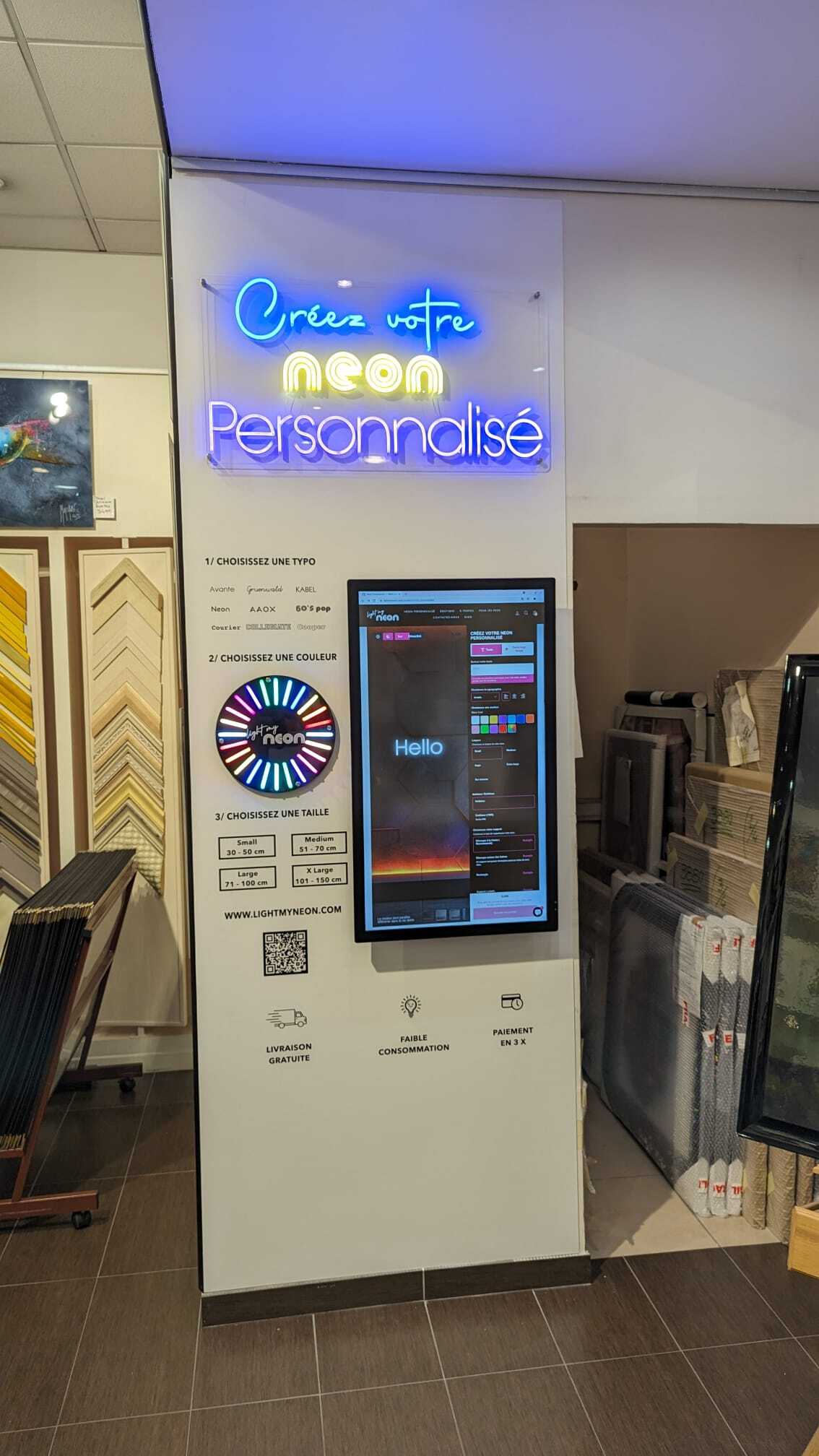
We hoped you enjoyed these ideas on how to use Sign Customiser in a different way. If you have any other ideas on how to use Sign Customiser in a different way, we would love to hear from you. Please feel free to reach out to us at [support email](mailto:support@signcustomiser.com)
Tags
- [general](/posts/general/)

About the author
### Matthew Attanasio
Founder, Sign Customiser
Matthew founded Sign Customiser to solve a problem he saw sign businesses facing every day: the endless back-and-forth of manual quoting. With a background in e-commerce development and a decade of experience building Shopify solutions at Sky Foundry, he set out to automate the entire custom sign selling process.
- E-commerce
- Shopify
- Sign Industry
- Product Strategy
[View profile](/authors/matthew-attanasio/)[](https://au.linkedin.com/in/matthew-attanasio-92500a36)[](https://github.com/matthewattanasio)
Let your customers design their own signs

Add a full sign customiser to your online store in minutes. Neon, acrylic, metal — with real-time pricing.
[Start your free 7-day trial](/install/)
Works with Shopify, WooCommerce, Wix & more. 7 days free. Every plan includes every feature.
Let your customers design their own signs

Add a full sign customiser to your online store in minutes. Neon, acrylic, metal — with real-time pricing.
[Start your free 7-day trial](/install/)
Works with Shopify, WooCommerce, Wix & more. 7 days free. Every plan includes every feature.
Related
## From theblog
Expert insights, industry trends, and actionable tips to enhance your online sign business.
[View all articles](/posts/)

general·February 3, 2026
### [Automated quote generation for sign shops: save hours every week](/posts/general/automated-quote-generation-sign-shops/)
Discover how sign quoting software automates pricing calculations, eliminates manual bottlenecks, and integrates with e-commerce. Save 10-20 hours weekly on quotes.
Read more

general·February 4, 2026
### [Best e-commerce sign configurators: 10 solutions compared](/posts/general/best-ecommerce-sign-configurators-compared/)
Compare 10 sign configurator software options for online sign builders. Find the best custom product configurator for your sign business on Shopify, WooCommerce, or standalone.
Read more

general·February 3, 2026
### [Sign estimating software: 8 tools and prices for 2026](/posts/general/best-sign-estimating-software/)
Compare sign estimating software prices, user limits and quoting workflows. Choose tools for shop estimates, production management or online sign sales.
Read more

general·February 3, 2026
### [Best ecommerce platforms for sign businesses: Shopify vs WooCommerce vs the rest](/posts/general/ecommerce-platform-comparison-sign-businesses/)
Compare Shopify, WooCommerce, Wix, Squarespace, and Webflow for your sign business. Find the best ecommerce product customisation platform with pricing analysis and integration depth.
Read more

general·February 3, 2026
### [Headless commerce for sign businesses: API-first product customisation guide](/posts/general/headless-commerce-sign-customiser-integration/)
Learn how to integrate Sign Customiser with headless commerce architectures. Complete guide with React, Vue, and Hydrogen code examples for custom sign API integration.
Read more

general·February 3, 2026
### [How to automate your sign business: complete guide to workflow efficiency](/posts/general/how-to-automate-your-sign-business/)
Master sign business automation with this comprehensive guide. Learn to automate order intake, quoting, production, and customer communication for maximum efficiency.
Read more

general·September 29, 2026
### [How to price signs: a sign pricing guide for sign shops](/posts/general/how-to-price-signs/)
How to price signs: the cost-plus formula, your shop rate, markup vs margin, and what 201 Sign Customiser stores charge for LED neon online.
Read more

general·October 30, 2025
### [How to win more sales with Sign Customiser](/posts/general/how-to-win-more-sales-with-sign-customiser/)
A practical guide for merchants to optimise their Sign Customiser setup, reduce cart abandonment, and implement effective marketing strategies to increase conversions.
Read more

general·August 18, 2025
### [Integrating Sign Customiser with enterprise workflows using our custom API](/posts/general/integrating-sign-customiser-with-enterprise-workflows-custom-api/)
Discover how Sign Customiser's new API enables seamless integration with any platform, helping sign businesses automate workflows and scale operations.
Read more

general·June 3, 2024
### [Making the most of the new share feature](/posts/general/making-the-most-of-the-new-share-feature/)
In this post, we will discuss how you can maximise the share feature potential of Sign Customiser on your store.
Read more

general·August 18, 2025
### [Real-time automation with Sign Customiser webhook subscriptions](/posts/general/real-time-automation-with-webhook-subscriptions/)
Learn how webhook subscriptions enable instant notifications and automated workflows when customers create signs, helping you build a more responsive sign business.
Read more

general·February 3, 2026
### [Selling custom signs on Etsy: complete guide](/posts/general/selling-custom-signs-etsy-complete-guide/)
Learn how to sell custom neon signs and personalised signage on Etsy. Complete guide covering shop setup, listing optimisation, pricing, and scaling your sign business.
Read more

general·February 3, 2026
### [Complete guide to setting up a Shopify product customiser for your sign business](/posts/general/shopify-sign-customiser-complete-setup-guide/)
Step-by-step guide to installing and configuring Sign Customiser on Shopify. Learn product setup, pricing models, order management, and troubleshooting for your custom sign business.
Read more

general·February 3, 2026
### [Shopvox alternative: why sign businesses are switching](/posts/general/shopvox-alternative/)
Compare Shopvox alternatives for your sign shop. Learn when Sign Customiser, SignTracker, or other tools are the better choice for your business workflow.
Read more

general·February 4, 2026
### [Sign Customiser vs Flexi Sign Pro: which software fits your business?](/posts/general/sign-customiser-vs-flexi-sign-pro/)
Flexi Design is US$46.99 a month, Flexi Complete US$91.99 (SAi, October 2026). What Flexi Sign Pro does, where it stops, and when you also need Sign Customiser.
Read more

general·February 3, 2026
### [Vector file formats for signs: DXF, AI, EPS & raster guide](/posts/general/sign-production-file-formats/)
What is a vector file and which formats work for sign production? Compare AI, EPS, SVG, and DXF file types. Learn vector vs raster differences and fix common issues.
Read more

general·February 3, 2026
### [Sign proof approval: what to show and how to get sign-off](/posts/general/sign-proof-approval/)
What a sign proof must show that a print proof does not, how to get approval that holds, and who pays when an approved proof is wrong. Template included.
Read more

general·February 3, 2026
### [Sign quality control checklist: a printable sheet for sign shops](/posts/general/sign-quality-control-checklist/)
A printable sign quality control checklist: eight checks from order to packing, with the UL, NEC, ADA, IP and vinyl maker numbers behind each one.
Read more

general·September 29, 2026
### [Low-resolution and AI-generated artwork: an intake policy for sign shops](/posts/general/sign-shop-artwork-policy/)
A customer sends a low-res or AI-made logo. Check it against the sign's size and how it is made, then print, upscale, trace or redraw. Policy included.
Read more

general·February 3, 2026
### [Sign making equipment: what to buy first and what it costs in 2026](/posts/general/sign-shop-equipment-guide/)
Sign making equipment with October 2026 prices: vinyl cutters, wide-format and UV printers, CNC routers and lasers, matched to the signs you sell.
Read more

general·February 3, 2026
### [Sign shop management software: complete buyer's guide](/posts/general/sign-shop-management-software-guide/)
Discover the best sign shop management software for your business. Compare features, pricing, and integrations to streamline quotes, orders, and production tracking.
Read more

general·February 4, 2026
### [SignLab vs Sign Customiser: desktop vs cloud sign software](/posts/general/signlab-vs-sign-customiser/)
Compare CADlink SignLab with Sign Customiser. See how cloud-based sign software stacks up against traditional desktop solutions for modern sign shops.
Read more

general·February 6, 2024
### [Sign making software in 2026: tools to design, cut and sell signs online](/posts/general/top-5-sign-making-software-options-for-profesional-designers-in-2024/)
Sign making software compared by job: design, cutting and printing, and selling online. Vendor prices checked 29 September 2026, with each tool's limits.
Read more

general·January 4, 2025
### [Top banner and sign maker tools for small businesses in 2026](/posts/general/top-banner-sign-maker-tools-small-business/)
Discover the best banner and sign maker tools for small businesses. Compare features, pricing, and ease of use to find the perfect solution for making a banner or custom sign.
Read more

general·February 3, 2026
### [Custom sign builder for WooCommerce: how it works and how to set it up](/posts/general/woocommerce-custom-sign-builder-tutorial/)
How a custom sign builder works on WooCommerce: three ways to sell custom signs, what happens at add to cart, a six-step setup and fixes for each error.
Read more
[View all articles](/posts/)
## Sitemap
See the full [sitemap](/sitemap.md) for all pages.
---
## Custom Sign Builder for WooCommerce: How It Works and Setup
Source: [https://www.signcustomiser.com/posts/general/woocommerce-custom-sign-builder-tutorial/](https://www.signcustomiser.com/posts/general/woocommerce-custom-sign-builder-tutorial/)
To sell custom signs on WooCommerce, you need a custom sign builder that shows a live preview, prices the design as the customer makes it, and puts that exact design in the cart. You can use a product add-ons plugin with a price formula, a sign plugin on WordPress, or a hosted customiser connected through the WooCommerce REST API.
We make [Sign Customiser](/integrations/woocommerce-sign-customiser/), which is the third kind. This guide compares the three, then follows one order through a WooCommerce store with Sign Customiser, from the first click to the email your sign maker receives. We checked every Sign Customiser setting, label and message in it against our code on 1 October 2026. The click-by-click connection steps are in the help centre article [Connecting WooCommerce with Sign Customiser](/help/integrations/connecting-woocommerce-with-sign-customiser/), and the [Universal demo](/universal-demo/) shows what your customer sees: a customiser embedded on a plain web page.
**On this page:**
- [Three ways to add a custom sign builder to WooCommerce](#three-ways-to-add-a-custom-sign-builder-to-woocommerce)
- [What happens when a customer orders a custom sign](#what-happens-when-a-customer-orders-a-custom-sign)
- [Set it up in six steps](#set-it-up-in-six-steps)
- [Sign Customiser’s three pricing models](#sign-customisers-three-pricing-models)
- [What your production team receives](#what-your-production-team-receives)
- [Error messages and what they mean](#error-messages-and-what-they-mean)
- [Generated products: sitemaps and cleanup](#generated-products-sitemaps-and-cleanup)
- [When a hosted custom sign builder is the wrong choice](#when-a-hosted-custom-sign-builder-is-the-wrong-choice)
- [Frequently asked questions](#frequently-asked-questions)
## Three ways to add a custom sign builder to WooCommerce
WooCommerce was built for products with a fixed list of options. A custom sign has no fixed list. The price depends on the words, the font, the size and the colours the customer picks, and the customer wants to see the sign before paying for it. Each of the three approaches solves that problem in a different place.
**1\. A product add-ons plugin with a price formula.** You keep one WooCommerce product called, for example, “Custom sign” and add fields to it: a text box, a material list, width and height boxes. A formula field works out the price, for example width times height times a rate for the chosen material. Plugin Republic’s tutorial on [custom signs and banners in WooCommerce](https://pluginrepublic.com/woocommerce-custom-signs/) builds a banner product this way with its Product Add-Ons Ultimate plugin, which costs from $79 a year for one site (read 1 October 2026). It works with your theme and keeps everything in WooCommerce. The customer fills in a form, and a text preview is a separate extension.
**2\. A sign plugin installed on WordPress.** Plugins such as [Webcrome Neon Sign Customizer](https://wordpress.org/plugins/webcrome-neon-sign-customizer/) and [All Signs Customizer for WooCommerce](https://wordpress.org/plugins/all-signs-customizer-for-woocommerce/) add a visual designer with a live preview to a product page (Webcrome’s shows a neon glow). The designer runs on your WordPress server, and the design is saved with the cart item and the order. Check the listing before you rely on one. On 1 October 2026 both of those plugins showed fewer than 10 active installs on WordPress.org, and Webcrome’s SVG export and manufacturer email were in its $43-a-year Pro version. Some sign plugins are sold by subscription too: the [Neon Channel Product Customizer](https://signsdesigner.us/neon-channel-product-customizer-product/) page says that “once your payment period expires, the plugin will stop working”.
**3\. A hosted customiser connected through the REST API.** The designer runs on the provider’s servers and loads on your page from a snippet. When the customer adds the sign to the cart, the provider creates a WooCommerce product for that design through the WooCommerce REST API. Sign Customiser works this way.
Add-ons plugin with a formula
Sign plugin on WordPress
Hosted customiser (Sign Customiser)
Where it runs
Your WordPress server
Your WordPress server
Sign Customiser’s servers, shown on your page
What the customer sees
A form with a price total
A preview of the sign
A preview of the sign with a live price
How the price is set
Your formula fields
The plugin’s rules, often per letter or per size
Simple Letter, Advanced Letter or Frame Fit pricing
What goes in the cart
One shared product plus the form answers
Usually one shared product plus the design data
A new hidden product for each design
What production gets
The form answers on the order
Depends on the plugin; some export SVG
An order email with the preview and design file links
How you pay
A plugin licence
A plugin licence, often yearly
A monthly or yearly plan by order volume
Who keeps it working
You and the plugin author
You and the plugin author
Sign Customiser, plus your REST API connection
Swipe for more
Plugins win on three counts. Your data stays on your own server. A yearly licence usually costs less than a monthly plan when you sell only a few signs: $79 a year for an add-ons plugin against $278 a year for Sign Customiser’s smallest plan billed yearly (prices on 1 October 2026). And there is no outside service between your product page and your cart. A hosted builder wins when you sell more than one sign type, want a preview the customer can trust before paying, and want the design files and the email to your sign maker produced for every order. It also moves the rendering and pricing work off your WordPress host.
## What happens when a customer orders a custom sign
Here is the full path of one order through Sign Customiser and WooCommerce.
The six steps of a custom sign order with Sign Customiser on WooCommerce. Steps 1 and 3 run in the shopper’s browser, steps 2 and 6 in Sign Customiser, and steps 4 and 5 in your WooCommerce store.
### Every design becomes its own WooCommerce product
When the customer selects add to cart, Sign Customiser creates a new simple product in your store through the WooCommerce REST API. That product has:
- the design’s name, description and price (if you set a compare-at price, that becomes the regular price and the design price becomes the sale price)
- the design preview as the product image
- catalogue visibility set to **Hidden**, so it does not show in your shop pages or your store’s search results
- stock management turned off
- the tag **SignCustomiser**, so you can find and filter these products later
WooCommerce’s cart and checkout already handle a product with its own price and image, so your order emails, invoices and reports show the sign like any other product, and the customer sees the preview of their own sign in the cart. Two side effects come with it:
- Your product list grows by one product for every sign added to a cart, including carts that never reach checkout. The [cleanup section](#generated-products-sitemaps-and-cleanup) covers how to manage that.
- The product has no weight, dimensions or shipping class. Weight-based and class-based shipping rates treat it as weightless with no class, so they can undercharge. Use flat-rate or order-value shipping for signs, or include shipping in the sign price.
### The embed uses WooCommerce’s own add-to-cart
Once the product exists, the customiser on your page adds it to the cart with the same AJAX add-to-cart request WooCommerce uses on its shop pages. It needs WooCommerce’s add-to-cart script on the page, which is why the help centre tells you to turn on **Enable AJAX add to cart buttons on archives**. If you also turn on **Redirect to the cart page after successful addition**, the customer goes straight to the cart. If not, the cart updates in place, the same way it does when you add a product from a shop page.
### The order comes back through one webhook
When you connect the store, Sign Customiser registers one webhook in WooCommerce called “Sign Customiser - order.created”. You can see it in **WooCommerce > Settings > Advanced > Webhooks**. Each delivery is signed, and Sign Customiser checks the signature before it accepts the order. It then matches the order’s line items against the products it created. Orders that contain no custom sign are ignored, so your other products stay out of Sign Customiser.
For each order that does contain a sign, and as long as your Store has an active plan, Sign Customiser records the order, sends the order email with the design files, and, if you subscribe to it, fires its own **Order Created** webhook to your other tools.
One limit to know: a Store can have one active integration at a time. If your Store already has one, for example a Custom API integration, you will see “Disconnect or disable \[name\] before connecting another integration.” Disable the old one first.
## Set it up in six steps
The help centre article has every click. Here is the order, why each step matters, and how to tell it worked.
### 1\. Check the WordPress prerequisites
Set **Settings > Permalinks** to any option except **Plain**: WooCommerce’s [REST API documentation](https://woocommerce.github.io/woocommerce-rest-api-docs/) says default permalinks will not work. Use HTTPS if you can. Sign Customiser then sends your keys in the request’s authorisation header (on plain HTTP it signs each request with OAuth 1.0a instead). If you run Wordfence, Sucuri, Solid Security (formerly iThemes Security), a host firewall or Cloudflare bot rules, allow requests to `/wp-json/`, because each of them can block outside REST API calls.
**Done when:** `https://yourstore.com/wp-json/` opens in a browser and shows JSON text, not a 404 page.
### 2\. Create a WooCommerce REST API key
Create a key in **WooCommerce > Settings > Advanced > REST API** for an admin user, with **Permissions** set to **Read/Write**. Read/Write matters: Sign Customiser creates a product for each design and creates the order webhook, and a Read key fails at the webhook step.
**Done when:** you have copied the consumer key and consumer secret. WooCommerce’s [REST API guide](https://woocommerce.com/document/woocommerce-rest-api/) is clear that the consumer secret is shown only once.
### 3\. Connect WooCommerce in Sign Customiser
Open **Integrations** (under **Integrate** in the sidebar), select **Connect WooCommerce**, and fill in **Name**, **API URL**, **API Key** (the consumer key) and **API Secret** (the consumer secret). The API URL is your store address followed by `/wp-json/`, for example `https://yourstore.com/wp-json/`. If WordPress is installed in a folder, include it: `https://yoursite.com/shop/wp-json/`. When you select **Create**, Sign Customiser checks the connection and creates the order webhook in the same step.
**Done when:** the integration card appears with no error, and “Sign Customiser - order.created” is listed in WooCommerce’s webhooks screen.
### 4\. Embed the customiser on a WordPress page
Open the integration with **View Details**, choose a customiser under **Embed Instructions** and select **Copy Code**. The snippet is a script tag plus a `` element that carries your customiser ID, your integration ID and `driver="woocommerce"`. Paste it into a page with any block or widget that accepts raw HTML; the [help article](/help/integrations/connecting-woocommerce-with-sign-customiser/) shows the block editor, Elementor and WPBakery. You do not need a WordPress plugin or a shortcode, and you do not need to edit your theme’s template files.
One integration serves every customiser in your Store. To sell neon on one page and lightboxes on another, copy the snippet again with a different customiser selected.
**Done when:** the customiser loads on the published page. If it shows “Finish WooCommerce setup before customers use this customiser.”, the snippet is missing its integration ID. Copy it again from the integration’s page.
### 5\. Set the WooCommerce add-to-cart behaviour
In **WooCommerce > Settings > Products**, under **Add to cart behaviour**, turn on **Enable AJAX add to cart buttons on archives**. We also recommend **Redirect to the cart page after successful addition**: Sign Customiser creates the product in your store before the cart updates, so there is a short wait, and the redirect stops customers from clicking add to cart twice.
**Done when:** both boxes are ticked and saved.
### 6\. Place a test order
Design a sign on the live page, add it to the cart and check out, with a test payment method if you have one. Then check four things:
1. A new product tagged **SignCustomiser** appears in **Products**, with catalogue visibility set to Hidden.
2. The cart shows the sign’s preview image and the price the customiser showed.
3. The order email arrives with the preview and the design file links.
4. The order appears in Sign Customiser.
If the order email or the order is missing, open the integration with **View Details** and read its **Activity Logs**.
## Sign Customiser’s three pricing models
The builder can only quote well if its pricing model matches how you cost the sign. Sign Customiser has three, and they work the same on WooCommerce as on every other platform:
- **Simple Letter:** a rate per letter for each font tier, plus a price per line. Quick to set up, and customers can predict the price.
- **Advanced Letter:** prices by the length of material the design uses, measured from the font’s letter shapes. A wide “W” costs more than a narrow “I”. This suits LED neon, where tube length drives cost.
- **Frame Fit:** prices by the area of the frame or panel, so the number of letters does not change the price. This suits lightbox signs.
For LED neon, stores are split between the first two. Of 594 LED neon customisers on 406 Sign Customiser stores, 54.9% priced by the length of LED neon (Advanced Letter) and 41.9% priced by letter (Simple Letter), according to Sign Customiser data for the 12 months to 28 September 2026. Whichever model you choose, WooCommerce only receives the result: the final price, set on the generated product. Our [sign pricing guide](/posts/general/how-to-price-signs/) shows how to set the rates and what those stores charge.
## What your production team receives
The order email is the hand-off. Sign Customiser sends it to the first address it finds in this order: the email set in the customiser’s settings, then the email of the manufacturer assigned to that customiser, then the Store owner’s email. If an outside sign maker builds your signs, put their address on the customiser and they get each order without a Sign Customiser account.
The email carries the design preview and outline images as JPEG files (lightbox signs get a PNG preview and no outline), which you can also send to the customer as a proof copy, plus links to the design files you turn on in the customiser’s settings:
- **SVG** for every sign type except lightbox
- **EPS** and **AI**, converted from the SVG (the AI file is an Illustrator-compatible PDF saved with an `.ai` name)
- **DXF** for stencil signs only
The same files are on the product’s page in Sign Customiser under **Design Files**.
## Error messages and what they mean
These are the main messages Sign Customiser shows when it cannot connect, quoted from the app.
Message starts with
What it means
Fix
”WooCommerce REST API not found at…”
The API URL returned a 404.
Check the URL ends in `/wp-json/`, WooCommerce is active, and permalinks are not set to Plain.
”Authentication failed…”
Your store rejected the key and secret.
Paste them again, or generate a new Read/Write key.
”Could not connect to…”
Sign Customiser could not reach your server.
Check the URL, then your security plugin, host firewall or Cloudflare rules.
”SSL certificate error…”
Your certificate is invalid or expired.
Fix the certificate with your host.
”WooCommerce REST API returned an invalid response…”
The URL answered, but not as the WooCommerce API.
Point the API URL at the WordPress REST API root, not your home page.
”WooCommerce rejected the webhook creation request…”
The key cannot manage webhooks.
Generate a key with Read/Write permissions.
”Your WooCommerce store returned a server error…”
Your WordPress site failed while answering.
Check your PHP error log or ask your host.
Swipe for more
Three failures happen after setup:
- **Orders stop arriving in Sign Customiser.** WooCommerce’s [webhook documentation](https://woocommerce.com/document/webhooks/) says it disables a webhook after more than five consecutive failed deliveries. Check the status of “Sign Customiser - order.created” in **WooCommerce > Settings > Advanced > Webhooks** and set it back to **Active**. If someone deleted the webhook, open the integration in Sign Customiser, select **Edit Integration**, then **Update**: Sign Customiser creates a new webhook when it finds the old one missing.
- **Orders are missing but the webhook is active.** Sign Customiser processes WooCommerce orders only while your Store has an active plan. Check your subscription in Sign Customiser.
- **Add to cart does nothing.** Check that AJAX add to cart is turned on (step 5), then read the integration’s **Activity Logs**. The help centre covers more causes in [Why is add to cart not working?](/help/faqs/why-is-add-to-cart-not-working/)
If you use a caching plugin, WooCommerce’s [caching guidance](https://developer.woocommerce.com/docs/best-practices/performance/configuring-caching-plugins/) says to keep the cart, checkout and my account pages out of the cache. Some caching plugins, such as WP Super Cache, do this by default. Check yours if the cart shows an old total after an add to cart.
## Generated products: sitemaps and cleanup
Hidden catalogue visibility keeps the sign products off your shop pages and out of your store’s own search. It does not remove them from everything. Each product still has its own product page, and WordPress’s built-in XML sitemap lists hidden WooCommerce products: WooCommerce [closed that report as not planned](https://github.com/woocommerce/woocommerce/issues/27954) in April 2025.
Three checks keep a busy store tidy:
1. **Check your sitemap** a week after your first orders. Open your sitemap (`/wp-sitemap.xml`, or the one your SEO plugin makes) and look for products tagged SignCustomiser. If they are listed, set them to noindex or leave them out of the sitemap in your SEO plugin.
2. **Delete old generated products on a schedule.** Disconnecting Sign Customiser does not delete them. The help centre shows how to do it with a bulk-delete plugin that filters by the SignCustomiser tag: [Automatically deleting generated products in WordPress](/help/integrations/automatically-deleting-generated-products-in-wordpress/). Keep products from recent orders until those orders are fulfilled.
3. **Retire the old plugin.** If you installed the earlier Sign Customiser WordPress plugin, it is now legacy, and we recommend the API connection instead. Follow [Migrating from the legacy WordPress plugin](/help/integrations/migrating-from-the-legacy-wordpress-plugin/) to move to the API connection.
## When a hosted custom sign builder is the wrong choice
Choose something else if one of these is true:
- You sell one sign type in a few fixed sizes. WooCommerce variations, or an add-ons plugin with a formula, will do the job without another monthly cost.
- Your data must stay on your own server. Sign Customiser stores the designs, orders and customer details it needs on its own servers.
- You cannot open your REST API. If your host or security policy blocks outside requests to `/wp-json/`, the connection cannot work.
- You want software that keeps working without a subscription. A hosted builder will not. Without an active Sign Customiser plan or trial, WooCommerce orders are not processed and you cannot put a customiser live, and live customisers can be switched off until you subscribe again. Nothing you built is deleted.
- You do not use WooCommerce. On plain WordPress, add the customiser to a page with the [iframe embed](/help/integrations/15788612-embed-the-customiser-on-any-website/) and turn on [Quote Mode](/help/features/quote-mode/): customers send you the design, options, price and contact details, and you invoice them yourself.
If you do go hosted, Sign Customiser plans run from $29 to $299 a month (prices on 1 October 2026) by the number of orders with a custom sign in a rolling 30 days, every plan has every feature, and WooCommerce stores pay through Stripe. There is a 7-day free trial. See [pricing](/pricing/) for the full table, or the [WooCommerce integration page](/integrations/woocommerce-sign-customiser/) for a summary. Selling on more than one platform? Our [e-commerce platform comparison for sign businesses](/posts/general/ecommerce-platform-comparison-sign-businesses/) weighs WooCommerce against Shopify, Wix and Squarespace, and the [sign configurator comparison](/posts/general/best-ecommerce-sign-configurators-compared/) covers other customisers.
## Frequently asked questions
Do I need a WordPress plugin to use Sign Customiser on WooCommerce?
No. You connect Sign Customiser with a WooCommerce REST API key and paste an HTML snippet into a page. The earlier Sign Customiser WordPress plugin is now legacy, and we recommend the API connection instead.
Does every custom sign create a new WooCommerce product?
Yes. When a customer adds a design to the cart, Sign Customiser creates a simple WooCommerce product for it with the design's price and preview image, Hidden catalogue visibility and the tag SignCustomiser. This happens for carts that never reach checkout too, and disconnecting does not delete these products, so delete old ones on a schedule.
Which WooCommerce product configurator is best for custom signs?
A sign-specific builder is best if you sell several sign types or need a live preview and production files: either a plugin that runs on your server or a hosted customiser such as Sign Customiser. For one sign type in fixed sizes, WooCommerce variations or an add-ons plugin with a price formula is enough.
What permissions does the WooCommerce API key need?
Read/Write. Sign Customiser creates a product for each design and creates the order.created webhook in your store, and a Read-only key cannot do either.
Why does the Sign Customiser connection fail with REST API not found?
The API URL returned a 404. Check that the URL is your store address followed by /wp-json/, that WooCommerce is active, and that WordPress permalinks are set to anything other than Plain.
Can I use Sign Customiser on WordPress without WooCommerce?
Yes. Add the customiser to a page with the iframe embed and turn on Quote Mode. Customers send you the design, the selected options, the calculated price and their contact details, and you quote or invoice them yourself.
How much does Sign Customiser cost on WooCommerce?
As of 1 October 2026, plans run from $29 to $299 a month, set by the number of orders with a custom sign in a rolling 30 days. Every plan has every feature, yearly billing saves 20%, and WooCommerce stores pay through Stripe. There is a 7-day free trial.
### Do I need a WordPress plugin to use Sign Customiser on WooCommerce?
No. You connect Sign Customiser with a WooCommerce REST API key and paste an HTML snippet into a page. The earlier Sign Customiser WordPress plugin is now legacy, and we recommend the API connection instead.
### Does every custom sign create a new WooCommerce product?
Yes. When a customer adds a design to the cart, Sign Customiser creates a simple WooCommerce product for it with the design’s price and preview image, Hidden catalogue visibility and the tag SignCustomiser. This happens for carts that never reach checkout too, and disconnecting does not delete these products, so delete old ones on a schedule.
### Which WooCommerce product configurator is best for custom signs?
A sign-specific builder is best if you sell several sign types or need a live preview and production files: either a plugin that runs on your server or a hosted customiser such as Sign Customiser. For one sign type in fixed sizes, WooCommerce variations or an add-ons plugin with a price formula is enough.
### What permissions does the WooCommerce API key need?
Read/Write. Sign Customiser creates a product for each design and creates the order.created webhook in your store, and a Read-only key cannot do either.
### Why does the Sign Customiser connection fail with REST API not found?
The API URL returned a 404. Check that the URL is your store address followed by /wp-json/, that WooCommerce is active, and that WordPress permalinks are set to anything other than Plain.
### Can I use Sign Customiser on WordPress without WooCommerce?
Yes. Add the customiser to a page with the iframe embed and turn on Quote Mode. Customers send you the design, the selected options, the calculated price and their contact details, and you quote or invoice them yourself.
### How much does Sign Customiser cost on WooCommerce?
As of 1 October 2026, plans run from $29 to $299 a month, set by the number of orders with a custom sign in a rolling 30 days. Every plan has every feature, yearly billing saves 20%, and WooCommerce stores pay through Stripe. There is a 7-day free trial.
Tags
- [general](/posts/general/)

About the author
### Matthew Attanasio
Founder, Sign Customiser
Matthew founded Sign Customiser to solve a problem he saw sign businesses facing every day: the endless back-and-forth of manual quoting. With a background in e-commerce development and a decade of experience building Shopify solutions at Sky Foundry, he set out to automate the entire custom sign selling process.
- E-commerce
- Shopify
- Sign Industry
- Product Strategy
[View profile](/authors/matthew-attanasio/)[](https://au.linkedin.com/in/matthew-attanasio-92500a36)[](https://github.com/matthewattanasio)
Let your customers design their own signs

Add a full sign customiser to your online store in minutes. Neon, acrylic, metal — with real-time pricing.
[Start your free 7-day trial](/install/)
Works with Shopify, WooCommerce, Wix & more. 7 days free. Every plan includes every feature.
Let your customers design their own signs

Add a full sign customiser to your online store in minutes. Neon, acrylic, metal — with real-time pricing.
[Start your free 7-day trial](/install/)
Works with Shopify, WooCommerce, Wix & more. 7 days free. Every plan includes every feature.
Related
## From theblog
Expert insights, industry trends, and actionable tips to enhance your online sign business.
[View all articles](/posts/)

general·February 3, 2026
### [Automated quote generation for sign shops: save hours every week](/posts/general/automated-quote-generation-sign-shops/)
Discover how sign quoting software automates pricing calculations, eliminates manual bottlenecks, and integrates with e-commerce. Save 10-20 hours weekly on quotes.
Read more

general·February 4, 2026
### [Best e-commerce sign configurators: 10 solutions compared](/posts/general/best-ecommerce-sign-configurators-compared/)
Compare 10 sign configurator software options for online sign builders. Find the best custom product configurator for your sign business on Shopify, WooCommerce, or standalone.
Read more

general·February 3, 2026
### [Sign estimating software: 8 tools and prices for 2026](/posts/general/best-sign-estimating-software/)
Compare sign estimating software prices, user limits and quoting workflows. Choose tools for shop estimates, production management or online sign sales.
Read more

general·February 3, 2026
### [Best ecommerce platforms for sign businesses: Shopify vs WooCommerce vs the rest](/posts/general/ecommerce-platform-comparison-sign-businesses/)
Compare Shopify, WooCommerce, Wix, Squarespace, and Webflow for your sign business. Find the best ecommerce product customisation platform with pricing analysis and integration depth.
Read more

general·February 3, 2026
### [Headless commerce for sign businesses: API-first product customisation guide](/posts/general/headless-commerce-sign-customiser-integration/)
Learn how to integrate Sign Customiser with headless commerce architectures. Complete guide with React, Vue, and Hydrogen code examples for custom sign API integration.
Read more

general·February 3, 2026
### [How to automate your sign business: complete guide to workflow efficiency](/posts/general/how-to-automate-your-sign-business/)
Master sign business automation with this comprehensive guide. Learn to automate order intake, quoting, production, and customer communication for maximum efficiency.
Read more

general·September 29, 2026
### [How to price signs: a sign pricing guide for sign shops](/posts/general/how-to-price-signs/)
How to price signs: the cost-plus formula, your shop rate, markup vs margin, and what 201 Sign Customiser stores charge for LED neon online.
Read more

general·October 30, 2025
### [How to win more sales with Sign Customiser](/posts/general/how-to-win-more-sales-with-sign-customiser/)
A practical guide for merchants to optimise their Sign Customiser setup, reduce cart abandonment, and implement effective marketing strategies to increase conversions.
Read more

general·August 18, 2025
### [Integrating Sign Customiser with enterprise workflows using our custom API](/posts/general/integrating-sign-customiser-with-enterprise-workflows-custom-api/)
Discover how Sign Customiser's new API enables seamless integration with any platform, helping sign businesses automate workflows and scale operations.
Read more

general·June 3, 2024
### [Making the most of the new share feature](/posts/general/making-the-most-of-the-new-share-feature/)
In this post, we will discuss how you can maximise the share feature potential of Sign Customiser on your store.
Read more

general·August 18, 2025
### [Real-time automation with Sign Customiser webhook subscriptions](/posts/general/real-time-automation-with-webhook-subscriptions/)
Learn how webhook subscriptions enable instant notifications and automated workflows when customers create signs, helping you build a more responsive sign business.
Read more

general·February 3, 2026
### [Selling custom signs on Etsy: complete guide](/posts/general/selling-custom-signs-etsy-complete-guide/)
Learn how to sell custom neon signs and personalised signage on Etsy. Complete guide covering shop setup, listing optimisation, pricing, and scaling your sign business.
Read more

general·February 3, 2026
### [Complete guide to setting up a Shopify product customiser for your sign business](/posts/general/shopify-sign-customiser-complete-setup-guide/)
Step-by-step guide to installing and configuring Sign Customiser on Shopify. Learn product setup, pricing models, order management, and troubleshooting for your custom sign business.
Read more

general·February 3, 2026
### [Shopvox alternative: why sign businesses are switching](/posts/general/shopvox-alternative/)
Compare Shopvox alternatives for your sign shop. Learn when Sign Customiser, SignTracker, or other tools are the better choice for your business workflow.
Read more

general·February 4, 2026
### [Sign Customiser vs Flexi Sign Pro: which software fits your business?](/posts/general/sign-customiser-vs-flexi-sign-pro/)
Flexi Design is US$46.99 a month, Flexi Complete US$91.99 (SAi, October 2026). What Flexi Sign Pro does, where it stops, and when you also need Sign Customiser.
Read more

general·February 3, 2026
### [Vector file formats for signs: DXF, AI, EPS & raster guide](/posts/general/sign-production-file-formats/)
What is a vector file and which formats work for sign production? Compare AI, EPS, SVG, and DXF file types. Learn vector vs raster differences and fix common issues.
Read more

general·February 3, 2026
### [Sign proof approval: what to show and how to get sign-off](/posts/general/sign-proof-approval/)
What a sign proof must show that a print proof does not, how to get approval that holds, and who pays when an approved proof is wrong. Template included.
Read more

general·February 3, 2026
### [Sign quality control checklist: a printable sheet for sign shops](/posts/general/sign-quality-control-checklist/)
A printable sign quality control checklist: eight checks from order to packing, with the UL, NEC, ADA, IP and vinyl maker numbers behind each one.
Read more

general·September 29, 2026
### [Low-resolution and AI-generated artwork: an intake policy for sign shops](/posts/general/sign-shop-artwork-policy/)
A customer sends a low-res or AI-made logo. Check it against the sign's size and how it is made, then print, upscale, trace or redraw. Policy included.
Read more

general·February 3, 2026
### [Sign making equipment: what to buy first and what it costs in 2026](/posts/general/sign-shop-equipment-guide/)
Sign making equipment with October 2026 prices: vinyl cutters, wide-format and UV printers, CNC routers and lasers, matched to the signs you sell.
Read more

general·February 3, 2026
### [Sign shop management software: complete buyer's guide](/posts/general/sign-shop-management-software-guide/)
Discover the best sign shop management software for your business. Compare features, pricing, and integrations to streamline quotes, orders, and production tracking.
Read more

general·February 4, 2026
### [SignLab vs Sign Customiser: desktop vs cloud sign software](/posts/general/signlab-vs-sign-customiser/)
Compare CADlink SignLab with Sign Customiser. See how cloud-based sign software stacks up against traditional desktop solutions for modern sign shops.
Read more

general·February 6, 2024
### [Sign making software in 2026: tools to design, cut and sell signs online](/posts/general/top-5-sign-making-software-options-for-profesional-designers-in-2024/)
Sign making software compared by job: design, cutting and printing, and selling online. Vendor prices checked 29 September 2026, with each tool's limits.
Read more

general·January 4, 2025
### [Top banner and sign maker tools for small businesses in 2026](/posts/general/top-banner-sign-maker-tools-small-business/)
Discover the best banner and sign maker tools for small businesses. Compare features, pricing, and ease of use to find the perfect solution for making a banner or custom sign.
Read more

general·February 23, 2024
### [Unconvential ideas on how to use Sign Customiser](/posts/general/unconvential-ideas-on-how-to-use-sign-customiser/)
This articles goes through some unconvential ideas on how to use Sign Customiser to help you sell more signs.
Read more
[View all articles](/posts/)
## Sitemap
See the full [sitemap](/sitemap.md) for all pages.
---
## Blog - Sign Customiser
Source: [https://www.signcustomiser.com/posts/](https://www.signcustomiser.com/posts/)
[All](/posts/)[General](/posts/general/)[Neon signs](/posts/neon/)[Acrylic signs](/posts/acrylic/)[Channel letter signs](/posts/channel/)[Metal signs](/posts/metal/)[Lightbox signs](/posts/lightbox/)[AI](/posts/ai/)[Shopify](/posts/shopify/)
## General
Discover tips, updates, and best practices for Sign Customiser—the platform that helps sign makers offer custom sign design experiences on Shopify, WooCommerce, Etsy, and more.
[View all posts](/posts/general/)

Published September 29, 2026
### [How to price signs: a sign pricing guide for sign shops](/posts/general/how-to-price-signs/)
How to price signs: the cost-plus formula, your shop rate, markup vs margin, and what 201 Sign Customiser stores charge for LED neon online.
Read more
Published September 29, 2026
### [Low-resolution and AI-generated artwork: an intake policy for sign shops](/posts/general/sign-shop-artwork-policy/)
A customer sends a low-res or AI-made logo. Check it against the sign's size and how it is made, then print, upscale, trace or redraw. Policy included.
Read more
Published February 4, 2026
### [Best e-commerce sign configurators: 10 solutions compared](/posts/general/best-ecommerce-sign-configurators-compared/)
Compare 10 sign configurator software options for online sign builders. Find the best custom product configurator for your sign business on Shopify, WooCommerce, or standalone.
Read more
Published February 4, 2026
### [Sign Customiser vs Flexi Sign Pro: which software fits your business?](/posts/general/sign-customiser-vs-flexi-sign-pro/)
Flexi Design is US$46.99 a month, Flexi Complete US$91.99 (SAi, October 2026). What Flexi Sign Pro does, where it stops, and when you also need Sign Customiser.
Read more
Published February 4, 2026
### [SignLab vs Sign Customiser: desktop vs cloud sign software](/posts/general/signlab-vs-sign-customiser/)
Compare CADlink SignLab with Sign Customiser. See how cloud-based sign software stacks up against traditional desktop solutions for modern sign shops.
Read more
Published February 3, 2026
### [Automated quote generation for sign shops: save hours every week](/posts/general/automated-quote-generation-sign-shops/)
Discover how sign quoting software automates pricing calculations, eliminates manual bottlenecks, and integrates with e-commerce. Save 10-20 hours weekly on quotes.
Read more
Published February 3, 2026
### [Sign estimating software: 8 tools and prices for 2026](/posts/general/best-sign-estimating-software/)
Compare sign estimating software prices, user limits and quoting workflows. Choose tools for shop estimates, production management or online sign sales.
Read more
[View all posts](/posts/general/)
## Neon signs
Explore the fascinating world of neon lights, signs, and art, as we delve into the history, technology, and creative uses of these mesmerising luminous wonders.
[View all posts](/posts/neon/)

Published March 19, 2026
### [Neon light writer: 6 free and paid neon text tools compared](/posts/neon/neon-light-writer/)
Neon light writers compared: free neon text generators such as FlamingText, Cool Text and Canva, and sign software that turns words into LED neon signs.
Read more
Published March 10, 2026
### [Name in lights: what customers type into a neon name sign generator](/posts/neon/name-in-lights-generator/)
Sign Customiser data: 70% of LED neon designs added to cart are two words or fewer, and one in four keep the default font. What that means for your generator.
Read more
Published February 3, 2026
### [LED neon sign production: how custom neon signs are made](/posts/neon/led-neon-sign-production-process/)
LED neon signs are manufactured through a precise multi-stage process. Learn how custom LED neon signs are made, from acrylic backing preparation to tube bending, wiring, and quality testing.
Read more
Published January 5, 2026
### [Neon art: what it is, who made it famous and how it is made](/posts/neon/neon-art/)
Neon art is art made from hand-bent glass tubes of glowing gas. The artists who made it famous, where to see their work, and how a drawing becomes neon.
Read more
Published January 5, 2025
### [How to make a DIY neon sign: step-by-step tutorial (LED flex method)](/posts/neon/diy-neon-sign/)
Learn how to make your own LED neon sign at home. Complete step-by-step guide with materials list, tools needed, and expert tips for beginners.
Read more
Published January 5, 2025
### [Neon open signs: the complete guide to open signs for businesses (2025)](/posts/neon/neon-open-signs/)
Discover the best neon and LED open signs for your business. Compare types, sizes, and installation options. Plus expert tips for choosing the perfect open sign.
Read more
Published January 5, 2025
### [Neon signs for room decor: 60+ ideas for bedrooms, gaming rooms & more](/posts/neon/neon-signs-for-room/)
Transform any room with neon signs. Browse 60+ ideas for bedrooms, gaming rooms, living rooms and home offices. Plus size, colour and placement tips.
Read more
[View all posts](/posts/neon/)
## Acrylic signs
Learn all about acrylic signs and how to use them to create stunning signage for your business.
[View all posts](/posts/acrylic/)

Published February 2, 2024
### [3D acrylic logo signs: corporate branding, colour matching & pricing](/posts/acrylic/3d-acrylic-logo-sign/)
Guide to 3D acrylic logo signs for sign shops. Covers corporate client workflows, Pantone colour matching, logo complexity pricing, and reception signage best practices.
Read more
Published January 29, 2024
### [3D acrylic letters: what they are, how they're made](/posts/acrylic/3d-acrylic-letters/)
What 3D acrylic letters are, how they're layered and mounted, and how sign shops price and sell them online with a live customiser and worked example.
Read more
Published January 29, 2024
### [How are acrylic channel letters transforming businesses?](/posts/acrylic/acrylic-channel-letters/)
Are you curious about acrylic channel letters? Let's explore how acrylic channel letters redefine business visibility and captivate your audience.
Read more
Published January 29, 2024
### [Acrylic letters for signs: types, uses & pricing](/posts/acrylic/acrylic-letters/)
What acrylic letters for signs are, the thicknesses, finishes and mounting options, plus how sign shops price and sell them online with a live customiser.
Read more
Published January 29, 2024
### [Top spots to shop chic wedding acrylic signs](/posts/acrylic/wedding-acrylic-signs/)
Wedding acrylic signs have taken the wedding scene by storm, offering a sleek, modern touch to any nuptial celebration.
Read more
Published April 3, 2023
### [Faux neon signs: LED alternatives, costs & business guide (2026)](/posts/neon/faux-neon-sign/)
Complete guide to faux neon (LED neon) signs. Compares LED vs glass neon, covers profit margins for sign shops, and explains why LED neon dominates the market.
Read more
Published March 30, 2023
### [Exploring the benefits of acrylic neon signs for business signage](/posts/neon/acrylic-neon-signs/)
Customizable and Durable: Why Acrylic Neon Signs are a Smart Choice for Your Business Signage Needs
Read more
[View all posts](/posts/acrylic/)
## Channel letter signs
2D and 3D letters are a popular choice for storefront signage. Learn more about the different types of channel letters, their applications, and how to install them.
[View all posts](/posts/channel/)

Published January 29, 2024
### [How are acrylic channel letters transforming businesses?](/posts/acrylic/acrylic-channel-letters/)
Are you curious about acrylic channel letters? Let's explore how acrylic channel letters redefine business visibility and captivate your audience.
Read more
Published July 18, 2023
### [8 benefits of halo lit channel letters signs](/posts/channel/8-benefits-of-halo-lit-channel-letters-signs/)
With a myriad of signage options available, it can be overwhelming to make a decision. One compelling choice to consider is a halo-lit 3D channel letters sign
Read more
Published June 28, 2023
### [How to make channel letter signs: a beginner's guide](/posts/channel/how-to-make-channel-letter-signs-a-beginners-guide/)
Channel letter signs are a captivating and effective way to showcase a business's name or logo. If you're a beginner interested in learning how to create these eye-catching signs, this guide will walk you through the essential steps.
Read more
Published June 27, 2023
### [Exploring advanced techniques: layering and 3D effects in DIY acrylic signs](/posts/channel/master-the-art-of-diy-acrylic-neon-signs/)
In this article, we will delve into the world of advanced acrylic sign making, providing you with insights, tips, and step-by-step instructions on how to master layering and create stunning 3D effects in your DIY acrylic signs.
Read more
Published June 27, 2023
### [Master the art of DIY metal signs: a step-by-step guide for beginners, crafted by experts](/posts/channel/master-the-art-of-diy-metal-signs-a-step-by-step-guide-for-beginners-crafted-by-experts/)
Whether you want to create custom wall art for your home or craft personalized gifts for loved ones, mastering the art of DIY metal signs is a rewarding endeavor.
Read more
[View all posts](/posts/channel/)
## Metal signs
[View all posts](/posts/metal/)

Published January 31, 2024
### [Custom laser cut metal signs: materials, pricing & business guide](/posts/metal/custom-laser-cut-metal-signs/)
Complete guide to laser cut metal signs for sign shops. Covers material costs, gauge selection, pricing strategies, and equipment options for selling custom metal signage.
Read more
Published January 31, 2024
### [Cut out metal signs: design and durability in modern signage](/posts/metal/cut-out-metal/)
Cut out metal signs have become a popular choice for both businesses and homeowners looking to add a touch of personalization and durability to their signage.
Read more
Published January 31, 2024
### [Funny metal signs: elevate your decor with humor](/posts/metal/funny-metal-signs/)
Funny metal signs have become a popular decorative choice for individuals looking to add a touch of humor and personality to their home or workplace.
Read more
Published January 31, 2024
### [Laser cut metal signs: precision craftsmanship for your branding needs](/posts/metal/laser-cut-metal-signs/)
Laser cut metal signs are a prominent feature in various settings, from businesses and public spaces to personal decor.
Read more
Published January 31, 2024
### [Metal monogram signs: enhancing personal style in home decor](/posts/metal/metal-monogram-signs/)
Metal monogram signs blend personalization with a touch of elegance, creating a distinctive piece of decor for both residential and commercial settings.
Read more
Published January 31, 2024
### [Metal outdoor signs: durability and design for all-weather visibility](/posts/metal/metal-outdoor-signs/)
Metal outdoor signs are a durable and versatile option for both businesses and private properties, allowing for a variety of custom designs to suit any need.
Read more
Published January 31, 2024
### [Characteristics of vintage steel sign design](/posts/metal/vintage-metal-signs/)
Bold typography, porcelain enamel and embossed tin define vintage steel sign design, plus how sign shops price and sell retro metal sign reproductions.
Read more
[View all posts](/posts/metal/)
## Lightbox signs
[View all posts](/posts/lightbox/)
Published February 6, 2024
### [Light box logo design: elevating brand identity](/posts/lightbox/light-box-sign-design/)
Light box signs have become a versatile and effective advertising tool for businesses seeking to capture attention in both daytime and nighttime environments.
Read more
Published February 2, 2024
### [How to make a lightbox sign: a step-by-step professional guide](/posts/lightbox/how-to-make-a-lightbox-sign/)
Build professional lightbox signs from scratch. Covers LED specs, material selection, power requirements, and business pricing strategies for sign makers.
Read more
[View all posts](/posts/lightbox/)
## AI
Learn all about how AI can be used in the sign industry. From design to production, AI is changing the way we make signs.
[View all posts](/posts/ai/)

Published February 27, 2024
### [AI visual font rendering: enhancing readability and design through technology](/posts/ai/AI-Visual-Font-Rendering/)
Explore how artificial intelligence is revolutionizing typography through advanced font rendering, from automated font creation to dynamic text adaptation. Learn about AI's role in enhancing readability, design workflows, and the future of digital typography.
Read more
[View all posts](/posts/ai/)
## Shopify
Learn how to set up and grow your custom sign business on Shopify with product customisation, pricing models, and store optimisation guides.
[View all posts](/posts/shopify/)
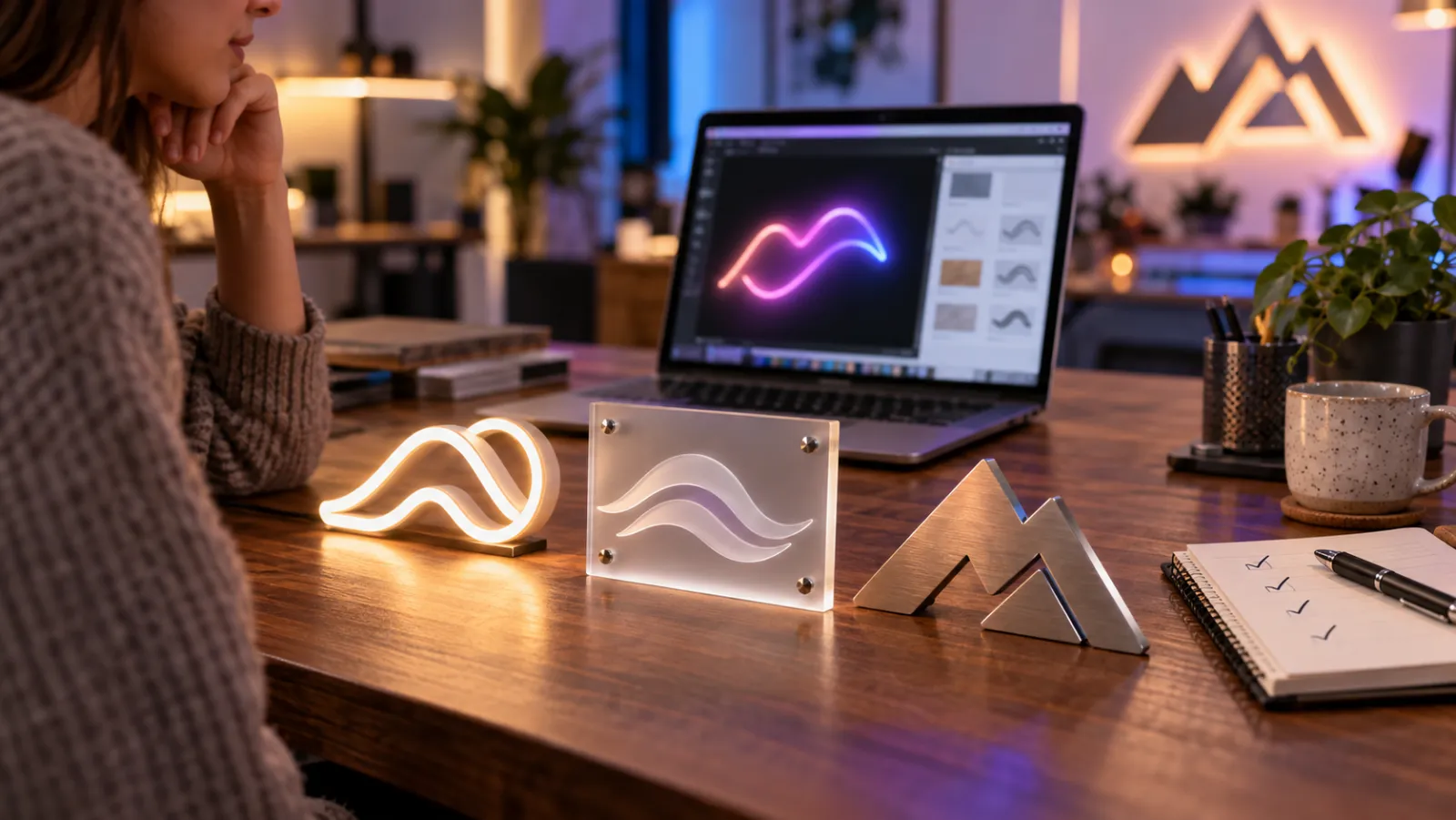
Published February 2, 2026
### [Best product customizer apps for Shopify sign stores](/posts/shopify/best-product-customizer-apps-shopify-signs/)
Compare product customizer apps for Shopify sign businesses. Detailed analysis of pricing, features, and which app handles neon, acrylic, and metal sign customisation best.
Read more
Published February 2, 2026
### [How to start an LED sign business on Shopify](/posts/shopify/how-to-start-neon-sign-business-shopify/)
Start an LED sign business on Shopify for under $500. Real startup costs, what LED neon sells for online, and the steps to launch your neon sign shop.
Read more
Published February 2, 2026
### [Sign shop software: the complete Shopify setup guide](/posts/shopify/shopify-sign-store-setup-guide/)
Set up sign shop software on Shopify to sell custom neon, acrylic, and metal signs. Covers pricing, automation, and scaling - used by 700+ sign businesses worldwide.
Read more
Published February 2, 2026
### [Sign pricing software: 4 models that protect your margins](/posts/shopify/sign-pricing-models-explained/)
Learn which sign pricing model fits your business. Compare fixed width, material length, frame fit, and per-letter pricing with real calculations and profit examples.
Read more
Published April 1, 2023
### [Neon sign repair guide: DIY fixes & when to call a pro](/posts/neon/neon-sign-repair/)
Complete guide to neon sign repair. Troubleshoot common problems, learn DIY fixes, compare costs, and know when to hire a professional for neon light repair.
Read more
Published December 23, 2022
### [How to make custom neon signs, the easy guide for Shopify sign stores](/posts/neon/how-to-make-custom-neon-signs/)
Learn how to make custom neon signs as a producer. We also show you a secret to let buyers customize & view their signs in real-time.
Read more
Published December 12, 2022
### [Why are neon signs so expensive? 2026 pricing guide for sign shops](/posts/neon/why-are-neon-signs-so-expensive/)
Complete breakdown of neon sign costs for sign shop owners. Covers material, labour, and overhead costs plus strategies to improve margins with LED neon.
Read more
[View all posts](/posts/shopify/)
## Sitemap
See the full [sitemap](/sitemap.md) for all pages.
---
## How to Make a Lightbox Sign: A Step-by-Step Professional Guide - Sign Customiser Blog
Source: [https://www.signcustomiser.com/posts/lightbox/how-to-make-a-lightbox-sign/](https://www.signcustomiser.com/posts/lightbox/how-to-make-a-lightbox-sign/)
Lightbox signs pull double duty: they work during the day as standard signage, then become eye-catching beacons after dark. A well-built lightbox delivers 3-5 years of trouble-free operation with LED strips, compared to 1-2 years with older fluorescent setups.
Building one yourself takes about 4-6 hours for a standard 24” × 36” unit. The materials run £80-150 depending on whether you opt for aluminium or wooden framing. Price the finished sign from your materials, your labour hours at your shop rate and your overhead. The [pricing section](#pricing-strategies-for-lightbox-signs) below works through examples.
This guide covers the complete build process, from selecting the right LED strips to calculating power requirements. We’ll also dig into the business side: pricing strategies, common customer requests, and how to use [Sign Customiser](https://www.signcustomiser.com) to streamline quoting.
## Understanding lightbox signs
Play video: How to make signage: a standard lightbox
How to make signage: a standard lightbox
A lightbox sign is a backlit display that uses internal illumination to make graphics visible day and night. The basic construction: a frame, a translucent acrylic face, LED strips around the inside perimeter, and printed or vinyl graphics on the face panel.
### Types of lightbox signs
**Single-sided lightboxes** mount flat against walls. Most retail and restaurant signs fall into this category. Build time: 4-6 hours. Typical sizes: 600mm × 900mm up to 1200mm × 1800mm.
**Double-sided lightboxes** hang from brackets and display graphics on both sides. Coffee shops and salons use these as projecting signs. They require roughly 40% more materials and take 6-8 hours to build.
**Monument signs** are large ground-level lightboxes, often 1.5-2 metres tall. Hotels and office complexes use these for street-side visibility. These typically need a concrete foundation and professional installation.
**Pylon signs** mount on tall poles for maximum visibility from roads. Service stations and shopping centres favour these. Due to height requirements and wind loading calculations, most sign makers outsource the structural work.
### Why lightbox signs work
The numbers explain why lightbox signs remain popular:
- **Visibility range**: A 600mm × 900mm lightbox is readable from 15-20 metres in daylight, 30+ metres at night
- **Operating cost**: LED strips draw 8-15 watts per metre, so a typical sign costs £20-40/year to run
- **Lifespan**: Quality LED strips rated at 50,000 hours means 10+ years at 12 hours/day operation
For comparison, neon signs draw 3-5× more power and require periodic gas refills. Channel letters offer similar visibility but cost 2-3× more to manufacture.
## Designing your lightbox sign
Play video: Design your own lightbox
Design your own lightbox
### Choosing fonts for backlit signs
Backlighting changes how fonts appear. Thin strokes can wash out when light passes through, making elegant scripts harder to read. Stick to fonts with consistent stroke weights—sans-serifs like Montserrat, Open Sans, or Roboto work well.
**Size matters more than you’d think.** The rule of thumb: 25mm of letter height per metre of viewing distance. A sign meant to be read from 10 metres away needs letters at least 250mm tall.
For [memorable quotes and phrases](https://www.signcustomiser.com/posts/neon/neon-sign-quotes/), limit text to 3-5 words maximum. More than that becomes a readability problem, especially at night when contrast drops.
### Colour contrast for day and night
The same colour combination reads differently when backlit. Test your palette with these guidelines:
- **High contrast pairs**: White on black, yellow on navy, white on deep red
- **Avoid**: Light colours on light backgrounds (grey on white fails spectacularly at night)
- **Safe bet**: Dark graphics on a white or light-coloured translucent face
If your customer wants [specific brand colours](https://www.signcustomiser.com/posts/neon/neon-sign-ideas/), mock up a test swatch and illuminate it before committing to the full build.
### Standard sizes and pricing
Common lightbox dimensions have evolved around material sheet sizes to minimise waste:
Size
Typical Use
Material Cost
Selling Price
600mm × 400mm
Counter displays
£40-60
£150-200
600mm × 900mm
Shop windows
£70-100
£250-350
900mm × 1200mm
Storefront signs
£100-140
£400-550
1200mm × 1800mm
Large retail
£150-200
£600-800
Swipe for more
These prices assume single-sided construction with aluminium framing. Double-sided units add 30-40% to both cost and price.
## Materials and tools required
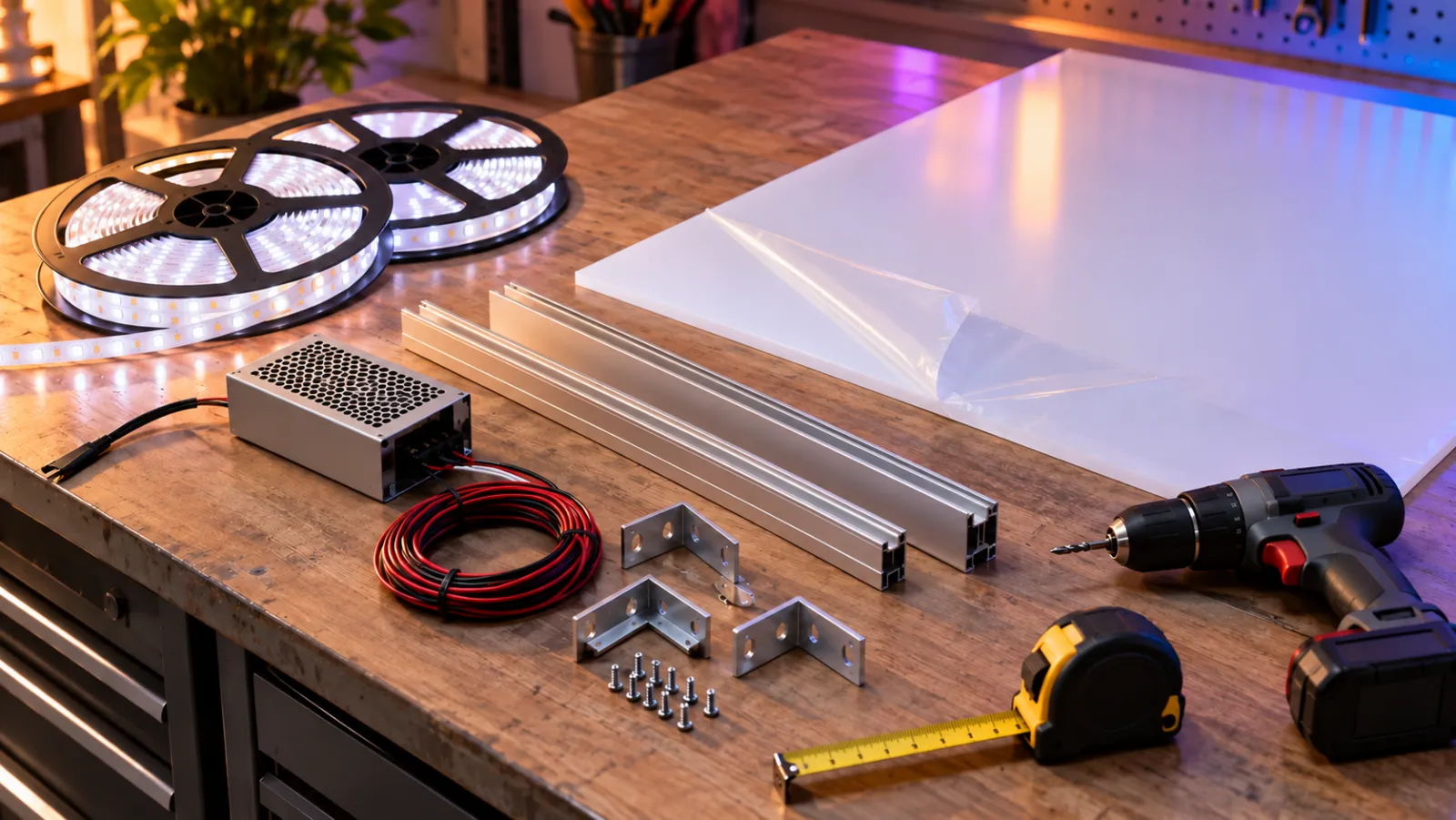
### Materials shopping list
Here’s what you need for a standard 600mm × 900mm single-sided lightbox:
**Frame Materials:**
- 4× aluminium angle profiles (25mm × 25mm × 1.5mm thick), cut to size
- OR 4× timber battens (25mm × 50mm) for budget builds
- 8× corner brackets and screws
- 1× backing board (6mm MDF or aluminium composite panel)
**Face and Graphics:**
- 1× opal [acrylic sheet](https://www.signcustomiser.com/solutions/acrylic-channel-letter-signs/) (3mm thick minimum, 5mm for outdoor use)
- Vinyl graphics OR printed translucent film
- Transfer tape for vinyl application
**Lighting:**
- 3-4 metres of [LED strip lights](https://www.signcustomiser.com/posts/neon/led-neon-signs/) (12V or 24V, 60 LEDs/metre)
- 1× LED driver/power supply (calculate wattage—see below)
- Wiring connectors and cable
**Approximate cost:** £80-120 for quality components.
### LED specifications by sign size
Getting the LED specs right prevents hot spots and dim patches:
Sign Size
LED Strip Length
Minimum Brightness
Power Supply
600mm × 400mm
2m
800 lumens/m
30W
600mm × 900mm
3m
800 lumens/m
45W
900mm × 1200mm
5m
1000 lumens/m
75W
1200mm × 1800mm
7m
1200 lumens/m
120W
Swipe for more
**Colour temperature:** 4000-5000K (neutral white) works for most commercial signs. Warmer 3000K suits hospitality venues. Avoid cool 6500K unless matching other signage.
**LED spacing:** Position strips 75-100mm from the acrylic face. Closer creates hot spots; further away reduces brightness.
### Tools you’ll need
Essential:
- Mitre saw or hacksaw with fine-tooth blade (for aluminium)
- Drill with 3mm and 5mm bits
- Soldering iron (for LED connections) or solderless connectors
- Tape measure and square
- Silicone sealant (for outdoor signs)
Nice to have:
- Router (for recessing acrylic into frame)
- Pop rivet gun (cleaner than screws for aluminium)
- Light meter app (for testing uniformity)
## Preparing the sign components

### Cutting the frame
For aluminium frames, mark your cuts with a fine-point marker and use a mitre saw with a non-ferrous blade. Hand-sawing works but produces rougher edges that need filing.
**Cut list for 600mm × 900mm sign:**
- 2× 900mm horizontal pieces
- 2× 550mm vertical pieces (allowing for corner overlaps)
File all cut edges to remove burrs—aluminium edges are surprisingly sharp.
For timber frames, standard 25mm × 50mm battens work well. Cut with a mitre saw for clean 45° corners, or butt-joint with corner brackets for simpler construction.
### Preparing the acrylic face
Acrylic comes with protective film on both sides. Leave it on until final assembly—scratches are almost impossible to remove.
When cutting acrylic:
1. Score the cut line multiple times with a utility knife
2. Position the score line over a table edge
3. Apply firm downward pressure to snap cleanly
4. Sand edges with 400-grit sandpaper
For complex shapes or [channel letter cutouts](https://www.signcustomiser.com/posts/acrylic/acrylic-channel-letters/), use a jigsaw with a fine-tooth blade at slow speed. Acrylic melts if the blade runs too fast.
### Applying graphics
**Vinyl graphics** (recommended for most signs):
1. Clean the acrylic face with isopropyl alcohol
2. Position graphics using hinge method (tape along top edge)
3. Peel backing gradually, squeegee from centre outward
4. Wait 24 hours before illumination testing
**Printed translucent film** works for photographic images. These require professional printing on backlit-rated film—standard print won’t transmit light evenly.
## Assembling the lightbox
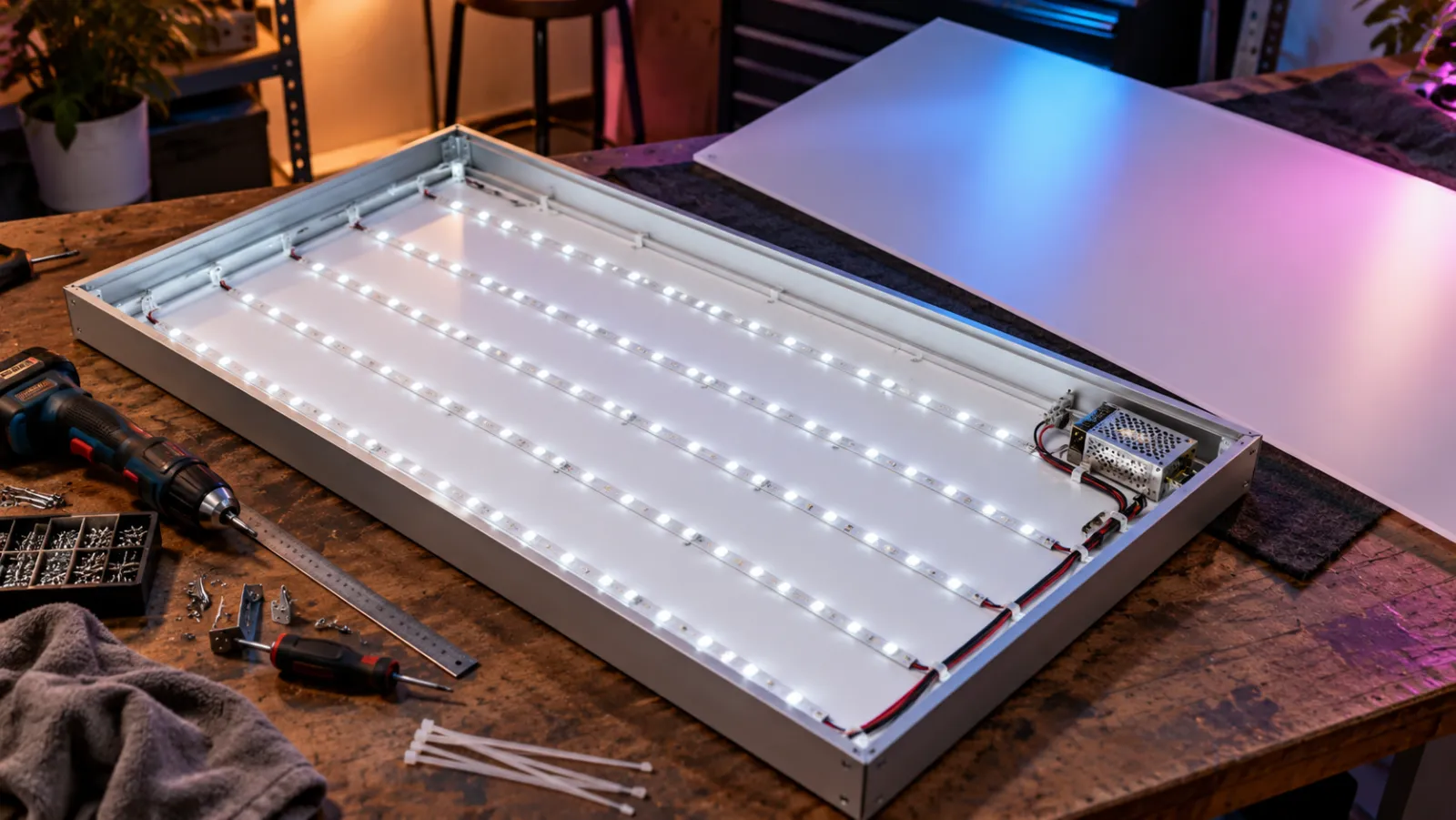
### Step 1: Build the frame box
Assemble the frame pieces into a rectangle. For aluminium:
1. Drill pilot holes at corners (3mm bit)
2. Secure with M4 screws and corner brackets
3. Check for square by measuring diagonals—they should match within 2mm
Attach the backing board to the rear of the frame using screws every 150mm around the perimeter.
### Step 2: Install LED strips
LED placement determines light uniformity. Follow this pattern:
**For signs under 600mm wide:** Single strip running around the full perimeter
**For signs 600-1200mm wide:** Perimeter strip plus one vertical strip down the centre
**For signs over 1200mm:** Perimeter plus two or three evenly-spaced vertical strips
Attach strips using their adhesive backing, then reinforce with cable clips every 200mm. LED adhesive fails over time, especially with heat cycling.
Connect all strips in parallel (not series) to prevent voltage drop and uneven brightness. Most 12V strips can run up to 5m before needing a fresh power injection.
### Step 3: Wire the power supply
Mount the LED driver inside the sign box or externally depending on ventilation needs. Drivers generate heat—internal mounting requires ventilation holes.
Wiring sequence:
1. Connect mains cable to driver input (L, N, Earth)
2. Connect LED strips to driver output (V+, V-)
3. Add inline switch or timer if required
4. Test before sealing
### Step 4: Attach the acrylic face
Remove protective film from the **inside** face of the acrylic only. The outside film stays on until installation.
Secure acrylic to frame using:
- **Snap-frame profiles** (professional, allows face replacement)
- **Screws with rubber washers** (budget option, visible fixings)
- **Structural silicone** (permanent, clean look)
For outdoor signs, run a bead of silicone around the entire perimeter to weatherproof the enclosure.
## Final adjustments and installation
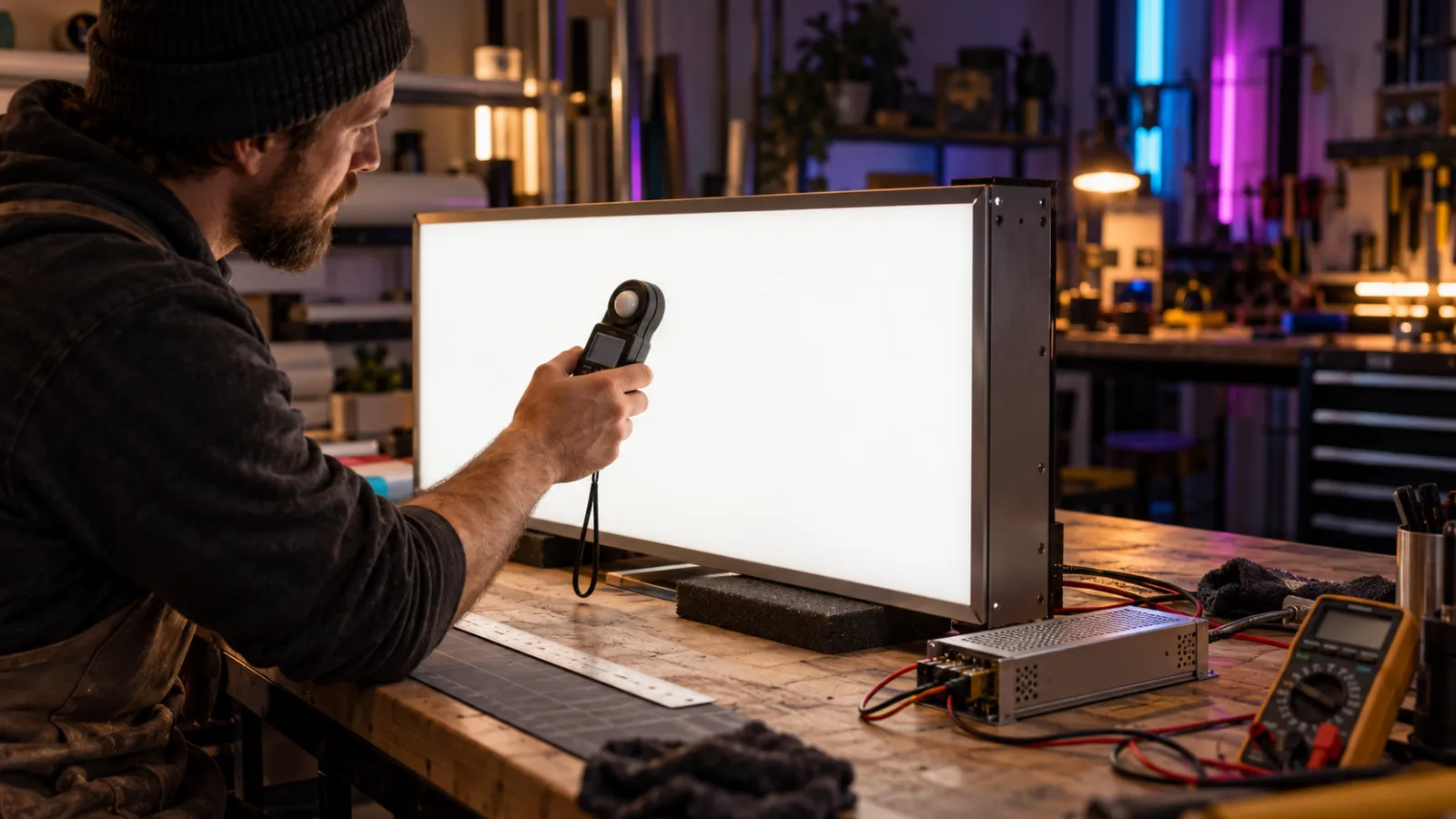
### Testing before installation
Power on the sign in a darkened room to check for:
- **Hot spots**: Bright areas where LEDs are too close to the face. Solution: add diffusion film or increase depth
- **Dark patches**: Usually at corners or between LED rows. Solution: add corner LEDs or adjust strip positioning
- **Colour consistency**: Mismatched LED batches can produce different white tones. Replace strips from different manufacturers
Use a light meter app to verify uniformity. Professional signs aim for less than 20% variation across the face.
### Power supply considerations
**Indoor signs:**
- Standard LED driver, mounted inside or nearby
- Switch accessible for maintenance
- Typical consumption: 30-75W depending on size
**Outdoor signs:**
- IP65-rated driver (waterproof)
- Junction box with weatherproof gland for cable entry
- Consider timer or photocell for automatic operation
**Electrical regulations:** In most jurisdictions, fixed wiring to mains requires a qualified electrician. Many sign makers supply the sign with a standard plug and let the customer handle permanent installation. For commercial installations, ensure your lightbox is **UL approved and labelled** to meet national code requirements—a UL label confirms the sign has been tested for electrical safety standards.
**Sign face alternatives:** While opal acrylic is the standard face material, **Lexan** (polycarbonate) offers superior impact resistance for high-traffic or vandalism-prone locations. Vacuum-formed **pan face** designs add a three-dimensional profile to the sign face and are more resilient against physical impact and weather damage than flat acrylic panels.
### Mounting methods
**Wall-mounted (flat):**
- French cleat system: invisible, easy to level, removable
- Direct screw fixing: visible screws but very secure
- Standoff fixings: creates shadow effect, requires drilling through sign face
**Projecting (bracket-mounted):**
- Aluminium arm brackets rated for sign weight plus wind load
- Double-sided signs need through-bolts, not just surface fixings
- Check local planning regulations—projecting signs often require permits
**Weight calculations:** A 600mm × 900mm lightbox weighs approximately 5-8kg. Use fixings rated for at least 3× the sign weight to account for wind loading.
## Maintenance and care for lightbox signs
LED lightboxes need minimal maintenance compared to older fluorescent or neon options. Still, a basic annual check keeps signs looking professional.
### Cleaning schedule
**Monthly:** Wipe down the exterior face with a damp microfibre cloth. Avoid paper towels—they scratch acrylic.
**Quarterly:** For outdoor signs, check seals and drainage holes. Water ingress is the main cause of LED failure.
**Annually:**
1. Power off and open the sign
2. Vacuum dust from inside (dust reduces light output by 10-15% per year)
3. Check LED strip adhesive—reattach any loose sections
4. Inspect wiring for heat damage or corrosion
5. Test all connections
### Troubleshooting common problems
**Flickering LEDs:**
- Check 12V connection at driver output (multimeter test)
- Inspect strip-to-strip connections for corrosion
- Try a different driver—flickering often indicates driver failure
**Uneven brightness:**
- Voltage drop on long runs (add power injection point)
- Failing LED section (replace that strip)
- Dust accumulation (clean interior)
**Complete failure:**
- Check mains power and fuse
- Test driver output (should read 12V or 24V DC)
- Inspect for water damage if outdoor sign
**Expected lifespan:** Quality LED strips rated at 50,000 hours. Running 12 hours/day, that’s 11+ years. Budget strips might fail within 2-3 years.
## Selling lightbox signs: a business guide
For sign makers and retailers, lightbox signs offer solid margins with relatively straightforward production. Here’s how to build this into a profitable product line.
### Pricing strategies for lightbox signs
Base your pricing on a cost-plus model with adjustments for complexity. For automated calculations, [sign estimating software](/posts/general/best-sign-estimating-software/) can handle these formulas for you:
**Cost calculation (example figures; use your own):**
- Materials: £80-200 depending on size
- Labour: 4-8 hours at your shop rate
- Overhead: 20-30% markup for workspace, tools, utilities
- Graphics production: £30-60 for vinyl cutting or print
**Example pricing, using the costs above:**
Size
Material Cost
Labour (6hr)
Graphics
Total Cost
Selling Price
Margin
600mm × 400mm
£50
£120
£30
£200
£350-400
43-50%
600mm × 900mm
£90
£150
£40
£280
£500-600
44-53%
900mm × 1200mm
£130
£180
£50
£360
£700-850
49-58%
Swipe for more
Price these as separate options, from what each one adds to your cost:
- Rush orders
- Outdoor-rated construction
- Double-sided boxes
- Custom shapes
For comparison, 57% of 406 Sign Customiser stores that sell LED neon charge extra for an outdoor or waterproof sign, at a median of +20% (29 September 2025 to 28 September 2026). Our guide on [how to price signs](/posts/general/how-to-price-signs/) covers options and minimum prices.
### Common customer requests
**“Can I change the graphics myself?”** Build with snap-frame profiles and supply graphics as a replaceable panel. Charge £50-80 per graphic change, or sell replacement panels at £30-50 material cost.
**“Can it go outside?”** Yes, with modifications: IP65 driver, sealed frame, drainage holes, UV-stable acrylic. Add 20% to price.
**“How long until it needs replacing?”** LED signs last 10+ years with quality components. Offer a 2-year warranty on labour, 5-year on LEDs.
**“Can you match my brand colours exactly?”** Vinyl graphics offer precise PMS matching. Printed film can match but may shift slightly when backlit. Always produce a test swatch.
### Using Sign Customiser for lightbox products
[Sign Customiser](https://www.signcustomiser.com) streamlines the quoting process for lightbox signs. Follow our [complete setup guide](/posts/general/shopify-sign-customiser-complete-setup-guide/) to get started:
1. **Set up size tiers** matching your standard dimensions
2. **Configure pricing** based on your cost-plus calculations
3. **Let customers visualise** their design before ordering
4. **Capture specifications** automatically for production
The customiser handles the back-and-forth that typically adds 2-3 hours to each sale. Customers see instant pricing, you receive production-ready specifications.
### Wholesale and trade pricing
For sign trade accounts (buying 5+ units/month):
- 15-20% discount on retail pricing
- Extended payment terms (30 days)
- Priority turnaround
- Unbranded delivery for white-label reselling
Many sign makers supply to graphic designers, marketing agencies, and shopfitters who add their own markup. Build relationships with these channels for consistent volume.
## Lightbox signs vs other sign types
### Lightbox vs channel letters
**Channel letters** are individual 3D letters, typically illuminated with internal LEDs. They look more premium but cost 2-3× more than lightboxes.
Choose channel letters when:
- Customer wants a high-end look
- Sign will be viewed at close range
- Building facade suits dimensional signage
Choose lightbox when:
- Budget is limited
- Graphics need frequent changing
- Sign will be viewed from distance (road signage)
### Lightbox vs LED neon signs
**LED neon** uses flexible LED tubes to simulate traditional neon. Popular for restaurants, bars, and retail interiors.
Choose LED neon when:
- Customer wants retro/artisan aesthetic
- Sign is primarily decorative
- Single-colour or simple designs
Choose lightbox when:
- Complex graphics or photographs needed
- Maximum visibility required
- Outdoor placement
## Frequently asked questions
### How much does a lightbox sign cost to make?
Materials for a standard 600mm × 900mm lightbox run £80-120. This includes aluminium framing, 3mm opal acrylic, LED strips, power supply, and vinyl graphics. Labour adds 4-6 hours at your rate. Total production cost: £200-300 depending on your overheads.
### What are the best LEDs for lightbox signs?
Use 12V or 24V LED strips rated at 60 LEDs per metre with 800+ lumens per metre brightness. Stick to 4000-5000K colour temperature for commercial signs. Brands like Osram, Philips, and Samsung offer quality strips with proper binning (consistent colour across batches). Avoid unbranded strips—they often have inconsistent brightness and shorter lifespans.
### How does a lightbox sign compare to channel letters?
Lightboxes cost roughly half as much as channel letters for equivalent visibility. They’re faster to produce (4-6 hours vs 1-2 days) and graphics can be changed easily. Channel letters look more premium and work better for close-range viewing. Most sign makers offer both and recommend based on budget, location, and brand positioning.
### How long do lightbox signs last?
With quality LED strips (50,000-hour rated), expect 10+ years of operation at 12 hours daily use. The most common failure points are driver units (3-5 year lifespan) and LED strip adhesive (reattach as needed). Outdoor signs in harsh weather may need seal replacement after 5-7 years.
### Do lightbox signs work outdoors?
Yes, with proper waterproofing. Use IP65-rated LED drivers, seal all frame joints with silicone, drill 3mm drainage holes at the bottom corners, and use UV-stable acrylic. Outdoor signs also need more robust mounting to handle wind loading—calculate bracket ratings at 3× the sign weight.
### What size lightbox sign do I need?
Follow the 25mm-per-metre rule: letter height should be 25mm for every metre of viewing distance. A sign readable from 10 metres needs 250mm letters minimum. For road-facing signs, start at 900mm × 1200mm. Counter displays work at 300mm × 400mm. Most retail storefront signs fall between 600mm × 900mm and 1200mm × 1800mm.
* * *
## Sell custom lightbox signs on your website
Want to let your customers design and order custom lightbox signs online? [Sign Customiser](/solutions/lightbox-signs/) adds a lightbox sign designer to your Shopify or WooCommerce store with real-time pricing and instant quotes.
[Start your free trial →](https://apps.shopify.com/sign-customiser)
**Related guides:**
- [Sign Making Equipment Guide](/posts/general/sign-shop-equipment-guide/)
- [Sign Proof Approval: What to Show and How to Get Sign-Off](/posts/general/sign-proof-approval/)
- [Sign Making Software Compared: Design, Cut and Sell Online](/posts/general/top-5-sign-making-software-options-for-profesional-designers-in-2024/)
- [Best Sign Estimating Software Compared](/posts/general/best-sign-estimating-software/)
Tags
- [lightbox](/posts/lightbox/)

About the author
### Matthew Attanasio
Founder, Sign Customiser
Matthew founded Sign Customiser to solve a problem he saw sign businesses facing every day: the endless back-and-forth of manual quoting. With a background in e-commerce development and a decade of experience building Shopify solutions at Sky Foundry, he set out to automate the entire custom sign selling process.
- E-commerce
- Shopify
- Sign Industry
- Product Strategy
[View profile](/authors/matthew-attanasio/)[](https://au.linkedin.com/in/matthew-attanasio-92500a36)[](https://github.com/matthewattanasio)
Let your customers design their own signs

Add a full sign customiser to your online store in minutes. Neon, acrylic, metal — with real-time pricing.
[Start your free 7-day trial](/install/)
Works with Shopify, WooCommerce, Wix & more. 7 days free. Every plan includes every feature.
Let your customers design their own signs

Add a full sign customiser to your online store in minutes. Neon, acrylic, metal — with real-time pricing.
[Start your free 7-day trial](/install/)
Works with Shopify, WooCommerce, Wix & more. 7 days free. Every plan includes every feature.
Related
## From theblog
Expert insights, industry trends, and actionable tips to enhance your online sign business.
[View all articles](/posts/)

lightbox·February 6, 2024
### [Light box logo design: elevating brand identity](/posts/lightbox/light-box-sign-design/)
Light box signs have become a versatile and effective advertising tool for businesses seeking to capture attention in both daytime and nighttime environments.
Read more
[View all articles](/posts/)
## Sitemap
See the full [sitemap](/sitemap.md) for all pages.
---
## Lightbox Signs Blog
Source: [https://www.signcustomiser.com/posts/lightbox/](https://www.signcustomiser.com/posts/lightbox/)
[All](/posts/)[General](/posts/general/)[Neon signs](/posts/neon/)[Acrylic signs](/posts/acrylic/)[Channel letter signs](/posts/channel/)[Metal signs](/posts/metal/)[Lightbox signs](/posts/lightbox/)[AI](/posts/ai/)[Shopify](/posts/shopify/)
## Lightbox signs

Published February 6, 2024
### [Light box logo design: elevating brand identity](/posts/lightbox/light-box-sign-design/)
Light box signs have become a versatile and effective advertising tool for businesses seeking to capture attention in both daytime and nighttime environments.
Read more
Published February 2, 2024
### [How to make a lightbox sign: a step-by-step professional guide](/posts/lightbox/how-to-make-a-lightbox-sign/)
Build professional lightbox signs from scratch. Covers LED specs, material selection, power requirements, and business pricing strategies for sign makers.
Read more
## Sitemap
See the full [sitemap](/sitemap.md) for all pages.
---
## Light Box Logo Design: Elevating Brand Identity - Sign Customiser Blog
Source: [https://www.signcustomiser.com/posts/lightbox/light-box-sign-design/](https://www.signcustomiser.com/posts/lightbox/light-box-sign-design/)
Light box signs have become a versatile and effective advertising tool for businesses seeking to capture attention in both daytime and nighttime environments. They are designed to be eye-catching, illuminating a brand’s logo or message through a combination of LED or fluorescent lighting and translucent graphics. Quality is paramount when it comes to these signs, as they need to withstand various environmental conditions while maintaining a luminous display that is consistently visible and inviting to the public.
Available in a variety of shapes, sizes, and styles, light box signs offer a degree of customization that caters to the specific needs of businesses and their branding strategies. This flexibility makes them a popular choice for storefronts, trade shows, and commercial promotions. Whether displayed indoors or outdoors, these illuminated signs not only elevate the aesthetic appeal of a commercial space but also enhance the visibility of a brand’s identity.
## Types of light box logos
Play video: How to make an acrylic logo lightbox
How to make an acrylic logo lightbox
In the realm of branded signage, light box logos stand out for their eye-catching illumination and versatility. Businesses employ various types of light boxes to enhance their brand identity and visibility.
### Handmade and vintage logos
For organizations valuing uniqueness and craft, **[handmade light box logos](https://www.signcustomiser.com/posts/lightbox/how-to-make-a-lightbox-sign/)** offer a touch of personal flair. Artisans create these **pieces** with meticulous attention to detail, often incorporating elements of vintage style. These light boxes can be [customized](https://www.etsy.com/market/custom_logo_light_box) to reflect a brand’s heritage, using materials and techniques that convey a sense of history and authenticity.
### Custom light box options
**Custom light box options** allow for precision and adaptability in design. Clients can work with manufacturers to tailor every aspect of their light box, from the dimensions to the colors and graphics. This includes choices between indoor and outdoor models, with the construction material selected for durability in all conditions. Options range from sleek, contemporary [designs](https://www.frontsigns.com/products/lightbox-signs/) to bold and sizeable outdoor installations, ensuring there’s a custom light box sign suitable for every location and brand message.
### Digital light box designs
**Digital light box designs** infuse modern technology into signage solutions. These **digital items** feature high-resolution displays capable of showcasing vibrant graphics, animation, and even changing messages with ease. Typically used for impactful advertising or dynamic branding, users can frequently update [digital lightboxes](https://dsasignage.com/all-you-need-to-know-about-the-4-types-of-light-boxes/) to reflect current campaigns or messaging, making them a versatile tool for marketing and engagement.
## Purchasing and shipping
Play video: How to make a logo light box
How to make a logo light box
When acquiring a custom logo light box, customers should be aware of the variety of purchasing platforms available, the benefits of supporting small businesses, and the range of shipping policies and options that can affect delivery times and costs.
### Global marketplace purchase
Purchasers looking for custom logo light boxes can take advantage of global marketplaces such as [Etsy](https://www.etsy.com/market/custom_logo_light_box), where a diverse selection from various sellers is available. These platforms offer extensive choices, [competitive pricing](https://www.signcustomiser.com/changelog/display-a-discounted-price-on-your-custom-signs/), and a streamlined purchasing process that supports secure transactions across international borders.
### Small business support
Etsy is notable for its emphasis on **small businesses** and individual creators. Customers can support these businesses by purchasing handcrafted or [bespoke light boxes](https://www.signcustomiser.com/posts/neon/custom-neon-signs-cost/). This not only helps local economies but also ensures that they receive a product that stands out and aligns with their branding needs.
### Shipping policies and options
Shipping policies and payment for deliveries can differ significantly between sellers. Many Etsy sellers provide **free shipping**, which can be a decisive factor for buyers. However, for expedited service or international orders, companies like **DHL** may be involved, offering faster and more reliable shipping services at an additional cost. Buyers should read the seller’s **shipping policies** carefully to understand the expected delivery times and any potential extra fees.
## Installation and usage
When installing light box signs, one needs to consider the application environment, sign dimensions, mounting method, and compliance with safety standards. Proper installation ensures the sign’s visibility, durability, and safety.
### Indoor and outdoor signs
**Indoor signs** often illuminate office buildings or retail spaces with a warm and inviting glow. They must be securely attached to walls or suspended ceilings and have access to an electrical source. **Outdoor signs** require robust construction to withstand weather elements. They need to be waterproof and frequently come with [UL certification](https://www.ul.com/) for safety assurance.
### Size and placement
The **size** of a light box sign should be proportional to its setting. An office building may necessitate a large, conspicuous sign for branding purposes, while a small retail space may opt for a more modestly-sized sign for storefront decoration. Placement is crucial for maximum visibility, so one must assess foot traffic patterns and sightlines.
### Mounting and safety standards
For **mounting**, it’s important to follow manufacturer instructions. Wall-mounted light box signs require sturdy brackets and may involve drilling through various materials. In terms of safety, secure installation is paramount to prevent accidents, and electrical components should meet or exceed local [safety standards](https://www.davessigns.com/5-things-about-custom-light-box-signs/). Adherence to UL certification is a sign of quality and safety in light box manufacturing and installation.
## Design and customization
When creating a light box logo, the design and customization process is critical for achieving a visual representation that aligns with a client’s brand identity. It involves careful selection of colors, images, and lighting options to create a distinctive and eye-catching display.
### Selecting colors and images
Clients should choose colors that reflect their brand’s personality and are visually compatible with LED illumination. The use of high-resolution images or photos is important for clarity, especially when backlit. For example, a coffee shop might opt for warm tones to evoke a cozy atmosphere.
- **Color Choices**: Bold and consistent with branding
- **Image Quality**: High-resolution for optimal backlit visibility
### Customized branding
Logos can be crafted using various materials such as [acrylic](https://www.signcustomiser.com/solutions/acrylic-channel-letter-signs/) or metal, which are then illuminated with [LEDs](https://www.signcustomiser.com/posts/neon/led-neon-signs/). Customization might include **[channel letters](/posts/acrylic/acrylic-channel-letters/)** or **bars** that complement the client’s aesthetic. The style and size of the light box should be appropriate for the intended setting, be it indoors or outdoors.
- **Materials**: Acrylic, Metal, etc.
- **Illumination**: LEDs for energy-efficient brightness
### Quote and order process
A quote is typically generated once the design specifics are finalized. The process may start with a consultation and the presentation of a mock-up for approval. The complexity of the design, such as the intricacy of channel letters or the use of programmable LEDs, will be considered during the quoting stage.
- **Initial Consultation**: Discussing design expectations and possibilities
- **Mock-Up Approval**: Ensuring satisfaction before production
By following these steps, clients can effectively convey their vision for a customized light box logo that stands out and enhances their brand presence.
Tags
- [lightbox](/posts/lightbox/)

About the author
### Matthew Attanasio
Founder, Sign Customiser
Matthew founded Sign Customiser to solve a problem he saw sign businesses facing every day: the endless back-and-forth of manual quoting. With a background in e-commerce development and a decade of experience building Shopify solutions at Sky Foundry, he set out to automate the entire custom sign selling process.
- E-commerce
- Shopify
- Sign Industry
- Product Strategy
[View profile](/authors/matthew-attanasio/)[](https://au.linkedin.com/in/matthew-attanasio-92500a36)[](https://github.com/matthewattanasio)
Let your customers design their own signs

Add a full sign customiser to your online store in minutes. Neon, acrylic, metal — with real-time pricing.
[Start your free 7-day trial](/install/)
Works with Shopify, WooCommerce, Wix & more. 7 days free. Every plan includes every feature.
Let your customers design their own signs

Add a full sign customiser to your online store in minutes. Neon, acrylic, metal — with real-time pricing.
[Start your free 7-day trial](/install/)
Works with Shopify, WooCommerce, Wix & more. 7 days free. Every plan includes every feature.
Related
## From theblog
Expert insights, industry trends, and actionable tips to enhance your online sign business.
[View all articles](/posts/)
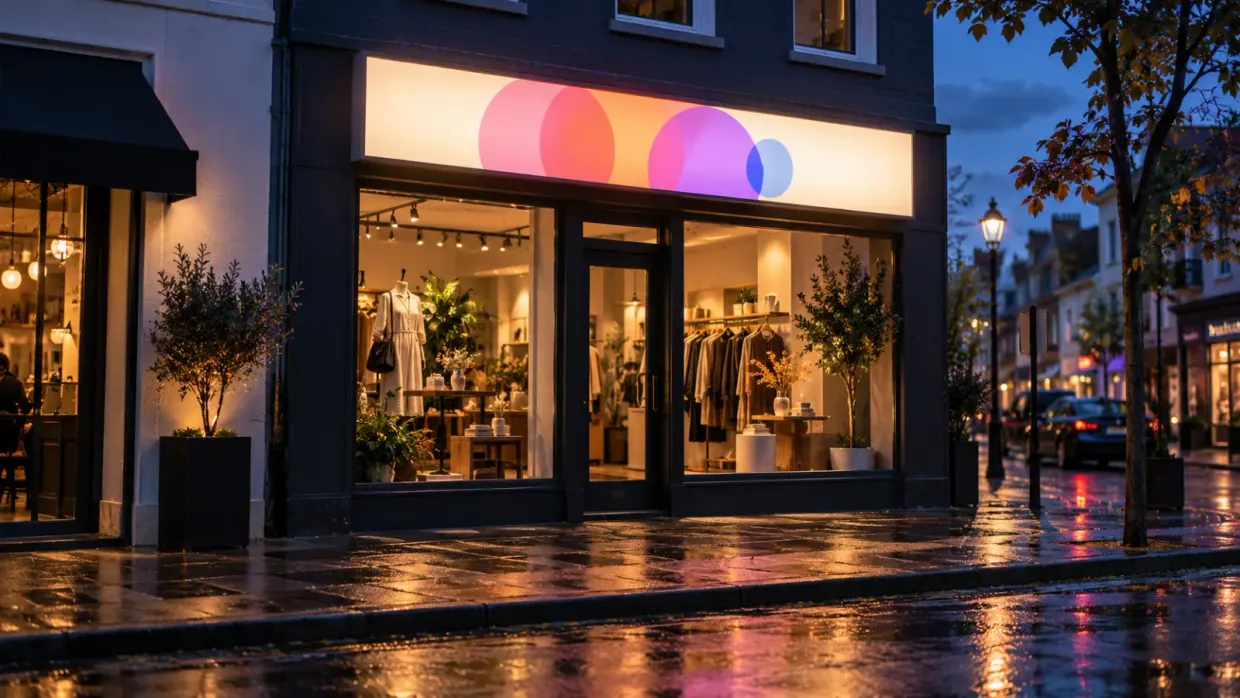
lightbox·February 2, 2024
### [How to make a lightbox sign: a step-by-step professional guide](/posts/lightbox/how-to-make-a-lightbox-sign/)
Build professional lightbox signs from scratch. Covers LED specs, material selection, power requirements, and business pricing strategies for sign makers.
Read more
[View all articles](/posts/)
## Sitemap
See the full [sitemap](/sitemap.md) for all pages.
---
## Custom Laser Cut Metal Signs: Materials, Pricing & Business Guide - Sign Customiser Blog
Source: [https://www.signcustomiser.com/posts/metal/custom-laser-cut-metal-signs/](https://www.signcustomiser.com/posts/metal/custom-laser-cut-metal-signs/)
Laser cut metal signs offer some of the highest margins in the sign industry—200-400% markup is standard for custom work. The combination of perceived value (metal = premium) and relatively low material costs makes this product line worth developing.
This guide covers the practical business side: material selection, thickness options, pricing formulas, and whether to invest in equipment or outsource production. Whether you’re adding metal signs to an existing product line or starting fresh, you’ll find the numbers you need to make decisions.
## Metal materials comparison
Different metals suit different applications. Here’s how they compare for signage:
Material
Cost/m²
Durability
Best Applications
Notes
Mild steel
£15-30
Good (needs coating)
Industrial, outdoor
Rusts without powder coat
Stainless steel
£40-80
Excellent
Marine, food service, premium
304 grade standard, 316 for coastal
Aluminium
£25-45
Excellent
Lightweight, all-purpose
Won’t rust, easy to cut
Corten steel
£35-55
Excellent
Rustic, architectural
Develops protective rust patina
Copper
£80-150
Good
Decorative, high-end
Develops green patina over time
Brass
£90-160
Good
Premium indoor, traditional
Tarnishes without lacquer
Swipe for more
**For most sign shops:** Mild steel (powder coated) handles 60-70% of orders. Aluminium covers lightweight and marine applications. Stainless and copper serve premium markets.
## Thickness and gauge guide
Metal thickness affects both appearance and structural integrity. Common gauges for signage:
Gauge
Thickness (mm)
Weight (steel/m²)
Use Case
18ga
1.2mm
9.5 kg
Small indoor signs, decorative
16ga
1.5mm
12 kg
Standard indoor/outdoor signs
14ga
1.9mm
15 kg
Large signs, high wind areas
12ga
2.6mm
21 kg
Industrial, structural
10ga
3.4mm
27 kg
Heavy-duty, freestanding
Swipe for more
**Rule of thumb:** 16ga (1.5mm) works for most wall-mounted signs up to 600mm. Go thicker for larger signs or exposed outdoor locations.
### Design limitations by thickness
Laser cutting has minimum detail constraints based on material thickness:
- **Minimum hole diameter:** 1× material thickness (1.5mm hole in 1.5mm steel)
- **Minimum slot width:** 1.5× material thickness
- **Minimum letter stroke:** 2× material thickness for structural integrity
- **Recommended text height:** 15× material thickness minimum
For 1.5mm steel, that means letters should be at least 22mm tall to maintain readability and structural strength.
## Finish options
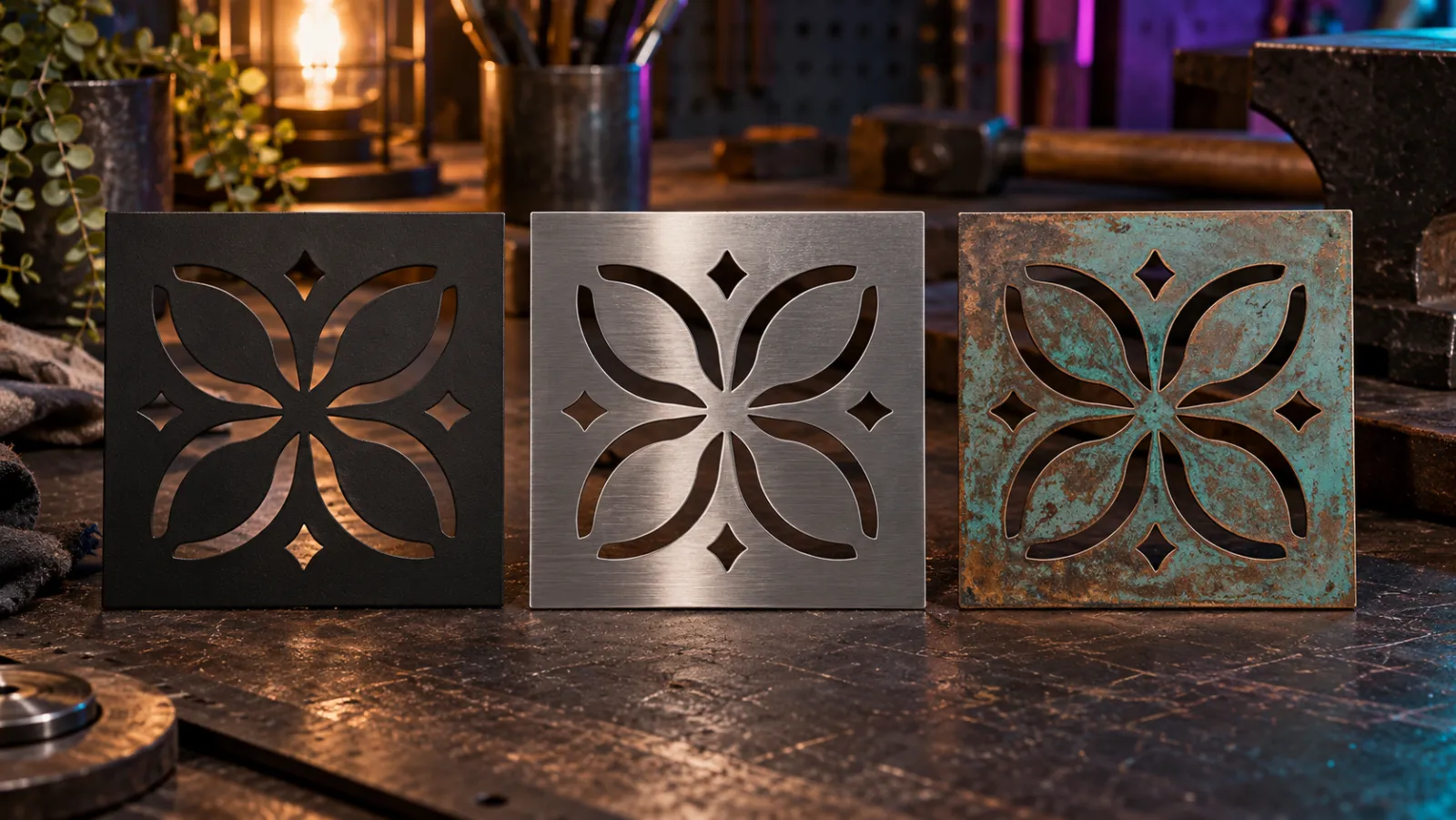
### Powder coating
The industry standard for outdoor metal signs. Electrostatically applied dry powder cured at 180-200°C creates a durable, UV-resistant finish.
**Advantages:**
- Extremely durable (10+ years outdoor)
- Wide RAL colour range
- Even coverage including edges
- No VOCs or solvents
**Cost:** £15-30 per sign for standard colours, £25-45 for metallics/textures
**Lead time:** Adds 1-2 days to production
### Raw/natural finishes
**Clear lacquered steel:** Shows natural metal colour with protection. Requires recoating every 2-3 years outdoors.
**Brushed stainless:** Directional grain pattern, no coating needed. Premium look for indoor/covered applications.
**Patina finishes:** Corten develops rust naturally over 6-12 months. Copper and brass can be chemically aged for immediate effect.
### Paint finishes
Automotive-grade paint offers more colour options than powder coat but less durability. Reserve for indoor or covered outdoor applications.
## Pricing laser cut metal signs
### Material cost calculation
Base your material cost on sheet utilisation:
TextCopy
```
Sheet area needed = (sign area × 1.3) for waste factor
Material cost = sheet area × cost per m²
```
Swipe for more
**Example:** 300mm × 450mm sign in 1.5mm mild steel
- Sign area: 0.135 m²
- With waste factor: 0.175 m²
- Steel cost: 0.175 × £25 = £4.40
- Plus powder coat: £20
- **Total material: £24.40**
### Labour cost calculation
Typical production times:
- Simple text sign: 15-30 minutes cutting + finishing
- Complex logo: 30-60 minutes
- Setup/file prep: 10-15 minutes per design
At £40/hour shop rate, a standard sign runs £15-35 in labour.
### Retail pricing formula
Sign Size
Material
Labour
Total Cost
Retail Price
Margin
200×300mm
£15
£20
£35
£95-120
63-71%
300×450mm
£25
£25
£50
£150-200
67-75%
450×600mm
£40
£35
£75
£225-300
67-75%
600×900mm
£65
£45
£110
£350-450
69-76%
Swipe for more
Add premiums for:
- Stainless steel: +50-80%
- Copper/brass: +100-150%
- Rush orders: +25-50%
- Custom colours: +10-20%
## Equipment: in-house vs outsourcing
### Laser cutting equipment
**Entry-level fibre lasers** (1-2kW): £15,000-40,000
- Cut capacity: Up to 6mm mild steel, 3mm stainless
- Suitable for: Sign shops doing 20+ metal signs/month
- Brands: OMTech, Thunder Laser, Ten-High
**Professional fibre lasers** (3-6kW): £60,000-150,000
- Cut capacity: Up to 20mm mild steel, 10mm stainless
- Suitable for: Dedicated metal fabricators
- Brands: Trotec, Trumpf, Bystronic, Bodor
**Additional requirements:**
- Extraction system: £2,000-8,000
- Compressed air: £500-2,000
- Floor space: Minimum 4m × 3m
- 3-phase power for larger machines
### Outsourcing production
For shops not ready for equipment investment:
**Trade laser cutting services** offer:
- Cut-only pricing: £20-60 per sign (depending on complexity)
- Cut + powder coat: £40-100 per sign
- 2-5 day turnaround typically
- No minimum orders from many suppliers
**Break-even calculation:** At £40 average outsourcing cost, in-house makes sense at:
- Entry laser (£25k): 625+ signs to recover capital
- At 30 signs/month: 21 months payback
Many sign shops start with outsourcing, build the customer base, then invest in equipment once volume justifies it. Our [sign making equipment guide](/posts/general/sign-shop-equipment-guide/) compares fibre lasers with routers, CO2 lasers and printers, with 2026 prices.
## Selling metal signs with Sign Customiser
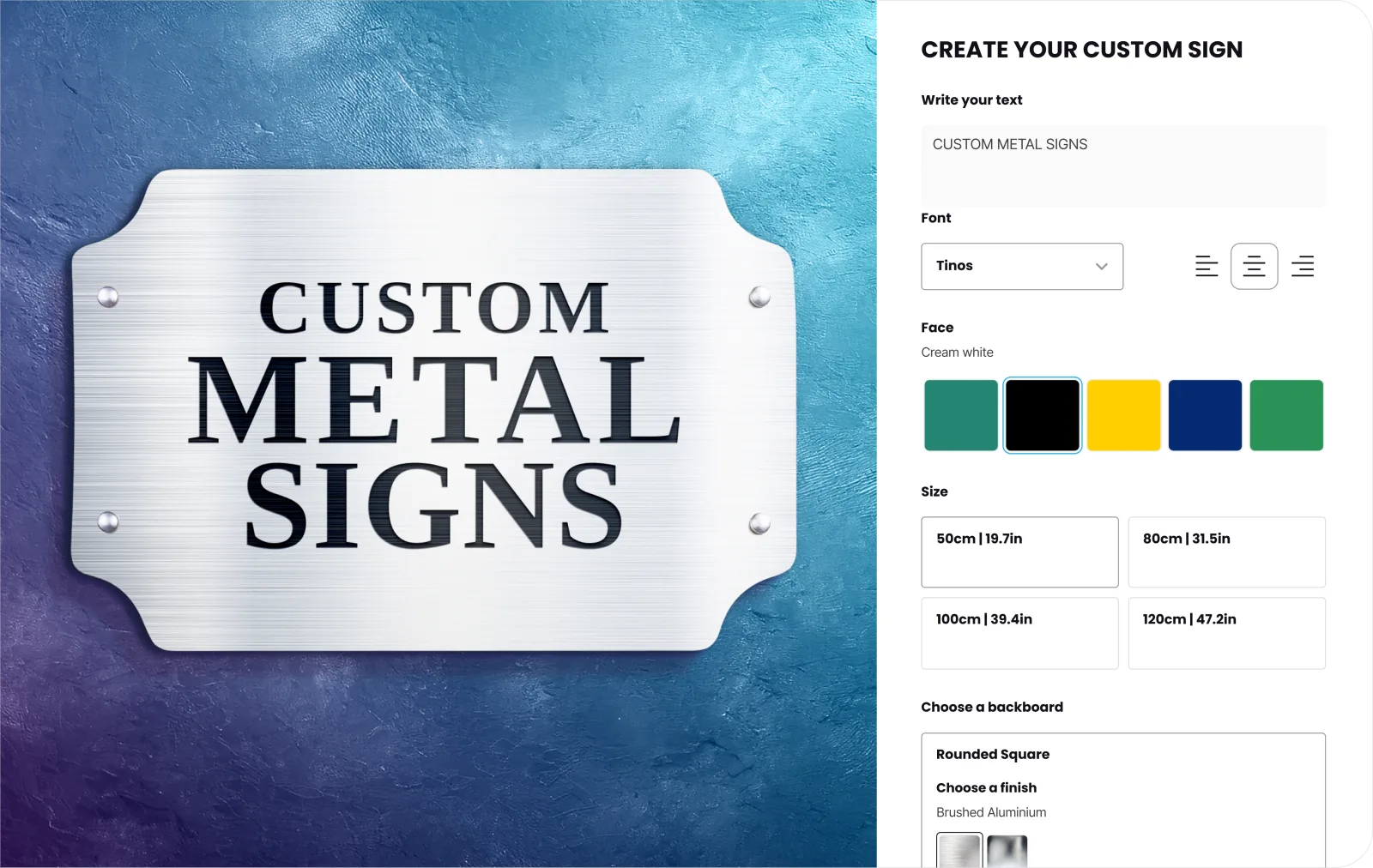
[Sign Customiser](https://www.signcustomiser.com/solutions/metal-channel-letter-signs/) lets customers configure and price metal signs themselves. Here’s how to set it up:
### Configuration steps
**1\. Define material options**
- Mild steel (powder coated) - standard option
- Stainless steel - premium tier
- Aluminium - lightweight option
- Corten - rustic/architectural
**2\. Set size tiers**
- Small: up to 300mm
- Medium: 300-600mm
- Large: 600-900mm
- Extra large: 900mm+
**3\. Configure pricing rules**
- Base price per size tier
- Material multipliers (stainless = 1.6×, corten = 1.4×)
- Colour premiums for metallic powder coats
- Rush order options
**4\. Add finish selections**
- Standard powder coat colours
- Premium metallic finishes
- Raw/natural options
- Custom RAL matching (+£)
### Benefits for your business
- **Eliminates quote requests:** Customers see instant pricing
- **Captures specifications:** Order details ready for production
- **Upsells automatically:** Premium options displayed during configuration
- **Reduces errors:** Customers confirm design before ordering
## Installation methods
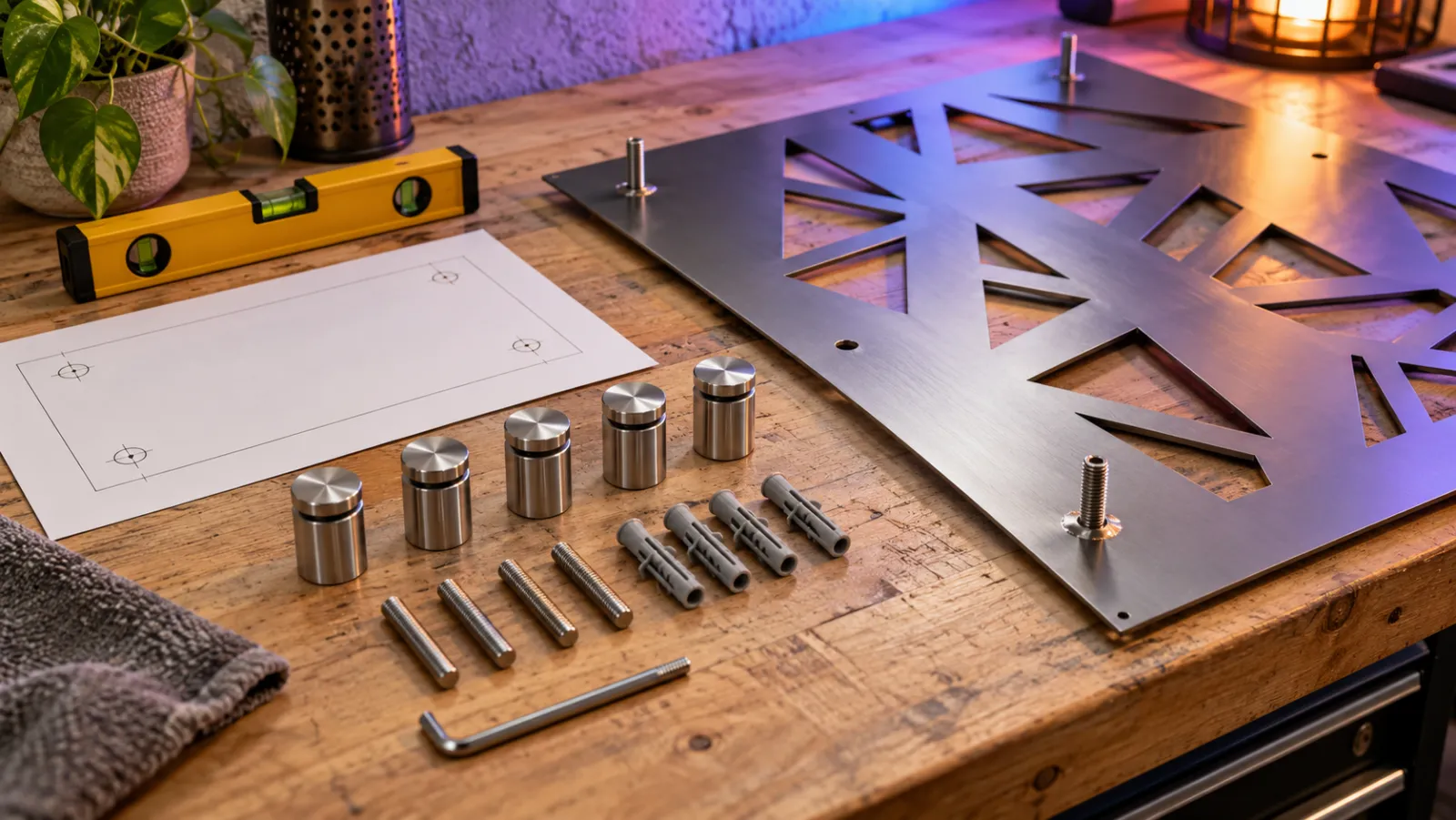
### Wall mounting
**Stud mounts:** Threaded studs welded to sign back, drill holes in wall, signs project 20-50mm. Most common for business signage.
**French cleats:** Interlocking metal strips allow easy hanging and levelling. Good for large, heavy signs.
**Direct fixing:** Screws through sign face into wall. Visible fixings, but most secure method.
**Adhesive:** Industrial VHB tape for lightweight signs on smooth surfaces only.
### Freestanding options
**Post mounting:** Signs welded or bolted to steel posts, set in concrete footings.
**Base plates:** Weighted or bolted base for indoor freestanding signs.
**A-frames:** Hinged construction for temporary/moveable signage.
### Weight considerations
Calculate mounting requirements based on sign weight:
Material
300×450mm (16ga)
600×900mm (14ga)
Mild steel
1.6 kg
5.7 kg
Stainless
1.7 kg
6.0 kg
Aluminium
0.6 kg
2.1 kg
Swipe for more
Use fixings rated for 3× sign weight to account for wind loading on outdoor installations.
## Wholesale and trade sourcing
### UK trade suppliers
For sign shops outsourcing production:
**Laser cutting only:**
- Online instant-quote portals
- 2-3 day turnaround typical
- Upload DXF/DWG files for pricing
**Cut + finish:**
- Full-service trade suppliers
- 5-7 day turnaround
- White-label delivery available
### Evaluating suppliers
Check these factors:
1. **Cut quality:** Request samples—check edge finish and accuracy
2. **Material sourcing:** Certified steel grades, consistent quality
3. **Powder coating:** In-house vs outsourced (affects lead time)
4. **Minimum orders:** Some require £50-100 minimum
5. **Packaging:** Proper protection prevents transit damage
### Import considerations
Chinese suppliers offer 30-50% cost savings but consider:
- 4-8 week shipping times
- Import duties and VAT
- Quality consistency challenges
- Communication barriers
- No returns/warranty support
For most UK sign shops, domestic trade suppliers offer better value when factoring in speed and reliability.
## Design best practices
### File preparation
Supply files as:
- **DXF or DWG:** Industry standard for laser cutting
- **AI or EPS:** Vector formats from design software
- **PDF:** Acceptable if vector-based
**Critical checks:**
- All text converted to outlines/paths
- No open paths (closed shapes only)
- Minimum detail sizes respected
- Correct scale specified
### Common design mistakes
**Too thin strokes:** Letters or details under 2mm will distort or break. Scale up or simplify.
**Trapped shapes:** Internal cuts (like the centre of “O”) need tabs or bridges, or fall out.
**Ignoring kerf:** Laser removes ~0.2mm of material. For precise fits, offset paths by half kerf width.
**Missing mounting consideration:** Design mounting holes/slots into the sign from the start.
## Frequently asked questions
### How much do custom laser cut metal signs cost?
Material and complexity drive pricing. Simple powder-coated steel signs: £95-150 for 300×450mm size. Stainless steel adds 50-80%. Large format (600×900mm+) runs £250-450. Rush orders add 25-50%.
### How long does production take?
Standard turnaround: 5-10 working days including powder coating. Rush orders: 2-3 days at premium. Cut-only (no finishing): 2-3 days.
### What file format do I need?
Vector files: DXF, DWG, AI, or EPS. All text must be converted to outlines. Avoid JPG/PNG—these are pixel-based and can’t be cut accurately.
### Can any design be laser cut?
Most designs work with modifications. Limitations: minimum 2mm detail width, closed shapes required, internal cuts need bridges. Simple logos and text cut cleanly. Photographic images need conversion to suitable line art.
### How do laser cut signs compare to vinyl or printed signs?
Laser cut metal costs more upfront but lasts 10-20× longer outdoors. Perceived value is significantly higher—customers pay premium prices. Break-even vs vinyl: typically 3-5 years for outdoor signage.
### Do metal signs rust?
Untreated mild steel rusts quickly. Powder coating prevents rust for 10+ years. Stainless steel and aluminium don’t rust. Corten steel develops controlled rust as a design feature.
Tags
- [metal](/posts/metal/)

About the author
### Matthew Attanasio
Founder, Sign Customiser
Matthew founded Sign Customiser to solve a problem he saw sign businesses facing every day: the endless back-and-forth of manual quoting. With a background in e-commerce development and a decade of experience building Shopify solutions at Sky Foundry, he set out to automate the entire custom sign selling process.
- E-commerce
- Shopify
- Sign Industry
- Product Strategy
[View profile](/authors/matthew-attanasio/)[](https://au.linkedin.com/in/matthew-attanasio-92500a36)[](https://github.com/matthewattanasio)
Let your customers design their own signs

Add a full sign customiser to your online store in minutes. Neon, acrylic, metal — with real-time pricing.
[Start your free 7-day trial](/install/)
Works with Shopify, WooCommerce, Wix & more. 7 days free. Every plan includes every feature.
Let your customers design their own signs

Add a full sign customiser to your online store in minutes. Neon, acrylic, metal — with real-time pricing.
[Start your free 7-day trial](/install/)
Works with Shopify, WooCommerce, Wix & more. 7 days free. Every plan includes every feature.
Related
## From theblog
Expert insights, industry trends, and actionable tips to enhance your online sign business.
[View all articles](/posts/)

channel·June 27, 2023
### [Master the art of DIY metal signs: a step-by-step guide for beginners, crafted by experts](/posts/channel/master-the-art-of-diy-metal-signs-a-step-by-step-guide-for-beginners-crafted-by-experts/)
Whether you want to create custom wall art for your home or craft personalized gifts for loved ones, mastering the art of DIY metal signs is a rewarding endeavor.
Read more

metal·January 31, 2024
### [Cut out metal signs: design and durability in modern signage](/posts/metal/cut-out-metal/)
Cut out metal signs have become a popular choice for both businesses and homeowners looking to add a touch of personalization and durability to their signage.
Read more

metal·January 31, 2024
### [Funny metal signs: elevate your decor with humor](/posts/metal/funny-metal-signs/)
Funny metal signs have become a popular decorative choice for individuals looking to add a touch of humor and personality to their home or workplace.
Read more

metal·January 31, 2024
### [Laser cut metal signs: precision craftsmanship for your branding needs](/posts/metal/laser-cut-metal-signs/)
Laser cut metal signs are a prominent feature in various settings, from businesses and public spaces to personal decor.
Read more

metal·January 31, 2024
### [Metal monogram signs: enhancing personal style in home decor](/posts/metal/metal-monogram-signs/)
Metal monogram signs blend personalization with a touch of elegance, creating a distinctive piece of decor for both residential and commercial settings.
Read more

metal·January 31, 2024
### [Metal outdoor signs: durability and design for all-weather visibility](/posts/metal/metal-outdoor-signs/)
Metal outdoor signs are a durable and versatile option for both businesses and private properties, allowing for a variety of custom designs to suit any need.
Read more

metal·January 31, 2024
### [Characteristics of vintage steel sign design](/posts/metal/vintage-metal-signs/)
Bold typography, porcelain enamel and embossed tin define vintage steel sign design, plus how sign shops price and sell retro metal sign reproductions.
Read more
[View all articles](/posts/)
## Sitemap
See the full [sitemap](/sitemap.md) for all pages.
---
## Cut Out Metal Signs: Design and Durability in Modern Signage - Sign Customiser Blog
Source: [https://www.signcustomiser.com/posts/metal/cut-out-metal/](https://www.signcustomiser.com/posts/metal/cut-out-metal/)
Cut out metal signs have become a popular choice for both businesses and homeowners looking to add a touch of personalization and durability to their signage. Created through a process of cutting designs into metal, these signs offer a unique aesthetic that can range from contemporary to rustic. They serve various functions, such as displaying business logos, house numbers, or even artistic pieces that contribute to home decor. The versatility of metal as a material means that these signs can withstand the elements when displayed outdoors, making them a practical long-term investment.
The customizability of metal cut out signs is one of their most attractive features. They can be tailored to fit any style, whether it’s a simple and elegant script name for a baby’s nursery or a large, intricate logo for a corporate setting. Additionally, the variety of metals that can be used---such as steel, aluminum, and copper---allows for diverse finishes and effects. Some signs may incorporate elements of wood or other materials to complement their metal artistry, highlighting the creative possibilities inherent in metalwork.
When purchasing a metal cut out sign, consumers can find a wide range of options available through online marketplaces. Craftsmanship and attention to detail are critical factors, as they significantly affect the sign’s quality and appearance. As these custom pieces often serve as focal points in their placement, choosing a design and manufacturer that align with the intended aesthetic and purpose is essential for satisfaction with the final product.
## Design and customization

When seeking a **custom metal sign**, the design and customization process is key to ensure the end product reflects the desired aesthetics and meets specific requirements.
### Material selection
The first step in creating a **custom metal sign** is selecting the appropriate material. Choices range from durable aluminum, often used for its rust-resistant properties, to corten steel, known for its weathered appearance. The choice of material affects not only the look but also the longevity and suitability of the sign for various environments.
### Custom design process
For a **custom design**, clients typically begin by submitting a sketch or concept to the designer. Advanced customisation tools allow for controlling the front, side, trim, and even the type of lighting to amplify the sign’s impact (**[Metal Sign Customiser Shopify App](https://www.signcustomiser.com/solutions/metal-channel-letter-signs/)**). Once a design is chosen, it’s converted into a digital file that guides precision tools, like laser cutters, to create a clean **custom cut**.
### Personalization techniques
Personalizing a sign involves various techniques such as laser cutting, where complex designs can be intricately **custom cut** from metal sheets. Additional options like 3D lettering or embedding LED lights enhance visibility and appeal. Every personalization method aims to deliver a distinct and engaging piece that aligns with the client’s vision.
## Fabrication and materials
The process of creating cut out metal signs involves precision and care, selecting materials for their durability and aesthetics, and employing specific cutting techniques to achieve the final product.
### Metal cutting techniques
Various methods are used to cut metals such as **steel** and **aluminum** for sign fabrication. Two popular techniques include waterjet cutting, which provides smooth finishes and intricate details, and laser cutting, which is highly precise and efficient for both **steel** and **aluminum signs**. A _CNC machine_ is often utilized, allowing for automated and precise cuts based on digital designs.
### Material properties and choices
Sign manufacturers often choose metals like **aluminum**, **steel**, and **galvanized steel** for their distinct properties. **Aluminum** is lightweight yet strong, resistant to corrosion, and ideal for most environments. **Galvanized steel** also resists corrosion due to its protective zinc coating. The choice between materials often depends on the sign’s intended use, the environment in which it will be displayed, and the desired lifespan.
Material
Properties
Common Use
Aluminum
Lightweight, resistant
Indoor/Outdoor signs
Steel
Durable, heavier
Heavy-duty outdoor signs
Galvanized Steel
Rust-resistant
Harsh weather conditions
Swipe for more
### Finish and durability
The longevity of a metal sign is significantly influenced by its finish. **Powder coating** is a popular choice for both **aluminum signs** and steel, providing a durable layer that withstands various environmental factors. This finishing process involves electrostatically applied powder, which is then cured under heat to create a resilient outer surface. Both the material and the finish contribute to the sign’s durability, ensuring it remains in good condition for many years.
- **Aluminum sign**: Often powder-coated for extra protection.
- **Steel**: Options for protective coatings vary, including painting and powder coating.
By understanding these aspects of metal sign fabrication, one can appreciate the intricacy and expertise involved in creating durable, high-quality cut out signs.
## Maintenance and care
Proper maintenance ensures that cut out metal signs retain their appearance and structural integrity over time.
- **Regular cleaning:** Gently wipe the sign with a soft, damp cloth to remove dirt and debris. Avoid abrasive cleaners that could scratch powder-coated or painted finishes.
- **Protective coating:** Apply a clear protective coating periodically to shield against UV rays and corrosion, particularly for outdoor signs exposed to harsh weather.
- **Inspection:** Check mounting hardware and the sign surface regularly for signs of rust, loosening, or weather damage. Address issues early to prevent further degradation.
- **Indoor vs outdoor care:** Indoor signs require less maintenance but still benefit from regular dusting. Outdoor signs in coastal or industrial environments may need more frequent cleaning and recoating due to salt air or pollutants.
## Business and marketing

In the realm of cut out metal signs, business owners and marketers have a unique opportunity to leverage these products for brand visibility and market expansion. They serve not only as functional pieces but also as marketing tools for a diverse array of businesses, from small local shops to creative entrepreneurs.
### Targeting small businesses
Small businesses often seek out **distinctive branding materials** to stand apart in competitive markets. Cut out metal signs can be **customized** to reflect a company’s logo or branding, making them particularly appealing to owners looking to establish their **visual identity**. Services such as [Etsy’s Metal Custom Cutout Sign](https://www.etsy.com/market/metal_custom_cutout_sign) offerings cater to businesses by providing personalized options ranging from **3D metal letters** to intricate designs that embody the essence of their brand.
### Online sales strategies
Online marketplaces have become a **hub for creative entrepreneurs** and **small businesses** to sell their products, including cut out signs. Selling platforms like [Etsy](https://www.etsy.com/market/metal_cut_logo_signs) allow for exposure to a **global audience**, appealing to those who appreciate **handmade** or **vintage treasures**, **craft supplies**, and **digital items**. It’s crucial for sellers to optimize their product listings with **high-quality images**, accurate descriptions, and use **SEO strategies** to improve visibility among potential buyers searching for unique business signage.
### Marketing cut out signs
When it comes to marketing these signs, highlighting their **durability**, **customizability**, and **visual impact** adds to their appeal. Providers like [ShieldCo’s Custom Metal Signs](https://shieldcoart.com/custom-metal-signs/) focus on these aspects, emphasizing the **personal touch** in each crafted piece. Marketing strategies should include showcasing the **aesthetic appeal** of signs in various contexts, such as storefronts or office interiors, allowing potential buyers to envision the signage in their own spaces.
## Shipping and policies

When ordering cut out metal signs, customers should be aware of the specific shipping options available and the return policies in place. The companies often aim to ensure a clear understanding to provide a smooth customer experience.
### Shipping options
**Standard Shipping:**
Most vendors of custom metal signs offer **[free shipping](https://www.etsy.com/market/metal_custom_cutout_sign)** for their products, aiming to provide added value to the purchase.
**Expedited Shipping:**
For those in a rush, expedited options are usually available at an additional cost. This can be selected at checkout for a faster turnaround.
**International Shipping:**
Companies may offer international shipping with varying rates and times depending on the destination.
### Return policies
**Damaged Goods:**
If a sign arrives damaged, companies typically ask the customer to contact customer service immediately to arrange for a replacement.
**Custom Orders:**
Due to the personalized nature of cut out metal signs, returns may not be accepted unless the product is faulty. The customer should review the **[shipping & turnaround policies](https://www.signs.com/shipping/)** from the vendor for detailed information.
**Standard Returns:**
For non-custom items, vendors generally provide a timeframe in which the product can be returned, often with the requirement that it’s in its original condition.
## Marketplace and support

The marketplace for cut out metal signs thrives as it connects consumers with skilled artisans from around the globe. It is not merely a point of sale; it’s a comprehensive ecosystem that provides powerful tools and support for creators to turn their passion into income.
### Supporting creative entrepreneurs
In this sector, creative entrepreneurs receive expert support to showcase their specialty metal signs. Platforms such as [Etsy](https://www.etsy.com/market/metal_custom_cutout_sign) provide a venue where artisans can sell their custom cutout signs, tapping into a global marketplace that appreciates unique, handcrafted items. The tools available on such platforms enable sellers to efficiently manage their shops, from sales to customer interaction, thus correlating directly with their potential income and job creation.
### Building a global marketplace
Creating a global marketplace necessitates the integration of various powerful tools that support both the buyer and seller experience. With entities like [Woodland Manufacturing](https://www.woodlandmanufacturing.com/metal-sign-cutout.html) providing custom design services for cutout metal signs, the market expands beyond local boundaries, giving customers access to specialized goods they might not find elsewhere. This expansion not only generates jobs but also fosters a robust, interconnected economy.
Tags
- [metal](/posts/metal/)

About the author
### Matthew Attanasio
Founder, Sign Customiser
Matthew founded Sign Customiser to solve a problem he saw sign businesses facing every day: the endless back-and-forth of manual quoting. With a background in e-commerce development and a decade of experience building Shopify solutions at Sky Foundry, he set out to automate the entire custom sign selling process.
- E-commerce
- Shopify
- Sign Industry
- Product Strategy
[View profile](/authors/matthew-attanasio/)[](https://au.linkedin.com/in/matthew-attanasio-92500a36)[](https://github.com/matthewattanasio)
Let your customers design their own signs

Add a full sign customiser to your online store in minutes. Neon, acrylic, metal — with real-time pricing.
[Start your free 7-day trial](/install/)
Works with Shopify, WooCommerce, Wix & more. 7 days free. Every plan includes every feature.
Let your customers design their own signs

Add a full sign customiser to your online store in minutes. Neon, acrylic, metal — with real-time pricing.
[Start your free 7-day trial](/install/)
Works with Shopify, WooCommerce, Wix & more. 7 days free. Every plan includes every feature.
Related
## From theblog
Expert insights, industry trends, and actionable tips to enhance your online sign business.
[View all articles](/posts/)

channel·June 27, 2023
### [Master the art of DIY metal signs: a step-by-step guide for beginners, crafted by experts](/posts/channel/master-the-art-of-diy-metal-signs-a-step-by-step-guide-for-beginners-crafted-by-experts/)
Whether you want to create custom wall art for your home or craft personalized gifts for loved ones, mastering the art of DIY metal signs is a rewarding endeavor.
Read more

metal·January 31, 2024
### [Custom laser cut metal signs: materials, pricing & business guide](/posts/metal/custom-laser-cut-metal-signs/)
Complete guide to laser cut metal signs for sign shops. Covers material costs, gauge selection, pricing strategies, and equipment options for selling custom metal signage.
Read more

metal·January 31, 2024
### [Funny metal signs: elevate your decor with humor](/posts/metal/funny-metal-signs/)
Funny metal signs have become a popular decorative choice for individuals looking to add a touch of humor and personality to their home or workplace.
Read more

metal·January 31, 2024
### [Laser cut metal signs: precision craftsmanship for your branding needs](/posts/metal/laser-cut-metal-signs/)
Laser cut metal signs are a prominent feature in various settings, from businesses and public spaces to personal decor.
Read more

metal·January 31, 2024
### [Metal monogram signs: enhancing personal style in home decor](/posts/metal/metal-monogram-signs/)
Metal monogram signs blend personalization with a touch of elegance, creating a distinctive piece of decor for both residential and commercial settings.
Read more

metal·January 31, 2024
### [Metal outdoor signs: durability and design for all-weather visibility](/posts/metal/metal-outdoor-signs/)
Metal outdoor signs are a durable and versatile option for both businesses and private properties, allowing for a variety of custom designs to suit any need.
Read more

metal·January 31, 2024
### [Characteristics of vintage steel sign design](/posts/metal/vintage-metal-signs/)
Bold typography, porcelain enamel and embossed tin define vintage steel sign design, plus how sign shops price and sell retro metal sign reproductions.
Read more
[View all articles](/posts/)
## Sitemap
See the full [sitemap](/sitemap.md) for all pages.
---
## Funny Metal Signs: Elevate Your Decor with Humor - Sign Customiser Blog
Source: [https://www.signcustomiser.com/posts/metal/funny-metal-signs/](https://www.signcustomiser.com/posts/metal/funny-metal-signs/)
Funny metal signs have become a popular decorative choice for individuals looking to add a touch of humor and personality to their home or workplace. These whimsical signs often feature a combination of witty quotes, retro designs, and playful graphics that are designed to make people smile. They serve not just as conversation starters but also as expressions of the owner’s sense of humor, adding a unique and personal flair to any space.
The appeal of humorous metal signs lies in their versatility. They can be found decorating the walls of kitchens, lounges, garages, and even professional environments, demonstrating that a splash of comedy is appreciated almost everywhere. With the rise of online shopping platforms, finding the perfect [Funny Metal Sign on Etsy](https://www.etsy.com/market/funny_metal_signs) or a collection of [Humorous Tin Signs](https://www.classictinsigns.com/HumorousTinSigns_s/59.htm) to match any individual’s stylistic preferences and humor has become more accessible than ever before.
These signs often combine nostalgic elements from the past with modern humor, creating a product that resonates with a wide audience. Whether it is a simple quip about daily life or a clever pun, these metal signs often reflect the owner’s mindset and serve as a way to communicate a lighthearted perspective. As the variety and creativity of these signs continue to grow, they offer an endless well of options for those looking to inject a little levity into their surroundings.
## History of funny metal signs

Funny metal signs have evolved significantly over the years, from practical to novel, with their distinct blend of vintage aesthetics and humor that appeals to a wide audience. They encapsulate a unique slice of culture, offering both nostalgia and wit.
### Evolution of humor in signage
Initially, **metal signs** were purely functional, used for advertising or providing information. Over time, people began to crave a personal touch, a reflection of **individual humor** in everyday objects. This saw the introduction of playful expressions, puns, and jokes into the design of metal signs. Humor became an effective way to capture attention and enhance memorability, transforming ordinary signs into conversation pieces. People sought these signs not only for their utility but for their entertaining qualities as well.
### Rise of collectible vintage signs
As the popularity of witty metal signs grew, so did their status as coveted collectibles. The charm of **vintage signs**\---often featuring retro fonts and rusted patinas---resonated with collectors. They represented a bygone era, a sense of nostalgia reinforced by the comedic content they bore. Enthusiasts began to prize these items, not just for their **humor**, but for their historical and aesthetic value. The marketplace for funny metal signs exploded with demand, and these signs became a vibrant part of the economic ecosystem spanning from [collectible purveyors](https://oldtimesigns.net/humorous-vintage-retro-tin-metal-signs/) to themed décor in homes and businesses.
## Creating humorous atmospheres

Incorporating funny metal signs in various spaces can transform a mundane room into an area with personality and humor. These signs often serve as conversation pieces and inject a sense of playfulness into the environment.
### Man caves and humor
A **man cave** is a personal sanctuary where humor and camaraderie blend effortlessly. Funny metal signs can add to this laid-back vibe, often referencing hobbies, sports, or witty puns that resonate with the owner’s sense of humor. For example, a sign might jest about the ‘rules of the cave’ or poke fun at the idea of ‘manly’ decor. These elements often become focal points that reflect the owner’s personality and make the space feel unique and inviting.
### Offices with character
In an **office** setting, where professionalism meets personality, funny metal signs can be a breath of fresh air. Humor in the workplace can lighten the mood and foster a friendly environment, as long as it’s in good taste and reflects the company culture. For instance, a metal sign with a clever quip about coffee or deadlines can help to diffuse the stress of a workday, while inviting a chuckle from colleagues. They serve the dual purpose of adding character to the workspace and sparking a moment of connection among co-workers, brightening the mood and sometimes even boosting productivity.
## Custom and handmade signage

In the realm of personalized decor, custom and handmade metal signs are a distinct way to express individuality and humor. These signs are often crafted by creative entrepreneurs and artisans who take great pride in producing unique, made-to-order items.
### Etsy sellers and creativity
Etsy has become a bustling marketplace for **small businesses** and individuals specializing in **handmade pieces**. The platform empowers a diverse array of **creative entrepreneurs** to showcase their custom funny metal signs, often incorporating humor and personal flair into their designs. Customers seeking one-of-a-kind signages are likely to find a sign that reflects their personality and style, crafted by skilled hands passionate about their craft.
### Unique made-to-order signs
In terms of personalization, **made-to-order signs** offer the chance to tailor a product to an individual’s specific wishes. From choosing the perfect message to selecting the size and style, these signs can be customized down to the finest detail. The process usually involves close communication between the maker and the buyer, ensuring that the final product is a true reflection of the buyer’s intent. This attention to detail supports the growth of these personalized products as coveted items both for personal use and as thoughtful gifts.
## Business and promotion
In the competitive landscape of retail and service industries, businesses constantly seek unique strategies to stand out. Utilizing humorous metal signs can be a cost-effective and impactful way of capturing attention and differentiating from competitors.
### Boosting business appeal
**Humorous metal signs** serve as an excellent tool for businesses to enhance their storefronts and interior décor, making them more inviting and memorable. **They** instantly create a lighthearted atmosphere that can attract customers and encourage word-of-mouth promotion. A well-placed sign often transforms a mundane visit into an experience, prompting photographs and social shares which further amplify a business’s presence.
- Attracts and retains customer attention
- Encourages social media shares and engagement
- Fosters a memorable customer experience
### Funny signs for marketing
In **marketing**, funny metal signs act as silent salespeople, conveying brand personality and values in a glance. For businesses that operate within a **global marketplace**, these signs can resonate across cultures, leveraging humor to bridge gaps and form connections.
- Enhances brand personality and storytelling
- Leverages humor for cross-cultural appeal
- Functions as an effective, silent communicator in marketing campaigns
From _free shipping_ perks offered by online retailers to the presence of **special goods**, a business’s use of funny metal signs can be highlighted in promotional material, bringing an added layer of appeal to the offerings. These signs often become keepsakes or collectibles, creating a lasting impression of the brand in homes and offices long after the initial purchase.
## Collection and display
Collecting and displaying funny metal signs can infuse a person’s space with character and humor. Whether they’re showcasing vintage treasures or building a humor-inspired collection, each sign becomes a special good reflecting their personality.
### Displaying vintage treasures
When curating a space with **vintage metal signs**, it is essential for collectors to consider the ambiance they intend to create. In a **garage** or workshop, these signs not only add a nostalgic element but also contribute a robust, industrial aesthetic. One might hang signs with automotive brands or historical advertisements to accent the mechanical environment. Careful arrangement on the walls, giving each sign appropriate spacing, ensures that every piece commands attention.
### Building a humor-inspired collection
Individuals can express their personality through a collection dedicated to humor. Enthusiasts often look for signs featuring witty quips or classic one-liners that resonate with their sense of humor. When selecting signs, collectors should seek out those that not only make them smile but will also be conversation starters for visitors. Here’s a suggested approach for organizing a humor-filled display:
- Select a theme (e.g., pet jokes, workplace humor) to maintain cohesion.
- Mix different sizes and colors of signs to create visual interest.
- Position signs at eye level in common areas to maximize visibility.
In integrating funny metal signs into their environment, collectors are presenting a unique facet of their character and transforming ordinary spaces into galleries of laughter and joy.
## Shopping guide

When looking for funny metal signs, consumers should focus on finding value for money and understanding the nuances of shopping on global online marketplaces. This guide is crafted to steer buyers toward the best deals and navigate the expansive digital shelves with ease.
### Finding the best deals
Shoppers aiming for the best price on funny metal signs may find that **Etsy sellers** offer competitive deals, often including personalized options. Looking for offers such as **“50% off Sale ends in 23 hours”** can lead to significant savings. Additionally, it’s wise to watch out for promotions that include **free shipping**, which can otherwise add to the overall cost. Regularly checking for deals could help buyers grab a custom metal sign at a more affordable price.
### Navigating global marketplaces
Navigating **global marketplaces** like Etsy and Amazon requires attention to seller ratings and reviews, ensuring that buyers purchase high-quality metal signs from reputable **small businesses**. They can encounter an array of **handmade pieces** and **vintage treasures**, giving shoppers access to unique and humorous decor. On platforms such as Etsy, one might also discover **digital items** within **craft supplies**; these digital downloads allow for quick access to customizable sign designs. Buyers should utilize the provided sorting options and filters for a more streamlined shopping experience.
Tags
- [metal](/posts/metal/)

About the author
### Matthew Attanasio
Founder, Sign Customiser
Matthew founded Sign Customiser to solve a problem he saw sign businesses facing every day: the endless back-and-forth of manual quoting. With a background in e-commerce development and a decade of experience building Shopify solutions at Sky Foundry, he set out to automate the entire custom sign selling process.
- E-commerce
- Shopify
- Sign Industry
- Product Strategy
[View profile](/authors/matthew-attanasio/)[](https://au.linkedin.com/in/matthew-attanasio-92500a36)[](https://github.com/matthewattanasio)
Let your customers design their own signs

Add a full sign customiser to your online store in minutes. Neon, acrylic, metal — with real-time pricing.
[Start your free 7-day trial](/install/)
Works with Shopify, WooCommerce, Wix & more. 7 days free. Every plan includes every feature.
Let your customers design their own signs

Add a full sign customiser to your online store in minutes. Neon, acrylic, metal — with real-time pricing.
[Start your free 7-day trial](/install/)
Works with Shopify, WooCommerce, Wix & more. 7 days free. Every plan includes every feature.
Related
## From theblog
Expert insights, industry trends, and actionable tips to enhance your online sign business.
[View all articles](/posts/)

channel·June 27, 2023
### [Master the art of DIY metal signs: a step-by-step guide for beginners, crafted by experts](/posts/channel/master-the-art-of-diy-metal-signs-a-step-by-step-guide-for-beginners-crafted-by-experts/)
Whether you want to create custom wall art for your home or craft personalized gifts for loved ones, mastering the art of DIY metal signs is a rewarding endeavor.
Read more

metal·January 31, 2024
### [Custom laser cut metal signs: materials, pricing & business guide](/posts/metal/custom-laser-cut-metal-signs/)
Complete guide to laser cut metal signs for sign shops. Covers material costs, gauge selection, pricing strategies, and equipment options for selling custom metal signage.
Read more

metal·January 31, 2024
### [Cut out metal signs: design and durability in modern signage](/posts/metal/cut-out-metal/)
Cut out metal signs have become a popular choice for both businesses and homeowners looking to add a touch of personalization and durability to their signage.
Read more

metal·January 31, 2024
### [Laser cut metal signs: precision craftsmanship for your branding needs](/posts/metal/laser-cut-metal-signs/)
Laser cut metal signs are a prominent feature in various settings, from businesses and public spaces to personal decor.
Read more

metal·January 31, 2024
### [Metal monogram signs: enhancing personal style in home decor](/posts/metal/metal-monogram-signs/)
Metal monogram signs blend personalization with a touch of elegance, creating a distinctive piece of decor for both residential and commercial settings.
Read more

metal·January 31, 2024
### [Metal outdoor signs: durability and design for all-weather visibility](/posts/metal/metal-outdoor-signs/)
Metal outdoor signs are a durable and versatile option for both businesses and private properties, allowing for a variety of custom designs to suit any need.
Read more

metal·January 31, 2024
### [Characteristics of vintage steel sign design](/posts/metal/vintage-metal-signs/)
Bold typography, porcelain enamel and embossed tin define vintage steel sign design, plus how sign shops price and sell retro metal sign reproductions.
Read more
[View all articles](/posts/)
## Sitemap
See the full [sitemap](/sitemap.md) for all pages.
---
## Metal Signs Blog
Source: [https://www.signcustomiser.com/posts/metal/](https://www.signcustomiser.com/posts/metal/)
[All](/posts/)[General](/posts/general/)[Neon signs](/posts/neon/)[Acrylic signs](/posts/acrylic/)[Channel letter signs](/posts/channel/)[Metal signs](/posts/metal/)[Lightbox signs](/posts/lightbox/)[AI](/posts/ai/)[Shopify](/posts/shopify/)
## Metal signs

Published January 31, 2024
### [Custom laser cut metal signs: materials, pricing & business guide](/posts/metal/custom-laser-cut-metal-signs/)
Complete guide to laser cut metal signs for sign shops. Covers material costs, gauge selection, pricing strategies, and equipment options for selling custom metal signage.
Read more
Published January 31, 2024
### [Cut out metal signs: design and durability in modern signage](/posts/metal/cut-out-metal/)
Cut out metal signs have become a popular choice for both businesses and homeowners looking to add a touch of personalization and durability to their signage.
Read more
Published January 31, 2024
### [Funny metal signs: elevate your decor with humor](/posts/metal/funny-metal-signs/)
Funny metal signs have become a popular decorative choice for individuals looking to add a touch of humor and personality to their home or workplace.
Read more
Published January 31, 2024
### [Laser cut metal signs: precision craftsmanship for your branding needs](/posts/metal/laser-cut-metal-signs/)
Laser cut metal signs are a prominent feature in various settings, from businesses and public spaces to personal decor.
Read more
Published January 31, 2024
### [Metal monogram signs: enhancing personal style in home decor](/posts/metal/metal-monogram-signs/)
Metal monogram signs blend personalization with a touch of elegance, creating a distinctive piece of decor for both residential and commercial settings.
Read more
Published January 31, 2024
### [Metal outdoor signs: durability and design for all-weather visibility](/posts/metal/metal-outdoor-signs/)
Metal outdoor signs are a durable and versatile option for both businesses and private properties, allowing for a variety of custom designs to suit any need.
Read more
Published January 31, 2024
### [Characteristics of vintage steel sign design](/posts/metal/vintage-metal-signs/)
Bold typography, porcelain enamel and embossed tin define vintage steel sign design, plus how sign shops price and sell retro metal sign reproductions.
Read more
Published June 27, 2023
### [Master the art of DIY metal signs: a step-by-step guide for beginners, crafted by experts](/posts/channel/master-the-art-of-diy-metal-signs-a-step-by-step-guide-for-beginners-crafted-by-experts/)
Whether you want to create custom wall art for your home or craft personalized gifts for loved ones, mastering the art of DIY metal signs is a rewarding endeavor.
Read more
## Sitemap
See the full [sitemap](/sitemap.md) for all pages.
---
## Laser Cut Metal Signs: Precision Craftsmanship for Your Branding Needs - Sign Customiser Blog
Source: [https://www.signcustomiser.com/posts/metal/laser-cut-metal-signs/](https://www.signcustomiser.com/posts/metal/laser-cut-metal-signs/)
Laser cut metal signs are a prominent feature in various settings, from businesses and public spaces to personal decor. The precision of laser cutting technology allows for intricate designs and durability, making them a favored choice for both indoor and outdoor signage. They cater to a wide range of purposes, including commercial branding, wayfinding, and artistic installations, embodying both functionality and aesthetic appeal.
Crafters and professionals produce these signs utilizing materials like aluminum, steel, and copper to ensure longevity and resistance to environmental factors. The customization options offered by craftsmen and manufacturers, such as Smith Steelworks and ShieldCo, are extensive, with clients able to select from an array of metal finishes, colors, sizes, and mounting options to meet their specific needs.
The creation process involves high-quality lasers which precisely cut the design from metal sheets. The cut pieces can then receive additional treatments like powder coating to enhance their appearance and protective qualities. Personalized metal signs are not only a practical choice for their visibility and resilience but also for their potential to incorporate branding and personal style into a physical location.
## Designing your laser cut metal sign
When designing a laser cut metal sign, one must consider the artistic elements, choose the appropriate material, and understand the digital design process. Each step plays a critical role in creating a sign that meets both aesthetic and practical standards.
### Artistic considerations
Artistic flair is fundamental in making a laser cut metal sign stand out. The custom design must embody the brand’s image or the personal style it represents. **Key visual elements** such as complexity, imagery, and thematic coherence should be aligned with the sign’s intended message. Artists must consider negative space---the areas where metal isn’t present---as this will define the sign’s look just as much as the metal itself.
### Material selection
Selecting the right material is essential for both the look and longevity of the sign. Common options include:
- **Carbon steel**: durable and suitable for both indoor and outdoor signs.
- **Stainless steel**: offers a sleek, modern finish and corrosion resistance.
- **Aluminum**: lightweight and highly resistant to corrosion, ideal for outdoor applications.
- **Brass**: provides a classic look with golden tones.
Each material comes with its **unique properties**, affecting the sign’s final appearance and resistance to environmental factors.
### Digital design process
Transforming an artistic concept into a sign begins with the digital design process. Designers typically use software like AutoCAD to create a precise layout of the sign. Files are often saved in formats such as DXF, EPS, or SVG, which are compatible with laser cutting machines. Digital design allows for the **personalization** of every aspect of the sign, ensuring the final product is a true reflection of the custom design provided by the customer or artist.
## Manufacturing and techniques
This section focuses on the intricacies of creating metal signs using laser technology, exploring the precision of the cutting process, the various finishing options including powder coating for enhanced durability, and the overall quality achieved through these methods.
### Laser cutting process
The laser cutting process starts with directing a high-powered laser beam onto a **steel** surface to make precise cuts. These **lasers** can vaporize materials or create clean cuts, allowing for intricate designs and high levels of **precision**. For example, some machines can handle metal thicknesses ranging from **0.2 to 1.0 inches**, making them versatile for different sign requirements.
### Finishing options
Once cut, the metal signs can be finished with various options to enhance their appearance and **durability**. A popular choice is **powder coating**, a technique that involves applying a dry powder to the steel surface and then curing it under heat to form a tough, **corrosion**\-resistant layer. Customers can choose from multiple colors and finishes to suit their branding needs.
### Quality and precision
High-quality and precision are the hallmarks of laser-cut metal signs. The enhanced control of the **laser cut** technique allows for production of complex shapes with clean, crisp edges. This level of detail contributes to the sign’s professional look, making it a durable and long-lasting choice for both businesses and homes.
## Installation and maintenance

Proper installation and consistent maintenance are crucial for ensuring that laser cut metal signs maintain their aesthetic and structural integrity. Whether for a business facade or home decor, attention to these details will support longevity and visual appeal.
### Mounting solutions
For **mounting** metal signs, one must consider the sign’s weight, size, and location. Businesses typically utilize stand-off mounts for a bold and professional look. These mounts hold the sign away from the surface, creating a drop shadow and allowing for light to pass behind, which can be particularly effective with [laser cut metal signs](https://www.smithsteelworks.com/laser-cut-metal-signs/).
For home address signs or decorative pieces, simpler mounting solutions like flush mounts or French cleats may suffice. Rustic signs might use chains or natural rope for a more **rustic look**. It is crucial to use appropriate anchors for the wall material to ensure the sign’s stability.
**Mounting Methods**:
- Stand-off mounts: For business and outdoor signs.
- Flush mounts: For indoor and smaller signs.
- French cleat system: For easy installation and alignment.
- Chains/rope: For adding a rustic feel.
**Materials for Mounts**:
- Stainless steel: Resistant to rust, ideal for outdoor use.
- Powder-coated steel: For colored or themed signs.
- Brass fittings: Adds a vintage look.
### Longevity and care
Long-term care for metal signs depends heavily on the material and environment. Signs made from stainless steel or aluminum typically resist corrosion well, perfect for most settings. Outdoor signs made from materials such as **cor-ten steel** develop a stable rust-like appearance that protects against weathering, making them popular for both their **rustic** aesthetic and durability without requiring much maintenance.
**Maintenance Tips**:
- **Cor-ten steel**: Leave untreated to form a protective patina.
- Stainless steel/aluminum: Clean regularly to maintain shine and prevent grime accumulation.
- Powder-coated finishes: Check for scratches periodically to prevent rust.
For **address signs** or other signs exposed to harsh weather conditions, periodic cleaning with soapy water can prevent dirt accumulation. In coastal areas, one may need to apply protectant coatings to avoid salt corrosion. Always follow manufacturer recommendations for specific care instructions.
## Commercial and personal uses

Laser cut metal signs serve a diverse range of applications, both in commercial settings and personal spaces. Their durability and precision make them a top choice for various signage needs.
### Business and office signage
- **Business signs**: Laser cut signs are essential for creating a professional image, often seen enhancing **business fronts** and **office signs**. They are fabricated to withstand environmental elements, making them suitable for both indoor and outdoor use. Companies like [ShieldCo](https://shieldcoart.com/custom-metal-signs/) specialize in custom metal logo signs, often used in lobbies and on building exteriors to establish brand presence.
- **City signs**: Municipalities opt for laser cut signs when indicating **city parks** or installing **cemetery signs**, owing to their longevity and the ability to withstand weathering. They are also an ideal choice for **city signs** that require the high visibility and distinctiveness that laser cutting can provide.
### Home and outdoor signage
- **Home decor**: Increasingly popular for **home decor**, laser cut metal signs are used to personalize living spaces. These signs can adorn **walls**, turning a simple logo or text into a statement piece.
- **Yard signs**: In personal outdoor spaces, **yard signs** and **estate signs** offer a custom touch to signify home ownership or to denote special areas in **city parks**. Options available by vendors such as [Superior Laser Cutting](https://www.superiorlasercutting.com/laser-cut-metal-signs/) allow for completely customized and weatherproof outdoor signs.
- **Wall art**: Surfaces in restaurants and homes alike are often embellished with intricate laser cut **wall art**, lending a unique and modern appeal to any space.
Laser cut metal signs play integral roles in both commercial and personal environments, offering a blend of aesthetic appeal and functionality.
## Purchasing and custom orders

When looking to buy metal signs, consumers can choose between ready-made options or placing custom orders to meet their specific needs.
### Buying ready-made signs
Ready-made signs offer a convenient option for those seeking quick solutions or standard designs. These signs can range from **handmade pieces** to **vintage treasures**, readily available on global marketplaces such as Etsy. Sellers in these online platforms offer an array of options, from **custom metal signs** to decorative pieces, often with the benefit of **free shipping**.
### Creating custom orders
For those requiring a unique touch, **creating custom orders** allows for **personalization**. Customers can collaborate with **creative entrepreneurs**, specifying details like size, font, and material. **Custom laser cut metal signs** are crafted to order, with some sellers providing **made-to-order items** tailored to any specification. This level of customization can transform basic signage into **special goods** reflecting the buyer’s exact vision. [Control the details](https://www.signcustomiser.com/solutions/metal-channel-letter-signs/) of your metal sign to give it a personalized look that suits your brand or personal taste.
## Considerations for special features

When creating laser cut metal signs, certain special features can significantly enhance the visual impact. These features include advanced lighting techniques and dynamic multilayered compositions.
### Lighting enhancements
Lighting brings a sign to life and can alter its appearance dramatically. Backlighting, for example, creates a halo effect around the letters or design, providing a high-contrast look especially noticeable at night or in dimly lit areas. Front lighting, on the other hand, directly illuminates the sign’s surface, which can be beneficial for detailed graphics and colorful signs. One must consider the type of lighting source, whether LED or neon, as each offers different levels of brightness and energy efficiency.
### Multilayered designs
Multilayered designs involve stacking multiple layers of metal to create a three-dimensional effect. Incorporating multiple layers not only adds depth to the sign but also opens up possibilities for complex and detailed artwork. Designers should carefully balance the visual complexity with readability, ensuring that the sign conveys its message effectively. When considering a single layer versus multiple layers, they should account for the additional weight and installation requirements that Multilayered Designs would necessitate.
Tags
- [metal](/posts/metal/)

About the author
### Matthew Attanasio
Founder, Sign Customiser
Matthew founded Sign Customiser to solve a problem he saw sign businesses facing every day: the endless back-and-forth of manual quoting. With a background in e-commerce development and a decade of experience building Shopify solutions at Sky Foundry, he set out to automate the entire custom sign selling process.
- E-commerce
- Shopify
- Sign Industry
- Product Strategy
[View profile](/authors/matthew-attanasio/)[](https://au.linkedin.com/in/matthew-attanasio-92500a36)[](https://github.com/matthewattanasio)
Let your customers design their own signs

Add a full sign customiser to your online store in minutes. Neon, acrylic, metal — with real-time pricing.
[Start your free 7-day trial](/install/)
Works with Shopify, WooCommerce, Wix & more. 7 days free. Every plan includes every feature.
Let your customers design their own signs

Add a full sign customiser to your online store in minutes. Neon, acrylic, metal — with real-time pricing.
[Start your free 7-day trial](/install/)
Works with Shopify, WooCommerce, Wix & more. 7 days free. Every plan includes every feature.
Related
## From theblog
Expert insights, industry trends, and actionable tips to enhance your online sign business.
[View all articles](/posts/)

channel·June 27, 2023
### [Master the art of DIY metal signs: a step-by-step guide for beginners, crafted by experts](/posts/channel/master-the-art-of-diy-metal-signs-a-step-by-step-guide-for-beginners-crafted-by-experts/)
Whether you want to create custom wall art for your home or craft personalized gifts for loved ones, mastering the art of DIY metal signs is a rewarding endeavor.
Read more

metal·January 31, 2024
### [Custom laser cut metal signs: materials, pricing & business guide](/posts/metal/custom-laser-cut-metal-signs/)
Complete guide to laser cut metal signs for sign shops. Covers material costs, gauge selection, pricing strategies, and equipment options for selling custom metal signage.
Read more

metal·January 31, 2024
### [Cut out metal signs: design and durability in modern signage](/posts/metal/cut-out-metal/)
Cut out metal signs have become a popular choice for both businesses and homeowners looking to add a touch of personalization and durability to their signage.
Read more

metal·January 31, 2024
### [Funny metal signs: elevate your decor with humor](/posts/metal/funny-metal-signs/)
Funny metal signs have become a popular decorative choice for individuals looking to add a touch of humor and personality to their home or workplace.
Read more

metal·January 31, 2024
### [Metal monogram signs: enhancing personal style in home decor](/posts/metal/metal-monogram-signs/)
Metal monogram signs blend personalization with a touch of elegance, creating a distinctive piece of decor for both residential and commercial settings.
Read more

metal·January 31, 2024
### [Metal outdoor signs: durability and design for all-weather visibility](/posts/metal/metal-outdoor-signs/)
Metal outdoor signs are a durable and versatile option for both businesses and private properties, allowing for a variety of custom designs to suit any need.
Read more

metal·January 31, 2024
### [Characteristics of vintage steel sign design](/posts/metal/vintage-metal-signs/)
Bold typography, porcelain enamel and embossed tin define vintage steel sign design, plus how sign shops price and sell retro metal sign reproductions.
Read more
[View all articles](/posts/)
## Sitemap
See the full [sitemap](/sitemap.md) for all pages.
---
## Metal Monogram Signs: Enhancing Personal Style in Home Decor - Sign Customiser Blog
Source: [https://www.signcustomiser.com/posts/metal/metal-monogram-signs/](https://www.signcustomiser.com/posts/metal/metal-monogram-signs/)
Metal monogram signs blend personalization with a touch of elegance, creating a distinctive piece of decor for both residential and commercial settings. These signs are crafted from various metals such as steel or aluminum, offering durability alongside their aesthetic appeal. Often used to commemorate special occasions, metal monogram signs serve as a focal point in a room or an outdoor space, showcasing family names, initials, or even company logos.
The appeal of these signs lies in their versatility and unique touch they bring to any space. They can be tailored to match individual style preferences, from sleek, contemporary designs to more ornate, vintage looks. Whether it’s for a housewarming gift, a wedding present, or a branding element for a business, metal monogram signs infuse a sense of identity and sophistication into their surroundings.
Craftsmanship is key in the creation of metal monogram signs, with precise cuts and finishes that result in high-quality products that stand the test of time. As a testament to their popularity, these signs are prominently featured by numerous sellers on platforms like [Etsy](https://www.etsy.com/market/metal_monogram_sign) and specialized decor shops such as the [Monogram Metal Shop](https://monogrammetalshop.com/), highlighting the demand for customized metal art that caters to a broad audience looking to elevate their decor.
## Designing your metal monogram sign
Play video: Making a custom metal name monogram sign
Making a custom metal name monogram sign
Designing a metal monogram sign involves careful consideration of the sign’s dimensions and aesthetic aspects to ensure it complements the space where it will be displayed.
### Choosing the right size and shape
The size of your metal monogram sign should align with the intended display area. A sign that is too small or too large can disrupt the visual harmony of the space. For instance, if the sign is meant for a home’s entryway, it should be proportionate to the wall or door where it will hang. Customizable options are available from various vendors, such as the [Monogram Metal Shop](https://monogrammetalshop.com/), offering different dimensions that can fit diverse spaces appropriately.
Shapes, too, play a crucial role in the overall appeal. While circular signs convey a sense of unity and are often used for family monograms, other shapes like the traditional oval or inventive hexagons can be selected to match personal preferences or architectural styles.
### Selecting colors and finishes
The choice of color for a metal monogram sign reflects the individual’s personality or the branding of a business. Classic hues, like black or bronze, offer timeless elegance and versatility. In contrast, bolder colors can make a statement and highlight the monogram as a central feature.
Finishes range from glossy to matte, each providing a different effect. Glossy finishes tend to attract attention and stand out, while matte finishes offer a more subdued and sophisticated look. Some creators, such as [Cline Design Creations](https://clinedesigncreations.com/collections/monograms-collection), provide various finish options ensuring the customization of the sign down to the details.
When customizing a metal monogram sign, one should also keep in mind the color palette of the area it will adorn to ensure the sign adds to the aesthetic rather than detracting from it. This might involve contrasting the sign against the wall color for it to stand out or choosing a complementary color to blend smoothly with the overall decor.
## Customization and personalization options
Play video: A personalised metal monogram
A personalised metal monogram
Metal monogram signs offer a unique way to add a personal touch to homes, weddings, or anniversary celebrations. These signs often feature options to include family names or initials, aligning with a customer’s desire for a custom piece that feels personal and significant.
### Incorporating last names and initials
Customers can personalize their metal signs by incorporating their **last name** or **initials**. This customization can be done in a variety of fonts and styles to match the decor of a home or the theme of an event. A family name elegantly displayed in metal creates a focal point in any space, providing a sophisticated and timeless piece of decor. For instance, when searching for a [personalized metal sign](https://www.signcustomiser.com/solutions/metal-channel-letter-signs/), buyers can often control various aesthetic aspects, including font and finish, to ensure their family name is presented exactly as they envision.
### Celebratory themes for weddings and anniversaries
When it comes to **weddings** or **anniversaries**, custom metal monogram signs offer celebratory themes that can commemorate the special occasion. A popular choice is to integrate the couple’s shared last name or combined initials in the design, alongside meaningful dates such as the wedding or anniversary date. These personalized pieces make for enchanting additions to a celebration and can serve as lifelong keepsakes to remember the day. They embrace the spirit of the occasion, making them ideal for use as a central decor element during the event or as a treasured gift.
## Durability and quality

When selecting metal monogram signs, potential buyers should consider the longevity and strength these pieces bring to the table. Known for their robustness, custom metal signs are crafted to withstand the test of time.
### Materials and construction
Metal monogram signs are typically forged from high-grade steel or aluminum, offering substantial resistance to wear and tear. The construction process of these signs involves precision cutting with advanced machinery, ensuring that each detail is sharply defined and structurally sound. By using durable metals, manufacturers ensure that their **custom metal signs** are not only visually appealing but also capable of enduring harsh environmental conditions for **years to come**.
### Protective coatings for longevity
To further enhance their durability, metal monogram signs typically receive a **powder coated** finish. This electrostatic process involves layering a protective coating that bonds to the surface of the metal, significantly reducing the risk of corrosion, fading, and scratching. The powder-coated layer acts as a barrier against the elements, thus preserving the sign’s integrity and appearance over an extended period, ensuring that the investment lasts.
## Installation and display
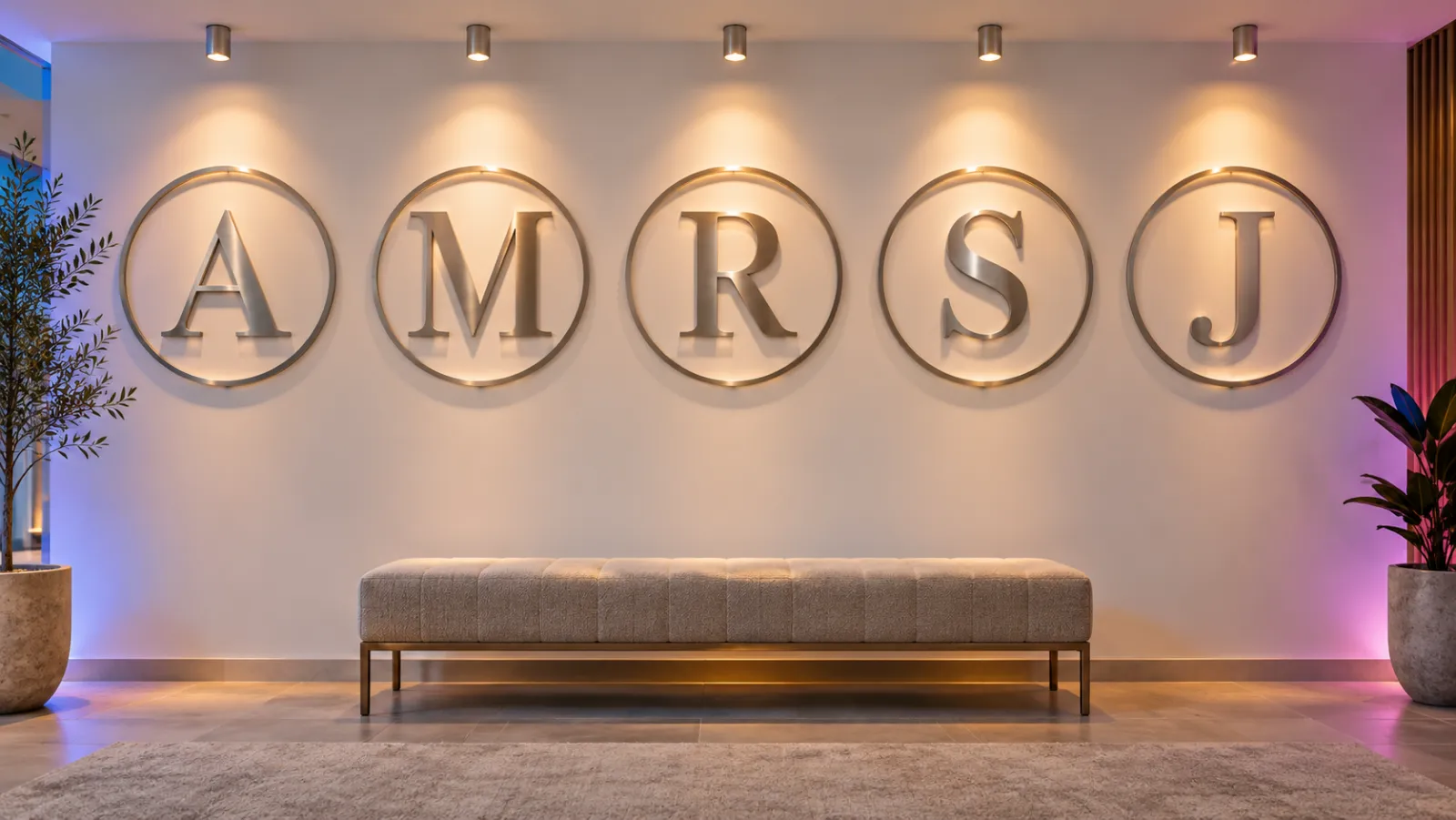
When it comes to displaying metal monogram signs, one can choose various mounting options and consider creative ways to adorn both outdoor and indoor spaces. These signs not only act as personal statements but also serve as attractive centerpieces.
### Mounting options
Metal monogram signs offer versatility with multiple mounting choices. For **outdoor space** installation, they are typically equipped with holes for screws, making them easy to affix to walls or posts. Alternatively, some prefer using **metal stands** for garden display. Indoor signs might come with adhesive backing or be designed for hanging with chains or ribbons for an elegant look.
- **Screws:** Ideal for a permanent and secure fixture.
- **Adhesive Backings:** Suited for tile, glass, and other smooth surfaces indoors.
- **Metal Stands:** Perfect for freestanding display in garden areas.
- **Hanging Accessories:** Allow for a suspended presentation that adds ornate charm.
### Decorating outdoor and indoor spaces
Metal monogram signs are dynamic pieces of **metal art** that can transform any area into a visually engaging space. **Outdoor spaces** benefit from their rugged durability---they stand up well against the elements while adding a touch of sophistication to facades, gates, or patios. Indoors, these **metal wall art** pieces can decorate walls with a personal touch or serve as a focal point in living spaces.
- **Outdoor Use:** Enhance entryways, gardens, or entertainment areas with weather-resistant signs.
- **Indoor Decoration:** Create an inviting atmosphere in lobbies, corridors, or as part of a gallery wall.
- **Center Pieces:** Use larger monograms to anchor a room’s design theme or to celebrate a family name.
With careful placement and secure mounting, **metal monogram signs** stand out and add a personalized touch to one’s decor.
## Pricing and value
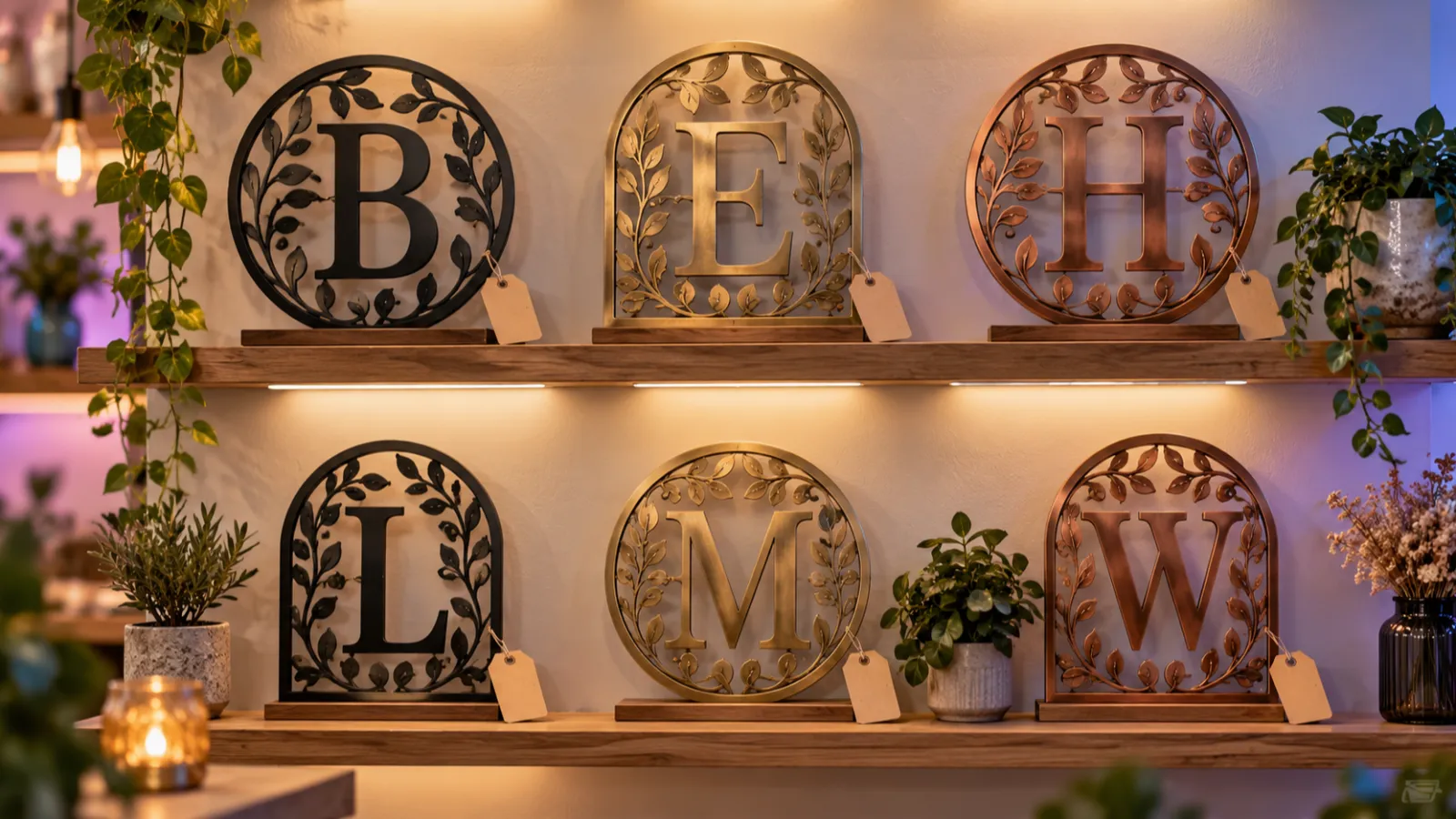
When assessing the value of custom metal signs, it’s crucial to consider the nuanced factors impacting pricing, as well as their longevity. Customers should evaluate the material quality, personalization level, and potential for these signs to endure over time.
### Understanding pricing factors
The **price** of custom metal signs varies widely, largely dependent on several key elements:
- **Size**: Larger signs require more materials and labor, leading to higher costs.
- **Customization**: Personalized touches such as incorporating specific **colors**, designs, or intricate detailing will affect the final price.
- **Material Quality**: Higher quality metals resist wear and weathering better, which can be more expensive but offer better long-term value.
Pricing can range from affordable to premium, with basic personalized metal wall decor available from around $36.48, as showcased on websites like [Etsy](https://www.etsy.com/market/personalized_metal_monogram_signs), going up to more elaborate options that may cost significantly more.
### Investment for years to come
A custom metal sign is not just a purchase but an investment. Considering their durability and timeless appeal, these signs offer enduring value:
- Designed to withstand outdoor conditions, high-quality signs maintain their appearance for **years to come**.
- The timeless aesthetic of metal signs means they rarely go out of style, whether displayed indoors or out.
With proper care, a personalized metal monogram sign represents both an aesthetic choice and a cost-effective decision over time. Options such as those from [Rusty Rooster Metal](https://www.rustyroostermetal.com/collections/metal-monogram-signs) not only serve as customizable and decorative pieces but also as enduring additions to any space.
## Unique gift ideas
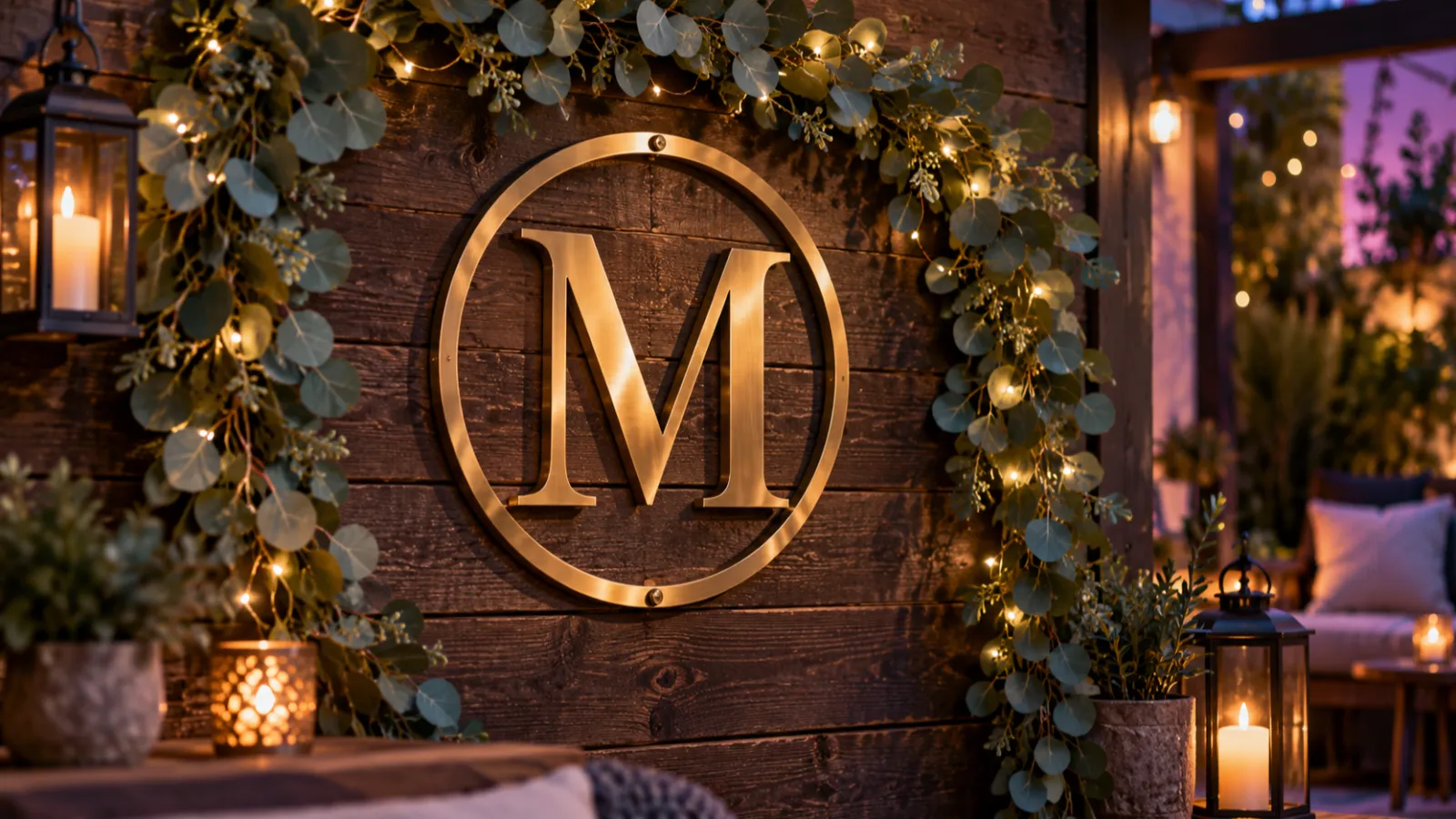
Metal monogram signs offer a personal touch that stands out for any gift-giving occasion. They provide a blend of elegance and customization that’s perfect for making a lasting impression.
### Creative gifts for special occasions
When it comes to [weddings](https://www.etsy.com/market/personalized_gifts_metal_signs), a personalized metal sign with the couple’s last name serves as a memorable keepsake. For anniversaries, incorporating the year established along with the family name adds a cherished layer of personal history to the gift.
- **Weddings**: _Custom Family Name Signs_ - Eternalize their special day with a piece that celebrates their union.
- **Anniversaries**: _Established Date Sign_ - Commemorate the milestone with a sign denoting their anniversary year.
### Customization for recipients
The beauty of personalized metal signs as gifts lies in their versatility of use and the range of customization options available. Whether it’s for a [family name](https://www.etsy.com/market/metal_monogram_sign) sign to adorn a home’s entrance or a quirky sign for a chicken coop, the options are limitless.
- **Family Name**: Engrave their surname into metal for a durable and proud display.
- **Chicken Coop**: Provoked joy with a sign reading ‘The \[Family Name\]‘s Chick Inn’, adding a whimsical touch to their homestead.
By tailoring every aspect of the metal sign, they become not just gifts, but personal stories etched in metal.
Tags
- [metal](/posts/metal/)

About the author
### Matthew Attanasio
Founder, Sign Customiser
Matthew founded Sign Customiser to solve a problem he saw sign businesses facing every day: the endless back-and-forth of manual quoting. With a background in e-commerce development and a decade of experience building Shopify solutions at Sky Foundry, he set out to automate the entire custom sign selling process.
- E-commerce
- Shopify
- Sign Industry
- Product Strategy
[View profile](/authors/matthew-attanasio/)[](https://au.linkedin.com/in/matthew-attanasio-92500a36)[](https://github.com/matthewattanasio)
Let your customers design their own signs

Add a full sign customiser to your online store in minutes. Neon, acrylic, metal — with real-time pricing.
[Start your free 7-day trial](/install/)
Works with Shopify, WooCommerce, Wix & more. 7 days free. Every plan includes every feature.
Let your customers design their own signs

Add a full sign customiser to your online store in minutes. Neon, acrylic, metal — with real-time pricing.
[Start your free 7-day trial](/install/)
Works with Shopify, WooCommerce, Wix & more. 7 days free. Every plan includes every feature.
Related
## From theblog
Expert insights, industry trends, and actionable tips to enhance your online sign business.
[View all articles](/posts/)

channel·June 27, 2023
### [Master the art of DIY metal signs: a step-by-step guide for beginners, crafted by experts](/posts/channel/master-the-art-of-diy-metal-signs-a-step-by-step-guide-for-beginners-crafted-by-experts/)
Whether you want to create custom wall art for your home or craft personalized gifts for loved ones, mastering the art of DIY metal signs is a rewarding endeavor.
Read more

metal·January 31, 2024
### [Custom laser cut metal signs: materials, pricing & business guide](/posts/metal/custom-laser-cut-metal-signs/)
Complete guide to laser cut metal signs for sign shops. Covers material costs, gauge selection, pricing strategies, and equipment options for selling custom metal signage.
Read more

metal·January 31, 2024
### [Cut out metal signs: design and durability in modern signage](/posts/metal/cut-out-metal/)
Cut out metal signs have become a popular choice for both businesses and homeowners looking to add a touch of personalization and durability to their signage.
Read more

metal·January 31, 2024
### [Funny metal signs: elevate your decor with humor](/posts/metal/funny-metal-signs/)
Funny metal signs have become a popular decorative choice for individuals looking to add a touch of humor and personality to their home or workplace.
Read more

metal·January 31, 2024
### [Laser cut metal signs: precision craftsmanship for your branding needs](/posts/metal/laser-cut-metal-signs/)
Laser cut metal signs are a prominent feature in various settings, from businesses and public spaces to personal decor.
Read more

metal·January 31, 2024
### [Metal outdoor signs: durability and design for all-weather visibility](/posts/metal/metal-outdoor-signs/)
Metal outdoor signs are a durable and versatile option for both businesses and private properties, allowing for a variety of custom designs to suit any need.
Read more

metal·January 31, 2024
### [Characteristics of vintage steel sign design](/posts/metal/vintage-metal-signs/)
Bold typography, porcelain enamel and embossed tin define vintage steel sign design, plus how sign shops price and sell retro metal sign reproductions.
Read more
[View all articles](/posts/)
## Sitemap
See the full [sitemap](/sitemap.md) for all pages.
---
## Metal Outdoor Signs: Durability and Design for All-Weather Visibility - Sign Customiser Blog
Source: [https://www.signcustomiser.com/posts/metal/metal-outdoor-signs/](https://www.signcustomiser.com/posts/metal/metal-outdoor-signs/)
Metal outdoor signs are a durable and versatile option for both businesses and private properties, allowing for a variety of custom designs to suit any need. Whether it’s for branding, directional purposes, or simply to add a personal touch to an outdoor space, these signs are built to withstand the elements. The sturdy construction of metal signs means they can cope with harsh weather conditions, from extreme heat to freezing temperatures, without losing their visual appeal or integrity.
Customization is a major draw for those wanting to express individuality or ensure brand consistency. Businesses frequently opt for [custom metal signs](https://www.etsy.com/market/custom_metal_signs_outdoor) outdoors to reflect their identity and stand out in a physical space. Families might choose personalized nameplates or house markers that add character to their homes. From intricate designs with elegant fonts to bold and straightforward messaging, the possibilities are as limitless as the imagination of the creator.
With the focus on durability and the potential for elaborate customization, it’s no surprise that metal outdoor signs remain a popular choice. The investment in a quality sign pays dividends over time, negating the need for frequent replacements. Whether for the front of a store, the garden of a family home, or public spaces requiring clear instructions, metal signs offer a reliable and effective solution for outdoor communication.
## Types of metal outdoor signs
Play video: Assembly of custom backlit metal outdoor signs
Assembly of custom backlit metal outdoor signs
Metal signs are a popular choice for outdoor signage due to their durability and versatility. This section explores the various metals commonly used, ways they can be customized, and their typical applications.
### Metal sign materials
- **Aluminum**: Lightweight and resistant to corrosion, making it an ideal material for various outdoor signs such as [directional signs](https://www.signs.com/blog/outdoor-signs-signage-101/) and real estate signage.
- **Steel**: Known for its strength, steel signs are often used where durability is critical, such as for safety and traffic signs.
- **Bronze**: This traditional material adds a classic appearance to signs, often chosen for commemorative plaques or prestigious street signs.
### Customization options
- **Colors**: Signs can be produced with a range of vibrant colors, enhancing their visibility and impact.
- **Shapes and Sizes**: From standard rectangles to customized shapes, the sign’s dimensions can be tailored to specific needs.
- **Graphics and Text**: High-resolution graphics and customized text can be incorporated to convey clear messages or branding.
### Common applications
- **Directional Signs**: Assisting with navigation in various outdoor settings, including parks and business complexes.
- **Safety Signs**: Communicating important safety information, often found in construction areas or industrial environments.
- **Real Estate Signs**: Advertising properties for sale or lease; designed to be eye-catching and informative.
- **Street Signs**: Providing essential information for drivers and pedestrians, crafted to be sturdy and long-lasting.
## Considerations for durability

Durability is paramount in the longevity of metal outdoor signs. Factors such as weather resistance, rust-proofing, and maintenance needs directly influence how a sign withstands the elements.
### Weather resistance
**Materials**: Selection of **weather-resistant materials** is crucial. Aluminum, known for its ability to resist corrosion, is often preferred for outdoor metal signage. It withstands **rain**, **snow**, and **extreme temperatures** without deteriorating.
**Coatings**: A protective **UV-resistant coating** can further guard against sun damage, keeping signs legible and vibrant. For example, **powder coatings** provide a resilient layer that combats the fading and wear associated with prolonged sunlight exposure.
### Rust-proofing
**Prevention**: To prevent **rust**, non-ferrous metals such as aluminum are advantageous due to their natural rust-proof qualities. When employing ferrous materials like steel, **galvanization**\---the process of applying a protective zinc coating---or using stainless steel can be effective in mitigating rust formation.
**Sealants**: Regular application of **sealants** can serve as a barrier to moisture, one of the primary culprits of rust. This proactive approach ensures the sign’s integrity and appearance are maintained over time.
### Maintenance needs
**Frequency**: **Routine maintenance** is necessary to prolong the life of outdoor metal signs. The frequency and type of maintenance required will depend on the material and local environment.
**Actions**: Inspections for any **signs of wear or damage**, such as chipping or rust, should be conducted periodically. Proactive cleaning of debris and dirt also helps prevent degradation of the material’s surface.
By considering these aspects of durability, metal outdoor signs can be a lasting investment for any business or purpose.
## Design and aesthetics
Play video: Outdoor signs designed to last
Outdoor signs designed to last
When considering metal outdoor signs, attention to design and aesthetics plays a crucial role in ensuring they are both visually appealing and cohesive with the intended environment. Factors such as color, finish, and custom design options contribute to creating a sign that is noticeable and aligns with a brand’s identity or a home’s style.
### Visual appeal
Metal outdoor signs have the advantage of offering a **vibrant** visual presence that can easily **stand out** in any setting. Designers leverage a variety of **design options** that include everything from elegant scripts to bold block letters, ensuring each sign reflects the individuality of its purpose. The **visual appeal** is often enhanced by the use of **PMS color match** systems, allowing for precise color representation according to brand guidelines.
### Custom shapes and colors
The ability to customize shapes and colors is a significant aspect of metal sign design. **Custom size** options allow signs to fit perfectly in their designated spaces, whether they’re sprawling across a business façade or accenting a garden path. **Colors** can range from the natural tones of the metal to any hue imaginable, affording limitless creative freedom. Custom metal signs on [Etsy](https://www.etsy.com/market/outdoor_metal_signs) are an example of how varied these design elements can be.
- **Shapes**: From standard rectangles to intricate cutouts.
- **Colors**: Full spectrum availability, including metallic hues.
### Finish options
Different **finish options** greatly influence the final appearance of metal outdoor signs. A common choice is the **brushed silver finish** which offers a muted, professional look. For those seeking warmth, a **brushed gold finish** can add a touch of luxury. Additionally, a **mirror finish** is often used for its reflective quality that catches the eye and adds a dynamic element to the sign’s appearance. These finishes not only contribute to the sign’s aesthetic but also serve as a protective layer against the elements.
- **Brushed Silver**: Subtle texture with a modern edge.
- **Brushed Gold**: Warm tones for an upscale feel.
- **Mirror Finish**: High gloss for maximum impact.
## Installation and placement

The effectiveness of metal outdoor signs heavily relies on the correct installation and strategic placement. It is crucial to ensure metal signs are securely mounted and positioned for maximum visibility and longevity.
### Mounting techniques
**Drilled Holes:** Metal signs are commonly installed using **drilled holes** for bolting to various surfaces. Drilling holes at the sign’s corners provides secure anchor points for mounting on walls, fences, or free-standing frames. This method is ideal for **long-term installations** where a durable hold is necessary.
- **Double-Sided Tape/Velcro:**
- For temporary or less permanent signs, double-sided tape or Velcro provides a quick, tool-free installation option. Ideal for indoor use or sheltered areas.
- **Sign Standoffs:**
- These create a sophisticated look by adding depth, as the metal sign will stand off from the wall. This solution is often used for corporate signage or where a more refined appearance is desired.
### Site selection
_Directional Signs_: Choosing the right site is just as important as the installation itself, especially for **directional signs** that must be placed at decision points like intersections or building entries for clear guidance.
- **Visibility:**
- A sign must be visible from the approach angle of the intended audience. It should not be obstructed by trees, lighting, or other structures.
- **Traffic Flow:**
- For businesses, optimal sign placement might include high-traffic areas that provide the best exposure to potential customers, like the entrance of a parking lot or a busy street corner.
- **Environment Considerations:**
- The environment where the sign will be placed affects both the mounting method and the materials used for the sign to ensure it can withstand the local weather conditions.
By focusing on robust mounting techniques and strategic site selection, one can increase the effectiveness and longevity of metal outdoor signs, ensuring they remain prominent and clear for all intended purposes.
## Purchasing and customization

When purchasing and customizing a metal outdoor sign, it’s crucial to select a reputable provider, understand the customization options and process, and be aware of how the pricing structure works.
### Choosing a sign provider
Selecting the right provider for a **custom sign** is essential. Prospective buyers should look for **sign providers** that offer exceptional **customer service**, helping guide through the selection and customization process. Sites like **signs.com** stand out due to their range of sign options. For those seeking unique, handmade signs, platforms like **Etsy**, support **creative entrepreneurs** and **small businesses**, turning it into a **global marketplace** of personalized products.
### Customization process
The **customization process** often starts with a **free design** tool, allowing the buyer to control the look of their sign from various aspects, including the front, side, trim, and type of lighting. For a more tailored experience, some services offer **digital items** such as the **Metal Sign Customiser Shopify App** which gives users complete creative control over their sign’s design and features.
### Understanding pricing
**Pricing** for metal outdoor signs varies widely depending on size, material, complexity of design, and additional features like lighting. Look out for benefits like **free shipping** which some providers offer to sweeten the deal. When using platforms like **Etsy**, pricing is set by independent **Etsy sellers** and can be found on the **listing page**. **Sales** and discounts may be available and should be taken into account when evaluating the total cost. **Personalization** can also impact pricing, as custom designs may carry a premium over standard options.
Tags
- [metal](/posts/metal/)

About the author
### Matthew Attanasio
Founder, Sign Customiser
Matthew founded Sign Customiser to solve a problem he saw sign businesses facing every day: the endless back-and-forth of manual quoting. With a background in e-commerce development and a decade of experience building Shopify solutions at Sky Foundry, he set out to automate the entire custom sign selling process.
- E-commerce
- Shopify
- Sign Industry
- Product Strategy
[View profile](/authors/matthew-attanasio/)[](https://au.linkedin.com/in/matthew-attanasio-92500a36)[](https://github.com/matthewattanasio)
Let your customers design their own signs

Add a full sign customiser to your online store in minutes. Neon, acrylic, metal — with real-time pricing.
[Start your free 7-day trial](/install/)
Works with Shopify, WooCommerce, Wix & more. 7 days free. Every plan includes every feature.
Let your customers design their own signs

Add a full sign customiser to your online store in minutes. Neon, acrylic, metal — with real-time pricing.
[Start your free 7-day trial](/install/)
Works with Shopify, WooCommerce, Wix & more. 7 days free. Every plan includes every feature.
Related
## From theblog
Expert insights, industry trends, and actionable tips to enhance your online sign business.
[View all articles](/posts/)

channel·June 27, 2023
### [Master the art of DIY metal signs: a step-by-step guide for beginners, crafted by experts](/posts/channel/master-the-art-of-diy-metal-signs-a-step-by-step-guide-for-beginners-crafted-by-experts/)
Whether you want to create custom wall art for your home or craft personalized gifts for loved ones, mastering the art of DIY metal signs is a rewarding endeavor.
Read more

metal·January 31, 2024
### [Custom laser cut metal signs: materials, pricing & business guide](/posts/metal/custom-laser-cut-metal-signs/)
Complete guide to laser cut metal signs for sign shops. Covers material costs, gauge selection, pricing strategies, and equipment options for selling custom metal signage.
Read more

metal·January 31, 2024
### [Cut out metal signs: design and durability in modern signage](/posts/metal/cut-out-metal/)
Cut out metal signs have become a popular choice for both businesses and homeowners looking to add a touch of personalization and durability to their signage.
Read more

metal·January 31, 2024
### [Funny metal signs: elevate your decor with humor](/posts/metal/funny-metal-signs/)
Funny metal signs have become a popular decorative choice for individuals looking to add a touch of humor and personality to their home or workplace.
Read more

metal·January 31, 2024
### [Laser cut metal signs: precision craftsmanship for your branding needs](/posts/metal/laser-cut-metal-signs/)
Laser cut metal signs are a prominent feature in various settings, from businesses and public spaces to personal decor.
Read more

metal·January 31, 2024
### [Metal monogram signs: enhancing personal style in home decor](/posts/metal/metal-monogram-signs/)
Metal monogram signs blend personalization with a touch of elegance, creating a distinctive piece of decor for both residential and commercial settings.
Read more

metal·January 31, 2024
### [Characteristics of vintage steel sign design](/posts/metal/vintage-metal-signs/)
Bold typography, porcelain enamel and embossed tin define vintage steel sign design, plus how sign shops price and sell retro metal sign reproductions.
Read more
[View all articles](/posts/)
## Sitemap
See the full [sitemap](/sitemap.md) for all pages.
---
## Characteristics of Vintage Steel Sign Design - Sign Customiser Blog
Source: [https://www.signcustomiser.com/posts/metal/vintage-metal-signs/](https://www.signcustomiser.com/posts/metal/vintage-metal-signs/)
Vintage steel and tin signs share a recognisable look: bold, high-contrast typography, a limited palette of flat colours, and a printed or enamelled surface built to survive decades outdoors. Most date from the late 19th century to the mid-20th century, when brands used them as outdoor advertising, so their design choices were practical first and decorative second.
## Characteristics of vintage steel sign design
The features collectors and sign shops look for are consistent across eras and brands.
- **Bold, simplified typography.** Large sans-serif or condensed lettering, chosen to read clearly from a distance.
- **A limited colour palette.** A few flat colours in solid blocks rather than gradients, so the design stays legible at a distance.
- **Porcelain enamel or printed tin.** Early signs used cast iron or steel with a porcelain enamel coating fired over the metal for a hard, glossy, richly pigmented finish. Later, cheaper signs switched to tin.
- **Embossing.** Many designs press the lettering or border into the metal in relief, using matched dies to stamp the sheet or pass it between patterned rollers, which adds depth and helps the sign catch the light.
- **Patina and rust as an ageing signal.** Steel signs are usually a thin layer of tin over steel, which resists rust only while that coating stays unbroken. Once it chips, the exposed steel rusts, which is why genuine vintage signs show rust bleeding from scratches, edges and screw holes rather than an even coat all over.
## Historical significance of vintage metal signs
Metal advertising signs date back to the late 19th century and stayed popular until the mid-20th century, when other forms of advertising took over. Early signs were steel or iron with porcelain enamel, and around the turn of the 20th century makers switched to cheaper tin. Enamel is glass rather than paint, so it does not fade under ultraviolet light. That is why many surviving signs still show close to their original colour after decades outdoors, even as the surrounding metal rusts and wears.
Collectors and interior decorators value original signs for that mix of durability and visible age, and a parallel market has grown for faithful reproductions and personalised versions of the same look.

## Selling vintage-style metal signs from your sign shop
Vintage-style metal signs sell well beyond the antiques trade. Sign shops fill orders for bar and restaurant owners who want a themed feature wall, garage and man-cave owners who want a personalised name or car brand sign, cafés and retail shops that want retro branding, and gift buyers ordering a custom sign for a birthday, anniversary or new home. The common thread is a customer who wants the vintage look with their own text, name or logo rather than an original antique.
A live customiser lets shoppers build that sign on your own website instead of emailing back and forth for a quote. With Sign Customiser, a customer types their text, picks a font, colour, size and backboard, and sees a live preview and price update as they design. Your shop sets the materials, finishes and rates. The customiser handles the layout, the preview and the checkout.
### A worked pricing example
Metal plate and cut-out signs typically use the Frame Fit pricing model, which charges by the sign’s area rather than by letter count.
`(width in cm x height in cm x price per sq cm) + base price`
The numbers below are illustrative only. Set your own rates in the Sign Customiser admin.
Sign size
Price per sq cm
Base price
Illustrative price
30cm x 20cm
$0.04
$12.00
$36.00
45cm x 30cm
$0.04
$12.00
$66.00
60cm x 40cm
$0.04
$12.00
$108.00
Swipe for more
A finish or material selection, such as brass instead of standard aluminium, can add its own base price or multiplier on top of the area price. Configure those rates once in the Sign Customiser admin, and they apply automatically whenever a customer picks that option.
### Production notes
Reproduction and personalised metal signs are usually cut from aluminium composite or aluminium sheet rather than tinplate, since aluminium does not rust. Shops offer the design printed flat, embossed for a raised relief, or laser cut as a silhouette or cut-out shape, with a powder-coated or faux-aged finish to match the vintage look the customer wants. Sign Customiser exports production-ready vector cut paths with every order, along with material and finish details, so a laser cutter or plate manufacturer can go straight to production without chasing the customer for specs.
For printed or embossed plate-style reproductions, closest to a traditional tin sign, start with [metal plate signs](/solutions/metal-plate-signs/). For laser-cut silhouette designs, such as a name or logo cut clean out of the panel, use [metal cut-out signs](/solutions/metal-cut-out-signs/). Both run on Shopify, WooCommerce, Wix, Webflow, Squarespace and Etsy stores. [Plans](/pricing/) run from $29 to $299 a month, and every plan starts with a 7-day free trial. [Try it on your store](/install/).
## Understanding authenticity and value
Two checks help separate a genuine vintage sign from a modern reproduction.
- **Material composition.** Genuine vintage signs are typically cast iron or steel with porcelain enamel, or tin.
- **Wear patterns.** Tin only protects the steel under it while the coating is unbroken, so rust on an old tin sign starts where the surface has chipped or been scratched, such as the edges and screw holes.
Value is driven more by brand recognition, size and condition than by age alone. Signs in the 30 to 42 inch range tend to hold more value, because they read clearly from a distance, which was the point of the original design.

## The role of metal signs in home and business decor
At home, metal signs work as a focal point on a living room wall, a themed collection in a garage or home bar, or a personalised welcome sign at the front door. In a business, they double as decor and branding: a themed feature wall in a restaurant, a personalised sign behind the bar, or a laser-cut logo sign in an office lobby. Businesses that want to update pricing or specials often pair a fixed metal sign with a chalkboard or dry-erase panel for the parts that change.
Powder coating gives a modern reproduction a durable, even finish in almost any colour, while a natural or faux-aged patina finish suits a traditional pub or garage look. Whichever finish you choose, avoid harsh chemical cleaners on painted or powder-coated signs. They strip the finish faster than ordinary wear would.

## Acquiring vintage metal signs
Original vintage signs are sold through antiques dealers, auction houses and general marketplaces, including small independent sellers working from home. When buying an original, check high-resolution photos closely for touch-ups or repaint, read the seller’s condition notes in full, and compare recent sold prices for the same sign rather than relying on a single asking price.

Shipping is worth checking before you buy. A heavy steel or porcelain sign is easy to damage in transit.
Shipping consideration
Why it matters
Insurance
Steel and porcelain signs chip and crack; insurance covers transit damage.
Packaging
Rigid packaging with corner protection prevents bent edges and cracked enamel.
Handling time
Larger or older pieces may need more careful, and slower, packing.
Swipe for more
A reproduction or personalised sign carries less shipping risk, since it comes new from the manufacturer, but the packaging question still matters for a large piece.
## Sources
- [LoveToKnow: Antique Metal Signs](https://www.lovetoknow.com/home/antiques-collectibles/antique-metal-signs)
- [Wikipedia: Porcelain enamel](https://en.wikipedia.org/wiki/Porcelain_enamel)
- [Wikipedia: Embossing (manufacturing)](https://en.wikipedia.org/wiki/Embossing_\(manufacturing\))
- [Wikipedia: Tinplate](https://en.wikipedia.org/wiki/Tinplate)
Tags
- [metal](/posts/metal/)

About the author
### Matthew Attanasio
Founder, Sign Customiser
Matthew founded Sign Customiser to solve a problem he saw sign businesses facing every day: the endless back-and-forth of manual quoting. With a background in e-commerce development and a decade of experience building Shopify solutions at Sky Foundry, he set out to automate the entire custom sign selling process.
- E-commerce
- Shopify
- Sign Industry
- Product Strategy
[View profile](/authors/matthew-attanasio/)[](https://au.linkedin.com/in/matthew-attanasio-92500a36)[](https://github.com/matthewattanasio)
Let your customers design their own signs

Add a full sign customiser to your online store in minutes. Neon, acrylic, metal — with real-time pricing.
[Start your free 7-day trial](/install/)
Works with Shopify, WooCommerce, Wix & more. 7 days free. Every plan includes every feature.
Let your customers design their own signs

Add a full sign customiser to your online store in minutes. Neon, acrylic, metal — with real-time pricing.
[Start your free 7-day trial](/install/)
Works with Shopify, WooCommerce, Wix & more. 7 days free. Every plan includes every feature.
Related
## From theblog
Expert insights, industry trends, and actionable tips to enhance your online sign business.
[View all articles](/posts/)

channel·June 27, 2023
### [Master the art of DIY metal signs: a step-by-step guide for beginners, crafted by experts](/posts/channel/master-the-art-of-diy-metal-signs-a-step-by-step-guide-for-beginners-crafted-by-experts/)
Whether you want to create custom wall art for your home or craft personalized gifts for loved ones, mastering the art of DIY metal signs is a rewarding endeavor.
Read more

metal·January 31, 2024
### [Custom laser cut metal signs: materials, pricing & business guide](/posts/metal/custom-laser-cut-metal-signs/)
Complete guide to laser cut metal signs for sign shops. Covers material costs, gauge selection, pricing strategies, and equipment options for selling custom metal signage.
Read more

metal·January 31, 2024
### [Cut out metal signs: design and durability in modern signage](/posts/metal/cut-out-metal/)
Cut out metal signs have become a popular choice for both businesses and homeowners looking to add a touch of personalization and durability to their signage.
Read more

metal·January 31, 2024
### [Funny metal signs: elevate your decor with humor](/posts/metal/funny-metal-signs/)
Funny metal signs have become a popular decorative choice for individuals looking to add a touch of humor and personality to their home or workplace.
Read more

metal·January 31, 2024
### [Laser cut metal signs: precision craftsmanship for your branding needs](/posts/metal/laser-cut-metal-signs/)
Laser cut metal signs are a prominent feature in various settings, from businesses and public spaces to personal decor.
Read more

metal·January 31, 2024
### [Metal monogram signs: enhancing personal style in home decor](/posts/metal/metal-monogram-signs/)
Metal monogram signs blend personalization with a touch of elegance, creating a distinctive piece of decor for both residential and commercial settings.
Read more

metal·January 31, 2024
### [Metal outdoor signs: durability and design for all-weather visibility](/posts/metal/metal-outdoor-signs/)
Metal outdoor signs are a durable and versatile option for both businesses and private properties, allowing for a variety of custom designs to suit any need.
Read more
[View all articles](/posts/)
## Sitemap
See the full [sitemap](/sitemap.md) for all pages.
---
## Neon Signs Blog - Page 2
Source: [https://www.signcustomiser.com/posts/neon/2/](https://www.signcustomiser.com/posts/neon/2/)
[All](/posts/)[General](/posts/general/)[Neon signs](/posts/neon/)[Acrylic signs](/posts/acrylic/)[Channel letter signs](/posts/channel/)[Metal signs](/posts/metal/)[Lightbox signs](/posts/lightbox/)[AI](/posts/ai/)[Shopify](/posts/shopify/)
## Neon
Explore the fascinating world of neon lights, signs, and art, as we delve into the history, technology, and creative uses of these mesmerising luminous wonders.

Published September 26, 2023
### [Aesthetic neon signs: styles, ideas and pricing](/posts/neon/aesthetic-neon-signs/)
See the styles and colours behind aesthetic neon signs, get design ideas for any room, and learn how sign shops price and sell them online with a live customiser.
Read more
Published September 26, 2023
### [Why are black neon signs the latest trend in home decor?](/posts/neon/black-neon-sign/)
Unleash your creativity with black neon signs and 20+ creative ideas for businesses, events, or personal spaces.
Read more
Published September 26, 2023
### [Electric blue neon signs: meaning, ideas and pricing](/posts/neon/electric-blue-neon-blue-aesthetic/)
What makes electric blue neon glow, the blue aesthetic it creates, sign ideas by room, and how sign shops price and sell custom blue neon online.
Read more
Published September 26, 2023
### [Neon wedding signs: 40+ ideas, placement guide & costs](/posts/neon/neon-wedding-sign/)
Complete guide to neon signs for wedding decor. Discover 40+ ideas, placement tips, rental vs purchase costs, and how to match your wedding theme.
Read more
Published September 26, 2023
### [Purple neon light: meaning, shades & buying guide](/posts/neon/purple-neon-sign/)
What purple neon light means, the shades from lavender to magenta, and how sign shops price and sell custom purple neon signs online with a live customiser.
Read more
Published September 26, 2023
### [White neon sign: a guide to choosing the right one!](/posts/neon/white-neon-sign/)
Looking for a chic and modern addition to your decor? Check out our guide to choosing the best white neon sign.
Read more
Published June 23, 2023
### [Design tips for creating eye-catching DIY neon signs](/posts/neon/design-tips-for-creating-eye-catching-diy-neon-signs/)
Neon signs have long been a captivating way for businesses to attract attention and make bold statements. With the rise of do-it-yourself (DIY) projects, creating your own neon sign has become an accessible and cost-effective option for businesses looking to stand out.
Read more
Published April 5, 2023
### [70 neon sign ideas by room & occasion (2026 guide)](/posts/neon/neon-sign-ideas/)
See 70 neon sign ideas for bedrooms, weddings, bars and businesses, organised by room and occasion, plus how sign shops price and sell them online.
Read more
## Sitemap
See the full [sitemap](/sitemap.md) for all pages.
---
## Neon Signs Blog - Page 3
Source: [https://www.signcustomiser.com/posts/neon/3/](https://www.signcustomiser.com/posts/neon/3/)
[All](/posts/)[General](/posts/general/)[Neon signs](/posts/neon/)[Acrylic signs](/posts/acrylic/)[Channel letter signs](/posts/channel/)[Metal signs](/posts/metal/)[Lightbox signs](/posts/lightbox/)[AI](/posts/ai/)[Shopify](/posts/shopify/)
## Neon
Explore the fascinating world of neon lights, signs, and art, as we delve into the history, technology, and creative uses of these mesmerising luminous wonders.

Published April 4, 2023
### [Best neon sign quotes: 150+ ideas for every occasion (2026)](/posts/neon/neon-sign-quotes/)
Curated neon sign quotes for weddings, businesses, bars, bedrooms and more. Includes best-selling categories and pricing strategies for sign shops.
Read more
Published April 3, 2023
### [Faux neon signs: LED alternatives, costs & business guide (2026)](/posts/neon/faux-neon-sign/)
Complete guide to faux neon (LED neon) signs. Compares LED vs glass neon, covers profit margins for sign shops, and explains why LED neon dominates the market.
Read more
Published April 2, 2023
### [Neon signs hub: your one stop shop for all things neon signs](/posts/neon/neon-sign/)
Discover the colorful world of neon signs with our ultimate guides! Learn about their history, design, cost, and much more.
Read more
Published April 1, 2023
### [Neon sign repair guide: DIY fixes & when to call a pro](/posts/neon/neon-sign-repair/)
Complete guide to neon sign repair. Troubleshoot common problems, learn DIY fixes, compare costs, and know when to hire a professional for neon light repair.
Read more
Published March 30, 2023
### [Exploring the benefits of acrylic neon signs for business signage](/posts/neon/acrylic-neon-signs/)
Customizable and Durable: Why Acrylic Neon Signs are a Smart Choice for Your Business Signage Needs
Read more
Published March 30, 2023
### [How to hang a neon sign: step-by-step guide (with & without nails)](/posts/neon/hanging-neon-signs/)
Learn how to hang a neon sign on any surface. Step-by-step instructions for drywall, brick, concrete & glass. Plus tips to hide wires and avoid wall damage.
Read more
Published March 29, 2023
### [LED neon signs - a cost-effective alternative?](/posts/neon/led-neon-signs/)
Are LED neon signs worth it? Find out the answer and learn about their lifespan, energy efficiency, and low maintenance requirements.
Read more
Published March 28, 2023
### [Are glass neon signs worth it?](/posts/neon/glass-neon-signs/)
Are you curious about the cost and lifespan of glass neon signs? Our guide has all the answers you need to make an informed purchase.
Read more
## Sitemap
See the full [sitemap](/sitemap.md) for all pages.
---
## Neon Signs Blog - Page 4
Source: [https://www.signcustomiser.com/posts/neon/4/](https://www.signcustomiser.com/posts/neon/4/)
[All](/posts/)[General](/posts/general/)[Neon signs](/posts/neon/)[Acrylic signs](/posts/acrylic/)[Channel letter signs](/posts/channel/)[Metal signs](/posts/metal/)[Lightbox signs](/posts/lightbox/)[AI](/posts/ai/)[Shopify](/posts/shopify/)
## Neon
Explore the fascinating world of neon lights, signs, and art, as we delve into the history, technology, and creative uses of these mesmerising luminous wonders.

Published January 12, 2023
### [Neon versus LED: what are the differences? Which is right for you?](/posts/neon/neon-vs-led/)
We compare neon vs LED neon signs in this informative article. From lighting to maintenance, we cover pros & cons of each to help you make an informed decision on.
Read more
Published December 25, 2022
### [Are neon signs dangerous? 14 great tips to stay safe](/posts/neon/are-neon-signs-dangerous/)
Get our 14 great tips to avert accidents & keep your family safe around neon signs with this post.
Read more
Published December 23, 2022
### [How to make custom neon signs, the easy guide for Shopify sign stores](/posts/neon/how-to-make-custom-neon-signs/)
Learn how to make custom neon signs as a producer. We also show you a secret to let buyers customize & view their signs in real-time.
Read more
Published December 12, 2022
### [Why are neon signs so expensive? 2026 pricing guide for sign shops](/posts/neon/why-are-neon-signs-so-expensive/)
Complete breakdown of neon sign costs for sign shop owners. Covers material, labour, and overhead costs plus strategies to improve margins with LED neon.
Read more
Published December 5, 2022
### [Custom neon signs cost: the ultimate guide for Shopify store owners](/posts/neon/custom-neon-signs-cost/)
We explore the primary factors that influence the custom neon signs cost and strategies store owners can apply to increase sales and profit margins. Click to see more details!
Read more
## Sitemap
See the full [sitemap](/sitemap.md) for all pages.
---
## Exploring the benefits of acrylic neon signs for business signage - Sign Customiser Blog
Source: [https://www.signcustomiser.com/posts/neon/acrylic-neon-signs/](https://www.signcustomiser.com/posts/neon/acrylic-neon-signs/)
## Acrylic neon signs: the modern alternative to traditional neon signs
Acrylic neon signs are a modern alternative to traditional neon signs, offering a range of benefits that have made them increasingly popular in recent years. **In this article, we will explore the different types of acrylic backboards that are available for neon signs, as well as the benefits and drawbacks of each. We will also discuss how acrylic neon signs can be used to create cool art, and offer tips on how to maintain and care for your acrylic neon sign.**
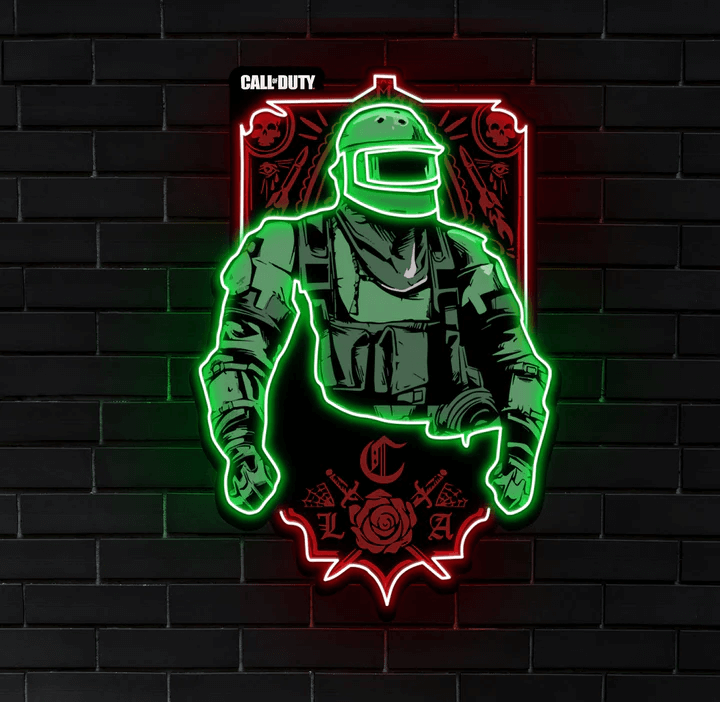
Image source: kingsofneon.com.au
Whether you’re a business owner looking to attract customers with a striking new sign, or an individual looking to add some personality to your home or office, acrylic neon signs are an excellent choice that offer a unique and eye-catching aesthetic.
This is chapter 4 in [the neon sign library](https://www.signcustomiser.com/posts/neon/neon-sign/)
## What are acrylic neon signs?
**Acrylic neon signs are a modern alternative to [traditional neon signs](https://www.signcustomiser.com/posts/neon/glass-neon-signs/) that have been around since the early 20th century.** Acrylic neon signs are made using a [flexible LED neon](https://www.signcustomiser.com/posts/neon/led-neon-signs/) tubing that is shaped and mounted onto an acrylic backboard. The tubing is designed to mimic the look of traditional neon, but with a number of advantages over the original technology.
**In simple terms, acrylic neon signs are made up of two key components: the [acrylic](https://en.wikipedia.org/wiki/Poly\(methyl_methacrylate\)) backboard and the [LED](https://en.wikipedia.org/wiki/Light-emitting_diode) neon tubing.** The backboard serves as a base for the tubing to be mounted onto, while the tubing is what actually illuminates the sign. The tubing is made up of a series of LED lights that are encased in a flexible PVC housing, which is shaped to mimic the curves and angles of traditional neon tubing.
## What acrylic is best for neon signs?
When it comes to creating neon signs using acrylic backboards, choosing the right type of acrylic is essential. There are different types of acrylic available, each with its own unique characteristics. In this section, we’ll take a closer look at the types of acrylic that are best suited for neon signs.
First, let’s consider the different types of acrylic. **[Cast acrylic](https://en.wikipedia.org/wiki/Cast_acrylic) and [extruded acrylic](https://www.piedmontplastics.com/blog/what-is-extruded-acrylic) are two of the most common types.** Cast acrylic is made using a casting process that produces a denser and more consistent material. Extruded acrylic, on the other hand, is made using an extrusion process that produces a less consistent material.
Play video:
**When it comes to creating neon signs, cast acrylic is generally the better option.** Its density and consistency make it more durable and resistant to cracking, which is especially important for neon signs that are designed to last for a long time.
However, not all cast acrylic is created equal. There are different grades of cast acrylic, each with its own unique characteristics. **For neon signs, it’s best to choose a grade of cast acrylic that is specifically designed for backlit applications.** This type of acrylic is designed to allow light to pass through it evenly, which is important for creating a consistent and vibrant glow for your neon sign.
**In addition to choosing the right type and grade of acrylic, there are other factors to consider when creating neon signs, such as the thickness of the acrylic and [the size of the backboard](https://www.signcustomiser.com/posts/neon/neon-sign/).** By selecting the right combination of materials and factors, you can create a neon sign that not only looks great but is also durable and long-lasting.
## Why did people stop using neon signs?
Neon signs were once the go-to option for businesses looking to advertise their brand. In fact, they’ve been around since the early 1900s and were hugely popular throughout the 20th century. However, in recent years, their popularity has waned. So, why did people stop using neon signs?
\*\*The answer lies in the rise of alternative illuminated sign options, including LED and acrylic neon signs. \*\*While traditional neon signs are undoubtedly impressive, they can be [costly](https://www.signcustomiser.com/posts/neon/why-are-neon-signs-so-expensive/) to manufacture, fragile, and require a skilled craftsman to make them. On the other hand, acrylic neon signs are a more modern, durable, and cost-effective option.
\*\*Despite their advantages, traditional neon signs remain popular in some industries, such as the entertainment industry, where their retro aesthetic is still highly sought after. \*\*However, for businesses looking for a more modern, cost-effective, and durable option, acrylic neon signs are quickly becoming the go-to choice.
## Which is a better material: acrylic or neon signs?
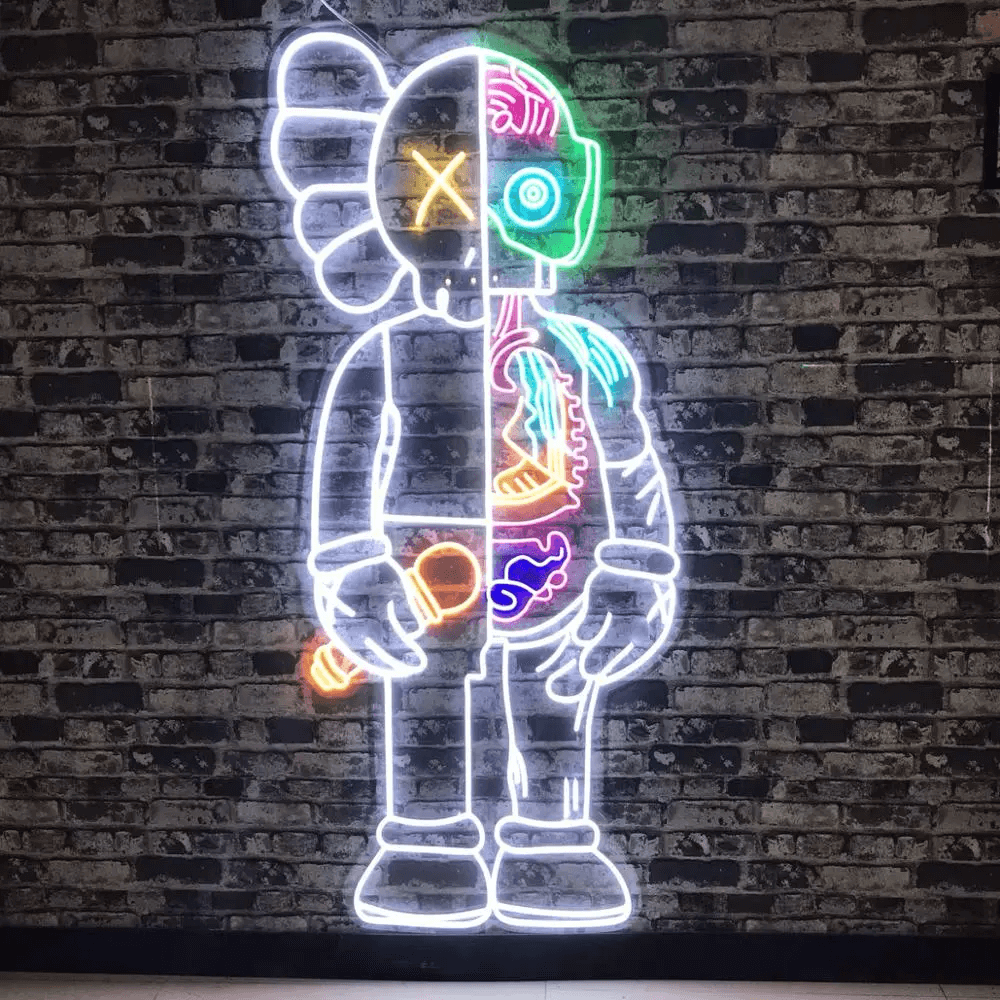
Image source: aliexpress.com
When it comes to choosing between acrylic and traditional neon signs, it’s important to understand the differences and weigh the advantages and disadvantages. Let’s take a closer look at the two options.
First, let’s compare the two types of signs. Traditional neon signs are made by bending glass tubes filled with gas and creating an electrical discharge to create the glowing effect. Acrylic neon signs, on the other hand, use flexible LED lights that are shaped into letters or designs and attached to an acrylic backboard.
So, which is better? Acrylic neon signs have a number of advantages over traditional neon signs. **For one, they are more energy-efficient and use less power than traditional neon signs.** Additionally, acrylic neon signs are more durable and less likely to break or leak, making them easier to transport and install.
**Another advantage of acrylic neon signs is that they are more customizable.** With traditional neon signs, the shapes and sizes of the glass tubes are limited, whereas acrylic neon signs can be designed in any shape or size. Acrylic neon signs also offer more color options, as they use LED lights that can produce a wider range of hues.
However, traditional neon signs do have some advantages over acrylic neon signs. **For example, traditional neon signs are often considered to be more aesthetically pleasing, as they have a softer, more natural glow than LED lights.**
**Learn more:** [Neon versus LED: an indepth neon sign comparison.](https://www.signcustomiser.com/posts/neon/neon-vs-led/)
## Do acrylic neon signs break easily?
Acrylic neon signs are a great alternative to traditional neon signs. **They are more durable and less likely to break than their traditional counterparts.** In this section, we will discuss the durability of acrylic neon signs, the factors that affect their longevity, and tips for maintaining their lifespan.
Firstly, let’s compare the durability of acrylic neon signs to traditional neon signs. Traditional neon signs are made of glass tubes filled with gas and are very fragile. They can break easily if not handled properly or if they fall. **On the other hand, acrylic neon signs are made of acrylic plastic, which is much more durable than glass.** Acrylic is a lightweight material that is less likely to crack or break, making it a safer choice.
**However, the durability of acrylic neon signs can be affected by a number of factors, such as the thickness of the acrylic, the design of the sign, and the environment in which it is placed.** Thicker acrylic is generally more durable than thinner acrylic, and a well-designed sign that is properly installed can last longer than one that is not.
To [maintain the longevity of your acrylic neon sign](https://www.signcustomiser.com/posts/neon/neon-sign-repair/), there are a few tips to keep in mind:
1. First, it is important to clean your sign regularly to prevent dirt and dust buildup. Use a soft cloth and gentle cleanser to wipe down the surface of the sign.
2. Second, avoid placing the sign in direct sunlight, as this can cause the colors to fade over time.
3. Lastly, if you need to move or transport the sign, make sure to handle it with care and avoid dropping it.
## Do neon acrylic signs glow in the dark?
Image source: kingsofneon.com.au
\*\*Yes, acrylic neon signs do have the ability to glow in the dark. \*\*However, unlike traditional neon signs that use neon gas to create the iconic glow, acrylic neon signs use LED lights that are molded into the shape of a neon tube. These LED lights have a lower voltage and operate at a cooler temperature, making them safer and more energy-efficient.
### How do acrylic neon signs glow?
The LED lights inside the acrylic neon sign are connected to a power source that generates an electrical current. When the electricity passes through the LED lights, they emit light in a specific color, creating the neon-like effect. The acrylic tube itself is transparent, allowing the light to pass through and create the glowing effect.
### Comparison of the brightness of acrylic neon signs and traditional neon signs
While acrylic neon signs may not be as bright as traditional neon signs, they still offer a vibrant and eye-catching display. The brightness of an acrylic neon sign largely depends on the color of the LED lights used and the thickness of the acrylic tube. Thicker tubes can diffuse the light and create a softer glow, while thinner tubes create a more intense brightness.
### Factors that affect the brightness of acrylic neon signs
The brightness of acrylic neon signs can be affected by several factors, such as the quality of the LED lights, the type of acrylic used, and the ambient lighting conditions of the room. Using high-quality LED lights and a thicker acrylic tube can improve the brightness and vibrancy of the sign. Additionally, using the sign in a well-lit room can help enhance its brightness and visibility.
## How do you make acrylic neon signs?
Play video:
If you’re interested in creating your own acrylic neon sign, the manufacturing process can be broken down into a few simple steps. Here’s a brief overview of what you’ll need and the steps to follow:
### Tools and materials required
- Acrylic sheet
- LED neon rope lights
- Jigsaw or other cutting tool
- Drill
- Screws or mounting brackets
- Power drill
- Power supply
- Clear silicone sealant
### Overview of the manufacturing process
1. Start by choosing the size and shape of your acrylic sign. Measure and mark your acrylic sheet accordingly.
2. Cut the acrylic sheet to your desired size and shape using a jigsaw or other cutting tool.
3. Using a drill, make holes in the acrylic sheet where you want to mount the LED neon rope lights. Make sure to space the holes evenly so that the light is distributed evenly across the sign.
4. Secure the LED neon rope lights in place using screws or mounting brackets.
5. Connect the LED neon rope lights to a power supply using a power drill.
6. Apply clear silicone sealant around the edges of the acrylic sign to seal it and protect it from moisture.
## How long do acrylic neon signs last?
Image source: sculptneonsigns.com.au
\*\*On average, acrylic neon signs can last up to 10 years or longer if they are well-maintained. \*\*However, this also depends on the environmental conditions that the sign is exposed to. Signs that are exposed to harsh weather or extreme temperatures may deteriorate more quickly than signs that are kept indoors.
To extend the lifespan of your acrylic neon sign, it’s essential to clean it regularly and avoid exposing it to direct sunlight or extreme temperatures. You can also consider using a protective coating to protect the sign from scratches and other types of damage.
**Learn more:** [How to hang neon signs LIKE A PRO? The ultimate guide](https://www.signcustomiser.com/posts/neon/hanging-neon-signs/)
## Is acrylic safe for lighting?
When it comes to lighting, safety is a top priority. This is especially true for neon signs, which can contain hazardous gases and high voltage. That’s why it’s important to consider the safety of the materials used in illuminated signs.
Acrylic neon signs are a safe alternative to traditional neon signs. **Unlike traditional neon signs, which use glass tubes filled with gases, acrylic neon signs use flexible LED lights mounted onto an acrylic backboard.** This means that there is no risk of breakage and no hazardous gases involved.
\*\*Acrylic neon signs are also safer to install and maintain. \*\*Because the LED lights used in acrylic neon signs are low voltage, there is no risk of electric shock. Additionally, acrylic is a lightweight material, making it easier to handle and install than glass.
**Learn more:** [Are neon signs dangerous? 14 GREAT TIPS to stay safe](https://www.signcustomiser.com/posts/neon/are-neon-signs-dangerous/)
## What are other alternatives to traditional neon signs?
Image source: sculptneonsigns.com.au
When it comes to illuminated signs, there are several [alternatives to traditional neon signs](https://www.signcustomiser.com/posts/neon/faux-neon-sign/). In this section, we’ll compare some of the other options and discuss the advantages and disadvantages of each.
\*\*First up, LED signs. LED signs have become increasingly popular in recent years due to their energy efficiency and durability. \*\*They’re also much easier to customize than traditional neon signs. However, some people argue that they don’t have the same level of brightness or visual impact as neon signs.
**Next, there are neon look-alike signs that use materials other than neon to create the illusion of a neon sign.** These include signs made from LED flex tubing or [EL wire](https://en.wikipedia.org/wiki/Electroluminescent_wire). While they can be more affordable than traditional neon signs, they also lack the same level of authenticity and can look somewhat artificial.
**Finally, there are backlit signs, which are typically made from a translucent material like acrylic or glass and illuminated from behind.** These signs offer a sleek, modern look and can be customized to create a variety of effects. Acrylic neon signs fall into this category, and they’re a popular choice because they offer the look of traditional neon signs without the cost or maintenance. They’re also much safer to work with than traditional neon signs, which require the use of high-voltage electricity.
## How do you paint neon effect acrylic?
If you want to add some extra pizzazz to your acrylic neon sign, you may want to consider painting it with a neon effect. Painting an acrylic neon sign is a relatively easy process that can be done with just a few tools and materials. Here’s how to do it:
Play video:
1. Choose your paint colors: To create a neon effect, you’ll need to use bright, fluorescent colors. You can find these types of paint at most craft stores.
2. Prepare your work area: Cover your work surface with a drop cloth or newspaper to protect it from paint drips.
3. Clean your acrylic sign: Use a soft, lint-free cloth to wipe down your acrylic sign and remove any dirt or dust.
4. Apply a base coat: Apply a base coat of white paint to your sign using a paintbrush or a spray can. This will help to make the neon colors pop.
5. Apply the neon paint: Once the base coat has dried, it’s time to apply the neon paint. Use a small paintbrush or a detail brush to carefully paint the desired areas of your sign with the neon paint. Be sure to apply several coats for maximum brightness.
6. Let the paint dry: Once you have applied the neon paint, let it dry completely before handling the sign.
7. Add finishing touches: Once the paint is dry, you can add any finishing touches, such as a clear coat to protect the paint or additional details using a fine-tip brush.
With these simple steps, you can add a neon effect to your acrylic sign and create a [unique, eye-catching display](https://www.signcustomiser.com/posts/neon/neon-sign-ideas/).
## Does acrylic fade in sunlight?
Acrylic is a durable and versatile material, but one common question people have about acrylic neon signs is whether they fade in sunlight.\*\* The answer is yes, acrylic can fade over time when exposed to [UV rays](https://en.wikipedia.org/wiki/Ultraviolet). This is known as [UV degradation](https://www.nature.com/articles/s41467-021-22953-z).\*\*
**Factors that affect the UV resistance of acrylic neon signs include the thickness of the material, the type of acrylic used, and the quality of the pigments used in the design.** Acrylic that is thicker and has a higher UV resistance is less likely to fade quickly.
**To maintain the UV resistance of acrylic neon signs, there are a few tips you can follow:**
1. Firstly, keep the signs out of direct sunlight as much as possible. If the signs must be placed in direct sunlight, consider using [UV-resistant coatings](https://en.wikipedia.org/wiki/UV_coating) or films to protect the acrylic.
2. Another option is to use high-quality pigments that are designed to resist UV degradation.
3. Additionally, regular cleaning and maintenance of the signs can help to prevent damage from the sun’s UV rays.
## Why is acrylic used for illuminated signs?
Image source: neonbeach.com
Acrylic is a popular material for illuminated signs due to its unique properties and advantages over other materials. **One of the main advantages of acrylic is its ability to diffuse light, which makes it an ideal material for illuminated signs.** When light is shone on acrylic, it is dispersed evenly throughout the material, creating a uniform glow.
### Comparison to other materials
Acrylic is often compared to other materials such as glass, polycarbonate, and [PVC](https://en.wikipedia.org/wiki/Polyvinyl_chloride). While each material has its own set of advantages, acrylic stands out for its high-quality finish, durability, and light-diffusing capabilities. Unlike glass, acrylic is shatter-resistant and less likely to break, making it a safer option for illuminated signs. Compared to PVC, acrylic has better optical clarity and does not yellow or become brittle over time.
### Advantages of acrylic for illuminated signs
**One of the key advantages of using acrylic for illuminated signs is its versatility.** Acrylic can be easily molded and shaped into different forms, allowing for endless design possibilities. Additionally, acrylic is a lightweight material, which makes it easier to install and transport.
**Another advantage of acrylic is its durability.** It is resistant to weathering, fading, and damage from UV rays, ensuring that the sign will last for a long time. Acrylic is also easy to maintain and clean, which helps to ensure that the sign looks its best for years to come.
### Importance of acrylic in modern illuminated sign design
Acrylic has become an important material in modern illuminated sign design due to its versatility, durability, and aesthetic qualities. Its ability to diffuse light evenly and create a uniform glow makes it a popular choice for a range of illuminated sign applications, from commercial storefronts to home decor.
**In addition, acrylic can be used to create a range of effects, from neon-style signs to backlit displays.** This versatility has made it a favorite among designers and artists who want to push the boundaries of what is possible with illuminated signs. With its unique properties and advantages, acrylic has become an essential material in modern illuminated sign design.
## Acrylic neon sign customization
The Neon Sign Customizer app is a handy tool for those who want to create their own unique acrylic neon sign. This app provides a variety of benefits that can make customization easy and fun.
**One of the features of the [Neon Sign Customizer app](https://apps.shopify.com/neon-product-customiser) is the ability to choose which type of acrylic backboard you want for your neon sign.** This allows you to select the perfect material to suit your design preferences and budget. You can choose from various types of acrylic, including clear, colored, frosted, or mirrored.
**Additionally, the [Neon Sign Customizer app](https://apps.shopify.com/neon-product-customiser) enables you to experiment with different font styles, colors, and designs until you find the perfect combination that reflects your unique style and personality.** This app is user-friendly, so even those without design experience can use it to create a stunning acrylic neon sign.
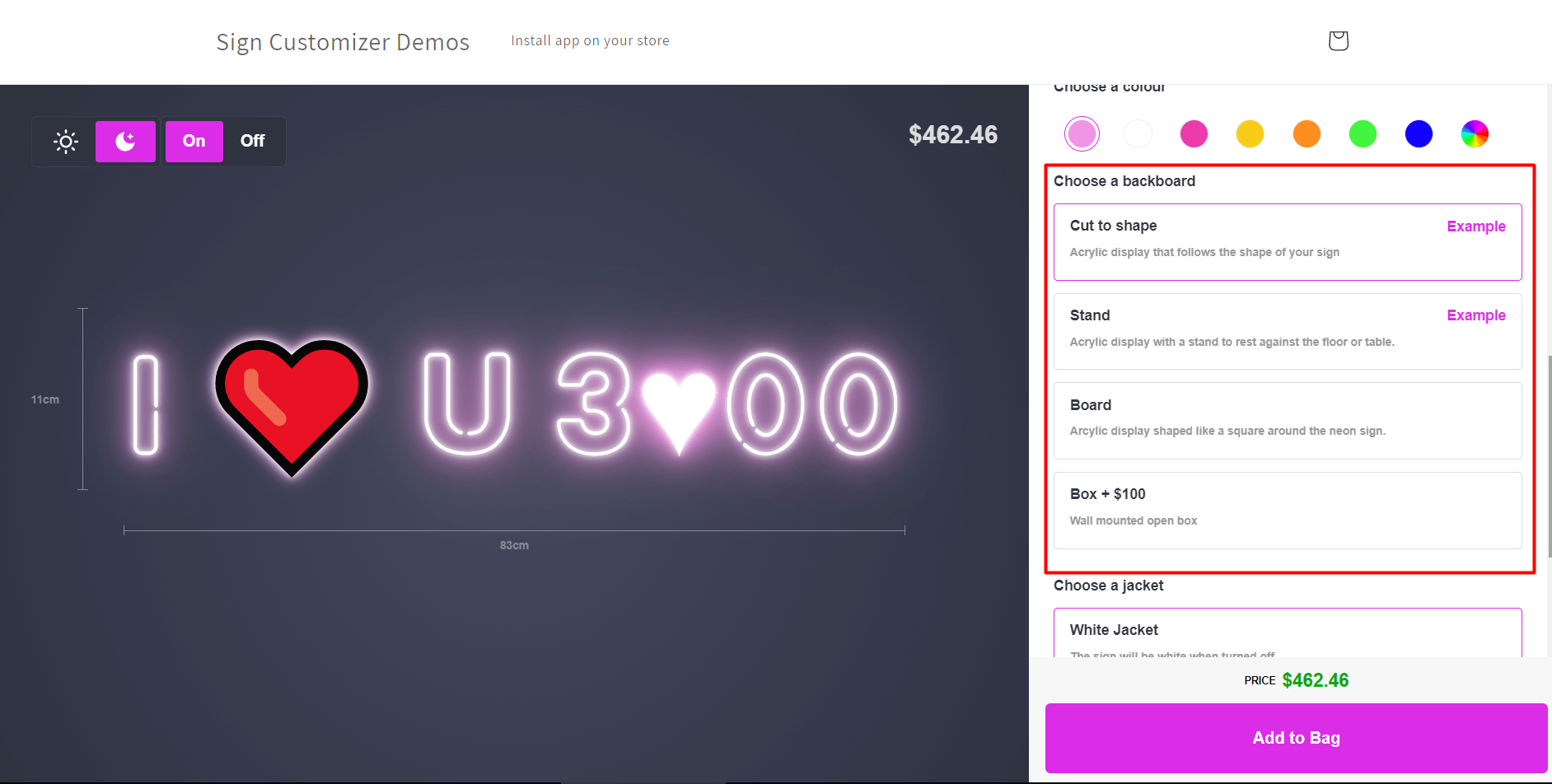
Image source: neonbeach.com
[Let’s try for free](https://demo.signcustomiser.com/)
## Conclusion
In conclusion, acrylic neon signs are a popular and modern alternative to traditional neon signs. **Acrylic neon signs are a cost-effective and durable option for those looking to add a touch of neon to their business or personal space.** They’re also customizable, allowing you to create unique and eye-catching designs.
If you’re considering investing in an acrylic neon sign, we encourage you to weigh the advantages and disadvantages of other illuminated sign options, but keep in mind the benefits of acrylic neon signs, including their energy efficiency and easy maintenance.
Tags
- [neon](/posts/neon/)
- [acrylic](/posts/acrylic/)

About the author
### Matthew Attanasio
Founder, Sign Customiser
Matthew founded Sign Customiser to solve a problem he saw sign businesses facing every day: the endless back-and-forth of manual quoting. With a background in e-commerce development and a decade of experience building Shopify solutions at Sky Foundry, he set out to automate the entire custom sign selling process.
- E-commerce
- Shopify
- Sign Industry
- Product Strategy
[View profile](/authors/matthew-attanasio/)[](https://au.linkedin.com/in/matthew-attanasio-92500a36)[](https://github.com/matthewattanasio)
Let your customers design their own signs

Add a full sign customiser to your online store in minutes. Neon, acrylic, metal — with real-time pricing.
[Start your free 7-day trial](/install/)
Works with Shopify, WooCommerce, Wix & more. 7 days free. Every plan includes every feature.
Let your customers design their own signs

Add a full sign customiser to your online store in minutes. Neon, acrylic, metal — with real-time pricing.
[Start your free 7-day trial](/install/)
Works with Shopify, WooCommerce, Wix & more. 7 days free. Every plan includes every feature.
Related
## From theblog
Expert insights, industry trends, and actionable tips to enhance your online sign business.
[View all articles](/posts/)

acrylic·January 29, 2024
### [3D acrylic letters: what they are, how they're made](/posts/acrylic/3d-acrylic-letters/)
What 3D acrylic letters are, how they're layered and mounted, and how sign shops price and sell them online with a live customiser and worked example.
Read more

acrylic·February 2, 2024
### [3D acrylic logo signs: corporate branding, colour matching & pricing](/posts/acrylic/3d-acrylic-logo-sign/)
Guide to 3D acrylic logo signs for sign shops. Covers corporate client workflows, Pantone colour matching, logo complexity pricing, and reception signage best practices.
Read more

acrylic·January 29, 2024
### [How are acrylic channel letters transforming businesses?](/posts/acrylic/acrylic-channel-letters/)
Are you curious about acrylic channel letters? Let's explore how acrylic channel letters redefine business visibility and captivate your audience.
Read more

acrylic·January 29, 2024
### [Acrylic letters for signs: types, uses & pricing](/posts/acrylic/acrylic-letters/)
What acrylic letters for signs are, the thicknesses, finishes and mounting options, plus how sign shops price and sell them online with a live customiser.
Read more

acrylic·January 29, 2024
### [Top spots to shop chic wedding acrylic signs](/posts/acrylic/wedding-acrylic-signs/)
Wedding acrylic signs have taken the wedding scene by storm, offering a sleek, modern touch to any nuptial celebration.
Read more

neon·September 26, 2023
### [45+ aesthetic neon quotes to light up your space](/posts/neon/aesthetic-neon-quotes/)
45+ aesthetic neon quotes for bedrooms, weddings and shop walls, plus how sign shops price and sell custom neon quote signs on their own website.
Read more

neon·September 26, 2023
### [Aesthetic neon signs: styles, ideas and pricing](/posts/neon/aesthetic-neon-signs/)
See the styles and colours behind aesthetic neon signs, get design ideas for any room, and learn how sign shops price and sell them online with a live customiser.
Read more

neon·December 25, 2022
### [Are neon signs dangerous? 14 great tips to stay safe](/posts/neon/are-neon-signs-dangerous/)
Get our 14 great tips to avert accidents & keep your family safe around neon signs with this post.
Read more

neon·September 26, 2023
### [Why are black neon signs the latest trend in home decor?](/posts/neon/black-neon-sign/)
Unleash your creativity with black neon signs and 20+ creative ideas for businesses, events, or personal spaces.
Read more

neon·December 5, 2022
### [Custom neon signs cost: the ultimate guide for Shopify store owners](/posts/neon/custom-neon-signs-cost/)
We explore the primary factors that influence the custom neon signs cost and strategies store owners can apply to increase sales and profit margins. Click to see more details!
Read more

neon·June 23, 2023
### [Design tips for creating eye-catching DIY neon signs](/posts/neon/design-tips-for-creating-eye-catching-diy-neon-signs/)
Neon signs have long been a captivating way for businesses to attract attention and make bold statements. With the rise of do-it-yourself (DIY) projects, creating your own neon sign has become an accessible and cost-effective option for businesses looking to stand out.
Read more

neon·January 5, 2025
### [How to make a DIY neon sign: step-by-step tutorial (LED flex method)](/posts/neon/diy-neon-sign/)
Learn how to make your own LED neon sign at home. Complete step-by-step guide with materials list, tools needed, and expert tips for beginners.
Read more

neon·September 26, 2023
### [Electric blue neon signs: meaning, ideas and pricing](/posts/neon/electric-blue-neon-blue-aesthetic/)
What makes electric blue neon glow, the blue aesthetic it creates, sign ideas by room, and how sign shops price and sell custom blue neon online.
Read more

neon·April 3, 2023
### [Faux neon signs: LED alternatives, costs & business guide (2026)](/posts/neon/faux-neon-sign/)
Complete guide to faux neon (LED neon) signs. Compares LED vs glass neon, covers profit margins for sign shops, and explains why LED neon dominates the market.
Read more

neon·March 28, 2023
### [Are glass neon signs worth it?](/posts/neon/glass-neon-signs/)
Are you curious about the cost and lifespan of glass neon signs? Our guide has all the answers you need to make an informed purchase.
Read more

neon·March 30, 2023
### [How to hang a neon sign: step-by-step guide (with & without nails)](/posts/neon/hanging-neon-signs/)
Learn how to hang a neon sign on any surface. Step-by-step instructions for drywall, brick, concrete & glass. Plus tips to hide wires and avoid wall damage.
Read more

neon·December 23, 2022
### [How to make custom neon signs, the easy guide for Shopify sign stores](/posts/neon/how-to-make-custom-neon-signs/)
Learn how to make custom neon signs as a producer. We also show you a secret to let buyers customize & view their signs in real-time.
Read more

neon·February 3, 2026
### [LED neon sign production: how custom neon signs are made](/posts/neon/led-neon-sign-production-process/)
LED neon signs are manufactured through a precise multi-stage process. Learn how custom LED neon signs are made, from acrylic backing preparation to tube bending, wiring, and quality testing.
Read more

neon·March 29, 2023
### [LED neon signs - a cost-effective alternative?](/posts/neon/led-neon-signs/)
Are LED neon signs worth it? Find out the answer and learn about their lifespan, energy efficiency, and low maintenance requirements.
Read more

neon·March 10, 2026
### [Name in lights: what customers type into a neon name sign generator](/posts/neon/name-in-lights-generator/)
Sign Customiser data: 70% of LED neon designs added to cart are two words or fewer, and one in four keep the default font. What that means for your generator.
Read more

neon·January 5, 2026
### [Neon art: what it is, who made it famous and how it is made](/posts/neon/neon-art/)
Neon art is art made from hand-bent glass tubes of glowing gas. The artists who made it famous, where to see their work, and how a drawing becomes neon.
Read more

neon·March 19, 2026
### [Neon light writer: 6 free and paid neon text tools compared](/posts/neon/neon-light-writer/)
Neon light writers compared: free neon text generators such as FlamingText, Cool Text and Canva, and sign software that turns words into LED neon signs.
Read more

neon·January 5, 2025
### [Neon open signs: the complete guide to open signs for businesses (2025)](/posts/neon/neon-open-signs/)
Discover the best neon and LED open signs for your business. Compare types, sizes, and installation options. Plus expert tips for choosing the perfect open sign.
Read more

neon·April 2, 2023
### [Neon signs hub: your one stop shop for all things neon signs](/posts/neon/neon-sign/)
Discover the colorful world of neon signs with our ultimate guides! Learn about their history, design, cost, and much more.
Read more

neon·April 5, 2023
### [70 neon sign ideas by room & occasion (2026 guide)](/posts/neon/neon-sign-ideas/)
See 70 neon sign ideas for bedrooms, weddings, bars and businesses, organised by room and occasion, plus how sign shops price and sell them online.
Read more

neon·April 4, 2023
### [Best neon sign quotes: 150+ ideas for every occasion (2026)](/posts/neon/neon-sign-quotes/)
Curated neon sign quotes for weddings, businesses, bars, bedrooms and more. Includes best-selling categories and pricing strategies for sign shops.
Read more

neon·April 1, 2023
### [Neon sign repair guide: DIY fixes & when to call a pro](/posts/neon/neon-sign-repair/)
Complete guide to neon sign repair. Troubleshoot common problems, learn DIY fixes, compare costs, and know when to hire a professional for neon light repair.
Read more

neon·January 5, 2025
### [Neon signs for room decor: 60+ ideas for bedrooms, gaming rooms & more](/posts/neon/neon-signs-for-room/)
Transform any room with neon signs. Browse 60+ ideas for bedrooms, gaming rooms, living rooms and home offices. Plus size, colour and placement tips.
Read more

neon·January 12, 2023
### [Neon versus LED: what are the differences? Which is right for you?](/posts/neon/neon-vs-led/)
We compare neon vs LED neon signs in this informative article. From lighting to maintenance, we cover pros & cons of each to help you make an informed decision on.
Read more

neon·September 26, 2023
### [Neon wedding signs: 40+ ideas, placement guide & costs](/posts/neon/neon-wedding-sign/)
Complete guide to neon signs for wedding decor. Discover 40+ ideas, placement tips, rental vs purchase costs, and how to match your wedding theme.
Read more

neon·September 26, 2023
### [Purple neon light: meaning, shades & buying guide](/posts/neon/purple-neon-sign/)
What purple neon light means, the shades from lavender to magenta, and how sign shops price and sell custom purple neon signs online with a live customiser.
Read more

neon·September 26, 2023
### [White neon sign: a guide to choosing the right one!](/posts/neon/white-neon-sign/)
Looking for a chic and modern addition to your decor? Check out our guide to choosing the best white neon sign.
Read more

neon·December 12, 2022
### [Why are neon signs so expensive? 2026 pricing guide for sign shops](/posts/neon/why-are-neon-signs-so-expensive/)
Complete breakdown of neon sign costs for sign shop owners. Covers material, labour, and overhead costs plus strategies to improve margins with LED neon.
Read more
[View all articles](/posts/)
## Sitemap
See the full [sitemap](/sitemap.md) for all pages.
---
## 45+ aesthetic neon quotes to light up your space - Sign Customiser Blog
Source: [https://www.signcustomiser.com/posts/neon/aesthetic-neon-quotes/](https://www.signcustomiser.com/posts/neon/aesthetic-neon-quotes/)
## Inspiring quotes in neon: aesthetic ideas for your stunning space
Neon signs have decorated homes, bars and shopfronts for decades. A short phrase in glowing tubing reads as decor and as a statement at the same time, from a bedroom mantra to a bar’s tagline.
Below are 45+ aesthetic neon quotes grouped by mood, so you can find one that fits your space before you get into fonts and colours.
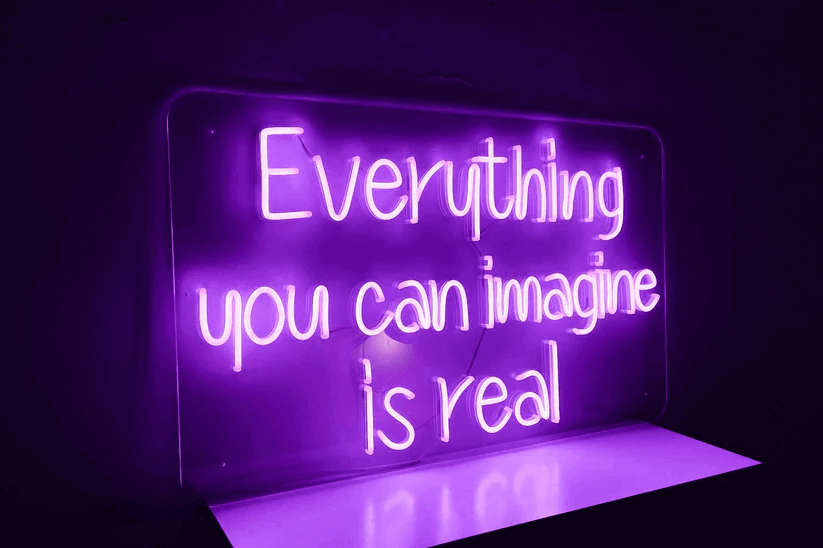
### Short and punchy
- “Good vibes only”
- “Stay wild”
- “Dream big”
- “Be the light”
- “Live every moment”
- “Dance like nobody’s watching”
- “Stay positive”
- “Cheers”
- “Inhale exhale”
- “Carpe diem”
### Motivational
- “Never give up”
- “You only live once”
- “Do what you love”
- “Adventure awaits”
- “Follow your dreams”
- “Make today count”
- “Stay curious”
- “Be happy”
- “Believe in yourself”
- “Work hard, play hard”
- “Not all who wander are lost”
### Funny
- “Don’t grow up, it’s a trap”
- “Pizza is always the answer”
- “I need a six-month holiday, twice a year”
- “But first, coffee”
- “Sorry I’m late, I didn’t want to come”
### Romantic
- “Together is a wonderful place to be”
- “Love you more”
- “You are my sunshine”
- “All you need is love”
- “Love is in the air”
- “Happily ever after”
### Nostalgic and retro
- “Back to the future”
- “Peace, love and happiness”
- “Live, laugh, love”
### Neon word-play
- “Neon paradise”
- “Neon dreams”
- “Neon nights”
- “Neon city”
- “Neon jungle”
- “Neon oasis”
- “Neon love”
- “Neon wonderland”
- “Electric dreams”
- “Glow with the flow”
- “Let’s get lit”
Want quotes broken down by occasion, for weddings, bars and bedrooms? See [best neon sign quotes for every occasion](/posts/neon/neon-sign-quotes/).
## Selling neon quote signs from your sign shop
Quotes and short phrases are a natural fit for a neon sign designer, because the shopper types the words themselves. They are also easy to get wrong on price, because a two-word sign and a ten-word sign use very different amounts of tube.
**Who buys quote signs.** Bars and restaurants order them as house taglines. Wedding and event hire businesses stock them for photo backdrops. Home decor and gifting customers buy them as personalised gifts. Neon studios, Etsy resellers and Shopify sign shops are the typical sellers.
**How to price and sell them online.** A live customiser lets the shopper type their own quote, pick a font, colour, size and backboard, and see a rendered preview with a price before they add to cart. [Sign Customiser](/solutions/neon-signs/) does this on your own website, and you set your own rates rather than a fixed catalogue price.
### Worked pricing example
Sign Customiser’s Advanced Letter Model (`MATERIAL_LENGTH`) prices neon by the actual tube length it takes to form the letters: `(tube length in cm x price per cm) + base price`. The table below uses illustrative made-up rates, not real Sign Customiser pricing, to show how much quote length changes the price.
Quote
Tube length (illustrative)
Price per cm (illustrative)
Base price (illustrative)
Price
”Good vibes only”
~85cm
$2.50
$60
$272.50
”Not all who wander are lost”
~210cm
$2.50
$60
$585.00
Swipe for more
A shop can also configure the Simple Letter Model (`FIXED_WIDTH`), which charges per character within a size tier instead of measuring the tube. A colour or backboard selection can add a flat amount or a price multiplier on top of either model.
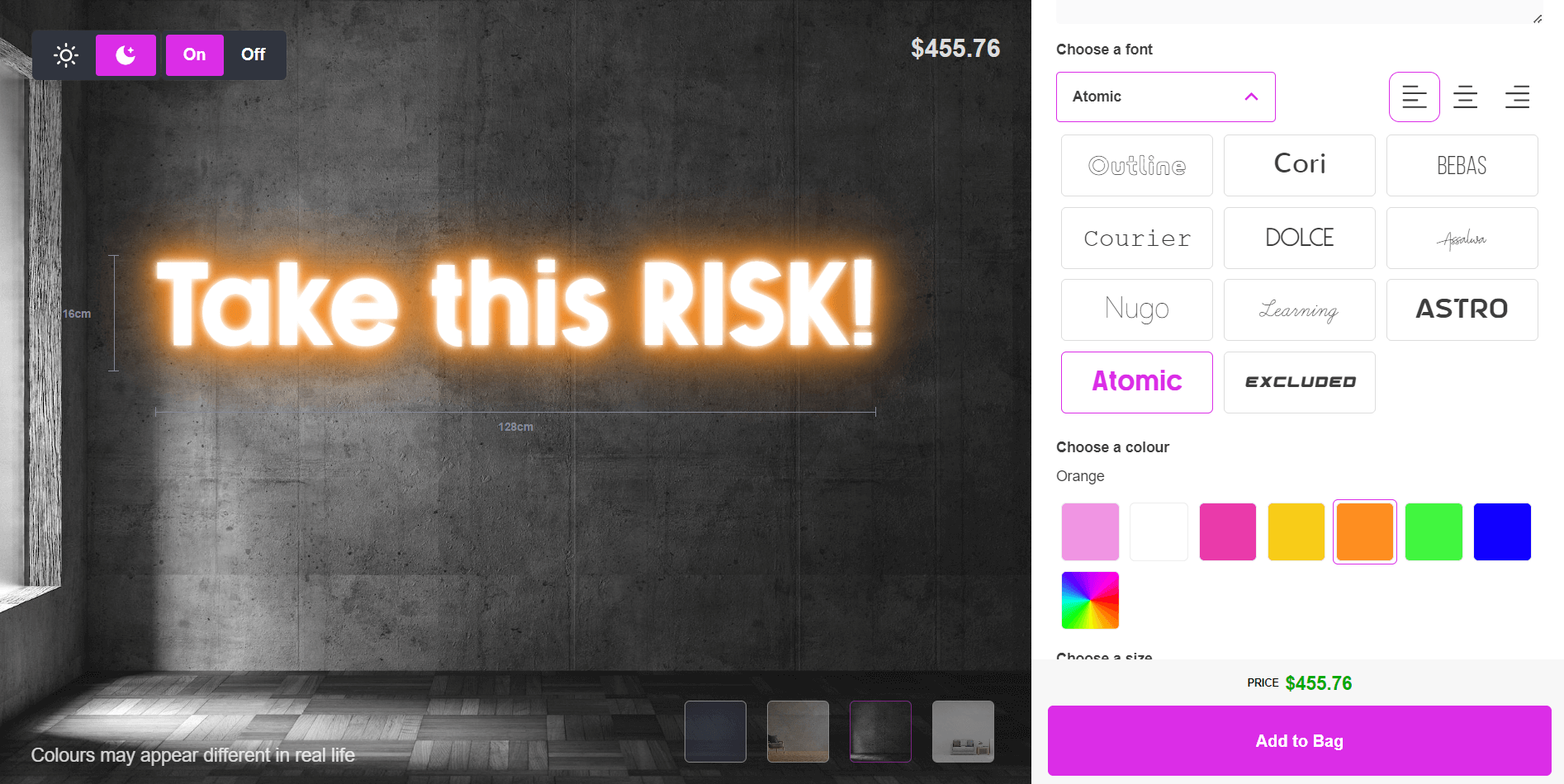
### Production and material notes
Most quote signs today use LED neon flex rather than glass neon. LED neon flex is a flexible silicone tube with an LED strip inside, bent along the letterforms and mounted on a cut acrylic backboard. Glass neon is still available for shops that offer it, but it costs more to produce and ship. Signs sold for outdoor use need IP65-rated tubing and sealed, weatherproof connections; indoor-only tubing fails faster outside from moisture and UV exposure. Add a dimmer option for customers who want to control brightness after installation.
Sign Customiser attaches production-ready SVG cut paths to every order, along with tube colour, electrical requirements and dimmer notes in the manufacturer email, so your production workshop has what it needs without back-and-forth.
Every Sign Customiser plan starts with a 7-day free trial, and plans run from $29 to $299 a month depending on order volume. [Set up your neon quote sign designer](/solutions/neon-signs/) or [see install options for your platform](/install/).
## What aesthetic are neon signs?
[Neon signs](https://en.wikipedia.org/wiki/Neon_sign) can be styled to fit different aesthetics.
- **Retro.** Bright, saturated colours like red, yellow and pink with a cursive font.
- **Vintage.** A muted colour palette with simple, clean lines for a timeless look.
- **Modern.** Sleek, minimalist shapes with clean lines.
- **Minimalist.** Understated typography and negative space.
Colour also sets the mood on its own. Warm colours like red and orange read as cosy and inviting; cooler colours like blue and green read as calm. A bold, all-caps font feels confident; a script font feels playful.
## What makes a catchy phrase for a neon sign?
A catchy phrase is short, easy to read at a glance, and says something specific rather than generic. Humour or a play on words helps it stick.
When you’re picking or writing a phrase:
- Decide the message and tone first.
- Keep it as short as the message allows.
- Use specific, concrete words over vague ones.
Some examples that work well as short neon phrases: “Love is in the air”, “Good vibes only”, “Be the light”, “Live every moment”, “Dance like nobody’s watching”, “Stay wild”.
Learn more about longer quote catalogues and their sales patterns in [best neon sign quotes for every occasion](/posts/neon/neon-sign-quotes/).
## What are some phrases for neon?
Phrases for a neon sign tend to fall into a few categories.
- **Inspirational.** “Dream big”, “Never give up”, “Follow your dreams”.
- **Funny.** “Don’t grow up, it’s a trap”, “Pizza is always the answer”, “But first, coffee”.
- **Romantic.** “Together is a wonderful place to be”, “Love you more”, “You are my sunshine”.
- **Nostalgic.** “Good vibes only”, “Back to the future”, “Peace, love and happiness”.
Once you have a phrase, the font, colour and size choices change how it reads. A cursive font suits a romantic phrase; a bold sans-serif suits a confident or funny one.
## What are some phrases related to neon?
Some phrases use the word “electric”, “glow” or “lit” to lean into what neon actually does, rather than using the word “neon” directly.
- **“Electric Dreams”.** Works as a motivational sign for a workspace or studio.
- **“Glow with the Flow”.** A play on “go with the flow” that references the sign’s own glow.
- **“Let’s Get Lit”.** Plays on the double meaning of “lit” and the tube lighting itself.
## What is a cool phrase with neon in it?

Using the word “neon” directly in a phrase signals the medium itself, and can read as futuristic or retro depending on the font and colour around it:
- “Neon paradise”
- “Neon dreams”
- “Neon nights”
- “Neon city”
- “Neon jungle”
- “Neon oasis”
- “Neon love”
- “Neon wonderland”
## The most popular neon quotes and their meanings
Here are 20 familiar phrases for neon signs, with what they tend to signal.
- **“Live, Laugh, Love”.** Enjoy life, find joy, show love to yourself and others.
- **“Good Vibes Only”.** Surround yourself with positivity.
- **“You Only Live Once”.** Live fully, take risks, don’t waste time.
- **“Happily Ever After”.** Finding lasting love, often tied to weddings.
- **“All You Need is Love”.** Love as the most important thing.
- **“Do What You Love”.** Pursue what brings you joy.
- **“Stay Wild”.** Stay true to yourself, stay adventurous.
- **“Be Kind”.** Show kindness to yourself and others.
- **“Carpe Diem”.** Latin for “seize the day”.
- **“Dream Big”.** Set ambitious goals.
- **“Let’s Dance”.** Enjoy life, be carefree.
- **“Stay Curious”.** Keep a sense of wonder.
- **“Adventure Awaits”.** Exciting experiences are ahead.
- **“Be Happy”.** Find joy in everyday life.
- **“Inhale Exhale”.** Take a moment to breathe and relax.
- **“Cheers”.** A toast to celebrate and give thanks.
- **“Work Hard, Play Hard”.** Balance effort and leisure.
- **“Follow Your Dreams”.** Pursue your goals.
- **“Make Today Count”.** Make the most of each day.
- **“Not All Who Wander Are Lost”.** Exploring your own path is still a path.
Positivity, self-improvement and short wording are the common thread across all of them. A customer reads the whole sign in one glance.
## FAQs about aesthetic neon quotes
### What makes a quote catchy?
A short, specific phrase your audience recognises, ideally with a hook such as humour, rhythm or a familiar saying reworked slightly.
### What makes a quote effective as a neon sign?
It should be short enough to read in one glance, use a font and colour that match the mood, and fit the room or storefront it hangs in.
### How do I create my own neon quote sign?
Pick a phrase, then choose a font, colour, size and backboard. A [neon sign designer](/solutions/neon-signs/) lets you, or your customers if you run a sign shop, do this online and see the price update live. See [how to make custom neon signs](/posts/neon/how-to-make-custom-neon-signs/) for the full process.
### Can neon quote signs go outdoors?
Yes, with IP65-rated tubing and sealed, weatherproof wiring. Indoor-only tubing degrades quickly outside.
* * *
## Sell custom neon quote signs on your website
Want your customers to type their own quote, pick a font and colour, and see a live price before they buy? [Sign Customiser](/solutions/neon-signs/) adds a neon sign designer to your website with real-time pricing. Every plan starts with a 7-day free trial.
[See installation options →](/install/)
## Sources
- [Neon sign (Wikipedia)](https://en.wikipedia.org/wiki/Neon_sign)
- [LED strip light (Wikipedia)](https://en.wikipedia.org/wiki/LED_strip_light)
- [IP Code (Wikipedia)](https://en.wikipedia.org/wiki/IP_Code)
Tags
- [neon](/posts/neon/)

About the author
### Matthew Attanasio
Founder, Sign Customiser
Matthew founded Sign Customiser to solve a problem he saw sign businesses facing every day: the endless back-and-forth of manual quoting. With a background in e-commerce development and a decade of experience building Shopify solutions at Sky Foundry, he set out to automate the entire custom sign selling process.
- E-commerce
- Shopify
- Sign Industry
- Product Strategy
[View profile](/authors/matthew-attanasio/)[](https://au.linkedin.com/in/matthew-attanasio-92500a36)[](https://github.com/matthewattanasio)
Let your customers design their own signs

Add a full sign customiser to your online store in minutes. Neon, acrylic, metal — with real-time pricing.
[Start your free 7-day trial](/install/)
Works with Shopify, WooCommerce, Wix & more. 7 days free. Every plan includes every feature.
Let your customers design their own signs

Add a full sign customiser to your online store in minutes. Neon, acrylic, metal — with real-time pricing.
[Start your free 7-day trial](/install/)
Works with Shopify, WooCommerce, Wix & more. 7 days free. Every plan includes every feature.
Related
## From theblog
Expert insights, industry trends, and actionable tips to enhance your online sign business.
[View all articles](/posts/)

neon·March 30, 2023
### [Exploring the benefits of acrylic neon signs for business signage](/posts/neon/acrylic-neon-signs/)
Customizable and Durable: Why Acrylic Neon Signs are a Smart Choice for Your Business Signage Needs
Read more

neon·September 26, 2023
### [Aesthetic neon signs: styles, ideas and pricing](/posts/neon/aesthetic-neon-signs/)
See the styles and colours behind aesthetic neon signs, get design ideas for any room, and learn how sign shops price and sell them online with a live customiser.
Read more

neon·December 25, 2022
### [Are neon signs dangerous? 14 great tips to stay safe](/posts/neon/are-neon-signs-dangerous/)
Get our 14 great tips to avert accidents & keep your family safe around neon signs with this post.
Read more

neon·September 26, 2023
### [Why are black neon signs the latest trend in home decor?](/posts/neon/black-neon-sign/)
Unleash your creativity with black neon signs and 20+ creative ideas for businesses, events, or personal spaces.
Read more

neon·December 5, 2022
### [Custom neon signs cost: the ultimate guide for Shopify store owners](/posts/neon/custom-neon-signs-cost/)
We explore the primary factors that influence the custom neon signs cost and strategies store owners can apply to increase sales and profit margins. Click to see more details!
Read more

neon·June 23, 2023
### [Design tips for creating eye-catching DIY neon signs](/posts/neon/design-tips-for-creating-eye-catching-diy-neon-signs/)
Neon signs have long been a captivating way for businesses to attract attention and make bold statements. With the rise of do-it-yourself (DIY) projects, creating your own neon sign has become an accessible and cost-effective option for businesses looking to stand out.
Read more

neon·January 5, 2025
### [How to make a DIY neon sign: step-by-step tutorial (LED flex method)](/posts/neon/diy-neon-sign/)
Learn how to make your own LED neon sign at home. Complete step-by-step guide with materials list, tools needed, and expert tips for beginners.
Read more

neon·September 26, 2023
### [Electric blue neon signs: meaning, ideas and pricing](/posts/neon/electric-blue-neon-blue-aesthetic/)
What makes electric blue neon glow, the blue aesthetic it creates, sign ideas by room, and how sign shops price and sell custom blue neon online.
Read more

neon·April 3, 2023
### [Faux neon signs: LED alternatives, costs & business guide (2026)](/posts/neon/faux-neon-sign/)
Complete guide to faux neon (LED neon) signs. Compares LED vs glass neon, covers profit margins for sign shops, and explains why LED neon dominates the market.
Read more

neon·March 28, 2023
### [Are glass neon signs worth it?](/posts/neon/glass-neon-signs/)
Are you curious about the cost and lifespan of glass neon signs? Our guide has all the answers you need to make an informed purchase.
Read more

neon·March 30, 2023
### [How to hang a neon sign: step-by-step guide (with & without nails)](/posts/neon/hanging-neon-signs/)
Learn how to hang a neon sign on any surface. Step-by-step instructions for drywall, brick, concrete & glass. Plus tips to hide wires and avoid wall damage.
Read more

neon·December 23, 2022
### [How to make custom neon signs, the easy guide for Shopify sign stores](/posts/neon/how-to-make-custom-neon-signs/)
Learn how to make custom neon signs as a producer. We also show you a secret to let buyers customize & view their signs in real-time.
Read more

neon·February 3, 2026
### [LED neon sign production: how custom neon signs are made](/posts/neon/led-neon-sign-production-process/)
LED neon signs are manufactured through a precise multi-stage process. Learn how custom LED neon signs are made, from acrylic backing preparation to tube bending, wiring, and quality testing.
Read more

neon·March 29, 2023
### [LED neon signs - a cost-effective alternative?](/posts/neon/led-neon-signs/)
Are LED neon signs worth it? Find out the answer and learn about their lifespan, energy efficiency, and low maintenance requirements.
Read more

neon·March 10, 2026
### [Name in lights: what customers type into a neon name sign generator](/posts/neon/name-in-lights-generator/)
Sign Customiser data: 70% of LED neon designs added to cart are two words or fewer, and one in four keep the default font. What that means for your generator.
Read more

neon·January 5, 2026
### [Neon art: what it is, who made it famous and how it is made](/posts/neon/neon-art/)
Neon art is art made from hand-bent glass tubes of glowing gas. The artists who made it famous, where to see their work, and how a drawing becomes neon.
Read more

neon·March 19, 2026
### [Neon light writer: 6 free and paid neon text tools compared](/posts/neon/neon-light-writer/)
Neon light writers compared: free neon text generators such as FlamingText, Cool Text and Canva, and sign software that turns words into LED neon signs.
Read more

neon·January 5, 2025
### [Neon open signs: the complete guide to open signs for businesses (2025)](/posts/neon/neon-open-signs/)
Discover the best neon and LED open signs for your business. Compare types, sizes, and installation options. Plus expert tips for choosing the perfect open sign.
Read more

neon·April 2, 2023
### [Neon signs hub: your one stop shop for all things neon signs](/posts/neon/neon-sign/)
Discover the colorful world of neon signs with our ultimate guides! Learn about their history, design, cost, and much more.
Read more

neon·April 5, 2023
### [70 neon sign ideas by room & occasion (2026 guide)](/posts/neon/neon-sign-ideas/)
See 70 neon sign ideas for bedrooms, weddings, bars and businesses, organised by room and occasion, plus how sign shops price and sell them online.
Read more

neon·April 4, 2023
### [Best neon sign quotes: 150+ ideas for every occasion (2026)](/posts/neon/neon-sign-quotes/)
Curated neon sign quotes for weddings, businesses, bars, bedrooms and more. Includes best-selling categories and pricing strategies for sign shops.
Read more

neon·April 1, 2023
### [Neon sign repair guide: DIY fixes & when to call a pro](/posts/neon/neon-sign-repair/)
Complete guide to neon sign repair. Troubleshoot common problems, learn DIY fixes, compare costs, and know when to hire a professional for neon light repair.
Read more

neon·January 5, 2025
### [Neon signs for room decor: 60+ ideas for bedrooms, gaming rooms & more](/posts/neon/neon-signs-for-room/)
Transform any room with neon signs. Browse 60+ ideas for bedrooms, gaming rooms, living rooms and home offices. Plus size, colour and placement tips.
Read more

neon·January 12, 2023
### [Neon versus LED: what are the differences? Which is right for you?](/posts/neon/neon-vs-led/)
We compare neon vs LED neon signs in this informative article. From lighting to maintenance, we cover pros & cons of each to help you make an informed decision on.
Read more

neon·September 26, 2023
### [Neon wedding signs: 40+ ideas, placement guide & costs](/posts/neon/neon-wedding-sign/)
Complete guide to neon signs for wedding decor. Discover 40+ ideas, placement tips, rental vs purchase costs, and how to match your wedding theme.
Read more

neon·September 26, 2023
### [Purple neon light: meaning, shades & buying guide](/posts/neon/purple-neon-sign/)
What purple neon light means, the shades from lavender to magenta, and how sign shops price and sell custom purple neon signs online with a live customiser.
Read more

neon·September 26, 2023
### [White neon sign: a guide to choosing the right one!](/posts/neon/white-neon-sign/)
Looking for a chic and modern addition to your decor? Check out our guide to choosing the best white neon sign.
Read more

neon·December 12, 2022
### [Why are neon signs so expensive? 2026 pricing guide for sign shops](/posts/neon/why-are-neon-signs-so-expensive/)
Complete breakdown of neon sign costs for sign shop owners. Covers material, labour, and overhead costs plus strategies to improve margins with LED neon.
Read more
[View all articles](/posts/)
## Sitemap
See the full [sitemap](/sitemap.md) for all pages.
---
## Aesthetic Neon Signs: Styles, Ideas and Pricing - Sign Customiser Blog
Source: [https://www.signcustomiser.com/posts/neon/aesthetic-neon-signs/](https://www.signcustomiser.com/posts/neon/aesthetic-neon-signs/)
An aesthetic neon sign is a custom neon sign designed to fit a look or a mood, rather than just to carry a shop name. People buy them for bedrooms, home offices, bars, wedding backdrops and Instagram-ready storefronts. They come in glass neon or the more common LED neon flex, in a script or bold font, in a single colour or several, and in any size from a small desk sign to a full shopfront piece.

This article covers what makes a neon sign “aesthetic”, the styles and colours people choose, the real benefits over plain signage, and ideas by room and occasion. If you run a sign shop and want to sell this style of sign online, jump to [selling aesthetic neon signs from your sign shop](#selling-aesthetic-neon-signs-from-your-sign-shop).
## Understanding aesthetic neon signs
An [aesthetic neon sign](https://en.wikipedia.org/wiki/Neon_sign) is a customised neon sign made to fit a specific style or setting, rather than a standard shop sign bought off the shelf. The word “aesthetic” here points to a look: soft script writing, a single word or short phrase, a colour chosen to match a room, and a size built for a wall rather than a storefront.
Two things separate it from a traditional business sign. It’s personal: the buyer chooses the wording, font, colour and shape to match their own space or brand, not a fixed catalogue design. And it’s usually made from LED neon flex rather than glass. LED neon flex bends into letter shapes on a flexible tube, and [LEDs use far less power than older incandescent lighting](https://en.wikipedia.org/wiki/Light-emitting_diode), which makes it the practical choice for a sign that stays on for hours in a bedroom or living room.
### Types of aesthetic neon signs
Script fonts are the most common choice for a soft, handwritten look, used for names, quotes and short phrases. Bold block fonts work better when the sign needs to read from across a room or through a shop window.
Beyond text, shape signs (hearts, stars, lightning bolts, cacti, cloud outlines) are a popular alternative to words. Custom outline designs built from a customer’s own artwork cover everything else, from a band logo to a wedding monogram.
### Colour options
Traditional neon colours (red, blue, green, amber) still sell well because they read as classic neon at a glance. Alongside those, [pastel and cool tones](/posts/neon/electric-blue-neon-blue-aesthetic/) such as electric blue, [neon purple](/posts/neon/purple-neon-sign/) and off-white have become the default for bedroom and home-office signs, because they sit better against pale walls and soft furnishings than a saturated primary colour. [Black neon signs](/posts/neon/black-neon-sign/), where the tube itself is dark and the glow comes through a frosted acrylic backboard, are a newer variant for a more muted look.
### Sizes: standard vs custom
Standard sizes are pre-set dimensions a shop already stocks or has tooling for; they’re faster to order and usually cheaper. Custom sizes let the buyer set the exact width, height or word count, which matters more for an odd wall space, a specific word count, or a sign meant to fill a set gap above a bed or bar.
### Indoor vs outdoor
Indoor aesthetic neon signs run on lower-wattage LED flex and don’t need weatherproofing. Outdoor signs need an [IP rating](https://en.wikipedia.org/wiki/IP_Code) suited to rain and damp, sealed connections, and usually a higher-output driver, which adds cost over an equivalent indoor piece.
## Selling aesthetic neon signs from your sign shop
Aesthetic neon signs sell to a wider buyer base than storefront signage. The main groups are home decor buyers furnishing a bedroom, living room or home office; couples and event planners buying a name or date sign for a wedding or party; and bars, cafes and boutique retailers who want a photo-friendly feature wall rather than a plain shop sign. Most of these buyers order one sign, want to see their exact wording and colour before paying, and expect an online price, not a quote request that takes a day to answer.
### Pricing and selling online
[Sign Customiser](/solutions/neon-signs/) puts a live neon sign designer on your own storefront. A shopper types their text, picks a font, tube colour, size and backboard, and sees a rendered preview with a running price as they build it. You set the rates; the app calculates and displays them.
For a short word or name sign, the FIXED\_WIDTH “Simple Letter” pricing model is a common fit. You set a price per letter for each size tier plus a base price per line, and the price updates as the customer types. The table below is an illustrative example using a shop’s own made-up rates, not market pricing.
Item
Illustrative rate
Example calculation
Word “GLOW” (4 letters), medium size tier
$6.00 per letter
4 x $6.00 = $24.00
Base price per line
$35.00
\+ $35.00
Backboard selection (acrylic, cut to shape)
adds a base price or multiplier, set by the shop
e.g. + $15.00
**Illustrative total**
**$74.00**
Swipe for more
A selection such as a colour upgrade, RGB tubing or a shaped backboard can add its own base price or multiplier on top, all configured in your admin rather than hard-coded.
### Production and materials
Most aesthetic neon signs made today use LED neon flex rather than glass: a flexible LED strip inside a silicone tube, bent or cut into letter and shape outlines, mounted on a backboard cut to the sign’s outline. [LED diodes last tens of thousands of hours before they dim](https://en.wikipedia.org/wiki/Light-emitting_diode), against 1,000 to 2,000 hours for an incandescent bulb, and they draw far less power, which is why LED flex has become the default for this style of sign. Glass neon is still used for buyers who want the original look and are prepared to pay more for hand-bent glass tubing and gas fill.
Backboards are usually acrylic, cut to the shape of the design rather than left as a plain rectangle. Every sign needs a power supply, and outdoor pieces need an appropriate IP rating and sealed wiring. A dimmer is a common add-on for a bedroom or living-room sign that needs to run low at night.
Sign Customiser exports a production-ready SVG cut path with every order, so your workshop or supplier gets the exact backboard shape and letter layout without redrawing it.
### Get started
Read more about the [neon sign design and quoting software](/solutions/neon-signs/), or [start a 7-day free trial](/install/) to try it on your own storefront. Plans run from $29 to $299 a month; see full [pricing](/pricing/) for details.
## Benefits of aesthetic neon signs
Aesthetic neon signs earn their price over plain printed signage in a few specific ways.
### Attracting attention
A lit neon sign stands out against static signage, which is why bars, cafes and boutiques use one as a feature wall behind a till or seating area, not just at the entrance.
### Branding without a big install
A neon sign with a shop name, slogan or logo gives a small business a branded feature without a full shopfitting job. It reads as a considered design choice rather than a generic sign, and it photographs well for social posts and reviews.
### Setting a mood
The glow from a neon sign changes how a room feels after dark in a way a printed sign or poster can’t. A soft pastel colour over a bed or sofa reads as calm; a saturated colour behind a bar reads as lively. Buyers pick the colour for this reason as much as for the wording.
### Giving direction
A short neon sign (“this way”, “bar”, “photo booth”) doubles as wayfinding at a wedding or event, which is a common reason event hire businesses stock them alongside decorative pieces.
## Creative ideas for aesthetic neon signs
Weddings and parties are the most common event use: a name-and-date sign for a top table, a phrase for a photo backdrop, or a directional sign pointing guests to the bar or dance floor.

Read more: [40+ neon wedding sign ideas](/posts/neon/neon-wedding-sign/).
For parties, a bright, playful phrase or a shaped sign (a birthday number, a drink icon) works as a feature piece for a single event or a home bar that gets reused for years.

Restaurants and bars use a name, logo or short slogan as a feature wall that reads well in low light and photographs for social media, which does more for brand recall than a lit box sign over the door.
At home, the most common choice is a favourite [quote or phrase](/posts/neon/aesthetic-neon-quotes/) over a bed, desk or gallery wall, sized to fit the space rather than to read from a distance.
## Trends in aesthetic neon signs
### Vintage-style signs
Vintage-look neon, in the rounded script and warm colours associated with old diners and cinema marquees, is a consistent seller for home bars and retro-themed spaces.

### Minimalist designs
[Minimalist](https://en.wikipedia.org/wiki/Minimalism) signs keep the design to a few words or a simple outline in one colour, sized to be legible rather than decorative. They suit smaller, plainer spaces where a busy multi-colour sign would compete with the room.
### Dual-tone and multi-colour signs
Two-colour and multi-colour signs, where different words or elements light in different colours, give a design more depth than a single-colour piece and suit a bigger feature wall.
### Neon word art
Short phrases and single words remain the best-selling category, because they’re quick to personalise and easy to size for almost any wall.
## Tips for choosing an aesthetic neon sign
Measure the space first. A sign that reads well on a screen can be too small or too large once it’s on the wall, so check the width and height against the actual room before ordering.
Pick the message to match the setting: a name and date for a wedding, a short quote for a bedroom, a shop name for a storefront. Keep it short; long phrases get harder to read and more expensive to make.
Choose a colour that works with the room’s existing palette rather than against it, and check the font is legible at the size you’re ordering, not just in a small preview image.
If you want the exact price before ordering, use a shop’s online sign designer rather than requesting a quote. You’ll see the wording, colour and size together with a live price, and can adjust any of them before paying. [Read more about custom neon sign costs](/posts/neon/custom-neon-signs-cost/).
## FAQs about aesthetic neon signs
What is an aesthetic neon sign?
A custom neon sign designed for a specific look or space, usually a short word, name or phrase in a chosen font and colour, rather than a standard shop sign.
Can aesthetic neon signs be used outdoors?
Yes, with the right IP rating and sealed wiring for the installation location. Indoor signs don't need this and cost less.
Are LED neon flex signs energy efficient?
Yes. LEDs use far less power than incandescent lighting, and the diodes last tens of thousands of hours before they dim.
How long does a custom order take?
This varies by sign shop and design complexity. Ask the shop you're ordering from for their current turnaround.
Can aesthetic neon signs be dimmed?
Yes, with a dimmer switch or a driver that supports dimming. This is a common add-on for bedroom and living-room signs.
Can I order a custom neon sign design online?
Many sign shops now offer a live online designer where you pick your text, font, colour and size and see a price update as you go, rather than waiting for a manual quote.
## Sources
- [Neon sign (Wikipedia)](https://en.wikipedia.org/wiki/Neon_sign)
- [Light-emitting diode (Wikipedia)](https://en.wikipedia.org/wiki/Light-emitting_diode)
- [IP Code (Wikipedia)](https://en.wikipedia.org/wiki/IP_Code)
- [Minimalism (Wikipedia)](https://en.wikipedia.org/wiki/Minimalism)
Tags
- [neon](/posts/neon/)

About the author
### Matthew Attanasio
Founder, Sign Customiser
Matthew founded Sign Customiser to solve a problem he saw sign businesses facing every day: the endless back-and-forth of manual quoting. With a background in e-commerce development and a decade of experience building Shopify solutions at Sky Foundry, he set out to automate the entire custom sign selling process.
- E-commerce
- Shopify
- Sign Industry
- Product Strategy
[View profile](/authors/matthew-attanasio/)[](https://au.linkedin.com/in/matthew-attanasio-92500a36)[](https://github.com/matthewattanasio)
Let your customers design their own signs

Add a full sign customiser to your online store in minutes. Neon, acrylic, metal — with real-time pricing.
[Start your free 7-day trial](/install/)
Works with Shopify, WooCommerce, Wix & more. 7 days free. Every plan includes every feature.
Let your customers design their own signs

Add a full sign customiser to your online store in minutes. Neon, acrylic, metal — with real-time pricing.
[Start your free 7-day trial](/install/)
Works with Shopify, WooCommerce, Wix & more. 7 days free. Every plan includes every feature.
Related
## From theblog
Expert insights, industry trends, and actionable tips to enhance your online sign business.
[View all articles](/posts/)

neon·March 30, 2023
### [Exploring the benefits of acrylic neon signs for business signage](/posts/neon/acrylic-neon-signs/)
Customizable and Durable: Why Acrylic Neon Signs are a Smart Choice for Your Business Signage Needs
Read more

neon·September 26, 2023
### [45+ aesthetic neon quotes to light up your space](/posts/neon/aesthetic-neon-quotes/)
45+ aesthetic neon quotes for bedrooms, weddings and shop walls, plus how sign shops price and sell custom neon quote signs on their own website.
Read more

neon·December 25, 2022
### [Are neon signs dangerous? 14 great tips to stay safe](/posts/neon/are-neon-signs-dangerous/)
Get our 14 great tips to avert accidents & keep your family safe around neon signs with this post.
Read more

neon·September 26, 2023
### [Why are black neon signs the latest trend in home decor?](/posts/neon/black-neon-sign/)
Unleash your creativity with black neon signs and 20+ creative ideas for businesses, events, or personal spaces.
Read more

neon·December 5, 2022
### [Custom neon signs cost: the ultimate guide for Shopify store owners](/posts/neon/custom-neon-signs-cost/)
We explore the primary factors that influence the custom neon signs cost and strategies store owners can apply to increase sales and profit margins. Click to see more details!
Read more

neon·June 23, 2023
### [Design tips for creating eye-catching DIY neon signs](/posts/neon/design-tips-for-creating-eye-catching-diy-neon-signs/)
Neon signs have long been a captivating way for businesses to attract attention and make bold statements. With the rise of do-it-yourself (DIY) projects, creating your own neon sign has become an accessible and cost-effective option for businesses looking to stand out.
Read more

neon·January 5, 2025
### [How to make a DIY neon sign: step-by-step tutorial (LED flex method)](/posts/neon/diy-neon-sign/)
Learn how to make your own LED neon sign at home. Complete step-by-step guide with materials list, tools needed, and expert tips for beginners.
Read more

neon·September 26, 2023
### [Electric blue neon signs: meaning, ideas and pricing](/posts/neon/electric-blue-neon-blue-aesthetic/)
What makes electric blue neon glow, the blue aesthetic it creates, sign ideas by room, and how sign shops price and sell custom blue neon online.
Read more

neon·April 3, 2023
### [Faux neon signs: LED alternatives, costs & business guide (2026)](/posts/neon/faux-neon-sign/)
Complete guide to faux neon (LED neon) signs. Compares LED vs glass neon, covers profit margins for sign shops, and explains why LED neon dominates the market.
Read more

neon·March 28, 2023
### [Are glass neon signs worth it?](/posts/neon/glass-neon-signs/)
Are you curious about the cost and lifespan of glass neon signs? Our guide has all the answers you need to make an informed purchase.
Read more

neon·March 30, 2023
### [How to hang a neon sign: step-by-step guide (with & without nails)](/posts/neon/hanging-neon-signs/)
Learn how to hang a neon sign on any surface. Step-by-step instructions for drywall, brick, concrete & glass. Plus tips to hide wires and avoid wall damage.
Read more

neon·December 23, 2022
### [How to make custom neon signs, the easy guide for Shopify sign stores](/posts/neon/how-to-make-custom-neon-signs/)
Learn how to make custom neon signs as a producer. We also show you a secret to let buyers customize & view their signs in real-time.
Read more

neon·February 3, 2026
### [LED neon sign production: how custom neon signs are made](/posts/neon/led-neon-sign-production-process/)
LED neon signs are manufactured through a precise multi-stage process. Learn how custom LED neon signs are made, from acrylic backing preparation to tube bending, wiring, and quality testing.
Read more

neon·March 29, 2023
### [LED neon signs - a cost-effective alternative?](/posts/neon/led-neon-signs/)
Are LED neon signs worth it? Find out the answer and learn about their lifespan, energy efficiency, and low maintenance requirements.
Read more

neon·March 10, 2026
### [Name in lights: what customers type into a neon name sign generator](/posts/neon/name-in-lights-generator/)
Sign Customiser data: 70% of LED neon designs added to cart are two words or fewer, and one in four keep the default font. What that means for your generator.
Read more

neon·January 5, 2026
### [Neon art: what it is, who made it famous and how it is made](/posts/neon/neon-art/)
Neon art is art made from hand-bent glass tubes of glowing gas. The artists who made it famous, where to see their work, and how a drawing becomes neon.
Read more

neon·March 19, 2026
### [Neon light writer: 6 free and paid neon text tools compared](/posts/neon/neon-light-writer/)
Neon light writers compared: free neon text generators such as FlamingText, Cool Text and Canva, and sign software that turns words into LED neon signs.
Read more

neon·January 5, 2025
### [Neon open signs: the complete guide to open signs for businesses (2025)](/posts/neon/neon-open-signs/)
Discover the best neon and LED open signs for your business. Compare types, sizes, and installation options. Plus expert tips for choosing the perfect open sign.
Read more

neon·April 2, 2023
### [Neon signs hub: your one stop shop for all things neon signs](/posts/neon/neon-sign/)
Discover the colorful world of neon signs with our ultimate guides! Learn about their history, design, cost, and much more.
Read more

neon·April 5, 2023
### [70 neon sign ideas by room & occasion (2026 guide)](/posts/neon/neon-sign-ideas/)
See 70 neon sign ideas for bedrooms, weddings, bars and businesses, organised by room and occasion, plus how sign shops price and sell them online.
Read more

neon·April 4, 2023
### [Best neon sign quotes: 150+ ideas for every occasion (2026)](/posts/neon/neon-sign-quotes/)
Curated neon sign quotes for weddings, businesses, bars, bedrooms and more. Includes best-selling categories and pricing strategies for sign shops.
Read more

neon·April 1, 2023
### [Neon sign repair guide: DIY fixes & when to call a pro](/posts/neon/neon-sign-repair/)
Complete guide to neon sign repair. Troubleshoot common problems, learn DIY fixes, compare costs, and know when to hire a professional for neon light repair.
Read more

neon·January 5, 2025
### [Neon signs for room decor: 60+ ideas for bedrooms, gaming rooms & more](/posts/neon/neon-signs-for-room/)
Transform any room with neon signs. Browse 60+ ideas for bedrooms, gaming rooms, living rooms and home offices. Plus size, colour and placement tips.
Read more

neon·January 12, 2023
### [Neon versus LED: what are the differences? Which is right for you?](/posts/neon/neon-vs-led/)
We compare neon vs LED neon signs in this informative article. From lighting to maintenance, we cover pros & cons of each to help you make an informed decision on.
Read more

neon·September 26, 2023
### [Neon wedding signs: 40+ ideas, placement guide & costs](/posts/neon/neon-wedding-sign/)
Complete guide to neon signs for wedding decor. Discover 40+ ideas, placement tips, rental vs purchase costs, and how to match your wedding theme.
Read more

neon·September 26, 2023
### [Purple neon light: meaning, shades & buying guide](/posts/neon/purple-neon-sign/)
What purple neon light means, the shades from lavender to magenta, and how sign shops price and sell custom purple neon signs online with a live customiser.
Read more

neon·September 26, 2023
### [White neon sign: a guide to choosing the right one!](/posts/neon/white-neon-sign/)
Looking for a chic and modern addition to your decor? Check out our guide to choosing the best white neon sign.
Read more

neon·December 12, 2022
### [Why are neon signs so expensive? 2026 pricing guide for sign shops](/posts/neon/why-are-neon-signs-so-expensive/)
Complete breakdown of neon sign costs for sign shop owners. Covers material, labour, and overhead costs plus strategies to improve margins with LED neon.
Read more
[View all articles](/posts/)
## Sitemap
See the full [sitemap](/sitemap.md) for all pages.
---
## Are neon signs dangerous? 14 GREAT TIPS to stay safe - Sign Customiser Blog
Source: [https://www.signcustomiser.com/posts/neon/are-neon-signs-dangerous/](https://www.signcustomiser.com/posts/neon/are-neon-signs-dangerous/)
## Are neon signs dangerous?
**No, modern LED neon signs are not dangerous.** They operate at low voltage (12V or 24V), produce minimal heat, and contain no toxic gases. Traditional glass neon signs have more safety considerations due to high voltage (3,000-15,000 volts) and fragile glass tubes, but when properly installed and maintained, they are also safe for home and business use.
Neon signs have been a popular choice for businesses and advertisers for decades, thanks to their vibrant colours and eye-catching displays. However, some people have raised concerns about the potential dangers of neon signs, including the risk of fires and electrical shocks, as well as the potential health hazards of exposure to the gases used in these signs. **In this article, we will explore the potential hazards of neon signs and the safety measures that are in place to protect users and minimise the risks of these hazards.**
This is chapter 11 in [the neon sign library](https://www.signcustomiser.com/posts/neon/neon-sign/)

Image source: roadtrippers.com
## How do neon signs work?
First, let’s take a look at how neon signs work. Neon signs are made up of glass tubes that are filled with neon or argon gas. **When an electric current is applied to a gas, it can cause the atoms in the gas to become excited and release energy in the form of light.** This is known as [electrical discharge](https://en.wikipedia.org/wiki/Electric_discharge), and it is the principle behind the neon glow of neon signs.
The color of the light produced by [neon signs](https://en.wikipedia.org/wiki/Neon_sign) depends on the type of gas used. Neon gas produces a reddish-orange color, while argon gas produces a pale blue color. By mixing different gases and using different colors of glass tubing, neon sign makers can create a wide range of colors and effects.
Play video: How neon lights works
How neon lights works
In addition to the gases and electricity, the glass tubing used in neon signs must be carefully bent and shaped into the desired shapes and letters, using specialized tools and techniques. This requires a high degree of skill and precision, and it is one of the reasons [why neon signs can be expensive to produce](https://www.signcustomiser.com/posts/neon/why-are-neon-signs-so-expensive/).
## Are neon signs dangerous by leaking toxic gasses and chemistry?

Image source: roadtrippers.com
Another potential hazard of neon signs is the risk of exposure to the gases used in their production. **Neon and argon are [inert gases](https://study.com/learn/lesson/inert-gas-overview-types-examples.html) that are generally considered safe. However, in high concentrations, they can pose a risk to human health.** Exposure to high levels of these gases can cause asphyxiation and other respiratory problems. Fortunately, this risk is typically minimal, as neon signs are designed to prevent the release of large amounts of gas.
**Neon and argon gas are sealed inside the glass tubing of neon signs, and they are only released in small amounts when the electrical current is applied. This means that the risk of exposure to high levels of these gases is typically low, as long as the signs are used and maintained properly.**
In addition to the design of neon signs, there are also safety regulations and standards in place to prevent the risks of exposure to these gases. Industry standards and government regulations provide guidelines for the production, installation, and maintenance of neon signs to ensure the safety of users and the public.
## Can neon signs cause electric shock?
Image source: engineeringnotesonline.com
**Neon signs use electricity to operate, but they are designed in a way that prevents electric shock.** For example, the glass tubes of neon signs are made of [non-conductive materials](https://www.quora.com/What-are-non-electricity-conducting-materials) and are sealed, so there is no way for anyone to come into contact with the electric current. Additionally, neon signs typically have a transformer that reduces the voltage of the electricity to a safe level.
**Just like traditional neon signs, LED neon signs do not pose a risk of electric shock.** The [LED](https://en.wikipedia.org/wiki/Light-emitting_diode) lights used in these signs are low voltage and are sealed in a non-conductive material, so there is no way for anyone to come into contact with the electric current.
This means that neon signs are safe to use and do not pose a risk of electric shock. So, if you’re thinking about adding a neon sign to your home or business, you can confidently do so. Not only will it add a touch of character and charm, but you can rest assured that it is safe to use.
## Can neon signs cause the risk of broken glass and falling signs?
However, in addition to the potential electrical and health hazards of neon signs, there are also other potential risks associated with these displays. In this article, we will explore the potential risks of injury from broken glass and damage to property from fallen neon signs and discuss the measures that can be taken to minimize these risks.
Image source: istockphoto.com
One potential risk associated with neon signs is the risk of injury from broken glass. Neon signs are made up of glass tubes that are bent and shaped into the desired shapes and letters. **While the glass used in neon signs is specially designed to be strong and durable, it is still possible for the tubes to break if they are mishandled or subjected to excessive force.** If a neon sign breaks, it can release shards of sharp glass that can cause cuts and other injuries.
**To minimize the risk of injury from broken glass, it is important to follow the manufacturer’s instructions for handling and installing neon signs.** This includes using the correct tools and techniques for bending and shaping the glass tubes, as well as ensuring that the signs are securely mounted and supported. In addition, it is important to avoid tampering with neon signs or using them in ways that could cause them to break, such as hanging heavy objects from them or using them in high-wind areas.
Another potential risk associated with neon signs is the risk of damage to property from fallen signs. **If a neon sign is not securely mounted or supported, it can fall from its mounting, potentially causing damage to nearby property or structures.** In addition, if a neon sign falls from a height, it can cause damage to anything that it falls on.
## Is it possible for neon signs to ignite and cause a fire?

Image source: blockclubchicago.com
**Neon signs can ignite and cause a fire, but it is not common.** Neon signs use electrified neon gas to create the bright, glowing colors that make them so eye-catching. This gas is contained within a glass tube, sealed at both ends to prevent the gas from escaping. For a neon sign to ignite, the gas inside the tube must escape and come into contact with an ignition source, such as a spark or open flame.
**Several factors can cause the gas in a neon sign to escape and potentially ignite.** One of the most common is damage to the glass tube. If the tube is cracked or broken, the gas inside can leak out and come into contact with other materials, potentially igniting a fire. Another potential cause of gas leakage is improper installation or maintenance of the neon sign. If the sign is not secured correctly or the connections between the tube and the power source are not tight, gas can escape and potentially ignite.
**To prevent a neon sign from igniting and causing a fire, it is essential to inspect the sign for damage regularly and to maintain and install it properly.** If the sign is damaged or not working correctly, it should be repaired or replaced as soon as possible. In addition, it is essential to keep the area around the neon sign free of flammable materials and to avoid exposing the sign to extreme temperatures or other potentially hazardous conditions. Following these guidelines can significantly reduce the risk of a neon sign igniting and causing a fire.
## Are neon signs safe for the environment?
**Neon signs are generally safe for the environment when properly disposed of.** Neon signs use [electrified neon gas](https://en.wikipedia.org/wiki/Neon_lighting#:~:text=Neon%20lights%20are%20a%20type,it%20to%20emit%20colored%20light.) to create their bright, glowing colors. This gas is contained within a glass tube, sealed at both ends to prevent the gas from escaping. Therefore, when the neon sign is functioning correctly, the gas is not released into the environment and poses no threat.
However, there are some potential environmental concerns associated with neon signs. One of the biggest concerns is the disposal of neon signs that are no longer in use. **If a neon sign is not properly disposed of, the gas inside the tube can leak out and potentially harm the environment.** This is especially true if the sign is broken or damaged, as the gas can escape more easily. To avoid this, it is essential to dispose of neon signs properly and to recycle the glass and other materials whenever possible.
Another potential environmental concern is the manufacturing of neon signs. Creating glass tubes and filling them with neon gas can produce some waste materials and emissions. **However, many neon sign manufacturers have implemented eco-friendly practices and use recycled materials to reduce their environmental impact.** By choosing to buy neon signs from manufacturers with a commitment to sustainability, the environmental impact of neon signs can be minimized.
## How can producers & customers stay safe around neon signs?
### #1 Follow the manufacturer’s instructions
One way to stay safe around neon signs is to follow the manufacturer’s instructions for installation, use, and maintenance of these displays. **Neon signs are complex and delicate devices that require specialized knowledge and skills to operate and maintain safely.** By following the manufacturer’s instructions, users can ensure that they are using neon signs properly and minimizing the risks of hazards, view a [list of neon sign manufacturers](https://www.signcustomiser.com/solutions/neon-signs/) by installing Sign Customiser on your shopify store.
### #2 Use the correct tools and techniques to bend and shape glass tubes
Another way to stay safe around neon signs is to use the correct tools and techniques for bending and shaping the glass tubing of these displays. Neon signs are made up of glass tubes that are bent and shaped into the desired shapes and letters. **This requires specialized tools and techniques, and it is important to use the correct tools and techniques to avoid damaging the glass or exposing oneself to the risk of injury.**
### #3 Avoid deranging your neon signs
To stay safe around neon signs, it is also important to avoid tampering with these displays or using them in ways that could cause them to break or fall. **Neon signs are fragile and can break if they are subjected to excessive force or mishandled.** By avoiding tampering with neon signs or using them in ways that could cause them to break, users can minimize the risks of injury from broken glass and damage to property from fallen signs.
### #4 Use the correct mounting hardware and techniques
In order to stay safe around neon signs, it is also important to use the correct mounting hardware and techniques to attach these displays to stable and supportive structures securely. **If a neon sign is not securely mounted, it can fall from its mounting, potentially causing damage to nearby property or structures.** By using the correct mounting hardware and techniques, users can ensure that their neon signs are securely attached and supported, minimizing the risks of damage from fallen signs.
### #5 Inspect and maintain regularly
**Regularly inspecting and maintaining neon signs, users can identify and repair any damage or degradation, ensuring that the signs are in good working order and minimizing the risks of hazards.** This can include checking the condition of the glass tubing and the electrical components, as well as testing the signs for proper operation and gas leakage.
### #6 Keep children away from neon signs
It is important to keep children away from neon signs to ensure their safety. **The high voltage electricity used to power the neon sign can be dangerous if a child were to touch it.** To prevent these risks, it is important to keep children away from neon signs and to properly maintain and install the signs to prevent damage to the glass tubes.
### #7 Keep the power plug sockets from being overloaded
To prevent power plug sockets from being overloaded, it is important to only plug in as many devices as the socket can safely handle. **Most power sockets are rated for a specific amount of electrical current, and exceeding this limit can cause the socket to overheat and potentially start a fire.**
To avoid this, it is important to check the ratings on the power socket and the devices that will be plugged into it, and to only plug in as many devices as the socket can handle. In addition, it is a good idea to avoid using power strips or extension cords that can add extra devices to a single power socket, as this can increase the risk of overloading.
### #8 Place your neon signs away from the water
It is important to place your neon signs away from water to prevent the risk of electrocution and damage to the sign. Neon signs use high voltage electricity to power the neon gas inside the glass tube, creating the bright, glowing colors. **If a neon sign is placed near water, there is a risk that the electricity could conduct through the water and shock anyone who is nearby.**
In addition, water can damage the glass tube and other components of the neon sign, causing it to malfunction or break. To prevent these risks, it is important to place your neon signs in a dry location away from sources of water. This will help ensure the safety of those around the sign and help the sign to function properly for a longer period of time.
### #9 Keep your neon signs away from combustible materials
It is important to keep your neon signs away from combustible materials to prevent the risk of a fire. Neon signs use electrified neon gas to create their bright, glowing colors. **If the gas inside the glass tube of a neon sign were to come into contact with a [combustible material](https://en.wikipedia.org/wiki/Combustibility_and_flammability), such as paper or cloth, it could ignite and cause a fire.**
To prevent this, it is important to keep your neon signs away from any materials that could potentially catch fire. This includes keeping the area around the sign free of clutter and making sure that the sign is not placed near any heat sources, such as open flames or hot appliances. By following these guidelines, you can help to prevent a fire and keep your neon sign and your home or business safe.
### #10 Keep alert with your neon signs during using
Finally, staying safe around neon signs also involves being aware of the potential hazards of these displays and taking steps to minimize the risks of these hazards. Neon signs can pose risks such as electrical fires or shocks, as well as the risk of exposure to the gases used in their production. **By understanding these risks and taking appropriate safety measures, users can stay safe around neon signs and continue to enjoy the vibrant and eye-catching displays that these signs provide.**
## Solutions for neon signs emergencies
### #11 What to do when neon signs cause poisoning?
If a neon sign causes poisoning, it is important to seek medical attention immediately. **Symptoms of neon gas poisoning can include dizziness, headache, nausea, and difficulty breathing. If these symptoms are present, call 911 or seek medical attention immediately.** Be sure to provide any relevant information about the neon sign and the potential exposure to the medical professionals who are assisting you.
In addition to seeking medical attention, it is important to address the source of the poisoning. If the glass tube of the neon sign is broken or damaged, the gas inside can continue to leak out and potentially cause further harm. To prevent this, shut off the power to the neon sign and unplug it if possible.
### #12 What to do when neon signs cause electric shock?
If a neon sign causes electric shock, it is important to take immediate action to prevent further injury. **The first step is to shut off the power to the neon sign and unplug it if possible.** This will stop the flow of electricity and prevent anyone else from being shocked. Then, provide first aid to anyone who has been injured. If necessary, call 911 or seek medical attention immediately. Be sure to provide any relevant information about the neon sign and the electric shock to the medical professionals or first responders who are assisting you.
In addition, it is important to identify the cause of the electric shock and address any potential hazards. This may involve checking the wiring and connections of the neon sign, as well as the power source and any other electrical devices in the area. If necessary, have a qualified electrician inspect the area to ensure that it is safe. By taking these steps, you can help prevent further injuries and keep your neon sign and your home or business safe.
### #13 What to do when neon signs fall and get broken?
If a neon sign falls and gets broken, it is important to take immediate action to prevent the risk of injury and damage. If the glass tube of the neon sign is broken, the neon gas inside can leak out and potentially ignite, causing a fire. In addition, the high voltage electricity used to power the neon sign can be dangerous if it comes into contact with anyone or anything.
**To prevent these risks, the first step is to shut off the power to the neon sign and unplug it if possible. Then, carefully remove any broken glass and dispose of it properly.** If the neon sign is still usable, it can be repaired or replaced as needed. If the sign is no longer functioning properly, it should be disposed of properly to prevent the risk of harm to people or the environment.
### #14 What to do when neon signs cause a fire and burn injury?
If a neon sign causes a fire and burn injury, it is important to take immediate action to extinguish the fire and provide first aid to anyone who has been injured. **The first step is to turn off the power to the neon sign and unplug it if possible. Then, use a fire extinguisher or other appropriate method to put out the fire. If the fire cannot be quickly contained, evacuate the area and call the fire department.**
Once the fire is out, provide first aid to anyone who has been injured. If necessary, call 911 or seek medical attention immediately. Be sure to provide any relevant information about the neon sign and the fire to the medical professionals or first responders who are assisting you. In addition, it is important to properly dispose of the damaged neon sign and to identify and address any potential hazards or causes of the fire to prevent future incidents.
## Frequently asked questions
### Is neon flammable?
No, neon gas itself is not flammable. It is an inert noble gas that does not react with other elements or compounds. The glass tubes containing neon gas cannot catch fire or explode under normal circumstances. LED neon signs contain no gas at all and use flexible silicone tubing with LED strips inside.
### Are neon signs a fire hazard?
LED neon signs are not a fire hazard because they operate at low voltage (12V or 24V) and produce minimal heat. Traditional glass neon signs have a very low fire risk when properly installed, though the transformer should be kept away from flammable materials. The neon gas inside the tubes is inert and cannot ignite.
### Is it safe to leave neon signs on all night?
Yes, LED neon signs are safe to leave on continuously. They produce very little heat and are designed for extended use. Many businesses leave their neon signs on 24/7 without any safety concerns. LED neon signs are particularly energy-efficient and safe for overnight operation.
### Do neon signs get hot?
LED neon signs do not get hot - they remain cool to the touch even after hours of operation. Traditional glass neon signs generate some warmth around the transformer, but the glass tubes themselves stay relatively cool as neon gas produces light through electrical excitation rather than heat.
### Are neon signs dangerous to touch?
Modern LED neon signs are completely safe to touch while operating. Traditional glass neon signs have high-voltage wiring, so you should avoid touching internal components, but the glass tubes themselves are generally safe to touch briefly. Always ensure the sign is unplugged before handling internal parts.
### Is neon dangerous to breathe?
Neon gas is non-toxic and poses no health risk in the small quantities found in signs. It is an inert noble gas that makes up a tiny fraction of Earth’s atmosphere. Even if a glass tube were to break, the amount of neon released would be negligible and would quickly disperse. LED neon signs contain no gas at all.
### Are neon signs fragile?
Traditional glass neon signs are fragile and can break if mishandled or dropped. LED neon signs are much more durable, made from flexible silicone or PVC tubing that can withstand impacts and bending. For high-traffic areas, LED neon is the safer, more practical choice.
### Do neon signs give off radiation?
No, neon signs do not emit harmful radiation. They produce light through fluorescent discharge, not nuclear reactions. The only emission is visible light, which is safe. LED neon signs use light-emitting diodes, which also produce no radiation beyond visible light.
### Can neon lights hurt your eyes?
Like any bright light source, staring directly at neon signs for extended periods can cause eye strain. However, normal viewing from typical distances is completely safe. If using neon signs as ambient lighting, consider using a dimmer to adjust brightness levels for comfort.
### Can neon signs explode?
Neon signs cannot explode. The gas inside traditional neon tubes is at low pressure and is chemically inert. The tubes may crack or break if physically damaged, but they will not explode. LED neon signs have no pressurised components whatsoever.
### Is it safe to put neon signs outdoors?
Outdoor-rated neon signs with appropriate IP (Ingress Protection) ratings are safe for exterior use. Look for IP65 or higher ratings for weatherproof protection. The sign should be professionally installed with proper electrical connections protected from moisture.
### Do I need a fireman’s switch for neon sign installations?
In most residential and small commercial settings, a fireman’s switch is not required. Industrial locations like factories or warehouses may require one due to additional safety regulations. Check your local building codes or consult an electrician for requirements in your area.
## Conclusions
Overall, while there are potential hazards associated with neon signs, these risks can be effectively managed through the use of safety measures and proper care and maintenance. When used and maintained properly, neon signs can continue to provide a colourful and attractive addition to businesses and events, without posing an undue risk to users. You can absolutely share this post with friends to keep them safe around neon signs.
* * *
## Sell custom neon signs on your website
Want to let your customers design and order custom neon signs online? [Sign Customiser](/solutions/neon-signs/) adds a neon sign designer to your Shopify or WooCommerce store with real-time pricing and instant quotes.
[Start your free trial →](https://apps.shopify.com/sign-customiser)
Tags
- [neon](/posts/neon/)

About the author
### Matthew Attanasio
Founder, Sign Customiser
Matthew founded Sign Customiser to solve a problem he saw sign businesses facing every day: the endless back-and-forth of manual quoting. With a background in e-commerce development and a decade of experience building Shopify solutions at Sky Foundry, he set out to automate the entire custom sign selling process.
- E-commerce
- Shopify
- Sign Industry
- Product Strategy
[View profile](/authors/matthew-attanasio/)[](https://au.linkedin.com/in/matthew-attanasio-92500a36)[](https://github.com/matthewattanasio)
Let your customers design their own signs

Add a full sign customiser to your online store in minutes. Neon, acrylic, metal — with real-time pricing.
[Start your free 7-day trial](/install/)
Works with Shopify, WooCommerce, Wix & more. 7 days free. Every plan includes every feature.
Let your customers design their own signs

Add a full sign customiser to your online store in minutes. Neon, acrylic, metal — with real-time pricing.
[Start your free 7-day trial](/install/)
Works with Shopify, WooCommerce, Wix & more. 7 days free. Every plan includes every feature.
Related
## From theblog
Expert insights, industry trends, and actionable tips to enhance your online sign business.
[View all articles](/posts/)

neon·March 30, 2023
### [Exploring the benefits of acrylic neon signs for business signage](/posts/neon/acrylic-neon-signs/)
Customizable and Durable: Why Acrylic Neon Signs are a Smart Choice for Your Business Signage Needs
Read more

neon·September 26, 2023
### [45+ aesthetic neon quotes to light up your space](/posts/neon/aesthetic-neon-quotes/)
45+ aesthetic neon quotes for bedrooms, weddings and shop walls, plus how sign shops price and sell custom neon quote signs on their own website.
Read more

neon·September 26, 2023
### [Aesthetic neon signs: styles, ideas and pricing](/posts/neon/aesthetic-neon-signs/)
See the styles and colours behind aesthetic neon signs, get design ideas for any room, and learn how sign shops price and sell them online with a live customiser.
Read more

neon·September 26, 2023
### [Why are black neon signs the latest trend in home decor?](/posts/neon/black-neon-sign/)
Unleash your creativity with black neon signs and 20+ creative ideas for businesses, events, or personal spaces.
Read more

neon·December 5, 2022
### [Custom neon signs cost: the ultimate guide for Shopify store owners](/posts/neon/custom-neon-signs-cost/)
We explore the primary factors that influence the custom neon signs cost and strategies store owners can apply to increase sales and profit margins. Click to see more details!
Read more

neon·June 23, 2023
### [Design tips for creating eye-catching DIY neon signs](/posts/neon/design-tips-for-creating-eye-catching-diy-neon-signs/)
Neon signs have long been a captivating way for businesses to attract attention and make bold statements. With the rise of do-it-yourself (DIY) projects, creating your own neon sign has become an accessible and cost-effective option for businesses looking to stand out.
Read more

neon·January 5, 2025
### [How to make a DIY neon sign: step-by-step tutorial (LED flex method)](/posts/neon/diy-neon-sign/)
Learn how to make your own LED neon sign at home. Complete step-by-step guide with materials list, tools needed, and expert tips for beginners.
Read more

neon·September 26, 2023
### [Electric blue neon signs: meaning, ideas and pricing](/posts/neon/electric-blue-neon-blue-aesthetic/)
What makes electric blue neon glow, the blue aesthetic it creates, sign ideas by room, and how sign shops price and sell custom blue neon online.
Read more

neon·April 3, 2023
### [Faux neon signs: LED alternatives, costs & business guide (2026)](/posts/neon/faux-neon-sign/)
Complete guide to faux neon (LED neon) signs. Compares LED vs glass neon, covers profit margins for sign shops, and explains why LED neon dominates the market.
Read more

neon·March 28, 2023
### [Are glass neon signs worth it?](/posts/neon/glass-neon-signs/)
Are you curious about the cost and lifespan of glass neon signs? Our guide has all the answers you need to make an informed purchase.
Read more

neon·March 30, 2023
### [How to hang a neon sign: step-by-step guide (with & without nails)](/posts/neon/hanging-neon-signs/)
Learn how to hang a neon sign on any surface. Step-by-step instructions for drywall, brick, concrete & glass. Plus tips to hide wires and avoid wall damage.
Read more

neon·December 23, 2022
### [How to make custom neon signs, the easy guide for Shopify sign stores](/posts/neon/how-to-make-custom-neon-signs/)
Learn how to make custom neon signs as a producer. We also show you a secret to let buyers customize & view their signs in real-time.
Read more

neon·February 3, 2026
### [LED neon sign production: how custom neon signs are made](/posts/neon/led-neon-sign-production-process/)
LED neon signs are manufactured through a precise multi-stage process. Learn how custom LED neon signs are made, from acrylic backing preparation to tube bending, wiring, and quality testing.
Read more

neon·March 29, 2023
### [LED neon signs - a cost-effective alternative?](/posts/neon/led-neon-signs/)
Are LED neon signs worth it? Find out the answer and learn about their lifespan, energy efficiency, and low maintenance requirements.
Read more

neon·March 10, 2026
### [Name in lights: what customers type into a neon name sign generator](/posts/neon/name-in-lights-generator/)
Sign Customiser data: 70% of LED neon designs added to cart are two words or fewer, and one in four keep the default font. What that means for your generator.
Read more

neon·January 5, 2026
### [Neon art: what it is, who made it famous and how it is made](/posts/neon/neon-art/)
Neon art is art made from hand-bent glass tubes of glowing gas. The artists who made it famous, where to see their work, and how a drawing becomes neon.
Read more

neon·March 19, 2026
### [Neon light writer: 6 free and paid neon text tools compared](/posts/neon/neon-light-writer/)
Neon light writers compared: free neon text generators such as FlamingText, Cool Text and Canva, and sign software that turns words into LED neon signs.
Read more

neon·January 5, 2025
### [Neon open signs: the complete guide to open signs for businesses (2025)](/posts/neon/neon-open-signs/)
Discover the best neon and LED open signs for your business. Compare types, sizes, and installation options. Plus expert tips for choosing the perfect open sign.
Read more

neon·April 2, 2023
### [Neon signs hub: your one stop shop for all things neon signs](/posts/neon/neon-sign/)
Discover the colorful world of neon signs with our ultimate guides! Learn about their history, design, cost, and much more.
Read more

neon·April 5, 2023
### [70 neon sign ideas by room & occasion (2026 guide)](/posts/neon/neon-sign-ideas/)
See 70 neon sign ideas for bedrooms, weddings, bars and businesses, organised by room and occasion, plus how sign shops price and sell them online.
Read more

neon·April 4, 2023
### [Best neon sign quotes: 150+ ideas for every occasion (2026)](/posts/neon/neon-sign-quotes/)
Curated neon sign quotes for weddings, businesses, bars, bedrooms and more. Includes best-selling categories and pricing strategies for sign shops.
Read more

neon·April 1, 2023
### [Neon sign repair guide: DIY fixes & when to call a pro](/posts/neon/neon-sign-repair/)
Complete guide to neon sign repair. Troubleshoot common problems, learn DIY fixes, compare costs, and know when to hire a professional for neon light repair.
Read more

neon·January 5, 2025
### [Neon signs for room decor: 60+ ideas for bedrooms, gaming rooms & more](/posts/neon/neon-signs-for-room/)
Transform any room with neon signs. Browse 60+ ideas for bedrooms, gaming rooms, living rooms and home offices. Plus size, colour and placement tips.
Read more

neon·January 12, 2023
### [Neon versus LED: what are the differences? Which is right for you?](/posts/neon/neon-vs-led/)
We compare neon vs LED neon signs in this informative article. From lighting to maintenance, we cover pros & cons of each to help you make an informed decision on.
Read more

neon·September 26, 2023
### [Neon wedding signs: 40+ ideas, placement guide & costs](/posts/neon/neon-wedding-sign/)
Complete guide to neon signs for wedding decor. Discover 40+ ideas, placement tips, rental vs purchase costs, and how to match your wedding theme.
Read more

neon·September 26, 2023
### [Purple neon light: meaning, shades & buying guide](/posts/neon/purple-neon-sign/)
What purple neon light means, the shades from lavender to magenta, and how sign shops price and sell custom purple neon signs online with a live customiser.
Read more

neon·September 26, 2023
### [White neon sign: a guide to choosing the right one!](/posts/neon/white-neon-sign/)
Looking for a chic and modern addition to your decor? Check out our guide to choosing the best white neon sign.
Read more

neon·December 12, 2022
### [Why are neon signs so expensive? 2026 pricing guide for sign shops](/posts/neon/why-are-neon-signs-so-expensive/)
Complete breakdown of neon sign costs for sign shop owners. Covers material, labour, and overhead costs plus strategies to improve margins with LED neon.
Read more
[View all articles](/posts/)
## Sitemap
See the full [sitemap](/sitemap.md) for all pages.
---
## Why are black neon signs the latest trend in home decor? - Sign Customiser Blog
Source: [https://www.signcustomiser.com/posts/neon/black-neon-sign/](https://www.signcustomiser.com/posts/neon/black-neon-sign/)
## How black neon signs are changing the game
Neon signs have been a popular form of advertising and decoration for decades. **But recently, black neon signs have emerged as a new trend.**
These signs feature black acrylic backboards with colored neon lighting, creating a sleek and modern look that differs from traditional neon signs. So, what exactly are black neon signs?
Image source: shopify.com
️️📌 This is chapter 5 in [the custom neon signs hub](https://www.signcustomiser.com/posts/neon/custom-neon-signs-cost/)
## Understanding black neon signs
**They are [neon signs](https://en.wikipedia.org/wiki/Neon_sign) that use black backboards instead of the traditional clear or colored backboards.** The use of black backboards allows the neon colors to stand out more, creating a unique and eye-catching effect.
Additionally, black acrylic backboards are more durable and long-lasting than traditional glass backboards, which makes them a more practical choice.
Image source: pinterest.com
Black neon signs have become increasingly popular in recent years, especially in the home decor and design industry.
**Many people are drawn to the modern and [minimalist look](https://en.wikipedia.org/wiki/Minimalism) of black neon signs, which can complement a variety of decor styles.** Additionally, black neon signs can be customized with different shapes, designs, and colors to match any personal taste or brand aesthetic.
Overall, black neon signs offer a fresh and modern take on traditional neon signs, and their popularity is only expected to continue to grow.
**Learn more:** [White neon sign: a guide to choosing the right one!](https://www.signcustomiser.com/posts/neon/white-neon-sign/)
## The meaning of black color in neon sign art and emotions
When it comes to the color black in neon sign art, it carries with it a range of symbolic meanings and emotions.
**In art and design, [black](https://en.wikipedia.org/wiki/Black) is often associated with sophistication, elegance, and timelessness.** It is a versatile color that can complement a wide range of other colors and can be used to create striking contrasts.
**Black neon signs can convey a sense of luxury and exclusivity, particularly when used in high-end retail or hospitality settings.**
The use of black in neon signs can evoke a variety of emotions and moods depending on the context in which it is used. They can also create a more edgy or rebellious feel, particularly when combined with other bold colors or graphic elements.
**In addition to its emotional impact, black neon signs can also create a sleek and modern aesthetic.** The contrast between the dark black background and the bright neon light can create a dynamic visual effect that draws the eye and adds a touch of drama to any space.
The use of black in neon sign art can also create a sense of depth and dimensionality, particularly when different shades of black are used together.
**Learn more:** [Electric blue neon sign: the real blue aesthetic symbol](https://www.signcustomiser.com/posts/neon/electric-blue-neon-blue-aesthetic/)
## Ideas and examples for using black neon signs
Black neon signs have become increasingly popular for their sleek and modern [aesthetic](https://www.signcustomiser.com/posts/neon/aesthetic-neon-signs/).
Whether you’re looking to decorate your home, enhance your business branding, or add a unique touch to a special event, black neon signs can make a statement. Here are some ideas and examples for incorporating black neon signs into different settings.
### Black neon signs for home decor
Image source: aliexpress.com
**Adding a black neon sign to your home decor can create a stylish and contemporary look.** There are many ways to incorporate black neon signs into various room settings, such as bedrooms, living rooms, and kitchens.
- For example, a black neon sign with a motivational quote can add a touch of inspiration to your home office or workout space.
- A black neon sign in the shape of a lightning bolt can make a bold statement in a bedroom or living room.
When it comes to choosing the right shape and design for your black neon sign, there are many options to consider. **Some popular designs include cursive text, geometric shapes, and graphic images.** You can also choose from a variety of sizes to fit your space.
### Black neon signs for business use
Image source: customneon.com.au
**Black neon signs are a great way to enhance your business branding and create a unique atmosphere for your customers.**
- For example, a black neon sign with your business logo or slogan can make a bold statement on the exterior of your store.
- Inside your store, a black neon sign in the shape of your product or service can add a memorable touch to your decor.
**Black neon signs can also be used to create a specific ambiance in different business settings.**
- For example, a black neon sign with a cocktail glass or beer mug can set the tone for a bar or restaurant.
- A black neon sign in the shape of a shopping bag or fashion accessory can add a chic touch to a retail store.
### Black neon signs for special occasions and events

Image source: amazon.com
Black neon signs can add a touch of sophistication and elegance to any special occasion or event. Here are some ideas for incorporating black neon signs into weddings, birthdays, and holiday parties:
- [Weddings](https://www.signcustomiser.com/posts/neon/neon-wedding-sign/): Black neon signs can be used to create a romantic and intimate ambiance at weddings. **Couples can personalize their signs with their names or initials, wedding dates, or romantic quotes.** Black neon signs can also be used to highlight the wedding cake or sweetheart table.
- Birthdays: Black neon signs can make any birthday celebration more exciting and memorable. **Guests of honor can have their names or ages displayed in neon lights.** Black neon signs can also be used as backdrops for photo booths or as decorations for the birthday venue.
- Holiday parties: Black neon signs can be used to set the mood for holiday parties. **For example, a “Happy Halloween” or “Merry Christmas” neon sign can be displayed at the entrance of the party venue.** Black neon signs can also be used to create festive displays for New Year’s Eve parties.
Here are some different shapes and designs that work well with black neon signs for special occasions:
- Hearts: Hearts are a popular shape for black neon signs for weddings or Valentine’s Day events.
- Stars: Stars can be used for any special occasion, but are especially fitting for holiday parties.
- Words and phrases: Black neon signs can feature popular phrases or [quotes](https://www.signcustomiser.com/posts/neon/aesthetic-neon-quotes/), such as “Cheers”, “Love is in the air”, or “Happy Birthday”.
### Black neon signs for marketing and advertising
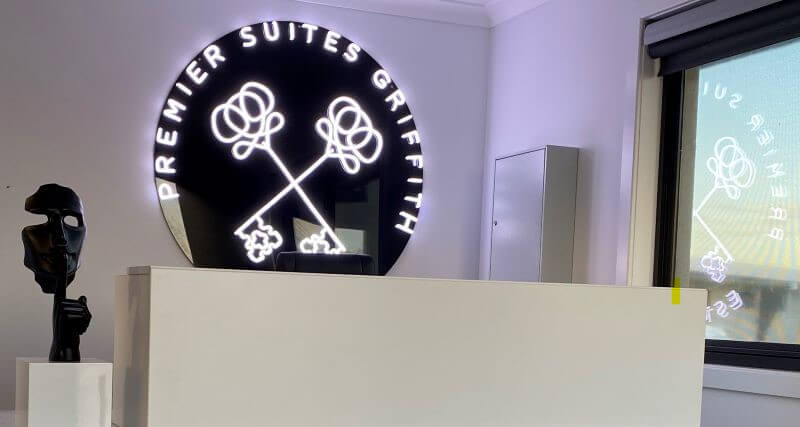
Image source: customneon.com.au
**Black neon signs can be used for [branding](https://en.wikipedia.org/wiki/Brand) and [advertising](https://www.britannica.com/topic/advertising) purposes, and have been successfully incorporated into marketing campaigns by many companies.** Here are some ways in which black neon signs can be used for marketing and advertising:
- Storefront signage: Black neon signs can be used to create eye-catching storefront signage for businesses, such as bars, restaurants, or retail stores. A black neon sign can make a business stand out from competitors and attract customers.
- Event advertising: Black neon signs can be used to promote special events, such as product launches, concerts, or art exhibitions. A black neon sign can create buzz and generate interest among potential attendees.
- Social media marketing: Black neon signs can be used as props for social media marketing. A well-placed black neon sign can add a unique touch to a social media post and help a brand stand out.
Here are some tips for incorporating black neon into marketing strategies:
- **Keep it simple:** Black neon signs should feature a simple design with clear and concise messaging.
- **Be strategic:** Black neon signs should be placed in locations where they will be most visible to potential customers.
- **Use it consistently:** Black neon signs should be used consistently in all marketing materials to create brand recognition and reinforce messaging.
These are just a few ideas for how black neon signs can be used for special occasions and marketing purposes. With their sleek and modern design, black neon signs are a versatile and effective tool for any business or event.
## Black neon sign prices
Black neon signs can add a unique touch to any space, but how much do they cost? The [price](https://www.signcustomiser.com/posts/neon/custom-neon-signs-cost/) of a black neon sign can vary depending on several factors.
### Average prices for black neon signs
**On average, black neon signs can range from $100 to $500 or more, depending on the size, complexity, and design.** Basic shapes and letters tend to cost less, while intricate designs and [custom shapes](https://www.signcustomiser.com/posts/neon/custom-neon-signs-cost/) can increase the price.
### Factors that affect the cost of black neon signs
Several factors can impact the cost of a black neon sign, including the size, complexity of the design, color and type of neon lighting used, materials used, and the level of craftsmanship required to [create the sign](https://www.signcustomiser.com/posts/neon/how-to-make-custom-neon-signs/).
### How to budget for a black neon sign
When planning to purchase a black neon sign, it’s important to consider your budget.
- Determine how much you can afford to spend and consider the size, complexity, and design of the sign you want.
- Remember to factor in the cost of installation, shipping, and any additional accessories you may need.
- Research different neon sign companies to find the best price and quality for your budget.
## Tips for choosing the right black neon signs
Choosing the perfect black neon sign can be a challenging task, especially if you’re new to the world of neon signs. Here are some tips to help you make the right choice:
### 1\. Consider the purpose of the sign
Before choosing a black neon sign, think about why you need it. Is it for home decor or business use? Is it for a special occasion or marketing purposes?
Understanding the purpose of the sign can help you narrow down your options and choose the right design and size.
### 2\. Think about the location
Consider where you plan to place the black neon sign. Is it going to be indoors or outdoors? Will it be hanging on a wall, standing on a shelf, or mounted on a surface? The location can also help you determine the appropriate size and design of the sign.
### 3\. Choose the right design
Black neon signs come in various shapes and designs, from simple text to intricate patterns. Think about the message or image you want to convey and choose a design that reflects that. You can also personalize the sign with custom designs or logos to make it more unique.
### 4\. Check the quality
The quality of the black neon sign is crucial to its longevity and visual appeal. Look for signs made from high-quality materials, such as durable acrylic backboards and high-brightness [LED](https://en.wikipedia.org/wiki/Light-emitting_diode) lights.
You can also read reviews and check ratings of the manufacturer or supplier to ensure you’re getting a quality product.
### 5\. Consider your budget
Black neon signs can range from affordable to quite expensive, depending on the size, design, and quality.
Consider your budget before making a purchase and shop around for deals and discounts. You can also consider purchasing from a supplier that offers financing options or payment plans.
### 6\. Check the warranty
Make sure to check the warranty on the black neon sign before making a purchase. A good warranty can provide you with peace of mind and protect you from defects or damages.
Make sure to read the warranty terms and conditions carefully and understand what is covered and what is not.
### 7\. Get inspiration
Finally, get inspiration from other black neon signs to help you make a decision.
Browse through social media platforms or visit local businesses that use black neon signs to see how they incorporate them into their decor or branding. This can help you get ideas for your own black neon sign and make a more informed decision.
## Where to place black neon signs
Black neon signs can be used in a variety of settings and locations, depending on their intended purpose. Whether it’s for personal or commercial use, there are some best practices for where to place black neon signs to maximize their impact.

Image source: amazon.in
For businesses, black neon signs are often used as part of their marketing and branding efforts.
**They can be placed in storefront windows, on walls or other prominent locations within a store or office, or even on outdoor billboards.** The key is to place them in areas where they can be easily seen by potential customers and stand out from other signage.
For personal use, black neon signs can be used to decorate living spaces, such as bedrooms, living rooms, or home theaters. **They can also be used as wedding or party decor, hung on walls or placed on tables for a stylish and memorable touch.**
### Tips for hanging and mounting black neon signs
**Properly hanging and mounting black neon signs is crucial to their longevity and effectiveness.**
- When hanging a sign, it’s important to make sure it’s securely attached to a wall or other surface, using screws or other hardware that can support the weight of the sign.
- It’s also important to make sure the sign is level, both for aesthetic reasons and to ensure that it’s readable from a distance.
- For free-standing black neon signs, a sturdy base or stand is essential to prevent tipping or falling.
- If using a stand, make sure it’s the right size and weight to support the sign and that it’s placed on a stable surface.
## FAQs about black neon signs
### Can you get a black neon sign?
Black neon signs are a unique and stylish addition to any space, and luckily, they are widely available for purchase.
### Are black neon signs customizable?
Yes, black neon signs can be customized with various shapes, designs, and messages to fit your personal or business needs.
### Are black neon signs safe for children?
Black neon signs are generally safe for children as long as they are mounted securely and kept out of reach. However, it is important to follow all safety guidelines and precautions when handling any type of neon sign.
### Can a neon light be black? Does neon black exist?
No, neon gas emits a reddish-orange color when it is charged with electricity, so neon lights cannot be black. However, black neon signs use other acrylic materials to create a dark black backboard.
### Can black neon signs be repaired if damaged?
Yes, black neon signs can be repaired if they are damaged. It is best to seek professional help from a neon sign repair specialist.
### Can black neon signs be used outdoors?
Yes, black neon signs can be used outdoors if they are designed and constructed to withstand outdoor elements such as rain and wind.
### How are black neon signs different from traditional neon signs?
Black neon signs are traditional neon signs using black acrylic backboards instead of transparent backboards. They also tend to have a more modern and minimalist design.
### How bright are black neon signs compared to traditional neon signs?
The brightness of a neon sign depends on the gas pressure and amount of electricity used. Black neon signs can be just as bright as traditional neon signs, but it ultimately depends on the specific design and construction.
### How do you dispose of a black neon sign?
It is important to dispose of a neon sign properly and in accordance with local regulations. Contact your local waste management facility for specific guidelines.
* * *
## Sell custom neon signs on your website
Want to let your customers design and order custom neon signs online? [Sign Customiser](/solutions/neon-signs/) adds a neon sign designer to your Shopify or WooCommerce store with real-time pricing and instant quotes.
[Start your free trial →](https://apps.shopify.com/sign-customiser)
Tags
- [neon](/posts/neon/)

About the author
### Matthew Attanasio
Founder, Sign Customiser
Matthew founded Sign Customiser to solve a problem he saw sign businesses facing every day: the endless back-and-forth of manual quoting. With a background in e-commerce development and a decade of experience building Shopify solutions at Sky Foundry, he set out to automate the entire custom sign selling process.
- E-commerce
- Shopify
- Sign Industry
- Product Strategy
[View profile](/authors/matthew-attanasio/)[](https://au.linkedin.com/in/matthew-attanasio-92500a36)[](https://github.com/matthewattanasio)
Let your customers design their own signs

Add a full sign customiser to your online store in minutes. Neon, acrylic, metal — with real-time pricing.
[Start your free 7-day trial](/install/)
Works with Shopify, WooCommerce, Wix & more. 7 days free. Every plan includes every feature.
Let your customers design their own signs

Add a full sign customiser to your online store in minutes. Neon, acrylic, metal — with real-time pricing.
[Start your free 7-day trial](/install/)
Works with Shopify, WooCommerce, Wix & more. 7 days free. Every plan includes every feature.
Related
## From theblog
Expert insights, industry trends, and actionable tips to enhance your online sign business.
[View all articles](/posts/)

neon·March 30, 2023
### [Exploring the benefits of acrylic neon signs for business signage](/posts/neon/acrylic-neon-signs/)
Customizable and Durable: Why Acrylic Neon Signs are a Smart Choice for Your Business Signage Needs
Read more

neon·September 26, 2023
### [45+ aesthetic neon quotes to light up your space](/posts/neon/aesthetic-neon-quotes/)
45+ aesthetic neon quotes for bedrooms, weddings and shop walls, plus how sign shops price and sell custom neon quote signs on their own website.
Read more

neon·September 26, 2023
### [Aesthetic neon signs: styles, ideas and pricing](/posts/neon/aesthetic-neon-signs/)
See the styles and colours behind aesthetic neon signs, get design ideas for any room, and learn how sign shops price and sell them online with a live customiser.
Read more

neon·December 25, 2022
### [Are neon signs dangerous? 14 great tips to stay safe](/posts/neon/are-neon-signs-dangerous/)
Get our 14 great tips to avert accidents & keep your family safe around neon signs with this post.
Read more

neon·December 5, 2022
### [Custom neon signs cost: the ultimate guide for Shopify store owners](/posts/neon/custom-neon-signs-cost/)
We explore the primary factors that influence the custom neon signs cost and strategies store owners can apply to increase sales and profit margins. Click to see more details!
Read more

neon·June 23, 2023
### [Design tips for creating eye-catching DIY neon signs](/posts/neon/design-tips-for-creating-eye-catching-diy-neon-signs/)
Neon signs have long been a captivating way for businesses to attract attention and make bold statements. With the rise of do-it-yourself (DIY) projects, creating your own neon sign has become an accessible and cost-effective option for businesses looking to stand out.
Read more

neon·January 5, 2025
### [How to make a DIY neon sign: step-by-step tutorial (LED flex method)](/posts/neon/diy-neon-sign/)
Learn how to make your own LED neon sign at home. Complete step-by-step guide with materials list, tools needed, and expert tips for beginners.
Read more

neon·September 26, 2023
### [Electric blue neon signs: meaning, ideas and pricing](/posts/neon/electric-blue-neon-blue-aesthetic/)
What makes electric blue neon glow, the blue aesthetic it creates, sign ideas by room, and how sign shops price and sell custom blue neon online.
Read more

neon·April 3, 2023
### [Faux neon signs: LED alternatives, costs & business guide (2026)](/posts/neon/faux-neon-sign/)
Complete guide to faux neon (LED neon) signs. Compares LED vs glass neon, covers profit margins for sign shops, and explains why LED neon dominates the market.
Read more

neon·March 28, 2023
### [Are glass neon signs worth it?](/posts/neon/glass-neon-signs/)
Are you curious about the cost and lifespan of glass neon signs? Our guide has all the answers you need to make an informed purchase.
Read more

neon·March 30, 2023
### [How to hang a neon sign: step-by-step guide (with & without nails)](/posts/neon/hanging-neon-signs/)
Learn how to hang a neon sign on any surface. Step-by-step instructions for drywall, brick, concrete & glass. Plus tips to hide wires and avoid wall damage.
Read more

neon·December 23, 2022
### [How to make custom neon signs, the easy guide for Shopify sign stores](/posts/neon/how-to-make-custom-neon-signs/)
Learn how to make custom neon signs as a producer. We also show you a secret to let buyers customize & view their signs in real-time.
Read more

neon·February 3, 2026
### [LED neon sign production: how custom neon signs are made](/posts/neon/led-neon-sign-production-process/)
LED neon signs are manufactured through a precise multi-stage process. Learn how custom LED neon signs are made, from acrylic backing preparation to tube bending, wiring, and quality testing.
Read more

neon·March 29, 2023
### [LED neon signs - a cost-effective alternative?](/posts/neon/led-neon-signs/)
Are LED neon signs worth it? Find out the answer and learn about their lifespan, energy efficiency, and low maintenance requirements.
Read more

neon·March 10, 2026
### [Name in lights: what customers type into a neon name sign generator](/posts/neon/name-in-lights-generator/)
Sign Customiser data: 70% of LED neon designs added to cart are two words or fewer, and one in four keep the default font. What that means for your generator.
Read more

neon·January 5, 2026
### [Neon art: what it is, who made it famous and how it is made](/posts/neon/neon-art/)
Neon art is art made from hand-bent glass tubes of glowing gas. The artists who made it famous, where to see their work, and how a drawing becomes neon.
Read more

neon·March 19, 2026
### [Neon light writer: 6 free and paid neon text tools compared](/posts/neon/neon-light-writer/)
Neon light writers compared: free neon text generators such as FlamingText, Cool Text and Canva, and sign software that turns words into LED neon signs.
Read more

neon·January 5, 2025
### [Neon open signs: the complete guide to open signs for businesses (2025)](/posts/neon/neon-open-signs/)
Discover the best neon and LED open signs for your business. Compare types, sizes, and installation options. Plus expert tips for choosing the perfect open sign.
Read more

neon·April 2, 2023
### [Neon signs hub: your one stop shop for all things neon signs](/posts/neon/neon-sign/)
Discover the colorful world of neon signs with our ultimate guides! Learn about their history, design, cost, and much more.
Read more

neon·April 5, 2023
### [70 neon sign ideas by room & occasion (2026 guide)](/posts/neon/neon-sign-ideas/)
See 70 neon sign ideas for bedrooms, weddings, bars and businesses, organised by room and occasion, plus how sign shops price and sell them online.
Read more

neon·April 4, 2023
### [Best neon sign quotes: 150+ ideas for every occasion (2026)](/posts/neon/neon-sign-quotes/)
Curated neon sign quotes for weddings, businesses, bars, bedrooms and more. Includes best-selling categories and pricing strategies for sign shops.
Read more

neon·April 1, 2023
### [Neon sign repair guide: DIY fixes & when to call a pro](/posts/neon/neon-sign-repair/)
Complete guide to neon sign repair. Troubleshoot common problems, learn DIY fixes, compare costs, and know when to hire a professional for neon light repair.
Read more

neon·January 5, 2025
### [Neon signs for room decor: 60+ ideas for bedrooms, gaming rooms & more](/posts/neon/neon-signs-for-room/)
Transform any room with neon signs. Browse 60+ ideas for bedrooms, gaming rooms, living rooms and home offices. Plus size, colour and placement tips.
Read more

neon·January 12, 2023
### [Neon versus LED: what are the differences? Which is right for you?](/posts/neon/neon-vs-led/)
We compare neon vs LED neon signs in this informative article. From lighting to maintenance, we cover pros & cons of each to help you make an informed decision on.
Read more

neon·September 26, 2023
### [Neon wedding signs: 40+ ideas, placement guide & costs](/posts/neon/neon-wedding-sign/)
Complete guide to neon signs for wedding decor. Discover 40+ ideas, placement tips, rental vs purchase costs, and how to match your wedding theme.
Read more

neon·September 26, 2023
### [Purple neon light: meaning, shades & buying guide](/posts/neon/purple-neon-sign/)
What purple neon light means, the shades from lavender to magenta, and how sign shops price and sell custom purple neon signs online with a live customiser.
Read more

neon·September 26, 2023
### [White neon sign: a guide to choosing the right one!](/posts/neon/white-neon-sign/)
Looking for a chic and modern addition to your decor? Check out our guide to choosing the best white neon sign.
Read more

neon·December 12, 2022
### [Why are neon signs so expensive? 2026 pricing guide for sign shops](/posts/neon/why-are-neon-signs-so-expensive/)
Complete breakdown of neon sign costs for sign shop owners. Covers material, labour, and overhead costs plus strategies to improve margins with LED neon.
Read more
[View all articles](/posts/)
## Sitemap
See the full [sitemap](/sitemap.md) for all pages.
---
## Custom neon signs cost: the ultimate guide for shopify store owners - Sign Customiser Blog
Source: [https://www.signcustomiser.com/posts/neon/custom-neon-signs-cost/](https://www.signcustomiser.com/posts/neon/custom-neon-signs-cost/)
## Custom neon signs cost: the ultimate guide for Shopify store owners
How you price a custom neon sign, can ultimately determine the success of your online store. In fact, according to Shopify’s Future of Commerce Report 2022, price is a [crucial factor influencing 74% of consumers’ purchasing behaviour](https://www.shopify.com/au/research/future-of-commerce). Its important to get your custom neon sign cost right.
️️📌 This is chapter 1 in [the custom neon signs hub](https://www.signcustomiser.com/posts/neon/custom-neon-signs-cost/)
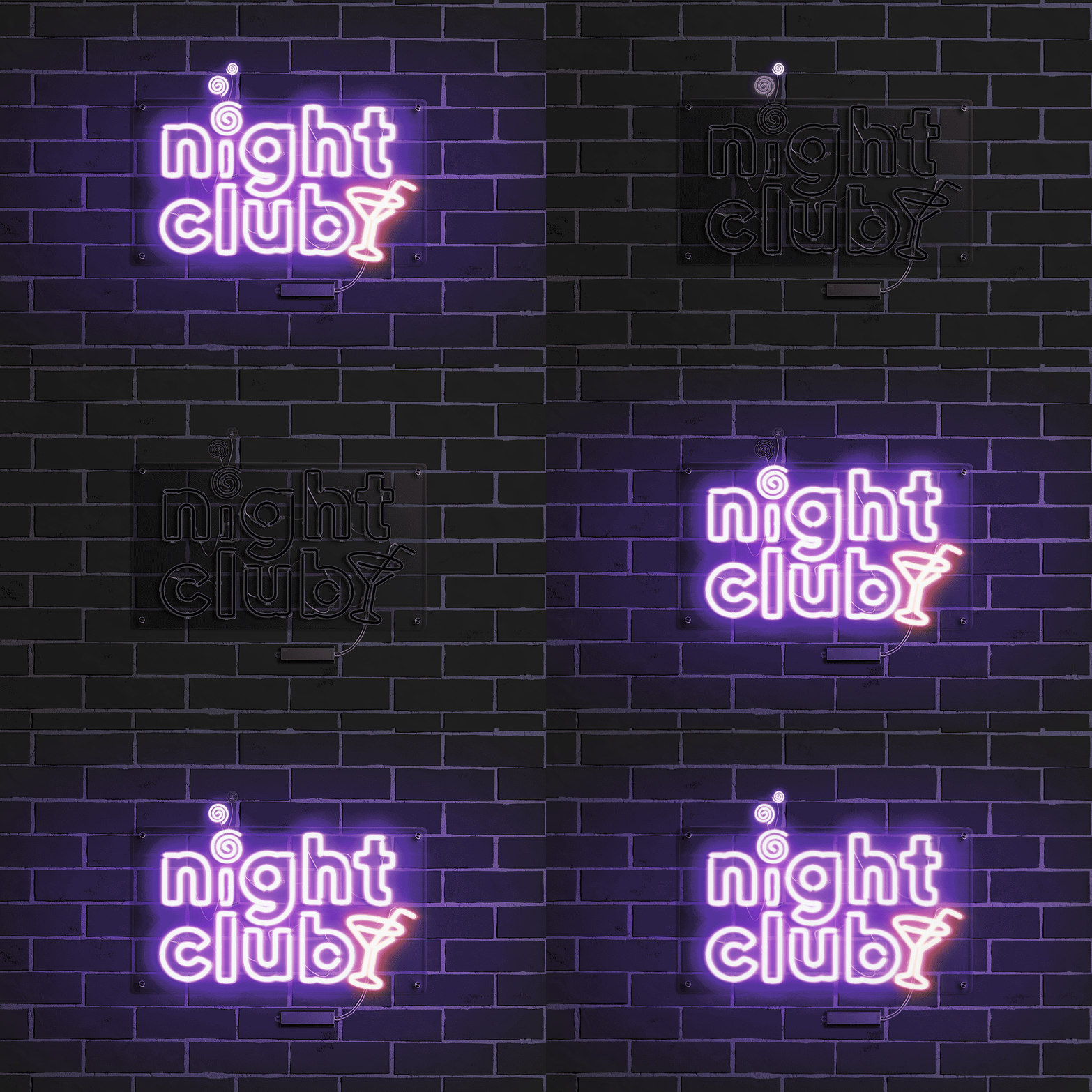
Image source: rebrandy.net
## How much do custom neon signs cost on average?
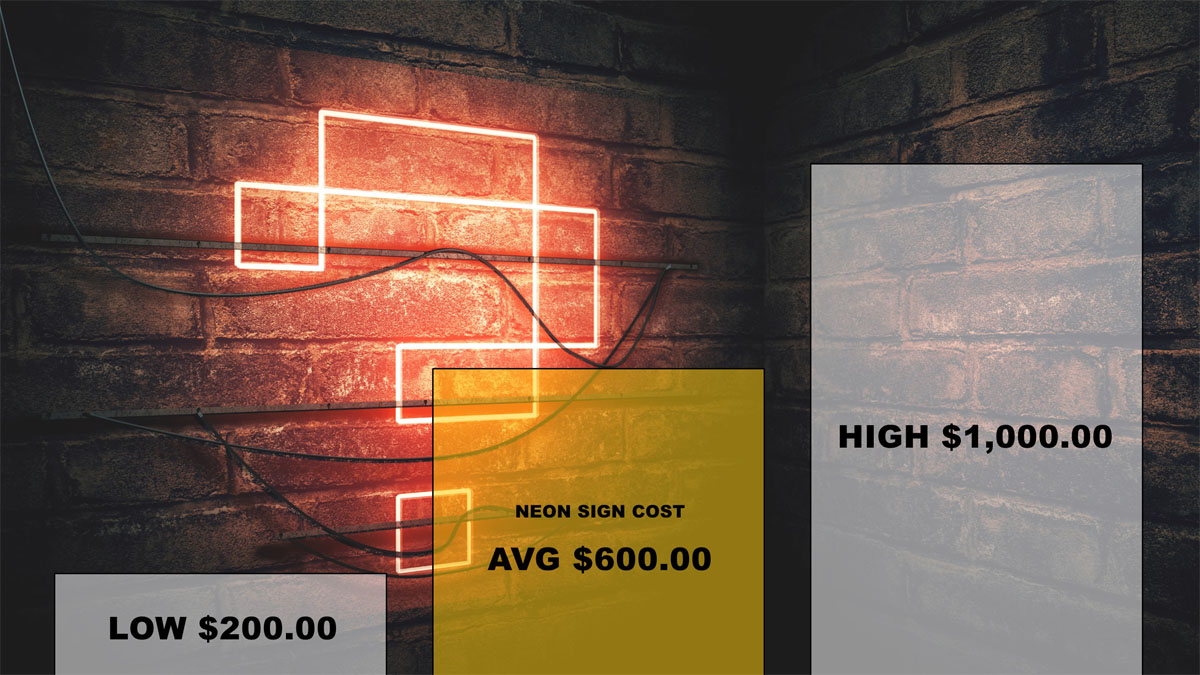
Image source: arizonacommercialsigns.com
Some of the most common questions neon sign stores receive from customers are related to pricing.
**The cost of a [neon sign](https://en.wikipedia.org/wiki/Neon_sign) varies based on the size, colour, design complexity and the type of material used to create the lighting elements.**
The primary factors that make up the cost are the materials used to build the sign and the size of the sign. Regarding materials, there is a significant difference in prices between modern technologies like FLEX LED compared to a traditional hand-blown glass sign filled with neon gas.
**Learn more: [Why are neon signs so expensive? Shopify store owners guide](https://www.signcustomiser.com/posts/neon/why-are-neon-signs-so-expensive/)**
## Factors that impact custom neon signs cost
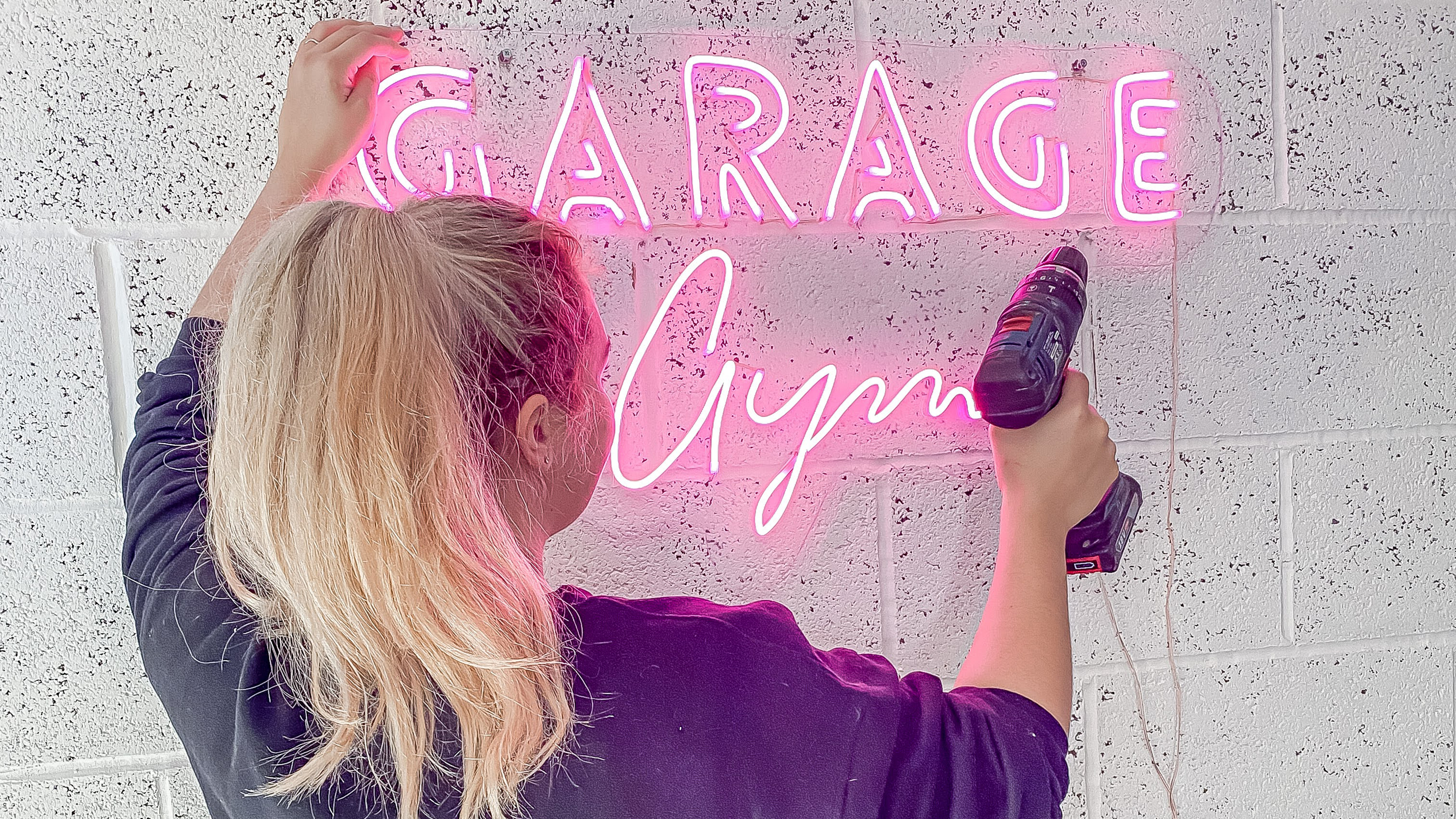
Image source: realhomes.com
The final cost of a neon sign will depend on several variables. Let’s take a bit of a deep dive.
### Neon sign materials
Since the early 1900s, neon gas has been the primary gas to produce the light of the sign. In the last 10 years, newer technologies such as LED Flex have improved and taken over the market.
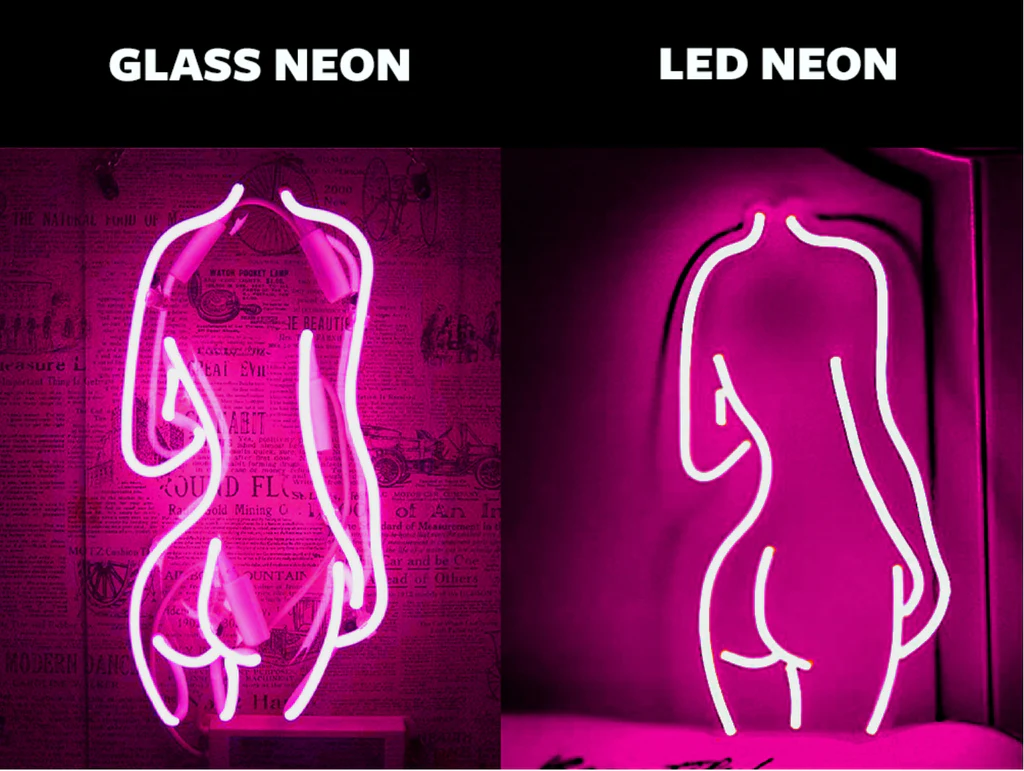
Image source: kingsofneon.com.au
**Glass neon signs require a [professional artist (bender)](/posts/neon/neon-art/#who-bends-the-glass-workshops-and-artist-benders) to create the sign, the gases used to create the unique lighting are costly and the nature of the materials also requires careful consideration and handling.**
Newer technologies such as FLEX LEDs are much cheaper and easy to make, assembly is also much easier and certain stages of the manufacturing process can be automated using CNC machines.
An attractive reason to use traditional neon signs as opposed to the modern alternatives includes creating genuine and authentic 1940s or 1950s nostalgia. This could be for architectural restorations of old landmarks or for related marketing campaigns.
### Sizing custom neon signs
Size is a critical factor when determining the price of a neon sign. **The larger the neon sign, the higher the price, as more material is required to create the sign.** In addition, shipping and labour costs are also relative to the size of the neon sign.
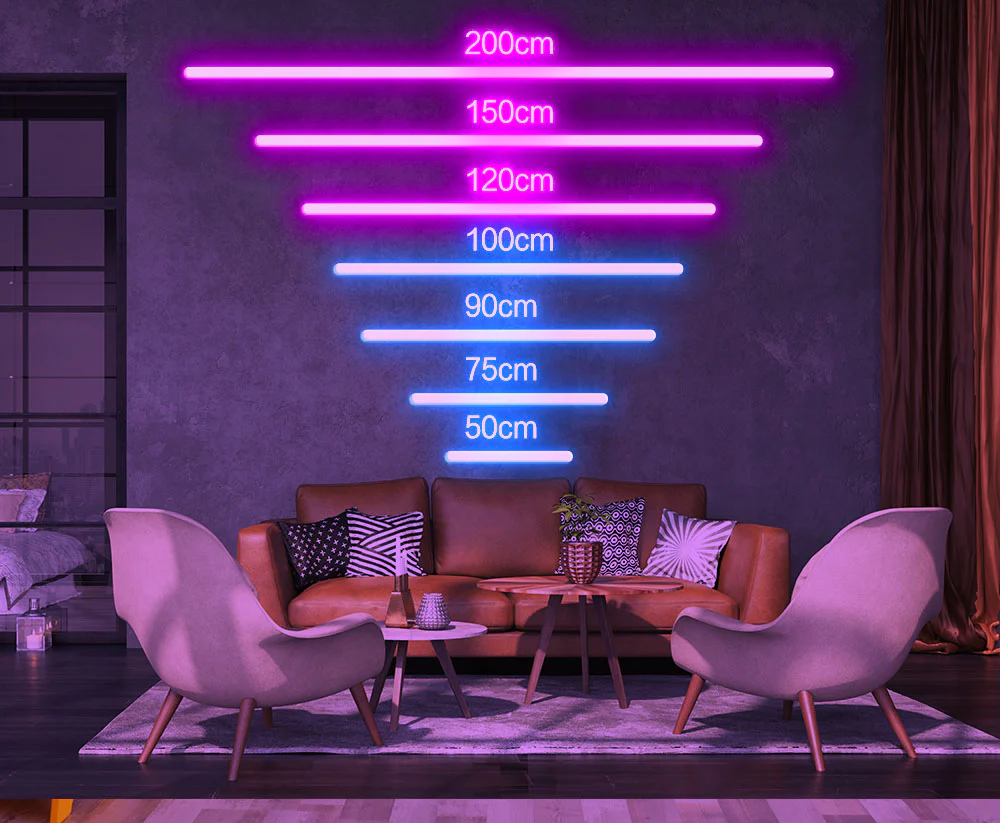
Image source: neonpartys.co.uk
The following are some standard pricing ranges that individuals might anticipate:
- Small Size Neon Sign: 18 x 24 inch - $270 USD to $535 USD
- Big Size Neon Sign: 3 to 5 feet - up to $1,300 USD or more
When creating a neon sign for a customer, clearly communicating how specific designs affect the overall size of the sign is an essential exercise. In addition, there are physical property limitations in the material used that must be considered before approving a design.
### Pricing Strategies
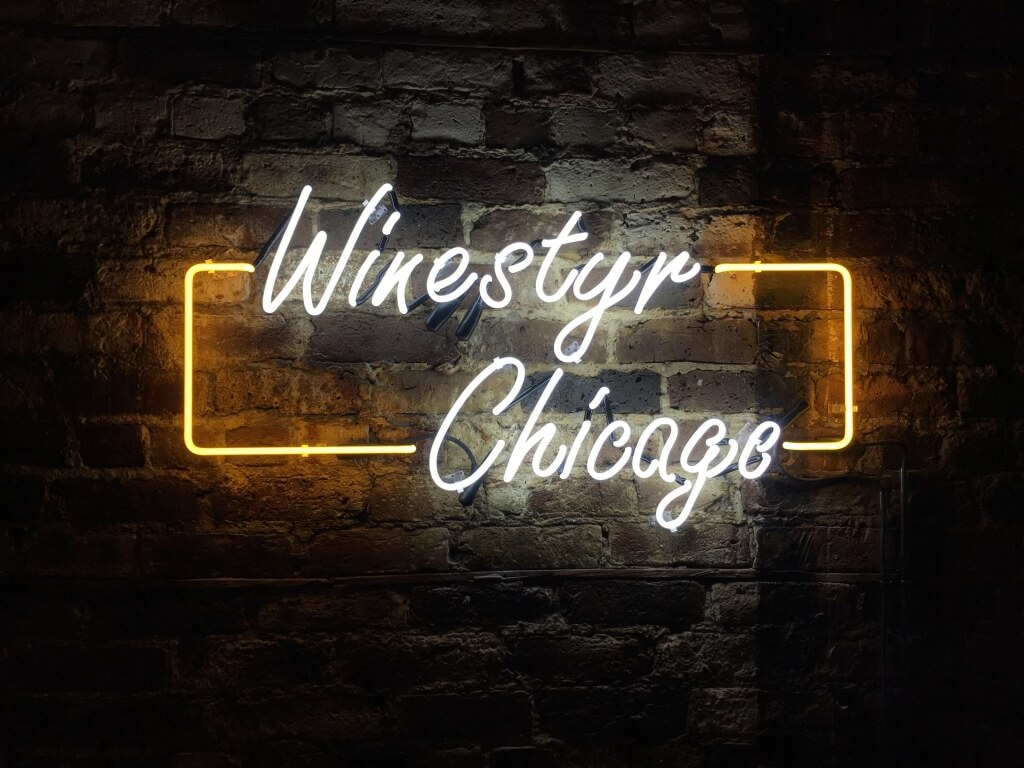
Image source: rightwaysigns.com
A common approach for store owners selling custom neon signs online is to charge per letter; the overall size of the sign dictates the price per letter.
Another way store owners charge is by the sign’s final width and height dimensions; this can provide a quick and easy way to assign a price for the sign greater than the shipping/building and materials costs. For some online stores that create their signs in-house, shipping can be a majority of the overall cost for the product.
A newer approach is to charge based on the amount of material necessary to build the overall letters of the sign. This approach can create a fairer pricing outcome which is great for customer satisfaction.
**Not every pricing strategy is suitable for all online stores selling custom neon signs; the correct pricing strategy is discovered through experimentation.** Sometimes the winning strategy is a combination of what has been mentioned.
### Variety of colours
For traditional glass neon signs, the [neon gas](https://www.scientificamerican.com/article/how-do-neon-lights-work/) can only emit a reddish-orange light when charged with an electrical current. However, with the combination of additional gases such as Helium, Argon, Xenon, and Krypton, the light colour can vary into certain hues. Inside the neon glass tube, the artists may mix neon with these gases or a little bit of mercury to improve the intensity of the light and create different light effects.
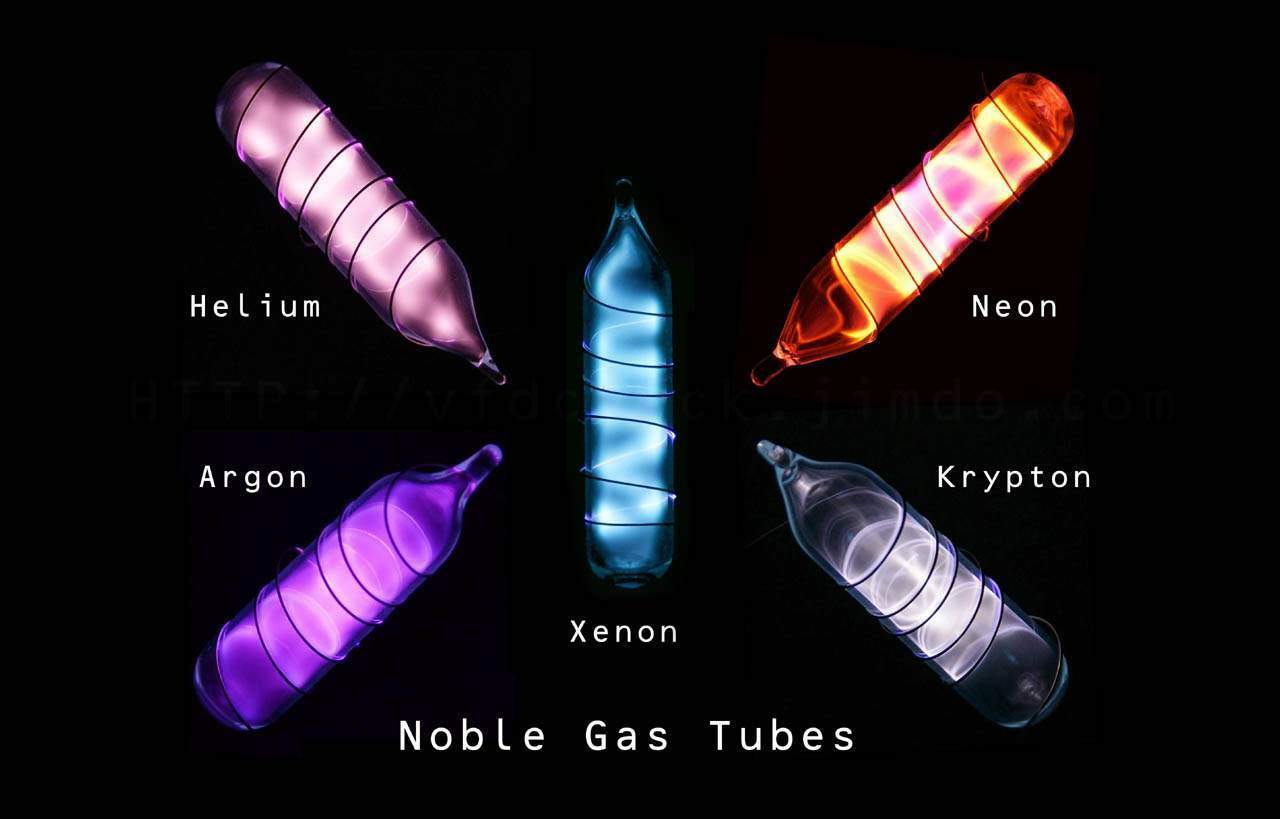
Image source: newtondesk.com
**A bender, as some neon sign artists like to call themselves, will require more time and effort to add additional colours and will be priced accordingly.**
### Design complexity and cost impact for neon signs
Image source: nuvomagazine.com
The cost of custom neon signs increases with more detail/complexity of the design. **Just like size, the more complex a neon sign design results in an increase in materials used and labour costs.** A simple design of a single word with a sans-serif font will be cheaper than a detailed and complex image even if they both end up being the same size.
### Custom neon sign backboards
Backboards are not just used to support the light-emitting elements. They can also be a significant part of the aesthetic that ties the whole sign together. Some common types of backboard options are [acrylic](https://en.wikipedia.org/wiki/Acrylate_polymer) or mirror backboards. Popular choices for backboard options are the following: cut-to-letter, square, box and stand backboards.
Image source: customneon.com
Cut-to-letter offers an almost hidden look with just a tiny fraction of the backboard material visible. Cut to shape requires cutting around the design of the neon sign to match the overall shape. Box backboards are two rectangular pieces of material with four pegs between each piece to create additional depth. **Some stores will charge an additional cost for a box backboard or for a mirror backboard.**
### Coloured jackets
Image source: neonsignly.com
When not illuminated, the tubing for both traditional glass and LED neon signs is usually white. The solution is to apply a coloured jacket over the tubing. **This jacket keeps the neon signs coloured when turned off.** Neon sign store owners may include an additional charge for this option.
### Dimmers and other controllers
**A popular choice for stores is to offer a dimmer for the LED signs via a.** Having a dimmer can make the light emitted from the sign milder and easier for picture-taking. This option may come with additional charges.
Image source: amazon.com
### Production timelines and shipping
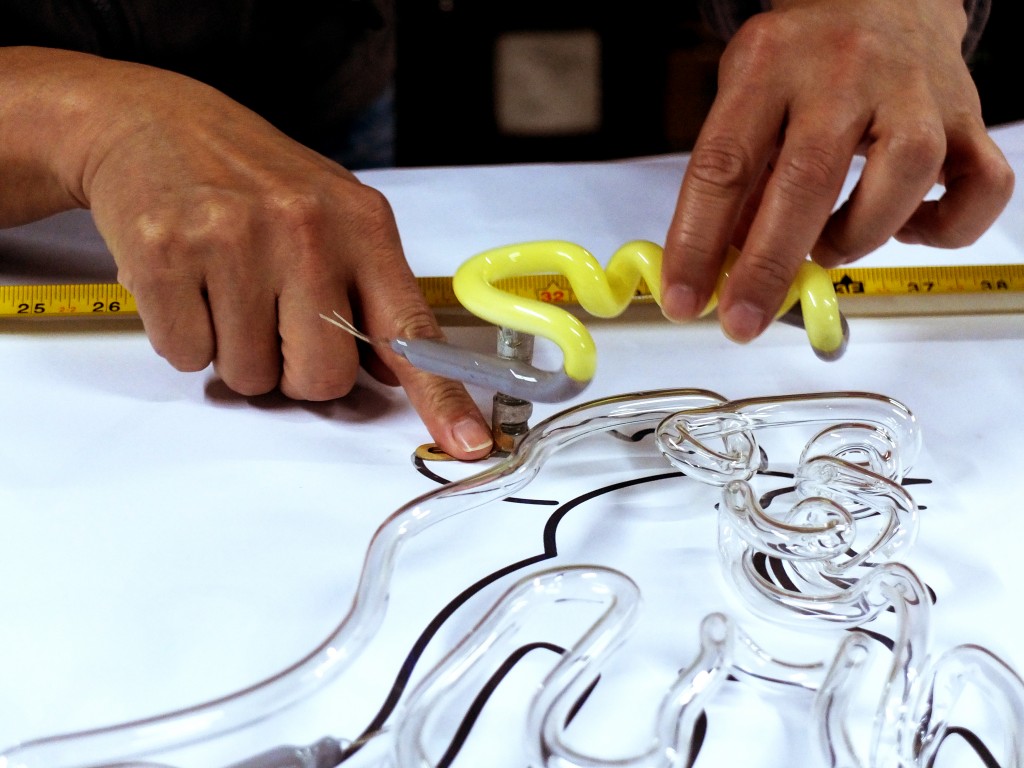
Image source: pbs.org
Since every neon sign is handmade, production timelines will change depending on the material, size, and complexity of the design. A common offer that e-commerce businesses provide is free shipping for all custom neon signs with a 2 - 4 week shipping time frame. Some stores provide a fast-track option for delivery, this option usually comes with an additional charge.
### Indoor and outdoor neon sign
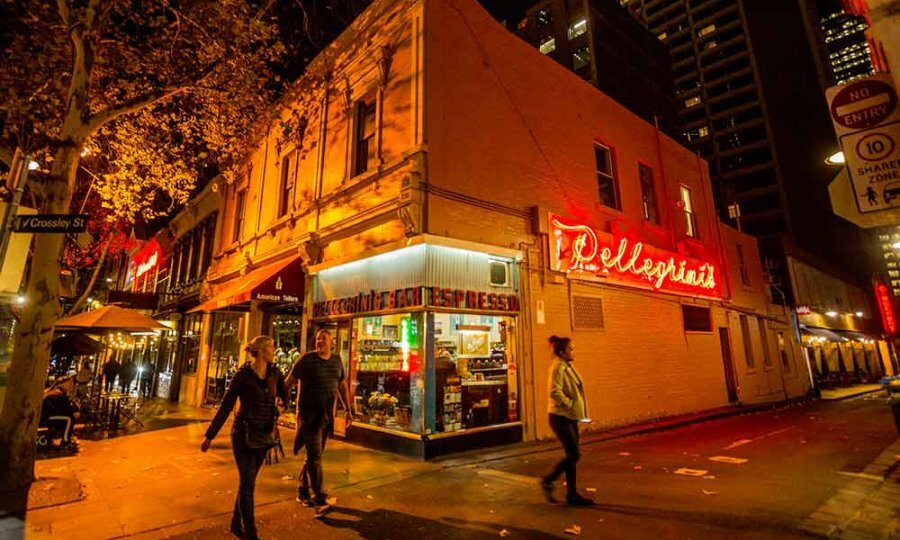
Image source: whatson.melbourne.vic.gov.au
Glass and LED Neons signs are by default built for indoor use. However, they can be shielded from rain, dew, snow, and ice using a protective layer that is rated up to ip67 standard. Having an additional option to select either inside or outside usage is a great way for business and individual customers.
### Online store costs
Having an online store allows store owners to sell their products globally. [Shopify](https://www.shopify.com/) is the top choice to start an online store for both startup and enterprise sign businesses. Shopify provides online sign store owners with the simplicity of use, and an extensive feature set, at a very reasonable price.
Online sign store owners may pay between $200 USD and $1000 USD in initial startup costs when starting an online store with Shopify. If store owners also need to sell in-store, the hardware cost will increase from $30 to $300 in addition to the $89 monthly subscription for a Shopify POS Pro per location.
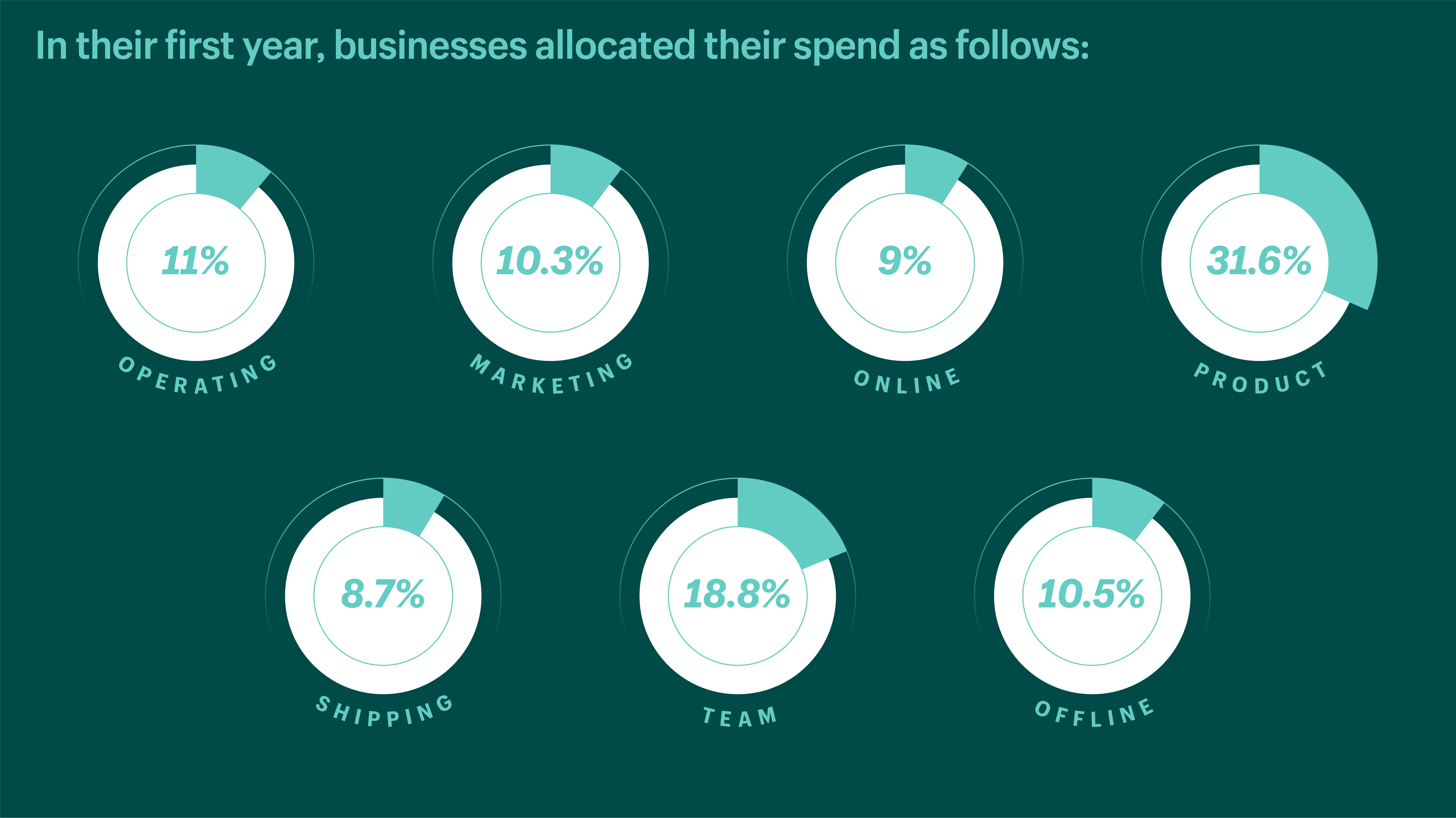
Image source: shopify.com
So this business fee can impact the cost of a neon sign. **Online sign store owners must consider this operation fee in the neon sign price.**
## Top pricing strategies for custom neon signs

Image source: conversionfanatics.com
### Competitive pricing
Competitive pricing is an effective tactic that considers customer behaviour. This tactic allows an online sign store owner to edit the price based on the competitor’s charges. Although it is straightforward and low-risk, it ignores how buyers evaluate the worth of the items.
### Value-based pricing
Value-based pricing, the favoured technique employed by many eCommerce pricing experts, enables individuals to determine a price based on how much buyers think things are worth.
It often yields more significant markups and is more lucrative than competitive and cost-plus pricing, making it the best choice for expanding organisations considering long-term strategy.
### Price skimming
Price skimming could be the best tactic for marketing a genuinely unique or revolutionary product. It entails setting a high price and then decreasing it when other rivals show up and provide a comparable result. By using this strategy, businesses may increase sales while there is less competition and reduce prices to remain competitive.
### Penetration pricing
Penetration pricing, the reverse of price skimming, performs best when a brand enters a market that is already highly competitive. Additionally, this technique, marketing tactics, and discount coupons effectively bring in new clients and raise brand exposure. Store owners should initially set their pricing modest and then increase them.
### Psychological pricing strategies
Psychological pricing techniques, also known as appeal pricing, explain why retailers are more inclined to sell an item at $19.99 than $20.
##
How to calculate the custom neon signs cost precisely, faster, and more profitably?
To price a custom neon sign effectively requires a team of industry professionals to trace and measure the design submitted by the customer, this process involves a lot of time and effort and can be quite an expensive process, especially when a majority of the quotes are lost.
**The solution to increasing sales for custom neon signs is the “Neon Sign Product Customizer” app.** Our app lets the customer design and purchase their very own custom neon sign on your store.
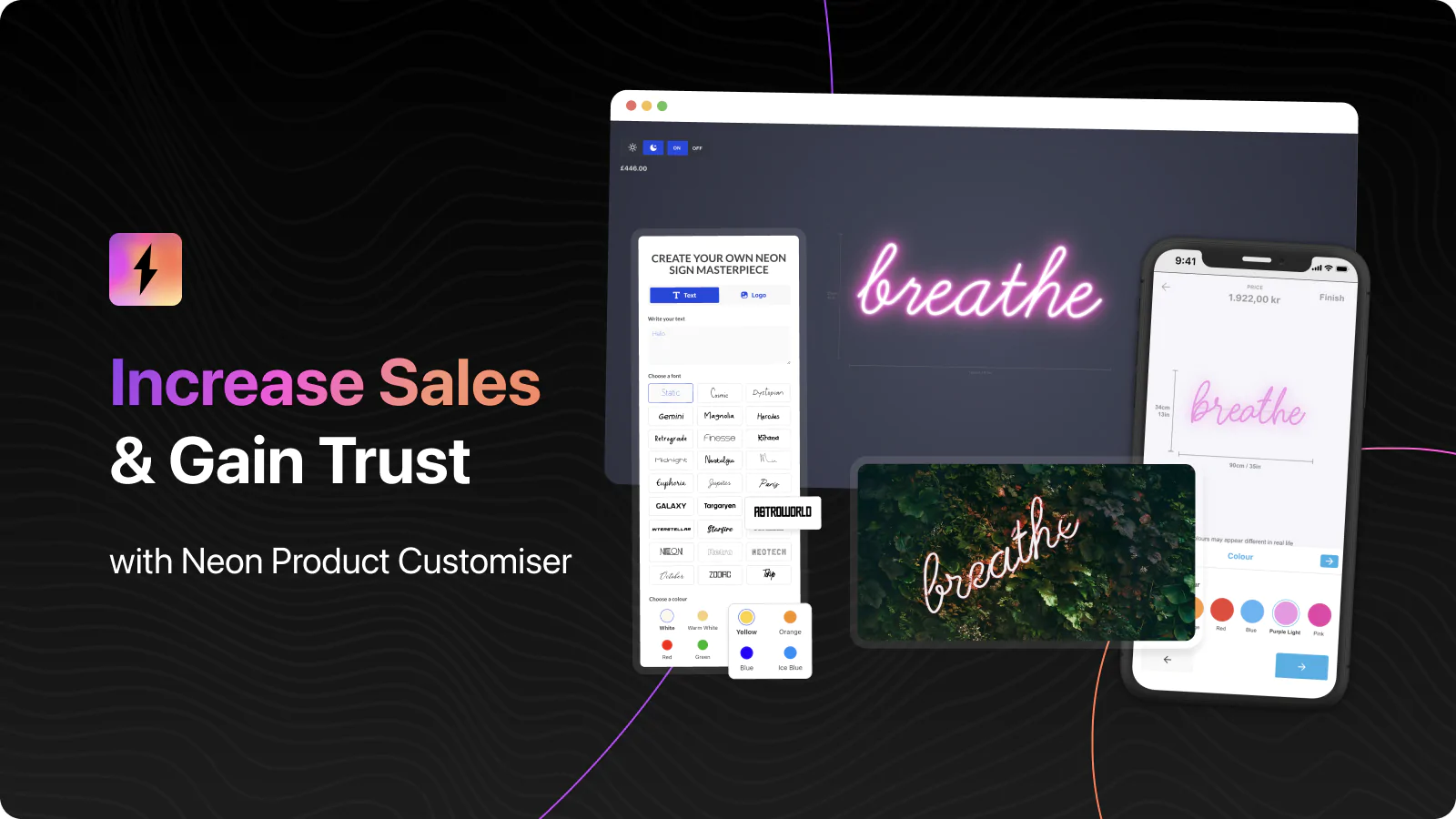
[Check demo now](https://demo.signcustomiser.com/)
**With the help of our software, online neon sign owners may enable consumers to design, instantly review, and purchase their neon signs in less than a minute.** This app incorporates a user-friendly dashboard that allows Shopify stores to easily edit the fonts, sizing, pricing, and other options.
**The entire customer experience is optimised to increase sales for custom neon signs**, and works great on both desktop and mobile devices. There’s no more exchanging emails with potential clients sending design modifications back and forth.
**No matter what the customer’s design decides to create, our sign software offers a flexible pricing model to ensure online sign store owners are always making a profit for each custom sign.**
[See on the Shopify app store](https://apps.shopify.com/neon-product-customiser)
## Final thoughts
**If you own an online sign store, having a solid pricing strategy is crucial to staying competitive in the neon sign market.**
As more and more businesses, from restaurants to wedding studios and even food trucks, are incorporating neon signs into their storefronts, it’s important to have a strategy in place for pricing your custom neon signs.
What will your pricing strategy be for your store?
Tags
- [neon](/posts/neon/)
- pricing

About the author
### Matthew Attanasio
Founder, Sign Customiser
Matthew founded Sign Customiser to solve a problem he saw sign businesses facing every day: the endless back-and-forth of manual quoting. With a background in e-commerce development and a decade of experience building Shopify solutions at Sky Foundry, he set out to automate the entire custom sign selling process.
- E-commerce
- Shopify
- Sign Industry
- Product Strategy
[View profile](/authors/matthew-attanasio/)[](https://au.linkedin.com/in/matthew-attanasio-92500a36)[](https://github.com/matthewattanasio)
Let your customers design their own signs

Add a full sign customiser to your online store in minutes. Neon, acrylic, metal — with real-time pricing.
[Start your free 7-day trial](/install/)
Works with Shopify, WooCommerce, Wix & more. 7 days free. Every plan includes every feature.
Let your customers design their own signs

Add a full sign customiser to your online store in minutes. Neon, acrylic, metal — with real-time pricing.
[Start your free 7-day trial](/install/)
Works with Shopify, WooCommerce, Wix & more. 7 days free. Every plan includes every feature.
Related
## From theblog
Expert insights, industry trends, and actionable tips to enhance your online sign business.
[View all articles](/posts/)

neon·March 30, 2023
### [Exploring the benefits of acrylic neon signs for business signage](/posts/neon/acrylic-neon-signs/)
Customizable and Durable: Why Acrylic Neon Signs are a Smart Choice for Your Business Signage Needs
Read more

neon·September 26, 2023
### [45+ aesthetic neon quotes to light up your space](/posts/neon/aesthetic-neon-quotes/)
45+ aesthetic neon quotes for bedrooms, weddings and shop walls, plus how sign shops price and sell custom neon quote signs on their own website.
Read more

neon·September 26, 2023
### [Aesthetic neon signs: styles, ideas and pricing](/posts/neon/aesthetic-neon-signs/)
See the styles and colours behind aesthetic neon signs, get design ideas for any room, and learn how sign shops price and sell them online with a live customiser.
Read more

neon·December 25, 2022
### [Are neon signs dangerous? 14 great tips to stay safe](/posts/neon/are-neon-signs-dangerous/)
Get our 14 great tips to avert accidents & keep your family safe around neon signs with this post.
Read more

neon·September 26, 2023
### [Why are black neon signs the latest trend in home decor?](/posts/neon/black-neon-sign/)
Unleash your creativity with black neon signs and 20+ creative ideas for businesses, events, or personal spaces.
Read more

neon·June 23, 2023
### [Design tips for creating eye-catching DIY neon signs](/posts/neon/design-tips-for-creating-eye-catching-diy-neon-signs/)
Neon signs have long been a captivating way for businesses to attract attention and make bold statements. With the rise of do-it-yourself (DIY) projects, creating your own neon sign has become an accessible and cost-effective option for businesses looking to stand out.
Read more

neon·January 5, 2025
### [How to make a DIY neon sign: step-by-step tutorial (LED flex method)](/posts/neon/diy-neon-sign/)
Learn how to make your own LED neon sign at home. Complete step-by-step guide with materials list, tools needed, and expert tips for beginners.
Read more

neon·September 26, 2023
### [Electric blue neon signs: meaning, ideas and pricing](/posts/neon/electric-blue-neon-blue-aesthetic/)
What makes electric blue neon glow, the blue aesthetic it creates, sign ideas by room, and how sign shops price and sell custom blue neon online.
Read more

neon·April 3, 2023
### [Faux neon signs: LED alternatives, costs & business guide (2026)](/posts/neon/faux-neon-sign/)
Complete guide to faux neon (LED neon) signs. Compares LED vs glass neon, covers profit margins for sign shops, and explains why LED neon dominates the market.
Read more

neon·March 28, 2023
### [Are glass neon signs worth it?](/posts/neon/glass-neon-signs/)
Are you curious about the cost and lifespan of glass neon signs? Our guide has all the answers you need to make an informed purchase.
Read more

neon·March 30, 2023
### [How to hang a neon sign: step-by-step guide (with & without nails)](/posts/neon/hanging-neon-signs/)
Learn how to hang a neon sign on any surface. Step-by-step instructions for drywall, brick, concrete & glass. Plus tips to hide wires and avoid wall damage.
Read more

neon·December 23, 2022
### [How to make custom neon signs, the easy guide for Shopify sign stores](/posts/neon/how-to-make-custom-neon-signs/)
Learn how to make custom neon signs as a producer. We also show you a secret to let buyers customize & view their signs in real-time.
Read more

neon·February 3, 2026
### [LED neon sign production: how custom neon signs are made](/posts/neon/led-neon-sign-production-process/)
LED neon signs are manufactured through a precise multi-stage process. Learn how custom LED neon signs are made, from acrylic backing preparation to tube bending, wiring, and quality testing.
Read more

neon·March 29, 2023
### [LED neon signs - a cost-effective alternative?](/posts/neon/led-neon-signs/)
Are LED neon signs worth it? Find out the answer and learn about their lifespan, energy efficiency, and low maintenance requirements.
Read more

neon·March 10, 2026
### [Name in lights: what customers type into a neon name sign generator](/posts/neon/name-in-lights-generator/)
Sign Customiser data: 70% of LED neon designs added to cart are two words or fewer, and one in four keep the default font. What that means for your generator.
Read more

neon·January 5, 2026
### [Neon art: what it is, who made it famous and how it is made](/posts/neon/neon-art/)
Neon art is art made from hand-bent glass tubes of glowing gas. The artists who made it famous, where to see their work, and how a drawing becomes neon.
Read more

neon·March 19, 2026
### [Neon light writer: 6 free and paid neon text tools compared](/posts/neon/neon-light-writer/)
Neon light writers compared: free neon text generators such as FlamingText, Cool Text and Canva, and sign software that turns words into LED neon signs.
Read more

neon·January 5, 2025
### [Neon open signs: the complete guide to open signs for businesses (2025)](/posts/neon/neon-open-signs/)
Discover the best neon and LED open signs for your business. Compare types, sizes, and installation options. Plus expert tips for choosing the perfect open sign.
Read more

neon·April 2, 2023
### [Neon signs hub: your one stop shop for all things neon signs](/posts/neon/neon-sign/)
Discover the colorful world of neon signs with our ultimate guides! Learn about their history, design, cost, and much more.
Read more

neon·April 5, 2023
### [70 neon sign ideas by room & occasion (2026 guide)](/posts/neon/neon-sign-ideas/)
See 70 neon sign ideas for bedrooms, weddings, bars and businesses, organised by room and occasion, plus how sign shops price and sell them online.
Read more

neon·April 4, 2023
### [Best neon sign quotes: 150+ ideas for every occasion (2026)](/posts/neon/neon-sign-quotes/)
Curated neon sign quotes for weddings, businesses, bars, bedrooms and more. Includes best-selling categories and pricing strategies for sign shops.
Read more

neon·April 1, 2023
### [Neon sign repair guide: DIY fixes & when to call a pro](/posts/neon/neon-sign-repair/)
Complete guide to neon sign repair. Troubleshoot common problems, learn DIY fixes, compare costs, and know when to hire a professional for neon light repair.
Read more

neon·January 5, 2025
### [Neon signs for room decor: 60+ ideas for bedrooms, gaming rooms & more](/posts/neon/neon-signs-for-room/)
Transform any room with neon signs. Browse 60+ ideas for bedrooms, gaming rooms, living rooms and home offices. Plus size, colour and placement tips.
Read more

neon·January 12, 2023
### [Neon versus LED: what are the differences? Which is right for you?](/posts/neon/neon-vs-led/)
We compare neon vs LED neon signs in this informative article. From lighting to maintenance, we cover pros & cons of each to help you make an informed decision on.
Read more

neon·September 26, 2023
### [Neon wedding signs: 40+ ideas, placement guide & costs](/posts/neon/neon-wedding-sign/)
Complete guide to neon signs for wedding decor. Discover 40+ ideas, placement tips, rental vs purchase costs, and how to match your wedding theme.
Read more

neon·September 26, 2023
### [Purple neon light: meaning, shades & buying guide](/posts/neon/purple-neon-sign/)
What purple neon light means, the shades from lavender to magenta, and how sign shops price and sell custom purple neon signs online with a live customiser.
Read more

neon·September 26, 2023
### [White neon sign: a guide to choosing the right one!](/posts/neon/white-neon-sign/)
Looking for a chic and modern addition to your decor? Check out our guide to choosing the best white neon sign.
Read more

neon·December 12, 2022
### [Why are neon signs so expensive? 2026 pricing guide for sign shops](/posts/neon/why-are-neon-signs-so-expensive/)
Complete breakdown of neon sign costs for sign shop owners. Covers material, labour, and overhead costs plus strategies to improve margins with LED neon.
Read more
[View all articles](/posts/)
## Sitemap
See the full [sitemap](/sitemap.md) for all pages.
---
## Design Tips for Creating Eye-Catching DIY Neon Signs - Sign Customiser Blog
Source: [https://www.signcustomiser.com/posts/neon/design-tips-for-creating-eye-catching-diy-neon-signs/](https://www.signcustomiser.com/posts/neon/design-tips-for-creating-eye-catching-diy-neon-signs/)
Neon signs have long been a captivating way for businesses to attract attention and make bold statements. With the rise of do-it-yourself (DIY) projects, creating your own neon sign has become an accessible and cost-effective option for businesses looking to stand out.
However, designing an eye-catching DIY neon sign requires careful consideration and planning. In this guide, we will explore essential design tips that will help you create visually striking neon signs that leave a lasting impression. This guide is also beneficial to those who want to start a business selling neon signs.
## 1\. Understanding brand identity
Before diving into the design process, it’s crucial to have a solid understanding of brand identity. Consider your business’s values, target audience, and overall aesthetic. Are you a trendy, modern brand or a vintage-inspired establishment?
By aligning your neon sign design with your brand identity, you can create a cohesive and memorable visual experience that resonates with your customers.
### 2\. Choosing the right font
The choice of font plays a vital role in the impact of your DIY neon sign. Opt for fonts that are legible and reflect your brand’s personality. Bold and sans-serif fonts tend to work well for neon signs as they are easily readable from a distance.
However, depending on your brand, you might choose a script font for an elegant touch or a blocky font for a more playful vibe. Experiment with different styles and sizes to find the perfect balance between visibility and aesthetics.
Enhance your custom neon sign creation process with the Neon Sign Customizer app available for your Shopify store. This powerful app provides you with access to thousands of captivating fonts, enabling you to design the perfect signage for your business or customers.
Don’t miss out on the opportunity to create stunning and personalized neon signs—explore the [Neon Sign Customizer](https://apps.shopify.com/neon-product-customiser) app today.
## 3\. Selecting vibrant colors
Neon signs are renowned for their vibrant and electrifying colors. To truly make your DIY neon sign stand out, it’s essential to explore striking color combinations. Instead of settling for the obvious choices, venture into uncharted territory and experiment with unexpected hues.
Consider complementary colors that create a harmonious contrast, or opt for analogous colors that blend seamlessly together. Don’t be afraid to push boundaries and infuse your sign with a burst of unexpected color.
By harnessing the power of neon and exploring unique color combinations, you’ll create a visually stunning masterpiece that commands attention.
## 4\. Designing for readability
One of the primary goals of a neon sign is to convey a clear message. Ensure that your design is easily readable, even from a distance. Avoid intricate details that may get lost in the glow of the neon tubes.
Test different font sizes and spacing to find the optimal balance between legibility and aesthetics. Keep in mind that simplicity often works best, so focus on clear, concise messaging.
Additionally, consider the viewing distance of your neon sign. If it is placed far away from the audience, opt for larger fonts and bolder lettering to enhance visibility. Pay attention to the spacing between letters and words to avoid confusion and ensure each element is easily distinguishable.
## 5\. Creating a focal point
To make your neon sign truly captivating, consider creating a focal point that draws attention. This could be a specific word, phrase, or prominent logo.
By highlighting a focal point, you can guide viewers’ eyes and ensure that your sign leaves a lasting impression. Choose a focal point that represents the essence of your brand or communicates a unique selling point.
## 6\. Balancing negative space
When building DIY neon signs, negative space refers to the empty areas around and within your design. It is essential to find a balance between the neon tubing and the empty space.
Embrace negative space strategically to create a visually pleasing composition. This balance will enhance the overall impact and legibility of your sign. Experiment with different spacing and arrangement of elements to achieve a harmonious design.
## 7\. Incorporating icons or symbols
Icons and symbols can add an extra layer of visual appeal to your DIY neon sign. Consider incorporating relevant icons or symbols that represent your business or industry.
These additions can help reinforce your brand identity and make your sign more visually interesting.
For example, a coffee cup icon for a café or a pair of scissors for a hair salon can instantly convey the nature of your business.
## 8\. Experimenting with neon tube layout
The layout of the neon tubes can significantly impact the overall design. Experiment with different arrangements and compositions to find the most appealing configuration.
Curved lines, sharp angles, or even custom shapes can create a visually engaging display. Don’t be afraid to get creative and think outside the traditional rectangular sign box. Consider how the shape of the tubes complements the design and message of your sign.
## 9\. Lighting effects and animation
While neon signs alone are eye-catching, incorporating strategic lighting effects can elevate their impact to a whole new level. By adding dynamic elements like flashing lights, chasing effects, or subtle animations, you can create an immersive experience that draws viewers in.
## 10\. Testing and refining
Once you have finalized your DIY neon sign, it’s essential to test it before final production. Create a scaled-down mock-up to assess the readability, color choices, and overall visual impact.
Gather feedback from colleagues or potential customers to refine your design further. Make adjustments as necessary to ensure that your DIY neon sign meets your brand’s objectives and resonates with your target audience.
## Conclusion
Designing an eye-catching DIY neon sign requires thoughtful consideration of your brand identity, font selection, colors, readability, focal points, negative space, icons, tube layout, and even lighting effects.
By following these design tips, businesses can create visually striking neon signs that not only capture attention but also effectively communicate their brand personality and messaging. With a well-designed DIY neon sign, your business can make a lasting impression and stand out from the crowd.
Tags
- [neon](/posts/neon/)

About the author
### Matthew Attanasio
Founder, Sign Customiser
Matthew founded Sign Customiser to solve a problem he saw sign businesses facing every day: the endless back-and-forth of manual quoting. With a background in e-commerce development and a decade of experience building Shopify solutions at Sky Foundry, he set out to automate the entire custom sign selling process.
- E-commerce
- Shopify
- Sign Industry
- Product Strategy
[View profile](/authors/matthew-attanasio/)[](https://au.linkedin.com/in/matthew-attanasio-92500a36)[](https://github.com/matthewattanasio)
Let your customers design their own signs

Add a full sign customiser to your online store in minutes. Neon, acrylic, metal — with real-time pricing.
[Start your free 7-day trial](/install/)
Works with Shopify, WooCommerce, Wix & more. 7 days free. Every plan includes every feature.
Let your customers design their own signs

Add a full sign customiser to your online store in minutes. Neon, acrylic, metal — with real-time pricing.
[Start your free 7-day trial](/install/)
Works with Shopify, WooCommerce, Wix & more. 7 days free. Every plan includes every feature.
Related
## From theblog
Expert insights, industry trends, and actionable tips to enhance your online sign business.
[View all articles](/posts/)

neon·March 30, 2023
### [Exploring the benefits of acrylic neon signs for business signage](/posts/neon/acrylic-neon-signs/)
Customizable and Durable: Why Acrylic Neon Signs are a Smart Choice for Your Business Signage Needs
Read more

neon·September 26, 2023
### [45+ aesthetic neon quotes to light up your space](/posts/neon/aesthetic-neon-quotes/)
45+ aesthetic neon quotes for bedrooms, weddings and shop walls, plus how sign shops price and sell custom neon quote signs on their own website.
Read more

neon·September 26, 2023
### [Aesthetic neon signs: styles, ideas and pricing](/posts/neon/aesthetic-neon-signs/)
See the styles and colours behind aesthetic neon signs, get design ideas for any room, and learn how sign shops price and sell them online with a live customiser.
Read more

neon·December 25, 2022
### [Are neon signs dangerous? 14 great tips to stay safe](/posts/neon/are-neon-signs-dangerous/)
Get our 14 great tips to avert accidents & keep your family safe around neon signs with this post.
Read more

neon·September 26, 2023
### [Why are black neon signs the latest trend in home decor?](/posts/neon/black-neon-sign/)
Unleash your creativity with black neon signs and 20+ creative ideas for businesses, events, or personal spaces.
Read more

neon·December 5, 2022
### [Custom neon signs cost: the ultimate guide for Shopify store owners](/posts/neon/custom-neon-signs-cost/)
We explore the primary factors that influence the custom neon signs cost and strategies store owners can apply to increase sales and profit margins. Click to see more details!
Read more

neon·January 5, 2025
### [How to make a DIY neon sign: step-by-step tutorial (LED flex method)](/posts/neon/diy-neon-sign/)
Learn how to make your own LED neon sign at home. Complete step-by-step guide with materials list, tools needed, and expert tips for beginners.
Read more

neon·September 26, 2023
### [Electric blue neon signs: meaning, ideas and pricing](/posts/neon/electric-blue-neon-blue-aesthetic/)
What makes electric blue neon glow, the blue aesthetic it creates, sign ideas by room, and how sign shops price and sell custom blue neon online.
Read more

neon·April 3, 2023
### [Faux neon signs: LED alternatives, costs & business guide (2026)](/posts/neon/faux-neon-sign/)
Complete guide to faux neon (LED neon) signs. Compares LED vs glass neon, covers profit margins for sign shops, and explains why LED neon dominates the market.
Read more

neon·March 28, 2023
### [Are glass neon signs worth it?](/posts/neon/glass-neon-signs/)
Are you curious about the cost and lifespan of glass neon signs? Our guide has all the answers you need to make an informed purchase.
Read more

neon·March 30, 2023
### [How to hang a neon sign: step-by-step guide (with & without nails)](/posts/neon/hanging-neon-signs/)
Learn how to hang a neon sign on any surface. Step-by-step instructions for drywall, brick, concrete & glass. Plus tips to hide wires and avoid wall damage.
Read more

neon·December 23, 2022
### [How to make custom neon signs, the easy guide for Shopify sign stores](/posts/neon/how-to-make-custom-neon-signs/)
Learn how to make custom neon signs as a producer. We also show you a secret to let buyers customize & view their signs in real-time.
Read more

neon·February 3, 2026
### [LED neon sign production: how custom neon signs are made](/posts/neon/led-neon-sign-production-process/)
LED neon signs are manufactured through a precise multi-stage process. Learn how custom LED neon signs are made, from acrylic backing preparation to tube bending, wiring, and quality testing.
Read more

neon·March 29, 2023
### [LED neon signs - a cost-effective alternative?](/posts/neon/led-neon-signs/)
Are LED neon signs worth it? Find out the answer and learn about their lifespan, energy efficiency, and low maintenance requirements.
Read more

neon·March 10, 2026
### [Name in lights: what customers type into a neon name sign generator](/posts/neon/name-in-lights-generator/)
Sign Customiser data: 70% of LED neon designs added to cart are two words or fewer, and one in four keep the default font. What that means for your generator.
Read more

neon·January 5, 2026
### [Neon art: what it is, who made it famous and how it is made](/posts/neon/neon-art/)
Neon art is art made from hand-bent glass tubes of glowing gas. The artists who made it famous, where to see their work, and how a drawing becomes neon.
Read more

neon·March 19, 2026
### [Neon light writer: 6 free and paid neon text tools compared](/posts/neon/neon-light-writer/)
Neon light writers compared: free neon text generators such as FlamingText, Cool Text and Canva, and sign software that turns words into LED neon signs.
Read more

neon·January 5, 2025
### [Neon open signs: the complete guide to open signs for businesses (2025)](/posts/neon/neon-open-signs/)
Discover the best neon and LED open signs for your business. Compare types, sizes, and installation options. Plus expert tips for choosing the perfect open sign.
Read more

neon·April 2, 2023
### [Neon signs hub: your one stop shop for all things neon signs](/posts/neon/neon-sign/)
Discover the colorful world of neon signs with our ultimate guides! Learn about their history, design, cost, and much more.
Read more

neon·April 5, 2023
### [70 neon sign ideas by room & occasion (2026 guide)](/posts/neon/neon-sign-ideas/)
See 70 neon sign ideas for bedrooms, weddings, bars and businesses, organised by room and occasion, plus how sign shops price and sell them online.
Read more

neon·April 4, 2023
### [Best neon sign quotes: 150+ ideas for every occasion (2026)](/posts/neon/neon-sign-quotes/)
Curated neon sign quotes for weddings, businesses, bars, bedrooms and more. Includes best-selling categories and pricing strategies for sign shops.
Read more

neon·April 1, 2023
### [Neon sign repair guide: DIY fixes & when to call a pro](/posts/neon/neon-sign-repair/)
Complete guide to neon sign repair. Troubleshoot common problems, learn DIY fixes, compare costs, and know when to hire a professional for neon light repair.
Read more

neon·January 5, 2025
### [Neon signs for room decor: 60+ ideas for bedrooms, gaming rooms & more](/posts/neon/neon-signs-for-room/)
Transform any room with neon signs. Browse 60+ ideas for bedrooms, gaming rooms, living rooms and home offices. Plus size, colour and placement tips.
Read more

neon·January 12, 2023
### [Neon versus LED: what are the differences? Which is right for you?](/posts/neon/neon-vs-led/)
We compare neon vs LED neon signs in this informative article. From lighting to maintenance, we cover pros & cons of each to help you make an informed decision on.
Read more

neon·September 26, 2023
### [Neon wedding signs: 40+ ideas, placement guide & costs](/posts/neon/neon-wedding-sign/)
Complete guide to neon signs for wedding decor. Discover 40+ ideas, placement tips, rental vs purchase costs, and how to match your wedding theme.
Read more

neon·September 26, 2023
### [Purple neon light: meaning, shades & buying guide](/posts/neon/purple-neon-sign/)
What purple neon light means, the shades from lavender to magenta, and how sign shops price and sell custom purple neon signs online with a live customiser.
Read more

neon·September 26, 2023
### [White neon sign: a guide to choosing the right one!](/posts/neon/white-neon-sign/)
Looking for a chic and modern addition to your decor? Check out our guide to choosing the best white neon sign.
Read more

neon·December 12, 2022
### [Why are neon signs so expensive? 2026 pricing guide for sign shops](/posts/neon/why-are-neon-signs-so-expensive/)
Complete breakdown of neon sign costs for sign shop owners. Covers material, labour, and overhead costs plus strategies to improve margins with LED neon.
Read more
[View all articles](/posts/)
## Sitemap
See the full [sitemap](/sitemap.md) for all pages.
---
## How to Make a DIY Neon Sign: Step-by-Step Tutorial (LED Flex Method) - Sign Customiser Blog
Source: [https://www.signcustomiser.com/posts/neon/diy-neon-sign/](https://www.signcustomiser.com/posts/neon/diy-neon-sign/)
## Quick overview: DIY neon signs
1. **Total time:** 3-6 hours for a simple word/phrase
2. **Skill level:** Beginner-friendly with patience
3. **Cost:** £30-80 for materials (vs £100-300+ for custom signs)
4. **Best for:** Simple words, shapes, and designs
**Materials needed:** LED neon flex, acrylic or wood backing, power adapter, template, wire, tools
* * *
## How to make a DIY neon sign: complete tutorial
Making your own LED neon sign is easier than you might think - and incredibly satisfying. With modern LED neon flex (also called EL wire or flex neon), you can create stunning custom signs without the specialised skills or equipment that traditional glass neon requires.
**In this comprehensive tutorial, we’ll walk you through the complete process of making a DIY neon sign from scratch, covering everything from materials and design to shaping, mounting, and wiring.** Whether you want to save money, create something unique, or simply enjoy a crafting project, this guide has you covered.
This is part of [the neon sign library](/posts/neon/neon-sign/).
## Why make your own neon sign?
Before we dive into the how-to, let’s consider why DIY might be right for you.
### Cost savings
The most compelling reason to DIY is budget. A simple custom neon sign typically costs £100-300 from a professional. **With DIY, you can create a similar sign for £30-80 in materials** - sometimes even less if you already have some supplies.
### Creative control
When you make your own, you control every aspect: exact size, specific colours, backing material, and design details that might be difficult to communicate to a sign maker.
### Satisfaction factor
There’s something deeply satisfying about creating functional art with your own hands. A DIY neon sign becomes a conversation piece with a story behind it.
### Custom solutions
DIY allows for unusual sizes, shapes, or placements that standard sign makers might not accommodate. Want a sign for an odd-shaped space? Build it yourself to fit perfectly.
**However, consider professional options if you need:**
- Complex multi-colour designs
- Large signs (80cm+)
- Perfect, factory-quality finish
- Signs for commercial use
**See professional options:** [Custom neon signs](/posts/neon/custom-neon-signs-cost/)
## Materials needed
Here’s everything you’ll need to make a basic DIY neon sign:
### Essential materials
Item
Purpose
Approximate Cost
**LED neon flex**
The glowing “neon” element
£10-30 (2-5m)
**Backing board**
Mounting surface
£5-15
**Power adapter**
12V DC power supply
£5-15
**Mounting clips**
Secure neon to backing
£2-5
**Wire connectors**
Join neon ends to power
£3-8
**Extension wire**
Connect sections
£2-5
Swipe for more
### Tools required
Tool
Purpose
Alternative
**Scissors/craft knife**
Cut neon flex
Sharp utility knife
**Wire strippers**
Expose wire ends
Careful knife work
**Soldering iron**
Connect wires (optional)
Crimped connectors
**Heat gun**
Heat shrink tubing
Hair dryer
**Drill**
Mounting holes
Hand awl
**Ruler/tape measure**
Accurate measurements
\-
**Pencil/marker**
Mark template
\-
Swipe for more
### Backing board options
Choose your backing material based on aesthetics and budget:
**Clear acrylic:**
- Clean, modern look
- Neon appears to float
- More expensive (£10-20)
- Requires careful drilling
**White acrylic:**
- Sign stands out clearly
- Professional appearance
- Medium cost (£8-15)
- Easy to work with
**Wood/MDF:**
- Warm, rustic aesthetic
- Easy to drill and mount
- Cheap (£3-8)
- Can be painted any colour
**Black acrylic:**
- Dramatic contrast
- Sign really pops
- Medium cost (£8-15)
- Shows dust more easily
### LED neon flex types
Not all neon flex is created equal. Here’s what to look for:
**Size (diameter):**
- 6mm - Fine detail work, tight curves
- 8mm - Most versatile, standard choice
- 10mm+ - Bold, chunky look
**Colour options:**
- Single colour - Warm white, cool white, red, pink, blue, green, purple, yellow, orange
- RGB - Colour-changing with controller
- Dual-colour - Two colours in one strip
**Quality indicators:**
- Even light distribution (no hot spots)
- Good flexibility without cracking
- Reliable solder points
- IP65+ rating for durability
## Step-by-step instructions
Now let’s make your sign. Follow these steps carefully for best results.
### Step 1: Design your sign
Before buying materials, finalise your design.
**Keep it simple for your first sign:**
- Single words work best for beginners
- Avoid complex cursive fonts initially
- Script fonts require tighter bends
- Block letters are easiest to shape
**Create your template:**
1. Choose your text or design
2. Size it to your desired dimensions (use design software or our [neon sign maker](/neon-sign-maker-online-free/))
3. Print at full size (may need multiple pages taped together)
4. Trace onto your backing board with pencil
**Design tips:**
- Add connection points between letters if using continuous neon
- Plan where power wire will exit
- Consider which direction text will read (mirror for window-facing)
- Allow 2-3cm border around your design
### Step 2: Prepare the backing
Your backing board needs to be ready before shaping the neon.
**For acrylic:**
1. Remove protective film
2. Clean with isopropyl alcohol
3. Mark mounting clip positions along your template
4. Pre-drill small holes for clips if needed (use low speed, sharp bit)
**For wood/MDF:**
1. Sand any rough edges
2. Paint or seal if desired (allow to dry fully)
3. Mark mounting clip positions
4. Drill pilot holes for clips
**Tip:** Lay your template on the backing and secure with masking tape. This keeps your guide in place while you work.
### Step 3: Shape the LED neon
This is where your sign starts to take form.
**Warm up the neon:**
- LED neon flex bends easier when slightly warm
- Use a hair dryer on low heat to make it more pliable
- Don’t overheat - just enough to become flexible
**Bending technique:**
1. Start at one end of your design
2. Gently bend the neon to follow your template
3. Hold each bend for a few seconds until it sets
4. Work slowly - rushing causes kinks and damage
5. For tight curves, heat the bend point more
**Cutting neon flex:**
- Only cut at designated cut points (marked on neon)
- Use sharp scissors for a clean cut
- Cutting between marks will create dead sections
- Plan your cuts carefully to minimise waste
**Connection points:**
- If your design requires breaks, use connectors
- Solder connections are most reliable
- Crimp connectors work but may fail over time
- Always seal connections with heat shrink tubing
### Step 4: Mount and secure
With your neon shaped, it’s time to attach it to the backing.
**Using mounting clips:**
1. Position clips every 5-10cm along the neon path
2. Mark clip positions with pencil
3. Secure clips to backing (screws for wood, adhesive for acrylic)
4. Press neon into clips - it should click in securely
5. Adjust positioning before final securing
**Alternative mounting methods:**
**Adhesive channel:**
- Clear plastic channel glued to backing
- Neon slides into channel
- Clean look, easy removal
- Good for straight sections
**Silicone adhesive:**
- Apply small dots along neon back
- Press onto backing
- Permanent but clean finish
- Harder to adjust once placed
**Wire ties (temporary):**
- Drill small holes, loop ties around neon
- Not attractive but functional
- Good for testing before final mount
### Step 5: Wire and connect power
The final step is electrical connection - don’t worry, it’s low voltage and safe.
**Identify wire polarity:**
- LED neon has positive (+) and negative (-) wires
- Usually marked with red/black or stripe
- Check manufacturer documentation
- Wrong polarity won’t damage LEDs but they won’t light
**Connection options:**
**Soldering (recommended):**
1. Strip 5mm of insulation from each wire
2. Twist matching polarity wires together
3. Apply solder to create solid connection
4. Cover with heat shrink tubing
5. Heat to seal
**Crimp connectors:**
1. Strip wire insulation
2. Insert both wires into connector
3. Crimp firmly with pliers
4. Add heat shrink for security
**Screw terminals:**
1. Some adapters have screw terminals
2. Strip wire and insert
3. Tighten screw firmly
4. Quickest method but less secure
**Connecting to power adapter:**
1. Match adapter voltage to neon requirements (usually 12V DC)
2. Check amperage is sufficient (calculate: length in metres x amps per metre)
3. Connect positive to positive, negative to negative
4. Ensure all connections are insulated
5. Tidy excess cable at back of sign
### Step 6: Test and troubleshoot
Before declaring victory, test thoroughly.
**Testing checklist:**
- Sign lights up fully
- No dim sections (indicates poor connection)
- No flickering (loose wire or failing section)
- Power cable secure
- All connections insulated
**Common issues and fixes:**
Problem
Likely Cause
Solution
Sign doesn’t light
Wrong polarity
Swap +/- connections
Partial lighting
Cut between marks
Replace affected section
Dim section
Poor connection
Re-solder/reconnect
Flickering
Loose wire
Secure connection
Hot spots
Pinched neon
Relax bend, check for damage
Swipe for more
## Tips for best results
Learn from common beginner mistakes:
### Do’s
- **Practice bends on spare neon** - Get a feel for the material before working on your actual design
- **Work slowly** - Rushing is the number one cause of mistakes
- **Use heat for tight bends** - Warm neon is much more cooperative
- **Plan cable routing** - Think about where wires will hide
- **Test as you go** - Connect power and check before final mounting
### Don’ts
- **Don’t force sharp bends** - LED neon has a minimum bend radius (usually 4-6cm)
- **Don’t cut randomly** - Only cut at designated points
- **Don’t skip heat shrink** - Exposed connections can short or fail
- **Don’t over-tighten clips** - Crushing the neon damages LEDs inside
- **Don’t skip the template** - Freehand rarely works well
### Advanced tips
- **Continuous vs segmented:** Single continuous runs look cleaner but are harder to shape
- **Hidden connections:** Route connection wires through holes in backing for clean look
- **Dimmer addition:** Add a dimmer switch for adjustable brightness
- **Timer installation:** Connect to a smart plug for automatic scheduling
- **Edge mounting:** Run power cable off the side rather than back for wall mounting
## DIY vs professional comparison
Wondering if DIY is really worth it? Here’s an honest comparison:
Factor
DIY
Professional Custom
**Cost**
£30-80
£100-300+
**Time**
3-6 hours
1-2 weeks delivery
**Quality**
Variable (skill-dependent)
Consistent, factory-finish
**Customisation**
Complete control
Limited by manufacturer
**Warranty**
None
Typically 1-2 years
**Complexity**
Best for simple designs
Can handle anything
**Satisfaction**
High (handmade)
Standard purchase
**Risk**
May need redo
Guaranteed result
Swipe for more
### When to DIY
- Simple word or phrase designs
- Budget is primary concern
- You enjoy crafting projects
- Need non-standard size or shape
- Want a learning experience
### When to go professional
- Complex multi-colour designs
- Large signs (80cm+)
- Business/commercial use
- Tight deadline
- Want guaranteed results
- Detailed logos or artwork
**Explore professional options:** [Custom neon signs cost guide](/posts/neon/custom-neon-signs-cost/)
## Cost breakdown
Here’s what you might spend on a typical DIY project:
### Budget option (simple word, ~40cm)
Item
Cost
LED neon flex (2m)
£12
MDF board
£4
12V adapter
£6
Mounting clips
£3
Wire/connectors
£3
**Total**
**£28**
Swipe for more
### Standard option (phrase, ~60cm)
Item
Cost
LED neon flex (4m)
£22
Acrylic board
£12
12V adapter (higher amp)
£10
Mounting clips
£4
Wire/connectors
£5
Heat shrink
£3
**Total**
**£56**
Swipe for more
### Premium option (complex design, ~80cm)
Item
Cost
LED neon flex (6m, quality brand)
£35
Clear acrylic board
£18
12V adapter with dimmer
£15
Mounting clips
£5
Wire/connectors
£6
Heat shrink
£3
Standoffs for floating effect
£8
**Total**
**£90**
Swipe for more
## Frequently asked questions
### Is it hard to make your own neon sign?
With LED neon flex, it’s beginner-friendly. The key is patience and planning. Simple words take 3-6 hours for a first-timer. Traditional glass neon requires specialised skills, but LED flex is manageable with basic craft abilities.
### How long does a DIY neon sign last?
Quality LED neon flex lasts 30,000-50,000 hours - over 10 years with daily use. Lifespan depends on LED quality, proper connections, and not overheating the flex during installation.
### Can you make a neon sign without soldering?
Yes. Use crimp connectors or screw terminal adapters for a solder-free approach. Soldering creates more reliable connections, but alternatives work fine for home use. Many kits include no-solder connectors.
### What size power adapter do I need?
Calculate your needs: LED neon typically uses 0.5-1 amp per metre. For 3 metres of neon, a 12V 3-5 amp adapter provides headroom. Always check your specific neon flex specifications.
### Is DIY neon safe?
Yes, LED neon flex is very safe. It runs on 12V DC (low voltage), stays cool to touch, and contains no glass or gas. The main safety concern is proper electrical connections - always use insulated connectors and don’t work on live circuits.
### What’s the minimum bend radius for LED neon?
Most LED neon flex has a minimum bend radius of 4-6cm (depends on tube diameter). Bending tighter can damage internal LEDs or create dark spots. For tighter curves, use smaller diameter neon (6mm).
## Conclusion
Making your own DIY neon sign is a rewarding project that saves money and lets you create something truly unique. With LED neon flex, the process is accessible to anyone willing to take their time and follow instructions carefully.
**Key takeaways:**
- LED neon flex makes DIY accessible (no glass bending skills needed)
- Budget £30-80 for materials on a simple project
- Plan your design thoroughly before starting
- Work slowly - patience is the secret to good results
- Simple words are best for first projects
Whether you’re making a gift, decorating your space, or just enjoying a creative challenge, DIY neon signs are deeply satisfying to create. Start simple, learn from each project, and you’ll soon be making signs that rival professional work.
**Need design inspiration first?** Try our free online tool to visualise your creation:
[Design your sign first](/neon-sign-maker-online-free/)
**Related guides:**
- [LED neon signs explained](/posts/neon/led-neon-signs/)
- [Custom neon signs cost guide](/posts/neon/custom-neon-signs-cost/)
- [How to hang neon signs](/posts/neon/hanging-neon-signs/)
- [Neon sign sizes guide](/posts/neon/neon-sign/)
- [Design tips for DIY signs](/posts/neon/design-tips-for-creating-eye-catching-diy-neon-signs/)
Tags
- [neon](/posts/neon/)
- design

About the author
### Matthew Attanasio
Founder, Sign Customiser
Matthew founded Sign Customiser to solve a problem he saw sign businesses facing every day: the endless back-and-forth of manual quoting. With a background in e-commerce development and a decade of experience building Shopify solutions at Sky Foundry, he set out to automate the entire custom sign selling process.
- E-commerce
- Shopify
- Sign Industry
- Product Strategy
[View profile](/authors/matthew-attanasio/)[](https://au.linkedin.com/in/matthew-attanasio-92500a36)[](https://github.com/matthewattanasio)
Let your customers design their own signs

Add a full sign customiser to your online store in minutes. Neon, acrylic, metal — with real-time pricing.
[Start your free 7-day trial](/install/)
Works with Shopify, WooCommerce, Wix & more. 7 days free. Every plan includes every feature.
Let your customers design their own signs

Add a full sign customiser to your online store in minutes. Neon, acrylic, metal — with real-time pricing.
[Start your free 7-day trial](/install/)
Works with Shopify, WooCommerce, Wix & more. 7 days free. Every plan includes every feature.
Related
## From theblog
Expert insights, industry trends, and actionable tips to enhance your online sign business.
[View all articles](/posts/)

neon·March 30, 2023
### [Exploring the benefits of acrylic neon signs for business signage](/posts/neon/acrylic-neon-signs/)
Customizable and Durable: Why Acrylic Neon Signs are a Smart Choice for Your Business Signage Needs
Read more

neon·September 26, 2023
### [45+ aesthetic neon quotes to light up your space](/posts/neon/aesthetic-neon-quotes/)
45+ aesthetic neon quotes for bedrooms, weddings and shop walls, plus how sign shops price and sell custom neon quote signs on their own website.
Read more

neon·September 26, 2023
### [Aesthetic neon signs: styles, ideas and pricing](/posts/neon/aesthetic-neon-signs/)
See the styles and colours behind aesthetic neon signs, get design ideas for any room, and learn how sign shops price and sell them online with a live customiser.
Read more

neon·December 25, 2022
### [Are neon signs dangerous? 14 great tips to stay safe](/posts/neon/are-neon-signs-dangerous/)
Get our 14 great tips to avert accidents & keep your family safe around neon signs with this post.
Read more

neon·September 26, 2023
### [Why are black neon signs the latest trend in home decor?](/posts/neon/black-neon-sign/)
Unleash your creativity with black neon signs and 20+ creative ideas for businesses, events, or personal spaces.
Read more

neon·December 5, 2022
### [Custom neon signs cost: the ultimate guide for Shopify store owners](/posts/neon/custom-neon-signs-cost/)
We explore the primary factors that influence the custom neon signs cost and strategies store owners can apply to increase sales and profit margins. Click to see more details!
Read more

neon·June 23, 2023
### [Design tips for creating eye-catching DIY neon signs](/posts/neon/design-tips-for-creating-eye-catching-diy-neon-signs/)
Neon signs have long been a captivating way for businesses to attract attention and make bold statements. With the rise of do-it-yourself (DIY) projects, creating your own neon sign has become an accessible and cost-effective option for businesses looking to stand out.
Read more

neon·September 26, 2023
### [Electric blue neon signs: meaning, ideas and pricing](/posts/neon/electric-blue-neon-blue-aesthetic/)
What makes electric blue neon glow, the blue aesthetic it creates, sign ideas by room, and how sign shops price and sell custom blue neon online.
Read more

neon·April 3, 2023
### [Faux neon signs: LED alternatives, costs & business guide (2026)](/posts/neon/faux-neon-sign/)
Complete guide to faux neon (LED neon) signs. Compares LED vs glass neon, covers profit margins for sign shops, and explains why LED neon dominates the market.
Read more

neon·March 28, 2023
### [Are glass neon signs worth it?](/posts/neon/glass-neon-signs/)
Are you curious about the cost and lifespan of glass neon signs? Our guide has all the answers you need to make an informed purchase.
Read more

neon·March 30, 2023
### [How to hang a neon sign: step-by-step guide (with & without nails)](/posts/neon/hanging-neon-signs/)
Learn how to hang a neon sign on any surface. Step-by-step instructions for drywall, brick, concrete & glass. Plus tips to hide wires and avoid wall damage.
Read more

neon·December 23, 2022
### [How to make custom neon signs, the easy guide for Shopify sign stores](/posts/neon/how-to-make-custom-neon-signs/)
Learn how to make custom neon signs as a producer. We also show you a secret to let buyers customize & view their signs in real-time.
Read more

neon·February 3, 2026
### [LED neon sign production: how custom neon signs are made](/posts/neon/led-neon-sign-production-process/)
LED neon signs are manufactured through a precise multi-stage process. Learn how custom LED neon signs are made, from acrylic backing preparation to tube bending, wiring, and quality testing.
Read more

neon·March 29, 2023
### [LED neon signs - a cost-effective alternative?](/posts/neon/led-neon-signs/)
Are LED neon signs worth it? Find out the answer and learn about their lifespan, energy efficiency, and low maintenance requirements.
Read more

neon·March 10, 2026
### [Name in lights: what customers type into a neon name sign generator](/posts/neon/name-in-lights-generator/)
Sign Customiser data: 70% of LED neon designs added to cart are two words or fewer, and one in four keep the default font. What that means for your generator.
Read more

neon·January 5, 2026
### [Neon art: what it is, who made it famous and how it is made](/posts/neon/neon-art/)
Neon art is art made from hand-bent glass tubes of glowing gas. The artists who made it famous, where to see their work, and how a drawing becomes neon.
Read more

neon·March 19, 2026
### [Neon light writer: 6 free and paid neon text tools compared](/posts/neon/neon-light-writer/)
Neon light writers compared: free neon text generators such as FlamingText, Cool Text and Canva, and sign software that turns words into LED neon signs.
Read more

neon·January 5, 2025
### [Neon open signs: the complete guide to open signs for businesses (2025)](/posts/neon/neon-open-signs/)
Discover the best neon and LED open signs for your business. Compare types, sizes, and installation options. Plus expert tips for choosing the perfect open sign.
Read more

neon·April 2, 2023
### [Neon signs hub: your one stop shop for all things neon signs](/posts/neon/neon-sign/)
Discover the colorful world of neon signs with our ultimate guides! Learn about their history, design, cost, and much more.
Read more

neon·April 5, 2023
### [70 neon sign ideas by room & occasion (2026 guide)](/posts/neon/neon-sign-ideas/)
See 70 neon sign ideas for bedrooms, weddings, bars and businesses, organised by room and occasion, plus how sign shops price and sell them online.
Read more

neon·April 4, 2023
### [Best neon sign quotes: 150+ ideas for every occasion (2026)](/posts/neon/neon-sign-quotes/)
Curated neon sign quotes for weddings, businesses, bars, bedrooms and more. Includes best-selling categories and pricing strategies for sign shops.
Read more

neon·April 1, 2023
### [Neon sign repair guide: DIY fixes & when to call a pro](/posts/neon/neon-sign-repair/)
Complete guide to neon sign repair. Troubleshoot common problems, learn DIY fixes, compare costs, and know when to hire a professional for neon light repair.
Read more

neon·January 5, 2025
### [Neon signs for room decor: 60+ ideas for bedrooms, gaming rooms & more](/posts/neon/neon-signs-for-room/)
Transform any room with neon signs. Browse 60+ ideas for bedrooms, gaming rooms, living rooms and home offices. Plus size, colour and placement tips.
Read more

neon·January 12, 2023
### [Neon versus LED: what are the differences? Which is right for you?](/posts/neon/neon-vs-led/)
We compare neon vs LED neon signs in this informative article. From lighting to maintenance, we cover pros & cons of each to help you make an informed decision on.
Read more

neon·September 26, 2023
### [Neon wedding signs: 40+ ideas, placement guide & costs](/posts/neon/neon-wedding-sign/)
Complete guide to neon signs for wedding decor. Discover 40+ ideas, placement tips, rental vs purchase costs, and how to match your wedding theme.
Read more

neon·September 26, 2023
### [Purple neon light: meaning, shades & buying guide](/posts/neon/purple-neon-sign/)
What purple neon light means, the shades from lavender to magenta, and how sign shops price and sell custom purple neon signs online with a live customiser.
Read more

neon·September 26, 2023
### [White neon sign: a guide to choosing the right one!](/posts/neon/white-neon-sign/)
Looking for a chic and modern addition to your decor? Check out our guide to choosing the best white neon sign.
Read more

neon·December 12, 2022
### [Why are neon signs so expensive? 2026 pricing guide for sign shops](/posts/neon/why-are-neon-signs-so-expensive/)
Complete breakdown of neon sign costs for sign shop owners. Covers material, labour, and overhead costs plus strategies to improve margins with LED neon.
Read more
[View all articles](/posts/)
## Sitemap
See the full [sitemap](/sitemap.md) for all pages.
---
## Electric Blue Neon Signs: Meaning, Ideas and Pricing - Sign Customiser Blog
Source: [https://www.signcustomiser.com/posts/neon/electric-blue-neon-blue-aesthetic/](https://www.signcustomiser.com/posts/neon/electric-blue-neon-blue-aesthetic/)
## Electric blue neon sign: the real blue aesthetic symbol
Electric blue is a bright, cool-toned blue used in custom signage. The name comes from the glow of electric sparks and ionised gas ([Wikipedia: Electric blue (color)](https://en.wikipedia.org/wiki/Electric_blue_\(color\))). You can use it in bedrooms, restaurants, bars and shop windows.
This article covers what makes electric blue neon glow, the blue aesthetic behind it, ideas by room, and, for sign shop owners, how to price and sell it online with a live customiser.
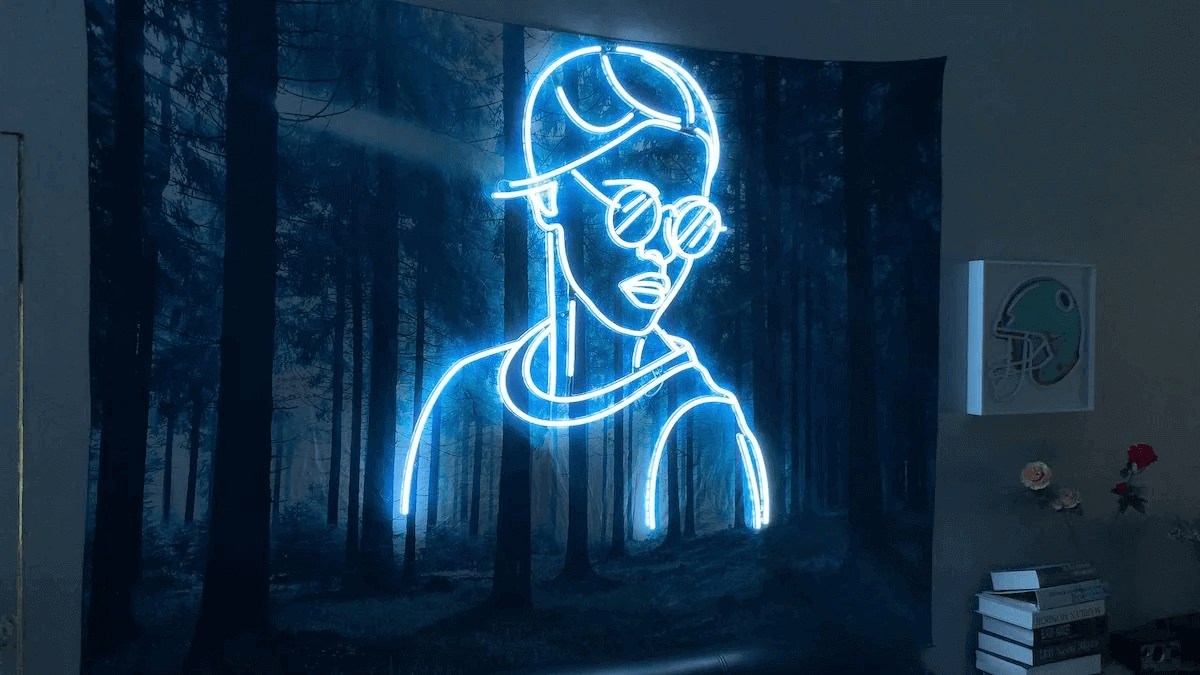
Image source: reddit.com
## What are electric blue neon blue aesthetic signs?
Electric blue neon signs are [neon signs](https://en.wikipedia.org/wiki/Neon_sign) that glow a bright, cool blue. Pure neon gas only glows reddish-orange. Other colours, including blue, come from other gases, or from an argon and mercury mixture whose ultraviolet light makes a phosphor coating inside the tube glow its own colour ([Wikipedia: Neon sign](https://en.wikipedia.org/wiki/Neon_sign)).
Electric blue signs are also made as LED neon. LED strips are built on a flexible circuit board and can be used to resemble traditional neon lights, with no gas or glass tube ([Wikipedia: LED strip light](https://en.wikipedia.org/wiki/LED_strip_light)).

Image source: intergroup-partners.com.com
Electric blue suits tech, gaming and nightlife spaces as well as calmer settings like bedrooms and spas.
## The psychology of electric blue neon
Blue is a widely liked colour. Surveys across the US and Europe found blue is the colour both men and women are most likely to name as their favourite, and the colour most often associated with harmony, confidence, calmness and intelligence; the United Nations and the European Union both chose blue for their flags partly because of that association with harmony ([Wikipedia: Blue](https://en.wikipedia.org/wiki/Blue)).
Because blue is associated with calmness, electric blue neon suits bedrooms and spas. In gaming setups and nightlife venues, it can give a futuristic look.
**Related reading:** [Purple neon light: meaning, shades and buying guide](/posts/neon/purple-neon-sign/)
## Electric blue neon signs customisation
### Who buys electric blue neon signs
Electric blue neon buyers include, for example, home decor and gifting customers ordering a personalised sign for a bedroom or living room, bars and restaurants wanting a feature wall or logo sign, retailers building a blue-toned storefront display, and gamers and streamers using it as bias lighting behind a monitor.
### Pricing and selling it online
Instead of quoting each electric blue neon sign by email, a live customiser lets a shopper type their text, pick a font, choose a shade of blue, set a size and a backboard, and see a design preview and price update as they go. You set the rates; the customiser runs your pricing rules against what the customer picks. [Sign Customiser](/solutions/neon-signs/) is built for this: a sign shop configures fonts, tube colours, backboard shapes and pricing once, and customers design their sign on the shop’s own website.
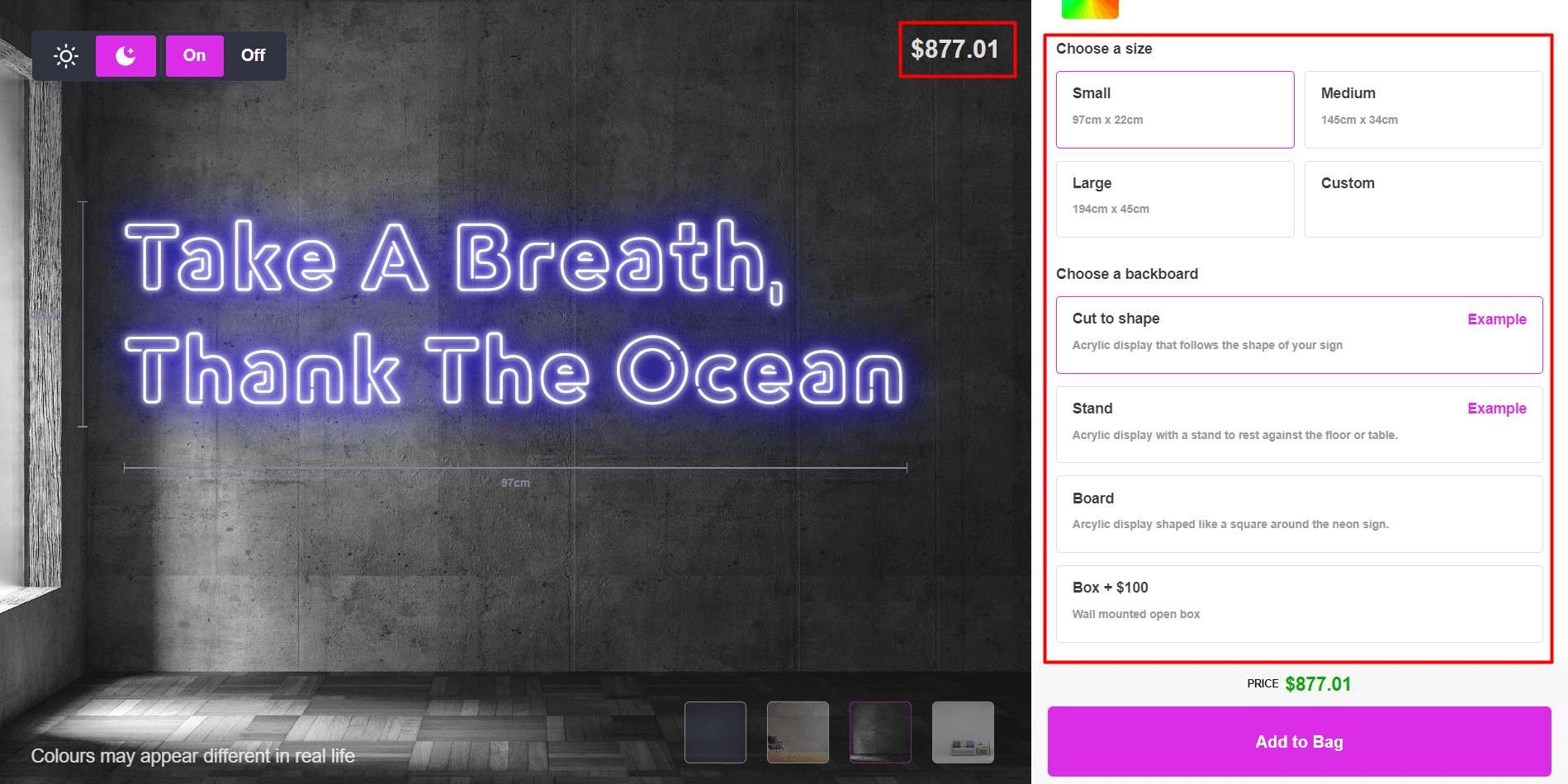
### A worked pricing example
One way to price neon is by tube length rather than a flat fee. Sign Customiser’s “Advanced Letter” pricing model (MATERIAL\_LENGTH) uses the formula (tube length in cm × price per cm) + base price. The numbers below are illustrative only; you set your own rates in the admin.
Design
Tube length
Price per cm (example rate)
Base price (example rate)
Illustrative total
Small script sign
30 cm
$2.50
$35
$110
Medium script sign
60 cm
$2.50
$35
$185
Swipe for more
A colour or option selection, such as an RGB upgrade, can add a further base price or a price multiplier on top of that total. You control what each selection costs.
### Production and material notes
Electric blue neon signs are made in two main ways. LED neon uses LED strips on a flexible circuit board. Glass neon uses gas-filled glass tubing shaped and sealed by a neon bender. LED neon has no glass tubing to break.
When SVG output is turned on, the order email links to an SVG file of the design, along with the colour, material and options the customer chose, so your production team or supplier gets order-ready details without a back-and-forth. Backboard colour, material and texture are configurable per customiser.
### Get started
[Sign Customiser](/solutions/neon-signs/) works with Shopify, WooCommerce, Wix, Webflow, Squarespace and Etsy. Plans run from $29 to $299 a month, and every plan starts with a 7-day free trial. [Start your free trial](/install/), or see full [pricing](/pricing/).
## Popular electric blue neon sign designs
- **Text signs.** A word or short phrase, such as “Hello” or “Take it easy”.
- **Word and logo signs.** A shop name, brand logo or section label, such as the “DENIM” sign a clothing shop uses to mark its jeans section.
- **Shape signs.** Outlines such as a moon, a wave or a simple line drawing.
Image source: freeimages.com
By room: a crescent moon and wave design, or a short phrase, above the headboard for a bedroom; a word or quote resting on a shelf or table for a living room or home office; and a logo or word sign in a window or above a product display for a bar or retail space, the way “DENIM” marks a section in a clothing shop.
Image source: amazon.com
Image source: pinterest.com
Image source: selicorneon.com
## The future of electric blue neon signs
Blue neon also appears on screen. The still below from the 1982 science fiction film Blade Runner shows a street scene lit by blue and pink neon signs. The same cool glow suits gaming setups, tech offices and nightlife venues, and it also works in calmer rooms such as bedrooms and spas.
Image source: filmandfurniture.com
## Cost of electric blue neon blue aesthetic signs?
The price of an electric blue neon sign depends on its size, the length of tube or LED strip it needs, and any extras such as a backboard, dimmer or remote.
A quick way to check a price is to build the design in a live customiser and watch the price update as you go, rather than requesting a quote by email.
## FAQs about electric blue neon blue aesthetic signs
### What is the difference between electric blue and neon blue?
“Electric blue” is named after the glow of electric sparks and ionised gas, and its meaning now covers any intense, vivid blue ([Wikipedia: Electric blue (color)](https://en.wikipedia.org/wiki/Electric_blue_\(color\))). This article uses “neon blue” and “electric blue” for the same bright, cool blue, whether the sign is glass neon or LED neon.
### What does blue mean as a colour?
Blue is widely associated with calmness, confidence and intelligence. Surveys in the US and Europe find blue is the colour most often named as a favourite ([Wikipedia: Blue](https://en.wikipedia.org/wiki/Blue)).
### Is LED neon better than glass neon for electric blue signs?
For many home and business signs, LED neon is a practical choice: it has no glass tubing to break and no gas to seal. Glass neon still has a place for a traditional look or an exact vintage-style glow.
### Are LED neon signs energy-efficient?
Yes. LEDs put out more light per watt than incandescent bulbs, so a small LED sign uses far less power than an equivalent incandescent light for the same brightness ([Wikipedia: Light-emitting diode](https://en.wikipedia.org/wiki/Light-emitting_diode)).
## Sources
- [Wikipedia: Neon sign](https://en.wikipedia.org/wiki/Neon_sign)
- [Wikipedia: Blue](https://en.wikipedia.org/wiki/Blue)
- [Wikipedia: Light-emitting diode](https://en.wikipedia.org/wiki/Light-emitting_diode)
- [Wikipedia: LED strip light](https://en.wikipedia.org/wiki/LED_strip_light)
- [Wikipedia: Electric blue (color)](https://en.wikipedia.org/wiki/Electric_blue_\(color\))
**Related guides:**
- [The cost of a custom neon sign, explained](/posts/neon/custom-neon-signs-cost/)
- [Neon wedding signs: ideas and placement](/posts/neon/neon-wedding-sign/)
- [Custom aesthetic neon signs](/posts/neon/aesthetic-neon-signs/)
Tags
- [neon](/posts/neon/)

About the author
### Matthew Attanasio
Founder, Sign Customiser
Matthew founded Sign Customiser to solve a problem he saw sign businesses facing every day: the endless back-and-forth of manual quoting. With a background in e-commerce development and a decade of experience building Shopify solutions at Sky Foundry, he set out to automate the entire custom sign selling process.
- E-commerce
- Shopify
- Sign Industry
- Product Strategy
[View profile](/authors/matthew-attanasio/)[](https://au.linkedin.com/in/matthew-attanasio-92500a36)[](https://github.com/matthewattanasio)
Let your customers design their own signs

Add a full sign customiser to your online store in minutes. Neon, acrylic, metal — with real-time pricing.
[Start your free 7-day trial](/install/)
Works with Shopify, WooCommerce, Wix & more. 7 days free. Every plan includes every feature.
Let your customers design their own signs

Add a full sign customiser to your online store in minutes. Neon, acrylic, metal — with real-time pricing.
[Start your free 7-day trial](/install/)
Works with Shopify, WooCommerce, Wix & more. 7 days free. Every plan includes every feature.
Related
## From theblog
Expert insights, industry trends, and actionable tips to enhance your online sign business.
[View all articles](/posts/)

neon·March 30, 2023
### [Exploring the benefits of acrylic neon signs for business signage](/posts/neon/acrylic-neon-signs/)
Customizable and Durable: Why Acrylic Neon Signs are a Smart Choice for Your Business Signage Needs
Read more

neon·September 26, 2023
### [45+ aesthetic neon quotes to light up your space](/posts/neon/aesthetic-neon-quotes/)
45+ aesthetic neon quotes for bedrooms, weddings and shop walls, plus how sign shops price and sell custom neon quote signs on their own website.
Read more

neon·September 26, 2023
### [Aesthetic neon signs: styles, ideas and pricing](/posts/neon/aesthetic-neon-signs/)
See the styles and colours behind aesthetic neon signs, get design ideas for any room, and learn how sign shops price and sell them online with a live customiser.
Read more

neon·December 25, 2022
### [Are neon signs dangerous? 14 great tips to stay safe](/posts/neon/are-neon-signs-dangerous/)
Get our 14 great tips to avert accidents & keep your family safe around neon signs with this post.
Read more

neon·September 26, 2023
### [Why are black neon signs the latest trend in home decor?](/posts/neon/black-neon-sign/)
Unleash your creativity with black neon signs and 20+ creative ideas for businesses, events, or personal spaces.
Read more

neon·December 5, 2022
### [Custom neon signs cost: the ultimate guide for Shopify store owners](/posts/neon/custom-neon-signs-cost/)
We explore the primary factors that influence the custom neon signs cost and strategies store owners can apply to increase sales and profit margins. Click to see more details!
Read more

neon·June 23, 2023
### [Design tips for creating eye-catching DIY neon signs](/posts/neon/design-tips-for-creating-eye-catching-diy-neon-signs/)
Neon signs have long been a captivating way for businesses to attract attention and make bold statements. With the rise of do-it-yourself (DIY) projects, creating your own neon sign has become an accessible and cost-effective option for businesses looking to stand out.
Read more

neon·January 5, 2025
### [How to make a DIY neon sign: step-by-step tutorial (LED flex method)](/posts/neon/diy-neon-sign/)
Learn how to make your own LED neon sign at home. Complete step-by-step guide with materials list, tools needed, and expert tips for beginners.
Read more

neon·April 3, 2023
### [Faux neon signs: LED alternatives, costs & business guide (2026)](/posts/neon/faux-neon-sign/)
Complete guide to faux neon (LED neon) signs. Compares LED vs glass neon, covers profit margins for sign shops, and explains why LED neon dominates the market.
Read more

neon·March 28, 2023
### [Are glass neon signs worth it?](/posts/neon/glass-neon-signs/)
Are you curious about the cost and lifespan of glass neon signs? Our guide has all the answers you need to make an informed purchase.
Read more

neon·March 30, 2023
### [How to hang a neon sign: step-by-step guide (with & without nails)](/posts/neon/hanging-neon-signs/)
Learn how to hang a neon sign on any surface. Step-by-step instructions for drywall, brick, concrete & glass. Plus tips to hide wires and avoid wall damage.
Read more

neon·December 23, 2022
### [How to make custom neon signs, the easy guide for Shopify sign stores](/posts/neon/how-to-make-custom-neon-signs/)
Learn how to make custom neon signs as a producer. We also show you a secret to let buyers customize & view their signs in real-time.
Read more

neon·February 3, 2026
### [LED neon sign production: how custom neon signs are made](/posts/neon/led-neon-sign-production-process/)
LED neon signs are manufactured through a precise multi-stage process. Learn how custom LED neon signs are made, from acrylic backing preparation to tube bending, wiring, and quality testing.
Read more

neon·March 29, 2023
### [LED neon signs - a cost-effective alternative?](/posts/neon/led-neon-signs/)
Are LED neon signs worth it? Find out the answer and learn about their lifespan, energy efficiency, and low maintenance requirements.
Read more

neon·March 10, 2026
### [Name in lights: what customers type into a neon name sign generator](/posts/neon/name-in-lights-generator/)
Sign Customiser data: 70% of LED neon designs added to cart are two words or fewer, and one in four keep the default font. What that means for your generator.
Read more

neon·January 5, 2026
### [Neon art: what it is, who made it famous and how it is made](/posts/neon/neon-art/)
Neon art is art made from hand-bent glass tubes of glowing gas. The artists who made it famous, where to see their work, and how a drawing becomes neon.
Read more

neon·March 19, 2026
### [Neon light writer: 6 free and paid neon text tools compared](/posts/neon/neon-light-writer/)
Neon light writers compared: free neon text generators such as FlamingText, Cool Text and Canva, and sign software that turns words into LED neon signs.
Read more

neon·January 5, 2025
### [Neon open signs: the complete guide to open signs for businesses (2025)](/posts/neon/neon-open-signs/)
Discover the best neon and LED open signs for your business. Compare types, sizes, and installation options. Plus expert tips for choosing the perfect open sign.
Read more

neon·April 2, 2023
### [Neon signs hub: your one stop shop for all things neon signs](/posts/neon/neon-sign/)
Discover the colorful world of neon signs with our ultimate guides! Learn about their history, design, cost, and much more.
Read more

neon·April 5, 2023
### [70 neon sign ideas by room & occasion (2026 guide)](/posts/neon/neon-sign-ideas/)
See 70 neon sign ideas for bedrooms, weddings, bars and businesses, organised by room and occasion, plus how sign shops price and sell them online.
Read more

neon·April 4, 2023
### [Best neon sign quotes: 150+ ideas for every occasion (2026)](/posts/neon/neon-sign-quotes/)
Curated neon sign quotes for weddings, businesses, bars, bedrooms and more. Includes best-selling categories and pricing strategies for sign shops.
Read more

neon·April 1, 2023
### [Neon sign repair guide: DIY fixes & when to call a pro](/posts/neon/neon-sign-repair/)
Complete guide to neon sign repair. Troubleshoot common problems, learn DIY fixes, compare costs, and know when to hire a professional for neon light repair.
Read more

neon·January 5, 2025
### [Neon signs for room decor: 60+ ideas for bedrooms, gaming rooms & more](/posts/neon/neon-signs-for-room/)
Transform any room with neon signs. Browse 60+ ideas for bedrooms, gaming rooms, living rooms and home offices. Plus size, colour and placement tips.
Read more

neon·January 12, 2023
### [Neon versus LED: what are the differences? Which is right for you?](/posts/neon/neon-vs-led/)
We compare neon vs LED neon signs in this informative article. From lighting to maintenance, we cover pros & cons of each to help you make an informed decision on.
Read more

neon·September 26, 2023
### [Neon wedding signs: 40+ ideas, placement guide & costs](/posts/neon/neon-wedding-sign/)
Complete guide to neon signs for wedding decor. Discover 40+ ideas, placement tips, rental vs purchase costs, and how to match your wedding theme.
Read more

neon·September 26, 2023
### [Purple neon light: meaning, shades & buying guide](/posts/neon/purple-neon-sign/)
What purple neon light means, the shades from lavender to magenta, and how sign shops price and sell custom purple neon signs online with a live customiser.
Read more

neon·September 26, 2023
### [White neon sign: a guide to choosing the right one!](/posts/neon/white-neon-sign/)
Looking for a chic and modern addition to your decor? Check out our guide to choosing the best white neon sign.
Read more

neon·December 12, 2022
### [Why are neon signs so expensive? 2026 pricing guide for sign shops](/posts/neon/why-are-neon-signs-so-expensive/)
Complete breakdown of neon sign costs for sign shop owners. Covers material, labour, and overhead costs plus strategies to improve margins with LED neon.
Read more
[View all articles](/posts/)
## Sitemap
See the full [sitemap](/sitemap.md) for all pages.
---
## Faux Neon Signs: LED Alternatives, Costs & Business Guide (2026) - Sign Customiser Blog
Source: [https://www.signcustomiser.com/posts/neon/faux-neon-sign/](https://www.signcustomiser.com/posts/neon/faux-neon-sign/)
## Faux neon signs: the modern alternative to glass neon
“Faux neon” is the industry term for LED neon signs—flexible LED strips inside silicone tubing that mimic the look of traditional glass neon. They’ve largely replaced glass neon in the sign industry because they’re cheaper to produce, safer to ship, and easier to install.
LED faux neon sign
For sign shop owners, LED neon offers significantly better margins than glass neon. For customers, they get the neon aesthetic at 30-50% lower prices. This guide covers what faux neon is, how it compares to traditional neon, and why it’s become the standard choice for most neon sign orders.
This is chapter 10 in [the neon sign library](https://www.signcustomiser.com/posts/neon/neon-sign/)
## Types of faux neon signs
Several technologies create the “neon look” without glass tubes:
**[LED neon flex](https://www.signcustomiser.com/posts/neon/led-neon-signs/)** is the industry standard. Flexible silicone tubing houses LED strips, bent to shape and mounted on acrylic backing. This is what most “neon signs” sold today actually are.
**[Rope lights](https://en.wikipedia.org/wiki/Rope_light)** are a budget option—PVC tubing with LEDs inside. Less bright than LED neon flex and limited to straight lines or gentle curves.
**[EL wire](https://en.wikipedia.org/wiki/Electroluminescent_wire)** (electroluminescent wire) glows along its length. Very thin and flexible but dim—works for costumes and crafts, not commercial signage.
### LED neon vs glass neon: quick comparison
Factor
LED Neon (Faux)
Glass Neon
Price
£80-300
£200-800+
Production time
1-3 days
1-2 weeks
Shipping risk
Low
High (breakage)
Installation
DIY possible
Professional
Lifespan
30,000-50,000 hours
8,000-15,000 hours
Power consumption
5-15W typical
50-100W typical
Colour options
RGB available
Limited by gas
Swipe for more
For detailed comparison, see [Neon versus LED: an in-depth neon sign comparison](https://www.signcustomiser.com/posts/neon/neon-vs-led/).
## What is faux neon made from?
Modern LED neon signs use three main components:
**Silicone tubing** houses the LEDs and creates the “glow” effect. Higher-quality signs use pure silicone (UV-resistant, flexible at low temperatures). Budget signs use [PVC](https://en.wikipedia.org/wiki/Polyvinyl_chloride), which yellows over time and cracks in cold weather.
**LED strips** sit inside the tubing. Quality varies significantly—cheap strips have visible “dots” while premium strips create smooth, even illumination.
**[Acrylic](https://en.wikipedia.org/wiki/Poly\(methyl_methacrylate\)) backing** provides the mounting surface. Usually clear or black, 5-10mm thick, laser-cut to the sign shape.
### Material quality tiers
Tier
Tubing
LEDs
Price Point
Use Case
Budget
PVC
Standard
£60-120
Events, temporary
Mid-range
Silicone
Quality
£120-250
Home, retail
Premium
Pure silicone
High-density
£250-500
Commercial, outdoor
Swipe for more
**Learn more:** [Are acrylic neon signs the future of business signage?](https://www.signcustomiser.com/posts/neon/acrylic-neon-signs/)
## Why sign shops choose LED neon
For business owners selling neon signs, LED neon makes more sense than glass neon in almost every scenario:
### Profit margin comparison
Factor
Glass Neon
LED Neon
Material cost
£80-200
£20-60
Labour time
4-8 hours
1-2 hours
Shipping cost
High (fragile)
Standard
Breakage rate
5-15%
< 1%
**Typical margin**
**30-50%**
**50-70%**
Swipe for more
### Business advantages
**Faster turnaround:** LED neon production takes hours, not days. Same-week delivery is standard.
**Lower skill barrier:** No gas-bending expertise needed. Train staff in days, not years.
**Safer shipping:** No glass means no breakage claims, no customer disappointment, no remake costs.
**More customisation:** RGB LEDs offer colour-changing options impossible with glass. Dimming is built-in.
**Easier installation:** Customers can mount LED neon themselves. Glass neon requires professional installation.
### When glass neon still makes sense
- Vintage restoration projects
- Customers specifically requesting authentic neon
- Ultra-premium brand experiences
- Outdoor signs in extreme temperatures (glass handles heat better)
## How to make a faux neon sign
Crafting a faux neon sign is a thrilling and gratifying undertaking that can delight the senses. **To undertake this endeavor, there exist various techniques at one’s disposal, such as LED lights, rope lights, and EL wire.** The method chosen is contingent on the intended effect and available funds, each having its own benefits and drawbacks.
**Beginning with LED lights, selecting the appropriate LED strip is the foremost step.** These strips are offered in diverse colors and are modifiable to suit any configuration or dimension. Once you have obtained your LED strip, the next step entails affixing it to a backing board or surface, which can be accomplished by utilizing silicone sealant or adhesive.
Play video: How to make an LED neon sign in personalized handwritting
How to make an LED neon sign in personalized handwritting
**Alternatively, for those opting for rope lights, choosing the appropriate size and color is crucial.** Rope lights come in varying thicknesses, ranging from ¼ inch to ½ inch, and can be tailored to any form or size. To achieve a faux neon sign utilizing rope lights, affixing them to a backing board or surface using clips or adhesive is necessary.
Image source: nitrocdn.com
**Lastly, selecting the appropriate color and thickness of EL wire is a prerequisite for making a faux neon sign using this method.** EL wire is obtainable in numerous colors and can be modified to fit any magnitude or contour. To assemble a faux neon sign utilizing EL wire, affixing the wire to a backing board or surface using clips or adhesive is a requirement.
Play video: How to make faux neon sign
How to make faux neon sign
## Cost of making a faux neon sign
Creating a faux neon sign is an optimal strategy for enhancing the aesthetic appeal of your home, business, or event in a budget-friendly manner. **The price can be various from hundred dollars to thousand dollars up to many factors such as [size](https://www.signcustomiser.com/posts/neon/neon-sign/), material and design, etc.** Nevertheless, it’s imperative to fathom the costs involved in this endeavor before plunging in headfirst.
Calculating the total cost of creating a faux neon sign necessitates considering the size, complexity, and materials you plan to employ. Some online faux neon sign makers furnish cost calculators to facilitate estimating expenses. **Apart from materials, labor costs may also need to be accounted for if you plan to delegate the task of crafting and installing the sign to a professional.**
**To curtail expenses when fashioning a faux neon sign, certain measures can be undertaken.** One such measure is opting for less [expensive](https://www.signcustomiser.com/posts/neon/why-are-neon-signs-so-expensive/) materials or a more straightforward design. You can also economize by crafting and installing the sign yourself if you possess the necessary skill set and tools. Additionally, buying materials in bulk can serve as a cost-saving strategy in the long haul.
## How to tell LED neon from glass neon
LED neon has become so good that many people can’t tell the difference. Here’s how to identify each:
**Glass neon indicators:**
- Visible glass tubes (you can see the tube structure)
- Slight flicker at 50/60Hz
- Warm to touch when operating
- Audible buzz from transformer
- Higher brightness, especially whites
**LED neon indicators:**
- Flexible silicone tubing
- Completely silent operation
- Cool to touch
- Even, consistent glow
- May show slight “dotting” on close inspection
[Traditional glass neon signs](https://www.signcustomiser.com/posts/neon/glass-neon-signs/) also carry [UL certification marks](https://marks.ul.com/about/) and require professional installation due to high-voltage transformers.
## How to mimic neon?
If you’re yearning to replicate the striking, luminous ambiance of a neon sign, but desire to sidestep the use of actual neon, there exist a multitude of techniques at your disposal. **One such technique is the utilization of paint or gel filters, which offer the ability to produce a neon-esque aesthetic.** These materials are customarily transparent, and they are obtainable in an array of colors, rendering the creation of the brilliant and audacious appearance of a neon sign a breeze.
Play video: How i paint awesome 3D neon light effects
How i paint awesome 3D neon light effects
**To begin, you must select the ideal paint or gel filters for your venture.** Opt for products that are exclusively engineered for the purpose of generating a neon effect, as they will provide the most satisfactory outcomes. Once you have acquired your materials, you may proceed to apply them to your surface.
**To engender a neon-like effect with paint, start by painting your surface with a foundational coat in the color of your choosing.** Subsequently, employ a small brush to apply the paint in thin, even layers. Progressively build up the layers until you attain the desired degree of brightness and saturation.
**Gel filters are an additional option for mimicking neon.** These thin, pliant sheets can be trimmed to size and adhered to your surface using adhesive. To generate a neon-like effect, select a filter in the color of your preference and affix it to your surface. Additional filters in varying colors may then be added to formulate a more intricate design.
**When endeavoring to simulate neon, it is of the essence to pay scrupulous attention to details such as the placement and spacing of your lines.** By meticulously devising and executing your design, you can achieve a more convincing neon effect.
**To procure the most desirable outcomes, it is recommended that you hone your skills on a smaller scale before attempting a more extensive project.** And don’t be apprehensive to experiment with an array of techniques and materials until you discover the one that is optimal for your requisites.
**Learn more**: [Looking for unique decor? Try these 30+ NEON SIGN IDEAS!](https://www.signcustomiser.com/posts/neon/neon-sign-ideas/)
## How to make a drawing look like a faux neon sign?
The process of transforming a drawing into a faux neon sign can be an exciting and imaginative endeavor. There are various methodologies that you can utilize to accomplish this task, relying on your preferences and resources available to you.
**One alternative is to utilize neon effect applications that allow you to digitally apply neon effects to your drawing.** These applications come with numerous styles and color options, and you can regulate the intensity of the neon effect to your liking.
**Should you opt to utilize a neon effect app, the initial step is to select an application that suits your requirements.** Numerous free and paid applications are available in app stores, each equipped with its distinct set of features. After selecting an app, upload your drawing and opt for the neon effect option. You can then adjust the color, style, and intensity of the effect until you are content with the outcome. Some apps may also enable you to incorporate animation into your faux neon sign.
**Alternatively, you can hand paint your drawing to create a faux neon appearance.** Although this method may require more time and effort, it can result in a distinct and personalized piece of artwork.
**If you prefer to hand paint your drawing, you will require materials such as acrylic paints, a brush, and a surface to paint on.** Begin by sketching your design onto the surface using a pencil. Then, use your brush and paint to fill in the sketch with the desired colors. To create a faux neon effect, use brighter colors for the outlines and darker colors for the inner parts of your design. You can also add shadows and highlights to create depth and dimension. Once you have finished painting, allow it to dry entirely before displaying or mounting it.
When creating a faux neon sign from a drawing, it’s crucial to pay attention to details to achieve the best possible outcome. Choose a design that is simple yet visually appealing, and ensure that the colors and shapes complement each other. If you are using a neon effect app, experiment with different settings until you find the perfect combination. If you are hand painting your design, take your time and be patient to get the best possible outcome.
**Learn more:** [What are THE BEST NEON SIGN QUOTE IDEAS? Find Out Now!](https://www.signcustomiser.com/posts/neon/neon-sign-quotes/)
## How to make something look like faux neon?
If you are seeking to create a faux neon effect, there are a multitude of techniques that you may utilize. **One prevalent approach involves [silk screening](https://www.instructables.com/How-to-Silk-Screen/) to achieve a similar aesthetic.** Silk screening necessitates using a stencil to apply ink onto a surface, resulting in a printed image.
- To produce a faux neon sign with silk screening, you must begin by fabricating a stencil of your design. This may be accomplished either by hand or by employing a computer.
- Once you have your stencil, you must apply it to the surface and utilize a squeegee to apply ink onto the surface, taking care to fill in all of the spaces in the stencil.
- After the ink has dried, you may integrate LED lights or rope lights behind the stencil to produce a neon-like radiance.
Play video: Neon light effects when printing in vinyl
Neon light effects when printing in vinyl
To attain optimal outcomes while attempting to create a faux neon look, it is essential to select the appropriate materials and techniques for your project. **When working with vinyl or silk screening, it is crucial to employ high-quality materials and adhere to the instructions scrupulously.** Moreover, it is recommended that you experiment with various lighting alternatives to identify the most effective combination for your design.
## Other illuminated sign options
If LED neon isn’t right for your project, consider these alternatives:
### Lightboxes
Lightbox sign example
Printed graphics backlit by LEDs. Best for: logos, photographs, complex designs. Price range: £100-400. Production: 3-5 days. To build one yourself, see [how to make a lightbox sign](/posts/lightbox/how-to-make-a-lightbox-sign/).
### Channel letters
3D metal letters with internal LED illumination. Best for: storefront signage, corporate branding. Price range: £300-1,500+. Professional installation required.
### Edge-lit acrylic

Backlit sign example
LEDs shine through the edge of clear acrylic, creating a glowing effect. Best for: modern/minimalist designs. Price range: £80-250. DIY-friendly.
### Comparison for sign shops
Type
Margin
Production Time
Skill Level
LED neon
50-70%
1-3 days
Low
Lightbox
40-60%
3-5 days
Low
Channel letters
30-50%
5-10 days
High
Edge-lit
50-65%
2-4 days
Low
Swipe for more
For [neon sign repair and maintenance](https://www.signcustomiser.com/posts/neon/neon-sign-repair/), LED neon is significantly easier than glass.
**Learn more:** [How to hang neon signs LIKE A PRO? The ultimate guide](https://www.signcustomiser.com/posts/neon/hanging-neon-signs/)
## Selling LED neon with Sign Customiser
[Sign Customiser](https://www.signcustomiser.com) makes selling LED neon signs online straightforward:
1. **Configure pricing rules** based on text length or sign dimensions
2. **Let customers preview** their design with colour and font options
3. **Capture production specs** automatically—no back-and-forth emails
4. **Show instant pricing**—customers know costs before ordering
Most neon sign businesses use Sign Customiser to handle 70-80% of enquiries without manual quoting.
## Summary
LED neon (faux neon) has become the standard for most neon sign orders. For sign shops, it offers better margins, faster production, and lower risk than glass neon. For customers, it delivers the neon aesthetic at accessible prices.
The technology continues improving—2026 LED neon is brighter, more colour-accurate, and more durable than versions from just a few years ago. Unless a customer specifically requests traditional glass neon, LED is the right recommendation for most applications.
**Related guides:**
- [Why are neon signs expensive?](https://www.signcustomiser.com/posts/neon/why-are-neon-signs-so-expensive/)
- [Neon sign safety](https://www.signcustomiser.com/posts/neon/are-neon-signs-dangerous/)
- [30+ neon sign ideas](https://www.signcustomiser.com/posts/neon/neon-sign-ideas/)
Tags
- [neon](/posts/neon/)
- [acrylic](/posts/acrylic/)

About the author
### Matthew Attanasio
Founder, Sign Customiser
Matthew founded Sign Customiser to solve a problem he saw sign businesses facing every day: the endless back-and-forth of manual quoting. With a background in e-commerce development and a decade of experience building Shopify solutions at Sky Foundry, he set out to automate the entire custom sign selling process.
- E-commerce
- Shopify
- Sign Industry
- Product Strategy
[View profile](/authors/matthew-attanasio/)[](https://au.linkedin.com/in/matthew-attanasio-92500a36)[](https://github.com/matthewattanasio)
Let your customers design their own signs

Add a full sign customiser to your online store in minutes. Neon, acrylic, metal — with real-time pricing.
[Start your free 7-day trial](/install/)
Works with Shopify, WooCommerce, Wix & more. 7 days free. Every plan includes every feature.
Let your customers design their own signs

Add a full sign customiser to your online store in minutes. Neon, acrylic, metal — with real-time pricing.
[Start your free 7-day trial](/install/)
Works with Shopify, WooCommerce, Wix & more. 7 days free. Every plan includes every feature.
Related
## From theblog
Expert insights, industry trends, and actionable tips to enhance your online sign business.
[View all articles](/posts/)

acrylic·January 29, 2024
### [3D acrylic letters: what they are, how they're made](/posts/acrylic/3d-acrylic-letters/)
What 3D acrylic letters are, how they're layered and mounted, and how sign shops price and sell them online with a live customiser and worked example.
Read more

acrylic·February 2, 2024
### [3D acrylic logo signs: corporate branding, colour matching & pricing](/posts/acrylic/3d-acrylic-logo-sign/)
Guide to 3D acrylic logo signs for sign shops. Covers corporate client workflows, Pantone colour matching, logo complexity pricing, and reception signage best practices.
Read more

acrylic·January 29, 2024
### [How are acrylic channel letters transforming businesses?](/posts/acrylic/acrylic-channel-letters/)
Are you curious about acrylic channel letters? Let's explore how acrylic channel letters redefine business visibility and captivate your audience.
Read more

acrylic·January 29, 2024
### [Acrylic letters for signs: types, uses & pricing](/posts/acrylic/acrylic-letters/)
What acrylic letters for signs are, the thicknesses, finishes and mounting options, plus how sign shops price and sell them online with a live customiser.
Read more

acrylic·January 29, 2024
### [Top spots to shop chic wedding acrylic signs](/posts/acrylic/wedding-acrylic-signs/)
Wedding acrylic signs have taken the wedding scene by storm, offering a sleek, modern touch to any nuptial celebration.
Read more

neon·March 30, 2023
### [Exploring the benefits of acrylic neon signs for business signage](/posts/neon/acrylic-neon-signs/)
Customizable and Durable: Why Acrylic Neon Signs are a Smart Choice for Your Business Signage Needs
Read more

neon·September 26, 2023
### [45+ aesthetic neon quotes to light up your space](/posts/neon/aesthetic-neon-quotes/)
45+ aesthetic neon quotes for bedrooms, weddings and shop walls, plus how sign shops price and sell custom neon quote signs on their own website.
Read more

neon·September 26, 2023
### [Aesthetic neon signs: styles, ideas and pricing](/posts/neon/aesthetic-neon-signs/)
See the styles and colours behind aesthetic neon signs, get design ideas for any room, and learn how sign shops price and sell them online with a live customiser.
Read more

neon·December 25, 2022
### [Are neon signs dangerous? 14 great tips to stay safe](/posts/neon/are-neon-signs-dangerous/)
Get our 14 great tips to avert accidents & keep your family safe around neon signs with this post.
Read more

neon·September 26, 2023
### [Why are black neon signs the latest trend in home decor?](/posts/neon/black-neon-sign/)
Unleash your creativity with black neon signs and 20+ creative ideas for businesses, events, or personal spaces.
Read more

neon·December 5, 2022
### [Custom neon signs cost: the ultimate guide for Shopify store owners](/posts/neon/custom-neon-signs-cost/)
We explore the primary factors that influence the custom neon signs cost and strategies store owners can apply to increase sales and profit margins. Click to see more details!
Read more

neon·June 23, 2023
### [Design tips for creating eye-catching DIY neon signs](/posts/neon/design-tips-for-creating-eye-catching-diy-neon-signs/)
Neon signs have long been a captivating way for businesses to attract attention and make bold statements. With the rise of do-it-yourself (DIY) projects, creating your own neon sign has become an accessible and cost-effective option for businesses looking to stand out.
Read more

neon·January 5, 2025
### [How to make a DIY neon sign: step-by-step tutorial (LED flex method)](/posts/neon/diy-neon-sign/)
Learn how to make your own LED neon sign at home. Complete step-by-step guide with materials list, tools needed, and expert tips for beginners.
Read more

neon·September 26, 2023
### [Electric blue neon signs: meaning, ideas and pricing](/posts/neon/electric-blue-neon-blue-aesthetic/)
What makes electric blue neon glow, the blue aesthetic it creates, sign ideas by room, and how sign shops price and sell custom blue neon online.
Read more

neon·March 28, 2023
### [Are glass neon signs worth it?](/posts/neon/glass-neon-signs/)
Are you curious about the cost and lifespan of glass neon signs? Our guide has all the answers you need to make an informed purchase.
Read more

neon·March 30, 2023
### [How to hang a neon sign: step-by-step guide (with & without nails)](/posts/neon/hanging-neon-signs/)
Learn how to hang a neon sign on any surface. Step-by-step instructions for drywall, brick, concrete & glass. Plus tips to hide wires and avoid wall damage.
Read more

neon·December 23, 2022
### [How to make custom neon signs, the easy guide for Shopify sign stores](/posts/neon/how-to-make-custom-neon-signs/)
Learn how to make custom neon signs as a producer. We also show you a secret to let buyers customize & view their signs in real-time.
Read more

neon·February 3, 2026
### [LED neon sign production: how custom neon signs are made](/posts/neon/led-neon-sign-production-process/)
LED neon signs are manufactured through a precise multi-stage process. Learn how custom LED neon signs are made, from acrylic backing preparation to tube bending, wiring, and quality testing.
Read more

neon·March 29, 2023
### [LED neon signs - a cost-effective alternative?](/posts/neon/led-neon-signs/)
Are LED neon signs worth it? Find out the answer and learn about their lifespan, energy efficiency, and low maintenance requirements.
Read more

neon·March 10, 2026
### [Name in lights: what customers type into a neon name sign generator](/posts/neon/name-in-lights-generator/)
Sign Customiser data: 70% of LED neon designs added to cart are two words or fewer, and one in four keep the default font. What that means for your generator.
Read more

neon·January 5, 2026
### [Neon art: what it is, who made it famous and how it is made](/posts/neon/neon-art/)
Neon art is art made from hand-bent glass tubes of glowing gas. The artists who made it famous, where to see their work, and how a drawing becomes neon.
Read more

neon·March 19, 2026
### [Neon light writer: 6 free and paid neon text tools compared](/posts/neon/neon-light-writer/)
Neon light writers compared: free neon text generators such as FlamingText, Cool Text and Canva, and sign software that turns words into LED neon signs.
Read more

neon·January 5, 2025
### [Neon open signs: the complete guide to open signs for businesses (2025)](/posts/neon/neon-open-signs/)
Discover the best neon and LED open signs for your business. Compare types, sizes, and installation options. Plus expert tips for choosing the perfect open sign.
Read more

neon·April 2, 2023
### [Neon signs hub: your one stop shop for all things neon signs](/posts/neon/neon-sign/)
Discover the colorful world of neon signs with our ultimate guides! Learn about their history, design, cost, and much more.
Read more

neon·April 5, 2023
### [70 neon sign ideas by room & occasion (2026 guide)](/posts/neon/neon-sign-ideas/)
See 70 neon sign ideas for bedrooms, weddings, bars and businesses, organised by room and occasion, plus how sign shops price and sell them online.
Read more

neon·April 4, 2023
### [Best neon sign quotes: 150+ ideas for every occasion (2026)](/posts/neon/neon-sign-quotes/)
Curated neon sign quotes for weddings, businesses, bars, bedrooms and more. Includes best-selling categories and pricing strategies for sign shops.
Read more

neon·April 1, 2023
### [Neon sign repair guide: DIY fixes & when to call a pro](/posts/neon/neon-sign-repair/)
Complete guide to neon sign repair. Troubleshoot common problems, learn DIY fixes, compare costs, and know when to hire a professional for neon light repair.
Read more

neon·January 5, 2025
### [Neon signs for room decor: 60+ ideas for bedrooms, gaming rooms & more](/posts/neon/neon-signs-for-room/)
Transform any room with neon signs. Browse 60+ ideas for bedrooms, gaming rooms, living rooms and home offices. Plus size, colour and placement tips.
Read more

neon·January 12, 2023
### [Neon versus LED: what are the differences? Which is right for you?](/posts/neon/neon-vs-led/)
We compare neon vs LED neon signs in this informative article. From lighting to maintenance, we cover pros & cons of each to help you make an informed decision on.
Read more

neon·September 26, 2023
### [Neon wedding signs: 40+ ideas, placement guide & costs](/posts/neon/neon-wedding-sign/)
Complete guide to neon signs for wedding decor. Discover 40+ ideas, placement tips, rental vs purchase costs, and how to match your wedding theme.
Read more

neon·September 26, 2023
### [Purple neon light: meaning, shades & buying guide](/posts/neon/purple-neon-sign/)
What purple neon light means, the shades from lavender to magenta, and how sign shops price and sell custom purple neon signs online with a live customiser.
Read more

neon·September 26, 2023
### [White neon sign: a guide to choosing the right one!](/posts/neon/white-neon-sign/)
Looking for a chic and modern addition to your decor? Check out our guide to choosing the best white neon sign.
Read more

neon·December 12, 2022
### [Why are neon signs so expensive? 2026 pricing guide for sign shops](/posts/neon/why-are-neon-signs-so-expensive/)
Complete breakdown of neon sign costs for sign shop owners. Covers material, labour, and overhead costs plus strategies to improve margins with LED neon.
Read more
[View all articles](/posts/)
## Sitemap
See the full [sitemap](/sitemap.md) for all pages.
---
## Are glass neon signs worth it? - Sign Customiser Blog
Source: [https://www.signcustomiser.com/posts/neon/glass-neon-signs/](https://www.signcustomiser.com/posts/neon/glass-neon-signs/)
## The art of illumination: exploring the world of glass neon signs
**Glass neon signs, an enigmatic and timeless art form, hold a revered position in the realm of lighting and design.** Since their inception in the early 1900s, these illuminated beacons have been used to fashion captivating displays that enrapture the senses in any environment.
To fully appreciate the art of illumination, one must take an in-depth plunge into the captivating world of glass neon signs, unraveling the science behind their enchanting glow, delving into their historical roots, and exploring the intricacies of their manufacturing process.
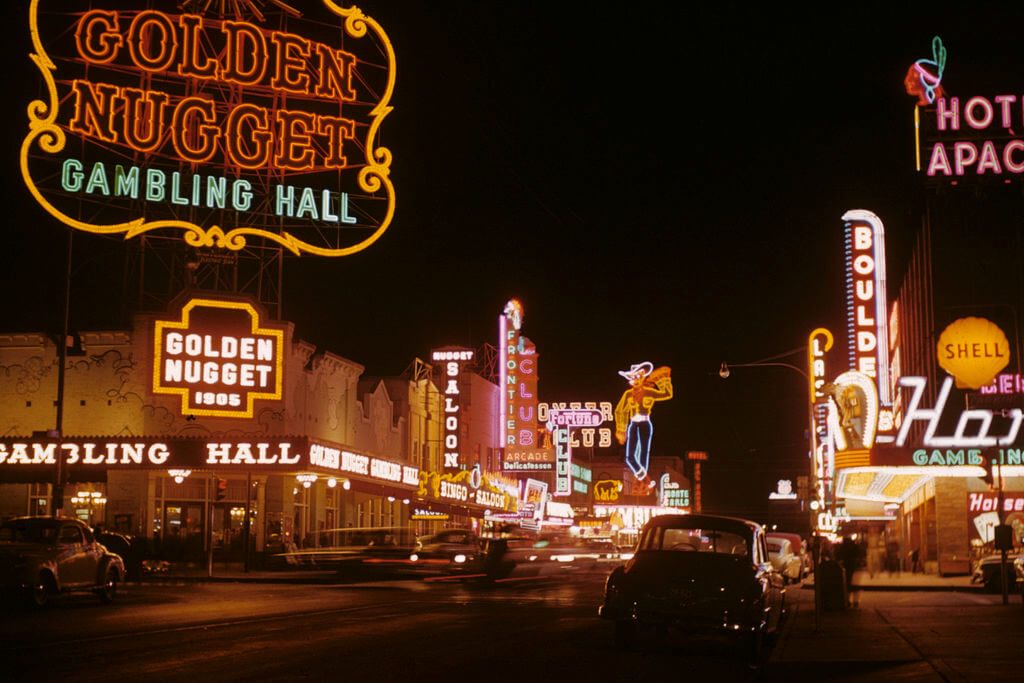
image source: northamericansigns.com
**This comprehensive guide provides a wealth of information, covering everything from the evolution of neon signs to their production, pricing, and beyond.** By the time you finish reading this guide, you will possess a profound appreciation of the allure of glass neon signs, and a better understanding of why they are the perfect choice for your next lighting project.
This is chapter 1 in [the neon sign library](https://www.signcustomiser.com/posts/neon/neon-sign/)
## The history and art of glass neon signs
[The illustrious history of glass neon signs](https://en.wikipedia.org/wiki/Neon_lighting) is one that stretches back to the early 20th century, a time of great technological innovation and artistic expression. **The year was 1910, and a brilliant French physicist by the name of [Georges Claude](https://en.wikipedia.org/wiki/Georges_Claude) had just discovered the miraculous ability of neon gas to produce stunningly vivid and striking light for the purposes of commercial advertisement.**
This revolutionary breakthrough immediately captured the attention of the most discerning commercial advertisers and visionary artists alike, who quickly recognized the enormous potential of neon signs to captivate and enthrall audiences with their dynamic visual impact.
image source: quizmastertrivia.com
**As the 1920s dawned, the radiance of neon signs had become an ubiquitous feature of cityscapes across the globe.** They were utilized for a wide range of functions, from advertising to architectural embellishment, and their unique properties rendered them a top choice for the most daring and innovative artists seeking to infuse their work with a luminous and otherworldly aura.
**Moreover, the incredible versatility of neon signs played an instrumental role in the development of new and exciting artistic movements, including [Art Deco](https://en.wikipedia.org/wiki/Art_Deco) and [Streamline Moderne](https://en.wikipedia.org/wiki/Streamline_Moderne).** The limitless creative potential of neon light empowered artists to unleash their imaginations, unleashing a wave of brilliant, bold designs that were utterly unparalleled by traditional forms of illumination.
**In the present day, glass neon signs remain an enduring symbol of timeless aesthetic allure and distinctive flair.** They continue to be utilized for commercial advertising and have found new applications in [neon art](/posts/neon/neon-art/) and interior design. By delving into the captivating history and artistic significance of glass neon signs, we can gain a deeper appreciation for their inimitable charm and enduring appeal.
## What are glass neon signs? How do they work?
**Glass neon signs are a type of illuminated signage made using glass tubes filled with [neon gas](https://www.britannica.com/science/neon-chemical-element).** When an electric current is passed through the gas, it emits a vibrant, glowing light. Glass neon signs have a unique and classic look that is often associated with retro diners, bars, and other establishments.
**The scientific principles behind the glow of neon signs are based on the behavior of electrons and ions in an electric field.** When an electrical current is applied to the gas in the tube, it ionizes the gas atoms, causing the electrons in the gas to jump to higher energy levels. When these electrons return to their original energy level, they emit energy in the form of light, creating the bright glow of the neon sign.
Play video:
## How to make a glass neon sign?
**Creating a glass neon sign is a delicate process that requires precision and attention to detail.** While it may seem daunting, with the right tools and materials, it is possible to make a high-quality neon sign.
**To start, you will need glass tubing, a gas that can be ionized (such as neon, [argon](https://www.rsc.org/periodic-table/element/18/argon), or [helium](https://en.wikipedia.org/wiki/Helium)), electrodes to carry the electrical current, and a transformer to supply the voltage.** Once you have gathered all the necessary materials, you can begin shaping the glass tubing using a propane or butane torch.
**After the tubing has been shaped to your desired design, the electrodes are attached to either end of the tubing.** Then, the tubing is filled with the chosen gas, and the electrodes are connected to the transformer. When the electrical current is applied, the gas inside the tubing is ionized, and the neon sign emits its signature glow.
While the process may sound simple enough, there are many tips and best practices to keep in mind when creating a glass neon sign. For example, it’s essential to use the right type of glass tubing for your project. Borosilicate glass, for instance, is more durable and heat-resistant than regular soda-lime glass.
Another critical factor is the purity of the gas used to fill the tubing. **Impurities in the gas can affect the brightness and color of the neon sign.** It’s also important to ensure that the electrodes are securely attached and that the tubing is free from any imperfections or impurities.
To create a high-quality neon sign, it’s crucial to work in a clean and organized environment, with the right tools and equipment. With patience and attention to detail, you can create a stunning and unique glass neon sign that will be the perfect addition to any space.
**Learn more**: [Looking for unique decor? Try these 30+ NEON SIGN IDEAS!](https://www.signcustomiser.com/posts/neon/neon-sign-ideas/)
## What kind of glass is used for neon signs?
**The perplexing world of neon sign glass is a dizzying array of options, with two main types vying for dominance: [borosilicate glass](https://en.wikipedia.org/wiki/Borosilicate_glass#:~:text=Borosilicate%20glass%20is%20a%20type,than%20any%20other%20common%20glass.) and [soda-lime glass](https://en.wikipedia.org/wiki/Soda%E2%80%93lime_glass).** The former, a robust and resistant type of glass, is an ideal candidate for the rigorous demands of outdoor environments.
This stalwart of the neon sign world boasts a high tolerance for temperature fluctuations and is virtually impervious to thermal shock, making it a popular choice for signs that will be subjected to frequent changes in climate.

image source: ecobud.com.au
On the other hand, soda-lime glass, the ubiquitous and more economical cousin of borosilicate glass, is often used for indoor signs or those that will not be exposed to the harsh elements of the great outdoors.
While soda-lime glass may not possess the same level of durability or resistance to temperature changes as borosilicate glass, its ease of use and low cost make it a perennial favorite of neon sign makers.
When making the crucial decision of which type of glass to use for a neon sign, several factors must be taken into account. The intended use of the sign and the environment in which it will be placed are critical considerations.
**Generally speaking, borosilicate glass reigns supreme for outdoor signs or those that will face significant temperature changes, while soda-lime glass is the go-to choice for indoor signs or those that will not be subjected to the harsh realities of the great outdoors.** The world of neon sign glass is complex and bewildering, but with a little bit of knowledge and guidance, anyone can navigate this fascinating realm with confidence.
## How much should a glass neon sign cost?
When considering the acquisition of glass neon signs, the cost involved can vary dramatically based on a multitude of factors. These elements include the [size of the sign](https://www.signcustomiser.com/posts/neon/neon-sign/), the complexity of its design, the quantity of colors employed, and the specific type of transformer that is necessary to power it.
For instance, a glass neon sign that is diminutive and uncomplicated, and that uses just one or two colors with a rudimentary transformer, may be obtained for a paltry few hundred dollars. In contrast, a sign that is grander in size and features multiple colors, intricate design elements, and demands a high-powered transformer could set you back several thousand dollars, if not more.
However, it is important to note that, while the cost of a glass neon sign may initially appear high, it has the potential to be an unparalleled and eye-catching mode of promoting your business or adding a distinctive touch to your home decor. When executed correctly, a glass neon sign of superior quality can become a valuable investment that pays off over the long term.
**To provide you with a general approximation of the cost range for glass neon signs, a small sign measuring around 12 inches in length and utilizing a solitary color might commence at roughly $200, while a more sizable sign spanning 24 inches in length and utilizing multiple colors could amount to $1000 or even more.**
Despite the initial expense, there are numerous advantages to investing in a glass neon sign. Not only are they visually arresting and attention-grabbing, but they also possess a timeless quality that makes them stand out from other forms of signage. Moreover, they are strong and long-lasting, rendering them a prudent choice for employment both indoors and out.
## How long do glass neon signs last?
Glass neon signs, the epitome of enduring luminescence, are renowned for their longevity and robustness. **A [well-maintained glass neon sign](https://www.signcustomiser.com/posts/neon/neon-sign-repair/) can typically endure anywhere from 8 to 15 years, and remarkably, some can even surpass this lifespan.** Nonetheless, one must acknowledge that several factors can influence the longevity of glass neon signs.
One of the primary determinants that can influence the lifespan of a glass neon sign is the caliber of the components employed in its construction. Signs fashioned with superior-quality materials are anticipated to have greater longevity in comparison to those fashioned with inferior-quality materials.
Additionally, the environmental conditions under which the sign is showcased can also influence its lifespan. The sign’s endurance can be compromised by exposure to extreme temperatures, sunlight, moisture, and various other environmental factors.
**Learn more:** [How to hang neon signs LIKE A PRO? The ultimate guide](https://www.signcustomiser.com/posts/neon/hanging-neon-signs/)
## Do glass neon signs get hot?
Glass neon signs are renowned for their luminous, dazzling appearance, but a common question often arises concerning their potential heat output. **The brief response is affirmative; glass neon signs do generate a certain amount of heat, but it is typically not significant enough to induce any safety apprehensions.** As a matter of fact, most glass neon signs are crafted to function at a comparably low temperature to ensure their safety.
However, some aspects can affect the level of heat produced by a glass neon sign. For example, if the sign is overdimensioned or if the transformer utilized to energize the sign is overloaded, this could result in increased heat production. It is crucial to guarantee that any glass neon sign is appropriately engineered and set up to avoid potential safety issues.
Fortunately, several measures can be implemented to diminish the amount of heat generated by a glass neon sign. One conventional approach is to utilize LED neon, which produces a significantly lower amount of heat than conventional glass neon. Moreover, opting for a sign design that features intervals between the neon tubes can aid in enhancing air circulation and reducing heat buildup.
Regarding safety, glass neon signs are generally deemed a secure lighting option. Unlike other lighting types, such as halogen bulbs, glass neon signs do not produce UV radiation, which could be detrimental to individuals and objects alike. Additionally, due to their relatively low operating temperature, there is less [danger](https://www.signcustomiser.com/posts/neon/are-neon-signs-dangerous/) of burns or fire caused by unintentional contact with the sign.
**Learn more:** [The bright future of LED neon signs: Everything you need to know](https://www.signcustomiser.com/posts/neon/led-neon-signs/)
## Can glass neon signs get wet?
One of the most perplexing inquiries people often ponder is the question of whether glass neon signs are able to endure moisture. The answer, my dear friend, is a complex one as it is contingent upon the design of said signs.
**Composed of glass tubes, gas, and intricate bends to create various shapes and letters, glass neon signs possess the capability to withstand moisture, but with certain stipulations.** Upon sealing the glass tubes with electrodes on both ends and connecting them to a power source, the electrodes then generate a high voltage, resulting in the gas inside the tube ionizing and emitting the vibrant and vividly colorful glow that characterizes neon signs.
In spite of their lack of waterproofing, the ability of glass neon signs to endure moisture is dependent on their design. An integral factor in the creation of a water-resistant neon sign is the meticulous sealing of its electrodes, as well as the secure mounting of its glass tubes. It is imperative that the sign is placed in a sheltered location that is shielded from precipitation and other forms of dampness.
**Using glass neon signs for outdoor purposes is an exceedingly popular choice among businesses and individuals alike.** Not only do they provide a visually captivating and distinctive appearance, but they are also capable of withstanding various types of weather conditions.
Glass neon signs are ideal for numerous settings, such as storefronts, outdoor events, and even residential areas. With proper installation and maintenance, a glass neon sign can persist for many years, even when exposed to wet or humid environments.
**Learn more:** [How to fix a neon sign: troubleshooting tips and repair options](https://www.signcustomiser.com/posts/neon/neon-sign-repair/)
## What is the difference between LED neon and glass neon?
Neon signs, a beloved form of advertising and ornamentation, have undergone a transformation with the emergence of [LED technology](https://en.wikipedia.org/wiki/Light-emitting_diode). Now, consumers are faced with a perplexing decision between the traditional glass neon signs and their contemporary LED counterparts. One notable disparity between the two types is the material employed to achieve the neon effect. **Glass neon signs utilize genuine glass tubes filled with noble gases, while LED neon signs use bendable LED strips.**
**The glass neon signs, with their genuine and classic appearance, are in stark contrast to the sleek and modern LED neon signs.** The glass neon signs’ unique and vibrant illumination is unparalleled by any other type of lighting, imbuing spaces with a sense of awe-inspiring radiance. Nonetheless, their frailty necessitates professional installation and maintenance, making them a more costly option.
**On the flip side, LED neon signs are more affordable, easy to install and maintain, and eco-friendly.** They are also more energy-efficient than their glass counterparts. However, LED neon signs may lack the same luminosity or color possibilities as glass neon signs.
**Despite the advantages of LED neon signs, glass neon signs are still a sought-after choice for those aiming to create a one-of-a-kind, nostalgic atmosphere.** The timeless quality of glass neon signs is difficult to duplicate using modern technology, creating a burstiness that captivates and dazzles.
**Learn more:** [Neon versus LED: an indepth neon sign comparison.](https://www.signcustomiser.com/posts/neon/neon-vs-led/)
## Are glass neon signs better than LED neon signs?
The choice between glass neon signs and LED neon signs is not a trivial one and requires a deep understanding of the fundamental differences between the two. While LED neon signs utilize light-emitting diodes to simulate the appearance of conventional glass neon signs, glass neon signs are constructed by molding glass tubes into specific configurations and infusing them with gas to generate illumination.
**When confronted with the decision of whether to opt for glass neon signs or LED neon signs, one must take into consideration their individual predilections and the anticipated usage of the sign.** Nevertheless, for those who desire a top-notch, long-lasting sign that will undoubtedly grab attention, glass neon signs frequently prove to be the optimal choice. Despite the fact that LED neon signs may be a more budget-friendly alternative, they frequently lack the distinctive visual allure and resiliency of glass neon signs.
## Do people stop using glass neon signs?
The decline in the utilization of glass neon signs has been a conspicuous trend in recent years, with numerous factors contributing to this shift. The emergence of [cost-effective alternatives](https://www.signcustomiser.com/posts/neon/faux-neon-sign/), such as LED neon signs, has played a significant role in this development. Additionally, the decreasing number of skilled neon sign craftsmen has contributed to this trend as the art of glass bending and neon lighting has become less popular.
**Despite the decline in popularity, glass neon signs continue to hold a unique appeal that cannot be replicated by other lighting options.** The key advantage of glass neon signs lies in their capacity to create a warm, inviting glow that can be tailored to suit any design aesthetic. With their vibrant colors and distinctive shapes, glass neon signs offer limitless creative possibilities, making them a favored choice for businesses and individuals seeking to make a daring statement.
Moreover, glass neon signs possess unmatched longevity that distinguishes them from many other types of lighting. With proper care and maintenance, glass neon signs can last for decades, thereby making them a wise investment for businesses seeking a long-term lighting solution. Furthermore, glass neon signs possess a timeless appeal that can add a touch of nostalgia to any space.
## Customizing your glass neon signs with our app
In this rapidly-evolving era, consumers yearn for bespoke products that mirror their individualized preferences and exclusive flair. This holds particularly true for signages, where businesses aspire to make a resounding statement and distinguish themselves from their rivals. Enter our state-of-the-art application for personalizing glass neon signs.
**Our [Neon Sign Customiser app](https://apps.shopify.com/neon-product-customiser) delivers a user-friendly and expedient avenue for clients to fashion their very own personalized neon signs.** Clients can take their pick from a broad spectrum of fonts, hues, and dimensions to forge a sign that flawlessly conforms to their requisites.
**One of the salient highlights of our app is that it lets merchants select the choice between glass neon and LED neon using the material selectable option.** Using our app confers upon clients a gamut of benefits, including the capability to visualize the impact of customizations on the [price](https://www.signcustomiser.com/posts/neon/why-are-neon-signs-so-expensive/). As patrons tinker with their sign, they can gauge how the price fluctuates in real-time, empowering them to make informed decisions regarding the design and cost of their sign.

[Add this app to my Shopify store now](https://demo.signcustomiser.com/)
## Conclusion
Glass neon signs have a unique charm and aesthetic appeal that is unmatched by other forms of signage. Although glass neon signs have declined in popularity in recent years due to the emergence of LED neon signs, they still have enduring appeal and benefits.
**By choosing glass neon signs, clients can make a statement with their business or personal space, standing out with a one-of-a-kind design that captures the essence of their brand or personal style.** As such, we encourage readers to consider investing in a glass neon sign, especially as our app makes [customizing](https://www.signcustomiser.com/posts/neon/neon-sign-quotes/) and visualizing the impact of different design choices on price easier than ever.
Tags
- [neon](/posts/neon/)
- glass

About the author
### Matthew Attanasio
Founder, Sign Customiser
Matthew founded Sign Customiser to solve a problem he saw sign businesses facing every day: the endless back-and-forth of manual quoting. With a background in e-commerce development and a decade of experience building Shopify solutions at Sky Foundry, he set out to automate the entire custom sign selling process.
- E-commerce
- Shopify
- Sign Industry
- Product Strategy
[View profile](/authors/matthew-attanasio/)[](https://au.linkedin.com/in/matthew-attanasio-92500a36)[](https://github.com/matthewattanasio)
Let your customers design their own signs

Add a full sign customiser to your online store in minutes. Neon, acrylic, metal — with real-time pricing.
[Start your free 7-day trial](/install/)
Works with Shopify, WooCommerce, Wix & more. 7 days free. Every plan includes every feature.
Let your customers design their own signs

Add a full sign customiser to your online store in minutes. Neon, acrylic, metal — with real-time pricing.
[Start your free 7-day trial](/install/)
Works with Shopify, WooCommerce, Wix & more. 7 days free. Every plan includes every feature.
Related
## From theblog
Expert insights, industry trends, and actionable tips to enhance your online sign business.
[View all articles](/posts/)

neon·March 30, 2023
### [Exploring the benefits of acrylic neon signs for business signage](/posts/neon/acrylic-neon-signs/)
Customizable and Durable: Why Acrylic Neon Signs are a Smart Choice for Your Business Signage Needs
Read more

neon·September 26, 2023
### [45+ aesthetic neon quotes to light up your space](/posts/neon/aesthetic-neon-quotes/)
45+ aesthetic neon quotes for bedrooms, weddings and shop walls, plus how sign shops price and sell custom neon quote signs on their own website.
Read more

neon·September 26, 2023
### [Aesthetic neon signs: styles, ideas and pricing](/posts/neon/aesthetic-neon-signs/)
See the styles and colours behind aesthetic neon signs, get design ideas for any room, and learn how sign shops price and sell them online with a live customiser.
Read more

neon·December 25, 2022
### [Are neon signs dangerous? 14 great tips to stay safe](/posts/neon/are-neon-signs-dangerous/)
Get our 14 great tips to avert accidents & keep your family safe around neon signs with this post.
Read more

neon·September 26, 2023
### [Why are black neon signs the latest trend in home decor?](/posts/neon/black-neon-sign/)
Unleash your creativity with black neon signs and 20+ creative ideas for businesses, events, or personal spaces.
Read more

neon·December 5, 2022
### [Custom neon signs cost: the ultimate guide for Shopify store owners](/posts/neon/custom-neon-signs-cost/)
We explore the primary factors that influence the custom neon signs cost and strategies store owners can apply to increase sales and profit margins. Click to see more details!
Read more

neon·June 23, 2023
### [Design tips for creating eye-catching DIY neon signs](/posts/neon/design-tips-for-creating-eye-catching-diy-neon-signs/)
Neon signs have long been a captivating way for businesses to attract attention and make bold statements. With the rise of do-it-yourself (DIY) projects, creating your own neon sign has become an accessible and cost-effective option for businesses looking to stand out.
Read more

neon·January 5, 2025
### [How to make a DIY neon sign: step-by-step tutorial (LED flex method)](/posts/neon/diy-neon-sign/)
Learn how to make your own LED neon sign at home. Complete step-by-step guide with materials list, tools needed, and expert tips for beginners.
Read more

neon·September 26, 2023
### [Electric blue neon signs: meaning, ideas and pricing](/posts/neon/electric-blue-neon-blue-aesthetic/)
What makes electric blue neon glow, the blue aesthetic it creates, sign ideas by room, and how sign shops price and sell custom blue neon online.
Read more

neon·April 3, 2023
### [Faux neon signs: LED alternatives, costs & business guide (2026)](/posts/neon/faux-neon-sign/)
Complete guide to faux neon (LED neon) signs. Compares LED vs glass neon, covers profit margins for sign shops, and explains why LED neon dominates the market.
Read more

neon·March 30, 2023
### [How to hang a neon sign: step-by-step guide (with & without nails)](/posts/neon/hanging-neon-signs/)
Learn how to hang a neon sign on any surface. Step-by-step instructions for drywall, brick, concrete & glass. Plus tips to hide wires and avoid wall damage.
Read more

neon·December 23, 2022
### [How to make custom neon signs, the easy guide for Shopify sign stores](/posts/neon/how-to-make-custom-neon-signs/)
Learn how to make custom neon signs as a producer. We also show you a secret to let buyers customize & view their signs in real-time.
Read more

neon·February 3, 2026
### [LED neon sign production: how custom neon signs are made](/posts/neon/led-neon-sign-production-process/)
LED neon signs are manufactured through a precise multi-stage process. Learn how custom LED neon signs are made, from acrylic backing preparation to tube bending, wiring, and quality testing.
Read more

neon·March 29, 2023
### [LED neon signs - a cost-effective alternative?](/posts/neon/led-neon-signs/)
Are LED neon signs worth it? Find out the answer and learn about their lifespan, energy efficiency, and low maintenance requirements.
Read more

neon·March 10, 2026
### [Name in lights: what customers type into a neon name sign generator](/posts/neon/name-in-lights-generator/)
Sign Customiser data: 70% of LED neon designs added to cart are two words or fewer, and one in four keep the default font. What that means for your generator.
Read more

neon·January 5, 2026
### [Neon art: what it is, who made it famous and how it is made](/posts/neon/neon-art/)
Neon art is art made from hand-bent glass tubes of glowing gas. The artists who made it famous, where to see their work, and how a drawing becomes neon.
Read more

neon·March 19, 2026
### [Neon light writer: 6 free and paid neon text tools compared](/posts/neon/neon-light-writer/)
Neon light writers compared: free neon text generators such as FlamingText, Cool Text and Canva, and sign software that turns words into LED neon signs.
Read more

neon·January 5, 2025
### [Neon open signs: the complete guide to open signs for businesses (2025)](/posts/neon/neon-open-signs/)
Discover the best neon and LED open signs for your business. Compare types, sizes, and installation options. Plus expert tips for choosing the perfect open sign.
Read more

neon·April 2, 2023
### [Neon signs hub: your one stop shop for all things neon signs](/posts/neon/neon-sign/)
Discover the colorful world of neon signs with our ultimate guides! Learn about their history, design, cost, and much more.
Read more

neon·April 5, 2023
### [70 neon sign ideas by room & occasion (2026 guide)](/posts/neon/neon-sign-ideas/)
See 70 neon sign ideas for bedrooms, weddings, bars and businesses, organised by room and occasion, plus how sign shops price and sell them online.
Read more

neon·April 4, 2023
### [Best neon sign quotes: 150+ ideas for every occasion (2026)](/posts/neon/neon-sign-quotes/)
Curated neon sign quotes for weddings, businesses, bars, bedrooms and more. Includes best-selling categories and pricing strategies for sign shops.
Read more

neon·April 1, 2023
### [Neon sign repair guide: DIY fixes & when to call a pro](/posts/neon/neon-sign-repair/)
Complete guide to neon sign repair. Troubleshoot common problems, learn DIY fixes, compare costs, and know when to hire a professional for neon light repair.
Read more

neon·January 5, 2025
### [Neon signs for room decor: 60+ ideas for bedrooms, gaming rooms & more](/posts/neon/neon-signs-for-room/)
Transform any room with neon signs. Browse 60+ ideas for bedrooms, gaming rooms, living rooms and home offices. Plus size, colour and placement tips.
Read more

neon·January 12, 2023
### [Neon versus LED: what are the differences? Which is right for you?](/posts/neon/neon-vs-led/)
We compare neon vs LED neon signs in this informative article. From lighting to maintenance, we cover pros & cons of each to help you make an informed decision on.
Read more

neon·September 26, 2023
### [Neon wedding signs: 40+ ideas, placement guide & costs](/posts/neon/neon-wedding-sign/)
Complete guide to neon signs for wedding decor. Discover 40+ ideas, placement tips, rental vs purchase costs, and how to match your wedding theme.
Read more

neon·September 26, 2023
### [Purple neon light: meaning, shades & buying guide](/posts/neon/purple-neon-sign/)
What purple neon light means, the shades from lavender to magenta, and how sign shops price and sell custom purple neon signs online with a live customiser.
Read more

neon·September 26, 2023
### [White neon sign: a guide to choosing the right one!](/posts/neon/white-neon-sign/)
Looking for a chic and modern addition to your decor? Check out our guide to choosing the best white neon sign.
Read more

neon·December 12, 2022
### [Why are neon signs so expensive? 2026 pricing guide for sign shops](/posts/neon/why-are-neon-signs-so-expensive/)
Complete breakdown of neon sign costs for sign shop owners. Covers material, labour, and overhead costs plus strategies to improve margins with LED neon.
Read more
[View all articles](/posts/)
## Sitemap
See the full [sitemap](/sitemap.md) for all pages.
---
## How to Hang a Neon Sign: Step-by-Step Guide (With & Without Nails) - Sign Customiser Blog
Source: [https://www.signcustomiser.com/posts/neon/hanging-neon-signs/](https://www.signcustomiser.com/posts/neon/hanging-neon-signs/)
## How to hang a neon sign (5 easy steps)
1. **Choose your location** - Select a wall near a power outlet, ensuring the surface can support your sign’s weight
2. **Mark the mounting holes** - Hold the sign in place, use a spirit level, and mark screw positions with a pencil
3. **Install wall anchors** - Drill holes and insert appropriate anchors for your wall type (drywall, brick, or concrete)
4. **Attach mounting hardware** - Drive screws through the sign’s mounting points into the wall anchors
5. **Hang and connect** - Place sign on mounting points, route cables neatly, and plug in to test
For damage-free installation, use Command strips (supports up to 3-5kg) or consider a freestanding display.
* * *
## The ultimate guide to hanging neon signs: tips and tricks for a stunning installation
When it comes to installing neon signs, there are many things to consider. Depending on the type of surface and location, the sign needs to be securely attached. Attaching a sign to a wall can take the form of screws, nails or adhesive strips. Alternatively, command hooks or other adhesive products can be used to hang the sign without needing to drill. Furthermore, managing any electrical wires or cords is essential to ensure safety and avoid any hazardous situations.

Image source: rookiemag.com
**This article provides a comprehensive guide on how to hang neon signs.** We will cover the various methods of attaching neon signs to walls, using command hooks or other adhesive products, concealing or managing wires and cords and placing neon signs in a home or business. After reading this article, you will have all the information necessary to install a neon sign fast and safely.
This is chapter 7 in [the neon sign library](https://www.signcustomiser.com/posts/neon/neon-sign/)
## Attaching neon signs to walls
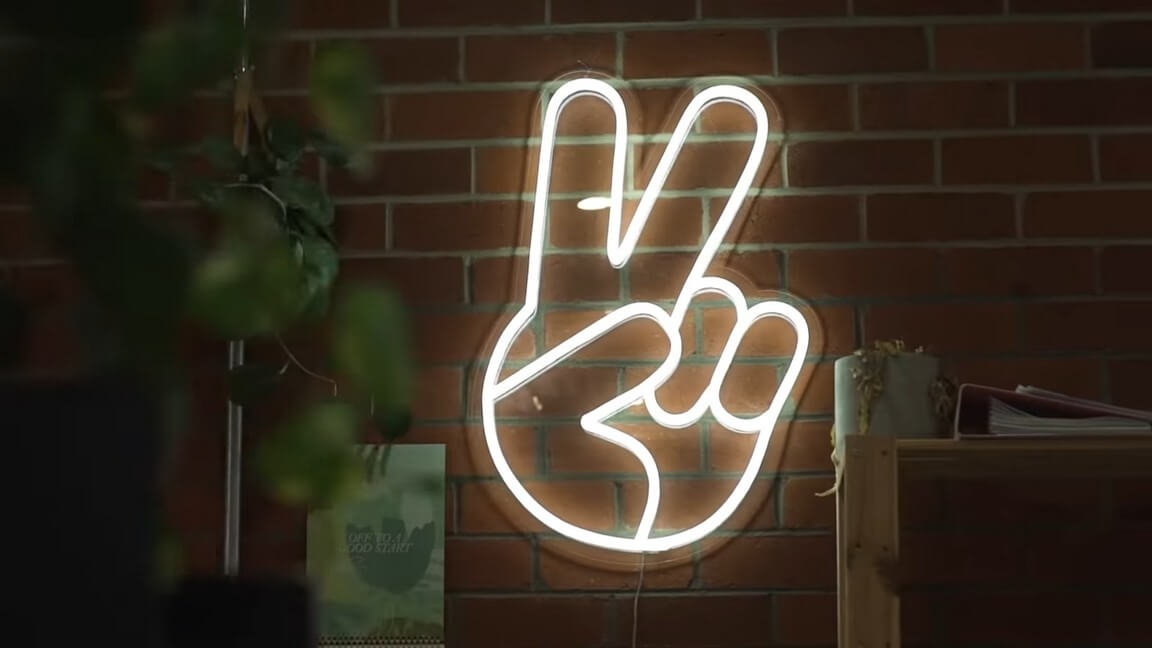
Image source: letsmneon.com
When it comes to the task of fastening [neon signs](https://www.signcustomiser.com/posts/neon/glass-neon-signs/) to walls, there exist myriad techniques at your disposal. **The most widespread methodologies encompass the utilization of screws, nails, and adhesive strips.**
It is imperative to note that each of these methods harbors its own unique set of pros and cons, and it is thus imperative to discern the optimal technique contingent upon the nature of the wall’s surface. As an illustration, adhesive strips may prove efficacious on smooth surfaces such as painted walls, whereas screws and nails are deemed superior for walls boasting greater textural depth or thickness.
### How to safely drill holes in a wall to hang a neon sign?
Should one intend to rely on screws or nails for this endeavor, it is of utmost significance to have an understanding of [the safe and secure drill-hole process](https://www.wikihow.com/Use-a-Drill-Safely). **This encompasses selecting the appropriate size for the drill bit and ensuring that the depth of the hole suffices to confer adequate stability and fixation for the screw or nail.**
Alternatively, if one intends to suspend a weighty neon sign, then the utilization of anchors or toggle bolts represents a judicious choice, providing supplementary reinforcement and ideal for walls that may not adequately sustain the weight of a sign unsupported.
### How to attach a neon sign to a brick wall?
When dealing with brick walls, a distinct set of specialized hardware is required to facilitate the attachment of the neon sign. **This may encompass specialized screws or anchors that are designed explicitly to function harmoniously with brick or concrete surfaces.** It is imperative to select the optimal hardware and conscientiously adhere to the manufacturer’s stipulations to ensure an installation that is both secure and [safe](https://www.signcustomiser.com/posts/neon/are-neon-signs-dangerous/).
### How to hang a neon sign on a wall without drilling?
At times, the process of drilling holes into a wall may not be feasible or desired. As an illustration, in instances where one is leasing a space or is averse to damaging the wall, it may become necessary to seek out alternative techniques to fasten the neon sign.\*\*
**In such instances, one feasible option is the use of adhesive products such as [Command strips](https://www.wikihow.com/Apply-Command-Strips) that, if employed correctly, can support a rather substantial amount of weight.** Alternatively, one could opt for a freestanding or portable sign holder that precludes any attachment to the wall whatsoever.
### How to attach a neon sign to a wedding wall?
Lastly, in the event that one seeks to suspend a neon sign for an occasion such as a wedding or some other special event, it may become necessary to attach the sign to a temporary wall or backdrop. **This can be accomplished by deploying specialized hardware such as pipe and drape kits that permit the establishment of a sturdy backdrop, which can support the neon sign.** Alternatively, one could elect to utilize a freestanding sign holder or explore other innovative means to showcase the neon sign in a temporary setting.
**Learn more**: [Looking for unique decor? Try these 30+ NEON SIGN IDEAS!](https://www.signcustomiser.com/posts/neon/neon-sign-ideas/)
## Using command hooks or other adhesive products
Utilizing [command snares](https://www.wikihow.com/Apply-Command-Strips) or other cement items may be a well-known and helpful way to hang a neon sign, particularly in the event that you need to dodge penetrating gaps in your divider. One question that regularly emerges is whether you’ll hang a neon sign with command snares. The reply is yes, but it’s critical to select the proper sort of snare and to form beyond any doubt that the weight of the sign is inside the hook’s weight constraint.
Image source: thespruce.com
Command snares are accessible in an assortment of [sizes](https://www.signcustomiser.com/posts/neon/neon-sign/) and weight capacities, so it’s basic to select the correct one for your neon sign. **As a common run the show, a little command snare can hold up to 1 pound, whereas a medium snare can hold up to 3 pounds, and an expansive hook can hold up to 5 pounds.** In case your neon sign weighs more than the weight constraint of a single snare, you’ll utilize numerous snares or consider employing a diverse strategy to hang your sign.
**Other sorts of cement items can too be utilized to hang a neon sign, such as [double-sided tape](https://en.wikipedia.org/wiki/Double-sided_tape) or mounting squares.** These items are regularly planned to hold a certain weight restrain and can be an incredible elective to penetrating gaps in your divider. When utilizing cement products, it’s critical to take after the manufacturer’s lighting carefully and to guarantee that the surface is clean and dry sometime recently when applying the cement.
**To utilize cement items securely and viably, it’s critical to select an area that’s suitable for your neon sign and to guarantee that the surface is smooth and clean.** It’s too great a thought to test the cement sometime recently hanging the sign to guarantee that it can hold the weight of the sign. By taking after these tips and choosing the proper cement item, you’ll securely and successfully hang your neon sign without boring any gaps in your divider.
## Concealing or managing wires and cords
When it comes to the installation of neon signs, there are a multitude of factors to take into account. However, one of the most important considerations is the management of wires and cords. Not only can tangled wires be a visually unpleasant eyesore, but they can also present safety hazards if left unchecked. Fortunately, there are a variety of tips and tricks that can be employed to effectively conceal or manage neon sign wires and cords.
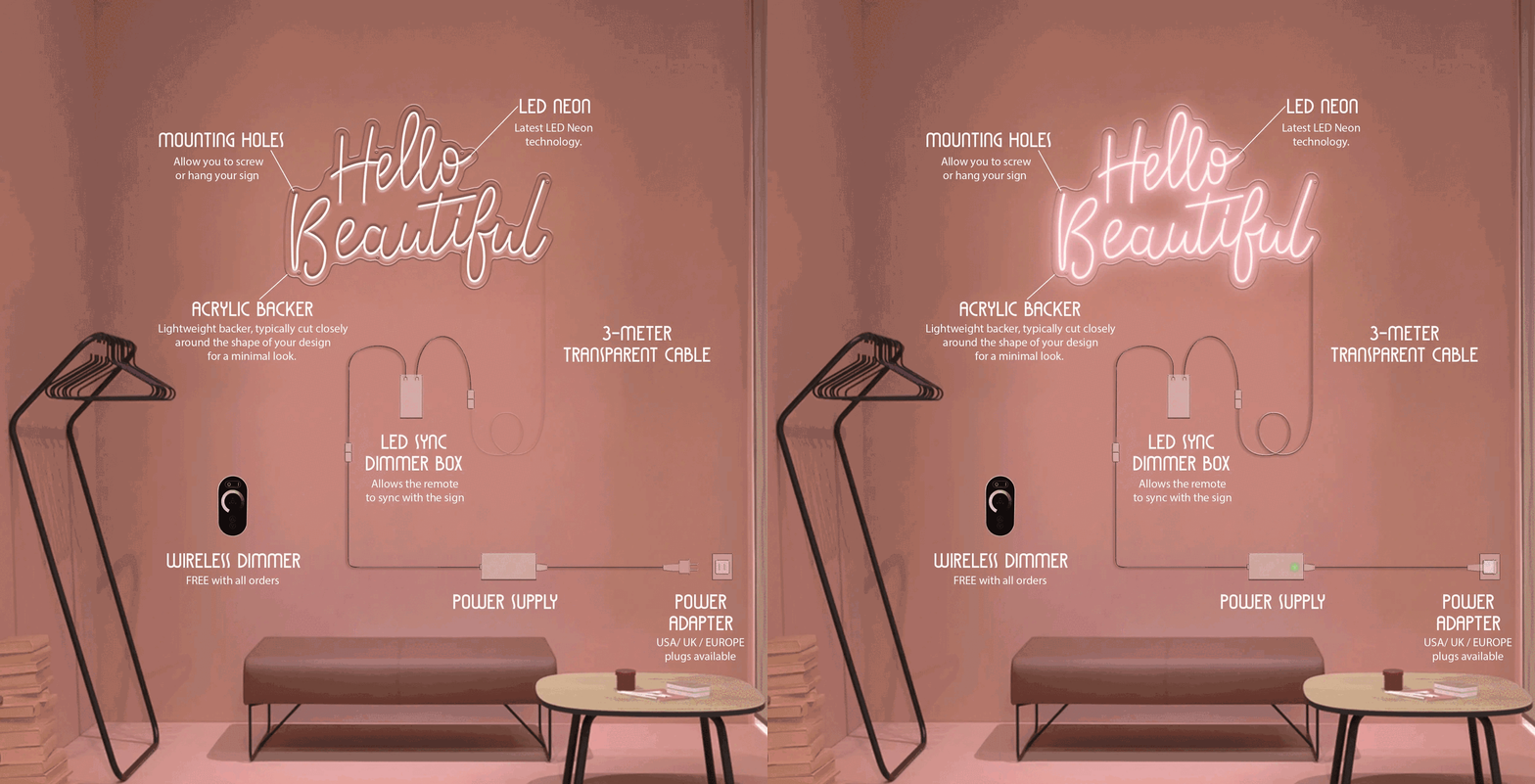
Image source: shopify.com
**One effective method for hiding wires and cords is to route them through the walls.** While this option may require a bit of do-it-yourself expertise, it can result in a clean and streamlined installation. Alternatively, one could opt for the use of [conduit](https://en.wikipedia.org/wiki/Electrical_conduit) or raceway systems, which come in a variety of colors and styles to match any decor. These systems can be mounted on walls or ceilings and provide a discreet channel for wires and cords.
For those who prefer a simpler approach, there are a number of adhesive products on the market specifically designed for managing wires and cords. **Cable clips and ties are an excellent option for keeping wires organized and tidy, while cord covers can be used to conceal any unsightly cords.** These products are both user-friendly and widely available at most hardware or home improvement stores.
**In addition to managing wires and cords, it’s important to carefully consider the placement of electrical outlets when installing neon signs.** Ideally, outlets should be located near the sign to avoid the need for lengthy cords or unsightly extension cords. If this is not a feasible option, it may be worth considering the installation of a new outlet or hiring an electrician to do so.
**Learn more:** [Is your neon sign broken? Discover EXPERT REPAIR TIPS now!](https://www.signcustomiser.com/posts/neon/neon-sign-repair/)
## Placing neon signs in a home or business
When it comes to putting neon signs in a domestic or trade, there are a couple of key variables to consider. One of the foremost critical is where to put the sign. In a domestic setting, neon signs can be set in an assortment of areas, such as a room, living room, or indeed a domestic bar. In a commercial setting, neon signs are regularly utilized to pull into consideration commerce or advertise a particular item or benefit.
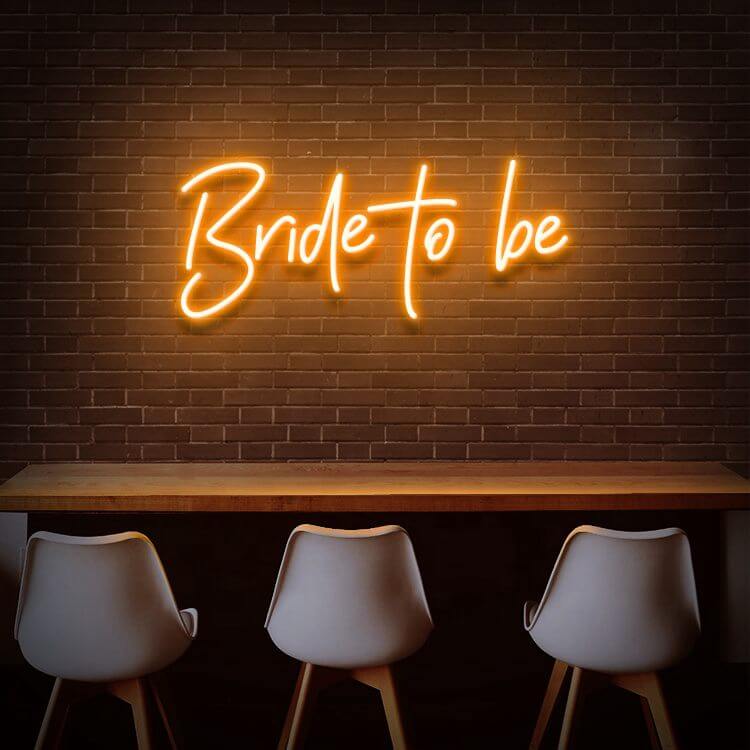
Image source: littleloveliesbyallison.com
**To select the most excellent area for a neon sign, it’s critical to consider the reason for the sign and the general stylishness of the space.** For case, in the event that the sign is aiming to be a central point in a room, it ought to be set in an area where it can be effectively seen and acknowledged. On the off chance that the sign is being utilized to publicize an item or benefit, it ought to be placed in an area where it’ll be unmistakable to potential clients.
**In order to choose the proper area for a neon sign, it’s also important to guarantee that the sign is unmistakable and successful in its arrangement.** This may include altering the lighting or other components of the space to make the sign stand out more. You can visualize how your neon sign will look in space using our [sign customizer app](https://www.signcustomiser.com/solutions/neon-signs/). It may moreover include choosing a sign that’s the appropriate estimate and shape for the space, which can be effectively examined from a separate.
**Learn more:** [What are THE BEST NEON SIGN QUOTE IDEAS? Find Out Now!](https://www.signcustomiser.com/posts/neon/neon-sign-quotes/)
## Hanging methods comparison: which is right for you?
Choosing the best method to hang your neon sign depends on several factors including wall type, sign weight, whether you’re renting, and how permanent you want the installation to be. Here’s a comprehensive comparison:
Method
Best For
Weight Limit
Wall Damage
Skill Level
Cost
**Screws & wall plugs**
Permanent installations, heavy signs
Up to 25kg+
Yes (repairable)
Intermediate
£5-15
**Command strips**
Rentals, light signs, temporary displays
Up to 3kg
None
Easy
£5-10
**Picture hanging wire**
Medium signs, adjustable height
Up to 10kg
Minimal
Easy
£5-15
**Adhesive hooks**
Smooth surfaces, medium signs
Up to 5kg
Minimal
Easy
£3-8
**Freestanding display**
No wall mounting, flexibility
Any weight
None
Easy
£20-100
**Ceiling suspension**
Dramatic effect, window displays
Up to 15kg
Minimal
Intermediate
£15-30
Swipe for more
## Step-by-step: how to hang a neon sign with screws
This is the most secure method for permanent installations, especially for heavier signs.
### Tools and materials you’ll need
- Electric drill with appropriate drill bit
- Wall plugs (rawl plugs) suitable for your wall type
- Screws (usually 40-50mm)
- Spirit level
- Pencil
- Tape measure
- Screwdriver
- Safety goggles
### Step-by-step instructions
**Step 1: Plan your placement** Hold the sign against the wall in your desired position. Use a spirit level to ensure it’s straight. Mark the screw hole positions with a pencil through the sign’s mounting holes.
**Step 2: Check for cables and pipes** Before drilling, use a stud finder or cable detector to ensure there are no electrical cables or water pipes behind your drill points.
**Step 3: Drill the holes** Put on safety goggles. Drill holes at your marked points, making them slightly deeper than your wall plugs. For masonry, use a masonry bit; for plasterboard, use a standard wood/metal bit.
**Step 4: Insert wall plugs** Tap wall plugs gently into the holes with a hammer until they’re flush with the wall surface.
**Step 5: Mount the sign** Hold the sign in position, align the mounting holes with the wall plugs, and drive the screws through until secure. Don’t overtighten.
**Step 6: Connect power and test** Route the power cable neatly (see wire hiding tips below), plug in, and test the sign.
## Step-by-step: how to hang a neon sign without nails or drilling
Perfect for renters or those who want to avoid wall damage.
### Using command strips
**Step 1: Clean the wall** Wipe the wall surface with isopropyl alcohol to remove dust and oils. Let it dry completely.
**Step 2: Prepare the strips** Click pairs of Command strips together. Remove one liner and press the strip firmly onto the back of your sign’s mounting points.
**Step 3: Apply to wall** Remove the remaining liner, position the sign on the wall using a spirit level, and press firmly for 30 seconds on each strip.
**Step 4: Wait before loading** Wait at least one hour before plugging in the sign to allow the adhesive to bond properly.
**Important tips:**
- Check the weight rating of your Command strips
- Use multiple strips for heavier signs
- Don’t use on textured or wallpapered surfaces
- Temperature extremes can affect adhesion
### Using a freestanding display
For maximum flexibility, consider a floor-standing or table-top display:
1. Purchase or create a sturdy stand (acrylic, metal, or wooden)
2. Attach the sign to the stand using the provided mounting hardware
3. Position wherever you like - no wall attachment needed
4. Easily move for events, cleaning, or room rearrangement
## Surface-specific hanging guides
Different wall surfaces require different approaches. Here’s how to hang a neon sign on each:
### Drywall (plasterboard)
**Best methods:** Toggle bolts (for heavy signs), wall anchors, or Command strips (for light signs)
**Tips:**
- Standard screws alone will pull out of drywall under weight
- For signs over 5kg, use toggle bolts or find a stud
- Spread weight across multiple mounting points
### Brick walls
**Best methods:** Masonry screws (Tapcon), masonry anchors, or brick clips
**Tips:**
- Use a masonry/hammer drill bit
- Drill into the brick, not the mortar (mortar is weaker)
- Clean out dust from holes before inserting anchors
- Brick clips can work for lighter signs without drilling
### Concrete walls
**Best methods:** Concrete anchors, sleeve anchors, or masonry screws
**Tips:**
- Requires a hammer drill for best results
- Use anchors rated for concrete, not just masonry
- Allow extra time for drilling - concrete is tough
- Clean holes thoroughly before inserting anchors
### Glass surfaces
**Best methods:** Suction cups, adhesive hooks designed for glass, or hanging from above
**Tips:**
- Glass must be clean and smooth
- Only suitable for lighter signs (under 2kg)
- Suction cups may lose grip over time
- Consider hanging from ceiling in front of glass instead
### Tiled walls
**Best methods:** Adhesive hooks, suction cups, or drilling through grout lines
**Tips:**
- If drilling, drill through grout, not tiles (tiles crack easily)
- Strong adhesive hooks work well on smooth tiles
- Clean surface thoroughly before applying adhesive
## How to hide neon sign wires
Exposed wires can ruin the aesthetic of your beautiful neon sign. Here are effective ways to hide them:
### Cable management solutions
**Cable channels/raceways:**
- Plastic channels that stick to walls and conceal wires
- Paint them to match your wall colour
- Available in various sizes from hardware stores
- Cost: £5-20 depending on length
**In-wall routing:**
- Most professional but requires DIY skills
- Route cable through wall cavity to nearest outlet
- Requires cutting holes in drywall
- Best done during installation
**Cable clips:**
- Small adhesive clips that hold wire against the wall
- Inexpensive and easy to apply
- Best for short runs
- Can be painted to match wall
### Creative concealment ideas
- **Behind furniture:** Position the sign so cables run down behind a bookshelf, cabinet, or plant
- **Decorative elements:** Use artificial vines, fairy lights, or fabric to disguise cable runs
- **Picture rail:** Run cables along existing picture rails or crown moulding
- **Behind the sign:** Some signs have rear cable exits - route cable straight back through the wall
### Tips for neat cable runs
1. Plan your cable route before mounting the sign
2. Keep cables as short as possible - coil excess neatly behind the sign
3. Use white cables on white walls (or spray paint them)
4. Bundle multiple cables together with cable ties
5. Consider a nearby outlet to minimise cable length
## Weight considerations for hanging neon signs
Getting the weight capacity right is crucial for a secure installation.
### Typical neon sign weights
Sign Size
LED Neon Weight
Glass Neon Weight
Small (30-50cm)
0.5-1.5kg
2-4kg
Medium (50-80cm)
1.5-3kg
4-8kg
Large (80-120cm)
3-6kg
8-15kg
Extra large (120cm+)
6-10kg
15-25kg+
Swipe for more
**Note:** LED neon (flex neon) is significantly lighter than traditional glass neon.
### Calculating mounting requirements
As a rule of thumb, your mounting hardware should support at least 3x the weight of your sign. This provides a safety margin and accounts for any movement or vibration.
**Example:** A 4kg sign needs mounting hardware rated for at least 12kg total capacity.
## Wall damage prevention tips
Protect your walls while still enjoying your neon sign:
### Before installation
- Test adhesive products on a hidden area first
- Use felt pads between mounting hardware and the wall
- Choose the minimum number of mounting points needed
- Consider freestanding options for rental properties
### During installation
- Use the correct drill bit for your wall type
- Don’t over-drill holes (making them too big)
- Vacuum dust from holes before inserting plugs
- Don’t overtighten screws
### When removing
- Follow Command strip removal instructions exactly
- Fill screw holes with filler before painting
- Use a hairdryer to soften stubborn adhesive
- Pull adhesive strips slowly at an angle, not straight out
## FAQs about hanging neon signs
### How do I hang a neon sign without damaging the wall?
Use Command strips or adhesive hooks for the most damage-free installation. These work best on smooth, clean surfaces with signs weighing under 3-5kg. For heavier signs, a freestanding display avoids wall mounting entirely.
### Can you hang a neon sign with command strips?
Yes, Command strips work well for LED neon signs weighing up to 3-5kg. Clean the wall with alcohol first, use multiple strips to distribute weight, and wait an hour before powering on. Not recommended for traditional glass neon signs which are much heavier.
### How do you hang a neon sign on a brick wall?
Use masonry screws (Tapcon) or masonry anchors. Drill into the brick itself (not the mortar) using a masonry drill bit. Insert appropriate anchors, then screw in mounting hardware. For lighter signs, brick clips offer a no-drill alternative.
### Where is the best place to hang a neon sign in a bedroom?
Popular bedroom placements include above the headboard, on the wall opposite the bed, or in a reading nook. Consider visibility from the bed, proximity to power outlets, and whether you want the sign on while sleeping (some have dimmers).
### How do I hide the wires from my neon sign?
Use cable raceways/channels that can be painted to match your wall, route cables behind furniture, or run them through the wall cavity for invisible installation. Cable clips also help keep wires neat against the wall surface.
### Do neon signs need to be plugged in all the time?
No, neon signs can be turned on and off as needed. LED neon signs are particularly efficient and can be left on 24/7 if desired. Many signs include dimmers or remote controls for convenience.
Ready to design your own neon sign? Try our [free neon sign maker](/neon-sign-maker-online-free/) to create and preview custom designs online.
## Conclusion
All in all, by adhering to these methodologies and techniques, you can create a visually stunning and captivating neon sign installation that will undoubtedly elevate any residential or commercial environment. Whether your objective is to infuse some character into your living room, cultivate a distinctive atmosphere in your bedroom, or draw attention to your enterprise, a well-positioned and securely fastened neon sign can truly make a world of difference.
**Above everything else, when embarking on the process of hanging neon signs, it is vital to prioritise safety and ensure that the installation is firmly secured and stable.** By following the guidelines and recommendations highlighted in this article, you can achieve both a breathtaking and secure neon sign installation that will bring joy and awe for many years to come.
**Related guides:**
- [Neon sign repair: troubleshooting and fixes](/posts/neon/neon-sign-repair/)
- [30+ neon sign ideas for every space](/posts/neon/neon-sign-ideas/)
- [Neon wedding signs: ideas and placement](/posts/neon/neon-wedding-sign/)
- [Are neon signs dangerous? Safety guide](/posts/neon/are-neon-signs-dangerous/)
Tags
- [neon](/posts/neon/)
- design

About the author
### Matthew Attanasio
Founder, Sign Customiser
Matthew founded Sign Customiser to solve a problem he saw sign businesses facing every day: the endless back-and-forth of manual quoting. With a background in e-commerce development and a decade of experience building Shopify solutions at Sky Foundry, he set out to automate the entire custom sign selling process.
- E-commerce
- Shopify
- Sign Industry
- Product Strategy
[View profile](/authors/matthew-attanasio/)[](https://au.linkedin.com/in/matthew-attanasio-92500a36)[](https://github.com/matthewattanasio)
Let your customers design their own signs

Add a full sign customiser to your online store in minutes. Neon, acrylic, metal — with real-time pricing.
[Start your free 7-day trial](/install/)
Works with Shopify, WooCommerce, Wix & more. 7 days free. Every plan includes every feature.
Let your customers design their own signs

Add a full sign customiser to your online store in minutes. Neon, acrylic, metal — with real-time pricing.
[Start your free 7-day trial](/install/)
Works with Shopify, WooCommerce, Wix & more. 7 days free. Every plan includes every feature.
Related
## From theblog
Expert insights, industry trends, and actionable tips to enhance your online sign business.
[View all articles](/posts/)

neon·March 30, 2023
### [Exploring the benefits of acrylic neon signs for business signage](/posts/neon/acrylic-neon-signs/)
Customizable and Durable: Why Acrylic Neon Signs are a Smart Choice for Your Business Signage Needs
Read more

neon·September 26, 2023
### [45+ aesthetic neon quotes to light up your space](/posts/neon/aesthetic-neon-quotes/)
45+ aesthetic neon quotes for bedrooms, weddings and shop walls, plus how sign shops price and sell custom neon quote signs on their own website.
Read more

neon·September 26, 2023
### [Aesthetic neon signs: styles, ideas and pricing](/posts/neon/aesthetic-neon-signs/)
See the styles and colours behind aesthetic neon signs, get design ideas for any room, and learn how sign shops price and sell them online with a live customiser.
Read more

neon·December 25, 2022
### [Are neon signs dangerous? 14 great tips to stay safe](/posts/neon/are-neon-signs-dangerous/)
Get our 14 great tips to avert accidents & keep your family safe around neon signs with this post.
Read more

neon·September 26, 2023
### [Why are black neon signs the latest trend in home decor?](/posts/neon/black-neon-sign/)
Unleash your creativity with black neon signs and 20+ creative ideas for businesses, events, or personal spaces.
Read more

neon·December 5, 2022
### [Custom neon signs cost: the ultimate guide for Shopify store owners](/posts/neon/custom-neon-signs-cost/)
We explore the primary factors that influence the custom neon signs cost and strategies store owners can apply to increase sales and profit margins. Click to see more details!
Read more

neon·June 23, 2023
### [Design tips for creating eye-catching DIY neon signs](/posts/neon/design-tips-for-creating-eye-catching-diy-neon-signs/)
Neon signs have long been a captivating way for businesses to attract attention and make bold statements. With the rise of do-it-yourself (DIY) projects, creating your own neon sign has become an accessible and cost-effective option for businesses looking to stand out.
Read more

neon·January 5, 2025
### [How to make a DIY neon sign: step-by-step tutorial (LED flex method)](/posts/neon/diy-neon-sign/)
Learn how to make your own LED neon sign at home. Complete step-by-step guide with materials list, tools needed, and expert tips for beginners.
Read more

neon·September 26, 2023
### [Electric blue neon signs: meaning, ideas and pricing](/posts/neon/electric-blue-neon-blue-aesthetic/)
What makes electric blue neon glow, the blue aesthetic it creates, sign ideas by room, and how sign shops price and sell custom blue neon online.
Read more

neon·April 3, 2023
### [Faux neon signs: LED alternatives, costs & business guide (2026)](/posts/neon/faux-neon-sign/)
Complete guide to faux neon (LED neon) signs. Compares LED vs glass neon, covers profit margins for sign shops, and explains why LED neon dominates the market.
Read more

neon·March 28, 2023
### [Are glass neon signs worth it?](/posts/neon/glass-neon-signs/)
Are you curious about the cost and lifespan of glass neon signs? Our guide has all the answers you need to make an informed purchase.
Read more

neon·December 23, 2022
### [How to make custom neon signs, the easy guide for Shopify sign stores](/posts/neon/how-to-make-custom-neon-signs/)
Learn how to make custom neon signs as a producer. We also show you a secret to let buyers customize & view their signs in real-time.
Read more

neon·February 3, 2026
### [LED neon sign production: how custom neon signs are made](/posts/neon/led-neon-sign-production-process/)
LED neon signs are manufactured through a precise multi-stage process. Learn how custom LED neon signs are made, from acrylic backing preparation to tube bending, wiring, and quality testing.
Read more

neon·March 29, 2023
### [LED neon signs - a cost-effective alternative?](/posts/neon/led-neon-signs/)
Are LED neon signs worth it? Find out the answer and learn about their lifespan, energy efficiency, and low maintenance requirements.
Read more

neon·March 10, 2026
### [Name in lights: what customers type into a neon name sign generator](/posts/neon/name-in-lights-generator/)
Sign Customiser data: 70% of LED neon designs added to cart are two words or fewer, and one in four keep the default font. What that means for your generator.
Read more

neon·January 5, 2026
### [Neon art: what it is, who made it famous and how it is made](/posts/neon/neon-art/)
Neon art is art made from hand-bent glass tubes of glowing gas. The artists who made it famous, where to see their work, and how a drawing becomes neon.
Read more

neon·March 19, 2026
### [Neon light writer: 6 free and paid neon text tools compared](/posts/neon/neon-light-writer/)
Neon light writers compared: free neon text generators such as FlamingText, Cool Text and Canva, and sign software that turns words into LED neon signs.
Read more

neon·January 5, 2025
### [Neon open signs: the complete guide to open signs for businesses (2025)](/posts/neon/neon-open-signs/)
Discover the best neon and LED open signs for your business. Compare types, sizes, and installation options. Plus expert tips for choosing the perfect open sign.
Read more

neon·April 2, 2023
### [Neon signs hub: your one stop shop for all things neon signs](/posts/neon/neon-sign/)
Discover the colorful world of neon signs with our ultimate guides! Learn about their history, design, cost, and much more.
Read more

neon·April 5, 2023
### [70 neon sign ideas by room & occasion (2026 guide)](/posts/neon/neon-sign-ideas/)
See 70 neon sign ideas for bedrooms, weddings, bars and businesses, organised by room and occasion, plus how sign shops price and sell them online.
Read more

neon·April 4, 2023
### [Best neon sign quotes: 150+ ideas for every occasion (2026)](/posts/neon/neon-sign-quotes/)
Curated neon sign quotes for weddings, businesses, bars, bedrooms and more. Includes best-selling categories and pricing strategies for sign shops.
Read more

neon·April 1, 2023
### [Neon sign repair guide: DIY fixes & when to call a pro](/posts/neon/neon-sign-repair/)
Complete guide to neon sign repair. Troubleshoot common problems, learn DIY fixes, compare costs, and know when to hire a professional for neon light repair.
Read more

neon·January 5, 2025
### [Neon signs for room decor: 60+ ideas for bedrooms, gaming rooms & more](/posts/neon/neon-signs-for-room/)
Transform any room with neon signs. Browse 60+ ideas for bedrooms, gaming rooms, living rooms and home offices. Plus size, colour and placement tips.
Read more

neon·January 12, 2023
### [Neon versus LED: what are the differences? Which is right for you?](/posts/neon/neon-vs-led/)
We compare neon vs LED neon signs in this informative article. From lighting to maintenance, we cover pros & cons of each to help you make an informed decision on.
Read more

neon·September 26, 2023
### [Neon wedding signs: 40+ ideas, placement guide & costs](/posts/neon/neon-wedding-sign/)
Complete guide to neon signs for wedding decor. Discover 40+ ideas, placement tips, rental vs purchase costs, and how to match your wedding theme.
Read more

neon·September 26, 2023
### [Purple neon light: meaning, shades & buying guide](/posts/neon/purple-neon-sign/)
What purple neon light means, the shades from lavender to magenta, and how sign shops price and sell custom purple neon signs online with a live customiser.
Read more

neon·September 26, 2023
### [White neon sign: a guide to choosing the right one!](/posts/neon/white-neon-sign/)
Looking for a chic and modern addition to your decor? Check out our guide to choosing the best white neon sign.
Read more

neon·December 12, 2022
### [Why are neon signs so expensive? 2026 pricing guide for sign shops](/posts/neon/why-are-neon-signs-so-expensive/)
Complete breakdown of neon sign costs for sign shop owners. Covers material, labour, and overhead costs plus strategies to improve margins with LED neon.
Read more
[View all articles](/posts/)
## Sitemap
See the full [sitemap](/sitemap.md) for all pages.
---
## How to make custom neon signs, the easy guide for shopify sign stores - Sign Customiser Blog
Source: [https://www.signcustomiser.com/posts/neon/how-to-make-custom-neon-signs/](https://www.signcustomiser.com/posts/neon/how-to-make-custom-neon-signs/)
## How to make custom neon signs? The easy guide for sign store owners.
If you own a neon sign store, you know that getting custom orders right is key to remaining competitive in the ever-evolving world of signage. Nothing boosts your reputation better than providing clients exactly what they want and over delivering! Customizing neon signs can be tricky, but it doesn’t have to be intimidating. **Read on to learn more about the way you can create unique designs that will set your business apart from any competition!** In this blog post, we’ll explore how to make custom neon signs for your customers by following some simple steps.
️️📌 This is chapter 2 in [the custom neon signs hub](https://www.signcustomiser.com/posts/neon/custom-neon-signs-cost/)
## How to make custom neon signs with glass tubes?
**A glass neon sign is a type of neon signage that uses neon gas or other [noble gasses](https://www.sciencedirect.com/topics/chemistry/noble-gas-atom) to create a glowing effect.** It consists of a series of glass tubes that are bent into the desired shape of the sign and sealed at the ends. The tubes are then filled with a small amount of neon gas or other noble gas, such as argon or krypton. When you put an electrical current into the tubes, the gas becomes excited and emits light, creating a bright, glowing effect.
Let’s see how to create a glass neon sign!
Play video: How Bespoke Neon Lights Are Made
How Bespoke Neon Lights Are Made
### Step 1: Having a detailed design sketch
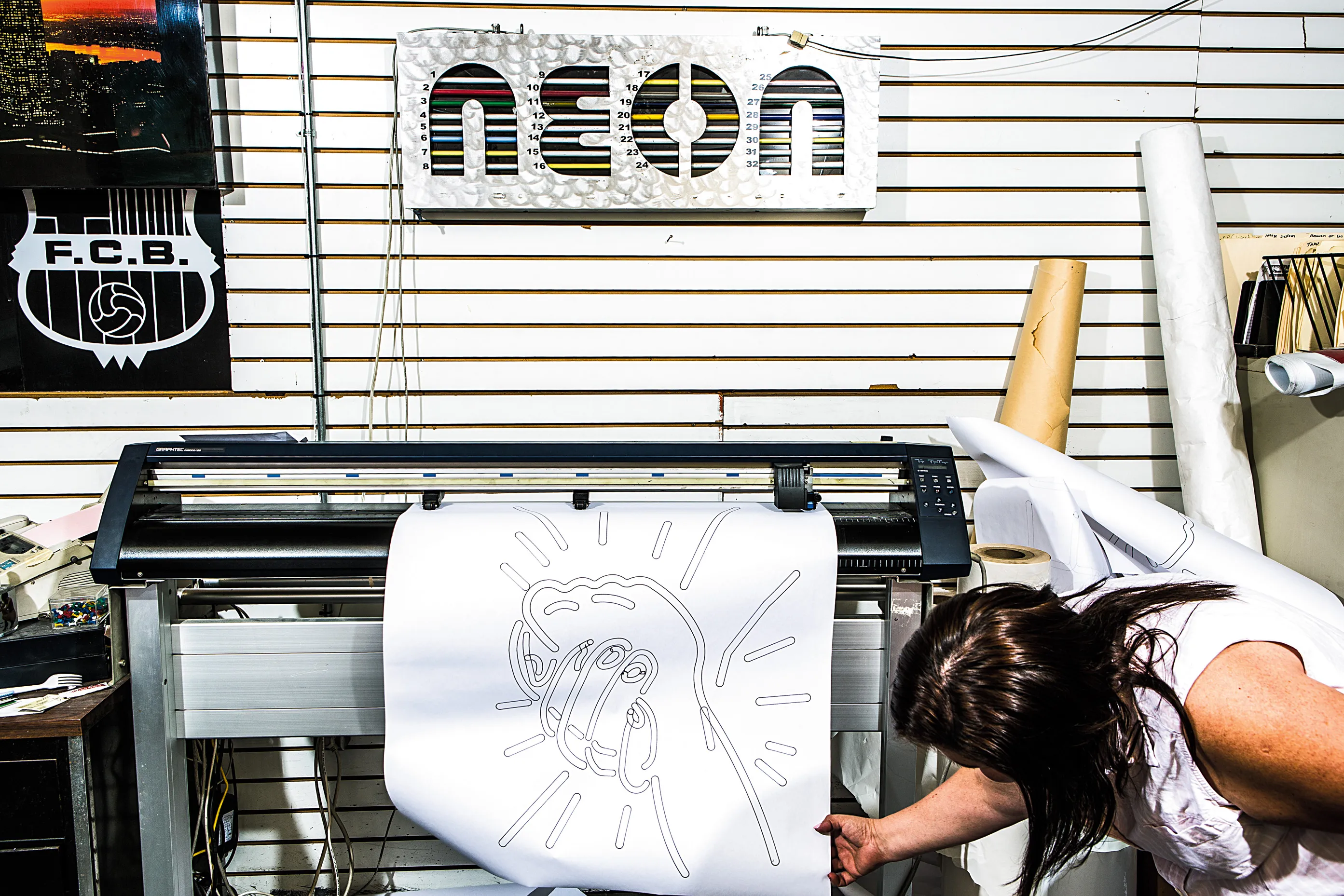
Image source: wired.com
Before you start creating your neon sign, it’s essential to have a clear and detailed design sketch. **This design sketch will serve as a guide for the rest of the process and help ensure that your sign turns out precisely as you envision it.** Consider the size, shape, and color of your sign and any lettering or graphics you want to include. It’s also a great idea to have a rough estimate of the materials and tools you will need.
Having a detailed design sketch is crucial because it allows you to plan out the entire process and make any necessary adjustments before you start working with the materials. **This step can save you time and money in the long run, as it reduces the risk of mistakes and allows you to budget accurately for the project.**
**You can use a pencil and paper or a computer program like [Adobe Illustrator](https://www.adobe.com/products/illustrator.html) or [Adobe Photoshop](https://www.adobe.com/products/photoshop.html) to create a detailed design sketch.** If you’re uncomfortable with drawing or designing, you can hire a professional designer to create a sketch. Just be sure to communicate your vision and desired outcome clearly to ensure you get the desired result.
### Step 2: Preparing the glass tubes and other materials
Once you have your design sketch, it’s time to gather the materials you will need. **This step includes clear glass tubes of various sizes, depending on the design of your sign.**
When selecting the glass tubes for your neon sign, choosing the right size and shape for your design is essential. The tubes should be slightly larger than the design, as they will be bent and shaped to fit. **Different types of glass have varying levels of resilience, and neon lights are typically made using [soft lead glass](https://en.wikipedia.org/wiki/Lead_glass) tubes that measure 4–8 ft in length.** The producer can use borosilicate glass in some cases because it can tolerate heat well.
To make custom glass neon signs, you must prepare the glass tubes by cleaning them to ensure clarity. The tubes are then briefly dried in a kiln to remove any moisture or debris.
**Depending on the desired effect, the tubes may also be coated with a [phosphor](https://www.britannica.com/biography/Niccolo-Zucchi) coating or tinted with color.** The phosphor coating is applied to the dry-cleaned glass tubes and then dried in a kiln in a vertical position. Some manufacturers may also tint the glass tubing with color at this point. Not all neon lighting glass tubes are coated or tinted, as it is a technique producers mostly use to create a glowing effect or produce attractive neon light colors.
**You will also need a gas torch, a pair of gas safety goggles, electrodes, and a power supply.** Other materials that you may need include a backboard, mounting hardware, and a dimmer switch if you want to change the brightness of your sign.
It’s a good idea to gather all of your materials before you start the project, as this will save you time and reduce the risk of delays. Make sure to have enough supplies to complete the entire project, as running out of materials halfway through can be frustrating and costly.
### Step 3: Bending the tubing
Next, you will need to bend the glass tubes into the shape of your design. Producers can draw the design of the neon sign in full size on a sheet of heat-resistant asbestos. **To shape the glass tubing, it is carefully heated and softened using various burners, such as gas-fired ribbon burners or hand torches.** Alternatively, you can use a bending machine, which applies heat to the tubes to make them pliable.
The tubing is bent by hand, following the asbestos template as a guide. **Tube benders usually do not wear gloves because they need to feel the heat transfer and the degree of softening in the glass to determine when to bend it.** To prevent the softened tubing from collapsing, a flexible hose called a blow hose is attached to one end and the tube bender gently blows into it to restore the tubing to its original diameter. It is vital to have the correct diameter for the tubing to function correctly. Producers mostly make large neon signs from multiple sections of glass tubing, which are spliced together by heating and joining the ends of two lengths of tubing.
Bending the tubes determines the overall shape and appearance of the sign. **It’s important to be precise and follow your design sketch closely to ensure that the tubes are bent correctly.** Be sure to wear your gas safety goggles and follow the manufacturer’s instructions carefully to avoid any accidents or injuries.
### Step 4: Placing the electrode
Once the tubes are bent into the desired shape, it’s time to attach the [electrodes](https://en.wikipedia.org/wiki/Electrode). These are small metal plates that are placed at either end of the tubes and are used to create an electrical current. **To attach the electrodes, you will need to heat the end of the tube and carefully press the electrode into place.** To evacuate the tubing with a vacuum pumping in the next step, a small port called a tubulation is added. This port may be part of one of the electrodes or may be a separate piece attached to the tubing.
Placing the electrodes determines the overall functionality of the sign. **The electrodes need to be securely attached to the tubes in order to create an electrical current and produce the neon light effect.** It’s important to be precise and follow proper safety guidelines when attaching the electrodes, as any mistakes can result in damage to the tubes or even injury.
### Step 5: Bombarding the glass tubes
**To make sure the glass, phosphors, and electrodes are impurity-free a process called bombarding is used.** A vacuum pump evacuates all of the air from inside the tubing until it reaches 0.02 to 0.04 inches (0.5–1 mm) of mercury, depending on its length. The longer pipe needed lower pressure due to physics.
A very high current transformer then connects with special metal electrodes/conductors allowing 400–750 milliamperes through each tube instead of 30 usually seen during operation. This heats up both materials drastically: Glass reaching 420°F(216°C) & electrode 1400°F(760 C). The heat forces any impurities out. The vacuum pump then takes them away.
**Bombarding the glass tubes determines the overall brightness and intensity of the neon light.** It’s important to carefully adjust the power supply and test the neon light to ensure that it is as bright and consistent as possible. If the neon light is too dim or uneven, it may be necessary to adjust the power supply or the electrodes to achieve the desired effect.
### Step 6: Adding the noble gas
Once the electrical discharge has been created, it’s time to add the noble gas. **This type of gas is used to create the neon light effect.** Impurities in the gas must be removed for the sign to function effectively and last a long time.

Image source: ebay.com
**There are several different types of noble gasses that can be used, including neon, argon, and xenon.** [Neon](https://vi.wikipedia.org/wiki/Neon), the most common and least priced, generates red-orange colors. [Helium](https://en.wikipedia.org/wiki/Helium) produces pink to red colors, whereas [Xenon](https://en.wikipedia.org/wiki/Xenon) and [Krypton](https://en.wikipedia.org/wiki/Krypton) produce lavender and yellow-green hues, respectively. Finally, argon is employed in the production of blue neon signs. However, its illumination is rather dim, thus it is tinted with mercury to improve the brilliance of its light.
The usual fill pressure for a 0.6 inch (15 mm) diameter tube is around 0.5 inch (12 mm) of mercury. The tubulation port is then sealed up and heated.
### Step 7: Aging the tube
The goal is for the gas in the tube to stabilize and function correctly. **A transformer is connected to the electrodes, which is usually rated somewhat higher than the average working current. If neon is used, the tube should reach full light in 15 minutes.** For argon, it may take many hours. If there is a flicker in the gas or a hot patch on the tube, the tubing must be opened and the blasting and filling operations must be repeated.
### Step 8: Adding optional elements (backboard, dimmer, etc)
It’s time to add any optional elements to your neon sign. This could include a backboard to mount the tubes on, a dimmer switch to adjust the brightness, or any other desired features.
**Adding optional elements to your neon sign can enhance its overall appearance and functionality.** A backboard, for example, can provide a stable and attractive mounting surface for the tubes, while a dimmer switch can allow you to change the brightness of the neon light to suit your needs. Be sure to carefully consider which optional elements you want to include and how they will fit into your design.
### Step 9: Testing quality
Before installing and mounting your neon sign, it’s important to test the quality and ensure that it is functioning properly. **This involves turning on the power supply and checking that the neon light is consistent and bright.** You should also check that the electrodes are securely attached and that there are no cracks or damages to the tubes.
A faulty neon sign can be dangerous and can also damage your reputation. Be sure to thoroughly test your neon sign before installing it to ensure that it is functioning properly.
**Learn more: [Are neon signs dangerous? How to handle them safely & avert accidents?](https://www.signcustomiser.com/posts/neon/are-neon-signs-dangerous/)**
### Step 10: Installation and mounting
Finally, it’s time to install and mount your neon sign. **This involves attaching the sign to a backboard or other mounting surface, connecting the power supply, and turning on the neon light.** Be sure to follow proper safety guidelines and use the appropriate mounting hardware for your specific sign.
Small neon signs are connected and put on their framework at the shop. Larger signs can be placed in sections and installed on a building or other support structure where they are linked and wired. Large installations may take months to complete.
## How to make custom LED flex neon signs?
**A LED Flex neon sign is a type of signage that uses LED [(light-emitting diode)](https://en.wikipedia.org/wiki/Light-emitting_diode) technology to create a neon-like effect.** It consists of a strip of flexible LED lights that are mounted on a clear acrylic backboard. The LED lights are available in a range of colors and brightness levels, and can be cut to fit the desired shape and size of the sign.
Below is the guide to making a LED Flex neon sign:
Play video: How To Make a Custom Neon LED Sign!
How To Make a Custom Neon LED Sign!
### Step 1: Having a detailed template or graphic design
Before you start making a custom LED Flex neon sign, it’s important to have a clear idea of what you want the final product to look like. **This means having a detailed template or graphic design that outlines the shape, size, and layout of the sign.** This can be created using a design software such as Adobe Illustrator or by drawing it by hand. Having a clear and well-thought-out design will make it easier to create a high-quality neon sign that meets your expectations.
### Step 2: Gathering LED flex light and other materials
The next step in creating a custom LED Flex neon sign is to gather all of the necessary materials. This includes LED Flex light, an acrylic backboard, a CNC machine, wires, and any optional elements such as a dimmer switch. **It’s important to choose the right type of LED light for your design, as different colors and brightness levels are available.** Be sure to gather all of the materials before starting the project to avoid delays.
### Step 3: Cutting the acrylic backboard with a CNC machine
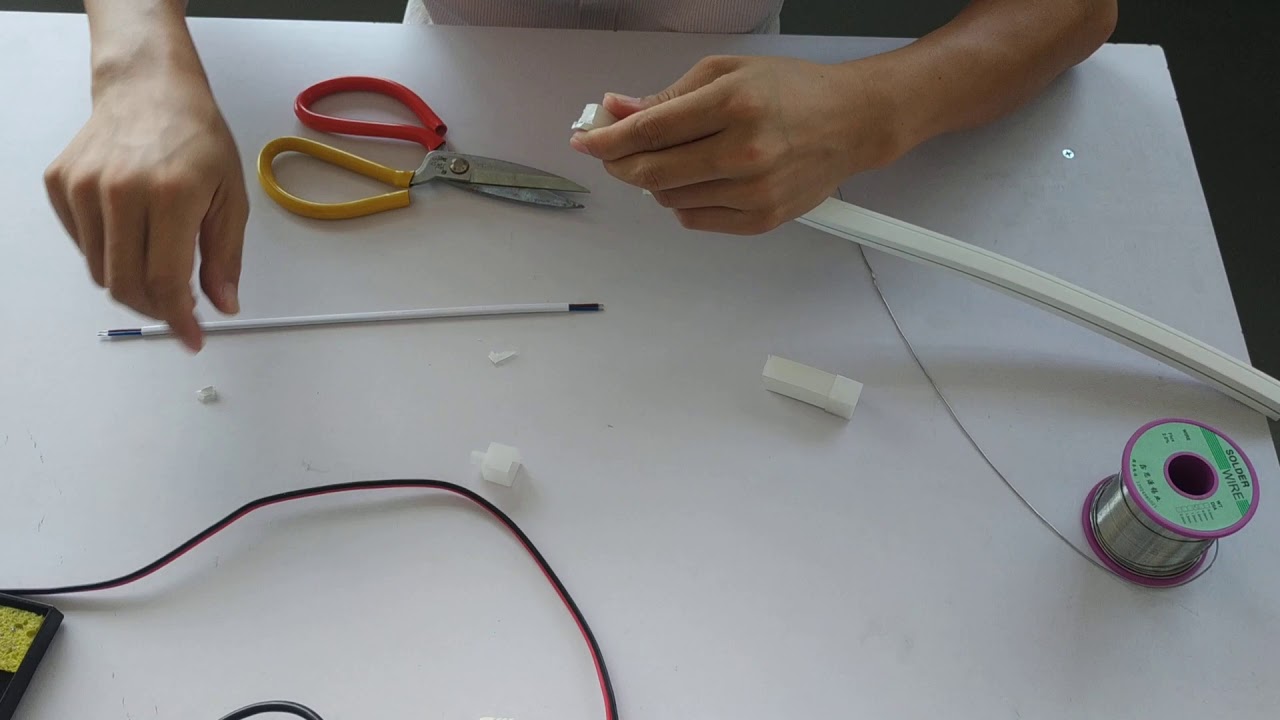
Image source: youtube.com
Once you have all of the necessary materials, the next step is to cut the acrylic backboard to fit the shape and size of your design. **This can be done using a [CNC machine](https://en.wikipedia.org/wiki/Numerical_control), which is a computer-controlled tool that can cut precise shapes and patterns into the backboard.** Be sure to carefully follow your template or design to ensure that the backboard is cut accurately.
### Step 4: Cutting the LED light strip to fit the acrylic backboard
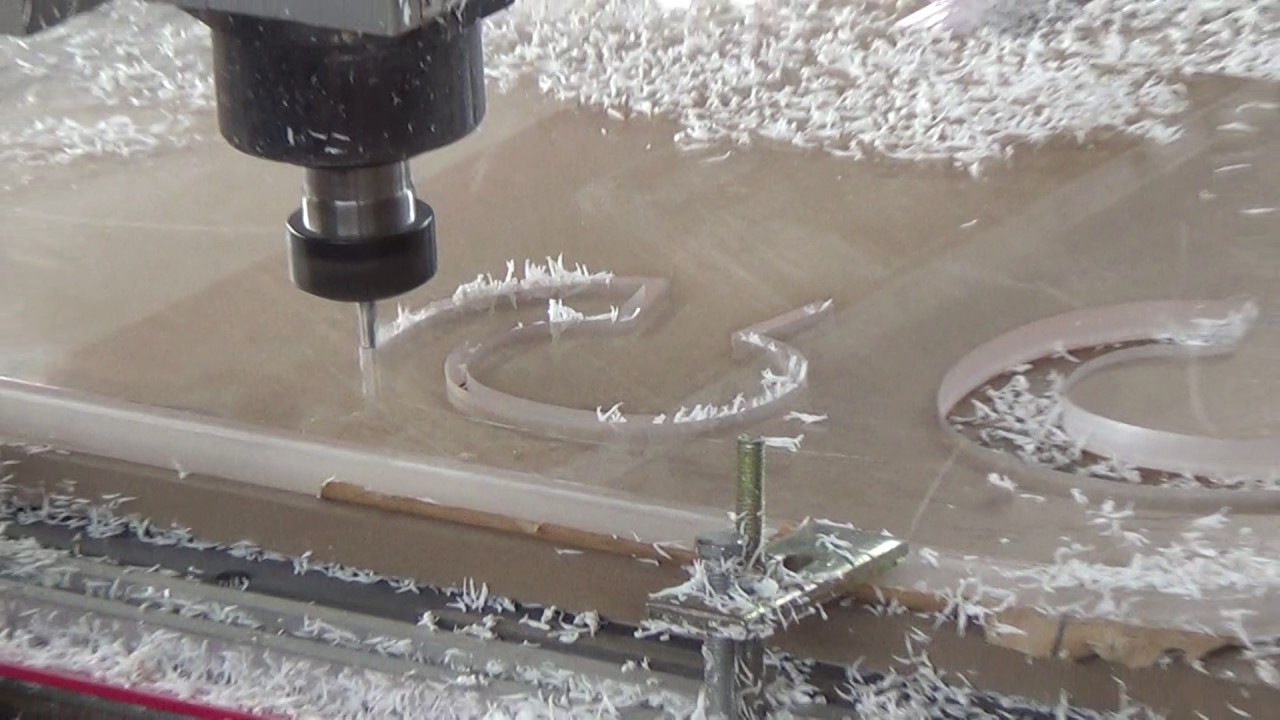
Image source: youtube.com
Once the acrylic backboard is cut, the next step is to cut the LED light strip to fit the backboard. **This involves measuring the length of the backboard and then cutting the light strip to the appropriate size.** It’s important to be precise when cutting the light strip, as any discrepancies can affect the overall appearance and functionality of the sign.
### Step 5: Soldering wires to the ends of the light strip
After the light strip is cut to size, the next step is to attach wires to the ends of the strip. This involves soldering the wires to the light strip, **which will allow you to connect it to the power supply and control the brightness and color of the neon light.** Be sure to follow proper soldering techniques to ensure a strong and secure connection.
### Step 6: Gluing or tieing the led flex light strip in place
Once the wires are attached to the light strip, the next step is to secure the strip to the acrylic backboard. **This can be done using glue or by tying the strip in place using zip ties.** It’s important to carefully position the light strip according to your template or design, as any misalignment can affect the overall appearance of the neon sign.
### Step 7: Adding optional elements (dimmer, color-changing switch, etc.)
If you want to include any optional elements in your neon sign, such as a dimmer or color-changing switch, this is the time to do it. Depending on the kind of element you are adding, the installation process may vary. **Be sure to follow the instructions for any optional elements to ensure that they are properly installed.**
### Step 8: Connecting the power supply and testing
Once all of the elements of the neon sign are in place, the final step is to connect the power supply and test the sign. This involves attaching the power supply to the light strip and turning it on to see if the neon light is functioning properly. **Be sure to test the sign in different lighting conditions and at different brightness levels to ensure that it is working as expected.**
## Why is it so critical to let customers customize their neon signs?
Allowing customers to customize their neon signs is critical for several reasons. Firstly, it allows customers to create a sign that is unique and personalized to their individual tastes and needs. **This can be especially important for businesses that want to create a distinct brand identity or for individuals who want to create a sign that reflects their personal style.** Additionally, customization allows customers to tailor their neon sign to the specific dimensions, materials, pricing, and requirements of their location, ensuring that the sign fits perfectly and looks its best.
**If you are a Shopify neon sign store owner looking to let customers customize their neon signs, our “Neon Sign Product Customizer” app is an excellent solution.** This tool allows your customers to easily design and customize their own neon signs on your Shopify store in real time.
**Customers can choose various colors, fonts, materials, and other optional elements to create a unique and personalized neon sign that meets their specific needs and preferences.** The software also lets customers preview their custom neon sign’s price before purchasing. This ability helps to ensure that customers are satisfied with their final product and reduces the risk of returns or exchanges. You can readily download and install our app on the [Shopify App Store.](https://apps.shopify.com/neon-product-customiser)
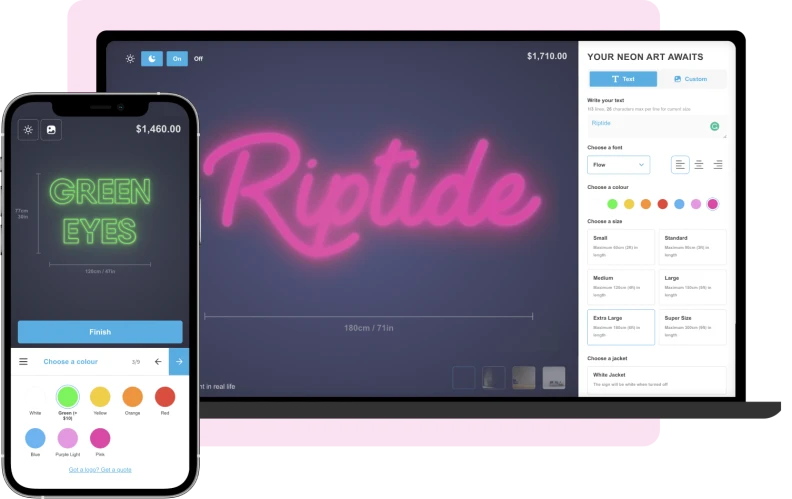
[Sounds great! Let’s view the demo.](https://demo.signcustomiser.com/)
## Conclusion
Making custom neon signs is a process that requires careful planning and execution. **Sign store owners who take the time to understand how to make custom neon signs will be able to provide their customers with high-quality products that they will love.** Following the easy steps outlined in this article, you can also make stunning custom neon signs that your customers will adore. Thanks for reading our guide about how to make lighted signs! Be sure to share this article if you found it helpful, and subscribe for more content like this in the future.
Tags
- [neon](/posts/neon/)
- [shopify](/posts/shopify/)

About the author
### Matthew Attanasio
Founder, Sign Customiser
Matthew founded Sign Customiser to solve a problem he saw sign businesses facing every day: the endless back-and-forth of manual quoting. With a background in e-commerce development and a decade of experience building Shopify solutions at Sky Foundry, he set out to automate the entire custom sign selling process.
- E-commerce
- Shopify
- Sign Industry
- Product Strategy
[View profile](/authors/matthew-attanasio/)[](https://au.linkedin.com/in/matthew-attanasio-92500a36)[](https://github.com/matthewattanasio)
Let your customers design their own signs

Add a full sign customiser to your online store in minutes. Neon, acrylic, metal — with real-time pricing.
[Start your free 7-day trial](/install/)
Works with Shopify, WooCommerce, Wix & more. 7 days free. Every plan includes every feature.
Let your customers design their own signs

Add a full sign customiser to your online store in minutes. Neon, acrylic, metal — with real-time pricing.
[Start your free 7-day trial](/install/)
Works with Shopify, WooCommerce, Wix & more. 7 days free. Every plan includes every feature.
Related
## From theblog
Expert insights, industry trends, and actionable tips to enhance your online sign business.
[View all articles](/posts/)

neon·March 30, 2023
### [Exploring the benefits of acrylic neon signs for business signage](/posts/neon/acrylic-neon-signs/)
Customizable and Durable: Why Acrylic Neon Signs are a Smart Choice for Your Business Signage Needs
Read more

neon·September 26, 2023
### [45+ aesthetic neon quotes to light up your space](/posts/neon/aesthetic-neon-quotes/)
45+ aesthetic neon quotes for bedrooms, weddings and shop walls, plus how sign shops price and sell custom neon quote signs on their own website.
Read more

neon·September 26, 2023
### [Aesthetic neon signs: styles, ideas and pricing](/posts/neon/aesthetic-neon-signs/)
See the styles and colours behind aesthetic neon signs, get design ideas for any room, and learn how sign shops price and sell them online with a live customiser.
Read more

neon·December 25, 2022
### [Are neon signs dangerous? 14 great tips to stay safe](/posts/neon/are-neon-signs-dangerous/)
Get our 14 great tips to avert accidents & keep your family safe around neon signs with this post.
Read more

neon·September 26, 2023
### [Why are black neon signs the latest trend in home decor?](/posts/neon/black-neon-sign/)
Unleash your creativity with black neon signs and 20+ creative ideas for businesses, events, or personal spaces.
Read more

neon·December 5, 2022
### [Custom neon signs cost: the ultimate guide for Shopify store owners](/posts/neon/custom-neon-signs-cost/)
We explore the primary factors that influence the custom neon signs cost and strategies store owners can apply to increase sales and profit margins. Click to see more details!
Read more

neon·June 23, 2023
### [Design tips for creating eye-catching DIY neon signs](/posts/neon/design-tips-for-creating-eye-catching-diy-neon-signs/)
Neon signs have long been a captivating way for businesses to attract attention and make bold statements. With the rise of do-it-yourself (DIY) projects, creating your own neon sign has become an accessible and cost-effective option for businesses looking to stand out.
Read more

neon·January 5, 2025
### [How to make a DIY neon sign: step-by-step tutorial (LED flex method)](/posts/neon/diy-neon-sign/)
Learn how to make your own LED neon sign at home. Complete step-by-step guide with materials list, tools needed, and expert tips for beginners.
Read more

neon·September 26, 2023
### [Electric blue neon signs: meaning, ideas and pricing](/posts/neon/electric-blue-neon-blue-aesthetic/)
What makes electric blue neon glow, the blue aesthetic it creates, sign ideas by room, and how sign shops price and sell custom blue neon online.
Read more

neon·April 3, 2023
### [Faux neon signs: LED alternatives, costs & business guide (2026)](/posts/neon/faux-neon-sign/)
Complete guide to faux neon (LED neon) signs. Compares LED vs glass neon, covers profit margins for sign shops, and explains why LED neon dominates the market.
Read more

neon·March 28, 2023
### [Are glass neon signs worth it?](/posts/neon/glass-neon-signs/)
Are you curious about the cost and lifespan of glass neon signs? Our guide has all the answers you need to make an informed purchase.
Read more

neon·March 30, 2023
### [How to hang a neon sign: step-by-step guide (with & without nails)](/posts/neon/hanging-neon-signs/)
Learn how to hang a neon sign on any surface. Step-by-step instructions for drywall, brick, concrete & glass. Plus tips to hide wires and avoid wall damage.
Read more

neon·February 3, 2026
### [LED neon sign production: how custom neon signs are made](/posts/neon/led-neon-sign-production-process/)
LED neon signs are manufactured through a precise multi-stage process. Learn how custom LED neon signs are made, from acrylic backing preparation to tube bending, wiring, and quality testing.
Read more

neon·March 29, 2023
### [LED neon signs - a cost-effective alternative?](/posts/neon/led-neon-signs/)
Are LED neon signs worth it? Find out the answer and learn about their lifespan, energy efficiency, and low maintenance requirements.
Read more

neon·March 10, 2026
### [Name in lights: what customers type into a neon name sign generator](/posts/neon/name-in-lights-generator/)
Sign Customiser data: 70% of LED neon designs added to cart are two words or fewer, and one in four keep the default font. What that means for your generator.
Read more

neon·January 5, 2026
### [Neon art: what it is, who made it famous and how it is made](/posts/neon/neon-art/)
Neon art is art made from hand-bent glass tubes of glowing gas. The artists who made it famous, where to see their work, and how a drawing becomes neon.
Read more

neon·March 19, 2026
### [Neon light writer: 6 free and paid neon text tools compared](/posts/neon/neon-light-writer/)
Neon light writers compared: free neon text generators such as FlamingText, Cool Text and Canva, and sign software that turns words into LED neon signs.
Read more

neon·January 5, 2025
### [Neon open signs: the complete guide to open signs for businesses (2025)](/posts/neon/neon-open-signs/)
Discover the best neon and LED open signs for your business. Compare types, sizes, and installation options. Plus expert tips for choosing the perfect open sign.
Read more

neon·April 2, 2023
### [Neon signs hub: your one stop shop for all things neon signs](/posts/neon/neon-sign/)
Discover the colorful world of neon signs with our ultimate guides! Learn about their history, design, cost, and much more.
Read more

neon·April 5, 2023
### [70 neon sign ideas by room & occasion (2026 guide)](/posts/neon/neon-sign-ideas/)
See 70 neon sign ideas for bedrooms, weddings, bars and businesses, organised by room and occasion, plus how sign shops price and sell them online.
Read more

neon·April 4, 2023
### [Best neon sign quotes: 150+ ideas for every occasion (2026)](/posts/neon/neon-sign-quotes/)
Curated neon sign quotes for weddings, businesses, bars, bedrooms and more. Includes best-selling categories and pricing strategies for sign shops.
Read more

neon·April 1, 2023
### [Neon sign repair guide: DIY fixes & when to call a pro](/posts/neon/neon-sign-repair/)
Complete guide to neon sign repair. Troubleshoot common problems, learn DIY fixes, compare costs, and know when to hire a professional for neon light repair.
Read more

neon·January 5, 2025
### [Neon signs for room decor: 60+ ideas for bedrooms, gaming rooms & more](/posts/neon/neon-signs-for-room/)
Transform any room with neon signs. Browse 60+ ideas for bedrooms, gaming rooms, living rooms and home offices. Plus size, colour and placement tips.
Read more

neon·January 12, 2023
### [Neon versus LED: what are the differences? Which is right for you?](/posts/neon/neon-vs-led/)
We compare neon vs LED neon signs in this informative article. From lighting to maintenance, we cover pros & cons of each to help you make an informed decision on.
Read more

neon·September 26, 2023
### [Neon wedding signs: 40+ ideas, placement guide & costs](/posts/neon/neon-wedding-sign/)
Complete guide to neon signs for wedding decor. Discover 40+ ideas, placement tips, rental vs purchase costs, and how to match your wedding theme.
Read more

neon·September 26, 2023
### [Purple neon light: meaning, shades & buying guide](/posts/neon/purple-neon-sign/)
What purple neon light means, the shades from lavender to magenta, and how sign shops price and sell custom purple neon signs online with a live customiser.
Read more

neon·September 26, 2023
### [White neon sign: a guide to choosing the right one!](/posts/neon/white-neon-sign/)
Looking for a chic and modern addition to your decor? Check out our guide to choosing the best white neon sign.
Read more

neon·December 12, 2022
### [Why are neon signs so expensive? 2026 pricing guide for sign shops](/posts/neon/why-are-neon-signs-so-expensive/)
Complete breakdown of neon sign costs for sign shop owners. Covers material, labour, and overhead costs plus strategies to improve margins with LED neon.
Read more

shopify·February 2, 2026
### [Best product customizer apps for Shopify sign stores](/posts/shopify/best-product-customizer-apps-shopify-signs/)
Compare product customizer apps for Shopify sign businesses. Detailed analysis of pricing, features, and which app handles neon, acrylic, and metal sign customisation best.
Read more

shopify·February 2, 2026
### [How to start an LED sign business on Shopify](/posts/shopify/how-to-start-neon-sign-business-shopify/)
Start an LED sign business on Shopify for under $500. Real startup costs, what LED neon sells for online, and the steps to launch your neon sign shop.
Read more
shopify·February 2, 2026
### [Sign shop software: the complete Shopify setup guide](/posts/shopify/shopify-sign-store-setup-guide/)
Set up sign shop software on Shopify to sell custom neon, acrylic, and metal signs. Covers pricing, automation, and scaling - used by 700+ sign businesses worldwide.
Read more
shopify·February 2, 2026
### [Sign pricing software: 4 models that protect your margins](/posts/shopify/sign-pricing-models-explained/)
Learn which sign pricing model fits your business. Compare fixed width, material length, frame fit, and per-letter pricing with real calculations and profit examples.
Read more
[View all articles](/posts/)
## Sitemap
See the full [sitemap](/sitemap.md) for all pages.
---
## Neon Signs Blog
Source: [https://www.signcustomiser.com/posts/neon/](https://www.signcustomiser.com/posts/neon/)
[All](/posts/)[General](/posts/general/)[Neon signs](/posts/neon/)[Acrylic signs](/posts/acrylic/)[Channel letter signs](/posts/channel/)[Metal signs](/posts/metal/)[Lightbox signs](/posts/lightbox/)[AI](/posts/ai/)[Shopify](/posts/shopify/)
## Neon
Explore the fascinating world of neon lights, signs, and art, as we delve into the history, technology, and creative uses of these mesmerising luminous wonders.

Published March 19, 2026
### [Neon light writer: 6 free and paid neon text tools compared](/posts/neon/neon-light-writer/)
Neon light writers compared: free neon text generators such as FlamingText, Cool Text and Canva, and sign software that turns words into LED neon signs.
Read more
Published March 10, 2026
### [Name in lights: what customers type into a neon name sign generator](/posts/neon/name-in-lights-generator/)
Sign Customiser data: 70% of LED neon designs added to cart are two words or fewer, and one in four keep the default font. What that means for your generator.
Read more
Published February 3, 2026
### [LED neon sign production: how custom neon signs are made](/posts/neon/led-neon-sign-production-process/)
LED neon signs are manufactured through a precise multi-stage process. Learn how custom LED neon signs are made, from acrylic backing preparation to tube bending, wiring, and quality testing.
Read more
Published January 5, 2026
### [Neon art: what it is, who made it famous and how it is made](/posts/neon/neon-art/)
Neon art is art made from hand-bent glass tubes of glowing gas. The artists who made it famous, where to see their work, and how a drawing becomes neon.
Read more
Published January 5, 2025
### [How to make a DIY neon sign: step-by-step tutorial (LED flex method)](/posts/neon/diy-neon-sign/)
Learn how to make your own LED neon sign at home. Complete step-by-step guide with materials list, tools needed, and expert tips for beginners.
Read more
Published January 5, 2025
### [Neon open signs: the complete guide to open signs for businesses (2025)](/posts/neon/neon-open-signs/)
Discover the best neon and LED open signs for your business. Compare types, sizes, and installation options. Plus expert tips for choosing the perfect open sign.
Read more
Published January 5, 2025
### [Neon signs for room decor: 60+ ideas for bedrooms, gaming rooms & more](/posts/neon/neon-signs-for-room/)
Transform any room with neon signs. Browse 60+ ideas for bedrooms, gaming rooms, living rooms and home offices. Plus size, colour and placement tips.
Read more
Published September 26, 2023
### [45+ aesthetic neon quotes to light up your space](/posts/neon/aesthetic-neon-quotes/)
45+ aesthetic neon quotes for bedrooms, weddings and shop walls, plus how sign shops price and sell custom neon quote signs on their own website.
Read more
## Sitemap
See the full [sitemap](/sitemap.md) for all pages.
---
## LED Neon Sign Production: How Custom Neon Signs Are Made - Sign Customiser Blog
Source: [https://www.signcustomiser.com/posts/neon/led-neon-sign-production-process/](https://www.signcustomiser.com/posts/neon/led-neon-sign-production-process/)
LED neon signs have largely replaced traditional glass neon in commercial signage. They’re safer, more energy-efficient, and far easier to produce. But “easier” doesn’t mean simple—quality LED neon production requires precision at every stage, from interpreting the customer’s design to packaging the finished sign for shipping.
Whether you’re a sign shop adding LED neon to your offerings or a buyer curious about what goes into your custom sign, this guide walks through the complete manufacturing process. Understanding these steps helps you appreciate why quality varies so dramatically between suppliers—and why the cheapest quote isn’t always the best value.
## Order review and design verification
Production starts before anyone touches materials. The order review stage catches problems that would be expensive to fix later.
### Design assessment
Every design needs evaluation for LED neon feasibility. What works as a logo or font doesn’t always translate to neon.
**Key considerations:**
- **Minimum letter height:** LED neon tubes have minimum bend radii. Tiny text becomes illegible or impossible to form.
- **Line spacing:** Letters too close together create wiring challenges and visual clutter.
- **Stroke width consistency:** Dramatic thick-to-thin transitions don’t render well in single-width tubing.
- **Closed shapes:** The inside of letters like ‘O’, ‘A’, and ‘D’ need planning for tube routing.
Experienced producers will suggest design modifications before production begins. A slight font change or size increase can transform an impractical design into one that looks brilliant when lit.
### Technical specifications
Before cutting or bending begins, lock down the specifications:
- **Overall dimensions:** Exact width and height of the finished piece
- **Tube colour:** LED neon comes in various colours; confirm the exact shade
- **Backing material:** Clear, coloured, or opaque acrylic; specific thickness
- **Mounting method:** Standoffs, flush mount, or hanging
- **Power configuration:** Plug type, cord length, dimmer requirements
- **Indoor/outdoor rating:** Affects material selection and sealing requirements
Missing any of these details means production stops while someone chases answers. Good order intake captures everything upfront.
### Proof approval
The customer sees a digital mockup showing the design, colour, and dimensions before production begins. This is the last easy chance to catch errors.
**The mockup should show:**
- Exact lettering and spelling
- Colour representation (noting that screens vary)
- Size relative to a reference object
- Mounting configuration
- Any backing material colour
Never skip proof approval. “I thought it was obvious” is expensive when you’re halfway through bending tubes.
## Acrylic backing preparation
The backing board gives LED neon signs their structure. Most modern LED neon signs use acrylic (also called Perspex or Plexiglas) because it’s durable, looks clean, and machines well.
### Material selection
Backing choice affects both appearance and durability.
**Clear acrylic:** Shows the wall behind the sign. Popular for minimal, modern installations. The LED tubes and wiring are visible, so cable management matters.
**Opaque white acrylic:** Hides wiring completely. Gives a clean, professional look. The most common choice for commercial signage.
**Coloured acrylic:** Adds visual interest but can affect how the neon colour appears. Test colour combinations before committing to a large job.
**Black acrylic:** Creates dramatic contrast, especially with bright neon colours. Be aware that black absorbs heat, which can matter in hot environments.
**Thickness matters:** 5mm is standard for smaller signs. Large signs or those mounted in exposed locations may need 8mm or thicker for rigidity.
### Cutting and shaping
The backing is cut to the finished sign dimensions plus any mounting allowances.
**Cutting methods:**
- **Laser cutting:** Clean edges, precise curves, can cut complex shapes. The standard for quality production.
- **CNC routing:** Works for thicker materials where laser cutting isn’t practical. Requires edge polishing for a finished look.
- **Hand cutting:** Rarely used for final products, but useful for prototyping.
**Edge finishing:**
- Flame polishing creates crystal-clear edges on clear acrylic
- Diamond polishing gives a satin finish
- Edges can be painted or covered with trim for opaque backing
### Drilling and preparation
Before the LED tubes go on, the backing needs holes for:
- Mounting standoffs
- Wire routing to the rear
- Power supply connection points
These holes must be precisely positioned according to the design layout. Measure twice, drill once—an extra hole in acrylic means starting over.
## LED neon tube bending and mounting
This is where the sign takes shape. LED neon tubes are flexible silicone strips containing LEDs, and they’re bent to follow the design paths.
### Understanding LED neon materials
Modern LED neon isn’t neon at all. It’s a flexible silicone tube containing a strip of LEDs, covered by a diffuser that creates the characteristic neon glow.
**Tube specifications:**
- **Width:** Typically 6mm, 8mm, or 12mm—affects the visual weight of lines
- **Colour:** Single colour or RGB for colour-changing effects
- **Brightness:** Measured in lumens per metre; affects visibility in different lighting conditions
- **Bend radius:** The tightest turn the tube can make without damage or dark spots
Quality varies enormously between suppliers. Cheap tubes have uneven brightness, visible LED dots, and fail prematurely. Premium tubes cost more but last years longer and look better throughout their life.
### The bending process
Despite being called “bending,” LED neon installation is more like laying rope along a path.
**Steps:**
1. **Template transfer:** The design outline is marked or printed on the backing surface
2. **Tube cutting:** LED strips are cut to length, with allowance for connections
3. **Path following:** Tubes are carefully positioned along the marked paths
4. **Securing:** Clips, adhesive, or channels hold the tubes in place
5. **Connection:** Individual sections are joined with appropriate connectors
**Critical points:**
- **Corners:** Tight angles need careful handling. Some designs use separate tube sections meeting at corners; others bend a continuous tube.
- **Consistency:** Tube height should be uniform across the sign. Uneven mounting creates shadows and brightness variations.
- **Tension:** Tubes should be secure but not stretched. Tension causes premature failure.
### Handling inside spaces
Letters with enclosed areas—O, A, B, D, P, Q, R—need their inside spaces lit separately or left dark.
**Options:**
- Route tubing into the enclosed space and back out
- Use a separate small piece for the interior
- Leave the interior dark (acceptable for some designs)
Each approach affects wire routing and the overall look. Discuss preferences during the design phase.
## Wiring and electrical assembly
Behind every glowing sign is wiring that needs to be safe, reliable, and invisible from the front.
### Power requirements
LED neon runs on low-voltage DC power (usually 12V or 24V), converted from mains electricity by a power supply unit (PSU).
**Calculating power needs:**
1. Determine total tube length in metres
2. Multiply by power consumption per metre (typically 10-15W per metre)
3. Add 20% headroom for the PSU rating
Undersized power supplies run hot and fail early. Oversized supplies add unnecessary cost but provide longer life.
### Wire routing
Professional signs hide their wiring. From the front, you should see neon tubes and nothing else.
**Routing strategies:**
- Wires exit through holes drilled behind tube sections
- All connections happen on the back of the sign
- Wire colour matches backing or tube colour where visible
- Cables are secured to prevent movement and strain
**For clear acrylic backing:**
- Wire routing requires extra care since cables are visible
- Some designers incorporate visible wiring as a feature
- Others use channels or conduits to group and hide cables
### Connection and soldering
LED neon sections connect through soldering or specialised connectors.
**Soldering:**
- Provides the most reliable connection
- Requires skill to avoid damaging LED strips with heat
- Connections must be insulated with heat shrink or silicone
**Connectors:**
- Faster installation
- Slightly higher failure rate over time
- Useful for RGB signs where multiple conductors are involved
All connections should be strain-relieved so that cable movement doesn’t stress the electrical joints.
### Power supply installation
The PSU converts mains voltage to the low-voltage DC the sign needs.
**Mounting options:**
- Attached to the sign backing (neat but adds weight)
- Separate unit connected by cable (can be hidden elsewhere)
- Remote mounting for outdoor signs (keeps electronics dry)
**Safety requirements:**
- Appropriate electrical ratings and certifications (CE, UL, etc.)
- Adequate ventilation for heat dissipation
- Protected from moisture in outdoor or humid locations
In many jurisdictions, final connection to mains power must be done by a licensed electrician. The sign shop’s responsibility typically ends at providing appropriate connection hardware.
## Quality testing and inspection
Before a sign leaves the workshop, it needs thorough testing. Problems found after installation are expensive to fix.
### Electrical testing
**Check every sign for:**
- All sections illuminate when powered
- No flickering or intermittent connections
- Even brightness across all tubes
- Correct colour output
- Dimmer function (if specified)
- No visible arcing or damaged insulation
Run the sign for at least 30 minutes during testing. Heat-related issues often don’t appear immediately.
### Visual inspection
**Examine the finished sign for:**
- Tube alignment follows the design accurately
- Consistent tube height and spacing
- No visible wiring from the front viewing angle
- Clean backing with no scratches or marks
- Properly finished edges
- Correct mounting hardware attached
Take photographs before packing. These images document the sign’s condition at shipping and become essential if damage claims arise.
### Documentation
Each sign should ship with:
- Operating instructions
- Power supply specifications
- Warranty information
- Care and cleaning guidance
- Troubleshooting for common issues
- Contact information for support
For commercial signs, include electrical certification documents required for the installation location.
## Packaging and shipping
LED neon signs are surprisingly durable, but poor packaging can still cause damage. The tubes themselves resist impact, but the acrylic backing can crack and power connections can break.
### Protective packaging
**Packaging layers:**
1. Foam padding over the tube face to prevent crushing
2. Corner protectors on the acrylic backing
3. Rigid outer box or crate sized to prevent movement
4. “Fragile” and “This Way Up” markings
**For valuable or large signs:**
- Custom foam inserts hold the sign securely
- Wooden crates prevent crushing in transit
- Consider insured shipping with signature confirmation
### Shipping considerations
**Carrier selection:**
- Standard parcel carriers work for smaller signs
- Freight carriers handle large or heavy pieces
- Some manufacturers offer white-glove delivery and installation
**Customer communication:**
- Share tracking information
- Provide delivery time estimates
- Include unboxing and installation instructions
- Offer support contact for delivery issues
## What separates quality from cheap
The LED neon market ranges from premium manufacturers to budget imports. Understanding the production process explains the price differences.
**Premium production includes:**
- Design review and optimisation before production
- High-quality LED tubes with consistent colour and brightness
- Careful bending and mounting for uniform appearance
- Professional wiring with secure, insulated connections
- Thorough testing before shipping
- Comprehensive documentation and support
**Budget production often skips:**
- Design verification (problems discovered after production)
- Quality materials (tubes fail prematurely or look uneven)
- Careful assembly (visible wiring, uneven mounting)
- Adequate testing (dead sections or intermittent faults)
- Documentation (customer left to figure out installation)
The cheapest sign costs more when it fails after six months, or when the customer complains about quality issues that should have been caught before shipping.
## Frequently asked questions
### How are LED neon signs made?
LED neon signs are made through a multi-stage process: design verification and proof approval, acrylic backing preparation (cutting and drilling), LED neon tube bending and mounting along the design paths, electrical wiring and power supply installation, quality testing, and protective packaging. Each stage requires precision to ensure the finished sign looks professional and operates reliably.
### How long do LED neon signs last?
Quality LED neon signs typically last 30,000 to 50,000 hours of operation—roughly 8 to 15 years of typical business use. Lifespan depends on component quality, proper power supply sizing, and installation environment. Signs in extreme heat or direct sunlight may have shorter lifespans. Premium tubes with proper thermal management outlast budget alternatives significantly.
### What is the difference between LED neon and real neon?
Traditional glass neon uses gas-filled tubes that glow when electrified, requiring high voltage and skilled glass bending. LED neon uses flexible silicone tubes containing LED strips, running on low-voltage DC power. LED neon is safer (no glass, low voltage), more energy-efficient, easier to install, and available in more colours. Glass neon has a slightly different glow quality that some prefer for authenticity.
### Can LED neon signs be used outdoors?
Yes, with proper construction. Outdoor LED neon signs need IP65-rated or higher LED tubes, sealed electrical connections, UV-resistant backing materials, and weatherproof power supplies mounted in protected locations. Indoor-rated signs used outdoors will fail prematurely from moisture ingress and UV degradation.
### How much power does an LED neon sign use?
LED neon typically consumes 10-15 watts per metre of tube. A 1-metre wide sign might use 20-40 watts total—comparable to a single light bulb. This is significantly less than traditional glass neon (which uses 3-4 times more power) and far less than illuminated cabinet signs. Running costs are minimal even for large signs.
## Conclusion
LED neon sign production combines craft skills with technical precision. Each stage—from design verification through packaging—affects the final product’s appearance, reliability, and lifespan.
For sign shops, understanding this process helps price jobs accurately and set customer expectations. For buyers, it explains why quality signs cost what they do—and why the cheapest option often isn’t the best value.
Looking to offer custom LED neon signs to your customers? [Sign Customiser](/features/) lets customers design their own neon signs on your website, generating production-ready specifications automatically. Check our [pricing plans](/pricing/) to find the right fit for your business, or read our [sign proof approval guide](/posts/general/sign-proof-approval/) to see what a customer should approve before production.
Tags
- [neon](/posts/neon/)

About the author
### Matthew Attanasio
Founder, Sign Customiser
Matthew founded Sign Customiser to solve a problem he saw sign businesses facing every day: the endless back-and-forth of manual quoting. With a background in e-commerce development and a decade of experience building Shopify solutions at Sky Foundry, he set out to automate the entire custom sign selling process.
- E-commerce
- Shopify
- Sign Industry
- Product Strategy
[View profile](/authors/matthew-attanasio/)[](https://au.linkedin.com/in/matthew-attanasio-92500a36)[](https://github.com/matthewattanasio)
Let your customers design their own signs

Add a full sign customiser to your online store in minutes. Neon, acrylic, metal — with real-time pricing.
[Start your free 7-day trial](/install/)
Works with Shopify, WooCommerce, Wix & more. 7 days free. Every plan includes every feature.
Let your customers design their own signs

Add a full sign customiser to your online store in minutes. Neon, acrylic, metal — with real-time pricing.
[Start your free 7-day trial](/install/)
Works with Shopify, WooCommerce, Wix & more. 7 days free. Every plan includes every feature.
Related
## From theblog
Expert insights, industry trends, and actionable tips to enhance your online sign business.
[View all articles](/posts/)

neon·March 30, 2023
### [Exploring the benefits of acrylic neon signs for business signage](/posts/neon/acrylic-neon-signs/)
Customizable and Durable: Why Acrylic Neon Signs are a Smart Choice for Your Business Signage Needs
Read more

neon·September 26, 2023
### [45+ aesthetic neon quotes to light up your space](/posts/neon/aesthetic-neon-quotes/)
45+ aesthetic neon quotes for bedrooms, weddings and shop walls, plus how sign shops price and sell custom neon quote signs on their own website.
Read more

neon·September 26, 2023
### [Aesthetic neon signs: styles, ideas and pricing](/posts/neon/aesthetic-neon-signs/)
See the styles and colours behind aesthetic neon signs, get design ideas for any room, and learn how sign shops price and sell them online with a live customiser.
Read more

neon·December 25, 2022
### [Are neon signs dangerous? 14 great tips to stay safe](/posts/neon/are-neon-signs-dangerous/)
Get our 14 great tips to avert accidents & keep your family safe around neon signs with this post.
Read more

neon·September 26, 2023
### [Why are black neon signs the latest trend in home decor?](/posts/neon/black-neon-sign/)
Unleash your creativity with black neon signs and 20+ creative ideas for businesses, events, or personal spaces.
Read more

neon·December 5, 2022
### [Custom neon signs cost: the ultimate guide for Shopify store owners](/posts/neon/custom-neon-signs-cost/)
We explore the primary factors that influence the custom neon signs cost and strategies store owners can apply to increase sales and profit margins. Click to see more details!
Read more

neon·June 23, 2023
### [Design tips for creating eye-catching DIY neon signs](/posts/neon/design-tips-for-creating-eye-catching-diy-neon-signs/)
Neon signs have long been a captivating way for businesses to attract attention and make bold statements. With the rise of do-it-yourself (DIY) projects, creating your own neon sign has become an accessible and cost-effective option for businesses looking to stand out.
Read more

neon·January 5, 2025
### [How to make a DIY neon sign: step-by-step tutorial (LED flex method)](/posts/neon/diy-neon-sign/)
Learn how to make your own LED neon sign at home. Complete step-by-step guide with materials list, tools needed, and expert tips for beginners.
Read more

neon·September 26, 2023
### [Electric blue neon signs: meaning, ideas and pricing](/posts/neon/electric-blue-neon-blue-aesthetic/)
What makes electric blue neon glow, the blue aesthetic it creates, sign ideas by room, and how sign shops price and sell custom blue neon online.
Read more

neon·April 3, 2023
### [Faux neon signs: LED alternatives, costs & business guide (2026)](/posts/neon/faux-neon-sign/)
Complete guide to faux neon (LED neon) signs. Compares LED vs glass neon, covers profit margins for sign shops, and explains why LED neon dominates the market.
Read more

neon·March 28, 2023
### [Are glass neon signs worth it?](/posts/neon/glass-neon-signs/)
Are you curious about the cost and lifespan of glass neon signs? Our guide has all the answers you need to make an informed purchase.
Read more

neon·March 30, 2023
### [How to hang a neon sign: step-by-step guide (with & without nails)](/posts/neon/hanging-neon-signs/)
Learn how to hang a neon sign on any surface. Step-by-step instructions for drywall, brick, concrete & glass. Plus tips to hide wires and avoid wall damage.
Read more

neon·December 23, 2022
### [How to make custom neon signs, the easy guide for Shopify sign stores](/posts/neon/how-to-make-custom-neon-signs/)
Learn how to make custom neon signs as a producer. We also show you a secret to let buyers customize & view their signs in real-time.
Read more

neon·March 29, 2023
### [LED neon signs - a cost-effective alternative?](/posts/neon/led-neon-signs/)
Are LED neon signs worth it? Find out the answer and learn about their lifespan, energy efficiency, and low maintenance requirements.
Read more

neon·March 10, 2026
### [Name in lights: what customers type into a neon name sign generator](/posts/neon/name-in-lights-generator/)
Sign Customiser data: 70% of LED neon designs added to cart are two words or fewer, and one in four keep the default font. What that means for your generator.
Read more

neon·January 5, 2026
### [Neon art: what it is, who made it famous and how it is made](/posts/neon/neon-art/)
Neon art is art made from hand-bent glass tubes of glowing gas. The artists who made it famous, where to see their work, and how a drawing becomes neon.
Read more

neon·March 19, 2026
### [Neon light writer: 6 free and paid neon text tools compared](/posts/neon/neon-light-writer/)
Neon light writers compared: free neon text generators such as FlamingText, Cool Text and Canva, and sign software that turns words into LED neon signs.
Read more

neon·January 5, 2025
### [Neon open signs: the complete guide to open signs for businesses (2025)](/posts/neon/neon-open-signs/)
Discover the best neon and LED open signs for your business. Compare types, sizes, and installation options. Plus expert tips for choosing the perfect open sign.
Read more

neon·April 2, 2023
### [Neon signs hub: your one stop shop for all things neon signs](/posts/neon/neon-sign/)
Discover the colorful world of neon signs with our ultimate guides! Learn about their history, design, cost, and much more.
Read more

neon·April 5, 2023
### [70 neon sign ideas by room & occasion (2026 guide)](/posts/neon/neon-sign-ideas/)
See 70 neon sign ideas for bedrooms, weddings, bars and businesses, organised by room and occasion, plus how sign shops price and sell them online.
Read more

neon·April 4, 2023
### [Best neon sign quotes: 150+ ideas for every occasion (2026)](/posts/neon/neon-sign-quotes/)
Curated neon sign quotes for weddings, businesses, bars, bedrooms and more. Includes best-selling categories and pricing strategies for sign shops.
Read more

neon·April 1, 2023
### [Neon sign repair guide: DIY fixes & when to call a pro](/posts/neon/neon-sign-repair/)
Complete guide to neon sign repair. Troubleshoot common problems, learn DIY fixes, compare costs, and know when to hire a professional for neon light repair.
Read more

neon·January 5, 2025
### [Neon signs for room decor: 60+ ideas for bedrooms, gaming rooms & more](/posts/neon/neon-signs-for-room/)
Transform any room with neon signs. Browse 60+ ideas for bedrooms, gaming rooms, living rooms and home offices. Plus size, colour and placement tips.
Read more

neon·January 12, 2023
### [Neon versus LED: what are the differences? Which is right for you?](/posts/neon/neon-vs-led/)
We compare neon vs LED neon signs in this informative article. From lighting to maintenance, we cover pros & cons of each to help you make an informed decision on.
Read more

neon·September 26, 2023
### [Neon wedding signs: 40+ ideas, placement guide & costs](/posts/neon/neon-wedding-sign/)
Complete guide to neon signs for wedding decor. Discover 40+ ideas, placement tips, rental vs purchase costs, and how to match your wedding theme.
Read more

neon·September 26, 2023
### [Purple neon light: meaning, shades & buying guide](/posts/neon/purple-neon-sign/)
What purple neon light means, the shades from lavender to magenta, and how sign shops price and sell custom purple neon signs online with a live customiser.
Read more

neon·September 26, 2023
### [White neon sign: a guide to choosing the right one!](/posts/neon/white-neon-sign/)
Looking for a chic and modern addition to your decor? Check out our guide to choosing the best white neon sign.
Read more

neon·December 12, 2022
### [Why are neon signs so expensive? 2026 pricing guide for sign shops](/posts/neon/why-are-neon-signs-so-expensive/)
Complete breakdown of neon sign costs for sign shop owners. Covers material, labour, and overhead costs plus strategies to improve margins with LED neon.
Read more
[View all articles](/posts/)
## Sitemap
See the full [sitemap](/sitemap.md) for all pages.
---
## LED neon signs - A cost-effective alternative? - Sign Customiser Blog
Source: [https://www.signcustomiser.com/posts/neon/led-neon-signs/](https://www.signcustomiser.com/posts/neon/led-neon-signs/)
## The bright future of LED neon signs: everything you need to know
Neon signs have been a fixture of visual communication for several decades, providing a distinctive edge to homes, businesses, and events. Nevertheless, creating and maintaining conventional neon signs is a costly and arduous endeavor, and their susceptibility to damage and difficulty in installation adds to their drawbacks.
Enter LED neon signs, a cutting-edge alternative that promises to incorporate all the advantages of traditional neon signs with a modern flair. The surge in popularity of LED neon signs is attributable to their remarkable features such as energy efficiency, durability, and adaptability.
image source: cdn.shopify.com
**In this exposition, we will delve into the workings of LED neon signs, while discussing their benefits and probable downsides.** If you are intrigued by the prospect of adding a dash of neon to your life, keep reading to acquire more knowledge!
This is chapter 2 in [the neon sign library](https://www.signcustomiser.com/posts/neon/neon-sign/)
## What are LED neon signs? How do they work?
Image source: youtube.com
The utilization of LED neon signs has gained considerable traction in recent years due to their remarkable advantages over [traditional neon signs](https://en.wikipedia.org/wiki/Neon_sign).\*\* These modern signs, made up of flexible [LED](https://en.wikipedia.org/wiki/Light-emitting_diode) tubing, emit an intense and neon-like luminescence, thus providing an energy-efficient and visually captivating alternative to conventional neon signs.\*\*
\*\*The energy-saving capabilities of LED neon signs are amongst their most compelling features. \*\*By consuming significantly less energy than their traditional neon counterparts, LED lights offer a more sustainable and eco-friendly option. Furthermore, LED neon signs operate on lower power requirements, which translates into lower energy costs, making them a [cost-effective alternative](https://www.signcustomiser.com/posts/neon/faux-neon-sign/).
\*\*In addition to being energy-efficient, LED neon signs have considerably low maintenance needs. \*\*Traditional neon signs require frequent upkeep, including tube replacement and ensuring proper grounding to maintain optimal performance. On the other hand, LED neon signs are incredibly durable, long-lasting, and require minimal maintenance to sustain their attractive appearance. These modern signs boast an impressive lifespan of up to 100,000 hours, depending on usage.
LED neon signs’ high level of [customizability](https://www.signcustomiser.com/posts/neon/neon-sign-quotes/) makes them a popular choice amongst businesses and individuals. \*\*With an extensive range of colors and shapes, LED neon signs offer an unparalleled ability to create captivating and visually stimulating designs that capture attention. \*\*The ability to program LED neon signs to flash or alternate colors adds to their dynamic and captivating effects.
**Learn more:** [Exploring the world of glass neon signs](https://www.signcustomiser.com/posts/neon/glass-neon-signs/)
## How to make a LED neon sign?
Creating a LED neon sign may appear to be an overwhelming task, but fear not! With the appropriate tools and materials, this undertaking can become a source of entertainment and gratification. **In order to commence, certain basic supplies are necessary, such as LED neon lights, a clear acrylic backing board, a cutting tool, and a power source.**
1. The first step in this process is to sketch out your design and then transpose it onto the acrylic board.
2. Once you have accomplished this, you will need to meticulously carve out the shape of your design using the cutting tool.
3. Upon completion of this step, employ a hot glue gun to affix the LED neon lights to the rear portion of the acrylic board.
4. Finally, connect the power source to the LED lights and voila! Your bespoke LED neon sign is now ready to illuminate any space!
Play video:
**Tips for creating a high-quality neon sign:**
- Use high-quality materials to ensure the longevity of your sign
- Choose a font and color scheme that’s easy to read and eye-catching
- Test your design on paper before cutting your acrylic sheet
- Always wear gloves when handling the LED neon strips to prevent damage
- Make sure your power supply is compatible with your LED neon strips and that it’s installed safely
- Mount your sign securely to prevent it from falling or getting damaged.
**Learn more**: [Looking for unique decor? Try these 30+ NEON SIGN IDEAS!](https://www.signcustomiser.com/posts/neon/neon-sign-ideas/)
## Are LED neon signs any good?
LED neon signs are an exceptional option for anyone seeking a top-tier, long-lasting, and energy-efficient signage solution. Whether you desire a simple LED light sign or a more intricate LED neon light display, these signs are bound to make a statement and attract attention.
Let us dive into the first of many advantages, shall we? **LED neon signs possess a higher degree of energy efficiency and longevity.** This alone makes them an excellent investment. Additionally, the lower maintenance and decreased likelihood of breakage further emphasize the superiority of LED neon signs. Furthermore, their innate safety should not be overlooked as they lack any harmful gasses.
Also, the reduced costs of maintenance and energy consumption over time compensate for the upfront investment.
## How long does LED neon last?
The remarkable durability and extended lifespan of LED neon signs have garnered considerable attention from businesses and individuals alike. These signs outclass traditional neon signs by a considerable margin in terms of longevity, making them an exceptional investment. LED neon signs have been shown to endure for up to an astounding 100,000 hours, a far cry from [traditional neon signs](https://www.signcustomiser.com/posts/neon/glass-neon-signs/), which typically last for a meager 30,000 to 50,000 hours.
The durability of specific LED neon signs may fluctuate depending on usage, environment, and upkeep. Nevertheless, generally speaking, LED neon signs are engineered to last for an extended period and necessitate minimal maintenance, rendering them an outstanding option for individuals seeking a long-lasting and low-maintenance signage solution.
Moreover, LED neon signs are exceedingly versatile and can be employed in an array of settings, including wall signs and outdoor signage. They can be tailored to a diverse range of needs and preferences with various colors, shapes, and [sizes](https://www.signcustomiser.com/posts/neon/neon-sign/). In view of their extended lifespan and negligible maintenance requirements, LED neon signs offer a premium and dependable signage solution, making them an ideal investment.
## Do LED neon signs get hot?
LED neon signs have gained popularity due to their energy efficiency, versatility, and durability. However, some individuals may be worried about the possibility of fire hazards associated with their use. Therefore, the question arises: do LED neon signs produce heat? **The answer is yes, but the heat they generate is not a significant fire risk.**
Similar to any other electrical device, LED neon signs generate heat. However, their heat output is considerably lower when compared to traditional neon signs or other lighting options such as [incandescent bulbs](https://en.wikipedia.org/wiki/Incandescent_light_bulb). **LED neon signs are constructed to dissipate heat efficiently and frequently come with cooling systems to prevent overheating.**
While LED neon signs do produce heat, they are not deemed a fire hazard as long as they are utilized and installed properly. It is crucial to follow the manufacturer’s instructions carefully and avoid overloading electrical circuits. Moreover, it is advisable to have LED neon signs installed by a licensed electrician to ensure proper installation and safety.
**Learn more**: [Are neon signs dangerous? How to handle them safely & avert accidents?](https://www.signcustomiser.com/posts/neon/are-neon-signs-dangerous/)
## What is the difference between a neon sign and an LED neon sign?
Image source: squarespace-cdn.com
Neon signs, a long-standing hallmark of the advertising industry, have recently been dethroned by a newcomer: LED neon signs. **The disparity between the two is vast, with conventional neon signs comprising glass tubes imbued with gas, while their LED neon counterparts employ LED lights embedded within supple [PVC](https://en.wikipedia.org/wiki/Polyvinyl_chloride) tubes.** This divergence permits LED neon signs to exhibit enhanced durability and flexibility when compared to their conventional brethren.
Moreover, LED neon signs boast a significant edge in their power consumption, with conventional neon signs guzzling up to 15 watts per foot in contrast to the modest 2-3 watts consumed by LED neon signs. Consequently, LED neon signs not only have lower operational expenses but also exhibit a greater ecological impact.
The greatest dissimilarity between conventional neon signs and LED neon signs is the scope of colors obtainable. While conventional neon signs can only showcase a meager selection of hues, LED neon signs can be programmed to exhibit an array of colors and special effects, enabling one to tailor their displays to their heart’s content.
Regarding upkeep, conventional neon signs necessitate recurrent maintenance to replace damaged tubes and components. In contrast, LED neon signs possess no delicate glass tubes that are prone to shattering and require minimal upkeep. LED neon signs have a longer lifespan, lasting up to 100,000 hours, which is several times greater than their conventional neon counterparts.
**Learn more:** [Neon versus LED: an indepth neon sign comparison.](https://www.signcustomiser.com/posts/neon/neon-vs-led/)
## Are LED neon signs cheaper?
The increasing popularity of LED neon signs in recent years can be attributed to their cost-effectiveness. **Compared to traditional neon signs, LED neon signs are more affordable to manufacture and install, making them a highly sought-after option for both businesses and individuals alike.** When assessing the costs of LED neon signs versus traditional neon signs, it’s essential to take into account a variety of factors such as energy consumption, upkeep, and longevity.
**LED neon signs boast superior energy efficiency to their traditional counterparts, using up to 90% less electricity.** This remarkable difference translates to substantial savings over an extended period, as LED neon signs necessitate less power to operate, thus lowering energy expenses. Furthermore, LED neon signs generally have a lengthier lifespan than traditional neon signs, which reduces the need for [frequent repairs and replacements](https://www.signcustomiser.com/posts/neon/neon-sign-repair/).
Another key advantage of LED neon signs is their low maintenance requirements. These signs are relatively easy to clean and maintain, without the need for the same level of upkeep as traditional neon signs. This can result in a reduction in maintenance costs and downtime, allowing businesses to concentrate on their primary operations.
Concerning initial expenses, LED neon signs are typically more economical to produce and install than traditional neon signs. The production of LED neon signs employs flexible tubing, which is easier to mold and bend than the glass tubing required for traditional neon signs. Consequently, it’s easier and less costly to produce intricate shapes and designs with LED neon signs. Additionally, installing LED neon signs is a more straightforward task, as they do not require the same level of wiring and power supply as traditional neon signs.
## Customizing your LED neon sign: a look at our app
Are you searching for an avenue that allows your clients to manifest an exceptionally distinctive sign for their business or personal space?
**Our innovative [Neon Sign Customizer app](https://apps.shopify.com/neon-product-customiser) empowers people to create an individualized LED neon sign that flawlessly aligns with their vision, whether they desire a commanding statement piece for their storefront or a playful embellishment for their abode.**
[Neon Sign Customizer boasts an intuitive interface, featuring an extensive selection of fonts, shapes, and colors.](https://demo.signcustomiser.com/pages/neon-sign-advanced-model) You have the liberty to personalize every element of your sign, from the lettering to the background shape.
One notable aspect of our app is that you can choose between glass neon and LED neon for their sign, giving you the freedom to opt for either the classic look of a traditional neon sign or the modern convenience of LED lighting, depending on your preference.
**Also, it displays the [price of the neon sign](https://www.signcustomiser.com/posts/neon/why-are-neon-signs-so-expensive/) in real-time as people make alterations to their design.** This means that you can experiment with various options and identify the perfect combination of features that aligns with your budget.
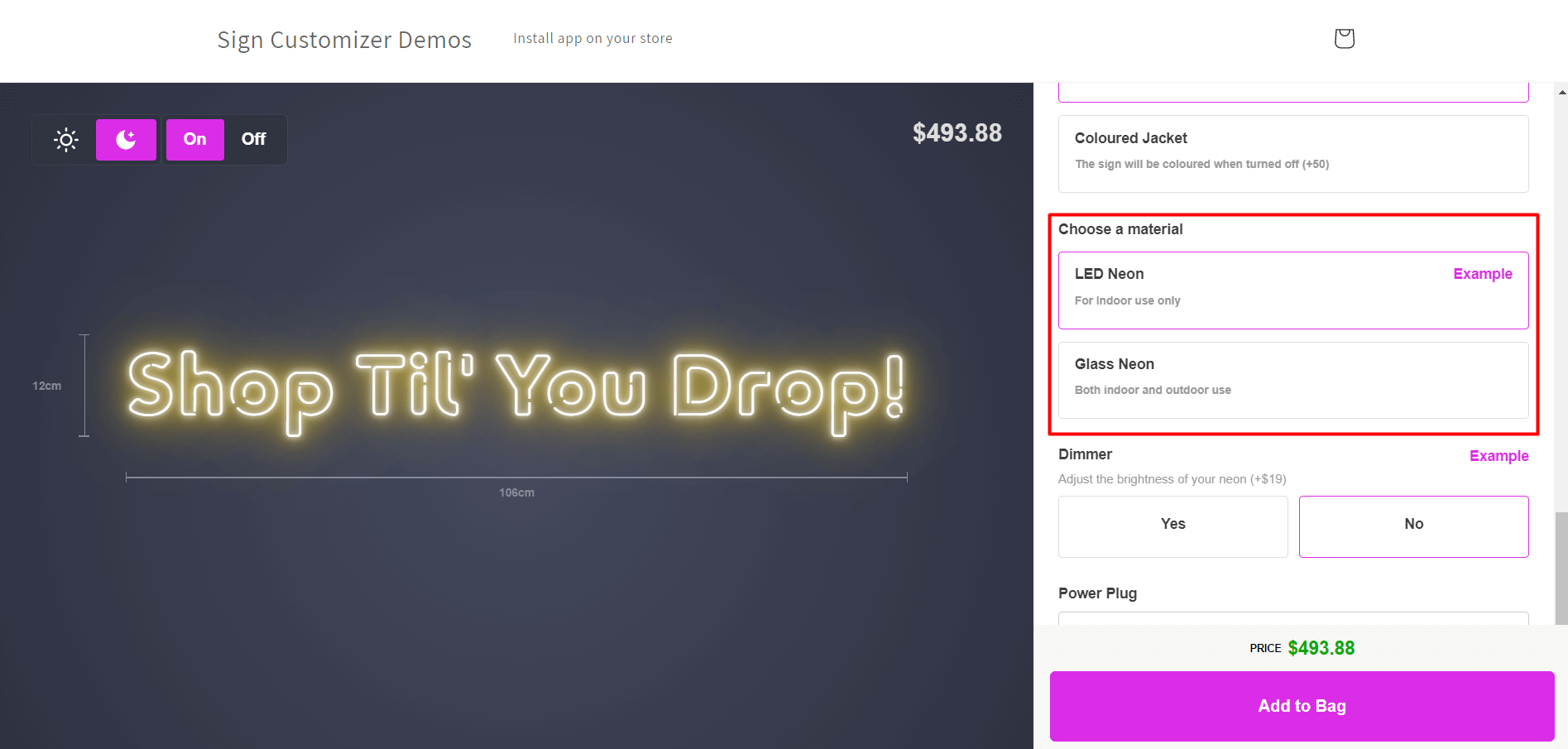
[Let’s give this app a try](https://demo.signcustomiser.com/)
## Conclusion
The prevalence of LED neon signs has been skyrocketing in recent years due to their exceptional energy efficiency, low maintenance requirements, and remarkable versatility. This innovative technology employs LED lights in place of traditional neon gas, which provides greater design flexibility and a significantly longer lifespan.
**LED neon signs are a cost-effective substitute for conventional neon signs, with substantial cost savings over an extended period.** Clients can even personalize their LED neon signs using cutting-edge software that allows them to choose between glass neon and LED neon, and observe the real-time price of their sign. In conclusion, LED neon signs boast numerous advantages over traditional neon signs and are a splendid investment for businesses or individuals seeking to add a distinctive touch to their space.
Want to design your own LED neon sign? Try our [free neon sign maker](/neon-sign-maker-online-free/) to create and preview your custom design online.
Tags
- [neon](/posts/neon/)
- LED

About the author
### Matthew Attanasio
Founder, Sign Customiser
Matthew founded Sign Customiser to solve a problem he saw sign businesses facing every day: the endless back-and-forth of manual quoting. With a background in e-commerce development and a decade of experience building Shopify solutions at Sky Foundry, he set out to automate the entire custom sign selling process.
- E-commerce
- Shopify
- Sign Industry
- Product Strategy
[View profile](/authors/matthew-attanasio/)[](https://au.linkedin.com/in/matthew-attanasio-92500a36)[](https://github.com/matthewattanasio)
Let your customers design their own signs

Add a full sign customiser to your online store in minutes. Neon, acrylic, metal — with real-time pricing.
[Start your free 7-day trial](/install/)
Works with Shopify, WooCommerce, Wix & more. 7 days free. Every plan includes every feature.
Let your customers design their own signs

Add a full sign customiser to your online store in minutes. Neon, acrylic, metal — with real-time pricing.
[Start your free 7-day trial](/install/)
Works with Shopify, WooCommerce, Wix & more. 7 days free. Every plan includes every feature.
Related
## From theblog
Expert insights, industry trends, and actionable tips to enhance your online sign business.
[View all articles](/posts/)

neon·March 30, 2023
### [Exploring the benefits of acrylic neon signs for business signage](/posts/neon/acrylic-neon-signs/)
Customizable and Durable: Why Acrylic Neon Signs are a Smart Choice for Your Business Signage Needs
Read more

neon·September 26, 2023
### [45+ aesthetic neon quotes to light up your space](/posts/neon/aesthetic-neon-quotes/)
45+ aesthetic neon quotes for bedrooms, weddings and shop walls, plus how sign shops price and sell custom neon quote signs on their own website.
Read more

neon·September 26, 2023
### [Aesthetic neon signs: styles, ideas and pricing](/posts/neon/aesthetic-neon-signs/)
See the styles and colours behind aesthetic neon signs, get design ideas for any room, and learn how sign shops price and sell them online with a live customiser.
Read more

neon·December 25, 2022
### [Are neon signs dangerous? 14 great tips to stay safe](/posts/neon/are-neon-signs-dangerous/)
Get our 14 great tips to avert accidents & keep your family safe around neon signs with this post.
Read more

neon·September 26, 2023
### [Why are black neon signs the latest trend in home decor?](/posts/neon/black-neon-sign/)
Unleash your creativity with black neon signs and 20+ creative ideas for businesses, events, or personal spaces.
Read more

neon·December 5, 2022
### [Custom neon signs cost: the ultimate guide for Shopify store owners](/posts/neon/custom-neon-signs-cost/)
We explore the primary factors that influence the custom neon signs cost and strategies store owners can apply to increase sales and profit margins. Click to see more details!
Read more

neon·June 23, 2023
### [Design tips for creating eye-catching DIY neon signs](/posts/neon/design-tips-for-creating-eye-catching-diy-neon-signs/)
Neon signs have long been a captivating way for businesses to attract attention and make bold statements. With the rise of do-it-yourself (DIY) projects, creating your own neon sign has become an accessible and cost-effective option for businesses looking to stand out.
Read more

neon·January 5, 2025
### [How to make a DIY neon sign: step-by-step tutorial (LED flex method)](/posts/neon/diy-neon-sign/)
Learn how to make your own LED neon sign at home. Complete step-by-step guide with materials list, tools needed, and expert tips for beginners.
Read more

neon·September 26, 2023
### [Electric blue neon signs: meaning, ideas and pricing](/posts/neon/electric-blue-neon-blue-aesthetic/)
What makes electric blue neon glow, the blue aesthetic it creates, sign ideas by room, and how sign shops price and sell custom blue neon online.
Read more

neon·April 3, 2023
### [Faux neon signs: LED alternatives, costs & business guide (2026)](/posts/neon/faux-neon-sign/)
Complete guide to faux neon (LED neon) signs. Compares LED vs glass neon, covers profit margins for sign shops, and explains why LED neon dominates the market.
Read more

neon·March 28, 2023
### [Are glass neon signs worth it?](/posts/neon/glass-neon-signs/)
Are you curious about the cost and lifespan of glass neon signs? Our guide has all the answers you need to make an informed purchase.
Read more

neon·March 30, 2023
### [How to hang a neon sign: step-by-step guide (with & without nails)](/posts/neon/hanging-neon-signs/)
Learn how to hang a neon sign on any surface. Step-by-step instructions for drywall, brick, concrete & glass. Plus tips to hide wires and avoid wall damage.
Read more

neon·December 23, 2022
### [How to make custom neon signs, the easy guide for Shopify sign stores](/posts/neon/how-to-make-custom-neon-signs/)
Learn how to make custom neon signs as a producer. We also show you a secret to let buyers customize & view their signs in real-time.
Read more

neon·February 3, 2026
### [LED neon sign production: how custom neon signs are made](/posts/neon/led-neon-sign-production-process/)
LED neon signs are manufactured through a precise multi-stage process. Learn how custom LED neon signs are made, from acrylic backing preparation to tube bending, wiring, and quality testing.
Read more

neon·March 10, 2026
### [Name in lights: what customers type into a neon name sign generator](/posts/neon/name-in-lights-generator/)
Sign Customiser data: 70% of LED neon designs added to cart are two words or fewer, and one in four keep the default font. What that means for your generator.
Read more

neon·January 5, 2026
### [Neon art: what it is, who made it famous and how it is made](/posts/neon/neon-art/)
Neon art is art made from hand-bent glass tubes of glowing gas. The artists who made it famous, where to see their work, and how a drawing becomes neon.
Read more

neon·March 19, 2026
### [Neon light writer: 6 free and paid neon text tools compared](/posts/neon/neon-light-writer/)
Neon light writers compared: free neon text generators such as FlamingText, Cool Text and Canva, and sign software that turns words into LED neon signs.
Read more

neon·January 5, 2025
### [Neon open signs: the complete guide to open signs for businesses (2025)](/posts/neon/neon-open-signs/)
Discover the best neon and LED open signs for your business. Compare types, sizes, and installation options. Plus expert tips for choosing the perfect open sign.
Read more

neon·April 2, 2023
### [Neon signs hub: your one stop shop for all things neon signs](/posts/neon/neon-sign/)
Discover the colorful world of neon signs with our ultimate guides! Learn about their history, design, cost, and much more.
Read more

neon·April 5, 2023
### [70 neon sign ideas by room & occasion (2026 guide)](/posts/neon/neon-sign-ideas/)
See 70 neon sign ideas for bedrooms, weddings, bars and businesses, organised by room and occasion, plus how sign shops price and sell them online.
Read more

neon·April 4, 2023
### [Best neon sign quotes: 150+ ideas for every occasion (2026)](/posts/neon/neon-sign-quotes/)
Curated neon sign quotes for weddings, businesses, bars, bedrooms and more. Includes best-selling categories and pricing strategies for sign shops.
Read more

neon·April 1, 2023
### [Neon sign repair guide: DIY fixes & when to call a pro](/posts/neon/neon-sign-repair/)
Complete guide to neon sign repair. Troubleshoot common problems, learn DIY fixes, compare costs, and know when to hire a professional for neon light repair.
Read more

neon·January 5, 2025
### [Neon signs for room decor: 60+ ideas for bedrooms, gaming rooms & more](/posts/neon/neon-signs-for-room/)
Transform any room with neon signs. Browse 60+ ideas for bedrooms, gaming rooms, living rooms and home offices. Plus size, colour and placement tips.
Read more

neon·January 12, 2023
### [Neon versus LED: what are the differences? Which is right for you?](/posts/neon/neon-vs-led/)
We compare neon vs LED neon signs in this informative article. From lighting to maintenance, we cover pros & cons of each to help you make an informed decision on.
Read more

neon·September 26, 2023
### [Neon wedding signs: 40+ ideas, placement guide & costs](/posts/neon/neon-wedding-sign/)
Complete guide to neon signs for wedding decor. Discover 40+ ideas, placement tips, rental vs purchase costs, and how to match your wedding theme.
Read more

neon·September 26, 2023
### [Purple neon light: meaning, shades & buying guide](/posts/neon/purple-neon-sign/)
What purple neon light means, the shades from lavender to magenta, and how sign shops price and sell custom purple neon signs online with a live customiser.
Read more

neon·September 26, 2023
### [White neon sign: a guide to choosing the right one!](/posts/neon/white-neon-sign/)
Looking for a chic and modern addition to your decor? Check out our guide to choosing the best white neon sign.
Read more

neon·December 12, 2022
### [Why are neon signs so expensive? 2026 pricing guide for sign shops](/posts/neon/why-are-neon-signs-so-expensive/)
Complete breakdown of neon sign costs for sign shop owners. Covers material, labour, and overhead costs plus strategies to improve margins with LED neon.
Read more
[View all articles](/posts/)
## Sitemap
See the full [sitemap](/sitemap.md) for all pages.
---
## Neon Name Sign Generator: What Customers Type and Pay
Source: [https://www.signcustomiser.com/posts/neon/name-in-lights-generator/](https://www.signcustomiser.com/posts/neon/name-in-lights-generator/)
A name in lights generator is the tool on a neon store where a customer types a name and sees it lit, sized and priced before they order. Across LED neon designs added to cart on Sign Customiser stores in the 12 months to 30 September 2026, 70% were two words or fewer and the median was 10 characters.
If you only want to see your own name in neon, use our [free neon sign maker](/neon-sign-maker-online-free/). This guide is for sign shops that sell LED neon online. Every Sign Customiser figure in it covers LED neon designs added to cart in the 12 months to 30 September 2026. The figures cover all LED neon text, not only names, so read them as the short text a name generator receives.
We make Sign Customiser, the software that puts a live sign designer and price on a sign shop’s store. The order figures in this guide come from the stores that use it. The lessons apply whatever software you use.
**On this page:**
- [Why name signs, and why your own store](#why-name-signs-and-why-your-own-store)
- [What customers type into a name sign generator](#what-customers-type-into-a-name-sign-generator)
- [What size customers choose for a name sign](#what-size-customers-choose-for-a-name-sign)
- [What stores charge for a neon name sign](#what-stores-charge-for-a-neon-name-sign)
- [One design in four keeps the default font](#one-design-in-four-keeps-the-default-font)
- [What the stores that rank for “neon name sign” show](#what-the-stores-that-rank-for-neon-name-sign-show)
- [The price floor you should not chase](#the-price-floor-you-should-not-chase)
- [Spelling, returns and other people’s trademarks](#spelling-returns-and-other-peoples-trademarks)
- [How to set up a name sign generator on your store](#how-to-set-up-a-name-sign-generator-on-your-store)
- [How we counted](#how-we-counted)
- [Frequently asked questions](#frequently-asked-questions)
## Why name signs, and why your own store
In Google’s US data from DataForSEO, read on 1 October 2026, “neon name sign” is searched about 2,400 times a month and “custom neon name sign” about 1,600 times. In the UK, “neon name sign” gets about 880 searches a month. Demand is seasonal: US searches for “neon name sign” reached about 4,400 a month in late 2025 (November and December, in DataForSEO’s monthly series), more than twice the level of most other months.
Look at who ranks for those searches and you find shops. On 1 October 2026, the US top 10 for “neon name sign”, “name in neon lights” and “neon name sign for bedroom” was neon retailers, Amazon, Etsy, Walmart and videos. No written guide made the top 10. Every neon retailer we tested from those results sells through a generator on its own site: the customer types the name and picks a font, a colour and a size, and on seven of the eight sees a price before the cart.
The phrase “name in lights generator” itself is small. It gets about 10 US searches a month, and the results are free text-effect tools. The real demand is the shopper who already knows they want a name sign and is choosing where to buy it. Your generator is how you win that shopper, because it answers the three questions they would otherwise email you about: what it looks like, how big it is, and what it costs.
## What customers type into a name sign generator
Customers type short text. Across LED neon designs added to cart on Sign Customiser stores in the 12 months to 30 September 2026, the median design was 10 characters long, not counting spaces, and the middle half ran from 7 to 14 characters. The median was two words.
LED neon designs added to cart on Sign Customiser stores, 1 October 2025 to 30 September 2026, by number of words: one word 38.1%, two words 32.1%, three words 16.7%, four or more 13.2%. Source: Sign Customiser.
On Sign Customiser stores, seven LED neon designs in ten were one or two words. 37% were one or two words each written with a capital and then lower-case letters, which is the shape of a name such as “Olivia” or “Olivia Rose” (it also catches short phrases such as “Good Vibes”, so the true share of names is lower). Lines tell the same story: 80.7% of designs were one line, 15.3% were two lines and 4.0% were three or more.
What this means for your generator:
- Open on a name. If your placeholder text is a long quote, every customer starts by deleting it. A short name previews the product most of them are buying.
- Make two lines the limit on small sizes. Two lines cover about 96% of designs. A third line on a small sign makes letters too small to bend, so save it for the larger sizes.
- Watch your minimum. A minimum of three characters (Sign Customiser’s default, for example) blocks two-letter names such as “Al”, “Jo” or “Ed”. Lower it if you sell name signs.
## What size customers choose for a name sign
One- and two-word LED neon designs on Sign Customiser stores had a median width of 29.5 inches (about 75 cm) in the 12 months to 30 September 2026. The middle half ran from about 20 to 39 inches. For the designs that record letter height, the median height of the first line’s letters was 19 cm (about 7.5 inches), with the middle half between 13 and 27 cm.
Those two numbers matter because most shoppers cannot picture 30 inches. A room photo with a glowing sign in it looks the same at 20 inches and at 40. The customer finds out when the box arrives, and a sign that is smaller than they imagined is the complaint you cannot fix after the order.
Letter height decides what you can build. Side-bend LED neon flex bends in one direction and needs room to turn. One manufacturer’s datasheet, for ICL’s 6 × 12 mm Halo Micro flex, gives a minimum bending diameter of 60 mm and says to bend it side to side only. The loop of a small script “l” or “e” can be tighter than that. That is why script fonts need a larger minimum size than block letters, and why your generator should stop a design you cannot make rather than leave it to the proof.
All capitals need more height again. The United States Sign Council’s legibility guidance says text set in all capitals needs about 15% more letter height to read as well as upper and lower case. That research is about signs read from the road, not across a bedroom, but the direction holds indoors too: an all-caps name is harder to read than the same name in mixed case at the same height.
## What stores charge for a neon name sign
Longer text costs more, and the data shows by how much. On US-dollar Sign Customiser stores in the 12 months to 30 September 2026, counting each store once, the median price of an LED neon design was:
Median LED neon design price by number of words on US-dollar Sign Customiser stores, each store counted once, 1 October 2025 to 30 September 2026: one word $227, two words $317, three words $374, four or more $472. Source: Sign Customiser.
On those US-dollar Sign Customiser stores, the middle half of stores priced a one-word design between $166 and $303 and a two-word design between $236 and $397. Longer text usually comes at a larger size too (on these stores the median width rises with each extra word), so part of that rise is size, not words.
Comparing inside one store removes the mix of stores, though not the size effect. Sign Customiser compared each US-dollar store’s median two-word price with the same store’s median one-word price, over the same 12 months: the typical store charged 1.40 times as much for two words as for one. Three words came to 1.69 times and four or more to 2.14 times. If your pricing charges the same for “Olivia” and “Olivia Rose” at the same size, you are giving that money away.
There are two common ways to make the second word pay. You can price by letter, with a rate per character on top of a base price for each size, or you can price by the length of LED neon the design actually uses, which also charges more for a long script than a short block name. Our [sign pricing guide](/posts/general/how-to-price-signs/) covers both methods, and what stores charge for LED neon by width, in detail.
## One design in four keeps the default font
The font your generator selects first is the one a large share of customers keep. In Sign Customiser’s data for the 12 months to 30 September 2026, 23.9% of LED neon designs used the font that was first in the store’s list, the one the customiser selects when it opens. The median design was made on a customiser that offered 31 fonts. Averaged across customisers, a random choice would give the first font about 4% of designs, so the default does about six times better than chance. The first three fonts together took 40.2% of designs.
It costs nothing to change. Your first font is the one about a quarter of your name signs will be made in, more than your second and third fonts together. Three tests decide which font goes first:
1. **It reads as a name.** A script font was the default on at least five of the eight neon store generators we tested, and for good reason: it looks like a signature, not a shop sign.
2. **You can build it at your smallest size.** If the first font only bends at 30 inches, a quarter of your small-sign orders will need a call to the customer.
3. **It makes money.** If you price by the length of LED neon, a flowing script uses more of it than a compact sans serif. Know which one your margin prefers.
Fewer fonts help too. Thirty-one options is a lot of scrolling on a phone. A short list of fonts you build well, with your best name font first, gives the customer less to decide and you fewer surprises.
## What the stores that rank for “neon name sign” show
On 1 October 2026 we opened the generators on eight neon stores that rank in Google’s US top 20 for “neon name sign”, “name in neon lights” or “neon name sign for bedroom”, typed “Olivia” and recorded what each one showed before the cart. Two of the eight run Sign Customiser, so we do not name or review them below, and one more is left out of the table because a pop-up hid its price.
Store
”Olivia” at the default size
Price before cart
Shows the sign next to a person
Proof mentioned on the builder
Custom Neon
23 × 12.5 in, $297
Yes
No
Proof is a choice when ordering (terms)
Create Neon
23 × 12.5 in, $258 on sale ($323 list)
Yes
No
Proof is a choice on the builder
NeonSigns.com
12 × 5 in, $126.77 on sale ($253.53 list)
Yes
No
”Free design proofs”
Kings of Neon
18.5 in wide (its minimum), $445.61
Yes
Yes, with letter height
Proof emailed; made after 12 hours without a reply
Neon Grand
”Olivia Rose”, $198 (size not captured)
Yes
No
Not seen
Swipe for more
Prices are as shown on 1 October 2026 in US dollars, including any sale price the store displayed. Neon Grand’s row is for “Olivia Rose” because that is the price our screenshot captured. We rechecked the Kings of Neon wording on 2 October 2026.
Three patterns stood out in our 1 October 2026 test:
- Every builder shows a price. Seven of the eight showed a running price before the cart; on the eighth, a pop-up hid it.
- Script is the default. At least five of the eight opened with a script font.
- Scale is the gap. Of the five stores in the table, only Kings of Neon showed the sign next to a person and gave the height of the capital letters. Its builder also warns that “Some fonts have tighter bends, so the smallest available size may change,” and labels the preview “Mock-up for visual estimate only. Final professional artwork supplied for approval before manufacturing.” A room photo with a glowing sign in it does not tell the customer how big 23 inches is.
Default sizes vary widely: the same six letters opened at 12 inches on one store and 23 inches on two others. A customer comparing stores is not comparing like with like, which is one more reason to state the size and letter height plainly.
## The price floor you should not chase
Name signs have a price problem, and it sits on the same results page. The same Google results page for “neon name sign” carries a shopping panel. On 1 October 2026 it held 60 listings with a median listed price of $21.33. Fifty-one of the 60 were under $50 and 40 were Etsy listings. Some of those prices may be for the smallest size or a sale, but the message to the shopper is clear: a name in neon can cost less than dinner.
Sign makers know this. In a 2024 Signs101 thread on the US market for custom LED neon, one sign maker called LED neon “about a dime a dozen off amazon.”
You will not win the $20 order, and you should not try. The Sign Customiser figures above are a different market: a median of $227 for a one-word sign is about ten times the marketplace median. The shops that sell at that level compete on what a $20 listing cannot offer: a real size, an outdoor rating, a wedding deadline met, local pickup or install, a warranty and a person who answers the phone. Your generator is where the customer first sees that.
## Spelling, returns and other people’s trademarks
Name signs carry three risks that stock signs do not.
**Spelling.** A misspelt name cannot be resold. Neon Champ’s proof checklist, published in August 2026, puts it plainly: “mockups are built from what was typed, not what was intended.” Make the customer confirm the text before checkout. The order is the specification, so send a proof only when you change or redraw the design. Custom Neon’s terms show the other side of a proof policy: a custom sign is “automatically approved if ‘NO’ design proof is selected when ordering,” and once an approved sign is in production, they no longer offer a refund.
**Returns.** In the UK, the 14-day right to cancel an online order does not apply to “the supply of goods that are made to the consumer’s specifications or are clearly personalised” (Consumer Contracts Regulations 2013, regulation 28(1)(b)). The EU Consumer Rights Directive has the same exception in Article 16(c). In Australia, the ACCC says customers are not entitled to a refund under the consumer guarantees if they “got what they asked for but simply changed their mind”, but a business cannot take away the right to a remedy for a faulty product. None of this covers a faulty sign: a dead power supply is your problem in all three. State your personalised-goods policy on the product page, not only in the terms. This is general information, not legal advice for your store.
**Trademarks.** Customers type team names, brand names and characters into name generators. The US Patent and Trademark Office defines trademark infringement as “the unauthorized use of a trademark or service mark on or in connection with goods and/or services in a manner that is likely to cause confusion, deception, or mistake about the source of the goods and/or services.” A common answer is a clause in your terms that makes the customer responsible for having the rights to their text, plus the right to refuse an order. Decide your policy before the first order with a football club’s name on it.
## How to set up a name sign generator on your store
The data above turns into seven settings for any builder. Where a step names a Sign Customiser setting, it is there so you can find it.
### 1\. Size the default for ten characters
Make the size that opens first fit a name of about ten characters on one line. In Sign Customiser’s Simple Letter pricing, each size has its own minimum and maximum characters and its own line limit, and Add to Cart stays disabled until the text fits. The minimum defaults to three characters, so lower it if you want “Al” and “Jo”.
### 2\. Put your best name font first
Choose the font you most want to sell and can build at your smallest size, and move it to the top of the list. Sign Customiser selects the first font in the merchant’s list when the customiser opens. Fonts come from a .ttf upload or from Google Fonts.
### 3\. Set a minimum letter height for each font
Script fonts need more height than block letters. With Sign Customiser’s Advanced Letter pricing model, you set, for each font, the minimum height of the smallest letter and of capital letters, and Add to Cart is blocked when a design falls below that height or above your maximum sign size. With Simple Letter, set a minimum size for each font, so customers cannot choose a smaller size in that font.
### 4\. Price the second word
Charge more for “Olivia Rose” than for “Olivia” at the same size. Sign Customiser offers three pricing models for LED neon: Simple Letter (a price per character plus a base price per line), Advanced Letter (a price per centimetre of LED neon measured from the font outlines, plus a base price) and Frame Fit (a price by the area of the sign). The price updates as the customer types. The [sign pricing guide](/posts/general/how-to-price-signs/) shows how to set the rates.
### 5\. Show the real size
Show the sign next to something the customer knows. Sign Customiser’s Real size view, released in late September 2026, puts the sign next to a 170 cm (5 ft 7 in) person at the same scale. It is switched on by default for new customisers, except lightbox, and existing customisers can turn it on in the admin. If your builder cannot do this, state the letter height next to the overall size.
### 6\. Confirm the spelling
Make the customer confirm the text before adding the sign to the cart, send a proof only when you change or redraw the design, and say on the product page that personalised signs are made to order. Use the regulations in the section above to word your returns policy for your country.
### 7\. Send production details with the order
Each order should reach you, or your manufacturer, with everything needed to make it. A Sign Customiser order email lists the text, font, size, final dimensions, letter height, colour and backboard, with a product image. If you cut from a vector file, turn on the optional SVG output (EPS and AI are also available). Our [artwork policy guide](/posts/general/sign-shop-artwork-policy/) covers what to do when a customer sends their own logo instead of typing a name.
If you are setting up a neon store from scratch, our guide to [starting a neon sign business on Shopify](/posts/shopify/how-to-start-neon-sign-business-shopify/) covers the rest of the store around the generator.
## How we counted
**Add-to-cart data.** Sign Customiser counted LED neon designs added to cart on stores that use Sign Customiser between 1 October 2025 and 30 September 2026. We excluded test stores, staff and internal stores, Shopify development and partner stores, and our own demo store. Text figures came from the words saved with each design: we measured length, word and line counts, and whether each word started with a capital letter. No design text was read out or published. These are designs added to cart, not completed orders. We checked the text figures a second way, from a separate plain-text field that only some designs carry, and got the same median length and almost the same shares (68.9% two words or fewer, 79.4% one line). Letter height comes from the designs that record it, which are a minority.
**Prices.** Prices are in US dollars from stores that sell in US dollars, not converted. Because a few large stores sell many signs, we counted each store once: we took each store’s median price for each word count, for stores with at least five designs in that group, and report the median across stores. The same-store ratios compare each store’s own one-word and longer-text medians. Excluding the single largest store from the raw figures gives the same order, with somewhat smaller steps.
**Default font.** “First font” means first in the store’s current font order, which is the font the customiser selects when it opens. Stores that reordered their fonts during the year make this an estimate rather than an exact count.
**What we did not publish.** The number of stores and designs behind each figure, any store-level figure, and the colour mix, because colour records did not match their labels reliably enough.
**These are Sign Customiser stores, not the whole market.** They are sign shops and neon brands that chose a live designer with a price, and they skew to online LED neon sellers. Treat the figures as what customers do on that kind of store.
**Search and store data.** Search volumes are DataForSEO estimates for Google, read on 1 October 2026. Search results and shopping listings are from live Google US results on 1 October 2026. Store generators were tested by hand on 1 October 2026 and may have changed since.
## Frequently asked questions
### What is a name in lights generator?
A name in lights generator is an online tool where you type a name, pick a font and colour, and see it as a lit neon sign. On a sign shop’s store, the same tool also shows the size and the price and adds the design to the cart, so the customer can order without asking for a quote.
### How many characters should a neon name sign generator allow?
Build the default size around ten characters. Across LED neon designs added to cart on Sign Customiser stores in the 12 months to 30 September 2026, the median design was 10 characters, the middle half ran from 7 to 14 characters, and 70% were two words or fewer. Allow two-letter names too: a minimum of three characters blocks names such as Al or Jo.
### What size should a neon name sign be?
Across one- and two-word LED neon designs added to cart on Sign Customiser stores in the 12 months to 30 September 2026, the median width was 29.5 inches (about 75 cm), with the middle half between about 20 and 39 inches. Where letter height was recorded, the median first-line letter height was 19 cm (about 7.5 inches).
### What is the average price of a custom LED neon name sign?
On US-dollar Sign Customiser stores, counting each store once, the median one-word LED neon design added to cart in the 12 months to 30 September 2026 was priced at $227 and a two-word design at $317. In the same store, two-word designs were priced about 40% higher than one-word designs. Marketplace listings start far lower: on 1 October 2026 the median listed price in Google’s US shopping results for ‘neon name sign’ was $21.33.
### What is the best font for a neon name sign?
A script font reads as a name, and at least five of the eight neon store generators we tested on 1 October 2026 opened on one, but tight loops need larger letters to bend. Choose the font you most want to sell and can build at your smallest size, and put it first. On Sign Customiser stores, about one LED neon design in four kept the font the generator selected first.
### Can a customer return a personalised neon name sign?
In the UK and the EU, the 14-day right to cancel an online order does not apply to goods made to the customer’s specifications or clearly personalised. In Australia, a business does not have to refund a change of mind but cannot remove the consumer guarantees for faulty goods. A faulty sign still needs a remedy in all three. This is general information, not legal advice.
## Put a name sign generator on your store
Sign Customiser puts a live LED neon designer on your store: the customer sees the real size and the price as they type, and you get the production details with the order. It runs on Shopify, WooCommerce, Wix, Squarespace, Webflow, Etsy and any website. Every plan includes every feature and starts with a 7-day free trial.
[See plans and start a free trial](/pricing/)
## Sources
- Sign Customiser, LED neon designs added to cart, 1 October 2025 to 30 September 2026 (method above).
- DataForSEO, Google keyword data for the US and UK, read 1 October 2026.
- Google US search results and shopping listings for “neon name sign”, “name in neon lights” and “neon name sign for bedroom”, read 1 October 2026.
- Store generators tested 1 October 2026: [Custom Neon](https://customneon.com/create-neon-sign/), [Create Neon](https://createneon.com/neon-name-signs/), [NeonSigns.com](https://www.neonsigns.com/us/custom-neon-signs), [Kings of Neon](https://www.kingsofneon.com/products/create-your-own-neon), [Neon Grand](https://neongrand.com/products/custom-neon-sign-outdoor-led-name-light).
- [ICL, LED Neon Flex Halo Micro datasheet](https://iclighting.co.nz/wp-content/uploads/2022/04/LED-Neon-Flex-ICL-Halo-Micro-Datasheet.pdf) (2022).
- [United States Sign Council, Sign Legibility: rules of thumb](https://files.secure.website/wscfus/7691102/uploads/USSC_Sign_Legibility_Rules_of_Thumb.pdf).
- [Signs101, “Market size for custom-made LED neon signs in the US?”](https://www.signs101.com/threads/market-size-for-custom-made-led-neon-signs-in-the-us.175402/) (January 2024).
- [Neon Champ, Custom neon sign mockup approval checklist](https://www.neonchamp.com/blog/custom-neon-sign-mockup-approval-checklist) (24 August 2026).
- [Custom Neon, Terms and conditions](https://customneon.com/terms-conditions/) (updated 19 May 2026).
- [The Consumer Contracts (Information, Cancellation and Additional Charges) Regulations 2013, regulation 28](https://www.legislation.gov.uk/uksi/2013/3134/regulation/28).
- [Directive 2011/83/EU on consumer rights](https://eur-lex.europa.eu/legal-content/EN/TXT/HTML/?uri=CELEX:32011L0083), Article 16.
- [ACCC, Repair, replace, refund, cancel](https://www.accc.gov.au/consumers/problem-with-a-product-or-service-you-bought/repair-replace-refund-cancel).
- [USPTO, About trademark infringement](https://www.uspto.gov/page/about-trademark-infringement).
Tags
- [neon](/posts/neon/)
- generator
- name signs

About the author
### Matthew Attanasio
Founder, Sign Customiser
Matthew founded Sign Customiser to solve a problem he saw sign businesses facing every day: the endless back-and-forth of manual quoting. With a background in e-commerce development and a decade of experience building Shopify solutions at Sky Foundry, he set out to automate the entire custom sign selling process.
- E-commerce
- Shopify
- Sign Industry
- Product Strategy
[View profile](/authors/matthew-attanasio/)[](https://au.linkedin.com/in/matthew-attanasio-92500a36)[](https://github.com/matthewattanasio)
Let your customers design their own signs

Add a full sign customiser to your online store in minutes. Neon, acrylic, metal — with real-time pricing.
[Start your free 7-day trial](/install/)
Works with Shopify, WooCommerce, Wix & more. 7 days free. Every plan includes every feature.
Let your customers design their own signs

Add a full sign customiser to your online store in minutes. Neon, acrylic, metal — with real-time pricing.
[Start your free 7-day trial](/install/)
Works with Shopify, WooCommerce, Wix & more. 7 days free. Every plan includes every feature.
Related
## From theblog
Expert insights, industry trends, and actionable tips to enhance your online sign business.
[View all articles](/posts/)

neon·March 30, 2023
### [Exploring the benefits of acrylic neon signs for business signage](/posts/neon/acrylic-neon-signs/)
Customizable and Durable: Why Acrylic Neon Signs are a Smart Choice for Your Business Signage Needs
Read more

neon·September 26, 2023
### [45+ aesthetic neon quotes to light up your space](/posts/neon/aesthetic-neon-quotes/)
45+ aesthetic neon quotes for bedrooms, weddings and shop walls, plus how sign shops price and sell custom neon quote signs on their own website.
Read more

neon·September 26, 2023
### [Aesthetic neon signs: styles, ideas and pricing](/posts/neon/aesthetic-neon-signs/)
See the styles and colours behind aesthetic neon signs, get design ideas for any room, and learn how sign shops price and sell them online with a live customiser.
Read more

neon·December 25, 2022
### [Are neon signs dangerous? 14 great tips to stay safe](/posts/neon/are-neon-signs-dangerous/)
Get our 14 great tips to avert accidents & keep your family safe around neon signs with this post.
Read more

neon·September 26, 2023
### [Why are black neon signs the latest trend in home decor?](/posts/neon/black-neon-sign/)
Unleash your creativity with black neon signs and 20+ creative ideas for businesses, events, or personal spaces.
Read more

neon·December 5, 2022
### [Custom neon signs cost: the ultimate guide for Shopify store owners](/posts/neon/custom-neon-signs-cost/)
We explore the primary factors that influence the custom neon signs cost and strategies store owners can apply to increase sales and profit margins. Click to see more details!
Read more

neon·June 23, 2023
### [Design tips for creating eye-catching DIY neon signs](/posts/neon/design-tips-for-creating-eye-catching-diy-neon-signs/)
Neon signs have long been a captivating way for businesses to attract attention and make bold statements. With the rise of do-it-yourself (DIY) projects, creating your own neon sign has become an accessible and cost-effective option for businesses looking to stand out.
Read more

neon·January 5, 2025
### [How to make a DIY neon sign: step-by-step tutorial (LED flex method)](/posts/neon/diy-neon-sign/)
Learn how to make your own LED neon sign at home. Complete step-by-step guide with materials list, tools needed, and expert tips for beginners.
Read more

neon·September 26, 2023
### [Electric blue neon signs: meaning, ideas and pricing](/posts/neon/electric-blue-neon-blue-aesthetic/)
What makes electric blue neon glow, the blue aesthetic it creates, sign ideas by room, and how sign shops price and sell custom blue neon online.
Read more

neon·April 3, 2023
### [Faux neon signs: LED alternatives, costs & business guide (2026)](/posts/neon/faux-neon-sign/)
Complete guide to faux neon (LED neon) signs. Compares LED vs glass neon, covers profit margins for sign shops, and explains why LED neon dominates the market.
Read more

neon·March 28, 2023
### [Are glass neon signs worth it?](/posts/neon/glass-neon-signs/)
Are you curious about the cost and lifespan of glass neon signs? Our guide has all the answers you need to make an informed purchase.
Read more

neon·March 30, 2023
### [How to hang a neon sign: step-by-step guide (with & without nails)](/posts/neon/hanging-neon-signs/)
Learn how to hang a neon sign on any surface. Step-by-step instructions for drywall, brick, concrete & glass. Plus tips to hide wires and avoid wall damage.
Read more

neon·December 23, 2022
### [How to make custom neon signs, the easy guide for Shopify sign stores](/posts/neon/how-to-make-custom-neon-signs/)
Learn how to make custom neon signs as a producer. We also show you a secret to let buyers customize & view their signs in real-time.
Read more

neon·February 3, 2026
### [LED neon sign production: how custom neon signs are made](/posts/neon/led-neon-sign-production-process/)
LED neon signs are manufactured through a precise multi-stage process. Learn how custom LED neon signs are made, from acrylic backing preparation to tube bending, wiring, and quality testing.
Read more

neon·March 29, 2023
### [LED neon signs - a cost-effective alternative?](/posts/neon/led-neon-signs/)
Are LED neon signs worth it? Find out the answer and learn about their lifespan, energy efficiency, and low maintenance requirements.
Read more

neon·January 5, 2026
### [Neon art: what it is, who made it famous and how it is made](/posts/neon/neon-art/)
Neon art is art made from hand-bent glass tubes of glowing gas. The artists who made it famous, where to see their work, and how a drawing becomes neon.
Read more

neon·March 19, 2026
### [Neon light writer: 6 free and paid neon text tools compared](/posts/neon/neon-light-writer/)
Neon light writers compared: free neon text generators such as FlamingText, Cool Text and Canva, and sign software that turns words into LED neon signs.
Read more

neon·January 5, 2025
### [Neon open signs: the complete guide to open signs for businesses (2025)](/posts/neon/neon-open-signs/)
Discover the best neon and LED open signs for your business. Compare types, sizes, and installation options. Plus expert tips for choosing the perfect open sign.
Read more

neon·April 2, 2023
### [Neon signs hub: your one stop shop for all things neon signs](/posts/neon/neon-sign/)
Discover the colorful world of neon signs with our ultimate guides! Learn about their history, design, cost, and much more.
Read more

neon·April 5, 2023
### [70 neon sign ideas by room & occasion (2026 guide)](/posts/neon/neon-sign-ideas/)
See 70 neon sign ideas for bedrooms, weddings, bars and businesses, organised by room and occasion, plus how sign shops price and sell them online.
Read more

neon·April 4, 2023
### [Best neon sign quotes: 150+ ideas for every occasion (2026)](/posts/neon/neon-sign-quotes/)
Curated neon sign quotes for weddings, businesses, bars, bedrooms and more. Includes best-selling categories and pricing strategies for sign shops.
Read more

neon·April 1, 2023
### [Neon sign repair guide: DIY fixes & when to call a pro](/posts/neon/neon-sign-repair/)
Complete guide to neon sign repair. Troubleshoot common problems, learn DIY fixes, compare costs, and know when to hire a professional for neon light repair.
Read more

neon·January 5, 2025
### [Neon signs for room decor: 60+ ideas for bedrooms, gaming rooms & more](/posts/neon/neon-signs-for-room/)
Transform any room with neon signs. Browse 60+ ideas for bedrooms, gaming rooms, living rooms and home offices. Plus size, colour and placement tips.
Read more

neon·January 12, 2023
### [Neon versus LED: what are the differences? Which is right for you?](/posts/neon/neon-vs-led/)
We compare neon vs LED neon signs in this informative article. From lighting to maintenance, we cover pros & cons of each to help you make an informed decision on.
Read more

neon·September 26, 2023
### [Neon wedding signs: 40+ ideas, placement guide & costs](/posts/neon/neon-wedding-sign/)
Complete guide to neon signs for wedding decor. Discover 40+ ideas, placement tips, rental vs purchase costs, and how to match your wedding theme.
Read more

neon·September 26, 2023
### [Purple neon light: meaning, shades & buying guide](/posts/neon/purple-neon-sign/)
What purple neon light means, the shades from lavender to magenta, and how sign shops price and sell custom purple neon signs online with a live customiser.
Read more

neon·September 26, 2023
### [White neon sign: a guide to choosing the right one!](/posts/neon/white-neon-sign/)
Looking for a chic and modern addition to your decor? Check out our guide to choosing the best white neon sign.
Read more

neon·December 12, 2022
### [Why are neon signs so expensive? 2026 pricing guide for sign shops](/posts/neon/why-are-neon-signs-so-expensive/)
Complete breakdown of neon sign costs for sign shop owners. Covers material, labour, and overhead costs plus strategies to improve margins with LED neon.
Read more
[View all articles](/posts/)
## Sitemap
See the full [sitemap](/sitemap.md) for all pages.
---
## Neon Art: Famous Neon Artists and How Neon Art Is Made
Source: [https://www.signcustomiser.com/posts/neon/neon-art/](https://www.signcustomiser.com/posts/neon/neon-art/)
Neon art is art made with light from sealed glass tubes of glowing gas. A bender heats the glass and bends it by hand to follow the artist’s drawing, fits an electrode at each end and fills the tube with neon, which glows orange-red, or argon and mercury, which glow blue. Artists have made neon art since the 1940s.
The neon artists named most often include Bruce Nauman, Tracey Emin, Joseph Kosuth, Lucio Fontana and Keith Sonnier; the [table of famous neon artists](#famous-neon-artists-and-their-works) below lists their key works and where to see them. The name “neon art” has two other uses. Shops sell “neon art” made from LED neon flex, which copies the look with LEDs in a silicone strip and has no gas and no glass. And it can mean painting or digital art in bright neon colours. This guide covers glass neon first, then LED neon.
We make Sign Customiser, software that lets a sign shop’s customers design and price neon and other signs on the shop’s own website. We do not bend glass or make signs. Our customers turn drawings into neon every day, so this guide explains neon art from the workshop side.
**On this page:**
- [Famous neon artists and their works](#famous-neon-artists-and-their-works)
- [Where neon art came from](#where-neon-art-came-from)
- [How neon art is made](#how-neon-art-is-made)
- [Why neon art looks the way it does](#why-neon-art-looks-the-way-it-does)
- [Who bends the glass: workshops and artist-benders](#who-bends-the-glass-workshops-and-artist-benders)
- [Auction prices for neon art](#auction-prices-for-neon-art)
- [Glass neon or LED neon](#glass-neon-or-led-neon)
- [Where to see neon art](#where-to-see-neon-art)
- [From a drawing to a neon design online](#from-a-drawing-to-a-neon-design-online)
- [Frequently asked questions](#frequently-asked-questions)
## Famous neon artists and their works
Bruce Nauman and Tracey Emin are the two neon artists named most often. Nauman began making neon in the 1960s and used it for words and ideas rather than advertising. Emin, born in 1963, has made neon in her own handwriting since the mid-1990s.
The table lists key neon artworks, what each is made of and where to see it today. Where a museum or source record is online, the title links to it. Where a work exists in more than one version, the table says so.
Artist
Work
Year
Made of
Where to see it
Gyula Kosice
[_Estructura lumínica Madí 6_](https://emuseum.mfah.org/objects/63005)
dated 1946
neon; one of the earliest artworks to use neon
Museum of Fine Arts, Houston
Lucio Fontana
[_Struttura al neon per la IX Triennale di Milano_](https://www.museodelnovecento.org/it/percorsi/sala-fontana)
1951
about 100 m of white neon
A 2010 reconstruction in the Museo del Novecento, Milan
Chryssa
[_Times Square Sky_](https://walkerart.org/collections/artworks/times-square-sky)
1962
neon, stainless steel, lead solder and zinc alloy
Walker Art Center, Minneapolis
Chryssa
[_The Gates to Times Square_](https://buffaloakg.org/artworks/197211a-h-gates-times-square)
1964–66
neon and other materials
Buffalo AKG Art Museum
Joseph Kosuth
[_Five Words in Green Neon_](https://whitney.org/collection/works/8377)
1965
neon
Whitney Museum of American Art, New York
Bruce Nauman
[_The True Artist Helps the World by Revealing Mystic Truths_](https://www.philamuseum.org/objects/31965)
1967
neon
Versions are in the Philadelphia Museum of Art and the Kröller-Müller Museum, Otterlo
Keith Sonnier
[_Neon Wrapping Incandescent_](https://emuseum.mfah.org/objects/126630/neon-wrapping-incandescent)
1969
neon and light bulbs
Museum of Fine Arts, Houston
Bruce Nauman
[_Human/Need/Desire_](https://www.moma.org/collection/works/81175)
1983
neon on glass tubing frames
MoMA, New York
Bruce Nauman
[_One Hundred Live and Die_](https://bombmagazine.org/articles/2019/03/22/the-spirit-and-the-damage-done-on-bruce-naumans-100-live-and-die/)
1984
neon
Benesse House Museum, Naoshima
Tracey Emin
[_Is Anal Sex Legal_](https://www.tate.org.uk/art/artworks/emin-is-anal-sex-legal-t11890)
1998
neon
Tate, London
Martin Creed
[_Work No. 232: the whole world + the work = the whole world_](https://www.tate.org.uk/art/artworks/creed-work-no-232-the-whole-world-the-work-the-whole-world-t07769)
2000
neon
Tate, London
Mario Merz
[_Il volo dei numeri_](https://www.lucidartistatorino.org/en/opera/il-volo-dei-numeri/)
2000, permanent since 2018
red neon Fibonacci numbers
The dome of the Mole Antonelliana, Turin
Glenn Ligon
[_Warm Broad Glow_](https://www.moma.org/collection/works/429318)
2005
neon and blackout paint
An example is at MoMA, New York
Cerith Wyn Evans
[_Forms in Space… by Light (in Time)_](https://www.tate.org.uk/press/press-releases/tate-britain-commission-2017-cerith-wyn-evans-forms-spaceby-light-time)
2017
almost 2 km of neon
Tate Britain Commission, 2017 (closed)
Swipe for more
Two names on many neon art lists need a note. **Dan Flavin** made his light works from standard fluorescent tubes, not neon: [_the nominal three (to William of Ockham)_](https://www.diaart.org/collection/collection/flavin-dan-the-nominal-three-to-william-of-ockham-1963-2013-003-1-3) (1963) and [_“monument” 1 for V. Tatlin_](https://www.moma.org/collection/works/81337) (1964) are fluorescent light. And Tracey Emin’s 20-metre pink _I Want My Time With You_ at St Pancras International (2018) is made with LED, not glass neon, although it is in her handwriting like her neons.
## Where neon art came from
Neon lighting was first shown in public in December 1910, when Georges Claude lit two tubes about 12 metres long on the colonnade of the Grand Palais at the Paris Motor Show. The first neon advertising sign is said to have been made for a Paris barber in 1912, but no photograph of it is known, as the neon historian Dydia DeLyser wrote in _Signs of the Times_ in April 2014. In the United States, Earle C. Anthony’s Packard neon signs in Los Angeles are traditionally dated 1923, but DeLyser found from aerial photographs and permits that the Los Angeles sign was not up until late 1924 or early 1925.
Artists took it into sculpture after the Second World War. Gyula Kosice in Argentina made light sculptures with neon gas from 1946, and Lucio Fontana hung about 100 metres of hand-bent white neon from steel cables at the Milan Triennale in 1951. In the 1960s, neon became a medium for light art, text art and conceptual art: Chryssa made _Times Square Sky_ (1962) from neon tubing and stainless steel, Joseph Kosuth made neon that describes itself (_Five Words in Green Neon_ is five words in green neon), and Bruce Nauman hung a sentence in neon in the window of his San Francisco studio, a former shop. Keith Sonnier started using neon in 1968. The same sign-shop tube now carried ideas instead of brand names.
## How neon art is made
A neon artwork in a museum and an “OPEN” sign in a shop window go through the same workshop steps. A bender makes each piece in seven steps:
1. **The pattern.** The artist’s drawing is drawn out at full size. The bender plans the tube runs: where each run starts and ends, and where a run must pass behind the work to reach the next letter or shape.
2. **Bending.** Glass tubing, typically about 9 to 25 mm across, is heated in a gas flame until it softens and is bent by hand to the pattern. Long or complex pieces are made in sections, and the bender joins them by heating and fusing their ends.
3. **Electrodes.** A metal electrode sealed in glass is fused onto each end of the run.
4. **Bombarding.** The tube goes on a vacuum pump. The air is pumped out and a very high current is passed through the tube to heat the glass and electrodes, which drives out impurities for the pump to remove.
5. **Filling.** The tube is filled with neon or argon at a small fraction of normal air pressure and sealed.
6. **Blocking out.** Parts of the tube that should not show, such as the jumps between letters, are painted with opaque blockout paint.
7. **Wiring.** A transformer raises the mains voltage to several thousand volts. Sign transformers commonly supply up to about 15,000 volts. The gas glows when current flows between the two electrodes.
The gas and the glass decide the colour. Pure neon glows orange-red. Argon with a small amount of mercury glows blue, and the mercury’s ultraviolet light makes a phosphor coating on the inside of the glass glow. Coated or tinted glass gives the other colours. For a closer look at the material, see our guide to [glass neon signs](/posts/neon/glass-neon-signs/).
One tube run: the lit letters, the painted-out jumps, an electrode at each end and the transformer. Long or complex pieces are made in several sections, but every section works this way.
## Why neon art looks the way it does
Most of what makes neon art recognisable comes from the limits of hand-bent glass tube.
**A tube is a line.** Neon draws with one glowing line of even width. That suits handwriting, outlines and words, which is why so much neon art is text. Where a letter cannot be drawn in one stroke, the bender doubles the tube back or jumps to the next letter and paints the jump out. Tracey Emin’s neons are made in her own handwriting.
**Every colour change is glasswork.** A change of colour means a change of gas, coating or glass, so the colours of a multicoloured piece are planned section by section before the first bend.
**The hardware is part of the work.** Bruce Nauman’s _Human/Need/Desire_ hangs on glass tubing frames, and MoMA lists them in the work’s materials. Glenn Ligon turned blockout paint into the subject: in _Warm Broad Glow_ (2005), his first neon, the fronts of the letters are painted black, so the words “negro sunshine” glow only from behind. MoMA lists the medium as “neon and blackout paint”.
**Glass neon stays fragile and hand-made.** Every bend is made by hand in hot glass, so no two pieces are exactly the same, and a broken section has to be bent again by a bender. Gas does not last forever either: The Glass House in Connecticut says the argon and mercury in its Nauman neon, _Neon Templates of the Left Half of My Body Taken at Ten Inch Intervals_ (1966), last 25 to 30 years. If you own glass neon, our [neon sign repair guide](/posts/neon/neon-sign-repair/) covers what can be fixed.
## Who bends the glass: workshops and artist-benders
Many well-known artists design their neon and have a specialist workshop make it. Others bend the glass themselves.
### Artists and their benders
M+, Hong Kong’s museum of visual culture, notes that Nauman’s 1967 _The True Artist Helps the World by Revealing Mystic Truths_ was “fabricated by neon technicians under Nauman’s supervision”. Some of the workshops behind famous neon are known by name:
- **Let There Be Neon** in New York was founded in 1972 by Rudi Stern and is now in Brooklyn. It says it has worked with Tracey Emin since 2003, and it made an exterior installation, _The Ladder_, for the artist Iván Navarro.
- **Lite Brite Neon** was founded by Matt Dilling in Brooklyn in 1999 and moved its main workshop to Kingston, New York, in 2017. It has made neon for artists including Glenn Ligon and Keith Sonnier.
- **God’s Own Junkyard** in London grew from Electro Signs, founded by Dick Bracey in 1952. Chris Bracey, who died in 2014, made neon for films including _Blade Runner_ and _Eyes Wide Shut_, and his clients included David LaChapelle and Martin Creed.
### Artists who bend their own
The Los Angeles neon artist Michael Flechtner learned to bend glass himself after an early piece he had designed but not made: “I hadn’t actually made the piece…only designed and wired it up…so I really couldn’t claim it as my art.” Meryl Pataky and Kelsey Issel co-founded She Bends in 2018, and museums have since shown the group’s work: the Museum of Glass in Tacoma in 2023, and the Museum of Craft and Design in San Francisco in _She Bends: Neon as Soulcraft_ (20 July to 24 November 2024).
### Fewer benders than before
In a House of Commons debate on neon signage on 6 May 2025, Yasmin Qureshi MP said there are “only 27 full-time neon glass benders left in the United Kingdom, down from hundreds in previous decades”, and no full-time trainees. In Hong Kong, according to a 2023 Hong Kong Free Press report, the craftsman Wu Chi-kai estimated that “maybe eight or nine” neon masters were left, and an unfinished 2022 count by Tetra Neon Exchange put the number of neon signs at about 400.
If you run a sign shop, an art commission is a different job from a shop sign: the artist’s drawing is the work, and the piece is often unique or one of a small edition.
## Auction prices for neon art
Neon by famous artists can sell for high prices at auction. Some published results:
Work
Sale
Price
Tracey Emin, _George Loves Kenny_, neon commissioned by George Michael in 2007
Christie’s London, March 2019
£347,250 with fees (estimate £40,000–60,000)
Bruce Nauman, _Violins Violence Silence_, neon, 1981–82
Sotheby’s New York, November 2009
about $4 million
Dan Flavin, _alternate diagonals of March 2, 1964 (to Don Judd)_, fluorescent light
Sotheby’s New York, May 2014
$3,077,000 with fees, then a record for the artist
Swipe for more
The Flavin is in the table because it is often described as neon art. It is fluorescent light, which shows how loosely the name “neon art” is used. For what LED neon costs a sign shop’s customers, see [what custom neon signs cost](/posts/neon/custom-neon-signs-cost/).
## Glass neon or LED neon
LED neon flex is a strip of LEDs inside a silicone cover that spreads their light into an even line. It has no gas and no glass and runs at low voltage. One product, ICL’s Halo Micro, is rated on its datasheet at 24 volts, can be cut every 50 mm, is rated for 50,000 hours and is made to bend in one direction.
For art, the difference is the material. Every glass neon piece in the table above is shaped by hand in a flame, and the light comes from the gas inside the glass. LED neon gives a similar look for less money with LEDs and silicone, and many shops that sell “neon art” for homes and events make it from LED neon flex.
Most sign companies now use LEDs: in July 2020, _Signs of the Times_ reported that 85% of sign companies in its State of the Industry survey use LEDs as the light source for their electric signs. For a side-by-side comparison of running costs, safety and lifespan, see [neon versus LED](/posts/neon/neon-vs-led/), and for how LED neon signs are made, see [LED neon sign production](/posts/neon/led-neon-sign-production-process/).
## Where to see neon art
Museums of neon:
- The Neon Museum, Las Vegas. Founded in 1996. In October 2026 its website said the collection holds 322 signs in 977 pieces from more than 200 properties.
- The Museum of Neon Art (MONA), Glendale, California. Founded in 1981 by the artists Lili Lakich and Richard Jenkins in Los Angeles. It runs hands-on neon bending classes.
- The American Sign Museum, Cincinnati, Ohio.
- God’s Own Junkyard, Walthamstow, London. The Bracey family’s neon workshop and collection; Dick Bracey founded the business as Electro Signs in 1952.
In public, outside a museum: Mario Merz’s _Il volo dei numeri_, red neon Fibonacci numbers on the dome of the Mole Antonelliana in Turin.
Museums: a reconstruction of Lucio Fontana’s 1951 neon hangs in the Museo del Novecento in Milan. Collections that hold neon artworks include MoMA (Nauman, Ligon), the Whitney (Kosuth), Tate (Emin, Creed), the Philadelphia Museum of Art and the Kröller-Müller Museum (Nauman), the Museum of Fine Arts, Houston (Kosice, Sonnier), Benesse House Museum, Naoshima (Nauman), and the Walker Art Center and the Buffalo AKG Art Museum (Chryssa). Check each museum’s website for what is on display, because collections rotate.
## From a drawing to a neon design online
A bender’s first job is to turn a picture into lines a tube can follow. Sign shops that sell neon online face the same job every time a customer uploads a logo or a sketch, and most of those files are pictures, not line drawings: 90% of the 17,076 artwork files customers attached to design and quote requests on Sign Customiser stores in the year to September 2026 were PNG or JPG images. Our [artwork intake policy for sign shops](/posts/general/sign-shop-artwork-policy/) covers what to do with them.
We built the bender’s first step, turning a picture into lines, into the [AI Sign Designer](/ai-sign-designer/). It turns a customer’s logo, photo or sketch into a sign design with an instant price on the shop’s own website. For LED neon, AI Sign Designer V2, which is available to all eligible stores, lays out a design much as a bender lays out a pattern:
1. An image model first redraws the upload as clean sign artwork, and code flattens it into shapes with at most 12 colours.
2. It asks an image model to redraw the design as “the flow lines a glass bender would lay out as tube runs”: one smooth centre line for each normal stroke (an outline for a very wide shape), no forks, an even line width, no tiny serifs, and the same position and size as the original.
3. Before the drawing is traced, it removes stray lines that are not in the original: lines thinner than 40% of the median tube width and up to 8 tube widths long, such as short bridges between letters and loose tails. If it finds a longer stray line, it rejects that drawing rather than deliver a poor one.
4. Code, not the model, then measures the drawing against the cleaned artwork from step 1: at least 90% of the redrawn lines should sit inside it, and they should cover at least 60% of it. If a drawing misses either mark, the customer still sees it, and the merchant sees a “Design check” warning on that AI design file: “The neon drawing may not match the uploaded artwork exactly.”
5. It puts the original colours back on each tube and shows the design to the customer as lit neon tubes, with a price from the shop’s own price settings. If the drawing step fails to run, the customer sees the first, filled design instead.
The order arrives with vector files, but the AI Sign Designer does not check bend radius, the gap between tubes or the width of the flex. The shop, or the maker it works with, still checks the files against its flex before bending, just as a bender checks an artist’s sketch. The software takes the first draft and the quote off the shop’s desk.
If you run a sign shop, our [neon sign design and quoting software](/solutions/neon-signs/) lets your customers design and price neon on your own website. To see how a neon design looks lit before anything is made, try the free [neon sign maker](/neon-sign-maker-online-free/).
## Frequently asked questions
### Who is the most famous neon artist?
Bruce Nauman and Tracey Emin are the neon artists named most often. Nauman began making neon in the 1960s, including _The True Artist Helps the World by Revealing Mystic Truths_ (1967). Emin has made neon in her own handwriting since the mid-1990s. Dan Flavin is often listed too, but he worked with fluorescent tubes, not neon.
### How does neon art work?
A neon artwork is one or more sealed glass tubes. A bender heats the glass and bends it by hand to a full-size pattern, fits a metal electrode at each end, pumps out the air, heats the tube to drive out impurities and fills it with neon or argon at low pressure. A transformer raises the voltage to thousands of volts, and the gas glows when current flows between the electrodes.
### Is Dan Flavin a neon artist?
No. Dan Flavin made his light works from standard fluorescent tubes and fixtures, for example _the nominal three (to William of Ockham)_ (1963) and “monument” 1 for V. Tatlin (1964). He appears on many neon art lists because his work looks similar, but his works are fluorescent light, not neon.
### What colours can neon art be?
Pure neon gas glows orange-red. Argon with a small amount of mercury glows blue, and its ultraviolet light makes a phosphor coating on the inside of the glass glow. Coated or tinted glass gives the other colours. So every colour in a glass neon artwork is a choice of gas, coating and glass.
### Why did people stop using neon?
Neon is still made, but most sign companies now use LEDs. In July 2020, Signs of the Times reported that 85% of sign companies in its State of the Industry survey use LEDs as the light source for their electric signs. Fewer people learn to bend glass: in May 2025 Yasmin Qureshi MP told the House of Commons that there are only 27 full-time neon glass benders left in the United Kingdom.
### Is LED neon real neon art?
Not in the gallery sense. LED neon is a strip of LEDs inside a silicone cover that spreads the light, with no gas and no glass. It gives a similar look for less money, and many shops that sell “neon art” for homes make it from LED neon. The neon art in museums, by artists such as Bruce Nauman and Glenn Ligon, is glass neon.
### Where can I see neon art?
The Neon Museum in Las Vegas, the Museum of Neon Art in Glendale, California, the American Sign Museum in Cincinnati and God’s Own Junkyard in London show neon. MoMA, the Whitney and Tate hold neon artworks. In public, Mario Merz’s red neon Fibonacci numbers climb the dome of the Mole Antonelliana in Turin, and a reconstruction of Lucio Fontana’s 1951 neon hangs in the Museo del Novecento, Milan.
## Sources
Facts and figures in this guide were checked on 1 October 2026. History: the [Science History Institute](https://www.sciencehistory.org/stories/magazine/a-blaze-of-crimson-light-the-story-of-neon/) and Dydia DeLyser, [“An exploration of neon sign origins”](https://signsofthetimes.com/an-exploration-neon-sign-origins/), _Signs of the Times_, April 2014. How neon is made: Wikipedia’s [Neon lighting](https://en.wikipedia.org/wiki/Neon_lighting) (tube sizes and gas pressures) and [Neon-sign transformer](https://en.wikipedia.org/wiki/Neon-sign_transformer) (transformer voltages), [Echo Neon](https://www.echoneon.com/neon-signs/how-made/) and MoMA’s record for Ligon’s _Warm Broad Glow_ (blockout paint). Works: the museum records linked in the table, plus [Dia](https://www.diaart.org/collection/collection/flavin-dan-the-nominal-three-to-william-of-ockham-1963-2013-003-1-3) and [MoMA](https://www.moma.org/collection/works/81337) for Flavin, [Guide London](https://www.guidelondon.org.uk/blog/around-london/tracey-emin-arrives-at-saint-pancras-international-station-in-london/) for St Pancras, [M+](https://www.neonsigns.hk/neon-in-visual-culture/neon-in-art/?lang=en) for Nauman’s fabrication and [The Glass House](https://theglasshouse.org/learn/the-conservation-of-bruce-naumans-neon-templates/) for gas life. Workshops and benders: [Let There Be Neon](https://lettherebeneon.com/history), [Hudson Valley magazine](https://hvmag.com/things-to-do/lite-brite-neon-electrifies-kingstons-art-scene/) on Lite Brite Neon, [Euronews](https://www.euronews.com/culture/2023/11/02/gods-own-junkyard-at-70-how-a-humble-family-run-neon-business-lit-up-hollywood) and [Meer](https://www.meer.com/en/2847-chris-bracey) on God’s Own Junkyard, [Voyage LA](https://voyagela.com/interview/meet-michael-flechtner-flechtroneonics-san-fernando-valley-van-nuys/) (Flechtner), the [Museum of Glass](https://www.museumofglass.org/she-bends-redefining-neon-legacy) and the [Museum of Craft and Design](https://sfmcd.org/she-bends-release/) (She Bends), [Hansard](https://hansard.parliament.uk/commons/2025-05-06/debates/D1F7E34A-1F98-469D-BB9F-FE3D7E758FD2/NeonSignage), 6 May 2025, and [Hong Kong Free Press](https://hongkongfp.com/2023/04/16/its-disappearing-very-fast-hong-kongs-fading-neon-heritage-shines-a-spotlight-on-the-craft/), 16 April 2023. Prices: [_The Art Newspaper_](https://www.theartnewspaper.com/2019/03/15/bid-me-up-before-you-go-go-sun-goes-down-on-george-michaels-art-collection-at-christies) (Emin), [artnet](https://news.artnet.com/market/bruce-nauman-market-analysis-326278) (Nauman) and [Sotheby’s](https://www.sothebys.com/en/artists/dan-flavin) (Flavin). LED: [ICL’s Halo Micro datasheet](http://iclighting.co.nz/wp-content/uploads/2022/04/LED-Neon-Flex-ICL-Halo-Micro-Datasheet.pdf) and [_Signs of the Times_](https://signsofthetimes.com/electricsigntrends/), July 2020. Museums: the [Neon Museum](https://neonmuseum.org/about-us/), the [Museum of Neon Art](https://www.neonmona.org/about) and the [American Sign Museum](https://www.americansignmuseum.org). The AI Sign Designer steps come from Sign Customiser’s own code.
Tags
- [neon](/posts/neon/)
- design

About the author
### Matthew Attanasio
Founder, Sign Customiser
Matthew founded Sign Customiser to solve a problem he saw sign businesses facing every day: the endless back-and-forth of manual quoting. With a background in e-commerce development and a decade of experience building Shopify solutions at Sky Foundry, he set out to automate the entire custom sign selling process.
- E-commerce
- Shopify
- Sign Industry
- Product Strategy
[View profile](/authors/matthew-attanasio/)[](https://au.linkedin.com/in/matthew-attanasio-92500a36)[](https://github.com/matthewattanasio)
Let your customers design their own signs

Add a full sign customiser to your online store in minutes. Neon, acrylic, metal — with real-time pricing.
[Start your free 7-day trial](/install/)
Works with Shopify, WooCommerce, Wix & more. 7 days free. Every plan includes every feature.
Let your customers design their own signs

Add a full sign customiser to your online store in minutes. Neon, acrylic, metal — with real-time pricing.
[Start your free 7-day trial](/install/)
Works with Shopify, WooCommerce, Wix & more. 7 days free. Every plan includes every feature.
Related
## From theblog
Expert insights, industry trends, and actionable tips to enhance your online sign business.
[View all articles](/posts/)

neon·March 30, 2023
### [Exploring the benefits of acrylic neon signs for business signage](/posts/neon/acrylic-neon-signs/)
Customizable and Durable: Why Acrylic Neon Signs are a Smart Choice for Your Business Signage Needs
Read more

neon·September 26, 2023
### [45+ aesthetic neon quotes to light up your space](/posts/neon/aesthetic-neon-quotes/)
45+ aesthetic neon quotes for bedrooms, weddings and shop walls, plus how sign shops price and sell custom neon quote signs on their own website.
Read more

neon·September 26, 2023
### [Aesthetic neon signs: styles, ideas and pricing](/posts/neon/aesthetic-neon-signs/)
See the styles and colours behind aesthetic neon signs, get design ideas for any room, and learn how sign shops price and sell them online with a live customiser.
Read more

neon·December 25, 2022
### [Are neon signs dangerous? 14 great tips to stay safe](/posts/neon/are-neon-signs-dangerous/)
Get our 14 great tips to avert accidents & keep your family safe around neon signs with this post.
Read more

neon·September 26, 2023
### [Why are black neon signs the latest trend in home decor?](/posts/neon/black-neon-sign/)
Unleash your creativity with black neon signs and 20+ creative ideas for businesses, events, or personal spaces.
Read more

neon·December 5, 2022
### [Custom neon signs cost: the ultimate guide for Shopify store owners](/posts/neon/custom-neon-signs-cost/)
We explore the primary factors that influence the custom neon signs cost and strategies store owners can apply to increase sales and profit margins. Click to see more details!
Read more

neon·June 23, 2023
### [Design tips for creating eye-catching DIY neon signs](/posts/neon/design-tips-for-creating-eye-catching-diy-neon-signs/)
Neon signs have long been a captivating way for businesses to attract attention and make bold statements. With the rise of do-it-yourself (DIY) projects, creating your own neon sign has become an accessible and cost-effective option for businesses looking to stand out.
Read more

neon·January 5, 2025
### [How to make a DIY neon sign: step-by-step tutorial (LED flex method)](/posts/neon/diy-neon-sign/)
Learn how to make your own LED neon sign at home. Complete step-by-step guide with materials list, tools needed, and expert tips for beginners.
Read more

neon·September 26, 2023
### [Electric blue neon signs: meaning, ideas and pricing](/posts/neon/electric-blue-neon-blue-aesthetic/)
What makes electric blue neon glow, the blue aesthetic it creates, sign ideas by room, and how sign shops price and sell custom blue neon online.
Read more

neon·April 3, 2023
### [Faux neon signs: LED alternatives, costs & business guide (2026)](/posts/neon/faux-neon-sign/)
Complete guide to faux neon (LED neon) signs. Compares LED vs glass neon, covers profit margins for sign shops, and explains why LED neon dominates the market.
Read more

neon·March 28, 2023
### [Are glass neon signs worth it?](/posts/neon/glass-neon-signs/)
Are you curious about the cost and lifespan of glass neon signs? Our guide has all the answers you need to make an informed purchase.
Read more

neon·March 30, 2023
### [How to hang a neon sign: step-by-step guide (with & without nails)](/posts/neon/hanging-neon-signs/)
Learn how to hang a neon sign on any surface. Step-by-step instructions for drywall, brick, concrete & glass. Plus tips to hide wires and avoid wall damage.
Read more

neon·December 23, 2022
### [How to make custom neon signs, the easy guide for Shopify sign stores](/posts/neon/how-to-make-custom-neon-signs/)
Learn how to make custom neon signs as a producer. We also show you a secret to let buyers customize & view their signs in real-time.
Read more

neon·February 3, 2026
### [LED neon sign production: how custom neon signs are made](/posts/neon/led-neon-sign-production-process/)
LED neon signs are manufactured through a precise multi-stage process. Learn how custom LED neon signs are made, from acrylic backing preparation to tube bending, wiring, and quality testing.
Read more

neon·March 29, 2023
### [LED neon signs - a cost-effective alternative?](/posts/neon/led-neon-signs/)
Are LED neon signs worth it? Find out the answer and learn about their lifespan, energy efficiency, and low maintenance requirements.
Read more

neon·March 10, 2026
### [Name in lights: what customers type into a neon name sign generator](/posts/neon/name-in-lights-generator/)
Sign Customiser data: 70% of LED neon designs added to cart are two words or fewer, and one in four keep the default font. What that means for your generator.
Read more

neon·March 19, 2026
### [Neon light writer: 6 free and paid neon text tools compared](/posts/neon/neon-light-writer/)
Neon light writers compared: free neon text generators such as FlamingText, Cool Text and Canva, and sign software that turns words into LED neon signs.
Read more

neon·January 5, 2025
### [Neon open signs: the complete guide to open signs for businesses (2025)](/posts/neon/neon-open-signs/)
Discover the best neon and LED open signs for your business. Compare types, sizes, and installation options. Plus expert tips for choosing the perfect open sign.
Read more

neon·April 2, 2023
### [Neon signs hub: your one stop shop for all things neon signs](/posts/neon/neon-sign/)
Discover the colorful world of neon signs with our ultimate guides! Learn about their history, design, cost, and much more.
Read more

neon·April 5, 2023
### [70 neon sign ideas by room & occasion (2026 guide)](/posts/neon/neon-sign-ideas/)
See 70 neon sign ideas for bedrooms, weddings, bars and businesses, organised by room and occasion, plus how sign shops price and sell them online.
Read more

neon·April 4, 2023
### [Best neon sign quotes: 150+ ideas for every occasion (2026)](/posts/neon/neon-sign-quotes/)
Curated neon sign quotes for weddings, businesses, bars, bedrooms and more. Includes best-selling categories and pricing strategies for sign shops.
Read more

neon·April 1, 2023
### [Neon sign repair guide: DIY fixes & when to call a pro](/posts/neon/neon-sign-repair/)
Complete guide to neon sign repair. Troubleshoot common problems, learn DIY fixes, compare costs, and know when to hire a professional for neon light repair.
Read more

neon·January 5, 2025
### [Neon signs for room decor: 60+ ideas for bedrooms, gaming rooms & more](/posts/neon/neon-signs-for-room/)
Transform any room with neon signs. Browse 60+ ideas for bedrooms, gaming rooms, living rooms and home offices. Plus size, colour and placement tips.
Read more

neon·January 12, 2023
### [Neon versus LED: what are the differences? Which is right for you?](/posts/neon/neon-vs-led/)
We compare neon vs LED neon signs in this informative article. From lighting to maintenance, we cover pros & cons of each to help you make an informed decision on.
Read more

neon·September 26, 2023
### [Neon wedding signs: 40+ ideas, placement guide & costs](/posts/neon/neon-wedding-sign/)
Complete guide to neon signs for wedding decor. Discover 40+ ideas, placement tips, rental vs purchase costs, and how to match your wedding theme.
Read more

neon·September 26, 2023
### [Purple neon light: meaning, shades & buying guide](/posts/neon/purple-neon-sign/)
What purple neon light means, the shades from lavender to magenta, and how sign shops price and sell custom purple neon signs online with a live customiser.
Read more

neon·September 26, 2023
### [White neon sign: a guide to choosing the right one!](/posts/neon/white-neon-sign/)
Looking for a chic and modern addition to your decor? Check out our guide to choosing the best white neon sign.
Read more

neon·December 12, 2022
### [Why are neon signs so expensive? 2026 pricing guide for sign shops](/posts/neon/why-are-neon-signs-so-expensive/)
Complete breakdown of neon sign costs for sign shop owners. Covers material, labour, and overhead costs plus strategies to improve margins with LED neon.
Read more
[View all articles](/posts/)
## Sitemap
See the full [sitemap](/sitemap.md) for all pages.
---
## Neon Light Writer: 6 Free and Paid Neon Text Tools Compared - Sign Customiser Blog
Source: [https://www.signcustomiser.com/posts/neon/neon-light-writer/](https://www.signcustomiser.com/posts/neon/neon-light-writer/)
A neon light writer turns the words you type into a glowing neon image. Free text generators do this in seconds. Sign software goes further and turns the same words into a sign that a shop can price and make.
This guide compares six tools, from free browser generators to professional platforms. Free tools work well for mockups, but most do not export files that a sign maker can produce from.
## What makes a good neon light writer
**Preview quality determines revision cycles.** Flat graphics with basic glow filters look nothing like real LED neon. Quality tools simulate actual LED characteristics: glow spread follows physics, colour mixing matches real strips, lighting behaves like installed signs.
**Font compatibility prevents production failures.** LED strips can’t make 90-degree corners—they need 15mm radius minimum. Stroke widths under 8mm look weak when backlit. Professional tools include fonts tested on actual LED strips, not just screen mockups.
**Wrong export format kills your workflow.** PNG files approve fast but CNC routers can’t read them. SVG files scale infinitely and import directly into cutting software. Layer separation saves hours—change one element without rebuilding the entire design.
**Automated pricing beats guesswork.** Manual quotes take 30 minutes and invite 15% error rates. Advanced tools calculate exact LED strip length from font paths, generating pricing that reflects real material costs.
## Free neon light writer tools
### FlamingText
350+ font combinations with dated but functional interface. Operates since 2003, so they’ve debugged the obvious problems. Glow effects actually look reasonable compared to newer free tools that overdone the saturation.
**Best for:** Client mockups when you need it done in 5 minutes **Export options:** PNG, JPG, GIF
**Limitations:** Custom colours cost extra, no size control on free tier
The rendering quality beats newer competitors, but you’ll hit paywalls quickly. Useful for “here’s roughly what it could look like” conversations.
### Cool Text
26 years in operation tells you something about reliability. Ultra-minimal interface: type text, click style, download PNG. Zero learning curve.
**Best for:** Basic text when clients aren’t picky about details **Export options:** PNG, GIF **Limitations:** No customisation beyond predefined styles
Does one thing competently. You’ll outgrow it after your third client asks “can we make it blue instead?”
### Canva neon templates
200+ neon-style templates in their drag-and-drop editor. More composition control than basic text generators. Good for complete marketing materials, not just isolated text.
**Best for:** Social media posts and promotional graphics **Export options:** PNG, JPG, PDF **Limitations:** Templates ≠ production files, no vector exports
Looks professional in presentations. Useless for manufacturing—you’ll recreate everything from scratch for production.
Tool
Best Use Case
Export Quality
Learning Curve
Cost
FlamingText
Client mockups
Good
Low
Free tier limited
Cool Text
Basic text
Basic
Very low
Free
Canva
Marketing graphics
Good
Medium
Free with limits
Swipe for more
## Professional neon light writer platforms
### Sign Customiser
Customer-facing design tool with production workflow integration. Clients design their own signs with live pricing—you get SVG files ready for cutting equipment.
**Core capabilities:**
- Interactive editor with material length calculations
- Live pricing based on actual LED strip usage
- Automated SVG export with production specifications
- [Shopify integration](/integrations/shopify-sign-customiser/) for e-commerce stores
- Order management from design through delivery
**Output formats:** SVG, PDF, PNG with cut paths and assembly notes **Pricing:** $29-299/month based on monthly order volume
Eliminates the design approval cycle entirely. Customers iterate until they’re happy, then place orders. You receive files ready for CNC routing—no interpretation or recreation required.
One customer reported: “We went from 2-day quote turnarounds to instant ordering. Revenue up 40% because customers don’t abandon the process.”
### NeonCNC
CAD/CAM integration for production shops. Type text, get G-code toolpaths for CNC routers or tube benders. Skips the middleman—no manual CAD recreation.
**Best for:** Shops with CNC routers or tube bending equipment **Export options:** G-code, DXF, SVG with toolpaths **Requirements:** Windows PC, compatible CNC controller
$350-1,200 depending on machine integration. Pays for itself if you cut more than 5 signs per week.
### Adobe Illustrator + neon plugins
Maximum control for designers who know vector workflows. Plugins like VectorScribe or Astute Graphics add physics-based glow effects to any text or shape.
**Advantages:** Unlimited customisation, integrates with existing design workflow **Disadvantages:** $240/year subscription, plugins cost extra, 40+ hour learning curve **Total cost:** $300-500/year including useful plugins
For designers already fluent in Illustrator who need effects no other tool provides. Everyone else should start with specialised neon software.
## Web-based vs desktop neon light writers
**Web tools suit client collaboration.** Share design links instantly, no software installation required for clients. Updates happen automatically—no version compatibility issues.
**Desktop software handles heavy lifting.** Complex neon effects render faster locally. Large files (500+ characters) don’t timeout on slow connections. Offline access when internet fails.
**Hybrid workflow works best.** Use web tools for client approval, desktop software for production files. Many shops run both—different tools for different stages.
Solo designers often prefer desktop control. Teams with remote clients lean towards web-based collaboration.
## Getting production-ready files from neon light writers
**Vector files or production stops.** SVG and EPS scale infinitely and import into CNC software. PNG files look pretty but can’t drive cutting equipment—you’ll recreate everything manually.
**Layer separation saves revision cycles.** Text, cut paths, and mounting holes on separate layers. Client wants different colours? Change one layer, not the whole file. Saves 2-3 hours per revision.
**Real dimensions prevent ordering mistakes.** Files need actual measurements in millimetres, not screen pixels. Wrong dimensions mean wrong material orders and expensive remakes.
**LED colour palettes matter.** Standard RGB pickers show 16 million colours. LED strips produce maybe 1,000 accurately. Professional tools show only achievable colours—prevents “that’s not the blue we wanted” problems.
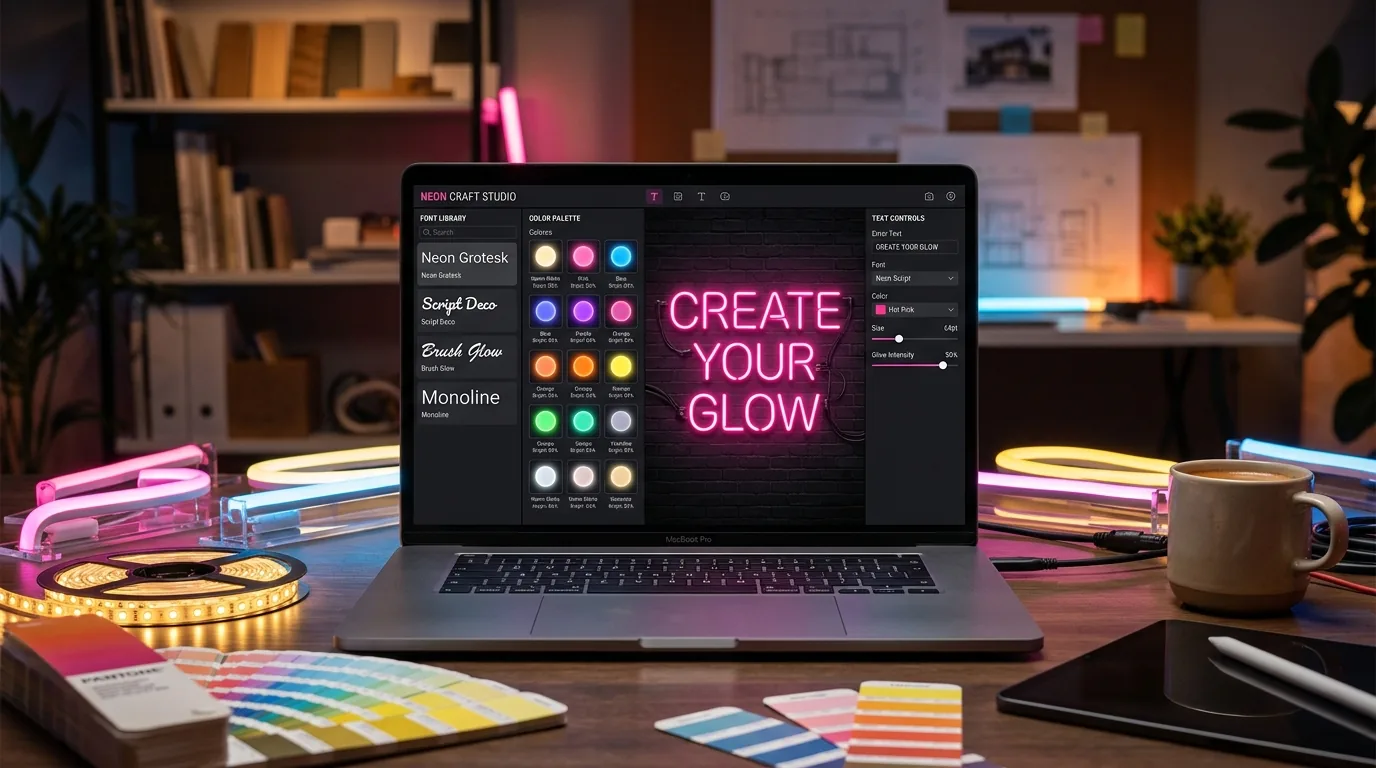
## Choosing fonts that work in real neon
**Sans-serif fonts avoid production failures.** Clean geometric shapes follow LED strip bending limits. Serif fonts create stress points at delicate details—strips break during installation.
**Stroke width determines cost.** Ultra-thin fonts need custom narrow strips ($4/metre premium). Extra-bold designs require structural reinforcement. Medium weights (12-20mm) use standard strips at standard prices.
**Script fonts often disappoint clients.** Elegant cursive designs hit physical limitations—LED strips can’t make impossible connections. Test script viability before showing clients options you can’t deliver.
**Screen distance ≠ installation distance.** Fonts perfect on your 24-inch monitor might blur at 3-metre viewing distance. Design for the actual installation environment, not your desk.
## Realistic colour and glow effects
**LED physics beats screen simulation.** Overlapping strips create additive colour mixing—blue + yellow makes white, not green like RGB pixels. Quality tools simulate real LED behaviour, not computer graphics.
**Environment determines glow intensity.** Indoor signs with subtle glow disappear in bright retail environments. Outdoor signs need 40% higher contrast to remain visible against daylight. Design for the installation location.
**Background colour affects everything.** White walls double apparent brightness through reflection. Dark backgrounds increase saturation by 20%. Black mounting eliminates bleed—colours appear pure.
**Power costs vary 300% by colour.** Cool white LEDs draw 14W/metre. Deep blue draws 18W/metre. Warm amber draws only 6W/metre. Factor power consumption into pricing for large installations.
## Integrating neon light writers with business workflows
**Self-service design eliminates revision cycles.** Customers iterate until satisfied, then place orders. You skip the “that’s not what I meant” conversation entirely. [Sign Customiser](/features/) users report 70% fewer design revisions.
**Automated files beat manual recreation.** Client sketches take 2-4 hours to convert into production files. Automated systems output ready-to-cut SVGs instantly—zero transcription errors.
**Live pricing prevents under-quoting.** Tools calculating actual material usage from font paths generate accurate quotes. Manual estimates average 15% low on complex designs—automated calculations reflect real costs.
**Integrated order tracking reduces mistakes.** Connected platforms track jobs from design approval through shipping. Standalone tools require manual handoffs where orders get lost or details change.
## Common neon light writer mistakes
**Feature creep wastes money.** Advanced animation controls look impressive in demos but add zero value for static text signs. Buy tools that match actual requirements, not impressive feature lists.
**Export format compatibility assumptions kill timelines.** Test file exports with your CNC software before committing. “Industry standard” formats often have subtle incompatibilities that surface during production rushes.
**Font licensing gotchas create legal problems.** Many commercial fonts restrict manufacturing use—you can design but not produce signs. Verify licensing before promising specific typefaces to clients.
**Mobile testing neglect loses customers.** 40% of customers design on phones or tablets. Tools that break on mobile devices lose those sales to competitors with mobile-friendly interfaces.
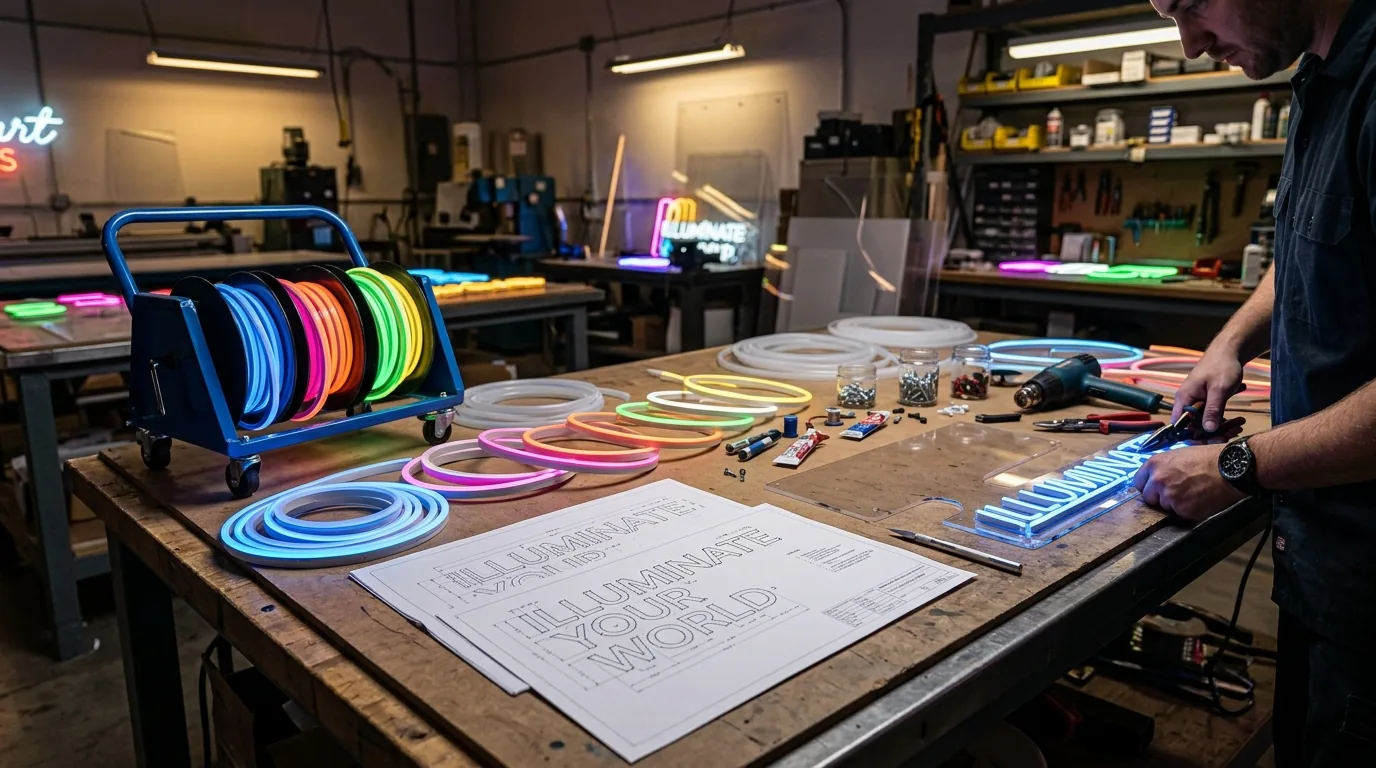
## Cost analysis: free vs premium tools
**Free tools work for occasional use.** Designing 3-4 signs yearly? Browser generators handle client mockups without subscription costs. Accept format limitations and manual file conversion.
**Professional tools pay back quickly at volume.** $100/month subscription breaks even at 8-10 monthly orders when it saves 2 hours per project. Better previews reduce revision cycles from 2.4 to 1.1 iterations average.
**Hidden costs exceed obvious savings.** Free tools require additional software for production files, manual colour matching, and extensive revision cycles. Total time cost often exceeds premium subscriptions.
**Volume pricing changes economics completely.** Sign Customiser starts at $29/month for up to 5 attributed orders and scales to $299/month for high-volume stores. Heavy users get better per-project economics than occasional users.
Monthly Volume
Free Tools
Premium Tools
Break-even Point
1-5 signs
Cost effective
Overkill
Never
6-15 signs
Manual but viable
Time savings start
8-10 signs
16+ signs
Major bottleneck
Essential for sanity
6-8 signs
Swipe for more
## The future of neon light writing tools
**AI suggestions reduce design time.** Current tools suggest appropriate fonts based on text content—“Restaurant” triggers script options, “SALE” suggests bold sans-serif. Non-designers get professional results without design training.
**AR preview prevents expensive mistakes.** Point your phone at the installation wall, see the sign in actual size and lighting. Catches scaling errors that cost $500-2000 in remakes per incident.
**Cloud rendering democratises quality previews.** Complex glow calculations run on powerful servers—realistic previews load in under 3 seconds on basic smartphones. No longer limited by device hardware.
**Deep integration creates business systems.** Modern tools connect inventory management, CNC control software, and customer communication. Design becomes one step in automated workflow, not isolated software tool.
## Making your choice
**Business model determines tool requirements.** Solo designers need different capabilities than production shops or e-commerce stores. Choose based on actual workflow needs, not impressive feature demonstrations.
**Preview quality controls revision cycles.** High-quality previews reduce client revisions and build confidence. Poor previews create production problems that cost more than premium software subscriptions.
**Calculate total workflow cost, not software price.** Free tools requiring additional production software often cost more than integrated platforms. Include your hourly value in economic calculations.
**Test export compatibility before contracts.** Download sample files and verify compatibility with production equipment. File format problems discovered after annual signup create expensive project delays.
The right neon light writer eliminates workflow bottlenecks and reduces revision cycles. Free browser tools suit occasional projects. Integrated platforms pay back quickly for regular production.
Test export compatibility with your equipment before committing. Factor total workflow time into cost calculations, not just software price. Choose tools that match your actual business requirements.
For businesses selling custom neon signs, [Sign Customiser](https://www.signcustomiser.com/features/) combines customer-facing design tools with production workflow management. To see your own words in neon, try our [free neon sign maker](/neon-sign-maker-online-free/).
## Sources
- [FlamingText - Neon Logo Maker Free Online Design Tool](https://www.flamingtext.com/logo/Design-Neon)
- [Neon Attack - Customise Neon Lights Sign Online](https://www.neonattack.com/products/customize-neon-signs)
- [Canva - Free and Customizable Neon Templates](https://www.canva.com/templates/s/neon/)
Tags
- [neon](/posts/neon/)
- design
- tools

About the author
### Matthew Attanasio
Founder, Sign Customiser
Matthew founded Sign Customiser to solve a problem he saw sign businesses facing every day: the endless back-and-forth of manual quoting. With a background in e-commerce development and a decade of experience building Shopify solutions at Sky Foundry, he set out to automate the entire custom sign selling process.
- E-commerce
- Shopify
- Sign Industry
- Product Strategy
[View profile](/authors/matthew-attanasio/)[](https://au.linkedin.com/in/matthew-attanasio-92500a36)[](https://github.com/matthewattanasio)
Let your customers design their own signs

Add a full sign customiser to your online store in minutes. Neon, acrylic, metal — with real-time pricing.
[Start your free 7-day trial](/install/)
Works with Shopify, WooCommerce, Wix & more. 7 days free. Every plan includes every feature.
Let your customers design their own signs

Add a full sign customiser to your online store in minutes. Neon, acrylic, metal — with real-time pricing.
[Start your free 7-day trial](/install/)
Works with Shopify, WooCommerce, Wix & more. 7 days free. Every plan includes every feature.
Related
## From theblog
Expert insights, industry trends, and actionable tips to enhance your online sign business.
[View all articles](/posts/)

neon·March 30, 2023
### [Exploring the benefits of acrylic neon signs for business signage](/posts/neon/acrylic-neon-signs/)
Customizable and Durable: Why Acrylic Neon Signs are a Smart Choice for Your Business Signage Needs
Read more

neon·September 26, 2023
### [45+ aesthetic neon quotes to light up your space](/posts/neon/aesthetic-neon-quotes/)
45+ aesthetic neon quotes for bedrooms, weddings and shop walls, plus how sign shops price and sell custom neon quote signs on their own website.
Read more

neon·September 26, 2023
### [Aesthetic neon signs: styles, ideas and pricing](/posts/neon/aesthetic-neon-signs/)
See the styles and colours behind aesthetic neon signs, get design ideas for any room, and learn how sign shops price and sell them online with a live customiser.
Read more

neon·December 25, 2022
### [Are neon signs dangerous? 14 great tips to stay safe](/posts/neon/are-neon-signs-dangerous/)
Get our 14 great tips to avert accidents & keep your family safe around neon signs with this post.
Read more

neon·September 26, 2023
### [Why are black neon signs the latest trend in home decor?](/posts/neon/black-neon-sign/)
Unleash your creativity with black neon signs and 20+ creative ideas for businesses, events, or personal spaces.
Read more

neon·December 5, 2022
### [Custom neon signs cost: the ultimate guide for Shopify store owners](/posts/neon/custom-neon-signs-cost/)
We explore the primary factors that influence the custom neon signs cost and strategies store owners can apply to increase sales and profit margins. Click to see more details!
Read more

neon·June 23, 2023
### [Design tips for creating eye-catching DIY neon signs](/posts/neon/design-tips-for-creating-eye-catching-diy-neon-signs/)
Neon signs have long been a captivating way for businesses to attract attention and make bold statements. With the rise of do-it-yourself (DIY) projects, creating your own neon sign has become an accessible and cost-effective option for businesses looking to stand out.
Read more

neon·January 5, 2025
### [How to make a DIY neon sign: step-by-step tutorial (LED flex method)](/posts/neon/diy-neon-sign/)
Learn how to make your own LED neon sign at home. Complete step-by-step guide with materials list, tools needed, and expert tips for beginners.
Read more

neon·September 26, 2023
### [Electric blue neon signs: meaning, ideas and pricing](/posts/neon/electric-blue-neon-blue-aesthetic/)
What makes electric blue neon glow, the blue aesthetic it creates, sign ideas by room, and how sign shops price and sell custom blue neon online.
Read more

neon·April 3, 2023
### [Faux neon signs: LED alternatives, costs & business guide (2026)](/posts/neon/faux-neon-sign/)
Complete guide to faux neon (LED neon) signs. Compares LED vs glass neon, covers profit margins for sign shops, and explains why LED neon dominates the market.
Read more

neon·March 28, 2023
### [Are glass neon signs worth it?](/posts/neon/glass-neon-signs/)
Are you curious about the cost and lifespan of glass neon signs? Our guide has all the answers you need to make an informed purchase.
Read more

neon·March 30, 2023
### [How to hang a neon sign: step-by-step guide (with & without nails)](/posts/neon/hanging-neon-signs/)
Learn how to hang a neon sign on any surface. Step-by-step instructions for drywall, brick, concrete & glass. Plus tips to hide wires and avoid wall damage.
Read more

neon·December 23, 2022
### [How to make custom neon signs, the easy guide for Shopify sign stores](/posts/neon/how-to-make-custom-neon-signs/)
Learn how to make custom neon signs as a producer. We also show you a secret to let buyers customize & view their signs in real-time.
Read more

neon·February 3, 2026
### [LED neon sign production: how custom neon signs are made](/posts/neon/led-neon-sign-production-process/)
LED neon signs are manufactured through a precise multi-stage process. Learn how custom LED neon signs are made, from acrylic backing preparation to tube bending, wiring, and quality testing.
Read more

neon·March 29, 2023
### [LED neon signs - a cost-effective alternative?](/posts/neon/led-neon-signs/)
Are LED neon signs worth it? Find out the answer and learn about their lifespan, energy efficiency, and low maintenance requirements.
Read more

neon·March 10, 2026
### [Name in lights: what customers type into a neon name sign generator](/posts/neon/name-in-lights-generator/)
Sign Customiser data: 70% of LED neon designs added to cart are two words or fewer, and one in four keep the default font. What that means for your generator.
Read more

neon·January 5, 2026
### [Neon art: what it is, who made it famous and how it is made](/posts/neon/neon-art/)
Neon art is art made from hand-bent glass tubes of glowing gas. The artists who made it famous, where to see their work, and how a drawing becomes neon.
Read more

neon·January 5, 2025
### [Neon open signs: the complete guide to open signs for businesses (2025)](/posts/neon/neon-open-signs/)
Discover the best neon and LED open signs for your business. Compare types, sizes, and installation options. Plus expert tips for choosing the perfect open sign.
Read more

neon·April 2, 2023
### [Neon signs hub: your one stop shop for all things neon signs](/posts/neon/neon-sign/)
Discover the colorful world of neon signs with our ultimate guides! Learn about their history, design, cost, and much more.
Read more

neon·April 5, 2023
### [70 neon sign ideas by room & occasion (2026 guide)](/posts/neon/neon-sign-ideas/)
See 70 neon sign ideas for bedrooms, weddings, bars and businesses, organised by room and occasion, plus how sign shops price and sell them online.
Read more

neon·April 4, 2023
### [Best neon sign quotes: 150+ ideas for every occasion (2026)](/posts/neon/neon-sign-quotes/)
Curated neon sign quotes for weddings, businesses, bars, bedrooms and more. Includes best-selling categories and pricing strategies for sign shops.
Read more

neon·April 1, 2023
### [Neon sign repair guide: DIY fixes & when to call a pro](/posts/neon/neon-sign-repair/)
Complete guide to neon sign repair. Troubleshoot common problems, learn DIY fixes, compare costs, and know when to hire a professional for neon light repair.
Read more

neon·January 5, 2025
### [Neon signs for room decor: 60+ ideas for bedrooms, gaming rooms & more](/posts/neon/neon-signs-for-room/)
Transform any room with neon signs. Browse 60+ ideas for bedrooms, gaming rooms, living rooms and home offices. Plus size, colour and placement tips.
Read more

neon·January 12, 2023
### [Neon versus LED: what are the differences? Which is right for you?](/posts/neon/neon-vs-led/)
We compare neon vs LED neon signs in this informative article. From lighting to maintenance, we cover pros & cons of each to help you make an informed decision on.
Read more

neon·September 26, 2023
### [Neon wedding signs: 40+ ideas, placement guide & costs](/posts/neon/neon-wedding-sign/)
Complete guide to neon signs for wedding decor. Discover 40+ ideas, placement tips, rental vs purchase costs, and how to match your wedding theme.
Read more

neon·September 26, 2023
### [Purple neon light: meaning, shades & buying guide](/posts/neon/purple-neon-sign/)
What purple neon light means, the shades from lavender to magenta, and how sign shops price and sell custom purple neon signs online with a live customiser.
Read more

neon·September 26, 2023
### [White neon sign: a guide to choosing the right one!](/posts/neon/white-neon-sign/)
Looking for a chic and modern addition to your decor? Check out our guide to choosing the best white neon sign.
Read more

neon·December 12, 2022
### [Why are neon signs so expensive? 2026 pricing guide for sign shops](/posts/neon/why-are-neon-signs-so-expensive/)
Complete breakdown of neon sign costs for sign shop owners. Covers material, labour, and overhead costs plus strategies to improve margins with LED neon.
Read more
[View all articles](/posts/)
## Sitemap
See the full [sitemap](/sitemap.md) for all pages.
---
## Neon Open Signs: The Complete Guide to Open Signs for Businesses (2025) - Sign Customiser Blog
Source: [https://www.signcustomiser.com/posts/neon/neon-open-signs/](https://www.signcustomiser.com/posts/neon/neon-open-signs/)
## Quick guide: choosing the right open sign
1. **LED neon open signs** are best for most businesses - energy efficient, bright, and affordable (£30-150)
2. **Traditional glass neon** offers a vintage aesthetic but costs more (£150-500+) and requires professional installation
3. **Size matters** - choose 30-50cm for small shops, 50-80cm for medium storefronts, 80cm+ for large windows
4. **Colour choice** - red is classic and most visible, but match to your brand for consistency
* * *
## Neon open signs: everything you need to know
An open sign might seem like a simple thing, but it’s often the first interaction potential customers have with your business. A glowing “OPEN” sign in your window does more than announce your trading hours - it creates a welcoming atmosphere and draws foot traffic from the street.
Whether you run a café, retail shop, salon, or restaurant, the right open sign can significantly impact your business visibility. **In this comprehensive guide, we’ll explore everything from classic neon open signs to modern LED alternatives, helping you choose the perfect sign for your storefront.**
This guide is part of [the neon sign library](/posts/neon/neon-sign/).
## Why open signs matter for your business
You might wonder whether an open sign is really necessary in the age of Google business hours and social media. The answer is a resounding yes - and here’s why.
### First impressions count
An illuminated open sign immediately signals that your business is active and welcoming. Without one, potential customers might hesitate at your door, uncertain whether you’re actually trading. **Studies suggest that businesses with clear signage can see foot traffic increases of 15-30%.**
### Visibility from a distance
A brightly lit open sign catches the eye from across the street or down the block. This is particularly important for businesses in busy high streets where competition for attention is fierce. The warm glow of neon cuts through visual clutter and guides customers to your door.
### Creating atmosphere
Beyond the practical function, open signs contribute to your business’s overall aesthetic. A vintage-style neon sign can reinforce a retro theme, whilst a sleek LED sign suits modern, minimalist spaces. **Your open sign is part of your brand identity.**
**Learn more:** [Glass neon signs: the art of illumination](/posts/neon/glass-neon-signs/)
## Neon vs LED open signs: a detailed comparison
When shopping for an open sign, you’ll quickly encounter two main options: traditional glass neon and LED neon (also called flex neon). Each has distinct advantages depending on your needs.
Feature
Traditional Glass Neon
LED Neon
**Purchase price**
£150-500+
£30-150
**Running cost**
Higher (40-100W)
Lower (5-20W)
**Lifespan**
8-15 years
30,000-50,000 hours
**Brightness**
Warm, soft glow
Bright, even illumination
**Durability**
Fragile (glass tubes)
Shatter-resistant
**Installation**
Professional required
DIY-friendly
**Maintenance**
Specialist repair needed
Simple replacement
**Customisation**
Limited colours
Wide colour range
**Aesthetic**
Authentic vintage feel
Modern and versatile
Swipe for more
### When to choose traditional glass neon
Traditional neon signs use gas-filled glass tubes that produce a distinctive warm glow. **If authenticity and a vintage aesthetic are priorities, glass neon is unmatched.** The subtle flicker and warmth of real neon creates an atmosphere that LED struggles to replicate perfectly.
Glass neon is ideal for:
- Vintage-themed bars and restaurants
- High-end establishments prioritising authenticity
- Listed buildings or heritage settings
- Businesses with larger budgets for signage
### When to choose LED neon
LED open signs use light-emitting diodes encased in flexible silicone tubing. They’re the modern standard for good reason - **LED signs cost less to buy, less to run, and are far easier to install and maintain.**
LED neon is ideal for:
- Budget-conscious businesses
- Locations needing bright, consistent illumination
- Self-installation without professional help
- High-traffic areas where durability matters
- Businesses wanting colour-changing options
**Learn more:** [Neon vs LED: the complete comparison](/posts/neon/neon-vs-led/)
## Types of open signs
Open signs come in many styles beyond the simple word “OPEN”. Here’s a breakdown of the main types available.
### Classic “open” text signs
The most recognisable format - simply the word “OPEN” in bold, illuminated letters. These come in horizontal or vertical orientations and various colours. **Red remains the most popular choice as it’s highly visible and universally associated with “open for business”.**
Common variations include:
- Script/cursive “Open” for elegant establishments
- Block letter “OPEN” for maximum visibility
- Vertical “OPEN” for narrow window spaces
### Decorative open signs
For businesses wanting something with more personality, decorative open signs incorporate additional design elements:
- Coffee cup icons for cafés
- Scissors for salons and barbers
- Pizza slices or food imagery for restaurants
- Floral elements for boutiques and gift shops
- Retro diner-style frames and borders
### Animated and flashing options
Some open signs feature animation or flashing effects to grab extra attention:
- **Chasing lights** - LEDs that appear to move around the sign
- **Flashing** - Alternating on/off at regular intervals
- **Colour-changing** - Shifting through multiple colours
- **Two-mode** - Steady or animated at the press of a button
**Note:** While animated signs attract attention, some local councils have restrictions on flashing signage. Check local planning regulations before purchasing.
### Custom business name + open
Rather than a generic “OPEN” sign, many businesses opt for custom signs that incorporate their name alongside an open indicator. For example:
- “Smith’s Café - OPEN”
- Business logo with integrated open/closed section
- Dual-sided signs with different messages
**Design your own:** Try our [free neon sign maker](/neon-sign-maker-online-free/) to create custom open signage.
## Choosing the right open sign for your business
Selecting the perfect open sign involves considering several factors beyond just “looks nice”.
### Size guide for storefronts
The ideal sign size depends on your window dimensions and viewing distance:
Window Size
Recommended Sign Size
Best Viewing Distance
Small (under 1m)
30-40cm wide
Up to 10m
Medium (1-2m)
40-60cm wide
Up to 20m
Large (2m+)
60-80cm wide
Up to 30m
Extra large
80-120cm wide
30m+
Swipe for more
**Rule of thumb:** Your sign should be large enough to read easily from across the street but proportionate to your window. A sign that’s too large can look cluttered, whilst too small may go unnoticed.
**Learn more:** [Neon sign sizes: the complete guide](/posts/neon/neon-sign/)
### Colour recommendations by business type
While you can choose any colour, certain colours work particularly well for specific business types:
- **Red** - Classic choice, high visibility, suits most businesses
- **Blue** - Professional feel, ideal for services and offices
- **Green** - Fresh, natural, perfect for health food and eco-businesses
- **Pink** - Playful and feminine, salons and boutiques
- **Warm white** - Elegant and versatile, restaurants and cafés
- **Multi-colour** - Fun and attention-grabbing, entertainment venues
Consider your existing brand colours. **A pink neon open sign might look stunning, but if your brand is strictly blue and white, it could create visual confusion.**
### Indoor vs outdoor considerations
Not all open signs are suitable for outdoor use:
**Indoor only:**
- Most standard LED open signs
- Traditional glass neon without weatherproof enclosure
- Signs with standard power adapters
**Outdoor-rated:**
- IP65 or higher waterproof rating
- UV-resistant materials (prevents fading)
- Weatherproof power connections
- Often more expensive but essential for exposed locations
If placing in a window visible from outside, an indoor sign is usually sufficient. For signs mounted externally or in covered but exposed areas, invest in outdoor-rated options.
## Installation guide for open signs
Getting your open sign up and running doesn’t have to be complicated. Here’s how to approach installation for different sign types.
### Window mounting
The most common placement for open signs is inside a window, facing outward:
1. **Clean the window** - Remove dust and residue for clear visibility
2. **Test placement** - Hold the sign in position to check visibility from outside
3. **Consider viewing angles** - Position at eye level for pedestrians
4. **Secure the sign** - Use suction cups, adhesive hooks, or window chains
5. **Manage the cable** - Route power cables discreetly to nearest outlet
**Tip:** For double-sided visibility (inside and outside), position your sign slightly away from the glass rather than directly against it.
### Wall mounting
For signs mounted on interior or exterior walls:
1. **Choose your location** - Near entrance, visible from main traffic flow
2. **Check wall type** - Different fixings for brick, plaster, or drywall
3. **Mark mounting points** - Use spirit level to ensure straight positioning
4. **Drill and fix** - Use appropriate wall plugs and screws
5. **Connect power** - Consider cable concealment options
**Learn more:** [How to hang a neon sign: complete guide](/posts/neon/hanging-neon-signs/)
### Hanging options
Suspended open signs can create dramatic effects:
- **Ceiling chains** - Traditional look for high ceilings
- **Fishing line** - Nearly invisible support for floating effect
- **Decorative ropes** - Adds character for rustic aesthetics
- **Adjustable cables** - Easy height adjustment
Always ensure your ceiling can support the sign weight and that hanging hardware is rated appropriately.
## Best open signs by business type
Different businesses have different needs. Here are tailored recommendations.
### Retail stores
**Best choice:** Bright LED open sign with your brand colour
- High visibility to attract browsing shoppers
- Energy efficient for long trading hours
- Consider adding “SALE” or “NEW” companion signs
### Restaurants and cafés
**Best choice:** Warm white or amber open sign
- Creates welcoming atmosphere
- Complements food service ambiance
- Consider signs with integrated imagery (coffee cup, cutlery)
**Learn more:** [Neon sign ideas for restaurants and cafés](/posts/neon/neon-sign-ideas/)
### Bars and pubs
**Best choice:** Traditional neon or vintage-style LED
- Authentic aesthetic matches bar atmosphere
- Consider animated or multi-colour options
- Brand-specific colours reinforce identity
### Salons and spas
**Best choice:** Elegant script or pink/purple tones
- Professional yet inviting appearance
- Consider signs with relevant icons (scissors, nail polish)
- Softer colours create relaxing first impression
### Professional offices
**Best choice:** Subtle, professional design
- Clean fonts without excessive decoration
- Neutral colours (white, blue)
- May prefer “WELCOME” over aggressive “OPEN”
## Open sign features to consider
Modern open signs offer various features beyond simple illumination:
### Brightness and dimming
- **Fixed brightness** - Simple and reliable
- **Dimmable** - Adjust for day/night or ambient lighting
- **Auto-sensing** - Adjusts brightness based on surrounding light
### Power options
- **Mains powered** - Reliable, unlimited runtime
- **Battery backup** - Stays on during power cuts
- **USB powered** - Flexible placement, lower power
### Control methods
- **Simple switch** - On/off, no complexity
- **Timer function** - Automatic on/off with trading hours
- **Remote control** - Adjust without reaching sign
- **Smart control** - App-based, integrate with smart home systems
### Open/closed dual signs
Some signs display “OPEN” or “CLOSED” with a simple switch or flip, eliminating the need for separate signage.
## Cost considerations
Understanding the full cost of open sign ownership helps make informed decisions.
### Initial purchase
Type
Price Range
What to Expect
Basic LED
£20-50
Simple plastic housing, limited durability
Quality LED
£50-150
Better build, brighter, longer lasting
Premium LED
£150-300
Commercial grade, features, warranty
Glass neon
£150-500+
Authentic, handmade, requires care
Custom signs
£100-1000+
Bespoke designs, any specification
Swipe for more
### Running costs
LED signs typically cost £5-15 per year in electricity (assuming 10-hour daily use). Glass neon costs 3-5x more to run due to higher power consumption.
### Maintenance and replacement
LED signs rarely need maintenance but have limited repair options - usually full replacement when they fail. Glass neon can be repaired by specialists but at significant cost.
**Learn more:** [Why are neon signs expensive?](/posts/neon/why-are-neon-signs-so-expensive/)
## Frequently asked questions
### Are neon open signs worth it?
Absolutely. A quality open sign improves business visibility, attracts foot traffic, and creates a welcoming atmosphere. The investment typically pays for itself through increased customer visits. LED options offer excellent value from around £50.
### How long do neon open signs last?
LED open signs typically last 30,000-50,000 hours (10+ years of daily use). Traditional glass neon signs last 8-15 years with proper care. Both can last significantly longer with quality construction and appropriate use.
### Can I leave my neon open sign on all night?
LED signs can safely be left on continuously - they run cool and use minimal electricity. Traditional neon should be turned off when not needed to extend lifespan and reduce costs. Either way, always follow manufacturer guidelines.
### Do open signs use a lot of electricity?
LED open signs are highly efficient, typically using 5-20 watts (similar to a lightbulb). Running a 15W LED sign for 10 hours daily costs approximately £1-2 per month. Glass neon uses more (40-100W) but is still relatively affordable.
### Where should I place my open sign?
Position your open sign in a window facing the main pedestrian traffic flow, at eye level where possible. Ensure it’s clearly visible from across the street. Avoid placement where reflections or obstructions reduce visibility.
### Can I use a neon open sign outdoors?
Only if specifically rated for outdoor use (look for IP65 rating or higher). Standard indoor signs will fail when exposed to moisture and weather. For window placement visible from outside, an indoor sign is fine.
## Conclusion
A well-chosen open sign is a small investment that can have a significant impact on your business visibility and atmosphere. Whether you opt for the authentic glow of traditional glass neon or the practical efficiency of LED, the right open sign welcomes customers and signals that you’re ready for business.
**When choosing your open sign, consider:**
- LED for budget, efficiency, and durability
- Glass neon for authentic vintage aesthetic
- Size proportionate to your window
- Colours that match your brand
- Features that suit your operating needs
Ready to create a custom open sign for your business? Try our [free neon sign maker](/neon-sign-maker-online-free/) to design your perfect storefront signage.
[Design your open sign](/neon-sign-maker-online-free/)
**Related guides:**
- [How to hang neon signs: complete guide](/posts/neon/hanging-neon-signs/)
- [Neon sign sizes explained](/posts/neon/neon-sign/)
- [Custom neon signs cost guide](/posts/neon/custom-neon-signs-cost/)
- [LED neon signs: everything you need to know](/posts/neon/led-neon-signs/)
- [Neon vs LED comparison](/posts/neon/neon-vs-led/)
Tags
- [neon](/posts/neon/)
- business

About the author
### Matthew Attanasio
Founder, Sign Customiser
Matthew founded Sign Customiser to solve a problem he saw sign businesses facing every day: the endless back-and-forth of manual quoting. With a background in e-commerce development and a decade of experience building Shopify solutions at Sky Foundry, he set out to automate the entire custom sign selling process.
- E-commerce
- Shopify
- Sign Industry
- Product Strategy
[View profile](/authors/matthew-attanasio/)[](https://au.linkedin.com/in/matthew-attanasio-92500a36)[](https://github.com/matthewattanasio)
Let your customers design their own signs

Add a full sign customiser to your online store in minutes. Neon, acrylic, metal — with real-time pricing.
[Start your free 7-day trial](/install/)
Works with Shopify, WooCommerce, Wix & more. 7 days free. Every plan includes every feature.
Let your customers design their own signs

Add a full sign customiser to your online store in minutes. Neon, acrylic, metal — with real-time pricing.
[Start your free 7-day trial](/install/)
Works with Shopify, WooCommerce, Wix & more. 7 days free. Every plan includes every feature.
Related
## From theblog
Expert insights, industry trends, and actionable tips to enhance your online sign business.
[View all articles](/posts/)

neon·March 30, 2023
### [Exploring the benefits of acrylic neon signs for business signage](/posts/neon/acrylic-neon-signs/)
Customizable and Durable: Why Acrylic Neon Signs are a Smart Choice for Your Business Signage Needs
Read more

neon·September 26, 2023
### [45+ aesthetic neon quotes to light up your space](/posts/neon/aesthetic-neon-quotes/)
45+ aesthetic neon quotes for bedrooms, weddings and shop walls, plus how sign shops price and sell custom neon quote signs on their own website.
Read more

neon·September 26, 2023
### [Aesthetic neon signs: styles, ideas and pricing](/posts/neon/aesthetic-neon-signs/)
See the styles and colours behind aesthetic neon signs, get design ideas for any room, and learn how sign shops price and sell them online with a live customiser.
Read more

neon·December 25, 2022
### [Are neon signs dangerous? 14 great tips to stay safe](/posts/neon/are-neon-signs-dangerous/)
Get our 14 great tips to avert accidents & keep your family safe around neon signs with this post.
Read more

neon·September 26, 2023
### [Why are black neon signs the latest trend in home decor?](/posts/neon/black-neon-sign/)
Unleash your creativity with black neon signs and 20+ creative ideas for businesses, events, or personal spaces.
Read more

neon·December 5, 2022
### [Custom neon signs cost: the ultimate guide for Shopify store owners](/posts/neon/custom-neon-signs-cost/)
We explore the primary factors that influence the custom neon signs cost and strategies store owners can apply to increase sales and profit margins. Click to see more details!
Read more

neon·June 23, 2023
### [Design tips for creating eye-catching DIY neon signs](/posts/neon/design-tips-for-creating-eye-catching-diy-neon-signs/)
Neon signs have long been a captivating way for businesses to attract attention and make bold statements. With the rise of do-it-yourself (DIY) projects, creating your own neon sign has become an accessible and cost-effective option for businesses looking to stand out.
Read more

neon·January 5, 2025
### [How to make a DIY neon sign: step-by-step tutorial (LED flex method)](/posts/neon/diy-neon-sign/)
Learn how to make your own LED neon sign at home. Complete step-by-step guide with materials list, tools needed, and expert tips for beginners.
Read more

neon·September 26, 2023
### [Electric blue neon signs: meaning, ideas and pricing](/posts/neon/electric-blue-neon-blue-aesthetic/)
What makes electric blue neon glow, the blue aesthetic it creates, sign ideas by room, and how sign shops price and sell custom blue neon online.
Read more

neon·April 3, 2023
### [Faux neon signs: LED alternatives, costs & business guide (2026)](/posts/neon/faux-neon-sign/)
Complete guide to faux neon (LED neon) signs. Compares LED vs glass neon, covers profit margins for sign shops, and explains why LED neon dominates the market.
Read more

neon·March 28, 2023
### [Are glass neon signs worth it?](/posts/neon/glass-neon-signs/)
Are you curious about the cost and lifespan of glass neon signs? Our guide has all the answers you need to make an informed purchase.
Read more

neon·March 30, 2023
### [How to hang a neon sign: step-by-step guide (with & without nails)](/posts/neon/hanging-neon-signs/)
Learn how to hang a neon sign on any surface. Step-by-step instructions for drywall, brick, concrete & glass. Plus tips to hide wires and avoid wall damage.
Read more

neon·December 23, 2022
### [How to make custom neon signs, the easy guide for Shopify sign stores](/posts/neon/how-to-make-custom-neon-signs/)
Learn how to make custom neon signs as a producer. We also show you a secret to let buyers customize & view their signs in real-time.
Read more

neon·February 3, 2026
### [LED neon sign production: how custom neon signs are made](/posts/neon/led-neon-sign-production-process/)
LED neon signs are manufactured through a precise multi-stage process. Learn how custom LED neon signs are made, from acrylic backing preparation to tube bending, wiring, and quality testing.
Read more

neon·March 29, 2023
### [LED neon signs - a cost-effective alternative?](/posts/neon/led-neon-signs/)
Are LED neon signs worth it? Find out the answer and learn about their lifespan, energy efficiency, and low maintenance requirements.
Read more

neon·March 10, 2026
### [Name in lights: what customers type into a neon name sign generator](/posts/neon/name-in-lights-generator/)
Sign Customiser data: 70% of LED neon designs added to cart are two words or fewer, and one in four keep the default font. What that means for your generator.
Read more

neon·January 5, 2026
### [Neon art: what it is, who made it famous and how it is made](/posts/neon/neon-art/)
Neon art is art made from hand-bent glass tubes of glowing gas. The artists who made it famous, where to see their work, and how a drawing becomes neon.
Read more

neon·March 19, 2026
### [Neon light writer: 6 free and paid neon text tools compared](/posts/neon/neon-light-writer/)
Neon light writers compared: free neon text generators such as FlamingText, Cool Text and Canva, and sign software that turns words into LED neon signs.
Read more

neon·April 2, 2023
### [Neon signs hub: your one stop shop for all things neon signs](/posts/neon/neon-sign/)
Discover the colorful world of neon signs with our ultimate guides! Learn about their history, design, cost, and much more.
Read more

neon·April 5, 2023
### [70 neon sign ideas by room & occasion (2026 guide)](/posts/neon/neon-sign-ideas/)
See 70 neon sign ideas for bedrooms, weddings, bars and businesses, organised by room and occasion, plus how sign shops price and sell them online.
Read more

neon·April 4, 2023
### [Best neon sign quotes: 150+ ideas for every occasion (2026)](/posts/neon/neon-sign-quotes/)
Curated neon sign quotes for weddings, businesses, bars, bedrooms and more. Includes best-selling categories and pricing strategies for sign shops.
Read more

neon·April 1, 2023
### [Neon sign repair guide: DIY fixes & when to call a pro](/posts/neon/neon-sign-repair/)
Complete guide to neon sign repair. Troubleshoot common problems, learn DIY fixes, compare costs, and know when to hire a professional for neon light repair.
Read more

neon·January 5, 2025
### [Neon signs for room decor: 60+ ideas for bedrooms, gaming rooms & more](/posts/neon/neon-signs-for-room/)
Transform any room with neon signs. Browse 60+ ideas for bedrooms, gaming rooms, living rooms and home offices. Plus size, colour and placement tips.
Read more

neon·January 12, 2023
### [Neon versus LED: what are the differences? Which is right for you?](/posts/neon/neon-vs-led/)
We compare neon vs LED neon signs in this informative article. From lighting to maintenance, we cover pros & cons of each to help you make an informed decision on.
Read more

neon·September 26, 2023
### [Neon wedding signs: 40+ ideas, placement guide & costs](/posts/neon/neon-wedding-sign/)
Complete guide to neon signs for wedding decor. Discover 40+ ideas, placement tips, rental vs purchase costs, and how to match your wedding theme.
Read more

neon·September 26, 2023
### [Purple neon light: meaning, shades & buying guide](/posts/neon/purple-neon-sign/)
What purple neon light means, the shades from lavender to magenta, and how sign shops price and sell custom purple neon signs online with a live customiser.
Read more

neon·September 26, 2023
### [White neon sign: a guide to choosing the right one!](/posts/neon/white-neon-sign/)
Looking for a chic and modern addition to your decor? Check out our guide to choosing the best white neon sign.
Read more

neon·December 12, 2022
### [Why are neon signs so expensive? 2026 pricing guide for sign shops](/posts/neon/why-are-neon-signs-so-expensive/)
Complete breakdown of neon sign costs for sign shop owners. Covers material, labour, and overhead costs plus strategies to improve margins with LED neon.
Read more
[View all articles](/posts/)
## Sitemap
See the full [sitemap](/sitemap.md) for all pages.
---
## 70 Neon Sign Ideas by Room & Occasion (2026 Guide) - Sign Customiser Blog
Source: [https://www.signcustomiser.com/posts/neon/neon-sign-ideas/](https://www.signcustomiser.com/posts/neon/neon-sign-ideas/)
[Neon signs](https://en.wikipedia.org/wiki/Neon_sign) add personality to almost any space: bars, bedrooms, home offices, wedding receptions, storefronts. Below are 70 neon sign ideas organised by room and occasion, followed by more styles to try and buying tips. If you run a sign shop and want to sell this style of sign online, jump to [selling custom neon signs from your sign shop](#selling-custom-neon-signs-from-your-sign-shop).
This is chapter 5 in [the neon sign library](/posts/neon/neon-sign/).
## 70 neon sign ideas organised by category
Here is the full collection, organised by room type and occasion.
### Bedroom neon sign ideas
Transform your bedroom into a cosy retreat with these neon light design ideas:
1. **“Sweet Dreams”** - classic bedside message in soft pink or warm white
2. **“Good Vibes Only”** - positive energy for your personal space
3. **“Love”** - simple and romantic in a script font
4. **Custom name or initials** - a personalised touch above the headboard
5. **Moon and stars** - a celestial design for a dreamy atmosphere
6. **“Stay in Bed”** - a relatable weekend mood
7. **Heart shape** - a timeless romantic symbol
8. **“Dream Big”** - a motivational message for your sanctuary
9. **Butterfly silhouette** - nature-inspired elegance
10. **“You Are Enough”** - a self-love reminder
**Best colours for bedrooms:** warm white, soft pink, lavender, light blue

_Image source: shinyneon.com_
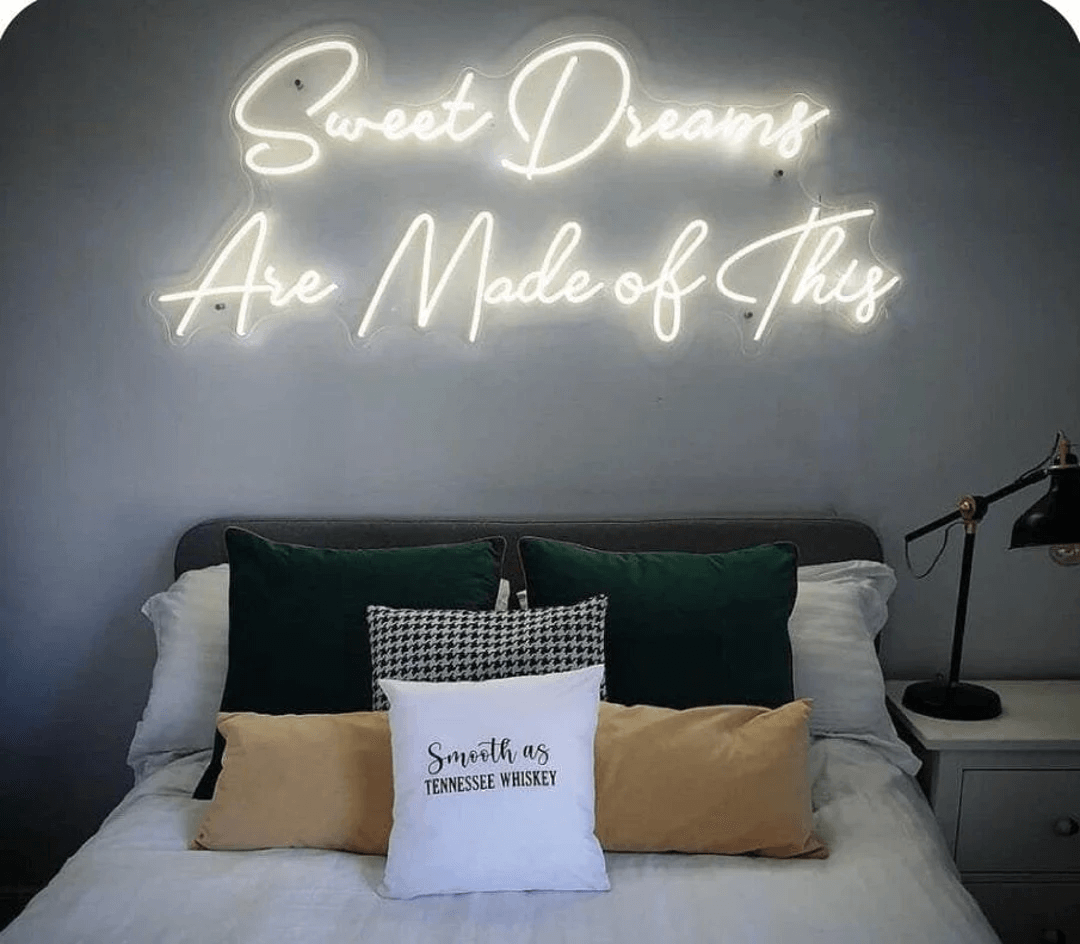
_Image source: etsystatic.com_
Read more: [how to hang a neon sign](/posts/neon/hanging-neon-signs/).
### Gaming room neon sign ideas
Create the ultimate gaming setup with these neon designs:
11. **“Game On”** - a classic gaming call to action
12. **“Player One”** - perfect for solo gamers
13. **Controller icon** - an iconic gaming symbol
14. **Lightning bolt** - energy and excitement
15. **“Press Start”** - video game nostalgia
16. **Custom gamer tag** - your online identity in lights
17. **“Level Up”** - achievement-unlocked vibes
18. **Skull design** - an edgy gaming aesthetic
19. **“GG”** - good game, shorthand
20. **Retro arcade font text** - 1980s gaming nostalgia
**Best colours for gaming:** purple, [electric blue](/posts/neon/electric-blue-neon-blue-aesthetic/), hot pink, neon green
### Bar and man cave neon sign ideas
Set the mood for entertaining with these bar-worthy designs:
21. **“Bar”** - simple and effective
22. **“Cocktails”** - classic bar signage
23. **“Cheers”** - a toast-worthy message
24. **Martini glass icon** - a sophisticated bar symbol
25. **“It’s 5 O’Clock Somewhere”** - happy-hour humour
26. **“Drink Responsibly… or Not”** - cheeky bar humour
27. **Beer mug design** - pub atmosphere
28. **“The \[Your Name\] Bar”** - a personalised home bar
29. **“Whiskey Business”** - a punny drink reference
30. **Bottle and glass silhouette** - an elegant bar graphic
**Best colours for bars:** warm white, amber, red, pink
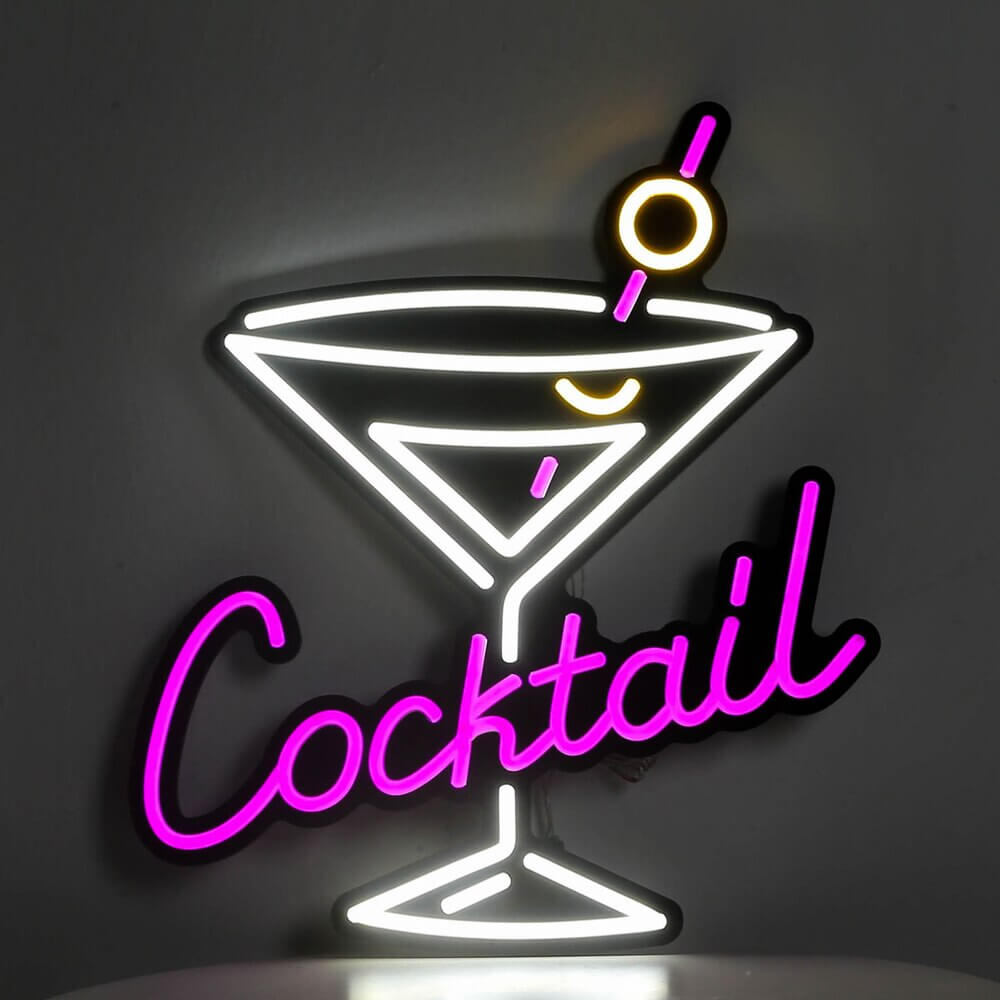
_Image source: aliexpress.com_
_Image source: etsy.com_
### Wedding neon sign ideas
Make your special day memorable with these romantic options:
31. **“Better Together”** - perfect for photo backdrops
32. **“Mr & Mrs \[Name\]”** - a personalised couple sign
33. **Wedding date** - commemorate the day
34. **“I Do”** - a classic wedding vow
35. **“Happily Ever After”** - fairytale romance
36. **“Love is Sweet”** - perfect above the dessert table
37. **“Let’s Dance”** - a dance-floor invitation
38. **Names joined by a heart** - a couple’s-names design
39. **“Forever & Always”** - an eternal-love message
40. **“Til Death Do Us Party”** - a fun reception sign
**Best colours for weddings:** warm white, blush pink, champagne gold
[Learn more: neon wedding sign ideas and costs](/posts/neon/neon-wedding-sign/)
### Business and storefront neon sign ideas
Attract customers with these commercial-ready designs:
41. **“Open”** - essential for retail
42. **Company logo** - brand recognition
43. **“Welcome”** - a friendly first impression
44. **“Coffee”** - perfect for cafes
45. **“Fresh”** - food and bakery businesses
46. **Tagline or slogan** - brand messaging
47. **“Come In, We’re Open”** - inviting customers
48. **Industry icons** - scissors for a salon, and similar
49. **“Free WiFi”** - a modern essential
50. **Arrow pointing in** - directional guidance
_Image source: beyondneonsigns.com_
**Best colours for business:** brand colours, or classic white/red
_Image source: customneon.com_

_Image source: esty.com_
_Image source: customneon.co.uk_
### Motivational quote neon sign ideas
Daily inspiration in neon form:
51. **“Be Yourself”** - an authenticity reminder
52. **“Hustle”** - entrepreneur energy
53. **“You’ve Got This”** - encouragement
54. **“Make It Happen”** - action motivation
55. **“Create”** - artistic inspiration
56. **“Believe”** - faith and confidence
57. **“Never Give Up”** - a persistence message
58. **“The Best is Yet to Come”** - an optimistic outlook
59. **“Work Hard, Play Hard”** - life balance
60. **“Stay Positive”** - a mental-wellness reminder

_Image source: neonsignsdepot.com_
_Image source: customneon.com_
[Learn more: neon sign quote ideas](/posts/neon/neon-sign-quotes/)
### Fun and quirky neon sign ideas
Add personality with these unique options:
61. **“Pizza”** - a food lover’s delight
62. **“Netflix and Chill”** - a pop-culture reference
63. **Flamingo silhouette** - trendy tropical vibes
64. **“But First, Coffee”** - a morning essential
65. **Cactus shape** - desert-inspired decor
66. **“Sorry Not Sorry”** - an unapologetic attitude
67. **Lips shape** - a beauty-themed design
68. **“I Woke Up Like This”** - a confident statement
69. **Rainbow design** - colourful pride
70. **Single-word signs** - “Peace”, “Joy” or “Yes” instead of a full phrase

_Image source: photowall.com_
## Neon sign ideas for your home
Neon signs work in almost any room, not just bedrooms. A home office sign such as “work hard, play hard” or a company logo can lift a workspace, and a “welcome” sign by the front door greets guests as they walk in.

_Image source: shopify.com_
_Image source: neonextra.com_
For a gallery wall, [pick a quote](/posts/neon/neon-sign-quotes/) that matches the wall’s theme and hang it at a central, eye-catching point.
_Image source: pinterest.com_
_Image source: helenledco.com_
Before mounting any sign, follow the manufacturer’s fitting instructions (see also [how to hang a neon sign](/posts/neon/hanging-neon-signs/)) and keep wiring tidy and out of reach, since a badly mounted sign [can be a safety risk](/posts/neon/are-neon-signs-dangerous/).
## Retro neon sign ideas for your event or party decor
Retro neon designs suit any event or party that wants a vintage feel. Mixing bold and pastel colours, such as a red script sign against a soft blue background, gives a design a classic diner or cinema-marquee look. Pairing a neon sign with a vintage jukebox or soda machine reinforces the theme further.
_Image source: amazon.com_
Phrases such as “Let’s Rock!” or “Groovy Baby!” work well for a retro party backdrop and photo booth. Test a few colour, font and phrase combinations before ordering to find the one that fits your event.
## Glamorous neon sign ideas for your hotel or event space
Vivid, multicoloured neon signs make a strong first impression in a hotel lobby or event space. Match the sign to the room’s existing decor and colour scheme: a vintage-inspired sign suits a period building, while a “welcome” or “cocktails” sign adds a friendly, lively note to a lobby or bar area.
_Image source: atlasobscura.com_

_Image source: etsy.com_
Displaying your logo in neon is one option for brand recognition. Whatever the message, keep it consistent with the venue’s brand and the mood you want guests to feel when they walk in.
## Neon sign ideas for your restaurant, cafe or bar
A neon sign in the shape of a product, such as a coffee cup or pizza slice, shows customers what you sell at a glance. A logo sign can use your brand colours, and a sign can point customers to the bar or dessert counter. A “Freshly Brewed Coffee” or “Homemade Pie” sign over the counter adds warmth that a printed menu board can’t.
_Image source: nippycustom.com_
_Image source: amazon.com_
Read more: [glass neon signs, explained](/posts/neon/glass-neon-signs/).
## Neon sign ideas for weddings, parties and events
A name-and-date sign suits a wedding reception or photo-booth backdrop, but a phrase such as “Love Always Wins” works just as well. Match the sign colour to your event’s palette: white for a classic look, or a bold colour to match a modern theme.

_Image source: brides.com_
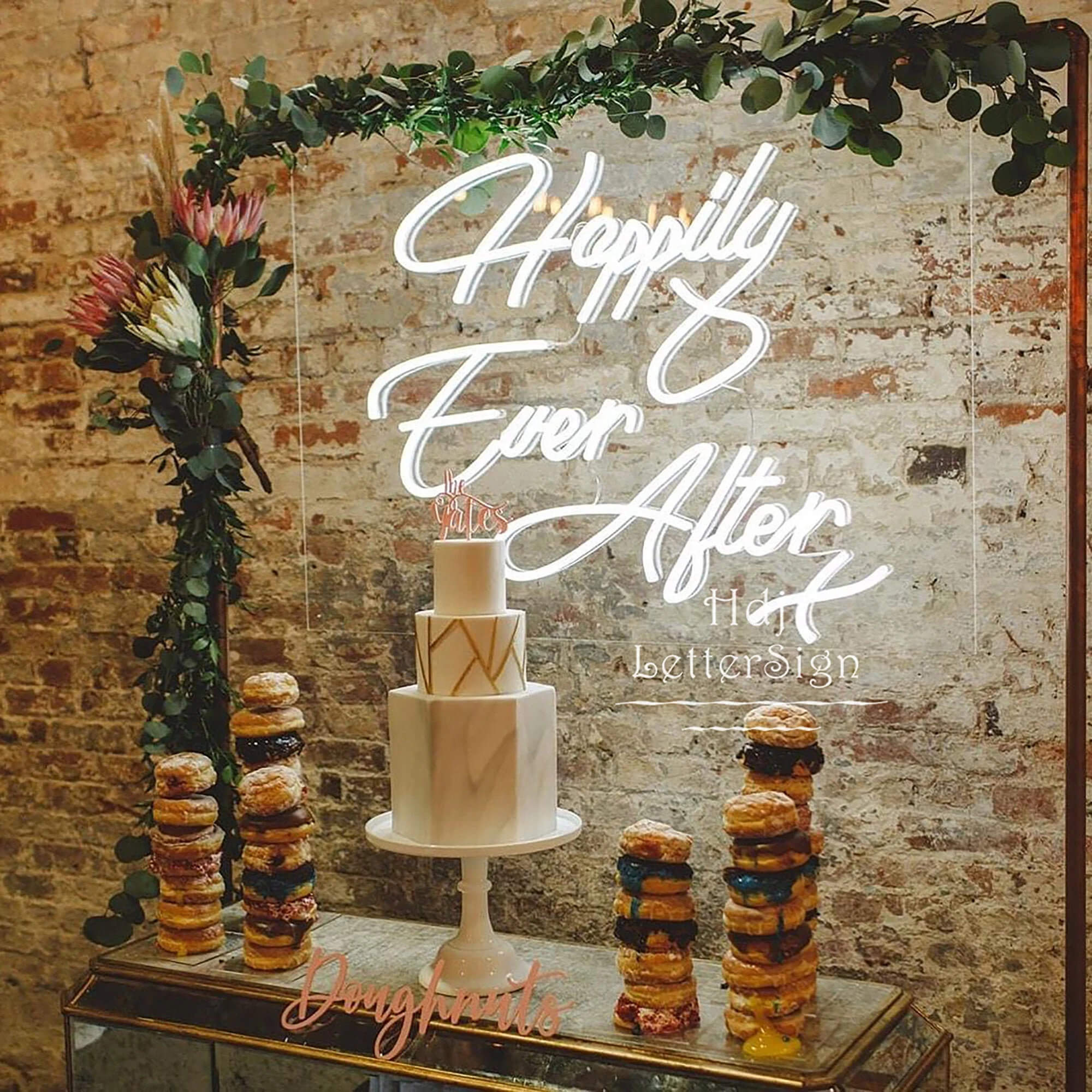
_Image source: etsystatic.com_
For a trade show booth, a sign with your company name or product name can go above the stand.
_Image source: eventbrite.co.uk_
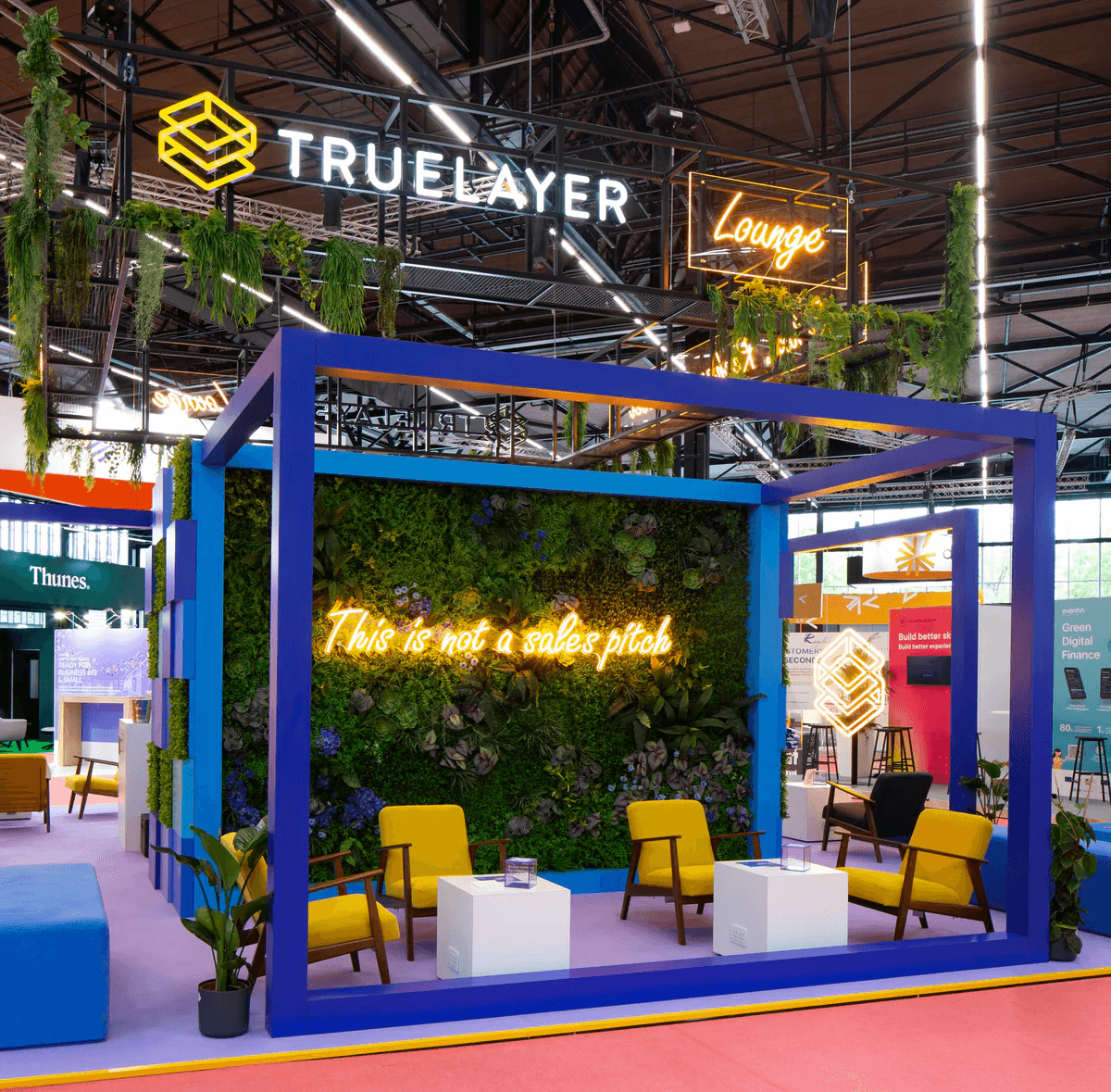
_Image source: neonfilter.com_
For a children’s party or product launch, keep the message short and the sign placement out of reach for safety.

_Image source: amazon.com_
## More neon sign styles to try
These styles go beyond a single word in one colour:
### Minimalist designs
Simple, single-word signs like “Peace”, “Joy” or “Yes” work well when you want one word to carry the whole message.
### Custom illustrations
Custom illustrated neon signs featuring pets, hobbies or personal icons are an alternative to plain text. A pet’s silhouette or a favourite hobby works well as a glowing outline.
### Multi-colour gradients
Signs that blend multiple colours (an ombre effect) add visual interest and work well as a statement piece in any room.
### Interactive and dimmable signs
Signs with remotes, dimmers and colour-changing settings let you adjust the mood for different occasions and times of day.
### Sustainability-focused designs
[LED neon signs draw far less power than older incandescent lighting](https://en.wikipedia.org/wiki/Light-emitting_diode).
## How to choose the right neon sign idea for your space
Selecting the right neon sign comes down to a few practical factors.
### Consider your room’s purpose
- **Bedroom:** calming, personal messages
- **Living room:** conversation starters, art pieces
- **Home office:** motivational, professional
- **Bar area:** fun, social, drink-themed
- **Business:** brand-focused, welcoming
### Match your existing decor
- Modern/minimalist spaces: simple text, white or a single colour
- Bohemian spaces: nature themes, warm colours
- Industrial spaces: bold text, vintage-style fonts
- Glamorous spaces: script fonts, pink or gold tones
### Think about visibility and size
- Small spaces: signs under 50cm wide
- Medium rooms: 50-100cm signs as accent pieces
- Large spaces: 100cm+ for focal points
### Consider longevity
Choose messages and designs that won’t feel dated as your life changes. Initials and timeless quotes tend to age better than trending phrases. Read more: [custom neon sign costs](/posts/neon/custom-neon-signs-cost/).
## Selling custom neon signs from your sign shop
Custom LED neon uses LED strips shaped into letter and shape outlines to resemble traditional neon ([Wikipedia: LED strip light](https://en.wikipedia.org/wiki/LED_strip_light)), mounted on a backboard and built to a customer’s own wording, colour and size rather than picked from a fixed catalogue. Buyers span the ideas above: home decor shoppers furnishing a bedroom or living room, couples and event planners ordering a name-and-date sign for a wedding, and bars, cafes, boutiques and hotels wanting a branded feature wall. A live preview lets buyers see their exact wording and colour before paying, and a live price removes the wait for a quote request.
### Pricing and selling online
[Sign Customiser](/solutions/neon-signs/) puts a live neon sign designer on your own storefront. A shopper types their text, picks a font, tube colour, size and backboard, and sees a rendered preview with a running price as they build it. You set the rates in your admin; the app calculates and displays them.
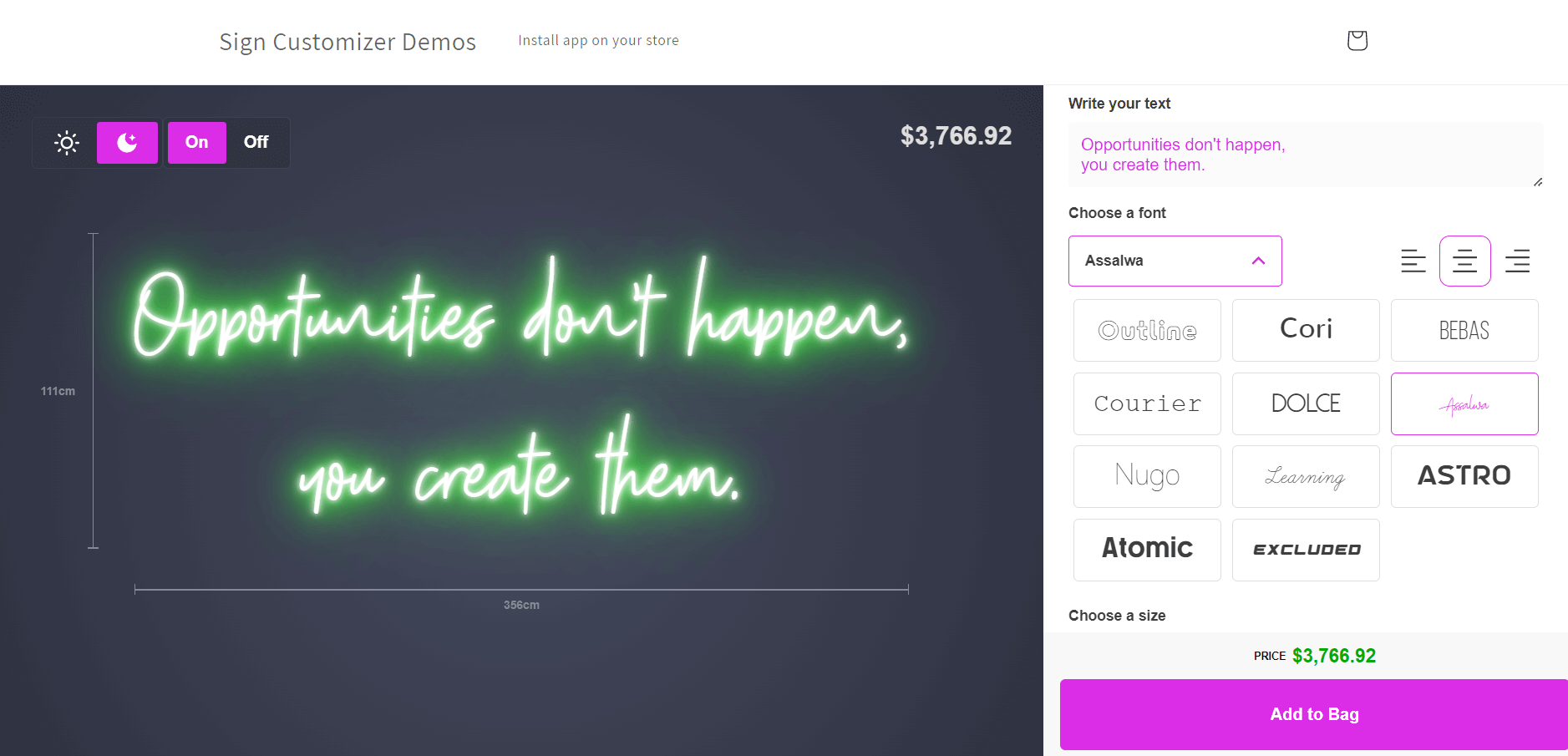
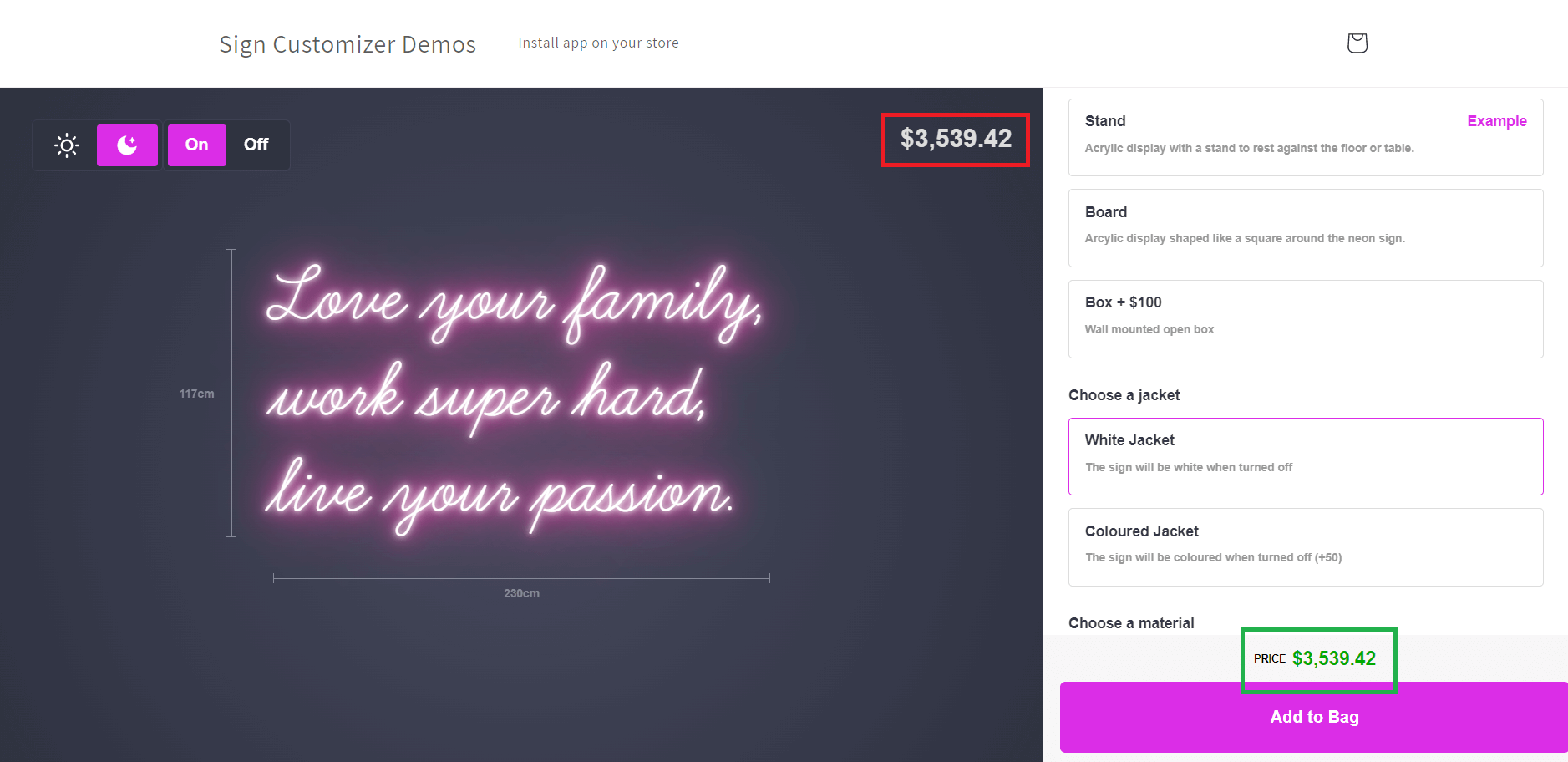
For a short word, name or phrase sign, like many of the ideas above, the FIXED\_WIDTH “Simple Letter” pricing model suits it. You set a price per letter for each size tier plus a base price per line, and the price updates live as the customer types. The table below uses a shop’s own made-up rates as an illustrative example, not market pricing.
Item
Illustrative rate
Example calculation
Word “SWEET DREAMS” (11 letters, spaces are not counted), medium size tier
$5.50 per letter
11 x $5.50 = $60.50
Base price per line
$35.00
\+ $35.00
Backboard selection (acrylic, cut to shape)
adds a base price or multiplier, set by the shop
e.g. + $18.00
**Illustrative total**
**$113.50**
Swipe for more
A colour upgrade, RGB tubing or a shaped backboard can each add their own base price or multiplier on top, all configured in your admin rather than hard-coded.
### Production and materials
LED neon is made from LED strips on a flexible circuit board, mounted on a backboard. [LEDs draw far less power than incandescent lighting](https://en.wikipedia.org/wiki/Light-emitting_diode) and last far longer. Glass neon is still available for buyers who want the traditional look of hand-bent glass tubing and gas fill.
An acrylic backboard can be cut to the shape of the design or left as a plain rectangle. Every sign needs a power supply, and outdoor pieces (storefront, event or hotel signs left outside) need an [IP rating](https://en.wikipedia.org/wiki/IP_Code) suited to rain and damp, plus sealed connections. A dimmer lets a bedroom sign run low at night.
When SVG output is turned on, the order email links to an SVG file of the design, along with the colour, material and options the customer chose, so your workshop or supplier gets the exact letter layout without redrawing it.
### Get started
Read more about the [neon sign design and quoting software](/solutions/neon-signs/), or [start a 7-day free trial](/install/) to try it on your storefront. Plans run from $29 to $299 a month; see full [pricing](/pricing/) for details.
## Conclusion
With 70 neon sign ideas across bedrooms, gaming rooms, bars, weddings, businesses, motivational quotes and fun designs, there’s a design for almost any space. If you’re buying, use these ideas as a starting point and adjust colour, size and wording to match your room. If you sell signs, the same ideas can guide the designs you offer, and a live online designer lets customers order them.
Ready to try designing your own neon sign? Use our [free neon sign maker](/neon-sign-maker-online-free/) to preview your custom neon sign before you buy.
## Sources
- [Neon sign (Wikipedia)](https://en.wikipedia.org/wiki/Neon_sign)
- [Light-emitting diode (Wikipedia)](https://en.wikipedia.org/wiki/Light-emitting_diode)
- [IP Code (Wikipedia)](https://en.wikipedia.org/wiki/IP_Code)
- [LED strip light (Wikipedia)](https://en.wikipedia.org/wiki/LED_strip_light)
Tags
- [neon](/posts/neon/)
- design

About the author
### Matthew Attanasio
Founder, Sign Customiser
Matthew founded Sign Customiser to solve a problem he saw sign businesses facing every day: the endless back-and-forth of manual quoting. With a background in e-commerce development and a decade of experience building Shopify solutions at Sky Foundry, he set out to automate the entire custom sign selling process.
- E-commerce
- Shopify
- Sign Industry
- Product Strategy
[View profile](/authors/matthew-attanasio/)[](https://au.linkedin.com/in/matthew-attanasio-92500a36)[](https://github.com/matthewattanasio)
Let your customers design their own signs

Add a full sign customiser to your online store in minutes. Neon, acrylic, metal — with real-time pricing.
[Start your free 7-day trial](/install/)
Works with Shopify, WooCommerce, Wix & more. 7 days free. Every plan includes every feature.
Let your customers design their own signs

Add a full sign customiser to your online store in minutes. Neon, acrylic, metal — with real-time pricing.
[Start your free 7-day trial](/install/)
Works with Shopify, WooCommerce, Wix & more. 7 days free. Every plan includes every feature.
Related
## From theblog
Expert insights, industry trends, and actionable tips to enhance your online sign business.
[View all articles](/posts/)

neon·March 30, 2023
### [Exploring the benefits of acrylic neon signs for business signage](/posts/neon/acrylic-neon-signs/)
Customizable and Durable: Why Acrylic Neon Signs are a Smart Choice for Your Business Signage Needs
Read more

neon·September 26, 2023
### [45+ aesthetic neon quotes to light up your space](/posts/neon/aesthetic-neon-quotes/)
45+ aesthetic neon quotes for bedrooms, weddings and shop walls, plus how sign shops price and sell custom neon quote signs on their own website.
Read more

neon·September 26, 2023
### [Aesthetic neon signs: styles, ideas and pricing](/posts/neon/aesthetic-neon-signs/)
See the styles and colours behind aesthetic neon signs, get design ideas for any room, and learn how sign shops price and sell them online with a live customiser.
Read more

neon·December 25, 2022
### [Are neon signs dangerous? 14 great tips to stay safe](/posts/neon/are-neon-signs-dangerous/)
Get our 14 great tips to avert accidents & keep your family safe around neon signs with this post.
Read more

neon·September 26, 2023
### [Why are black neon signs the latest trend in home decor?](/posts/neon/black-neon-sign/)
Unleash your creativity with black neon signs and 20+ creative ideas for businesses, events, or personal spaces.
Read more

neon·December 5, 2022
### [Custom neon signs cost: the ultimate guide for Shopify store owners](/posts/neon/custom-neon-signs-cost/)
We explore the primary factors that influence the custom neon signs cost and strategies store owners can apply to increase sales and profit margins. Click to see more details!
Read more

neon·June 23, 2023
### [Design tips for creating eye-catching DIY neon signs](/posts/neon/design-tips-for-creating-eye-catching-diy-neon-signs/)
Neon signs have long been a captivating way for businesses to attract attention and make bold statements. With the rise of do-it-yourself (DIY) projects, creating your own neon sign has become an accessible and cost-effective option for businesses looking to stand out.
Read more

neon·January 5, 2025
### [How to make a DIY neon sign: step-by-step tutorial (LED flex method)](/posts/neon/diy-neon-sign/)
Learn how to make your own LED neon sign at home. Complete step-by-step guide with materials list, tools needed, and expert tips for beginners.
Read more

neon·September 26, 2023
### [Electric blue neon signs: meaning, ideas and pricing](/posts/neon/electric-blue-neon-blue-aesthetic/)
What makes electric blue neon glow, the blue aesthetic it creates, sign ideas by room, and how sign shops price and sell custom blue neon online.
Read more

neon·April 3, 2023
### [Faux neon signs: LED alternatives, costs & business guide (2026)](/posts/neon/faux-neon-sign/)
Complete guide to faux neon (LED neon) signs. Compares LED vs glass neon, covers profit margins for sign shops, and explains why LED neon dominates the market.
Read more

neon·March 28, 2023
### [Are glass neon signs worth it?](/posts/neon/glass-neon-signs/)
Are you curious about the cost and lifespan of glass neon signs? Our guide has all the answers you need to make an informed purchase.
Read more

neon·March 30, 2023
### [How to hang a neon sign: step-by-step guide (with & without nails)](/posts/neon/hanging-neon-signs/)
Learn how to hang a neon sign on any surface. Step-by-step instructions for drywall, brick, concrete & glass. Plus tips to hide wires and avoid wall damage.
Read more

neon·December 23, 2022
### [How to make custom neon signs, the easy guide for Shopify sign stores](/posts/neon/how-to-make-custom-neon-signs/)
Learn how to make custom neon signs as a producer. We also show you a secret to let buyers customize & view their signs in real-time.
Read more

neon·February 3, 2026
### [LED neon sign production: how custom neon signs are made](/posts/neon/led-neon-sign-production-process/)
LED neon signs are manufactured through a precise multi-stage process. Learn how custom LED neon signs are made, from acrylic backing preparation to tube bending, wiring, and quality testing.
Read more

neon·March 29, 2023
### [LED neon signs - a cost-effective alternative?](/posts/neon/led-neon-signs/)
Are LED neon signs worth it? Find out the answer and learn about their lifespan, energy efficiency, and low maintenance requirements.
Read more

neon·March 10, 2026
### [Name in lights: what customers type into a neon name sign generator](/posts/neon/name-in-lights-generator/)
Sign Customiser data: 70% of LED neon designs added to cart are two words or fewer, and one in four keep the default font. What that means for your generator.
Read more

neon·January 5, 2026
### [Neon art: what it is, who made it famous and how it is made](/posts/neon/neon-art/)
Neon art is art made from hand-bent glass tubes of glowing gas. The artists who made it famous, where to see their work, and how a drawing becomes neon.
Read more

neon·March 19, 2026
### [Neon light writer: 6 free and paid neon text tools compared](/posts/neon/neon-light-writer/)
Neon light writers compared: free neon text generators such as FlamingText, Cool Text and Canva, and sign software that turns words into LED neon signs.
Read more

neon·January 5, 2025
### [Neon open signs: the complete guide to open signs for businesses (2025)](/posts/neon/neon-open-signs/)
Discover the best neon and LED open signs for your business. Compare types, sizes, and installation options. Plus expert tips for choosing the perfect open sign.
Read more

neon·April 2, 2023
### [Neon signs hub: your one stop shop for all things neon signs](/posts/neon/neon-sign/)
Discover the colorful world of neon signs with our ultimate guides! Learn about their history, design, cost, and much more.
Read more

neon·April 4, 2023
### [Best neon sign quotes: 150+ ideas for every occasion (2026)](/posts/neon/neon-sign-quotes/)
Curated neon sign quotes for weddings, businesses, bars, bedrooms and more. Includes best-selling categories and pricing strategies for sign shops.
Read more

neon·April 1, 2023
### [Neon sign repair guide: DIY fixes & when to call a pro](/posts/neon/neon-sign-repair/)
Complete guide to neon sign repair. Troubleshoot common problems, learn DIY fixes, compare costs, and know when to hire a professional for neon light repair.
Read more

neon·January 5, 2025
### [Neon signs for room decor: 60+ ideas for bedrooms, gaming rooms & more](/posts/neon/neon-signs-for-room/)
Transform any room with neon signs. Browse 60+ ideas for bedrooms, gaming rooms, living rooms and home offices. Plus size, colour and placement tips.
Read more

neon·January 12, 2023
### [Neon versus LED: what are the differences? Which is right for you?](/posts/neon/neon-vs-led/)
We compare neon vs LED neon signs in this informative article. From lighting to maintenance, we cover pros & cons of each to help you make an informed decision on.
Read more

neon·September 26, 2023
### [Neon wedding signs: 40+ ideas, placement guide & costs](/posts/neon/neon-wedding-sign/)
Complete guide to neon signs for wedding decor. Discover 40+ ideas, placement tips, rental vs purchase costs, and how to match your wedding theme.
Read more

neon·September 26, 2023
### [Purple neon light: meaning, shades & buying guide](/posts/neon/purple-neon-sign/)
What purple neon light means, the shades from lavender to magenta, and how sign shops price and sell custom purple neon signs online with a live customiser.
Read more

neon·September 26, 2023
### [White neon sign: a guide to choosing the right one!](/posts/neon/white-neon-sign/)
Looking for a chic and modern addition to your decor? Check out our guide to choosing the best white neon sign.
Read more

neon·December 12, 2022
### [Why are neon signs so expensive? 2026 pricing guide for sign shops](/posts/neon/why-are-neon-signs-so-expensive/)
Complete breakdown of neon sign costs for sign shop owners. Covers material, labour, and overhead costs plus strategies to improve margins with LED neon.
Read more
[View all articles](/posts/)
## Sitemap
See the full [sitemap](/sitemap.md) for all pages.
---
## Best Neon Sign Quotes: 150+ Ideas for Every Occasion (2026) - Sign Customiser Blog
Source: [https://www.signcustomiser.com/posts/neon/neon-sign-quotes/](https://www.signcustomiser.com/posts/neon/neon-sign-quotes/)
## The best neon sign quotes for 2026
Quote signs are the bread and butter of most neon sign businesses. They’re personal, giftable, and customers will pay premium prices for the right words in glowing letters. The most popular quotes sell repeatedly without any design work—just change the colour and ship.
Custom neon quote sign
This guide covers quote ideas by category, plus practical tips for sign shop owners on which quotes sell best and how to price them. Whether you’re looking for inspiration for your own space or building a product catalogue, you’ll find proven options here.
This is chapter 6 in [the neon sign library](https://www.signcustomiser.com/posts/neon/neon-sign/)
## Trending neon quotes for 2026
These phrases are currently popular on social media and selling well:
**Short and punchy (3 words or less):**
- “Main Character”
- “Plot Twist”
- “No Bad Days”
- “That’s Hot”
- “It’s Giving”
- “Slay All Day”
**TikTok/Instagram favourites:**
- “Living My Best Life”
- “Soft Launch”
- “Touch Grass”
- “Rent Free”
- “Very Demure”
**Timeless classics that never stop selling:**
- “Good Vibes Only”
- “Better Together”
- “Cheers”
- “Love”
- “Dream Big”
## How to choose the right neon quote
Three factors determine whether a quote works as a neon sign:
**1\. Length matters**
Shorter quotes cost less to produce and read better from a distance. The sweet spot: 2-5 words. Longer quotes (6+ words) work but need larger sizes to remain legible, which increases price significantly.
Quote Length
Typical Size
Price Range
1-2 words
400-600mm
£80-150
3-5 words
600-900mm
£150-280
6-10 words
900-1200mm
£280-450
Swipe for more
**2\. Match the setting**
- **Bedrooms:** Romantic or calming (“Sweet Dreams”, “Forever”)
- **Offices:** Motivational (“Hustle”, “Make It Happen”)
- **Bars/restaurants:** Playful (“Cheers”, “Wine Not”)
- **Weddings:** Sentimental (“Better Together”, “I Do”)
- **Retail:** Brand-aligned or welcoming (“Hello”, store name)
**3\. Font compatibility**
Script fonts look elegant but cost more (complex paths = more LED). Block fonts are cheaper to produce. Some quotes suit specific fonts—“Love” in script, “OPEN” in block.
**Personalisation ideas:**
- Favourite song lyric or movie quote
- Inside jokes or personal mantras
- Names, dates, or initials
- Coordinates of a meaningful location
**Learn more:** [The art of illumination: Exploring the world of glass neon signs](https://www.signcustomiser.com/posts/neon/glass-neon-signs/)
## Business slogans for neon signs
For commercial spaces, the right slogan reinforces brand identity and catches attention. Here are proven options by business type:
**Retail:**
- “Hello Beautiful”
- “Shop Local”
- “Welcome”
- Custom store name
**Salons & spas:**
- “Treat Yourself”
- “Glow Up”
- “Self Care”
- “Nailed It”
**Gyms & fitness:**
- “No Pain No Gain”
- “Stronger Every Day”
- “Beast Mode”
**General business:**
- “Open” (never goes out of style)
- “Come In We’re Awesome”
- “WiFi, Coffee, Dreams”
For more [neon sign ideas](https://www.signcustomiser.com/posts/neon/neon-sign-ideas/), see our dedicated inspiration guide.
**What makes a business slogan work:**
- 5 words or fewer (readable at a glance)
- Clear brand connection
- Memorable and unique to your business
- Works in your brand colours
**Learn more:** [Are acrylic neon signs the FUTURE of BUSINESS SIGNAGE?](https://www.signcustomiser.com/posts/neon/acrylic-neon-signs/)
## What are some cool quotes?
Neon sign quotes, replete with cool and stylish content, are a stellar option for elevating any space’s personality and charm. With an extensive selection of motivational, inspiring, and heartwarming quotes about love, friendship, and family, you’re sure to find the perfect neon sign quote that suits your needs.
**Motivational and inspiring quotes:**
- “Believe you can and you’re halfway there” - [Theodore Roosevelt](https://en.wikipedia.org/wiki/Theodore_Roosevelt)
- “Success is not final, failure is not fatal: it is the courage to continue that counts” - [Winston Churchill](https://en.wikipedia.org/wiki/Winston_Churchill)
- “The only way to do great work is to love what you do” - [Steve Jobs](https://en.wikipedia.org/wiki/Steve_Jobs)
- “I have not failed. I’ve just found 10,000 ways that won’t work” - [Thomas Edison](https://en.wikipedia.org/wiki/Thomas_Edison)
- “Be the change you wish to see in the world” - [Mahatma Gandhi](https://en.wikipedia.org/wiki/Mahatma_Gandhi)
**Lovely and heartwarming quotes about love, friendship, and family:**
- “Love is not just something you feel, it is something you do” - [David Wilkerson](https://en.wikipedia.org/wiki/David_Wilkerson)
- “A true friend is someone who knows all about you and still loves you” - [Elbert Hubbard](https://en.wikipedia.org/wiki/Elbert_Hubbard)
- “Family is not an important thing. It’s everything” - [Michael J. Fox](https://en.wikipedia.org/wiki/Michael_J._Fox)
- “In family life, love is the oil that eases friction, the cement that binds closer together, and the music that brings harmony” - [Friedrich Nietzsche](https://en.wikipedia.org/wiki/Friedrich_Nietzsche)
Ultimately, the most excellent neon sign quotes are those that speak to you and resonate with your audience, so feel free to experiment and discover what works best for you.
## Neon quotes for the office
Image source: neonplus.co.uk
**When it comes to adorning your workspace, a personalized [neon sign](https://www.signcustomiser.com/posts/neon/glass-neon-signs/) that boasts a motivational or inspirational quotation can furnish an exceptional, distinct touch of character and imagination.** So, without further ado, here are a few remarkable neon quotes that would be ideally suited for any office:
- **“Work hard, play hard”** - This widely accepted and acclaimed quote is a perfect match for the office setting, where the balance between productivity and leisure and amusement must be maintained incessantly.
- **“Believe in yourself and** all that you are” - This motivational quote serves as an extraordinary reminder to remain confident and unwavering in your aspirations.
- **“Inhale confidence, exhale doubt”** - This potent and intense quote is an ideal way to sustain motivation and positivity, particularly during strenuous or arduous times.
- **“Think outside the box”** - This ageless and classic quote is absolutely fitting for any creative or inventive workspace, emphasizing the need to always search for and explore innovative solutions and ideas.
- **“Stay focused and never give up”** - This inspirational quote is an excellent reminder to adhere to your objectives and ambitions, even in the face of adversity and obstacles.
**Bear in mind, the most pivotal aspect of selecting the appropriate quote for your office is to opt for something that resonates with you and your team.**
**Learn more:** [How to hang neon signs LIKE A PRO? The ultimate guide](https://www.signcustomiser.com/posts/neon/hanging-neon-signs/)
## Neon quotes for weddings

Image source: marthastewart.com
Neon signs, with their ability to infuse a distinct character to your wedding decor and imbue an air of romance and whimsy, present a myriad of opportunities to elevate your big day.
- **“Love is all you need”** - First up, we have the ageless and iconic Beatles quote. This quote, with its timeless and sentimental undertones, makes for a perfect choice for a wedding neon sign that radiates a sense of eternal and boundless love.
- **“Happily ever after”** - Next, we have the simple yet powerful phrase. An evergreen choice, this quote, with its versatility and adaptability, can be displayed in a plethora of styles and colors to suit your wedding decor and theme.
- **“Till death do us part”** - For those who lean towards the traditional side, an immortal vow taken during wedding ceremonies, can be transformed into a stunning and elegant neon sign that adds a touch of timeless sophistication and romance to your wedding.
- **“I choose you”** - Moving on to a more playful and lighthearted option, we have the quote from the popular TV show [“Pokemon”](https://en.wikipedia.org/wiki/Pok%C3%A9mon). This quirky and unconventional phrase, when displayed in a fun and playful font, can bring a unique and whimsical charm to your wedding decor.
- **“Better together”** - For those who believe that two is better than one, this quote can be a perfect choice for a neon sign that celebrates the bond and connection between two individuals. Its simplicity and sweetness make it an ideal choice for a wedding that radiates warmth and affection.
- **“Forever and always”** - Finally, we have the classic and ever-popular phrase. A go-to choice for wedding decor, this quote can be displayed in a variety of styles and colors to match your wedding theme and adds a sense of timelessness and eternity to your big day.
## Neon quotes for bars
The incorporation of neon signs into bar decor is a practice that is nothing short of perfection. These signs do not just provide ambient lighting, but they are also an effective way to infuse personality and character into your bar space.
One classic and humorous choice for bar owners looking to add some levity to their space is the phrase **“Bottoms Up.”** Its timelessness is evident in the fact that it is a perennially popular option.
Alternatively, for a more straightforward option, consider a neon sign that simply states **“Cold Beer.”** This is a great way to let your customers know precisely what you offer, without any ambiguity.
Another timeless choice is the simple and straightforward **“Cheers”** which conveys a warm and inviting atmosphere to your customers. This quote is both simple and elegant, and its popularity has endured over time.
For those who desire to encourage their customers to continue imbibing and having a good time, a neon quote that says **“Drink Up”** is perfect. This is an effective way to ensure that your customers enjoy their stay and maximize the experience.
If you would like to set the tone for your bar with a more positive and uplifting message, consider a neon sign that reads **“Good Vibes Only.”** This is an excellent way to welcome your customers and create a welcoming atmosphere.
For a unique and sophisticated choice, consider the Latin phrase **[“In Vino Veritas”](https://en.wikipedia.org/wiki/In_vino_veritas)** which translates to **“in wine, there is truth.”** This quote is particularly appropriate for a bar that serves wine.
To let your customers know when it is time to wrap up their night and head home, a neon sign that reads **“Last Call”** is a perfect choice. This is an effective way to communicate to your customers that the evening is winding down.
For a playful and humorous option, consider a neon sign that reads **“Tequila Makes Me Happy.**” This is an excellent way to add some personality to your space and put a smile on your customers’ faces.
Another clever play on words is the quote **“Whiskey Business”** which is an excellent choice for a bar that specializes in whiskey. This quote is sure to leave a lasting impression on your customers.
Lastly, if you want to add some personality to your wine bar, consider a playful and humorous option like **“Wine Not?**” This is a great way to infuse some personality into your decor while conveying your unique selling proposition.
## Neon quotes for restaurants

Image source: neonicons.co.nz
The addition of neon signs can provide an exceptional accentuation to any restaurant, bar, or café. The implementation of these vivid signs may be utilized to showcase the name of the establishment or as an avenue to express a particular message or theme. Below are a few examples of commonly utilized neon sign quotes that you may wish to contemplate when devising your own:
- **“Eat, drink, and be merry”** - This classic and timeless saying is the ideal embodiment of any restaurant seeking to establish a warm and inviting atmosphere. Its straightforward yet potent nature serves as an effective means of informing your clientele that you are dedicated to ensuring their enjoyment throughout their stay.
- **[“Bon Appétit”](https://en.wikipedia.org/wiki/Bon_App%C3%A9tit)** - This French expression, directly translating to “good appetite,” is commonly used throughout the culinary world as a gesture of goodwill towards customers partaking in a meal. This phrase is the perfect fit for restaurants specializing in French cuisine or for those wishing to add a hint of refinement and sophistication to their overall ambiance.
- **“Foodie heaven**” - For restaurants known for their scrumptious cuisine and top-notch service, this phrase is the perfect option for highlighting your establishment’s esteemed reputation. Its playful and lighthearted nature serves as an excellent avenue for relaying to your customers that they are about to indulge in something truly exceptional.
- **“Come hungry, leave happy”** - This quote serves as a fantastic choice for family-oriented restaurants seeking to foster an inviting environment suitable for customers of all ages. Its whimsical and relaxed tone effectively communicates that the establishment’s main priority is ensuring that each and every guest enjoys a satisfactory meal, leaving with a sense of fulfillment and happiness.
**When selecting a neon sign quote for your restaurant, it is imperative that you consider your establishment’s brand identity and the overall ambiance you seek to convey.** Whether you choose to utilize a classic phrase or devise a unique message of your own, rest assured that a well-executed neon sign will add a touch of personality and allure to your restaurant’s aesthetic.
## Neon quotes for cafés
Image source: twitter.com/JadeAmyWillis
Neon signs can be the pièce de résistance for café interiors, adding a touch of vintage allure and atmosphere. Allow me to offer some inspiration for neon sign quotes that would be a harmonious fit in a café setting:
- **“Coffee is always a good idea”** - This phrase is a flawless fit for coffee shops. It’s a simple, snappy slogan that spotlights the significance of coffee.
- **“Life is too short for bad coffee”** - This statement is a splendid selection for cafés that take their coffee very seriously. It stresses the importance of serving high-quality coffee.
- **“Stay a while, drink a latte”** - This quote is a cordial invite for patrons to sit back and unwind in the cozy ambiance of the café while savoring their coffee.
- **“But first, coffee”** - This well-known expression is ideal for cafés that want to highlight the importance of coffee as a morning routine.
- **“All you need is love and a good cup of coffee”** - This quote is a superb option for cafés that want to cultivate a welcoming and friendly vibe, emphasizing the significance of love, community, and of course, excellent coffee.
- **“Espresso yourself”** - This pun-tastic quote is perfect for cafes that serve espresso, and it’s a playful way to encourage customers to express themselves while indulging in their coffee.
- **“Coffee and friends make the perfect blend”** - This quote emphasizes the social facet of coffee, and it’s excellent for cafés that want to create an affable and hospitable environment.
- **“Sip happens”** - This whimsical and lighthearted quote is perfect for cafés that want to create a relaxed and enjoyable atmosphere.
- **“Life begins after coffee”** - This quote is a quintessential fit for cafés that want to stress the importance of coffee in starting the day off on the right foot.
No matter which quote you choose, a neon sign can make an excellent addition to your café’s décor, crafting a welcoming and warm atmosphere for your customers to revel in.
**Learn more**: [Looking for unique decor? Try these 30+ NEON SIGN IDEAS!](https://www.signcustomiser.com/posts/neon/neon-sign-ideas/)
## Neon quotes for bedrooms

Bedroom neon sign example
Bedroom signs are one of the top-selling categories—they make popular gifts and home decor purchases. Best-sellers by mood:
**Romantic:**
- “Forever”
- “Love”
- “Always Kiss Me Goodnight”
- “You’re My Person”
- “All of Me Loves All of You”
**Calming:**
- “Sweet Dreams”
- “Goodnight”
- “Breathe”
- “Rest”
- “Chill”
**Motivational:**
- “Dream Big”
- “Follow Your Dreams”
- “Rise and Shine”
- “Make Today Amazing”
**Fun/Personality:**
- “Stay Wild”
- “Adventure Awaits”
- “Do Not Disturb”
- “Netflix and Chill”
**Colour recommendations for bedrooms:**
- Warm white: Cozy, doesn’t disrupt sleep
- Soft pink: Romantic, popular for couples
- Blue: Calming, works with most decor
- Avoid bright red/green: Too stimulating for sleep spaces
## How to make your neon sign quotes real using our software
Are you neon sign store owners? Are you feeling boxed in by pre-made options, without any creative freedom to truly personalize your neon sign? Look no further than our innovative
[Neon Sign Customizer](https://apps.shopify.com/neon-product-customiser) software, designed to help you create your dream neon sign from scratch.
**With our user-friendly software, you can [customize your neon sign directly on the website.](https://demo.signcustomiser.com/pages/neon-sign-advanced-model)** The possibilities are endless - adjust [sizes](https://www.signcustomiser.com/posts/neon/neon-sign/), colors, shapes, and [prices](https://www.signcustomiser.com/posts/neon/why-are-neon-signs-so-expensive/) to fit your exact specifications.
The best part?\*\* You’ll be able to see your custom neon sign take shape in real-time, so you can tweak and adjust until it’s perfect.\*\* Gone are the days of playing the waiting game for proofs and mockups.
Don’t settle for a pre-made neon sign that doesn’t reflect your personality or brand. Take control of your neon sign design with our cutting-edge software. Give it a try today and see how easy it is to turn your neon sign dreams into a reality.
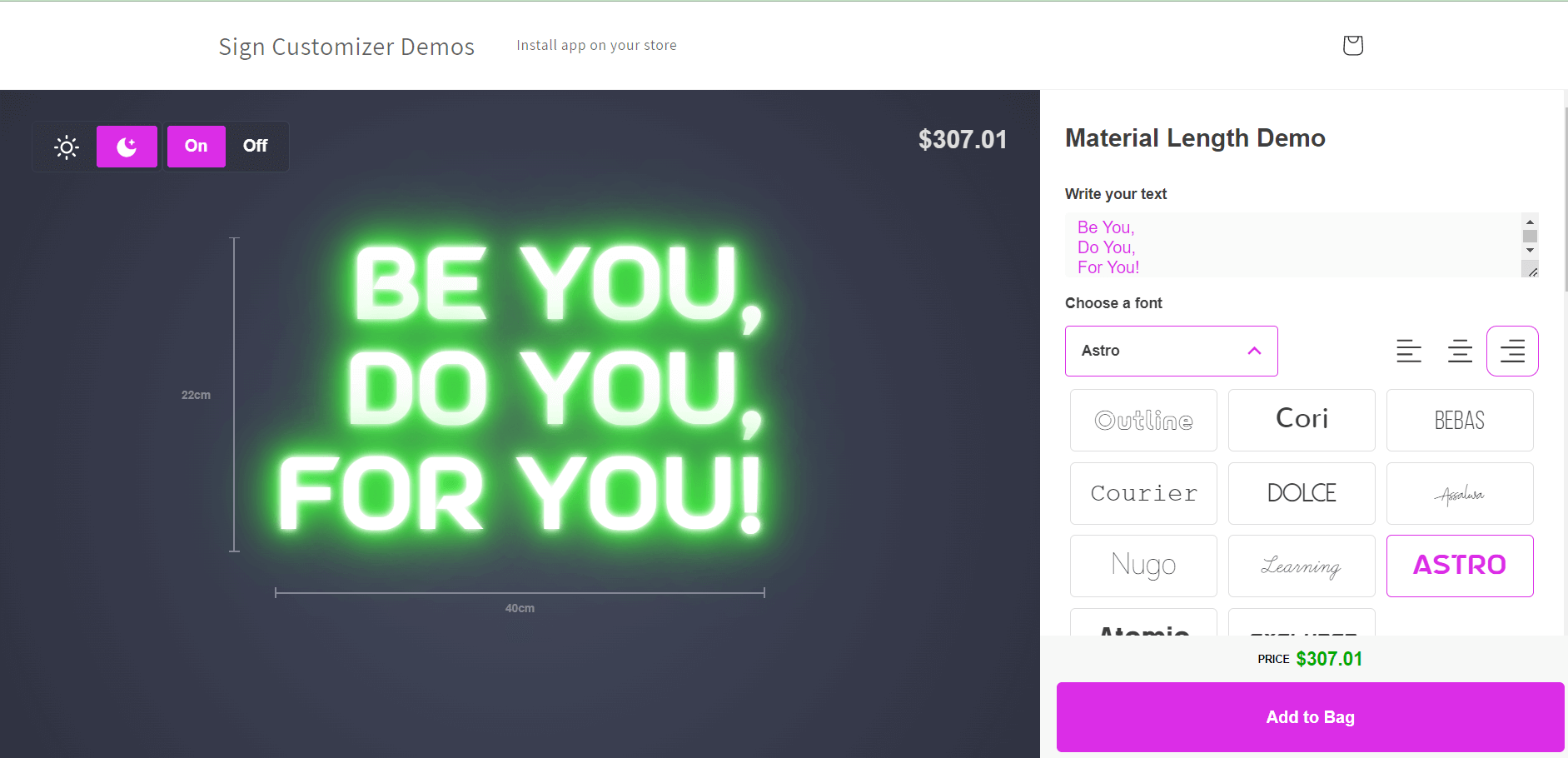
[Ah yeah! Let’s give it a try](https://demo.signcustomiser.com/pages/neon-sign-advanced-model)
## Why are neon signs cool? Why do people like neon lights?
The lasting allure of neon signs has only continued to grow as these cultural staples remain a captivating visual experience. From the glittering illumination of Las Vegas to the bustling streets of Tokyo, neon signs have an undeniable ability to seize the spotlight and entice the masses.
This unrelenting popularity is largely due to the [historical significance of neon signs](https://en.wikipedia.org/wiki/Neon_sign), which first emerged during the modernization era of the 1920s and 1930s, as cities worldwide began embracing new technologies. At the time, neon signs marked a significant breakthrough in advertising and branding methods, as they represented an innovative and audacious approach, quickly becoming a symbol of modernity and progression.
**Presently, neon signs are beloved not just for their historical significance, but also for their retro and nostalgic appeal.** Many people associate neon signs with a bygone era, evoking a sense of sentimentality and yearning for the past when life may have been simpler and carefree. In this manner, neon signs serve to create an ambience of reminiscence and fondness, recollecting a time when things were a tad more glamorous and thrilling.
Neon signs’ coolness is further enhanced by their tremendous impact on popular culture, from the infamous “Welcome to Las Vegas” sign to the pulsating lights of Times Square, these signs have become an inextricable component of modern urban environments. Neon signs have found a place in movies, music videos, and advertisements, bringing a spark of energy and excitement to every scene.
## Selling quote signs: tips for sign shop owners
Quote signs are ideal for building a profitable neon business. Here’s what works:
### Best-selling quote categories
Category
Demand
Avg. Price
Repeat Orders
Wedding
High
£180-350
Seasonal peaks
Bedroom
High
£100-200
Year-round
Business names
Medium
£150-400
One-time
Bar/restaurant
Medium
£120-250
B2B relationships
Motivational
Medium
£100-180
Gift market
Swipe for more
### Pricing strategy for quotes
**Template quotes** (pre-designed, popular phrases): Price competitively at £80-150 for standard sizes. These attract volume.
**Custom quotes** (customer’s own text): Charge 20-30% premium. The personalisation justifies higher pricing.
**Premium fonts** (script, complex paths): Add £20-40 to base price. Script fonts take 30-50% more LED material.
### Using Sign Customiser for quote sales
[Sign Customiser](https://www.signcustomiser.com) lets customers:
1. Type their own quote text
2. Preview in real-time with different fonts
3. See instant pricing based on character count
4. Choose colours and sizes
This self-service model handles 70-80% of quote enquiries automatically. Customers get instant answers; you get production-ready orders.
**Template strategy:** Create 20-30 pre-designed quote templates as starting points. Customers can customise from there, reducing design time to zero for common requests.
## Finding inspiration
Need more quote ideas? Check these sources:
- Pinterest: Search “neon sign quotes” for visual inspiration
- Instagram: Follow neon sign accounts for trending phrases
- [Our neon sign ideas guide](https://www.signcustomiser.com/posts/neon/neon-sign-ideas/): 30+ categorised suggestions
- [Wedding neon sign guide](https://www.signcustomiser.com/posts/neon/neon-wedding-sign/): Dedicated wedding options
The best quotes resonate emotionally and work visually as neon. Short, punchy phrases in complementary fonts—that’s the formula that sells.
Tags
- [neon](/posts/neon/)
- design

About the author
### Matthew Attanasio
Founder, Sign Customiser
Matthew founded Sign Customiser to solve a problem he saw sign businesses facing every day: the endless back-and-forth of manual quoting. With a background in e-commerce development and a decade of experience building Shopify solutions at Sky Foundry, he set out to automate the entire custom sign selling process.
- E-commerce
- Shopify
- Sign Industry
- Product Strategy
[View profile](/authors/matthew-attanasio/)[](https://au.linkedin.com/in/matthew-attanasio-92500a36)[](https://github.com/matthewattanasio)
Let your customers design their own signs

Add a full sign customiser to your online store in minutes. Neon, acrylic, metal — with real-time pricing.
[Start your free 7-day trial](/install/)
Works with Shopify, WooCommerce, Wix & more. 7 days free. Every plan includes every feature.
Let your customers design their own signs

Add a full sign customiser to your online store in minutes. Neon, acrylic, metal — with real-time pricing.
[Start your free 7-day trial](/install/)
Works with Shopify, WooCommerce, Wix & more. 7 days free. Every plan includes every feature.
Related
## From theblog
Expert insights, industry trends, and actionable tips to enhance your online sign business.
[View all articles](/posts/)

neon·March 30, 2023
### [Exploring the benefits of acrylic neon signs for business signage](/posts/neon/acrylic-neon-signs/)
Customizable and Durable: Why Acrylic Neon Signs are a Smart Choice for Your Business Signage Needs
Read more

neon·September 26, 2023
### [45+ aesthetic neon quotes to light up your space](/posts/neon/aesthetic-neon-quotes/)
45+ aesthetic neon quotes for bedrooms, weddings and shop walls, plus how sign shops price and sell custom neon quote signs on their own website.
Read more

neon·September 26, 2023
### [Aesthetic neon signs: styles, ideas and pricing](/posts/neon/aesthetic-neon-signs/)
See the styles and colours behind aesthetic neon signs, get design ideas for any room, and learn how sign shops price and sell them online with a live customiser.
Read more

neon·December 25, 2022
### [Are neon signs dangerous? 14 great tips to stay safe](/posts/neon/are-neon-signs-dangerous/)
Get our 14 great tips to avert accidents & keep your family safe around neon signs with this post.
Read more

neon·September 26, 2023
### [Why are black neon signs the latest trend in home decor?](/posts/neon/black-neon-sign/)
Unleash your creativity with black neon signs and 20+ creative ideas for businesses, events, or personal spaces.
Read more

neon·December 5, 2022
### [Custom neon signs cost: the ultimate guide for Shopify store owners](/posts/neon/custom-neon-signs-cost/)
We explore the primary factors that influence the custom neon signs cost and strategies store owners can apply to increase sales and profit margins. Click to see more details!
Read more

neon·June 23, 2023
### [Design tips for creating eye-catching DIY neon signs](/posts/neon/design-tips-for-creating-eye-catching-diy-neon-signs/)
Neon signs have long been a captivating way for businesses to attract attention and make bold statements. With the rise of do-it-yourself (DIY) projects, creating your own neon sign has become an accessible and cost-effective option for businesses looking to stand out.
Read more

neon·January 5, 2025
### [How to make a DIY neon sign: step-by-step tutorial (LED flex method)](/posts/neon/diy-neon-sign/)
Learn how to make your own LED neon sign at home. Complete step-by-step guide with materials list, tools needed, and expert tips for beginners.
Read more

neon·September 26, 2023
### [Electric blue neon signs: meaning, ideas and pricing](/posts/neon/electric-blue-neon-blue-aesthetic/)
What makes electric blue neon glow, the blue aesthetic it creates, sign ideas by room, and how sign shops price and sell custom blue neon online.
Read more

neon·April 3, 2023
### [Faux neon signs: LED alternatives, costs & business guide (2026)](/posts/neon/faux-neon-sign/)
Complete guide to faux neon (LED neon) signs. Compares LED vs glass neon, covers profit margins for sign shops, and explains why LED neon dominates the market.
Read more

neon·March 28, 2023
### [Are glass neon signs worth it?](/posts/neon/glass-neon-signs/)
Are you curious about the cost and lifespan of glass neon signs? Our guide has all the answers you need to make an informed purchase.
Read more

neon·March 30, 2023
### [How to hang a neon sign: step-by-step guide (with & without nails)](/posts/neon/hanging-neon-signs/)
Learn how to hang a neon sign on any surface. Step-by-step instructions for drywall, brick, concrete & glass. Plus tips to hide wires and avoid wall damage.
Read more

neon·December 23, 2022
### [How to make custom neon signs, the easy guide for Shopify sign stores](/posts/neon/how-to-make-custom-neon-signs/)
Learn how to make custom neon signs as a producer. We also show you a secret to let buyers customize & view their signs in real-time.
Read more

neon·February 3, 2026
### [LED neon sign production: how custom neon signs are made](/posts/neon/led-neon-sign-production-process/)
LED neon signs are manufactured through a precise multi-stage process. Learn how custom LED neon signs are made, from acrylic backing preparation to tube bending, wiring, and quality testing.
Read more

neon·March 29, 2023
### [LED neon signs - a cost-effective alternative?](/posts/neon/led-neon-signs/)
Are LED neon signs worth it? Find out the answer and learn about their lifespan, energy efficiency, and low maintenance requirements.
Read more

neon·March 10, 2026
### [Name in lights: what customers type into a neon name sign generator](/posts/neon/name-in-lights-generator/)
Sign Customiser data: 70% of LED neon designs added to cart are two words or fewer, and one in four keep the default font. What that means for your generator.
Read more

neon·January 5, 2026
### [Neon art: what it is, who made it famous and how it is made](/posts/neon/neon-art/)
Neon art is art made from hand-bent glass tubes of glowing gas. The artists who made it famous, where to see their work, and how a drawing becomes neon.
Read more

neon·March 19, 2026
### [Neon light writer: 6 free and paid neon text tools compared](/posts/neon/neon-light-writer/)
Neon light writers compared: free neon text generators such as FlamingText, Cool Text and Canva, and sign software that turns words into LED neon signs.
Read more

neon·January 5, 2025
### [Neon open signs: the complete guide to open signs for businesses (2025)](/posts/neon/neon-open-signs/)
Discover the best neon and LED open signs for your business. Compare types, sizes, and installation options. Plus expert tips for choosing the perfect open sign.
Read more

neon·April 2, 2023
### [Neon signs hub: your one stop shop for all things neon signs](/posts/neon/neon-sign/)
Discover the colorful world of neon signs with our ultimate guides! Learn about their history, design, cost, and much more.
Read more

neon·April 5, 2023
### [70 neon sign ideas by room & occasion (2026 guide)](/posts/neon/neon-sign-ideas/)
See 70 neon sign ideas for bedrooms, weddings, bars and businesses, organised by room and occasion, plus how sign shops price and sell them online.
Read more

neon·April 1, 2023
### [Neon sign repair guide: DIY fixes & when to call a pro](/posts/neon/neon-sign-repair/)
Complete guide to neon sign repair. Troubleshoot common problems, learn DIY fixes, compare costs, and know when to hire a professional for neon light repair.
Read more

neon·January 5, 2025
### [Neon signs for room decor: 60+ ideas for bedrooms, gaming rooms & more](/posts/neon/neon-signs-for-room/)
Transform any room with neon signs. Browse 60+ ideas for bedrooms, gaming rooms, living rooms and home offices. Plus size, colour and placement tips.
Read more

neon·January 12, 2023
### [Neon versus LED: what are the differences? Which is right for you?](/posts/neon/neon-vs-led/)
We compare neon vs LED neon signs in this informative article. From lighting to maintenance, we cover pros & cons of each to help you make an informed decision on.
Read more

neon·September 26, 2023
### [Neon wedding signs: 40+ ideas, placement guide & costs](/posts/neon/neon-wedding-sign/)
Complete guide to neon signs for wedding decor. Discover 40+ ideas, placement tips, rental vs purchase costs, and how to match your wedding theme.
Read more

neon·September 26, 2023
### [Purple neon light: meaning, shades & buying guide](/posts/neon/purple-neon-sign/)
What purple neon light means, the shades from lavender to magenta, and how sign shops price and sell custom purple neon signs online with a live customiser.
Read more

neon·September 26, 2023
### [White neon sign: a guide to choosing the right one!](/posts/neon/white-neon-sign/)
Looking for a chic and modern addition to your decor? Check out our guide to choosing the best white neon sign.
Read more

neon·December 12, 2022
### [Why are neon signs so expensive? 2026 pricing guide for sign shops](/posts/neon/why-are-neon-signs-so-expensive/)
Complete breakdown of neon sign costs for sign shop owners. Covers material, labour, and overhead costs plus strategies to improve margins with LED neon.
Read more
[View all articles](/posts/)
## Sitemap
See the full [sitemap](/sitemap.md) for all pages.
---
## Neon Sign Repair Guide: DIY Fixes & When to Call a Pro - Sign Customiser Blog
Source: [https://www.signcustomiser.com/posts/neon/neon-sign-repair/](https://www.signcustomiser.com/posts/neon/neon-sign-repair/)
## Quick troubleshooting guide
1. **Sign won’t turn on:** Check power connection, test outlet, inspect transformer
2. **Flickering light:** Often a loose connection or failing transformer - usually DIY fixable
3. **Dim sections:** Gas depletion in glass neon (pro repair) or LED segment failure (replaceable)
4. **Broken glass tube:** Professional repair required - costs £50-150+ depending on complexity
5. **LED neon not working:** Check adapter (£10-20 replacement) before assuming sign failure
**DIY fixes:** Power issues, loose connections, LED adapter replacement **Call a pro:** Broken glass tubes, gas leaks, transformer replacement
* * *
## How to fix a neon sign: troubleshooting tips and repair options
As a neon sign proprietor, you are well aware of the significance of preserving your signage in impeccable condition. Whether it serves as a beacon for your commercial enterprise, a unique ornament for your abode, or a prized addition to your personal collection, a well-kept neon sign can provide endless years of elation and recollection.
Image source: yesco.com
The crux of today’s discussion is centered around the art of neon sign repairing and maintaining. **In this post, we shall bestow upon you an arsenal of tips and tricks on how to diagnose and ameliorate frequent neon sign maladies.** From evaluating the extent of the harm to fixing them, we shall furnish you with all the knowledge you require to restore your neon sign to its dazzling glory.
## Can a broken neon sign be fixed?
The repair of a faulty neon sign is a question that frequently arises in the world of advertising. As a popular tool for garnering attention to your business, it’s important to know whether these signs can be mended when damaged. **Fortunately, the answer is often in the affirmative, depending on the extent of the harm incurred.**
**The root cause of a neon sign malfunction can vary.** It may be an electrical problem, wherein issues with the [transformer](https://en.wikipedia.org/wiki/Transformer) or wiring could be to blame. Conversely, the damage may have a physical basis, such as that arising from accidents or adverse weather conditions. Regardless of the origin of the harm, it’s essential to gauge its severity before proceeding with any measures aimed at rectifying it.
Ascertaining the extent of the damage sustained by a neon sign is not always straightforward. However, there are some helpful tips that can facilitate the process:
1. Firstly, inspect the sign for any visible cracks or breakages of the glass tubes.
2. Secondly, if the sign is not illuminated at all, an electrical malfunction is likely. In such a case, verify the correct connection of the transformer and wiring.
3. It’s advisable to seek professional assistance if you’re not confident in carrying out the diagnosis yourself.
**Learn more:** [Why are glass neon signs WORTH it? All you need to know.](https://www.signcustomiser.com/posts/neon/glass-neon-signs/)
## How do you fix a broken neon sign?
Play video: How to repair a broken neon sign
How to repair a broken neon sign
When confronted with the challenge of repairing a broken neon sign, there are numerous steps you must take to ensure a successful repair. **To begin with, the complexity of the damage must be assessed in order to determine the necessary repairs.** Depending on the extent of the damage, you may find yourself needing to replace a broken electrode, rewire the sign, or replace a broken piece of glass tubing.
**Before undertaking any repairs, it is crucial to prioritize [safety](https://www.signcustomiser.com/posts/neon/are-neon-signs-dangerous/) when handling and transporting the broken neon sign.** Donning protective gloves and eyewear is a must when handling the sign, as the broken glass could be razor-sharp and pose a serious threat to safety. If the need to transport the sign arises, it is essential to wrap it up tightly with foam padding or a blanket in order to prevent further damage.
**Once the damage has been evaluated and all necessary precautions have been taken, the repair process may begin.** Depending on your experience level, you may decide to hire a professional to carry out the repairs for you. However, if you are comfortable with DIY repairs, you can attempt the repair yourself by following these instructions:
1. Using a tube cutter or hacksaw, remove the damaged section of glass tubing.
2. Clean both the ends of the remaining tubing and the electrodes thoroughly using a cleaning solution.
3. Insert a new piece of glass tubing into the electrode.
4. Utilize a welding torch to heat the tube and the electrode until they fuse together.
5. Repeat the procedure for any additional tubing sections that need replacement.
With meticulous handling and the right tools, repairing a broken neon sign can be a rather simple process.
**Learn more**: [Are neon signs dangerous? How to handle them safely & avert accidents?](https://www.signcustomiser.com/posts/neon/are-neon-signs-dangerous/)
## [Are neon signs expensive](https://www.signcustomiser.com/posts/neon/why-are-neon-signs-so-expensive/) to repair?
**When the issue at hand concerns the topic of repairing neon signs, it becomes pertinent to note that the cost incurred in this pursuit can fluctuate dramatically, contingent on a variety of factors, such as the extent of the damage sustained by the sign as well as the intricacy involved in its restoration.** Nevertheless, it’s crucial to bear in mind that refurbishing a neon sign is often a [less expensive alternative](https://www.signcustomiser.com/posts/neon/faux-neon-sign/) compared to the acquisition of a brand new one.
**When considering the optimum outcome, assuming a single viable possibility where a loose wire may be the root cause of the issue at hand, one should prepare for a minimum expenditure of $50-60 for the necessary repair work.** On the other hand, in situations where the glass has experienced minor fractures or there are complications with the transformer, the costs of remediation are expected to escalate, approaching a range of $300-400. As for more severe malfunctions or those that affect larger neon signs that possess a greater degree of intricacy and [customization](https://www.signcustomiser.com/posts/neon/neon-sign-ideas/), the reparations could potentially reach an exorbitant amount of $1000.
**In order to extract the most value from your monetary expenditure, it is imperative to conduct a thorough search for a reliable neon sign repair service.** It is imperative to seek out a company with a well-established history of producing quality repairs that satisfy their customer base. Moreover, it may also be beneficial to obtain a cost estimate from numerous repair services to accurately gauge prices and ensure that the prices are equitable.
This is chapter 9 in [the neon sign library](https://www.signcustomiser.com/posts/neon/neon-sign/)
## Can you repair broken neon glass?
Image source: a1designs.co.uk
When faced with the quandary of a damaged neon sign, a prevalent issue can be broken neon glass. **However, one may find solace in the fact that with the aid of a professional neon sign repair service, rectification of this matter is often feasible.**
The repair process for broken neon glass involves a meticulous extraction of the damaged glass section, followed by a thorough cleaning of the affected region, and culminating in the installation of a new glass tubing section to replace the damaged one. The new glass tubing section must be contoured to match the original design of the neon sign, and infused with the appropriate gas blend to achieve the desired color and luminosity.
**It’s imperative to proceed with caution when handling broken [neon glass](https://www.signcustomiser.com/posts/neon/glass-neon-signs/) to evade further damage or harm.** If one is undertaking the repair themselves, it is recommended to don protective gloves and eye gear to circumvent cuts and exposure to the gas mixture encapsulated within the glass tubing. In removing and installing the glass tubing, a slow and delicate approach is advised to sidestep cracking or fracturing other sections of the sign. Additionally, it is advantageous to have a second individual available to provide assistance, particularly when dealing with more substantial or intricate neon signs.
**Learn more:** [How to hang neon signs LIKE A PRO? The ultimate guide](https://www.signcustomiser.com/posts/neon/hanging-neon-signs/)
## What happens when you break a neon light?
**The fragmentation of a neon light gives rise to numerous hazards, which must be approached with the utmost caution.** The fracturing of neon glass poses a threat to individuals, as it can result in lacerations, and there is also the potential for exposure to [noxious gases](https://en.wikipedia.org/wiki/Noble_gas). Hence, it is imperative to observe proper protocols when handling fragmented neon glass.
**To guarantee the safe handling of shattered neon glass, it is essential to wear protective gloves and utilize a broom and dustpan to cautiously collect the fragments.** It is prudent to eschew the use of a vacuum cleaner, as it can exacerbate the dispersion of broken glass, leading to further perils. In cases where the neon sign was harmed due to an electrical fault, it is incumbent upon the handler to deactivate the power source before embarking on the collection of fragmented glass.
**Once the collection of fragmented glass is complete, it is imperative to appropriately dispose of it.** Disposing of the broken neon glass in regular trash receptacles is ill-advised, as it presents a threat to sanitation workers. Instead, it is advisable to make contact with the local waste management facility or recycling center to ascertain the most suitable method of safe disposal of the broken glass.
## What is the life expectancy of a neon sign?
Image source: lacrossesign.com
Neon signs, a widely utilized and efficient tool for promoting businesses, possess a restricted lifespan. The inquiry that must be posed is, what is the anticipated duration of a neon sign’s existence? Herein, we will examine the average lifetime of a neon sign while providing recommendations for extending its longevity through regular maintenance and care.
A neon sign’s lifespan is influenced by various factors, such as utilization, environmental circumstances, and the caliber of the sign’s construction. **Normally, a properly maintained neon sign can persist from 8 to 15 years.** Nevertheless, signs exposed to inclement weather conditions or substantial usage might require an earlier replacement.
**It is imperative to implement regular maintenance to prolong the life of a neon sign.** This incorporates cleaning the sign periodically to eradicate dirt and debris, which may harm the neon tubing. It also involves inspecting the sign for any frayed wires or damaged components, and ensuring that the sign is grounded appropriately to prevent electrical anomalies. Besides, neon signs that are frequently turned on and off will have a reduced lifespan than signs that are operated continuously. Therefore, consider leaving your neon sign switched on 24/7, if feasible.
## Why do neon signs stop working?
Even the most tenacious neon signs can, over the course of time, experience a wide array of maladies, ranging from the pedestrian to the profound. **Among the litany of common grievances that can afflict neon signs are a multitude of ailments, such as the presence of broken [electrodes](https://en.wikipedia.org/wiki/Electrode), subpar wiring, and compromised transformers.**
**Should one be confronted with the disheartening spectacle of a nonfunctional neon sign, the initial step in the quest for a remedy should involve a concerted effort to pinpoint the root of the issue.** This may entail conducting a thorough survey of the electrical connections and cabling, in search of any perceptible indications of damage or wear. Additionally, one may wish to conduct diagnostic tests on the transformer, in order to ensure that it is performing at an optimal level.
**In the event that the process of troubleshooting proves to be a confounding and vexatious undertaking, it is highly recommended that one consider soliciting the services of an experienced and qualified neon sign repair technician.** Such an individual possesses the technical expertise and specialized knowledge that are requisite for the identification and rectification of the diverse array of malfunctions that can plague a neon sign.
## How do you fix a neon sign that won’t turn on?
Play video: How to troubleshoot your neon sign
How to troubleshoot your neon sign
When grappling with the predicament of a non-responsive neon sign, one can employ a series of tactics to alleviate the issue.
1. Primarily, the inaugural course of action would be to verify the power source and ascertain that the sign is both connected and activated.
2. Subsequently, if the power source is deemed operational, it is then advisable to conduct a thorough appraisal of the wiring system and confirm that all connections are firmly fastened and not subject to any impairment.
3. If one is not sufficiently proficient in dealing with wiring or electrical frameworks, it would be judicious to enlist the aid of a professional to circumvent any potential safety risks.
## Do neon signs ever burn out?
**As an electrical device, neon signs may eventually suffer the fate of burning out despite their reputation for a long-lasting glow.** This section seeks to shed some light on the possibility of neon signs burning out and offer tips for replacing them.
The lifespan of neon signs is highly variable depending on diverse factors such as usage, environmental conditions, and component quality. Typically, neon signs can last for multiple years before burning out. However, the exact duration is not set in stone. To avert the risk of burnout, performing periodic maintenance and care is crucial. Examples include cleaning the sign and ensuring it is not exposed to moisture or extreme temperatures.
**If you detect a burnout in your neon sign, the critical step is to replace it promptly.** Delaying the replacement may have adverse implications for your personal or business space. Replacing a burned-out neon sign involves identifying the underlying cause of the burnout, which could range from faulty wiring to a broken electrode.
**Once you identify the cause of the burnout, the replacement process can commence.** For instance, you may need to purchase a new neon tube that can be installed by either a professional sign company or a DIYer with experience in electrical work. Ensuring that the replacement tube is compatible with the existing wiring and power supply and the [correct size and shape for your sign](https://www.signcustomiser.com/posts/neon/neon-sign/) is vital.
## Can you fix a burnt out neon sign?
In the event that you possess a neon sign that has suffered burn-out, you might be wondering if it can be fixed. **The situation is rather promising as, in many cases, a burn-out neon sign is repairable.** Nonetheless, the extent of the damage will determine the course of action to be taken in repairing the sign.
**One plausible reason for a neon sign to burn out is a burnt-out [electrode](https://en.wikipedia.org/wiki/Electrode).** An electrode is a metallic component within a neon sign that conducts electricity. Once the electrode burns out, it becomes mandatory to replace it in order for the sign to operate normally again.
Play video: How to repair neon electrode wires
How to repair neon electrode wires
**To determine if a neon sign that has burned out can be fixed, it is advisable to have it evaluated by a professional neon sign repair service.** A proficient technician will scrutinize the sign and isolate the root of the problem. In some instances, it may be more practical to replace the sign altogether as opposed to attempting to fix it.
**If your neon sign that has burned out is repairable, the technician will probably replace the burnt-out electrodes or other damaged parts.** Additionally, it may be necessary to inspect and clean the sign to guarantee proper functioning. As is customary with any repair, entrusting a professional to handle the job safely and effectively is of paramount importance. Find professionals by installing our [neon sign shopify app](https://www.signcustomiser.com/solutions/neon-signs/).
## Common neon sign problems and how to diagnose them
Before attempting any neon sign repair, it’s essential to identify what’s causing the problem. Here’s a comprehensive troubleshooting guide for the most common neon light repair issues:
### Flickering or intermittent lighting
**Symptoms:** The sign flashes on and off, flickers randomly, or dims periodically.
**Common causes:**
- Loose wire connections at the transformer or electrodes
- Worn or damaged transformer
- Gas leakage from cracked tubing
- Faulty dimmer switch or controller
**How to diagnose:** Check all visible wire connections first. If connections appear secure, the transformer may be failing - listen for buzzing sounds which indicate electrical issues.
### Complete sign failure (won’t turn on)
**Symptoms:** The sign doesn’t illuminate at all when powered on.
**Common causes:**
- Power supply failure
- Broken transformer
- Severed wiring
- Tripped circuit breaker
- Dead electrodes
**How to diagnose:** Start by checking if the outlet works with another device. Then inspect the power cord for damage. If power is reaching the sign but it still won’t light, the transformer or electrodes are likely the issue.
### Partial illumination
**Symptoms:** Only part of the sign lights up, or certain letters/sections remain dark.
**Common causes:**
- Broken glass tube section
- Failed electrode in one section
- Loose connection to specific tube segment
- Gas leak in one tube
**How to diagnose:** Carefully inspect the dark sections for visible cracks, breaks, or dark spots in the tubing. Broken electrodes often show discolouration at the tube ends.
### Colour changes or fading
**Symptoms:** The sign’s colour appears different than original, often more pink or orange.
**Common causes:**
- Gas depletion over time
- Phosphor coating degradation in coloured tubes
- Age-related wear
**How to diagnose:** This typically indicates the sign has reached the end of its lifespan and may need professional reconditioning or tube replacement.
### Buzzing or humming sounds
**Symptoms:** Audible electrical noise coming from the sign.
**Common causes:**
- Loose transformer mounting
- Failing transformer
- Electrical interference
- Improper grounding
**How to diagnose:** Locate the source of the sound. If it’s from the transformer box, it may need tightening or replacement.
## DIY vs professional neon sign repair: when to call an expert
Deciding whether to repair a neon sign yourself or hire a professional is an important decision. Here’s a comprehensive breakdown to help you choose:
### When DIY neon sign repair is appropriate
**Safe for DIY:**
- Replacing power cords or plugs
- Tightening loose wire connections (with power off)
- Cleaning the sign exterior
- Replacing simple mounting hardware
- Basic troubleshooting and diagnosis
**Skills required:** Basic electrical knowledge, comfort working with low-voltage systems, proper safety equipment.
### When to hire a professional
**Requires professional repair:**
- Broken glass tubing replacement
- Electrode repairs or replacement
- Transformer replacement
- Gas refilling or tube reconditioning
- Any work involving the high-voltage components
- Signs with complex custom designs
**Why professionals are essential for these repairs:** Neon signs operate at very high voltages (typically 3,000-15,000 volts). Working with the glass tubing also requires specialised glass-bending equipment and expertise with noble gases.
### Cost comparison: DIY vs professional neon sign repair
Repair Type
DIY Cost
Professional Cost
Recommendation
Power cord replacement
$10-30
$50-100
DIY
Loose wire fix
$0-20
$50-75
DIY
Transformer replacement
$50-150
$150-300
Professional
Single tube repair
N/A
$100-250
Professional
Multiple tube repair
N/A
$300-600
Professional
Complete sign reconditioning
N/A
$500-1500
Professional
Electrode replacement
N/A
$75-200
Professional
Swipe for more
**Note:** DIY costs include materials only. Professional costs include labour and materials.
## Safety precautions for neon sign repair
⚠️ **WARNING: Neon signs contain high voltage electricity and fragile glass filled with gases. Improper handling can result in serious injury.**
### Essential safety guidelines
1. **Always disconnect power first** - Unplug the sign and wait at least 10 minutes for capacitors to discharge before touching any components.
2. **Never work on a sign while it’s illuminated** - The voltages present can cause severe electrical shock.
3. **Wear protective gear:**
- Safety glasses or goggles
- Cut-resistant gloves when handling glass
- Rubber-soled shoes for electrical insulation
4. **Handle glass tubes with extreme care:**
- Broken neon glass can cause deep cuts
- The gases inside (neon, argon) are not toxic but should not be inhaled directly
- Never vacuum broken glass - use a broom and dustpan
5. **Work in a well-ventilated area** - If a tube breaks, ensure good airflow to disperse any released gases.
6. **Keep a fire extinguisher nearby** - Electrical faults can cause fires.
7. **Never attempt repairs beyond your skill level** - When in doubt, hire a professional.
### Signs you should immediately stop and call a professional
- You smell burning or see smoke
- You hear loud crackling or arcing sounds
- The sign shocks you even when “off”
- You’re unsure about any step of the process
## Finding a reliable neon sign repair service
Choosing the right professional for your neon light repair is crucial. Here’s what to look for:
### What to look for in a repair service
- **Experience with neon specifically** - LED experience isn’t sufficient for traditional neon
- **Positive reviews and references** - Check online reviews and ask for previous customer contacts
- **Clear pricing structure** - Request a written estimate before work begins
- **Warranty on repairs** - Reputable services offer at least 90 days warranty
- **Proper licensing and insurance** - Protects you if something goes wrong
### Questions to ask before hiring
1. How many years have you been repairing neon signs?
2. Do you work on both glass neon and LED neon?
3. Can you provide a written estimate?
4. What warranty do you offer on repairs?
5. Do you offer pickup/delivery or on-site repair?
6. How long will the repair take?
### Average repair turnaround times
Repair Type
Typical Timeframe
Simple electrical fixes
Same day - 2 days
Transformer replacement
1-3 days
Glass tube repair
3-7 days
Complete reconditioning
1-3 weeks
Custom tube fabrication
2-4 weeks
Swipe for more
## FAQs about neon sign repair
### How do I know if my neon sign can be repaired?
Most neon signs can be repaired unless the damage is extremely extensive. Even signs with multiple broken tubes can often be restored. The key factors are:
- Availability of replacement parts
- Cost of repair vs replacement
- Sentimental or historical value of the sign
### How much does it cost to repair a neon sign UK?
In the UK, neon sign repair costs typically range from £50-75 for simple fixes like loose wires, £150-300 for transformer replacement, and £200-500+ for glass tube repairs. Complex custom signs or vintage pieces may cost more due to specialised craftsmanship requirements.
### Can LED neon signs be repaired?
Yes, LED neon (also called flex neon) is often easier to repair than traditional glass neon. Common repairs include replacing LED strips, fixing power supplies, and repairing connections. However, some LED neon signs use sealed units that must be completely replaced rather than repaired.
### How do I fix a neon sign that keeps flickering?
Start by checking all wire connections with the power off. Loose connections are the most common cause of flickering. If connections are secure, the transformer may be failing and needs replacement. Persistent flickering with a new transformer indicates possible gas leakage, which requires professional glass tube repair.
### Why does my neon sign only light up partially?
Partial illumination usually indicates a break in the electrical circuit for that section. Common causes include:
- Cracked glass tube (even hairline cracks)
- Failed electrode
- Loose connection to that specific tube segment A professional can identify and repair the specific point of failure.
### Is it worth repairing an old neon sign?
This depends on several factors:
- **Sentimental value** - Family heirlooms or nostalgic pieces are worth restoring
- **Replacement cost** - Custom signs can cost thousands to recreate
- **Repair cost** - Get a quote and compare to replacement
- **Historical significance** - Vintage advertising signs may have collector value
Generally, if repair costs less than 50-60% of replacement cost, repair is worthwhile.
### How long do repaired neon signs last?
A properly repaired neon sign should last another 8-15 years with normal use. The quality of the repair and the condition of non-repaired components both factor into longevity. Ask your repair service about the expected lifespan after repair.
Ready to design a new neon sign? Try our [free neon sign maker](/neon-sign-maker-online-free/) to create and preview your custom design online.
## Conclusion
Neon sign repair is a viable option for most damaged signs, depending on the extent of damage. Neon signs can malfunction due to various factors including electrical problems or physical damage. **Always prioritise safety when handling broken neon glass, and don’t hesitate to hire a certified professional when repairs are beyond your skill level.** With proper maintenance and timely repairs, your neon sign can continue to shine brightly for many years to come.
**Related guides:**
- [How to hang neon signs like a pro](/posts/neon/hanging-neon-signs/)
- [Are neon signs dangerous? Safety guide](/posts/neon/are-neon-signs-dangerous/)
- [Custom neon signs cost guide](/posts/neon/custom-neon-signs-cost/)
Tags
- [neon](/posts/neon/)
- [shopify](/posts/shopify/)

About the author
### Matthew Attanasio
Founder, Sign Customiser
Matthew founded Sign Customiser to solve a problem he saw sign businesses facing every day: the endless back-and-forth of manual quoting. With a background in e-commerce development and a decade of experience building Shopify solutions at Sky Foundry, he set out to automate the entire custom sign selling process.
- E-commerce
- Shopify
- Sign Industry
- Product Strategy
[View profile](/authors/matthew-attanasio/)[](https://au.linkedin.com/in/matthew-attanasio-92500a36)[](https://github.com/matthewattanasio)
Let your customers design their own signs

Add a full sign customiser to your online store in minutes. Neon, acrylic, metal — with real-time pricing.
[Start your free 7-day trial](/install/)
Works with Shopify, WooCommerce, Wix & more. 7 days free. Every plan includes every feature.
Let your customers design their own signs

Add a full sign customiser to your online store in minutes. Neon, acrylic, metal — with real-time pricing.
[Start your free 7-day trial](/install/)
Works with Shopify, WooCommerce, Wix & more. 7 days free. Every plan includes every feature.
Related
## From theblog
Expert insights, industry trends, and actionable tips to enhance your online sign business.
[View all articles](/posts/)

neon·March 30, 2023
### [Exploring the benefits of acrylic neon signs for business signage](/posts/neon/acrylic-neon-signs/)
Customizable and Durable: Why Acrylic Neon Signs are a Smart Choice for Your Business Signage Needs
Read more

neon·September 26, 2023
### [45+ aesthetic neon quotes to light up your space](/posts/neon/aesthetic-neon-quotes/)
45+ aesthetic neon quotes for bedrooms, weddings and shop walls, plus how sign shops price and sell custom neon quote signs on their own website.
Read more

neon·September 26, 2023
### [Aesthetic neon signs: styles, ideas and pricing](/posts/neon/aesthetic-neon-signs/)
See the styles and colours behind aesthetic neon signs, get design ideas for any room, and learn how sign shops price and sell them online with a live customiser.
Read more

neon·December 25, 2022
### [Are neon signs dangerous? 14 great tips to stay safe](/posts/neon/are-neon-signs-dangerous/)
Get our 14 great tips to avert accidents & keep your family safe around neon signs with this post.
Read more

neon·September 26, 2023
### [Why are black neon signs the latest trend in home decor?](/posts/neon/black-neon-sign/)
Unleash your creativity with black neon signs and 20+ creative ideas for businesses, events, or personal spaces.
Read more

neon·December 5, 2022
### [Custom neon signs cost: the ultimate guide for Shopify store owners](/posts/neon/custom-neon-signs-cost/)
We explore the primary factors that influence the custom neon signs cost and strategies store owners can apply to increase sales and profit margins. Click to see more details!
Read more

neon·June 23, 2023
### [Design tips for creating eye-catching DIY neon signs](/posts/neon/design-tips-for-creating-eye-catching-diy-neon-signs/)
Neon signs have long been a captivating way for businesses to attract attention and make bold statements. With the rise of do-it-yourself (DIY) projects, creating your own neon sign has become an accessible and cost-effective option for businesses looking to stand out.
Read more

neon·January 5, 2025
### [How to make a DIY neon sign: step-by-step tutorial (LED flex method)](/posts/neon/diy-neon-sign/)
Learn how to make your own LED neon sign at home. Complete step-by-step guide with materials list, tools needed, and expert tips for beginners.
Read more

neon·September 26, 2023
### [Electric blue neon signs: meaning, ideas and pricing](/posts/neon/electric-blue-neon-blue-aesthetic/)
What makes electric blue neon glow, the blue aesthetic it creates, sign ideas by room, and how sign shops price and sell custom blue neon online.
Read more

neon·April 3, 2023
### [Faux neon signs: LED alternatives, costs & business guide (2026)](/posts/neon/faux-neon-sign/)
Complete guide to faux neon (LED neon) signs. Compares LED vs glass neon, covers profit margins for sign shops, and explains why LED neon dominates the market.
Read more

neon·March 28, 2023
### [Are glass neon signs worth it?](/posts/neon/glass-neon-signs/)
Are you curious about the cost and lifespan of glass neon signs? Our guide has all the answers you need to make an informed purchase.
Read more

neon·March 30, 2023
### [How to hang a neon sign: step-by-step guide (with & without nails)](/posts/neon/hanging-neon-signs/)
Learn how to hang a neon sign on any surface. Step-by-step instructions for drywall, brick, concrete & glass. Plus tips to hide wires and avoid wall damage.
Read more

neon·December 23, 2022
### [How to make custom neon signs, the easy guide for Shopify sign stores](/posts/neon/how-to-make-custom-neon-signs/)
Learn how to make custom neon signs as a producer. We also show you a secret to let buyers customize & view their signs in real-time.
Read more

neon·February 3, 2026
### [LED neon sign production: how custom neon signs are made](/posts/neon/led-neon-sign-production-process/)
LED neon signs are manufactured through a precise multi-stage process. Learn how custom LED neon signs are made, from acrylic backing preparation to tube bending, wiring, and quality testing.
Read more

neon·March 29, 2023
### [LED neon signs - a cost-effective alternative?](/posts/neon/led-neon-signs/)
Are LED neon signs worth it? Find out the answer and learn about their lifespan, energy efficiency, and low maintenance requirements.
Read more

neon·March 10, 2026
### [Name in lights: what customers type into a neon name sign generator](/posts/neon/name-in-lights-generator/)
Sign Customiser data: 70% of LED neon designs added to cart are two words or fewer, and one in four keep the default font. What that means for your generator.
Read more

neon·January 5, 2026
### [Neon art: what it is, who made it famous and how it is made](/posts/neon/neon-art/)
Neon art is art made from hand-bent glass tubes of glowing gas. The artists who made it famous, where to see their work, and how a drawing becomes neon.
Read more

neon·March 19, 2026
### [Neon light writer: 6 free and paid neon text tools compared](/posts/neon/neon-light-writer/)
Neon light writers compared: free neon text generators such as FlamingText, Cool Text and Canva, and sign software that turns words into LED neon signs.
Read more

neon·January 5, 2025
### [Neon open signs: the complete guide to open signs for businesses (2025)](/posts/neon/neon-open-signs/)
Discover the best neon and LED open signs for your business. Compare types, sizes, and installation options. Plus expert tips for choosing the perfect open sign.
Read more

neon·April 2, 2023
### [Neon signs hub: your one stop shop for all things neon signs](/posts/neon/neon-sign/)
Discover the colorful world of neon signs with our ultimate guides! Learn about their history, design, cost, and much more.
Read more

neon·April 5, 2023
### [70 neon sign ideas by room & occasion (2026 guide)](/posts/neon/neon-sign-ideas/)
See 70 neon sign ideas for bedrooms, weddings, bars and businesses, organised by room and occasion, plus how sign shops price and sell them online.
Read more

neon·April 4, 2023
### [Best neon sign quotes: 150+ ideas for every occasion (2026)](/posts/neon/neon-sign-quotes/)
Curated neon sign quotes for weddings, businesses, bars, bedrooms and more. Includes best-selling categories and pricing strategies for sign shops.
Read more

neon·January 5, 2025
### [Neon signs for room decor: 60+ ideas for bedrooms, gaming rooms & more](/posts/neon/neon-signs-for-room/)
Transform any room with neon signs. Browse 60+ ideas for bedrooms, gaming rooms, living rooms and home offices. Plus size, colour and placement tips.
Read more

neon·January 12, 2023
### [Neon versus LED: what are the differences? Which is right for you?](/posts/neon/neon-vs-led/)
We compare neon vs LED neon signs in this informative article. From lighting to maintenance, we cover pros & cons of each to help you make an informed decision on.
Read more

neon·September 26, 2023
### [Neon wedding signs: 40+ ideas, placement guide & costs](/posts/neon/neon-wedding-sign/)
Complete guide to neon signs for wedding decor. Discover 40+ ideas, placement tips, rental vs purchase costs, and how to match your wedding theme.
Read more

neon·September 26, 2023
### [Purple neon light: meaning, shades & buying guide](/posts/neon/purple-neon-sign/)
What purple neon light means, the shades from lavender to magenta, and how sign shops price and sell custom purple neon signs online with a live customiser.
Read more

neon·September 26, 2023
### [White neon sign: a guide to choosing the right one!](/posts/neon/white-neon-sign/)
Looking for a chic and modern addition to your decor? Check out our guide to choosing the best white neon sign.
Read more

neon·December 12, 2022
### [Why are neon signs so expensive? 2026 pricing guide for sign shops](/posts/neon/why-are-neon-signs-so-expensive/)
Complete breakdown of neon sign costs for sign shop owners. Covers material, labour, and overhead costs plus strategies to improve margins with LED neon.
Read more

shopify·February 2, 2026
### [Best product customizer apps for Shopify sign stores](/posts/shopify/best-product-customizer-apps-shopify-signs/)
Compare product customizer apps for Shopify sign businesses. Detailed analysis of pricing, features, and which app handles neon, acrylic, and metal sign customisation best.
Read more

shopify·February 2, 2026
### [How to start an LED sign business on Shopify](/posts/shopify/how-to-start-neon-sign-business-shopify/)
Start an LED sign business on Shopify for under $500. Real startup costs, what LED neon sells for online, and the steps to launch your neon sign shop.
Read more

shopify·February 2, 2026
### [Sign shop software: the complete Shopify setup guide](/posts/shopify/shopify-sign-store-setup-guide/)
Set up sign shop software on Shopify to sell custom neon, acrylic, and metal signs. Covers pricing, automation, and scaling - used by 700+ sign businesses worldwide.
Read more

shopify·February 2, 2026
### [Sign pricing software: 4 models that protect your margins](/posts/shopify/sign-pricing-models-explained/)
Learn which sign pricing model fits your business. Compare fixed width, material length, frame fit, and per-letter pricing with real calculations and profit examples.
Read more
[View all articles](/posts/)
## Sitemap
See the full [sitemap](/sitemap.md) for all pages.
---
## Neon signs hub: your one stop shop for all things neon signs - Sign Customiser Blog
Source: [https://www.signcustomiser.com/posts/neon/neon-sign/](https://www.signcustomiser.com/posts/neon/neon-sign/)
## Neon sign library: everything you need to know about neon signs
The use of neon signs as a means of advertising and [neon art](/posts/neon/neon-art/) has gained considerable popularity since the onset of the 20th century. These luminous and vibrant signs are still a preferred option today, injecting a sense of nostalgia and personality into commercial and residential establishments alike. The Neon Signs Hub serves as an all-inclusive manual on everything neon, providing extensive insights into the history and diverse genres of neon signs, coupled with expert advice on the customization and upkeep of your very own neon sign. Whether you identify as a collector, artist, or simply a patron of these emblematic signs, [we’ve got you](https://apps.shopify.com/neon-product-customiser) fully covered with an extensive range of resources and expertise.
## Chapter 1: Glass neon signs
The unique visual appeal of glass neon signs is unparalleled, and they can imbue any space with a sense of nostalgia. These illuminated signs are fabricated using glass tubing that is filled with a blend of gases such as neon and argon. By applying a high voltage to these gases, a vivid and vibrant luminescence is generated. In this chapter, we will delve into the intricacies of the process of manufacturing glass neon signs, weigh the advantages and disadvantages of employing them, and elucidate how to effectively care for and maintain them in order to preserve their splendor.
**Learn more:** [Why are glass neon signs WORTH it? All you need to know](https://www.signcustomiser.com/posts/neon/glass-neon-signs/)
## Chapter 2: LED neon signs
Welcome, esteemed reader, to the realm of LED neon signs! These avant-garde LED neon signs are renowned for their exceptional energy efficiency, flexibility, and durability, rendering them an increasingly sought-after option for both commercial entities and individuals alike. In this chapter, we shall embark on an exploratory journey, traversing through the peculiarities that set LED neon signs apart from their glass counterparts, while simultaneously divulging tips on how to meticulously care for and maintain them. We shall also delve into the question that plagues everyone’s mind: how long do these LED neon signs endure? Look no further and seize the opportunity to acquire a wealth of knowledge about LED neon signs by clicking the link below.
**Learn more:** [LED neon signs - A cost-effective alternative?](https://www.signcustomiser.com/posts/neon/led-neon-signs/)
## Chapter 3: Neon vs LED
For decades, neon signs have been a sought-after alternative for advertising and decoration. Yet, LED neon signs are gradually establishing a foothold in this domain. Although both types of neon signs have their respective pros and cons, they differ considerably in terms of their cost, energy consumption, and luminosity. Glass neon signs are renowned for their timeless appearance, exuding a peculiarly captivating aesthetic charm, whereas LED neon signs exhibit greater flexibility and energy efficiency. In the ensuing chapter, we shall delve into an exhaustive comparison between glass neon signs and LED neon signs, furnishing you with an erudite perspective to enable you to make an astute choice.
**Learn more:** [Neon versus LED: What are the differences? Which is right for you?](https://www.signcustomiser.com/posts/neon/neon-vs-led/)
## Chapter 4: Acrylic neon signs
Acrylic neon signs are an innovative and contemporary option that stands in stark contrast to traditional glass neon signs. These signs are crafted by employing flexible and sturdy acrylic tubes, which are then imbued with LED lights that emulate the radiance of neon. Unlike their glass neon brethren, acrylic neon signs are simpler to fabricate and can be crafted in a multitude of shades and shapes. They also boast a greater level of cost-effectiveness and energy efficiency when compared to their glass-made counterparts. When it comes to maintaining acrylic neon signs, it is vital to evade exposing them to extreme temperatures or direct sunlight, as doing so could result in fading or discoloration.
**Learn more:** [Are acrylic neon signs the FUTURE of BUSINESS SIGNAGE?](https://www.signcustomiser.com/posts/neon/acrylic-neon-signs/)
## Chapter 5: Neon sign ideas
Neon signs, a beacon of light and color, can be utilized in various inventive ways to infuse any given space with a distinctive flair and charm. If one is seeking to indulge in this bold and captivating style, there are several popular design options to choose from. Some of the most favored neon sign styles encompass the vintage-inspired, geometrically-inclined, and offbeat quote or phrase variety. Be it a mere desire to enliven an otherwise bland wall, or to make a resolute statement at a momentous event, neon signs are a versatile and striking solution. So, why not delve into the latest trends and inspirations for the ultimate personalized neon sign, custom-made just for you?
**Learn more:** [Brighten up your space with these 70 INSPIRING NEON SIGN IDEAS](https://www.signcustomiser.com/posts/neon/neon-sign-ideas/)
## Chapter 6: Neon sign quotes
Are you in search of a viable strategy to infuse some individuality into your living area? Have you pondered on opting for a neon sign quote? With an array of options at your disposal, from inspiring expressions such as “Believe in Yourself” to offbeat quotes like “Pizza is Always the Answer,” the possibilities are infinite. Personalizing your neon sign with a customized quote or phrase is an effortless process that enables you to craft a distinctive piece of decor that mirrors your unique flair. Numerous iconic neon sign quotes that have left an indelible mark on the cultural landscape include “You Are My Sunshine” and “Girls Just Want To Have Fun.”
**Learn more:** [What are THE BEST NEON SIGN QUOTE IDEAS? Find Out Now!](https://www.signcustomiser.com/posts/neon/neon-sign-quotes/)
## Chapter 7: Hanging neon signs
Hanging neon signs is a craft that requires intricate attention to detail. The optimal positioning, illumination, and embellishments can greatly affect the end result. There are innumerable methods of showcasing these luminous and striking designs, ranging from affixing them to walls to suspending them from ceilings. Ensuring the security of your neon sign necessitates the utilization of robust hardware and installation in a location that can withstand its weight. By employing ingenuity, you can fashion an original and individualized presentation that flaunts your neon sign in its most ideal form.
**Learn more:** [How to hang neon signs LIKE A PRO? The ultimate guide](https://www.signcustomiser.com/posts/neon/hanging-neon-signs/)
## Chapter 8: Neon sign sizes
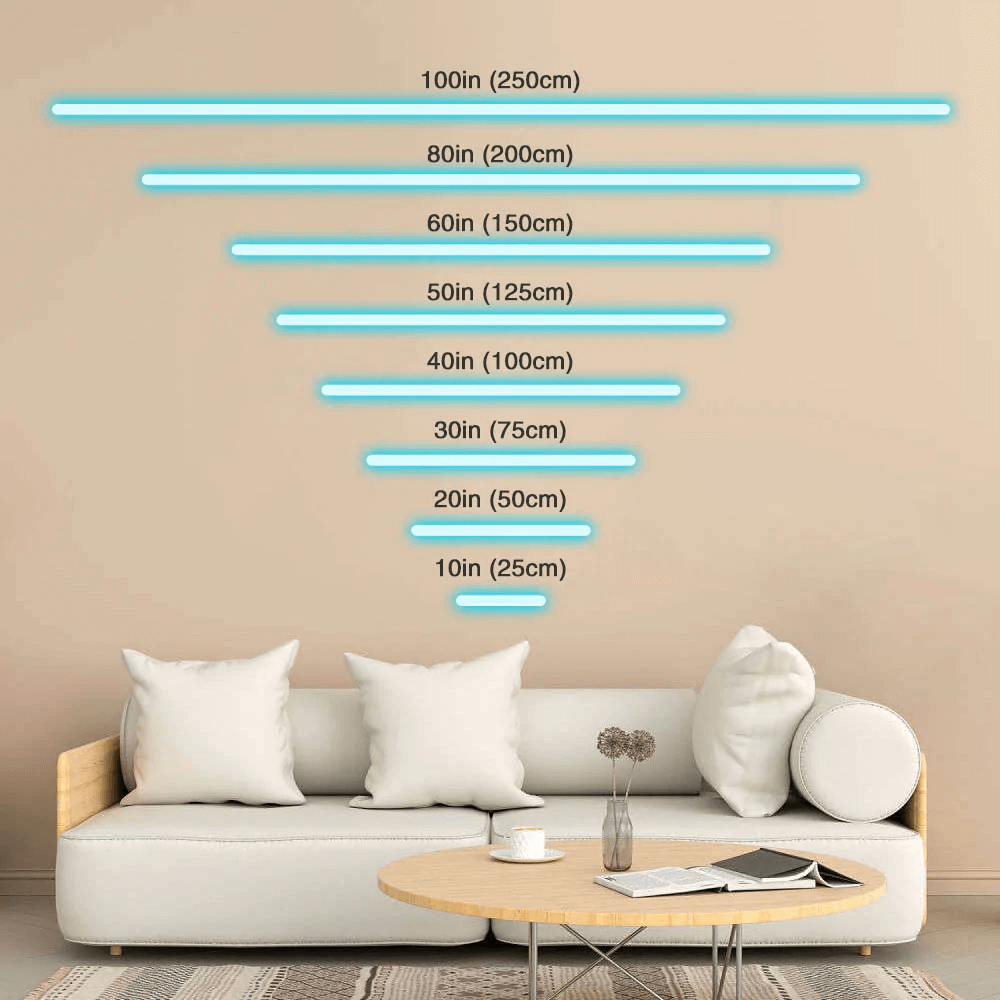
When it comes to neon sign sizes, there are several options to consider. The size of your neon sign will largely depend on the space available for installation and the message or design you want to convey. For smaller spaces, a small or medium-sized neon sign may be the best option, while larger spaces may require a larger sign to make a statement. It’s important to carefully measure your space and consider the intended purpose of your neon sign before making a final decision on size. Many neon sign manufacturers offer custom sizing options to ensure that you get the perfect fit for your space and message.
**Learn more:** [How to OPTIMIZE NEON SIGN SIZE for maximum impact?](https://www.signcustomiser.com/posts/neon/neon-sign/)
## Chapter 9: Neon sign repair

The visual allure of neon signs is widely recognized, although their continued operation necessitates meticulous upkeep and restoration. Neon signage commonly experiences issues such as defective wiring, gas seepage, and shattered glass. Addressing these predicaments entails analyzing the wiring system and substituting any fractured or impaired constituents. Should any glass panels be shattered, it is customary to eradicate the damaged glass and substitute it with fresh panes. To avert future impairments, it is crucial to maintain the sign’s cleanliness by clearing it of debris and ensuring the electrical connections remain steadfastly secure.
**Learn more:** [How to fix a neon sign? Troubleshooting tips and repair options](https://www.signcustomiser.com/posts/neon/neon-sign-repair/)
## Chapter 10: Fake neon signs
Faux neon signs are a diverse array of alternatives to the conventional neon signs, which consist of acrylic neon signs, LED neon signs, and EL wire neon signs, to name a few. The primary distinction between these two types of neon signs is the materials and lighting technologies utilized. In terms of affordability and energy efficiency, faux neon signs have a distinct advantage over traditional neon signs. However, they may lack the authenticity and unique visual qualities of real neon signs. To identify a fake neon sign, it is essential to examine the lighting and color for any inconsistencies and check for the usage of non-traditional materials such as plastic tubing.
**Learn more:** [Faux neon signs: The perfect alternative to real neon](https://www.signcustomiser.com/posts/neon/faux-neon-sign/)
## Chapter 11: Are neon signs dangerous?

Neon signs, oh how they captivate us with their alluring glow, but do they harbor potential health hazards? Despite the aesthetic appeal, one should be cognizant of the lurking safety concerns associated with neon signs. Though the gas used in these signs does not possess inherent toxicity, it can unleash malevolent fumes if the tubes undergo breakage or damage. Furthermore, these signs demand electric currents of a high voltage for their operation, thereby implicating the possibility of electrocution. One must handle the fracture-prone neon signs with caution and be responsible in their disposal to minimize the jeopardy of injury.
**Learn more:** [Are neon signs dangerous? 14 GREAT TIPS to stay safe](https://www.signcustomiser.com/posts/neon/are-neon-signs-dangerous/)
## Chapter 12: Why are neon signs so expensive?
Neon signs, an extravagant embellishment to any space, carry a hefty price tag that may prohibit accessibility for some. The intricacy of design, size, and chromatic options contribute to the cost of neon signs. Moreover, bending and shaping the glass tubes necessitates a proficient artisan, thereby amplifying labor costs. Contrasted with alternative signage, neon signs are typically pricier due to their exceptional artistry. In budgeting for a neon sign, it is critical to contemplate all the factors that can impact the ultimate cost.
**Learn more**: [Why are neon signs so expensive?](https://www.signcustomiser.com/posts/neon/why-are-neon-signs-so-expensive/)
## Frequently asked questions
### How much does a neon sign cost?
The price of a neon sign varies greatly based on aspects such as size, intricacy, and materials used, but they typically start at $200-$300 and may go up to several thousand dollars.
### Is it OK to leave a neon sign on?
It is normally safe to leave a neon sign on for lengthy periods of time, although it is advised that they be turned off when not in use to extend the sign’s lifespan.
### What is the meaning of neon sign?
A neon sign is a form of lit sign created by bending glass tubes into designs and filling them with a gas that generates colorful light when turned on.
### Is neon better than LED?
Neon and LED signs both have their own set of pros and limitations, and which is best depends on the user’s exact requirements.
### How long do LED neon signs last?
LED neon signs often last 50,000 to 100,000 hours, much exceeding the lifespan of classic neon signs.
### How many hours do neon signs last?
A standard neon sign’s lifespan can vary greatly depending on factors such as the quality of the materials used, although it normally lasts for 10-15 years.
### What happens if a neon sign gets wet?
If a neon sign becomes wet, it must be turned off and properly dried before being turned back on to avoid damage to the electrical components.
### Why did we stop using neon signs?
Because of their exorbitant cost and the advent of more energy-efficient and inexpensive alternatives like LED signage, neon signs went out of favor in the 1980s.
### Can a neon sign get wet?
While neon signs may resist some water contact, they should not be immersed or exposed to moisture for an extended period of time.
### Is neon harmful or toxic?
While neon gas is not harmful, it is an asphyxiant and can displace oxygen in poorly ventilated environments.
### Does neon sign burn?
The glass tubes of neon signs do not “burn” in the classic sense, but the electrical current traveling through the gas can cause them to feel hot to the touch.
### What makes neon signs glow?
An electrical current is carried through the neon gas inside the glass tubes, ionizing the gas and causing it to generate colored light, causing neon signs to shine.
### Why are neon signs cool?
Neon signs are frequently connected with a retro or vintage look, and their characteristic glow is frequently seen as eye-catching and visually appealing.
### Are neon signs noisy?
While neon signs might make a mild humming or buzzing noise when turned on, they are not regarded overly loud.
### Do neon signs use a lot of power?
Neon signs need a lot of electricity, and their power consumption can range from 30 to 60 watts per foot of tube.
### Do neon signs need electricity?
Neon signs must be powered by an electrical connection and are commonly fueled by a regular wall socket.
### Do LED neon signs get hot?
LED neon signs are safer and more energy-efficient than classic neon signs since they do not become as hot.
### What are the disadvantages of neon?
Traditional neon signs have several shortcomings, including their high cost, fragility, and inefficiency when compared to newer options.
### Are neon signs AC or DC?
Neon signs use alternating current (AC), whereas LED signs use direct current (DC).
### Do neon signs overheat?
While neon signs can create heat while in use, they have not been known to overheat to the point of causing damage or constituting a fire danger.
### Does neon glow in the dark?
Without an electrical current passing through it, neon gas does not shine in the dark.
### What are 5 interesting facts about neon?
Some fascinating facts about neon include the fact that it was discovered in 1898, that it is one of the noble gases, that it is used in advertising and lighting, and that it has a vivid reddish-orange glow.
### Why do humans like neon lights?
Neon lights attract people because of their distinct and eye-catching glow, which can evoke feelings of exhilaration or nostalgia.
### Why is neon so popular?
Neon is well-known for its distinctive qualities, which include a brilliant glow, a long lifespan, and the ability to generate light in a variety of colors.
### What does neon smell like?
Although neon gas itself has no odor, several of the other gases used in neon sign manufacture may.
### Is neon rare on earth?
Neon is very uncommon on Earth, accounting for only a minuscule percentage of the atmosphere.
### Why is neon rare on earth?
Neon is a scarce element on Earth because it is a noble gas that does not easily react with other elements.
### Why does neon cost so much?
Because of the expense of the gas and the expertise necessary to build the sign, neon signs may be costly.
### What color does neon glow?
Neon glows a reddish-orange hue in most cases, although it can also appear in different colors depending on the other gases employed in the sign.
### What country has the most neon?
Japan, which is famed for its bright neon cityscapes, is likely to have the most neon lights.
### What city is known for neon?
Las Vegas is frequently seen as the city most associated with neon lights.
### Why does Japan have so many neon lights?
Because of their passion for technology and imaginative design, Japan has a lot of neon lights.
### Do humans need neon?
Humans do not require neon since it serves no biological purpose in the body.
### Are custom neon signs expensive?
The cost of custom neon signs varies based on the size and intricacy of the design, although they can be more expensive than pre-made signs.
### Is LED or neon more expensive?
LED signs are typically less expensive than classic neon signs, however prices vary based on size and design.
### Why are your neon signs so cheap?
Because of our efficient manufacturing process and direct-to-consumer sales approach, our neon signs are reasonably priced.
### What is an alternative to neon signs?
LED neon is an alternative to classic neon signs that can provide similar aesthetic appeal at a cheaper cost and with less maintenance requirements.
Tags
- [neon](/posts/neon/)

About the author
### Matthew Attanasio
Founder, Sign Customiser
Matthew founded Sign Customiser to solve a problem he saw sign businesses facing every day: the endless back-and-forth of manual quoting. With a background in e-commerce development and a decade of experience building Shopify solutions at Sky Foundry, he set out to automate the entire custom sign selling process.
- E-commerce
- Shopify
- Sign Industry
- Product Strategy
[View profile](/authors/matthew-attanasio/)[](https://au.linkedin.com/in/matthew-attanasio-92500a36)[](https://github.com/matthewattanasio)
Let your customers design their own signs

Add a full sign customiser to your online store in minutes. Neon, acrylic, metal — with real-time pricing.
[Start your free 7-day trial](/install/)
Works with Shopify, WooCommerce, Wix & more. 7 days free. Every plan includes every feature.
Let your customers design their own signs

Add a full sign customiser to your online store in minutes. Neon, acrylic, metal — with real-time pricing.
[Start your free 7-day trial](/install/)
Works with Shopify, WooCommerce, Wix & more. 7 days free. Every plan includes every feature.
Related
## From theblog
Expert insights, industry trends, and actionable tips to enhance your online sign business.
[View all articles](/posts/)

neon·March 30, 2023
### [Exploring the benefits of acrylic neon signs for business signage](/posts/neon/acrylic-neon-signs/)
Customizable and Durable: Why Acrylic Neon Signs are a Smart Choice for Your Business Signage Needs
Read more

neon·September 26, 2023
### [45+ aesthetic neon quotes to light up your space](/posts/neon/aesthetic-neon-quotes/)
45+ aesthetic neon quotes for bedrooms, weddings and shop walls, plus how sign shops price and sell custom neon quote signs on their own website.
Read more

neon·September 26, 2023
### [Aesthetic neon signs: styles, ideas and pricing](/posts/neon/aesthetic-neon-signs/)
See the styles and colours behind aesthetic neon signs, get design ideas for any room, and learn how sign shops price and sell them online with a live customiser.
Read more

neon·December 25, 2022
### [Are neon signs dangerous? 14 great tips to stay safe](/posts/neon/are-neon-signs-dangerous/)
Get our 14 great tips to avert accidents & keep your family safe around neon signs with this post.
Read more

neon·September 26, 2023
### [Why are black neon signs the latest trend in home decor?](/posts/neon/black-neon-sign/)
Unleash your creativity with black neon signs and 20+ creative ideas for businesses, events, or personal spaces.
Read more

neon·December 5, 2022
### [Custom neon signs cost: the ultimate guide for Shopify store owners](/posts/neon/custom-neon-signs-cost/)
We explore the primary factors that influence the custom neon signs cost and strategies store owners can apply to increase sales and profit margins. Click to see more details!
Read more

neon·June 23, 2023
### [Design tips for creating eye-catching DIY neon signs](/posts/neon/design-tips-for-creating-eye-catching-diy-neon-signs/)
Neon signs have long been a captivating way for businesses to attract attention and make bold statements. With the rise of do-it-yourself (DIY) projects, creating your own neon sign has become an accessible and cost-effective option for businesses looking to stand out.
Read more

neon·January 5, 2025
### [How to make a DIY neon sign: step-by-step tutorial (LED flex method)](/posts/neon/diy-neon-sign/)
Learn how to make your own LED neon sign at home. Complete step-by-step guide with materials list, tools needed, and expert tips for beginners.
Read more

neon·September 26, 2023
### [Electric blue neon signs: meaning, ideas and pricing](/posts/neon/electric-blue-neon-blue-aesthetic/)
What makes electric blue neon glow, the blue aesthetic it creates, sign ideas by room, and how sign shops price and sell custom blue neon online.
Read more

neon·April 3, 2023
### [Faux neon signs: LED alternatives, costs & business guide (2026)](/posts/neon/faux-neon-sign/)
Complete guide to faux neon (LED neon) signs. Compares LED vs glass neon, covers profit margins for sign shops, and explains why LED neon dominates the market.
Read more

neon·March 28, 2023
### [Are glass neon signs worth it?](/posts/neon/glass-neon-signs/)
Are you curious about the cost and lifespan of glass neon signs? Our guide has all the answers you need to make an informed purchase.
Read more

neon·March 30, 2023
### [How to hang a neon sign: step-by-step guide (with & without nails)](/posts/neon/hanging-neon-signs/)
Learn how to hang a neon sign on any surface. Step-by-step instructions for drywall, brick, concrete & glass. Plus tips to hide wires and avoid wall damage.
Read more

neon·December 23, 2022
### [How to make custom neon signs, the easy guide for Shopify sign stores](/posts/neon/how-to-make-custom-neon-signs/)
Learn how to make custom neon signs as a producer. We also show you a secret to let buyers customize & view their signs in real-time.
Read more

neon·February 3, 2026
### [LED neon sign production: how custom neon signs are made](/posts/neon/led-neon-sign-production-process/)
LED neon signs are manufactured through a precise multi-stage process. Learn how custom LED neon signs are made, from acrylic backing preparation to tube bending, wiring, and quality testing.
Read more

neon·March 29, 2023
### [LED neon signs - a cost-effective alternative?](/posts/neon/led-neon-signs/)
Are LED neon signs worth it? Find out the answer and learn about their lifespan, energy efficiency, and low maintenance requirements.
Read more

neon·March 10, 2026
### [Name in lights: what customers type into a neon name sign generator](/posts/neon/name-in-lights-generator/)
Sign Customiser data: 70% of LED neon designs added to cart are two words or fewer, and one in four keep the default font. What that means for your generator.
Read more

neon·January 5, 2026
### [Neon art: what it is, who made it famous and how it is made](/posts/neon/neon-art/)
Neon art is art made from hand-bent glass tubes of glowing gas. The artists who made it famous, where to see their work, and how a drawing becomes neon.
Read more

neon·March 19, 2026
### [Neon light writer: 6 free and paid neon text tools compared](/posts/neon/neon-light-writer/)
Neon light writers compared: free neon text generators such as FlamingText, Cool Text and Canva, and sign software that turns words into LED neon signs.
Read more

neon·January 5, 2025
### [Neon open signs: the complete guide to open signs for businesses (2025)](/posts/neon/neon-open-signs/)
Discover the best neon and LED open signs for your business. Compare types, sizes, and installation options. Plus expert tips for choosing the perfect open sign.
Read more

neon·April 5, 2023
### [70 neon sign ideas by room & occasion (2026 guide)](/posts/neon/neon-sign-ideas/)
See 70 neon sign ideas for bedrooms, weddings, bars and businesses, organised by room and occasion, plus how sign shops price and sell them online.
Read more

neon·April 4, 2023
### [Best neon sign quotes: 150+ ideas for every occasion (2026)](/posts/neon/neon-sign-quotes/)
Curated neon sign quotes for weddings, businesses, bars, bedrooms and more. Includes best-selling categories and pricing strategies for sign shops.
Read more

neon·April 1, 2023
### [Neon sign repair guide: DIY fixes & when to call a pro](/posts/neon/neon-sign-repair/)
Complete guide to neon sign repair. Troubleshoot common problems, learn DIY fixes, compare costs, and know when to hire a professional for neon light repair.
Read more

neon·January 5, 2025
### [Neon signs for room decor: 60+ ideas for bedrooms, gaming rooms & more](/posts/neon/neon-signs-for-room/)
Transform any room with neon signs. Browse 60+ ideas for bedrooms, gaming rooms, living rooms and home offices. Plus size, colour and placement tips.
Read more

neon·January 12, 2023
### [Neon versus LED: what are the differences? Which is right for you?](/posts/neon/neon-vs-led/)
We compare neon vs LED neon signs in this informative article. From lighting to maintenance, we cover pros & cons of each to help you make an informed decision on.
Read more

neon·September 26, 2023
### [Neon wedding signs: 40+ ideas, placement guide & costs](/posts/neon/neon-wedding-sign/)
Complete guide to neon signs for wedding decor. Discover 40+ ideas, placement tips, rental vs purchase costs, and how to match your wedding theme.
Read more

neon·September 26, 2023
### [Purple neon light: meaning, shades & buying guide](/posts/neon/purple-neon-sign/)
What purple neon light means, the shades from lavender to magenta, and how sign shops price and sell custom purple neon signs online with a live customiser.
Read more

neon·September 26, 2023
### [White neon sign: a guide to choosing the right one!](/posts/neon/white-neon-sign/)
Looking for a chic and modern addition to your decor? Check out our guide to choosing the best white neon sign.
Read more

neon·December 12, 2022
### [Why are neon signs so expensive? 2026 pricing guide for sign shops](/posts/neon/why-are-neon-signs-so-expensive/)
Complete breakdown of neon sign costs for sign shop owners. Covers material, labour, and overhead costs plus strategies to improve margins with LED neon.
Read more
[View all articles](/posts/)
## Sitemap
See the full [sitemap](/sitemap.md) for all pages.
---
## Neon Signs for Room Decor: 60+ Ideas for Bedrooms, Gaming Rooms & More - Sign Customiser Blog
Source: [https://www.signcustomiser.com/posts/neon/neon-signs-for-room/](https://www.signcustomiser.com/posts/neon/neon-signs-for-room/)
## Quick room neon sign guide
1. **Bedrooms** - Choose warm colours (pink, warm white) and calming phrases for a cosy atmosphere
2. **Gaming rooms** - Go bold with RGB, neon green, or purple for that competitive edge
3. **Living rooms** - Select statement pieces that reflect your personality
4. **Home offices** - Opt for motivational quotes to boost productivity
**Size tip:** 50-80cm signs work for most rooms; measure your wall space first.
* * *
## Neon signs for room decor: the complete guide
Neon signs have evolved far beyond their origins in shop windows and city streets. Today, they’re one of the most popular home decor trends, transforming ordinary rooms into Instagram-worthy spaces with a simple plug. **From cosy bedroom lighting to epic gaming setups, neon signs add personality, ambience, and that unmistakable glow that makes any space feel special.**
Whether you’re decorating your first flat or upgrading your forever home, this guide covers everything you need to know about using neon signs in room decor - including 60+ ideas to inspire your next purchase.
This is part of [the neon sign library](/posts/neon/neon-sign/).
## Why neon signs are perfect for home decor
Before diving into specific room ideas, let’s explore why neon signs have become such a home decor phenomenon.
### They create instant atmosphere
Unlike harsh overhead lighting, neon signs emit a soft, ambient glow that transforms the mood of any room. **Turn off the main lights, switch on your neon, and watch your space transform into something magical.** This is why they’re particularly popular in bedrooms and entertainment spaces.
### They’re conversation starters
A well-chosen neon sign tells visitors something about you. Whether it’s a favourite quote, your name, or an abstract design, it becomes a focal point that sparks conversation and reflects your personality.
### They photograph beautifully
Let’s be honest - neon signs are incredibly photogenic. They create that perfect ambient glow for selfies, video calls, and social media content. **Many content creators and streamers use neon signs specifically for this reason.**
### They’re more accessible than ever
Modern LED neon signs have made this once-exclusive lighting option affordable and practical for home use. Unlike traditional glass neon, LED versions are safe, cool to touch, energy-efficient, and available from around £40.
**Learn more:** [LED neon signs: everything you need to know](/posts/neon/led-neon-signs/)
## Best rooms for neon signs
Neon signs can work in virtually any room, but some spaces particularly benefit from that neon glow.
### Bedroom
**Why it works:** Bedrooms are personal sanctuaries where atmosphere matters most. Neon signs provide soft, romantic lighting that’s perfect for winding down. Mounted above the headboard or on a side wall, they create a dreamy, cosy environment.
**Best placements:**
- Above the headboard (most popular)
- On the wall opposite the bed
- Above a vanity or dressing table
- In a reading nook
**Recommended colours:** Warm white, soft pink, lavender, light blue
### Gaming room / man cave
**Why it works:** Gaming setups thrive on atmosphere, and nothing says “gaming mode” quite like neon lighting. Neon signs complement RGB setups and add personality to streaming backgrounds.
**Best placements:**
- Behind or beside the gaming monitor
- Above the gaming chair (for streaming backgrounds)
- On side walls visible in your setup
- Accent lighting around shelves
**Recommended colours:** Electric blue, neon purple, hot pink, green
### Living room
**Why it works:** The living room is where you entertain and relax, making it perfect for a statement neon piece. It becomes a talking point for guests and adds character to your main living space.
**Best placements:**
- Above the sofa (central focal point)
- Gallery wall incorporation
- Above a fireplace
- Bar cart or entertainment area
**Recommended colours:** Warm white (versatile), colours matching your decor scheme
### Home office
**Why it works:** With more people working from home, the home office has become a prime location for personal expression. Neon signs with motivational quotes can boost productivity while adding visual interest to video call backgrounds.
**Best placements:**
- Behind desk (visible on video calls)
- Above bookshelf
- Side wall in view of desk
**Recommended colours:** Clean white, accent colours from your brand
### Kids’ room
**Why it works:** Children love the magical glow of neon signs, and they make excellent night lights. Choose age-appropriate designs like clouds, stars, animals, or their name.
**Best placements:**
- Above bed (instead of traditional night light)
- Reading corner
- Play area accent
**Recommended colours:** Warm white, soft pastels, favourite colours
**Learn more:** [50+ neon sign ideas for every room](/posts/neon/neon-sign-ideas/)
## 60+ neon sign ideas by room
Here’s our comprehensive collection of neon sign ideas organised by room type.
### Bedroom neon sign ideas (1-15)
Transform your bedroom into a cosy retreat with these popular designs:
1. **“Sweet Dreams”** - Classic bedside message in soft pink or warm white
2. **“Good Vibes Only”** - Positive energy for your personal space
3. **“Love”** - Simple and romantic in script font
4. **Custom name or initials** - Personalised touch above the headboard
5. **Moon and stars design** - Celestial theme for a dreamy atmosphere
6. **“Stay in Bed”** - Relatable weekend mood
7. **Heart shape** - Timeless romantic symbol
8. **“Dream Big”** - Motivational message for your sanctuary
9. **Butterfly silhouette** - Nature-inspired elegance
10. **“You Are Enough”** - Self-love reminder
11. **Cloud shape** - Soft and whimsical
12. **“This Must Be the Place”** - Song lyric favourite
13. **Infinity symbol** - Meaningful and minimal
14. **“Be Kind”** - Gentle daily reminder
15. **Rose outline** - Elegant floral accent
### Gaming room neon sign ideas (16-30)
Create the ultimate gaming setup with these designs:
16. **“Game On”** - Classic gaming call to action
17. **“Player One”** - Perfect for solo gamers
18. **Controller icon** - Iconic gaming symbol
19. **Lightning bolt** - Energy and excitement
20. **“Press Start”** - Video game nostalgia
21. **Custom gamer tag** - Your online identity in lights
22. **“Level Up”** - Achievement unlocked vibes
23. **Skull design** - Edgy gaming aesthetic
24. **“GG”** - Good game shorthand
25. **Retro arcade text** - 80s gaming nostalgia
26. **Headphones icon** - Music and gaming combo
27. **“No Sleep”** - Late-night gaming culture
28. **Sword or weapon** - RPG aesthetic
29. **“Respawn”** - Gamer humour
30. **Dragon silhouette** - Fantasy gaming theme
### Living room neon sign ideas (31-45)
Statement pieces for your main living space:
31. **“Home”** - Simple and welcoming
32. **“Good Times”** - Party-ready vibes
33. **Abstract art design** - Unique conversation starter
34. **“Cheers”** - Perfect for entertainment spaces
35. **Cocktail glass** - Bar area accent
36. **“Create”** - Artistic inspiration
37. **Mountain range** - Nature-inspired minimal
38. **“Let’s Stay Home”** - Cosy night in mood
39. **Family name** - Personalised statement
40. **Coordinates** - Meaningful location
41. **Lips shape** - Bold and glamorous
42. **“The \[Name\] Family”** - Welcoming touch
43. **Sunburst design** - Mid-century modern
44. **“Paradise”** - Tropical vibes
45. **Custom anniversary date** - Romantic milestone
### Home office neon sign ideas (46-60)
Boost productivity with inspiring designs:
46. **“Hustle”** - Entrepreneur energy
47. **“Boss”** - Confidence boost
48. **“Create”** - Artistic motivation
49. **“Focus”** - Minimal and effective
50. **“Make It Happen”** - Action-oriented
51. **“You’ve Got This”** - Daily encouragement
52. **Lightning bolt** - Energy symbol
53. **Coffee cup** - Work fuel essential
54. **“Work Hard, Dream Big”** - Classic motivation
55. **Laptop icon** - Tech-forward
56. **“Think Big”** - Expansive mindset
57. **“Just Do It”** - Nike-inspired action
58. **Rocket ship** - Ambition and growth
59. **“Ideas”** - Creative space marker
60. **Custom business name** - Brand reinforcement
## Size guide for different rooms
Getting the size right is crucial - too small and your sign gets lost, too large and it overwhelms the space.
### Recommended sizes by room
Room Type
Room Size
Recommended Sign Size
Notes
**Bedroom**
Small
30-50cm
Above bedside table
**Bedroom**
Medium-Large
50-80cm
Above headboard
**Gaming room**
Any
40-70cm
Background accent
**Living room**
Small-Medium
50-80cm
Focal point
**Living room**
Large
80-120cm
Statement piece
**Home office**
Any
40-60cm
Video call background
**Kids room**
Any
30-50cm
Night light alternative
Swipe for more
### How to measure for your space
1. **Measure your wall section** - Note the width and height of where you want to place the sign
2. **Apply the 2/3 rule** - Your sign should be roughly 50-75% the width of the furniture below it (e.g., sofa, headboard)
3. **Consider viewing distance** - Signs viewed from across the room can be larger; close-up signs should be smaller
4. **Use paper templates** - Cut paper to the sign size and tape it to the wall to visualise before buying
**Learn more:** [Neon sign sizes: complete guide](/posts/neon/neon-sign/)
## Colour selection for home decor
Choosing the right colour can make or break your neon sign’s impact.
### Warm vs cool tones
**Warm colours (pink, orange, yellow, warm white):**
- Create cosy, inviting atmospheres
- Best for bedrooms, living rooms
- Photograph beautifully
- Complement wood tones and neutral decor
**Cool colours (blue, green, purple, cool white):**
- Feel modern and energetic
- Ideal for gaming rooms, offices
- Create dramatic contrast
- Work well with grey and white interiors
### Matching your existing decor
Your Current Palette
Suggested Neon Colours
Neutrals (beige, grey, white)
Warm white, blush pink, soft blue
Bold colours
Complementary or matching accent
Minimalist/modern
Cool white, electric blue
Bohemian
Warm white, amber, soft pink
Industrial
Red, amber, cool white
Coastal
Blue, turquoise, white
Romantic/feminine
Pink, lavender, rose gold
Masculine/dark
Red, blue, green, white
Swipe for more
### Multi-colour considerations
Some signs offer RGB (colour-changing) options:
**Pros:**
- Versatility for different moods
- Match different seasons or events
- Fun for gaming and entertainment spaces
**Cons:**
- More expensive
- Can look less elegant than single colour
- Remote control batteries need replacing
## Installation tips for home use
Installing neon signs at home is straightforward with the right approach.
### Planning your placement
Before drilling any holes, consider:
1. **Power outlet proximity** - Where’s the nearest outlet? Can you hide the cable?
2. **Wall type** - Different fixings for plaster, brick, or plasterboard
3. **Viewing angles** - Will you primarily view from the bed, sofa, or desk?
4. **Light interference** - Avoid placing near windows where daylight competes
### Mounting methods for home use
**Command strips (no damage):**
- Perfect for renters
- Supports up to 3-5kg
- Clean removal without wall damage
- Ideal for most LED neon signs
**Screws and wall plugs:**
- Most secure option
- Required for heavier signs
- Creates small holes (easily filled)
- Best for permanent placements
**Picture hanging wire:**
- Allows height adjustment
- Easy to move
- Works with existing picture hooks
**Freestanding:**
- No wall mounting required
- Can place on shelves, desks, mantels
- Maximum flexibility
**Learn more:** [How to hang neon signs: complete guide](/posts/neon/hanging-neon-signs/)
### Hiding cables and wires
Nothing ruins a sleek neon setup like messy cables:
- **Cable clips** - Match to wall colour, route cable along wall edge
- **Cable channels** - Paintable covers that hide cables completely
- **Behind furniture** - Route down behind headboard, bookshelf, or desk
- **Through wall** - For permanent installations, route cable through wall cavity
- **Smart plugs** - Control power from your phone without accessing the outlet
## Budget guide: DIY vs custom vs pre-made
Understanding your options helps you get the best value.
### Pre-made signs (£20-100)
**Best for:** Popular phrases, simple shapes, quick delivery
**Pros:**
- Immediate availability
- Lower cost
- Known quality (read reviews)
- Easy returns if needed
**Cons:**
- Limited to existing designs
- Common phrases may feel generic
- Size options may be limited
### Custom signs (£80-300+)
**Best for:** Names, specific quotes, unique designs
**Pros:**
- Completely personalised
- Perfect size for your space
- Unique to you
- Higher perceived value
**Cons:**
- Longer wait time (1-3 weeks)
- Higher cost
- Harder to exchange if wrong
**Design your own:** Use our [free neon sign maker](/neon-sign-maker-online-free/) to visualise custom designs.
### DIY options (£30-150)
**Best for:** Crafters, budget-conscious, learning experience
**Pros:**
- Lowest cost for materials
- Complete creative control
- Satisfying project
**Cons:**
- Requires time and skill
- Results vary
- Less professional finish
**Learn more:** [DIY neon sign tutorial](/posts/neon/diy-neon-sign/)
## Styling tips for maximum impact
Once you have your sign, these styling tips will maximise its impact.
### Creating focal points
- **Centre it** - Position your sign as the central focus of a wall or space
- **Frame with decor** - Surround with complementary items (plants, artwork, mirrors)
- **Height matters** - Eye level works for most rooms; above furniture for bedrooms
### Layering with other lighting
Neon signs work best as accent lighting, not primary illumination:
- **Layer with fairy lights** - Creates dreamy, multi-dimensional lighting
- **Add floor lamps** - Practical task lighting that complements neon glow
- **Use dimmer switches** - Control room brightness to let neon shine
- **Consider LED strips** - RGB strips behind furniture complement neon signs
### Complementary decor elements
- **Mirrors** - Reflect and double the neon effect
- **Plants** - Green foliage looks beautiful in coloured light
- **Neutral backgrounds** - White or grey walls make colours pop
- **Texture** - Brick, wood, or textured wallpaper adds depth
## Frequently asked questions
### Are neon signs safe for bedrooms?
Yes, modern LED neon signs are completely safe for bedrooms. They run cool to the touch (unlike traditional glass neon), use low-voltage power (typically 12V), and have no exposed glass or gas. Many people use them as ambient lighting while sleeping.
### Do neon signs use a lot of electricity?
No, LED neon signs are very energy-efficient. A typical bedroom-sized sign uses 10-20 watts - similar to an LED light bulb. Running a 15W sign for 8 hours daily costs around £2-3 per year in electricity.
### How long do room neon signs last?
LED neon signs typically last 30,000-50,000 hours, which translates to over 10 years of daily use (8+ hours per day). Quality signs with good LED drivers can last even longer with proper care.
### Can I leave my neon sign on all night?
Yes, LED neon signs are designed for extended use and can safely be left on overnight. They run cool and use minimal electricity. Many people use them as ambient night lights in bedrooms.
### What size neon sign do I need for my bedroom?
For a standard bedroom with the sign above a headboard, 50-80cm width is ideal. For smaller accent placements (above a desk or mirror), 30-50cm works well. The sign should be roughly 50-75% the width of the furniture below it.
### Where should I put a neon sign in my room?
The most popular bedroom placement is centred above the headboard. Other good options include the wall opposite the bed (for viewing while relaxing), above a vanity or desk, or in a reading nook. Consider viewing angles and power outlet proximity.
## Conclusion
Neon signs have become an essential element of modern room decor, offering an easy way to add personality, atmosphere, and that perfect glow to any space. Whether you’re creating a cosy bedroom retreat, an epic gaming setup, or a productive home office, there’s a neon sign design that’s perfect for your vision.
**Key takeaways:**
- **Bedrooms** suit warm colours and calming phrases
- **Gaming rooms** call for bold colours and energetic designs
- **Living rooms** benefit from statement pieces
- **Size matters** - use the 2/3 rule for proportion
- **LED neon** is safe, affordable, and energy-efficient for home use
Ready to transform your space? Design your own custom neon sign with our free tool:
[Design your room sign](/neon-sign-maker-online-free/)
**Related guides:**
- [50+ neon sign ideas for every occasion](/posts/neon/neon-sign-ideas/)
- [Neon sign sizes guide](/posts/neon/neon-sign/)
- [How to hang neon signs](/posts/neon/hanging-neon-signs/)
- [Custom neon signs cost guide](/posts/neon/custom-neon-signs-cost/)
- [Aesthetic neon signs inspiration](/posts/neon/aesthetic-neon-signs/)
Tags
- [neon](/posts/neon/)
- design

About the author
### Matthew Attanasio
Founder, Sign Customiser
Matthew founded Sign Customiser to solve a problem he saw sign businesses facing every day: the endless back-and-forth of manual quoting. With a background in e-commerce development and a decade of experience building Shopify solutions at Sky Foundry, he set out to automate the entire custom sign selling process.
- E-commerce
- Shopify
- Sign Industry
- Product Strategy
[View profile](/authors/matthew-attanasio/)[](https://au.linkedin.com/in/matthew-attanasio-92500a36)[](https://github.com/matthewattanasio)
Let your customers design their own signs

Add a full sign customiser to your online store in minutes. Neon, acrylic, metal — with real-time pricing.
[Start your free 7-day trial](/install/)
Works with Shopify, WooCommerce, Wix & more. 7 days free. Every plan includes every feature.
Let your customers design their own signs

Add a full sign customiser to your online store in minutes. Neon, acrylic, metal — with real-time pricing.
[Start your free 7-day trial](/install/)
Works with Shopify, WooCommerce, Wix & more. 7 days free. Every plan includes every feature.
Related
## From theblog
Expert insights, industry trends, and actionable tips to enhance your online sign business.
[View all articles](/posts/)

neon·March 30, 2023
### [Exploring the benefits of acrylic neon signs for business signage](/posts/neon/acrylic-neon-signs/)
Customizable and Durable: Why Acrylic Neon Signs are a Smart Choice for Your Business Signage Needs
Read more

neon·September 26, 2023
### [45+ aesthetic neon quotes to light up your space](/posts/neon/aesthetic-neon-quotes/)
45+ aesthetic neon quotes for bedrooms, weddings and shop walls, plus how sign shops price and sell custom neon quote signs on their own website.
Read more

neon·September 26, 2023
### [Aesthetic neon signs: styles, ideas and pricing](/posts/neon/aesthetic-neon-signs/)
See the styles and colours behind aesthetic neon signs, get design ideas for any room, and learn how sign shops price and sell them online with a live customiser.
Read more

neon·December 25, 2022
### [Are neon signs dangerous? 14 great tips to stay safe](/posts/neon/are-neon-signs-dangerous/)
Get our 14 great tips to avert accidents & keep your family safe around neon signs with this post.
Read more

neon·September 26, 2023
### [Why are black neon signs the latest trend in home decor?](/posts/neon/black-neon-sign/)
Unleash your creativity with black neon signs and 20+ creative ideas for businesses, events, or personal spaces.
Read more

neon·December 5, 2022
### [Custom neon signs cost: the ultimate guide for Shopify store owners](/posts/neon/custom-neon-signs-cost/)
We explore the primary factors that influence the custom neon signs cost and strategies store owners can apply to increase sales and profit margins. Click to see more details!
Read more

neon·June 23, 2023
### [Design tips for creating eye-catching DIY neon signs](/posts/neon/design-tips-for-creating-eye-catching-diy-neon-signs/)
Neon signs have long been a captivating way for businesses to attract attention and make bold statements. With the rise of do-it-yourself (DIY) projects, creating your own neon sign has become an accessible and cost-effective option for businesses looking to stand out.
Read more

neon·January 5, 2025
### [How to make a DIY neon sign: step-by-step tutorial (LED flex method)](/posts/neon/diy-neon-sign/)
Learn how to make your own LED neon sign at home. Complete step-by-step guide with materials list, tools needed, and expert tips for beginners.
Read more

neon·September 26, 2023
### [Electric blue neon signs: meaning, ideas and pricing](/posts/neon/electric-blue-neon-blue-aesthetic/)
What makes electric blue neon glow, the blue aesthetic it creates, sign ideas by room, and how sign shops price and sell custom blue neon online.
Read more

neon·April 3, 2023
### [Faux neon signs: LED alternatives, costs & business guide (2026)](/posts/neon/faux-neon-sign/)
Complete guide to faux neon (LED neon) signs. Compares LED vs glass neon, covers profit margins for sign shops, and explains why LED neon dominates the market.
Read more

neon·March 28, 2023
### [Are glass neon signs worth it?](/posts/neon/glass-neon-signs/)
Are you curious about the cost and lifespan of glass neon signs? Our guide has all the answers you need to make an informed purchase.
Read more

neon·March 30, 2023
### [How to hang a neon sign: step-by-step guide (with & without nails)](/posts/neon/hanging-neon-signs/)
Learn how to hang a neon sign on any surface. Step-by-step instructions for drywall, brick, concrete & glass. Plus tips to hide wires and avoid wall damage.
Read more

neon·December 23, 2022
### [How to make custom neon signs, the easy guide for Shopify sign stores](/posts/neon/how-to-make-custom-neon-signs/)
Learn how to make custom neon signs as a producer. We also show you a secret to let buyers customize & view their signs in real-time.
Read more

neon·February 3, 2026
### [LED neon sign production: how custom neon signs are made](/posts/neon/led-neon-sign-production-process/)
LED neon signs are manufactured through a precise multi-stage process. Learn how custom LED neon signs are made, from acrylic backing preparation to tube bending, wiring, and quality testing.
Read more

neon·March 29, 2023
### [LED neon signs - a cost-effective alternative?](/posts/neon/led-neon-signs/)
Are LED neon signs worth it? Find out the answer and learn about their lifespan, energy efficiency, and low maintenance requirements.
Read more

neon·March 10, 2026
### [Name in lights: what customers type into a neon name sign generator](/posts/neon/name-in-lights-generator/)
Sign Customiser data: 70% of LED neon designs added to cart are two words or fewer, and one in four keep the default font. What that means for your generator.
Read more

neon·January 5, 2026
### [Neon art: what it is, who made it famous and how it is made](/posts/neon/neon-art/)
Neon art is art made from hand-bent glass tubes of glowing gas. The artists who made it famous, where to see their work, and how a drawing becomes neon.
Read more

neon·March 19, 2026
### [Neon light writer: 6 free and paid neon text tools compared](/posts/neon/neon-light-writer/)
Neon light writers compared: free neon text generators such as FlamingText, Cool Text and Canva, and sign software that turns words into LED neon signs.
Read more

neon·January 5, 2025
### [Neon open signs: the complete guide to open signs for businesses (2025)](/posts/neon/neon-open-signs/)
Discover the best neon and LED open signs for your business. Compare types, sizes, and installation options. Plus expert tips for choosing the perfect open sign.
Read more

neon·April 2, 2023
### [Neon signs hub: your one stop shop for all things neon signs](/posts/neon/neon-sign/)
Discover the colorful world of neon signs with our ultimate guides! Learn about their history, design, cost, and much more.
Read more

neon·April 5, 2023
### [70 neon sign ideas by room & occasion (2026 guide)](/posts/neon/neon-sign-ideas/)
See 70 neon sign ideas for bedrooms, weddings, bars and businesses, organised by room and occasion, plus how sign shops price and sell them online.
Read more

neon·April 4, 2023
### [Best neon sign quotes: 150+ ideas for every occasion (2026)](/posts/neon/neon-sign-quotes/)
Curated neon sign quotes for weddings, businesses, bars, bedrooms and more. Includes best-selling categories and pricing strategies for sign shops.
Read more

neon·April 1, 2023
### [Neon sign repair guide: DIY fixes & when to call a pro](/posts/neon/neon-sign-repair/)
Complete guide to neon sign repair. Troubleshoot common problems, learn DIY fixes, compare costs, and know when to hire a professional for neon light repair.
Read more

neon·January 12, 2023
### [Neon versus LED: what are the differences? Which is right for you?](/posts/neon/neon-vs-led/)
We compare neon vs LED neon signs in this informative article. From lighting to maintenance, we cover pros & cons of each to help you make an informed decision on.
Read more

neon·September 26, 2023
### [Neon wedding signs: 40+ ideas, placement guide & costs](/posts/neon/neon-wedding-sign/)
Complete guide to neon signs for wedding decor. Discover 40+ ideas, placement tips, rental vs purchase costs, and how to match your wedding theme.
Read more

neon·September 26, 2023
### [Purple neon light: meaning, shades & buying guide](/posts/neon/purple-neon-sign/)
What purple neon light means, the shades from lavender to magenta, and how sign shops price and sell custom purple neon signs online with a live customiser.
Read more

neon·September 26, 2023
### [White neon sign: a guide to choosing the right one!](/posts/neon/white-neon-sign/)
Looking for a chic and modern addition to your decor? Check out our guide to choosing the best white neon sign.
Read more

neon·December 12, 2022
### [Why are neon signs so expensive? 2026 pricing guide for sign shops](/posts/neon/why-are-neon-signs-so-expensive/)
Complete breakdown of neon sign costs for sign shop owners. Covers material, labour, and overhead costs plus strategies to improve margins with LED neon.
Read more
[View all articles](/posts/)
## Sitemap
See the full [sitemap](/sitemap.md) for all pages.
---
## Neon versus LED: What are the differences? Which is right for you? - Sign Customiser Blog
Source: [https://www.signcustomiser.com/posts/neon/neon-vs-led/](https://www.signcustomiser.com/posts/neon/neon-vs-led/)
## Neon versus LED: an indepth neon sign comparison.
Neon and LED neon signs are two different lights extensively used for signage, advertising, and decoration. Both types of signs are recognized for their brilliant, eye-catching look and ability to draw attention, but there are some significant distinctions between neon and LED neon signs to be aware of. **In this “neon versus LED” comparison, we’ll look at how neon and LED neon signs differ in terms of illumination, energy efficiency, durability, color possibilities, flexibility, maintenance, longevity, safety, and convenience.** Understanding these distinctions will assist companies and people in making an educated decision when deciding between neon and LED neon signs for their requirements.
This is chapter 3 in [the neon sign library](https://www.signcustomiser.com/posts/neon/neon-sign/)
## What are neon signs? How do they work?
Image source: bridgemanimages.com
For years, [neon signs](https://en.wikipedia.org/wiki/Neon_sign) have been used for multiple purposes - like advertising, decorating, and displaying signs. They are often used to draw attention to a business or to promote a particular product or service. **These electric signs use gas-discharge tubes to produce a bright, glowing light and can be made into various colors.** Furthermore, they can be customized to spell words or form shapes and designs that grab attention and promote particular products or services.
The tubes are made of thin glass sealed at each end and contain a small amount of neon gas. When an electric current is enacted through the gas, it becomes ionized and produces a bright glow. The tubes are bent into various shapes to form letters or symbols and are mounted on a metal or plastic backing to create the sign. The colors of neon signs are created by adding different elements to the neon gas, such as argon or mercury, which produce different colors when they are ionized.
## What are LED neon signs? How do they work?
Image source: rebrandy.net
[LED](https://en.wikipedia.org/wiki/Light-emitting_diode) neon signs employ light-emitting diodes (LEDs) to provide a vivid, brilliant light. LED neon signs employ a flexible strip of LEDs set on a transparent or semi-transparent background, in contrast to conventional neon signs, which use neon gas-discharge tubes to create light. The formation of a continuous, luminous line is produced by connecting the LEDs to a power source and programming them to turn on and off precisely. **LED neon signs are often employed as a more resilient and energy-efficient replacement for conventional neon signs.** LED neon signs are a popular choice for advertising and adorning businesses and public areas since they can be made in various sizes and styles.
**Learn more:** [How to make custom neon signs? The easy guide for sign store owners.](https://www.signcustomiser.com/posts/neon/how-to-make-custom-neon-signs/)
## Neon versus LED: which signs provide better visibility?
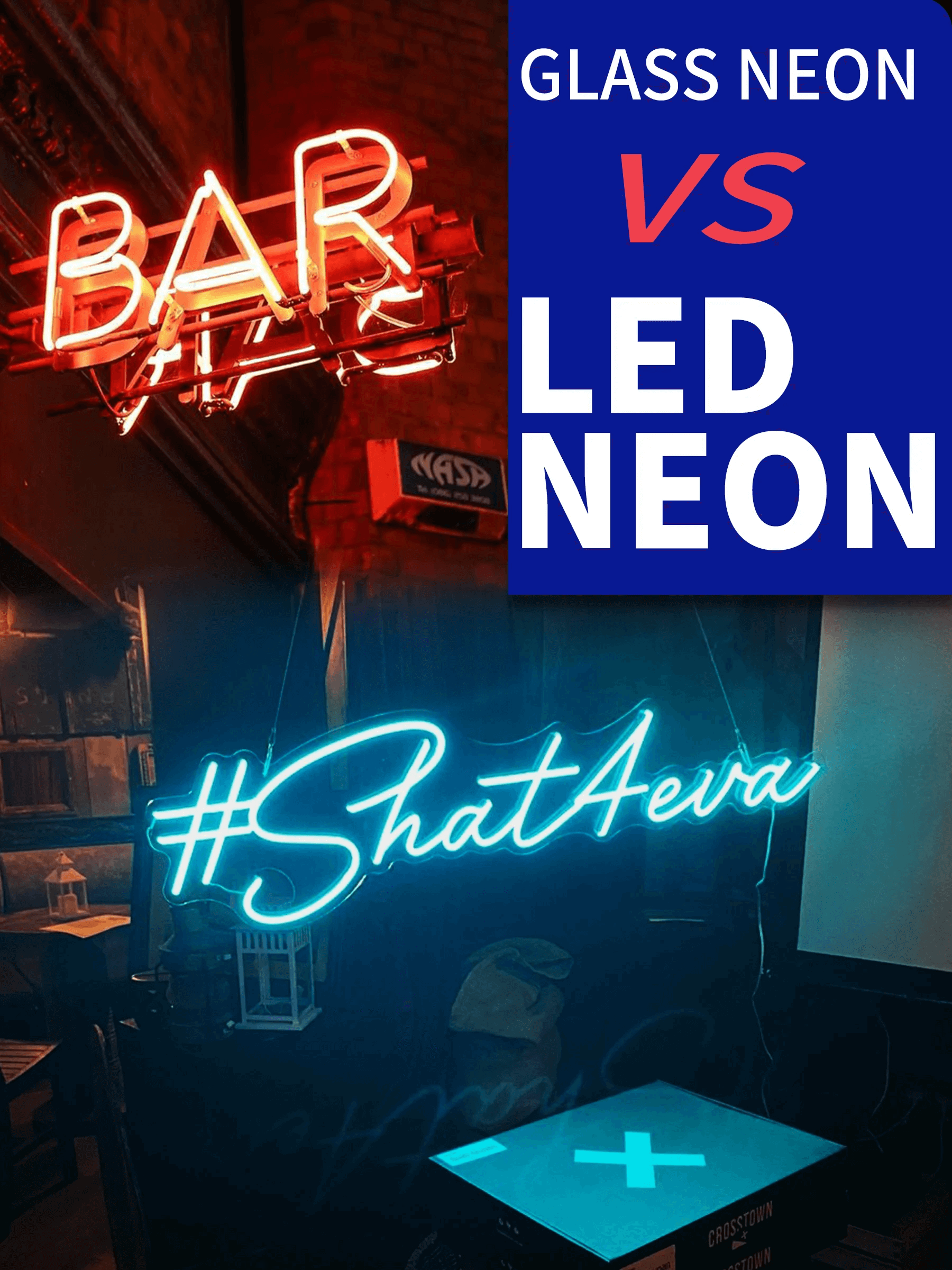
Image source: cdn.shopify.com
Both neon signs and LED neon signs have distinctive characteristics that make them both useful for increasing visibility in various contexts. **Neon signs have a vivid, luminous appearance. Due to their vibrant and eye-catching look, they have long been a preferred option for increasing visibility in enterprises.** Contrarily, LED neon signs may be favored by certain individuals because of the vast variety of colors they can show and may be more appropriate for usage in specific situations, such as in low light. In general, LED neon signs could feel more contemporary than conventional neon signs.
People’s opinions of the lighting from neon signs and LED neon signs may differ. Someone may see neon signs’ brilliant & glowing effect as more eye-catching and attention-grabbing. **Whilst others may find LED neon signs more serene and quiet due to their ability to display a wide range of colors.** Furthermore, how a neon sign or LED neon sign is used may influence how people see them.
As an illustration, a neon sign utilized as a decorative element in a shop or restaurant may create a lively and inviting ambiance. A flashing LED neon sign, on the other hand, maybe more suited for usage as a safety sign to warn people of potential dangers. The effect of neon signs and LED neon signs on people’s emotions ultimately depends on the environment in which they are utilized as well as the preferences of the particular observer.
## Which signs provide more affordable prices?
**In general, LED neon signs are more affordable than neon signs due to the different materials and processes used to create them.** Neon signs are made with glass tubes filled with a gas, such as neon or argon, and then electrified to create a bright, glowing effect. This process can be time-consuming and requires skilled labor, which can drive up the [cost of neon signs.](https://www.signcustomiser.com/posts/neon/custom-neon-signs-cost/)
LED neon signs are made with LED lights encased in flexible plastic tubing, which is a more efficient and cost-effective process. As a result, LED neon signs tend to be less expensive than neon signs. However, it is necessary to note that the price of both types of signs can vary significantly depending on factors such as the size and complexity of the sign, the materials used, and the provider or manufacturer.
**Learn more:** [Why are neon signs so expensive? Shopify sign store guide](https://www.signcustomiser.com/posts/neon/why-are-neon-signs-so-expensive/)
## Are neon or LED neon signs more durable?
The durability of neon signs and LED neon signs can vary depending on many factors, including the quality of the materials used and the conditions in which the signs are used. **In general, neon signs may be more prone to breakage due to the fragile nature of the glass tubes.** If a neon sign is subjected to rough handling or extreme temperatures, it may be more likely to break or malfunction.
**In comparison, LED neon signs are made with LED lights encased in flexible plastic tubing, which is more durable than glass.** As a result, LED neon signs may be more resistant to breakage and damage than neon signs. However, it is important to note that both types of signs can be prone to malfunction or failure if they are not properly maintained or used in inappropriate conditions. To ensure the longevity and durability of any neon or LED neon sign, people must follow the manufacturer’s recommendations for use and care.
## Neon versus LED: which signs allow more color options?
When it comes to the range of color options available, LED neon signs tend to have a wider variety of colors to choose from compared to neon signs. The color of the light produced by a neon sign is determined by the type of gas used, with neon gas producing a bright red light and argon gas producing a pale blue light. Other gasses, such as krypton and xenon, can produce different colors, but the range of colors available is generally limited compared to LED neon signs. **However, LED neon signs are made with LED lights encased in flexible plastic tubing and can be customized to display a wide range of colors.** Overall, LED neon signs offer more color options compared to neon signs.
## Which signs are more flexible for design?
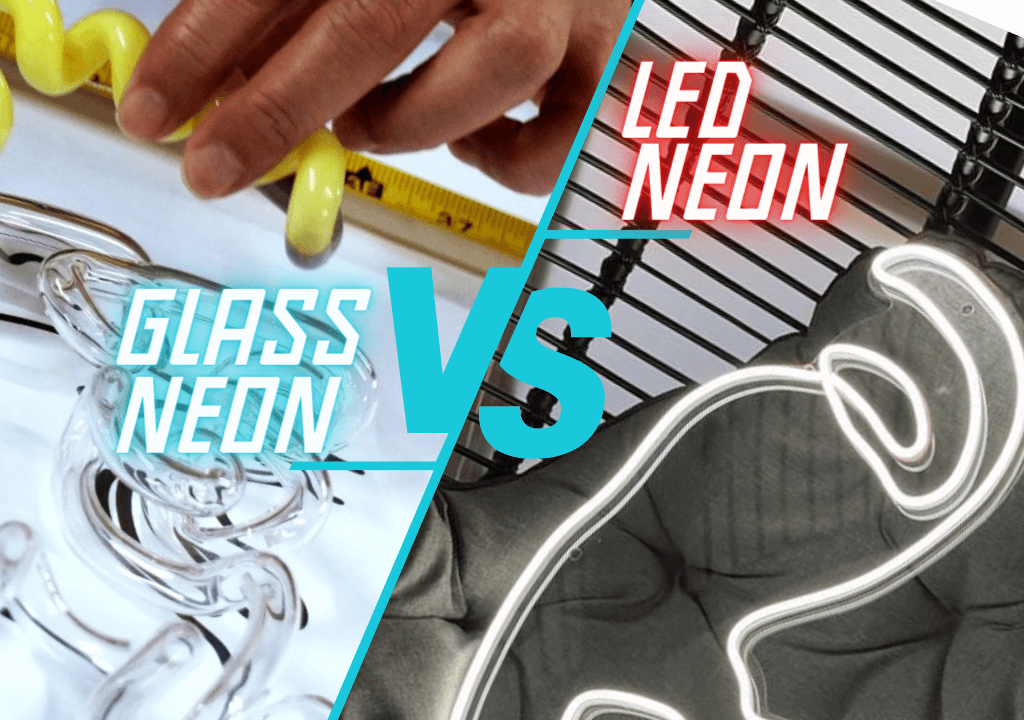
Image source: euneon.com
Regarding flexibility for design work, LED neon signs tend to have an advantage over neon signs due to the versatility of the materials used to create them. **LED neon signs are made with LED lights encased in flexible plastic tubing, allowing for a greater range of design options than neon signs.**
In addition, the plastic tubing used in LED neon signs can be bent and shaped into various forms, allowing for more creative and customizable design work. This flexibility makes LED neon signs well-suited for use in multiple settings and for different purposes, such as creating visually striking displays or promoting a specific brand image.
But, Neon signs are made with glass tubes filled with gas and electrified to create a glowing effect. While neon signs can be used to create visually striking displays, the rigid nature of the glass tubes limits the range of design options compared to LED neon signs. As a result, LED neon signs may be more flexible for design work compared to neon signs.
## Which are more energy efficient: neon or LED neon signs?
**In terms of energy efficiency, LED neon signs tend to be more energy-efficient than neon signs.** LED lights are known for their energy-efficient design, using less electricity to produce the same amount of light as traditional incandescent bulbs. This makes LED neon signs a more energy-efficient choice compared to neon signs, which are made with glass tubes that are filled with gas and electrified to create a glowing effect. The electrical components used in neon signs can be more power-hungry than LED lights, resulting in higher energy usage and costs.
The energy efficiency and cost savings of both types of signs can vary significantly depending on factors such as the size and complexity of the sign, the materials used, the conditions in which the sign is used, and the local cost of electricity. However, as a general rule, LED neon signs tend to be cost savings on energy bills over time than neon signs.
**For example, suppose a business was to replace a traditional neon sign with an LED neon sign. In that case, they can reduce their energy usage by 10-50% or more, depending on the specific circumstances.** It could translate into hundreds or even thousands of dollars in cost savings over the lifetime of the LED neon sign. However, these estimates are purely illustrative and may not reflect the actual energy efficiency and cost savings in a particular setting.
## Maintenance comparison: neon versus LED signs
When it comes to maintenance, both neon signs and LED neon signs have their own unique considerations. **Neon signs, which are made with glass tubes filled with a gas and electrified to create a glowing effect, may require more frequent maintenance due to the fragile nature of the glass tubes and the electrical components used to create the glowing effect.** If a neon sign is not maintained correctly, it may be more prone to breakage or malfunction over time. This can result in higher maintenance costs and the need for frequent repairs or replacements.
LED neon signs are made with LED lights encased in flexible plastic tubing and are generally more durable and longer-lasting than neon signs. As a result, LED neon signs may require less maintenance compared to neon signs.
## Which signs have a longer lifespan?
In terms of lifespan for lighting, LED neon signs tend to have a longer lifespan compared to neon signs. **LED lights are known for their lengthy lifespan, with some LED lights rated to last for [50,000 hours or more](https://www.bobvila.com/articles/how-long-do-led-lights-last/).** This makes LED neon signs a more reliable and long-lasting lighting option compared to neon signs. But, the electrical components used in neon signs can be more prone to failure over time, which can result in a shorter lifespan for the lighting.
Additionally, the fragile nature of the glass tubes used in neon signs can make them more prone to breakage, which can also shorten the lifespan of the lighting. As a result, LED neon signs tend to have a longer lifespan for lighting compared to neon signs. The lifespan of both types of signs can be impacted by factors such as the conditions in which they are used, the level of maintenance they receive, and the quality of the materials used.
## Neon versus LED neon signs: which are safer?
In terms of safety, both types of signs involve the use of electricity, which can present certain safety risks if not used properly. **However, LED neon signs may be considered safer in certain respects compared to neon signs.** One reason for this is that LED lights are generally cooler to the touch compared to traditional incandescent bulbs, which can be hot to the touch when in use. This can make LED neon signs safer to use in areas where children or pets may come into contact with them, as there is less risk of burns or injuries.
**Besides, LED neon signs are made with flexible plastic tubing, which is less prone to breakage compared to the fragile glass tubes used in neon signs.** This fact can make LED neon signs safer to use in areas where the sign may be bumped or knocked over, as there is less risk of shards of glass causing injuries.
Overall, both neon signs and LED neon signs can be safe to use when used properly and in appropriate conditions, but LED neon signs may be considered safer in certain respects due to the cooler temperature of the LED lights and the more durable nature of the plastic tubing.
**Learn more:** [Are neon signs dangerous? How to handle them safely & avert accidents?](https://www.signcustomiser.com/posts/neon/are-neon-signs-dangerous/)
## Installation and mounting: which are more convenient?
Regarding installation and mounting, LED neon signs may be more convenient than neon signs due to the flexibility of the materials used to create them. This flexibility makes LED neon signs easier to install and mount in a variety of locations and settings. In addition, the plastic tubing used in LED neon signs can be cut to size and secured in place using mounting hardware or adhesives, allowing for a quick and easy installation process. **In contrast, the rigid nature of the glass tubes used in neon signs can make them more challenging to install and mount, especially in areas where the sign needs to be bent or shaped in a specific way.** As a result, LED neon signs are more convenient for installation and mounting compared to neon signs.
## Nostalgic appeal: the reason makes unique brands still love neon signs.

Image source: tuppsigns.com
Despite the increasing popularity of LED neon signs, many businesses and individuals continue to choose glass neon signs for their nostalgic appeal. Neon signs have been a popular choice for creating visibility in businesses for many years, and they are often associated with a certain retro or vintage aesthetic.
**For some brands, the nostalgic appeal of neon signs is an important part of their identity and helps to differentiate them from their competitors.** The bright, glowing effect of neon signs can also create a sense of excitement and energy, which can be attractive to certain businesses or individuals. Further, the fact that neon signs have been around for so long may make them more familiar and trusted to some people, which can make them more appealing for use in specific contexts.
## How can sign store owners let customers compare neon and LED signs in real-time?
There are several ways where sign store owners can provide customers with the option to choose between neon and LED signs in real-time on their website. **One effective solution is to use a dynamic design and visualization tool, such as the Neon Sign Product Customizer app, which allows customers to choose and compare different types of signs in real-time on the website.**
This can be particularly useful for customers who are interested in comparing the prices of neon and LED signs, as the [Neon Sign Product Customizer](https://apps.shopify.com/neon-product-customiser) app allows them to see the pricing options for different signs material in real-time and make an informed decision.
**By providing customers with the option to choose and compare neon and LED signs on the website, sign store owners can make it easier for customers to purchase the right sign for their needs and budget.** This can help to increase customer satisfaction and loyalty, as customers feel that they have the information and options they need to make an informed purchase decision.
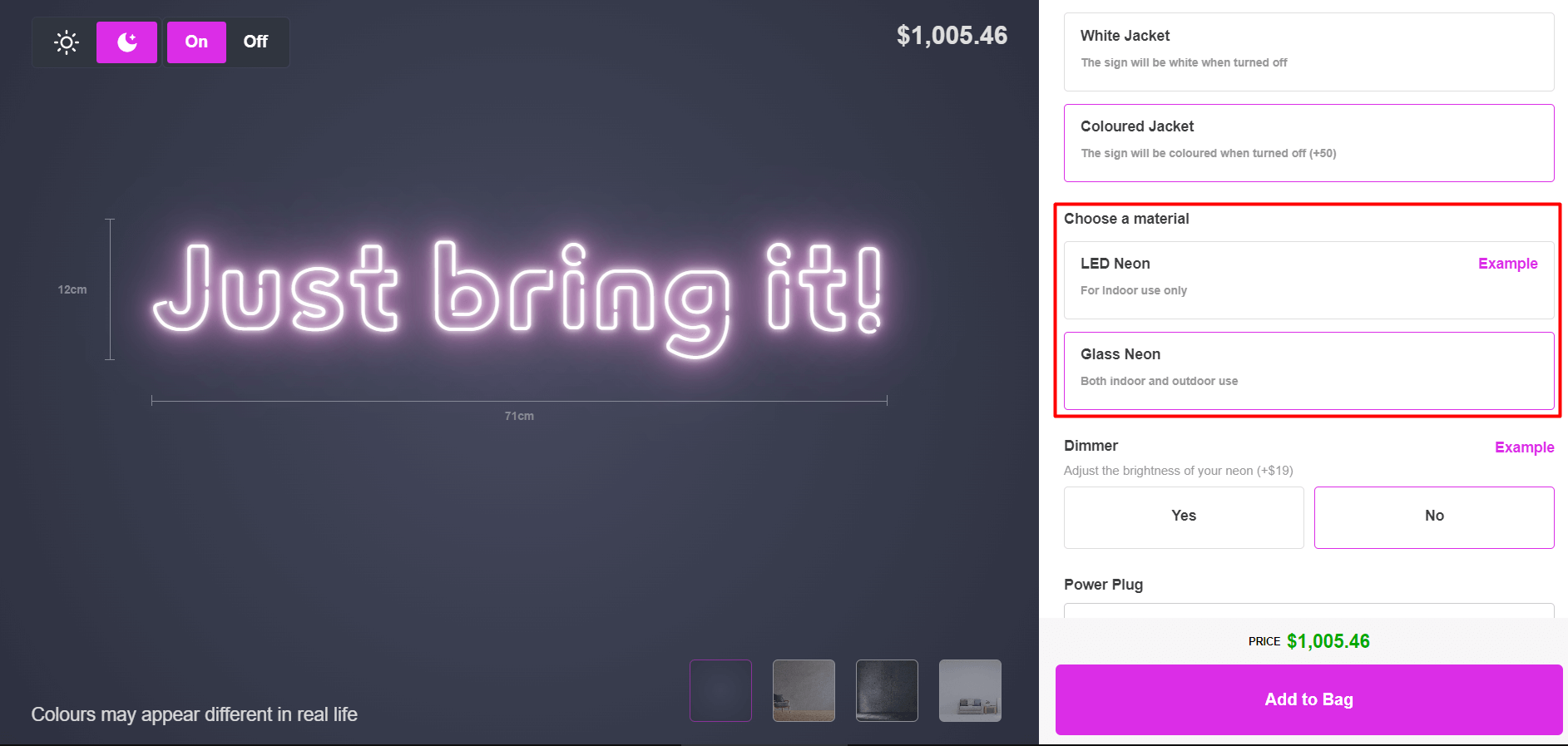
[Let’s give it a try](https://demo.signcustomiser.com/pages/neon-sign-advanced-model)
## Conclusion
In conclusion, neon and LED neon signs are two popular choices for signage, advertising, and decorative purposes, each with their own unique characteristics and benefits. **While neon signs are known for their vintage, retro aesthetic and ability to create a bright, glowing effect, LED neon signs offer a more energy-efficient, cost-effective, and durable alternative with a wider range of color options.** Ultimately, the decision between neon and LED neon signs will depend on the specific needs and preferences of the user, as well as the specific circumstances and conditions in which the sign will be used.
* * *
## Sell custom neon signs on your website
Want to let your customers design and order custom neon signs online? [Sign Customiser](/solutions/neon-signs/) adds a neon sign designer to your Shopify or WooCommerce store with real-time pricing and instant quotes.
[Start your free trial →](https://apps.shopify.com/sign-customiser)
Tags
- [neon](/posts/neon/)
- design

About the author
### Matthew Attanasio
Founder, Sign Customiser
Matthew founded Sign Customiser to solve a problem he saw sign businesses facing every day: the endless back-and-forth of manual quoting. With a background in e-commerce development and a decade of experience building Shopify solutions at Sky Foundry, he set out to automate the entire custom sign selling process.
- E-commerce
- Shopify
- Sign Industry
- Product Strategy
[View profile](/authors/matthew-attanasio/)[](https://au.linkedin.com/in/matthew-attanasio-92500a36)[](https://github.com/matthewattanasio)
Let your customers design their own signs

Add a full sign customiser to your online store in minutes. Neon, acrylic, metal — with real-time pricing.
[Start your free 7-day trial](/install/)
Works with Shopify, WooCommerce, Wix & more. 7 days free. Every plan includes every feature.
Let your customers design their own signs

Add a full sign customiser to your online store in minutes. Neon, acrylic, metal — with real-time pricing.
[Start your free 7-day trial](/install/)
Works with Shopify, WooCommerce, Wix & more. 7 days free. Every plan includes every feature.
Related
## From theblog
Expert insights, industry trends, and actionable tips to enhance your online sign business.
[View all articles](/posts/)

neon·March 30, 2023
### [Exploring the benefits of acrylic neon signs for business signage](/posts/neon/acrylic-neon-signs/)
Customizable and Durable: Why Acrylic Neon Signs are a Smart Choice for Your Business Signage Needs
Read more

neon·September 26, 2023
### [45+ aesthetic neon quotes to light up your space](/posts/neon/aesthetic-neon-quotes/)
45+ aesthetic neon quotes for bedrooms, weddings and shop walls, plus how sign shops price and sell custom neon quote signs on their own website.
Read more

neon·September 26, 2023
### [Aesthetic neon signs: styles, ideas and pricing](/posts/neon/aesthetic-neon-signs/)
See the styles and colours behind aesthetic neon signs, get design ideas for any room, and learn how sign shops price and sell them online with a live customiser.
Read more

neon·December 25, 2022
### [Are neon signs dangerous? 14 great tips to stay safe](/posts/neon/are-neon-signs-dangerous/)
Get our 14 great tips to avert accidents & keep your family safe around neon signs with this post.
Read more

neon·September 26, 2023
### [Why are black neon signs the latest trend in home decor?](/posts/neon/black-neon-sign/)
Unleash your creativity with black neon signs and 20+ creative ideas for businesses, events, or personal spaces.
Read more

neon·December 5, 2022
### [Custom neon signs cost: the ultimate guide for Shopify store owners](/posts/neon/custom-neon-signs-cost/)
We explore the primary factors that influence the custom neon signs cost and strategies store owners can apply to increase sales and profit margins. Click to see more details!
Read more

neon·June 23, 2023
### [Design tips for creating eye-catching DIY neon signs](/posts/neon/design-tips-for-creating-eye-catching-diy-neon-signs/)
Neon signs have long been a captivating way for businesses to attract attention and make bold statements. With the rise of do-it-yourself (DIY) projects, creating your own neon sign has become an accessible and cost-effective option for businesses looking to stand out.
Read more

neon·January 5, 2025
### [How to make a DIY neon sign: step-by-step tutorial (LED flex method)](/posts/neon/diy-neon-sign/)
Learn how to make your own LED neon sign at home. Complete step-by-step guide with materials list, tools needed, and expert tips for beginners.
Read more

neon·September 26, 2023
### [Electric blue neon signs: meaning, ideas and pricing](/posts/neon/electric-blue-neon-blue-aesthetic/)
What makes electric blue neon glow, the blue aesthetic it creates, sign ideas by room, and how sign shops price and sell custom blue neon online.
Read more

neon·April 3, 2023
### [Faux neon signs: LED alternatives, costs & business guide (2026)](/posts/neon/faux-neon-sign/)
Complete guide to faux neon (LED neon) signs. Compares LED vs glass neon, covers profit margins for sign shops, and explains why LED neon dominates the market.
Read more

neon·March 28, 2023
### [Are glass neon signs worth it?](/posts/neon/glass-neon-signs/)
Are you curious about the cost and lifespan of glass neon signs? Our guide has all the answers you need to make an informed purchase.
Read more

neon·March 30, 2023
### [How to hang a neon sign: step-by-step guide (with & without nails)](/posts/neon/hanging-neon-signs/)
Learn how to hang a neon sign on any surface. Step-by-step instructions for drywall, brick, concrete & glass. Plus tips to hide wires and avoid wall damage.
Read more

neon·December 23, 2022
### [How to make custom neon signs, the easy guide for Shopify sign stores](/posts/neon/how-to-make-custom-neon-signs/)
Learn how to make custom neon signs as a producer. We also show you a secret to let buyers customize & view their signs in real-time.
Read more

neon·February 3, 2026
### [LED neon sign production: how custom neon signs are made](/posts/neon/led-neon-sign-production-process/)
LED neon signs are manufactured through a precise multi-stage process. Learn how custom LED neon signs are made, from acrylic backing preparation to tube bending, wiring, and quality testing.
Read more

neon·March 29, 2023
### [LED neon signs - a cost-effective alternative?](/posts/neon/led-neon-signs/)
Are LED neon signs worth it? Find out the answer and learn about their lifespan, energy efficiency, and low maintenance requirements.
Read more

neon·March 10, 2026
### [Name in lights: what customers type into a neon name sign generator](/posts/neon/name-in-lights-generator/)
Sign Customiser data: 70% of LED neon designs added to cart are two words or fewer, and one in four keep the default font. What that means for your generator.
Read more

neon·January 5, 2026
### [Neon art: what it is, who made it famous and how it is made](/posts/neon/neon-art/)
Neon art is art made from hand-bent glass tubes of glowing gas. The artists who made it famous, where to see their work, and how a drawing becomes neon.
Read more

neon·March 19, 2026
### [Neon light writer: 6 free and paid neon text tools compared](/posts/neon/neon-light-writer/)
Neon light writers compared: free neon text generators such as FlamingText, Cool Text and Canva, and sign software that turns words into LED neon signs.
Read more

neon·January 5, 2025
### [Neon open signs: the complete guide to open signs for businesses (2025)](/posts/neon/neon-open-signs/)
Discover the best neon and LED open signs for your business. Compare types, sizes, and installation options. Plus expert tips for choosing the perfect open sign.
Read more

neon·April 2, 2023
### [Neon signs hub: your one stop shop for all things neon signs](/posts/neon/neon-sign/)
Discover the colorful world of neon signs with our ultimate guides! Learn about their history, design, cost, and much more.
Read more

neon·April 5, 2023
### [70 neon sign ideas by room & occasion (2026 guide)](/posts/neon/neon-sign-ideas/)
See 70 neon sign ideas for bedrooms, weddings, bars and businesses, organised by room and occasion, plus how sign shops price and sell them online.
Read more

neon·April 4, 2023
### [Best neon sign quotes: 150+ ideas for every occasion (2026)](/posts/neon/neon-sign-quotes/)
Curated neon sign quotes for weddings, businesses, bars, bedrooms and more. Includes best-selling categories and pricing strategies for sign shops.
Read more

neon·April 1, 2023
### [Neon sign repair guide: DIY fixes & when to call a pro](/posts/neon/neon-sign-repair/)
Complete guide to neon sign repair. Troubleshoot common problems, learn DIY fixes, compare costs, and know when to hire a professional for neon light repair.
Read more

neon·January 5, 2025
### [Neon signs for room decor: 60+ ideas for bedrooms, gaming rooms & more](/posts/neon/neon-signs-for-room/)
Transform any room with neon signs. Browse 60+ ideas for bedrooms, gaming rooms, living rooms and home offices. Plus size, colour and placement tips.
Read more

neon·September 26, 2023
### [Neon wedding signs: 40+ ideas, placement guide & costs](/posts/neon/neon-wedding-sign/)
Complete guide to neon signs for wedding decor. Discover 40+ ideas, placement tips, rental vs purchase costs, and how to match your wedding theme.
Read more

neon·September 26, 2023
### [Purple neon light: meaning, shades & buying guide](/posts/neon/purple-neon-sign/)
What purple neon light means, the shades from lavender to magenta, and how sign shops price and sell custom purple neon signs online with a live customiser.
Read more

neon·September 26, 2023
### [White neon sign: a guide to choosing the right one!](/posts/neon/white-neon-sign/)
Looking for a chic and modern addition to your decor? Check out our guide to choosing the best white neon sign.
Read more

neon·December 12, 2022
### [Why are neon signs so expensive? 2026 pricing guide for sign shops](/posts/neon/why-are-neon-signs-so-expensive/)
Complete breakdown of neon sign costs for sign shop owners. Covers material, labour, and overhead costs plus strategies to improve margins with LED neon.
Read more
[View all articles](/posts/)
## Sitemap
See the full [sitemap](/sitemap.md) for all pages.
---
## Neon Wedding Signs: 40+ Ideas, Placement Guide & Costs - Sign Customiser Blog
Source: [https://www.signcustomiser.com/posts/neon/neon-wedding-sign/](https://www.signcustomiser.com/posts/neon/neon-wedding-sign/)
## Quick guide: neon wedding signs
1. **Best placements:** Photo backdrops, entrance welcome signs, sweetheart table, bar area
2. **Popular phrases:** “Better Together”, “Til Death Do Us Party”, couple’s names with date
3. **Size guide:** 60-100cm for backdrops, 40-60cm for table accents
4. **Cost:** £80-200 for rental, £150-400 to buy custom
5. **Order timing:** 4-6 weeks before your wedding date
* * *
## Say “I do” to neon wedding signs
**Neon wedding signs have become a popular trend in recent years for adding a unique and personalized touch to wedding decor.**
These custom neon signs can be designed with the couple’s names, wedding date, or even a special message. Not only do they add a pop of color and a vintage vibe to the wedding ambiance, but they also make for great photo backdrops.
**In this article, we will:**
- Explore the reasons behind the popularity of neon wedding signs;
- Provide ideas for incorporating them into your wedding decor;
- And offer tips for choosing the right size and vendor.
️️📌 This is chapter 9 in [the custom neon signs hub](https://www.signcustomiser.com/posts/neon/custom-neon-signs-cost/)
## Why are custom neon signs so popular at weddings?
[Neon signs](https://en.wikipedia.org/wiki/Neon_sign) have become a popular choice for wedding decor due to their unique qualities. **Their vintage vibe, versatility, and customizability make them a perfect addition to any wedding theme or style.**
Neon signs can be designed to complement the wedding color scheme, theme, or even display personalized messages that add a special touch to the occasion.
**Neon signs have been used in various ways in real weddings and events, including as photo booth backdrops, reception decor, directional signage, and more.**
They add a unique element to the wedding, making it stand out and memorable for the couple and guests. Neon signs can also be used beyond the wedding day and become a keepsake for the couple to cherish and display in their home.
## How to use a neon sign at a wedding?
Neon signs can add a touch of retro charm to any wedding decor, but using them effectively requires some planning. Here are some ideas to help you incorporate neon signs into your wedding decor.
### Tips for using a neon sign at a wedding:
- Choose a prominent location for your neon sign, such as near the dance floor, the head table, or the entrance to the reception.
- Use colored or filtered lighting to create a dramatic effect around your neon sign.
- Pair your neon sign with other decor elements, such as flowers or vintage-inspired decor.
- Choose a neon sign that complements your [wedding colors and theme](https://www.marthastewart.com/7933433/choosing-wedding-color-palette).
- Work with a custom neon sign maker to design a sign that matches your wedding decor.
- Personalize the neon sign: Personalizing the neon sign with the couple’s names or a wedding-related message can help tie it in with the overall wedding theme.
- Ensure that the font and style of the sign are consistent with the rest of your wedding stationery and signage.
## What to do with a neon sign for a wedding?
One of the great things about neon signs is their versatility in wedding decor. There are many creative ways to use them to enhance the wedding theme and atmosphere. Here are some ideas:
### Backdrops

Image source: pixsterchicago.com
Neon signs can make an excellent backdrop for photo booths, head tables, and dessert tables. They create a beautiful and [Instagram](https://www.instagram.com/)\-worthy backdrop for guests to take photos in front of.
Couples can personalize their neon sign to showcase their names or a wedding-related message.
### Table numbers

Image source: shopnarwall.com
Neon signs can be used as table numbers, adding a unique and memorable touch to the wedding reception. Each table can have a different neon sign, customized with the table number. This idea can create a stunning focal point for guests as they enter the reception.
**Learn more:** [What is the mystery behind purple neon signs?](https://www.signcustomiser.com/posts/neon/purple-neon-sign/)
### Directional signs
Image source: texasweddings.com
Neon signs can also serve as directional signs, guiding guests to various parts of the wedding venue. For instance, couples can use neon signs to indicate where the ceremony, reception, and restrooms are located.
### Entrance gate

Image source: theknot.com
A neon sign at the entrance gate is a great way to welcome guests to the wedding celebration. A sign with the couple’s names or a phrase like **“Love is in the Air”** can be a great choice.
### Dance floor

Image source: lovelightstheway.co.uk
A neon sign above the dance floor can help set the mood and add some fun to the reception. A sign that says **“Let’s Dance”** or **“Shall We Dance”** can be a great choice.
### Sweetheart table
Image source: shellysarverdesigns.com
A neon sign above the sweetheart table can help the newlyweds stand out and create a focal point for the reception. A sign that says **“Mr. & Mrs.”** or **“Forever Starts Today”** can be a great choice.
### Bar area
Image source: pinterest.com
A neon sign above the bar area can add some personality and style to the wedding reception. A sign that says **“Love on the Rocks”** or **“Drunk in Love”** can be a great choice.
### Photo booth
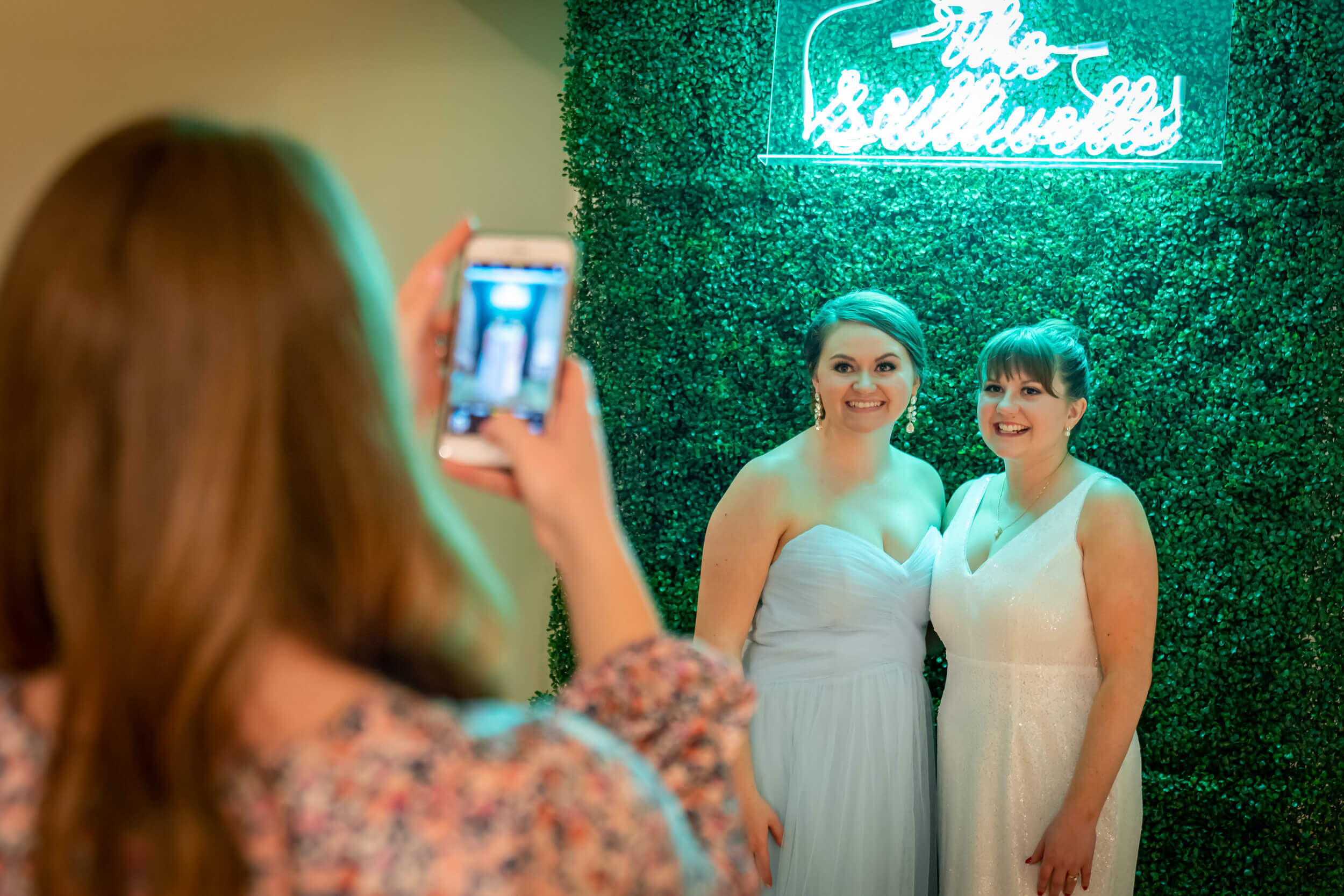
Image source: theamateurapron.com
A neon sign above the photo booth can add some fun and personality to the wedding photos. A sign that says **“Say Cheese”** or **“Strike a Pose”** can be a great choice.
**Learn more:** [What makes electric blue neon signs so aesthetic?](https://www.signcustomiser.com/posts/neon/electric-blue-neon-blue-aesthetic/)
### Cake table
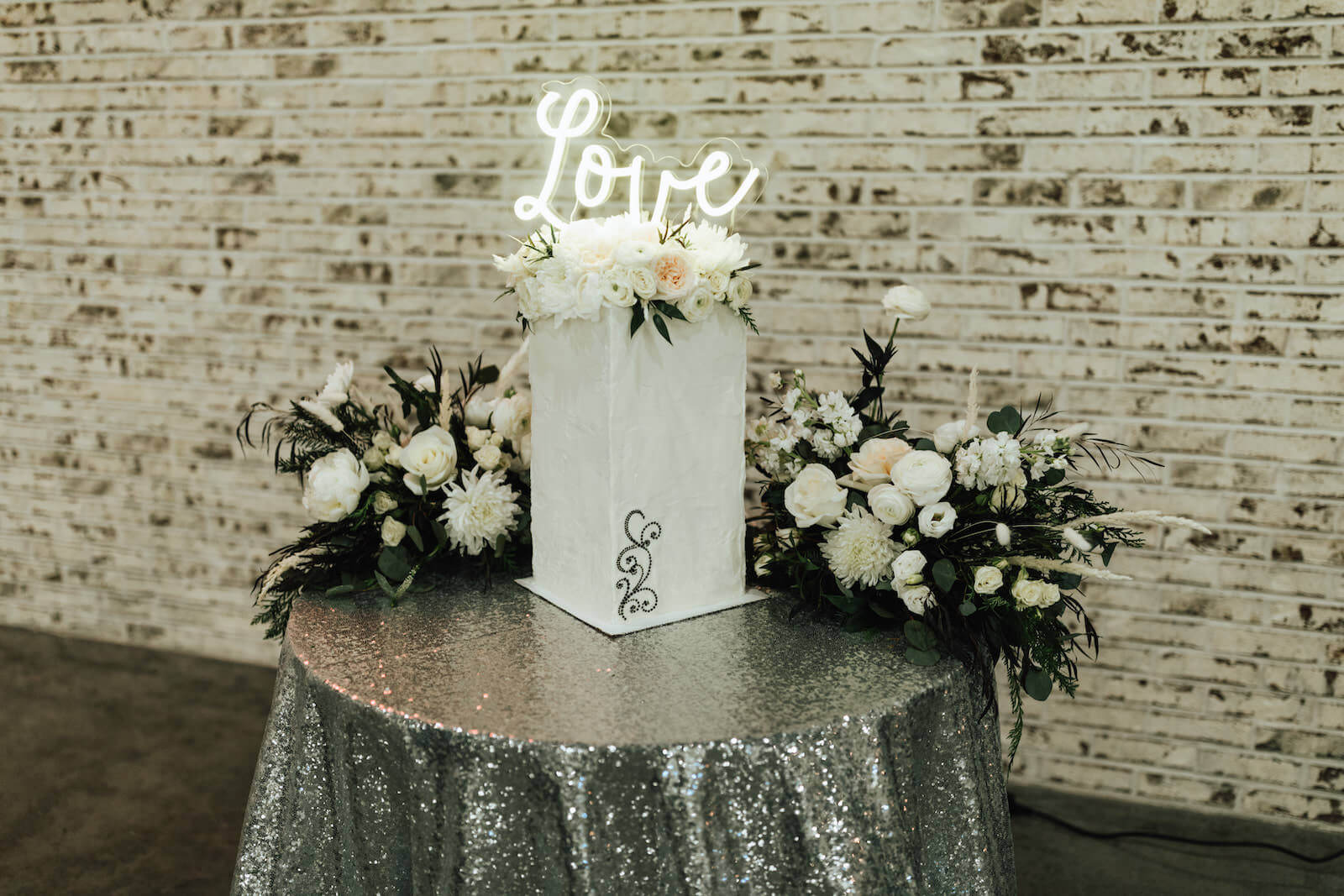
Image source: marrymetampabay.com
A neon sign above the cake table can help highlight the wedding cake and add some style to the reception. A sign that says **“Love is Sweet”** or **“Let Them Eat Cake”** can be a great choice.
### Lounge area
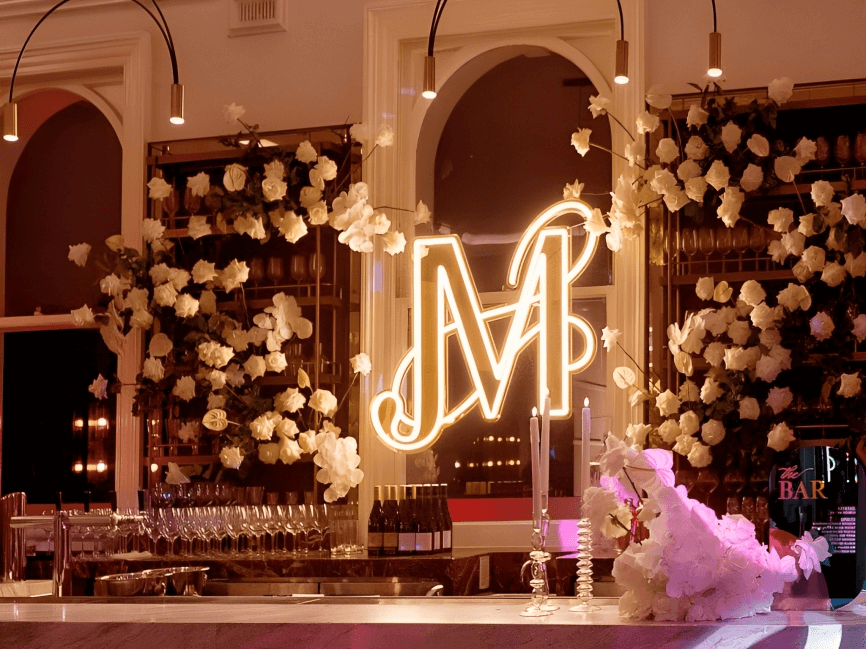
Image source: brides.com
A neon sign above the lounge area can add some style and personality to the wedding reception. A sign that says **“Love & Lounge”** or **“Relax & Enjoy”** can be a great choice.
### Guestbook table
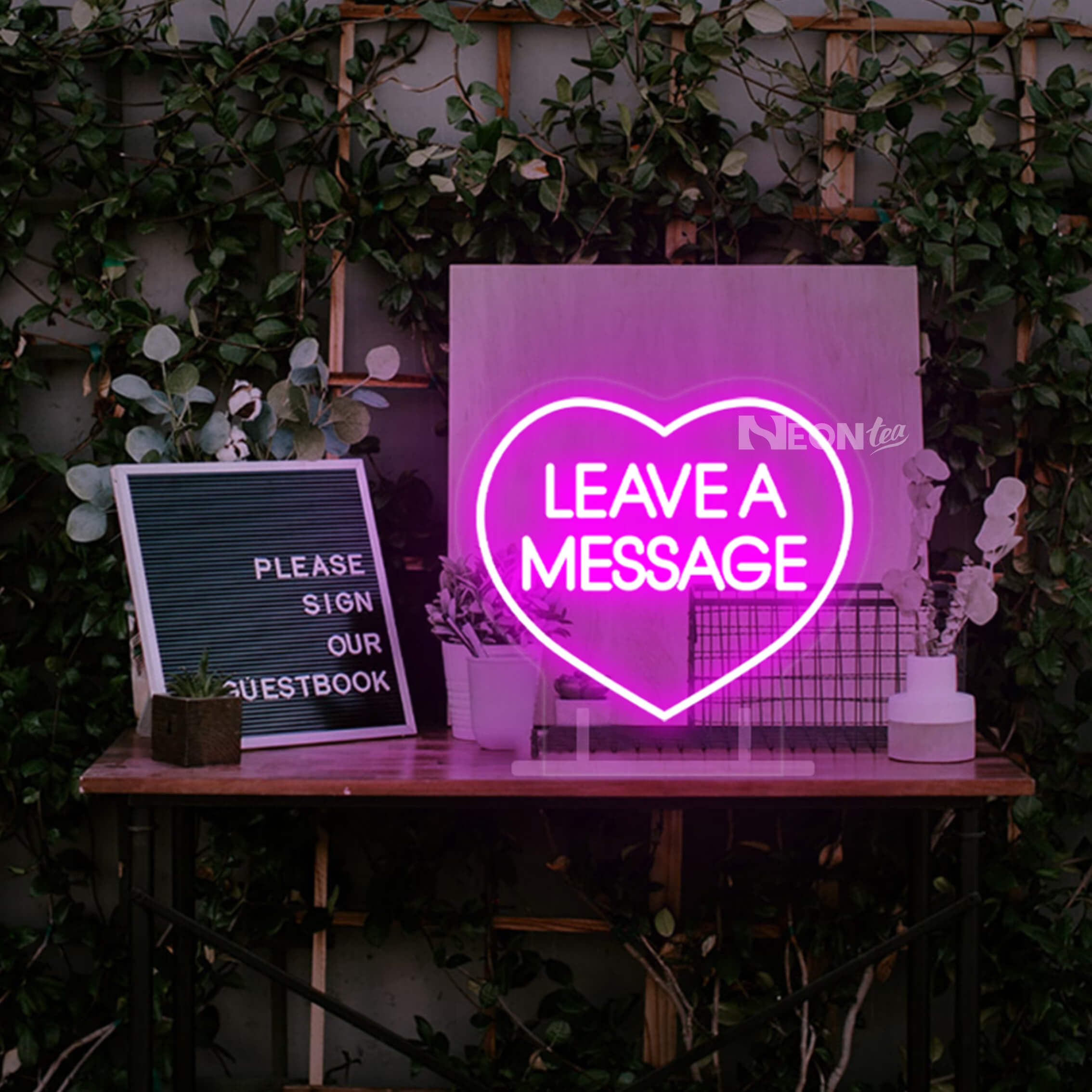
Image source: esty.com
A neon sign above the guestbook table can add some personality and style to the wedding guestbook. A sign that says **“Sign Our Guestbook”** or **“Leave Your Love”** can be a great choice.
**Learn more:** [Why are black neon signs the latest trend in home decor?](https://www.signcustomiser.com/posts/neon/black-neon-sign/)
### Outdoor wedding venue
Image source: customneon.com
A neon sign at an outdoor wedding venue can add some personality and style to the natural setting. A sign that says **“Love Under the Stars”** or **“Wild & Free”** can be a great choice.
**Learn more:** [White neon sign: a guide to choosing the right one!](https://www.signcustomiser.com/posts/neon/white-neon-sign/)
## Top 30 real-life examples and inspiration for neon wedding signs
Neon signs have become increasingly popular as wedding decor, adding a touch of uniqueness and personality to the event.
Many couples have incorporated neon signs into their wedding themes in creative ways. Here are some real-life examples and inspiration to help you get started.

Image source: theweddingplaybook.com
### 1\. [“Tying the knot”](https://www.rd.com/article/tie-the-knot-meaning/)
This classic wedding phrase is a playful and creative way to celebrate the union of two people.
### 2\. “Happily ever after”
A popular phrase for weddings that represents the idea of a couple’s forever love and commitment to each other.
### 3\. “Love is in the air”
A fun and whimsical sign that represents the joy and excitement of a wedding celebration.
### 4\. “Better together”
This phrase emphasizes the idea that two people are stronger and happier when they are together.
### 5\. “Forever starts today”
A positive and inspiring message that emphasizes the idea of a couple’s forever love.
### 6\. “I do”
A simple and classic phrase that represents the moment when a couple makes their vows to each other.
### 7\. “Mr. & Mrs.”
A traditional and elegant way to celebrate a newlywed couple.
### 8\. “Love always wins”
A powerful message that emphasizes the importance of love and its ability to overcome any obstacle.
### 9\. “From this day forward”
A phrase that emphasizes the idea of a couple’s commitment to each other and their future together.
### 10\. “Together forever”
This phrase represents the idea that a couple’s love will endure through time and challenges.
### 11\. “All you need is love”
A popular phrase that emphasizes the importance of love in a couple’s relationship and their wedding celebration.
### 12\. “The perfect match”
A playful and creative sign that represents the idea of two people who are meant to be together.
### 13\. “True love”
A simple and elegant sign that represents the deep and enduring love that two people share.
### 14\. “Forever & always”
A popular phrase that represents the idea of a couple’s forever love and commitment to each other.
### 15\. “Love conquers all”
This powerful phrase emphasizes the idea that love can overcome any obstacle.
### 16\. “Two hearts beat as one”
A poetic and romantic phrase that represents the deep connection and love that two people share.
### 17\. “Love is patient, love is kind”
This [biblical quote](https://www.signcustomiser.com/posts/neon/aesthetic-neon-quotes/) emphasizes the importance of love in a couple’s relationship and their wedding celebration.
### 18\. “I choose you”
A simple and heartfelt message that represents the moment when a couple chooses to spend their lives together.
### 19\. “To the moon and back”
A playful and creative sign that represents the idea of a couple’s deep and enduring love.
### 20\. “The beginning of forever”
A positive and inspiring message that emphasizes the idea of a couple’s forever love.
### 21\. “Love is the key”
This sign emphasizes the idea that love is the foundation of a strong and happy marriage.
### 22\. “Love is a journey”
A poetic and romantic sign that represents the idea of a couple’s lifelong journey together.
### 23\. “Happily ever always”
A playful and creative twist on the classic “happily ever after” phrase, emphasizes the idea of a couple’s forever love.
### 24\. “I belong with you”
A heartfelt message that represents the idea of two people who are meant to be together.
### 25\. “Our love story”
A fun and playful sign that represents the unique and special love story of a couple.
### 26\. “Love is timeless”
This sign emphasizes the idea that true love lasts forever, no matter the passage of time.
### 27\. “The best is yet to come”
A positive and optimistic sign that represents the idea of a couple’s bright future together.
### 28\. “Today I marry my best friend”
This sign emphasizes the idea of a couple who are not just partners in love, but also the best of friends.
### 29\. “Together we can conquer the world”
A powerful and inspiring sign that represents the idea of a couple who can accomplish anything together.
### 30\. “Let love shine”
A fun and creative sign that represents the idea of a wedding celebration filled with love and happiness.
Overall, these 30 ideas for neon signs at a wedding all emphasize the importance of love, commitment, and joy in a couple’s relationship and their wedding celebration.
They also provide a range of options for different styles and preferences, from classic and traditional phrases to playful and creative twists on wedding phrases.
Ready to design your wedding neon sign? Try our [free neon sign maker](/neon-sign-maker-online-free/) to preview your custom wedding sign design.
## How big should my neon sign be for my wedding?
When it comes to choosing the right size for your wedding neon sign, there are several factors to consider.
1. **Firstly, think about the intended use of the sign:** Will it be a focal point of the wedding ceremony or reception, or will it be used as a smaller decorative element?
A larger neon sign may be more appropriate for a statement piece, while a smaller one may work better as an accent.
2. **Secondly, consider the size and layout of your venue:** A larger venue with high ceilings may require a larger sign to make an impact and be visible from a distance. But, a smaller space may be better suited for a smaller sign that won’t overwhelm the area.
3. **Lastly, keep your budget in mind:** Larger signs tend to be more expensive, so be sure to consider your financial limitations before committing to a certain size.
Overall, the size of your wedding neon sign will depend on your personal preference, venue size and layout, and intended use. Be sure to consider all of these factors before making a decision on the size of your [custom neon sign](https://www.signcustomiser.com/posts/neon/custom-neon-signs-cost/).
## How much do people spend on wedding signs?
Neon signs have become increasingly popular at weddings, but how much do people typically spend on them?
**According to industry data and trends, the average cost of wedding signs can range from $50 to $500, depending on the type, size, and customization.** Neon signs can fall on the higher end of this range due to their intricate design and customizability.
The cost of a neon wedding sign can also vary based on its size and complexity. **A smaller, simpler design may cost around $100, while a larger, more intricate sign can cost upwards of $500.**
Additionally, custom neon signs for weddings may be more expensive because they require a unique design and production process.
When budgeting for wedding signs, it’s important to consider other [factors that can impact the cost.](https://www.signcustomiser.com/posts/neon/custom-neon-signs-cost/)
- For example, some vendors may charge additional fees for rush orders, shipping, or installation.
- Also, there are many other types of wedding signs, such as wooden or acrylic signs, that can provide a similar aesthetic at a lower cost.
## Renting vs buying a neon wedding sign
One of the first decisions you’ll need to make is whether to rent or purchase your neon wedding sign. Both options have distinct advantages depending on your budget, plans for the sign after the wedding, and how customised you want it to be.
### Benefits of renting a neon wedding sign
**Pros:**
- Lower upfront cost (typically £150-400 vs £300-1500 to buy)
- No storage concerns after the wedding
- Often includes delivery, setup, and collection
- Good for generic phrases like “Love” or “Mr & Mrs”
**Cons:**
- Limited customisation options
- Can’t keep as a keepsake
- Popular rental signs may book out during peak wedding season
- May have restrictions on where/how you can display it
### Benefits of buying a neon wedding sign
**Pros:**
- Fully customisable with your names, date, or unique message
- Keep as a home decor piece after the wedding
- Can resell to recoup some costs
- Higher quality and often made specifically for you
**Cons:**
- Higher initial investment
- Need to arrange delivery and setup yourself
- Requires storage space after the wedding
### Cost comparison: rental vs purchase
Sign Type
Rental Cost (per day)
Purchase Cost
Simple word/phrase (e.g., “Love”)
£100-200
£150-300
Names or initials
£150-300
£250-500
Custom message (short)
£200-350
£350-700
Large custom design
£300-500
£600-1500
Swipe for more
**Tip:** If you want a custom sign with your names, purchasing usually makes more sense as rental prices for personalised signs are nearly as high as buying, and you’ll have a beautiful keepsake for your home.
## Neon wedding sign placement guide
Where you place your neon sign can dramatically impact how it photographs and the atmosphere it creates. Here’s a comprehensive guide to placement at your wedding venue.
### Ceremony placement ideas
**Behind the altar or ceremony arch:** Creates a stunning backdrop for vows and photographs. Works best for indoor ceremonies or covered outdoor spaces.
**Aisle entrance:** Welcome guests with a glowing sign as they take their seats. Great for phrases like “Here comes the bride” or “Today I marry my best friend.”
**Exit pathway:** Light up the path for your grand exit with a celebratory message.
**Considerations for ceremony placement:**
- Ensure the sign doesn’t distract from the couple during vows
- Check if venue allows electrical setups at the altar
- Consider natural lighting - neon shows best in dimmer settings
### Reception placement ideas
**Behind the head table:** Creates a focal point and frames the couple beautifully in photos.
**Above the dance floor:** Sets the mood for celebration with messages like “Let’s Dance” or “Party Time.”
**Behind the bar:** Adds personality and helps guests locate refreshments.
**Photo booth backdrop:** Creates Instagram-worthy moments for guests.
**Dessert or cake table:** Draws attention to your sweet treats.
### Indoor vs outdoor considerations
**Indoor venues:**
- Neon signs work brilliantly as they’re designed for indoor use
- Position near darker areas for maximum glow effect
- Ensure power outlets are accessible
- Consider the sign’s visibility from different angles in the room
**Outdoor venues:**
- Neon is harder to see in daylight - plan for evening display
- Protect from weather with a covered area or tent
- Use extension cords rated for outdoor use
- Have a backup plan if weather turns bad
- Consider a garden wall, pergola, or draped backdrop
### Visibility tips
Venue Size
Recommended Sign Size
Viewing Distance
Intimate (under 50 guests)
50-80cm wide
2-5 metres
Medium (50-100 guests)
80-120cm wide
5-10 metres
Large (100+ guests)
120-180cm wide
10-20 metres
Swipe for more
## Matching your neon wedding sign to your theme
Your neon sign should complement your overall wedding aesthetic. Here’s how to choose the right style for different wedding themes:
### Romantic and classic weddings
**Best colours:** Warm white, blush pink, soft gold **Font styles:** Elegant script, cursive, calligraphy-style **Popular messages:** “Forever & Always,” “All You Need is Love,” names in script **Pairing ideas:** Surround with florals, greenery, or sheer draping
### Modern and minimalist weddings
**Best colours:** Cool white, clear, single accent colour **Font styles:** Clean sans-serif, block letters, geometric fonts **Popular messages:** Single words like “Love” or “Joy,” minimal graphics **Pairing ideas:** Against plain backdrops, exposed brick, or concrete
### Bohemian and rustic weddings
**Best colours:** Warm white, amber, earth tones **Font styles:** Handwritten-look scripts, casual fonts **Popular messages:** Nature-inspired quotes, couple’s names in casual script **Pairing ideas:** Macramé backdrops, wooden frames, dried florals, pampas grass
### Glamorous and luxurious weddings
**Best colours:** Gold, rose gold, champagne **Font styles:** Ornate scripts, sophisticated serif fonts **Popular messages:** Elegant phrases, monograms **Pairing ideas:** Sequin backdrops, crystal accents, dramatic florals
### Retro and vintage weddings
**Best colours:** Classic neon colours (pink, blue, red), mint **Font styles:** 1950s-style fonts, diner-inspired lettering **Popular messages:** Playful phrases, rock’n’roll references **Pairing ideas:** Vintage furniture, retro props, jukebox elements
## Wedding neon sign ordering timeline
Planning ahead is crucial when ordering a custom neon wedding sign. Here’s a recommended timeline to ensure your sign arrives in perfect condition well before your big day.
### 6-8 months before the wedding
- **Start researching** - Browse ideas, save inspiration photos
- **Set your budget** - Decide between rental vs purchase
- **Choose your message** - Finalise the text, names, or design
- **Contact vendors** - Get quotes from 2-3 suppliers
### 4-6 months before the wedding
- **Place your order** - Custom signs need 3-6 weeks for production
- **Confirm design** - Approve proofs and finalise all details
- **Arrange delivery** - Coordinate delivery date and address
### 2-4 months before the wedding
- **Receive your sign** - Test it immediately upon arrival
- **Report any issues** - Contact the vendor if there are defects
- **Plan installation** - Confirm with your venue about power access
### 1 month before the wedding
- **Test again** - Make sure everything still works perfectly
- **Coordinate with venue** - Confirm setup time and electrical needs
- **Assign responsibility** - Designate someone to set up and take down
### Week of the wedding
- **Pack carefully** - Transport in original packaging if possible
- **Set up early** - Install during venue setup, not last minute
- **Have backup** - Bring spare extension cords and adapters
**Rush orders:** Most vendors offer rush processing for an additional fee (typically 25-50% extra). However, it’s always better to plan ahead to avoid stress and extra costs.
## How to make a neon wedding sign?
The process of making a neon wedding sign involves several steps, from designing the sign to selecting materials and testing the final sign.
Play video: DIY neon light wedding sign
DIY neon light wedding sign
1. Choose a design or phrase for the neon sign. This could be the couple’s names, a wedding date, or a romantic phrase.
2. Draw the design on paper or create a digital design using software like Adobe Illustrator.
3. Cut the acrylic backboard to the desired size and shape using a saw or laser cutter.
4. Use a neon tube bending machine or hire a professional to create the neon tubes for the design. Alternatively, you can use flexible LED strips to create the design.
5. Mount the neon tubes or LED strips on the acrylic backboard using a hot glue gun or silicone adhesive.
6. Attach the LED power supply and controller to the back of the backing material.
7. Add a frame or mounting brackets to the backing material to make it easy to hang or display the sign.
8. Test the LED neon wedding sign to ensure it is working properly and adjust any issues as needed.
**Learn more:** [How to make custom neon signs, the easy guide for Shopify sign stores](https://www.signcustomiser.com/posts/neon/how-to-make-custom-neon-signs/)
## What to do with neon wedding signs after the wedding
Neon wedding signs can be an excellent way to add a unique touch to your wedding decor. But what do you do with them after the big day is over? Here are some [creative ideas](https://www.signcustomiser.com/posts/neon/aesthetic-neon-quotes/) for repurposing neon wedding signs:
- **Display them in home decor:** Neon signs can make a fun and trendy addition to your home decor. Hang them in your living room or bedroom to create a statement piece that will add a pop of color and personality to your space.
- **Use them for future events:** If you have another event coming up, such as a birthday party or anniversary celebration, consider incorporating your neon wedding signs into the decor.
This is a great way to get more use out of them and create a cohesive look across all of your events.
- **Gift them to friends or family:** If you have friends or family members who are getting married or hosting a special event, consider gifting them one of your neon signs. This is a thoughtful and unique gift that they are sure to appreciate.
### Tips for properly storing and maintaining neon wedding signs
Properly storing and maintaining your neon wedding signs can help ensure their longevity and keep them looking great for years to come. Here are some tips to keep in mind:
- **Store them in a cool, dry place:** Neon signs should be stored in a cool, dry place away from direct sunlight. This will help prevent any damage or fading caused by heat or moisture.
- **Handle them with care:** Neon signs are delicate and should be handled with care. When moving or storing them, be sure to use gloves and avoid touching the glass tubes.
- **Clean them regularly:** To keep your neon signs looking their best, clean them regularly with a soft, dry cloth. Avoid using any harsh chemicals or abrasive materials, as these can damage the sign.
By following these tips, you can ensure that your neon wedding signs remain a beautiful and cherished keepsake for years to come.
## Can acrylic wedding signs be reused?
**Acrylic signs are a popular alternative to neon signs for weddings.** They are made of lightweight and durable plastic material that can be easily customized with text or graphics.
One of the main advantages of acrylic signs is that they can be reused for future events or even as home decor.
## Where can I get neon wedding signs?
If you’re looking for neon wedding signs, there are several options available to you. Here are some of the most popular:
### Local neon sign makers
One option is to work with a local neon sign maker. Working with a local vendor can also give you the opportunity to see the signs in person before making a purchase. Plus, you can support local businesses in your area.
### Online retailers
Another option is to purchase neon wedding signs from online retailers. There are many websites that specialize in selling neon signs, including those specifically designed for weddings.
These online retailers often have a wide range of designs and styles to choose from, and may offer customization options as well.
- [Custom Neon® Signs Australia](https://customneon.com.au/)
- [Neon Beach](https://neonbeach.com/)
- [Kings Of Neon](https://www.kingsofneon.com.au/)
- [Neon Signs](https://sculptneonsigns.com.au/)
### Factors to consider
When choosing a vendor for your neon wedding sign, there are several factors to consider.
- One important consideration is the quality of the sign. You want to make sure that the sign is well-made and will last for a long time.
- You should also consider the price of the sign, as well as any customization options that may be available.
- Be sure to read reviews from previous customers to get a sense of the vendor’s reputation and customer service.
- Additionally, consider the vendor’s return policy and shipping options, especially if you are ordering online.
## Customizing your neon wedding signs
If you’re looking for an easy and convenient way to customize your wedding neon signs, the [“Neon Sign Customizer” app](https://apps.shopify.com/neon-product-customiser) is a great option to consider.
This app offers a variety of features that can help you design and create your dream wedding sign, no matter what your unique preferences may be.
- **[One of the key advantages of using this app is the ability to customize various aspects of your sign, such as its size, shape, color, and more.](https://demo.signcustomiser.com/)** Whether you want a traditional rectangular sign or something more unique and eye-catching, the app has you covered.
- **In addition to its customization features, the “Neon Sign Customizer” app is also a valuable tool for neon sign store owners.** By using the app, these businesses can easily meet their clients’ specific needs and preferences, creating custom signs that perfectly match their wedding themes and styles.
So if you’re looking for a fun and easy way to customize your wedding neon signs, be sure to check out the [“Neon Sign Customizer” app](https://apps.shopify.com/neon-product-customiser) today!
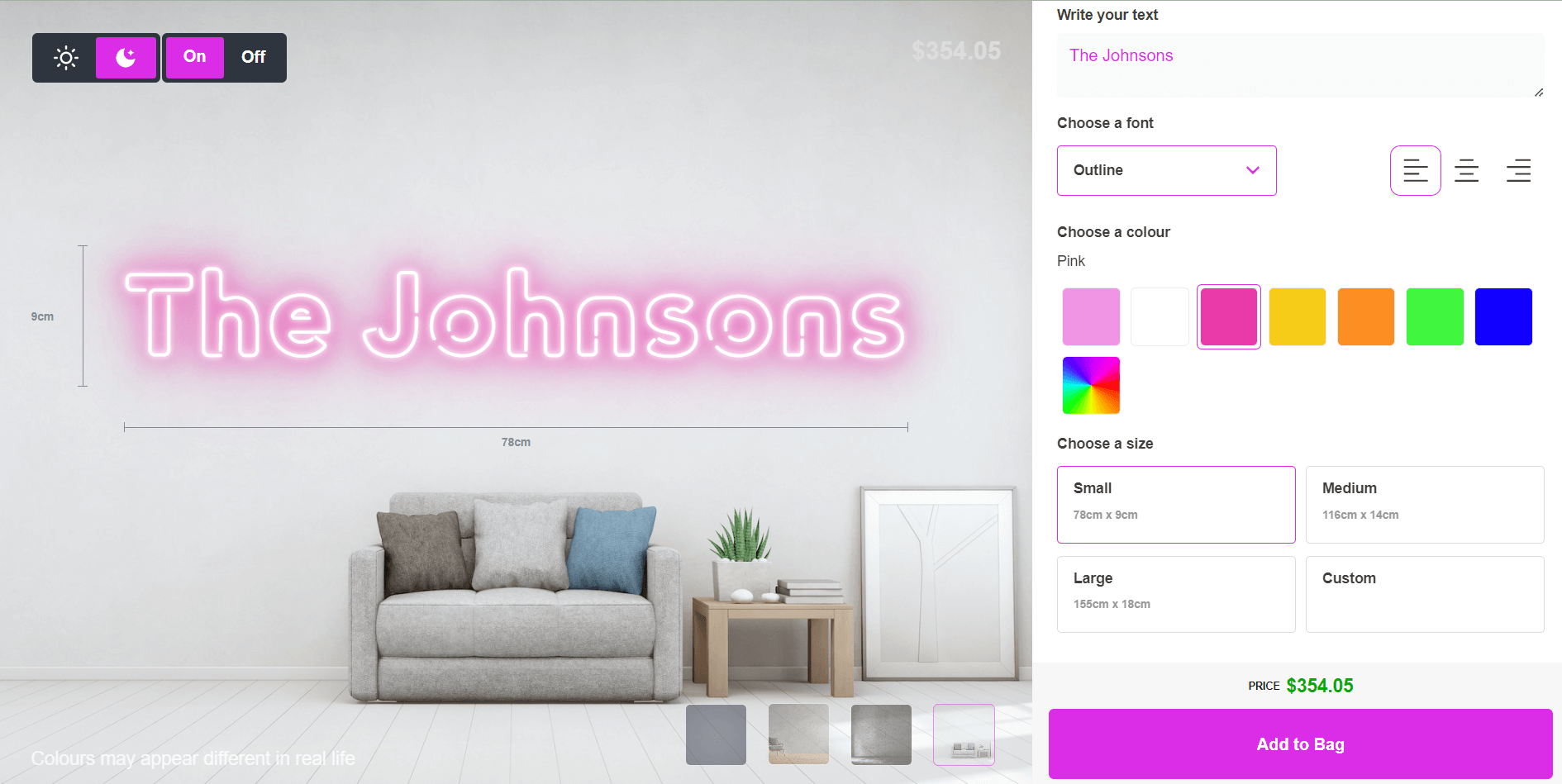
[Customize your neon wedding sign for free](https://demo.signcustomiser.com/pages/neon-sign-advanced-model)
## FAQs about neon wedding signs
### What is the average cost of renting or purchasing a neon wedding sign?
On average, the cost for a custom-made neon wedding sign can range from $300 to $1,500, and rentals can cost around $200 to $400 per day.
### How far in advance should I order my neon wedding sign?
It’s recommended to order your neon wedding sign at least 2-3 months before your wedding day to ensure enough time for the design, creation, and shipping of the sign.
### Can I customize my neon wedding sign with my own message or design?
Yes, most neon sign vendors offer customization options for neon wedding signs.
### How do I incorporate my neon wedding sign into my wedding decor?
You can incorporate your neon wedding sign into your wedding decor by placing it in a prominent location, such as the entrance or behind the sweetheart table. You can also pair it with other decor elements, such as flowers or greenery, to create a cohesive look.
### How do I properly maintain and store my neon wedding sign after the wedding?
To maintain your neon wedding sign, avoid touching or moving it while it’s on, and clean it with a dry, soft cloth. When storing the sign, make sure it’s wrapped in a protective material, such as bubble wrap or foam, and stored in a dry, cool place away from direct sunlight.
### What is the best size for a neon sign at a wedding?
The best size for a neon sign at a wedding depends on where it will be displayed and what message it will convey. It is best to consult with the vendor creating the sign to determine the appropriate size.
### Can I design my own wedding neon sign online?
Yes! You can use our [free neon sign maker](/neon-sign-maker-online-free/) to design and preview your custom wedding sign before ordering. This allows you to experiment with different fonts, colours, and sizes to find the perfect design for your big day.
**Related guides:**
- [How to hang neon signs like a pro](/posts/neon/hanging-neon-signs/)
- [30+ neon sign ideas for every occasion](/posts/neon/neon-sign-ideas/)
- [Custom neon signs cost guide](/posts/neon/custom-neon-signs-cost/)
- [Purple neon signs: meaning and design tips](/posts/neon/purple-neon-sign/)
Tags
- [neon](/posts/neon/)

About the author
### Matthew Attanasio
Founder, Sign Customiser
Matthew founded Sign Customiser to solve a problem he saw sign businesses facing every day: the endless back-and-forth of manual quoting. With a background in e-commerce development and a decade of experience building Shopify solutions at Sky Foundry, he set out to automate the entire custom sign selling process.
- E-commerce
- Shopify
- Sign Industry
- Product Strategy
[View profile](/authors/matthew-attanasio/)[](https://au.linkedin.com/in/matthew-attanasio-92500a36)[](https://github.com/matthewattanasio)
Let your customers design their own signs

Add a full sign customiser to your online store in minutes. Neon, acrylic, metal — with real-time pricing.
[Start your free 7-day trial](/install/)
Works with Shopify, WooCommerce, Wix & more. 7 days free. Every plan includes every feature.
Let your customers design their own signs

Add a full sign customiser to your online store in minutes. Neon, acrylic, metal — with real-time pricing.
[Start your free 7-day trial](/install/)
Works with Shopify, WooCommerce, Wix & more. 7 days free. Every plan includes every feature.
Related
## From theblog
Expert insights, industry trends, and actionable tips to enhance your online sign business.
[View all articles](/posts/)

neon·March 30, 2023
### [Exploring the benefits of acrylic neon signs for business signage](/posts/neon/acrylic-neon-signs/)
Customizable and Durable: Why Acrylic Neon Signs are a Smart Choice for Your Business Signage Needs
Read more

neon·September 26, 2023
### [45+ aesthetic neon quotes to light up your space](/posts/neon/aesthetic-neon-quotes/)
45+ aesthetic neon quotes for bedrooms, weddings and shop walls, plus how sign shops price and sell custom neon quote signs on their own website.
Read more

neon·September 26, 2023
### [Aesthetic neon signs: styles, ideas and pricing](/posts/neon/aesthetic-neon-signs/)
See the styles and colours behind aesthetic neon signs, get design ideas for any room, and learn how sign shops price and sell them online with a live customiser.
Read more

neon·December 25, 2022
### [Are neon signs dangerous? 14 great tips to stay safe](/posts/neon/are-neon-signs-dangerous/)
Get our 14 great tips to avert accidents & keep your family safe around neon signs with this post.
Read more

neon·September 26, 2023
### [Why are black neon signs the latest trend in home decor?](/posts/neon/black-neon-sign/)
Unleash your creativity with black neon signs and 20+ creative ideas for businesses, events, or personal spaces.
Read more

neon·December 5, 2022
### [Custom neon signs cost: the ultimate guide for Shopify store owners](/posts/neon/custom-neon-signs-cost/)
We explore the primary factors that influence the custom neon signs cost and strategies store owners can apply to increase sales and profit margins. Click to see more details!
Read more

neon·June 23, 2023
### [Design tips for creating eye-catching DIY neon signs](/posts/neon/design-tips-for-creating-eye-catching-diy-neon-signs/)
Neon signs have long been a captivating way for businesses to attract attention and make bold statements. With the rise of do-it-yourself (DIY) projects, creating your own neon sign has become an accessible and cost-effective option for businesses looking to stand out.
Read more

neon·January 5, 2025
### [How to make a DIY neon sign: step-by-step tutorial (LED flex method)](/posts/neon/diy-neon-sign/)
Learn how to make your own LED neon sign at home. Complete step-by-step guide with materials list, tools needed, and expert tips for beginners.
Read more

neon·September 26, 2023
### [Electric blue neon signs: meaning, ideas and pricing](/posts/neon/electric-blue-neon-blue-aesthetic/)
What makes electric blue neon glow, the blue aesthetic it creates, sign ideas by room, and how sign shops price and sell custom blue neon online.
Read more

neon·April 3, 2023
### [Faux neon signs: LED alternatives, costs & business guide (2026)](/posts/neon/faux-neon-sign/)
Complete guide to faux neon (LED neon) signs. Compares LED vs glass neon, covers profit margins for sign shops, and explains why LED neon dominates the market.
Read more

neon·March 28, 2023
### [Are glass neon signs worth it?](/posts/neon/glass-neon-signs/)
Are you curious about the cost and lifespan of glass neon signs? Our guide has all the answers you need to make an informed purchase.
Read more

neon·March 30, 2023
### [How to hang a neon sign: step-by-step guide (with & without nails)](/posts/neon/hanging-neon-signs/)
Learn how to hang a neon sign on any surface. Step-by-step instructions for drywall, brick, concrete & glass. Plus tips to hide wires and avoid wall damage.
Read more

neon·December 23, 2022
### [How to make custom neon signs, the easy guide for Shopify sign stores](/posts/neon/how-to-make-custom-neon-signs/)
Learn how to make custom neon signs as a producer. We also show you a secret to let buyers customize & view their signs in real-time.
Read more

neon·February 3, 2026
### [LED neon sign production: how custom neon signs are made](/posts/neon/led-neon-sign-production-process/)
LED neon signs are manufactured through a precise multi-stage process. Learn how custom LED neon signs are made, from acrylic backing preparation to tube bending, wiring, and quality testing.
Read more

neon·March 29, 2023
### [LED neon signs - a cost-effective alternative?](/posts/neon/led-neon-signs/)
Are LED neon signs worth it? Find out the answer and learn about their lifespan, energy efficiency, and low maintenance requirements.
Read more

neon·March 10, 2026
### [Name in lights: what customers type into a neon name sign generator](/posts/neon/name-in-lights-generator/)
Sign Customiser data: 70% of LED neon designs added to cart are two words or fewer, and one in four keep the default font. What that means for your generator.
Read more

neon·January 5, 2026
### [Neon art: what it is, who made it famous and how it is made](/posts/neon/neon-art/)
Neon art is art made from hand-bent glass tubes of glowing gas. The artists who made it famous, where to see their work, and how a drawing becomes neon.
Read more

neon·March 19, 2026
### [Neon light writer: 6 free and paid neon text tools compared](/posts/neon/neon-light-writer/)
Neon light writers compared: free neon text generators such as FlamingText, Cool Text and Canva, and sign software that turns words into LED neon signs.
Read more

neon·January 5, 2025
### [Neon open signs: the complete guide to open signs for businesses (2025)](/posts/neon/neon-open-signs/)
Discover the best neon and LED open signs for your business. Compare types, sizes, and installation options. Plus expert tips for choosing the perfect open sign.
Read more

neon·April 2, 2023
### [Neon signs hub: your one stop shop for all things neon signs](/posts/neon/neon-sign/)
Discover the colorful world of neon signs with our ultimate guides! Learn about their history, design, cost, and much more.
Read more

neon·April 5, 2023
### [70 neon sign ideas by room & occasion (2026 guide)](/posts/neon/neon-sign-ideas/)
See 70 neon sign ideas for bedrooms, weddings, bars and businesses, organised by room and occasion, plus how sign shops price and sell them online.
Read more

neon·April 4, 2023
### [Best neon sign quotes: 150+ ideas for every occasion (2026)](/posts/neon/neon-sign-quotes/)
Curated neon sign quotes for weddings, businesses, bars, bedrooms and more. Includes best-selling categories and pricing strategies for sign shops.
Read more

neon·April 1, 2023
### [Neon sign repair guide: DIY fixes & when to call a pro](/posts/neon/neon-sign-repair/)
Complete guide to neon sign repair. Troubleshoot common problems, learn DIY fixes, compare costs, and know when to hire a professional for neon light repair.
Read more

neon·January 5, 2025
### [Neon signs for room decor: 60+ ideas for bedrooms, gaming rooms & more](/posts/neon/neon-signs-for-room/)
Transform any room with neon signs. Browse 60+ ideas for bedrooms, gaming rooms, living rooms and home offices. Plus size, colour and placement tips.
Read more

neon·January 12, 2023
### [Neon versus LED: what are the differences? Which is right for you?](/posts/neon/neon-vs-led/)
We compare neon vs LED neon signs in this informative article. From lighting to maintenance, we cover pros & cons of each to help you make an informed decision on.
Read more

neon·September 26, 2023
### [Purple neon light: meaning, shades & buying guide](/posts/neon/purple-neon-sign/)
What purple neon light means, the shades from lavender to magenta, and how sign shops price and sell custom purple neon signs online with a live customiser.
Read more

neon·September 26, 2023
### [White neon sign: a guide to choosing the right one!](/posts/neon/white-neon-sign/)
Looking for a chic and modern addition to your decor? Check out our guide to choosing the best white neon sign.
Read more

neon·December 12, 2022
### [Why are neon signs so expensive? 2026 pricing guide for sign shops](/posts/neon/why-are-neon-signs-so-expensive/)
Complete breakdown of neon sign costs for sign shop owners. Covers material, labour, and overhead costs plus strategies to improve margins with LED neon.
Read more
[View all articles](/posts/)
## Sitemap
See the full [sitemap](/sitemap.md) for all pages.
---
## Purple Neon Light: Meaning, Shades & Buying Guide - Sign Customiser Blog
Source: [https://www.signcustomiser.com/posts/neon/purple-neon-sign/](https://www.signcustomiser.com/posts/neon/purple-neon-sign/)
## Quick answer: purple neon light
- **Colour.** Purple neon light isn’t one wavelength. It’s a mix of red and blue light, so it reads differently depending on how much of each is in the mix.
- **Shades.** Violet (deep, blue-leaning), lavender (soft, pale), magenta (pink-leaning), deep plum, and UV purple (blacklight effect).
- **Meaning.** Purple has carried associations with royalty, luxury and creativity for centuries, which is why it’s a common choice for high-end retail, bedrooms and nightlife spaces.
- **How it’s made.** Glass neon gets its violet glow from pure argon gas, or from a phosphor coating inside the tube. LED neon uses purple LED chips instead of gas.
## What are purple neon signs
Purple neon signs are illuminated signs, made either from glass neon tubing or flexible LED neon, that glow purple or violet. They’re used for storefronts, bars, bedrooms, weddings and events, and as decorative wall pieces.
### How the colour is made
Real neon gas only glows reddish-orange. Other colours come from a different gas or a coated tube. Pure argon gas produces a lilac-violet glow on its own. An argon and mercury mix gives off ultraviolet light, and a phosphor coating inside the tube turns that into its own colour, which is how makers combine gases and coatings to get other shades ([Wikipedia: Argon](https://en.wikipedia.org/wiki/Argon); [Wikipedia: Neon sign](https://en.wikipedia.org/wiki/Neon_sign)).
Most purple signs sold today are LED neon flex rather than glass. LED neon uses a flexible silicone tube with purple LED chips inside instead of gas, so there’s no glass to break and no high-voltage transformer needed to strike an arc.
### Types of purple neon signs
- **Script fonts** for names, quotes or a single word
- **Logo signs** for a shop or brand
- **Decorative shapes** such as hearts, stars or outlines
## Meaning of purple neon color
Purple is a non-spectral colour. It doesn’t have its own wavelength the way violet does; it’s what you get from mixing red and blue light in different proportions ([Wikipedia: Purple](https://en.wikipedia.org/wiki/Purple)).
That blend is part of why purple reads as creative or a little mysterious. It sits visually between two other colours rather than being its own point on the spectrum.
Historically, purple has been tied to status and wealth. Tyrian purple dye, made from sea snails, was so expensive in antiquity that it became the colour of Roman magistrates and later Byzantine emperors. That history is why purple still reads as royal, luxurious or high-end today, and why brands in beauty, fashion and hospitality reach for it.
## Purple neon sign shade variations
Not all purple neon light looks the same. The shade changes the mood.
### Violet
Deep, blue-leaning purple. Reads as regal and a little formal. Common in upscale bars, boutiques and home offices, paired with gold accents or dark wood.
### Lavender
Soft, pale purple with grey undertones. Calming rather than intense. Common in bedrooms, nurseries and spa spaces, paired with white or cream.
### Magenta
A bright purple-pink. Energetic and bold, common in gaming rooms, nightclubs and retail displays, paired with electric blue or black.
### Deep plum
A dark, wine-leaning purple. Intimate rather than loud, common in wine bars and lounges.
### UV purple
The classic blacklight look: bright purple that makes white fabric and fluorescent materials glow under it. Common in clubs, gaming setups and themed parties.
Shade
Intensity
Best for
Mood
Violet
High
Bars, offices
Sophisticated
Lavender
Low
Bedrooms, spas
Calming
Magenta
High
Gaming rooms, clubs
Energetic
Deep plum
Medium
Lounges, restaurants
Intimate
UV purple
High
Clubs, gaming
Party
Swipe for more
## Selling purple neon signs from your sign shop
### Who buys purple neon signs
Purple sells across a wide range of buyers. Common segments: bars and restaurants adding a feature wall or logo sign, wedding and event hire businesses providing signs for a night, and home decor and gifting customers ordering a personalised sign for a bedroom or living room. Purple’s luxury and creative associations also make it a repeat choice for beauty, fashion and wellness brands.
### Pricing and selling it online
Instead of quoting each purple neon sign by email, a live customiser lets a shopper type their text, pick a font, choose a purple shade, set a size and a backboard, and see a design preview and price update as they go. You set the rates. The customiser runs your pricing rules against what the customer picks. [Sign Customiser](/solutions/neon-signs/) is built for this: a sign shop configures fonts, tube colours, backboard shapes and pricing once, and customers design and order from the shop’s own website.
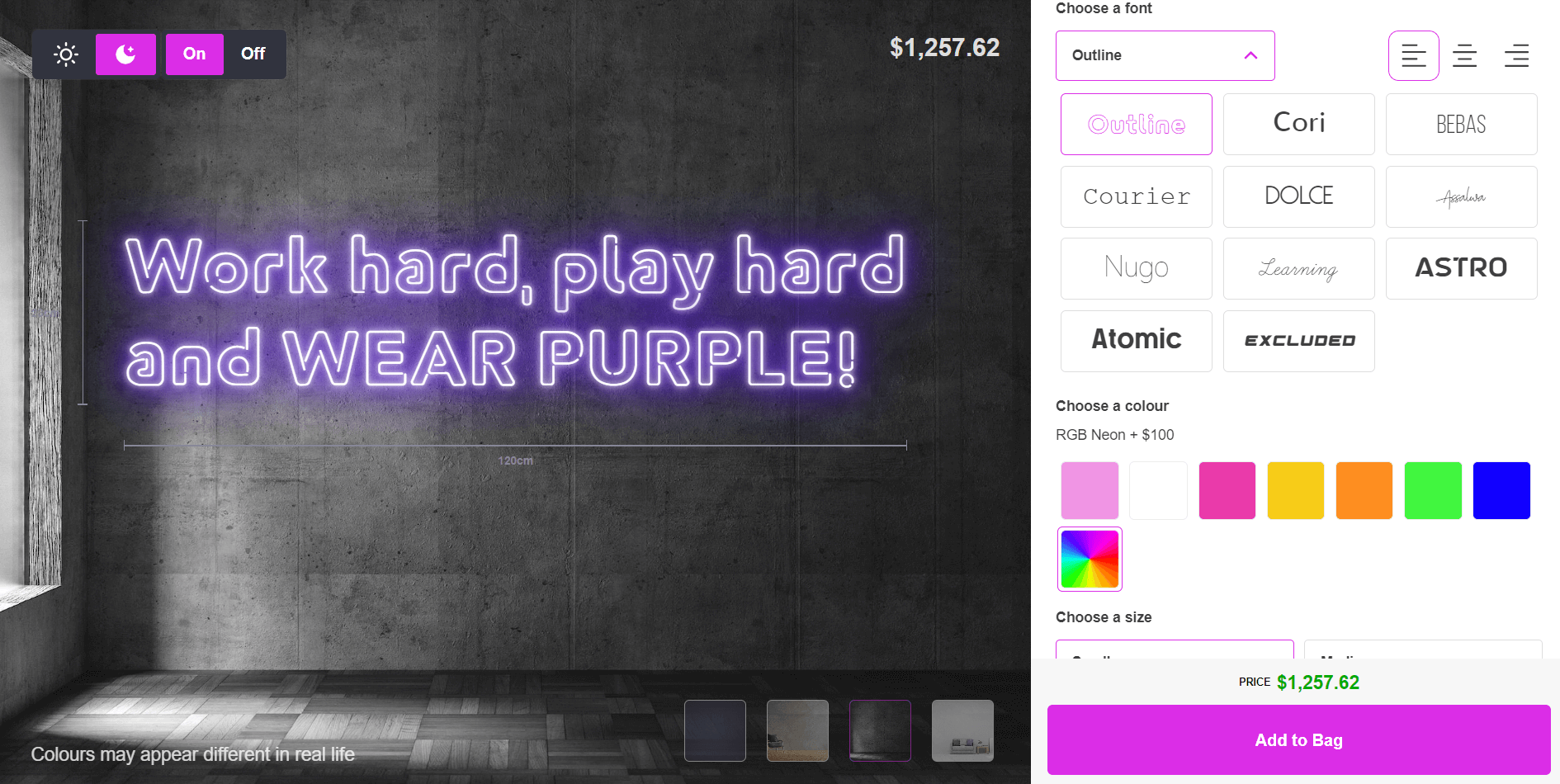
### A worked pricing example
Neon signs are commonly priced by tube length rather than a flat fee, using the formula `(tube length in cm × price per cm) + base price`. The numbers below are illustrative only. You set your own rates in the admin.
Design
Tube length
Price per cm (example rate)
Base price (example rate)
Illustrative total
Small script sign
30 cm
$2.50
$35
$110
Medium script sign
60 cm
$2.50
$35
$185
Swipe for more
A colour or option selection, such as an RGB upgrade, can add a further base price or a price multiplier on top of that total. You control what each selection costs.
### Production and material notes
Purple neon signs are made in two main ways. LED flex uses a flexible tube with LED chips. Glass neon uses gas-filled glass tubing shaped and sealed by a neon bender. LED flex is lighter and less fragile than glass tubing, which makes it easier to ship.
Sign Customiser attaches production-ready SVG cut paths to every order, along with tube colour, electrical requirements and dimmer notes, so your production team or supplier gets order-ready details without a back-and-forth. Backboard colour, material and texture are configurable per customiser.
### Get started
[Sign Customiser](/solutions/neon-signs/) runs on Shopify, WooCommerce, Wix, Webflow, Squarespace and Etsy. Plans run from $29 to $299 a month, and every plan starts with a 7-day free trial. [Start your free trial](/install/), or see full [pricing](/pricing/).
## Room-by-room purple neon ideas
### Bedroom
Lavender or violet work well for a relaxing feel. Common placements: above the headboard, on the wall opposite the bed, or behind a mirror. Popular text: “Sweet dreams”, “Good vibes only”, or a name.
### Gaming room
Magenta or UV purple suit a gaming setup. Common placements: behind the monitor as bias lighting, or along a shelf with collectables.
### Bar or entertainment space
Deep plum or UV purple fit a nightclub-style atmosphere. Common placements: behind the bar, or above a seating area.
### Business and retail
Violet reads as luxury. Magenta reads as trendy and creative. Common uses: a logo sign in a storefront window, or a photo spot inside a shop.
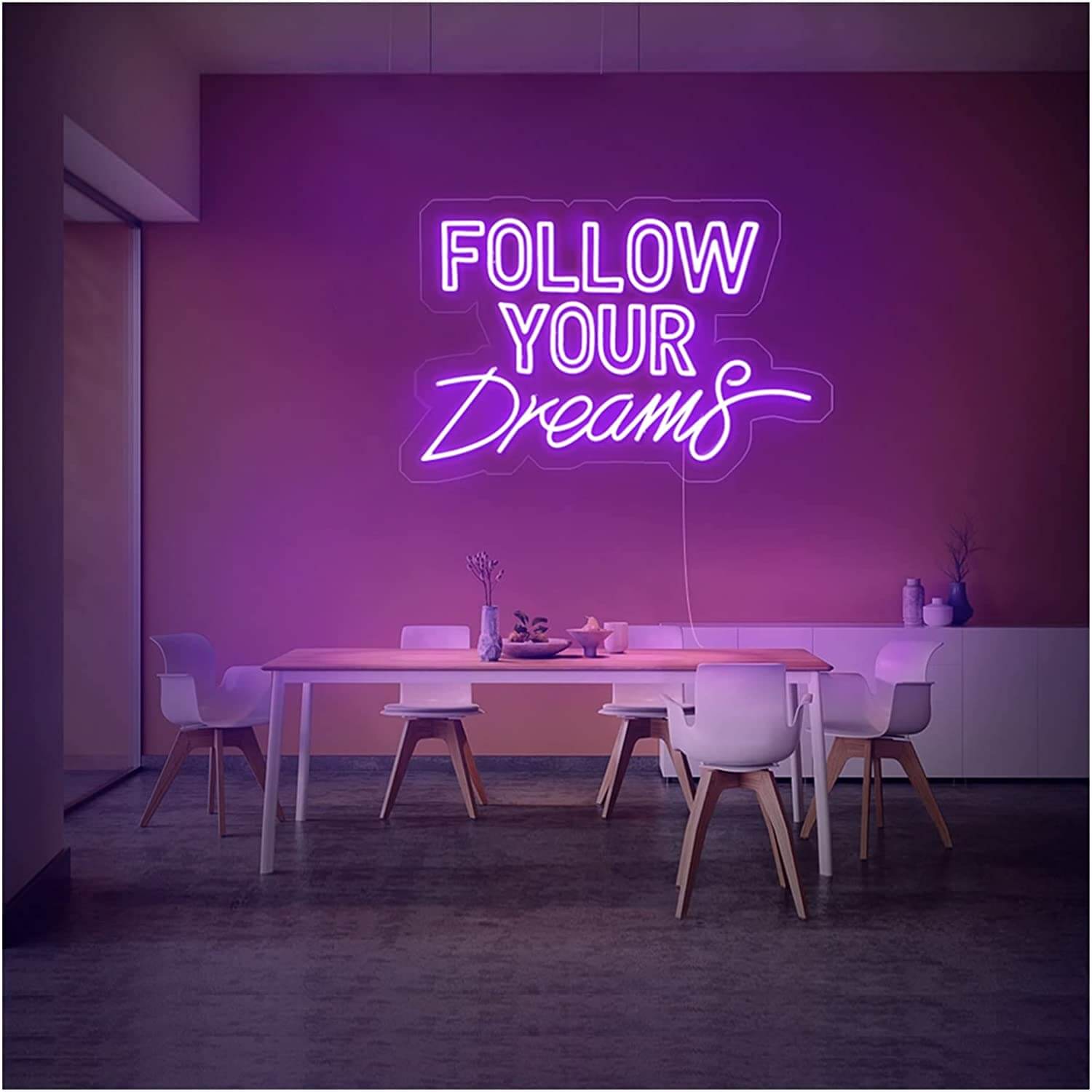
## LED neon vs glass neon
Feature
LED neon
Glass neon
Weight
Light
Heavy
Durability
Shatter-resistant
Fragile
Heat
Cool to touch
Can get warm
Repair
Easier
Needs a specialist
Swipe for more
For most home and business signs, LED neon is the more practical choice. Glass neon still has a place for vintage-style signage or when an exact traditional glow is the goal.
## FAQs about purple neon signs
### What does a purple neon sign mean?
Purple has long been tied to royalty, luxury and creativity, so a purple neon sign tends to read as upscale, artistic or a little mysterious, depending on the shade and where it’s used.
### Is violet neon the same as purple neon?
Not quite. Violet is a single wavelength at the edge of the visible spectrum. Purple is a blend of red and blue light with no wavelength of its own. In neon and LED signage, “violet” usually refers to the deepest, bluest end of the purple range.
### What makes a neon sign glow purple?
Glass neon tubes glow violet from pure argon gas, or take their colour from a phosphor coating inside the tube. LED neon signs use purple LED chips instead of gas.
### Is purple a warm or cool colour?
It depends on the shade. Blue-leaning shades like violet read as cool. Pink-leaning shades like magenta read as warm.
### How much does a custom purple neon sign cost?
It depends on the size, tube length and options you choose, and every shop sets its own rates. The most accurate way to check is to build the design in a live customiser and see the price update as you go, such as the [free neon sign maker](/neon-sign-maker-online-free/).
## Sources
- [Wikipedia: Neon sign](https://en.wikipedia.org/wiki/Neon_sign)
- [Wikipedia: Argon](https://en.wikipedia.org/wiki/Argon)
- [Wikipedia: Purple](https://en.wikipedia.org/wiki/Purple)
**Related guides:**
- [Custom neon signs cost: what shapes the price](/posts/neon/custom-neon-signs-cost/)
- [Neon wedding signs: ideas and placement](/posts/neon/neon-wedding-sign/)
- [Custom aesthetic neon signs](/posts/neon/aesthetic-neon-signs/)
Tags
- [neon](/posts/neon/)

About the author
### Matthew Attanasio
Founder, Sign Customiser
Matthew founded Sign Customiser to solve a problem he saw sign businesses facing every day: the endless back-and-forth of manual quoting. With a background in e-commerce development and a decade of experience building Shopify solutions at Sky Foundry, he set out to automate the entire custom sign selling process.
- E-commerce
- Shopify
- Sign Industry
- Product Strategy
[View profile](/authors/matthew-attanasio/)[](https://au.linkedin.com/in/matthew-attanasio-92500a36)[](https://github.com/matthewattanasio)
Let your customers design their own signs

Add a full sign customiser to your online store in minutes. Neon, acrylic, metal — with real-time pricing.
[Start your free 7-day trial](/install/)
Works with Shopify, WooCommerce, Wix & more. 7 days free. Every plan includes every feature.
Let your customers design their own signs

Add a full sign customiser to your online store in minutes. Neon, acrylic, metal — with real-time pricing.
[Start your free 7-day trial](/install/)
Works with Shopify, WooCommerce, Wix & more. 7 days free. Every plan includes every feature.
Related
## From theblog
Expert insights, industry trends, and actionable tips to enhance your online sign business.
[View all articles](/posts/)

neon·March 30, 2023
### [Exploring the benefits of acrylic neon signs for business signage](/posts/neon/acrylic-neon-signs/)
Customizable and Durable: Why Acrylic Neon Signs are a Smart Choice for Your Business Signage Needs
Read more

neon·September 26, 2023
### [45+ aesthetic neon quotes to light up your space](/posts/neon/aesthetic-neon-quotes/)
45+ aesthetic neon quotes for bedrooms, weddings and shop walls, plus how sign shops price and sell custom neon quote signs on their own website.
Read more

neon·September 26, 2023
### [Aesthetic neon signs: styles, ideas and pricing](/posts/neon/aesthetic-neon-signs/)
See the styles and colours behind aesthetic neon signs, get design ideas for any room, and learn how sign shops price and sell them online with a live customiser.
Read more

neon·December 25, 2022
### [Are neon signs dangerous? 14 great tips to stay safe](/posts/neon/are-neon-signs-dangerous/)
Get our 14 great tips to avert accidents & keep your family safe around neon signs with this post.
Read more

neon·September 26, 2023
### [Why are black neon signs the latest trend in home decor?](/posts/neon/black-neon-sign/)
Unleash your creativity with black neon signs and 20+ creative ideas for businesses, events, or personal spaces.
Read more

neon·December 5, 2022
### [Custom neon signs cost: the ultimate guide for Shopify store owners](/posts/neon/custom-neon-signs-cost/)
We explore the primary factors that influence the custom neon signs cost and strategies store owners can apply to increase sales and profit margins. Click to see more details!
Read more

neon·June 23, 2023
### [Design tips for creating eye-catching DIY neon signs](/posts/neon/design-tips-for-creating-eye-catching-diy-neon-signs/)
Neon signs have long been a captivating way for businesses to attract attention and make bold statements. With the rise of do-it-yourself (DIY) projects, creating your own neon sign has become an accessible and cost-effective option for businesses looking to stand out.
Read more

neon·January 5, 2025
### [How to make a DIY neon sign: step-by-step tutorial (LED flex method)](/posts/neon/diy-neon-sign/)
Learn how to make your own LED neon sign at home. Complete step-by-step guide with materials list, tools needed, and expert tips for beginners.
Read more

neon·September 26, 2023
### [Electric blue neon signs: meaning, ideas and pricing](/posts/neon/electric-blue-neon-blue-aesthetic/)
What makes electric blue neon glow, the blue aesthetic it creates, sign ideas by room, and how sign shops price and sell custom blue neon online.
Read more

neon·April 3, 2023
### [Faux neon signs: LED alternatives, costs & business guide (2026)](/posts/neon/faux-neon-sign/)
Complete guide to faux neon (LED neon) signs. Compares LED vs glass neon, covers profit margins for sign shops, and explains why LED neon dominates the market.
Read more

neon·March 28, 2023
### [Are glass neon signs worth it?](/posts/neon/glass-neon-signs/)
Are you curious about the cost and lifespan of glass neon signs? Our guide has all the answers you need to make an informed purchase.
Read more

neon·March 30, 2023
### [How to hang a neon sign: step-by-step guide (with & without nails)](/posts/neon/hanging-neon-signs/)
Learn how to hang a neon sign on any surface. Step-by-step instructions for drywall, brick, concrete & glass. Plus tips to hide wires and avoid wall damage.
Read more

neon·December 23, 2022
### [How to make custom neon signs, the easy guide for Shopify sign stores](/posts/neon/how-to-make-custom-neon-signs/)
Learn how to make custom neon signs as a producer. We also show you a secret to let buyers customize & view their signs in real-time.
Read more

neon·February 3, 2026
### [LED neon sign production: how custom neon signs are made](/posts/neon/led-neon-sign-production-process/)
LED neon signs are manufactured through a precise multi-stage process. Learn how custom LED neon signs are made, from acrylic backing preparation to tube bending, wiring, and quality testing.
Read more

neon·March 29, 2023
### [LED neon signs - a cost-effective alternative?](/posts/neon/led-neon-signs/)
Are LED neon signs worth it? Find out the answer and learn about their lifespan, energy efficiency, and low maintenance requirements.
Read more

neon·March 10, 2026
### [Name in lights: what customers type into a neon name sign generator](/posts/neon/name-in-lights-generator/)
Sign Customiser data: 70% of LED neon designs added to cart are two words or fewer, and one in four keep the default font. What that means for your generator.
Read more

neon·January 5, 2026
### [Neon art: what it is, who made it famous and how it is made](/posts/neon/neon-art/)
Neon art is art made from hand-bent glass tubes of glowing gas. The artists who made it famous, where to see their work, and how a drawing becomes neon.
Read more

neon·March 19, 2026
### [Neon light writer: 6 free and paid neon text tools compared](/posts/neon/neon-light-writer/)
Neon light writers compared: free neon text generators such as FlamingText, Cool Text and Canva, and sign software that turns words into LED neon signs.
Read more

neon·January 5, 2025
### [Neon open signs: the complete guide to open signs for businesses (2025)](/posts/neon/neon-open-signs/)
Discover the best neon and LED open signs for your business. Compare types, sizes, and installation options. Plus expert tips for choosing the perfect open sign.
Read more

neon·April 2, 2023
### [Neon signs hub: your one stop shop for all things neon signs](/posts/neon/neon-sign/)
Discover the colorful world of neon signs with our ultimate guides! Learn about their history, design, cost, and much more.
Read more

neon·April 5, 2023
### [70 neon sign ideas by room & occasion (2026 guide)](/posts/neon/neon-sign-ideas/)
See 70 neon sign ideas for bedrooms, weddings, bars and businesses, organised by room and occasion, plus how sign shops price and sell them online.
Read more

neon·April 4, 2023
### [Best neon sign quotes: 150+ ideas for every occasion (2026)](/posts/neon/neon-sign-quotes/)
Curated neon sign quotes for weddings, businesses, bars, bedrooms and more. Includes best-selling categories and pricing strategies for sign shops.
Read more

neon·April 1, 2023
### [Neon sign repair guide: DIY fixes & when to call a pro](/posts/neon/neon-sign-repair/)
Complete guide to neon sign repair. Troubleshoot common problems, learn DIY fixes, compare costs, and know when to hire a professional for neon light repair.
Read more

neon·January 5, 2025
### [Neon signs for room decor: 60+ ideas for bedrooms, gaming rooms & more](/posts/neon/neon-signs-for-room/)
Transform any room with neon signs. Browse 60+ ideas for bedrooms, gaming rooms, living rooms and home offices. Plus size, colour and placement tips.
Read more

neon·January 12, 2023
### [Neon versus LED: what are the differences? Which is right for you?](/posts/neon/neon-vs-led/)
We compare neon vs LED neon signs in this informative article. From lighting to maintenance, we cover pros & cons of each to help you make an informed decision on.
Read more

neon·September 26, 2023
### [Neon wedding signs: 40+ ideas, placement guide & costs](/posts/neon/neon-wedding-sign/)
Complete guide to neon signs for wedding decor. Discover 40+ ideas, placement tips, rental vs purchase costs, and how to match your wedding theme.
Read more

neon·September 26, 2023
### [White neon sign: a guide to choosing the right one!](/posts/neon/white-neon-sign/)
Looking for a chic and modern addition to your decor? Check out our guide to choosing the best white neon sign.
Read more

neon·December 12, 2022
### [Why are neon signs so expensive? 2026 pricing guide for sign shops](/posts/neon/why-are-neon-signs-so-expensive/)
Complete breakdown of neon sign costs for sign shop owners. Covers material, labour, and overhead costs plus strategies to improve margins with LED neon.
Read more
[View all articles](/posts/)
## Sitemap
See the full [sitemap](/sitemap.md) for all pages.
---
## White neon sign: a guide to choosing the right one! - Sign Customiser Blog
Source: [https://www.signcustomiser.com/posts/neon/white-neon-sign/](https://www.signcustomiser.com/posts/neon/white-neon-sign/)
## Light up your life: the timeless elegance of white neon signs
Get ready to elevate your space with the sleek and chic vibes of aesthetic white neon signs! Whether you’re looking to jazz up your home, office, or event space, these neon signs are the perfect way to make a statement.
With their timeless and versatile aesthetic, you can create a modern and stylish atmosphere that suits your unique style and preferences.
**From minimalist to bold, these signs are sure to turn heads and leave a lasting impression.** So why settle for a boring and bland space when you can add a touch of neon magic?

Image source: customneon.com
️️📌 This is chapter 4 in [the custom neon signs hub](https://www.signcustomiser.com/posts/neon/custom-neon-signs-cost/)
## The meaning of white neon sign
**White neon signs have become increasingly popular in modern interior design, adding a touch of elegance and sophistication to any space.** The significance of white light in art and emotion cannot be ignored, as white is often associated with purity, clarity, and new beginnings.
**When it comes to [neon signs](https://en.wikipedia.org/wiki/Neon_sign), white can be used to create a specific mood or ambiance.** For example, a warm white neon sign can create a cozy and inviting atmosphere in a bedroom, while a cool white neon sign can add a modern and sleek touch to a living room or office.
Aesthetic white neon signs can be used in a variety of settings, including homes, offices, and events.
- In homes, white neon signs can be used to add a personal touch to a space or as a statement piece in a room.
- In offices, white neon signs can be used as motivational or inspirational messages for employees.
- In events, white neon signs can be used as backdrops or centerpieces, adding a unique and memorable touch to the occasion.
**Overall, white neon signs are a versatile and timeless addition to any space, providing endless possibilities for customization and creativity.**
Whether you’re looking to add a touch of elegance to your home or create a modern and sophisticated atmosphere in your office, a white neon sign is the perfect choice.
## Why choose white neon signs?
When it comes to choosing a color for your neon sign, white might not be the first color that comes to mind. However, white neon signs have become increasingly popular in modern interior design, thanks to their minimalistic and modern appearance.
### Minimalistic and modern
The simplicity of white neon signs creates a clean, sleek look that is perfect for contemporary spaces. The [minimalist design](https://www.architecturaldigest.com/story/minimalist-interior-design-101) of these signs makes them ideal for any space that needs a touch of elegance without being overwhelming.
Aesthetic white neon signs are perfect for complementing modern and industrial-style interiors, as well as adding a touch of sophistication to any space.
### Versatile and timeless
Another reason to choose white neon signs is their versatility. They can be used in a variety of settings, from homes to offices to events.
White neon signs are also timeless, meaning they never go out of style. They can complement any interior design style, from minimalist to bohemian.
### Creates a calming ambience
Lastly, white neon signs are known for creating a calming ambience. The soft, warm glow of a white neon light can help set the mood in a room and create a relaxing atmosphere.
Whether you’re looking to add a sense of calm to your bedroom or create a soothing environment in your office, a warm white neon sign can be the perfect addition.
## Ideas and examples for aesthetic white neon signs
Aesthetic white neon signs are versatile and can be used in various settings, making them a popular choice in modern interior design. Here are some creative and inspiring ideas for using aesthetic white neon signs.
### Using neon signs for branding and marketing purposes
Image source: dribbble.com
White neon signs can be used for [branding](https://blog.hubspot.com/marketing/branding) and [marketing](https://en.wikipedia.org/wiki/Marketing) purposes. For example, a white neon sign with the company logo or slogan can make a bold statement and attract attention in a retail space or office.
### Incorporating neon signs into interior design, home decor
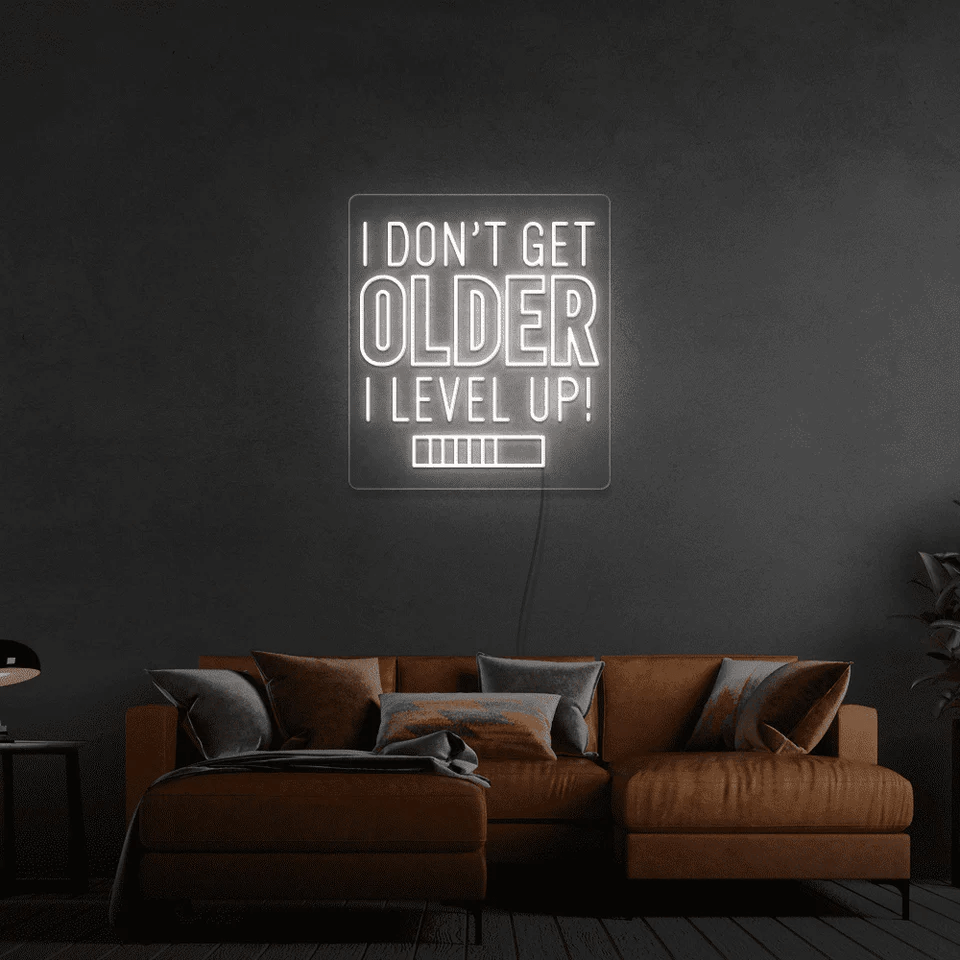
Image source: neonmarvels.com
Incorporating white neon signs into interior design and home decor can create a unique and personalized touch.
A white neon sign that says **“beauty”** or **“happiness”** can add a motivational feel to any room. A **“good vibes only”** white neon sign can create a relaxing and inviting atmosphere.
- **In bedrooms:** Add a touch of elegance to your bedroom by placing a white neon sign on a white wall. A “love” or “dream” white neon sign will add a cozy vibe to your room.
- **In living rooms:** Make a statement in your living room by incorporating a white neon sign that complements the overall decor. A “home sweet home” or “family” white neon sign can add a warm and welcoming feel.
### Creating custom neon signs for events or personal use

Image source: alibaba.com
[Custom neon signs](https://www.signcustomiser.com/posts/neon/custom-neon-signs-cost/) are a popular choice for events, parties, and personal use. **They can be used to display names, messages, or logos and are a great way to make a statement.** For example, you can create a custom white neon sign with your name or favorite quote to add a personal touch to your bedroom or living room.
**Learn more:** [Top 40+ aesthetic neon quotes to find your inspiration](https://www.signcustomiser.com/posts/neon/aesthetic-neon-quotes/)
### Creative ways to use white neon signs for business and retail spaces
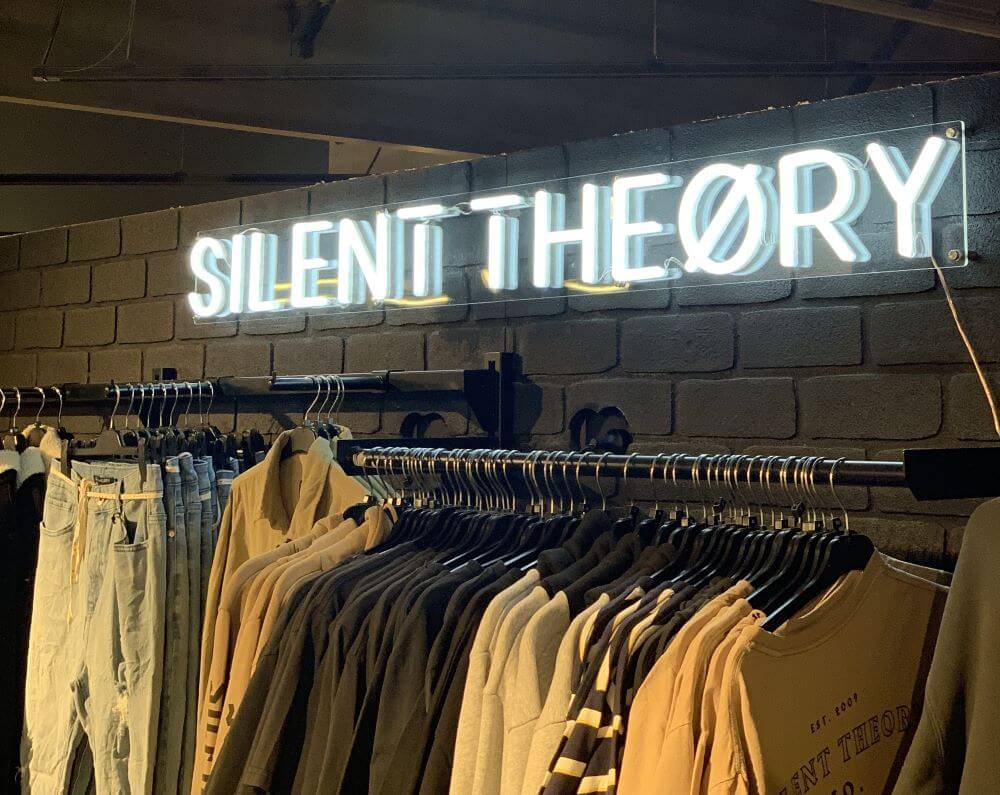
Image source: customneon.com.au
White neon signs are also a great option for businesses and retail spaces. They can be used to create a modern and minimalistic ambiance that is sure to attract customers.
**For example, a white neon sign that displays your business name or logo can make a strong statement and create a professional image for your brand.**
White neon signs can also be used to highlight specific products or areas of your store, creating a subtle yet eye-catching effect.
### Using neon signs for weddings and events
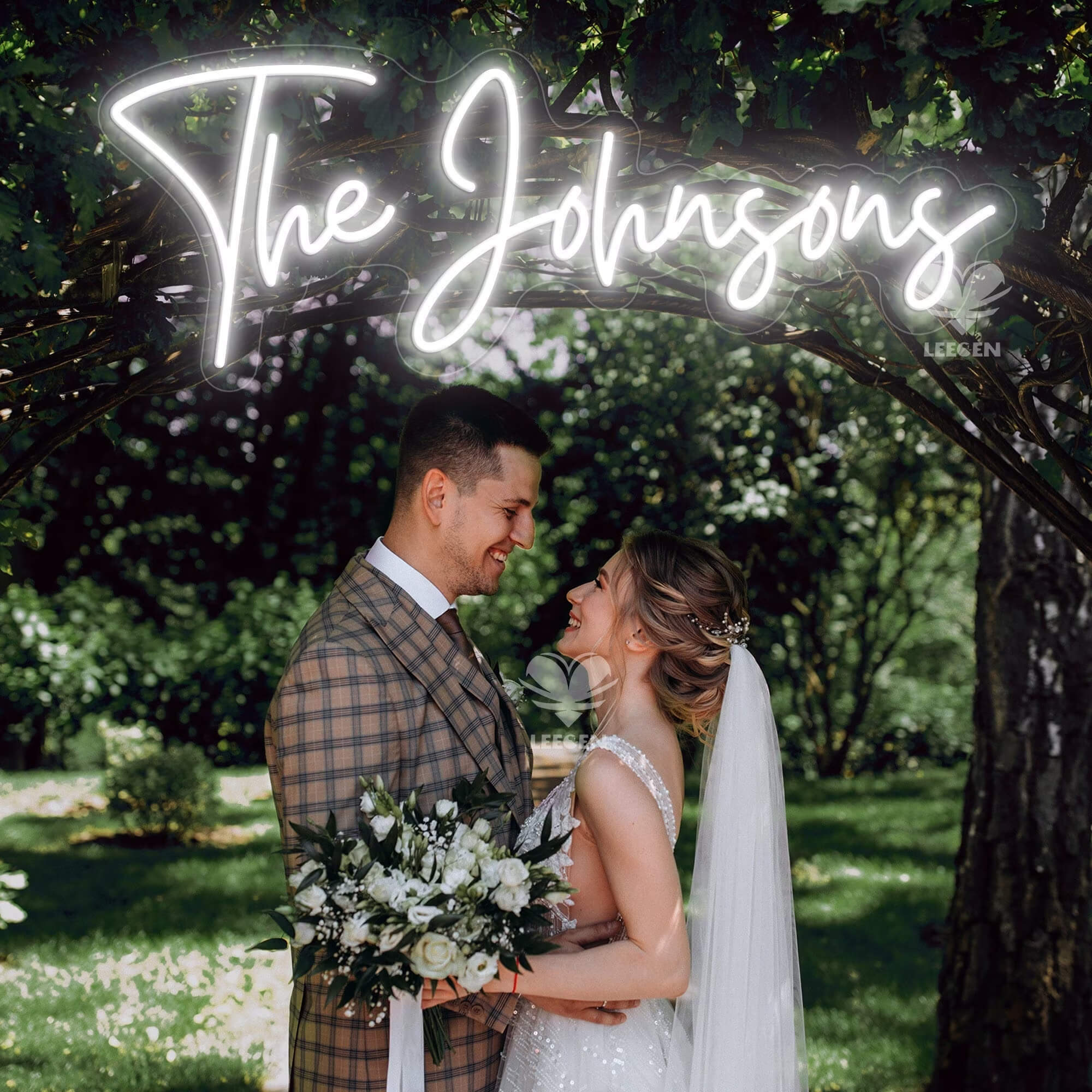
Image source: etsy.com
White neon signs can add a special touch to [weddings](https://www.signcustomiser.com/posts/neon/neon-wedding-sign/) and events, creating a romantic and intimate atmosphere.
**For example, a white neon sign that displays the bride and groom’s names or initials can add a personalized touch to the decor.** Also, a “Mr & Mrs” or “Love” white neon sign can be used as a backdrop for wedding photos or as a centerpiece for the reception.
White neon signs can also be used to highlight specific areas of the venue, such as the bar or dance floor, creating a focal point for guests to enjoy. Whether you’re looking to create a modern or classic aesthetic, white neon signs are a versatile and stylish option for any event.
## Customization options for white neon signs
Customization is an essential factor when creating unique aesthetic white neon signs. With the [Neon Sign Customizer app](https://apps.shopify.com/neon-product-customiser), neon sign store owners can offer their clients several customization options, ensuring they get the exact product they want.
### Benefits of using the neon sign customizer app
There are various customization options available for creating unique aesthetic white neon signs.
**These include selecting a specific font, shape, or image. Clients can also choose their preferred size, color, and design.** With these customization options, clients can make their aesthetic white neon sign unique and tailored to their specific needs.
Using the [Neon Sign Customizer app](https://apps.shopify.com/neon-product-customiser) has numerous benefits when creating custom aesthetic white neon signs. **The app is easy to use, and clients can see the changes made in real-time, ensuring that they get exactly what they want.**
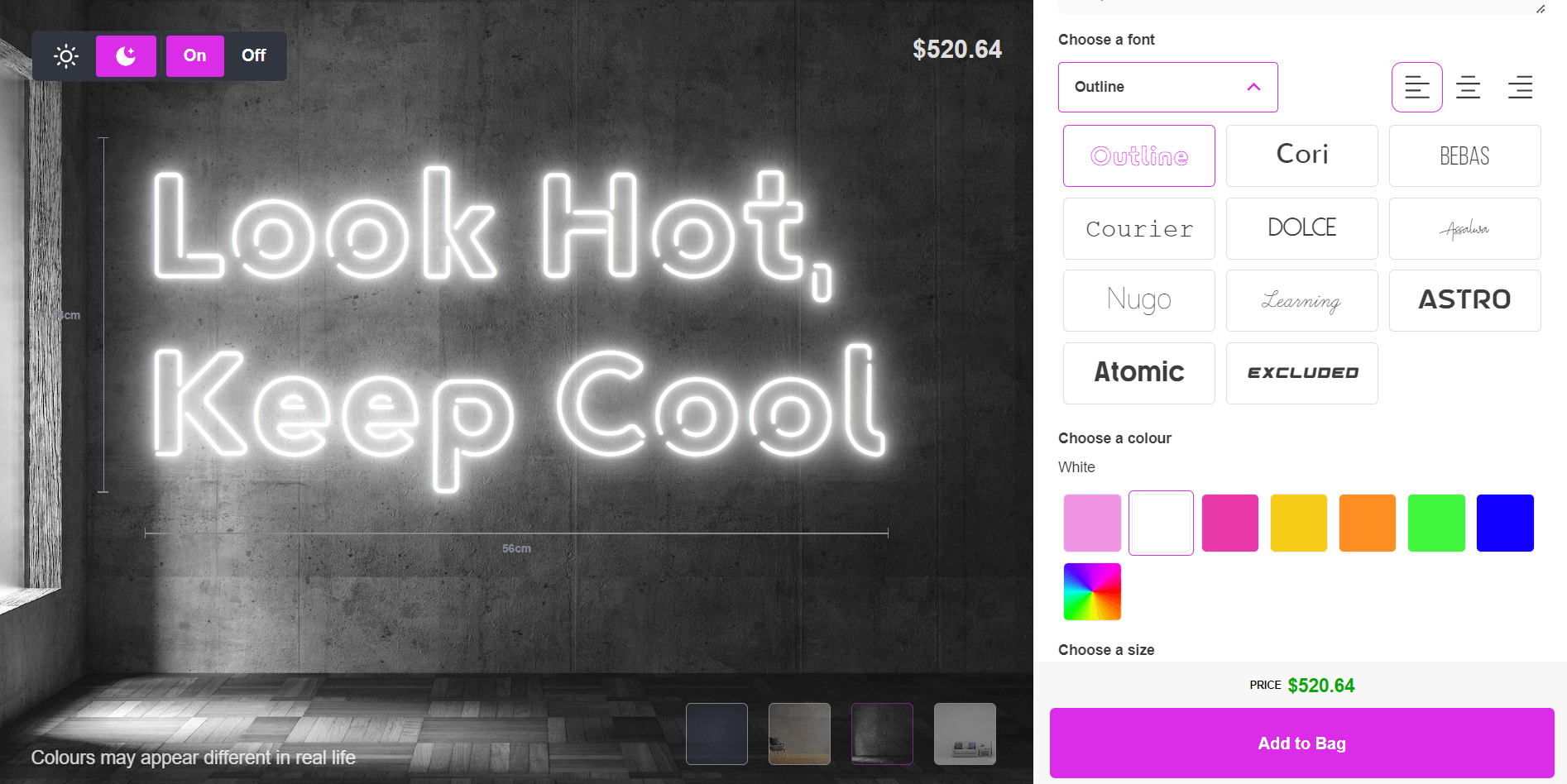
**[Custom your white neon sign now!](https://demo.signcustomiser.com/pages/neon-sign-advanced-model)**
## Choosing the right white color for aesthetic neon signs
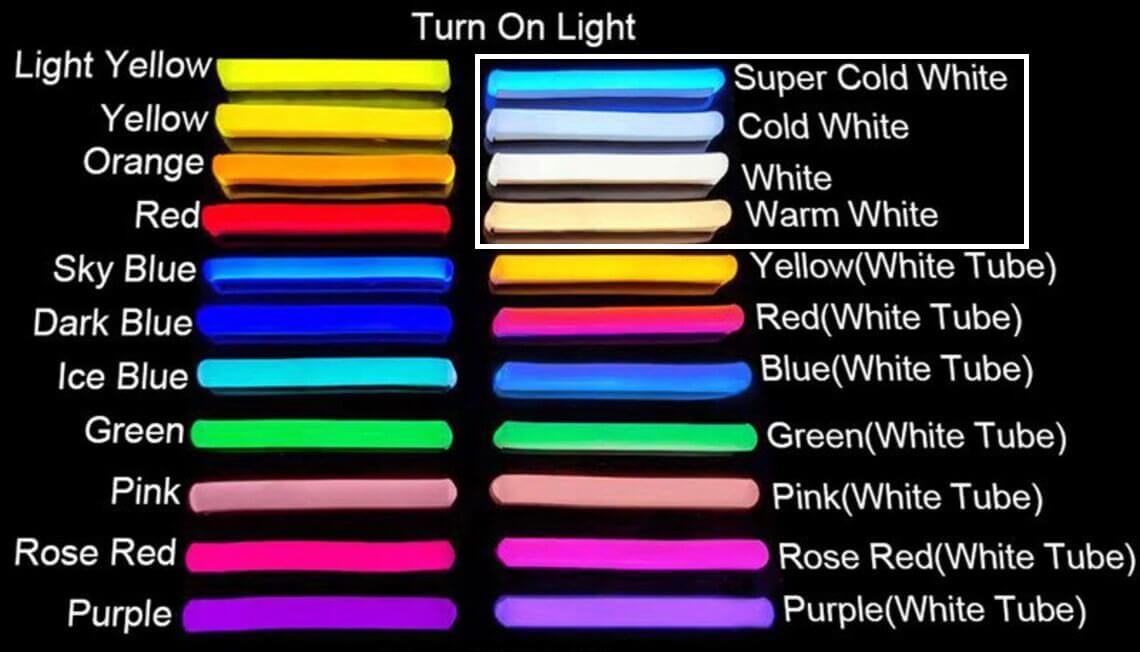
Image source: esty.com
When it comes to choosing the right white color for [aesthetic neon signs](https://www.signcustomiser.com/posts/neon/aesthetic-neon-signs/), there are a few things to consider.
### Is aesthetic white yellow or pure white?
First, let’s address the question of whether aesthetic white is yellow or pure white. Aesthetic white is generally considered a pure white color. However, depending on the lighting and other colors in the space, it can appear slightly yellow or off-white.
### Warm or cool color?
Another thing to consider is whether aesthetic white is a warm or cool color. Aesthetic white is typically considered a cool color, as it has [blue undertones](https://www.signcustomiser.com/posts/neon/electric-blue-neon-blue-aesthetic/).
However, the exact shade of white can have an impact on the mood of a space. Warmer shades of white can create a cozy and inviting feel, while cooler shades can create a more modern and minimalist vibe.
**Learn more:** [Purple haze: exploring the allure of purple neon signs](https://www.signcustomiser.com/posts/neon/purple-neon-sign/)
### Tips for choosing the right shade of white
When choosing the right shade of white for your aesthetic neon sign, consider the overall design aesthetic of the space where it will be displayed.
- If you’re going for a minimalist and modern look, a cool shade of white might be the way to go.
- However, if you want to create a cozy and inviting atmosphere, a warmer shade might be more appropriate.
Additionally, consider the other colors in the space and how they will interact with the white neon sign. It’s also a good idea to view samples in person or request digital mock-ups to get a better idea of how the color will look in your space.
**Learn more:** [How black neon signs are changing the game](https://www.signcustomiser.com/posts/neon/black-neon-sign/)
## Cost of white neon sign
The cost of a white neon sign can vary depending on several factors, including size, complexity of design, and customization options.
**Generally, a small, basic white neon sign can cost around $100-$200, while larger and more complex designs can cost several hundred or even thousands of dollars.**
Customization options, such as adding a logo or specific image, can also increase the [cost of the sign](https://www.signcustomiser.com/posts/neon/custom-neon-signs-cost/). Additionally, the type of lighting used in the sign can also affect the price.
It’s important to do research and get quotes from multiple neon sign vendors to ensure you’re getting a fair price for the design and quality you want.
## How to make custom aesthetic white neon signs (glass tubing)
Creating your own custom aesthetic white neon sign can be a fun and rewarding project for artists who want to add a personal touch to their art. Here’s a step-by-step guide on how to make your own custom aesthetic white neon sign:
1. **Design your sign:** Start by creating a design for your sign. You can use a graphic design tool to create your design or sketch it by hand. Be sure to keep in mind the size and shape of the sign.
2. **Choose the right materials:** You will need to purchase materials to make your sign. This includes neon tubing, a transformer, electrode caps, and wire.
3. **Bend the tubing:** Once you have your materials, you will need to bend the neon tubing into the desired shape. This requires some skill and precision, so take your time.
4. **Attach the electrode caps:** After bending the tubing, attach the electrode caps to the ends of the tube. These will connect the tube to the transformer.
5. **Connect the wiring:** Next, connect the wiring to the transformer and electrode caps. Make sure to follow safety guidelines when working with electricity.
6. **Test the sign:** Once the wiring is connected, turn on the transformer to test the sign. Be sure to check for any defects or flaws in the sign.
7. **Install the sign:** Finally, install your custom aesthetic white neon sign in your desired location. You may need to hire a professional electrician to ensure that the sign is installed safely and properly.
Play video: How to make a neon sign
How to make a neon sign
### Tips and tricks
- Choose the right color temperature for your white neon sign, whether it’s warm or cool white.
- Use a high-quality neon transformer to ensure that your sign lasts longer.
- Plan your design ahead of time to avoid any mistakes during the bending process.
- Always wear protective gear, such as gloves and safety glasses, when handling neon tubing and electricity.
- Consider hiring a professional to install your custom aesthetic white neon sign, especially if you’re not familiar with electrical work.
## Where to buy aesthetic white neon signs
If you’re interested in purchasing an aesthetic white neon sign, there are a variety of options available to you.
**One of the easiest ways to find a neon sign is by searching online marketplaces like [Amazon](https://www.amazon.com/s?k=white+neon+sign&sprefix=white+neon+s%2Caps%2C505&ref=nb_sb_ss_ts-doa-p_1_12) or [Etsy](https://www.etsy.com/se-en/search?q=aesthetic%20white%20neon%20signs&ref=search_bar).** You can also check out specialty neon sign stores that offer a range of custom and pre-made designs.
**Another option is to work directly with a neon sign maker to create a custom design that meets your specific needs.** This approach will give you more control over the design process and the final product.
It’s important to choose a reputable neon sign maker with a proven track record of producing high-quality signs.
**When choosing a neon sign maker or store, be sure to do your research and read reviews from previous customers.** This will give you a better idea of the quality of their products and their level of customer service.
Additionally, consider the price point of the signs and whether they fit within your budget.
Our favorite white neon sign makers: [Custom Neon® Signs Australia](https://customneon.com.au/) | [Neon Beach](https://neonbeach.com/) | [Kings Of Neon](https://www.kingsofneon.com.au/) | [Neon Signs](https://sculptneonsigns.com.au/) |
## FAQs about white neon signs
### How long do white neon signs last?
White neon signs can last up to 10-15 years depending on usage and maintenance.
### Can white neon signs be used outside?
Yes, white neon signs can be used outside as long as they are properly sealed and protected from the elements.
### Are white neon signs energy-efficient?
No, white neon signs are not particularly energy-efficient compared to other lighting options.
### Can I customize my white neon sign with my own design or logo?
Yes, many manufacturers offer custom options for white neon signs, allowing you to create a unique design or incorporate your own logo.
### Can I dim the light on my white neon sign?
Yes, it’s possible to dim the light on a white neon sign with a dimmer switch or other control device.
### How much does a white neon sign cost?
The cost of a white neon sign can vary widely depending on size, complexity, and other factors. Generally, they start around $100 and can go up to thousands of dollars.
### Is it safe to handle and install a white neon sign myself?
It’s generally not recommended to handle or install a white neon sign yourself unless you have experience working with electrical wiring and neon tubing. It’s safer to hire a professional.
### What happens if my white neon sign stops working?
If your white neon sign stops working, you may be able to have it repaired by a professional. It’s also possible that the sign will need to be replaced if the damage is extensive.
### Can I recycle my white neon sign once it’s no longer in use?
Neon signs are not easily recyclable, but some manufacturers may offer take-back programs to properly dispose of old signs. Check with your manufacturer for more information.
Tags
- [neon](/posts/neon/)

About the author
### Matthew Attanasio
Founder, Sign Customiser
Matthew founded Sign Customiser to solve a problem he saw sign businesses facing every day: the endless back-and-forth of manual quoting. With a background in e-commerce development and a decade of experience building Shopify solutions at Sky Foundry, he set out to automate the entire custom sign selling process.
- E-commerce
- Shopify
- Sign Industry
- Product Strategy
[View profile](/authors/matthew-attanasio/)[](https://au.linkedin.com/in/matthew-attanasio-92500a36)[](https://github.com/matthewattanasio)
Let your customers design their own signs

Add a full sign customiser to your online store in minutes. Neon, acrylic, metal — with real-time pricing.
[Start your free 7-day trial](/install/)
Works with Shopify, WooCommerce, Wix & more. 7 days free. Every plan includes every feature.
Let your customers design their own signs

Add a full sign customiser to your online store in minutes. Neon, acrylic, metal — with real-time pricing.
[Start your free 7-day trial](/install/)
Works with Shopify, WooCommerce, Wix & more. 7 days free. Every plan includes every feature.
Related
## From theblog
Expert insights, industry trends, and actionable tips to enhance your online sign business.
[View all articles](/posts/)

neon·March 30, 2023
### [Exploring the benefits of acrylic neon signs for business signage](/posts/neon/acrylic-neon-signs/)
Customizable and Durable: Why Acrylic Neon Signs are a Smart Choice for Your Business Signage Needs
Read more

neon·September 26, 2023
### [45+ aesthetic neon quotes to light up your space](/posts/neon/aesthetic-neon-quotes/)
45+ aesthetic neon quotes for bedrooms, weddings and shop walls, plus how sign shops price and sell custom neon quote signs on their own website.
Read more

neon·September 26, 2023
### [Aesthetic neon signs: styles, ideas and pricing](/posts/neon/aesthetic-neon-signs/)
See the styles and colours behind aesthetic neon signs, get design ideas for any room, and learn how sign shops price and sell them online with a live customiser.
Read more

neon·December 25, 2022
### [Are neon signs dangerous? 14 great tips to stay safe](/posts/neon/are-neon-signs-dangerous/)
Get our 14 great tips to avert accidents & keep your family safe around neon signs with this post.
Read more

neon·September 26, 2023
### [Why are black neon signs the latest trend in home decor?](/posts/neon/black-neon-sign/)
Unleash your creativity with black neon signs and 20+ creative ideas for businesses, events, or personal spaces.
Read more

neon·December 5, 2022
### [Custom neon signs cost: the ultimate guide for Shopify store owners](/posts/neon/custom-neon-signs-cost/)
We explore the primary factors that influence the custom neon signs cost and strategies store owners can apply to increase sales and profit margins. Click to see more details!
Read more

neon·June 23, 2023
### [Design tips for creating eye-catching DIY neon signs](/posts/neon/design-tips-for-creating-eye-catching-diy-neon-signs/)
Neon signs have long been a captivating way for businesses to attract attention and make bold statements. With the rise of do-it-yourself (DIY) projects, creating your own neon sign has become an accessible and cost-effective option for businesses looking to stand out.
Read more

neon·January 5, 2025
### [How to make a DIY neon sign: step-by-step tutorial (LED flex method)](/posts/neon/diy-neon-sign/)
Learn how to make your own LED neon sign at home. Complete step-by-step guide with materials list, tools needed, and expert tips for beginners.
Read more

neon·September 26, 2023
### [Electric blue neon signs: meaning, ideas and pricing](/posts/neon/electric-blue-neon-blue-aesthetic/)
What makes electric blue neon glow, the blue aesthetic it creates, sign ideas by room, and how sign shops price and sell custom blue neon online.
Read more

neon·April 3, 2023
### [Faux neon signs: LED alternatives, costs & business guide (2026)](/posts/neon/faux-neon-sign/)
Complete guide to faux neon (LED neon) signs. Compares LED vs glass neon, covers profit margins for sign shops, and explains why LED neon dominates the market.
Read more

neon·March 28, 2023
### [Are glass neon signs worth it?](/posts/neon/glass-neon-signs/)
Are you curious about the cost and lifespan of glass neon signs? Our guide has all the answers you need to make an informed purchase.
Read more

neon·March 30, 2023
### [How to hang a neon sign: step-by-step guide (with & without nails)](/posts/neon/hanging-neon-signs/)
Learn how to hang a neon sign on any surface. Step-by-step instructions for drywall, brick, concrete & glass. Plus tips to hide wires and avoid wall damage.
Read more

neon·December 23, 2022
### [How to make custom neon signs, the easy guide for Shopify sign stores](/posts/neon/how-to-make-custom-neon-signs/)
Learn how to make custom neon signs as a producer. We also show you a secret to let buyers customize & view their signs in real-time.
Read more

neon·February 3, 2026
### [LED neon sign production: how custom neon signs are made](/posts/neon/led-neon-sign-production-process/)
LED neon signs are manufactured through a precise multi-stage process. Learn how custom LED neon signs are made, from acrylic backing preparation to tube bending, wiring, and quality testing.
Read more

neon·March 29, 2023
### [LED neon signs - a cost-effective alternative?](/posts/neon/led-neon-signs/)
Are LED neon signs worth it? Find out the answer and learn about their lifespan, energy efficiency, and low maintenance requirements.
Read more

neon·March 10, 2026
### [Name in lights: what customers type into a neon name sign generator](/posts/neon/name-in-lights-generator/)
Sign Customiser data: 70% of LED neon designs added to cart are two words or fewer, and one in four keep the default font. What that means for your generator.
Read more

neon·January 5, 2026
### [Neon art: what it is, who made it famous and how it is made](/posts/neon/neon-art/)
Neon art is art made from hand-bent glass tubes of glowing gas. The artists who made it famous, where to see their work, and how a drawing becomes neon.
Read more

neon·March 19, 2026
### [Neon light writer: 6 free and paid neon text tools compared](/posts/neon/neon-light-writer/)
Neon light writers compared: free neon text generators such as FlamingText, Cool Text and Canva, and sign software that turns words into LED neon signs.
Read more

neon·January 5, 2025
### [Neon open signs: the complete guide to open signs for businesses (2025)](/posts/neon/neon-open-signs/)
Discover the best neon and LED open signs for your business. Compare types, sizes, and installation options. Plus expert tips for choosing the perfect open sign.
Read more

neon·April 2, 2023
### [Neon signs hub: your one stop shop for all things neon signs](/posts/neon/neon-sign/)
Discover the colorful world of neon signs with our ultimate guides! Learn about their history, design, cost, and much more.
Read more

neon·April 5, 2023
### [70 neon sign ideas by room & occasion (2026 guide)](/posts/neon/neon-sign-ideas/)
See 70 neon sign ideas for bedrooms, weddings, bars and businesses, organised by room and occasion, plus how sign shops price and sell them online.
Read more

neon·April 4, 2023
### [Best neon sign quotes: 150+ ideas for every occasion (2026)](/posts/neon/neon-sign-quotes/)
Curated neon sign quotes for weddings, businesses, bars, bedrooms and more. Includes best-selling categories and pricing strategies for sign shops.
Read more

neon·April 1, 2023
### [Neon sign repair guide: DIY fixes & when to call a pro](/posts/neon/neon-sign-repair/)
Complete guide to neon sign repair. Troubleshoot common problems, learn DIY fixes, compare costs, and know when to hire a professional for neon light repair.
Read more

neon·January 5, 2025
### [Neon signs for room decor: 60+ ideas for bedrooms, gaming rooms & more](/posts/neon/neon-signs-for-room/)
Transform any room with neon signs. Browse 60+ ideas for bedrooms, gaming rooms, living rooms and home offices. Plus size, colour and placement tips.
Read more

neon·January 12, 2023
### [Neon versus LED: what are the differences? Which is right for you?](/posts/neon/neon-vs-led/)
We compare neon vs LED neon signs in this informative article. From lighting to maintenance, we cover pros & cons of each to help you make an informed decision on.
Read more

neon·September 26, 2023
### [Neon wedding signs: 40+ ideas, placement guide & costs](/posts/neon/neon-wedding-sign/)
Complete guide to neon signs for wedding decor. Discover 40+ ideas, placement tips, rental vs purchase costs, and how to match your wedding theme.
Read more

neon·September 26, 2023
### [Purple neon light: meaning, shades & buying guide](/posts/neon/purple-neon-sign/)
What purple neon light means, the shades from lavender to magenta, and how sign shops price and sell custom purple neon signs online with a live customiser.
Read more

neon·December 12, 2022
### [Why are neon signs so expensive? 2026 pricing guide for sign shops](/posts/neon/why-are-neon-signs-so-expensive/)
Complete breakdown of neon sign costs for sign shop owners. Covers material, labour, and overhead costs plus strategies to improve margins with LED neon.
Read more
[View all articles](/posts/)
## Sitemap
See the full [sitemap](/sitemap.md) for all pages.
---
## Why Are Neon Signs So Expensive? 2026 Pricing Guide for Sign Shops - Sign Customiser Blog
Source: [https://www.signcustomiser.com/posts/neon/why-are-neon-signs-so-expensive/](https://www.signcustomiser.com/posts/neon/why-are-neon-signs-so-expensive/)
## Why neon signs cost what they do—and how to improve your margins
Traditional glass neon signs cost £200-800+ for a simple design. LED neon alternatives run £80-300 for the same look. That’s a 60-70% price difference.
This guide breaks down the actual costs behind neon signage (materials, labour, overhead) and shows how sign store owners can price competitively while maintaining healthy margins. We’ll also cover when to recommend glass versus LED neon to customers.
This is chapter 12 in [the neon sign library](https://www.signcustomiser.com/posts/neon/neon-sign/)
Image source: materialsource.co.uk
## 2026 neon sign pricing: glass vs LED
Before diving into cost breakdowns, here’s what the market looks like right now:
Sign Type
Size
Retail Price
Your Material Cost
**Glass Neon**
Small (30cm)
£300-500
£80-150
**Glass Neon**
Medium (60cm)
£600-1,200
£150-300
**Glass Neon**
Large (90cm+)
£1,200-2,500+
£300-600
**LED Neon**
Small (30cm)
£80-150
£20-40
**LED Neon**
Medium (60cm)
£150-300
£40-80
**LED Neon**
Large (90cm+)
£300-600
£80-150
Swipe for more
Material cost is only part of the cost of a sign. Add labour at your shop rate and your overhead before you work out a margin. Our guide on [how to price signs](/posts/general/how-to-price-signs/) shows the method. LED neon costs less in materials and needs less specialist labour than glass neon, which is why it usually leaves more room for profit.
**Related:** [Faux neon signs: LED alternatives and profit margins](https://www.signcustomiser.com/posts/neon/faux-neon-sign/)
## What makes glass neon expensive?
### Material costs
Traditional [neon signs](https://en.wikipedia.org/wiki/Neon_sign) require lead-free glass tubing (£3-8 per metre), electrodes (£5-15 each), and [noble gases](https://en.wikipedia.org/wiki/Noble_gas)—neon gas runs £40-60 per sign, argon is slightly cheaper. A medium sign uses 2-4 metres of tubing, multiple electrodes, plus the high-voltage transformer (£30-80).
Total material cost for a medium glass neon sign: £150-300. That’s before labour.
**Learn more: [How to make custom neon signs](https://www.signcustomiser.com/posts/neon/how-to-make-custom-neon-signs/)**
### Energy consumption
Glass neon runs on high-voltage transformers (3,000-15,000 volts) that draw 50-100W for a typical sign. LED neon uses 12V DC and draws 5-15W for the same size. Over a year of 8-hour daily operation, that’s roughly £40-80 in electricity for glass neon versus £4-8 for LED.
Most customers don’t factor running costs into their purchase decision—but commercial buyers do. It’s worth mentioning the 90% energy savings when pitching LED neon to businesses.
### Maintenance and repairs
Glass neon has a lifespan of 8,000-15,000 hours. Gas leaks over time, electrodes burn out, and transformers fail. A single tube repair runs £50-150. LED neon lasts 30,000-50,000 hours with essentially no maintenance—the silicone tubing protects the LEDs from dust and moisture.
For sign shops, this affects warranty policies. Glass neon typically gets 1-year warranties; LED neon can carry 2-3 year warranties without significant risk.
Play video: Neon Sign Repair. How To Check A Neon Sign To Find Out What's Wrong
Neon Sign Repair. How To Check A Neon Sign To Find Out What's Wrong
**Related:** [Neon sign repair guide](https://www.signcustomiser.com/posts/neon/neon-sign-repair/)
## 2026 pricing strategies for sign shops
### When to recommend glass vs LED neon
Customer Type
Recommend
Reason
Home décor buyers
LED
Price-sensitive, indoor use only
Restaurant/bar owners
LED
Cost matters, easy maintenance
Vintage restoration
Glass
Authenticity required
Premium brand experiences
Glass
Budget allows, specific aesthetic needed
Event/wedding clients
LED
Temporary use, shipping concerns
Outdoor commercial
Either
LED for most, glass for extreme heat
Swipe for more
Most customers don’t know the difference—and don’t care. Lead with LED neon as the default, mention glass as a premium option for customers who specifically ask about “real neon.”
### Financing options increase average order value
Offering [buy now, pay later financing](https://www.nerdwallet.com/article/loans/personal-loans/buy-now-pay-later) (Klarna, Afterpay, Clearpay) increases average order value by 20-30% for most neon sign shops. Customers who’d order a 60cm sign order an 80cm sign instead when they can split payments.
Setup is straightforward through Shopify’s payment settings. Transaction fees run 2-6% depending on the provider—worth it for the volume increase.
### Wholesale and bulk pricing
Wholesale LED neon suppliers in China offer material costs 40-60% lower than domestic suppliers. A medium sign’s materials drop from £40-80 to £20-40. Shipping adds £5-15 per sign in bulk orders (20+ units), with 2-3 week lead times.
Common wholesale pricing tiers:
- **1-10 signs:** Standard retail pricing
- **11-25 signs:** 10-15% discount
- **26-50 signs:** 15-25% discount
- **50+ signs:** Negotiate directly, expect 25-35% off
For glass neon, domestic sourcing usually makes more sense—shipping breakage rates from overseas suppliers run 15-25%.
### Why LED neon dominates the market
LED neon flex production
LED neon (sometimes called “faux neon” or “flex neon”) now accounts for 80-90% of the custom neon sign market. The economics are simple:
Factor
Glass Neon
LED Neon
Production time
4-8 hours
1-2 hours
Skill required
Years of training
Days of training
Shipping breakage
5-15%
< 1%
Installation
Professional only
DIY-friendly
Warranty risk
High
Low
Swipe for more
For most sign shops, LED neon means faster production, lower returns, and better margins. Glass neon has its place—vintage aesthetics, premium clients, extreme temperatures—but it’s the exception now, not the rule.
**In-depth comparison:** [Neon versus LED: which is better for your shop?](https://www.signcustomiser.com/posts/neon/neon-vs-led/)
## How Sign Customiser reduces operational costs
The biggest hidden cost in running a neon sign shop isn’t materials—it’s the back-and-forth with customers. A typical custom quote process:
1. Customer enquires (email/form)
2. You ask for details (size, text, colours)
3. Customer responds (often incomplete)
4. You create mockup (20-30 minutes)
5. Customer requests changes (2-3 rounds average)
6. You provide quote
7. Customer either buys or ghosts
That’s 1-2 hours per lead. At a 30% conversion rate, you’re spending 3-6 hours of labour per sale.
### Automated quoting eliminates manual work
[Sign Customiser](https://www.signcustomiser.com) lets customers design their own sign, see real-time pricing, and checkout—without you doing anything.
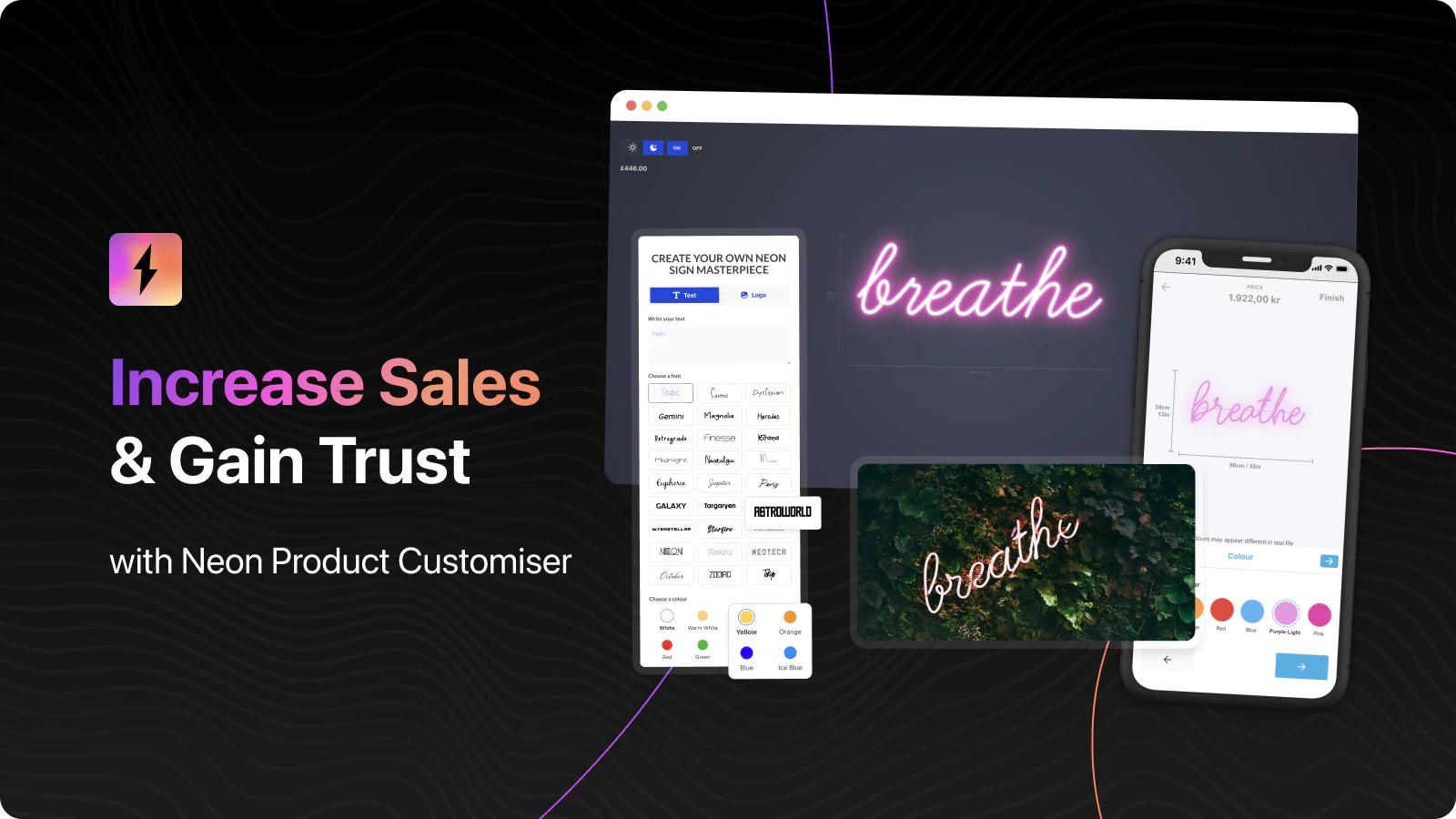
[Try the live demo](https://demo.signcustomiser.com/)
The app handles:
- **Real-time previews:** Customers see exactly what they’re getting
- **Instant pricing:** No waiting for quotes, no price shock at checkout
- **Production-ready specs:** Font, size, colour, mounting options—all captured automatically
- **Pricing model flexibility:** Charge by character count, sign width, or material length
### Time savings breakdown
Task
Manual Process
With Sign Customiser
Design mockup
20-30 min
0 min (customer self-service)
Quote creation
10-15 min
0 min (automatic)
Revision rounds
30-60 min
0 min (customer adjusts live)
Order processing
10-15 min
2-3 min (specs ready to print)
**Total per order**
**70-120 min**
**2-3 min**
Swipe for more
At 50 orders per month, that’s 60-100 hours saved. At £15-25/hour for staff time, Sign Customiser pays for itself within the first month for most shops.
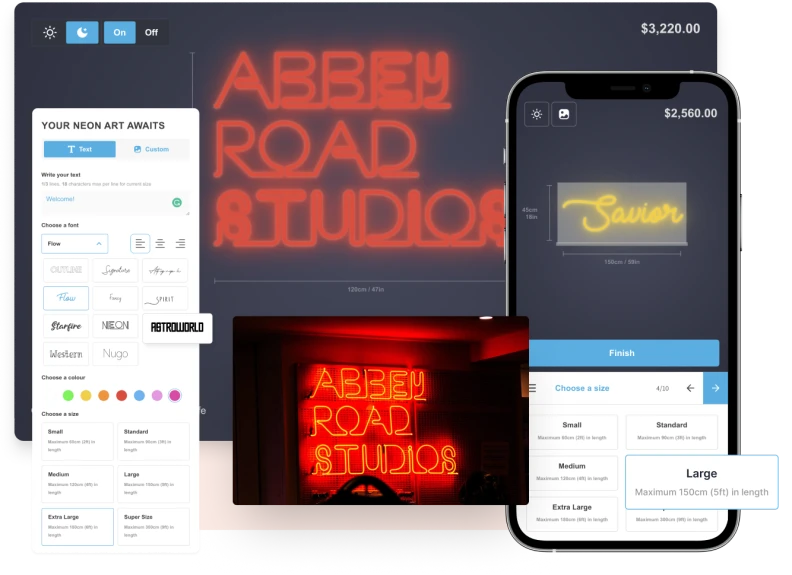
Install via the [Shopify App Store](https://apps.shopify.com/neon-product-customiser) or visit [signcustomiser.com](https://www.signcustomiser.com) to see pricing options.
## Summary
Neon signs are expensive because of materials (glass tubing, noble gases), skilled labour (years of training for glass bending), and operational overhead (quoting, mockups, revisions). LED neon solves most of these problems—cheaper materials, faster production, better margins.
For sign shop owners, the path to profitability is clear:
1. **Default to LED neon** for 80-90% of orders
2. **Offer glass neon** as a premium option for specific use cases
3. **Automate the sales process** to cut labour costs
4. **Use financing options** to increase average order value
The shops doing well in 2026 aren’t competing on price—they’re competing on convenience and speed. Same-week delivery, instant quotes, and self-service design tools set you apart from competitors still doing manual quotes.
Tags
- [neon](/posts/neon/)
- [shopify](/posts/shopify/)

About the author
### Matthew Attanasio
Founder, Sign Customiser
Matthew founded Sign Customiser to solve a problem he saw sign businesses facing every day: the endless back-and-forth of manual quoting. With a background in e-commerce development and a decade of experience building Shopify solutions at Sky Foundry, he set out to automate the entire custom sign selling process.
- E-commerce
- Shopify
- Sign Industry
- Product Strategy
[View profile](/authors/matthew-attanasio/)[](https://au.linkedin.com/in/matthew-attanasio-92500a36)[](https://github.com/matthewattanasio)
Let your customers design their own signs

Add a full sign customiser to your online store in minutes. Neon, acrylic, metal — with real-time pricing.
[Start your free 7-day trial](/install/)
Works with Shopify, WooCommerce, Wix & more. 7 days free. Every plan includes every feature.
Let your customers design their own signs

Add a full sign customiser to your online store in minutes. Neon, acrylic, metal — with real-time pricing.
[Start your free 7-day trial](/install/)
Works with Shopify, WooCommerce, Wix & more. 7 days free. Every plan includes every feature.
Related
## From theblog
Expert insights, industry trends, and actionable tips to enhance your online sign business.
[View all articles](/posts/)

neon·March 30, 2023
### [Exploring the benefits of acrylic neon signs for business signage](/posts/neon/acrylic-neon-signs/)
Customizable and Durable: Why Acrylic Neon Signs are a Smart Choice for Your Business Signage Needs
Read more

neon·September 26, 2023
### [45+ aesthetic neon quotes to light up your space](/posts/neon/aesthetic-neon-quotes/)
45+ aesthetic neon quotes for bedrooms, weddings and shop walls, plus how sign shops price and sell custom neon quote signs on their own website.
Read more

neon·September 26, 2023
### [Aesthetic neon signs: styles, ideas and pricing](/posts/neon/aesthetic-neon-signs/)
See the styles and colours behind aesthetic neon signs, get design ideas for any room, and learn how sign shops price and sell them online with a live customiser.
Read more

neon·December 25, 2022
### [Are neon signs dangerous? 14 great tips to stay safe](/posts/neon/are-neon-signs-dangerous/)
Get our 14 great tips to avert accidents & keep your family safe around neon signs with this post.
Read more

neon·September 26, 2023
### [Why are black neon signs the latest trend in home decor?](/posts/neon/black-neon-sign/)
Unleash your creativity with black neon signs and 20+ creative ideas for businesses, events, or personal spaces.
Read more

neon·December 5, 2022
### [Custom neon signs cost: the ultimate guide for Shopify store owners](/posts/neon/custom-neon-signs-cost/)
We explore the primary factors that influence the custom neon signs cost and strategies store owners can apply to increase sales and profit margins. Click to see more details!
Read more

neon·June 23, 2023
### [Design tips for creating eye-catching DIY neon signs](/posts/neon/design-tips-for-creating-eye-catching-diy-neon-signs/)
Neon signs have long been a captivating way for businesses to attract attention and make bold statements. With the rise of do-it-yourself (DIY) projects, creating your own neon sign has become an accessible and cost-effective option for businesses looking to stand out.
Read more

neon·January 5, 2025
### [How to make a DIY neon sign: step-by-step tutorial (LED flex method)](/posts/neon/diy-neon-sign/)
Learn how to make your own LED neon sign at home. Complete step-by-step guide with materials list, tools needed, and expert tips for beginners.
Read more

neon·September 26, 2023
### [Electric blue neon signs: meaning, ideas and pricing](/posts/neon/electric-blue-neon-blue-aesthetic/)
What makes electric blue neon glow, the blue aesthetic it creates, sign ideas by room, and how sign shops price and sell custom blue neon online.
Read more

neon·April 3, 2023
### [Faux neon signs: LED alternatives, costs & business guide (2026)](/posts/neon/faux-neon-sign/)
Complete guide to faux neon (LED neon) signs. Compares LED vs glass neon, covers profit margins for sign shops, and explains why LED neon dominates the market.
Read more

neon·March 28, 2023
### [Are glass neon signs worth it?](/posts/neon/glass-neon-signs/)
Are you curious about the cost and lifespan of glass neon signs? Our guide has all the answers you need to make an informed purchase.
Read more

neon·March 30, 2023
### [How to hang a neon sign: step-by-step guide (with & without nails)](/posts/neon/hanging-neon-signs/)
Learn how to hang a neon sign on any surface. Step-by-step instructions for drywall, brick, concrete & glass. Plus tips to hide wires and avoid wall damage.
Read more

neon·December 23, 2022
### [How to make custom neon signs, the easy guide for Shopify sign stores](/posts/neon/how-to-make-custom-neon-signs/)
Learn how to make custom neon signs as a producer. We also show you a secret to let buyers customize & view their signs in real-time.
Read more

neon·February 3, 2026
### [LED neon sign production: how custom neon signs are made](/posts/neon/led-neon-sign-production-process/)
LED neon signs are manufactured through a precise multi-stage process. Learn how custom LED neon signs are made, from acrylic backing preparation to tube bending, wiring, and quality testing.
Read more

neon·March 29, 2023
### [LED neon signs - a cost-effective alternative?](/posts/neon/led-neon-signs/)
Are LED neon signs worth it? Find out the answer and learn about their lifespan, energy efficiency, and low maintenance requirements.
Read more

neon·March 10, 2026
### [Name in lights: what customers type into a neon name sign generator](/posts/neon/name-in-lights-generator/)
Sign Customiser data: 70% of LED neon designs added to cart are two words or fewer, and one in four keep the default font. What that means for your generator.
Read more

neon·January 5, 2026
### [Neon art: what it is, who made it famous and how it is made](/posts/neon/neon-art/)
Neon art is art made from hand-bent glass tubes of glowing gas. The artists who made it famous, where to see their work, and how a drawing becomes neon.
Read more

neon·March 19, 2026
### [Neon light writer: 6 free and paid neon text tools compared](/posts/neon/neon-light-writer/)
Neon light writers compared: free neon text generators such as FlamingText, Cool Text and Canva, and sign software that turns words into LED neon signs.
Read more

neon·January 5, 2025
### [Neon open signs: the complete guide to open signs for businesses (2025)](/posts/neon/neon-open-signs/)
Discover the best neon and LED open signs for your business. Compare types, sizes, and installation options. Plus expert tips for choosing the perfect open sign.
Read more

neon·April 2, 2023
### [Neon signs hub: your one stop shop for all things neon signs](/posts/neon/neon-sign/)
Discover the colorful world of neon signs with our ultimate guides! Learn about their history, design, cost, and much more.
Read more

neon·April 5, 2023
### [70 neon sign ideas by room & occasion (2026 guide)](/posts/neon/neon-sign-ideas/)
See 70 neon sign ideas for bedrooms, weddings, bars and businesses, organised by room and occasion, plus how sign shops price and sell them online.
Read more

neon·April 4, 2023
### [Best neon sign quotes: 150+ ideas for every occasion (2026)](/posts/neon/neon-sign-quotes/)
Curated neon sign quotes for weddings, businesses, bars, bedrooms and more. Includes best-selling categories and pricing strategies for sign shops.
Read more

neon·April 1, 2023
### [Neon sign repair guide: DIY fixes & when to call a pro](/posts/neon/neon-sign-repair/)
Complete guide to neon sign repair. Troubleshoot common problems, learn DIY fixes, compare costs, and know when to hire a professional for neon light repair.
Read more

neon·January 5, 2025
### [Neon signs for room decor: 60+ ideas for bedrooms, gaming rooms & more](/posts/neon/neon-signs-for-room/)
Transform any room with neon signs. Browse 60+ ideas for bedrooms, gaming rooms, living rooms and home offices. Plus size, colour and placement tips.
Read more

neon·January 12, 2023
### [Neon versus LED: what are the differences? Which is right for you?](/posts/neon/neon-vs-led/)
We compare neon vs LED neon signs in this informative article. From lighting to maintenance, we cover pros & cons of each to help you make an informed decision on.
Read more

neon·September 26, 2023
### [Neon wedding signs: 40+ ideas, placement guide & costs](/posts/neon/neon-wedding-sign/)
Complete guide to neon signs for wedding decor. Discover 40+ ideas, placement tips, rental vs purchase costs, and how to match your wedding theme.
Read more

neon·September 26, 2023
### [Purple neon light: meaning, shades & buying guide](/posts/neon/purple-neon-sign/)
What purple neon light means, the shades from lavender to magenta, and how sign shops price and sell custom purple neon signs online with a live customiser.
Read more

neon·September 26, 2023
### [White neon sign: a guide to choosing the right one!](/posts/neon/white-neon-sign/)
Looking for a chic and modern addition to your decor? Check out our guide to choosing the best white neon sign.
Read more

shopify·February 2, 2026
### [Best product customizer apps for Shopify sign stores](/posts/shopify/best-product-customizer-apps-shopify-signs/)
Compare product customizer apps for Shopify sign businesses. Detailed analysis of pricing, features, and which app handles neon, acrylic, and metal sign customisation best.
Read more

shopify·February 2, 2026
### [How to start an LED sign business on Shopify](/posts/shopify/how-to-start-neon-sign-business-shopify/)
Start an LED sign business on Shopify for under $500. Real startup costs, what LED neon sells for online, and the steps to launch your neon sign shop.
Read more

shopify·February 2, 2026
### [Sign shop software: the complete Shopify setup guide](/posts/shopify/shopify-sign-store-setup-guide/)
Set up sign shop software on Shopify to sell custom neon, acrylic, and metal signs. Covers pricing, automation, and scaling - used by 700+ sign businesses worldwide.
Read more

shopify·February 2, 2026
### [Sign pricing software: 4 models that protect your margins](/posts/shopify/sign-pricing-models-explained/)
Learn which sign pricing model fits your business. Compare fixed width, material length, frame fit, and per-letter pricing with real calculations and profit examples.
Read more
[View all articles](/posts/)
## Sitemap
See the full [sitemap](/sitemap.md) for all pages.
---
## Best Product Customizer Apps for Shopify Sign Stores - Sign Customiser Blog
Source: [https://www.signcustomiser.com/posts/shopify/best-product-customizer-apps-shopify-signs/](https://www.signcustomiser.com/posts/shopify/best-product-customizer-apps-shopify-signs/)
## Generic customisers miss what makes signs different
Product customizer apps on Shopify were built for t-shirts and engraved jewellery. They handle “upload your image” and “add custom text” well enough. But signs require something fundamentally different: the app needs to understand that “HELLO” costs less than “CONGRATULATIONS” because it uses less neon tubing.
Generic apps don’t calculate LED tube length from font geometry. They don’t render realistic neon glow effects. They can’t generate production-ready SVG files that go straight to CNC machines.
This guide compares Shopify product customizer options specifically for sign businesses. If you’re selling neon, acrylic, or metal signs, the tool you choose directly impacts your conversion rates, profit margins, and operational efficiency.
[Read the complete Shopify sign store guide](https://www.signcustomiser.com/posts/shopify/shopify-sign-store-setup-guide/)
* * *
## What sign customisation actually requires
Before comparing apps, understand the technical requirements that make sign customisation different from generic product personalisation.
### Dynamic text with real-time pricing
Customers type “Happy Birthday Sarah” and need to see instantly: what it looks like, how big it is, and what it costs. Generic product builders show static mockups or dropdown options. Sign customisers calculate pricing from actual text input and font characteristics.
### Font path calculations
A cursive font uses more neon tubing than a block font for the same word. Material length pricing requires analysing the actual vector paths of each letter to calculate material usage. This is computationally intensive and requires font-specific data that generic apps don’t have.
### Sign-specific rendering
Neon signs glow. Acrylic has depth and light refraction. Metal has brushed or polished finishes. Generic mockup systems paste text onto a background image. Sign-specific renderers simulate actual material properties with proper lighting, shadows, and depth effects.
### Production file output
When orders arrive, someone needs to manufacture the sign. Production teams need vector files with exact dimensions, cut paths, and specifications. Generic apps output images. Sign tools output production-ready SVGs and detailed manufacturing specs.
* * *
## Three categories of Shopify customiser apps
### Category 1: General product customisers
**Apps**: Customily, Zakeke, Product Personalizer, Inkybay
These apps serve the broader personalisation market: engraved gifts, printed apparel, custom phone cases. They’re designed for businesses selling 10+ different product types.
**What they do well**:
- Handle image uploads and text overlays
- Support conditional logic for options
- Work with many product types
- Often cheaper ($20-40/month)
**Where they fall short for signs**:
- Pricing is per-product or per-option, not per-material-length
- No neon glow, acrylic depth, or metal finish rendering
- Cannot calculate actual LED tube requirements from text
- Generate images, not production-ready vector files
- Font rendering is basic—no sign-industry font optimisation
**Verdict**: Workable if signs are 10% of your catalogue and you only need basic text customisation. Not viable for a serious sign business where realistic previews and accurate material-based pricing drive profitability.
* * *
### Category 2: Option builder apps
**Apps**: Product Options & Customizer by Bold, Infinite Options, Variant Option Product Options
These apps add dropdown menus, checkboxes, and swatches to product pages. Customers select options; prices adjust accordingly.
**What they do well**:
- Simple setup for variant-based products
- Clean integration with Shopify themes
- Conditional logic between options
- Lower price point ($15-30/month)
**Where they fall short for signs**:
- No real-time visual preview of any kind
- Customers select “Medium Size” without seeing their actual text
- Pricing is tier-based, not calculated from actual design
- Requires customers to imagine what “Large Blue Neon Sign” means
- Zero production file generation
**Verdict**: Fundamentally inadequate for custom text signs. Customers won’t spend $300 on something they can’t visualise. These apps work for size and colour selection on pre-designed signs, nothing more.
* * *
### Category 3: Sign-specific customisers
**Apps**: Sign Customiser, proprietary tools built by large neon companies
Purpose-built for the sign industry with features that don’t exist in general-purpose tools.
**What they do well**:
- Realistic neon, acrylic, and metal rendering with proper lighting
- Material length pricing that calculates actual tube/LED requirements
- Production-ready SVG output with manufacturing specifications
- Font libraries optimised for signage (single-stroke fonts, script handling)
- Automated manufacturer workflow integration
**Limitations**:
- Higher price point ($29-299/month, based on order volume)
- Focused exclusively on signs
- More configuration required upfront
- Learning curve for advanced pricing models
**Verdict**: The right choice if custom signs are your primary business. The specificity is the point—these tools solve problems generic apps don’t even recognise exist.
* * *
## Feature comparison table
Capability
Generic Customisers
Option Builders
Sign Customiser
**Real-time text preview**
Static mockup
None
Live rendering
**Neon glow effects**
No
No
Yes, adjustable
**Material length pricing**
No
No
Calculates from font paths
**SVG production files**
No
No
Auto-generated per order
**Multi-line text handling**
Basic
No
Advanced with line spacing
**Font library**
Generic web fonts
None
Sign-optimised collection
**Backboard customisation**
No
Dropdowns only
Visual with dimensions
**Manufacturer email automation**
No
No
Built-in with specs
**Frame fit pricing**
No
No
Area-based calculation
**Mobile experience**
Varies
Good
Touch-optimised
**Monthly cost**
$20-40
$15-30
$29-299 (volume-based)
Swipe for more
* * *
## What makes Sign Customiser different
Since sign-specific tools matter most for sign businesses, here’s what Sign Customiser does that others can’t.
### Realistic material rendering
The preview isn’t text pasted on an image. It’s a computational render of what neon actually looks like:
**Neon signs**: Light bleeding, tube appearance, glow radius that varies by colour (white glows wider than red). The render accounts for how neon actually behaves optically.
**Acrylic signs**: Material depth, edge lighting effects, backboard shadows. Customers see dimension, not flat graphics.
**Metal signs**: Brushed steel reflection patterns, powder coat finishes, cut-edge bevels. The render shows material properties.
This matters because higher-fidelity previews produce higher conversion rates. Customers buying a $400 sign need visual confidence.
### Four pricing models for different sign economics
**Fixed Width Pricing**: Simple tier-based pricing by character count. “1-10 characters = $149, 11-20 = $199.” Best for getting started quickly with predictable margins.
**Material Length Pricing**: The system traces the actual font paths for the customer’s text and calculates total LED or neon tube length. A script “Emma” uses more material than a block “EMMA”. Price reflects actual manufacturing cost. [Learn more about pricing models](https://www.signcustomiser.com/posts/shopify/sign-pricing-models-explained/).
**Frame Fit Pricing**: For signs with fixed backboard dimensions. Price based on frame area regardless of text length. Ideal for lightbox signs and mounted displays.
**Per-Letter Pricing**: Each letter priced individually. Common for dimensional channel letters where manufacturing is per-piece.
Generic apps offer “add $X per character” at best. They can’t calculate that a cursive font uses 40% more tube than a sans-serif for identical text.
### Production workflow integration
When an order comes in, Sign Customiser generates:
- Vector SVG files with exact cut paths and dimensions
- Manufacturing specifications (colours, sizes, materials)
- Automated emails to your production partner
- Order notes attached to Shopify orders
This automation saves 15-20 minutes per order. At 50 orders monthly, that’s 12+ hours of manual work eliminated.
### Font intelligence
Not all fonts work for signs. Script fonts need proper stroke widths. Display faces require adequate letter spacing. Sign Customiser’s font library is curated for signage:
- Single-stroke fonts optimised for neon tubes
- Script fonts with proper connector handling
- Custom font upload with automatic validation
- Accurate size calculations per font family
* * *
## Cost analysis: is the higher price justified?
Generic customisers cost $20-40/month. Sign Customiser costs $29-299/month depending on your order volume. Here’s how to evaluate the difference.
### Hidden costs of generic apps
**Lost sales from poor previews**: Generic mockups don’t show realistic neon glow. Customers hesitate to spend $300-500 on something that looks like clip art. Industry data suggests realistic previews improve conversion rates 15-25%.
**Pricing inaccuracies**: Without material length calculations, you either underprice (eroding margins) or overprice (losing sales). A 10% pricing error on $10,000 monthly revenue is $1,000/month in lost profit or margin.
**Manual processing time**: Without automated SVG generation and manufacturer emails, expect 15-30 minutes per order for manual spec creation and file preparation.
**Customer support load**: Vague previews generate questions. “What size will my sign be?” “Is this exactly what it looks like?” Each email costs time.
### ROI calculation
Assume 50 orders/month at $250 average order value:
**Time savings**: 20 minutes saved per order × 50 orders = 16.7 hours/month **Value at $30/hour**: $500/month saved
**Conversion improvement**: 20% better conversion rate on $12,500 revenue **Additional revenue**: $2,500/month (minus COGS)
**Cost difference**: ~$210/month more than a generic app (50 orders/month sits on the Growth 50 plan at $249/month versus $20-40/month)
The math works unless your volume is extremely low. At 10+ orders monthly, Sign Customiser pays for itself in time savings alone.
* * *
## When to use what
### Use a generic customiser if:
- Signs represent less than 20% of your product catalogue
- You only offer pre-designed signs (no custom text)
- Your budget is under $50/month total for apps
- You’re testing the market before committing
- You only sell one simple sign type with fixed pricing
### Use Sign Customiser if:
- Custom signs are your primary product line
- You need accurate material-based pricing to protect margins
- Realistic previews matter for your price point ($200+ signs)
- You want production automation to scale operations
- You sell neon, acrylic, and metal signs with different rendering needs
- You work with manufacturers who need production files
* * *
## Migration path: switching from a generic app
Already using a different customiser? Here’s how to switch without disrupting sales.
### Week 1: Parallel installation
Install Sign Customiser alongside your existing app. Configure one product type as a test. Keep the old app running on other products.
### Week 2: Configuration and testing
Set up your pricing models, fonts, and rendering options. Order test purchases yourself. Verify SVG output works with your manufacturer.
### Week 3: A/B comparison
Run both apps on similar product pages. Compare conversion rates. Monitor customer support inquiries. Check order processing time.
### Week 4: Decision and rollout
If Sign Customiser converts better (it usually does), migrate remaining products. Keep the old app installed but inactive until you’re confident in the switch.
### Common migration issues
**Font differences**: Your existing fonts may not be in Sign Customiser’s library. Upload custom fonts or select similar alternatives.
**Pricing adjustments**: Material length pricing may calculate different prices than your old tier-based approach. Audit your margins before going live.
**Customer expectations**: Existing customers may notice the different preview style. This is usually positive—the realistic renders look better.
* * *
## Frequently asked questions
Can I use multiple customiser apps on the same Shopify store?
Yes, but avoid using two customisers on the same product. Use Sign Customiser for custom signs and a generic personaliser for other products like engraved gifts or printed items.
Do these apps work with all Shopify themes?
Modern customiser apps use Shopify's app blocks, which work with all Online Store 2.0 themes (most themes since 2021). Older themes may require manual code installation. Sign Customiser supports both methods.
How accurate is material length pricing?
Sign Customiser calculates material length by tracing actual font vector paths. Accuracy depends on font file quality. Well-designed fonts calculate within 2-3% of actual manufacturing measurements.
Can I import my existing products and configurations?
Product migration is manual—you'll reconfigure each sign type. This typically takes 30-60 minutes per product type. Consider it an opportunity to optimise your pricing and options.
What happens to orders if I switch apps mid-month?
Existing orders retain their original specifications in Shopify's order notes. New orders use the new app. There's no disruption to orders already placed.
Do customiser apps affect site speed?
All customisers add JavaScript to product pages. Sign Customiser lazy-loads rendering to minimise impact. Typical load time increase is 0.3-0.5 seconds on standard connections.
* * *
## The recommendation
For Shopify stores where custom signs are the core business, use Sign Customiser.
Generic customisers work for gift shops that sell personalised mugs alongside a few pre-designed signs. They don’t work when customers need to type “Happy Anniversary Mom & Dad” and see realistic neon rendering with accurate pricing before spending $350.
The monthly cost difference—roughly $60-100 more than generic options—pays for itself through:
- Higher conversion rates from realistic previews
- Protected margins from accurate material-based pricing
- Saved hours from automated production file generation
- Reduced support inquiries from confident customers
[Try Sign Customiser free](https://apps.shopify.com/neon-product-customiser)
* * *
## Related resources
Building a sign store involves more than choosing a customiser. These guides cover the complete picture:
- [Complete Shopify Sign Store Setup Guide](https://www.signcustomiser.com/posts/shopify/shopify-sign-store-setup-guide/) - Full walkthrough from installation to scaling
- [Sign Pricing Models Explained](https://www.signcustomiser.com/posts/shopify/sign-pricing-models-explained/) - Deep dive into fixed width, material length, and frame fit pricing
- [How to Start a Neon Sign Business on Shopify](https://www.signcustomiser.com/posts/shopify/how-to-start-neon-sign-business-shopify/) - Business planning, manufacturer selection, and marketing
- [Custom Neon Signs Cost Guide](https://www.signcustomiser.com/posts/neon/custom-neon-signs-cost/) - Understanding sign economics and pricing strategy
**Related guides:**
- [How to Start an LED Sign Business on Shopify](/posts/shopify/how-to-start-neon-sign-business-shopify/)
- [Complete Guide to Setting Up Sign Customiser on Shopify](/posts/general/shopify-sign-customiser-complete-setup-guide/)
- [Best E-commerce Sign Configurators Compared](/posts/general/best-ecommerce-sign-configurators-compared/)
Tags
- [shopify](/posts/shopify/)

About the author
### Matthew Attanasio
Founder, Sign Customiser
Matthew founded Sign Customiser to solve a problem he saw sign businesses facing every day: the endless back-and-forth of manual quoting. With a background in e-commerce development and a decade of experience building Shopify solutions at Sky Foundry, he set out to automate the entire custom sign selling process.
- E-commerce
- Shopify
- Sign Industry
- Product Strategy
[View profile](/authors/matthew-attanasio/)[](https://au.linkedin.com/in/matthew-attanasio-92500a36)[](https://github.com/matthewattanasio)
Let your customers design their own signs

Add a full sign customiser to your online store in minutes. Neon, acrylic, metal — with real-time pricing.
[Start your free 7-day trial](/install/)
Works with Shopify, WooCommerce, Wix & more. 7 days free. Every plan includes every feature.
Let your customers design their own signs

Add a full sign customiser to your online store in minutes. Neon, acrylic, metal — with real-time pricing.
[Start your free 7-day trial](/install/)
Works with Shopify, WooCommerce, Wix & more. 7 days free. Every plan includes every feature.
Related
## From theblog
Expert insights, industry trends, and actionable tips to enhance your online sign business.
[View all articles](/posts/)

neon·December 23, 2022
### [How to make custom neon signs, the easy guide for Shopify sign stores](/posts/neon/how-to-make-custom-neon-signs/)
Learn how to make custom neon signs as a producer. We also show you a secret to let buyers customize & view their signs in real-time.
Read more

neon·April 1, 2023
### [Neon sign repair guide: DIY fixes & when to call a pro](/posts/neon/neon-sign-repair/)
Complete guide to neon sign repair. Troubleshoot common problems, learn DIY fixes, compare costs, and know when to hire a professional for neon light repair.
Read more

neon·December 12, 2022
### [Why are neon signs so expensive? 2026 pricing guide for sign shops](/posts/neon/why-are-neon-signs-so-expensive/)
Complete breakdown of neon sign costs for sign shop owners. Covers material, labour, and overhead costs plus strategies to improve margins with LED neon.
Read more

shopify·February 2, 2026
### [How to start an LED sign business on Shopify](/posts/shopify/how-to-start-neon-sign-business-shopify/)
Start an LED sign business on Shopify for under $500. Real startup costs, what LED neon sells for online, and the steps to launch your neon sign shop.
Read more

shopify·February 2, 2026
### [Sign shop software: the complete Shopify setup guide](/posts/shopify/shopify-sign-store-setup-guide/)
Set up sign shop software on Shopify to sell custom neon, acrylic, and metal signs. Covers pricing, automation, and scaling - used by 700+ sign businesses worldwide.
Read more

shopify·February 2, 2026
### [Sign pricing software: 4 models that protect your margins](/posts/shopify/sign-pricing-models-explained/)
Learn which sign pricing model fits your business. Compare fixed width, material length, frame fit, and per-letter pricing with real calculations and profit examples.
Read more
[View all articles](/posts/)
## Sitemap
See the full [sitemap](/sitemap.md) for all pages.
---
## How to Start an LED Sign Business on Shopify - Sign Customiser Blog
Source: [https://www.signcustomiser.com/posts/shopify/how-to-start-neon-sign-business-shopify/](https://www.signcustomiser.com/posts/shopify/how-to-start-neon-sign-business-shopify/)
You can launch an LED sign business for under $500. On 201 Sign Customiser stores that price in US dollars, the median LED neon sign sold for $281 in the 12 months to 28 September 2026, and the middle half of prices ran from $197 to $446. What you keep from each sale depends on what the sign costs you to make, ship and sell. The [pricing example below](#calculate-your-floor-price) shows how to work it out.
This guide covers exactly how to start a neon sign business on Shopify: real startup costs, where to find manufacturers, how to price your signs, and the mistakes that sink new sellers.
[Read the complete Shopify sign store guide](/posts/shopify/shopify-sign-store-setup-guide/)
* * *
## Why an LED sign business works
Custom signage sits in a profitable sweet spot. Customers perceive LED neon signs as premium, personalised products worth paying for. Meanwhile, your actual costs stay low because you are not holding inventory or manufacturing anything yourself.
The market is growing 5-7% annually. LED neon specifically has exploded because of:
- Home offices became permanent fixtures, and people want them to look good
- Small businesses figured out that Instagram-worthy interiors drive foot traffic
- Weddings now expect custom signage as standard
- Content creators need backdrop pieces for videos and streams
Profit per sign is the price less every cost. At the $281 median price, a sign that costs you $83 to make, ship and sell (the figure in the pricing example below) leaves $198 before advertising. Multiply that by the orders you can realistically win, and take your advertising spend off the total.
* * *
## Startup costs: the real numbers
Here is what you will actually spend to launch:
### Essential costs (month one)
Item
Cost
Notes
Shopify Basic
$29/month
All you need to start
Sign Customiser app
From $29/month
Handles design and pricing
Domain name
$12/year
Use your brand name
Sample signs
$150-250
Order 3-4 from your manufacturer
**Total**
**$220-320**
Everything to go live
Swipe for more
### Optional costs
Item
Cost
Notes
Logo from Fiverr
$50-150
Skip if budget is tight
Product photography
$0-200
Use renders initially
Paid ads
$0
Start organic
Swipe for more
You do not need inventory. You do not need manufacturing equipment. You do not need a warehouse. Every sign is made to order by your manufacturing partner. If you later bring production in-house, our guide to [what sign making equipment costs](/posts/general/sign-shop-equipment-guide/) starts with the CO2 laser LED neon needs.
* * *
## Step 1: Pick a niche that pays
“LED neon signs” is too broad. You will get buried by established competitors. Niche down.
### Wedding signs
Average order value: $200-500. Couples share photos on social media, driving referrals. Seasonal peaks in spring and summer. Examples: “Better Together”, custom couple names, hashtag signs.
The wedding niche works because buyers are already spending thousands. A $300 sign is a rounding error in a $30,000 wedding budget.
### Bar and restaurant signage
Business buyers are less price-sensitive than consumers. They need signs that say “Open”, “Cocktails”, or their bar name. Repeat orders happen when they open new locations.
B2B sales cycle is longer, but average order values are higher and negotiations are straightforward.
### Gaming and streaming
Gamertags, Twitch handles, LED backdrops for streaming setups. This demographic is active on social media and influences purchasing decisions in their communities.
Growing fast. Younger buyers, lower average order value ($100-200), but high volume potential.
### Home decor
Inspirational quotes, names, bedroom wall art. Lower price points but higher volume. Gift-giving occasions (birthdays, Christmas, moving house) drive sales year-round.
Pick something you can write about and photograph consistently. You will be creating content around signs for months.
* * *
## Step 2: Find a manufacturing partner
You have two models: dropshipping or white-label manufacturing. Both work. Each has trade-offs.
### Dropshipping
Customer orders. You forward the order to your manufacturer. They produce and ship directly to the customer.
**Pros:**
- Zero inventory risk
- No upfront capital for stock
- Test products without commitment
- Focus entirely on marketing
**Cons:**
- Lower margins (manufacturer takes their cut)
- Shipping takes 2-4 weeks typically
- Limited quality control
- You are dependent on their reliability
Your margin is your price less the manufacturer’s price, shipping and fees. Work it out for each size before you launch, because the manufacturer’s price sets your floor.
### White-label manufacturing
You partner with a manufacturer who produces under your brand. Signs ship in your packaging with your branding.
**Pros:**
- Better margins than dropshipping at volume
- Branded customer experience
- More quality control
- Volume pricing as you scale
**Cons:**
- May require minimum order commitments
- More back-and-forth on specifications
- Slightly more operational overhead
### Where to find manufacturers
**Alibaba**: Search “LED neon sign manufacturer” and filter by verified suppliers. Look for suppliers with trade assurance and at least 3 years in business. Message 10 suppliers. Expect 5 to reply properly.
**Trade shows**: ISA Sign Expo is the major US event. You will meet manufacturers, see quality firsthand, and negotiate deals in person.
**Sign maker communities**: Facebook groups like “LED Neon Sign Makers” have manufacturer recommendations. People share experiences openly.
Order samples from 3-4 manufacturers before committing to one. Quality varies dramatically. A bad manufacturer will sink your business through returns and negative reviews.
* * *
## Step 3: Set up your Shopify store
For detailed store setup, see the [complete Shopify sign store guide](/posts/shopify/shopify-sign-store-setup-guide/). Here is the quick version:
### Store setup checklist
**Theme**: Use Dawn (free) or a clean minimal paid theme. Signs are visual products. Let them stand out.
**Pages you need**:
- Homepage with hero sign image
- Product pages for each sign type
- About page with your story
- FAQ page covering shipping, returns, customisation
- Contact page
**Apps to install**:
- [Sign Customiser](https://apps.shopify.com/neon-product-customiser) for design and pricing
- Review collection (Judge.me or Loox)
- Email marketing (Klaviyo or Shopify Email)
**Payment setup**: Enable Shop Pay, Apple Pay, and credit cards. More payment options means fewer abandoned carts.
**Shipping**: Calculate real costs from your manufacturer. Offer free shipping over a threshold ($150 works well) to increase average order value.
* * *
## Step 4: Price your signs correctly
Pricing wrong kills businesses. Too low and you cannot afford to acquire customers. Too high and you will not convert.
### Fixed width pricing
Simple approach for beginners. Set price tiers by size:
- Small (up to 40cm): $149
- Medium (40-60cm): $199
- Large (60-80cm): $279
- Extra Large (80-100cm): $349
Customers understand size-based pricing intuitively. Easy to explain, easy to buy.
### Material length pricing
More accurate for LED neon. Price based on actual LED tube length required:
- Base price: $75
- Per metre of LED: $45
- Complex fonts with curves need more material and cost more
This model rewards simple fonts and penalises scripts. It reflects actual manufacturing costs. The [Sign Customiser neon sign app](/signs/neon-sign-app/) calculates material length automatically based on font paths.
### Calculate your floor price
Work backwards from costs:
1. Manufacturing: $50
2. Shipping to customer: $20
3. Transaction fees (3%): $8 (on $250 sale)
4. App costs (amortised): $5
5. **Break-even**: $83
For 60% gross margin, sell at $207. Round to $199 or $219 for cleaner pricing.
Never price below break-even “to get reviews”. You will train customers to expect unsustainable prices.
* * *
## Step 5: Create products that sell
Even with a customiser that lets customers type anything, you need hero products that demonstrate what is possible.
### Core product types
**“Custom Neon Sign”**: Your main product. Customers type their text, pick colours, see price. Most orders will be these.
**Pre-designed templates**: Popular phrases ready to go. “Good Vibes Only”, “Open”, “Cheers”. Lower decision friction for gift buyers.
**Logo signs**: Custom quote required. Higher complexity, higher margins. Attracts business buyers.
### Product page essentials
- Hero image showing the sign lit up in a realistic setting
- Lifestyle photos in context (bedroom, bar, wedding venue)
- Size guide with real-world references
- Materials and specifications
- Mounting and power requirements
- Customer photos and reviews
A product page without social proof converts at half the rate. Get those first reviews fast.
* * *
## Step 6: Drive traffic
A store without visitors makes zero sales. Here is where to focus:
### Organic traffic (free)
**Pinterest**: Neon signs are inherently Pinterest-friendly. Create boards for “Wedding Neon Signs”, “Bedroom LED Signs”, “Bar Decor”. Pin customer photos and product images. Link to your shop.
**Instagram**: Post daily. Customer features, behind-the-scenes, sign reveals. Use hashtags: #neonsign #ledneonsign #customsign #weddingsign. Collaborate with micro-influencers in your niche.
**TikTok**: Sign reveal videos perform well. “Unboxing my custom sign” format. Behind-the-scenes manufacturing clips. Satisfying LED lighting shots.
**SEO**: Blog about sign-related topics. Target long-tail keywords. “Best wedding sign ideas 2026”, “How to hang a neon sign”. Build backlinks through guest posts.
### Paid traffic (when ready)
**Meta Ads**: Start at $15/day. Target interests like interior design, weddings, home decor. Retarget website visitors.
**Google Shopping**: Shows your products in search results. Higher intent traffic. Requires product feed setup.
**Pinterest Ads**: Often cheaper than Meta. Good for visual products. Strong for customers in planning stages.
Start organic. Prove you can convert traffic before paying for it.
* * *
## Step 7: Fulfil orders smoothly
When orders come in, this is your workflow:
1. Order notification lands in Shopify
2. Review the customer’s design for issues (spelling, inappropriate content)
3. Send specifications to manufacturer
4. Track production status (typically 3-7 days)
5. Get shipping confirmation and tracking number
6. Update customer with tracking
7. Follow up 7 days after delivery for review request
### Automation worth setting up
- **Order forwarding**: Auto-email specs to manufacturer when orders come in
- **Tracking updates**: Shopify handles this natively
- **Review requests**: Automated email 7 days post-delivery
- **Abandoned cart recovery**: Automated emails to recover lost sales
Every manual step is a chance for things to fall through. Automate what you can.
* * *
## Common mistakes that kill sign businesses
### Underpricing
New sellers price low to “be competitive”. This leaves no room for paid acquisition, customer service issues, or any unexpected costs. Start at market rates. You can always discount later.
### Too many options
Fifty fonts and thirty colours overwhelm customers. Decision paralysis kills conversions. Start with 8-10 fonts and 10-12 colours. Add more once you have sales data. Put your best name font first: on Sign Customiser stores, [one design in four keeps the default font](/posts/neon/name-in-lights-generator/#one-design-in-four-keeps-the-default-font).
### Skimping on samples
Ordering one sample is not enough. Quality varies between batches. Order from multiple manufacturers. Order different sizes. Order different colours. Know what you are selling.
### Slow customer service
Sign purchases are emotional. Weddings have deadlines. Gifts need to arrive on time. Respond to enquiries within hours, not days. One bad experience becomes a bad review that tanks your conversion rate.
### No social proof
Empty stores do not convert. Your first 20 sales need to generate reviews. Offer a small discount for photo reviews. Feature customer photos prominently. Social proof is the difference between 1% and 3% conversion rate.
* * *
## Scaling your custom sign business
Once you are consistently profitable, here is how to grow:
**Expand product types**: Add acrylic signs, metal signs, lightbox signs. Increase average order value.
**Enter adjacent niches**: A wedding sign store can add baby shower signs, birthday signs, anniversary signs. Same customer, different occasions.
**B2B sales**: Target interior designers, event planners, hospitality groups. Longer sales cycle, larger orders.
**Wholesale**: Offer bulk pricing for resellers. Lower margins, higher volume.
**International**: Partner with manufacturers in different regions to reduce shipping times and costs.
* * *
## Frequently asked questions
How much does it cost to start an LED sign business?
You can launch a Shopify-based LED sign business for $220-320. This covers your first month of Shopify ($29), Sign Customiser app (from $29), domain ($12), and sample orders ($150-250). No inventory investment required with a made-to-order model.
Do I need to manufacture neon signs myself?
No. Most successful online sign businesses partner with manufacturers who handle production. You focus on marketing, customer service, and brand building. The Sign Customiser app handles design configuration and pricing calculations automatically.
What are the profit margins on custom LED signs?
It depends on your costs. On 201 Sign Customiser stores that price in US dollars, the median LED neon sign sold for $281 between 29 September 2025 and 28 September 2026. Take off the cost to make and ship the sign, transaction fees and app costs to find your margin, then set your prices for the margin you want.
How long until an LED sign business becomes profitable?
Timeline varies based on marketing effort. Some stores see first sales within a week of launch. Breaking even on monthly costs (around $100-200) typically happens within 1-3 months for sellers who actively market their store.
Is the neon sign market too competitive?
Competition exists, but the market continues growing. Success comes from niche focus and quality service. A store specialising in wedding signs competes differently than a generalist 'all signs' store. Pick a niche and own it.
Should I dropship or hold inventory?
Start with dropshipping or made-to-order. Zero inventory risk while you learn. As you understand demand patterns, you can stock popular sizes to improve shipping times and margins. Most successful stores run hybrid models.
* * *
## Next steps
Starting an LED sign business on Shopify combines low startup costs with a product your customers design themselves. Price every size from your real costs, and check the margin before you launch. Our guide on [how to price signs](/posts/general/how-to-price-signs/) has the full method.
Your move: pick a niche, order samples from manufacturers, and set up your store. You can be taking orders within two weeks.
[Install Sign Customiser and start today](https://apps.shopify.com/neon-product-customiser)
For the complete walkthrough on configuring your store, see the [Shopify sign store setup guide](/posts/shopify/shopify-sign-store-setup-guide/). For details on product customisation options, read the [product customiser guide](/posts/shopify/best-product-customizer-apps-shopify-signs/).
**Related guides:**
- [Complete Guide to Setting Up Sign Customiser on Shopify](/posts/general/shopify-sign-customiser-complete-setup-guide/)
- [Best Product Customizer Apps for Shopify Sign Stores](/posts/shopify/best-product-customizer-apps-shopify-signs/)
- [Best E-commerce Sign Configurators Compared](/posts/general/best-ecommerce-sign-configurators-compared/)
Tags
- [shopify](/posts/shopify/)

About the author
### Matthew Attanasio
Founder, Sign Customiser
Matthew founded Sign Customiser to solve a problem he saw sign businesses facing every day: the endless back-and-forth of manual quoting. With a background in e-commerce development and a decade of experience building Shopify solutions at Sky Foundry, he set out to automate the entire custom sign selling process.
- E-commerce
- Shopify
- Sign Industry
- Product Strategy
[View profile](/authors/matthew-attanasio/)[](https://au.linkedin.com/in/matthew-attanasio-92500a36)[](https://github.com/matthewattanasio)
Let your customers design their own signs

Add a full sign customiser to your online store in minutes. Neon, acrylic, metal — with real-time pricing.
[Start your free 7-day trial](/install/)
Works with Shopify, WooCommerce, Wix & more. 7 days free. Every plan includes every feature.
Let your customers design their own signs

Add a full sign customiser to your online store in minutes. Neon, acrylic, metal — with real-time pricing.
[Start your free 7-day trial](/install/)
Works with Shopify, WooCommerce, Wix & more. 7 days free. Every plan includes every feature.
Related
## From theblog
Expert insights, industry trends, and actionable tips to enhance your online sign business.
[View all articles](/posts/)

neon·December 23, 2022
### [How to make custom neon signs, the easy guide for Shopify sign stores](/posts/neon/how-to-make-custom-neon-signs/)
Learn how to make custom neon signs as a producer. We also show you a secret to let buyers customize & view their signs in real-time.
Read more

neon·April 1, 2023
### [Neon sign repair guide: DIY fixes & when to call a pro](/posts/neon/neon-sign-repair/)
Complete guide to neon sign repair. Troubleshoot common problems, learn DIY fixes, compare costs, and know when to hire a professional for neon light repair.
Read more

neon·December 12, 2022
### [Why are neon signs so expensive? 2026 pricing guide for sign shops](/posts/neon/why-are-neon-signs-so-expensive/)
Complete breakdown of neon sign costs for sign shop owners. Covers material, labour, and overhead costs plus strategies to improve margins with LED neon.
Read more

shopify·February 2, 2026
### [Best product customizer apps for Shopify sign stores](/posts/shopify/best-product-customizer-apps-shopify-signs/)
Compare product customizer apps for Shopify sign businesses. Detailed analysis of pricing, features, and which app handles neon, acrylic, and metal sign customisation best.
Read more

shopify·February 2, 2026
### [Sign shop software: the complete Shopify setup guide](/posts/shopify/shopify-sign-store-setup-guide/)
Set up sign shop software on Shopify to sell custom neon, acrylic, and metal signs. Covers pricing, automation, and scaling - used by 700+ sign businesses worldwide.
Read more

shopify·February 2, 2026
### [Sign pricing software: 4 models that protect your margins](/posts/shopify/sign-pricing-models-explained/)
Learn which sign pricing model fits your business. Compare fixed width, material length, frame fit, and per-letter pricing with real calculations and profit examples.
Read more
[View all articles](/posts/)
## Sitemap
See the full [sitemap](/sitemap.md) for all pages.
---
## Shopify Sign Selling Tips
Source: [https://www.signcustomiser.com/posts/shopify/](https://www.signcustomiser.com/posts/shopify/)
[All](/posts/)[General](/posts/general/)[Neon signs](/posts/neon/)[Acrylic signs](/posts/acrylic/)[Channel letter signs](/posts/channel/)[Metal signs](/posts/metal/)[Lightbox signs](/posts/lightbox/)[AI](/posts/ai/)[Shopify](/posts/shopify/)
## Shopify
Everything you need to know about setting up and running a successful custom sign store on Shopify. From installation guides to pricing strategies and automation tips.

Published February 2, 2026
### [Best product customizer apps for Shopify sign stores](/posts/shopify/best-product-customizer-apps-shopify-signs/)
Compare product customizer apps for Shopify sign businesses. Detailed analysis of pricing, features, and which app handles neon, acrylic, and metal sign customisation best.
Read more
Published February 2, 2026
### [How to start an LED sign business on Shopify](/posts/shopify/how-to-start-neon-sign-business-shopify/)
Start an LED sign business on Shopify for under $500. Real startup costs, what LED neon sells for online, and the steps to launch your neon sign shop.
Read more
Published February 2, 2026
### [Sign shop software: the complete Shopify setup guide](/posts/shopify/shopify-sign-store-setup-guide/)
Set up sign shop software on Shopify to sell custom neon, acrylic, and metal signs. Covers pricing, automation, and scaling - used by 700+ sign businesses worldwide.
Read more
Published February 2, 2026
### [Sign pricing software: 4 models that protect your margins](/posts/shopify/sign-pricing-models-explained/)
Learn which sign pricing model fits your business. Compare fixed width, material length, frame fit, and per-letter pricing with real calculations and profit examples.
Read more
Published April 1, 2023
### [Neon sign repair guide: DIY fixes & when to call a pro](/posts/neon/neon-sign-repair/)
Complete guide to neon sign repair. Troubleshoot common problems, learn DIY fixes, compare costs, and know when to hire a professional for neon light repair.
Read more
Published December 23, 2022
### [How to make custom neon signs, the easy guide for Shopify sign stores](/posts/neon/how-to-make-custom-neon-signs/)
Learn how to make custom neon signs as a producer. We also show you a secret to let buyers customize & view their signs in real-time.
Read more
Published December 12, 2022
### [Why are neon signs so expensive? 2026 pricing guide for sign shops](/posts/neon/why-are-neon-signs-so-expensive/)
Complete breakdown of neon sign costs for sign shop owners. Covers material, labour, and overhead costs plus strategies to improve margins with LED neon.
Read more
## Sitemap
See the full [sitemap](/sitemap.md) for all pages.
---
## Sign Shop Software: The Complete Shopify Setup Guide - Sign Customiser Blog
Source: [https://www.signcustomiser.com/posts/shopify/shopify-sign-store-setup-guide/](https://www.signcustomiser.com/posts/shopify/shopify-sign-store-setup-guide/)
## Sign shop software that actually works for custom signs
Generic e-commerce platforms fail sign businesses. A customer types “Happy Birthday Sarah” and expects to see exactly what they’re ordering - the neon glow, the font curves, the mounting hardware. Standard product pages show a stock photo and hope for the best.
[Sign shop software](/sign-shop-software/) solves this. Over 300 sign businesses use [Sign Customiser](/features/) on Shopify to let customers design signs in real-time, see accurate pricing as they type, and generate production-ready files automatically.
This guide covers everything: installation, pricing configuration, order automation, and scaling. Whether you’re launching a [neon sign business](/posts/shopify/how-to-start-neon-sign-business-shopify/) or moving an existing shop online, you’ll have a working store by the end.
[Install Sign Customiser free](https://apps.shopify.com/neon-product-customiser)
* * *
## Chapter 1: Why Shopify beats Etsy and Amazon for signs
Selling custom signs on marketplaces costs you in three ways:
**Fees eat margins.** Etsy takes 6.5% transaction fees plus listing fees. Amazon’s referral fees hit 15%. On a $300 sign with $80 production cost, you’re handing over $20-45 per order.
**Customers belong to the platform.** You can’t email past buyers about new designs. You can’t retarget them with ads. Every sale starts from zero.
**Customisation is limited.** Marketplaces weren’t built for products where every order is different. Customers fill out forms, hope they described their vision accurately, and wait for a proof.
Shopify costs $39/month flat. No transaction fees on Shopify Payments. You own your customer list. And with the right sign shop software, customers design their exact sign before checkout.
**The numbers:** Sign businesses that move from Etsy to Shopify report 15-25% higher margins just from fee savings. Add the email list value and it’s not close.
**Learn more:** [Best Ecommerce Platforms for Sign Businesses](/posts/general/ecommerce-platform-comparison-sign-businesses/)
* * *
## Chapter 2: Installing sign shop software in 10 minutes
Installation takes less time than reading this chapter.
### Step 1: Add Sign Customiser from the app store
Go to the [Shopify App Store](https://apps.shopify.com/neon-product-customiser), click “Add app”, and approve the permissions. The app needs access to products (to create variants) and orders (to attach sign specifications).
### Step 2: Create your first customiser
The setup wizard walks you through:
1. **Sign type** - Select neon, acrylic, metal, or lightbox
2. **Font library** - Choose from 200+ built-in fonts or upload your own
3. **Colour palette** - Define your available neon colours or material finishes
4. **Size limits** - Set minimum and maximum dimensions
5. **Pricing model** - Pick how prices calculate (more on this in Chapter 4)
### Step 3: Add to your product page
Modern Shopify themes (Dawn, Sense, Craft) support app blocks. Open your product template in the theme editor, add the “Sign Customiser” block where you want it, and save.
No theme editing. No code. Drag, drop, done.
### Step 4: Test the customer experience
Open your product page incognito. Type some text. Change fonts. Watch the preview update. Check the price. Add to cart. Verify the order captures all specifications.
This whole process takes 10 minutes. Most stores spend another hour fine-tuning fonts and colours.
**Learn more:** [Sign Customiser Quick Start](/help/get-started/quick-start/)
* * *
## Chapter 3: Configuring your customiser for your business model
A well-configured customiser reduces support tickets by 70%. Customers see exactly what they’re ordering. No surprises, no refund requests, no “that’s not what I expected” emails.
### Essential configuration
**Font Selection**
Fonts make or break sign designs. Upload fonts you own the commercial license for, or use the built-in library. Group fonts by style (script, block, display) so customers can browse easily.
Limit choices to 15-20 fonts. More than that overwhelms buyers and slows decisions.
**Colour Options**
For neon signs: 15-20 colours is standard. Include warm white, cool white, and the classic neon colours (pink, blue, red, orange). Name colours descriptively - “Champagne Pink” sells better than “Colour #7”.
For acrylic: Offer finish options (matte, gloss, brushed) alongside colours.
**Size Constraints**
Set realistic limits. If your manufacturer can’t produce signs wider than 150cm, don’t let customers design 200cm signs. If signs under 30cm look bad in certain fonts, set that minimum.
The customiser enforces these limits automatically, preventing impossible orders.
**Preview Quality**
The preview is your salesperson. Configure it with:
- Realistic glow effects for neon
- Accurate shadows and depth for acrylic
- Proper lighting that shows how the sign looks on a wall
High-quality previews convert. Generic mockups don’t.
**Learn more:** [Setting Up a Shopify Product Customiser for Your Sign Business](/posts/general/shopify-sign-customiser-complete-setup-guide/)
* * *
## Chapter 4: Getting pricing right (the make-or-break decision)
Pricing determines profitability. Get it wrong and you’ll either lose sales (priced too high) or lose money (priced too low on complex orders).
Sign Customiser offers four [pricing models](/posts/shopify/sign-pricing-models-explained/). Here’s when to use each:
### Fixed width pricing
**Best for:** Shops that want simple, predictable pricing.
You define price tiers by sign width:
- Up to 40cm: $149
- 40-60cm: $199
- 60-80cm: $279
- 80-100cm: $359
Customers pick a size, type whatever they want within that size, done. Simple for you, simple for them.
**Downside:** A customer typing “I” pays the same as one typing “CONGRATULATIONS” at the same width. You might overprice simple orders or underprice complex ones.
### Material length pricing
**Best for:** Neon sign shops that want accurate, per-character pricing.
The software calculates exactly how much neon tubing each design requires. “LOVE” in a simple font might need 80cm of tubing. “Happy Birthday” in a script font might need 300cm.
You set price per unit of material (e.g., $2.50 per centimetre of neon). The price updates in real-time as customers type.
**This is what 70% of neon sign shops use.** It’s accurate, fair, and customers understand why complex designs cost more.
### Frame Fit pricing
**Best for:** Signs that fit in a frame or backboard.
Price is based on frame dimensions, not text complexity. A 50x30cm lightbox costs the same whether it says “OPEN” or “Welcome to Mike’s Amazing Coffee Shop”.
Works well for:
- Lightbox signs
- Backboard-mounted neon
- Standard frame sizes
### Per-letter pricing
**Best for:** Channel letter signs where each letter is a separate unit.
Each letter has a fixed price regardless of which letter it is. Simple math: 5 letters = 5x your letter price.
**Learn more:** [Sign Pricing Models Explained](/posts/shopify/sign-pricing-models-explained/)
* * *
## Chapter 5: Selling signs internationally (multi-currency setup)
Custom signs ship worldwide. A 60cm neon sign weighs 2-3kg and ships for $30-50 internationally. With $200+ margins, global selling is pure upside.
But showing US dollars to UK customers kills conversions. Nobody wants to do currency math during checkout.
### Using Shopify Markets
Shopify Markets handles international selling natively:
1. **Automatic currency conversion** - Show prices in local currencies
2. **Duties and tax estimation** - No surprise fees at delivery
3. **Localised checkout** - Payment methods customers trust
Sign Customiser integrates directly with Shopify Markets. When you set prices in USD, they display in GBP, EUR, AUD, or CAD based on customer location.
### Currency app alternatives
If you need more control, apps like Vitals or Currency Converter Plus work alongside Sign Customiser. They handle display; Shopify handles the actual transaction.
### Pricing strategy for international
Two approaches:
**Market-based pricing:** Set different prices per market. UK customers might pay £199 while US customers pay $249.
**Exchange rate pricing:** Let Shopify convert automatically. Simpler to manage, but you absorb currency fluctuations.
Most shops start with exchange rate pricing and switch to market-based once they have enough data to optimise.
**Learn more:** [Multi-Currency in Sign Customiser](/help/features/multi-currency/)
* * *
## Chapter 6: Automating orders (stop copying and pasting)
Manual order processing is the bottleneck nobody talks about. Every order requires:
- Extracting customer specifications
- Creating production files
- Emailing the manufacturer
- Tracking production status
- Coordinating shipping
At 5 orders per day, this is a full-time job. At 20 orders per day, it’s impossible.
### Automated manufacturer emails
Configure Sign Customiser to email your manufacturer automatically when orders come in. Each email includes:
- Production-ready SVG file
- Customer’s text and specifications
- Size and colour details
- Shipping address
- Any special instructions
Your manufacturer receives everything they need. You don’t touch a thing.
### SVG file generation
Every design generates an SVG file suitable for:
- CNC router cutting
- Laser cutting
- LED neon bending guides
- Manufacturer specifications
Files download automatically or attach to orders. No manual file creation.
### Order notes and metadata
All sign specifications attach to the Shopify order automatically. Your fulfilment team sees everything in the order admin - no separate systems, no lost details.
### Webhook integrations
Connect to Zapier, Make (Integromat), or custom systems:
- New order triggers Slack notification
- Order complete updates your project management tool
- Shipping confirmation syncs to customer service platform
Automation transforms sign businesses from self-employment into scalable operations.
**Learn more:** [How to Automate Your Sign Business](/posts/general/how-to-automate-your-sign-business/)
* * *
## Chapter 7: Converting visitors into buyers
Traffic means nothing without conversions. A sign customiser is powerful, but the surrounding experience matters just as much.
### Page speed
Sign customisers load WebGL graphics and font files. On a bloated theme, this creates 5+ second load times. Every extra second costs 7% of conversions.
**Fix it:**
- Use a modern theme (Dawn loads fastest)
- Compress images
- Remove unused apps
- Enable lazy loading
Target under 3 seconds on mobile.
### Mobile experience
62% of your traffic is on phones. The customiser must work flawlessly on small screens - pinch to zoom, thumb-friendly controls, readable preview.
Test every change on mobile. What looks perfect on desktop often breaks on iPhone.
### Trust signals
Custom signs cost $200-500+. That’s a significant purchase from a store customers might never have heard of.
Build trust with:
- Customer reviews (photo reviews convert 3x better)
- Trust badges (secure checkout, money-back guarantee)
- Clear shipping and refund policies
- Real contact information (phone number, physical address)
### Realistic previews
The preview is your primary conversion tool. Customers who see exactly what they’re ordering buy with confidence. Customers who have to imagine the final result hesitate.
Configure your previews with:
- Actual glow effects (not flat graphics)
- Real wall backgrounds (not white voids)
- Proper scale reference (so 60cm looks like 60cm)
### Clear pricing
Display the total prominently as customers design. No hidden fees revealed at checkout. If shipping costs extra, show estimated shipping early.
Price transparency builds trust. Surprises kill sales.
**Learn more:** [How to Win More Sales with Sign Customiser](/posts/general/how-to-win-more-sales-with-sign-customiser/)
* * *
## Chapter 8: Driving traffic with content marketing
Paid ads work but cost money. Content marketing takes longer but builds compounding traffic that doesn’t disappear when you stop paying.
### Sign idea galleries
Create collections of sign designs for specific use cases:
- Wedding neon signs
- Home bar signs
- Bedroom wall signs
- Business storefront signs
- Event and party signs
Each gallery targets customers searching for ideas. They browse, get inspired, and design their own.
### How-to guides
Educational content attracts links and establishes authority:
- How to choose the right neon sign size
- Neon sign colour guide for different rooms
- Installing neon signs safely
- Caring for LED neon signs
These rank for informational queries and build brand awareness.
### Customer showcases
Real photos of installed signs are your best marketing asset. Ask customers to share photos. Feature them on your site with their permission.
User-generated content converts better than stock photos. It proves your signs look good in real spaces.
### Local SEO
If you offer local installation, optimise for “\[city\] neon sign maker” searches:
- Create location pages for service areas
- Claim Google Business Profile
- Get reviews mentioning your city
- Join local business directories
Local customers often have higher order values (commercial signage, large installations).
* * *
## Chapter 9: Handling custom design requests
Not every customer uses the customiser. Some have logos, specific designs, or requirements that need human review.
### Setting up a custom design form
Create a form that captures:
- **Design description or file upload** - What do they want?
- **Intended use case** - Home, business, event?
- **Location and size** - Where will it go, how big?
- **Budget range** - Sets expectations early
- **Timeline** - Do they need it for a specific date?
Sign Customiser’s quote request feature syncs submissions to your Shopify customer list. You can follow up, convert, and track these leads.
### Pricing custom work
Quote custom designs 20-30% higher than standard customiser prices. Customers pay for personal service, design consultation, and the back-and-forth revision process.
Your time has value. Custom work uses more of it.
### Managing the design process
For custom orders:
1. Receive request and acknowledge within 24 hours
2. Create a mockup for approval
3. Get written sign-off before production
4. Send progress updates
5. Confirm before shipping
Document everything. “That’s not what I wanted” disputes vanish when you have approval emails.
**Learn more:** [Automated Quote Generation for Sign Shops](/posts/general/automated-quote-generation-sign-shops/)
* * *
## Chapter 10: Troubleshooting common issues
Every sign shop encounters these problems. Here’s how to solve them fast.
### Theme conflicts
**Symptom:** Customiser doesn’t load or displays incorrectly.
**Cause:** Some themes have aggressive JavaScript that conflicts with the customiser’s rendering.
**Fix:** Switch to app blocks (available on Online Store 2.0 themes). If you’re on an older theme, use the embed code option instead. Contact support if issues persist - they’ve seen every theme conflict possible.
### Pricing discrepancies
**Symptom:** Prices don’t match what you expected.
**Cause:** Usually a pricing model misconfiguration. Material length pricing requires accurate font files; if your fonts don’t have proper path data, calculations will be off.
**Fix:** Test with known values. Type “TEST” and manually calculate what it should cost. Compare to the displayed price. Adjust your pricing configuration until they match.
### Slow product creation
**Symptom:** Products take minutes to create instead of seconds.
**Cause:** Shopify’s API has rate limits. During peak times or with complex products, creation slows down.
**Fix:** Enable “optimised product creation” in settings. This batches API calls and reduces creation time by 60-80%.
### Mobile layout problems
**Symptom:** Customiser is cut off or controls are hard to tap on phones.
**Cause:** Your theme’s container is too narrow or padding is excessive.
**Fix:** Check your theme’s product page container width. The customiser needs at least 320px horizontal space. Remove excessive padding from the product section.
### Font rendering issues
**Symptom:** Fonts look different in preview than expected.
**Cause:** Font files may be corrupted or have incomplete character sets.
**Fix:** Re-upload the font file. Ensure it’s a proper .ttf or .otf file with all characters your customers might use. Test with special characters and numbers.
* * *
## Chapter 11: Scaling beyond a single store
Once your sign shop is profitable, scaling multiplies that success.
### Multiple niches
Different sign types have different audiences. A bride searching for wedding signs doesn’t care about business signage. A bar owner doesn’t care about nursery decor.
Consider separate stores for:
- Wedding and event signs
- Home decor signs
- Business and commercial signage
- Specific aesthetics (minimalist, maximalist, retro)
Each store speaks directly to its audience. Marketing becomes easier. Conversions improve.
### White-label partnerships
Interior designers, event planners, and wedding coordinators need custom signs for clients. They don’t want to manufacture them.
Offer wholesale pricing and white-label production:
- They sell to their clients
- You produce and drop-ship
- They get a markup for bringing the customer
- You get steady volume without marketing costs
### International expansion
Create region-specific stores:
- Local currency pricing
- Local payment methods
- Region-specific marketing
- Local SEO optimisation
A UK store ranks for UK searches. An Australian store captures that market. Each competes on its home turf.
### B2B and wholesale
Businesses buy signs in volume:
- Franchise signage
- Event companies
- Retail chains
- Corporate offices
Add wholesale pricing tiers. Offer bulk discounts. Create a separate checkout experience for registered business buyers.
* * *
## Chapter 12: Sign Customiser vs generic product apps
Not all customiser apps work for signs. Here’s what separates sign-specific software from generic product personalisers.
### Sign-specific pricing
Generic apps offer simple price additions: +$10 for extra text, +$20 for larger size. This doesn’t work for signs where material usage varies exponentially with design complexity.
Sign Customiser calculates material length from actual font path data. “LOVE” in Arial costs less than “LOVE” in a complex script because it uses less neon. The pricing is mathematically accurate.
### Realistic previews
Generic apps show flat text on a mockup image. Customers can’t see what their neon sign will actually look like - the glow, the colour, the depth.
Sign Customiser renders actual neon effects with WebGL. Customers see realistic glow, proper colour mixing where tubes cross, and accurate on/off previews. They know exactly what they’re ordering.
### Production-ready files
Generic apps save a PNG image. That’s useless for manufacturing.
Sign Customiser generates vector SVG files ready for:
- CNC cutting
- Laser engraving
- Neon bending guides
- Manufacturer specifications
Files go straight to production without manual conversion.
### Industry workflows
Generic apps end at checkout. Sign Customiser continues:
- Automatic manufacturer emails
- Production tracking
- Order metadata for fulfilment
- Quote request management
It’s built for how sign businesses actually operate.
Check out our [integration with Shopify](/integrations/shopify-sign-customiser/) for the complete feature list.
**Learn more:** [Best Product Customizer Apps for Shopify Sign Stores](/posts/shopify/best-product-customizer-apps-shopify-signs/)
* * *
## Frequently asked questions
### What does sign shop software cost?
Sign Customiser starts at $29/month after a 7-day free trial. Pricing scales with your monthly order volume ($29-299/month) - every plan includes every feature. Check [pricing](/pricing/) for current plans.
### Can I sell signs without holding inventory?
Yes. Most sign businesses operate made-to-order. Customer places order, you send production files to a manufacturer, they produce and ship directly. Zero inventory, zero storage costs, no unsold stock risk.
### How long does full setup take?
Basic installation takes 10 minutes. A fully configured store with multiple sign types, custom pricing, and automation takes 2-3 hours. Stores typically spend another few days refining fonts, colours, and preview settings before launch.
### What sign type is best for beginners?
LED neon signs. High perceived value, reasonable production costs ($30-80 to manufacture, $150-400 retail), and customers love the real-time preview. Start with neon, expand to acrylic and metal once you have the business running.
### Does Sign Customiser work with my Shopify theme?
Yes. It works with all themes built on Online Store 2.0 (the standard since 2021). Older themes work too via embed code. The app has been tested on 500+ different themes.
### How do I handle returns on custom signs?
Most sign businesses have no-return policies on custom items - industry standard. The key is getting explicit approval before production. Sign Customiser shows customers exactly what they’re ordering, and you can require design approval before manufacturing starts.
### Can I connect my existing manufacturer?
Yes. Configure automated emails with your manufacturer’s address. Each order sends them production specifications and files. Works with any manufacturer that accepts email orders.
### What payment methods work for sign stores?
Shopify Payments handles cards in most countries. For high-ticket signs ($500+), enable Shop Pay Instalments to offer payment plans. PayPal and manual payment options available as needed.
### How do rush orders work?
Create a “Rush Processing” product option with an upcharge. Configure your automation to flag rush orders for priority handling. Most shops charge 30-50% extra for rush production.
### Can customers save designs and return later?
Yes. Sign Customiser includes save and share functionality. Customers get a unique URL for their design. They can return days later and pick up where they left off, or share the link for approval before ordering.
* * *
## Start your sign business today
Sign shop software removes the technical barriers. You don’t need to build a custom website or figure out complex pricing formulas. Install Sign Customiser, configure your sign types, and start selling.
The 700+ sign businesses already using the platform include solo entrepreneurs and 50-person operations. The same software scales from first sale to thousands of orders per month.
What matters most is starting. Pick your niche, set up your customiser, and get your first sign in front of customers. Refine as you go.
[Start your free trial](https://apps.shopify.com/neon-product-customiser)
Explore the chapter links throughout this guide for detailed tutorials on each aspect of running your Shopify sign store. Questions? [Contact our team](/) - we’ve helped hundreds of sign businesses launch successfully.
Tags
- [shopify](/posts/shopify/)

About the author
### Matthew Attanasio
Founder, Sign Customiser
Matthew founded Sign Customiser to solve a problem he saw sign businesses facing every day: the endless back-and-forth of manual quoting. With a background in e-commerce development and a decade of experience building Shopify solutions at Sky Foundry, he set out to automate the entire custom sign selling process.
- E-commerce
- Shopify
- Sign Industry
- Product Strategy
[View profile](/authors/matthew-attanasio/)[](https://au.linkedin.com/in/matthew-attanasio-92500a36)[](https://github.com/matthewattanasio)
Let your customers design their own signs

Add a full sign customiser to your online store in minutes. Neon, acrylic, metal — with real-time pricing.
[Start your free 7-day trial](/install/)
Works with Shopify, WooCommerce, Wix & more. 7 days free. Every plan includes every feature.
Let your customers design their own signs

Add a full sign customiser to your online store in minutes. Neon, acrylic, metal — with real-time pricing.
[Start your free 7-day trial](/install/)
Works with Shopify, WooCommerce, Wix & more. 7 days free. Every plan includes every feature.
Related
## From theblog
Expert insights, industry trends, and actionable tips to enhance your online sign business.
[View all articles](/posts/)

neon·December 23, 2022
### [How to make custom neon signs, the easy guide for Shopify sign stores](/posts/neon/how-to-make-custom-neon-signs/)
Learn how to make custom neon signs as a producer. We also show you a secret to let buyers customize & view their signs in real-time.
Read more

neon·April 1, 2023
### [Neon sign repair guide: DIY fixes & when to call a pro](/posts/neon/neon-sign-repair/)
Complete guide to neon sign repair. Troubleshoot common problems, learn DIY fixes, compare costs, and know when to hire a professional for neon light repair.
Read more

neon·December 12, 2022
### [Why are neon signs so expensive? 2026 pricing guide for sign shops](/posts/neon/why-are-neon-signs-so-expensive/)
Complete breakdown of neon sign costs for sign shop owners. Covers material, labour, and overhead costs plus strategies to improve margins with LED neon.
Read more

shopify·February 2, 2026
### [Best product customizer apps for Shopify sign stores](/posts/shopify/best-product-customizer-apps-shopify-signs/)
Compare product customizer apps for Shopify sign businesses. Detailed analysis of pricing, features, and which app handles neon, acrylic, and metal sign customisation best.
Read more

shopify·February 2, 2026
### [How to start an LED sign business on Shopify](/posts/shopify/how-to-start-neon-sign-business-shopify/)
Start an LED sign business on Shopify for under $500. Real startup costs, what LED neon sells for online, and the steps to launch your neon sign shop.
Read more

shopify·February 2, 2026
### [Sign pricing software: 4 models that protect your margins](/posts/shopify/sign-pricing-models-explained/)
Learn which sign pricing model fits your business. Compare fixed width, material length, frame fit, and per-letter pricing with real calculations and profit examples.
Read more
[View all articles](/posts/)
## Sitemap
See the full [sitemap](/sitemap.md) for all pages.
---
## Sign Pricing Software: 4 Models That Protect Your Margins - Sign Customiser Blog
Source: [https://www.signcustomiser.com/posts/shopify/sign-pricing-models-explained/](https://www.signcustomiser.com/posts/shopify/sign-pricing-models-explained/)
Wrong pricing kills sign businesses faster than bad marketing. A customer orders “HAPPY BIRTHDAY JENNIFER” in a cursive font, you charge the same as “LOVE” in block letters, and suddenly you’re losing $40 per order. Multiply that by fifty orders a month and you’ve got a serious problem.
[Sign pricing software](/sign-pricing-software/) solves this by calculating prices automatically based on what customers actually design. But here’s what most guides won’t tell you: there’s no single “best” pricing model. The right choice depends on what you sell, how you manufacture, and what margins you need.
This guide breaks down the four main sign pricing models with real numbers so you can pick the right one for your business.
[Read the complete Shopify sign store guide](/posts/shopify/shopify-sign-store-setup-guide/)
* * *
## Why generic pricing doesn’t work for signs
When a customer types “Hi” versus “Congratulations on Your New Home”, they’re ordering fundamentally different products:
**Material costs vary dramatically.** “LOVE” in a simple font might use 0.8 metres of LED neon. “HAPPY BIRTHDAY SARAH” in cursive could use 4.2 metres. At $35 per metre manufacturing cost, that’s a difference of $119 in materials alone.
**Production time scales with complexity.** A four-letter sign takes 20 minutes to bend and mount. A complex 25-letter sign takes 90 minutes. Labour costs matter.
**Shipping dimensions change.** A 40cm sign fits in a standard box. A 120cm sign needs custom packaging and costs three times more to ship.
Sign pricing software tracks these variables automatically. Your job is configuring the right model for your product type.
* * *
## The four sign pricing models
### 1\. Fixed width pricing (Simple Letter model)
Fixed width pricing assigns prices based on predefined size tiers. Customers pick from options like “Small”, “Medium”, or “Large”, and the price is set regardless of what text they type.
**How it works in practice:**
Size Tier
Width Range
Your Price
Manufacturing Cost
Your Margin
Small
Up to 40cm
$149
$45
$104 (70%)
Medium
40-60cm
$199
$65
$134 (67%)
Large
60-80cm
$279
$95
$184 (66%)
Extra Large
80-100cm
$359
$130
$229 (64%)
Jumbo
100-120cm
$449
$170
$279 (62%)
Swipe for more
**Real example:** Customer A orders “LOVE” at 50cm width. Customer B orders “WELCOME HOME” at 50cm width. Both pay $199. Customer A’s sign costs you $55 to manufacture (simple text, less material). Customer B’s costs $85 (more letters, more material). You make $144 on Customer A and $114 on Customer B.
**The trade-off is predictability versus precision.** You’ll overearn on simple orders and underearn on complex ones. It averages out, but if your customer base trends toward longer text, your margins erode.
**Use fixed width when:**
- You’re just starting and want simple setup
- Your signs have standardised size offerings
- Speed of launch matters more than margin optimisation
- You sell mostly pre-designed templates rather than fully custom text
**Avoid fixed width when:**
- You sell primarily neon signs with variable material usage
- Your average order has 10+ characters
- You need precise margin control
* * *
### 2\. Material length pricing (Advanced Letter model)
Material length pricing calculates the exact length of neon tubing, LED flex, or other material required based on the specific text and font. The system traces the font path mathematically and multiplies by your per-metre rate.
**How the calculation works:**
TextCopy
```
Total Price = Base Fee + (Material Length × Per-Metre Rate) + Options
```
Swipe for more
**Real example with numbers:**
Customer orders “HELLO” in a script font at 60cm width:
- System traces font paths and calculates: 2.4 metres of LED needed
- Base fee: $50 (covers fixed costs)
- Per-metre rate: $40 (covers material + labour)
- Material cost: 2.4 × $40 = $96
- **Customer pays: $146**
Same customer orders “Hi” in the same font at 30cm width:
- Material calculation: 0.6 metres
- Material cost: 0.6 × $40 = $24
- **Customer pays: $74**
**The maths behind the rates:**
Cost Component
Per-Metre Cost
Your Rate
Your Margin
LED neon material
$8/m
\-
\-
Labour (3 min/m at $30/hr)
$1.50/m
\-
\-
Packaging (allocated)
$2/m
\-
\-
Transaction fees (3%)
~$1.20/m
\-
\-
**Total cost**
**~$13/m**
**$40/m**
**67%**
Swipe for more
**Why this matters for neon sign pricing:** A cursive font like “Great Vibes” uses 40% more material than a block font like “Bebas Neue” for the same text at the same width. Material length pricing captures this automatically. Fixed width pricing doesn’t.
**Use material length when:**
- You sell LED neon or flex neon signs
- Font variety is a selling point
- You want maximum margin accuracy
- You’ve validated your costs and are ready to optimise
**Avoid material length when:**
- You’re brand new and haven’t validated manufacturing costs
- Price changes during customisation confuse your customers
- You sell primarily pre-designed signs with known costs
* * *
### 3\. Frame Fit pricing
Frame fit pricing bases the price entirely on the outer frame or backboard dimensions. What the customer puts inside that frame doesn’t change the price.
**How it works:**
Frame Dimensions
Price
Manufacturing Cost
Margin
30 × 20cm
$129
$48
$81 (63%)
40 × 30cm
$179
$68
$111 (62%)
50 × 40cm
$249
$95
$154 (62%)
60 × 50cm
$329
$125
$204 (62%)
80 × 60cm
$449
$175
$274 (61%)
Swipe for more
**Real example:** Customer orders a lightbox sign, 50 × 40cm. They type “OPEN” — price is $249. They type “COFFEE & COCKTAILS” — price is still $249. The backboard, frame, and LED strips cost the same regardless of text content.
**This works because:** For lightbox signs, frame-based signs, and backboard-mounted displays, the primary cost driver is the outer structure, not the text inside it. The LED illumination and vinyl lettering are relatively minor cost variables. For how the frame, face and LEDs go together, see [how to make a lightbox sign](/posts/lightbox/how-to-make-a-lightbox-sign/).
**Use frame fit when:**
- You sell lightbox or backlit signs
- Your products have fixed frame/backboard sizes
- Material inside the frame doesn’t significantly change costs
- You want customers to know the exact price before they start designing
**Avoid frame fit when:**
- Text complexity significantly affects your costs
- You sell primarily text-only neon without backboards
- Customers frequently want custom sizes outside your tiers
* * *
### 4\. Per-letter pricing
Per-letter pricing charges for each character individually, plus a base fee. It’s the most straightforward model for products where each letter is literally a separate physical item.
**How it works:**
TextCopy
```
Total Price = Base Fee + (Number of Letters × Price Per Letter)
```
Swipe for more
**Real example:**
Base Fee
Price Per Letter
Text
Total Price
$40
$22
”LOVE” (4 letters)
$40 + (4 × $22) = $128
$40
$22
”WELCOME” (7 letters)
$40 + (7 × $22) = $194
$40
$22
”OPEN 24 HOURS” (10 letters + space handling)
$40 + (10 × $22) = $260
Swipe for more
**The limitation:** “W” and “I” cost the same, but “W” uses 3-4 times more material. If most of your customers order text heavy on wide letters, you’ll underprice consistently.
**Use per-letter when:**
- You sell channel letters where each letter is a discrete unit
- Letters are individually mounted (not connected neon)
- Your manufacturing is priced per character
- Simplicity matters more than precision
**Avoid per-letter when:**
- You sell connected neon where letter complexity varies
- Your fonts have dramatically different character widths
- Margin precision is critical
* * *
## Comparison: which model fits your business?
Factor
Fixed Width
Material Length
Frame Fit
Per-Letter
**Setup time**
30 minutes
2-3 hours
30 minutes
30 minutes
**Pricing accuracy**
Low
High
Medium
Medium
**Customer clarity**
High
Medium
High
High
**Best product type**
Simple signs
LED neon
Lightboxes
Channel letters
**Margin protection**
Poor
Excellent
Good
Fair
**Font sensitivity**
None
High
None
None
Swipe for more
**Quick decision guide:**
- **Starting out?** Use Fixed Width. Launch fast, learn your costs, upgrade later.
- **Selling LED neon?** Use Material Length. It’s the only model that handles font complexity properly.
- **Selling lightboxes?** Use Frame Fit. Your costs are frame-driven, not text-driven.
- **Selling individual channel letters?** Use Per-Letter. It matches your manufacturing model.
* * *
## Setting up your pricing: step by step
### Step 1: Calculate your true costs
Before configuring anything, know your numbers. If you make signs in-house, our [sign pricing guide](/posts/general/how-to-price-signs/) shows how to work out a shop rate and markup first. Here’s a worksheet:
**Per-sign fixed costs:**
- Payment processing: 2.9% + $0.30
- Shopify transaction fee: 0.5-2%
- App subscriptions (amortised): ~$2-5/order
- Packaging materials: $5-15
- Customer support time: ~$3-5/order
**Per-sign variable costs:**
- Manufacturing (from your supplier)
- Shipping to customer
- Remake allowance (5% of orders need remakes)
**Example cost breakdown for a 60cm neon sign:**
Cost Item
Amount
Manufacturing
$65
Shipping
$18
Payment fees (on $200 sale)
$6.10
App costs
$3
Packaging
$8
Remake reserve (5%)
$3.25
**Total cost**
**$103.35**
Swipe for more
To hit 60% gross margin, you need to sell this sign for at least $258. Rounding up to $279 gives you a margin cushion.
### Step 2: Set your target margins
There is no single industry margin to copy. Set your target from your own costs and the profit you need, then check it against what other sellers charge. Two sourced reference points:
- In the 2026 Signs of the Times survey of sign companies, the most common 2025 net profit band was 10% to 20%, reported by 34% of the shops that answered. Gross margin has to be much higher than net profit, because overhead comes out of it first.
- On 201 Sign Customiser stores that price in US dollars, the median LED neon sign sold for $281 between 29 September 2025 and 28 September 2026. The middle half of prices ran from $197 to $446.
Your business model changes your costs, not the formula. A dropshipper’s cost is the manufacturer’s price plus shipping. A shop that makes its own signs pays for materials, labour and equipment instead. Our guide on [how to price signs](/posts/general/how-to-price-signs/) shows how to cost each one.
**Working backwards from margin targets:**
If you want 60% margin and your total cost is $80:
- Cost is 40% of selling price
- $80 ÷ 0.40 = $200 selling price
### Step 3: Configure your model
**For Fixed Width:**
1. Define 4-6 size tiers with clear boundaries
2. Calculate your cost at the maximum width of each tier
3. Set prices to hit your margin at maximum width (not minimum)
4. Test with sample orders at both extremes
**For Material Length:**
1. Get accurate font files from your manufacturer
2. Set your base fee to cover fixed costs ($40-60 typical)
3. Set per-metre rate to cover variable costs plus margin ($35-50 typical)
4. Test with short text, long text, simple fonts, complex fonts
5. Verify margins across all scenarios before launching
**For Frame Fit:**
1. Define your standard frame sizes
2. Get manufacturing quotes for each size
3. Apply your margin target
4. Consider “popular size” discounts for volume sizes
* * *
## Adding options and upcharges
Your base pricing model handles the sign itself. Options add profit:
Option
Suggested Upcharge
Cost to You
Margin
Rush production (48hr)
+$50-80
$20-30
60%+
Premium colours (deep red, white)
+$25-35
$5-10
70%+
Remote dimmer
+$30-40
$8-12
70%+
Acrylic backboard
+$45-100
$15-35
65%+
Wall mounting kit
+$20-30
$5-10
65%+
Outdoor weatherproofing
+$60-100
$20-35
65%+
Swipe for more
Options are high-margin additions that increase average order value without adding complexity to your base pricing.
* * *
## Common pricing mistakes
### Mistake 1: Racing to the bottom
Competing on price attracts price-sensitive customers who leave one-star reviews over $5 shipping. Compete on quality, service, and experience. A $279 sign with great photos and fast shipping outsells a $199 sign with stock images and 4-week delivery.
### Mistake 2: Ignoring remake costs
Budget 5% of revenue for remakes. That’s not pessimism — it’s reality. A single spelling error remake on a $300 sign wipes out the profit from three normal orders.
### Mistake 3: Static pricing
Review pricing quarterly. Material costs shift 5-10% annually. Shipping rates increase every January. Your experience grows and you can charge more. Adjust accordingly.
### Mistake 4: Overcomplicating the customiser
Every additional option adds decision fatigue. Start with 8-10 fonts and 10-12 colours. You can always add more. Stores with 50 fonts and 30 colours have lower conversion rates than focused stores with curated selections.
### Mistake 5: Forgetting psychology
$197 converts better than $200. $149 converts dramatically better than $150. Price just below round numbers. It’s not manipulation — it’s meeting customer expectations.
* * *
## Testing before launch
Run these four scenarios through your pricing calculator before going live:
**Scenario 1: Simple order** “LOVE” in a block font, 40cm width
- Expected margin: Should be your highest
- If margin is below 60%, raise your minimum price
**Scenario 2: Complex order** “Happy Birthday Jennifer” in cursive, 80cm width
- Expected margin: Should still be above 50%
- If margin drops below 45%, your model isn’t capturing complexity
**Scenario 3: Maximum size** Longest text and width you’ll accept
- Expected margin: Should be above 40%
- If it drops lower, you’re underpricing large orders
**Scenario 4: Minimum viable** Shortest sensible order (“Hi”, “A+”, etc.)
- Expected price: Should feel reasonable to customers
- If it’s under $70, your base fee is too low
* * *
## Frequently asked questions
Which sign pricing model is best for beginners?
Fixed Width pricing is the fastest to set up and easiest to understand. You can launch within an hour and start learning your real costs from actual orders. Once you have data on which fonts and text lengths sell most, switch to Material Length for better margins.
Can I use different pricing models for different products?
Yes. Many stores use Material Length for neon signs and Frame Fit for lightboxes on the same Shopify store. Configure each product with the pricing model that matches its cost structure.
How often should I adjust my sign pricing?
Review quarterly at minimum. Check actual margins on fulfilled orders against your targets. If material costs changed, shipping rates increased, or your remake rate differs from expectations, adjust your base fees and per-unit rates.
Do customers get confused when prices change as they type?
Some do with Material Length pricing. Display the price prominently and update it in real-time so there are no surprises. Most customers appreciate that simpler designs cost less — it feels fair. If you get frequent complaints, consider switching to Fixed Width.
What gross margin should I target for neon signs?
Set it from your own costs and the profit you need, not from a rule of thumb. Work out your full cost per sign (manufacturing or the manufacturer's price, shipping, fees, remakes, returns and customer service time), then divide by one minus your target margin to get the price. Check the result against what other sellers charge: on 201 Sign Customiser stores that price in US dollars, the median LED neon sign sold for $281 between 29 September 2025 and 28 September 2026.
How do I handle pricing for custom logos instead of text?
Custom logos require manual quoting outside your standard pricing model. Create a separate product or form for logo requests, quote based on complexity, and charge a design fee. Most stores add $50-150 for logo conversion on top of standard sign pricing.
* * *
## Implement your pricing model
Sign pricing software removes the guesswork from custom sign sales. Pick the model that matches your product type, configure it with real cost data, and test thoroughly before launch.
For most LED neon sellers, Material Length pricing protects margins best. For beginners or lightbox sellers, Fixed Width or Frame Fit get you running faster with acceptable accuracy.
[Continue with the complete Shopify sign store guide](/posts/shopify/shopify-sign-store-setup-guide/)
Ready to configure your pricing? [Install Sign Customiser](https://apps.shopify.com/neon-product-customiser) and set up your pricing model in under an hour. For more on [how much neon signs cost](https://www.signcustomiser.com/posts/neon/custom-neon-signs-cost/) from a customer perspective, see our pricing breakdown guide. And if you’re just starting out, our guide on [how to start a neon sign business on Shopify](https://www.signcustomiser.com/posts/shopify/how-to-start-neon-sign-business-shopify/) covers the full journey from idea to first sale.
Tags
- [shopify](/posts/shopify/)

About the author
### Matthew Attanasio
Founder, Sign Customiser
Matthew founded Sign Customiser to solve a problem he saw sign businesses facing every day: the endless back-and-forth of manual quoting. With a background in e-commerce development and a decade of experience building Shopify solutions at Sky Foundry, he set out to automate the entire custom sign selling process.
- E-commerce
- Shopify
- Sign Industry
- Product Strategy
[View profile](/authors/matthew-attanasio/)[](https://au.linkedin.com/in/matthew-attanasio-92500a36)[](https://github.com/matthewattanasio)
Let your customers design their own signs

Add a full sign customiser to your online store in minutes. Neon, acrylic, metal — with real-time pricing.
[Start your free 7-day trial](/install/)
Works with Shopify, WooCommerce, Wix & more. 7 days free. Every plan includes every feature.
Let your customers design their own signs

Add a full sign customiser to your online store in minutes. Neon, acrylic, metal — with real-time pricing.
[Start your free 7-day trial](/install/)
Works with Shopify, WooCommerce, Wix & more. 7 days free. Every plan includes every feature.
Related
## From theblog
Expert insights, industry trends, and actionable tips to enhance your online sign business.
[View all articles](/posts/)

neon·December 23, 2022
### [How to make custom neon signs, the easy guide for Shopify sign stores](/posts/neon/how-to-make-custom-neon-signs/)
Learn how to make custom neon signs as a producer. We also show you a secret to let buyers customize & view their signs in real-time.
Read more

neon·April 1, 2023
### [Neon sign repair guide: DIY fixes & when to call a pro](/posts/neon/neon-sign-repair/)
Complete guide to neon sign repair. Troubleshoot common problems, learn DIY fixes, compare costs, and know when to hire a professional for neon light repair.
Read more

neon·December 12, 2022
### [Why are neon signs so expensive? 2026 pricing guide for sign shops](/posts/neon/why-are-neon-signs-so-expensive/)
Complete breakdown of neon sign costs for sign shop owners. Covers material, labour, and overhead costs plus strategies to improve margins with LED neon.
Read more

shopify·February 2, 2026
### [Best product customizer apps for Shopify sign stores](/posts/shopify/best-product-customizer-apps-shopify-signs/)
Compare product customizer apps for Shopify sign businesses. Detailed analysis of pricing, features, and which app handles neon, acrylic, and metal sign customisation best.
Read more

shopify·February 2, 2026
### [How to start an LED sign business on Shopify](/posts/shopify/how-to-start-neon-sign-business-shopify/)
Start an LED sign business on Shopify for under $500. Real startup costs, what LED neon sells for online, and the steps to launch your neon sign shop.
Read more

shopify·February 2, 2026
### [Sign shop software: the complete Shopify setup guide](/posts/shopify/shopify-sign-store-setup-guide/)
Set up sign shop software on Shopify to sell custom neon, acrylic, and metal signs. Covers pricing, automation, and scaling - used by 700+ sign businesses worldwide.
Read more
[View all articles](/posts/)
## Sitemap
See the full [sitemap](/sitemap.md) for all pages.
---
## Brand & Press Kit - Sign Customiser
Source: [https://www.signcustomiser.com/press/](https://www.signcustomiser.com/press/)
## Logos
SVG for print and screen, PNG for quick use.
### Wordmark — colour
Primary mark. Use on light backgrounds.
[sign-customiser-wordmark-colour.svgSVG](/brand/sign-customiser-wordmark-colour.svg)[sign-customiser-wordmark-colour.png · 2400×515PNG](/brand/sign-customiser-wordmark-colour.png)
### Wordmark — mono
Solid ink. Use on light backgrounds.
[sign-customiser-wordmark-black.svgSVG](/brand/sign-customiser-wordmark-black.svg)[sign-customiser-wordmark-black.png · 2400×515PNG](/brand/sign-customiser-wordmark-black.png)

### Wordmark — reversed
White. Use on dark backgrounds.
[sign-customiser-wordmark-white.svgSVG](/brand/sign-customiser-wordmark-white.svg)[sign-customiser-wordmark-white.png · 2400×515PNG](/brand/sign-customiser-wordmark-white.png)

### Icon
Avatars & favicons.
[sign-customiser-icon.png · 600×600PNG](/brand/sign-customiser-icon.png)
## Colours
Copy any hex with the button.
Ink#0E0A1F
Brand violet#7D00EC
Brand blue#2542AE
Brand cyan#00D9F1
Brand pink#E257EC
## Marketing banners
Ready-to-publish feature banners (1600×900). Use them as-is.
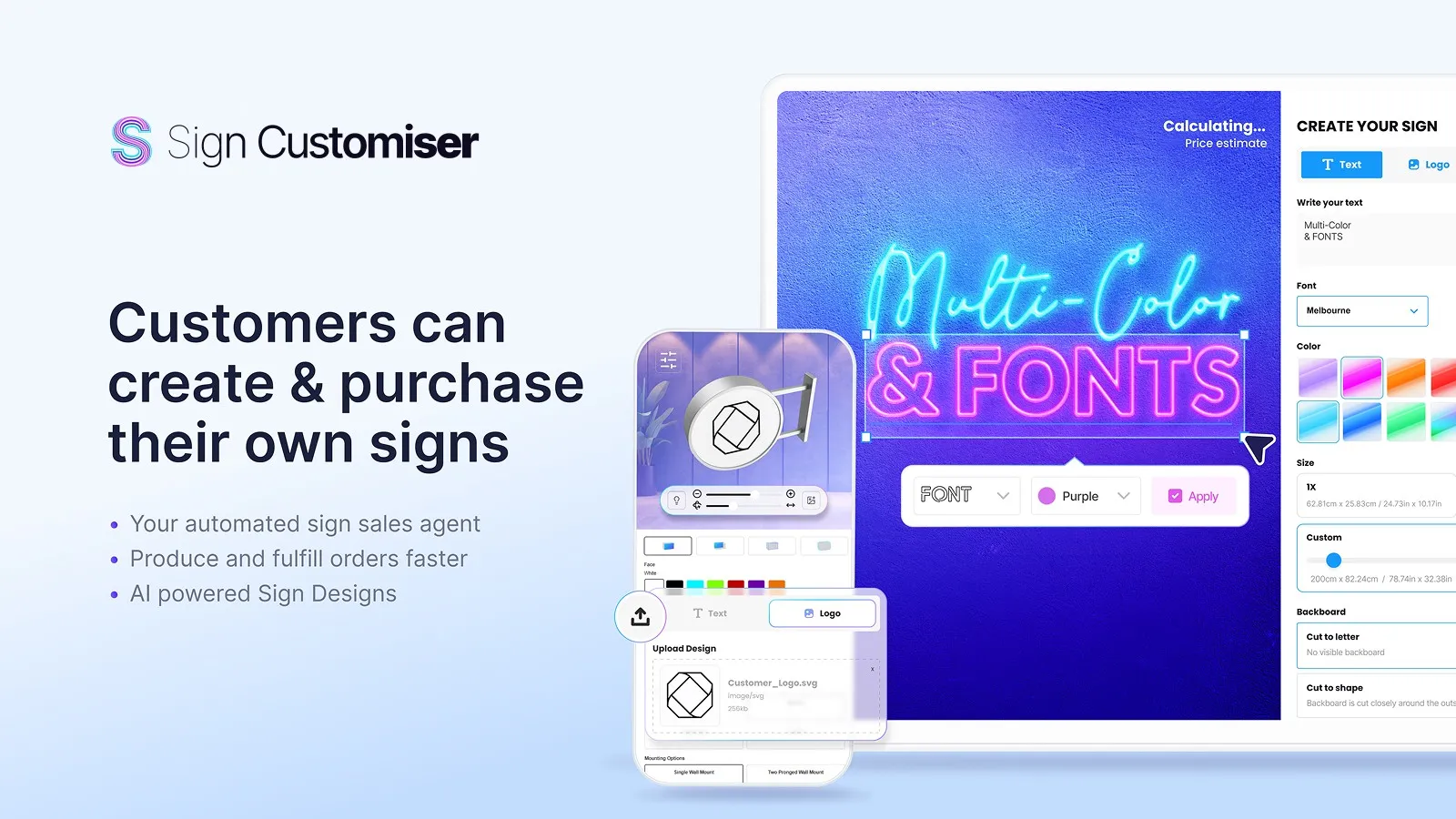
Cover
[JPG](/brand/banners/sign-customiser-banner-cover.jpg)
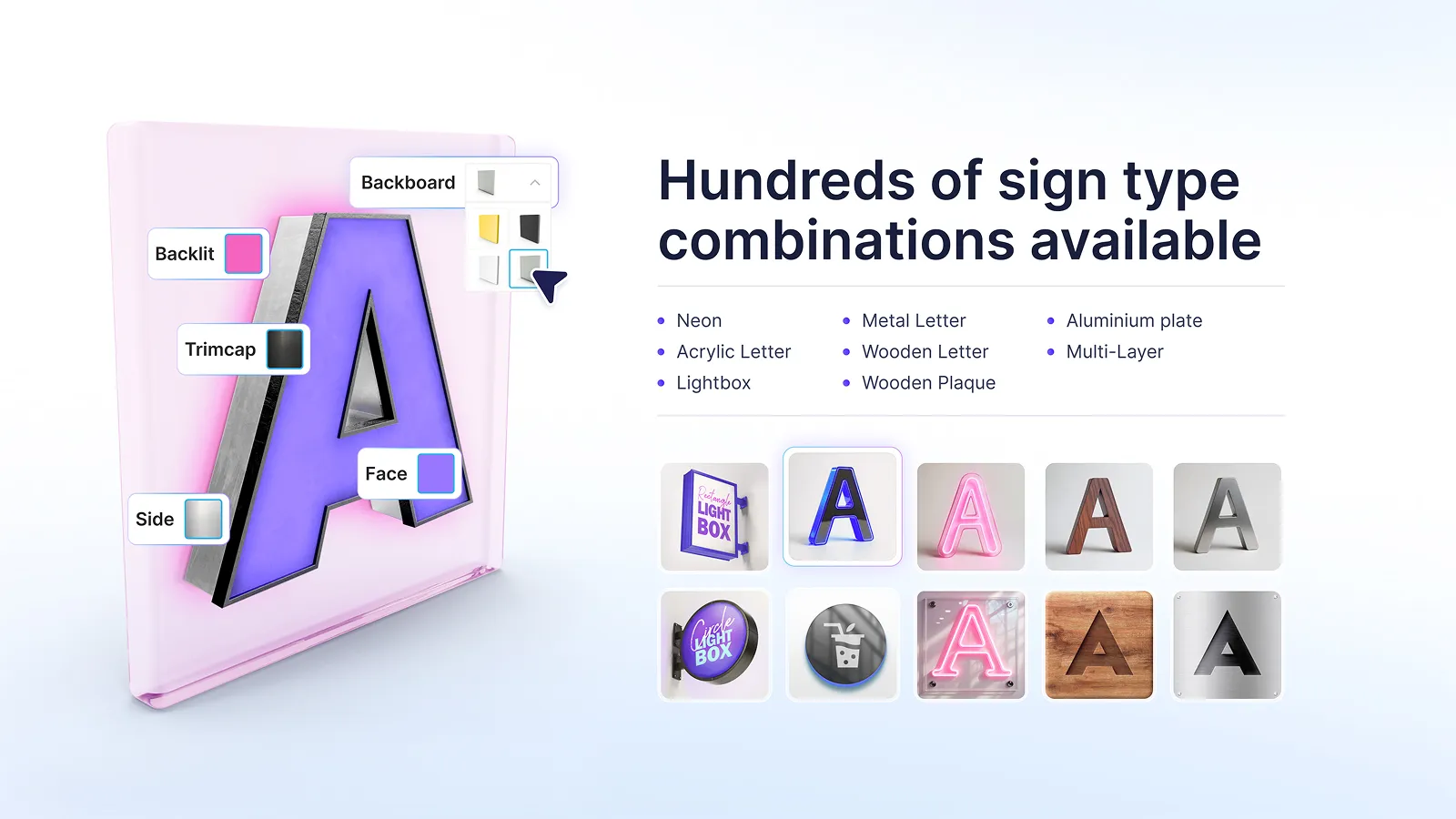
Hundreds of sign types
[JPG](/brand/banners/sign-customiser-banner-sign-types.jpg)
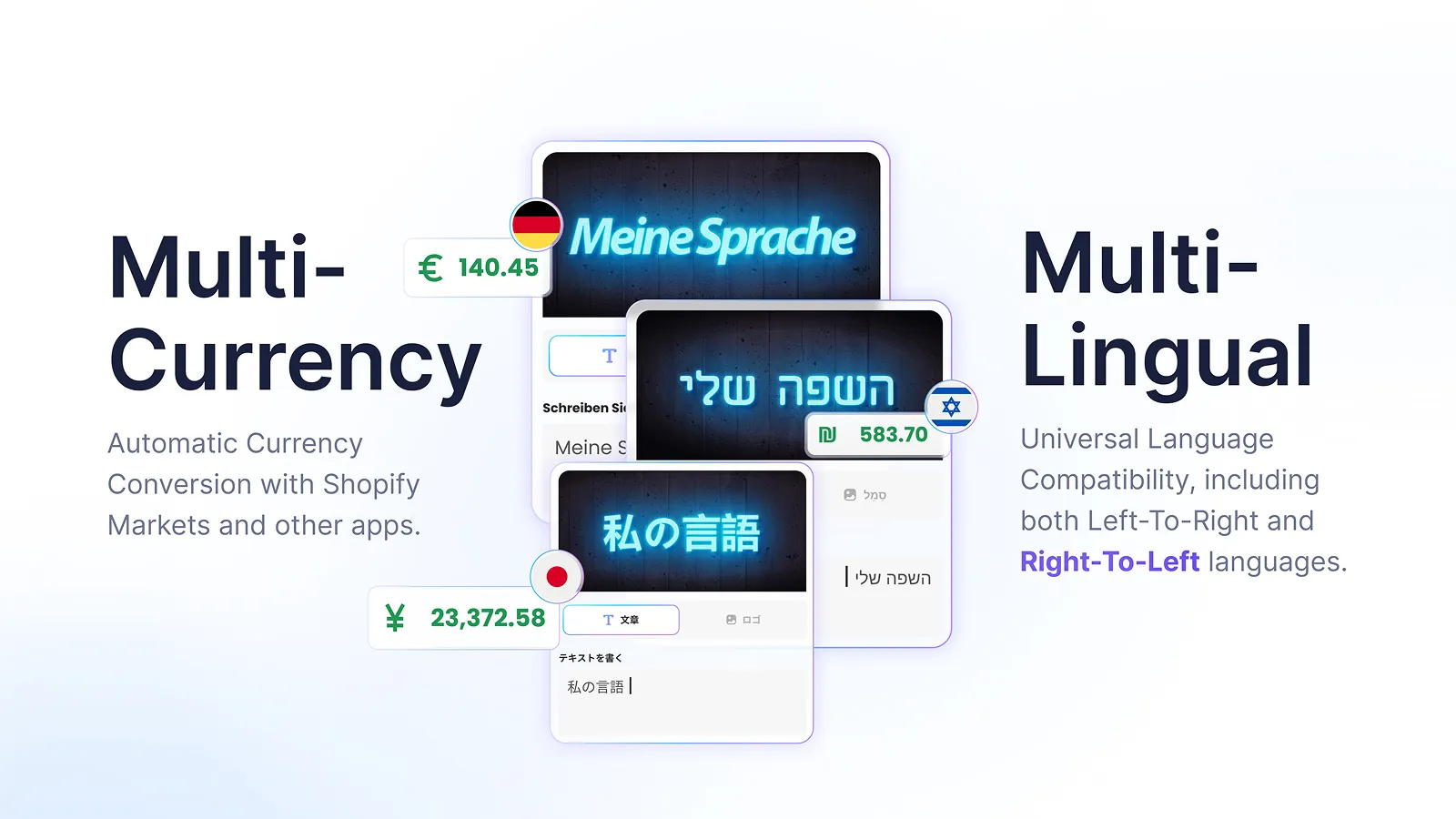
Multi-currency & multi-lingual
[JPG](/brand/banners/sign-customiser-banner-multi-currency-lingual.jpg)
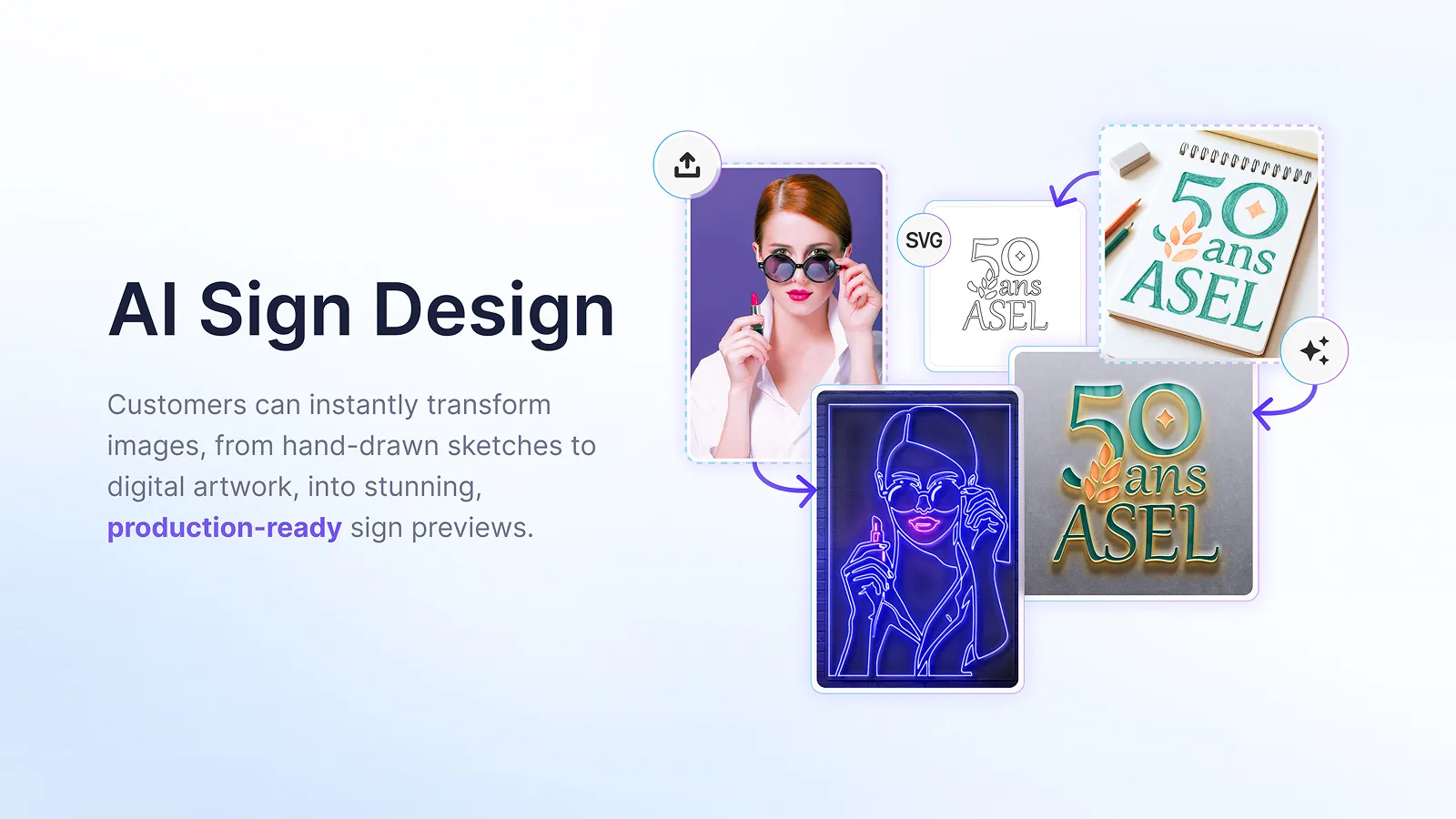
AI Sign Design
[JPG](/brand/banners/sign-customiser-banner-ai-sign-design.jpg)
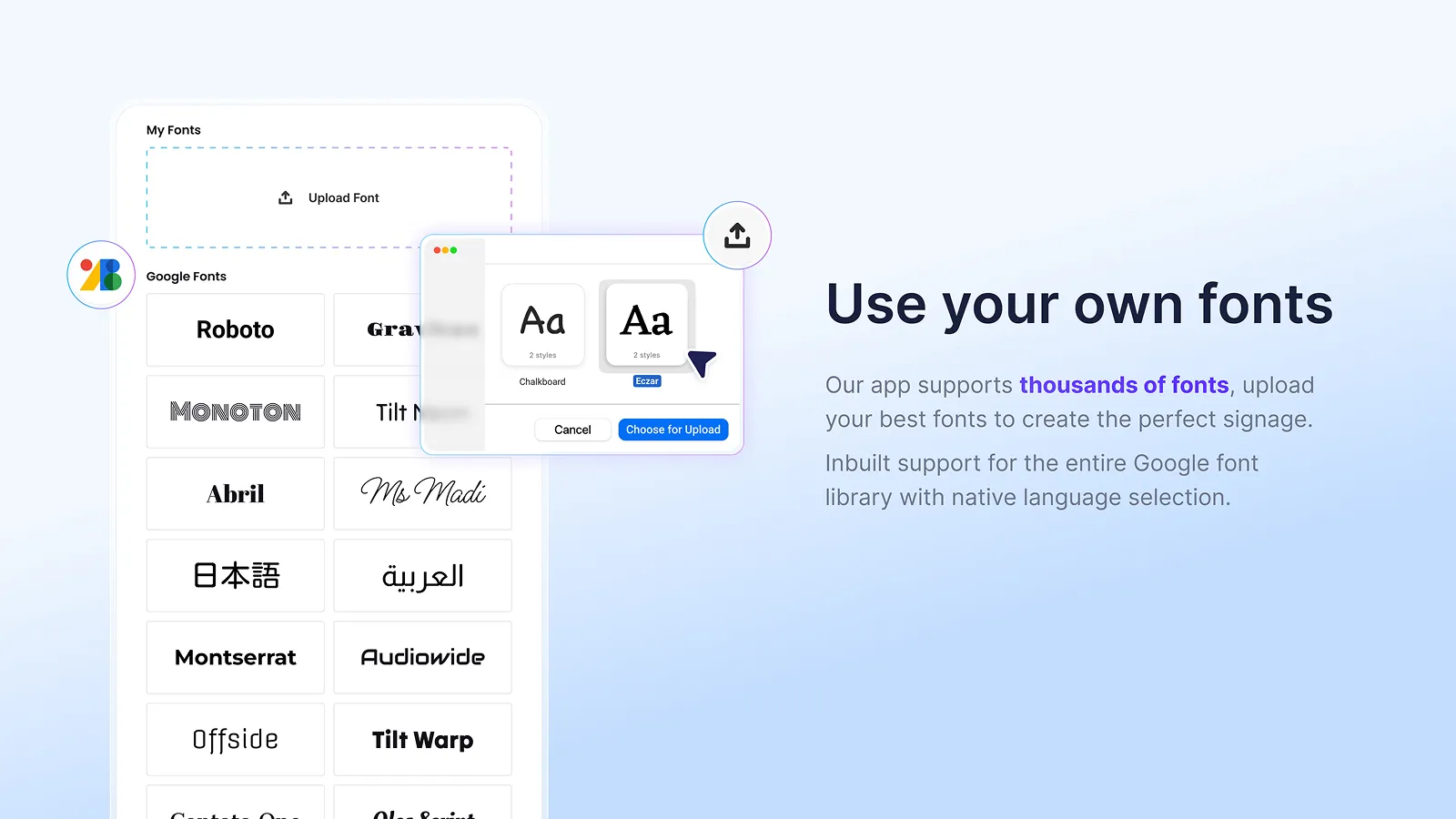
Use your own fonts
[JPG](/brand/banners/sign-customiser-banner-fonts.jpg)
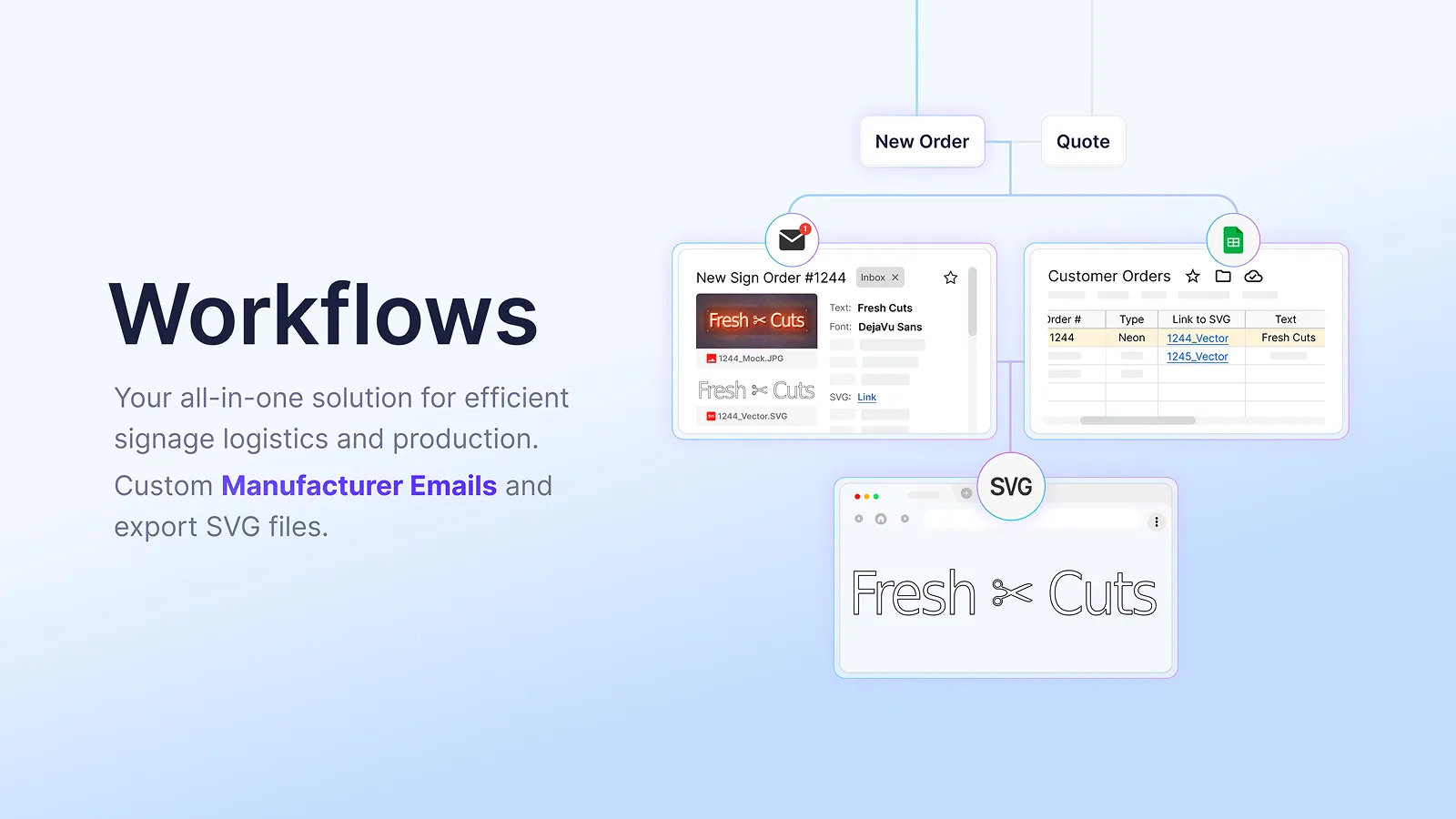
Workflows
[JPG](/brand/banners/sign-customiser-banner-workflows.jpg)
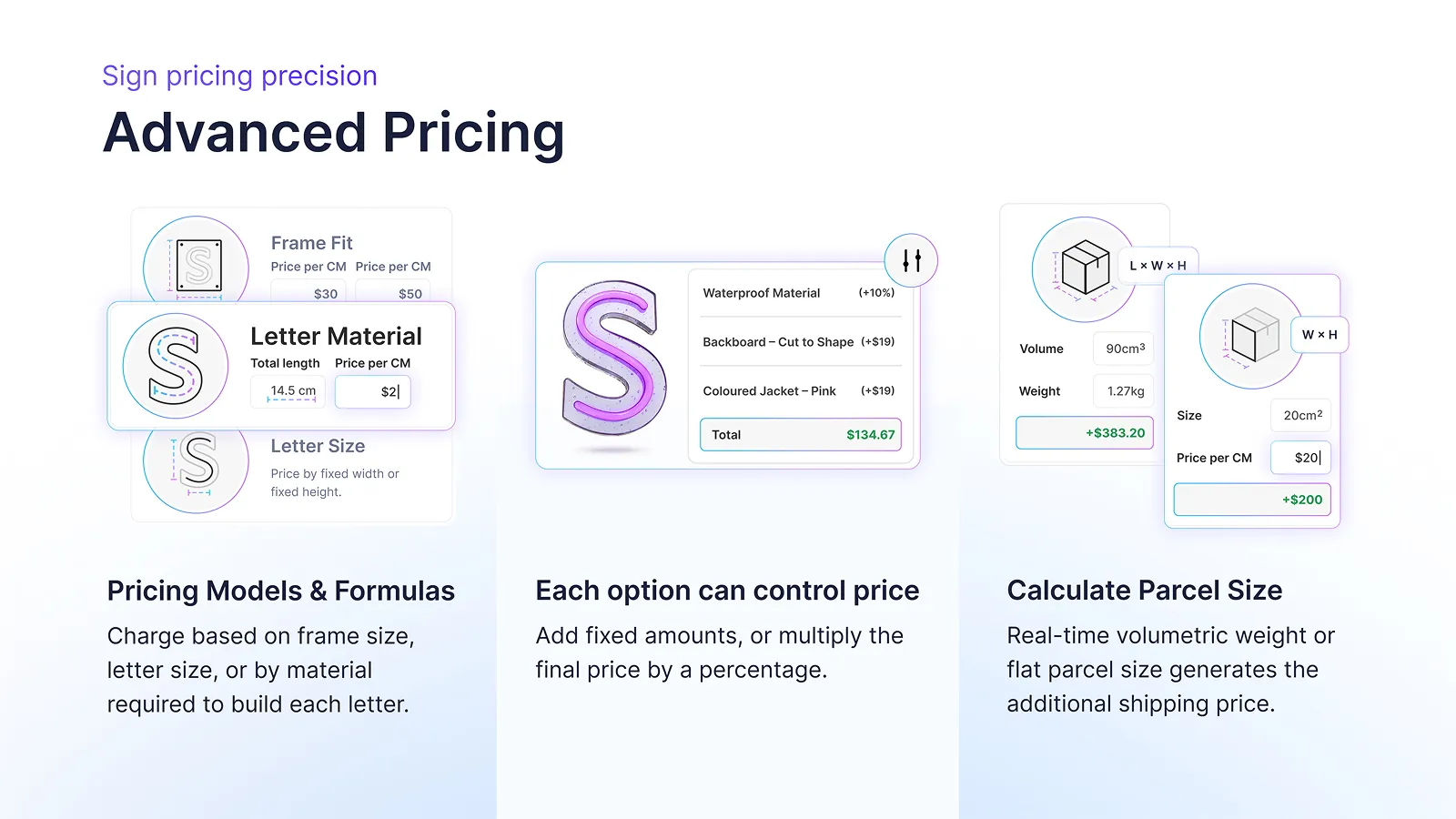
Advanced pricing
[JPG](/brand/banners/sign-customiser-banner-pricing.jpg)
## Live customisers
Real demo product pages you can try yourself — the product in action.
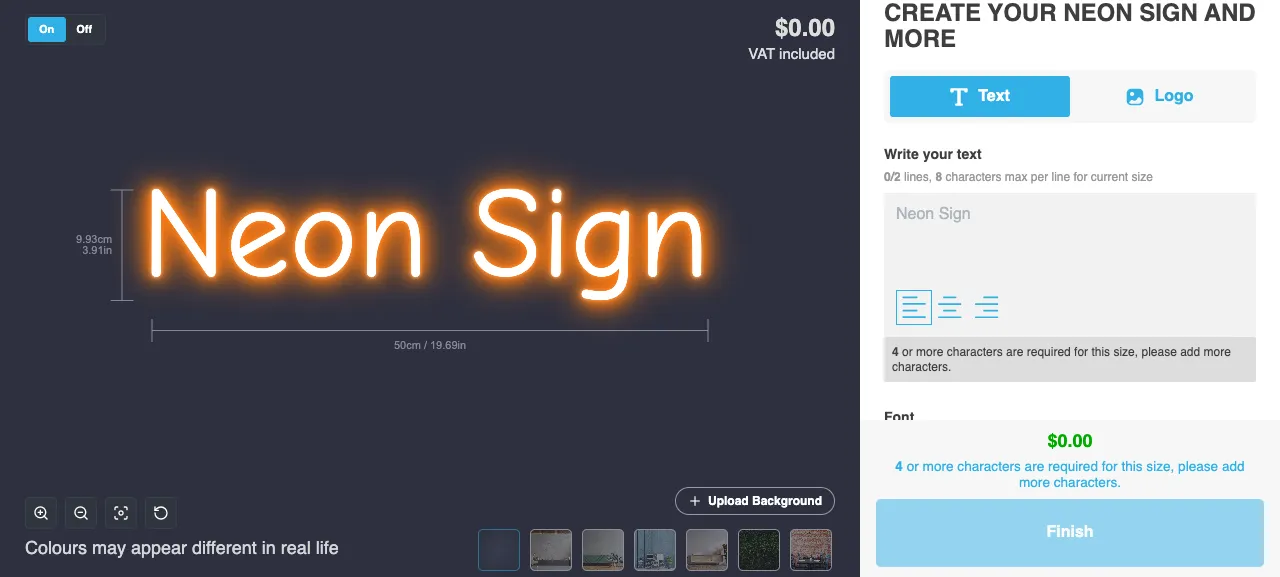
Neon — simple model
[Try it live](https://demo.signcustomiser.com/pages/neon-sign-fixed-width-model)
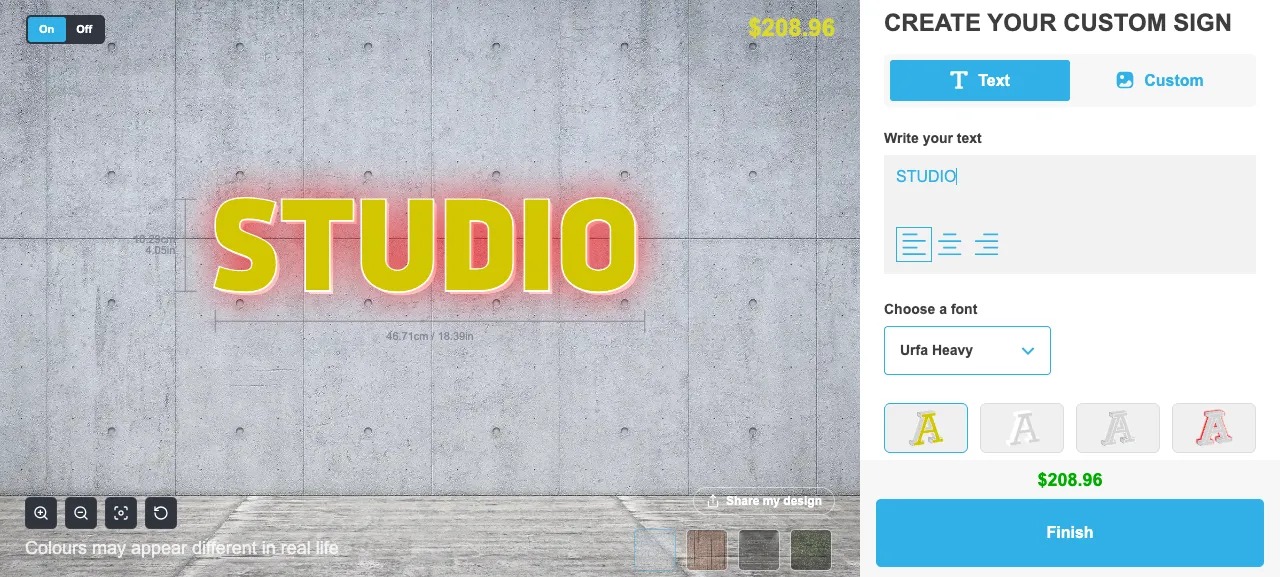
Acrylic channel letter
[Try it live](https://demo.signcustomiser.com/products/3d-channel-letter)
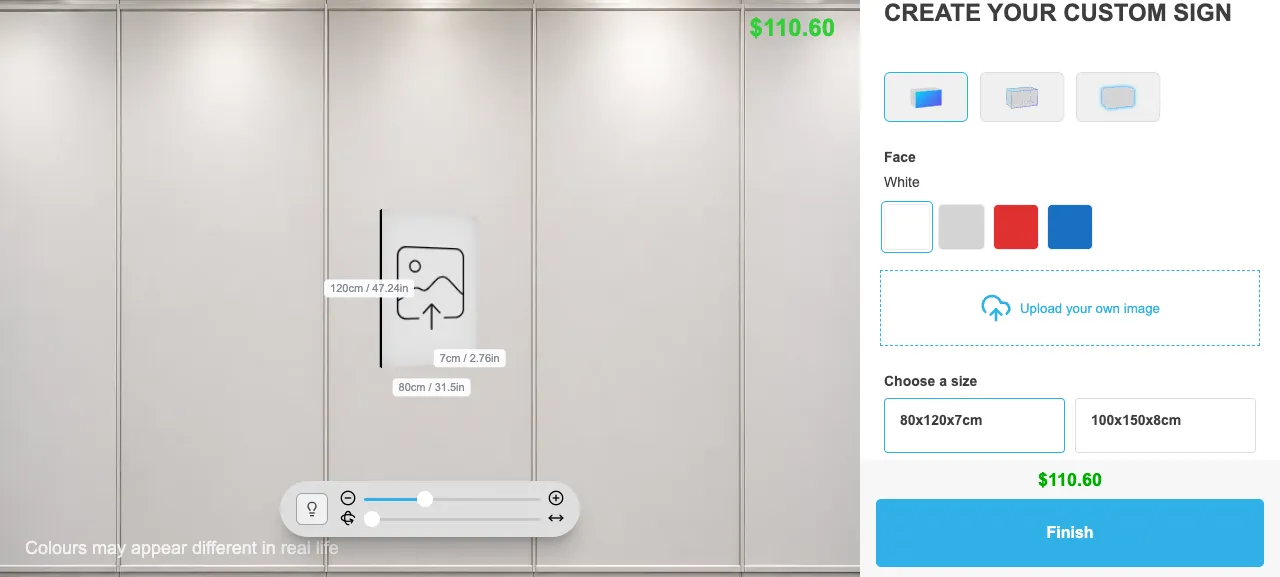
Slim lightbox
[Try it live](https://demo.signcustomiser.com/products/slim-lightbox)
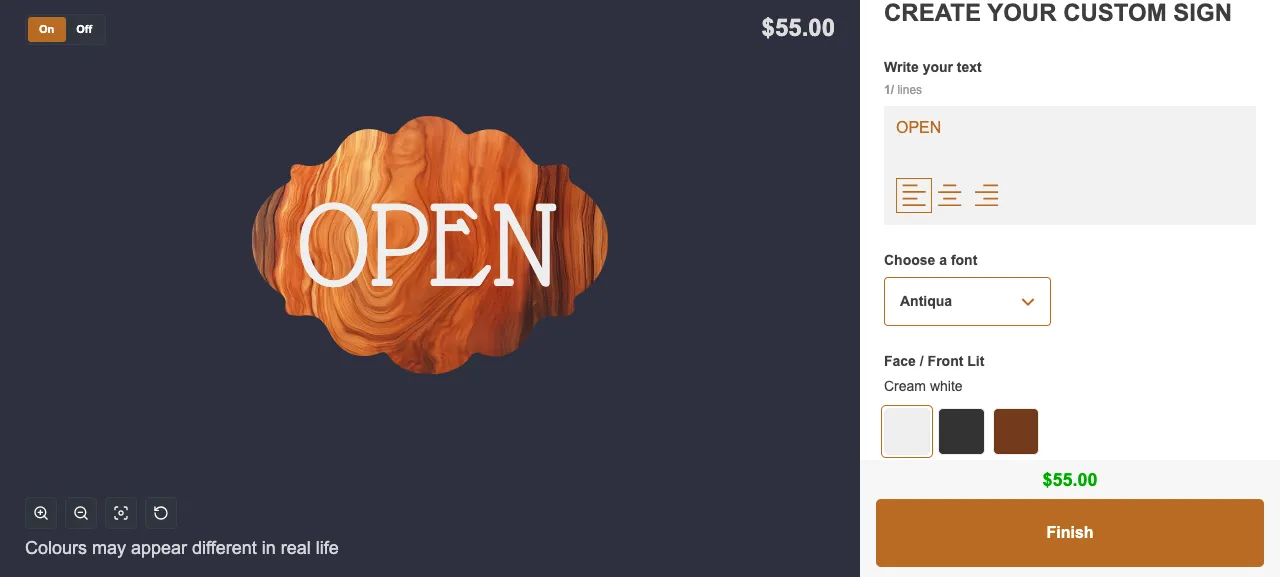
Wood sign
[Try it live](https://demo.signcustomiser.com/products/wooden-sign)
## Product examples
What merchants actually sell — real custom signs across neon, lightbox, acrylic, metal and wood.
Neon
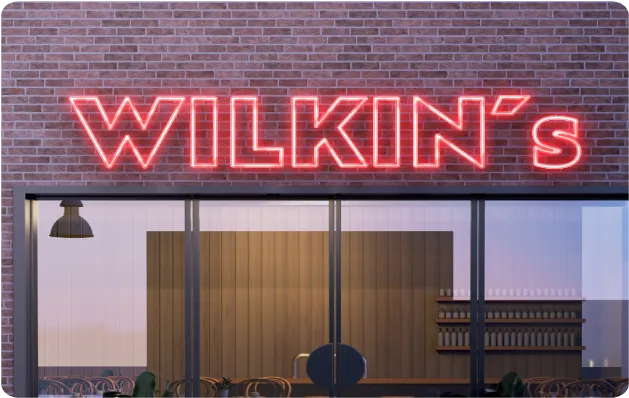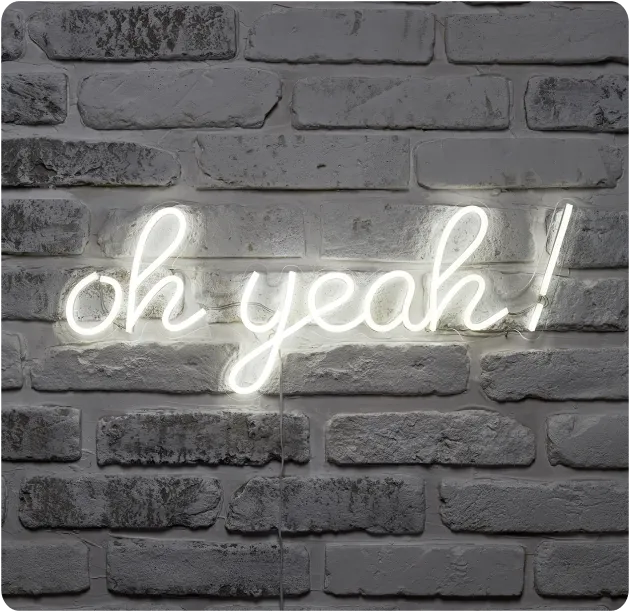
Lightbox
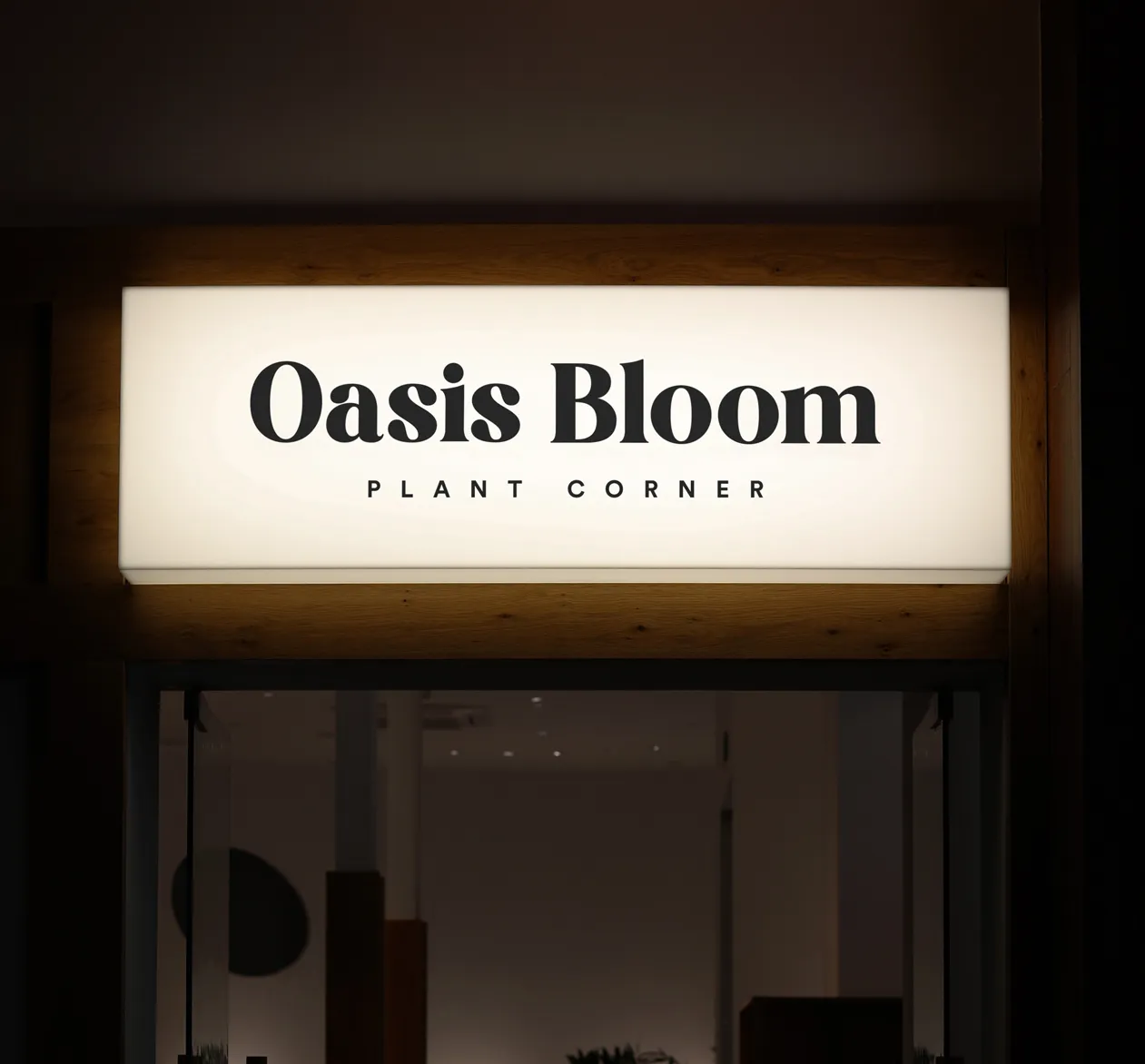
Acrylic channel letter
Metal channel letter
Metal plate
Wood
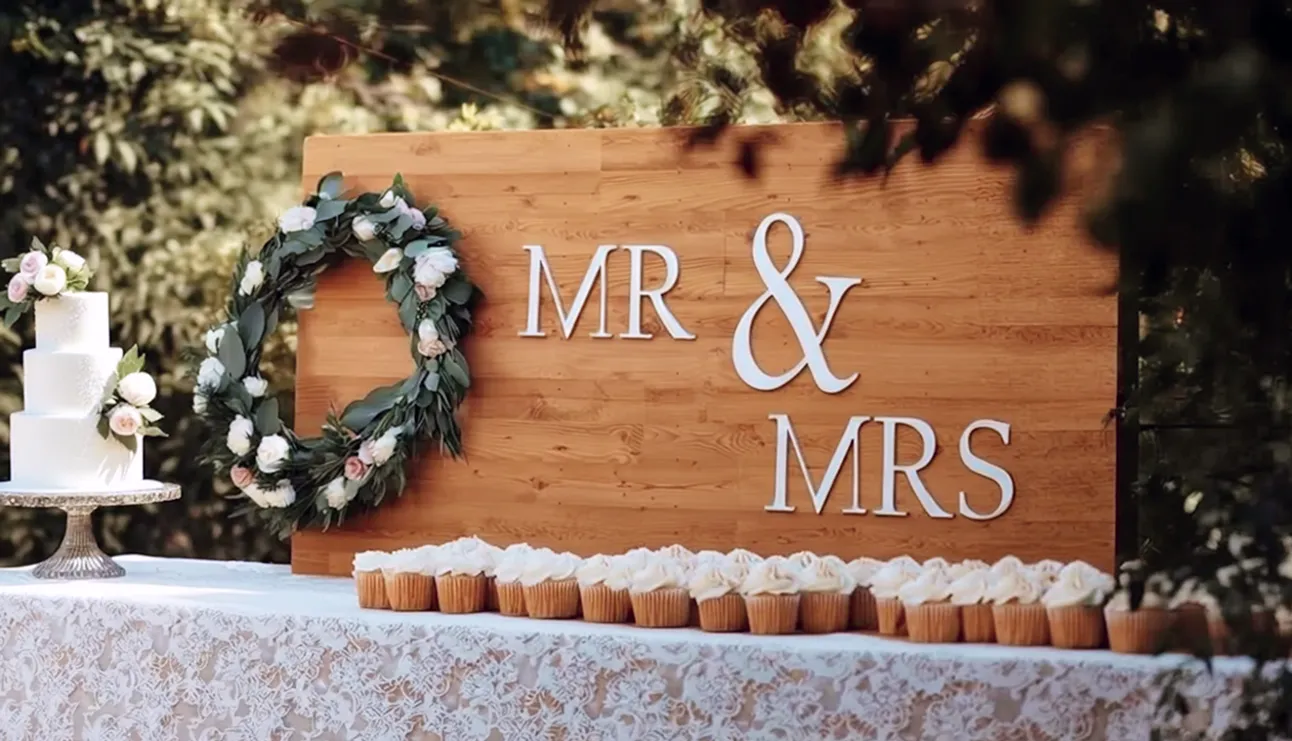
## Boilerplate
Approved descriptions — paste straight into your coverage.
In one line
Sign Customiser is the automated sign-selling and AI design platform for online stores.
Short (~50 words)
Sign Customiser is the automated sign-selling and AI sign design platform for e-commerce. Shoppers design custom signs — neon, acrylic, metal, wood, lightbox and more — get instant, accurate pricing, and order in minutes, while merchants eliminate manual quoting and send orders straight to production. Founded in 2020, it powers 700+ merchants across 100+ countries.
## Fast facts
Founded
2020
Headquarters
Adelaide, Australia
Merchants worldwide
700+
In sales processed
$75M+
Countries served
100+
Sign types supported
8+
Rating
4.9★ Shopify App Store (36 reviews)
Figures as of June 2026.
## Founder

Matthew AttanasioFounder, Sign Customiser
> “Every sign shop I met was losing days to back-and-forth quoting. Sign Customiser gives that time back — the customer designs and prices the sign themselves, and the shop gets on with making it.”
Matthew founded Sign Customiser in 2020 after a decade building e-commerce and Shopify solutions at Sky Foundry in Adelaide, to automate custom sign selling end to end.
## Official links
- [Website](https://www.signcustomiser.com/)
- [Help centre](/help/)
- [Changelog](/changelog/)
- [Live demos](https://demo.signcustomiser.com/)
- [Shopify App Store](https://apps.shopify.com/neon-product-customiser)
## Press enquiries
Interviews, quotes, or anything you can’t find here — we usually reply within one business day.
[titus@signcustomiser.com](mailto:titus@signcustomiser.com)[Open the full media kit](https://drive.google.com/drive/folders/1APPvtfmXtiNK31Beu3j_Z31AaVfeTKOZ)
## Sitemap
See the full [sitemap](/sitemap.md) for all pages.
---
## Pricing - Sign Customiser
Source: [https://www.signcustomiser.com/pricing/](https://www.signcustomiser.com/pricing/)
[Home](/)
Pricing
# Simple pricing that grows withyour sign business
Pay based on the orders you actually fulfil—nothing more. Every feature is unlocked on every plan, and you can move between tiers any time your volume changes.
[Start your free 7-day trial](/install/)
[36+ verified reviews](https://apps.shopify.com/neon-product-customiser/reviews)
MonthlyYearlySave 20%
Seed plan
Seed plan
$23.17/mo
Billed $278 each year. $29/mo if you pay monthly.
How many sign orders do you get each month?
1. 5
2. 10
3. 20
4. 30
5. 40
6. 50
7. 50+
Your plan includes
Sign orders
Up to 5 sign orders /mo
Free monthly AI credits
Reset each billing month. One credit per successful design.
15 /mo
Every feature
Find Sign Makers Pro
Need more AI credits?
AI credits are $0.25 each. Purchased credits never expire.
Find Sign Makers Pro: on an active paid plan when your listing is linked and publicly verified. Not on trial or the Development plan.
## How pricingworks
We count orders over a rolling 30-day window. Only paid orders that include a product built with our customiser are counted—your other store orders are ignored entirely. This works the same way whether you're on Shopify, Wix, or any platform through our Universal integration.
### Only sign orders count
We call these **attributed orders**—paid orders that contain at least one product created through our customiser. Your other store orders never factor in.
### Move up or down freely
Busy month? Move to a higher tier. Quieter period? Drop back down. Your plan should match the business you're doing right now, not the business you did last quarter.
### 30 days to decide
If you go over your plan's limit, there's no panic. You have a full 30 days to upgrade—and if your orders drop back under the limit in that window, no upgrade is needed at all.
## AI Sign Designercredits
The [AI Sign Designer](/ai-sign-designer/) lets your customers upload an image and create a production-ready sign design. When AI credits are available, a successful generation uses one AI credit.
Ladder plans include Free Monthly Credits. Free Monthly Credits reset on your monthly billing anniversary. AI purchased credits never expire.
$0.25
Per AI credit
Free monthly AI credits included with every plan.
[See AI Sign Designer](/ai-sign-designer/)
[See AI Sign Designer](/ai-sign-designer/)
## Find Sign Makers Prois included
[Find Sign Makers](/find-sign-makers/) is our global directory of sign manufacturers. A listing is free. Find Sign Makers Pro is the paid level of that directory.
The Store owner links the listing from the Find Sign Makers Pro page of their Sign Customiser admin. The manufacturer agrees through a one-time link that we send by email. Or buy Pro on its own for USD 100 per year. No tax is added.
Find Sign Makers
Made by Sign Customiser
Example listing
Manufacturer
Ships to
Your sign shop
VerifiedPro
AU US UK +9
Profile
Profile
Profile
Sorted: Pro, verified, name
Example
### Who gets it
Find Sign Makers Pro is included with an active paid Sign Customiser subscription when your listing is linked and publicly verified. Not on trial or the Development plan. It ends when the subscription ends or the listing is unlinked.
## Frequently askedquestions
### What exactly is an "attributed order"?
A paid order on your store that includes at least one product created through our sign customiser. If a customer buys a custom neon sign along with three t-shirts, that's one attributed order. If they only buy the t-shirts, it doesn't count at all. These are the only orders that factor into your plan.
### How does the 30-day window work?
We look at the last 30 days of attributed orders—not a calendar month. It's a rolling window, so a spike in week one naturally rolls off by week five without you needing to change anything.
### What if I go over my limit?
Nothing breaks. Your customiser keeps working normally. We send you a heads-up and you'll see an alert in your admin dashboard. From there, you have a full 30 days to upgrade—plenty of time to see whether the spike sticks or settles.
### Can my orders drop back under the limit?
Yes. Because the window is rolling, older orders fall off as new days are added. If your 30-day total drops back within your plan's limit before the grace period ends, the upgrade notice clears on its own—no action needed from you.
### Can I move to a lower plan?
Any time. If your order volume has come down and you're consistently within a lower tier's limit, switch from your admin dashboard. No penalties, no waiting periods. Your plan should match the business you're doing now.
### Is there a free trial?
Every plan starts with a 7-day free trial—all features, no credit card up front. Development stores on Shopify can use the app completely free with no restrictions or time limits.
### Are all features included on every plan?
Yes. Every plan unlocks every feature—advanced pricing models, custom design forms, multi-colour signs, drag-and-drop editing, manufacturer integrations, and more. The only variable between plans is order volume. See our [features page](/features/) for the full list.
### Which platforms does this work with?
Sign Customiser works with Shopify, Wix, and virtually any website through our [Universal integration](/integrations/). Pricing, billing, and plan mechanics are identical across all platforms.
### How do I track my usage?
Your admin dashboard shows attributed orders in real time. Open the app, click Orders, and you'll see exactly where you stand against your plan's limit—no guesswork.
### Is billing the same on Shopify and other platforms?
The plans and pricing tiers are the same everywhere. On Shopify, billing goes through your Shopify invoice. On other platforms, billing is handled directly through Stripe. Either way, the same plans, the same limits, the same features.
### Is Find Sign Makers Pro included with my plan?
Find Sign Makers Pro is included with an active paid Sign Customiser subscription when your listing is linked and publicly verified. Not on trial or the Development plan. It ends when the subscription ends or the listing is unlinked. The Store owner links the listing from the Find Sign Makers Pro page of their Sign Customiser admin. The manufacturer agrees through a one-time link that we send by email. Or buy Pro on its own for USD 100 per year. No tax is added.
### How do AI Sign Designer credits work?
Ladder plans include Free Monthly Credits. A successful [AI Sign Designer generation](/ai-sign-designer/) uses one AI credit when credits are available. Free Monthly Credits are spent first. They reset on your monthly billing anniversary and do not roll over. AI purchased credits never expire. AI purchased credits are $0.25 per AI credit. Failed attempts do not use AI credits.
## Every feature,every plan
We don't gate features behind higher tiers. Whether you're on the $29 plan or the $299 plan, you get the full toolkit.
- 1-click setup with templates
- Neon, channel letter & wooden signs
- Lightbox and metal plate signs
- Unlimited customisation options
- Drag, drop & scale visual editor
- Multi-colour and font designs
- Currency conversion & multilingual
- Advanced pricing models
- Custom design forms & quotes
- Letter parts, backboards & jackets
- Graphics and icon upload
- Precision sizing & measurements
Works with all major platforms
- Shopify
- WooCommerce
- WordPress
- Wix
- Etsy
- Squarespace
- Webflow
## Sitemap
See the full [sitemap](/sitemap.md) for all pages.
---
## Privacy Policy for Sign Customiser - Sign Customiser
Source: [https://www.signcustomiser.com/privacy-policy/](https://www.signcustomiser.com/privacy-policy/)
This Privacy Policy describes how your personal information is collected, used, and shared when you visit or make a purchase from signcustomiser.com (the “Site”).
## Personal Information We Collect
When you visit the Site, we automatically collect certain information about your device, including information about your web browser, IP address, time zone, and some of the cookies that are installed on your device. Additionally, as you browse the Site, we collect information about the individual web pages or products that you view, what websites or search terms referred you to the Site, and information about how you interact with the Site.
When you make a purchase or attempt to make a purchase through the Site, we collect certain information from you, including your name, billing address, shipping address, payment information, email address, and phone number. We refer to this information as “Order Information”.
## How Do We Use Your Personal Information?
We use the Order Information that we collect generally to fulfill any orders placed through the Site (including processing your payment information, arranging for shipping, and providing you with invoices and/or order confirmations). Additionally, we use this Order Information to:
- Communicate with you;
- Screen our orders for potential risk or fraud; and
- When in line with the preferences you have shared with us, provide you with information or advertising relating to our products or services.
## Sharing Your Personal Information
We share your Personal Information with third parties to help us use your Personal Information, as described above. For example, we use Shopify to power our online store—you can read more about how Shopify uses your Personal Information here.
When AI search is on in our help centre, we share the questions that you send with AI service providers. Refer to “Help Centre AI Search” below.
## Help Centre AI Search
Our help centre at [www.signcustomiser.com/help/](https://www.signcustomiser.com/help/) has a search dialog that can use AI service providers. This section applies only when we turn on AI search for your browser. We can turn on AI search for some browsers, for all browsers or for no browsers.
When you type in the search box, the search does not send the text to us. When you press Enter or select Try again, the search sends your question, the selected search area (All, Docs or API) and a random request code to our server. If you change the search area after a search, the search sends the same question again. If the search cannot start, or fails before it finds pages, your browser can look for pages in a list of help centre page titles and links that it downloads from the help centre. This does not send your question.
When AI search is on, we use your question as follows:
- We send your question to OpenAI. OpenAI makes an embedding (a numerical form of the text) that we use to find related help centre pages.
- When AI answers are on, we send your question and the related help centre text to Anthropic or OpenAI. The provider that we select writes a short answer with links.
Before we keep a question or an answer, our server tries to remove credentials, for example passwords, API keys and tokens. This removal does not make the record anonymous. A question that you type can identify you. Do not type personal data in the search box.
We keep each question and its answer. After 90 days, we stop using them. We keep other search records for a longer time for reports. These records contain data such as the result, the search area, the time and a reference to the cost. They do not contain the question or the answer.
When your browser is in the AI search group, the help centre sets two cookies:
- `spc_docs_search_cohort` contains a signed code that shows the search group of your browser. Scripts on the page cannot read this cookie. It expires after 24 hours.
- `spc_docs_search_dialog` tells the help centre to show the AI search dialog. It expires after 24 hours.
Our server uses your IP address to make a client code. This code changes each day. The code does not contain your IP address. We use the code to limit the number of searches and to select the search group. We keep the code for approximately 2 minutes to count searches. We do not keep the code or your IP address in the search records.
The rights in “Your Rights” also apply to your search questions and answers. To use these rights, send an email to [support@signcustomiser.com](mailto:support@signcustomiser.com). Tell us the date and the text of your question, so that we can find the record.
## Your Rights
You have the right to access the personal information we hold about you and to ask that your personal information be corrected, updated, or deleted. If you would like to exercise this right, please contact us through the contact information below.
## Contact Us
For more information about our privacy practices, if you have questions, or if you would like to make a complaint, please contact us by e-mail at [support@signcustomiser.com](mailto:support@signcustomiser.com) or by mail using the details provided below:
**Sign Customiser**
South Australia, Australia
## Sitemap
See the full [sitemap](/sitemap.md) for all pages.
---
## Learn how to make LED neon signs with this free PDF - Sign Customiser
Source: [https://www.signcustomiser.com/resources/how-to-make-neon-signs/](https://www.signcustomiser.com/resources/how-to-make-neon-signs/)
Download free
# Free download:How to make LED neon signs like a pro
Learn how professional sign creators make neon signs with this free download.
You will receive a collection of resources to help you create your own neon signs for business or personal use.
Name
Email
Submit
## Sitemap
See the full [sitemap](/sitemap.md) for all pages.
---
## Sign Pricing Calculator - Calculate Your Sign Profit Margins
Source: [https://www.signcustomiser.com/resources/sign-cost-calculator/](https://www.signcustomiser.com/resources/sign-cost-calculator/)
Benchmarks with sources
## How to pricecustom signs
Use these figures to compare your prices with the market. Each figure shows its source and date.
For the full method, read our guide on [how to price signs](/posts/general/how-to-price-signs/).
LED neon selling price
US$281
Median price of an LED neon sign
The middle half of prices were US$197 to US$446. A 48-inch sign sold for 1.86 times the price of a 24-inch sign from the same store.
Source: Sign Customiser, 201 US-dollar stores, Sep 2025 to Sep 2026
Material markup
About 100%
Usual material markup before waste
Bill Dundas, in Signs of the Times, gives 50% to 100% for most materials. A 100% markup gives a 50% gross margin.
Source: SignShop, January 2024
Shop rate
US$75+ an hour
Lowest shop rate in the range
SignCraft says that shop rates are from US$75 an hour to more than twice that. Shops in metro and tourist areas were all in its highest price level.
Source: SignCraft, February 2026
Design time
US$75 to US$124
Hourly design rate at 50% of shops
25% of the shops that answered charge US$75 to US$99 an hour. Another 25% charge US$100 to US$124. The survey does not give the number of shops.
Source: Signs of the Times survey, March 2026
Net profit
10% to 20%
Most frequent net profit band in 2025
34% of the shops that answered were in this band. 22% had 5% to 10%, and 8% had less than 5%.
Source: Signs of the Times survey, March 2026
Outdoor LED neon
+20%
Median extra charge for an outdoor sign
57% of 406 stores that sell LED neon charge more for an outdoor or waterproof sign.
Source: Sign Customiser, 137 stores, Sep 2025 to Sep 2026
## What affectssign pricing?
Several factors influence the final price of a custom sign beyond base material and labour costs.
### Material costs
The type and quality of materials — acrylic, aluminium, LED modules, vinyl — directly impact your base cost.
### Labour
Design, fabrication and installation time. In US sign manufacturing, payroll was 28.4% of the value of shipments in 2022 (US Census Bureau).
### Overhead
Rent, utilities, insurance, equipment and admin costs. Include them in your shop rate, or add them as a percentage of production cost.
### Installation complexity
Height, access requirements, electrical work, and structural considerations can significantly affect final pricing.
### Quantity
Multi-sign orders or franchise rollouts often warrant volume discounts on per-unit pricing and improved margins.
## Stop quotingsigns manually
Each manual quote takes time away from production, from your customers and from the growth of your business.
Sign Customiser automates your entire sign pricing and ordering process. Your customers configure signs directly on your website, see real-time pricing, and place orders — all without a single manual quote from your team.
[Automate your sign pricing](/sell-signs-online/)
## Frequently askedquestions
How do sign shops calculate pricing?
Add the material cost and a waste allowance, then apply your material markup. Add the labour hours at a shop rate that includes your overhead and profit. Add the cost of parts or work that you buy from other companies. Then compare the total with the prices of other shops. Our guide on how to price signs gives the full method.
What is the average markup on custom signs?
We did not find a reliable average. Trade sources give ranges. SignShop (January 2024) says that material markup is usually about 100% of cost before waste. Bill Dundas, in Signs of the Times, gives 50% to 100% for most materials. A 100% markup gives a 50% gross margin.
How much do sign shops charge per hour?
SignCraft (February 2026) says that sign shop rates are from US$75 an hour to more than twice that. In the 2026 Signs of the Times survey, 50% of the shops that answered charge US$75 to US$124 an hour for design time. The survey does not give the number of shops that answered.
How much do LED neon signs sell for online?
On 201 Sign Customiser stores that price in US dollars, the median LED neon sign sold for US$281 from 29 September 2025 to 28 September 2026. The middle half of prices were US$197 to US$446. The median sign was approximately 32 inches wide.
What software do sign shops use for estimating?
Sign shops use spreadsheets, manual calculators and sign estimating software. Sign Customiser calculates the price on your website while the customer designs the sign. For a comparison of estimating tools, read our list of sign estimating software.
Sign Customiser is [sign estimating software](/sign-estimating-software/) that calculates the price while the customer designs the sign.
## Sitemap
See the full [sitemap](/sitemap.md) for all pages.
---
## Sell Custom Signs Online
Source: [https://www.signcustomiser.com/sell-signs-online/](https://www.signcustomiser.com/sell-signs-online/)
### Workflows
Automate manufacturer emails and SVG file exports for efficient signage logistics and production.
New orderNew quote
Gather details
Generate vector
Generate images
1New order #144Manufacturer email
Fresh\_Cuts.png.svg
Customer ordersSpreadsheet export
Order #TypeSVG
144Neon144\_Vector
New orderNew quote
Gather details
Generate vector
Generate images
1New order #144Manufacturer email
Fresh\_Cuts.png.svg
Customer ordersSpreadsheet export
Order #TypeSVG
144Neon144\_Vector
## Sitemap
See the full [sitemap](/sitemap.md) for all pages.
---
## Sign Estimating Software for Sign Shops
Source: [https://www.signcustomiser.com/sign-estimating-software/](https://www.signcustomiser.com/sign-estimating-software/)
[NewTurn any image into a sign design.](/ai-sign-designer/)
[](/)
[Try for free](/install/)
Login
[Try for free](/install/)
Trusted by 700+ merchants worldwide
- 
- 
- 
- 
- 
- 
## Your spreadsheets arecosting you money
Manual estimating creates bottlenecks, inconsistencies, and lost opportunities. There's a better way.
### The old way
- Customer emails with requirements - you drop what you're doing to calculate
- Open the spreadsheet, look up material costs, calculate dimensions manually
- Create a mockup, email back, wait for response, revise, repeat
- 15-30 minutes per quote - assuming no mistakes or changes
### The Sign Customiser way
- Customer designs their sign with real-time visualisation and live pricing
- Your pricing rules automatically calculate materials, labour, and margins
- Customer checks out when ready - you receive the order with production files
- Zero time per quote - happens automatically, 24/7, even while you sleep
## Estimating thatactually works
Configure your pricing once, then let the software handle every calculation perfectly.
- ### Material cost calculation
Price by actual material usage - whether that's linear metres of neon tube, square footage of acrylic, or number of letters. Your costs, your formulas.
- ### Labour time estimation
Factor in production time based on complexity. More intricate designs can automatically include additional labour costs in the estimate.
- ### Margin control
Apply percentage markups, fixed fees, or tiered pricing. Ensure every job hits your target profit margin without manual calculation.
- ### Real-time updates
As customers change fonts, sizes, or options, the estimate updates instantly. No refresh needed - they see their total in real-time.
- ### Multiple pricing models
Choose from fixed-width tiers, material length calculation, area-based pricing, or custom formulas. Match your pricing to how you actually cost jobs.
- ### Option add-ons
Dimmers, remote controls, waterproofing, rush production - add optional extras with fixed or percentage-based pricing.
## Reclaim hoursevery week
See how automated estimating transforms your daily workflow.
5-10
Hours saved weekly
Time previously spent calculating quotes, creating mockups, and responding to pricing inquiries.
24/7
Quoting availability
Customers get instant estimates any time - evenings, weekends, holidays. Never miss a sale because you weren't available.
100%
Pricing consistency
Every estimate uses the same formulas. No more accidentally underpricing jobs or inconsistent quotes.
Reviews
## What sign shops aresaying about us
[36+ verified reviews](https://apps.shopify.com/neon-product-customiser/reviews)
- > Amazing product, and even better support. I cannot say enough good things about this sign customizer.
The Simple Stencil
- > The customer support very professionell very very fast. I am happy to work with the team. They have always a solution.
Neon Everglow
- > If you are looking to increase your end-user experience this app is a winner.
TINKABLE
- > Very pleased with how easy it was. The design tools made it simple to customize my sign with different fonts, colors and layouts. I could see changes in real-time so I knew what the final product would look like.
Weon Light
- > Great app! Fantastic support, probably the best ever worked with ;) The admin is so well designed and simple. Just a word : BRAVO
Light My Neon
- > Great service! The team is extremely helpful and always quick to answer any questions. Highly recommended.
Mellow Signs
Start saving time today
## Replace spreadsheets withautomated estimating
Sign Customiser handles the calculations so you can focus on making signs. Try it free for 7 days.
- ### Instant setup
Import your pricing or use our templates. Most shops are live within hours, not days.
- ### Your pricing rules
Configure exactly how you price jobs. The software follows your logic, not the other way around.
- ### Full support
Our team helps you set up pricing rules and configure the software to match your workflow.
[Start your free 7-day trial](/install/) [See customer quoting](/sign-quoting-software/)
7-day free trial. Every plan includes every feature.
## Frequently askedquestions
What is sign estimating software?
Sign estimating software automates the calculation of sign costs including materials, labour, and overhead. Instead of manually working out prices in spreadsheets, the software applies your pricing rules to each customer's design automatically. Sign Customiser takes this further by letting customers see estimates instantly as they design, turning estimates into orders.
How accurate are the estimates from Sign Customiser?
Estimates are as accurate as the pricing rules you configure. Sign Customiser lets you set up pricing based on exact material usage, character count, sign dimensions, complexity factors, and more. Many merchants report their automated estimates are more consistent than manual calculations because they eliminate human error and ensure every job is priced the same way.
Can I set different pricing for different sign types?
Yes, you can create unlimited customisers with different pricing rules. For example, you might price LED neon signs by material length, acrylic signs by square area, and vinyl lettering by character count. Each product line can have its own pricing formula, material costs, and markup percentages.
Does the software integrate with my existing workflow?
Sign Customiser integrates with your ecommerce platform (Shopify, WooCommerce, Wix, etc.) so orders flow directly into your existing system. You can also set up email notifications to your manufacturers or production team with detailed specs for each order.
How much time can I save with automated estimating?
Most sign shops report saving 5-10 hours per week on quoting alone. Instead of spending 15-30 minutes per quote calculating costs and creating mockups, customers generate their own estimates instantly. This time savings compounds as your volume grows - the software handles 100 quotes as easily as 10.
## Related signsoftware solutions
Explore other ways Sign Customiser helps sign shops succeed online.
- [Sign shop softwareComplete business solution for selling custom signs online.](/sign-shop-software/)
- [Sign pricing softwareAdvanced pricing models for any sign type or material.](/sign-pricing-software/)
- [Sign quoting softwareCustomer-facing instant quotes that convert to sales.](/sign-quoting-software/)
- [Neon sign solutionsSpecialised features for LED neon sign businesses.](/solutions/neon-signs/)
- [Compare sign software toolsCompare the price and features of 8 sign estimating tools.](/posts/general/best-sign-estimating-software/)
- [How to price signsCalculate your costs, shop rate and markup for each sign job.](/posts/general/how-to-price-signs/)

Get started
## Add Sign Customiserto your store today
[Install now](/install/)
36+ verified reviews

## Login
[Universal Sign In](https://web.signcustomiser.com/login/)
- WordPress
- Wix
- Etsy
- Squarespace
- Webflow
Or, if on Shopify, navigate to your store admin to login.
## Sitemap
See the full [sitemap](/sitemap.md) for all pages.
---
## Sign Pricing Software for Custom Signs
Source: [https://www.signcustomiser.com/sign-pricing-software/](https://www.signcustomiser.com/sign-pricing-software/)
[NewTurn any image into a sign design.](/ai-sign-designer/)
[](/)
[Try for free](/install/)
Login
[Try for free](/install/)
Trusted by 700+ merchants worldwide
- 
- 
- 
- 
- 
- 
## Three pricing modelsfor every sign type
Choose the pricing approach that matches how you cost each product. Use different models for different sign types.
- ### Fixed-width pricing
Simple tier-based pricing. Define price points for different widths (e.g., 50cm, 75cm, 100cm) and character limits. Great for neon signs with predictable sizing. Can also size by letter height.
- Set up to 10 size tiers
- Character limits per tier
- Per-character overage fees
- ### Material length pricing
Price by exact material usage. The software measures font path length to calculate precise material costs. Ideal for LED neon where tube length directly impacts cost.
- Measures actual font path
- Set cost per metre/foot
- Accounts for font complexity
- ### Frame Fit pricing
Area-based pricing for framed signs. Perfect for lightboxes, backlit panels, and signs where the frame size drives the cost.
- Price by square metre/foot
- Minimum size thresholds
- Frame material options
## Completepricing control
Beyond base pricing models, fine-tune every aspect of how your signs are priced.
- ### Material costs
Set different costs for different materials. Coloured tubes, premium acrylics, special finishes - each can have its own cost structure.
- ### Percentage markups
Apply percentage markups at any level - on materials, options, or totals. Build in consistent profit margins automatically.
- ### Fixed fees
Add fixed fees for setup, design, packaging, or any other flat costs. Combine with percentage markups for complete pricing control.
- ### Option pricing
Price add-ons like dimmers, remotes, waterproofing, rush production, or hanging hardware. Fixed cost or percentage - your choice.
- ### Minimum order values
Set minimum prices to ensure every job is worth your time. Never produce a sign that doesn't cover your costs.
- ### Quantity discounts
Offer volume pricing for larger orders. Set discount tiers that kick in at quantities you define.
## Set up once,price forever
Configure your pricing rules and let the software handle every calculation automatically.
1. 1
### Choose your model
Select the pricing model that matches how you cost this product type. You can use different models for different customisers.
2. 2
### Enter your costs
Input your material costs, labour rates, and overhead. The admin interface guides you through each step.
3. 3
### Set your margins
Add your markup percentages and any fixed fees. Test with sample designs to verify pricing looks right.
4. 4
### Go live
Publish your customiser. Every design now calculates pricing automatically using your rules. Update anytime.
Reviews
## What sign shops aresaying about us
[36+ verified reviews](https://apps.shopify.com/neon-product-customiser/reviews)
- > Amazing product, and even better support. I cannot say enough good things about this sign customizer.
The Simple Stencil
- > The customer support very professionell very very fast. I am happy to work with the team. They have always a solution.
Neon Everglow
- > If you are looking to increase your end-user experience this app is a winner.
TINKABLE
- > Very pleased with how easy it was. The design tools made it simple to customize my sign with different fonts, colors and layouts. I could see changes in real-time so I knew what the final product would look like.
Weon Light
- > Great app! Fantastic support, probably the best ever worked with ;) The admin is so well designed and simple. Just a word : BRAVO
Light My Neon
- > Great service! The team is extremely helpful and always quick to answer any questions. Highly recommended.
Mellow Signs
Take control of your pricing
## Price signsyour way
Configure pricing that matches your business. Material length, area-based, tiered - whatever works for you. Start your free trial today.
- ### Multiple models
Use different pricing models for different products. One size doesn't fit all - and it shouldn't.
- ### Instant updates
Change your pricing anytime. Updates take effect immediately - no waiting for caches to clear.
- ### Setup support
Our team helps you configure pricing to match your business model. We're invested in your success.
[Start your free 7-day trial](/install/) [Learn about estimating](/sign-estimating-software/)
7-day free trial. Every plan includes every feature.
## Frequently askedquestions
What pricing models does Sign Customiser support?
Sign Customiser supports three main pricing models: Fixed-Width (tiered pricing based on sign width and character count), Material Length (precise pricing based on actual material used like neon tube length), and Frame Fit (area-based pricing for framed signs). You can use different models for different product lines.
Can I price signs by the exact amount of material used?
Yes, the Material Length pricing model calculates the exact length of material needed (such as LED neon tube) by measuring the actual font path. This gives you precise cost calculations based on real material usage, not estimates. Different fonts use different amounts of material, and the software accounts for this automatically.
How do I handle different material costs?
You can set different costs for different materials. For example, coloured tubes might cost more than white tubes. You set your cost per unit (metre, foot, etc.) for each material, and the software applies these costs automatically when customers select options.
Can I add percentage markups or fixed fees?
Yes, Sign Customiser supports both percentage markups and fixed fees. You can apply these at different levels: on materials, on options (like dimmers or rush production), or on the total order. This lets you build in your profit margins and cover overhead costs consistently.
Is pricing displayed in the customer's currency?
Yes, pricing displays in whatever currency your ecommerce platform uses. If you sell internationally, your Shopify or WooCommerce store handles currency conversion, and Sign Customiser displays prices accordingly. The pricing logic works the same regardless of currency.
## Explore sign shopsolutions
Learn how other Sign Customiser features work with your pricing setup.
- [Sign shop softwareComplete overview of the full sign shop solution.](/sign-shop-software/)
- [Sign estimating softwareHow automated estimation saves time and improves accuracy.](/sign-estimating-software/)
- [Sign quoting softwareHow customers experience your pricing in action.](/sign-quoting-software/)
- [Compare sign software toolsCompare the price and features of 8 sign estimating tools.](/posts/general/best-sign-estimating-software/)

Get started
## Add Sign Customiserto your store today
[Install now](/install/)
36+ verified reviews

## Login
[Universal Sign In](https://web.signcustomiser.com/login/)
- WordPress
- Wix
- Etsy
- Squarespace
- Webflow
Or, if on Shopify, navigate to your store admin to login.
## Sitemap
See the full [sitemap](/sitemap.md) for all pages.
---
## Sign Quoting Software With Instant Quotes
Source: [https://www.signcustomiser.com/sign-quoting-software/](https://www.signcustomiser.com/sign-quoting-software/)
[NewTurn any image into a sign design.](/ai-sign-designer/)
[](/)
[Try for free](/install/)
Login
[Try for free](/install/)
Trusted by 700+ merchants worldwide
- 
- 
- 
- 
- 
- 
## Every "request a quote"form loses sales
When customers can't get an instant price, most leave. Sign quoting software keeps them engaged and buying.
- ### Visitors bounce to competitors
If they can't get a price immediately, they'll find someone who will give them one. You never even know they were there.
- ### Quote requests go cold
By the time you respond to a quote request, their excitement has faded. Conversion rates on delayed quotes are a fraction of instant purchases.
- ### Instant quotes convert
When customers can design, price, and purchase in one session, conversion rates soar. Capture their interest before it disappears.
## The customerquoting experience
See what your customers experience when they visit your sign customiser.
1. 1
### Design their sign
Customers enter their text, choose fonts, pick colours, and select sizes. Real-time visualisation shows exactly what they'll get.
2. 2
### See live pricing
As they customise, the price updates automatically. Larger size? Price adjusts. Different material? New total instantly.
3. 3
### Add to cart
Happy with the design and price? One click adds it to their cart with all the custom details. No form to fill out.
4. 4
### Checkout instantly
They checkout through your store as normal. You receive the order with production files ready to go.
## Why self-servicequoting works
Let customers help themselves - they'll love the experience and you'll love the results.
- ### Available 24/7
Customers can get quotes at midnight, on weekends, or during holidays. Never miss a sale because you weren't at your desk.
- ### Instant gratification
No waiting for email replies. Customers get pricing information the moment they want it, keeping them engaged and ready to buy.
- ### No pressure sales
Customers browse and design at their own pace. They buy when ready, not when pushed. This builds trust and repeat business.
- ### See before buying
Realistic visualisations mean customers know exactly what they're getting. Fewer surprises, fewer returns, happier buyers.
- ### Unlimited iterations
Customers can try 50 different designs in 10 minutes. They explore options you'd never have time to quote manually.
- ### Seamless checkout
When they're ready, one click takes them to your standard checkout. No friction, no confusion, no abandoned carts.
Reviews
## What sign shops aresaying about us
[36+ verified reviews](https://apps.shopify.com/neon-product-customiser/reviews)
- > Amazing product, and even better support. I cannot say enough good things about this sign customizer.
The Simple Stencil
- > The customer support very professionell very very fast. I am happy to work with the team. They have always a solution.
Neon Everglow
- > If you are looking to increase your end-user experience this app is a winner.
TINKABLE
- > Very pleased with how easy it was. The design tools made it simple to customize my sign with different fonts, colors and layouts. I could see changes in real-time so I knew what the final product would look like.
Weon Light
- > Great app! Fantastic support, probably the best ever worked with ;) The admin is so well designed and simple. Just a word : BRAVO
Light My Neon
- > Great service! The team is extremely helpful and always quick to answer any questions. Highly recommended.
Mellow Signs
## Quotes that convertto sales
Instant quoting doesn't just save time - it dramatically improves conversion rates.
3-5x
Higher conversion
Instant quotes convert at significantly higher rates than delayed email responses.
0
Staff time per quote
Customers quote themselves. Your team focuses on production, not pricing.
100%
Quote response rate
Every visitor gets pricing instantly. No quote requests fall through the cracks.
Start converting more visitors
## Turn website visitorsinto sign buyers
Give customers what they want - instant answers. Start your free trial and see the difference automated quoting makes.
- ### No upfront costs
Free 7-day trial with full features. Test with your real products before any commitment.
- ### Quick setup
Most merchants are live within hours. Our team helps with pricing configuration and platform integration.
- ### Keep full control
Review every order before production. Automated quoting handles sales, you handle quality.
[Start your free 7-day trial](/install/) [Configure your pricing](/sign-pricing-software/)
7-day free trial. Every plan includes every feature.
## Frequently askedquestions
How do customers get instant quotes?
Customers use your embedded sign customiser to design their sign. As they choose text, fonts, sizes, and options, the price updates automatically in real-time. They see the exact cost instantly without needing to wait for an email response or phone callback. When they're happy with the design and price, they can checkout immediately.
Can I still review orders before production?
Yes, absolutely. While customers get instant quotes and can checkout directly, you receive the full order details including design files and specifications before starting production. You can review every order, and if needed, contact the customer before beginning work. The automation handles quoting, not your quality control.
What if I need to provide custom quotes for complex designs?
Sign Customiser handles standard products automatically, but you can also accept custom quote requests for complex or unusual orders. Many merchants use the automated quoting for 80-90% of orders and handle special requests manually. You can set up a quote request form for designs that fall outside your standard offerings.
How do quotes integrate with my ecommerce platform?
Sign Customiser integrates directly with Shopify, WooCommerce, Wix, Squarespace, and other platforms. When customers add a sign to their cart, it goes through your normal checkout process. The product appears in your orders with all the custom details attached. No separate system to manage.
Can customers save quotes to come back later?
Yes, customers can save their designs to return later. If they abandon a design, you can also enable abandoned cart recovery emails to bring them back. Many customers browse, design, and return to purchase - the saved quote makes it easy to pick up where they left off.
## More sign shopsoftware solutions
Discover related features that help sign shops sell more online.
- [Sign shop softwareComplete business solution overview for selling custom signs.](/sign-shop-software/)
- [Sign estimating softwareAutomate cost calculations and replace spreadsheets.](/sign-estimating-software/)
- [Sign pricing softwareConfigure the pricing models that power your quotes.](/sign-pricing-software/)
- [Compare sign software toolsCompare the price and features of 8 sign estimating tools.](/posts/general/best-sign-estimating-software/)

Get started
## Add Sign Customiserto your store today
[Install now](/install/)
36+ verified reviews

## Login
[Universal Sign In](https://web.signcustomiser.com/login/)
- WordPress
- Wix
- Etsy
- Squarespace
- Webflow
Or, if on Shopify, navigate to your store admin to login.
## Sitemap
See the full [sitemap](/sitemap.md) for all pages.
---
## Sign Shop Software to Sell Custom Signs
Source: [https://www.signcustomiser.com/sign-shop-software/](https://www.signcustomiser.com/sign-shop-software/)
[NewTurn any image into a sign design.](/ai-sign-designer/)
[](/)
[Try for free](/install/)
Login
[Try for free](/install/)
Trusted by 700+ merchants worldwide
- 
- 
- 
- 
- 
- 
## Stop losing salesto manual quoting
Traditional sign shops lose customers who want instant answers. Sign Customiser transforms your website into a 24/7 sales machine.
- ### Customers leave without buying
When visitors can't get an instant price, they bounce to competitors. Every "request a quote" form is a potential lost sale.
- ### Hours spent on manual quotes
Email back-and-forth, spreadsheet calculations, mockup revisions. Your time is better spent on production, not paperwork.
- ### Automated sales, 24/7
Let customers design, visualise, and purchase their signs instantly. Wake up to orders complete with production files and payment.
## Everything yoursign shop needs
One platform to handle customer design, quoting, ordering, and production file generation.
- ### Customer design tools
Let customers design their own signs with real-time visualisation. Text, fonts, colours, sizes - they see exactly what they'll get.
- ### Instant automated pricing
Configure your pricing once - by size, material, complexity, or any factor. Customers see live prices as they customise.
- ### Production file generation
Every order includes manufacturing specs, cut files, and detailed production notes. Go straight from order to fabrication.
- ### Seamless checkout
Customers add to cart and checkout through your existing store. Works with Shopify, WooCommerce, Wix, and more.
- ### Multiple sign types
Neon signs, acrylic letters, metal signs, lightboxes, wood signs - configure customisers for every product you offer.
- ### AI Sign Designer
Turn customer logos into sign quotes in minutes with AI-powered design tools. No more manual mockups.
## From browser to productionin minutes
See how Sign Customiser transforms your sales process from first visit to finished order.
1. 1
### Customer designs
Visitors use your embedded customiser to design their sign. They choose text, fonts, colours, and sizes with live preview.
2. 2
### Instant quote
As they customise, pricing updates in real-time based on your rules. No waiting, no email, no phone calls needed.
3. 3
### Direct checkout
They add to cart and checkout through your store. Payment processed, order confirmed - all while you sleep.
4. 4
### Ready to produce
You receive the order with production files, specs, and customer preview. Start manufacturing immediately.
Reviews
## What sign shops aresaying about us
[36+ verified reviews](https://apps.shopify.com/neon-product-customiser/reviews)
- > Amazing product, and even better support. I cannot say enough good things about this sign customizer.
The Simple Stencil
- > The customer support very professionell very very fast. I am happy to work with the team. They have always a solution.
Neon Everglow
- > If you are looking to increase your end-user experience this app is a winner.
TINKABLE
- > Very pleased with how easy it was. The design tools made it simple to customize my sign with different fonts, colors and layouts. I could see changes in real-time so I knew what the final product would look like.
Weon Light
- > Great app! Fantastic support, probably the best ever worked with ;) The admin is so well designed and simple. Just a word : BRAVO
Light My Neon
- > Great service! The team is extremely helpful and always quick to answer any questions. Highly recommended.
Mellow Signs
Ready to grow?
## Join 700+ sign shopsalready selling online
Start your free trial today. No credit card required. See why leading sign businesses choose Sign Customiser.
- ### 7-day free trial
Full access to all features. Test everything with your real products before committing.
- ### Expert support
Our team helps you set up, configure pricing, and launch. We're invested in your success.
- ### Proven results
Merchants report increased conversions and time savings within weeks of launching.
[Start your free 7-day trial](/install/) [View pricing](/pricing/)
7-day free trial. Every plan includes every feature.
## Frequently askedquestions
Is Sign Customiser a complete solution for my sign business?
Yes, Sign Customiser provides everything you need to sell custom signs online. It includes customer-facing design tools, automated instant quoting, production file generation, and integrates with your existing ecommerce platform. From the moment a customer lands on your site to when you receive the order with manufacturing specs, Sign Customiser handles it all.
What sign types can I sell with this software?
Sign Customiser supports virtually any custom sign type including LED neon signs, acrylic signs, metal channel letters, lightbox signs, wood signs, vinyl lettering, and more. You can configure multiple customisers for different product lines, each with their own pricing rules and options.
Do I need technical skills to set it up?
No technical skills required. Sign Customiser includes a guided setup wizard and comprehensive documentation. Most merchants are up and running within a few hours. Our support team is also available to help with configuration and answer any questions.
How does Sign Customiser compare to shopVOX or EstiMate?
Unlike traditional estimating software that's designed for internal use, Sign Customiser is customer-facing. It lets your customers design and price their own signs online 24/7, then checkout directly on your website. This means you capture orders while you sleep, without the back-and-forth of manual quoting. It complements rather than replaces shop management tools.
What platforms does Sign Customiser work with?
Sign Customiser integrates with all major ecommerce platforms including Shopify, WooCommerce, Wix, Squarespace, Webflow, and Etsy. It can also be embedded on any custom website. Your customers check out through your existing store. On WooCommerce, see [how a custom sign builder works on WooCommerce](/posts/general/woocommerce-custom-sign-builder-tutorial/).
## Explore sign shopsolutions
Dive deeper into specific features or discover solutions for different sign types.
- [Sign estimating softwareAutomate cost calculations and replace manual spreadsheets with instant estimates.](/sign-estimating-software/)
- [Sign pricing softwareConfigure advanced pricing models for any sign type or material.](/sign-pricing-software/)
- [Sign quoting softwareLet customers quote themselves 24/7 with instant online pricing.](/sign-quoting-software/)
- [Compare sign software toolsCompare the price and features of 8 sign estimating tools.](/posts/general/best-sign-estimating-software/)
Read our [pricing guide for sign shops](/posts/general/how-to-price-signs/) before you set your prices, our [artwork policy guide](/posts/general/sign-shop-artwork-policy/) before you accept customer files, our [proof approval guide](/posts/general/sign-proof-approval/) before production starts, and our [sign quality control checklist](/posts/general/sign-quality-control-checklist/) before a sign ships. Before you buy a machine, read our [sign making equipment guide](/posts/general/sign-shop-equipment-guide/).

Get started
## Add Sign Customiserto your store today
[Install now](/install/)
36+ verified reviews

## Login
[Universal Sign In](https://web.signcustomiser.com/login/)
- WordPress
- Wix
- Etsy
- Squarespace
- Webflow
Or, if on Shopify, navigate to your store admin to login.
## Sitemap
See the full [sitemap](/sitemap.md) for all pages.
---
## Neon Sign App - Install on Shopify / WooCommerce / Wix Today
Source: [https://www.signcustomiser.com/signs/neon-sign-app/](https://www.signcustomiser.com/signs/neon-sign-app/)
## From handling the saleto processing the order
Sign Customiser has created an optimised and seamless experience for your customers, staff and manufacturers
### The ultimate neon sign builder
Hundreds of options specifically built to help your customers design and purchase their very own custom neon sign
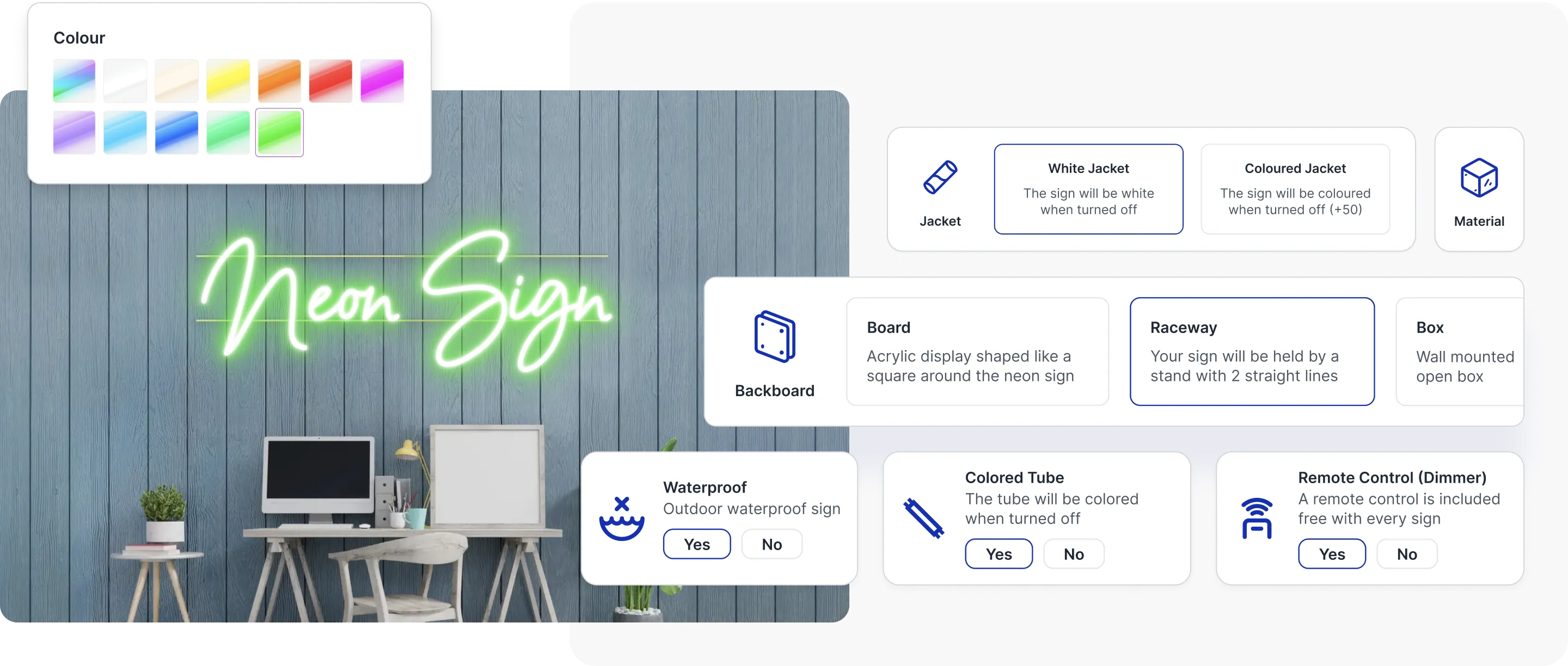
## A neon sign configuratortailored to your store
### Upload and use your own fonts
### Optimised for desktop and mobile
### Realistic sign visualisations
### Advanced options made simple

## Add Sign Customiserto your Shopify store
Try it free for 7 days, with setup help from our support team. Every plan includes every feature.
[Install now](/install/)
## Completely integratedinto the Shopify platform.
### All the options your store will ever need
Letter parts
Control the front, side, trim and type of lighting to give you ultimate control
Backings
Cut to shape, cut to letter, cut to square, stand, box, raceways both single and double line
Backing colours and images
visually display the backing colours and accurately represent the material with images
Materials
Metal, neon, LED, RGB, Glass, our app does it all
Jackets
White or coloured with the ability to visualise the option when the sign is turned off or on
Mountings
Indoor or Outdoor, hanging or secured to the wall, give your customers the choice
### Advanced Shopify integration and workflows
Custom manufacturer emails
Send emails to your manufacturer with all the details they need to get your sign built and shipped to the customer.
Export SVG files for your manufacturer
Save time by automatically exporting the sign design as an SVG file
100% translatable
All wording can be translated to your customers native spoken language
Currency conversion inbuilt
Our app natively integrates with your stores currency conversion system
### Showcase custom signs like a pro
Accurate sign measurements
Our app uses world class measuring techniques to ensure the sign measurements are accurate.
Background previews
Showcase the sign in different environments
RGB visualisation
sign colours will change to the next colour just like in real life when the RGB option is activated
### Absolute control to ensure every order is profitable
Parcel size pricing
Price your signs based on the size of the parcel required to ship them.
Advanced material measurement
Accurately trace the amount of material required to build the letters of the sign
Sign measurement limitations
Set width and height restrictions to ensure customers can only purchase signs your store can build.
Restrict sizes for fonts
Set fonts to only be selectable for certain sizes.
Every option can control the price
Need an option to multiply the final price by 200% when selected? No problem, we've got you covered.
## Sign Customiser makes it easy and fun for customersto design and purchase their very own unique neon signs.
[Start your free 7-day trial](https://apps.shopify.com/neon-product-customiser)
Every plan includes every feature.
## Sitemap
See the full [sitemap](/sitemap.md) for all pages.
---
## Sign Creator App - Sell Custom Signs Online
Source: [https://www.signcustomiser.com/signs/sign-creator-app/](https://www.signcustomiser.com/signs/sign-creator-app/)
## Let your customers design and purchase custom signswith our easy‑to‑use sign designer.
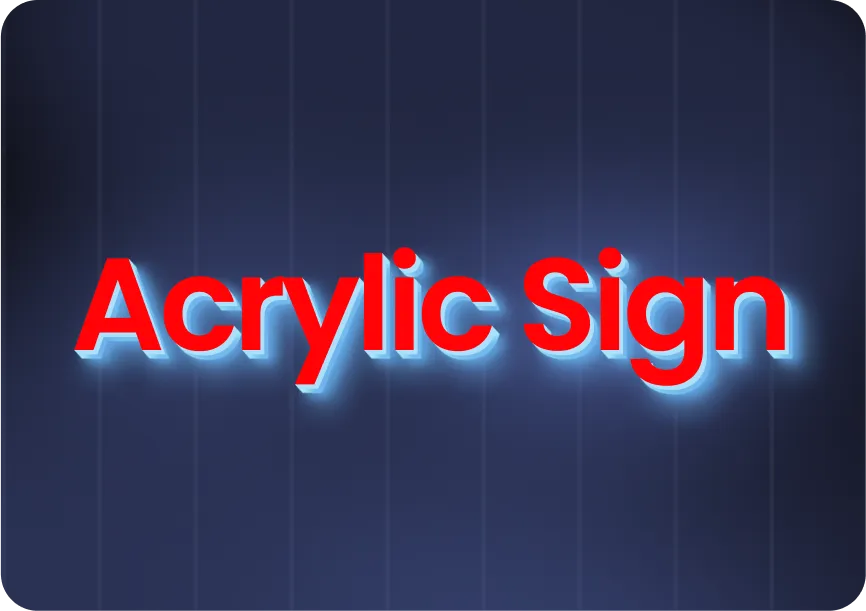
[Sell acrylic signs](/solutions/acrylic-channel-letter-signs/)
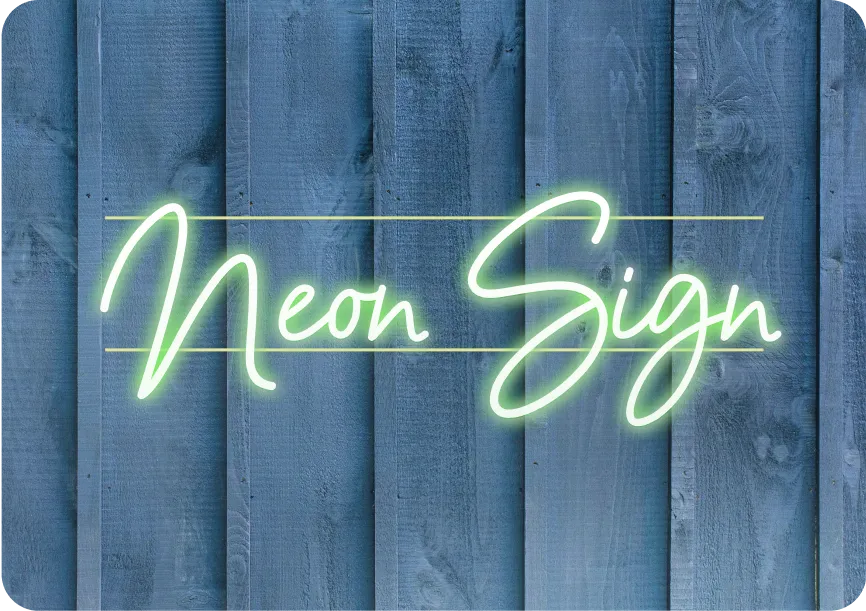
[Sell neon signs](/solutions/neon-signs/)
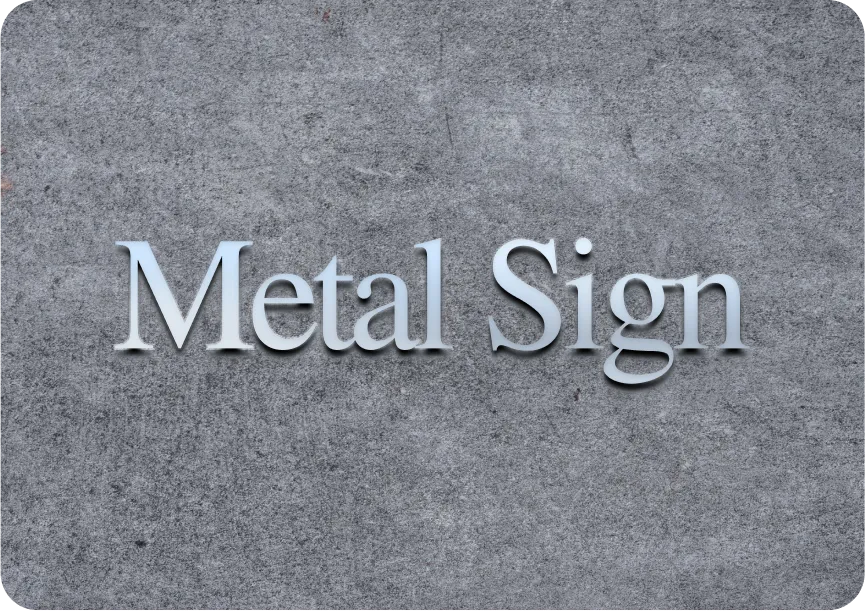
[Sell metal signs](/solutions/metal-channel-letter-signs/)
### Use your own fonts
Our app supports thousands of fonts, upload your best fonts to create the perfect signage.
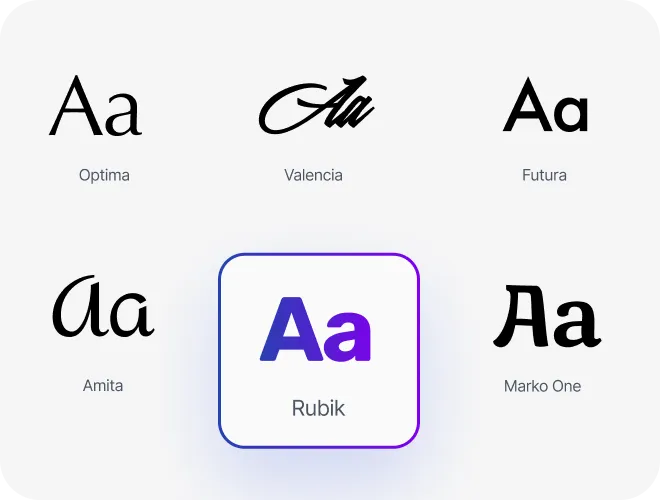
### Best for desktop and mobile
The best conversion rate optimisation you can make for selling custom signs.
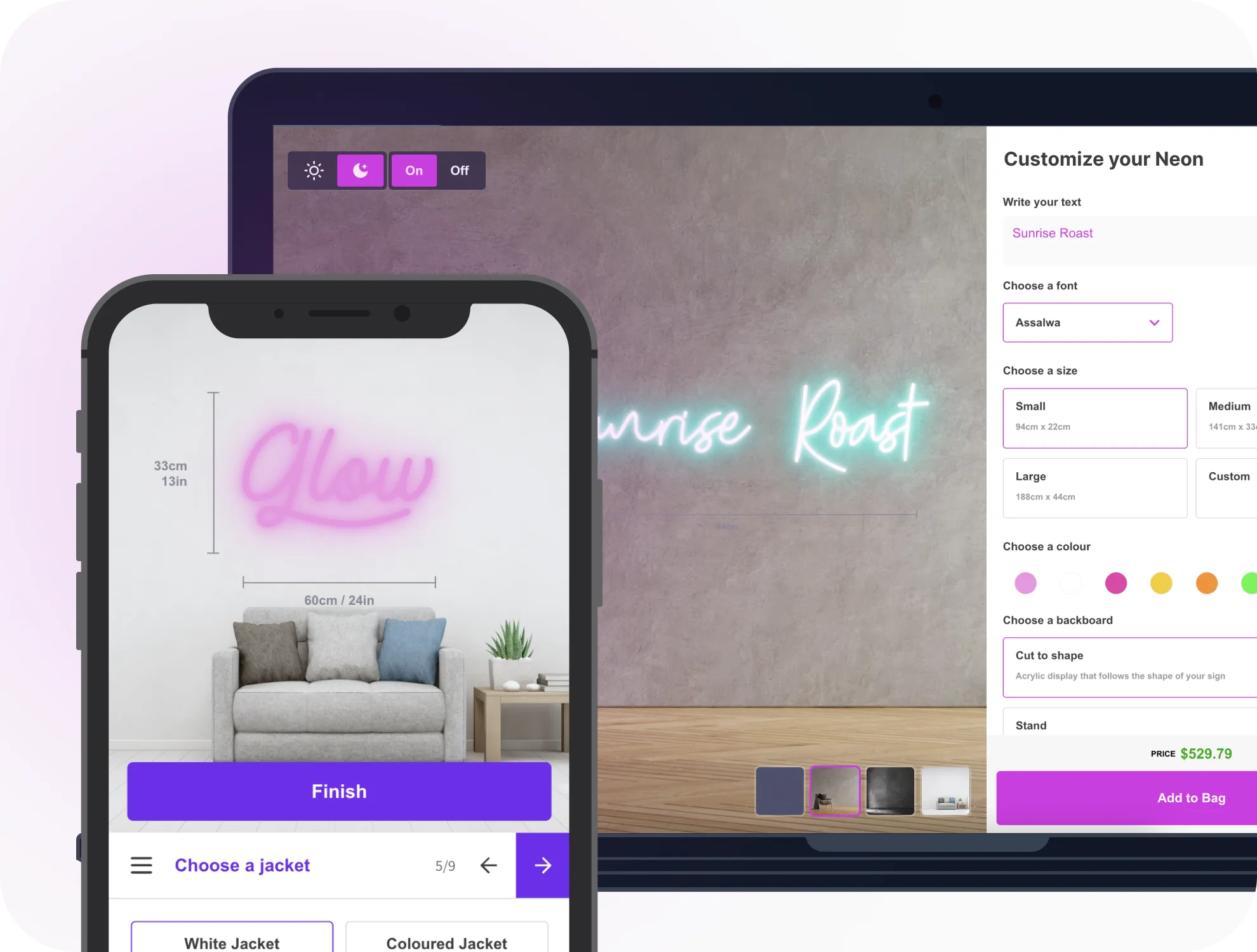
### Realistic sign visualisations
Amaze your customers with the ability to realistically render their custom design before they purchase.
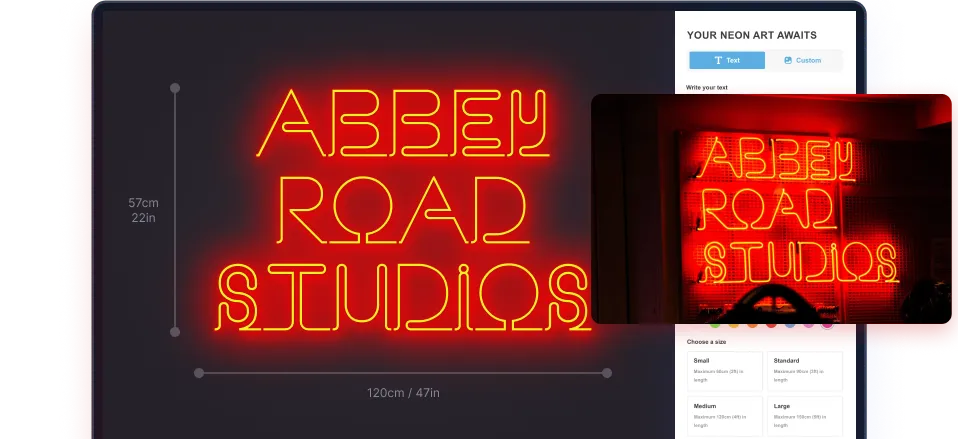
### Advanced options made simple
Sign Customiser makes it simple to tailor your sign builder and sell more custom signs.
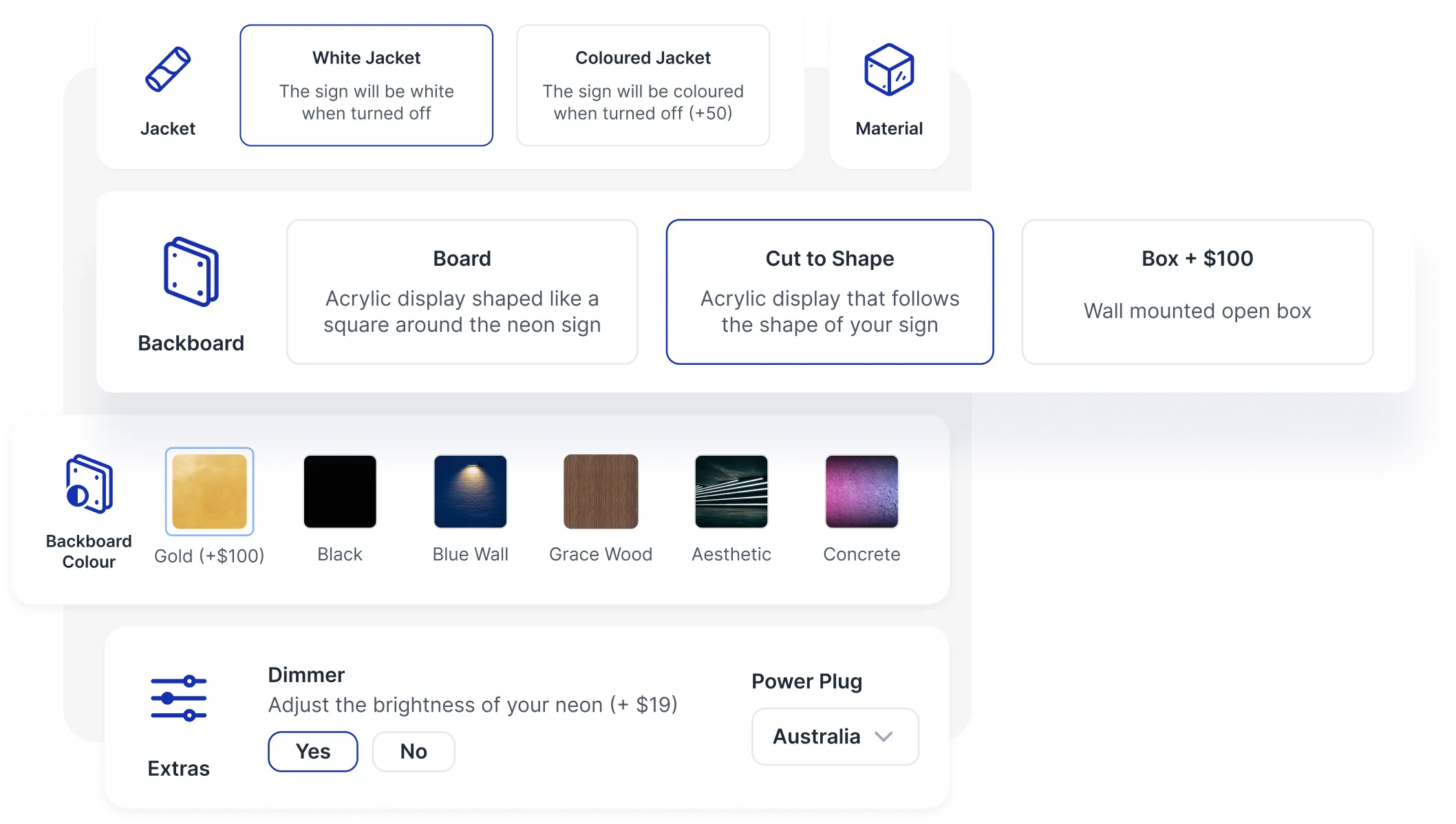

## Add Sign Customiserto your Shopify store
Try for free, easy setup with world class support.
[Install now](/install/)
## Completely integratedinto the Shopify platform.
### All the options your store will ever need
Letter parts
Control the front, side, trim and type of lighting to give you ultimate control
Backings
Cut to shape, cut to letter, cut to square, stand, box, raceways both single and double line
Backing colours and images
visually display the backing colours and accurately represent the material with images
Materials
Metal, Acrylic, LED, RGB, Glass, our app does it all
Jackets
White or coloured with the ability to visualise the option when the sign is turned off or on
Mountings
Indoor or Outdoor, hanging or secured to the wall, give your customers the choice
### Advanced Shopify integration and workflows
Custom manufacturer emails
Send emails to your manufacturer with all the details they need to get your sign built and shipped to the customer.
Export SVG files for your manufacturer
Save time by automatically exporting the sign design as an SVG file
100% translatable
All wording can be translated to your customers native spoken language
Currency conversion inbuilt
Our app natively integrates with your stores currency conversion system
### Showcase custom signs like a pro
Accurate sign measurements
Our app uses world class measuring techniques to ensure the sign measurements are accurate.
Background previews
Showcase the sign in different environments
RGB visualisation
sign colours will change to the next colour just like in real life when the RGB option is activated
### Absolute control to ensure every order is profitable
Parcel size pricing
Price your signs based on the size of the parcel required to ship them.
Advanced material measurement
Accurately trace the amount of material required to build the letters of the sign
Sign measurement limitations
Set width and height restrictions to ensure customers can only purchase signs your store can build.
Restrict sizes for fonts
Set fonts to only be selectable for certain sizes.
Every option can control the price
Need an option to multiply the final price by 200% when selected? No problem, we've got you covered.
## Sign Customiser makes it easy and fun for customersto design and purchase their very own unique signs.
[Start your free 7-day trial](https://apps.shopify.com/neon-product-customiser)
Every plan includes every feature.
## Sitemap
See the full [sitemap](/sitemap.md) for all pages.
---
## Acrylic Sign Design & Quoting Software
Source: [https://www.signcustomiser.com/solutions/acrylic-channel-letter-signs/](https://www.signcustomiser.com/solutions/acrylic-channel-letter-signs/)
## How Sign Customiser worksfor your storefront
Every Sign Customiser product ships with the same four capabilities. Your sign type, your catalogue, your storefront — the software is the constant.
Sign type
NeonMetal plateStencilLightbox
BAY 4OPEN 24/7$149
LED colour
Backboard
NeonPlateStencilLightbox
BAY 4OPEN 24/7$149
LED colour
### Live pricing for all sign options
Every choice a customer makes, from text and materials to dimensions, lighting and mounting, reprices the sign on the spot. The figure on screen stays the real, order-ready quote.
- Text, materials, finishes, dimensions and mounting repriced live
- Per-option, per-finish and per-size pricing rules you control
- What the customer sees is the price they pay, with no quote round-trip
shop.example.com/products/sign
Sign
Create your sign
1Write your text
FontOpen Sans
Colour
$72Add to cart
Sign CustomiserTheme block
shop.example.com/products/sign
Sign
Create your signFont · Open Sans
$48Add to cart
Theme block
### Drop the builder into any storefront
The customiser drops into your product page as a theme block — no copy-paste, no developer. Customers design, get a quote, and add to cart without leaving your storefront.
- Works on Shopify, WooCommerce, Wix and Etsy
- Logo upload with built-in AI Sign Designer
- Custom CSS and theming to match your brand
New order #2487Draft
Aa
Acrylic channel letters1200 × 400 mmMatte white faceStand-off, 25 mm
3 attachments · 2.4 MB
SVGPDFAI
New order #2487Draft
Aa
Acrylic channel letters1200 × 400 mmMatte white face · Stand-off, 25 mm
3 attachments · 2.4 MB
SVGPDFAI
### Production-ready files on every order
Every order emails your fabricator the production files they actually need — SVG cut paths, PDF proofs, Adobe Illustrator artwork — alongside the full spec sheet.
- SVG, PDF and Adobe Illustrator files attached
- Material, finish and dimension specifications
- Mounting, electrical and assembly notes per product type
Sign CustomiserCreate new customiser
\+ New
Products Created320Products
Conversion Rate4.2%Conversion
AI Files Created
CustomisersManage your sign designs
OrdersView attributed orders
AI Design FilesView customer artwork
Sign Customiser\+ New
Products320
Conversion4.2%
Customisers
Orders
AI Design Files
### Configure the catalogue your business actually sells
An admin dashboard for the catalogue you actually run — colours, fonts, finishes, pricing, manufacturers, orders. Reorder rows, toggle options on, edit prices in place.
- Configure colour, font and price catalogues
- Order tracking and reorder from the admin
- Per-finish and per-shape pricing modifiers
## Merchants shipping channel letter signsthrough Sign Customiser
Trusted by sign shops doing storefront work, commercial signage installers and architectural signage specialists selling channel letter signs on Shopify, WooCommerce, Wix and Etsy.

3D channel letter, halo illumination

3D channel letter, halo-lit
3D channel letter, indoor signage
Logo channel letter, front-lit
Sold by Rob's Gym
Channel letter with neon accent

3D channel letter, storefront
## What your channel letter signcustomiser supports
Every channel letter sign builder ships with the options sign shops actually quote on. Configure the catalogue your business sells and switch off anything you don't.
### Letter construction
- Configurable [Letter Types](/help/features/letter-types/) with face, side, trim and halo [letter parts](/help/features/letter-parts/)
- [Front-lit, back-lit (halo) and combination lighting modes](/help/features/front-lit-and-back-lit-channel-letters/)
- 2D flat-cut and 3D channel construction in the same builder
- [Per-word colour and font selection](/help/features/multi-color-multi-font-sign-designs/) on multi-line designs
### Face, side and trim colours
- Fully merchant-configurable colour catalogue — no fixed palette
- Single colour, multi-colour and [RGB colour effects](/help/features/rgb-color-option/)
- Independent colours and materials [per letter part](/help/features/letter-parts/)
- Per-option pricing — none, base price or price multiplier
### Backlit illumination
- [Halo letter part](/help/features/letter-parts/) with day, night and glow-off [preview states](/help/features/letter-glow-effects/)
- [Front-lit illumination](/help/features/front-lit-and-back-lit-channel-letters/) configurable on the face letter part
- [Mounting options](/help/features/mountings/) including standoffs, flag and hanging styles
- Bring in your own halo and finish artwork as custom logos via the [AI Sign Designer](/help/ai-sign-designer/ai-sign-designer-guide/)
### Sizing and pricing
- [Advanced Letter Model (Material Length)](/help/pricing-and-sizing/getting-started-with-the-advanced-model/) for precise per-mm quoting
- [Simple Letter Model](/help/pricing-and-sizing/getting-started-with-the-simple-letter-model/) for tiered per-letter pricing
- Real-time price update as the customer designs
- [Quote Mode](/help/features/quote-mode/) for large architectural enquiries
### Production handoff
- [SVG cut paths](/help/product-management/svg-files-for-manufacturering-workflows/) per letter attached to every order
- Per-customiser [Manufacturer Email template](/help/product-management/supplier-manufacturer-emails/) you can edit yourself
- Customers can [share a design](/help/features/share-custom-sign-designs/) with a unique URL before ordering
- Save your best-selling designs as [Sign Presets](/help/features/sign-presets/)
### Merchant control
- Configure your own [Sign Components](/help/features/14428865-sign-components-overview/) — letter parts, colours and mountings
- [Theme the options panel](/help/customise/theme-color-reference-guide/) to match your storefront
- [Custom CSS](/help/customise/custom-css/) on the options panel for fine-grained styling
- Runs on [Shopify, WooCommerce, Wix, Webflow, Squarespace and Etsy](/help/integrations/integration-guides/) — or embed via a [Customiser Link](/help/integrations/hosted-customisers/)
## Acrylic signsoftware questions
Answers to the questions sign shop owners ask before adding acrylic sign design software to their Shopify, WooCommerce, Wix or Etsy storefront.
What is acrylic sign design software?
Acrylic sign design software lets a sign shop's customers configure flat-cut acrylic letters or full 3D channel letters on the shop's own website — fonts, face and side colours, trim caps, halo lighting, mounting — with a realistic preview and live pricing. Sign Customiser handles the design, quoting and production handoff in one workflow you control.
Can customers get acrylic sign quotes online?
Yes. You configure per-mm material-length pricing or per-letter tiers in the admin, plus per-finish, per-lighting and per-mounting modifiers. The customer sees a live quote as they design, and Quote Mode is available when you want to review large architectural enquiries before charging.
Can this handle channel letter signs?
Yes. The same builder handles both flat-cut 2D acrylic letters and 3D channel letters with depth, side returns and front-lit, back-lit (halo) or combination illumination. Configure separate Letter Types in the admin so customers pick the construction that matches each product.
Can pricing change by material, size and finish?
Yes. Per-option pricing supports none, base price or price multiplier, so premium face colours, halo lighting, custom mountings and other extras can each carry their own modifier. Customers see the price update in real time as they design.
Is this for sign shops?
Sign Customiser is sign shop software for storefront sign makers, commercial signage installers and architectural signage specialists selling configurable acrylic and channel letter signs through their own website or ecommerce store.
What production files does the manufacturer receive?
Every order generates a manufacturer email with SVG cut paths per letter, material and colour specifications, electrical notes for halo lighting and detailed measurements — production-ready order details without chasing the customer for missing specs.
Reviews
## What sign shops aresaying about us
[36+ verified reviews](https://apps.shopify.com/neon-product-customiser/reviews)
- > Amazing product, and even better support. I cannot say enough good things about this sign customizer.
The Simple Stencil
- > The customer support very professionell very very fast. I am happy to work with the team. They have always a solution.
Neon Everglow
- > If you are looking to increase your end-user experience this app is a winner.
TINKABLE
- > Very pleased with how easy it was. The design tools made it simple to customize my sign with different fonts, colors and layouts. I could see changes in real-time so I knew what the final product would look like.
Weon Light
- > Great app! Fantastic support, probably the best ever worked with ;) The admin is so well designed and simple. Just a word : BRAVO
Light My Neon
- > Great service! The team is extremely helpful and always quick to answer any questions. Highly recommended.
Mellow Signs
## Explore othersign types
- [
### Neon signs
Popular
Design vibrant LED neon signs with flexible tubing and multiple colours.
Learn more
](/solutions/neon-signs/)
- [
### Lightbox signs
Illuminated lightbox signs with custom dimensions and frame styles.
Learn more
](/solutions/lightbox-signs/)
- [
### Channel letter signs
Front-lit, back-lit, and halo-lit channel letters.
Learn more
](/solutions/acrylic-channel-letter-signs/)
- [
### Metal letter signs
Premium metal letters with various finishes and mounting styles.
Learn more
](/solutions/metal-channel-letter-signs/)
- [
### Wood letter signs
Beautiful wood letter signs with natural materials and finishes.
Learn more
](/solutions/wood-signs/)
- [
### Wood board signs
Custom wood board signs with laser-cut designs and finishes.
Learn more
](/solutions/wood-signs/)
- [
### Metal plate signs
Aluminium and metal plate signs with customisable designs.
Learn more
](/solutions/metal-plate-signs/)
- [
### Braille signs
Translate wording into tactile signs with standards-based dot geometry.
Learn more
](/solutions/braille-signs/)
- [
### Metal cut-out signs
New
Laser-cut steel and aluminium signs in custom shapes.
Learn more
](/solutions/metal-cut-out-signs/)
- [
### Stencil signs
New
Sell reusable stencil sheets with letter-height sizing and live pricing.
Learn more
](/solutions/stencil-signs/)
## Keep reading aboutchannel letter signs
Pricing guides, design references and inspiration galleries — every article links back to a real Sign Customiser feature you can switch on for your storefront.
### Software for sign shops
- [Sign pricing softwareWhere acrylic and channel letter quoting fits into a broader sign pricing workflow.](/sign-pricing-software/)
- [Sign quoting softwareCapture commercial enquiries as structured quotes, not loose emails.](/sign-quoting-software/)
- [Sign shop softwareOnline sign ordering software designed for sign shops, not consumer marketplaces.](/sign-shop-software/)
### Acrylic sign design and pricing
- [Acrylic letters for signs: pricing, materials and business guideHow shops price and produce acrylic letter signage.](/posts/acrylic/acrylic-letters/)
- [3D acrylic letters: layering, standoffs and pricingConstruction techniques and pricing model fit.](/posts/acrylic/3d-acrylic-letters/)
- [3D acrylic logo signs: corporate branding and colour matchingSelling premium logo signage to commercial buyers.](/posts/acrylic/3d-acrylic-logo-sign/)
### Channel letter techniques
- [How are channel letters transforming businesses?Why shops are quoting more channel-letter projects.](/posts/acrylic/acrylic-channel-letters/)
- [8 benefits of halo-lit channel letter signsHalo lighting selling points to share with buyers.](/posts/channel/8-benefits-of-halo-lit-channel-letters-signs/)
## Sitemap
See the full [sitemap](/sitemap.md) for all pages.
---
## Braille Sign Software for ADA & ISO Signs
Source: [https://www.signcustomiser.com/solutions/braille-signs/](https://www.signcustomiser.com/solutions/braille-signs/)
## How Sign Customiser worksfor your storefront
Every Sign Customiser product ships with the same four capabilities. Your sign type, your catalogue, your storefront — the software is the constant.
Sign type
NeonMetal plateStencilLightbox
BAY 4OPEN 24/7$149
LED colour
Backboard
NeonPlateStencilLightbox
BAY 4OPEN 24/7$149
LED colour
### Live pricing for all sign options
Every choice a customer makes, from text and materials to dimensions, lighting and mounting, reprices the sign on the spot. The figure on screen stays the real, order-ready quote.
- Text, materials, finishes, dimensions and mounting repriced live
- Per-option, per-finish and per-size pricing rules you control
- What the customer sees is the price they pay, with no quote round-trip
shop.example.com/products/sign
Sign
Create your sign
1Write your text
FontOpen Sans
Colour
$72Add to cart
Sign CustomiserTheme block
shop.example.com/products/sign
Sign
Create your signFont · Open Sans
$48Add to cart
Theme block
### Drop the builder into any storefront
The customiser drops into your product page as a theme block — no copy-paste, no developer. Customers design, get a quote, and add to cart without leaving your storefront.
- Works on Shopify, WooCommerce, Wix and Etsy
- Logo upload with built-in AI Sign Designer
- Custom CSS and theming to match your brand
New order #2487Draft
Aa
Acrylic channel letters1200 × 400 mmMatte white faceStand-off, 25 mm
3 attachments · 2.4 MB
SVGPDFAI
New order #2487Draft
Aa
Acrylic channel letters1200 × 400 mmMatte white face · Stand-off, 25 mm
3 attachments · 2.4 MB
SVGPDFAI
### Production-ready files on every order
Every order emails your fabricator the production files they actually need — SVG cut paths, PDF proofs, Adobe Illustrator artwork — alongside the full spec sheet.
- SVG, PDF and Adobe Illustrator files attached
- Material, finish and dimension specifications
- Mounting, electrical and assembly notes per product type
Sign CustomiserCreate new customiser
\+ New
Products Created320Products
Conversion Rate4.2%Conversion
AI Files Created
CustomisersManage your sign designs
OrdersView attributed orders
AI Design FilesView customer artwork
Sign Customiser\+ New
Products320
Conversion4.2%
Customisers
Orders
AI Design Files
### Configure the catalogue your business actually sells
An admin dashboard for the catalogue you actually run — colours, fonts, finishes, pricing, manufacturers, orders. Reorder rows, toggle options on, edit prices in place.
- Configure colour, font and price catalogues
- Order tracking and reorder from the admin
- Per-finish and per-shape pricing modifiers
## Braille sign layoutsyour customers can configure
Room IDs, washroom plaques, office directories and wayfinding signs can share one customiser while keeping each material, plate size and mounting choice clear.
Hotel room sign, matte acrylic
Washroom sign, engraved acrylic
Office suite sign, brushed brass
Stair sign, tactile engraving laminate
## What your Braille signcustomiser supports
Every Braille sign builder ships with the options sign shops actually quote on. Configure the catalogue your business sells and switch off anything you don't.
### Standards-based Braille geometry
- [ADA geometry](https://www.access-board.gov/ada/guides/chapter-7-signs/) for United States projects, including fixed dot diameter, spacing and dome-height specifications
- [AS/NZS 1428.4.2](https://www.standards.org.au/blog/future-planning-accessibility) geometry for Australian and New Zealand wayfinding signs
- Marburg Medium geometry for the international default
- Fixed physical dot size for projects assessed against [ISO 17049](https://www.iso.org/standard/58086.html) dimensional and material requirements
### Braille translation and proofing
- Automatic [table and geometry defaults](/help/features/15920089-braille-translation-supported-languages-and-sizing/) based on the merchant's store country
- English UEB Grade 1 and contracted Grade 2, plus Dutch, French, German, Italian, Portuguese and Spanish
- Review-recommended tables for Arabic, Greek, Hebrew, Korean, Russian and Vietnamese
- Add to cart stays blocked while wording is untranslatable or the translation has not finished
### Plate, text and mounting options
- Configure your own plate shapes, materials, colours and sizes as [Sign Components](/help/features/14428865-sign-components-overview/)
- Raised wording and the derived Braille row stay together in the live preview
- Multi-line wording with Braille positioned below the complete text block
- Offer adhesive, screw, standoff and other [mounting choices](/help/features/mountings/) with separate pricing
### Sizing and live pricing
- [Frame Fit pricing](/help/pricing-and-sizing/frame-fit-model/) based on the finished plate area
- Live price updates as the customer changes plate size, material and finish
- Braille keeps its required physical size when the customer chooses a larger plate
- Ordering is blocked when the selected plate cannot fit both the wording and Braille row
### Production handoff
- [SVG production files](/help/product-management/svg-files-for-manufacturering-workflows/) contain every Braille dot as an exact vector circle at millimetre-accurate positions
- Order data records the source wording, Braille string, table, grade and dot-geometry specification
- [Manufacturer emails](/help/product-management/supplier-manufacturer-emails/) carry the same Braille and geometry details for fabrication checks
- Product images and outline artwork preserve the dot row shown at checkout
### Merchant control and customer review
- Customers review the [translated Braille string](/help/features/15920092-braille-signs/) before ordering
- Choose whether raised dots follow the plate material or printed text colour
- Route unsupported wording to your existing custom quote form
- Runs on [Shopify, WooCommerce, Wix, Webflow, Squarespace and Etsy](/help/integrations/integration-guides/), or through a hosted [Customiser Link](/help/integrations/hosted-customisers/)
## Braille signsoftware questions
Straight answers for sign shops adding Braille, tactile room and accessible wayfinding signs to their online catalogue.
What is Braille sign design software?
Braille sign design software lets a sign shop sell tactile room, wayfinding and accessibility signs through its own website. Customers choose a plate, enter the printed wording and see the matching Braille row, finished size and price before ordering.
Does Sign Customiser guarantee ADA compliance?
No. The ADA preset fixes the Braille dot diameter, spacing and dome-height specification used in the preview and production data. The sign shop must still check the wording, contracted Grade 2 Braille, raised characters, finish, contrast, sign location, mounting height and every other requirement that applies to the finished installation.
Which international Braille sign standards can I work with?
Sign Customiser includes fixed geometry presets for ADA projects in the United States, AS/NZS 1428.4.2 projects in Australia and New Zealand, and Marburg Medium as the international default. ISO 17049 covers Braille dimensions, materials and practical use internationally. Always review the complete current standard and local building rules for the project location.
Which Braille languages and grades are supported?
The included tables cover English UEB Grade 1 and Grade 2, Dutch, French, German, Italian, Portuguese and Spanish. Arabic, Greek, Hebrew, Korean, Russian and Vietnamese are available with proofing recommended before fabrication. Japanese, Chinese and Thai are not translated automatically.
Can customers edit the Braille dots themselves?
No. The Braille row is derived from the printed wording, so customers cannot create a mismatch by editing individual dots. They can review the translated Braille string before ordering, and add to cart remains blocked until the current wording has translated successfully.
How are Braille signs sized and priced?
Braille signs use the Frame Fit pricing model, which prices the plate by area. The Braille row keeps a fixed physical size while the printed wording and plate change. If the wording and Braille cannot fit, the customer must choose a larger plate before ordering.
What production files and order details are included?
The SVG places each Braille dot as an exact vector circle in millimetre-accurate positions. Orders and manufacturer emails also carry the source wording, translated Braille string, table, grade and numeric geometry specification so the production team can verify the job before fabrication.
Can I sell Braille signs outside Shopify?
Yes. You can publish the same Braille sign customiser on WooCommerce and Wix. Webflow and Squarespace require a custom add-to-cart integration, while Etsy uses a hosted Customiser Link with a copied configuration summary. Check that your chosen route carries the source wording, translated Braille, table, grade and geometry into your production workflow before accepting orders.
Reviews
## What sign shops aresaying about us
[36+ verified reviews](https://apps.shopify.com/neon-product-customiser/reviews)
- > Amazing product, and even better support. I cannot say enough good things about this sign customizer.
The Simple Stencil
- > The customer support very professionell very very fast. I am happy to work with the team. They have always a solution.
Neon Everglow
- > If you are looking to increase your end-user experience this app is a winner.
TINKABLE
- > Very pleased with how easy it was. The design tools made it simple to customize my sign with different fonts, colors and layouts. I could see changes in real-time so I knew what the final product would look like.
Weon Light
- > Great app! Fantastic support, probably the best ever worked with ;) The admin is so well designed and simple. Just a word : BRAVO
Light My Neon
- > Great service! The team is extremely helpful and always quick to answer any questions. Highly recommended.
Mellow Signs
## Explore othersign types
- [
### Neon signs
Popular
Design vibrant LED neon signs with flexible tubing and multiple colours.
Learn more
](/solutions/neon-signs/)
- [
### Lightbox signs
Illuminated lightbox signs with custom dimensions and frame styles.
Learn more
](/solutions/lightbox-signs/)
- [
### Channel letter signs
Front-lit, back-lit, and halo-lit channel letters.
Learn more
](/solutions/acrylic-channel-letter-signs/)
- [
### Metal letter signs
Premium metal letters with various finishes and mounting styles.
Learn more
](/solutions/metal-channel-letter-signs/)
- [
### Wood letter signs
Beautiful wood letter signs with natural materials and finishes.
Learn more
](/solutions/wood-signs/)
- [
### Wood board signs
Custom wood board signs with laser-cut designs and finishes.
Learn more
](/solutions/wood-signs/)
- [
### Metal plate signs
Aluminium and metal plate signs with customisable designs.
Learn more
](/solutions/metal-plate-signs/)
- [
### Braille signs
Translate wording into tactile signs with standards-based dot geometry.
Learn more
](/solutions/braille-signs/)
- [
### Metal cut-out signs
New
Laser-cut steel and aluminium signs in custom shapes.
Learn more
](/solutions/metal-cut-out-signs/)
- [
### Stencil signs
New
Sell reusable stencil sheets with letter-height sizing and live pricing.
Learn more
](/solutions/stencil-signs/)
## Keep reading aboutBraille signs
Pricing guides, design references and inspiration galleries — every article links back to a real Sign Customiser feature you can switch on for your storefront.
### Set up and verify Braille signs
- [Braille signsCreate the customiser, choose dot colour and see what reaches each order.](/help/features/15920092-braille-signs/)
- [Braille translation, languages and sizingCheck tables, country defaults, grades and fixed physical dot geometry.](/help/features/15920089-braille-translation-supported-languages-and-sizing/)
- [Frame Fit pricingPrice plate signs from their finished width and height.](/help/pricing-and-sizing/frame-fit-model/)
### Accessibility standards
- [ADA guide to signsOfficial United States guidance for tactile characters, Braille, finish and installation.](https://www.access-board.gov/ada/guides/chapter-7-signs/)
- [ISO 17049:2013The international standard for applying Braille to signs, equipment and appliances.](https://www.iso.org/standard/58086.html)
- [AS 1428.4.2 wayfinding signsStandards Australia's overview of tactile wayfinding for people with vision impairment.](https://www.standards.org.au/blog/future-planning-accessibility)
### Production and order handoff
- [SVG files for manufacturingUse vector artwork from the order in your fabrication workflow.](/help/product-management/svg-files-for-manufacturering-workflows/)
- [Supplier and manufacturer emailsSend wording, Braille and geometry details to the production team.](/help/product-management/supplier-manufacturer-emails/)
## Sitemap
See the full [sitemap](/sitemap.md) for all pages.
---
## Sign Types - LED Neon, Channel Letter, Light Box, Wood Signs & More
Source: [https://www.signcustomiser.com/solutions/](https://www.signcustomiser.com/solutions/)
- [
### Neon signs
Popular
Design vibrant LED neon signs with flexible tubing and multiple colours.
Learn more
](/solutions/neon-signs/)
- [
### Lightbox signs
Illuminated lightbox signs with custom dimensions and frame styles.
Learn more
](/solutions/lightbox-signs/)
- [
### Channel letter signs
Front-lit, back-lit, and halo-lit channel letters.
Learn more
](/solutions/acrylic-channel-letter-signs/)
- [
### Metal letter signs
Premium metal letters with various finishes and mounting styles.
Learn more
](/solutions/metal-channel-letter-signs/)
- [
### Wood letter signs
Beautiful wood letter signs with natural materials and finishes.
Learn more
](/solutions/wood-signs/)
- [
### Wood board signs
Custom wood board signs with laser-cut designs and finishes.
Learn more
](/solutions/wood-signs/)
- [
### Metal plate signs
Aluminium and metal plate signs with customisable designs.
Learn more
](/solutions/metal-plate-signs/)
- [
### Braille signs
Translate wording into tactile signs with standards-based dot geometry.
Learn more
](/solutions/braille-signs/)
- [
### Stencil signs
New
Sell reusable stencil sheets with letter-height sizing and live pricing.
Learn more
](/solutions/stencil-signs/)
- [
### Metal cut-out signs
New
Laser-cut steel and aluminium signs in custom shapes.
Learn more
](/solutions/metal-cut-out-signs/)
## Sitemap
See the full [sitemap](/sitemap.md) for all pages.
---
## Lightbox Sign Design & Quoting Software
Source: [https://www.signcustomiser.com/solutions/lightbox-signs/](https://www.signcustomiser.com/solutions/lightbox-signs/)
## How Sign Customiser worksfor your storefront
Every Sign Customiser product ships with the same four capabilities. Your sign type, your catalogue, your storefront — the software is the constant.
Sign type
NeonMetal plateStencilLightbox
BAY 4OPEN 24/7$149
LED colour
Backboard
NeonPlateStencilLightbox
BAY 4OPEN 24/7$149
LED colour
### Live pricing for all sign options
Every choice a customer makes, from text and materials to dimensions, lighting and mounting, reprices the sign on the spot. The figure on screen stays the real, order-ready quote.
- Text, materials, finishes, dimensions and mounting repriced live
- Per-option, per-finish and per-size pricing rules you control
- What the customer sees is the price they pay, with no quote round-trip
shop.example.com/products/sign
Sign
Create your sign
1Write your text
FontOpen Sans
Colour
$72Add to cart
Sign CustomiserTheme block
shop.example.com/products/sign
Sign
Create your signFont · Open Sans
$48Add to cart
Theme block
### Drop the builder into any storefront
The customiser drops into your product page as a theme block — no copy-paste, no developer. Customers design, get a quote, and add to cart without leaving your storefront.
- Works on Shopify, WooCommerce, Wix and Etsy
- Logo upload with built-in AI Sign Designer
- Custom CSS and theming to match your brand
New order #2487Draft
Aa
Acrylic channel letters1200 × 400 mmMatte white faceStand-off, 25 mm
3 attachments · 2.4 MB
SVGPDFAI
New order #2487Draft
Aa
Acrylic channel letters1200 × 400 mmMatte white face · Stand-off, 25 mm
3 attachments · 2.4 MB
SVGPDFAI
### Production-ready files on every order
Every order emails your fabricator the production files they actually need — SVG cut paths, PDF proofs, Adobe Illustrator artwork — alongside the full spec sheet.
- SVG, PDF and Adobe Illustrator files attached
- Material, finish and dimension specifications
- Mounting, electrical and assembly notes per product type
Sign CustomiserCreate new customiser
\+ New
Products Created320Products
Conversion Rate4.2%Conversion
AI Files Created
CustomisersManage your sign designs
OrdersView attributed orders
AI Design FilesView customer artwork
Sign Customiser\+ New
Products320
Conversion4.2%
Customisers
Orders
AI Design Files
### Configure the catalogue your business actually sells
An admin dashboard for the catalogue you actually run — colours, fonts, finishes, pricing, manufacturers, orders. Reorder rows, toggle options on, edit prices in place.
- Configure colour, font and price catalogues
- Order tracking and reorder from the admin
- Per-finish and per-shape pricing modifiers
## Merchants shipping lightbox signsthrough Sign Customiser
Trusted by traditional sign shops, lightbox specialists and commercial signage installers selling lightbox signs on Shopify, WooCommerce, Wix and Etsy.

Sold by Oasis Bloom
Rectangle lightbox, custom face graphic

Rectangle lightbox, storefront illumination
Sold by Le Street Croissant
Rectangle lightbox, custom face graphic
Sold by Slice Slice
Circle lightbox, halo illumination

Sold by Eclipse Coffee
Rectangle lightbox, shopfront installation
Sold by Vespera
Rectangle lightbox, white LED illumination
## What your lightbox signcustomiser supports
Every lightbox sign builder ships with the options sign shops actually quote on. Configure the catalogue your business sells and switch off anything you don't.
### Shapes and box construction
- Configurable [Lightbox Types](/help/features/14428860-lightbox-types/) — your own shapes, depths and dimensions
- Face, back, border and internal light [component types](/help/features/14428865-sign-components-overview/) per Lightbox Type
- [Single-sided lightboxes](/help/features/14428860-lightbox-types/) for wall-mounted or recessed installations
- [Recessed Borders](/help/features/14428860-lightbox-types/) option for a flush trim look
### Face customisation
- Fully merchant-configurable face and back colour catalogue
- [Customer-uploaded artwork](/help/features/customer-uploaded-images-for-lightboxes/) on the face or back of the lightbox
- Add your own [SVG icons](/help/features/icons-in-sign-designs/) inside the design
- Live preview of the printed face under illumination
### Trim and finish
- Configurable [border (trim) colours and materials](/help/features/) per Lightbox Type
- Independent face, back and border colours on every [Lightbox Type](/help/features/14428860-lightbox-types/)
- [Six built-in mounting visual styles](/help/features/mountings/) with per-customiser pricing
- Add outdoor finish or clear coat as [Additional Input Options](/help/features/additional-options/)
### LED illumination
- [Internal Light](/help/features/14428860-lightbox-types/) component with merchant-defined colours per Lightbox Type
- Day, night and lights-off [preview states](/help/features/letter-glow-effects/)
- Per-side control for top, bottom, left and right where applicable
- Optional dimmer or driver notes via [Additional Input Options](/help/features/additional-options/)
### Sizing and pricing
- [Frame Fit Model](/help/pricing-and-sizing/frame-fit-model/) for area- or volume-based pricing
- [Per-component pricing modifiers](/help/features/14428860-lightbox-types/) layered on top of the base frame price
- Live price update as the customer adjusts size, shape or finish
- [Quote Mode](/help/features/quote-mode/) for high-value enquiries
### Production handoff
- Preview image and component specs in every order email
- Per-customiser [Manufacturer Email template](/help/product-management/supplier-manufacturer-emails/) you can edit yourself
- Customers can [share their design via a unique URL](/help/features/share-custom-sign-designs/)
- Save your best-selling lightbox configurations as [Sign Presets](/help/features/sign-presets/)
## Lightbox signsoftware questions
Answers to the questions sign shop owners ask before adding lightbox sign design software to their Shopify, WooCommerce, Wix or Etsy storefront.
What is lightbox sign quoting software?
Lightbox sign quoting software lets a sign shop's customers configure the box dimensions, face graphic, illumination and finish on the shop's website, then return a live price or formal quote based on rules the shop controls. Sign Customiser is built for this — your customers do the configuration work, and you get structured order or quote data back instead of vague email enquiries.
Can customers configure lightbox sign dimensions online?
Yes. Each Lightbox Type you define has its own dimension range, depth, face, back, border and internal light component options. Customers adjust dimensions inside the bounds you set, and the preview, area calculation and price update in real time.
Can pricing change based on size and options?
Yes. Lightbox signs use Frame Fit area-based pricing so quotes scale naturally with the customer's dimensions, plus per-component modifiers for premium trim, outdoor clear coat, custom shapes and any extras you define. Quote Mode is available for the largest commercial enquiries.
Is this for sign shops or for people buying one sign?
Sign Customiser is for sign shops, lightbox specialists and commercial signage installers selling configurable lightbox signs through their own website or ecommerce store. We don't sell finished lightbox signs ourselves — your business stays the brand and the seller of record.
What does the manufacturer receive when a customer orders?
Every order triggers a manufacturer email containing the customer-uploaded face graphic as SVG, the box dimensions and trim colour, LED specifications, mounting notes and a copy of the final preview image — production-ready details that cut quoting back-and-forth out of the loop.
Does the lightbox builder work on more than Shopify?
Yes. The lightbox configurator embeds in Shopify, WooCommerce, Wix, Webflow, Squarespace, Etsy and headless eCommerce stacks via the Universal embed. The experience is identical across platforms.
Reviews
## What sign shops aresaying about us
[36+ verified reviews](https://apps.shopify.com/neon-product-customiser/reviews)
- > Amazing product, and even better support. I cannot say enough good things about this sign customizer.
The Simple Stencil
- > The customer support very professionell very very fast. I am happy to work with the team. They have always a solution.
Neon Everglow
- > If you are looking to increase your end-user experience this app is a winner.
TINKABLE
- > Very pleased with how easy it was. The design tools made it simple to customize my sign with different fonts, colors and layouts. I could see changes in real-time so I knew what the final product would look like.
Weon Light
- > Great app! Fantastic support, probably the best ever worked with ;) The admin is so well designed and simple. Just a word : BRAVO
Light My Neon
- > Great service! The team is extremely helpful and always quick to answer any questions. Highly recommended.
Mellow Signs
## Explore othersign types
- [
### Neon signs
Popular
Design vibrant LED neon signs with flexible tubing and multiple colours.
Learn more
](/solutions/neon-signs/)
- [
### Lightbox signs
Illuminated lightbox signs with custom dimensions and frame styles.
Learn more
](/solutions/lightbox-signs/)
- [
### Channel letter signs
Front-lit, back-lit, and halo-lit channel letters.
Learn more
](/solutions/acrylic-channel-letter-signs/)
- [
### Metal letter signs
Premium metal letters with various finishes and mounting styles.
Learn more
](/solutions/metal-channel-letter-signs/)
- [
### Wood letter signs
Beautiful wood letter signs with natural materials and finishes.
Learn more
](/solutions/wood-signs/)
- [
### Wood board signs
Custom wood board signs with laser-cut designs and finishes.
Learn more
](/solutions/wood-signs/)
- [
### Metal plate signs
Aluminium and metal plate signs with customisable designs.
Learn more
](/solutions/metal-plate-signs/)
- [
### Braille signs
Translate wording into tactile signs with standards-based dot geometry.
Learn more
](/solutions/braille-signs/)
- [
### Metal cut-out signs
New
Laser-cut steel and aluminium signs in custom shapes.
Learn more
](/solutions/metal-cut-out-signs/)
- [
### Stencil signs
New
Sell reusable stencil sheets with letter-height sizing and live pricing.
Learn more
](/solutions/stencil-signs/)
## Keep reading aboutlightbox signs
Pricing guides, design references and inspiration galleries — every article links back to a real Sign Customiser feature you can switch on for your storefront.
### Software for sign shops
- [Sign quoting softwareWhere lightbox quoting fits into a broader sign quoting workflow.](/sign-quoting-software/)
- [Sign pricing softwareHow Frame Fit area-based pricing works in practice for lightbox signs.](/sign-pricing-software/)
- [Sign shop softwareOnline sign ordering software designed for sign shops, not consumer marketplaces.](/sign-shop-software/)
### Build and design lightbox signs
- [How to make a lightbox sign: a step-by-step professional guideWhat goes into a lightbox sign from box construction to LED diffusion.](/posts/lightbox/how-to-make-a-lightbox-sign/)
- [Light box logo design: elevating brand identityDesign conventions for illuminated brand signage.](/posts/lightbox/light-box-sign-design/)
## Sitemap
See the full [sitemap](/sitemap.md) for all pages.
---
## Channel Letter Design & Quoting Software
Source: [https://www.signcustomiser.com/solutions/metal-channel-letter-signs/](https://www.signcustomiser.com/solutions/metal-channel-letter-signs/)
## How Sign Customiser worksfor your storefront
Every Sign Customiser product ships with the same four capabilities. Your sign type, your catalogue, your storefront — the software is the constant.
Sign type
NeonMetal plateStencilLightbox
BAY 4OPEN 24/7$149
LED colour
Backboard
NeonPlateStencilLightbox
BAY 4OPEN 24/7$149
LED colour
### Live pricing for all sign options
Every choice a customer makes, from text and materials to dimensions, lighting and mounting, reprices the sign on the spot. The figure on screen stays the real, order-ready quote.
- Text, materials, finishes, dimensions and mounting repriced live
- Per-option, per-finish and per-size pricing rules you control
- What the customer sees is the price they pay, with no quote round-trip
shop.example.com/products/sign
Sign
Create your sign
1Write your text
FontOpen Sans
Colour
$72Add to cart
Sign CustomiserTheme block
shop.example.com/products/sign
Sign
Create your signFont · Open Sans
$48Add to cart
Theme block
### Drop the builder into any storefront
The customiser drops into your product page as a theme block — no copy-paste, no developer. Customers design, get a quote, and add to cart without leaving your storefront.
- Works on Shopify, WooCommerce, Wix and Etsy
- Logo upload with built-in AI Sign Designer
- Custom CSS and theming to match your brand
New order #2487Draft
Aa
Acrylic channel letters1200 × 400 mmMatte white faceStand-off, 25 mm
3 attachments · 2.4 MB
SVGPDFAI
New order #2487Draft
Aa
Acrylic channel letters1200 × 400 mmMatte white face · Stand-off, 25 mm
3 attachments · 2.4 MB
SVGPDFAI
### Production-ready files on every order
Every order emails your fabricator the production files they actually need — SVG cut paths, PDF proofs, Adobe Illustrator artwork — alongside the full spec sheet.
- SVG, PDF and Adobe Illustrator files attached
- Material, finish and dimension specifications
- Mounting, electrical and assembly notes per product type
Sign CustomiserCreate new customiser
\+ New
Products Created320Products
Conversion Rate4.2%Conversion
AI Files Created
CustomisersManage your sign designs
OrdersView attributed orders
AI Design FilesView customer artwork
Sign Customiser\+ New
Products320
Conversion4.2%
Customisers
Orders
AI Design Files
### Configure the catalogue your business actually sells
An admin dashboard for the catalogue you actually run — colours, fonts, finishes, pricing, manufacturers, orders. Reorder rows, toggle options on, edit prices in place.
- Configure colour, font and price catalogues
- Order tracking and reorder from the admin
- Per-finish and per-shape pricing modifiers
## Merchants shipping metal letter signsthrough Sign Customiser
Trusted by architectural sign shops, metal fabricators selling direct and commercial signage installers selling metal letter signs on Shopify, WooCommerce, Wix and Etsy.

Sold by Wilson Wright
Brushed metal letter, storefront
Brushed metal letter, halo-lit

Metal letter, front-lit

Gold metal letter logo sign
Metal letter, indoor signage
Gold metal letter, halo-lit
## What your metal letter signcustomiser supports
Every metal letter sign builder ships with the options sign shops actually quote on. Configure the catalogue your business sells and switch off anything you don't.
### Metal finishes
- Fully merchant-configurable metal finish catalogue — no fixed palette
- Face, side and trim finishes set independently on each [letter part](/help/features/letter-parts/)
- [Per-finish pricing](/help/features/) — none, base price or price multiplier
- [Per-word colour and font selection](/help/features/multi-color-multi-font-sign-designs/) on multi-line designs
### Lighting options
- [Front-lit, back-lit (halo) and combination modes](/help/features/front-lit-and-back-lit-channel-letters/)
- Day, night and glow-off [preview states](/help/features/letter-glow-effects/) for the [halo letter part](/help/features/letter-parts/)
- Halo colour palette configurable per Letter Type
- [Mounting options](/help/features/mountings/) including standoffs, flag and hanging styles
### Sizing and pricing
- [Advanced Letter Model (Material Length)](/help/pricing-and-sizing/getting-started-with-the-advanced-model/) for precise per-mm quoting
- [Simple Letter Model](/help/pricing-and-sizing/getting-started-with-the-simple-letter-model/) for tiered per-letter pricing
- Real-time price updates as the customer designs
- [Quote Mode](/help/features/quote-mode/) for large architectural enquiries
### Design tools
- [Drag, scale and rotate words and icons](/help/features/drag-scale-rotate-words-and-icons/) on the canvas
- [1,000+ Google Fonts](/help/features/google-fonts/) plus custom font upload
- Customer logo upload powered by the [AI Sign Designer](/help/ai-sign-designer/ai-sign-designer-guide/)
- Add your own [SVG icons](/help/features/icons-in-sign-designs/) to the sign design
### Production handoff
- Production-ready [SVG cut paths](/help/product-management/svg-files-for-manufacturering-workflows/) per letter on every order
- Per-customiser [Manufacturer Email template](/help/product-management/supplier-manufacturer-emails/) you can edit yourself
- Letter Types, finish and mounting selections listed on every order
- Save your best-selling designs as [Sign Presets](/help/features/sign-presets/)
### Merchant control
- Configure your own [Sign Components](/help/features/14428865-sign-components-overview/) — letter parts, finishes and mountings
- [Theme the options panel](/help/customise/theme-color-reference-guide/) to match your storefront
- [Custom CSS](/help/customise/custom-css/) on the options panel for fine-grained styling
- Runs on [Shopify, WooCommerce, Wix, Webflow, Squarespace and Etsy](/help/integrations/integration-guides/) — or embed via a [Customiser Link](/help/integrations/hosted-customisers/)
## Channel lettersoftware questions
Answers to the questions sign shop owners ask before adding channel letter design software to their Shopify, WooCommerce, Wix or Etsy storefront.
What is channel letter design software?
Channel letter design software lets a sign shop's customers configure custom channel letters — fonts, faces, returns, trim caps, halo or front lighting — directly on the shop's website, with a realistic 3D preview and live pricing. Sign Customiser handles the design, quoting and order-handoff steps in one workflow you control.
Can Sign Customiser help quote channel letter signs?
Yes. You configure per-mm material-length pricing or per-letter tiers in the admin, plus per-finish, per-lighting and per-mounting modifiers. The customer sees a live quote as they design — effectively a channel letter price calculator running inside your storefront — and you keep Quote Mode in reserve for the largest architectural jobs that need a manual review.
Can customers choose materials, colours and lighting options?
Yes. Channel letter faces, sides, trims and halo letter parts each have their own merchant-defined catalogue, with front-lit, back-lit (halo) and combination modes plus day/night/glow-off preview states. You decide what customers can pick — premium finishes, lighting combinations, mounting styles — and what they pay for each.
How does this differ from a generic online sign maker?
Generic online sign makers are aimed at end consumers buying one sign. Sign Customiser is sign shop software: you configure your own components, finishes, pricing rules and manufacturer email, and the customiser embeds inside your own website so the brand and the order belong to you, not us.
What production files does the manufacturer receive?
Every order generates a manufacturer email with CNC-ready SVG cut paths per letter, metal finish notes, electrical requirements, mounting selections and a copy of the final preview — production-ready order details with no chasing the customer for missing specs.
Does the channel letter builder work on more than Shopify?
Yes. The channel letter builder embeds in Shopify, WooCommerce, Wix, Webflow, Squarespace, Etsy and headless eCommerce stacks via the Universal embed. The experience is identical across platforms, so the same configurator works wherever your sign business sells.
Reviews
## What sign shops aresaying about us
[36+ verified reviews](https://apps.shopify.com/neon-product-customiser/reviews)
- > Amazing product, and even better support. I cannot say enough good things about this sign customizer.
The Simple Stencil
- > The customer support very professionell very very fast. I am happy to work with the team. They have always a solution.
Neon Everglow
- > If you are looking to increase your end-user experience this app is a winner.
TINKABLE
- > Very pleased with how easy it was. The design tools made it simple to customize my sign with different fonts, colors and layouts. I could see changes in real-time so I knew what the final product would look like.
Weon Light
- > Great app! Fantastic support, probably the best ever worked with ;) The admin is so well designed and simple. Just a word : BRAVO
Light My Neon
- > Great service! The team is extremely helpful and always quick to answer any questions. Highly recommended.
Mellow Signs
## Explore othersign types
- [
### Neon signs
Popular
Design vibrant LED neon signs with flexible tubing and multiple colours.
Learn more
](/solutions/neon-signs/)
- [
### Lightbox signs
Illuminated lightbox signs with custom dimensions and frame styles.
Learn more
](/solutions/lightbox-signs/)
- [
### Channel letter signs
Front-lit, back-lit, and halo-lit channel letters.
Learn more
](/solutions/acrylic-channel-letter-signs/)
- [
### Metal letter signs
Premium metal letters with various finishes and mounting styles.
Learn more
](/solutions/metal-channel-letter-signs/)
- [
### Wood letter signs
Beautiful wood letter signs with natural materials and finishes.
Learn more
](/solutions/wood-signs/)
- [
### Wood board signs
Custom wood board signs with laser-cut designs and finishes.
Learn more
](/solutions/wood-signs/)
- [
### Metal plate signs
Aluminium and metal plate signs with customisable designs.
Learn more
](/solutions/metal-plate-signs/)
- [
### Braille signs
Translate wording into tactile signs with standards-based dot geometry.
Learn more
](/solutions/braille-signs/)
- [
### Metal cut-out signs
New
Laser-cut steel and aluminium signs in custom shapes.
Learn more
](/solutions/metal-cut-out-signs/)
- [
### Stencil signs
New
Sell reusable stencil sheets with letter-height sizing and live pricing.
Learn more
](/solutions/stencil-signs/)
## Keep reading aboutmetal letter signs
Pricing guides, design references and inspiration galleries — every article links back to a real Sign Customiser feature you can switch on for your storefront.
### Software for sign shops
- [Sign pricing softwareWhere channel letter quoting fits into a broader sign pricing workflow.](/sign-pricing-software/)
- [Sign quoting softwareCapture larger architectural enquiries as structured quotes, not loose emails.](/sign-quoting-software/)
- [Sign shop softwareOnline sign ordering software designed for sign shops, not consumer marketplaces.](/sign-shop-software/)
### Metal sign techniques
- [Laser cut metal signs: precision craftsmanship for brandingHow laser-cut metal letters get produced.](/posts/metal/laser-cut-metal-signs/)
- [Metal outdoor signs: durability and design for all weatherSelling metal signage for outdoor installations.](/posts/metal/metal-outdoor-signs/)
- [8 benefits of halo-lit channel letter signsHalo lighting selling points to share with buyers.](/posts/channel/8-benefits-of-halo-lit-channel-letters-signs/)
### Production and DIY
- [DIY metal signs: a step-by-step guide for beginnersReference for shops onboarding new staff.](/posts/channel/master-the-art-of-diy-metal-signs-a-step-by-step-guide-for-beginners-crafted-by-experts/)
- [Custom laser cut metal signs: materials, pricing and business guideEnd-to-end view of pricing custom metal sign work.](/posts/metal/custom-laser-cut-metal-signs/)
## Sitemap
See the full [sitemap](/sitemap.md) for all pages.
---
## Metal Cut Out Sign Design & Quoting Software
Source: [https://www.signcustomiser.com/solutions/metal-cut-out-signs/](https://www.signcustomiser.com/solutions/metal-cut-out-signs/)
## How Sign Customiser worksfor your storefront
Every Sign Customiser product ships with the same four capabilities. Your sign type, your catalogue, your storefront — the software is the constant.
Sign type
NeonMetal plateStencilLightbox
BAY 4OPEN 24/7$149
LED colour
Backboard
NeonPlateStencilLightbox
BAY 4OPEN 24/7$149
LED colour
### Live pricing for all sign options
Every choice a customer makes, from text and materials to dimensions, lighting and mounting, reprices the sign on the spot. The figure on screen stays the real, order-ready quote.
- Text, materials, finishes, dimensions and mounting repriced live
- Per-option, per-finish and per-size pricing rules you control
- What the customer sees is the price they pay, with no quote round-trip
shop.example.com/products/sign
Sign
Create your sign
1Write your text
FontOpen Sans
Colour
$72Add to cart
Sign CustomiserTheme block
shop.example.com/products/sign
Sign
Create your signFont · Open Sans
$48Add to cart
Theme block
### Drop the builder into any storefront
The customiser drops into your product page as a theme block — no copy-paste, no developer. Customers design, get a quote, and add to cart without leaving your storefront.
- Works on Shopify, WooCommerce, Wix and Etsy
- Logo upload with built-in AI Sign Designer
- Custom CSS and theming to match your brand
New order #2487Draft
Aa
Acrylic channel letters1200 × 400 mmMatte white faceStand-off, 25 mm
3 attachments · 2.4 MB
SVGPDFAI
New order #2487Draft
Aa
Acrylic channel letters1200 × 400 mmMatte white face · Stand-off, 25 mm
3 attachments · 2.4 MB
SVGPDFAI
### Production-ready files on every order
Every order emails your fabricator the production files they actually need — SVG cut paths, PDF proofs, Adobe Illustrator artwork — alongside the full spec sheet.
- SVG, PDF and Adobe Illustrator files attached
- Material, finish and dimension specifications
- Mounting, electrical and assembly notes per product type
Sign CustomiserCreate new customiser
\+ New
Products Created320Products
Conversion Rate4.2%Conversion
AI Files Created
CustomisersManage your sign designs
OrdersView attributed orders
AI Design FilesView customer artwork
Sign Customiser\+ New
Products320
Conversion4.2%
Customisers
Orders
AI Design Files
### Configure the catalogue your business actually sells
An admin dashboard for the catalogue you actually run — colours, fonts, finishes, pricing, manufacturers, orders. Reorder rows, toggle options on, edit prices in place.
- Configure colour, font and price catalogues
- Order tracking and reorder from the admin
- Per-finish and per-shape pricing modifiers
## Merchants shipping metal cut-out signsthrough Sign Customiser
Trusted by laser-cutting shops, Etsy resellers and home decor brands selling metal cut-out signs on Shopify, WooCommerce, Wix and Etsy.
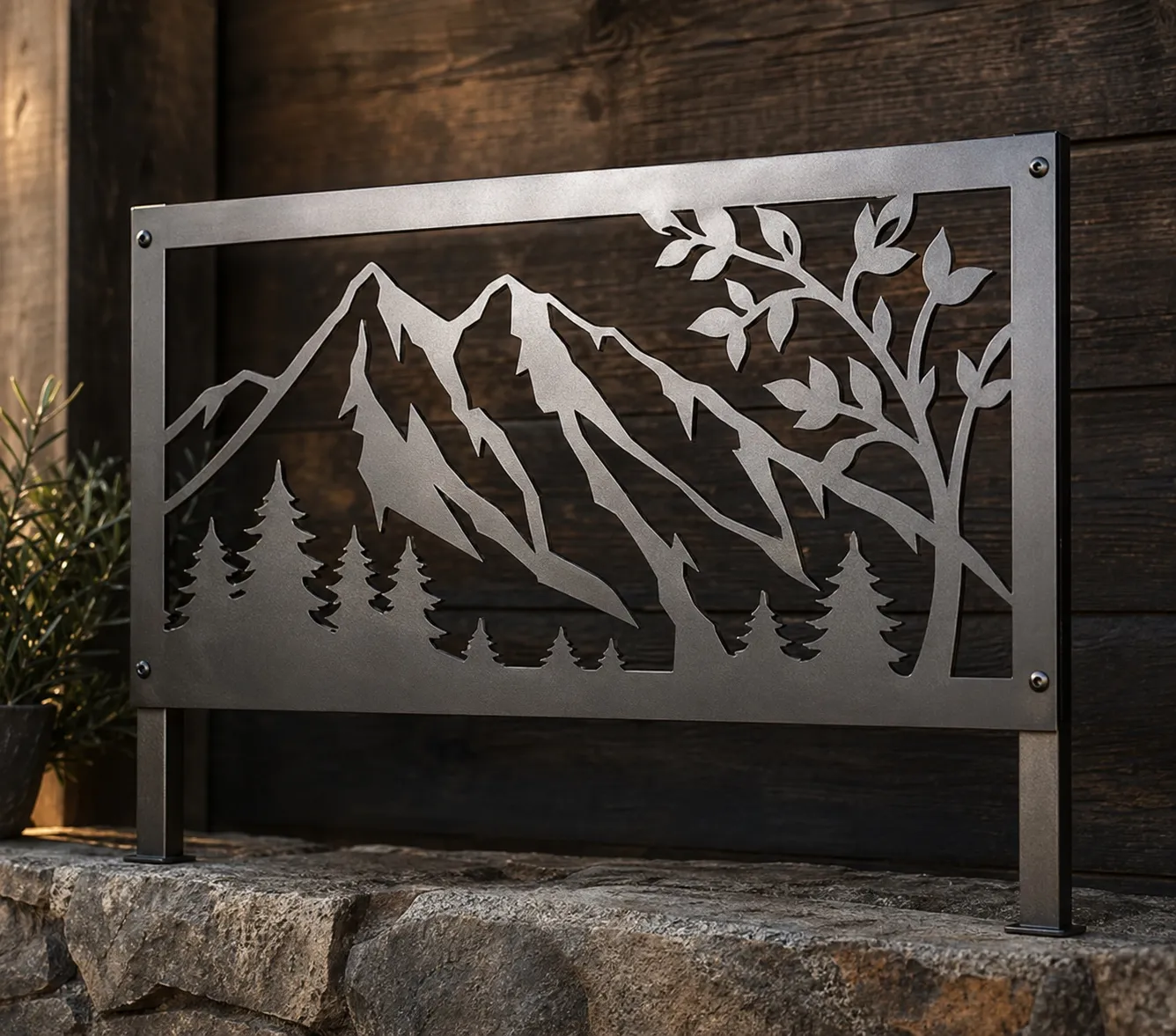
Rectangle panel, painted finish
## What your metal cut-out signcustomiser supports
Every metal cut-out sign builder ships with the options sign shops actually quote on. Configure the catalogue your business sells and switch off anything you don't.
### Panel shapes
- Six starter panel shapes: rectangle, rounded rectangle, circle, oval, classic plaque, banner
- Configurable per-panel text padding so artwork sits inside the edge
- Add your own [custom panel shapes](/help/features/16861335-backboards/) from SVG uploads
- Single-piece cut path — no assembly required
### Artwork and design
- Text input with [1,000+ Google Fonts](/help/features/google-fonts/) plus custom font upload
- Customer logo upload powered by the [AI Sign Designer](/help/ai-sign-designer/ai-sign-designer-guide/)
- Choose [plaque-with-cut-outs or whole-design silhouette modes](/help/ai-sign-designer/ai-sign-designer-guide/)
- Add your own [SVG icons](/help/features/icons-in-sign-designs/) inside the design
### Materials and finishes
- Fully merchant-configurable [Panel and Materials catalogue](/help/features/14428865-sign-components-overview/)
- [Per-finish pricing](/help/features/) — none, base price or price multiplier
- Realistic panel finish preview before the order is placed
- Add outdoor clear coat or other extras as [Additional Input Options](/help/features/additional-options/)
### Mounting and hardware
- Configurable [Mountings catalogue](/help/features/mountings/) per customiser
- Up to six mounting visual styles, including standoffs, flag and hanging
- Per-mounting pricing — one-off fee or percentage markup
- Mounting selection and notes attached to every order
### Sizing and pricing
- [Frame Fit Model](/help/pricing-and-sizing/frame-fit-model/) for area-based pricing
- Per-panel and per-finish pricing modifiers in the admin
- Real-time price update as the customer designs
- [Quote Mode](/help/features/quote-mode/) for large or bespoke orders
### Production handoff
- Clean vector [SVG cut paths](/help/product-management/svg-files-for-manufacturering-workflows/) on every order
- Per-customiser [Manufacturer Email template](/help/product-management/supplier-manufacturer-emails/) you can edit yourself
- Customers can [share their design via a unique URL](/help/features/share-custom-sign-designs/)
- Save your best-selling cut-out designs as [Sign Presets](/help/features/sign-presets/)
## Metal cut-out signsoftware questions
Answers to the questions sign shop owners ask before adding metal cut-out sign design software to their Shopify, WooCommerce, Wix or Etsy storefront.
What is metal cut-out sign design software?
Metal cut-out sign design software lets a sign shop's customers configure a laser-cut metal sign on the shop's own website — panel shape, font or logo, finish, mounting — with a realistic preview and a live price. Sign Customiser is built for this so laser-cutting shops and metal sign businesses can sell configurable cut-out signs without manually quoting each enquiry.
Can customers configure panel shapes and sizes online?
Yes. Six starter panel shapes (rectangle, rounded rectangle, circle, oval, classic plaque, banner) ship out of the box, and you can add your own from SVG uploads. Customers adjust dimensions within bounds you set, and the preview, area calculation and Frame Fit price update in real time.
Can customers upload their own artwork for the cut-out?
Yes. Customers can upload a logo or describe the sign they want, and the built-in AI Sign Designer generates clean stencil-style artwork shaped to the selected panel, ready to be cut from metal in a single piece.
Can pricing change by panel size and finish?
Yes. Cut-out signs use Frame Fit area-based pricing so quotes scale with panel size, with per-finish modifiers for raw steel, painted and powder-coated metal. Configure additional charges for outdoor clear coat and other extras through Additional Input Options.
Is this for sign shops?
Sign Customiser is sign shop software for laser-cutting shops, metal sign businesses and decorative sign makers selling configurable cut-out signs through their own website. Your business owns the catalogue, the brand and the order — we provide the configurator and the production handoff.
What production files does the manufacturer receive?
Every order generates a manufacturer email with a clean single-piece vector SVG cut path, a panel material and finish brief and mounting notes — everything your laser cutter or fabricator needs to produce the sign without rework or chasing the customer for specs.
Reviews
## What sign shops aresaying about us
[36+ verified reviews](https://apps.shopify.com/neon-product-customiser/reviews)
- > Amazing product, and even better support. I cannot say enough good things about this sign customizer.
The Simple Stencil
- > The customer support very professionell very very fast. I am happy to work with the team. They have always a solution.
Neon Everglow
- > If you are looking to increase your end-user experience this app is a winner.
TINKABLE
- > Very pleased with how easy it was. The design tools made it simple to customize my sign with different fonts, colors and layouts. I could see changes in real-time so I knew what the final product would look like.
Weon Light
- > Great app! Fantastic support, probably the best ever worked with ;) The admin is so well designed and simple. Just a word : BRAVO
Light My Neon
- > Great service! The team is extremely helpful and always quick to answer any questions. Highly recommended.
Mellow Signs
## Explore othersign types
- [
### Neon signs
Popular
Design vibrant LED neon signs with flexible tubing and multiple colours.
Learn more
](/solutions/neon-signs/)
- [
### Lightbox signs
Illuminated lightbox signs with custom dimensions and frame styles.
Learn more
](/solutions/lightbox-signs/)
- [
### Channel letter signs
Front-lit, back-lit, and halo-lit channel letters.
Learn more
](/solutions/acrylic-channel-letter-signs/)
- [
### Metal letter signs
Premium metal letters with various finishes and mounting styles.
Learn more
](/solutions/metal-channel-letter-signs/)
- [
### Wood letter signs
Beautiful wood letter signs with natural materials and finishes.
Learn more
](/solutions/wood-signs/)
- [
### Wood board signs
Custom wood board signs with laser-cut designs and finishes.
Learn more
](/solutions/wood-signs/)
- [
### Metal plate signs
Aluminium and metal plate signs with customisable designs.
Learn more
](/solutions/metal-plate-signs/)
- [
### Braille signs
Translate wording into tactile signs with standards-based dot geometry.
Learn more
](/solutions/braille-signs/)
- [
### Metal cut-out signs
New
Laser-cut steel and aluminium signs in custom shapes.
Learn more
](/solutions/metal-cut-out-signs/)
- [
### Stencil signs
New
Sell reusable stencil sheets with letter-height sizing and live pricing.
Learn more
](/solutions/stencil-signs/)
## Keep reading aboutmetal cut-out signs
Pricing guides, design references and inspiration galleries — every article links back to a real Sign Customiser feature you can switch on for your storefront.
### Software for sign shops
- [Sign pricing softwareWhere metal cut-out quoting fits into a broader sign pricing workflow.](/sign-pricing-software/)
- [Sign quoting softwareTurn website enquiries into structured quotes without manual back-and-forth.](/sign-quoting-software/)
- [Sign shop softwareOnline sign ordering software designed for sign shops, not consumer marketplaces.](/sign-shop-software/)
### Cut-out and laser metal signs
- [Cut-out metal signs: design and durability in modern signageWhy cut-out metal sits between channel letters and plate signs.](/posts/metal/cut-out-metal/)
- [Laser cut metal signs: precision craftsmanship for brandingHow laser-cut metal signs get produced.](/posts/metal/laser-cut-metal-signs/)
- [Custom laser cut metal signs: materials, pricing and business guideEnd-to-end view of pricing custom laser metal work.](/posts/metal/custom-laser-cut-metal-signs/)
### Use cases and inspiration
- [Metal monogram signs: personal style for home decorWedding, gift and home-decor cut-out use cases.](/posts/metal/metal-monogram-signs/)
- [Funny metal signs: humour-led decor signageLighter-tone product line ideas for the cut-out builder.](/posts/metal/funny-metal-signs/)
## Sitemap
See the full [sitemap](/sitemap.md) for all pages.
---
## Metal Sign Design & Quoting Software
Source: [https://www.signcustomiser.com/solutions/metal-plate-signs/](https://www.signcustomiser.com/solutions/metal-plate-signs/)
## How Sign Customiser worksfor your storefront
Every Sign Customiser product ships with the same four capabilities. Your sign type, your catalogue, your storefront — the software is the constant.
Sign type
NeonMetal plateStencilLightbox
BAY 4OPEN 24/7$149
LED colour
Backboard
NeonPlateStencilLightbox
BAY 4OPEN 24/7$149
LED colour
### Live pricing for all sign options
Every choice a customer makes, from text and materials to dimensions, lighting and mounting, reprices the sign on the spot. The figure on screen stays the real, order-ready quote.
- Text, materials, finishes, dimensions and mounting repriced live
- Per-option, per-finish and per-size pricing rules you control
- What the customer sees is the price they pay, with no quote round-trip
shop.example.com/products/sign
Sign
Create your sign
1Write your text
FontOpen Sans
Colour
$72Add to cart
Sign CustomiserTheme block
shop.example.com/products/sign
Sign
Create your signFont · Open Sans
$48Add to cart
Theme block
### Drop the builder into any storefront
The customiser drops into your product page as a theme block — no copy-paste, no developer. Customers design, get a quote, and add to cart without leaving your storefront.
- Works on Shopify, WooCommerce, Wix and Etsy
- Logo upload with built-in AI Sign Designer
- Custom CSS and theming to match your brand
New order #2487Draft
Aa
Acrylic channel letters1200 × 400 mmMatte white faceStand-off, 25 mm
3 attachments · 2.4 MB
SVGPDFAI
New order #2487Draft
Aa
Acrylic channel letters1200 × 400 mmMatte white face · Stand-off, 25 mm
3 attachments · 2.4 MB
SVGPDFAI
### Production-ready files on every order
Every order emails your fabricator the production files they actually need — SVG cut paths, PDF proofs, Adobe Illustrator artwork — alongside the full spec sheet.
- SVG, PDF and Adobe Illustrator files attached
- Material, finish and dimension specifications
- Mounting, electrical and assembly notes per product type
Sign CustomiserCreate new customiser
\+ New
Products Created320Products
Conversion Rate4.2%Conversion
AI Files Created
CustomisersManage your sign designs
OrdersView attributed orders
AI Design FilesView customer artwork
Sign Customiser\+ New
Products320
Conversion4.2%
Customisers
Orders
AI Design Files
### Configure the catalogue your business actually sells
An admin dashboard for the catalogue you actually run — colours, fonts, finishes, pricing, manufacturers, orders. Reorder rows, toggle options on, edit prices in place.
- Configure colour, font and price catalogues
- Order tracking and reorder from the admin
- Per-finish and per-shape pricing modifiers
## Merchants shipping metal plate signsthrough Sign Customiser
Trusted by plaque manufacturers, engraving shops and corporate signage providers selling metal plate signs on Shopify, WooCommerce, Wix and Etsy.

Aluminium plate, painted finish

Sold by Westwood Dance
Painted aluminium plate, indoor signage
Sold by Volley World
Aluminium plate, outdoor signage
Sold by Skypad
Brass plaque, engraved text

Sold by Charis Law Group
Brushed stainless plate, engraved logo
Compact metal plate, door signage
## What your metal plate signcustomiser supports
Every metal plate sign builder ships with the options sign shops actually quote on. Configure the catalogue your business sells and switch off anything you don't.
### Materials and finishes
- Fully merchant-configurable plate material and finish catalogue
- [Per-material pricing](/help/features/) — none, base price or price multiplier
- Realistic metallic and matte surface preview
- Add outdoor finish or coating as [Additional Input Options](/help/features/additional-options/)
### Layout and design
- [1,000+ Google Fonts](/help/features/google-fonts/) plus custom font upload
- [Drag, scale and rotate words and icons](/help/features/drag-scale-rotate-words-and-icons/) on the canvas
- [Per-word colour and font selection](/help/features/multi-color-multi-font-sign-designs/) on multi-line plates
- Accept customer artwork through a [Custom Design Form](/help/ai-sign-designer/custom-design-forms/)
### Sizing and pricing
- [Frame Fit Model](/help/pricing-and-sizing/frame-fit-model/) for area-based pricing on any plate dimension
- Per-finish and per-size pricing modifiers in the admin
- Real-time price update as the customer designs
- [Quote Mode](/help/features/quote-mode/) for bulk or bespoke orders
### Production handoff
- [Vector cut paths](/help/product-management/svg-files-for-manufacturering-workflows/) and engraving artwork on every order
- Per-customiser [Manufacturer Email template](/help/product-management/supplier-manufacturer-emails/) you can edit yourself
- [Mounting selection](/help/features/mountings/) and fee attached to every order
- Customers can [share their design via a unique URL](/help/features/share-custom-sign-designs/)
### Merchant control
- Configure your own [Sign Components](/help/features/14428865-sign-components-overview/) — plate sizes, materials and finishes
- [Theme the options panel](/help/customise/theme-color-reference-guide/) to match your storefront
- [Custom CSS](/help/customise/custom-css/) on the options panel for fine-grained styling
- Runs on [Shopify, WooCommerce, Wix, Webflow, Squarespace and Etsy](/help/integrations/integration-guides/) — or embed via a [Customiser Link](/help/integrations/hosted-customisers/)
### Customer experience
- Real-time photorealistic plate preview as the customer designs
- Save your best-selling plate designs as [Sign Presets](/help/features/sign-presets/)
- Inline pricing breakdown on every change
- [Mobile-friendly options panel](/help/customise/mobile-style-options/) with stacked layout on small screens
## Metal signsoftware questions
Answers to the questions sign shop owners ask before adding metal sign design software to their Shopify, WooCommerce, Wix or Etsy storefront.
What is metal sign quoting software?
Metal sign quoting software lets a sign shop's customers configure a custom plate sign — material, finish, size, fixings, mounting — and return a live price or formal quote based on rules the shop controls. Sign Customiser is built for this, so plaque, engraving and corporate signage businesses can turn website enquiries into structured orders instead of ad-hoc emails.
Can customers configure metal sign sizes online?
Yes. Plate dimensions are configured per customiser, with Frame Fit area-based pricing scaling naturally with size. Customers adjust dimensions within the bounds you set, and the preview and price update in real time.
Can pricing change by material and finish?
Yes. Per-material pricing supports none, base price or price multiplier, so brass and stainless steel can carry a different rate from standard aluminium. Add modifiers for outdoor coatings, fixings, mountings and any extras you configure in the admin.
Is this for sign shops?
Sign Customiser is sign shop software for plaque manufacturers, engraving shops and corporate signage providers selling configurable metal signs through their own website. Your business owns the catalogue, the brand and the order — we provide the configurator, the pricing logic and the production handoff.
What does the manufacturer receive when a customer orders?
Every order generates a manufacturer email with vector cut paths, material and finish specifications, plate dimensions, mounting notes and a copy of the final preview — production-ready details that cut quoting back-and-forth out of the loop.
Does the metal plate builder work on more than Shopify?
Yes. The metal plate builder embeds in Shopify, WooCommerce, Wix, Webflow, Squarespace, Etsy and headless eCommerce stacks via the Universal embed. The experience is identical across platforms.
Reviews
## What sign shops aresaying about us
[36+ verified reviews](https://apps.shopify.com/neon-product-customiser/reviews)
- > Amazing product, and even better support. I cannot say enough good things about this sign customizer.
The Simple Stencil
- > The customer support very professionell very very fast. I am happy to work with the team. They have always a solution.
Neon Everglow
- > If you are looking to increase your end-user experience this app is a winner.
TINKABLE
- > Very pleased with how easy it was. The design tools made it simple to customize my sign with different fonts, colors and layouts. I could see changes in real-time so I knew what the final product would look like.
Weon Light
- > Great app! Fantastic support, probably the best ever worked with ;) The admin is so well designed and simple. Just a word : BRAVO
Light My Neon
- > Great service! The team is extremely helpful and always quick to answer any questions. Highly recommended.
Mellow Signs
## Explore othersign types
- [
### Neon signs
Popular
Design vibrant LED neon signs with flexible tubing and multiple colours.
Learn more
](/solutions/neon-signs/)
- [
### Lightbox signs
Illuminated lightbox signs with custom dimensions and frame styles.
Learn more
](/solutions/lightbox-signs/)
- [
### Channel letter signs
Front-lit, back-lit, and halo-lit channel letters.
Learn more
](/solutions/acrylic-channel-letter-signs/)
- [
### Metal letter signs
Premium metal letters with various finishes and mounting styles.
Learn more
](/solutions/metal-channel-letter-signs/)
- [
### Wood letter signs
Beautiful wood letter signs with natural materials and finishes.
Learn more
](/solutions/wood-signs/)
- [
### Wood board signs
Custom wood board signs with laser-cut designs and finishes.
Learn more
](/solutions/wood-signs/)
- [
### Metal plate signs
Aluminium and metal plate signs with customisable designs.
Learn more
](/solutions/metal-plate-signs/)
- [
### Braille signs
Translate wording into tactile signs with standards-based dot geometry.
Learn more
](/solutions/braille-signs/)
- [
### Metal cut-out signs
New
Laser-cut steel and aluminium signs in custom shapes.
Learn more
](/solutions/metal-cut-out-signs/)
- [
### Stencil signs
New
Sell reusable stencil sheets with letter-height sizing and live pricing.
Learn more
](/solutions/stencil-signs/)
## Keep reading aboutmetal plate signs
Pricing guides, design references and inspiration galleries — every article links back to a real Sign Customiser feature you can switch on for your storefront.
### Software for sign shops
- [Sign shop softwareWhere metal plate quoting fits into a broader sign shop workflow.](/sign-shop-software/)
- [Sign quoting softwareCapture bespoke and bulk enquiries as structured quotes, not loose emails.](/sign-quoting-software/)
- [Sign pricing softwareHow Frame Fit area pricing protects margin on custom plate jobs.](/sign-pricing-software/)
### Metal sign techniques
- [Laser cut metal signs: precision craftsmanship for brandingHow metal plates and cut shapes get produced.](/posts/metal/laser-cut-metal-signs/)
- [Metal outdoor signs: durability and design for all weatherSelling metal signage for outdoor installations.](/posts/metal/metal-outdoor-signs/)
- [Custom laser cut metal signs: materials and business guideEnd-to-end view of pricing custom metal sign work.](/posts/metal/custom-laser-cut-metal-signs/)
## Sitemap
See the full [sitemap](/sitemap.md) for all pages.
---
## Neon Sign Design & Quoting Software
Source: [https://www.signcustomiser.com/solutions/neon-signs/](https://www.signcustomiser.com/solutions/neon-signs/)
## How Sign Customiser worksfor your storefront
Every Sign Customiser product ships with the same four capabilities. Your sign type, your catalogue, your storefront — the software is the constant.
Sign type
NeonMetal plateStencilLightbox
BAY 4OPEN 24/7$149
LED colour
Backboard
NeonPlateStencilLightbox
BAY 4OPEN 24/7$149
LED colour
### Live pricing for all sign options
Every choice a customer makes, from text and materials to dimensions, lighting and mounting, reprices the sign on the spot. The figure on screen stays the real, order-ready quote.
- Text, materials, finishes, dimensions and mounting repriced live
- Per-option, per-finish and per-size pricing rules you control
- What the customer sees is the price they pay, with no quote round-trip
shop.example.com/products/sign
Sign
Create your sign
1Write your text
FontOpen Sans
Colour
$72Add to cart
Sign CustomiserTheme block
shop.example.com/products/sign
Sign
Create your signFont · Open Sans
$48Add to cart
Theme block
### Drop the builder into any storefront
The customiser drops into your product page as a theme block — no copy-paste, no developer. Customers design, get a quote, and add to cart without leaving your storefront.
- Works on Shopify, WooCommerce, Wix and Etsy
- Logo upload with built-in AI Sign Designer
- Custom CSS and theming to match your brand
New order #2487Draft
Aa
Acrylic channel letters1200 × 400 mmMatte white faceStand-off, 25 mm
3 attachments · 2.4 MB
SVGPDFAI
New order #2487Draft
Aa
Acrylic channel letters1200 × 400 mmMatte white face · Stand-off, 25 mm
3 attachments · 2.4 MB
SVGPDFAI
### Production-ready files on every order
Every order emails your fabricator the production files they actually need — SVG cut paths, PDF proofs, Adobe Illustrator artwork — alongside the full spec sheet.
- SVG, PDF and Adobe Illustrator files attached
- Material, finish and dimension specifications
- Mounting, electrical and assembly notes per product type
Sign CustomiserCreate new customiser
\+ New
Products Created320Products
Conversion Rate4.2%Conversion
AI Files Created
CustomisersManage your sign designs
OrdersView attributed orders
AI Design FilesView customer artwork
Sign Customiser\+ New
Products320
Conversion4.2%
Customisers
Orders
AI Design Files
### Configure the catalogue your business actually sells
An admin dashboard for the catalogue you actually run — colours, fonts, finishes, pricing, manufacturers, orders. Reorder rows, toggle options on, edit prices in place.
- Configure colour, font and price catalogues
- Order tracking and reorder from the admin
- Per-finish and per-shape pricing modifiers
## Merchants shipping neon signsthrough Sign Customiser
Trusted by neon studios, Etsy resellers and Shopify sign shops selling neon signs on Shopify, WooCommerce, Wix and Etsy.

LED flex neon, RGB tubes, custom backboard

LED flex neon, cut-to-letter backboard
Glass neon, multi-line storefront sign
LED flex neon, event hire

LED flex neon, decorative wall sign
LED flex neon, interior installation
## What your neon signcustomiser supports
Every neon sign builder ships with the options sign shops actually quote on. Configure the catalogue your business sells and switch off anything you don't.
### Tubes and colours
- Configurable [Tube Colours](/help/features/14428865-sign-components-overview/), [Jackets](/help/features/jackets-and-tubes-for-neon-signs/) and UV Colours per customiser
- [RGB](/help/features/rgb-color-option/) and [Flow RGB](/help/features/flow-rgb-color-option/) multi-colour effects
- Day, night and [tube-off preview states](/help/features/letter-glow-effects/)
- [Per-word colour and font selection](/help/features/multi-color-multi-font-sign-designs/) on multi-line designs
### Backboards and shape
- [Custom Backboard Shapes](/help/features/16861335-backboards/) from your own SVG uploads
- Backboard [colours, materials and textures](/help/features/16861335-backboards/) fully configurable
- Let customers drop [their own artwork on the backboard](/help/features/customer-designed-backboard-images/)
- [Six mounting visual styles](/help/features/mountings/) plus per-customiser pricing
### Sizing and pricing
- [Advanced Letter Model (Material Length)](/help/pricing-and-sizing/getting-started-with-the-advanced-model/) for precise per-mm quotes
- [Simple Letter Model](/help/pricing-and-sizing/getting-started-with-the-simple-letter-model/) for tiered per-letter pricing
- Real-time price update as the customer designs
- [Quote Mode](/help/features/quote-mode/) for high-value orders
### Design tools
- [Drag, scale and rotate words and icons](/help/features/drag-scale-rotate-words-and-icons/) on the canvas
- [1,000+ Google Fonts](/help/features/google-fonts/) plus custom font upload
- Customer logo upload powered by the [AI Sign Designer](/help/ai-sign-designer/ai-sign-designer-guide/)
- Add your own [SVG icons](/help/features/icons-in-sign-designs/) to the sign design
### Production handoff
- Production-ready [SVG cut paths](/help/product-management/svg-files-for-manufacturering-workflows/) attached to every order
- Per-customiser [Manufacturer Email template](/help/product-management/supplier-manufacturer-emails/) you can edit yourself
- Customers can [share their design via a unique URL](/help/features/share-custom-sign-designs/)
- Save your best-selling designs as [Sign Presets](/help/features/sign-presets/)
### Merchant control
- Configure your own [Sign Components](/help/features/14428865-sign-components-overview/) — tube colours, jackets and mountings
- [Theme the options panel](/help/customise/theme-color-reference-guide/) to match your storefront
- [Custom CSS](/help/customise/custom-css/) on the options panel for fine-grained styling
- Runs on [Shopify, WooCommerce, Wix, Webflow, Squarespace and Etsy](/help/integrations/integration-guides/) — or embed via a [Customiser Link](/help/integrations/hosted-customisers/)
## Neon sign designsoftware questions
Answers to the questions sign shop owners ask before adding neon sign design software to their Shopify, WooCommerce, Wix or Etsy storefront.
What is neon sign design software?
Neon sign design software lets a sign shop's customers configure a custom neon sign on the shop's own website — fonts, tube colours, backboard shape, mountings — and see a realistic preview with a live price. Sign Customiser is built for this: the sign shop owns the catalogue, the pricing rules and the brand, while the customer does the configuration work.
Can customers get instant neon sign quotes online?
Yes. You configure your own per-mm material-length pricing or simple per-letter tiers in the admin, and the price updates in real time as the customer changes text, tube colour, size, backboard and mountings. Quote Mode is available for high-value orders where you want to review before charging.
Can Sign Customiser work with a Shopify neon sign store?
Yes. Sign Customiser is the most established neon sign customizer Shopify app, and it also runs on WooCommerce, Wix, Webflow, Squarespace and Etsy. Embed the neon designer on any product page; orders flow into your existing checkout with the design and production files attached.
Can the designer handle custom fonts, colours and sizes?
Yes. You can switch on 1,000+ Google Fonts plus your own custom font uploads, define your own tube colour and jacket catalogue per customiser, and choose how customers control size — fixed-width tiers, material-length per-mm, or constrained ranges. Everything is configurable from the merchant admin without code.
Is this for sign shops or for people buying one sign?
Sign Customiser is software for sign shops, sign makers and ecommerce operators who sell custom neon signs. Your customers use the embedded designer to configure and order signs from your storefront; we don't sell finished signs ourselves.
What production files does my manufacturer receive?
Every neon order sends an email to your manufacturer. The email shows a preview of the design and the options that the customer selected, for example tube colours, backboard and dimmer. You can also attach SVG, EPS and AI files of the design. To do this, set "Generate SVG image of sign" in the customiser settings.
Reviews
## What sign shops aresaying about us
[36+ verified reviews](https://apps.shopify.com/neon-product-customiser/reviews)
- > Amazing product, and even better support. I cannot say enough good things about this sign customizer.
The Simple Stencil
- > The customer support very professionell very very fast. I am happy to work with the team. They have always a solution.
Neon Everglow
- > If you are looking to increase your end-user experience this app is a winner.
TINKABLE
- > Very pleased with how easy it was. The design tools made it simple to customize my sign with different fonts, colors and layouts. I could see changes in real-time so I knew what the final product would look like.
Weon Light
- > Great app! Fantastic support, probably the best ever worked with ;) The admin is so well designed and simple. Just a word : BRAVO
Light My Neon
- > Great service! The team is extremely helpful and always quick to answer any questions. Highly recommended.
Mellow Signs
## Explore othersign types
- [
### Neon signs
Popular
Design vibrant LED neon signs with flexible tubing and multiple colours.
Learn more
](/solutions/neon-signs/)
- [
### Lightbox signs
Illuminated lightbox signs with custom dimensions and frame styles.
Learn more
](/solutions/lightbox-signs/)
- [
### Channel letter signs
Front-lit, back-lit, and halo-lit channel letters.
Learn more
](/solutions/acrylic-channel-letter-signs/)
- [
### Metal letter signs
Premium metal letters with various finishes and mounting styles.
Learn more
](/solutions/metal-channel-letter-signs/)
- [
### Wood letter signs
Beautiful wood letter signs with natural materials and finishes.
Learn more
](/solutions/wood-signs/)
- [
### Wood board signs
Custom wood board signs with laser-cut designs and finishes.
Learn more
](/solutions/wood-signs/)
- [
### Metal plate signs
Aluminium and metal plate signs with customisable designs.
Learn more
](/solutions/metal-plate-signs/)
- [
### Braille signs
Translate wording into tactile signs with standards-based dot geometry.
Learn more
](/solutions/braille-signs/)
- [
### Metal cut-out signs
New
Laser-cut steel and aluminium signs in custom shapes.
Learn more
](/solutions/metal-cut-out-signs/)
- [
### Stencil signs
New
Sell reusable stencil sheets with letter-height sizing and live pricing.
Learn more
](/solutions/stencil-signs/)
## Keep reading aboutneon signs
Pricing guides, design references and inspiration galleries — every article links back to a real Sign Customiser feature you can switch on for your storefront.
### Software for sign shops
- [Sign pricing softwareHow sign shops use Sign Customiser to calculate prices and collect order details online.](/sign-pricing-software/)
- [Sign quoting softwareTurn website enquiries into structured quotes without manual back-and-forth.](/sign-quoting-software/)
- [Sign shop softwareThe full picture: configuring, quoting and online sign ordering software for your business.](/sign-shop-software/)
### Selling neon signs
- [Custom neon signs cost: the ultimate guide for Shopify store ownersPricing benchmarks and margins for sign shop owners.](/posts/neon/custom-neon-signs-cost/)
- [Why are neon signs so expensive? 2026 pricing guideWhat drives the price of a custom LED neon sign.](/posts/neon/why-are-neon-signs-so-expensive/)
- [Neon versus LED: differences and which is right for youHelp customers pick between glass and flex LED neon.](/posts/neon/neon-vs-led/)
### Inspiration and reference
- [Neon signs hub: the one-stop guide to all things neonAnchor article covering shapes, finishes and uses.](/posts/neon/neon-sign/)
- [50+ neon sign ideas for every room and occasionVisual reference customers love before buying.](/posts/neon/neon-sign-ideas/)
- [Are neon signs dangerous? 14 safety tipsThe buyer-trust article that converts cautious shoppers.](/posts/neon/are-neon-signs-dangerous/)
## Sitemap
See the full [sitemap](/sitemap.md) for all pages.
---
## Stencil Sign Design & Quoting Software
Source: [https://www.signcustomiser.com/solutions/stencil-signs/](https://www.signcustomiser.com/solutions/stencil-signs/)
## How Sign Customiser worksfor your storefront
Every Sign Customiser product ships with the same four capabilities. Your sign type, your catalogue, your storefront — the software is the constant.
Sign type
NeonMetal plateStencilLightbox
BAY 4OPEN 24/7$149
LED colour
Backboard
NeonPlateStencilLightbox
BAY 4OPEN 24/7$149
LED colour
### Live pricing for all sign options
Every choice a customer makes, from text and materials to dimensions, lighting and mounting, reprices the sign on the spot. The figure on screen stays the real, order-ready quote.
- Text, materials, finishes, dimensions and mounting repriced live
- Per-option, per-finish and per-size pricing rules you control
- What the customer sees is the price they pay, with no quote round-trip
shop.example.com/products/sign
Sign
Create your sign
1Write your text
FontOpen Sans
Colour
$72Add to cart
Sign CustomiserTheme block
shop.example.com/products/sign
Sign
Create your signFont · Open Sans
$48Add to cart
Theme block
### Drop the builder into any storefront
The customiser drops into your product page as a theme block — no copy-paste, no developer. Customers design, get a quote, and add to cart without leaving your storefront.
- Works on Shopify, WooCommerce, Wix and Etsy
- Logo upload with built-in AI Sign Designer
- Custom CSS and theming to match your brand
New order #2487Draft
Aa
Acrylic channel letters1200 × 400 mmMatte white faceStand-off, 25 mm
3 attachments · 2.4 MB
SVGPDFAI
New order #2487Draft
Aa
Acrylic channel letters1200 × 400 mmMatte white face · Stand-off, 25 mm
3 attachments · 2.4 MB
SVGPDFAI
### Production-ready files on every order
Every order emails your fabricator the production files they actually need — SVG cut paths, PDF proofs, Adobe Illustrator artwork — alongside the full spec sheet.
- SVG, PDF and Adobe Illustrator files attached
- Material, finish and dimension specifications
- Mounting, electrical and assembly notes per product type
Sign CustomiserCreate new customiser
\+ New
Products Created320Products
Conversion Rate4.2%Conversion
AI Files Created
CustomisersManage your sign designs
OrdersView attributed orders
AI Design FilesView customer artwork
Sign Customiser\+ New
Products320
Conversion4.2%
Customisers
Orders
AI Design Files
### Configure the catalogue your business actually sells
An admin dashboard for the catalogue you actually run — colours, fonts, finishes, pricing, manufacturers, orders. Reorder rows, toggle options on, edit prices in place.
- Configure colour, font and price catalogues
- Order tracking and reorder from the admin
- Per-finish and per-shape pricing modifiers
## Stencil jobsyour customers can order online
Show buyers the finished result before they order, from loading-bay and warehouse markings to crates and workshop equipment.
Reusable Mylar, loading-bay floor marking
Reusable Mylar, crate and packaging marking
Reusable Mylar, safety and wayfinding marking
Flexible Mylar, equipment and tool marking
## What your stencil signcustomiser supports
Every stencil sign builder ships with the options sign shops actually quote on. Configure the catalogue your business sells and switch off anything you don't.
### Letter-height sizing
- Customers choose a preset letter height or, when enabled, enter an exact height within the range you set
- The finished width is derived from the text at that physical letter height
- Finished dimensions include the border you configure on every edge of the cut lettering
- The customer sees the current letter height and overall sheet dimensions while they design
### Stencil-safe design setup
- The starter stencil fonts use bridges to keep the centres of letters such as A, B and O attached when cut
- The merchant admin flags fonts that have not been marked as stencil-safe
- Stencil-safe is an advisory setting, so your production team stays in control of font approval
- Customers preview the lettering as negative space in the selected sheet before ordering
### Materials and live pricing
- Set up the sheet materials your shop sells; the starter catalogue includes 7 mil, 10 mil and adhesive-backed Mylar
- Charge a base amount plus a price per non-space character for each letter-height tier
- Add optional sheet-size bands with a fixed charge and, if needed, a price per square centimetre
- The live price updates when the customer changes text, letter height, finished sheet size or material
### Production files and order handoff
- Compatible text-only designs export as [physically calibrated flat-path SVGs](/help/product-management/svg-files-for-manufacturering-workflows/) for cutting
- Uploaded artwork, generated artwork and unavailable font paths use a masked SVG fallback that is not eligible for automatic DXF
- Optional DXF generation depends on SVG output and is available only when the design meets the flat text-only stencil contract
- Send the preview, sheet material, finished dimensions and available file links through a [manufacturer email template](/help/product-management/supplier-manufacturer-emails/) you control
## Stencil signsoftware questions
Answers to the questions sign shops ask before adding a live stencil builder to their website.
What is stencil sign design software?
Stencil sign design software lets a stencil maker or sign shop sell cut stencil sheets through its own website. Customers enter their wording, choose a letter height and sheet material, then see the finished bordered sheet size and live price before they order.
How does stencil sheet sizing work?
Letter height drives the design. The customiser scales the glyphs to the chosen physical height, derives the width from the text, then adds the merchant's border margin to every edge. The displayed and ordered dimensions are the finished overall sheet size.
Can customers choose exact letter heights?
Yes. You can keep preset letter-height tiers visible and enable an exact-height input alongside them. Exact entries are clamped to the eligible range you configure and priced against the next matching tier.
Which stencil sheet materials can I sell?
You control the sheet catalogue. The starter stencil setup includes 7 mil Mylar, 10 mil Mylar and adhesive-backed Mylar, and you can change the labels, descriptions, colours and pricing to match the materials your shop stocks.
How can a stencil order be priced?
Fixed-width stencil pricing starts with the price configured for the selected letter-height tier, then adds its per-character charge for non-space characters. Optional sheet-size bands can add a fixed sheet charge and a price per square centimetre based on the finished bordered dimensions. Material and total-price modifiers can be layered on top.
What makes a font stencil-safe?
A stencil-safe font uses bridges to keep enclosed letter centres attached to the sheet after cutting. The included stencil fonts are marked as bridged. When you add other fonts, the merchant admin flags any that are not marked stencil-safe, but the setting is advisory and your team should still verify the cut path.
Will every stencil order include SVG and DXF files?
SVG can be generated for stencil orders when SVG output is enabled. Compatible text-only designs with loaded font paths use a physically calibrated flat-path SVG. Automatic DXF is optional and only succeeds for that compatible flat SVG format. Uploaded or generated artwork, masked SVGs, unavailable font paths or incompatible sheet geometry can still produce a preview and fallback SVG, but they are not guaranteed to produce DXF.
What does the production team receive?
The order keeps the customer preview, wording, selected sheet and material, finished dimensions and letter-height data together. Manufacturer emails include links to the SVG and DXF when those files were successfully created, using a per-customiser email template you control.
Reviews
## What sign shops aresaying about us
[36+ verified reviews](https://apps.shopify.com/neon-product-customiser/reviews)
- > Amazing product, and even better support. I cannot say enough good things about this sign customizer.
The Simple Stencil
- > The customer support very professionell very very fast. I am happy to work with the team. They have always a solution.
Neon Everglow
- > If you are looking to increase your end-user experience this app is a winner.
TINKABLE
- > Very pleased with how easy it was. The design tools made it simple to customize my sign with different fonts, colors and layouts. I could see changes in real-time so I knew what the final product would look like.
Weon Light
- > Great app! Fantastic support, probably the best ever worked with ;) The admin is so well designed and simple. Just a word : BRAVO
Light My Neon
- > Great service! The team is extremely helpful and always quick to answer any questions. Highly recommended.
Mellow Signs
## Explore othersign types
- [
### Neon signs
Popular
Design vibrant LED neon signs with flexible tubing and multiple colours.
Learn more
](/solutions/neon-signs/)
- [
### Lightbox signs
Illuminated lightbox signs with custom dimensions and frame styles.
Learn more
](/solutions/lightbox-signs/)
- [
### Channel letter signs
Front-lit, back-lit, and halo-lit channel letters.
Learn more
](/solutions/acrylic-channel-letter-signs/)
- [
### Metal letter signs
Premium metal letters with various finishes and mounting styles.
Learn more
](/solutions/metal-channel-letter-signs/)
- [
### Wood letter signs
Beautiful wood letter signs with natural materials and finishes.
Learn more
](/solutions/wood-signs/)
- [
### Wood board signs
Custom wood board signs with laser-cut designs and finishes.
Learn more
](/solutions/wood-signs/)
- [
### Metal plate signs
Aluminium and metal plate signs with customisable designs.
Learn more
](/solutions/metal-plate-signs/)
- [
### Braille signs
Translate wording into tactile signs with standards-based dot geometry.
Learn more
](/solutions/braille-signs/)
- [
### Metal cut-out signs
New
Laser-cut steel and aluminium signs in custom shapes.
Learn more
](/solutions/metal-cut-out-signs/)
- [
### Stencil signs
New
Sell reusable stencil sheets with letter-height sizing and live pricing.
Learn more
](/solutions/stencil-signs/)
## Keep reading aboutstencil signs
Pricing guides, design references and inspiration galleries — every article links back to a real Sign Customiser feature you can switch on for your storefront.
### Software for sign shops
- [Sign pricing softwareSet up live pricing for the way your shop quotes.](/sign-pricing-software/)
- [Sign quoting softwareTurn website orders into clear job details.](/sign-quoting-software/)
- [Sign shop softwareSell configurable sign products through your own website.](/sign-shop-software/)
### Production files and handoff
- [SVG files for manufacturing workflowsHow SVG production files fit into an order workflow.](/help/product-management/svg-files-for-manufacturering-workflows/)
- [Supplier and manufacturer emailsSend order details to the people making the stencil.](/help/product-management/supplier-manufacturer-emails/)
## Sitemap
See the full [sitemap](/sitemap.md) for all pages.
---
## Wood Sign Design & Quoting Software
Source: [https://www.signcustomiser.com/solutions/wood-signs/](https://www.signcustomiser.com/solutions/wood-signs/)
## How Sign Customiser worksfor your storefront
Every Sign Customiser product ships with the same four capabilities. Your sign type, your catalogue, your storefront — the software is the constant.
Sign type
NeonMetal plateStencilLightbox
BAY 4OPEN 24/7$149
LED colour
Backboard
NeonPlateStencilLightbox
BAY 4OPEN 24/7$149
LED colour
### Live pricing for all sign options
Every choice a customer makes, from text and materials to dimensions, lighting and mounting, reprices the sign on the spot. The figure on screen stays the real, order-ready quote.
- Text, materials, finishes, dimensions and mounting repriced live
- Per-option, per-finish and per-size pricing rules you control
- What the customer sees is the price they pay, with no quote round-trip
shop.example.com/products/sign
Sign
Create your sign
1Write your text
FontOpen Sans
Colour
$72Add to cart
Sign CustomiserTheme block
shop.example.com/products/sign
Sign
Create your signFont · Open Sans
$48Add to cart
Theme block
### Drop the builder into any storefront
The customiser drops into your product page as a theme block — no copy-paste, no developer. Customers design, get a quote, and add to cart without leaving your storefront.
- Works on Shopify, WooCommerce, Wix and Etsy
- Logo upload with built-in AI Sign Designer
- Custom CSS and theming to match your brand
New order #2487Draft
Aa
Acrylic channel letters1200 × 400 mmMatte white faceStand-off, 25 mm
3 attachments · 2.4 MB
SVGPDFAI
New order #2487Draft
Aa
Acrylic channel letters1200 × 400 mmMatte white face · Stand-off, 25 mm
3 attachments · 2.4 MB
SVGPDFAI
### Production-ready files on every order
Every order emails your fabricator the production files they actually need — SVG cut paths, PDF proofs, Adobe Illustrator artwork — alongside the full spec sheet.
- SVG, PDF and Adobe Illustrator files attached
- Material, finish and dimension specifications
- Mounting, electrical and assembly notes per product type
Sign CustomiserCreate new customiser
\+ New
Products Created320Products
Conversion Rate4.2%Conversion
AI Files Created
CustomisersManage your sign designs
OrdersView attributed orders
AI Design FilesView customer artwork
Sign Customiser\+ New
Products320
Conversion4.2%
Customisers
Orders
AI Design Files
### Configure the catalogue your business actually sells
An admin dashboard for the catalogue you actually run — colours, fonts, finishes, pricing, manufacturers, orders. Reorder rows, toggle options on, edit prices in place.
- Configure colour, font and price catalogues
- Order tracking and reorder from the admin
- Per-finish and per-shape pricing modifiers
## Merchants shipping wood signsthrough Sign Customiser
Trusted by custom woodworking shops, Etsy resellers and decorative sign makers selling wood signs on Shopify, WooCommerce, Wix and Etsy.

Carved wood letters, multi-line

Wood letters, salon interior

Wood letters, shopfront

Sold by Jennings Family Coffee
Wood letters, multi-line storefront
Wood letters, backlit

Carved wood letters, wedding sign
## What your wood signcustomiser supports
Every wood sign builder ships with the options sign shops actually quote on. Configure the catalogue your business sells and switch off anything you don't.
### Wood materials and finishes
- Fully merchant-configurable wood species and finish catalogue
- [Per-material pricing](/help/features/) — none, base price or price multiplier
- Realistic wood-grain texture rendering
- [Per-word colour and font selection](/help/features/multi-color-multi-font-sign-designs/) on multi-line signs
### Letter styles and layout
- [Drag, scale and rotate words and icons](/help/features/drag-scale-rotate-words-and-icons/) on the canvas
- [1,000+ Google Fonts](/help/features/google-fonts/) plus custom font upload
- Add your own [SVG icons](/help/features/icons-in-sign-designs/) inside the design
- Accept customer artwork through a [Custom Design Form](/help/ai-sign-designer/custom-design-forms/)
### Sizing and pricing
- [Advanced Letter Model (Material Length)](/help/pricing-and-sizing/getting-started-with-the-advanced-model/) for irregular letter shapes
- [Simple Letter Model](/help/pricing-and-sizing/getting-started-with-the-simple-letter-model/) for tiered per-letter pricing
- Real-time price update as the customer designs
- [Quote Mode](/help/features/quote-mode/) for high-value bespoke orders
### Production handoff
- [SVG cutting guides](/help/product-management/svg-files-for-manufacturering-workflows/) per letter on every order
- Per-customiser [Manufacturer Email template](/help/product-management/supplier-manufacturer-emails/) you can edit yourself
- [Mounting selection](/help/features/mountings/) and notes attached to every order
- Customers can [share their design via a unique URL](/help/features/share-custom-sign-designs/)
### Merchant control
- Configure your own [Sign Components](/help/features/14428865-sign-components-overview/) — wood species, finishes and mountings
- [Theme the options panel](/help/customise/theme-color-reference-guide/) to match your storefront
- [Custom CSS](/help/customise/custom-css/) on the options panel for fine-grained styling
- Runs on [Shopify, WooCommerce, Wix, Webflow, Squarespace and Etsy](/help/integrations/integration-guides/) — or embed via a [Customiser Link](/help/integrations/hosted-customisers/)
### Customer experience
- Real-time preview with realistic wood-grain rendering
- Save your best-selling wood designs as [Sign Presets](/help/features/sign-presets/)
- Inline pricing breakdown on every change
- [Mobile-friendly options panel](/help/customise/mobile-style-options/) with stacked layout on small screens
## Wood signsoftware questions
Answers to the questions sign shop owners ask before adding wood sign design software to their Shopify, WooCommerce, Wix or Etsy storefront.
What is wood sign design software?
Wood sign design software lets a sign shop's customers configure a custom wooden sign — fonts, wood species, finishes, size, mounting — on the shop's own website, with a realistic preview and a live price. Sign Customiser is built for this so woodworking shops, Etsy resellers and decorative sign makers can take made-to-order signs through their storefront without manual back-and-forth.
Can customers design wood signs online?
Yes. Customers can design raised letter signs, flat-cut letter signs and wooden board signs with engraved or printed text on your website. You configure the wood species, finishes, backboard styles and letter constructions available, and customers stay within the catalogue you set.
Can pricing change by size, material and finish?
Yes. Per-material pricing supports none, base price or price multiplier, so reclaimed timber and premium finishes can carry a different rate from standard pine. Combine that with material-length per-mm pricing for irregular letter shapes or per-letter tiers for simple jobs.
Can this collect production-ready order details?
Yes. Every order generates a manufacturer email with SVG cutting guides per letter, material specifications, wood species notes, mounting details and the final preview image — production-ready details your workshop can act on without chasing the customer.
Is this for sign shops or for people buying one sign?
Sign Customiser is sign shop software for custom woodworking shops, decorative sign makers and Etsy resellers selling configurable wood signs through their own website or ecommerce store. Your business owns the catalogue, the brand and the order — we provide the configurator and the production handoff.
Does the wood sign builder work on more than Shopify?
Yes. The wood sign builder embeds in Shopify, WooCommerce, Wix, Webflow, Squarespace, Etsy and headless eCommerce platforms via the Universal embed. Installation takes minutes and the experience is identical across platforms.
Reviews
## What sign shops aresaying about us
[36+ verified reviews](https://apps.shopify.com/neon-product-customiser/reviews)
- > Amazing product, and even better support. I cannot say enough good things about this sign customizer.
The Simple Stencil
- > The customer support very professionell very very fast. I am happy to work with the team. They have always a solution.
Neon Everglow
- > If you are looking to increase your end-user experience this app is a winner.
TINKABLE
- > Very pleased with how easy it was. The design tools made it simple to customize my sign with different fonts, colors and layouts. I could see changes in real-time so I knew what the final product would look like.
Weon Light
- > Great app! Fantastic support, probably the best ever worked with ;) The admin is so well designed and simple. Just a word : BRAVO
Light My Neon
- > Great service! The team is extremely helpful and always quick to answer any questions. Highly recommended.
Mellow Signs
## Explore othersign types
- [
### Neon signs
Popular
Design vibrant LED neon signs with flexible tubing and multiple colours.
Learn more
](/solutions/neon-signs/)
- [
### Lightbox signs
Illuminated lightbox signs with custom dimensions and frame styles.
Learn more
](/solutions/lightbox-signs/)
- [
### Channel letter signs
Front-lit, back-lit, and halo-lit channel letters.
Learn more
](/solutions/acrylic-channel-letter-signs/)
- [
### Metal letter signs
Premium metal letters with various finishes and mounting styles.
Learn more
](/solutions/metal-channel-letter-signs/)
- [
### Wood letter signs
Beautiful wood letter signs with natural materials and finishes.
Learn more
](/solutions/wood-signs/)
- [
### Wood board signs
Custom wood board signs with laser-cut designs and finishes.
Learn more
](/solutions/wood-signs/)
- [
### Metal plate signs
Aluminium and metal plate signs with customisable designs.
Learn more
](/solutions/metal-plate-signs/)
- [
### Braille signs
Translate wording into tactile signs with standards-based dot geometry.
Learn more
](/solutions/braille-signs/)
- [
### Metal cut-out signs
New
Laser-cut steel and aluminium signs in custom shapes.
Learn more
](/solutions/metal-cut-out-signs/)
- [
### Stencil signs
New
Sell reusable stencil sheets with letter-height sizing and live pricing.
Learn more
](/solutions/stencil-signs/)
## Keep reading aboutwood signs
Pricing guides, design references and inspiration galleries — every article links back to a real Sign Customiser feature you can switch on for your storefront.
### Software for sign shops
- [Sign pricing softwareWhere wood sign quoting fits into a broader sign pricing workflow.](/sign-pricing-software/)
- [Sign quoting softwareTurn website enquiries into structured quotes without manual back-and-forth.](/sign-quoting-software/)
- [Sign shop softwareOnline sign ordering software designed for sign shops, not consumer marketplaces.](/sign-shop-software/)
### Production and workflow
- [How to automate your sign businessWhere automation pays off in a custom sign workflow.](/posts/general/how-to-automate-your-sign-business/)
- [Sign proof approval for sign shopsWhat a sign proof must show and how to get sign-off before production.](/posts/general/sign-proof-approval/)
## Sitemap
See the full [sitemap](/sitemap.md) for all pages.
---
## Terms of Service - Sign Customiser - Sign Customiser
Source: [https://www.signcustomiser.com/terms-of-service/](https://www.signcustomiser.com/terms-of-service/)
## 1\. Introduction
Welcome to Sign Customiser (“we”, “our”, or “us”). These Terms of Service (“Terms”) govern your use of signcustomiser.com (the “Site”) and the services, features, and applications offered by Sign Customiser (collectively, the “Services”). By using the Site and Services, you agree to be bound by these Terms.
## 2\. Eligibility
You must be at least 18 years old to use the Site and Services. By agreeing to these Terms, you represent and warrant that you are at least 18 years old.
## 3\. Account Registration
To access certain features of the Site and Services, you may be required to register for an account. You agree to provide accurate, current, and complete information during the registration process and to update such information to keep it accurate, current, and complete.
## 4\. Orders
When you place an order on the Site, you agree to provide current, complete, and accurate purchase and account information. You further agree to promptly update your account and other information, including your email address and credit card numbers and expiration dates, so that we can complete your transactions and contact you as needed.
## 5\. Payment
We accept various forms of payment as listed on the Site. You agree to abide by any relevant terms and conditions or service agreements associated with your chosen payment method.
## 6\. Cancellations, Returns, and Exchanges
Please refer to our [Return Policy](/help/your-account/subscription-plans-and-billing-explained/) for information on cancellations, returns, and exchanges.
## 7. Find Sign Makers Pro Included with a Subscription
Find Sign Makers is a different website that we operate at findsignmakers.com. It is a separate property. It is not a part of the Services. Find Sign Makers Pro is the paid level of that directory.
Find Sign Makers Pro is included with an active paid Sign Customiser subscription when your listing is linked and publicly verified. Not on trial or the Development plan. It ends when the subscription ends or the listing is unlinked.
The Store owner links the listing from the Find Sign Makers Pro page of your Sign Customiser admin. The manufacturer agrees through a one-time link that we send by email.
These conditions apply to the benefit:
- The [Find Sign Makers terms of use](https://www.findsignmakers.com/terms/) control your use of that directory.
- The benefit applies to one linked listing for each company.
- Your listing must be publicly verified before the benefit starts.
- The benefit stops when your subscription ends. It stops immediately when you unlink the listing.
- The benefit has no cash value and no refund value.
- We do not decrease your subscription fee if you do not use the benefit.
- We do not refund any part of your subscription fee when the benefit ends.
You can also buy Find Sign Makers Pro on its own for USD 100 per year.
## 8\. Intellectual Property
All content, trademarks, and designs on the Site are owned by or licensed to Sign Customiser and are protected by international copyright and intellectual property laws. You may not use, reproduce, distribute, modify, or create derivative works of any content, trademarks, or designs from the Site without our express written permission.
## 9\. Limitation of Liability
In no event shall Sign Customiser, nor its directors, employees, agents, partners, suppliers, or content providers, be liable for any indirect, incidental, special, consequential, or punitive damages arising from your use of the Site or Services.
## 10\. Governing Law
These Terms shall be governed by the laws of South Australia, Australia, without regard to its conflict of law principles.
## 11\. Contact Information
For any questions or concerns regarding these Terms, please contact us at:
**Email**: support@signcustomiser.com
**Address**: South Australia, Australia
## Sitemap
See the full [sitemap](/sitemap.md) for all pages.
---
## Universal Demo Example - Sign Customiser
Source: [https://www.signcustomiser.com/universal-demo/](https://www.signcustomiser.com/universal-demo/)
## Sitemap
See the full [sitemap](/sitemap.md) for all pages.
---
## Zepto Product Personalizer vs Sign Customiser
Source: [https://www.signcustomiser.com/zepto-product-personalizer-vs-sign-customiser/](https://www.signcustomiser.com/zepto-product-personalizer-vs-sign-customiser/)
[NewTurn any image into a sign design.](/ai-sign-designer/)
[](/)
[Try for free](/install/)
Login
[Try for free](/install/)
# An advanced pricing and sizing alternative toZepto Product Personalizer
Sign Customiser provides merchants selling signs with a superior experience from getting the sale to processing the order when compared to Zepto Product Personalizer.
Zepto Product Personalizer and Sign Customiser compared feature by feature
Compare features

Zepto Product Personalizer
Fixed price per letter
Included
Included
Limit number of text characters per size
Included
Included
Colours, sizing and additional input options can control pricing
Included
Included
Custom sizing
Included
Not shown
Multi-colour and multi-font sign designs
Included
Not shown
Include graphics in text signs
Included
Not shown
Realistic metal sign visualisations
Included
Not shown
Realistic acrylic letter sign visualisations
Included
Not shown
Letter material length pricing
Included
Not shown
Volumetric weight pricing
Included
Not shown
Embed forms
Included
Not shown
Easily find and work with sign manufacturers
Included
Not shown
Visually display backboards and backboard colours / materials
Included
Not shown
Properly display neon jacket / tubings when turned off/on
Included
Not shown
SVG images of sign for CNC machines / manufacturing purposes
Included
Not shown
Manufacturer emails
Included
Not shown
Compare features

Zepto Product Personalizer
Fixed price per letter
Sign Customiser:
Included
Zepto Product Personalizer:
Included
Limit number of text characters per size
Sign Customiser:
Included
Zepto Product Personalizer:
Included
Colours, sizing and additional input options can control pricing
Sign Customiser:
Included
Zepto Product Personalizer:
Included
Custom sizing
Sign Customiser:
Included
Zepto Product Personalizer:
Not shown
Multi-colour and multi-font sign designs
Sign Customiser:
Included
Zepto Product Personalizer:
Not shown
Include graphics in text signs
Sign Customiser:
Included
Zepto Product Personalizer:
Not shown
Realistic metal sign visualisations
Sign Customiser:
Included
Zepto Product Personalizer:
Not shown
Realistic acrylic letter sign visualisations
Sign Customiser:
Included
Zepto Product Personalizer:
Not shown
Letter material length pricing
Sign Customiser:
Included
Zepto Product Personalizer:
Not shown
Volumetric weight pricing
Sign Customiser:
Included
Zepto Product Personalizer:
Not shown
Embed forms
Sign Customiser:
Included
Zepto Product Personalizer:
Not shown
Easily find and work with sign manufacturers
Sign Customiser:
Included
Zepto Product Personalizer:
Not shown
Visually display backboards and backboard colours / materials
Sign Customiser:
Included
Zepto Product Personalizer:
Not shown
Properly display neon jacket / tubings when turned off/on
Sign Customiser:
Included
Zepto Product Personalizer:
Not shown
SVG images of sign for CNC machines / manufacturing purposes
Sign Customiser:
Included
Zepto Product Personalizer:
Not shown
Manufacturer emails
Sign Customiser:
Included
Zepto Product Personalizer:
Not shown

Get started
## Add Sign Customiserto your store today
[Install now](/install/)
36+ verified reviews

## Login
[Universal Sign In](https://web.signcustomiser.com/login/)
- WordPress
- Wix
- Etsy
- Squarespace
- Webflow
Or, if on Shopify, navigate to your store admin to login.
## Sitemap
See the full [sitemap](/sitemap.md) for all pages.