
Sign configurator software solves a problem that’s obvious to anyone who’s tried to sell custom signs online: standard e-commerce doesn’t work for products where every order is different.
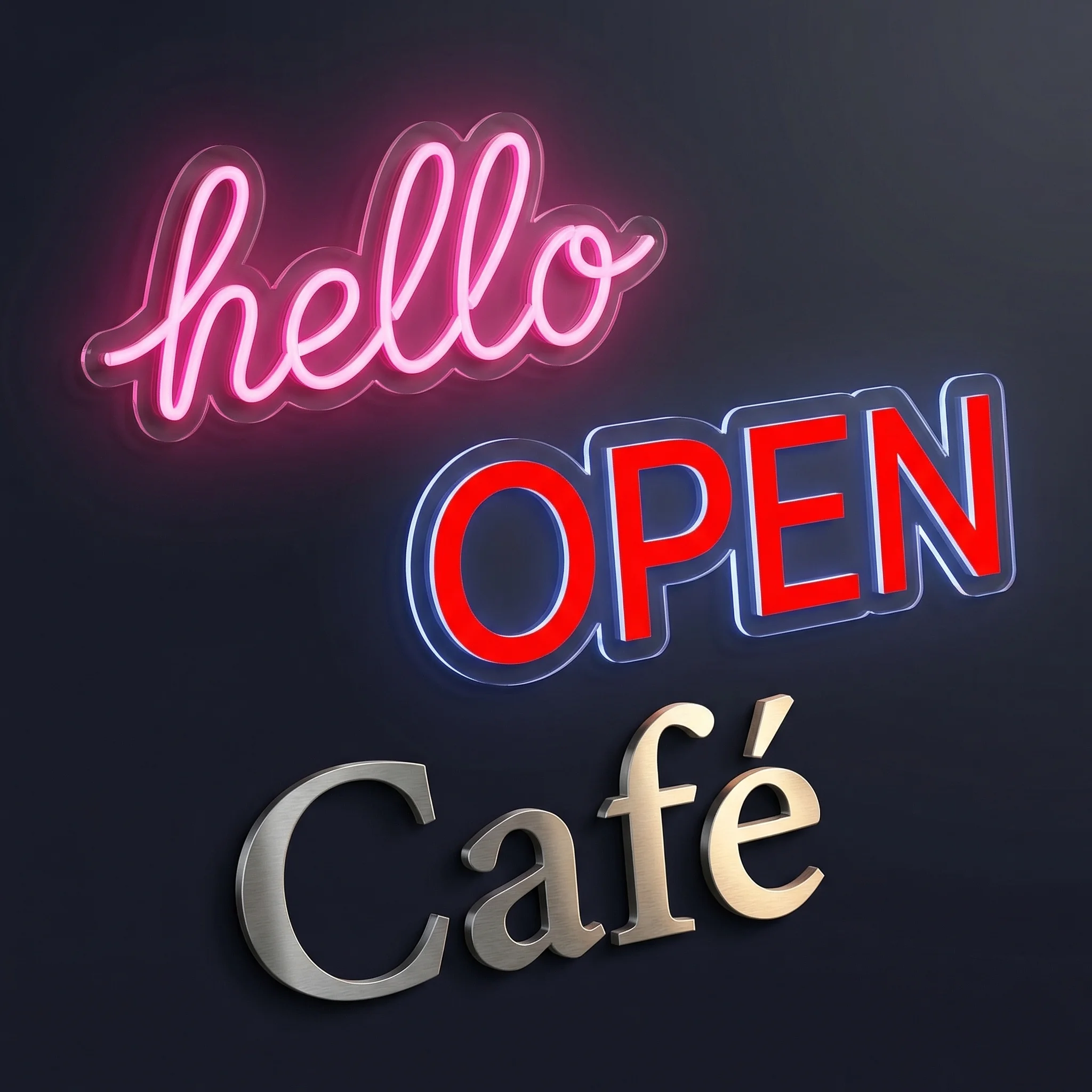
A customer wants “Happy Anniversary Sarah & Mike” in script lettering. Another wants “OPEN” in block letters. A third wants their company logo rendered in LED neon. Each needs different pricing, different production files, and different specifications. You can’t pre-list these as products. You can’t use standard checkout without endless back-and-forth.
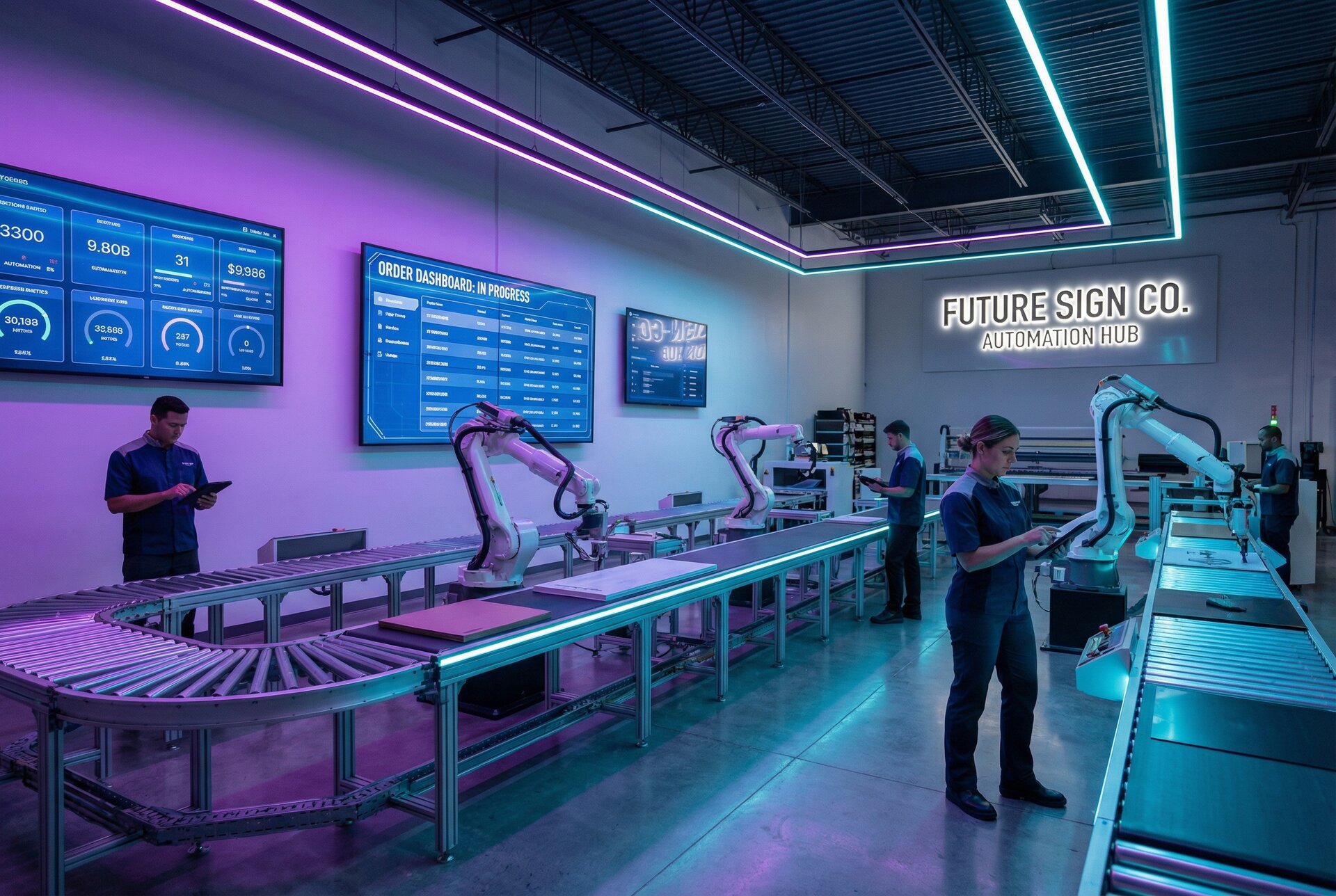
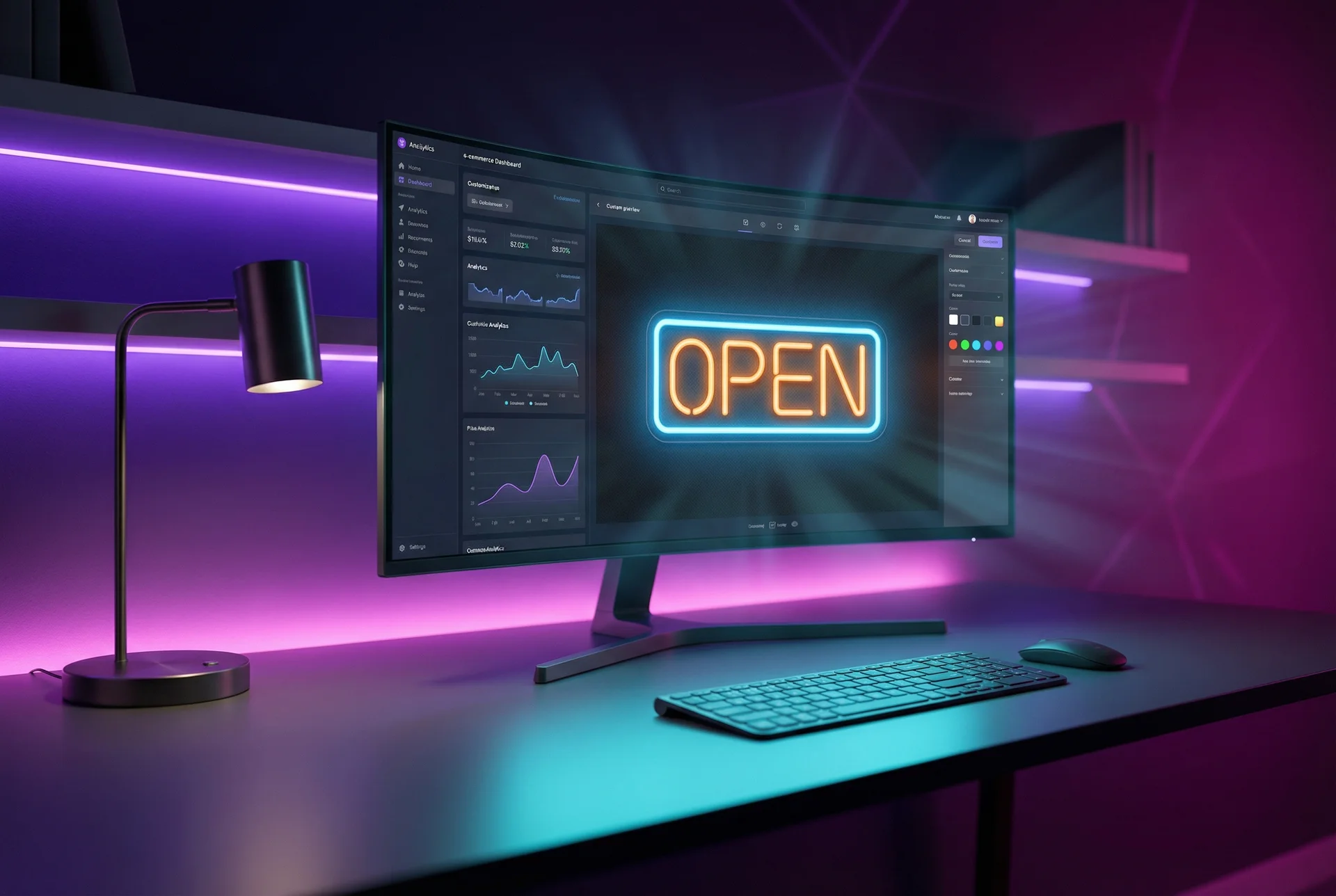
An online sign builder bridges this gap. Customers design their sign, see what it will look like, get instant pricing, and checkout—all without your sales team touching it. The right custom product configurator turns a 3-day quote cycle into a 3-minute purchase.
This comparison covers 10 sign configurator options, from purpose-built sign tools to general product customisers adapted for signage. Each has trade-offs depending on whether you prioritise sign-specific features, platform compatibility, or price.
Why Sign Businesses Need Specialised Configurators
Generic product customisation tools handle t-shirts and phone cases well. They struggle with signs for three specific reasons.
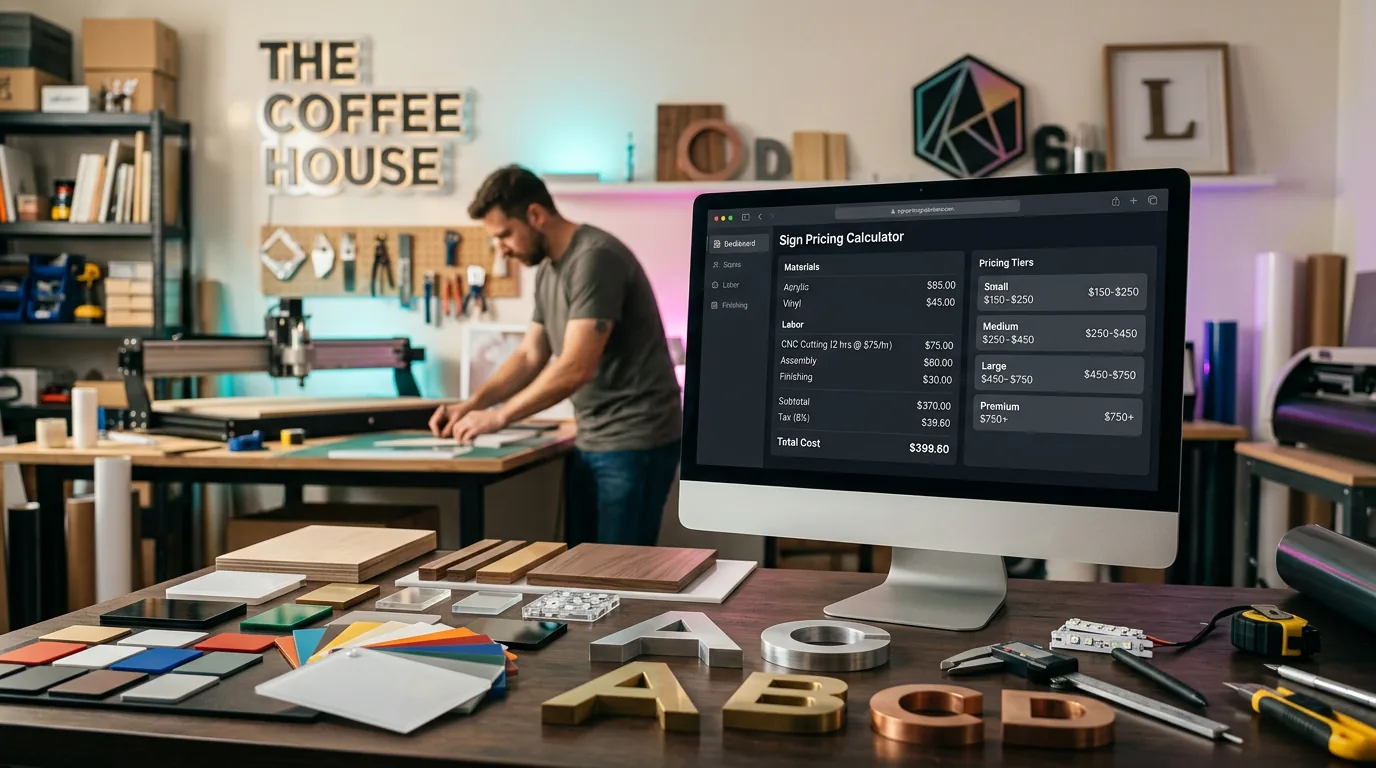
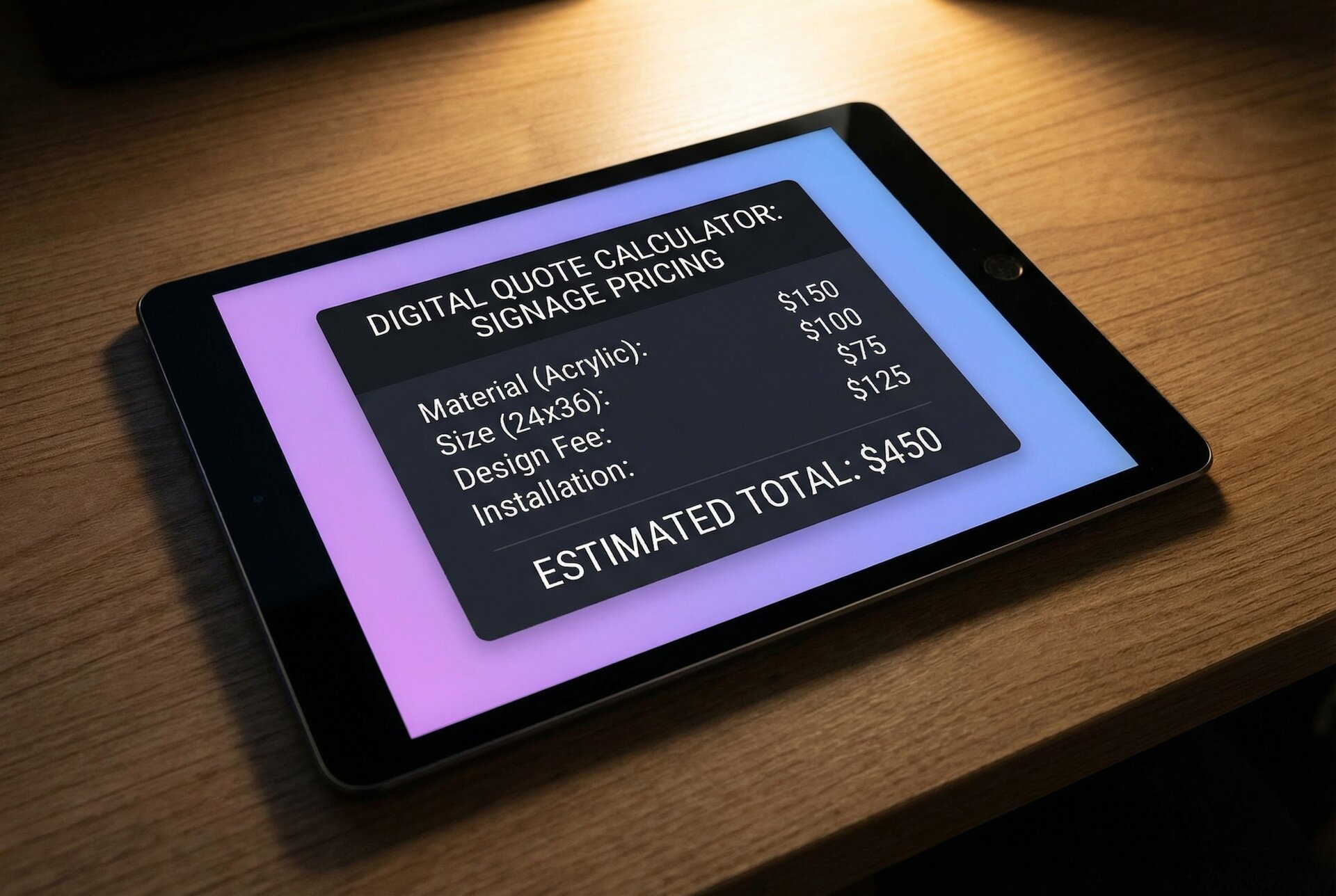
Pricing complexity. A 10-character sign costs less than a 50-character sign. A compact font uses less material than an elaborate script. Some materials cost $2 per centimetre; others cost $8. Sign configurator software needs to calculate all this dynamically. Generic tools typically offer fixed option prices that don’t account for actual material usage.
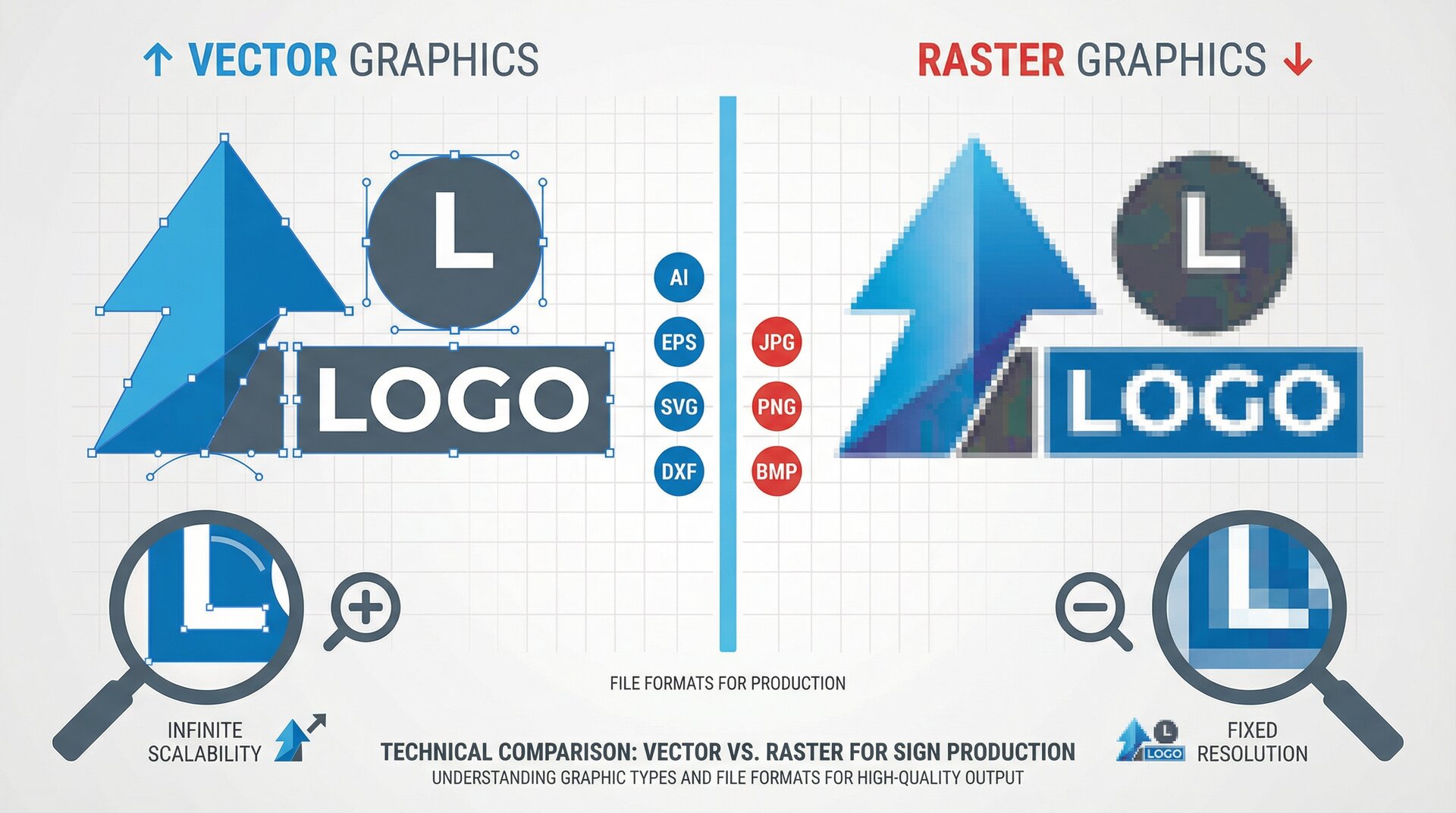
Production requirements. When an order comes through, your production team needs vector files, exact dimensions, material specifications, and mounting details. Generic customisers often deliver a preview image and some form field data. Sign-specific tools generate production-ready outputs.
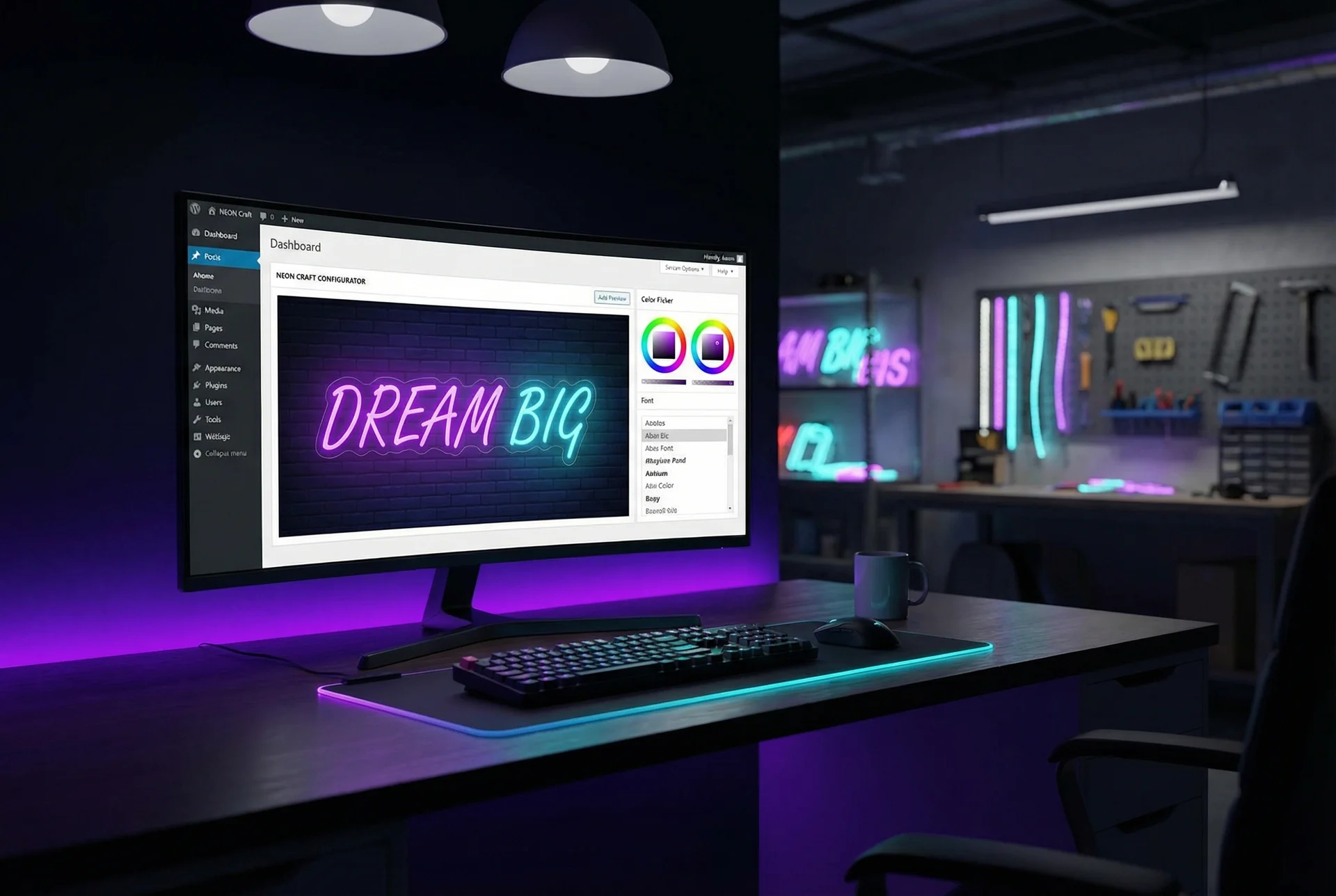
Visual accuracy. Customers spending hundreds on a wedding sign or thousands on business signage need to see exactly what they’re getting. A rough preview isn’t enough. The configurator needs to render accurate font representations, realistic material effects, and proper proportions.
General product customisers can work for basic sign needs. For serious sign businesses, specialised tools pay for themselves in reduced manual work and fewer customer service issues.
Evaluation Criteria
Every sign configurator comparison online lists features. Few explain what actually matters for day-to-day operations. Here’s what to evaluate.
Real-Time Visual Preview
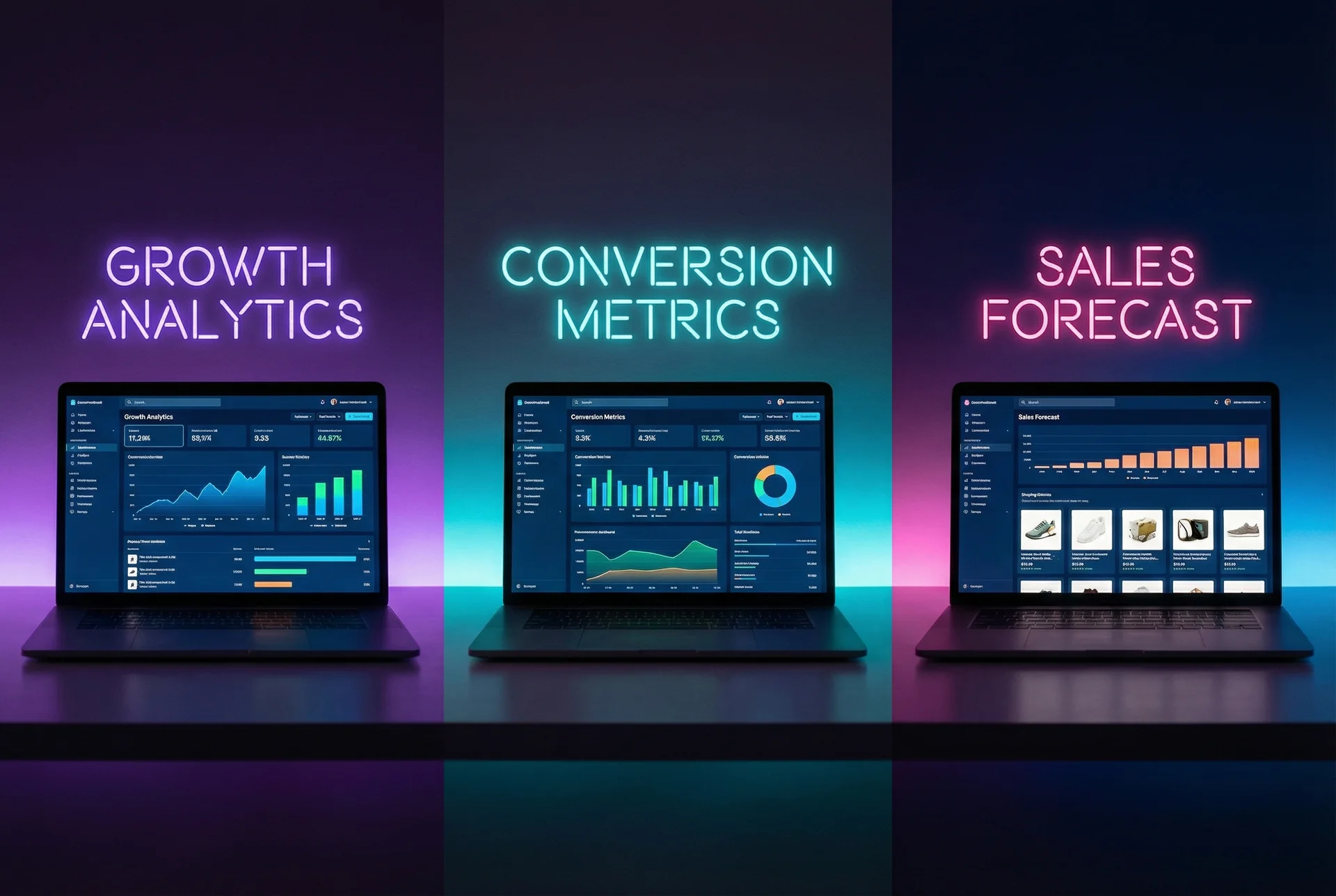
Can customers see their exact design as they build it? Some tools update instantly; others require clicking “preview.” Some show photorealistic renders; others show basic text on a background. The quality of preview directly affects conversion rates—customers buy what they can see.
Dynamic Pricing Calculation
Does the price update as the design changes? Can you price by character count, by material length, by area, or by complexity tier? Sign businesses need flexible pricing models that reflect actual production costs. A tool with only fixed-option pricing will either leave money on the table or frustrate customers with manual quotes.
Production File Generation
What files does the configurator generate? PDF vectors, SVG cut files, DXF for CNC? Does it include specifications like exact dimensions, colour codes, and material choices? Manual file creation for each order doesn’t scale.
Platform Compatibility
Does it work with your e-commerce platform? Shopify, WooCommerce, Wix, BigCommerce, or headless? Some tools are platform-specific; others work anywhere. Deep integration (automatic cart sync, order management) beats shallow embedding (iframe with manual order transfer).
Mobile Experience
Over half of e-commerce traffic is mobile. Does the configurator work on phones? Can customers realistically design a sign on a 6-inch screen? Some tools are desktop-first and barely functional on mobile.
Setup Complexity
How long before you’re live? Some tools take an afternoon. Others require weeks of configuration. Enterprise solutions might need professional implementation. Match the tool to your technical resources.
Top 10 Sign Configurators Compared
| Solution | Best For | Platform | Starting Price | Sign-Specific |
|---|---|---|---|---|
| Sign Customiser | LED neon, acrylic, metal signs | Shopify, WooCommerce, embed | $29/month (volume-based) | Yes |
| Customily | Photo personalisation with signs | Shopify, Etsy, WooCommerce | $49/month per platform | Partial |
| Zakeke | 3D product visualisation | Shopify, WooCommerce, Magento | $39.90/month | No |
| Inkybay | Print products with sign add-on | Shopify | $19.99/month | Partial |
| Product Options & Customizer | Simple Shopify customisation | Shopify only | $9.99/month | No |
| Kickflip | Visual product customisation | Shopify | $49/month | No |
| ConfigureID | Enterprise CPQ | Platform-agnostic | Custom pricing | Partial |
| Threekit | Enterprise 3D configuration | Platform-agnostic | Custom pricing | No |
| Custom-built solutions | Unique requirements | Any | Development cost | Varies |
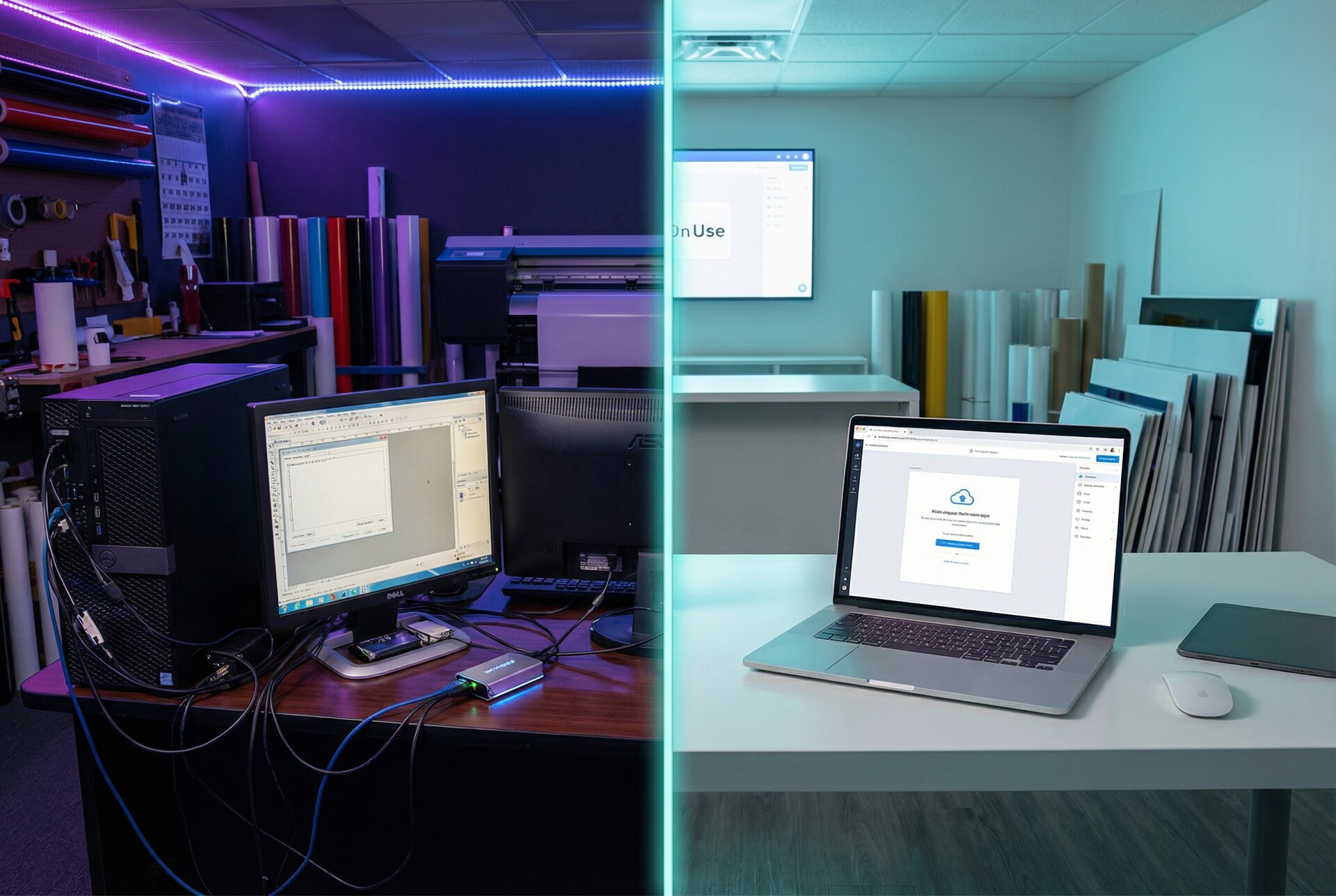
| Spreadsheet + manual | Minimal orders | Any | Free | N/A |
Detailed Reviews
1. Sign Customiser
Best for: Sign businesses selling LED neon, acrylic letters, metal signs, or lightbox signs through e-commerce
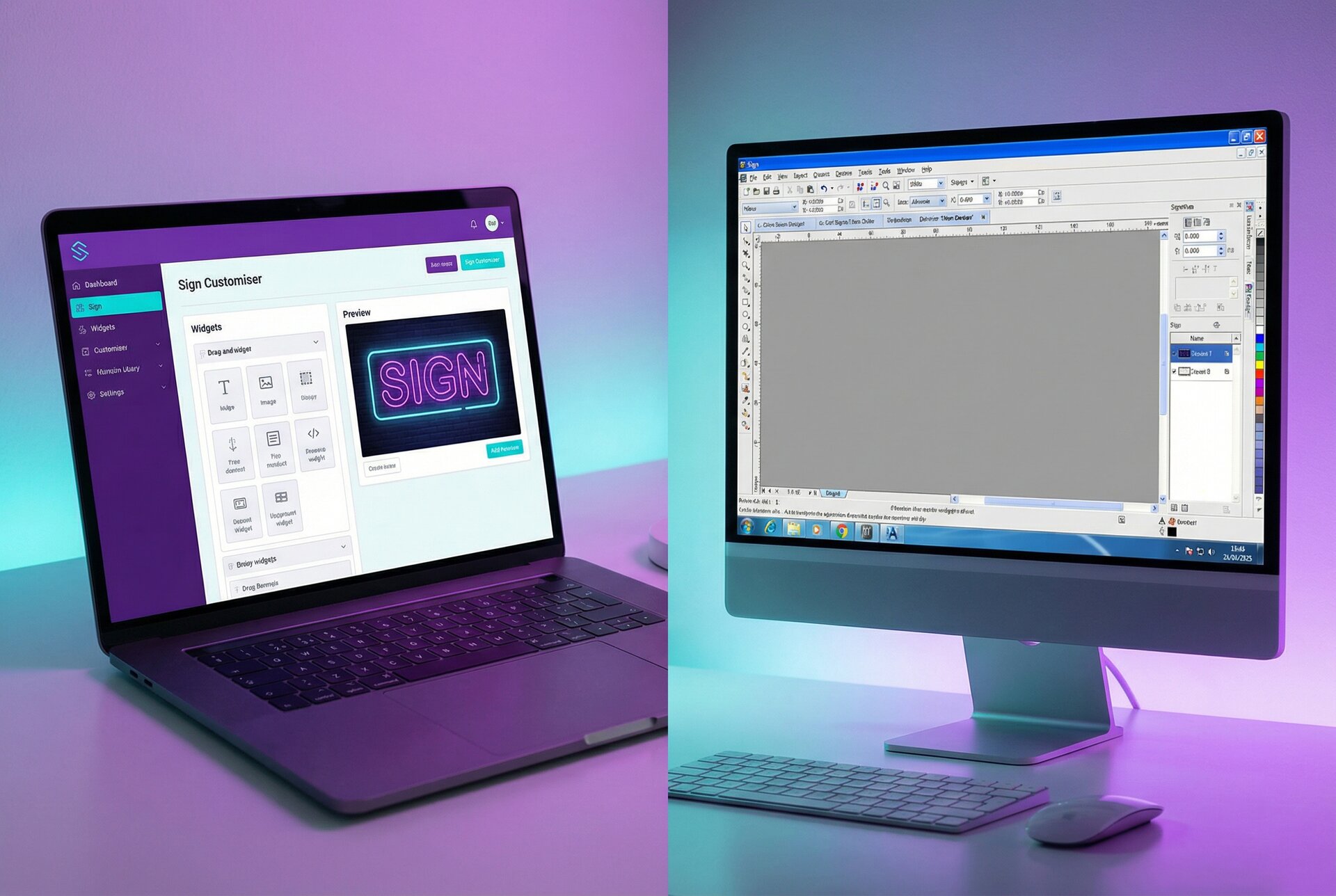
Sign Customiser is purpose-built for the sign industry. While general product customisers handle signs as one of many product types, Sign Customiser focuses exclusively on signage with industry-specific pricing models and production workflows.
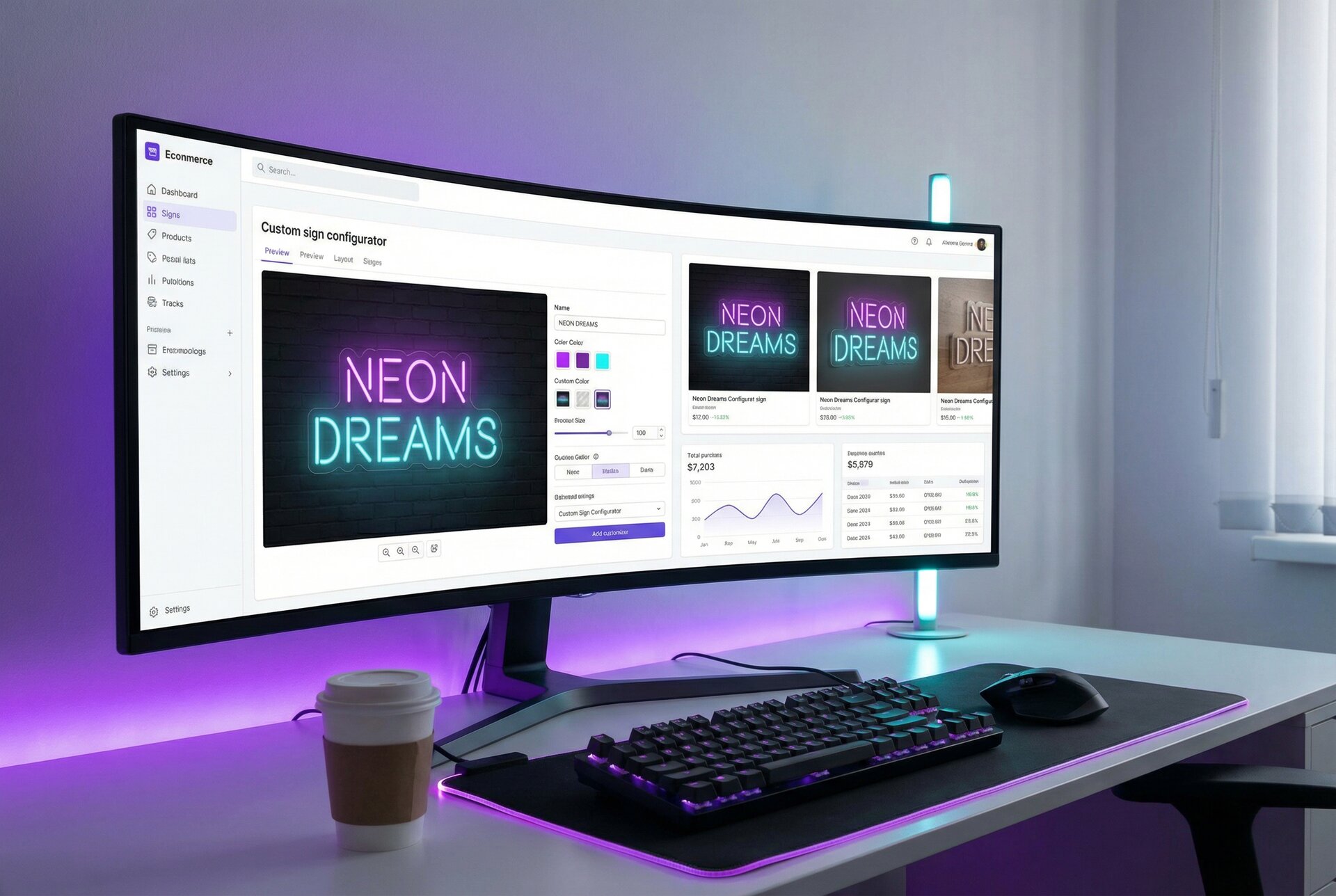
How it works: Customers select their sign type, enter text, choose fonts and colours, and see a real-time render of their design. Pricing updates instantly based on character count, font complexity, size, and materials. When they checkout, the order includes full specifications and production-ready files.
Pricing models supported:
- Fixed width with character-count tiers
- Fixed height calculations
- Material length pricing (actual font path measurement)
- Frame-fit area pricing
Key strengths:
- Native Shopify integration through the App Store
- WooCommerce and universal embed options
- AI Sign Designer for logo-to-sign conversion
- Webhook subscriptions for production automation
- Production files attached to every order
- Font path calculations for precise material costing
Limitations:
- Focused on text-based signs (less suited for complex graphical signs)
- No built-in shop management or scheduling
- Requires separate tools for internal quote workflows
Pricing: $29-299/month based on order volume, with all features included on every plan. No feature gating between tiers. See pricing details.
Best fit: Sign shops selling standardised sign products online who want to automate customer-facing sales completely.
2. Customily
Best for: Businesses selling personalised products where signs are part of a broader catalogue
Customily targets the personalisation market broadly—think custom gifts, engraved items, and photo products. It handles signs but wasn’t built specifically for them.
How it works: Create product templates with customisable elements. Customers add text, upload images, choose options. Preview updates in real-time. Orders include design specifications.
Key strengths:
- Works across Shopify, Etsy, and WooCommerce
- Strong image personalisation features
- Conditional logic for option visibility
- Design templates for quick setup
Limitations:
- No sign-specific pricing (can’t price by material length or font complexity)
- Production files are basic—may need post-processing
- Preview quality varies by template design
- Per-product pricing model gets expensive with large catalogues
Pricing: $49/month per platform (Shopify, Etsy, or WooCommerce). Higher tiers for advanced features.
Best fit: Gift shops or small businesses where custom signs are one product category among many.
3. Zakeke
Best for: Products requiring 3D visualisation
Zakeke emphasises 3D product configuration—rotating views, realistic renders, augmented reality previews. It’s impressive technology but generalised rather than sign-focused.
How it works: Upload 3D models of your products. Define customisable areas. Customers interact with a 3D viewer to personalise and see results from multiple angles.
Key strengths:
- Stunning 3D visualisation
- AR preview capability
- Works across major platforms
- Strong API for custom implementations
Limitations:
- Requires 3D models (significant upfront investment)
- No sign-specific pricing models
- Overkill for text-based signs
- Higher complexity for setup and maintenance
Pricing: $39.90-249.90/month depending on features and usage. 3D features require higher tiers.
Best fit: Premium sign businesses with 3D modelling resources who want to showcase products with AR/3D experiences.
4. Inkybay
Best for: Print businesses expanding into signage
Inkybay serves the print-on-demand and custom printing market. Signs fit within its broader capabilities for vinyl, banners, and printed products.
How it works: Visual product designer with layers, clipart, and text tools. Customers build designs on predefined product templates. Orders export with print specifications.
Key strengths:
- Mature product designer interface
- Good for vinyl and printed signs
- Clipart libraries for customer creativity
- Print-ready file exports
Limitations:
- Print-focused rather than sign-focused
- Limited support for LED, neon, or dimensional signs
- Pricing by area rather than sign-specific models
- Shopify-only platform support
Pricing: $19.99/month (Basic) to $199.99/month (Enterprise)
Best fit: Print shops adding sign products to existing operations.
5. Product Options & Customizer (Bold)
Best for: Simple Shopify customisation without visual preview
Bold’s Product Options handles basic customisation—dropdowns, text fields, file uploads. It’s not really a sign configurator; it’s a form builder for product pages.
How it works: Add custom fields to product pages. Customers fill in options. Data passes to cart and order. No visual preview.
Key strengths:
- Simple to set up
- Low cost
- Handles basic customisation needs
- Native Shopify integration
Limitations:
- No visual preview of designs
- No dynamic pricing based on design
- No production file generation
- Customers can’t see what they’re ordering
Pricing: $9.99/month (Basic) to $49.99/month (Advanced)
Best fit: Sign businesses with very simple products where customers don’t need visual confirmation—essentially, a step up from email quotes.
6. Kickflip
Best for: Visual product customisation with moderate complexity
Kickflip positions between basic form builders and full 3D configurators. It offers visual customisation without requiring 3D models.
How it works: Create product images with defined customisation zones. Customers add text, images, or select options. Preview updates with choices overlaid on product images.
Key strengths:
- Good visual preview quality
- Reasonable setup complexity
- Multi-view support
- Conditional pricing rules
Limitations:
- Not sign-specific
- No material path calculations
- Limited to predefined customisation zones
- Preview quality depends on template images
Pricing: $49/month starting, scaling with usage
Best fit: Businesses wanting visual customisation without the complexity of 3D tools or the limitations of form builders.
7. ConfigureID
Best for: Enterprise CPQ requirements
ConfigureID is a configure-price-quote (CPQ) platform for complex products. It handles sophisticated pricing logic, approval workflows, and B2B selling scenarios.
How it works: Rule-based configuration with complex pricing engines. Often requires professional implementation. Handles scenarios like quantity breaks, customer-specific pricing, and multi-step approvals.
Key strengths:
- Handles complex B2B scenarios
- Advanced pricing logic
- Integration with ERP systems
- Workflow automation
Limitations:
- Overkill for straightforward sign sales
- Significant implementation cost
- Not designed for consumer-facing e-commerce
- Enterprise pricing model
Pricing: Custom quotes; expect enterprise pricing.
Best fit: Large sign companies with complex B2B sales requiring approval workflows and ERP integration.
8. Threekit
Best for: Enterprise visual commerce
Threekit is an enterprise platform for 3D configuration and visual commerce. It’s used by major brands for complex product visualisation.
How it works: Professional 3D asset creation, rendering, and configuration. Real-time 3D views and AR experiences. Enterprise-grade infrastructure.
Key strengths:
- Top-tier visual quality
- Scalable infrastructure
- AR/VR capabilities
- Enterprise support
Limitations:
- Enterprise pricing (typically $50K+ annually)
- Requires professional 3D asset development
- Massive overkill for most sign businesses
- Long implementation timelines
Pricing: Enterprise custom pricing.
Best fit: Enterprise sign companies with significant budgets wanting best-in-class 3D experiences.
9. Custom-Built Solutions
Best for: Unique requirements that no off-the-shelf tool addresses
Some sign businesses build their own configurators. This makes sense when you have truly unique requirements or development resources.
Key strengths:
- Complete control over functionality
- No recurring subscription fees
- Exactly matches your workflow
- Competitive differentiation
Limitations:
- Significant development cost ($20K-100K+)
- Ongoing maintenance requirements
- No external support
- Slow to add features
Best fit: Sign businesses with dedicated development resources and requirements that justify custom work.
10. Spreadsheet + Manual Process
Best for: Very low volume or testing the market
Sometimes the answer is no configurator. Customers email requests, you quote manually, they pay through a simple checkout.
Key strengths:
- No software cost
- Complete flexibility
- Works immediately
- No technical requirements
Limitations:
- Doesn’t scale beyond 10-20 orders weekly
- Inconsistent customer experience
- Quote delays lose sales
- Manual file creation for every order
Best fit: Side businesses or market testing before investing in proper tools.
Platform Compatibility Matrix
Different configurators support different platforms. Here’s where each works best.
| Configurator | Shopify | WooCommerce | BigCommerce | Wix | Standalone |
|---|---|---|---|---|---|
| Sign Customiser | Native app | Embed | Embed | Embed | Hosted page |
| Customily | Native app | Plugin | No | No | No |
| Zakeke | Native app | Plugin | Plugin | Yes | API |
| Inkybay | Native app | No | No | No | No |
| Bold Product Options | Native app | Plugin | No | No | No |
| Kickflip | Native app | No | No | No | No |
| ConfigureID | API | API | API | API | Yes |
| Threekit | API | API | API | API | Yes |
Shopify merchants have the most options. Sign Customiser’s native Shopify integration provides the deepest sign-specific functionality.
WooCommerce users have good options through plugins and embeds. Sign Customiser works through JavaScript embedding with full functionality.
Other platforms typically require API integrations or iframe embeds, which work but with less seamless checkout experiences.
Best Configurator by Business Size
Home-Based Sign Makers (Under 20 Orders Monthly)
You’re building a business. Every dollar and hour matters. Complex tools add overhead you don’t need yet.
Recommended: Sign Customiser entry tier ($29/month) or Customily
Why: Low monthly cost, quick setup, handles the essentials. Sign Customiser if you’re sign-focused; Customily if signs are one of several product types.
Growing Sign Shops (20-100 Orders Monthly)
Revenue is real but margins are tight. Automation improvements directly impact profitability.
Recommended: Sign Customiser (all features included at every tier)
Why: Dynamic pricing models ensure you’re not undercharging complex orders. Production file automation saves hours weekly. The investment pays for itself quickly at this volume.
Established Sign Businesses (100+ Orders Monthly)
Operations need to run smoothly. Minor efficiency gains multiply across volume.
Recommended: Sign Customiser (scales with volume) or ConfigureID for B2B
Why: Advanced automation, webhook integrations, and priority support matter when volume is high. ConfigureID adds value if your sales involve complex B2B workflows.
Multi-Location Sign Companies
Complex operations need enterprise tools—or simpler tools applied consistently.
Recommended: Sign Customiser for online sales, ConfigureID or Threekit for complex B2B
Why: Customer-facing e-commerce works best with streamlined tools. B2B with approvals and custom pricing needs enterprise CPQ.
Integration Capabilities Comparison
The value of a configurator multiplies with good integrations. Here’s what connects to what.
E-commerce Platform Integration
Deep integration means automatic cart sync, order details in your admin, seamless checkout. Sign Customiser and Customily on Shopify achieve this.
Shallow integration means embed codes and manual order transfer. Functional but creates extra work.
Production System Integration
Can orders automatically trigger production? Sign Customiser offers webhook subscriptions and an API for connecting to production management tools. Most general customisers lack this capability.
Accounting Integration
Order data flowing to QuickBooks or Xero simplifies bookkeeping. This typically happens through your e-commerce platform rather than the configurator itself.
Making Your Decision
The “best” sign configurator depends on your specific situation. Here’s a decision framework.
Choose Sign Customiser if:
- You sell LED neon, acrylic, metal, or lightbox signs
- Customer-facing, automated sales matter
- You want sign-specific pricing models
- Shopify or WooCommerce is your platform
- Production file automation is valuable
Choose Customily or Zakeke if:
- Signs are one product category among many
- Photo personalisation is a significant feature
- You need Etsy integration
- Visual preview matters more than sign-specific pricing
Choose ConfigureID or Threekit if:
- You’re an enterprise with complex B2B requirements
- Budget exceeds $50K annually for tools
- You need CPQ workflows with approvals
- 3D visualisation is a competitive requirement
Choose simpler tools or manual processes if:
- You’re testing the market
- Volume is under 20 orders monthly
- Your products are simple enough that visual preview isn’t critical
Frequently Asked Questions
What’s the best sign configurator for Shopify?
Sign Customiser offers the deepest Shopify integration with native app installation, automatic order sync, and sign-specific features. Customily and Zakeke are alternatives if you need broader personalisation features.
Can I use a sign configurator on Etsy?
Directly, no—Etsy doesn’t support embedded apps. However, Sign Customiser’s Quick Links let you direct Etsy customers to a hosted configurator, then fulfil orders manually. Customily has direct Etsy integration for certain product types.
How long does it take to set up a sign configurator?
Sign Customiser: 1-2 hours for basic setup, a day for full configuration. General customisers: similar timeframe. Custom builds: weeks to months. Enterprise tools: months with professional services.
Do customers actually use online sign builders?
Yes. Sign businesses using configurators commonly see a significant portion of orders coming through self-service. Customers prefer seeing exactly what they’re getting and knowing the price immediately. The remaining orders typically involve custom requirements that need consultation.
Will a configurator replace my sales team?
For standard products, largely yes. Customers design, preview, price, and purchase without human involvement. Complex custom work, B2B relationships, and high-value projects still benefit from human sales. Most sign businesses use configurators for standard products and manual processes for custom work.
How accurate is automated sign pricing?
As accurate as your configuration. Sign Customiser’s material-length pricing uses actual font path calculations—it measures how much LED tubing a specific design requires. Set your material costs correctly, and the automation matches or exceeds manual accuracy with perfect consistency.
Getting Started
If you’re selling signs online without a configurator, you’re creating unnecessary friction. Customers want to see their design and know the price. Manual quotes lose sales to competitors offering instant answers.
Sign Customiser provides purpose-built sign configuration for LED neon, acrylic, metal, and lightbox signs. Native Shopify integration, flexible pricing models, and production file automation designed specifically for sign businesses.
Try it with a free trial or see it in action on a demo store.
For questions about which configurator fits your situation, contact [email protected].