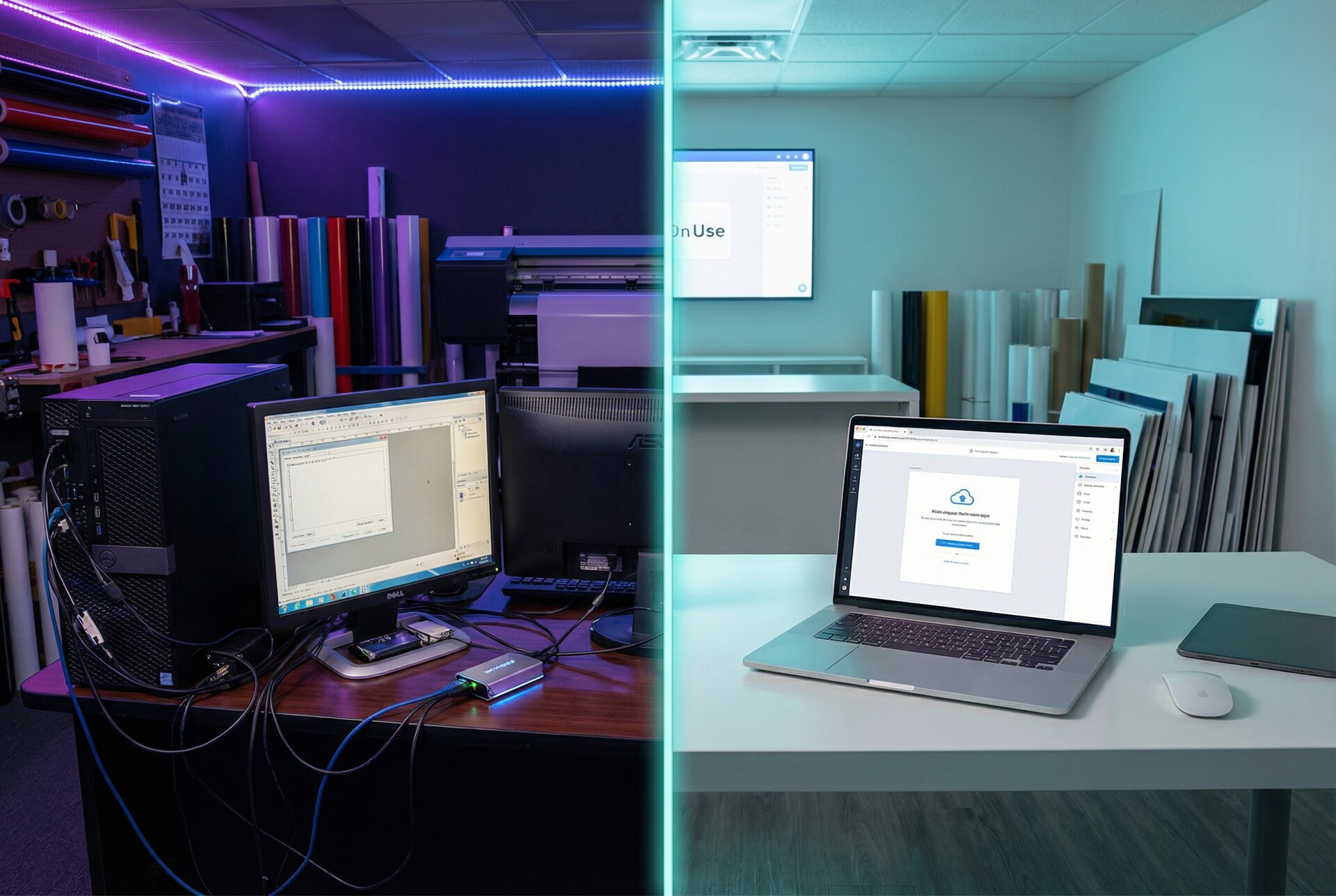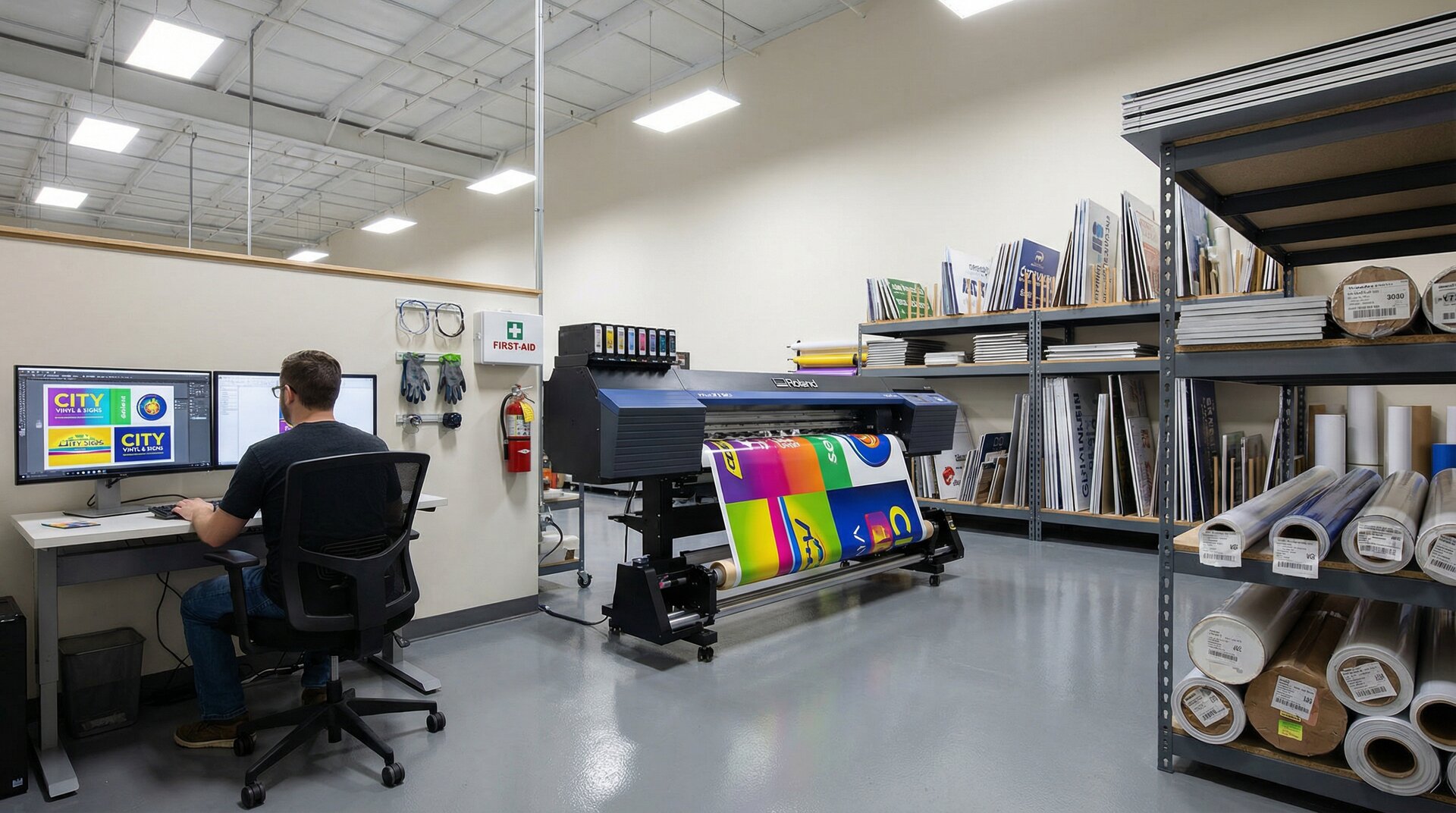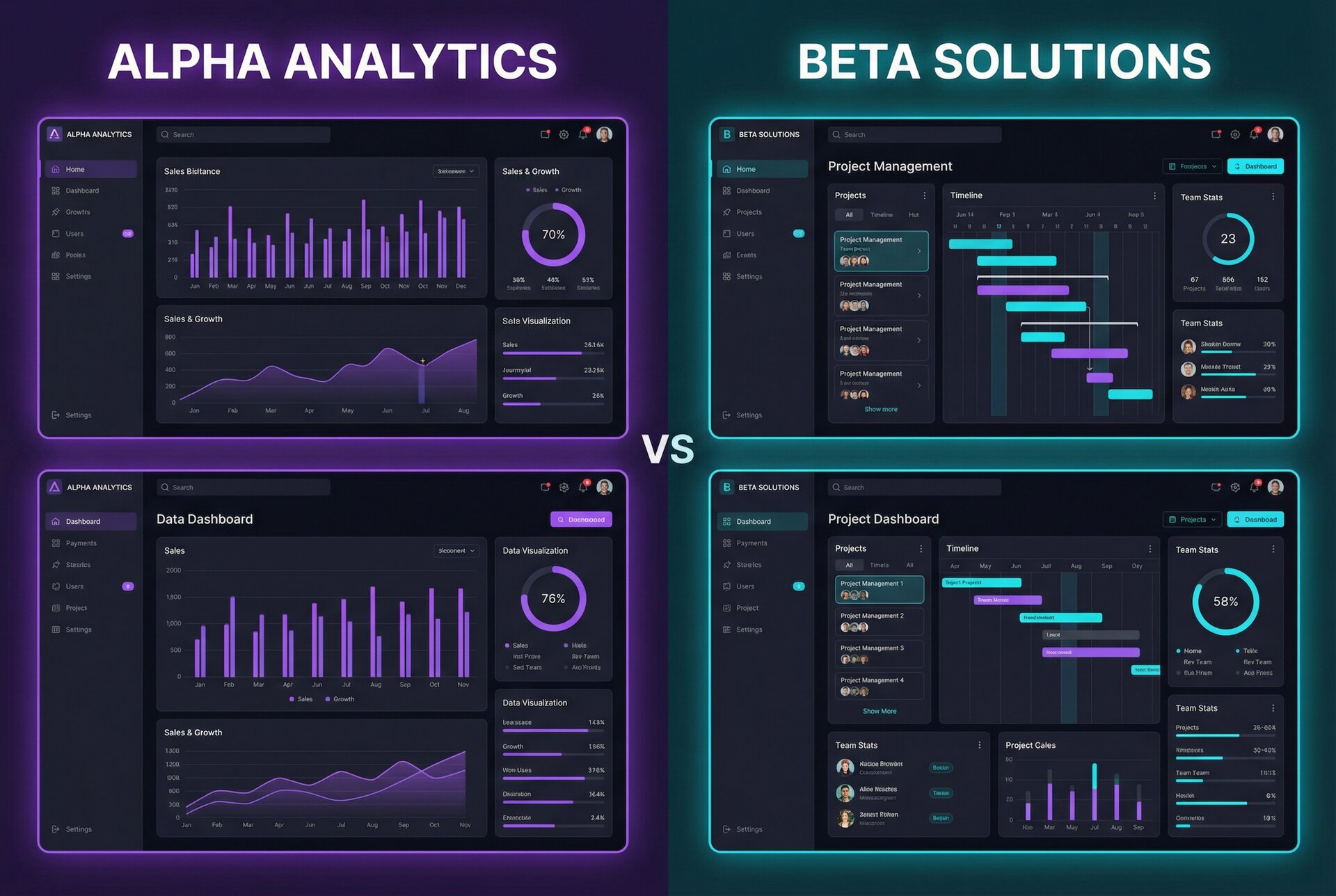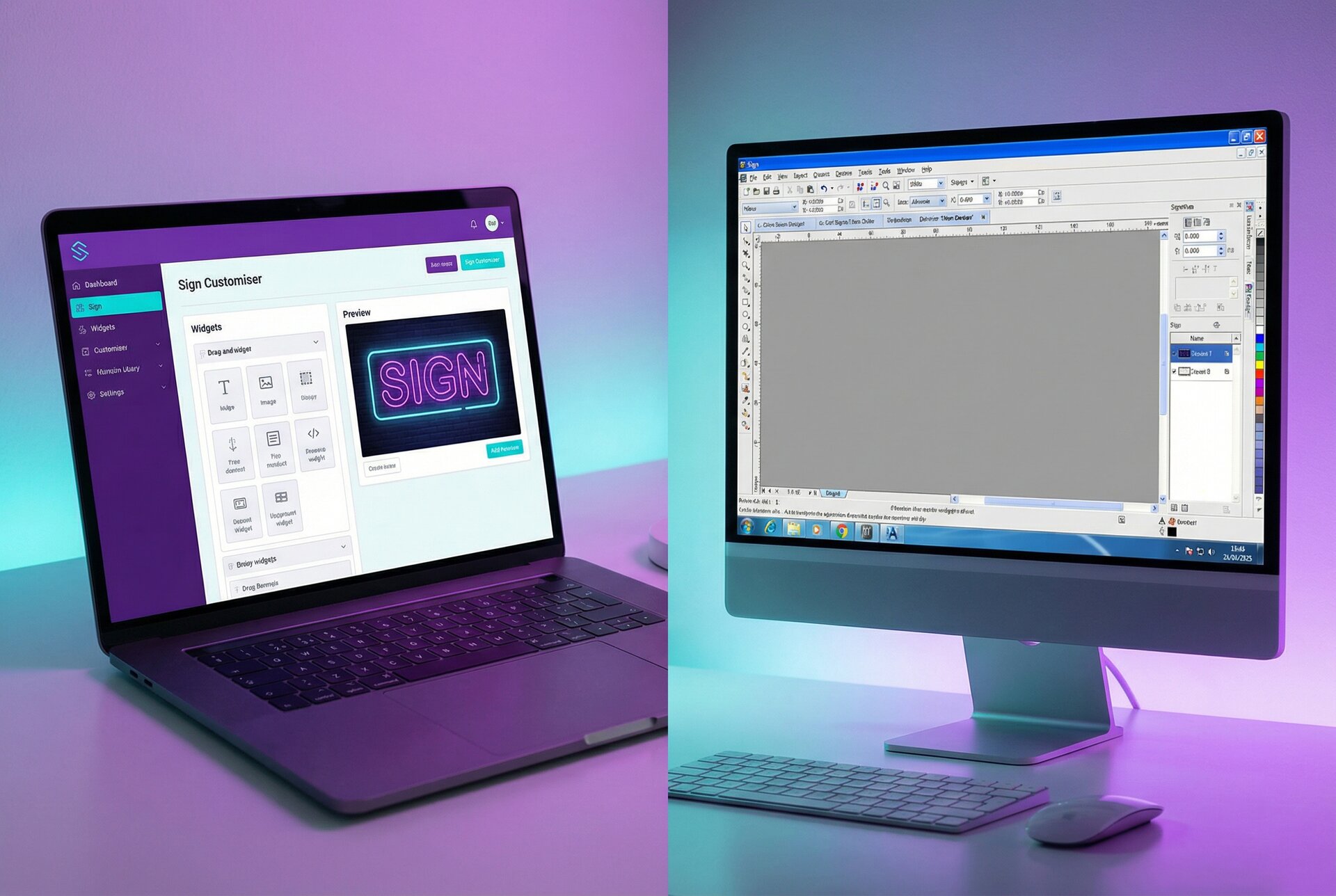

Cloud sign software has fundamentally changed how sign businesses operate. Five years ago, most shops ran design and quoting tools installed on specific computers. Today, browser-based platforms dominate new installations, and for good reason.
But the choice between cloud and desktop isn’t always straightforward. Your internet reliability, team structure, security requirements, and budget all factor into the decision. This guide breaks down both approaches so you can make an informed choice for your sign business.
The Shift to Cloud-Based Sign Design Tools
The sign industry’s move to cloud-based software mirrors what’s happened across business technology generally. But sign shops have specific reasons driving this transition.
Why Sign Shops Are Moving Online
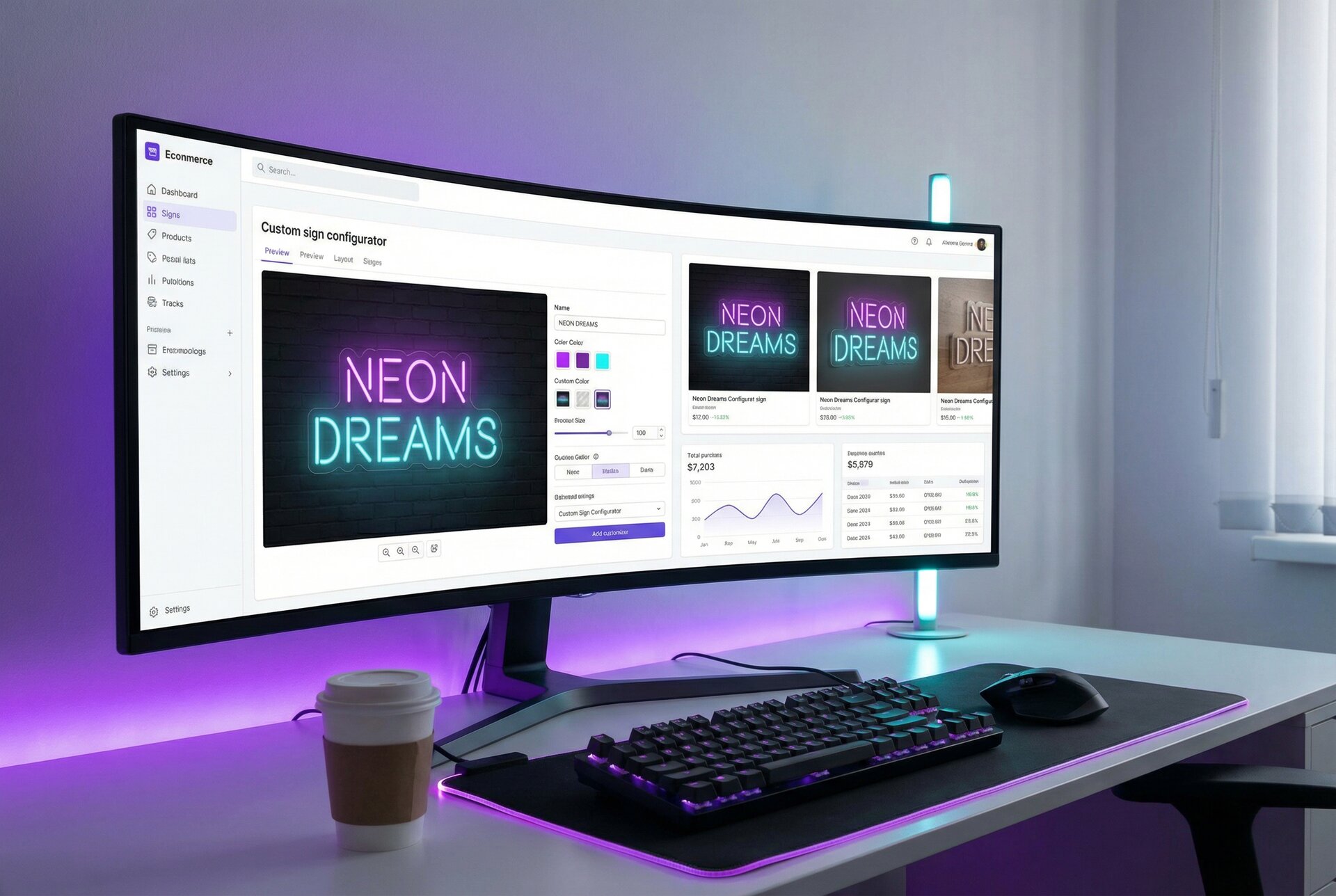
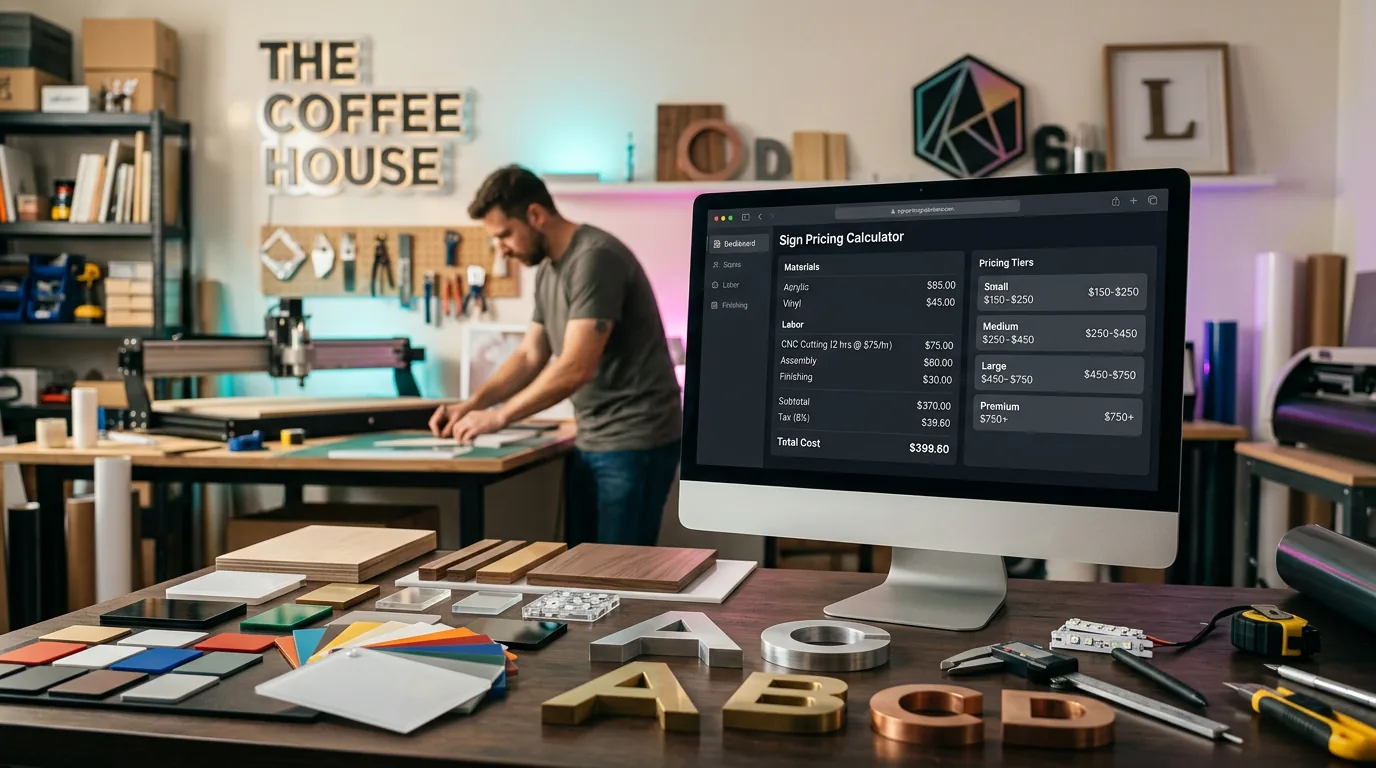
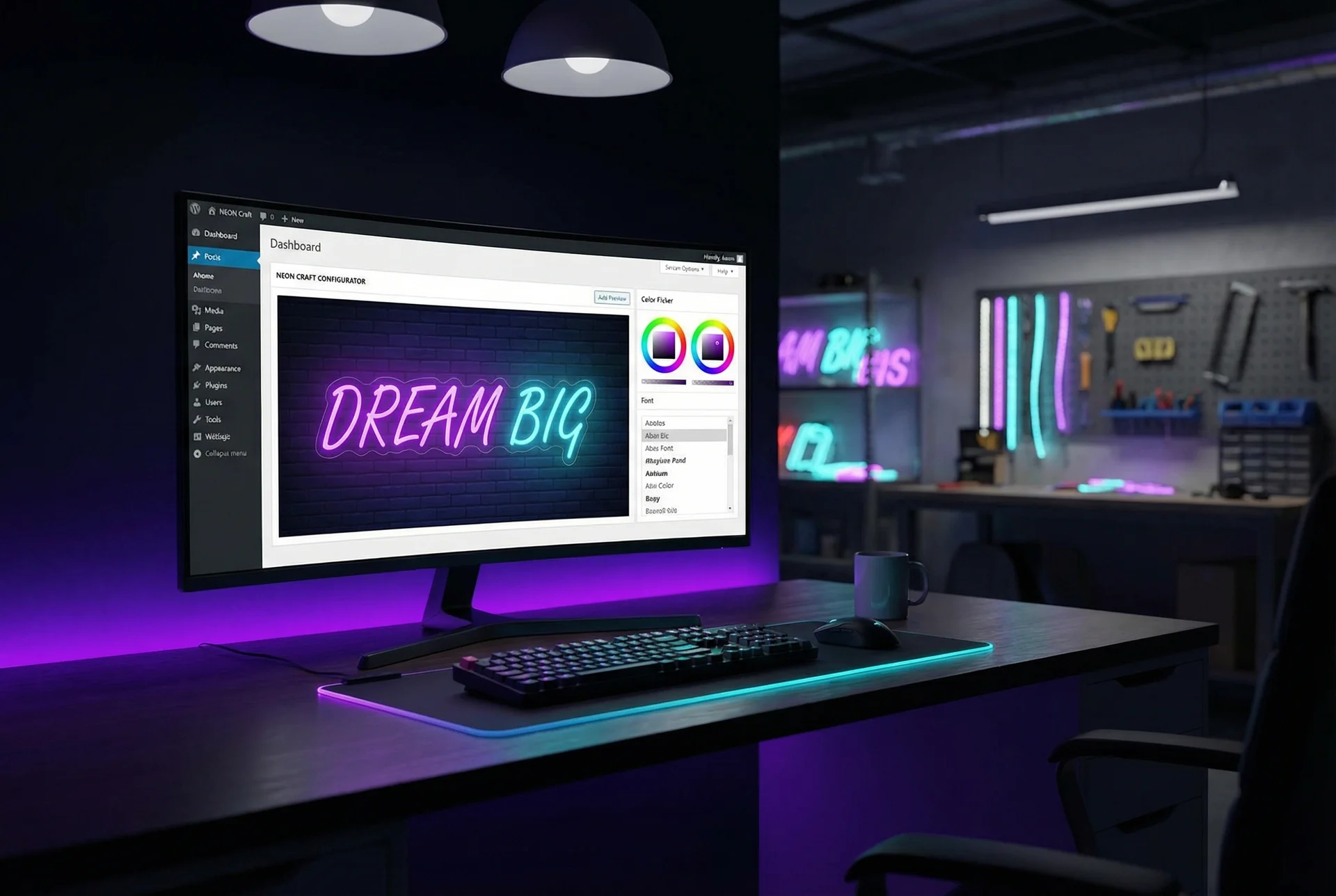
Customer expectations have changed. Buyers now expect to configure products online and see pricing instantly. A sign shop that requires “request a quote and wait 24-48 hours” loses to competitors offering immediate pricing. Sign Customiser addresses this directly by letting customers design their sign and see real-time pricing without any staff involvement.
Remote work became normal. The events of 2020 accelerated cloud adoption dramatically. Sign shop owners discovered they could review orders from home. Sales staff could generate quotes from client sites. Production managers could check schedules while travelling. Once teams experienced this flexibility, going back to location-locked software felt limiting.
IT burden became unsustainable. Small sign shops rarely have dedicated IT staff. Managing servers, running backups, installing updates, troubleshooting software conflicts, this work falls on owners who’d rather focus on making signs. Cloud software eliminates most of this overhead.
Integration requirements grew. Modern sign businesses connect multiple systems: ecommerce platforms, accounting software, CRM tools, production equipment. Cloud-based software with APIs and webhooks integrates more easily than isolated desktop applications.
The Traditional Desktop Approach
Desktop sign software isn’t dead. Applications like CorelDRAW, Adobe Illustrator, and specialised sign design tools remain essential for many workflows. These tools offer:
- Raw performance. Local processing handles large, complex files faster than browser-based alternatives.
- Offline capability. No internet dependency means work continues regardless of connectivity.
- One-time purchase options. Some users prefer perpetual licences over ongoing subscriptions.
- Established workflows. Teams with years of experience in specific software may resist switching.
The question isn’t necessarily cloud versus desktop, but which functions belong where in your workflow.
Cloud Sign Software: Advantages and Limitations
Understanding the genuine trade-offs helps you evaluate cloud solutions realistically.
Advantages of Web-Based Sign Software
Access from anywhere. Check order status from home at 9pm. Review a proof while waiting for a client meeting. Update pricing from your phone. Cloud software works wherever you have internet, on any device with a browser.
Automatic updates. The vendor maintains the software. New features appear automatically. Security patches deploy without your involvement. You’re always on the current version without installation headaches.
Reduced IT overhead. No servers to maintain, no local backups to manage, no software conflicts to troubleshoot. The vendor handles infrastructure, freeing you to focus on your actual business.
Easier collaboration. Multiple team members access the same data simultaneously. No version conflicts from files edited offline. Changes appear in real-time across all users. This matters significantly for teams with salespeople, designers, and production staff who all need current information.
Scalable costs. Monthly subscriptions mean lower initial investment. Add or remove users as your team changes. Upgrade or downgrade plans based on actual needs. This flexibility particularly benefits growing businesses.
Built-in redundancy. Quality cloud providers replicate data across multiple data centres. If one server fails, another takes over. Your data survives hardware failures that would destroy a local-only system.
Limitations to Consider
Internet dependency. No connection means no access. For shops in areas with genuinely unreliable internet, this creates real risk. A 4-hour outage at your ISP could halt operations entirely.
Ongoing costs. Subscriptions continue indefinitely. Over 5-10 years, cumulative costs often exceed what you’d have paid for perpetual desktop licences. Run the maths for your specific situation.
Performance with large files. Uploading and downloading large design files takes time. Browser-based editors may struggle with extremely complex artwork that desktop applications handle smoothly.
Less customisation control. You use the software as the vendor provides it. Deep customisation, scripting, or integration with niche tools may be limited compared to desktop applications you fully control.
Vendor dependency. Your business relies on the provider staying operational and maintaining the features you need. If they raise prices dramatically, change direction, or shut down, you’re affected.
Desktop Sign Software: Benefits and Drawbacks
Desktop software isn’t obsolete. Understanding where it excels helps you make the right choice.
Benefits of Traditional Desktop Tools
Works offline. Internet problems don’t stop production. This genuinely matters in rural areas or buildings with poor connectivity. Power outages with a laptop on battery? You can still work.
Performance for heavy files. Complex vector artwork, high-resolution images, and detailed 3D models process faster locally. No upload/download bottleneck. No waiting for cloud rendering.
One-time purchase options. Perpetual licences still exist for some software. Pay once, use indefinitely (though upgrades typically cost extra). Over many years, this can be more economical than subscriptions.
Full control over environment. Install the specific version you prefer. Keep using older versions that work for you. Integrate with local scripts, plugins, and workflows exactly as you like.
Data stays local. Your customer information, designs, and business data remain on your own hardware. No concerns about third-party access or data breaches at a cloud provider.
Drawbacks of Desktop Solutions
Location-locked access. Software works only on installed machines. Working from home requires remote desktop setup or VPN configurations that add complexity and potential security issues.
Manual update burden. You’re responsible for installing updates. Miss security patches and you’re vulnerable. Major version upgrades can require significant time and may break existing workflows.
Backup responsibility. Local data requires local backup systems. Hard drives fail. Ransomware encrypts files. Without proper backup procedures, you risk catastrophic data loss.
Collaboration challenges. Sharing files between team members often means copying files to shared drives, emailing versions back and forth, or dealing with sync conflicts. Real-time collaboration is difficult or impossible.
Hardware dependency. Software tied to specific machines means hardware failures cause immediate problems. You need redundant hardware or accept downtime while replacing failed equipment.
Security and Data Considerations
Security concerns often drive software decisions. Both cloud and desktop approaches have distinct security profiles.
Cloud Security Features
Reputable cloud providers invest heavily in security, often exceeding what small businesses could implement themselves:
Encryption in transit and at rest. Data is encrypted between your browser and their servers (SSL/TLS) and encrypted on their storage systems. Even if someone accessed their drives directly, data remains unreadable without keys.
Regular security audits. Major providers undergo SOC 2 compliance audits, penetration testing, and security reviews. They employ dedicated security teams monitoring for threats around the clock.
Automatic backups. Data replicates across multiple locations automatically. You don’t need to remember to run backups or manage backup media.
Access controls. Role-based permissions let you control who sees what. Audit logs track who accessed which records and when. Two-factor authentication adds protection against password theft.
Incident response. When security issues occur, dedicated teams respond immediately. Patches deploy across all customers simultaneously. You benefit from the provider’s entire security infrastructure.
Desktop Security Considerations
Desktop software security depends entirely on your implementation:
You control physical security. Computers with customer data need physical protection. Who has building access? Are workstations locked when unattended? Are laptops encrypted?
Network security is your responsibility. Firewalls, antivirus, intrusion detection, secure Wi-Fi configuration, all of this falls on you or an IT provider you hire.
Backup discipline required. Without consistent backup procedures, you’re one hard drive failure or ransomware attack away from losing everything. This requires either disciplined manual processes or investment in backup systems.
Update management. Unpatched software contains known vulnerabilities. You must track and apply security updates for operating systems, applications, and any network equipment.
Insider access harder to audit. Without enterprise-grade systems, tracking who accessed which files and when becomes difficult. An employee could copy your entire customer database without leaving traces.
Data Backup and Recovery
Regardless of deployment model, data protection requires attention:
Cloud advantage: Automatic replication and professional backup systems provide strong protection with zero effort from you.
Desktop requirement: Implement the 3-2-1 backup rule. Three copies of data, on two different media types, with one copy off-site. Test restoration regularly.
For most small sign businesses, cloud providers offer better practical security than DIY approaches. The exception: businesses with specific regulatory requirements that mandate local data storage.
Collaboration Features Compared
How your team works together often determines which approach serves you better.
Real-Time Team Collaboration (Cloud)
Cloud software enables collaboration patterns that simply aren’t possible with traditional desktop tools:
Simultaneous access. Multiple team members work in the same system at once. A salesperson can create a quote while production staff update job status, without conflicts or sync issues.
Instant visibility. When something changes, everyone sees it immediately. No waiting for file sync. No “which version is current?” confusion. No overwrting someone else’s changes accidentally.
Remote team inclusion. Remote workers, field sales staff, and contractors access the same system as in-office employees. Location becomes irrelevant to participation.
Customer portals. Many cloud platforms offer customer-facing portals. Clients check order status, approve proofs, and access their history without calling or emailing your team. Sign Customiser’s customer-facing customiser takes this further, letting customers configure and price their signs without any staff involvement.
Audit trails. Cloud systems typically log all changes with timestamps and user identification. See exactly who changed what and when, valuable for both accountability and troubleshooting.
Multi-User Workflows (Desktop)
Desktop software can support multiple users, but with more friction:
Shared drives. Files on network drives allow multiple users to access designs. But only one person can edit a file at a time. Version conflicts occur when someone works from an old copy.
Database backends. Some desktop applications support multi-user databases. This helps but adds IT complexity for setup and maintenance.
Check-in/check-out systems. Formal procedures can prevent conflicts but add workflow overhead. “Sorry, that file is locked by Sarah” becomes a common frustration.
Communication overhead. Without real-time visibility, teams rely more on verbal updates, status meetings, and manual notification. Information lags and errors increase.
For shops with three or more people who need access to shared information, cloud collaboration advantages become significant.
Cost Comparison: Subscription vs One-Time Purchase
Financial considerations differ dramatically between models. Run the numbers for your specific situation.
Cloud Software Pricing Models
Monthly subscriptions. Most cloud sign software charges monthly fees, typically $29-150 depending on features and scale. Cancel anytime with minimal commitment.
Annual subscriptions. Pay annually for discounts (commonly 10-20% compared to monthly). Requires larger upfront payment but reduces total cost.
Per-user pricing. Some platforms charge per user per month. Costs scale with team size, which can become expensive as you grow. Sign Customiser uses flat-rate pricing specifically to avoid this scaling trap.
Usage-based elements. Some platforms add charges for storage, API calls, or transaction volumes beyond included limits.
Implementation costs. Cloud platforms typically require less implementation investment, but training, data migration, and configuration still take time.
Desktop Software Investment
Perpetual licences. Traditional one-time purchase. Pay once, use indefinitely. Major upgrades often require additional purchase.
Maintenance agreements. Optional annual fees (typically 15-20% of licence cost) for updates and support.
Infrastructure costs. Servers, backup systems, networking equipment, and IT time to maintain them all add to desktop software true costs.
Hardware refreshes. Desktop software eventually requires new hardware as requirements increase. Budget for workstation replacement every 3-5 years.
Total Cost of Ownership Analysis
Run this calculation for your situation:
5-year cloud cost:
- Monthly fee x 60 months
- Plus any per-user charges x team size x 60
- Plus implementation/training (one-time)
- Plus any premium features or add-ons
5-year desktop cost:
- Initial licence purchase
- Plus maintenance agreements x 5 years
- Plus at least one major upgrade purchase
- Plus server/infrastructure costs
- Plus IT support time (valued at your hourly rate)
- Plus backup systems and media
- Plus one hardware refresh
For many small sign shops, cloud solutions cost less despite ongoing subscriptions because they eliminate infrastructure and IT overhead. Larger shops with existing IT staff may find desktop solutions more economical.
Migration Considerations
Switching from one approach to another requires planning.
Moving from Desktop to Cloud
Data export. Review what data needs migration: customer records, product catalogues, pricing structures, design files, historical orders. Most desktop applications export to common formats, but verify compatibility before committing.
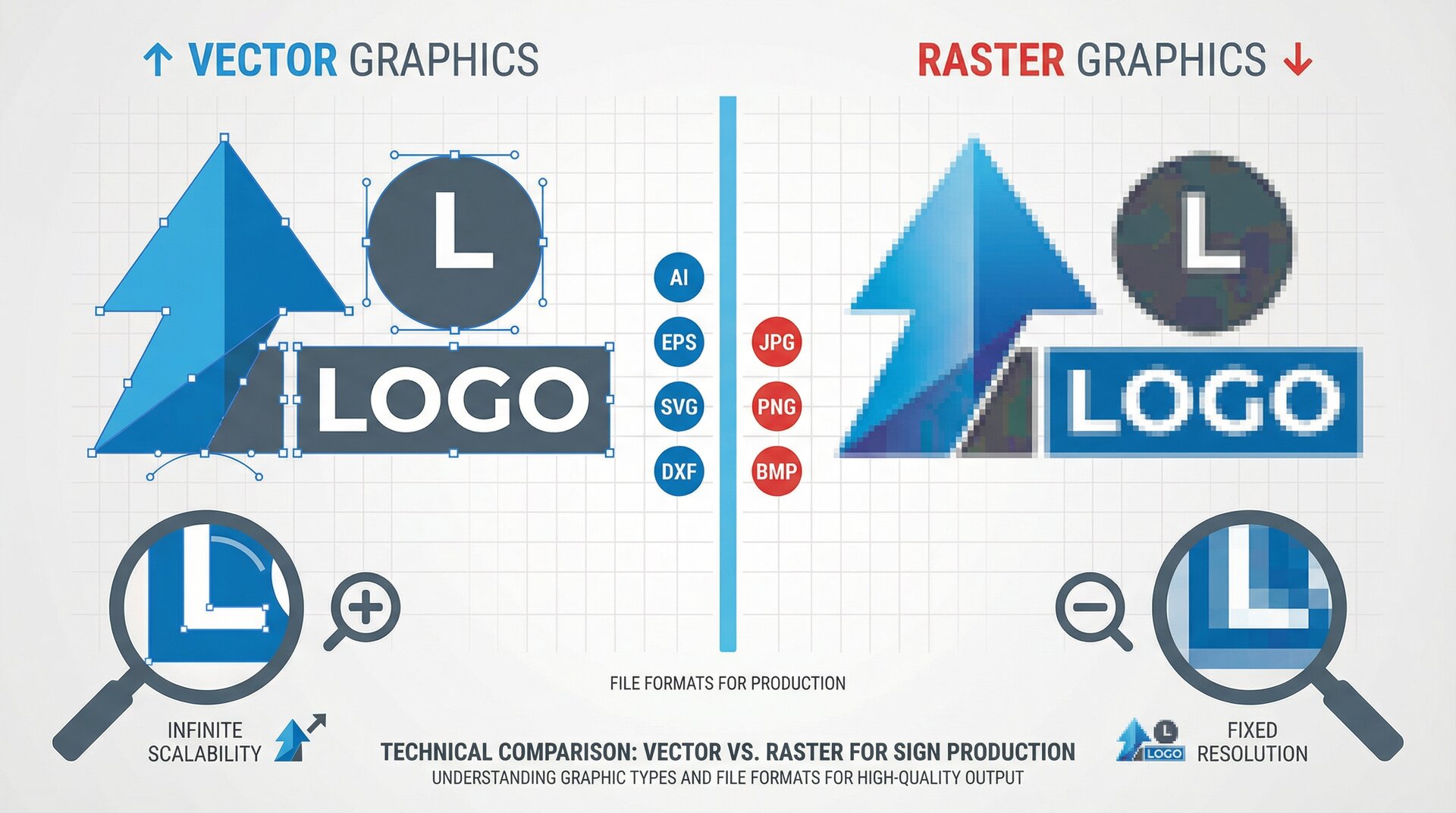
File format compatibility. Design files typically migrate well if you use standard formats (AI, EPS, SVG, PDF). Proprietary formats may require conversion. Test with a sample set before migrating everything.
Workflow changes. Cloud software may handle processes differently than your current tools. Document current workflows and map them to new system capabilities. Identify gaps early.
Training requirements. Budget time for team learning. Productivity typically drops during transition. Schedule migration during slower periods if possible.
Parallel running. Consider running both systems briefly to verify the new platform works correctly before abandoning the old one. This adds short-term cost but reduces risk.
Historical data decisions. Moving years of order history may not be practical. Decide how much history to migrate versus archive in the old system for occasional reference.
Hybrid Approaches
Many sign shops end up with hybrid setups that use each tool type where it performs best:
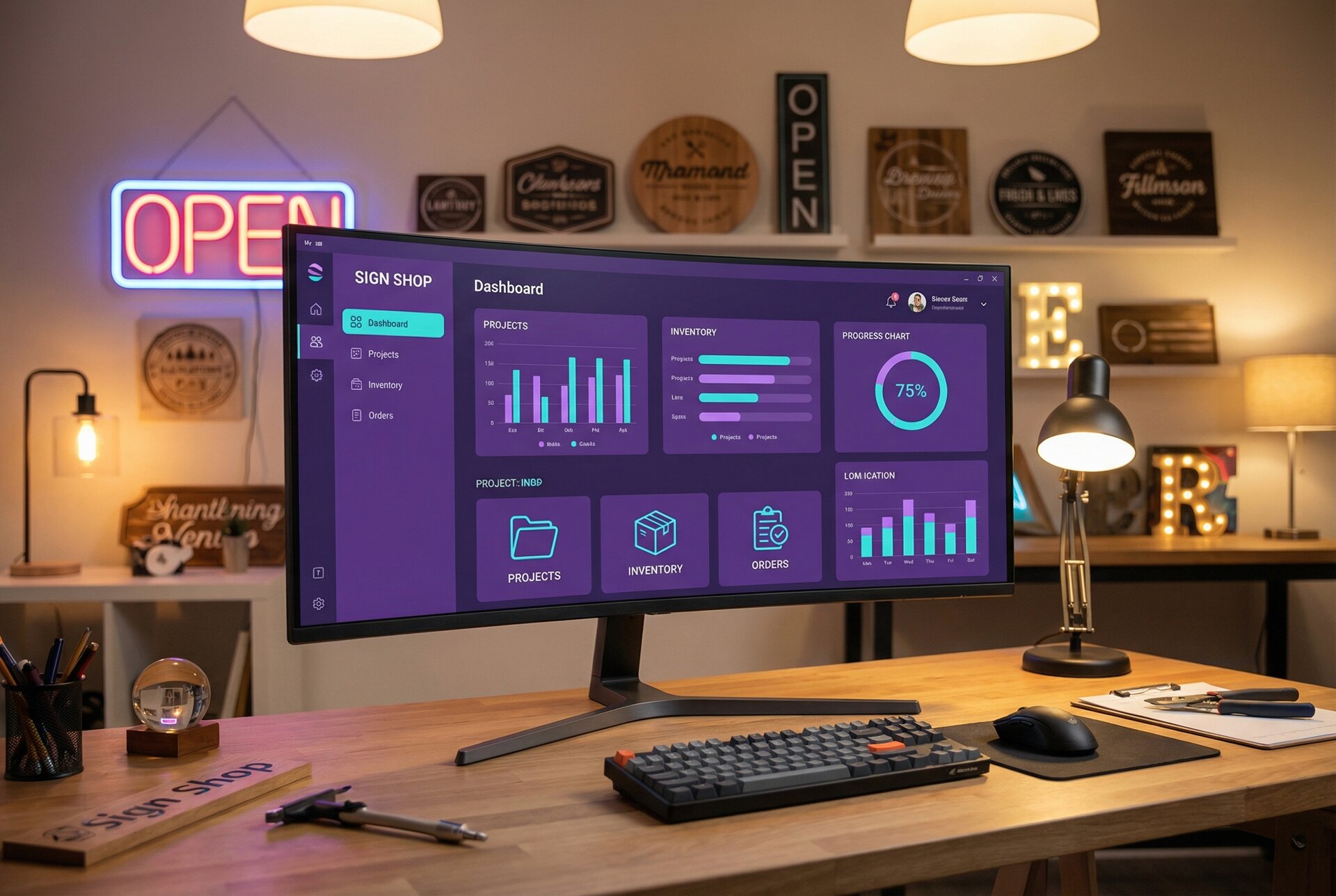
Design in desktop, manage in cloud. Use Illustrator or CorelDRAW for actual design work, then upload finished files to a cloud platform for order management, customer communication, and production tracking.
Online sales through cloud, custom work locally. Sign Customiser handles customer-facing configuration and standard product sales. Complex custom projects get quoted and managed through desktop tools or separate shop management software.
Cloud primary with local backup. Run primarily on cloud platforms but maintain local copies of critical data for disaster recovery or offline reference.
This hybrid approach captures benefits from both worlds while mitigating weaknesses.
Recommendations by Business Type
Different sign businesses have different needs. Here’s how deployment choice typically maps to business model.
Small Sign Shops (1-3 People)
Recommended: Cloud-based tools
Small shops benefit most from cloud advantages:
- No IT overhead on limited time
- Access flexibility for owner/operators who wear many hats
- Lower initial investment to preserve capital
- Automatic updates and backups without staff time
Cloud solutions like Sign Customiser start at $29/month, a manageable expense that eliminates significant IT burden.
Exception: If you’re in a genuinely rural area with unreliable internet, desktop software provides necessary reliability.
Growing Sign Businesses (4-15 People)
Recommended: Cloud-based core systems
Growing teams need collaboration features that cloud delivers naturally:
- Multiple users accessing shared data
- Visibility across sales, design, and production
- Remote access for field staff
- Customer self-service to reduce admin burden
Integration capabilities become important at this scale. Choose platforms with APIs and webhook support for connecting systems. Sign Customiser’s webhook system enables automation as your processes mature.
Desktop design software (Illustrator, CorelDRAW) typically remains for actual design work, feeding files into cloud management systems.
Enterprise Sign Companies (15+ People)
Recommended: Hybrid architecture
Large operations typically need specialised tools for different functions:
- Enterprise cloud platforms for ERP/operations
- Professional desktop software for design and production prep
- Customer-facing cloud tools for sales and self-service
- Custom integrations connecting everything
At enterprise scale, you likely have IT resources to manage complexity. The question shifts from “cloud or desktop” to “which functions go where” based on specific requirements.
Data sovereignty, industry regulations, and existing infrastructure investments factor more heavily into decisions at this scale.
Making Your Decision
No single right answer exists. Your choice depends on your specific situation:
Choose cloud-based sign software if:
- Your team needs access from multiple locations
- You want to reduce IT management overhead
- Collaboration across team members matters
- You’re selling signs online and want customer self-service
- You prefer predictable monthly costs over large upfront investments
Choose desktop sign software if:
- Internet connectivity is genuinely unreliable in your area
- You work primarily with very large, complex files
- Data sovereignty requirements mandate local storage
- You have IT resources and prefer one-time purchases
- Existing workflows are deeply embedded in specific desktop tools
Consider hybrid approaches if:
- You need desktop power for design but cloud benefits for management
- Different functions have different requirements
- You’re transitioning gradually from desktop to cloud
- Integration requirements span both environments
For sign shops selling online, particularly through Shopify, cloud-based tools provide clear advantages. Sign Customiser specifically addresses the customer-facing configuration and real-time pricing that online buyers expect.
Whatever you choose, commit to the decision long enough to realise benefits. Constantly switching tools creates churn without improvement. Choose thoughtfully, implement thoroughly, and give the new approach time to prove itself.
Ready to see how cloud-based sign configuration works? Explore Sign Customiser’s features to understand how real-time customer pricing can transform your online sales process. Questions about integrating with your existing workflow? Contact our team to discuss your specific requirements.