
Choosing an ecommerce platform for your sign business isn’t like picking one for a t-shirt shop. Standard product pages work fine when every item is identical. Custom signs break that model completely. Each order is unique. Customers need to design their sign before buying. Pricing depends on what they actually create.
Most platform comparison articles ignore this reality. They’ll tell you about themes, payment gateways, and SEO features. Important stuff, but not the critical question for sign sellers: can this platform handle custom product builder functionality that lets customers design, preview, and price their signs in real-time?
I’ve helped sign businesses migrate between platforms, watched them struggle with the wrong choice, and seen the relief when they find one that actually works. This guide covers what matters for custom sign businesses: product customisation software compatibility, integration depth, true costs, and which platform fits which type of business.
Why Platform Choice Matters More for Sign Businesses
Standard ecommerce runs on a simple premise: list a product, customer buys it, you ship it. Custom signs break this in three fundamental ways.
Every order is unique. A customer ordering “Happy Birthday Sarah” in pink LED neon needs different production files and pricing than “Open 24 Hours” in blue. You cannot pre-list every possible combination. Thousands of fonts, millions of colour combinations, infinite text possibilities. Your platform needs to generate products dynamically.
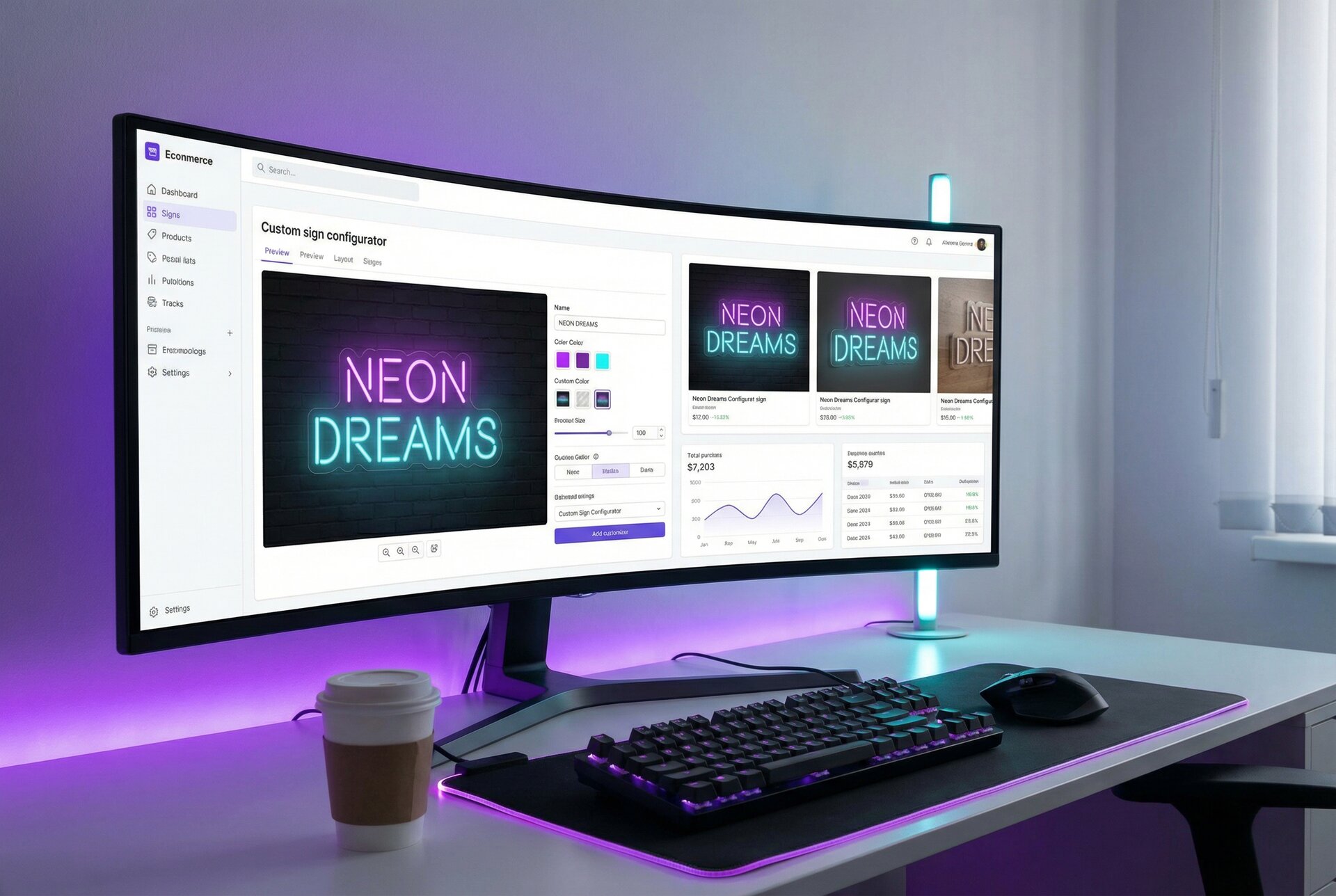
Customers need visual confirmation. When someone’s spending hundreds on a wedding sign or business signage, they want to see exactly what they’re getting. A text field with a font dropdown doesn’t cut it. They need real-time preview showing their exact design before committing.
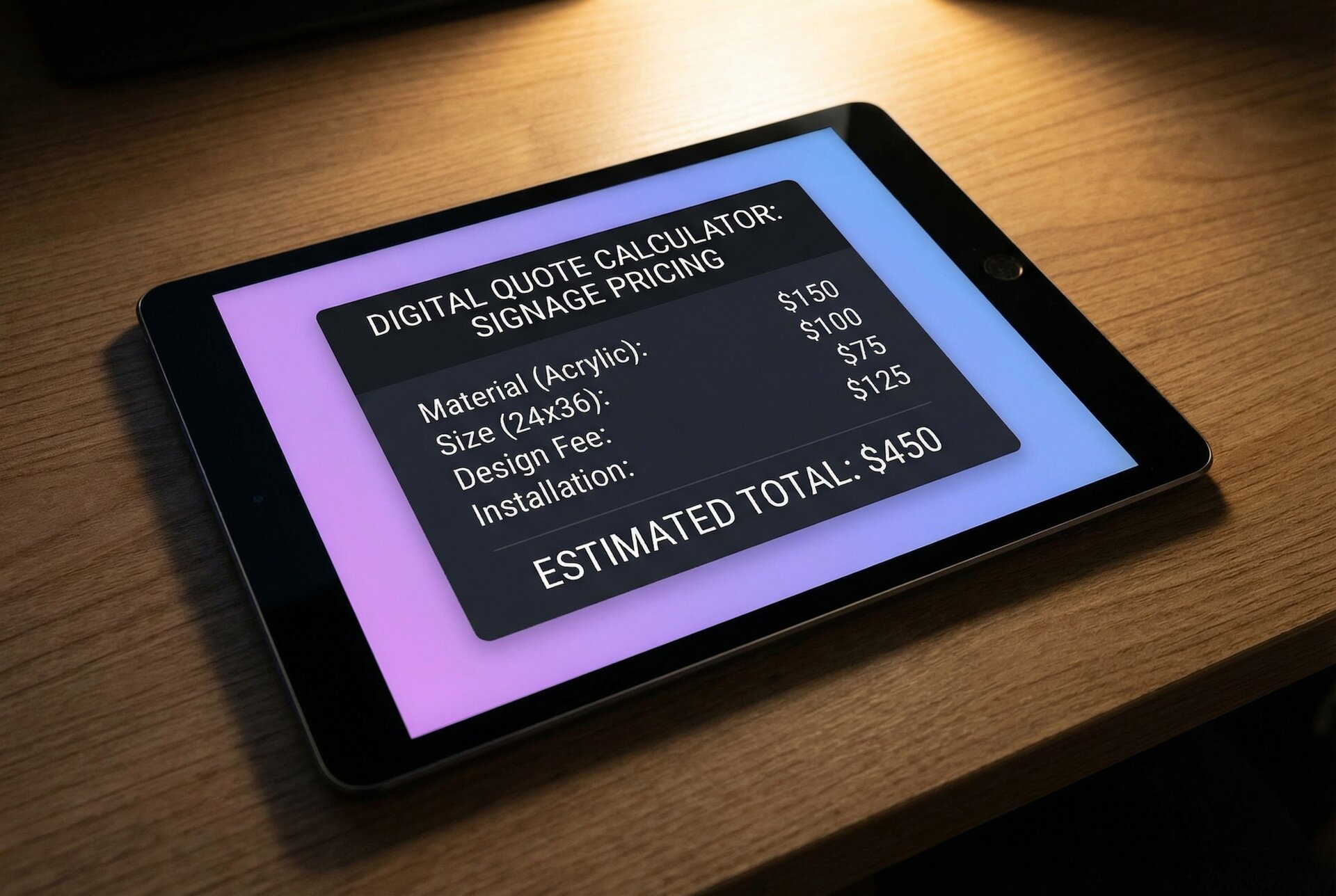
Pricing depends on the design itself. A 10-character sign costs less than a 50-character sign. A compact sans-serif font uses less LED tubing than an elaborate script. Your ecommerce product customisation needs to calculate prices based on actual material usage, not just option selections.
These requirements eliminate most “simple” platforms immediately. The question becomes: which platforms support sophisticated product personalisation software, and how deeply?
Shopify for Sign Sellers: The Market Leader
Shopify dominates ecommerce for good reasons. But for sign businesses specifically, its strengths and weaknesses are particular.
What Shopify Gets Right
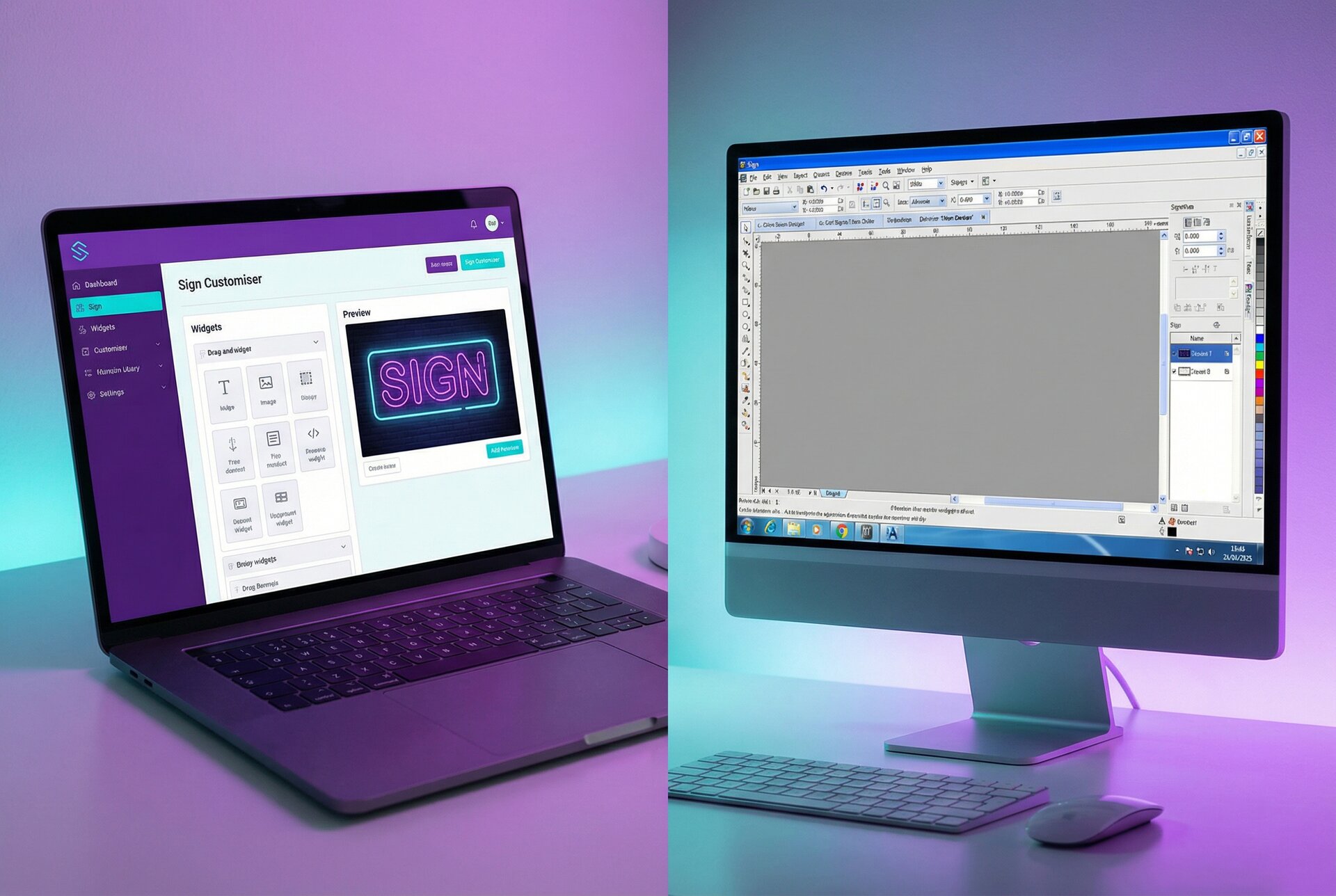
App ecosystem depth. Shopify’s App Store includes multiple custom product builder options, from basic personalisation to sophisticated configurators. Sign Customiser integrates natively through the App Store, making installation straightforward.
Online Store 2.0 themes. Modern Shopify themes support app blocks, meaning you can drop a customiser into your product pages without touching code. The customiser inherits your theme’s styling automatically.
Reliability at scale. Shopify handles traffic spikes, manages security, and maintains uptime. During wedding season when orders surge, your store stays online. This matters when custom sign businesses often see 10x traffic around holidays.
Checkout optimisation. Shopify’s checkout is conversion-optimised through millions of transactions. Shop Pay, accelerated checkout, and mobile optimisation come standard. For custom products with higher average order values, reducing checkout friction directly impacts revenue.
Where Shopify Falls Short
Monthly costs add up. Basic Shopify is $39/month. Add a sophisticated product customisation software app ($29-99/month typically), premium theme ($350 once), and you’re looking at $80-150/month ongoing before transaction fees.
Limited without apps. Shopify’s native customisation options are basic. Custom text fields exist, but no preview capability. For real product personalisation, you need apps. This creates dependency on third-party developers.
Locked ecosystem. You’re renting Shopify, not owning it. If they change policies, raise prices, or remove features, your options are limited. Migration is possible but painful.
Best For
Shopify suits sign businesses prioritising growth and willing to invest in it. If you’re doing (or aiming for) $10,000+ monthly revenue, Shopify’s costs become percentage noise. The stability, app ecosystem, and checkout optimisation justify the investment.
See our complete Shopify setup guide for detailed implementation instructions.
WooCommerce: The Self-Hosted Contender
WooCommerce runs on WordPress, powering roughly 25% of all online stores. For sign businesses, it offers a fundamentally different model than Shopify.
What WooCommerce Gets Right
True ownership. You own your store, your data, your customer list. No platform can kick you off or change your terms. For businesses planning long-term operations, this matters.
Lower ongoing costs. WooCommerce itself is free. Hosting costs $20-100/month depending on needs. No transaction fees beyond payment processing. For businesses with tighter margins or unpredictable revenue, this model is more sustainable.
Flexibility. WordPress’s open architecture means anything is technically possible. Complex pricing logic, unusual checkout flows, custom integrations with production software. If you can code it (or hire someone who can), WooCommerce can do it.
Content marketing integration. WordPress is, at its core, a content platform. If your customer acquisition strategy involves blog content, tutorials, or SEO, WordPress handles this natively better than any alternative.
Where WooCommerce Falls Short
Technical responsibility. You’re responsible for hosting, security, updates, and backups. Managed WordPress hosts handle most of this, but you’re still making decisions Shopify handles automatically.
Plugin conflicts. WooCommerce sites often run 20-30 plugins. Sometimes they conflict. A WooCommerce product configurator might break your caching plugin, or a theme update might affect checkout. Testing and maintenance take time.
Mobile checkout friction. WooCommerce’s default checkout isn’t as optimised as Shopify’s. Cart abandonment rates tend to run higher unless you invest in checkout optimisation plugins.
Product Customiser Integration
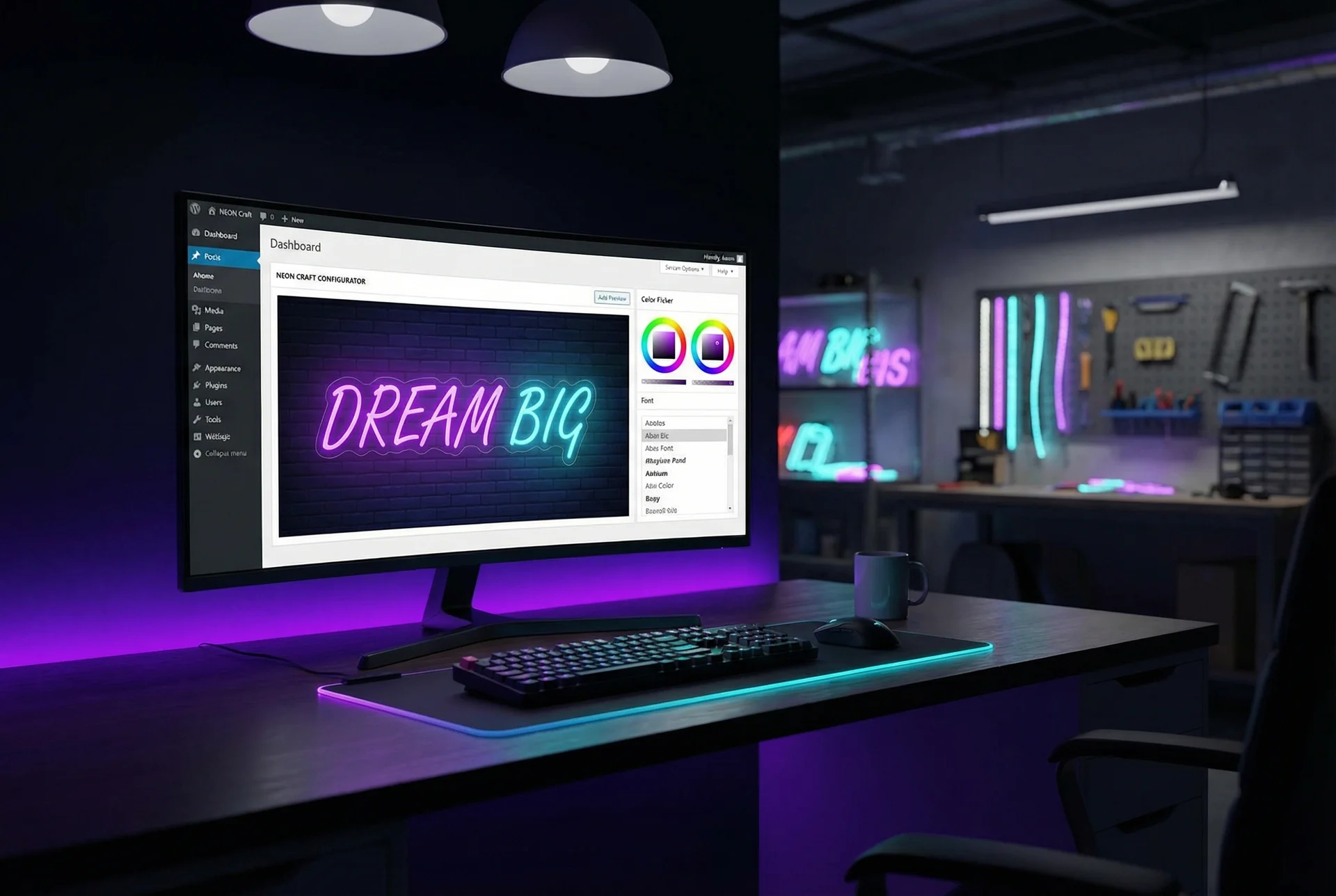
Sign Customiser embeds on WooCommerce through JavaScript integration rather than a native plugin. This actually provides benefits: no plugin conflicts, processing happens on Sign Customiser’s servers, and updates roll out automatically without touching your WordPress installation.
Our WooCommerce setup tutorial covers the technical implementation in detail.
Best For
WooCommerce suits sign businesses with technical comfort or resources, long-term thinking about platform ownership, and content marketing strategies. If you’re already running WordPress for your business website, adding WooCommerce makes obvious sense.
Wix, Squarespace, and Webflow: The Website Builders
These platforms target simplicity over power. For many businesses, that’s the right trade-off. For custom sign sellers, it’s often the wrong one.
Wix for Sign Businesses
Wix has improved significantly for ecommerce, but its product customisation options remain limited.
Native capabilities: Wix offers product options (dropdowns, checkboxes) and custom text fields. No real-time preview. Basic personalisation works; sophisticated configuration doesn’t.
Third-party apps: Wix’s App Market includes some product personaliser tools, but the ecosystem is smaller and less mature than Shopify’s. Deep integration with external tools like Sign Customiser is possible but requires more technical work.
Best for: Sign businesses selling primarily standard products with occasional custom requests. If 80% of your sales are pre-designed signs with 20% custom work, Wix might work.
Squarespace for Sign Businesses
Squarespace prioritises design over ecommerce functionality. The templates are beautiful; the product customisation is not.
Native capabilities: Squarespace offers product variants and basic customisation fields. No preview functionality. No dynamic pricing based on customisation.
Third-party integration: Squarespace’s extension ecosystem is limited. External embeds work but aren’t officially supported in the same way as Shopify or WooCommerce integrations.
Best for: Sign businesses prioritising brand aesthetics over functionality, selling primarily photography or portfolio work with occasional product sales. Not ideal for businesses where custom configuration drives revenue.
Webflow for Sign Businesses
Webflow is a design powerhouse that added ecommerce almost as an afterthought.
Native capabilities: Webflow’s ecommerce handles standard products well. Product customisation is essentially non-existent natively.
Custom solutions: Webflow’s strength is custom development. A developer can build custom configuration interfaces, but you’re building from scratch rather than using purpose-built tools.
Best for: Agencies building unique experiences or businesses with development resources wanting complete design control. Not for sign sellers wanting out-of-box product customisation.
Feature Comparison Matrix
Here’s how the platforms compare on features that matter specifically for custom sign businesses:
| Feature | Shopify | WooCommerce | Wix | Squarespace | Webflow |
|---|---|---|---|---|---|
| Native product customisation | Basic | Basic | Basic | Basic | None |
| Real-time design preview | Via apps | Via embed | Limited | No | Custom only |
| Dynamic pricing | Via apps | Via embed | Limited | No | Custom only |
| Sign Customiser integration | Native app | Embed | Embed | Embed | Embed |
| Production file generation | Via apps | Via embed | Limited | No | Custom only |
| Mobile checkout | Excellent | Good | Good | Good | Good |
| SEO capabilities | Good | Excellent | Good | Good | Excellent |
| Content marketing | Limited | Excellent | Good | Good | Good |
For ecommerce product customisation specifically, Shopify and WooCommerce pull ahead significantly. Both support deep integration with product personalisation software, while the website builders require workarounds.
Integration Depth: What Actually Matters
“Integration” gets thrown around loosely. A platform might claim to “integrate” with a tool, but integration depth varies enormously.
Surface-Level Integration
At the shallow end, integration means embedding. You paste some code, a customiser appears on your page. Customers design their sign. Then what?
With shallow integration:
- Customer finishes design
- They have to somehow communicate specifications to you
- You manually create an order
- Pricing might not sync
- Design files might require manual transfer
This works for low volume. It breaks at scale.
Deep Integration
With deep integration (like Sign Customiser on Shopify):
- Customer designs their sign
- Add to cart includes all specifications automatically
- Pricing calculates live and passes to cart
- Checkout works normally
- Order includes design files and production specifications
- Webhooks notify your production systems instantly
The difference is operational efficiency. One requires constant manual intervention. The other runs itself.
Integration Comparison
| Capability | Shopify + Sign Customiser | WooCommerce + Sign Customiser | Website Builders |
|---|---|---|---|
| Auto add-to-cart | Yes | Yes | Manual process |
| Live pricing sync | Yes | Yes | Quote required |
| Order specifications | Automatic | Automatic | Manual transfer |
| Production files | Attached to order | Attached to order | Separate download |
| Webhook automation | Full support | Full support | Limited |
If you’re processing 50+ custom sign orders monthly, deep integration saves hours per week. That time cost should factor into platform decisions.
Cost Analysis by Business Size
Platform costs scale differently. The “cheapest” option at low volume might be expensive at high volume, and vice versa.
Startup Phase (0-20 orders/month)
At low volume, fixed costs dominate. You need the platform to work, but efficiency gains from deep integration don’t yet justify premium tools.
| Platform | Monthly Cost | Transaction Fees | Notes |
|---|---|---|---|
| Shopify Basic | $39 + $29 app | 2.9% + $0.30 | Higher fixed, lower friction |
| WooCommerce | $30 hosting | 2.9% + $0.30 | Lower fixed, more setup |
| Wix Business | $36 | 2.9% + $0.30 | Simple, limited customisation |
| Squarespace Commerce | $33 | 3% + $0.30 | Beautiful, limited function |
Recommendation: WooCommerce or Wix for cost sensitivity. Shopify if growth is the primary goal and capital is available.
Growth Phase (20-100 orders/month)
Integration efficiency starts mattering. Manual processes that took 10 minutes per order now consume hours weekly. Investment in proper tools pays off.
| Platform | Monthly Cost | Transaction Fees | Efficiency Gain |
|---|---|---|---|
| Shopify Basic + Sign Customiser | $68-138 | 2.9% + $0.30 | High automation |
| WooCommerce + Sign Customiser | $50-80 | 2.9% + $0.30 | High automation |
| Wix + manual process | $36 | 2.9% + $0.30 | Hours of manual work |
At 50 orders monthly, spending an extra $30-50/month on proper customisation tools saves 4-8 hours of manual work. Unless your time is worthless, the maths is obvious.
Recommendation: Shopify or WooCommerce with proper product customisation software integration.
Scale Phase (100+ orders/month)
At scale, transaction fees and efficiency become primary concerns. Platform choice affects margins directly.
| Platform | Monthly Cost | On $20,000 Revenue | Total Platform Cost |
|---|---|---|---|
| Shopify Advanced | $299 + $49 app | $580 (2.9%) | $928 |
| WooCommerce | $100 hosting | $580 (2.9%) | $680 |
| Shopify Plus | $2,300 | $460 (2.3%) | $2,760 |
At high volume, WooCommerce’s lower fixed costs create meaningful savings. However, Shopify’s stability and reduced operational overhead might justify the premium.
Recommendation: Analyse your specific situation. WooCommerce for maximum margin. Shopify for maximum reliability.
Scalability Considerations
Growth creates problems that don’t exist at low volume. Your platform choice affects how painful scaling becomes.
Traffic Handling
Sign businesses often see traffic spikes around holidays, wedding season, and marketing campaigns. How platforms handle load:
Shopify: Handles essentially unlimited traffic. Infrastructure is their problem, not yours.
WooCommerce: Depends on your hosting. Basic shared hosting fails under load. Managed WordPress hosts like WP Engine or Kinsta handle significant traffic but cost more.
Website builders: Generally handle reasonable traffic, but less transparent about limits.
Team Access and Permissions
As you add staff, you need granular permissions. Who can edit products? Who can process orders? Who can access financial data?
Shopify: Robust staff accounts with detailed permissions.
WooCommerce: User roles are flexible but require configuration. Plugins extend permissions further.
Website builders: More limited staff access options, though improving.
Multi-Channel Expansion
Eventually, you might want to sell on marketplaces, at events, or through B2B channels. Platform ecosystem affects this.
Shopify: Native POS system, marketplace integrations, B2B features in higher tiers.
WooCommerce: Plugins for most channels, but integration quality varies.
Website builders: More limited multi-channel support.
If you’re planning to sell on Etsy alongside your website, both Shopify and WooCommerce support this. Sign Customiser Quick Links work for Etsy regardless of your website platform.
Recommendation by Business Type
General advice is useless. Here’s specific guidance based on business characteristics.
Home-Based Makers Processing Under 30 Orders Monthly
You’re building a business, not running an enterprise. Every dollar matters. Time is somewhat flexible.
Recommended: WooCommerce on managed WordPress hosting ($25-50/month total)
Why: Lowest ongoing cost. Adequate for volume. Sign Customiser embed works without native integration overhead. Time spent on setup is investment in understanding your business.
Alternative: Wix if technical comfort is low and custom product builder needs are minimal.
Growing Businesses Processing 30-100 Orders Monthly
Revenue is real, but margins are tight. Efficiency improvements directly impact profitability. You’re probably working too many hours.
Recommended: Shopify Basic with Sign Customiser app ($68-100/month)
Why: Time saved through deep integration exceeds cost premium. Shopify’s reliability reduces stress. Focus shifts from operations to growth.
Alternative: WooCommerce with Sign Customiser embed if you have technical resources or already run WordPress successfully.
Established Businesses Processing 100+ Orders Monthly
Operations need to be smooth. Staff might be involved. Minor efficiency improvements multiply across volume.
Recommended: Shopify Advanced or WooCommerce with professional hosting
Why: Both platforms handle scale. Choice depends on whether you value Shopify’s managed experience or WooCommerce’s flexibility and cost savings. Either works well with deep product customisation software integration.
B2B-Focused Sign Companies
You’re selling to businesses, often with quotes, custom specifications, and account relationships. Transaction volume might be lower, but order values are higher.
Recommended: WooCommerce with B2B extensions or Shopify Plus
Why: B2B functionality requires flexibility. WooCommerce’s ecosystem includes B2B-specific plugins for quoting, account management, and custom pricing. Shopify Plus includes B2B features natively but at enterprise pricing.
Multi-Location Sign Shops
You sell online and in-person. Inventory and orders need to sync. Staff need mobile access.
Recommended: Shopify with POS
Why: Shopify’s native POS integration is unmatched. Inventory syncs between online and physical locations. Staff can process orders anywhere. Sign Customiser configurations work across channels.
Migration Paths Between Platforms
Made the wrong choice initially? It happens. Here’s how migration typically works.
Moving to Shopify
From WooCommerce: Export products via CSV. Import to Shopify. Reconfigure customisation. Order history doesn’t migrate cleanly; export separately for records.
From website builders: Product export varies. Manual recreation might be necessary. Customer data exports usually work.
Timeframe: 2-4 weeks for full migration with testing.
Moving to WooCommerce
From Shopify: Export products and customers via CSV. Import to WooCommerce. Reconfigure checkout and customisation. Many plugins help automate this.
From website builders: Similar to Shopify migration.
Timeframe: 2-6 weeks depending on complexity.
Minimising Migration Pain
Keep records: Export everything before migrating. Order history, customer data, product configurations.
Parallel operation: Run old and new stores simultaneously during transition. Redirect traffic gradually.
Communication: Tell customers about the change. Some will have issues; prepare support resources.
Test thoroughly: Process test orders through complete workflows before going live.
Frequently Asked Questions
Which platform has the best product customisation software options?
Shopify and WooCommerce tie for first place. Shopify’s app ecosystem includes multiple online product customizer options with varying sophistication. WooCommerce’s plugin ecosystem is equally rich. Website builders trail significantly, offering basic product options but lacking sophisticated product personalisation software integration.
Can I use Sign Customiser on any platform?
Yes, but integration depth varies. Shopify has a native app for seamless integration. WooCommerce uses JavaScript embedding that works well. Website builders support embedding but with less automated order flow. See our features page for platform-specific details.
How much does a sign business website really cost monthly?
All-in costs typically run:
- Shopify: $68-150/month (platform + apps + customiser)
- WooCommerce: $50-100/month (hosting + plugins + customiser)
- Website builders: $33-60/month (platform + limited customisation)
These exclude transaction fees (2.5-3% typically) and marketing costs.
Should I prioritise SEO or product customisation features?
Both matter, but product customisation affects conversion rates while SEO affects traffic. Getting traffic to a store that can’t handle custom orders helps no one. Prioritise product personalisation software that works, then optimise for search.
Both Shopify and WooCommerce support strong SEO. WooCommerce with WordPress has a slight edge for content marketing due to WordPress’s blogging heritage.
Can I switch platforms later without losing everything?
Yes, but it’s work. Products and customers export from most platforms. Order history is harder to migrate. Customiser configurations need rebuilding. Plan for 2-4 weeks of parallel operation during migration. The pain of migrating is real, so choose carefully initially.
Do I need coding skills for WooCommerce?
Not for basic setup. Managed WordPress hosts handle technical infrastructure. Plugins handle most functionality. Sign Customiser embeds with a simple code snippet.
You’ll need coding skills (or a developer) for custom functionality, theme modifications, or complex integrations. Many sign businesses run WooCommerce without writing code.
What’s the best platform for selling on multiple channels?
Shopify leads for multi-channel. Native integrations with marketplaces, POS for physical sales, and established patterns for B2B. WooCommerce supports multi-channel through plugins but requires more configuration.
For Etsy specifically, both platforms work equally well since Sign Customiser Quick Links operate independently of your website platform.
Making Your Decision
Platform choice isn’t permanent, but switching costs time and money. Choose based on where you are and where you’re heading.
Choose Shopify if: You prioritise reliability, growth, and conversion optimisation. You’re willing to pay for managed infrastructure. Your custom product builder needs are sophisticated but standard.
Choose WooCommerce if: You value ownership and flexibility. You have some technical comfort or resources. Content marketing is central to your strategy. Cost optimisation matters significantly.
Choose website builders if: Your product customisation needs are basic. Simplicity matters more than advanced features. You’re testing the market before significant investment.
Whichever platform you choose, the Sign Customiser integration provides the ecommerce product customisation capabilities that transform standard product pages into interactive design experiences. Customers design, preview, and price their custom signs in real-time. Your production team receives ready-to-use specifications and files.
The platform is the foundation. Product customisation software is what makes custom sign businesses actually work online. Get both right, and you’re positioned for sustainable growth.
For specific platform setup guidance, explore our Shopify and WooCommerce tutorials. Questions about which platform fits your situation? Contact [email protected].