
Every sign shop owner knows the feeling. It’s 6pm, orders are piling up, and you’re still answering emails from customers who want quotes for projects that may never materialise. Your production team finished early today—ironic, since tomorrow they’ll be scrambling to meet deadlines because orders weren’t processed in time.
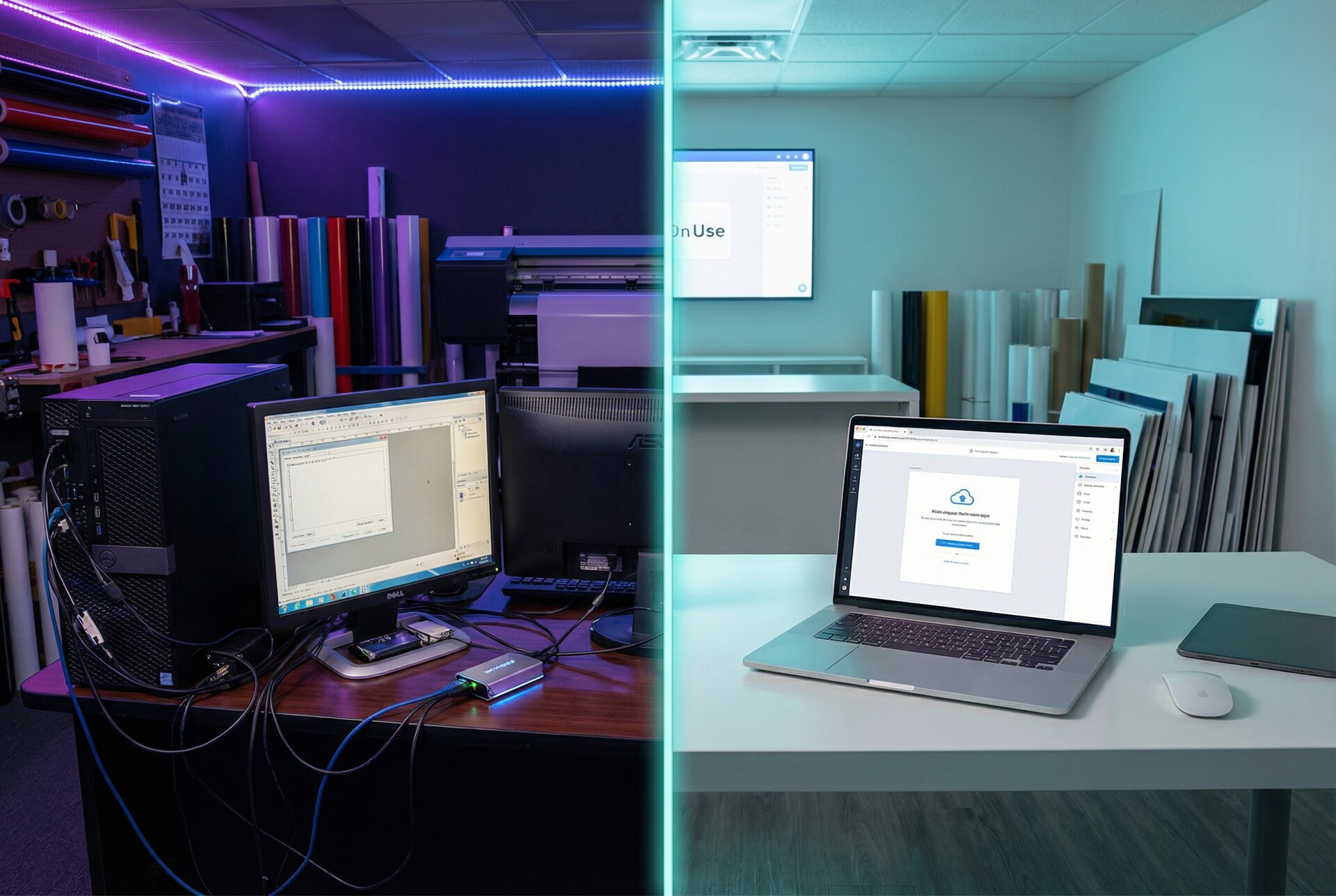
This is the reality of running a sign business without automation. Good work, capable staff, steady demand—yet the business runs you instead of the other way around.
The solution isn’t working harder or hiring more people. It’s building systems that handle the repetitive work automatically, freeing you to focus on what actually grows your business: customer relationships, quality production, and strategic decisions.
This guide covers sign business automation comprehensively, from the first step of automated order intake through to measuring your return on investment. Whether you’re a solo operator looking to reclaim your evenings or a growing shop preparing to scale, you’ll find actionable strategies to transform your sign shop workflow.
The Automation Opportunity for Sign Businesses
Sign shops face unique automation challenges. Unlike commodity products with fixed specifications, custom signs involve variables: text content, font choices, sizes, materials, colours, mounting options. Traditional automation built for assembly lines doesn’t apply.
But this complexity creates opportunity. Sign shops that solve the automation puzzle gain massive competitive advantages:
Speed to customer. While competitors take 24-48 hours to return quotes, automated shops provide instant pricing. Customers choose the fast, transparent option.
Error elimination. Manual data entry—from quote to order to production—introduces errors at every handoff. Automation means the customer’s specifications flow directly to production without human transcription.
Capacity without headcount. A shop that automates quote processing, order intake, and customer communication can handle 50% more volume with the same staff. Or the same volume with better margins.
Consistency at scale. Every customer gets the same professional experience whether you’re processing 5 orders or 50. Automation doesn’t have bad days.
The sign industry is at an inflection point. Shops that embrace automation now will compound their advantages over the next five years. Those that don’t will find themselves competing on price alone—a race to the bottom.
Order Intake Automation
Order intake is where most sign shops haemorrhage time. Every enquiry requires attention: reading the request, clarifying requirements, calculating options, preparing quotes, following up. Most enquiries don’t convert, but each demands the same initial effort.
Online Configurators vs Manual Quotes
The fundamental shift in order intake automation is moving from reactive quoting to proactive self-service. Instead of customers describing what they want and waiting for a quote, they design it themselves and see pricing instantly.
Manual quote process:
- Customer sends enquiry (often vague)
- Staff reads and interprets request
- Back-and-forth to clarify specifications
- Staff calculates pricing manually
- Quote formatted and sent
- Customer considers, often shops competitors
- Follow-up required if no response
- Repeat until order or abandonment
Automated configurator process:
- Customer visits your website
- Customer selects sign type and enters text
- Customer chooses options (colours, sizes, materials)
- Price updates in real-time with each choice
- Customer adds to cart when satisfied
- Complete order with specifications received instantly
The time difference is stark. Manual quoting takes 20-60 minutes per enquiry. Automated ordering takes zero staff time for standard products.
How Sign Customiser Handles Real-Time Pricing
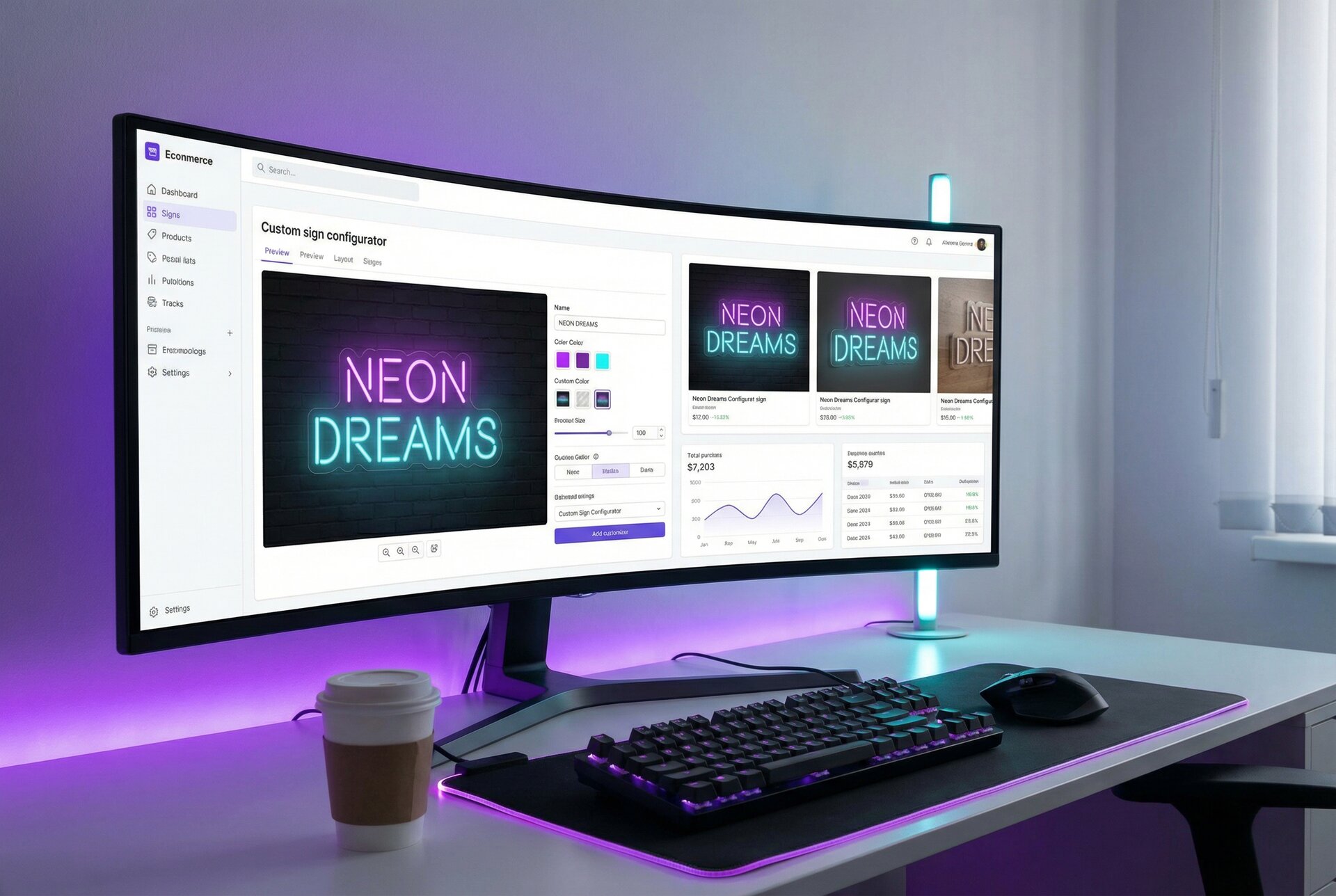
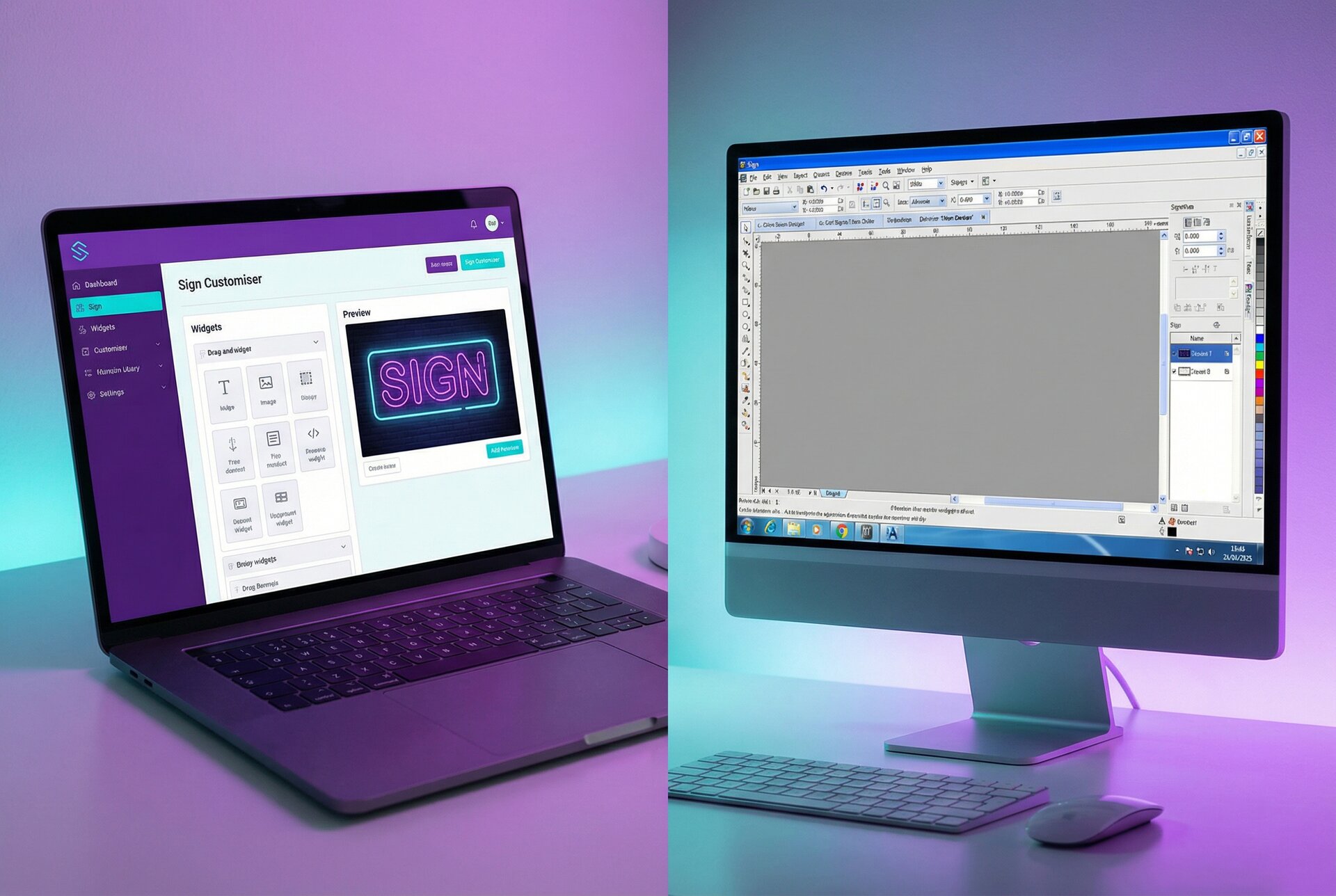
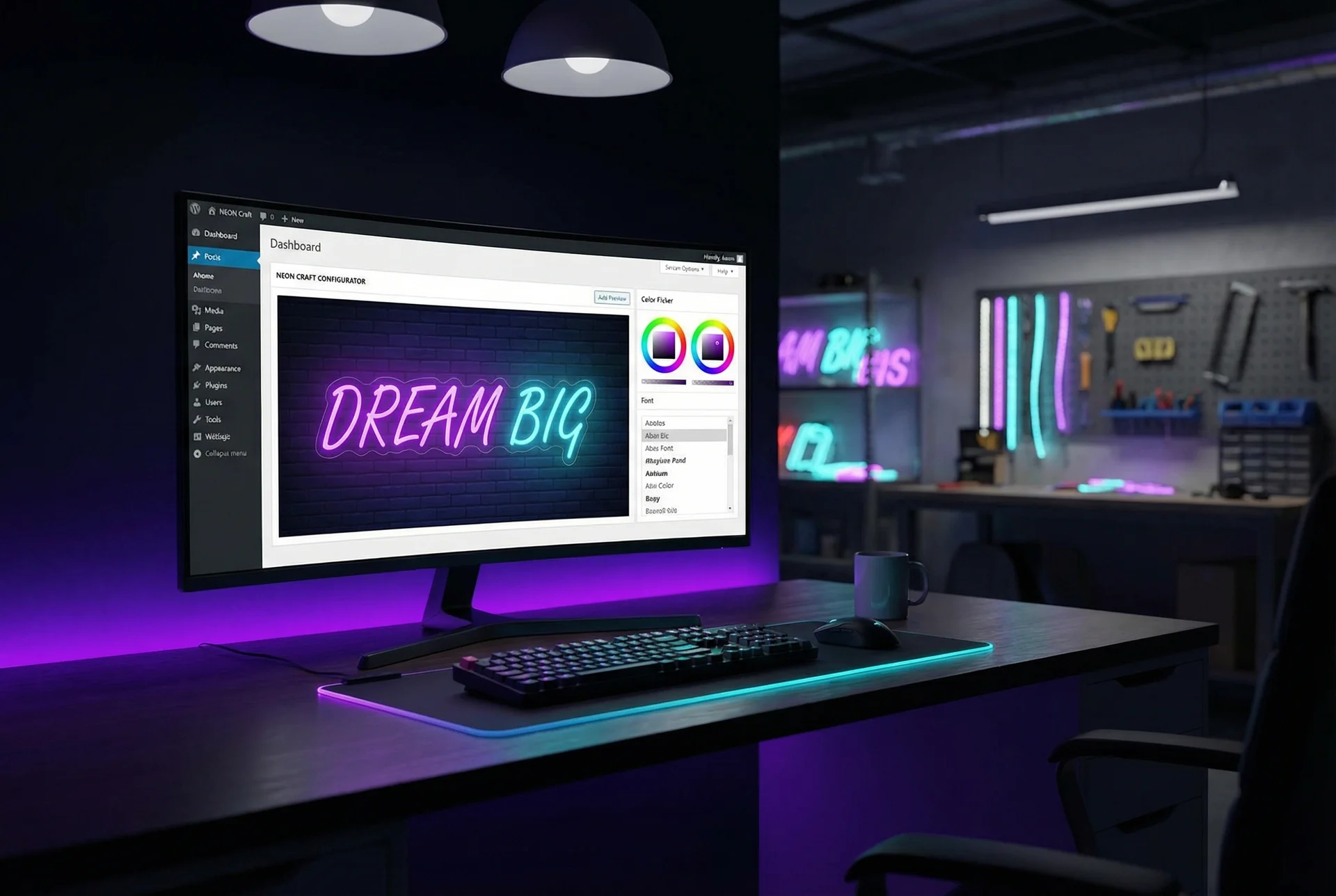
Sign Customiser solves the complexity challenge that prevents most configurators from working for sign shops. The platform supports multiple pricing models that match how signs are actually priced:
Fixed width pricing. Customers enter text and select from size tiers. Price adjusts based on character count within each tier. A 10-letter name in medium size costs X; a 15-letter name in large costs Y. The configurator handles the calculation instantly.
Material length pricing. For neon and LED signs where material usage depends on font path complexity, Sign Customiser calculates precise material requirements. A script font uses more tubing than a sans-serif at the same size—the pricing reflects this automatically.
Frame-fit pricing. Area-based pricing for signs with frames or backing. Customer sets dimensions; price calculates based on total area plus per-character content costs.
Per-letter pricing. Channel letters and dimensional signs often price per letter with size tiers. The configurator presents this clearly: “A-Z letters, 12 inch height, $X each.”
The key insight: customers see transparent, logical pricing that matches how you actually calculate costs. No surprises, no “we’ll get back to you,” no trust gap.
For shops wanting to dive deeper into how this automation connects to their broader systems, our article on real-time automation with webhook subscriptions explains the technical foundation.
Quote Generation Workflows
Not every order can go through a customer-facing configurator. Custom projects, unusual specifications, and high-value commercial work often require human involvement. But even these quotes can be largely automated.
Automated Pricing Calculations
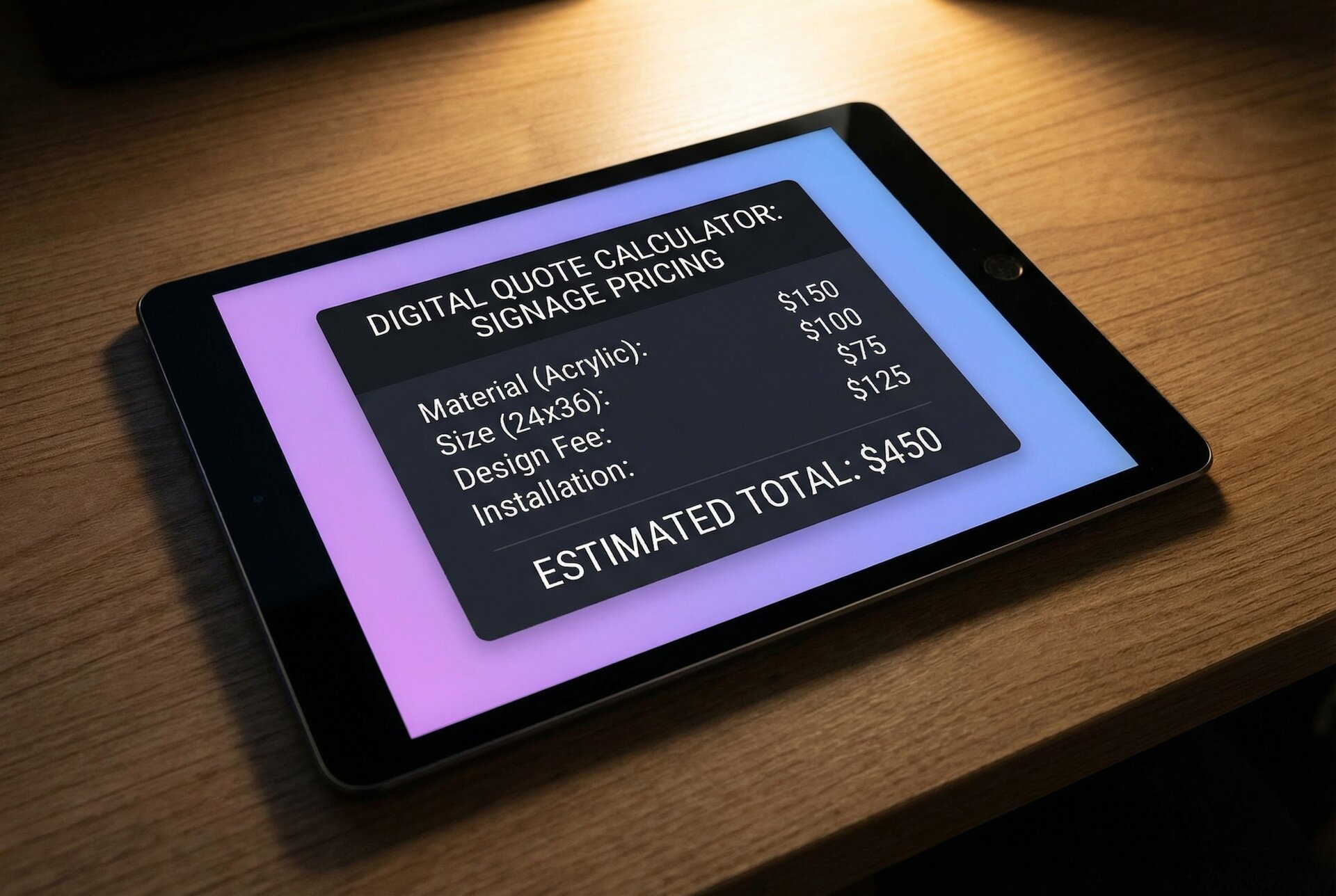
The goal isn’t eliminating human judgement from quoting—it’s eliminating manual calculation. Your quote system should handle the maths automatically:
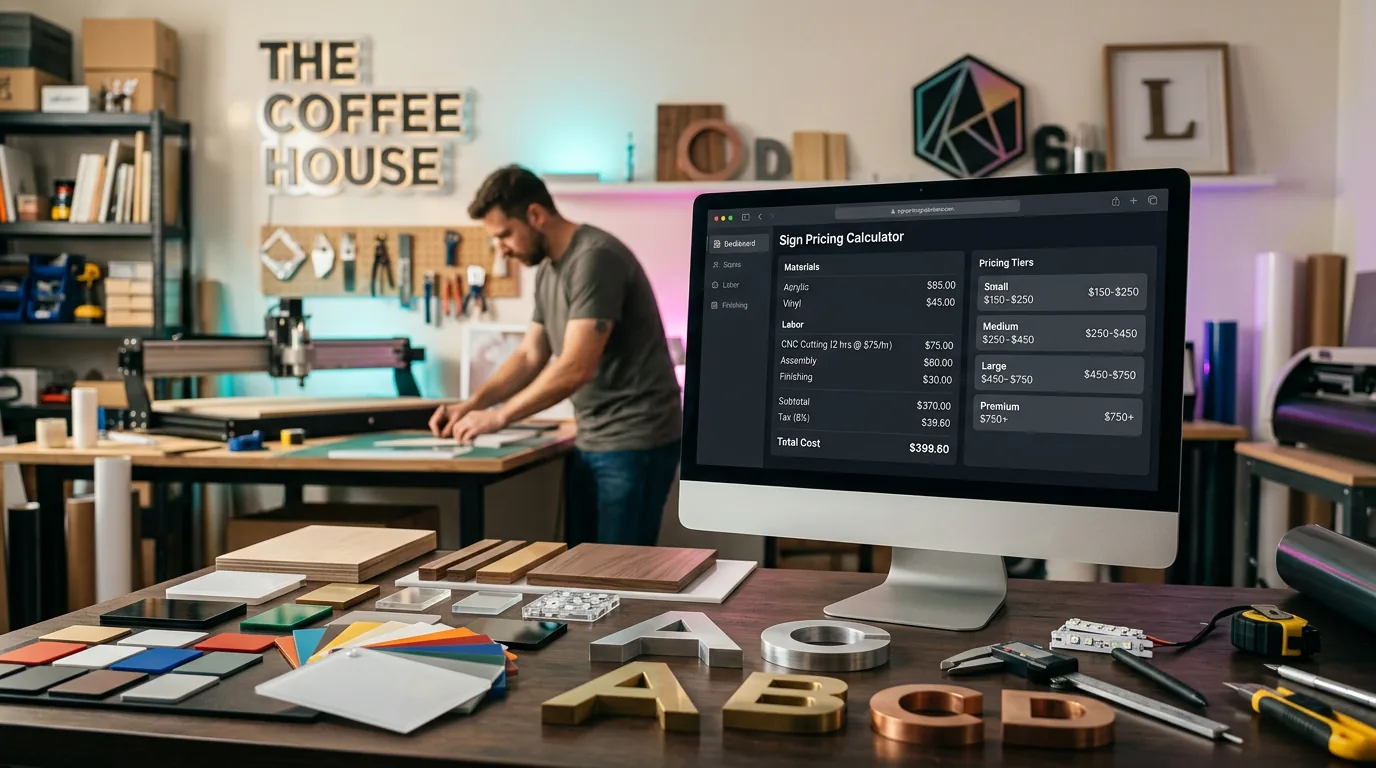
Material cost calculation. Input substrate type and dimensions; system calculates square metres and material cost based on current prices. No more looking up sheet sizes and doing the maths manually.
Labour time estimation. Based on sign type and complexity, system applies standard labour rates. A dimensional letter set takes approximately X hours for fabrication, Y hours for finishing, Z hours for wiring. System calculates, you adjust if the specific job warrants it.
Overhead allocation. System applies your overhead rate automatically. No more forgetting to include machine time, consumables, or shop overhead.
Margin application. Set target margins by product type or customer segment. System applies markup consistently—no more accidentally underpricing jobs when you’re busy or tired.
The output: a complete quote in minutes instead of hours, with consistent pricing that protects your margins.
Dynamic Pricing Based on Materials and Sizes
Modern quoting systems maintain databases of current material costs and automatically adjust pricing. When your aluminium composite supplier raises prices, you update one number and every future quote reflects the change.
Size-based pricing tiers handle the complexity of sign pricing:
| Size Range | Base Price | Per Letter Additional |
|---|---|---|
| Up to 500mm | $X | $Y |
| 500-1000mm | $X + 20% | $Y + 15% |
| 1000-2000mm | $X + 50% | $Y + 40% |
| Custom/Larger | Quote required | Quote required |
Your quoting system stores these rules and applies them automatically. Staff don’t need to remember pricing structures—they focus on understanding customer needs while the system handles calculations.
Material multipliers account for different substrate costs:
- Foamex: base price
- Aluminium composite: base + 30%
- Brushed stainless: base + 80%
- Solid timber: base + 60%
The customer or salesperson selects the material; the system adjusts pricing automatically.
For shops using Sign Customiser alongside internal quoting tools, our custom API integration guide explains how to connect these systems.
Production Scheduling Integration
The most frustrating inefficiency in many sign shops isn’t production itself—it’s the handoff from sales to production. Orders sit in email inboxes. Specifications get misunderstood. Production starts late because jobs weren’t communicated promptly.
Automation eliminates these handoff failures.
Order-to-Production Handoff
When a customer completes an order through an automated system, the production team should know immediately. Not through email forwarding, not through someone printing the order and walking it over—through direct system integration.
Automated handoff can include (with proper tooling and integration):
Job ticket generation. When orders flow to your production management system (via webhooks to tools like Shopvox, SignTracker, or custom solutions), job tickets can generate with all specifications. Sign Customiser provides the order data; your production system creates the tickets.
Production file preparation. Sign Customiser generates production-ready design files automatically. The customer’s text, font choice, and size specifications translate directly into files your production team can use.
Scheduling slot allocation. Production management systems like Shopvox can assign production slots based on sign type, size, and current workload. Sign Customiser’s webhook notifications can trigger these assignments automatically.
Material checking. With integration to inventory management systems (via Zapier, Make, or custom API connections), orders can trigger inventory checks and alerts. This requires setting up the integration between Sign Customiser’s order data and your inventory system.
Webhook-Triggered Workflows
Webhooks are the technical mechanism that makes real-time automation possible. When an event occurs (customer places order), the webhook sends data to your other systems instantly.
Common webhook-triggered workflows:
Order → Production management system. New orders can automatically appear in your job queue with all details. Tools like Shopvox, SignTracker, or custom systems can receive order data via Sign Customiser webhooks.
Order → Inventory system. With custom integration (via Zapier, Make, or API development), material requirements can deduct from inventory counts. This isn’t built into Sign Customiser but can be achieved through webhook-triggered workflows.
Order → Accounting software. With integration through Zapier or similar tools, revenue records and customer invoices can create automatically in QuickBooks, Xero, or your accounting system.
Design approval → Production start. When a customer approves a proof, the webhook triggers the job to move from “awaiting approval” to “ready for production” automatically.
Sign Customiser’s webhook system supports all major business events. When a customer creates a design, places an order, or submits a form, your systems can react instantly. Our webhook documentation provides complete implementation details.
Customer Communication Automation
Customer communication consumes enormous time in sign businesses. Order confirmations, design proofs, production updates, shipping notifications, review requests—each requiring someone to compose and send messages.
Automation handles the routine communications while freeing staff for meaningful customer interactions.
Order Confirmations
The moment a customer orders, they should receive confirmation. Automated confirmations include:
- Order summary with specifications
- Price breakdown
- Expected timeline
- Next steps (what to expect)
- Contact information for questions
This seems obvious, but many sign shops still send manual confirmations hours or days after orders. In that gap, customers wonder if their order went through. They email asking for confirmation, creating support load that wouldn’t exist with instant automation.
Beyond basic confirmation, automated systems can personalise based on order type:
- First-time customers receive welcome information about your process
- Repeat customers get streamlined confirmations acknowledging their history
- Rush orders confirm the expedited timeline and any applicable fees
- Large orders trigger personal follow-up scheduling (automated email from a salesperson to arrange a call)
Status Updates
Customers want to know where their order stands. Proactive updates prevent the “just checking in” emails that consume staff time.
Automated status sequence:
- Order received – Immediate confirmation
- Design in production – When job moves to active production
- Quality check complete – When sign passes inspection
- Shipped/Ready for pickup – With tracking information
- Delivery confirmed – Follow-up with care instructions
- Review request – A week after delivery
Each status change triggers automatically based on job updates in your production system. Staff mark jobs complete at each stage; customers receive updates without anyone composing emails.
For shops with webhook integrations, status updates can trigger across any channel: email, SMS, WhatsApp, or push notifications. Meet customers where they prefer to communicate.
Design Proofs
Proof approvals are a common bottleneck. Manual proofing requires staff to generate the proof, compose an email, send it, track whether it was opened, and follow up on non-responses.
Automated proofing streamlines this:
Proof generation. When a design is ready, the system generates a proof automatically. For orders through Sign Customiser, the customer’s approved design IS the proof—they’ve already seen and approved it during the ordering process.
Proof delivery. Proofs send automatically with clear approval instructions and deadline. Customers click to approve or submit revision requests.
Approval tracking. The system knows when proofs are sent, opened, and actioned. Outstanding approvals surface in dashboards rather than hiding in email threads.
Reminder sequences. If proofs aren’t actioned within 24-48 hours, automatic reminders send. After multiple reminders, the system can escalate to phone follow-up or pause production timelines.
Integration Examples
Automation power multiplies when systems connect. Standalone tools help; integrated ecosystems transform operations.
Zapier Workflows
Zapier connects over 5,000 applications through a visual, no-code interface. For sign shops, common Zapier workflows include:
Order to project management:
- Trigger: New order in Sign Customiser
- Action: Create task in Asana/Monday.com/Trello
- Result: Production tasks appear automatically with due dates
Order to CRM:
- Trigger: New customer order
- Action: Create or update contact in HubSpot/Salesforce
- Result: Sales team sees order history, can segment for marketing
Order to accounting:
- Trigger: Order completed and shipped
- Action: Create invoice in QuickBooks/Xero
- Result: Bookkeeping happens automatically
Form submission to notification:
- Trigger: Custom quote request form submitted
- Action: Send Slack notification to sales channel
- Result: Team sees hot leads immediately
Low inventory alert:
- Trigger: Inventory count below threshold
- Action: Email purchasing team or create purchase order
- Result: Materials reorder before stock-out
Zapier plans start free for basic automations, with paid tiers for higher volume or more complex workflows. Most sign shops operate well within the $20-50/month tier.
Make (Integromat) Scenarios
Make (formerly Integromat) offers more sophisticated automation with visual workflow building. It’s particularly strong for complex, multi-step processes.
Example: Complete order processing scenario
- New order received (webhook from Sign Customiser)
- Check inventory for required materials
- If materials available:
- Generate production ticket
- Assign to appropriate team based on sign type
- Update delivery estimate
- Send confirmation to customer
- If materials unavailable:
- Create purchase requisition
- Adjust delivery timeline
- Send updated confirmation with new timeline
- Alert production manager
Make handles branching logic that Zapier struggles with. For complex workflows, the additional capability justifies the learning curve.
Native Webhook Subscriptions
For maximum control and performance, direct webhook integration beats third-party connectors. Sign Customiser’s webhook system sends real-time data to any URL you specify.
Setting up native webhooks:
- Create an endpoint in your system to receive webhook data
- Register the endpoint URL in Sign Customiser
- Select which events to subscribe to (orders, designs, forms)
- Implement signature verification for security
- Build your processing logic
Native webhooks offer:
- Lowest latency – Data arrives in milliseconds, not minutes
- Full data access – Complete order details, not summarised fields
- Custom processing – Build exactly what your workflow needs
- No third-party costs – Pay only for your hosting
Shops with development resources should consider native webhooks for core workflows. Use Zapier/Make for peripheral integrations where flexibility matters more than performance.
Our API documentation covers webhook implementation in detail, including authentication, payload formats, and retry handling.
Building Your Automation Stack
Automation isn’t all-or-nothing. The most successful sign shops build incrementally, starting with highest-impact automation and expanding as they learn.
Phase 1: Customer-Facing Automation (Month 1-2)
Start where customers interact with your business. This creates immediate value and generates ROI to fund further automation.
Essential components:
Product configurator. Sign Customiser or similar tool for online design and pricing. Customers design signs and see real-time pricing. Orders include complete specifications.
Automated confirmations. Every order triggers immediate confirmation. Use your ecommerce platform’s built-in automation or connect Zapier.
Basic payment processing. Accept payments at time of order. Shopify, WooCommerce, or standalone payment tools. No more invoicing and chasing payments.
Timeline: 2-4 weeks for setup and testing. ROI positive within first month through time savings on quoting.
Phase 2: Internal Process Automation (Month 3-4)
With customer-facing automation generating orders, streamline internal handling.
Essential components:
Production ticket automation. Orders automatically generate job tickets with specifications. Tools: Shopvox, SignTracker, or custom solution.
Status tracking. Staff update job status; customers receive automatic notifications. Reduces “where’s my order” enquiries.
Proof workflow. Automated proof generation, delivery, and approval tracking.
Timeline: 4-6 weeks. Requires connecting systems via webhooks or Zapier.
Phase 3: Integration and Optimisation (Month 5-6)
Connect remaining systems and refine based on learnings.
Components:
Accounting integration. Orders flow to QuickBooks/Xero automatically.
Inventory connection. Material usage updates inventory; low stock triggers alerts or orders.
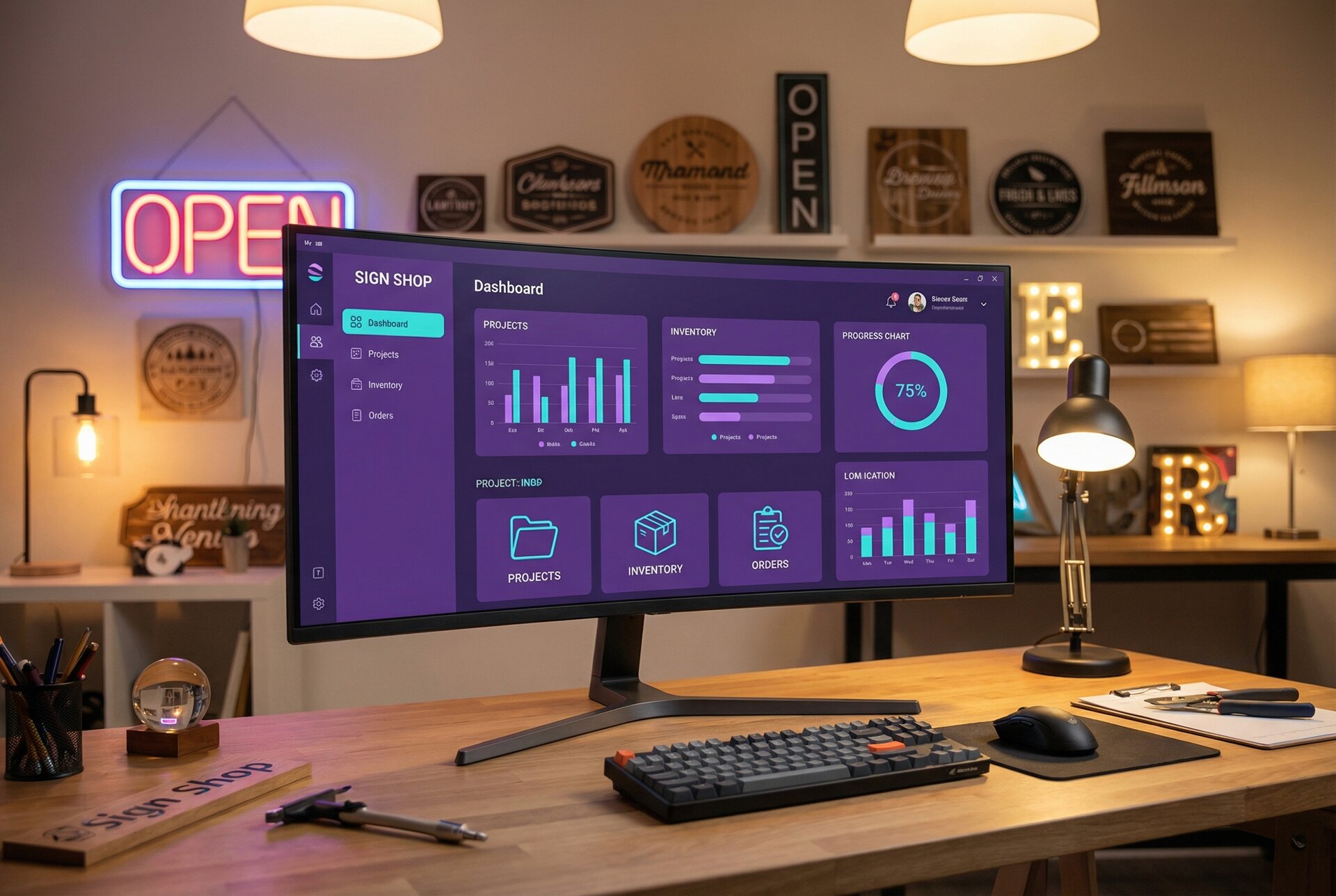
Analytics dashboard. Aggregated view of sales, production, and customer metrics.
Process refinement. Based on bottlenecks identified, add automation to address specific friction points.
Phase 4: Advanced Automation (Month 7+)
With foundations solid, explore advanced capabilities.
Possibilities:
AI-powered design assistance. Sign Customiser’s AI Sign Designer converts customer logo uploads into production-ready designs automatically.
Predictive inventory. Historical data predicts material needs; ordering happens ahead of demand.
Customer segmentation and marketing. Purchase history drives targeted campaigns automatically.
Custom integration development. Bespoke connections for your specific workflow needs.
Measuring Automation ROI
Automation investments require justification. Track these metrics to demonstrate and optimise ROI.
Time Savings Metrics
Quote time reduction. Track average time to generate quotes before and after automation. Target: 80-90% reduction for standard products.
Order processing time. From customer submission to job ticket creation. Manual: 10-30 minutes. Automated: under 1 minute.
Customer service load. Number of “where’s my order” and “what’s the status” enquiries. Should decrease 50%+ with proactive notifications.
Administrative hours per week. Total staff time on order processing, communication, and data entry. Track monthly; target 50%+ reduction.
Revenue Impact Metrics
Quote-to-close rate. Percentage of quotes that become orders. Real-time pricing typically increases conversion 20-40% by eliminating quote waiting period.
Average order value. Configurators can increase AOV through upselling options and add-ons. Track before/after implementation.
Order volume capacity. How many orders can you process with current staff? Automation increases capacity 30-50% without adding headcount.
Customer lifetime value. Better experience through automation increases repeat purchases. Track 6-12 month repurchase rates.
Cost Metrics
Error rate reduction. Track rework costs before and after automation. Manual data entry errors typically cost 3-5% of revenue.
Labour cost per order. Total labour cost divided by orders processed. Should decrease significantly with automation.
Software costs. Track total automation tool costs. Should be small fraction of savings generated.
Calculating ROI
Simple ROI calculation:
Annual time savings: X hours × hourly labour cost = $A
Error reduction: Y reworks avoided × average rework cost = $B
Revenue increase: Z additional orders × average profit per order = $C

Total benefit: $A + $B + $C
Total cost: Software subscriptions + implementation time
ROI: (Total benefit - Total cost) / Total cost × 100%
Most sign shops see 200-400% first-year ROI on automation investments, with improving returns in subsequent years as systems mature and expand.
Common Automation Pitfalls and How to Avoid Them
Automating Broken Processes
Automation amplifies what exists. If your quoting process is chaotic, automating it creates faster chaos. Before automating:
- Document current processes completely
- Identify inefficiencies and fix them first
- Design the ideal process, then automate that
Over-Automation Too Fast
Trying to automate everything at once leads to fragile systems and frustrated teams. Build incrementally:
- Start with one high-impact workflow
- Master it before adding complexity
- Let team adapt to each change before the next
Ignoring the Human Element
Automation handles routine work; humans handle exceptions and relationships. Design systems that:
- Flag unusual situations for human review
- Make it easy for staff to intervene when needed
- Preserve personal touch for high-value customers
Poor Integration Planning
Disconnected automations create new problems. Before connecting systems:
- Map how data needs to flow between tools
- Define what triggers what and when
- Plan for failures and retries
- Test thoroughly before going live
Neglecting Maintenance
Automated systems require ongoing attention. Budget time for:
- Monitoring workflow performance
- Updating integrations when platforms change
- Refining automations based on results
- Training staff on evolving systems
The Future of Sign Shop Automation
The automation tools available today would have seemed like science fiction five years ago. The next five years will bring equally dramatic advances.
AI-driven design. Customers describe what they want in natural language; AI generates design options. Sign Customiser’s AI capabilities already enable logo-to-sign conversion; expect this to expand dramatically.
Predictive operations. Systems that anticipate demand, pre-position inventory, and schedule production before orders arrive based on historical patterns and leading indicators.
Autonomous communication. AI agents that handle routine customer interactions indistinguishably from humans, escalating only truly complex issues.
End-to-end integration. Sign shop ecosystems where design, ordering, production, shipping, and customer service operate as a unified system rather than connected tools.
Early adopters of today’s automation position themselves to benefit from tomorrow’s advances. The systems you build now become the foundation for capabilities not yet invented.
Getting Started: Your First Automation This Week
Reading about automation accomplishes nothing. Action creates results.
This week, implement one automation:
If you don’t have online ordering: Set up Sign Customiser for your most popular product. One sign type, basic options, working checkout. Time required: 2-4 hours. Start with our pricing plans to choose the right tier.
If you have online ordering but manual confirmations: Set up automated order confirmation emails. Use your ecommerce platform’s built-in tools or Zapier. Time required: 1-2 hours.
If you have confirmations but manual production handoff: Create a Zapier workflow that sends order details to your production system or team. Time required: 2-3 hours.
If you have production handoff but no status updates: Implement one status notification—“Your sign has shipped.” Time required: 1-2 hours.
Each small automation builds capability and confidence for the next. A year from now, you’ll have a transformed business—but only if you start this week.
Conclusion
Sign business automation isn’t about replacing human creativity and craftsmanship with machines. It’s about eliminating the repetitive administrative work that keeps skilled people from doing what they do best.
The shop that automates quoting spends those hours on customer relationships. The team freed from order entry focuses on production quality. The owner who isn’t chasing invoices builds strategy and growth.
Your competitors are automating. Every month you delay, they compound their advantages. But automation isn’t a race—start where you are, build what you can, improve continuously.
The resources exist: Sign Customiser for customer-facing automation, webhooks for system integration, APIs for custom development. The knowledge exists—you’ve just read it.
What remains is action. Pick your first automation. Implement it this week. Then pick the next one.
Transform your sign business from chaos to calm, one automated workflow at a time.
Ready to automate your sign business? Explore Sign Customiser’s features or view pricing plans to get started. For complex integration requirements, contact our team to discuss your specific needs.