
Etsy moves 96 million active buyers through its marketplace every year. A significant chunk of them are searching for custom signs: wedding neon signs, business logos, personalised gifts. The demand is there. The question is whether your sign business can capture it.
I’ve watched sign makers struggle with Etsy for years. Some treat it like a set-and-forget side channel. They list a few products, wonder why sales trickle in, and conclude that “Etsy doesn’t work for custom products.” Others figure out the platform’s quirks, optimise their listings, and build six-figure revenue streams from Etsy alone.
The difference isn’t luck. It’s understanding how to sell custom products on a marketplace designed for handmade goods, and having the right tools to make the process efficient.
This guide covers everything you need to know about selling custom neon signs and LED signs on Etsy, from initial shop setup through scaling beyond the platform.
Why Etsy Works for Custom Sign Sellers
Etsy isn’t Amazon. That’s precisely why it works for custom sign businesses.
Buyers expect customisation. Unlike general e-commerce platforms where shoppers want identical products shipped fast, Etsy customers actively seek personalised items. They understand that custom signs take time. They’re willing to communicate about specifications. They expect to pay premium prices for handmade work.
The search algorithm rewards specialists. Etsy’s search prioritises relevance and shop authority within niches. A shop focused entirely on LED neon signs will outrank a general gift shop for neon-related searches, even with fewer total sales. This means your custom sign business can compete without massive advertising budgets.
Built-in trust infrastructure. Etsy handles payments, provides buyer protection, and manages disputes. New customers don’t need to trust your standalone website; they trust Etsy. For a custom sign business just starting online sales, this removes a significant barrier.
Lower customer acquisition costs. Etsy’s marketplace brings buyers to you. While you still need to optimise listings and potentially run ads, you’re not building traffic from zero like you would with a new Shopify store. The platform has already done the hard work of convincing people to shop there.
The catch? Etsy takes fees. Currently 6.5% transaction fee plus payment processing. For high-margin custom neon signs, this is manageable. For lower-margin products, it cuts deeply. Know your numbers before committing.
Setting Up Your Etsy Shop for Custom Products
Your Etsy shop is more than a product catalogue. It’s a storefront that needs to communicate expertise, build trust, and make customisation feel approachable rather than complicated.
Choosing Your Shop Name
Pick something that signals what you sell. “LuminousNeonCo” tells visitors you specialise in neon. “CustomSignStudio” is broader but still clear. Avoid cute names that require explanation.
Check availability across platforms before committing. You’ll eventually want matching handles on Instagram, Pinterest, and possibly your own domain.
Writing Your Shop Description
Skip the generic “welcome to my shop” opening. State what you make, who it’s for, and what makes your work different.
Weak: “Welcome to my Etsy shop! I love creating custom signs for all occasions.”
Stronger: “We manufacture LED neon signs for weddings, businesses, and home décor. Each sign is hand-bent in our UK workshop using commercial-grade LED flex neon rated for 50,000 hours. Typical turnaround is 5-7 business days.”
The second version answers questions before they’re asked. Materials, location, quality, timing. Buyers making purchasing decisions need this information.
Shop Policies That Reduce Support Burden
Custom products generate more questions than standard items. Comprehensive policies reduce back-and-forth:
Production time: Be specific. “7-10 business days production plus shipping” is clearer than “ships quickly.” Add buffer for busy periods.
Customisation process: Explain how buyers submit their requirements. Do they message you before ordering? Use a form? Enter text at checkout?
Proof approval: State whether you send design proofs before production. For signs over a certain value, proofs prevent costly remakes.
Returns and damages: Custom products typically aren’t returnable, but damaged items need clear resolution paths. Explain your process.
Shipping and packaging: Describe how you protect fragile signs during transit. This builds confidence before purchase.
Payment and Checkout Configuration
Etsy handles payment processing, but you control some checkout elements:
Personalisation fields: For simple customisation, Etsy’s built-in personalisation feature works. Buyers type their text, select options, and checkout. This works for straightforward products but lacks design preview capabilities.
Variations: Use Etsy variations for size options, colour choices, and add-ons. Price each variation appropriately.
Deposits for expensive items: Some sellers require deposits for high-value custom signs, with the balance due before shipping. This requires manual invoice handling but protects against order cancellations.
Optimising Listings for Etsy Search
Etsy’s search algorithm determines whether your custom neon signs appear when buyers search. Understanding and optimising for this algorithm is non-negotiable.
Title Structure
Etsy titles can be up to 140 characters. Use them strategically:
Front-load primary keywords. “Custom Neon Sign” should appear before “for Wedding Reception” because Etsy weights earlier words more heavily.
Include natural variations. “Custom Neon Sign, Personalised LED Neon Light, Wedding Neon Signs” captures multiple search terms without appearing spammy.
Avoid keyword stuffing. “Neon Sign Neon Signs Neon Lighting Neon Custom Neon” hurts your listing. Etsy’s algorithm penalises repetition.
Example structure:
Custom Neon Sign | Personalised LED Neon Light | Wedding Name Sign | Business Logo Neon | [Your Brand]
Tags That Actually Work
Etsy gives you 13 tags per listing. Each tag can be up to 20 characters. Use all 13.
Think like a buyer. What would someone type to find your product? “wedding neon sign,” “custom name sign,” “bar neon light,” “personalised gift for her.”
Include long-tail phrases. “neon wedding sign” is competitive. “neon wedding sign for reception” is specific and matches buyer intent.
Mix broad and specific. Some tags should catch general searches (“custom neon sign”). Others should capture specific intent (“neon bar sign custom”).
Research competitor tags. Tools like eRank and Marmalead reveal which tags successful listings use. Analyse top-performing listings in your category.
Description Optimisation
Etsy’s search algorithm reads your description, but buyers do too. Balance SEO with readability:
First paragraph matters most. Include primary keywords naturally while communicating your value proposition. This text appears in search result previews.
Structure for scanning. Use line breaks, bullet points, and clear sections. Buyers scan before reading.
Answer common questions. Size options, production time, what’s included, shipping details. Every question answered in the description is a support message avoided.
Include secondary keywords naturally. Mention “LED neon signs,” “custom led signs,” and “neon sign business” where relevant, but don’t force them.
Photography Standards
Your photos sell the product. For custom neon signs:
Show the glow. Neon signs look best photographed in low light where the LED effect is visible. Dark backgrounds with the sign illuminated demonstrate the actual product experience.
Include scale references. A sign photographed alone could be any size. Show it on a wall, next to furniture, or with dimensions overlaid.
Display customisation examples. If you offer different fonts, colours, or styles, show them. Buyers need to visualise their specific design.
Lifestyle photography converts. A neon sign photographed at an actual wedding reception converts better than the same sign on a plain background. Show the use case.
Video grabs attention. Etsy supports video listings. A short clip showing the sign’s glow, packaging, or production process adds credibility.
Using Sign Customiser Quick Links for Etsy
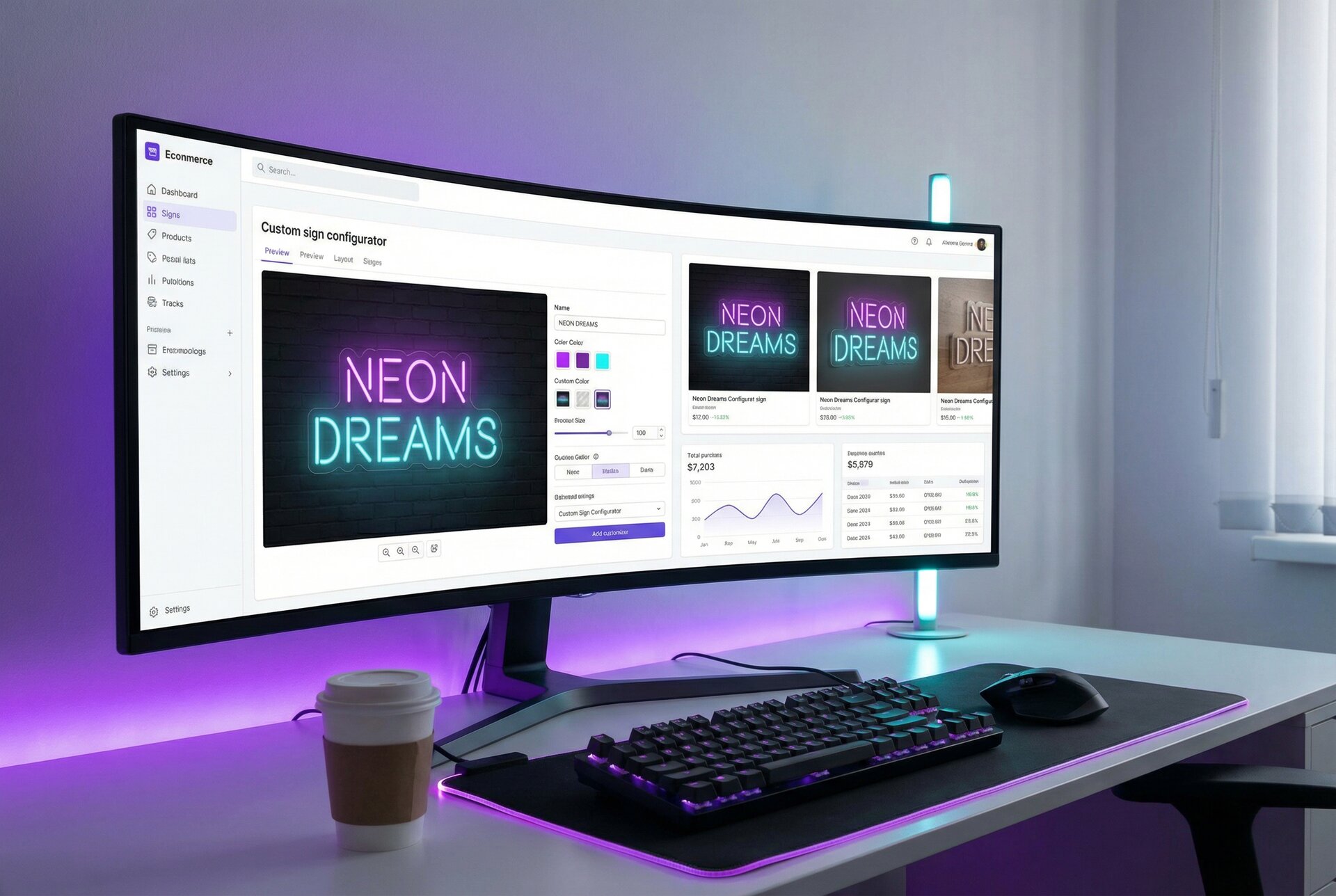
Here’s where most Etsy sign sellers hit a wall: Etsy’s built-in personalisation is basic. Buyers type text into a field. They don’t see how it looks. They can’t preview fonts or colours. They hope it turns out right.
This creates problems:
Design mismatches. Buyers imagine something different from what you produce. Disappointment follows.
Extended back-and-forth. “Can you show me what it looks like in Script font? Actually, try the other one. Can you make it a bit bigger?” Each message delays production.
Quote requests instead of purchases. For complex designs, buyers want to see before buying. Without a preview tool, they message instead of ordering. Many never convert.
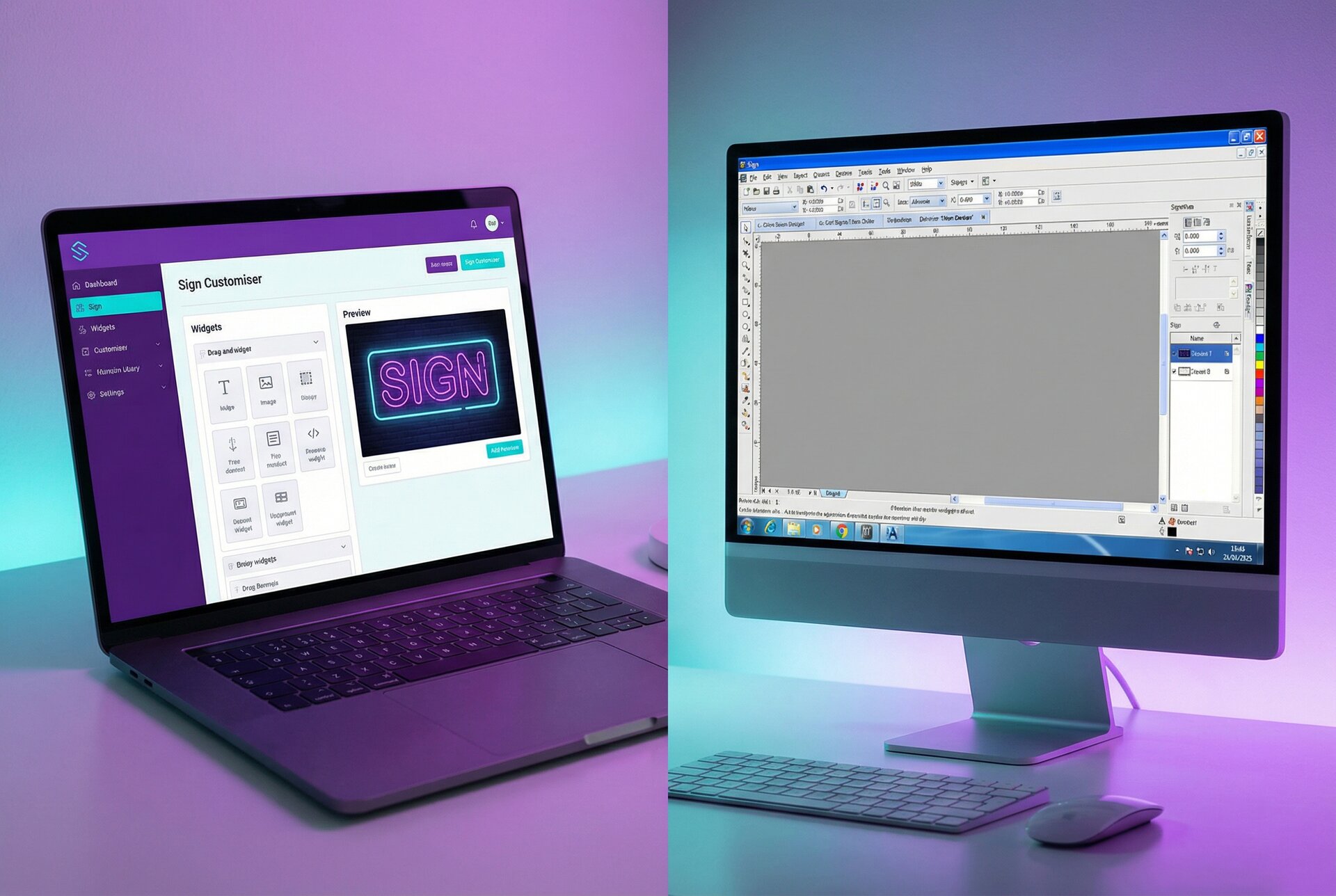
Sign Customiser solves this with Quick Links, a feature designed specifically for marketplace sellers who can’t embed a full customiser on the platform.
How Quick Links Work
Quick Links create shareable URLs that open your customiser pre-configured with specific settings. You control what options are available, which fonts appear, and how pricing calculates. The buyer sees their design in real-time and gets an exact quote.
For Etsy, the workflow looks like this:
- Buyer finds your listing and messages with their design requirements
- You create a Quick Link pre-set with their specifications
- Buyer opens the link, finalises their design with real-time preview
- They see exact pricing based on their choices
- You send a custom invoice or they return to Etsy to complete purchase
This eliminates the guesswork. Buyers know exactly what they’re getting before they pay. You spend less time on design revisions after the order is placed.
Setting Up Quick Links for Your Etsy Shop
From your Sign Customiser dashboard:
- Create a customiser configured for your Etsy products
- Set your fonts, colours, sizing options, and pricing rules
- Enable Quick Links in the customiser settings
- Create template Quick Links for common configurations
- Customise links on-the-fly for specific customer requests
For example, you might create:
- A “Wedding Neon Sign” Quick Link with script fonts and romantic colours pre-selected
- A “Business Logo” Quick Link with professional fonts and brand colour options
- A “Home Decor” Quick Link with the full range of options
Including Quick Links in Etsy Listings
You can’t embed the customiser directly on Etsy, but you can:
Add the link to your listing description. “Design your sign with our live preview tool: [link]” lets buyers explore options before messaging.
Use it in Etsy messages. When buyers enquire about custom designs, send them a Quick Link to finalise specifications.
Include in your shop announcement. Direct potential buyers to your customiser for browsing, even before they commit to a specific listing.
Add to order follow-up. After purchase, send the Quick Link for final design confirmation before production.
This hybrid approach gives you the marketplace exposure of Etsy with the customisation experience of your own website.
Multi-Channel Inventory Management
If your custom sign business sells on Etsy and other channels, you need systems that prevent overselling and duplicated effort.
The Challenge with Custom Products
Standard inventory management assumes you’re selling pre-made stock. Custom signs work differently. You’re selling production capacity, not inventory. The bottleneck is how many signs you can produce per day, not how many you have on shelves.
Managing Production Capacity
Set realistic daily/weekly limits. If you can produce 5 custom neon signs per week, don’t accept 20 orders across all channels. Etsy lets you limit listing quantities, which can approximate capacity management.
Synchronise turnaround times. If production time is 7 days, ensure that’s consistent across Etsy, your Shopify store, and any other channels. Inconsistency creates confusion and rushed jobs.
Calendar-based capacity. Some sellers block off capacity using calendar tools, then update listing availability based on their schedule. This works for highly variable production capacity.
Cross-Platform Considerations
If you’re also running a Shopify store with Sign Customiser embedded, consider how channels interact:
Pricing consistency. Etsy fees mean your Etsy prices may need to be higher than direct sales. Alternatively, you absorb the fees as a customer acquisition cost. Decide deliberately.
Branding alignment. Your Etsy shop and standalone website should feel like the same business. Consistent photography, messaging, and product naming build brand recognition.
Customer data ownership. Etsy controls customer relationships on their platform. Encourage buyers to join your mailing list for direct marketing opportunities.
Pricing Strategies for Custom Signs on Etsy
Pricing custom neon signs on Etsy requires balancing competitiveness with profitability while accounting for platform fees.
Understanding Your True Costs
Before setting prices, calculate actual costs per sign:
Materials:
- LED neon flex per metre
- Acrylic backing material
- Mounting hardware
- Power supply
- Packaging materials
Production:
- Labour time for design, bending, assembly
- Your hourly rate (don’t undervalue your expertise)
Overhead allocation:
- Workshop costs
- Equipment depreciation
- Software subscriptions
- Insurance
Platform fees:
- Etsy transaction fee: 6.5%
- Payment processing: ~3%
- Listing fee: $0.20 per listing
- Advertising (if used)
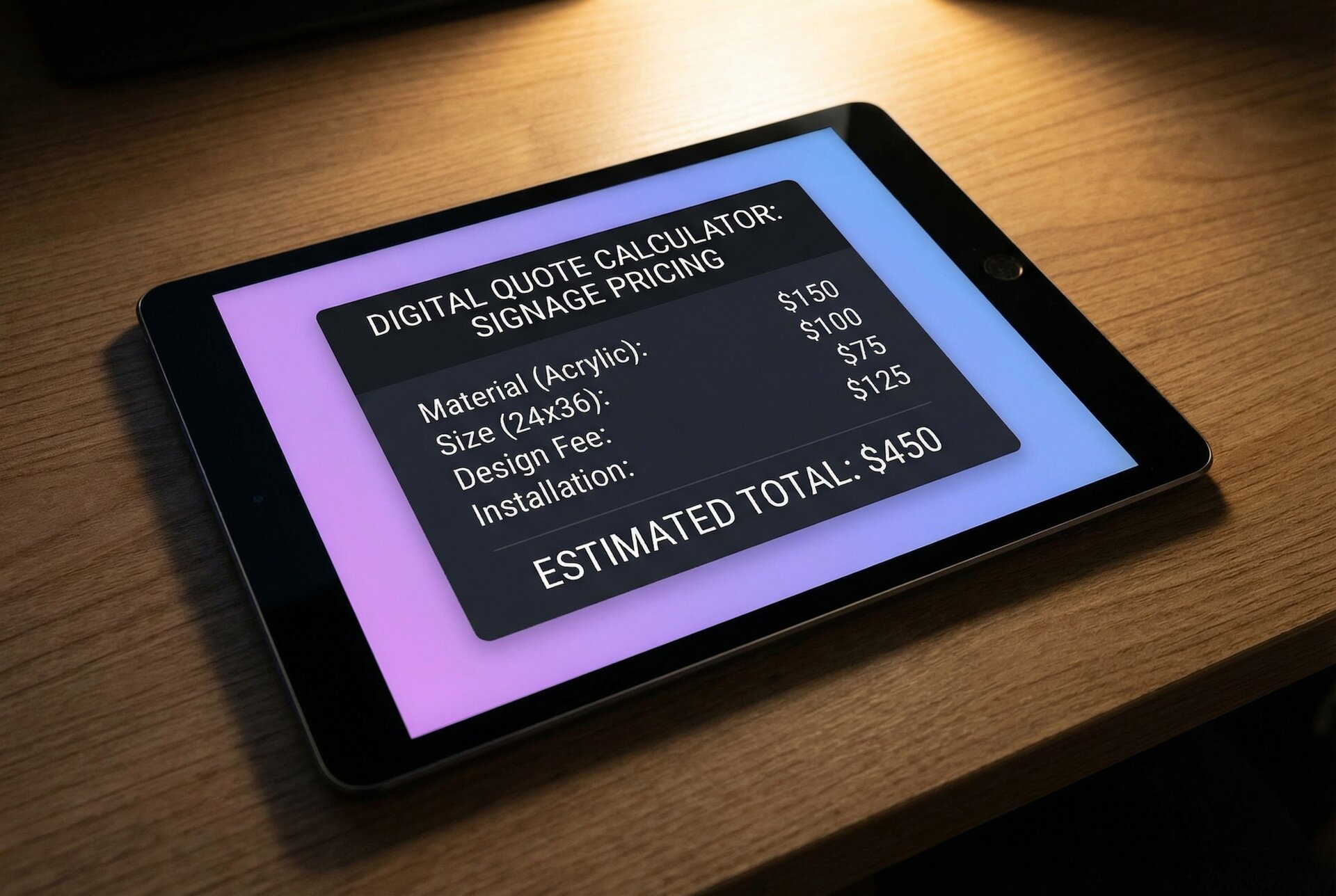
A sign with $50 in materials, 2 hours of labour at $30/hour, $10 overhead allocation, selling for $200, yields:
Revenue: $200 Materials: -$50 Labour: -$60 Overhead: -$10 Etsy fees (~10%): -$20 Net margin: $60 (30%)
Know these numbers before setting prices.
Competitive Pricing Analysis
Research existing Etsy custom signs listings in your category:
Sort by bestseller. What price points have high sales velocity? This indicates market acceptance.
Analyse premium listings. What justifies higher prices? Better photography, more customisation options, faster shipping, established reputation.
Identify underserved niches. Perhaps everyone offers script fonts, but few offer bold minimalist options. Differentiation can command premium pricing.
Value-Based Pricing
Custom signs are emotional purchases. A wedding neon sign isn’t competing against commodity products; it’s part of a couple’s special day. Price accordingly.
Anchor to alternatives. A custom neon sign at $200 seems reasonable when professional event décor rental costs $500+ for the day.
Bundle value. Include design consultation, free colour samples, or rush production as perceived value adds that justify higher prices.
Segment your offering. Entry-level options for price-sensitive buyers, premium options for those wanting the best. Capture both segments.
Dynamic Pricing with Sign Customiser
If you’re using Quick Links to let buyers design their signs, your pricing model calculates automatically based on actual specifications.
For material-length pricing, the system measures actual letter dimensions using font path data. A “Welcome” sign in a thin sans-serif font uses less LED flex than the same word in a thick script font. Pricing reflects this accurately.
This transparency builds trust. Buyers see prices update as they adjust their design. No hidden fees, no surprise quotes. The price they see is the price they pay.
Shipping Configuration for Fragile Signage
Custom neon signs are fragile. Poor packaging creates damaged products, negative reviews, and replacement costs that destroy margins. This section is worth getting right.
Packaging Materials
Inner protection:
- Foam padding around the sign itself
- Bubble wrap for additional cushioning
- Corner protectors for acrylic backing
Outer box:
- Corrugated cardboard rated for shipping weight
- Oversized to allow cushioning space
- Double-walled for heavy signs
Internal bracing:
- Custom foam inserts for repeat products
- Crumpled paper or air pillows for one-offs
- Ensure the sign cannot shift during transit
Testing Your Packaging
Before shipping to customers, test your packaging:
- Package a sign as you normally would
- Drop the box from waist height onto concrete
- Open and inspect for damage
- Repeat from different angles
If your test sign survives rough handling, your packaging is adequate. If not, improve before sending to customers.
Shipping Options and Pricing
Calculate dimensional weight. Neon signs are often light but bulky. Carriers charge based on dimensional weight (size) rather than actual weight for large packages. Factor this into shipping costs.
Offer shipping upgrades. Some buyers want economy shipping; others pay for express. Let them choose.
Consider insurance. For high-value signs, shipping insurance protects against loss or damage claims. Build this into your pricing or offer as an optional upgrade.
Signature requirement. For expensive items, require signature confirmation. This prevents “package not received” disputes.
International Shipping Considerations
Etsy attracts international buyers. Decide whether to offer international shipping:
Customs declarations. Describe products accurately. “LED decorative sign” not “electronics” to avoid incorrect duty classifications.
Delivery timeframes. International shipping takes longer and is less predictable. Set expectations clearly in listings.
Returns complexity. International returns are expensive and complicated. Your policy should address this specifically.
Restricted destinations. Some countries have import restrictions on electrical items. Research before accepting orders.
Customer Communication Workflows
Custom products require more communication than standard items. Efficient workflows prevent bottlenecks.
Pre-Purchase Communication
Template responses. Create saved replies for common enquiries:
- “Here’s our turnaround time and process…”
- “Yes, we can create custom logos. Here’s how it works…”
- “Our Quick Link lets you preview your design: [link]”
Response time expectations. Etsy promotes shops that respond within 24 hours. Set up mobile notifications to maintain quick response times.
Qualifying questions. Before investing time in custom quotes, ensure the buyer is serious. “What’s your budget?” and “When do you need this by?” filter tyre-kickers.
Order Confirmation Process
When an order is placed:
- Acknowledge immediately. “Thanks for your order! I’ll send a design proof within 24 hours.”
- Clarify any ambiguities. If their customisation text is unclear, ask before producing.
- Send proof for approval. For signs over $100, always send a preview before production.
- Confirm production start. “Your design is approved and in production. Expected completion: [date]“
Managing Revisions
Design revisions can spiral. Set boundaries:
State revision limits upfront. “Includes 2 rounds of revisions. Additional revisions $15 each.”
Get written approval. “Please reply ‘approved’ to confirm this design before I begin production.”
Charge for scope changes. Adding text, changing colours after approval, or resizing are new work. Price accordingly.
Post-Sale Follow-Up
After delivery:
- Check satisfaction. “Hope your sign arrived safely. How does it look in place?”
- Request review. “If you’re happy with your purchase, a review would really help other buyers find us.”
- Encourage sharing. “We’d love to see photos of your sign installed!”
- Invite return business. “Save 10% on your next order: [code]“
Review Generation Strategies
Reviews are currency on Etsy. They influence search ranking, buyer confidence, and conversion rates. Actively generating reviews should be part of your process.
The Timing Factor
Request reviews when customers are most delighted. This is typically:
- Right after they’ve installed their sign
- When they’ve received compliments on it
- During the event it was made for (weddings, parties)
Not:
- Immediately after delivery (they haven’t experienced it yet)
- Weeks later (the moment has passed)
Making Review Requests Easy
Include physical insert. A card in the package: “Love your sign? A review helps our small business grow. Scan this QR code to leave feedback.”
Follow up via Etsy messages. A personal message feels more compelling than an automated request.
Be specific. “Would you mind sharing what the sign looked like at your wedding?” prompts more detailed, helpful reviews than “Please leave a review.”
Handling Negative Reviews
Negative reviews happen. Your response matters more than the review itself:
Respond publicly and professionally. “I’m sorry the sign didn’t meet expectations. Please message me and I’ll make this right.”
Resolve the issue privately. Offer replacement, refund, or discount on future order. Most buyers will update their review after a positive resolution.
Learn from patterns. If multiple reviews mention the same issue, fix the underlying problem rather than just managing complaints.
Photo Reviews
Reviews with photos carry more weight. Encourage customers to include installation photos:
“If you could include a photo of the sign in place, it really helps future buyers visualise what they’ll receive.”
These photos become social proof and can be repurposed (with permission) for your listing photography.
Scaling Beyond Etsy
Etsy is an excellent starting point, but building your custom sign business solely on a platform you don’t control has risks. Algorithm changes, fee increases, or policy shifts can impact your business overnight.
When to Consider Your Own Website
Signs you’re ready to expand:
- Consistent monthly sales on Etsy
- Repeat customers who’d buy directly
- Brand recognition beyond the Etsy platform
- Products that benefit from deeper customisation tools
The Multi-Channel Approach
Rather than abandoning Etsy, add channels. For a detailed breakdown of platform options, see our ecommerce platform comparison for sign businesses.
Shopify store with Sign Customiser. Full customisation experience, no transaction fees beyond payment processing. See our Shopify setup guide for implementation details.
WooCommerce for WordPress users. Similar benefits to Shopify with different ecosystem. Our WooCommerce tutorial covers the setup process.
Direct B2B sales. Businesses ordering multiple signs or repeat orders often prefer direct relationships. A professional website enables this.
Driving Traffic to Your Own Platform
Include website on Etsy packaging. Buyers who love their sign may order directly next time.
Email list building. Capture emails for direct marketing. “Join our list for exclusive designs and early access to sales.”
Content marketing. Blog posts about LED neon signs, installation guides, and design inspiration attract organic traffic.
Social media presence. Instagram is particularly effective for visual products like neon signs. Pinterest drives purchase-intent traffic.
Maintaining Etsy Presence
Don’t abandon Etsy entirely. It continues to:
- Introduce new customers to your brand
- Provide social proof through reviews
- Capture searches you might not rank for on your own site
- Offer a lower-commitment entry point for hesitant buyers
The goal is reducing dependence on any single platform, not eliminating valuable channels.
Frequently Asked Questions
Moving Forward
Selling custom neon signs on Etsy is viable, profitable, and scalable when approached strategically. The platform provides built-in traffic and trust. Your job is to optimise listings for discoverability, streamline the customisation process, and deliver quality products that generate reviews.
Start with the fundamentals: a well-configured shop, optimised listings, and clear communication workflows. Add Sign Customiser Quick Links to solve the preview problem that plagues most custom product sellers. Build your review base systematically.
As you grow, expand beyond Etsy while maintaining your marketplace presence. Multiple channels reduce platform dependency and capture customers at different stages of their buying journey.
The sign businesses thriving on Etsy aren’t necessarily the most talented craftspeople. They’re the ones who understand the platform, optimise their processes, and treat their Etsy shop as a serious sales channel rather than an afterthought.
For detailed guidance on setting up a full e-commerce experience with live design preview, explore our platform guides for Shopify and WooCommerce. Questions about implementing Quick Links for your Etsy shop? Contact [email protected].