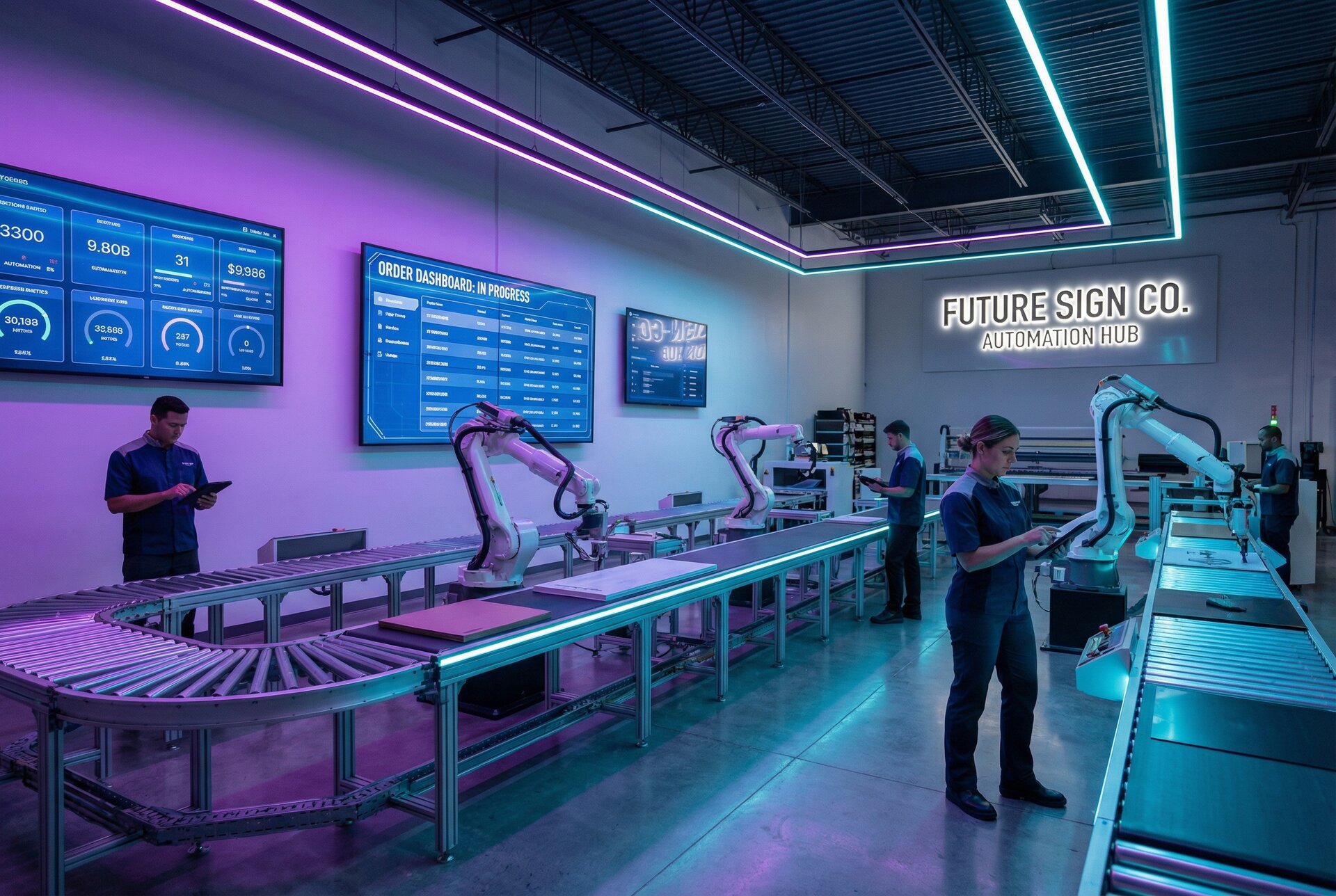

Running a sign shop without proper management software is like navigating without a map. You might reach your destination eventually, but you’ll waste time, miss opportunities, and exhaust yourself along the way.
Sign shop management software brings order to the chaos of custom manufacturing. It tracks jobs from initial enquiry through production and delivery. It generates accurate quotes in minutes instead of hours. It keeps customers informed without manual follow-up. And it provides the visibility you need to identify bottlenecks, manage capacity, and grow profitably.
This guide walks through everything you need to evaluate sign shop management software for your business. We’ll cover what these systems do, the key features to compare, important decisions like cloud versus desktop deployment, and how different tools fit various business models. By the end, you’ll have a clear framework for choosing software that matches your operation.
What Is Sign Shop Management Software?
Sign shop management software is purpose-built technology that helps sign businesses run their operations more efficiently. Unlike generic business software, these tools understand the unique challenges of custom sign production: variable pricing based on materials and dimensions, complex production workflows, the need for design proofs and approvals, and the coordination required between sales, design, and production teams.
At its core, sign shop management software centralises information that would otherwise scatter across spreadsheets, email threads, sticky notes, and people’s memories. Customer details, job specifications, pricing calculations, production status, and communication history all live in one accessible system.
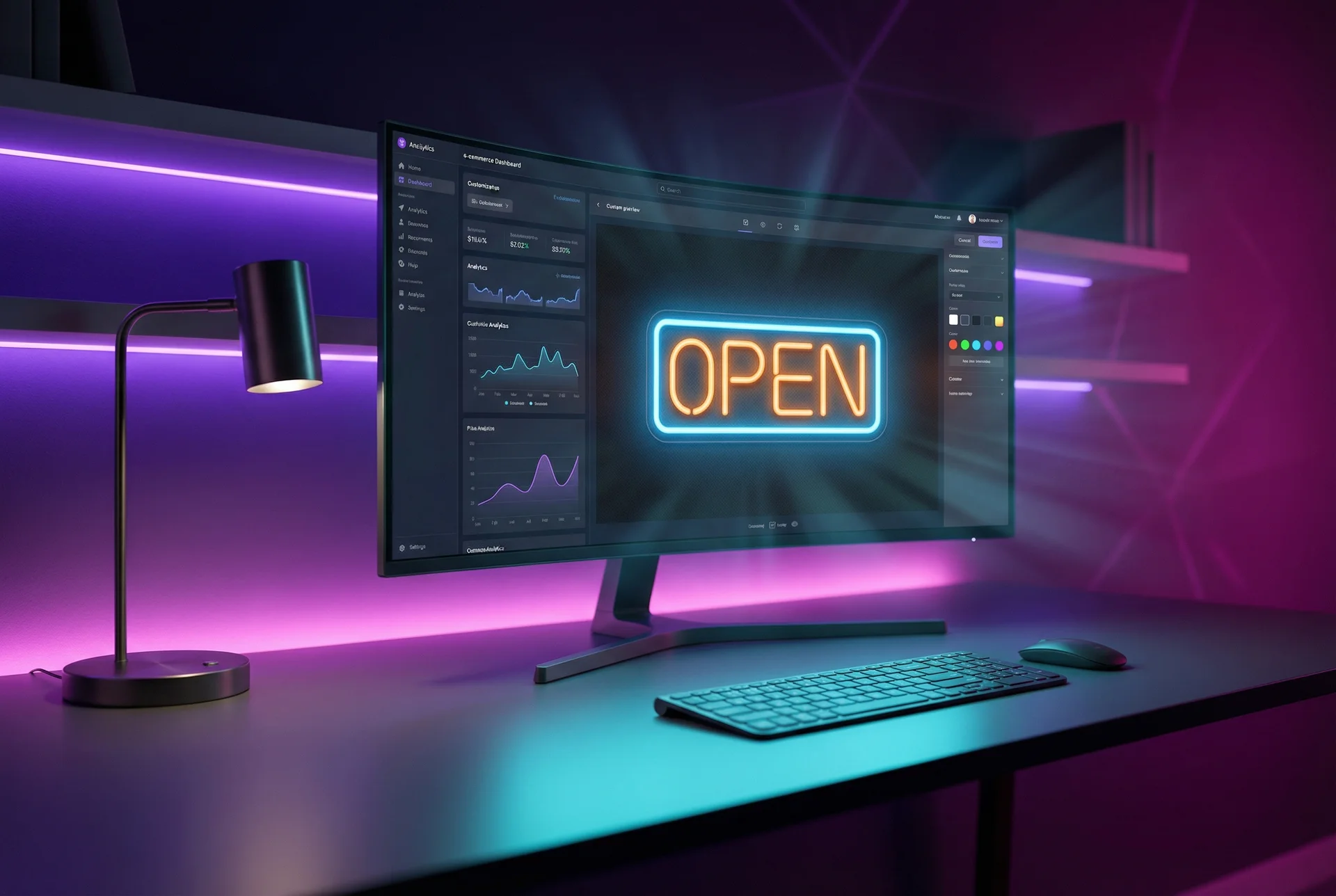
The best sign shop software does more than store information—it automates the repetitive tasks that consume hours each week. Quote calculations happen automatically based on your pricing rules. Status updates send to customers without manual intervention. Production schedules update as jobs complete. Reports generate without pulling data from multiple sources.
This category includes tools ranging from simple quoting software to comprehensive enterprise resource planning (ERP) systems. The right choice depends on your business size, complexity, and specific needs. A solo operator has different requirements than a 30-person shop with multiple departments.
Key Features to Evaluate
When comparing sign shop software options, these features determine how well the tool will serve your business.
Quote Generation
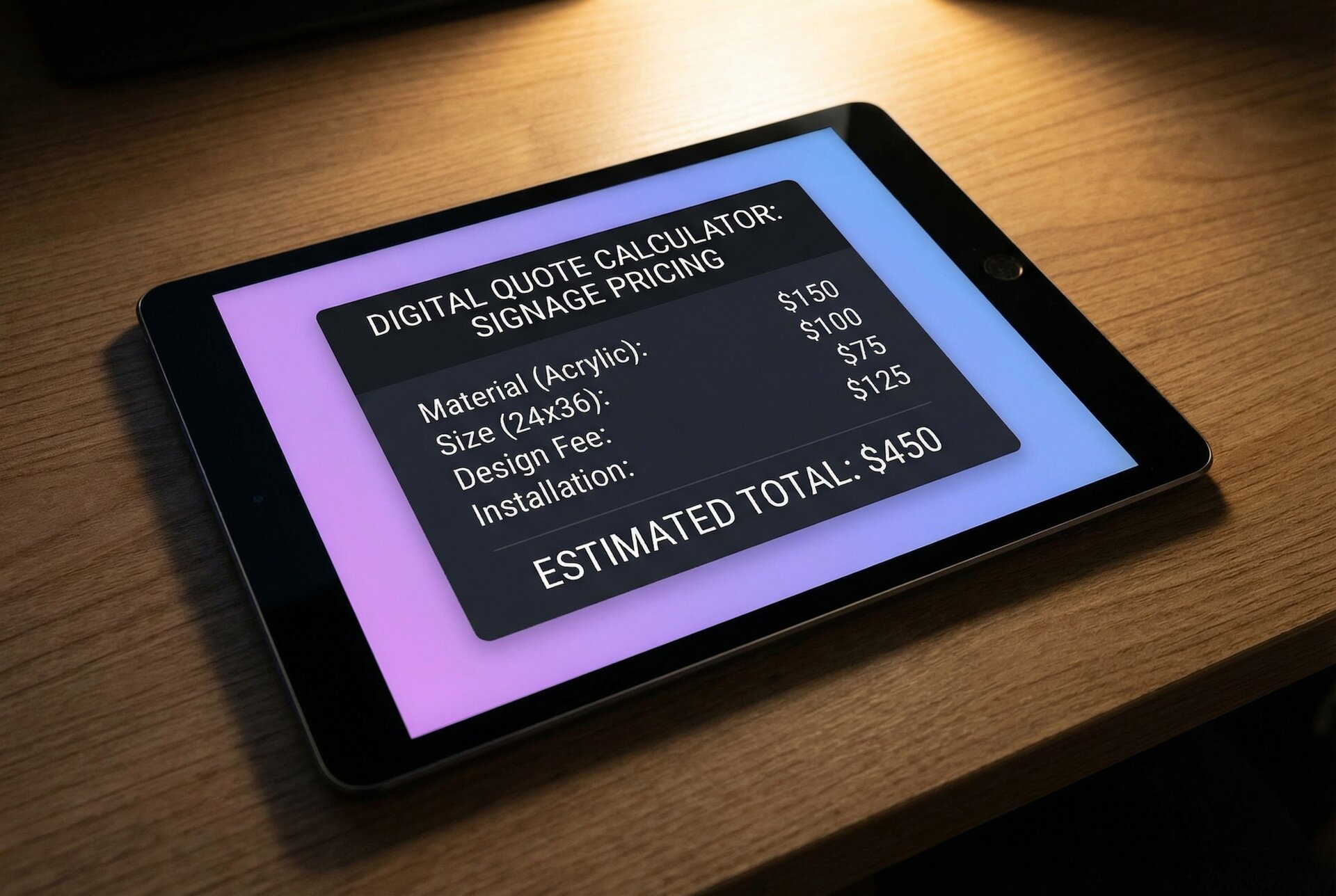
Quoting is where sign shops either win or lose money. Underquote and you sacrifice margin. Overquote and you lose the job. Take too long to quote and customers go elsewhere.
Essential quoting capabilities:
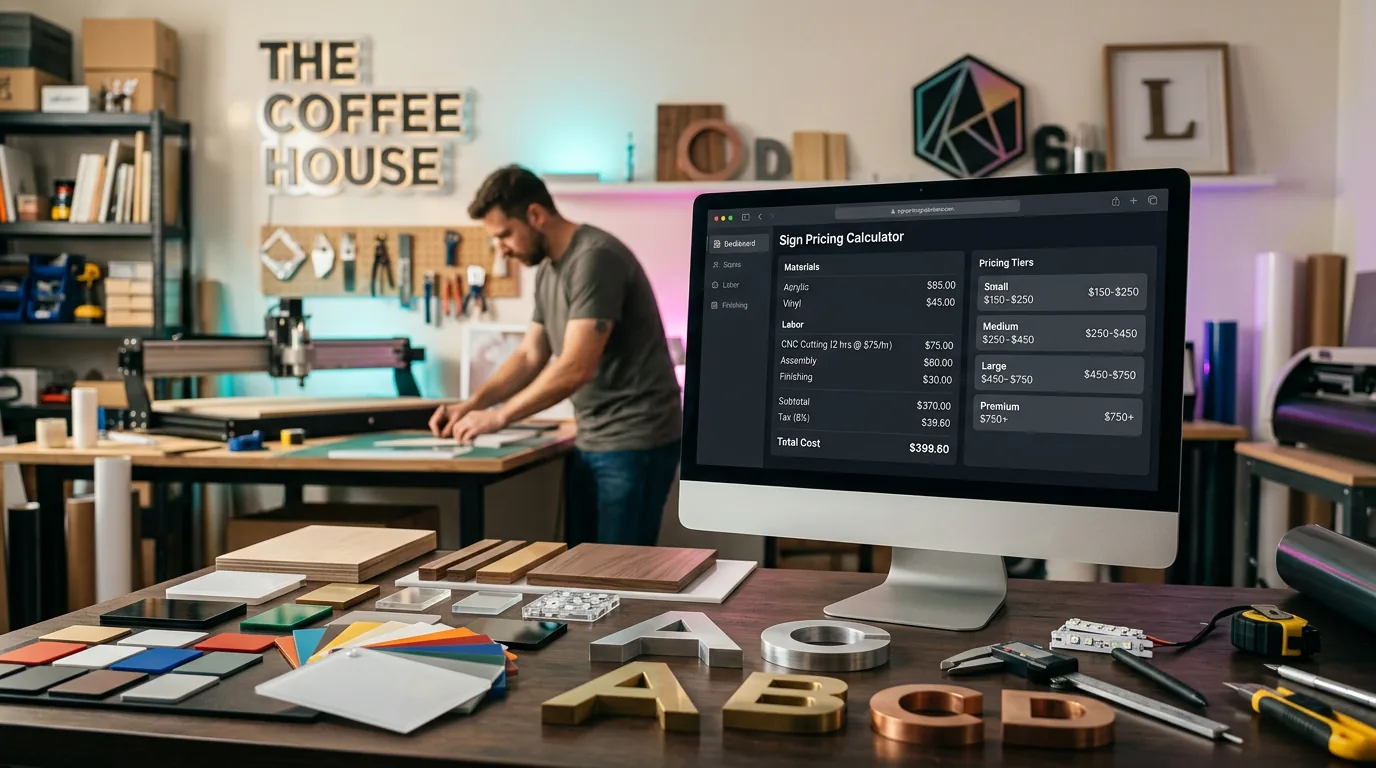
Sign-specific pricing models. Generic business software assumes simple price × quantity calculations. Sign pricing is more complex. You need software that handles:
- Per-character pricing for letter signs
- Area-based pricing for flat signs and banners
- Material-specific rates for different substrates
- Size tier pricing with appropriate breakpoints
- Complexity factors for intricate designs or difficult installations
Dynamic calculations. When material costs change, your quotes should reflect current pricing automatically. Good software maintains a database of material costs and applies them to new quotes without manual adjustment.
Template systems. For common sign types, you shouldn’t build quotes from scratch each time. Templates with preset materials, labour rates, and markup let you generate accurate quotes in minutes.
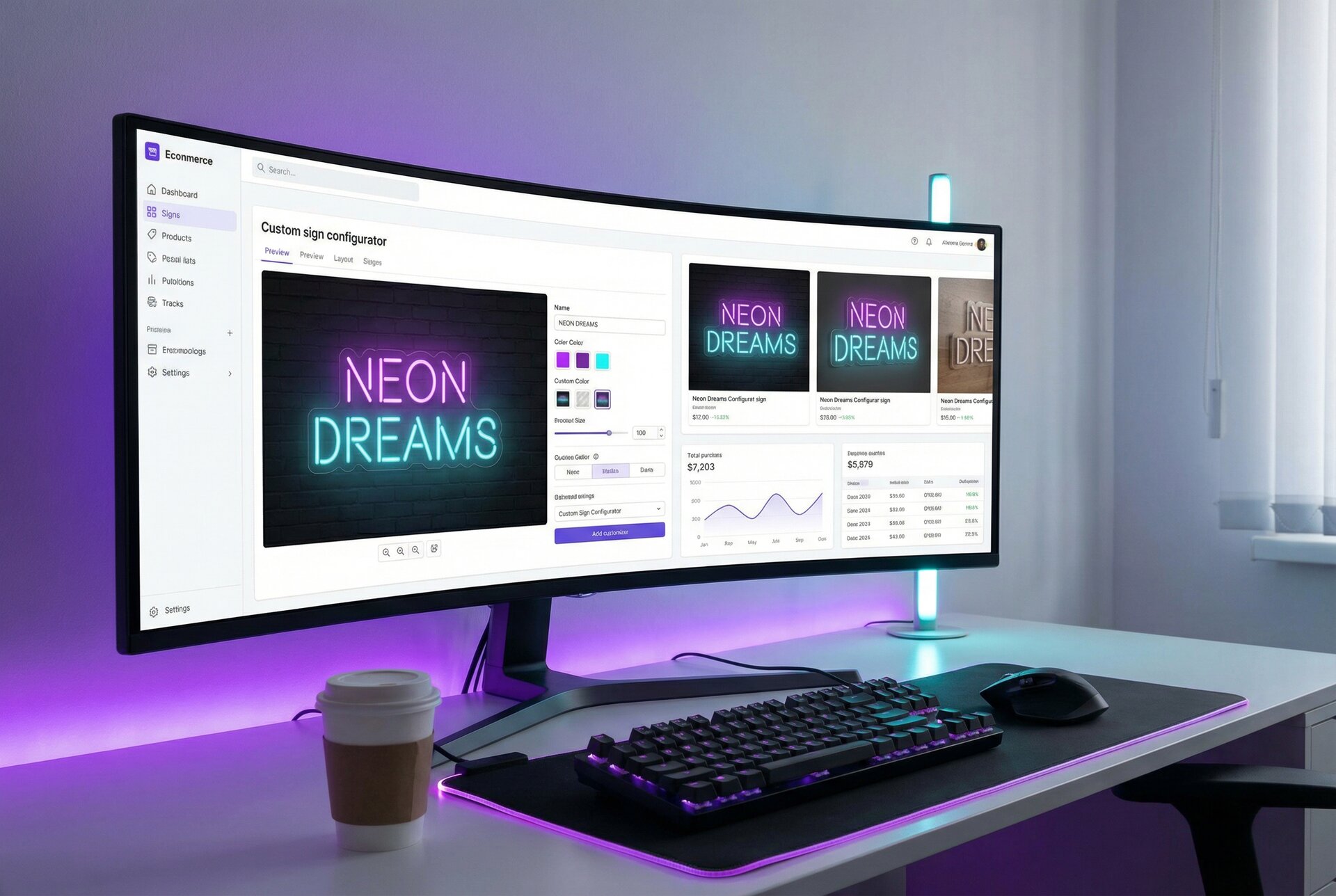
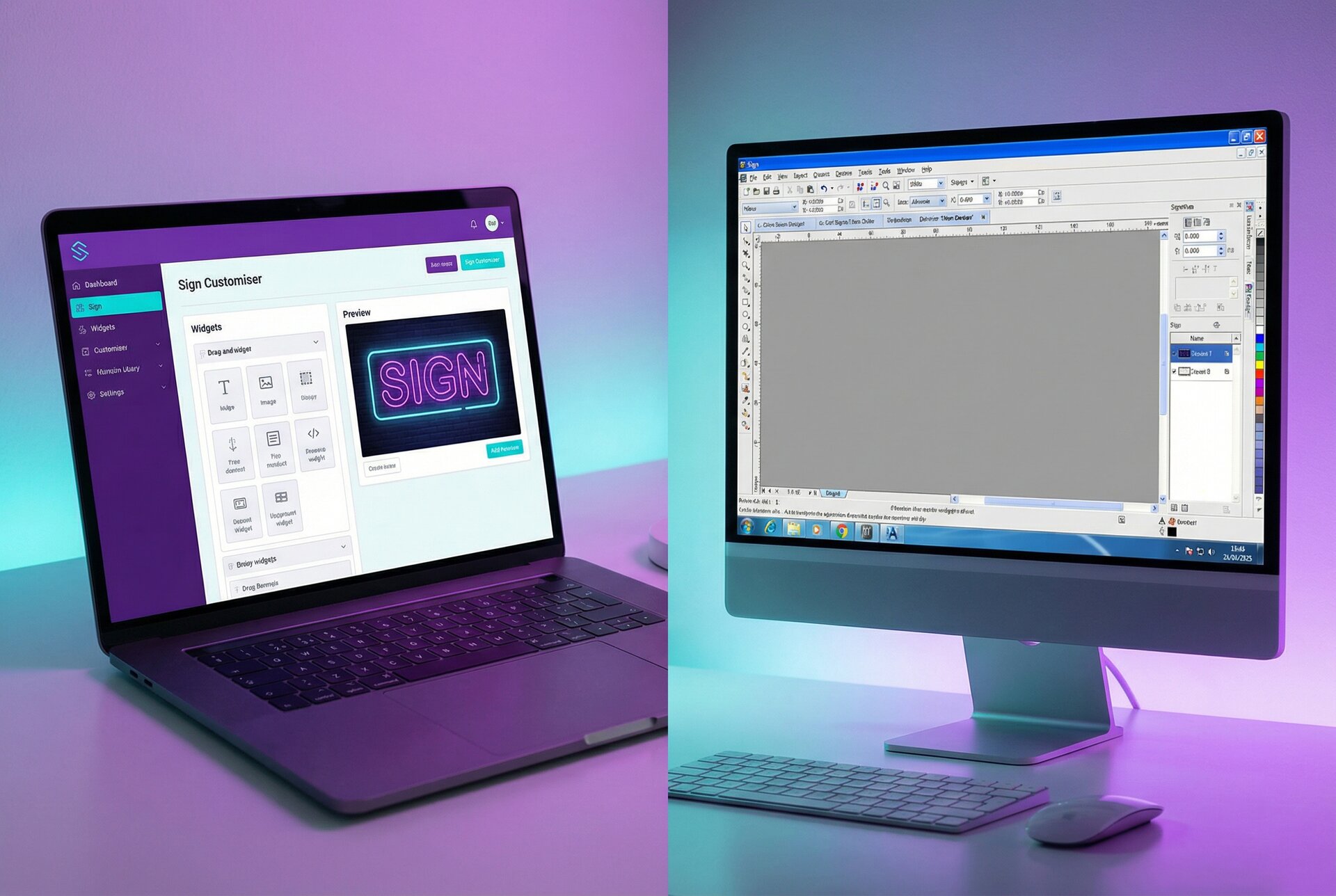
Customer-facing pricing. Some businesses benefit from letting customers see pricing as they design. Sign Customiser specialises in this approach—customers configure their sign and see real-time pricing without waiting for a manual quote. This works particularly well for standardised products sold online.
For a deeper comparison of quoting tools specifically, see our guide to the best sign estimating software.
Order Management
Once a quote converts to an order, you need systems to track it through completion.
Order capture and specification. The order record should include everything production needs: customer details, sign specifications, materials, colours, dimensions, mounting requirements, delivery information, and any special instructions. Manual re-entry from quotes to orders creates errors; good software flows information automatically.
Status tracking. Every stakeholder—internal team and customers—should know where orders stand. Common statuses include: pending approval, proof sent, proof approved, in production, quality check, ready to ship, delivered. Your software should make status updates simple and visible.
Document management. Orders accumulate documents: quotes, proofs, production files, photos, shipping labels. Attaching these to the order record keeps everything findable without digging through email or shared drives.
Revision handling. Customers change their minds. Orders get modified. Good software tracks revisions, maintains audit trails, and updates downstream information when orders change.
Production Tracking
For shops with dedicated production teams, tracking job status through manufacturing is essential.
Job scheduling. Software should help allocate work across machines and people. Visual scheduling (often calendar or Gantt-style views) shows capacity at a glance and highlights conflicts.
Progress tracking. As jobs move through production stages—design, cutting, fabrication, finishing, wiring, assembly—the system should track progress. This visibility helps identify bottlenecks and predict delivery dates accurately.
Time tracking. Recording actual time against estimates improves future quoting accuracy. If your channel letter jobs consistently take 20% longer than quoted, you need to know that.
Quality checkpoints. Built-in quality gates ensure jobs don’t advance before critical checks happen. A sign shouldn’t ship before electrical testing, for example.
Customer Communication
Keeping customers informed without consuming staff time requires automation.
Automated notifications. Status changes should trigger customer emails automatically. Order received, proof ready, production started, shipped—customers want to know without having to ask.
Proof management. Digital proofing with online approval streamlines a common bottleneck. Customers view proofs in their browser and click to approve. The system tracks when proofs were sent, viewed, and approved.
Communication history. Every interaction—emails, calls, notes—attached to the customer and order record. When a customer calls, staff see the full context instantly.
Portal access. Some systems offer customer portals where clients can view order status, download files, and access history without contacting your team.
Ecommerce Integration
For shops selling online, software should connect to your ecommerce platform.
Native integrations. The best connections are built directly between platforms. Sign Customiser’s native Shopify integration means orders from your Shopify store flow into your workflow automatically, complete with specifications and production files.
Connector platforms. Zapier, Make (Integromat), and similar tools bridge systems that don’t have native integrations. These add cost and complexity but expand compatibility.
Data synchronisation. Products, inventory, pricing, and order status should stay synchronised between systems. Manual reconciliation defeats the purpose of integration.
Payment handling. Ecommerce orders typically include payment at checkout. Your workflow should accommodate this versus traditional quote-then-invoice processes.
Cloud vs Desktop Solutions
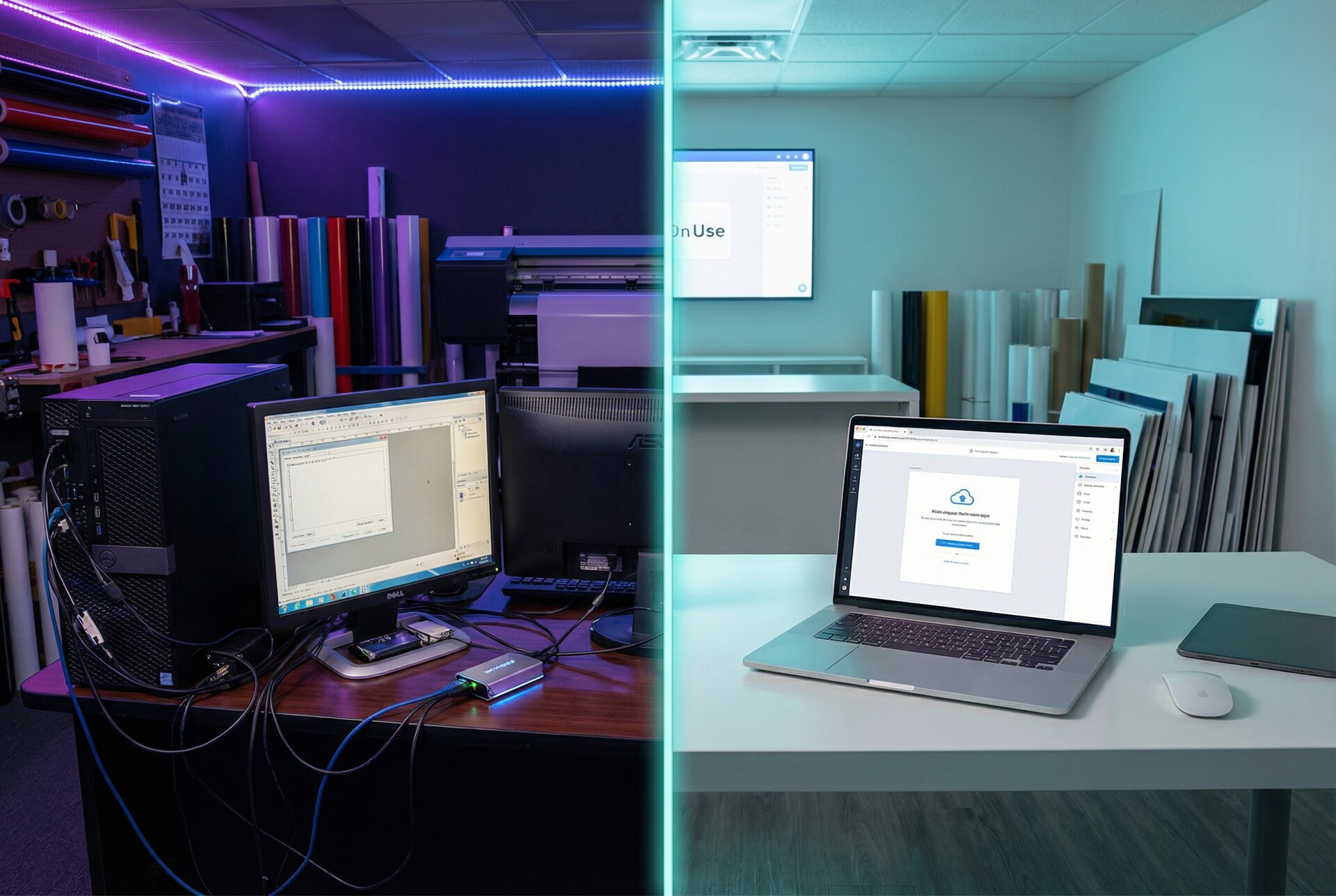
One of the first decisions when evaluating sign shop software is deployment model: cloud-based or desktop-installed.
Cloud-Based Software
Cloud software runs on remote servers and accessed through web browsers. You don’t install anything locally—just log in from any internet-connected device.
Advantages:
Access anywhere. Check job status from home, update orders from a job site, review reports while travelling. Any device with a browser works.
Automatic updates. The vendor updates software on their servers. You get new features and security patches without installation or downtime.
Reduced IT burden. No servers to maintain, no backups to manage, no software conflicts to troubleshoot. The vendor handles infrastructure.
Easier collaboration. Multiple users access the same data simultaneously without sync issues. Everyone sees current information.
Lower upfront cost. Typically subscription pricing without large initial purchase. Easier to budget as a monthly expense.
Disadvantages:
Internet dependency. No internet means no access. For shops in areas with unreliable connectivity, this creates risk.
Ongoing costs. Subscription fees continue indefinitely. Over many years, total cost may exceed one-time purchase software.
Data location. Your business data lives on someone else’s servers. This raises questions about privacy, security, and what happens if the vendor goes out of business.
Performance for large files. Uploading and downloading large design files over internet connections can be slower than local access.
Desktop Software
Desktop software installs directly on computers in your shop. Data typically stores locally or on your own servers.
Advantages:
Works offline. No internet required for core functions. Useful for shops with unreliable connectivity.
Performance. Local data access is faster than internet transfer for large files.
One-time purchase. Some desktop software uses perpetual licensing—pay once, use indefinitely (though upgrades may cost extra).
Data control. You control where data lives and who has access. Important for businesses with strict data requirements.
Disadvantages:
Limited access. Generally only available on installed computers. Remote access requires additional configuration.
Maintenance burden. You’re responsible for updates, backups, and troubleshooting. Requires IT capability.
Upgrade challenges. Moving to new versions can require migration projects. Multi-user sync can create conflicts.
Higher upfront cost. Often requires larger initial purchase plus ongoing maintenance fees.
Making the Choice
For most modern sign shops, cloud-based software offers compelling advantages. The flexibility, reduced maintenance, and anywhere-access match how businesses operate today. Internet reliability has improved dramatically, and most quality vendors address security concerns adequately.
Desktop software makes sense when:
- Internet connectivity is genuinely unreliable
- Data sovereignty requirements mandate local storage
- Very large file handling dominates your workflow
- You have IT resources to manage infrastructure
For shops selling online—especially through platforms like Shopify—cloud-based tools integrate more easily with your ecommerce stack.
Integration Requirements
No single tool does everything well. Successful sign shops connect specialised tools for a complete system.
Common Integration Points
Ecommerce platforms. Shopify, WooCommerce, BigCommerce, or your own website need to connect with order management. Sign Customiser integrates with Shopify for seamless customer-facing configuration and ordering.
Accounting software. QuickBooks, Xero, MYOB, or your accounting system should receive invoice data without manual entry. Some sign shop software includes basic invoicing; others integrate with dedicated accounting tools.
Design software. Adobe Illustrator, CorelDRAW, and other design tools produce files that flow into production. Integration might mean automatic file attachment or direct export to production systems.
Production equipment. CNC routers, printers, and cutters may connect directly to receive production files and report status.
Communication tools. Email platforms, SMS services, and customer service tools benefit from integration to maintain communication history and enable automation.
CRM systems. For shops with significant sales operations, customer relationship management tools like HubSpot or Salesforce may need connection.
Integration Methods
Native integrations. Built-in connections between specific platforms. Most reliable and easiest to set up. Check what’s available before choosing software.
API connections. Application Programming Interfaces allow custom connections between systems. Requires development resources but enables any integration technically possible. Sign Customiser’s webhook system enables real-time data flow to connected systems.
Connector platforms. Zapier, Make, Workato, and similar tools provide pre-built connections between thousands of applications. Lower technical barrier than custom API work, but ongoing costs and potential reliability concerns.
File-based integration. Export from one system, import to another. Manual but sometimes necessary for systems without modern integration options.
Planning Your Integration Stack
Before choosing software, map your integration needs:
- List all systems currently in use or planned
- Identify data flows between systems (what information moves where)
- Prioritise integrations by frequency and importance
- Check availability of integrations for software you’re considering
- Estimate costs including connector platform subscriptions and development
The software with the best features becomes problematic if it can’t connect to your other systems. Integration capability should be a primary selection criterion, not an afterthought.
For comprehensive guidance on connecting systems, our article on automating your sign business covers integration strategies in depth.
How Sign Customiser Fits Your Workflow
Sign Customiser takes a specific approach to sign shop management: focusing on the customer-facing experience and automating the quote-to-order process.
Customer-Facing Configuration
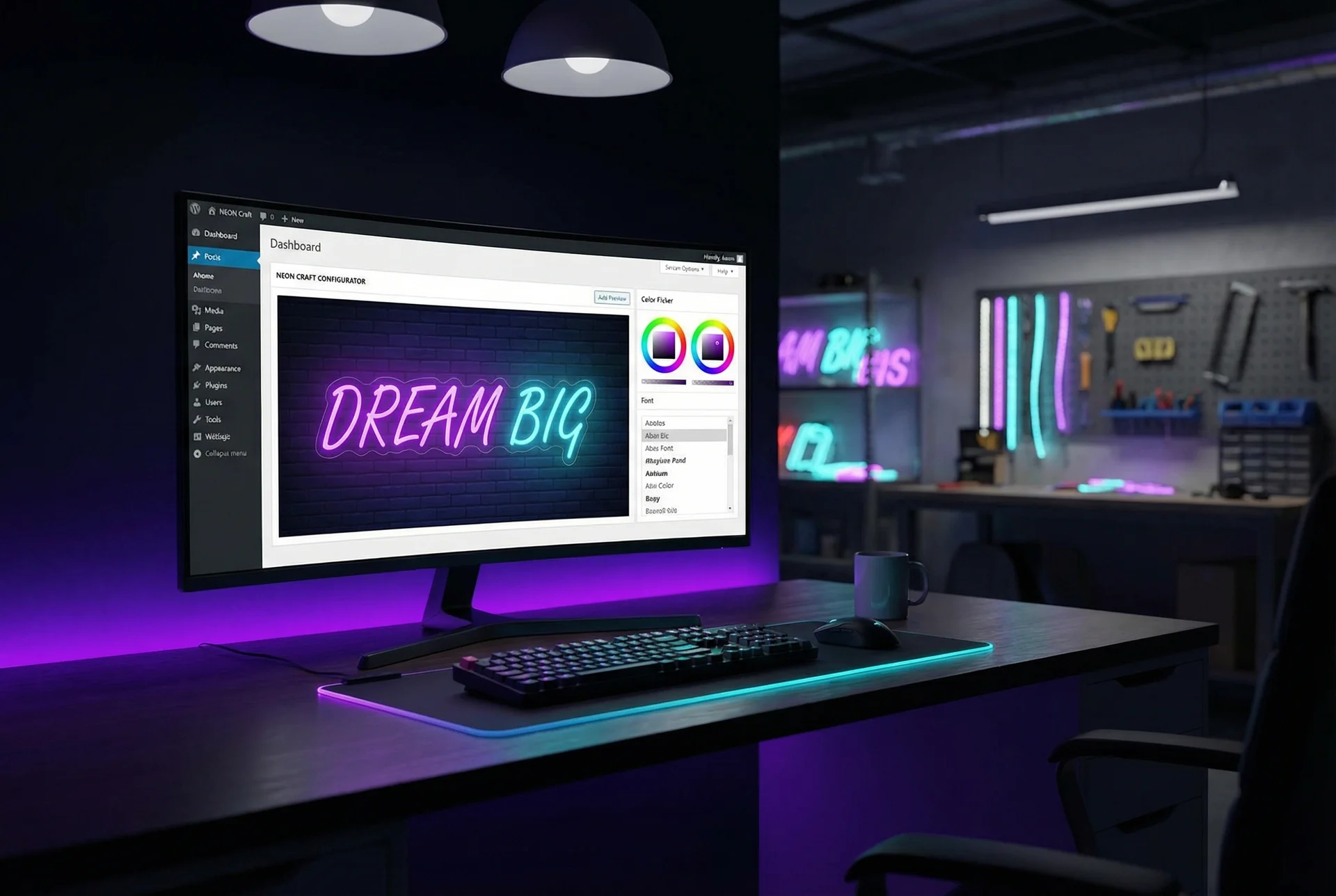
Rather than generating quotes internally that sales staff send to customers, Sign Customiser puts pricing in customers’ hands. They visit your website, design their sign, and see pricing update in real-time as they make choices.
The customer journey:
- Customer selects sign type
- Customer enters text and chooses fonts
- Customer selects colours, materials, and options
- Price displays and updates with each choice
- Customer adds configured sign to cart
- Customer completes checkout
- You receive a complete order with specifications
Benefits of this approach:
- Zero quote time for standard products—customers self-serve
- Instant pricing improves conversion by eliminating wait-for-quote friction
- Accurate specifications because customers configure exactly what they want
- Production-ready files generated automatically from customer designs
Pricing Model Flexibility
Sign Customiser supports the pricing models sign shops actually use:
Fixed width pricing. Character counts within size tiers. A 12-character sign in “medium” costs one price; 18 characters in “large” costs another. The system handles tier breaks automatically.
Material length pricing. For neon and LED signs where material usage depends on font complexity. Script fonts use more tubing than block letters at the same width—pricing reflects this precisely.
Frame-fit pricing. Area-based calculations for framed or backed signs. Customer sets dimensions; pricing calculates from total area plus content costs.
Per-letter pricing. Channel letters and dimensional signs often price per letter with size variations. Clear presentation shows customers the pricing structure.
Integration Capabilities
Sign Customiser connects to your broader workflow:
Shopify integration. Native Shopify app embeds the configurator in your store. Orders flow into Shopify as normal orders with full specifications attached.
WooCommerce embedding. For WordPress/WooCommerce stores, embed the configurator similarly.
Webhooks. Real-time event notifications let you trigger actions in other systems. Order placed? Webhook fires to your production system. Design saved? Notify your CRM. See webhook documentation for implementation details.
API access. Full API enables custom integrations for shops with development resources or specific requirements.
What Sign Customiser Doesn’t Do
Transparency matters when evaluating software. Sign Customiser focuses on customer-facing configuration and ordering. It does not include:
- Internal quoting for custom projects (use Shopvox, SignTracker, or similar)
- Production scheduling and job tracking
- Invoicing and accounting
- CRM and sales pipeline management
- Inventory management
For shops that need these capabilities, Sign Customiser complements rather than replaces broader shop management tools. A common configuration: Sign Customiser handles online sales; Shopvox manages custom quotes and production tracking.
Pricing
Sign Customiser uses volume-based pricing:
- $29-299/month based on monthly order volume
- All features included on every plan (no feature gating)
- Webhooks, API access, and full automation available at all tiers
Flat-rate pricing means costs don’t increase as your team grows—unlike per-user pricing models. You only pay more as your order volume increases.
Implementation Checklist
Selecting software is the beginning. Successful implementation requires planning and execution.
Pre-Implementation
Define requirements clearly. What problems must this software solve? What processes must it support? Document specifics before vendor discussions.
Map current processes. Understand how work flows today. This reveals what the software needs to handle and where processes need refinement before automation.
Inventory existing data. What customer, product, and historical data needs migration? What format is it in? What cleanup is required?
Identify stakeholders. Who uses the system? Who needs training? Who will administer it? Get buy-in from affected parties early.
Set realistic timeline. Allow adequate time for setup, data migration, training, and adjustment. Rushing implementation creates lasting problems.
Configuration Phase
Set up pricing structures. Configure products, materials, labour rates, and markup. This is often the most time-consuming step—don’t shortcut it.
Configure workflows. Set up status progressions, notification triggers, and any automated processes. Match software configuration to your actual workflow.
Establish templates. Create quote templates, email templates, and document templates that reflect your brand and processes.
Test thoroughly. Run through complete workflows with test data before going live. Find problems when they’re easy to fix.
Training Phase
Train key users first. Start with power users who will support others. They can help refine training for broader rollout.
Document procedures. Create written procedures for common tasks. These help with training and serve as reference materials.
Allow learning time. Productivity typically dips during adoption. Plan for reduced output while people learn new systems.
Gather feedback. Early users identify issues and improvement opportunities. Build feedback loops into the implementation plan.
Go-Live and Beyond
Start with limited scope. Consider piloting with a subset of products or customers before full deployment.
Monitor closely. Watch for problems, bottlenecks, and user struggles during initial operation. Address issues quickly.
Iterate and improve. Implementation is never truly finished. As you use the system, you’ll identify optimisations. Build continuous improvement into operations.
Measure results. Track the metrics that matter: quote time, order processing time, error rates, customer satisfaction. Compare to pre-implementation baseline.
Making Your Decision
Choosing sign shop management software deserves careful consideration. The right tool multiplies your team’s effectiveness; the wrong one creates frustration and may require costly replacement.
Start with your actual needs. Resist feature-list comparisons that ignore how you’ll actually use the software. Focus on the problems you need to solve and the processes you need to support.
Consider total cost. Beyond subscription fees, factor in implementation time, training, integrations, and ongoing administration. The cheapest monthly fee may not be the lowest total cost.
Prioritise integration. In modern business, software must connect. Verify that your chosen tool works with your ecommerce platform, accounting software, and other essential systems.
Plan for growth. Choose software that scales with your business. What works at 50 orders per month may struggle at 500.
Start somewhere. Analysis paralysis serves no one. Pick a tool that meets your core requirements, implement it well, and iterate from there.
For sign shops selling online, Sign Customiser offers a focused solution for customer-facing configuration and automated ordering. Explore the features, review pricing, and consider how real-time customer pricing might transform your sales process.
For shops needing comprehensive internal management, tools like Shopvox, SignTracker, and Cyrious offer broader functionality. Many successful shops use multiple tools—Sign Customiser for online sales, broader software for custom work and production management.
The best sign shop management software is the one your team actually uses effectively. Choose thoughtfully, implement thoroughly, and commit to making it work.
Ready to streamline your sign shop operations? Explore Sign Customiser’s features to see how real-time customer pricing can automate your quote-to-order process. For complex integration requirements, contact our team to discuss your specific workflow needs.