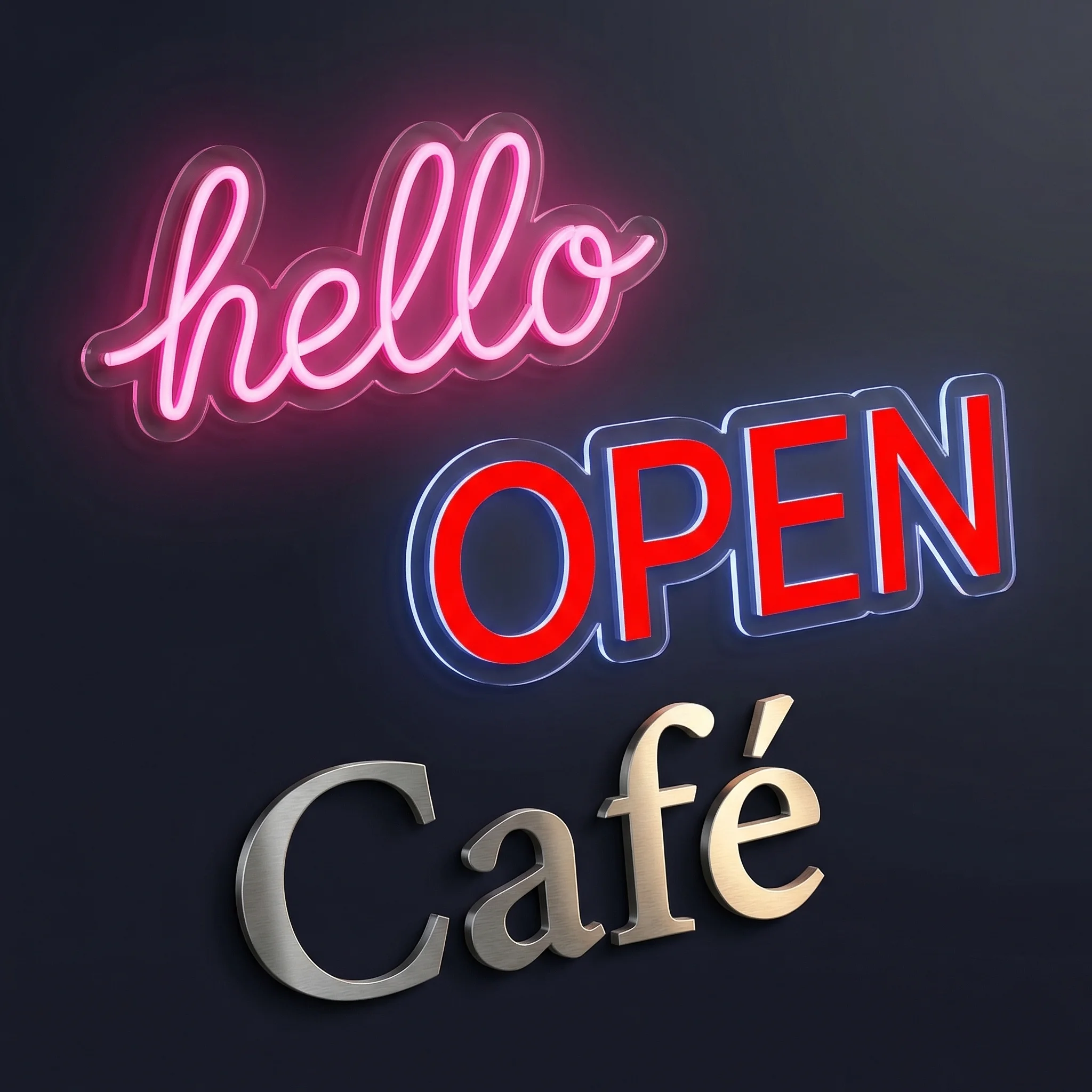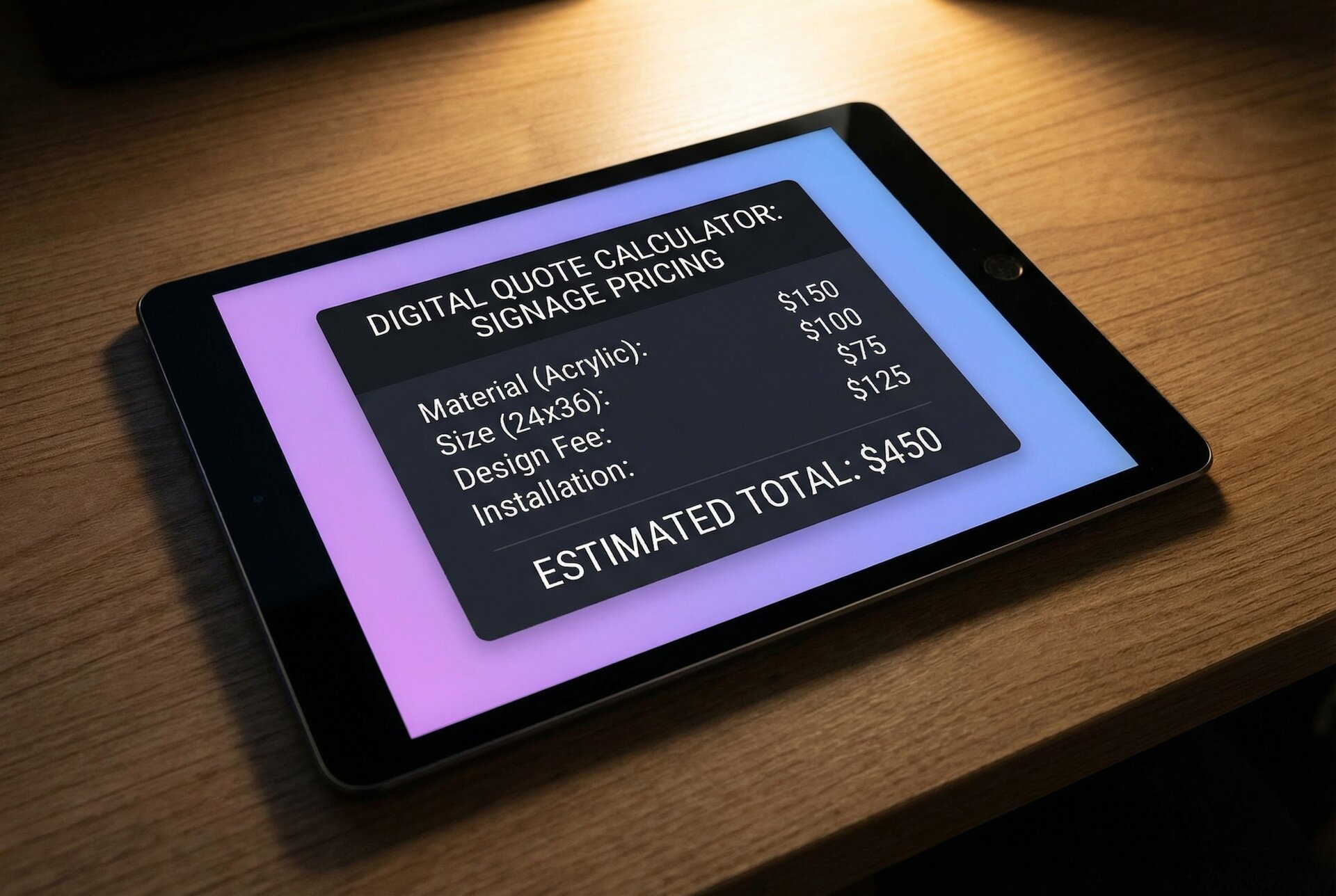

In the dynamic field of digital design, crafting visually compelling signage is essential for businesses aiming to enhance their brand visibility and marketing efforts. The right sign making software plays a crucial role in creating custom signs, banners, and logos that capture attention and communicate messages effectively. With a multitude of tools available, selecting software that integrates a robust set of features for design and production is a strategic move for professionals in the sign industry.
The top sign making software options stand out for their ease of use, versatility, and efficiency in delivering high-quality results. These industry-leading programs offer a diverse range of functionalities, from vector graphics editing to professional-grade print and cut solutions, catering to the varied needs of designers and sign makers. Their capabilities allow for the seamless creation of marketing materials that resonate with target audiences, reinforcing a brand’s identity through effective signage.
Key Features of Sign Making Software
Design Flexibility
Sign making software must offer a wide array of design features, including customizable templates that allow designers to swiftly create unique signs. These templates serve as a starting point, which can be modified to suit specific project requirements.
Visual Elements
A robust library of visual elements such as fonts, colors, shapes, and graphics is essential. Users should have access to a variety of fonts to communicate the right message and an extensive color palette to match brand identities.
Advanced Graphics Handling
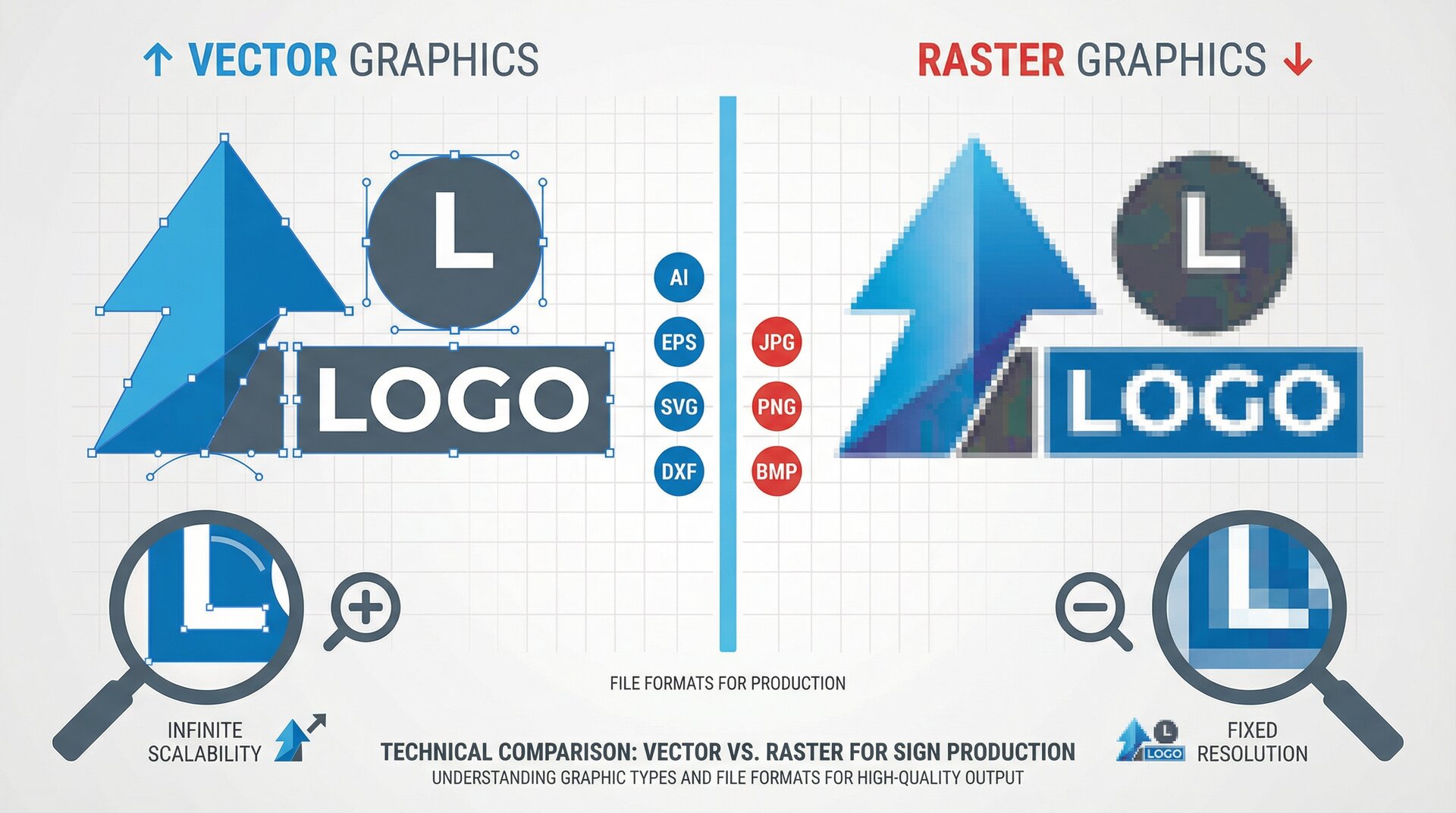
The capability to work with vector graphics is crucial for crisp, scalable signs without loss of quality. Vector graphics support ensures designs remain sharp and clear, whether they’re printed on small decals or large banners.
Tools and Effects
Effectively manipulating the provided assets is just as important. This includes tools for aligning, transforming, and editing shapes and texts. The inclusion of special effects enhances the visual apeal and can help in creating more complex designs.
| Feature | Benefit |
|---|---|
| Templates | Speeds up the design process |
| Customizables | Ensures brand specificity |
| Vector Graphics | Guarantees quality at any size |
| Tools & Effects | Adds creativity and attention to detail |
Professionals expect sign making software to be intuitive yet powerful enough to transform basic ideas into visually compelling signage. Balancing simplicity for the beginner with the depth needed for advanced users is the hallmark of top sign making software.
AI-Powered Design Capabilities
The sign making industry has undergone a significant transformation with the integration of artificial intelligence into design software. Modern sign making software now leverages AI to accelerate workflows and unlock creative possibilities that were previously time-intensive.
Generative vector tools allow designers to fill shapes with intricate patterns, textures, and designs using simple text prompts. For example, Adobe Illustrator’s Firefly Vector Model can generate complex vector elements instantly, from retro neon font styles to organic patterns suitable for custom signage.
AI-driven features now common in professional sign making software include:
- Automated path optimization that smooths messy anchor points for cleaner cuts
- Intelligent recoloring that generates color variations matching brand palettes
- Layout adaptation that automatically adjusts designs for different media formats—from mobile screens to large-format banners
- Text-to-vector generation for creating unique graphic elements from descriptions
These capabilities reduce repetitive tasks, letting designers focus on creative decisions rather than technical execution.
Designing Tools and Functionality
When evaluating the top sign making software, it’s crucial to consider the range of designing tools and functionality that cater to both novice and seasoned professional designers. These capabilities greatly determine the efficiency and creativity in the sign making process.
Vectorization and Image Editing
Adobe Illustrator is renowned for its powerful vectorization tools, allowing designers to create scalable graphics without loss of resolution. Its expansive toolset includes Bezier curves for precise control over vector shapes, and non-destructive editing features which are integral for experienced designers when refining their sign designs. CorelDRAW similarly offers robust image editing capabilities, catering to professionals with its intricate vector manipulation tools and advanced image effects.
Compatibility with File Formats
Versatility in supporting various file formats lies at the heart of any sign maker’s toolkit. Common formats such as PDF, EPS, PNG, SVG, and AI are universally supported by leading software like FlexiSIGN and EasySign. This breadth of compatibility ensures that designers can seamlessly work across different platforms and share their designs with clients and collaborators without compatibility issues.
Support for Cutting and Printing
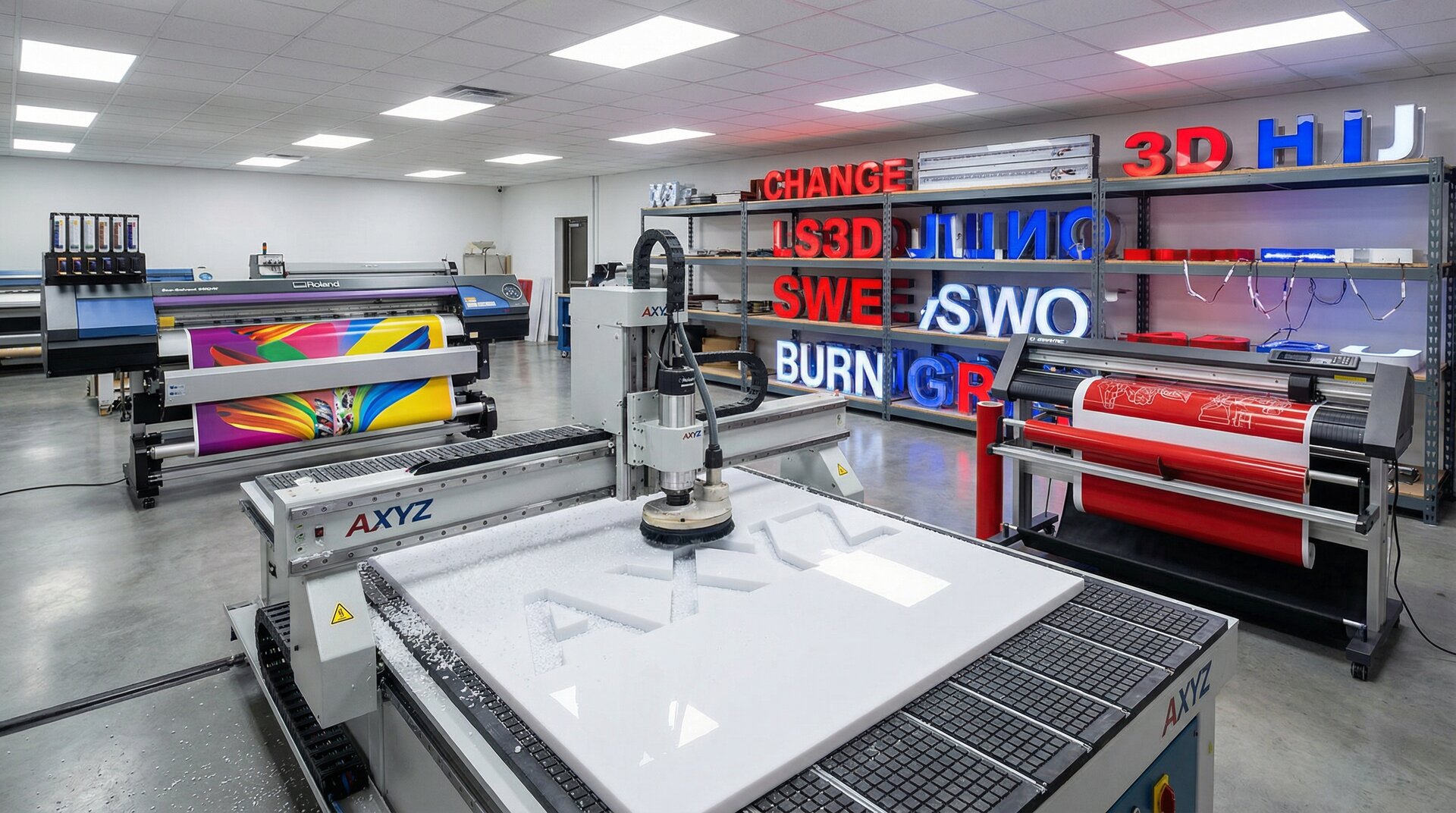
Sign making is not just about design; it’s also about execution. Software like Signlab and FlexiSIGN offer integrated support for RIP (Raster Image Processing) and direct communication with hardware such as cutters and vinyl cutters. For precise physical production, the software’s compatibility with cutting and printing equipment, including laser cutters and CAD machinery, is essential to transition smoothly from design to tangible sign products.
The rise of DTF (Direct-to-Film) and DTG (Direct-to-Garment) workflows has expanded what sign shops can offer. Software like SAi Flexi now includes dedicated modules for these processes, simplifying halftoning, white ink generation, and color knockouts for transfer printing applications.
Integration and Compatibility
When selecting the best sign making software, it is imperative to consider how well the software integrates with other tools and systems. Integration and compatibility are crucial for streamlining workflows, ensuring interoperability, and maximizing efficiency in the sign making process.
Software Integration with Hardware
Most leading sign making software including SAi Flexi and COCUT Pro, ensure robust compatibility with a variety of hardware devices. Users can expect seamless communication between the software and cutting plotters, printers, and Interactive Kiosk systems. This integration is vital for accurate cutting and printing of designs, which helps in maintaining the production workflow’s efficiency and reliability.
Cloud Services and Storage
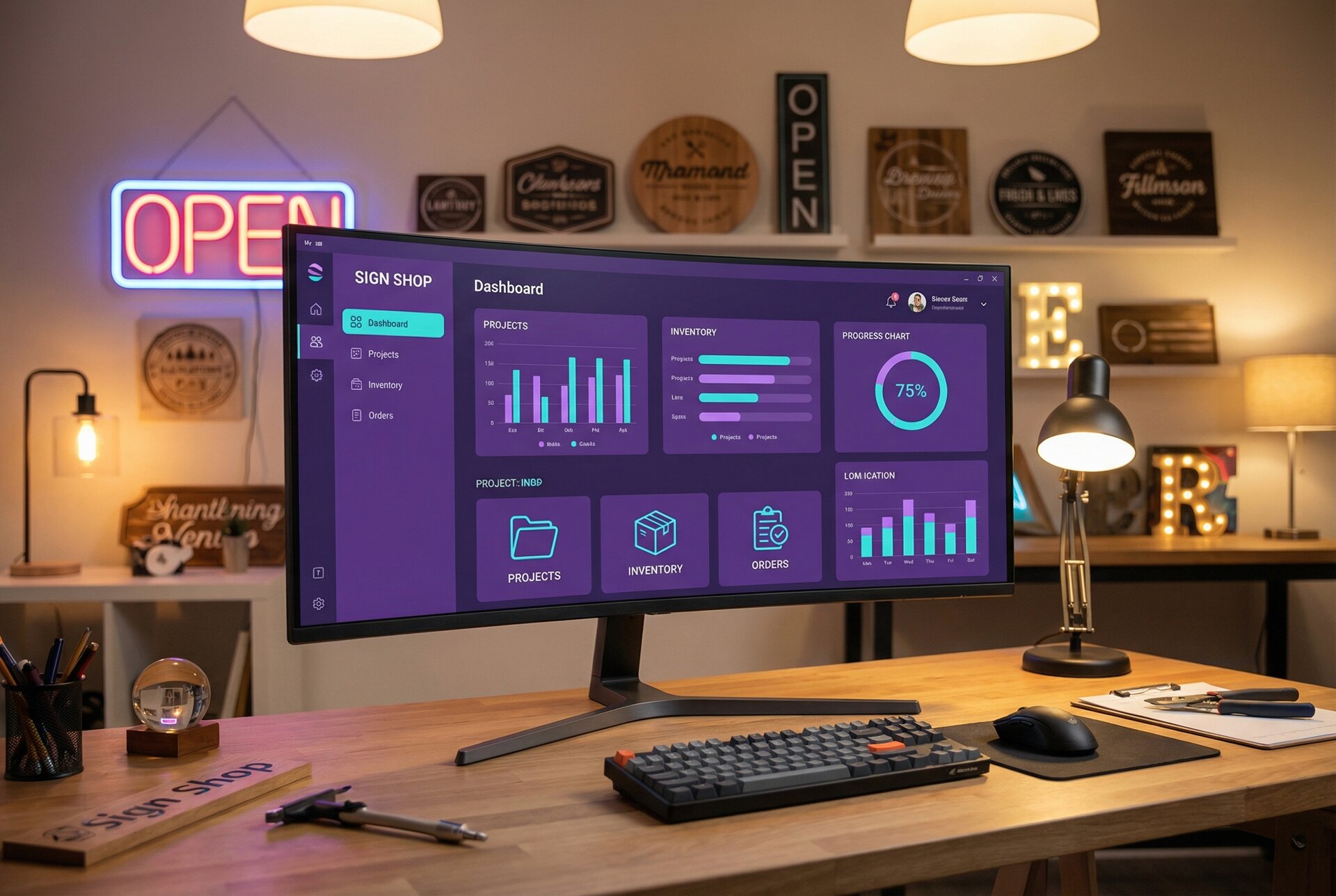
The integration of sign making software with cloud services like Dropbox, Google Drive, and Box has become an industry standard. Digital Signage Software such as OptiSigns and Yodeck often support direct access to cloud storage, enabling users to manage and update their digital signs and content remotely. Cloud integration not only facilitates better file management and storage but also enhances collaborative capabilities across different teams and locations.
Real-time collaboration features are increasingly important as design teams work remotely. Modern cloud integration enables multiple designers to access project files simultaneously, with version control preventing overwrites and ensuring everyone works from the latest assets.
Supporting Design and Office Tools
Compatibility with popular design tools like Adobe Illustrator and office applications such as Excel and PowerPoint is also essential. This allows for a fluid design process where assets created in various applications can be easily imported into the sign making software for further processing or to be directly set up for production. Supporting these design and office tools means users can leverage familiar platforms to create and prepare content without requiring extensive file conversions.
Digital Signage and Online Possibilities
The realm of digital signage has greatly expanded with the advent of online capabilities, allowing greater control over content and the deployment of signage solutions. Businesses now have the opportunity to leverage platforms such as OnSign TV and NoviSign for dynamic content management and display.
Content Management Systems
Content Management Systems (CMS) play a pivotal role in managing digital signage. Platforms like OnSign TV offer robust support for a range of multimedia formats housed within an organized media library. This allows businesses to design, schedule, and disseminate their marketing collateral effectively.
Digital Screen Solutions
The integration of digital screen technology allows for high-resolution displays that attract and engage viewers. Solutions such as TelemetryTV facilitate the deployment of digital displays in various settings, backed by a reliable digital signage player that ensures continuous content delivery.
Media Libraries and Playlists
For effective content management, platforms like NoviSign maintain extensive media libraries that store advertising assets. These systems typically offer playlist functionality, enabling the sequencing and repeating of content across different signage setups, crucial for a coherent marketing strategy.
Pricing, Support, and Reviews
When exploring sign making software, potential users typically focus on three main areas: the cost of the software, the quality of customer support, and the insights gained from user feedback. These aspects can significantly influence the decision-making process for new customers.
Software Pricing Models
Sign making software products offer various pricing models to accommodate the diverse needs of their user base. Some companies provide a perpetual license option, allowing users to make a one-time purchase and own the software indefinitely, with the option to pay for yearly upgrades and support. For instance, the CADlink SignLab V10, mentioned in the FESPA review, is an example of software available as a perpetual license.
Others opt for a subscription-based approach, typically involving a monthly or annual fee. The software-as-a-service (SaaS) model has become increasingly popular, with providers like SAi Flexi offering subscription tiers that bundle regular updates, technical support, and cloud services. This approach eliminates large upfront costs and ensures sign shops always have access to the latest features and hardware drivers. Contact vendors directly for current pricing as rates vary by feature set and business size.
Customer Support Services
Customer support is a vital component for any software, especially for products used professionally. Companies may offer a range of support services, including direct email, live chat, phone support, or ready-made online resources like forums and FAQs.
SmarterSign’s cloud-based digital signage solution emphasizes the importance of strong customer support, especially for industries such as education, retail, and hospitality. Support services tailored to these sectors are critical for quick resolution of any issues that might arise.
User Reviews and Testimonials
User reviews and testimonials play a crucial role in illustrating the practical applications and performance of sign making software. They offer real-world insights that help new customers gauge potential ROI and satisfaction levels. SAi Flexi, as mentioned on SourceForge, is noted for its widespread use and positive feedback, with nearly three out of four shops utilizing it.
Products that receive high ratings, as seen in the case of SmarterSign, which boasts a 4.5 out of 5 stars in over 40 reviews, can help to assure new users of a product’s reliability and effectiveness. Lists of features and benefits can be impressive, but they take on new meaning when confirmed by positive user experiences.
Sign Making Software List
When considering software for sign making, there are a range of options to fit the diverse needs of sign shops. The selection process should factor in not only the capability to handle design aspects like clipart and trapping but also the ability to integrate with hardware for tasks such as vinyl cutting.
-
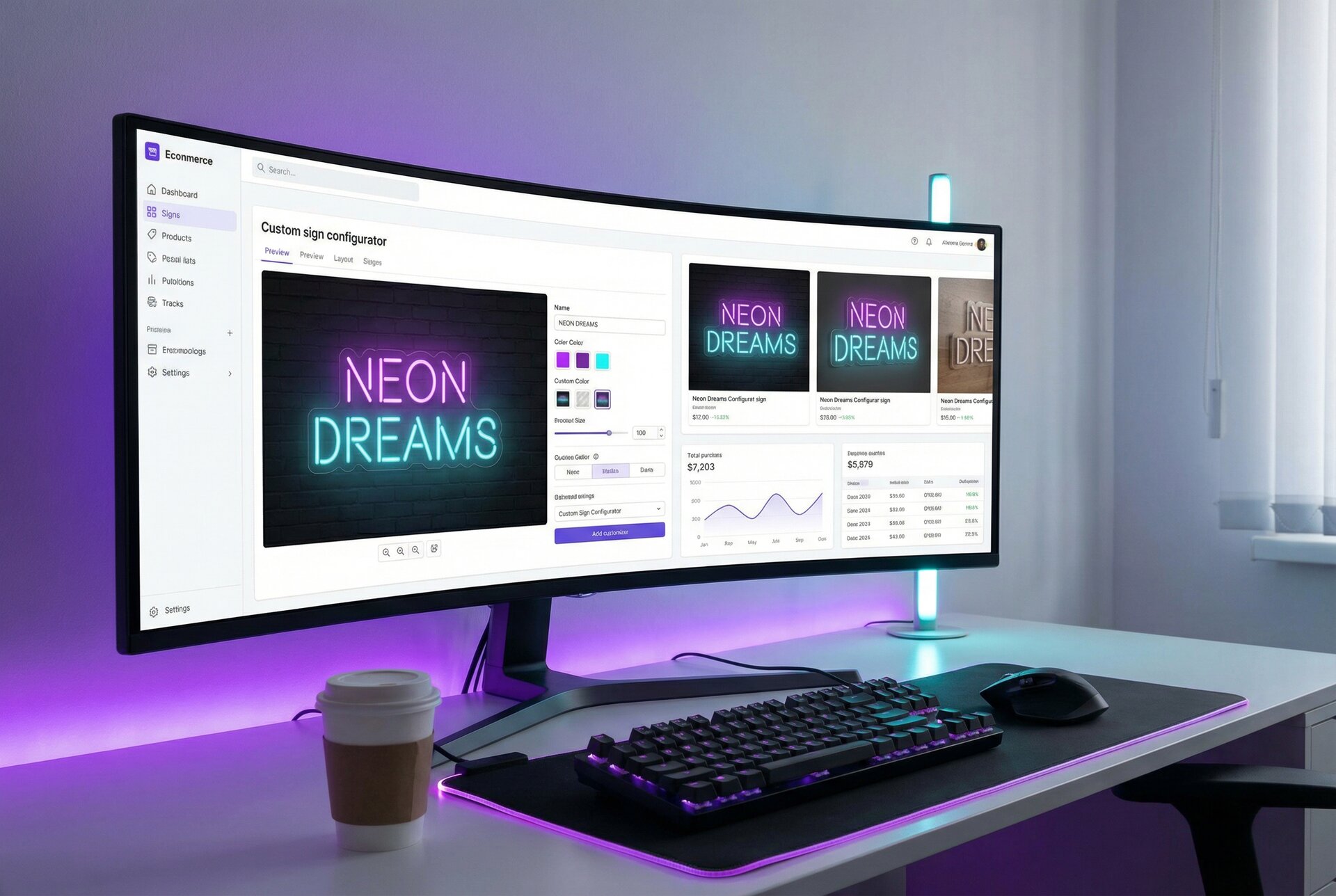
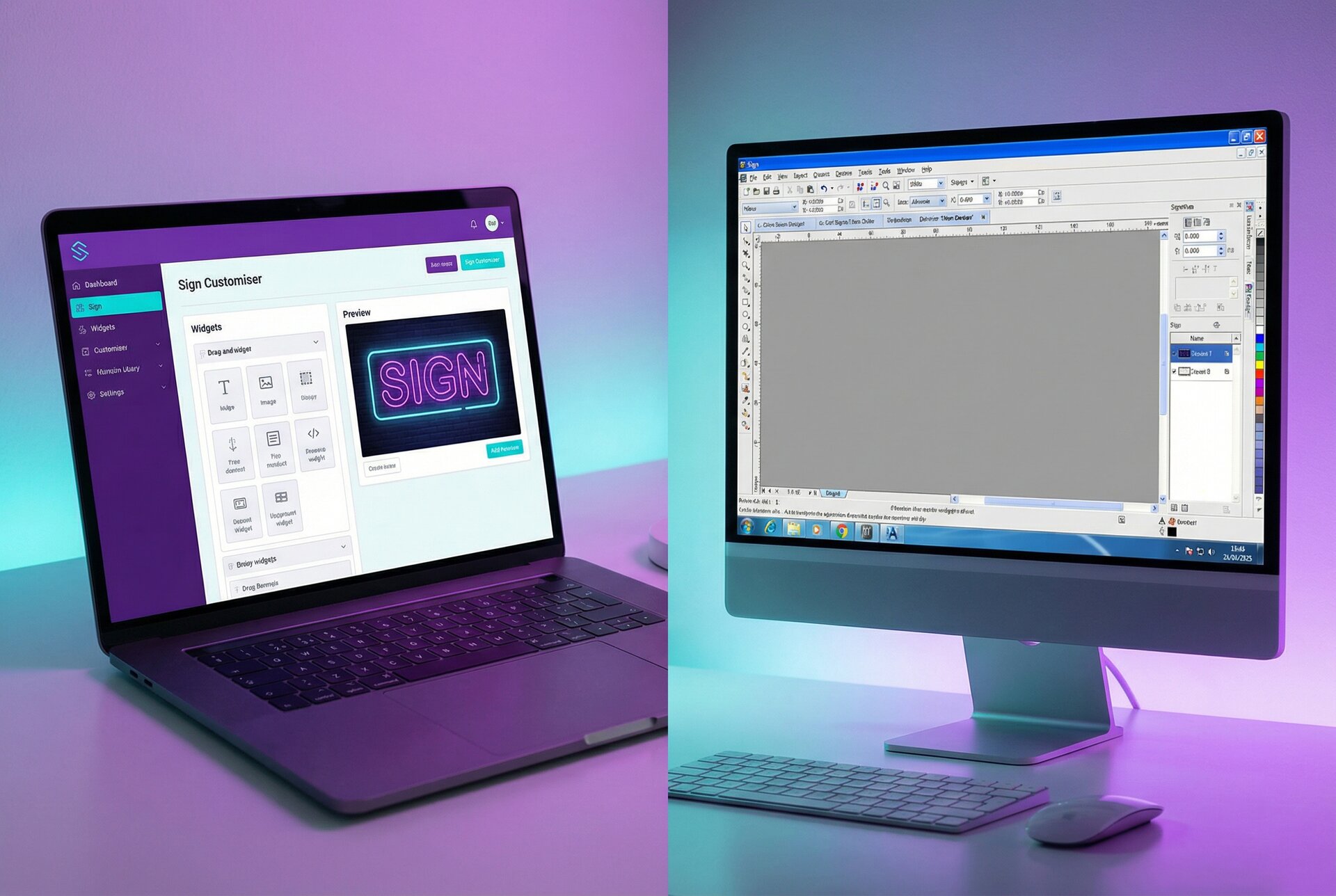
Sign Customiser: A modern, AI-first platform built specifically for sign shops looking to automate their quoting and design workflows. The AI Sign Designer transforms any uploaded logo or image into a production-ready sign quote in under 2 minutes—eliminating the 48-hour manual design cycle. Customers can visualise their custom signs in real-time with instant pricing, while sign shops benefit from automated specs and zero manual design work. Integrates with Shopify, WooCommerce, and custom ecommerce platforms. Explore Sign Customiser’s features.
-
Adobe Illustrator: The industry’s leading vector design tool, now enhanced with AI-powered features through Adobe Firefly. Designers can use Generative Shape Fill to create intricate patterns with text prompts, AI Path Optimization to clean up vector artwork, and Generative Typography to build stylised type treatments. Its comprehensive toolset handles complex vector-based designs and trapping, with broad compatibility making it suitable for everything from small decals to large-format banners. Learn more about Adobe Illustrator.
-
SAi Flexi: The industry standard for sign shops, SAi Flexi merges design, print, and cut functionalities into one comprehensive package. Nearly three-quarters of sign shops rely on it for sign-specific toolsets including spot color mapping, true-shape nesting, and banner finishing. The software now offers Flexi Complete, a subscription model with continuous updates, plus dedicated modules for DTF (Direct-to-Film) and DTG (Direct-to-Garment) printing workflows. Discover more about SAi Flexi’s features.
-
CADlink SignLab: A trusted name since the early 90s, SignLab maintains its reputation for precision with vinyl cutters and wide-format printers. SignLab v11 introduced the new Fit To Shape tool for automatically fitting text to custom shapes, an effects catalog for saving and reapplying design treatments, and DeviceLink profiles for consistent color reproduction across multiple printers and media types. It offers perpetual licenses with optional support and upgrade service charges. Details on CADlink SignLab.
-
Vinyl Express LXi: Tailored for vinyl cutting, this software is a boon for sign shops focusing on efficient and accurate production. Vinyl Express LXi offers a suite of tools ideal for those specializing in vinyl signage.
-
EasySign: Aimed at simplifying the sign making process, EasySign is known for its user-friendly interface and broad set of tools that accommodate various design requirements, including the inclusion of clipart and effective trapping for error-free production.
Each software offers unique features and capabilities, and selection should be aligned with the specific needs of the sign making workflow. It is recommended to evaluate each option to determine which software aligns best with the operational goals and the types of signs produced.
Tips for Creating Professional Signage
Creating professional-looking signage is pivotal for attracting attention and communicating messages effectively in various scenarios, from marketing to conventions. High-quality sign making software is a fundamental tool in this process, enabling designers to customize elements and maintain consistency across designs.
Designing Effective Banners and Posters
To design banners and posters that grab an audience’s attention, one must strike a balance between creativity and clarity. Sign making software plays a crucial role in this aspect, offering a range of design templates that serve as a starting point. A well-designed banner or poster should include:
- A clear map or flow that guides the viewer’s eye from the most critical elements to secondary items.
- An eye-catching logo and branding elements that reinforce the identity of the business or event.
- Appropriate fonts and colors that enhance readability and emotional impact.
- The use of shapes and symbols to create visual interest without cluttering the design.
Customization and Personalization
Personalization can lead to a more direct connection with the target audience. Customize banners and kiosks by using sign making software with features that allow for easy manipulation of design components.
- Personalized elements might include a logo, specific brand colors, or fonts unique to the company.
- Marketing materials such as posters should reflect the company’s individual identity to have a lasting impression at a convention or kiosk.
It is beneficial to work with a professional designer when aiming to create a design that stands out yet remains true to the brand’s ethos.
Securing Quality and Consistency
In maintaining the integrity of the signage, both quality and consistency are non-negotiable. Important considerations include:
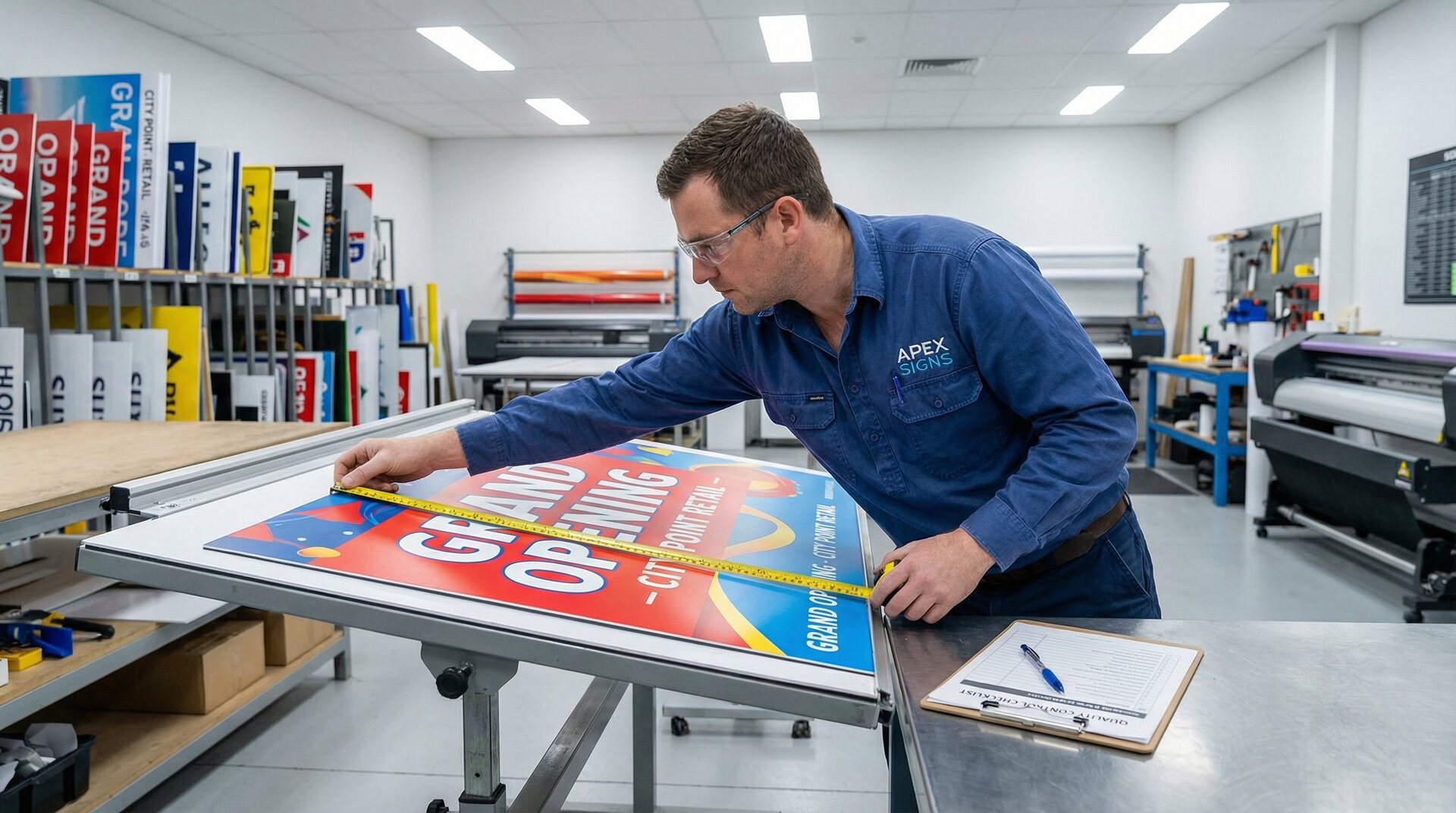
- Ensuring high-resolution outputs, especially when dealing with video displays or large format prints.
- Keeping a consistent brand image across all types of signage, whether they are posters, banners, or digital displays, through uniform use of logos, colors, and design motifs.
It is recommended to establish design standards using sign making software to ensure that each piece of signage, regardless of its application, meets the company’s professional standards and message delivery goals.