A sign proof approval workflow should do one job well: stop a custom sign order reaching production until everyone is looking at the same approved version. In practice, that means issuing one proof with clear specifications, capturing approval against that exact revision, keeping the job in draft until sign-off, and releasing only the approved file into production.
Without that control point, sign shops end up approving work through half-complete screenshots, loose email threads, or a quick “looks good” reply. That is where rework starts. Sales thinks the customer approved the price. Production assumes the artwork is final. The customer thought they were approving layout, not finish or colour.
If your quoting process is already under control, this is usually the next gap worth tightening. It sits naturally alongside automated quote generation for sign shops, how to automate your sign business, and the wider design-to-production pipeline.
What the Workflow Has to Control
The point is not to collect a casual yes. It is to create one release gate between design intent and manufacturing.
That gate should answer five questions:
| Stage | Owner | What must be confirmed | Output |
|---|---|---|---|
| Job intake | Sales or operations | Text, dimensions, substrate, finish, install date | Brief locked for proof creation |
| Proof issue | Designer | Artwork version, scale reference, material notes | Proof v1 sent with deadline |
| Review | Customer | Spelling, layout, colour intent, finish, mounting notes | Consolidated comments |
| Approval capture | Customer and shop | Written approval on a named proof version | Approved proof ID and timestamp |
| Production release | Operations | Price locked, files attached, approved version stored | Job enters production queue |
If one of those answers is missing, the job is not ready. That is the bit many teams skip. They treat the proof as a design courtesy instead of the document that authorises production.
Put the Right Decisions on the Proof
The fastest way to create approval noise is to send a proof that looks polished but leaves the real decisions implicit. Adobe Workfront’s proofing guidance is useful here because the principle carries well beyond dedicated proofing tools: deadlines, reviewer expectations, and default review behaviour should be defined up front, not improvised job by job.
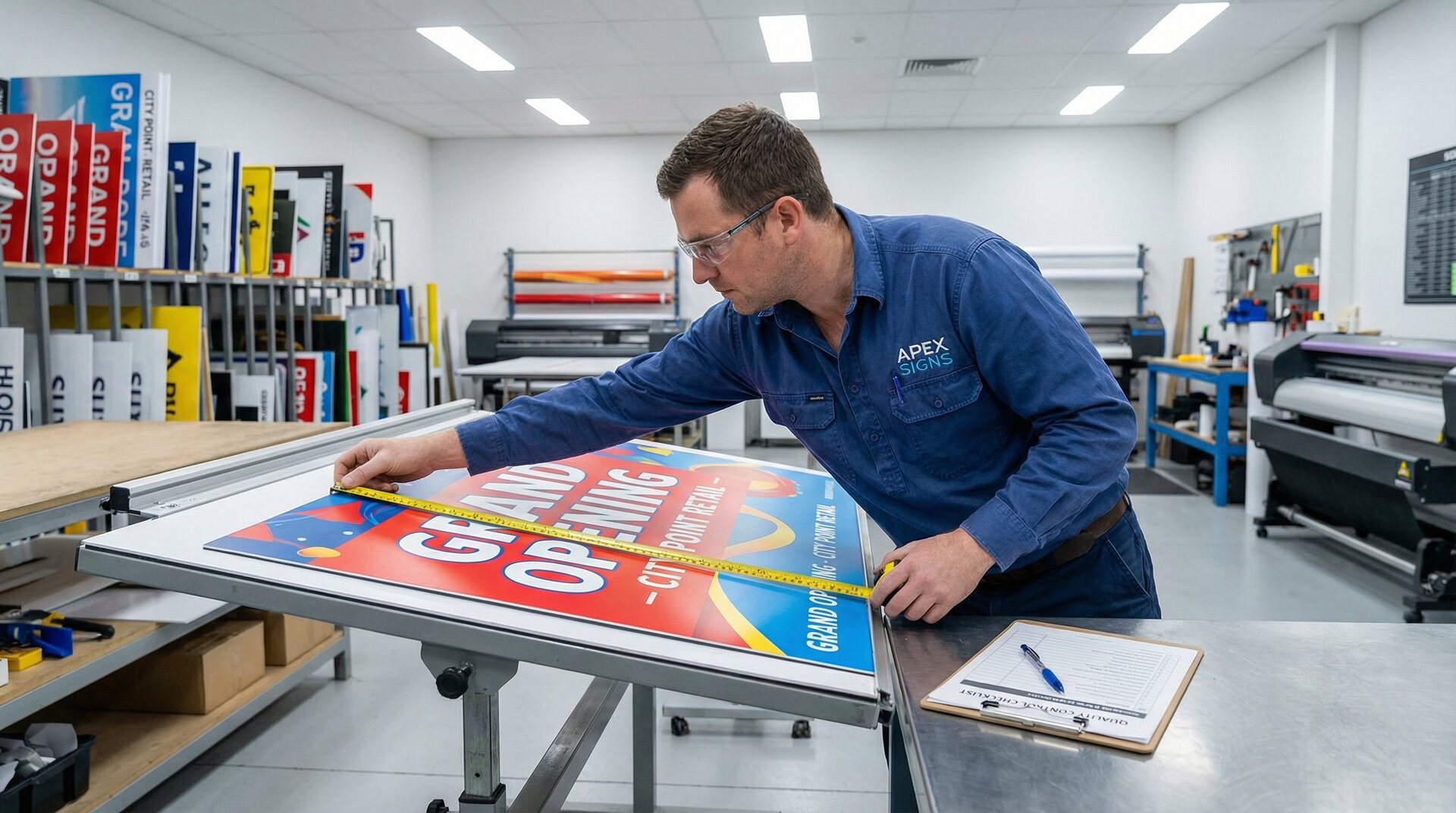
That means the proof needs to show the decisions the customer is actually being asked to approve. Not every internal production note belongs on the artwork. Every customer-facing variable does.
Use a repeatable proof checklist:
- Exact text and spelling
- Overall dimensions or a clear scale reference
- Material and finish notes
- Mounting method or installation assumption
- Colour note, brand reference, or print-output disclaimer
- Revision number and response deadline
Customers rarely dispute what was made explicit. They dispute what was left implied. A beautiful render is not enough if the substrate, edge finish, mounting method, or colour assumption never appeared on the proof.

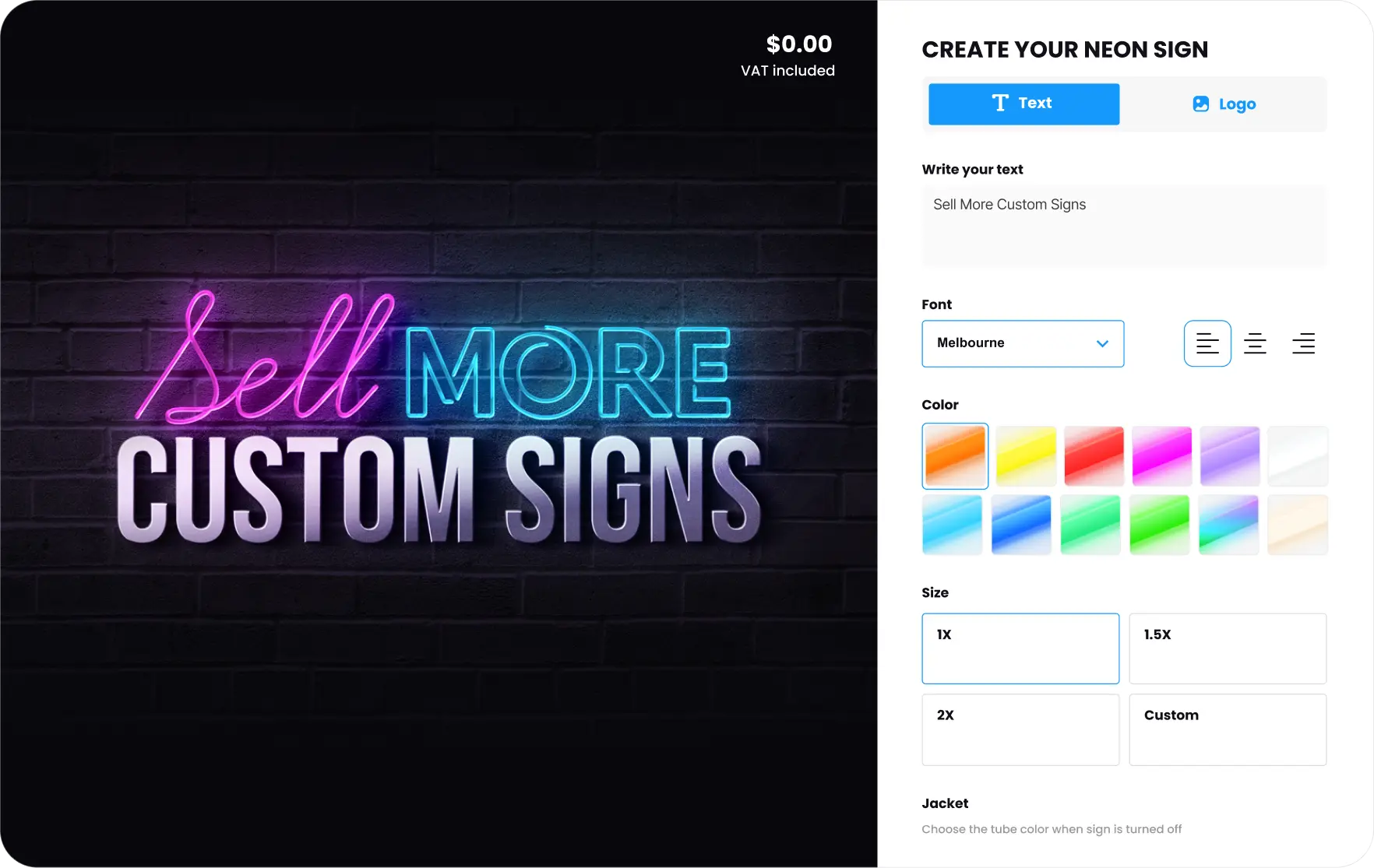
The cleaner your template is, the fewer interpretation gaps you drag into production. If you are standardising the customer-facing side of the job as well, our Shopify sign customiser setup guide gives useful background on how the design experience connects to the operational handoff afterwards.
Separate Artwork Approval From Commercial Approval
One of the most practical details in the workflow is this: proof approval and commercial approval are related, but they are not the same event. Shopify’s draft-order documentation is useful because it gives you a clean structure for keeping those events separate. Merchants can require customers to submit orders as drafts for review before acceptance, and those drafts keep pricing locked by default until the merchant accepts the job or sends an invoice.
A workable sign proof approval workflow looks like this:
- Customer configures the sign or requests a quote.
- Your team issues proof version 1 against that scope.
- Revisions are handled against the same draft record.
- The customer approves a named proof version in writing.
- Only then do you convert the work into a production-ready order or send the invoice.
This removes a common failure point. Sales sees price acceptance and thinks the job is approved. Production sees an order and assumes the artwork is final. Keeping the job in draft until the proof is signed off stops that shortcut.
Shopify Flow makes the handoff more disciplined. Shopify documents that the Draft order created trigger can start workflows that tag the draft order, update notes or metafields, and send a draft order invoice. Shopify Flow also treats draft orders and orders separately, so once the draft becomes an order, your order workflows take over. That gives you a usable boundary:
- draft-order workflow for proofing, revisions, and approval capture
- order workflow for production release, fulfilment, and post-approval operations
If you are mapping this into a broader commerce setup, it sits well with the operational model described in how to automate your sign business and the platform guidance in our features overview.
State What Colour Approval Actually Covers
Colour disputes are some of the most frustrating approval failures because nobody necessarily did anything wrong. The customer simply thought they were approving something different from what the proof could realistically confirm.
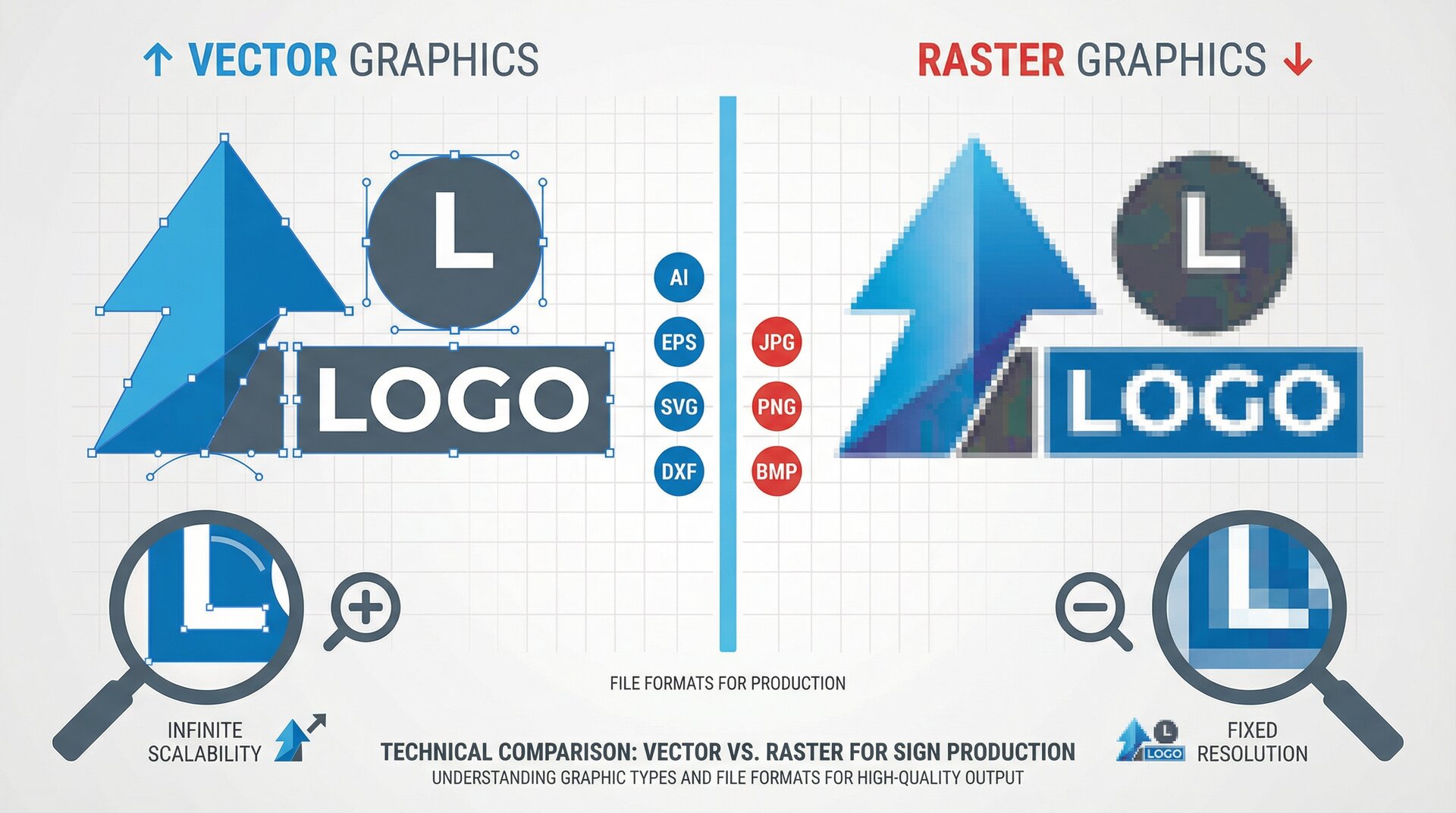
X-Rite’s guidance on print versus display is the key reference. Their point is straightforward: a colour-managed workflow depends on an accurate monitor profile, an accurate printer profile, and software configured for soft proofing. Displays often show a wider gamut than print can reproduce, so soft proofing is used to simulate the output condition before approval.
For a sign shop, that means the proof should say what it can and cannot confirm:
- layout and copy accuracy
- approximate colour intent
- size and proportion
- finish and substrate assumptions
It should not imply that an un-managed screen preview is a guaranteed print match. If colour accuracy matters, say what reference governs approval: Pantone callout, printed swatch, material sample, or soft-proofed file reviewed under agreed conditions.
This is not really a technical failure. It is a communication failure. Customers usually do not hold the distinction between screen colour and production colour in their heads unless you make it obvious. Put the note on the proof, not in a sales rep’s memory.
Release One Approved Package Into Production
The last step is where workflows often fail quietly. The proof has been approved, but the information reaching production is incomplete, scattered, or inconsistent. A production team should not have to search through email threads to work out which version was approved.
When the proof is approved, release one package into production:
- approved artwork file
- proof version number
- approval timestamp
- customer name and job reference
- locked commercial state
- production notes that were confirmed during review
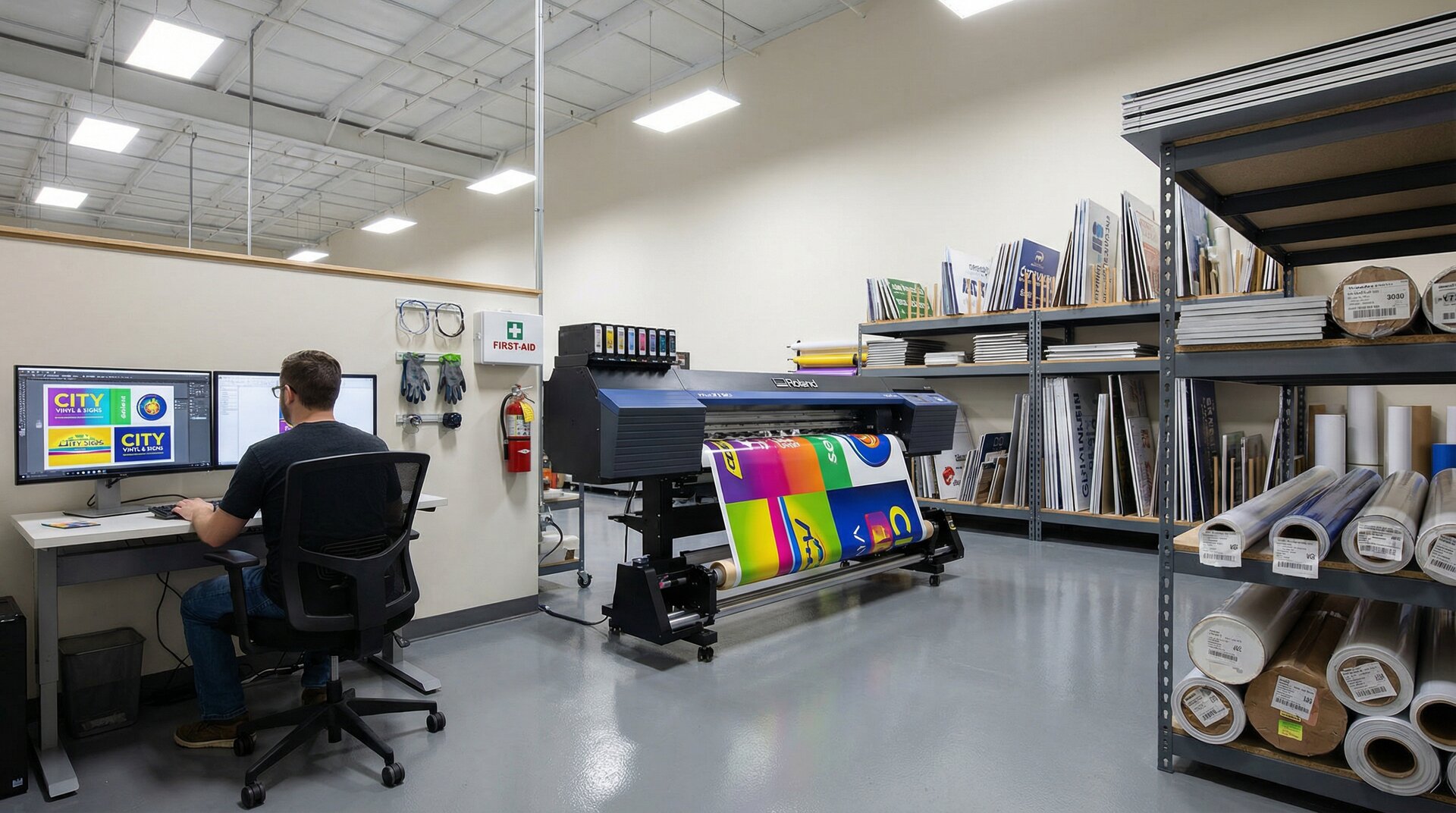
This is where the proof approval workflow connects directly to the design-to-production pipeline. The approved proof should become the first controlled document in that pipeline, not a loosely related attachment.
If you use draft orders, this is also the point where the workflow boundary matters. Draft-order automation handles approval and invoicing logic. Once the draft converts into an order, order automation can handle production tasks, notifications, and fulfilment without dragging proof revisions back into the job.
Where Teams Usually Slip
The problems are rarely sophisticated. They are usually shortcuts that felt harmless in the moment.
Approval by silence. “They saw the proof yesterday and did not object” is not approval. Capture an explicit yes against a named version.
Approving the wrong artefact. Customers often reply to a screenshot, not the full proof. If the screenshot omits dimensions, materials, or revision ID, the approval is weak.
Mixing new scope into an approval email. A customer who says “approved, and can we also make it matte black?” has not approved the current version. They have opened a new revision.
Letting price and artwork drift apart. If the job changes after the draft is priced, lock that down before releasing it. Otherwise sales, design, and production are each working from different assumptions.
Treating the proof as decoration. The proof is not a prettier quote. It is the document that defines what you are authorised to make.
A Workflow You Can Tighten This Week
You do not need a full proofing platform to improve this. A small team can tighten the workflow quickly by standardising three things:
- Use one proof template with revision IDs, dimensions, material notes, and a colour disclaimer.
- Keep proofing work in a draft state until the customer approves that named revision.
- Convert approval into one production release package instead of forwarding a chain of messages.
That alone gives you a workable sign proof approval workflow. If you later automate it with Shopify drafts, Flow tags, or a more formal job board, the structure stays the same. The tooling can change. The control point should not.