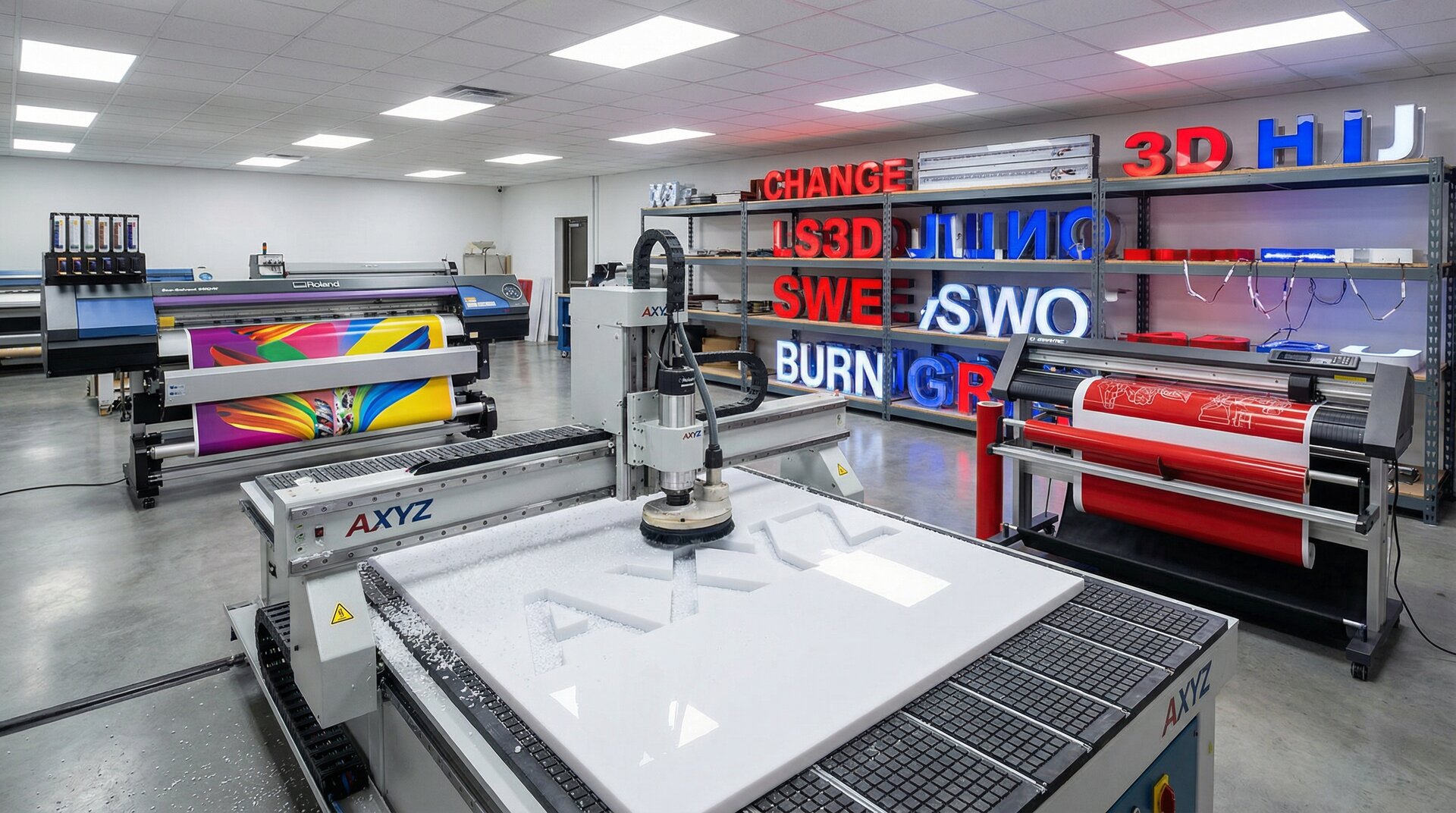

Starting or expanding a sign shop means making equipment decisions that affect every job for years to come. Buy the wrong machine and you’re either overspending on capability you don’t need or limiting what you can offer customers.
This guide covers the core equipment categories for sign production, from design workstations through to finishing tools. We’ll focus on what each type of equipment does, when you need it, and what to consider when buying. Specific models change yearly, but the decision criteria stay relevant.
Design Workstations and Software
Every sign starts as a file. The computers and software that create those files are your first equipment investment.
Hardware Requirements
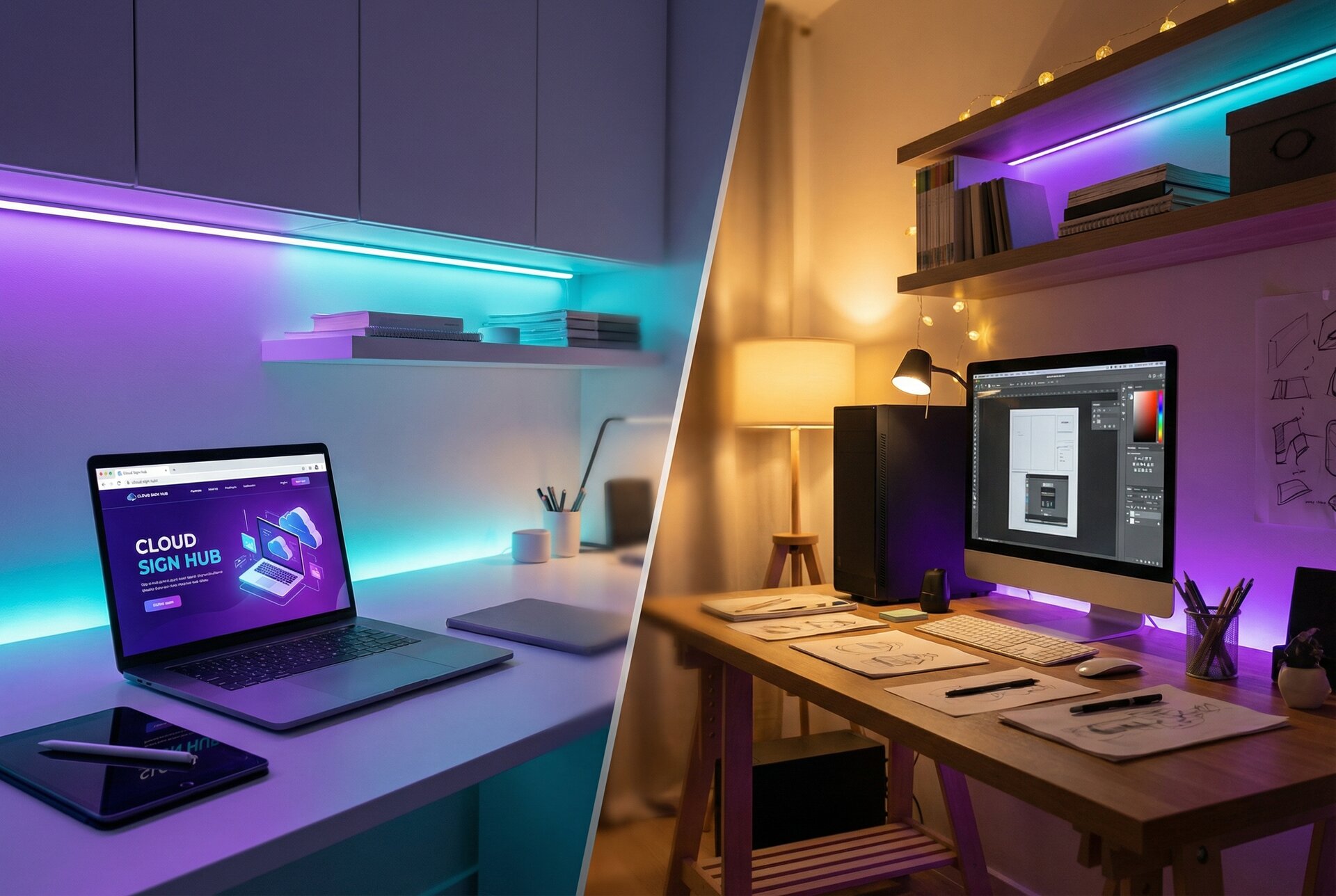
Sign design demands more from a computer than typical office work. Large files, complex vectors, and image editing need capable hardware.
Minimum specifications for design work:
- Processor: Current-generation mid-range or better
- RAM: 16GB minimum, 32GB recommended for large format work
- Storage: SSD for operating system and software, additional storage for project files
- Display: 24” minimum, colour-calibrated for accurate proofing
- Graphics: Dedicated GPU for CAD/CAM work and 3D visualisation
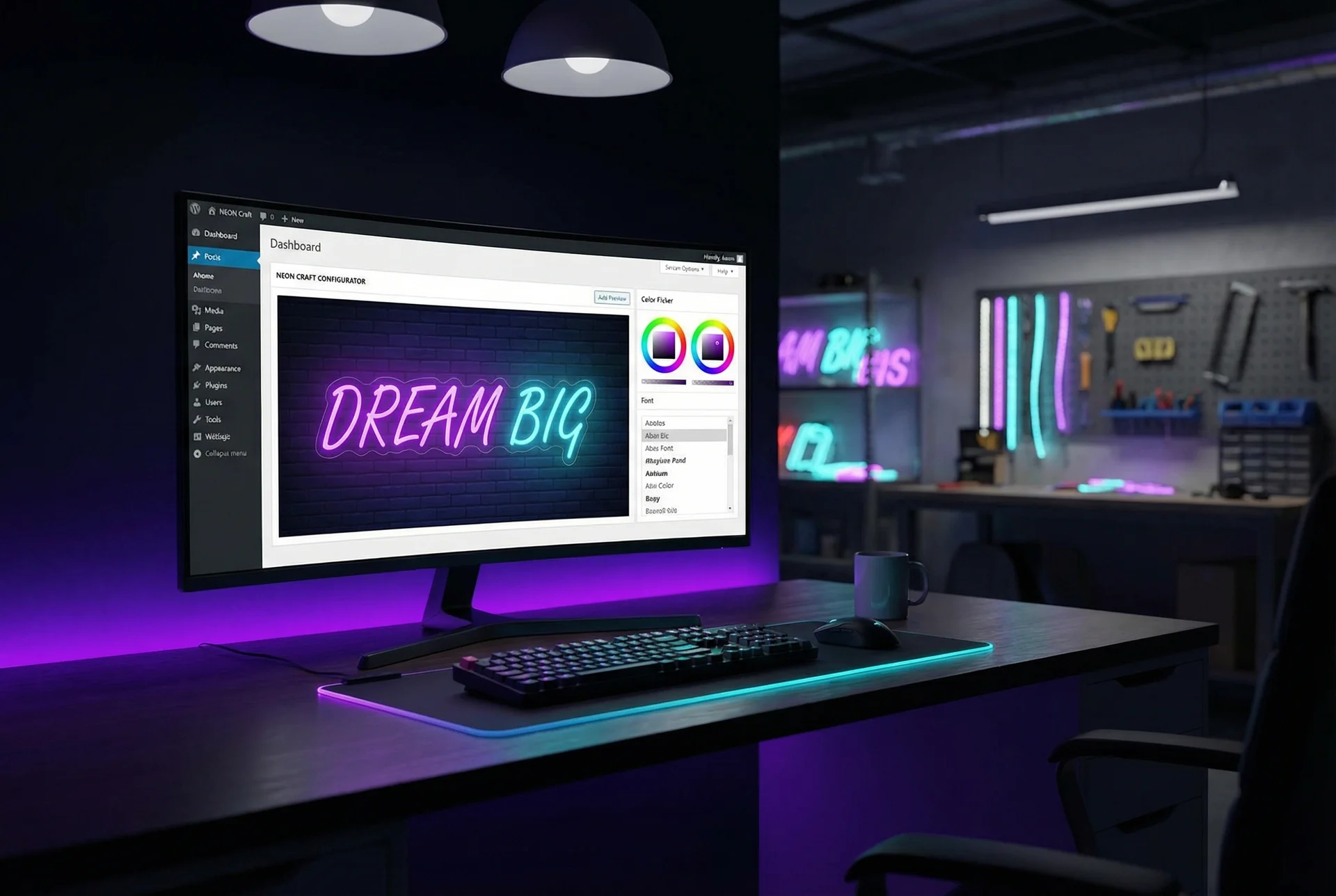
Don’t skimp on monitors. Designers spend all day looking at screens. A good colour-calibrated display costs less than the rework from inaccurate colour representation. Consider dual monitors for efficiency—design on one, reference materials on the other.
Design Software
The software stack depends on your production methods and the types of signs you produce.
Vector design (essential):
- Adobe Illustrator: Industry standard, extensive file compatibility
- CorelDRAW: Popular in sign industry, strong text and layout tools
- Affinity Designer: Lower cost alternative, improving sign industry support
Image editing:
- Adobe Photoshop: Essential for photograph work and complex image manipulation
- Affinity Photo: Capable alternative at lower cost
CAD/CAM:
- Software specific to your CNC equipment (often bundled)
- General-purpose CAD for complex dimensional work
RIP software:
- Usually purchased with or specific to your printer
- Handles colour management, tiling, and output
Sign-specific tools:
- FlexiSign, SignLab, or similar packages combine design, cutting, and production features
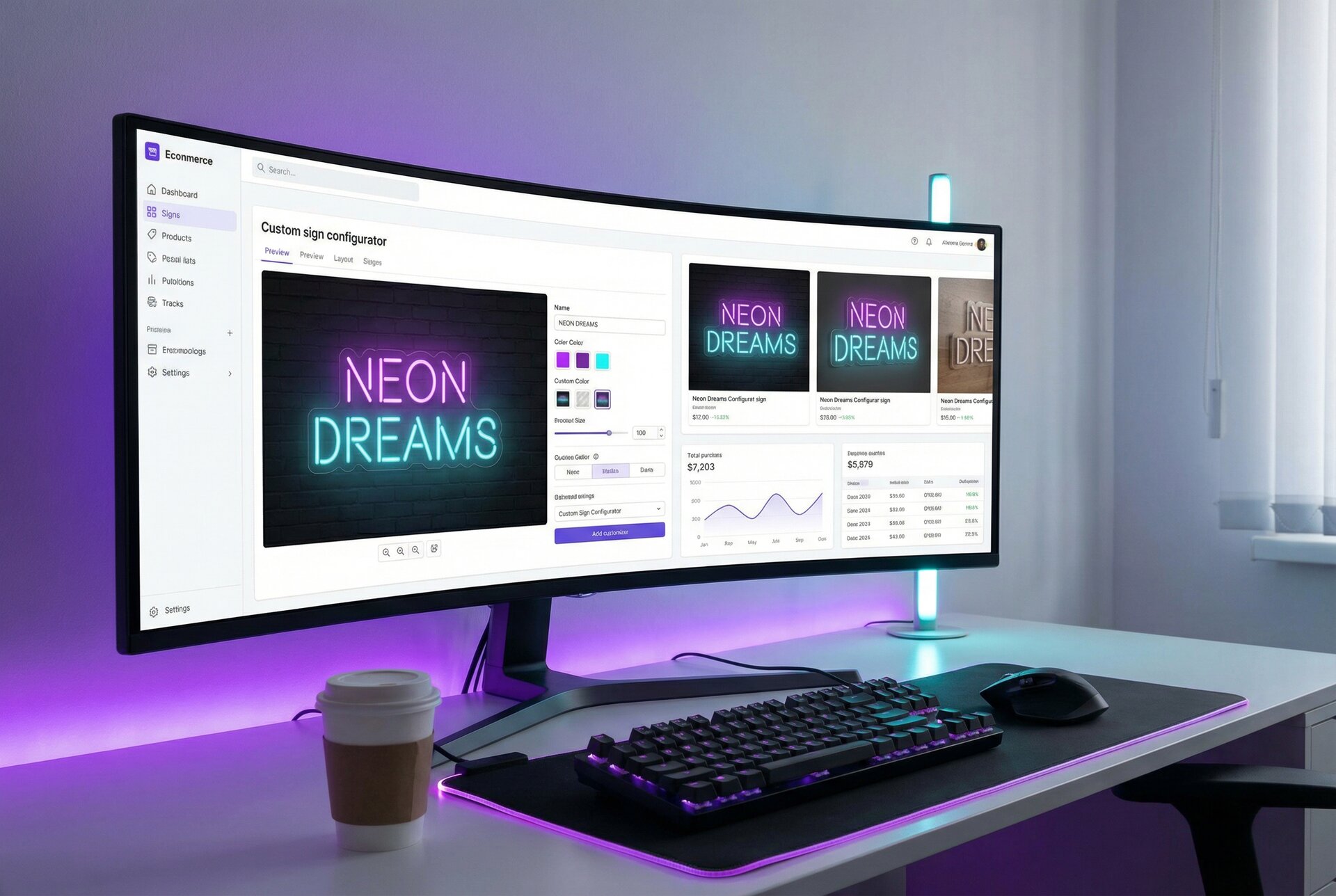
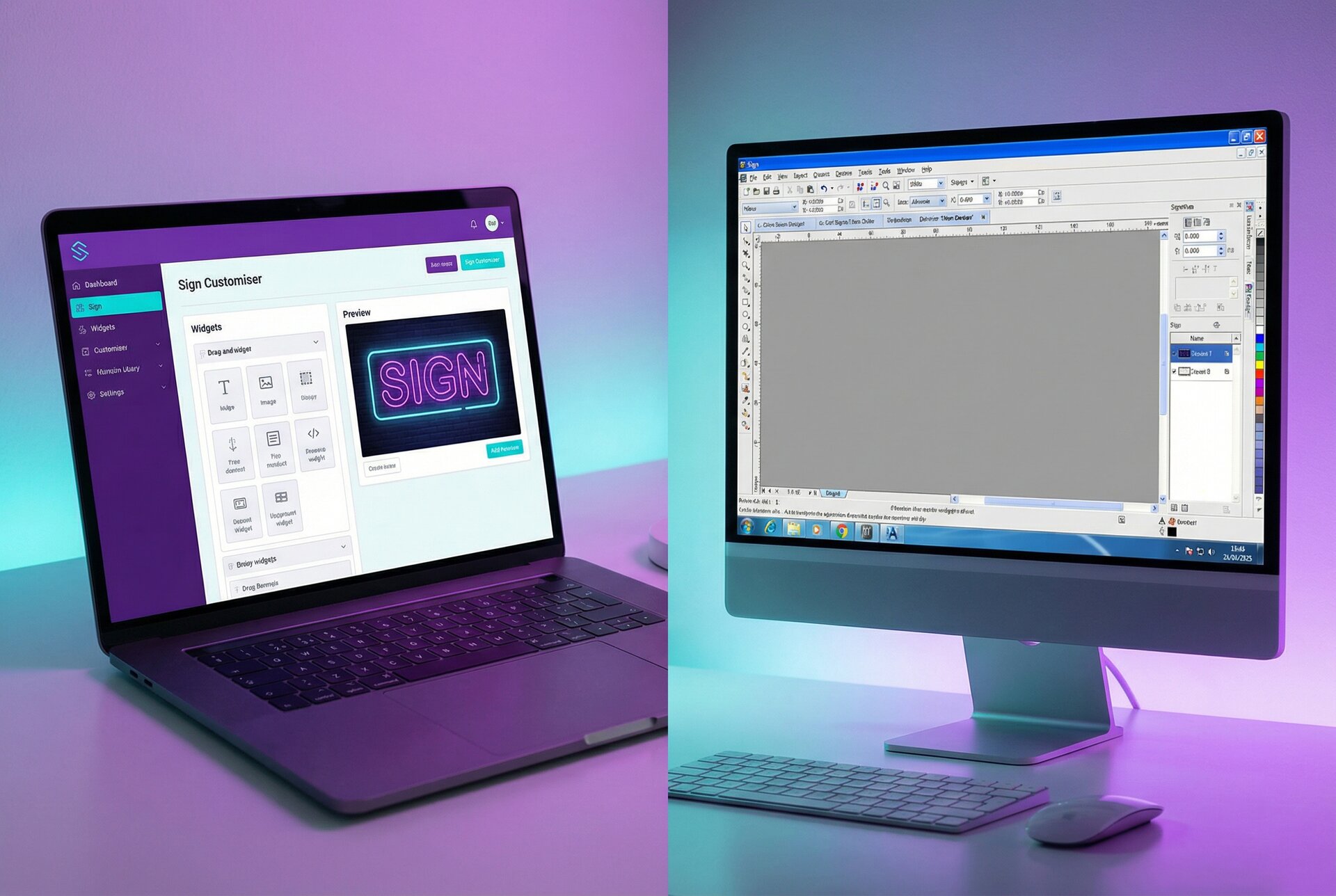
- Sign Customiser for customer-facing design that generates production-ready files
File Management
As jobs accumulate, file management becomes critical. Establish systems early.
Essential practices:
- Consistent folder structure (by customer, by date, or by job number)
- Clear file naming conventions
- Regular backups (local and off-site)
- Version control for design iterations
- Archive policy for completed jobs
A job from 2019 that comes back for a reorder in 2024 should be findable in minutes, not hours.
Cutting Equipment
Cutting is core to sign production. The type of cutting equipment you need depends on your sign specialisations.
Vinyl Cutters
Vinyl cutters are often the first production equipment a sign shop buys. They cut adhesive vinyl from rolls for vehicle graphics, window lettering, and applied signage.
Types:
- Desktop cutters: Up to 600mm width. Suitable for small decals and craft work, but limiting for commercial production.
- Mid-size cutters: 600mm-1200mm width. The sweet spot for most sign shops. Handles standard vinyl roll widths.
- Wide-format cutters: 1200mm+ width. Necessary for large vehicle wraps and banners.
Key specifications:
- Cutting width: Match to your typical job sizes and vinyl roll availability
- Cutting force: Higher force for thicker materials like reflective vinyl and sandblast resist
- Speed: Matters for production volume, less critical for small shops
- Accuracy: Essential for registration marks and layered graphics
- Contour cutting: Ability to cut around printed graphics using registration marks
CNC Routers
CNC routers cut sheet materials—acrylics, foam boards, aluminium composite, wood, and more. They’re essential for dimensional letters and routed signs.
Size considerations:
- Bed size: Determines maximum material size you can process. 1200x1200mm handles common sheet sizes. Larger beds (2400x1200mm or more) reduce material handling for big jobs.
- Z-axis travel: Limits material thickness and 3D carving depth. 100mm is adequate for most sign work; more for dimensional letters with deep returns.
Key specifications:
- Spindle power: Higher power cuts faster and handles harder materials. 3kW is entry-level; 5kW+ for production work.
- Spindle speed: Variable speed matters for different materials and tools.
- Precision: Look for ball screw drives and quality linear guides.
- Dust collection: Essential for indoor operation and worker health.
- Software compatibility: Ensure your CAM software outputs compatible G-code.
Vacuum hold-down vs mechanical clamping: Vacuum tables secure sheet materials without clamps in the cutting path. Worth the investment for production work.
Laser Cutters
Laser cutters excel at intricate work, clean edges, and materials that don’t route well.
CO2 lasers:
- Cut and engrave acrylics, wood, paper, fabric, and some plastics
- Power typically 40W-150W for sign work
- Cannot cut metals effectively
Fibre lasers:
- Cut thin metals (stainless steel, aluminium, brass)
- Higher cost than CO2
- Essential for metal signage work
Considerations:
- Bed size: Similar logic to CNC routers
- Extraction: Laser cutting produces fumes; extraction is mandatory
- Safety: Enclosed systems with interlocks for eye safety
- Material limitations: Some plastics (PVC, vinyl) release toxic fumes when laser cut
Choosing Between Cutting Technologies
| Material | Vinyl Cutter | CNC Router | Laser Cutter |
|---|---|---|---|
| Adhesive vinyl | ✓ Best choice | — | ✓ Possible |
| Acrylic | — | ✓ Best for thick | ✓ Best for thin, intricate |
| Aluminium composite | — | ✓ Best choice | — |
| Wood/MDF | — | ✓ Best for thick | ✓ Best for thin |
| Thin metals | — | — | ✓ (fibre laser) |
| Foam boards | — | ✓ Best choice | ✓ Possible |
Printing Equipment
Printers produce the graphics that go on signs—from small labels to building wraps.
Large Format Printers
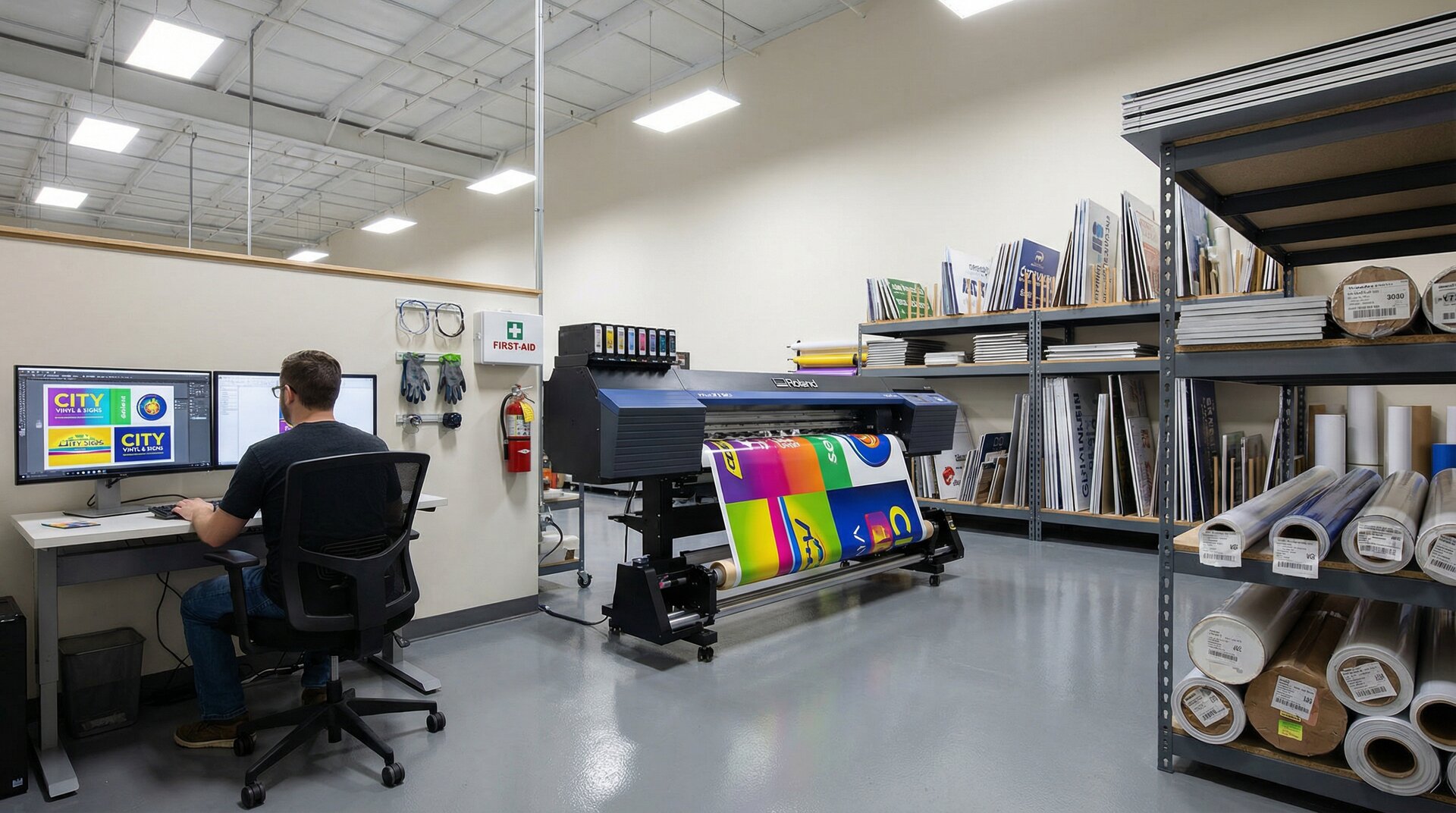
Large format printers are the workhorses of graphics production. They print on vinyl, paper, fabric, and various substrates.
Ink technologies:
Solvent/eco-solvent: Durable outdoor prints. Solvent inks require ventilation; eco-solvent is more workplace-friendly. Good durability without lamination.
Latex: Water-based, low odour, immediate handling. Good outdoor durability. Higher heat during printing limits some substrates.
UV-curable: Cures instantly under UV light. Prints directly on rigid substrates. Excellent durability. Higher equipment cost.
Dye-sublimation: For transfer to polyester fabrics. Not for vinyl or paper. Essential for soft signage and flags.
Key specifications:
- Print width: 1600mm (64”) is common. Wider formats (3200mm+) for large banners and building wraps.
- Resolution: 1440dpi is adequate for most signage; higher for close-viewing graphics.
- Speed: Production vs quality modes. Measure in square metres per hour.
- Colour gamut: More ink channels provide wider colour range.
- Media handling: Roll-to-roll standard; option for cut sheet or rigid boards (UV printers).
Flatbed Printers
Flatbed UV printers print directly on rigid substrates—foam board, acrylic, aluminium composite, wood, and more.
Advantages:
- Direct printing eliminates mounting
- White ink enables printing on dark or clear materials
- Texture and raised printing effects possible
Considerations:
- Higher capital cost than roll-to-roll printers
- More maintenance complexity
- Slower output than some roll printers
Hybrid printers combine flatbed and roll-to-roll capability, offering flexibility at the cost of some efficiency in each mode.
Print-and-Cut Systems
Combined printer/cutters produce printed graphics and cut them to shape in one workflow.
Best for:
- Decals and labels
- Small-run stickers
- Prototyping
Limitations:
- Smaller format than dedicated machines
- Compromise between print and cut capability
Application and Finishing Equipment
Raw prints and cut pieces need finishing before they become signs.
Lamination
Laminators apply protective film to printed graphics, adding durability and often UV protection.
Types:
- Cold laminators: Pressure-sensitive adhesive. No heat, safer for sensitive prints. Lower cost.
- Hot laminators: Heat-activated adhesive. Stronger bond. Better for vehicle wraps.
Specifications:
- Match width to your printer width
- Consider liquid lamination for textured finishes
Mounting and Application
Mounting presses: Apply printed vinyl or paper to rigid substrates with consistent pressure. Essential for volume production.
Application tables: Large work surfaces for applying vinyl graphics. Air flotation tables allow repositioning before final application.
Heat tools: Heat guns and warmers for conforming vinyl to curves and activating heat-shrink materials.
Fabrication Tools
For dimensional signs and structural work:
- Welding equipment: For metal sign frames and structures
- Bending tools: For acrylic and metal channel letters
- Painting equipment: Spray booths and paint systems for finished coatings
- Hand tools: The standard assortment of drills, grinders, sanders, and assembly tools
LED and Electrical Equipment
Illuminated signs require electrical assembly capability.
LED Systems
LED modules: Individual units installed in channel letters and lightboxes. Various brightness levels and colour temperatures.
LED strip/tape: Flexible strips for contour lighting and edge-lit applications.
LED neon: Flexible silicone tubes for neon-effect signage. See our guide to LED neon production.
Power Supplies
Constant voltage supplies: 12V or 24V DC, sized for your LED load plus headroom. Quality matters—cheap supplies fail and can damage LEDs.
Drivers: Required for some LED types to regulate current.
Electrical Tools
- Soldering equipment for connections
- Wire strippers and crimpers
- Multimeter for testing
- Cable management supplies
Certification considerations: Depending on jurisdiction, finished illuminated signs may need electrical testing and certification. Understand local requirements.
Safety Equipment
Sign production involves hazards that require proper protection.
Personal Protective Equipment
- Eye protection: Safety glasses for cutting operations, filtered lenses for laser and welding
- Hearing protection: CNC routers and other machinery exceed safe noise levels
- Respiratory protection: Masks or respirators for dust, fumes, and spray application
- Gloves: Cut-resistant for material handling, chemical-resistant for solvents and inks
Workshop Safety
- Fire extinguishers: Appropriate types for your materials and equipment
- First aid: Stocked and accessible kit
- Ventilation: Essential for solvent, spray, and laser operations
- Dust extraction: For routers, sanders, and other dust-generating equipment
- Machine guarding: Emergency stops accessible on all powered equipment
Training and Documentation
Equipment is only safe when used correctly:
- Operator training for all machinery
- Written procedures for hazardous operations
- Regular maintenance to manufacturers’ schedules
- Safety inspection routines
Building Your Equipment List
New shops face the classic dilemma: you need equipment to get jobs, but you need jobs to pay for equipment. Build capability incrementally based on the work you’re targeting.
Starting Configuration
For a general-purpose sign shop starting out:
- Design workstation: Capable computer, good monitor, essential software
- Vinyl cutter: Mid-size (900mm+) cutter for graphics and cut vinyl
- Basic tools: Application tools, hand tools, safety equipment
This configuration handles cut vinyl graphics, vehicle lettering, and basic signage. Outsource printing and fabrication until volume justifies investment.
First Expansion
When work volume supports it:
- Large format printer: Eco-solvent or UV, depending on your market. Print in-house for better margins and faster turnaround.
- Laminator: Protect prints and expand material options.
Second Expansion
For dimensional signage and higher production:
- CNC router: Brings dimensional letters and routed signs in-house.
- LED systems: Capability for illuminated signage.
Specialist Additions
Based on market opportunities:
- Laser cutter: Intricate work, thin materials, metal cutting (fibre)
- Flatbed UV printer: Direct-to-substrate printing
- Wide format options: Building wraps and large banners
Making Purchase Decisions
Equipment purchases have long-term impact. Consider carefully before committing.
New vs Used
Used equipment advantages:
- Lower cost
- Immediate availability
- Proven reliability (for well-maintained machines)
Used equipment risks:
- Unknown maintenance history
- Outdated technology
- Limited or no warranty
- Consumables availability
For CNC routers and quality printers, well-maintained used equipment can offer excellent value. For newer technologies (UV printing, fibre lasers), depreciation is slower and used savings are smaller.
Financing Considerations
- Lease vs buy: Leasing preserves capital but costs more long-term. Consider for rapidly-evolving technology.
- Finance terms: Match payment period to equipment life expectancy.
- Total cost: Include installation, training, consumables, and maintenance in your calculations.
Supplier Selection
- Support availability: Local service matters when machines go down.
- Training: What’s included? What’s the ongoing training path?
- Consumables: Cost and availability of inks, tools, and parts.
- User community: Active user groups provide invaluable peer support.
Frequently Asked Questions
What equipment do I need to start a sign shop?
At minimum, you need a design workstation with appropriate software, a mid-size vinyl cutter (900mm+), and basic application tools. This configuration handles cut vinyl graphics and vehicle lettering. Add a large format printer and laminator as volume grows, then CNC routing capability for dimensional signage. Build incrementally based on actual work, not theoretical opportunities.
How much does sign making equipment cost?
Entry-level vinyl cutters start around £500-1,500. Professional large format printers range from £5,000-50,000 depending on size and ink technology. CNC routers suitable for sign work typically cost £10,000-50,000. Laser cutters range from £3,000 for small CO2 units to £50,000+ for production fibre lasers. Factor in software, installation, training, and consumables beyond equipment purchase price.
Should I buy new or used sign equipment?
Used equipment offers lower entry cost and immediate availability for proven technologies like CNC routers and eco-solvent printers. However, used machines carry risks: unknown maintenance history, outdated features, limited warranty. For rapidly-evolving technology (UV printing, fibre lasers), used savings are smaller and technology gaps more significant. Always verify condition and get maintenance records.
What software do sign shops use?
Sign shops typically use vector design software (Adobe Illustrator, CorelDRAW, or Affinity Designer), image editing software (Photoshop or Affinity Photo), RIP software specific to their printers, and CAM software for CNC equipment. Sign-specific packages like FlexiSign and SignLab combine design, cutting, and production features. Job management software becomes important as volume grows.
How do I choose between a CNC router and laser cutter?
CNC routers excel at cutting thick materials (acrylic over 6mm, aluminium composite, wood, foam boards) and 3D carving. Laser cutters are better for thin materials, intricate detail work, and clean edges on acrylics. Fibre lasers are required for cutting metals. Many established sign shops have both—routers for dimensional letters and structural work, lasers for detailed components and thin materials.
Conclusion
Sign shop equipment decisions shape what you can produce and how profitably you can produce it. Start with the capabilities your market demands, and expand based on actual work, not theoretical opportunities.
Quality equipment, properly maintained, pays back over many years. The cheapest machine often isn’t—not when you factor in downtime, limitations, and early replacement.
For sign shops looking to streamline the customer experience while generating production-ready files, Sign Customiser bridges the gap between customer design and shop floor equipment. Customers design their signs online; you receive files formatted for your production workflow. View pricing to find the right plan for your operation, or explore our production workflow guide for end-to-end process optimisation.