Whether you’re launching a new business, preparing for a trade show, or simply want to refresh your storefront signage, making a banner or custom sign has never been more accessible. The right banner maker tool can transform your ideas into professional-quality marketing materials that capture attention and drive results.
For small businesses, signage represents one of the most cost-effective forms of advertising. A well-designed banner works around the clock, communicating your brand message to every passerby. But with so many sign maker tools available—ranging from DIY design platforms to specialised e-commerce solutions—choosing the right one can feel overwhelming.
This guide breaks down the top five banner and sign maker tools for small businesses in 2026. We’ll examine each platform’s strengths, ideal use cases, and pricing to help you make an informed decision. Whether you’re a sign-making business selling custom products to customers or a small business owner creating marketing materials in-house, there’s a solution here for you.
By the end of this article, you’ll understand which tool best fits your specific needs for making a banner or custom sign—and how to leverage it for maximum impact.
Why Custom Banners Matter for Small Businesses
Before diving into the tools themselves, it’s worth understanding why custom banners and signage remain such powerful marketing assets for small businesses.
Brand Visibility and Recognition
Your signage is often the first impression customers have of your business. A professionally designed banner or sign establishes credibility and helps your brand stand out in a crowded marketplace. Studies consistently show that effective signage can increase brand awareness by up to 75% in local markets.
For brick-and-mortar businesses, exterior signage drives foot traffic. Whether you’re considering LED neon signs for a modern look or classic acrylic signage for durability, the right choice depends on your brand aesthetic. For online businesses attending markets or trade shows, banners create a professional presence that builds trust with potential customers. Making a banner that accurately represents your brand identity is an investment that pays dividends over time.
Cost-Effective Marketing
Compared to digital advertising, paid media, or other marketing channels, custom banners offer an exceptional return on investment. A single banner can last for years, providing continuous exposure without ongoing costs. Unlike pay-per-click campaigns that stop the moment your budget runs out, physical signage keeps working indefinitely.
For small businesses with limited marketing budgets, this durability makes banners one of the smartest investments available. The cost-per-impression drops dramatically over time, making even premium custom signs remarkably affordable in the long run. Curious about how much custom signs cost? The investment varies based on materials and complexity, but the ROI often justifies the expense.
Versatility Across Use Cases
Custom banners adapt to virtually any marketing need:
- Storefronts and shopfronts: Permanent signage that identifies your business and draws customers inside—from metal signs to illuminated displays
- Trade shows and exhibitions: Portable displays that create a professional booth presence
- Events and promotions: Temporary banners for sales, grand openings, or wedding celebrations
- Interior branding: Lobby signs, directional signage, and aesthetic displays for employees and visitors
This versatility means that mastering banner design software—or partnering with a business that has—unlocks marketing opportunities across every facet of your operations.
Top 5 Banner and Sign Maker Tools
Now let’s examine the leading tools for making a banner or custom sign in 2026. Each platform excels in different scenarios, so we’ve ranked them based on overall value for small businesses while noting the specific situations where each truly shines.
#1 Sign Customiser – Best for Sign Businesses and E-commerce
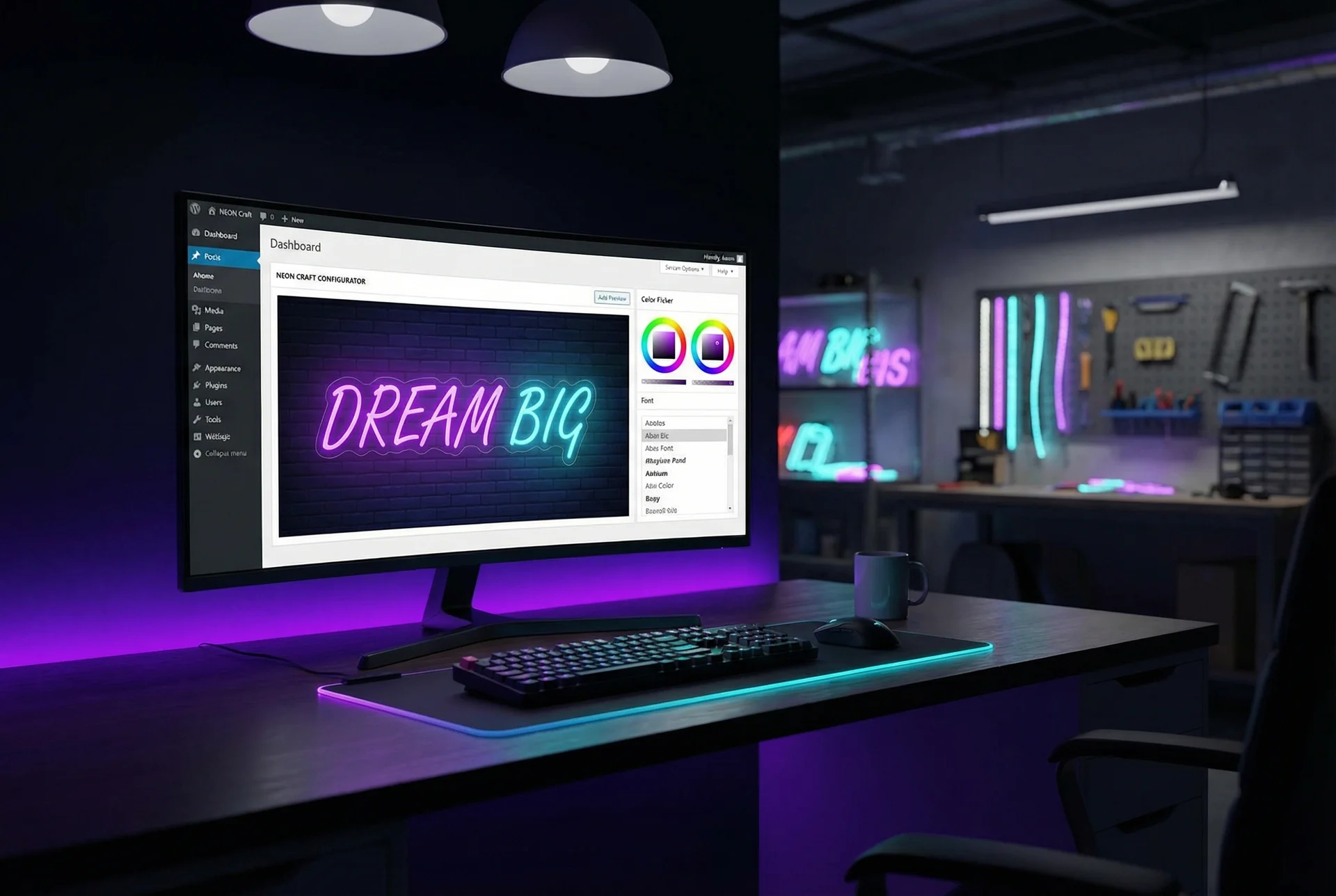
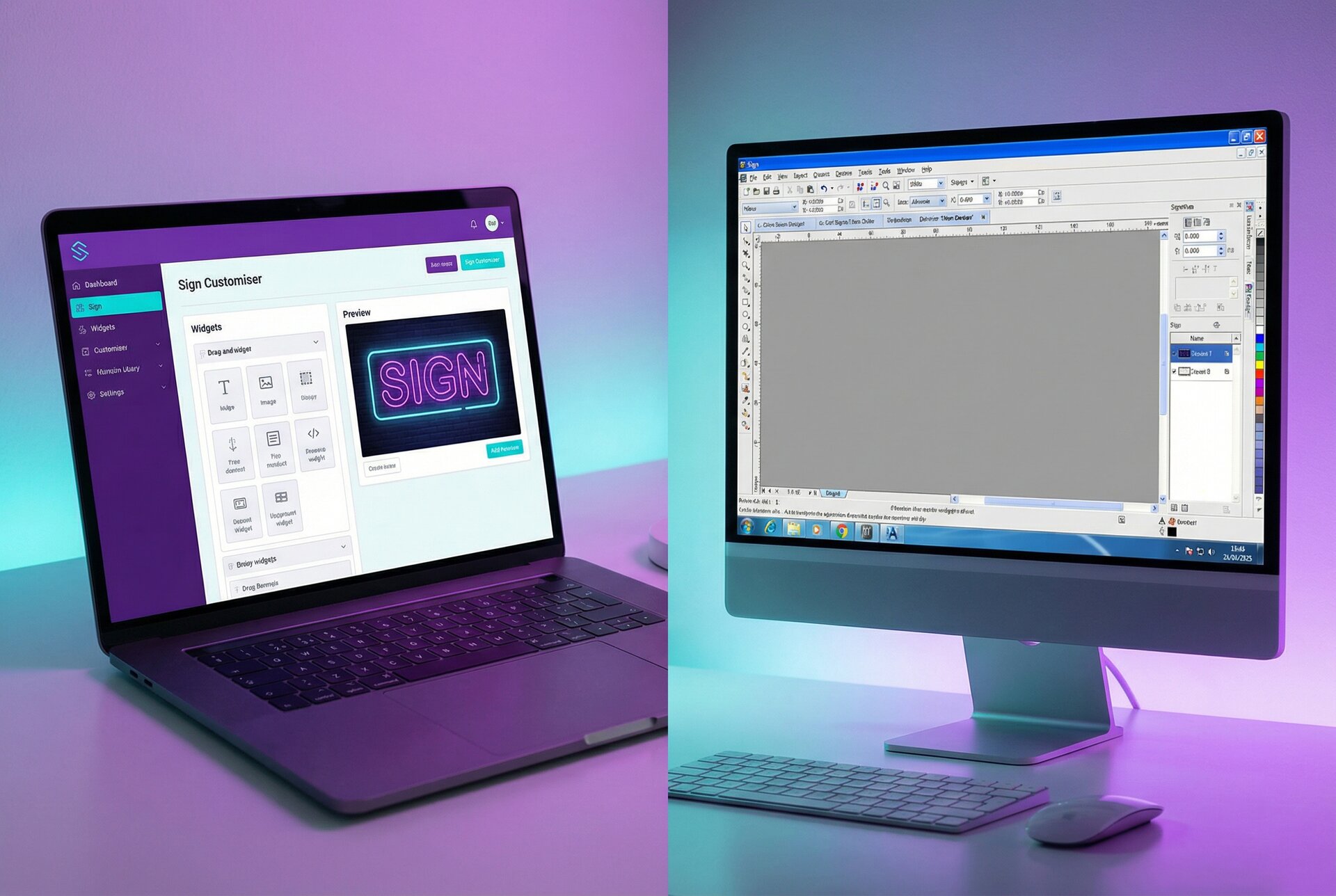
Sign Customiser stands apart from other banner maker tools because it’s specifically designed for businesses that sell custom signs to customers. While most design tools focus on helping individuals create their own graphics, Sign Customiser provides a complete e-commerce solution for sign manufacturers, neon sign makers, and custom signage businesses.
Key Features
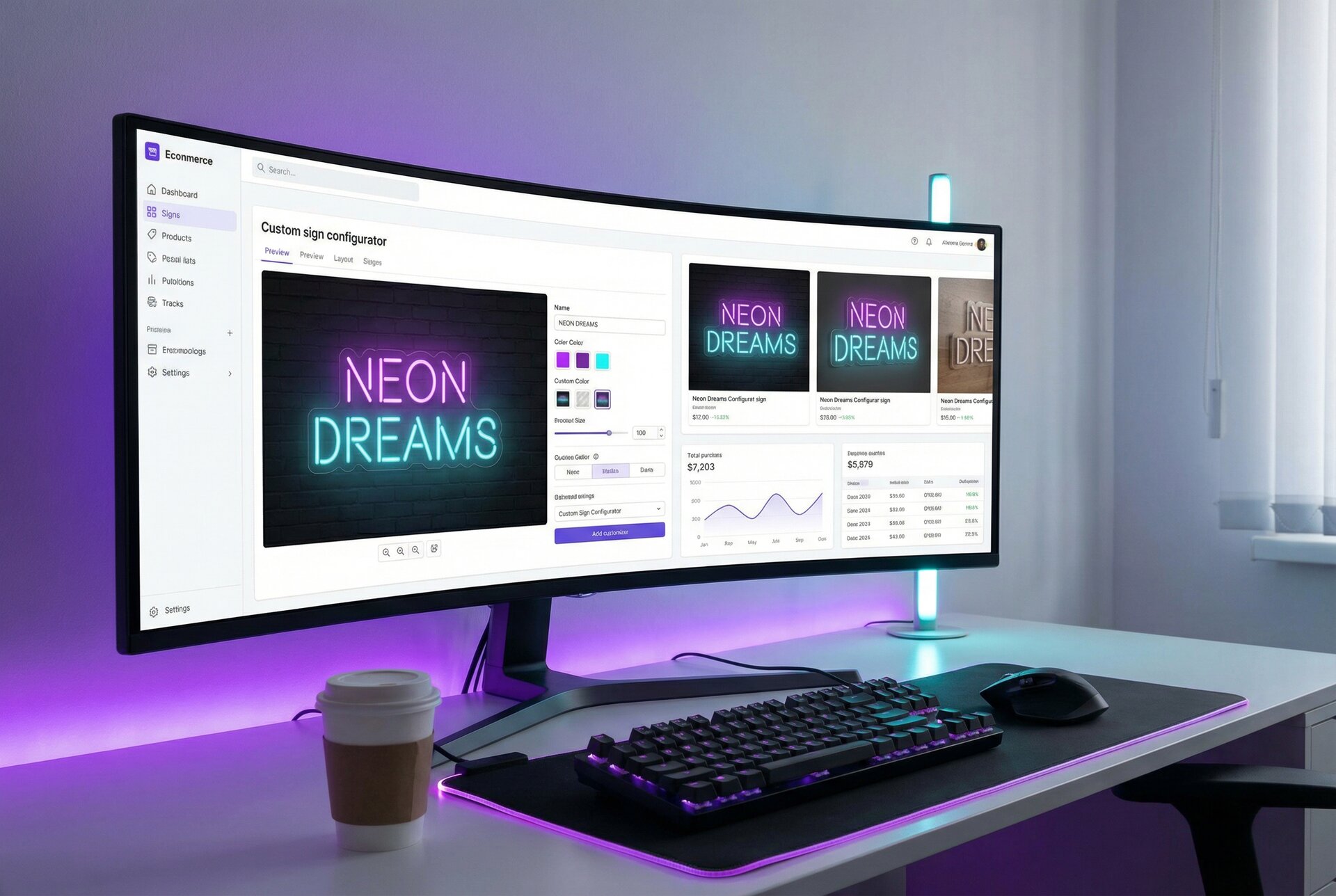
Real-Time WYSIWYG Design: Customers see exactly what they’re ordering as they customise their sign. This live preview functionality reduces customer uncertainty and dramatically cuts down on support queries and order revisions. The what-you-see-is-what-you-get interface means fewer misunderstandings between customer expectations and delivered products.
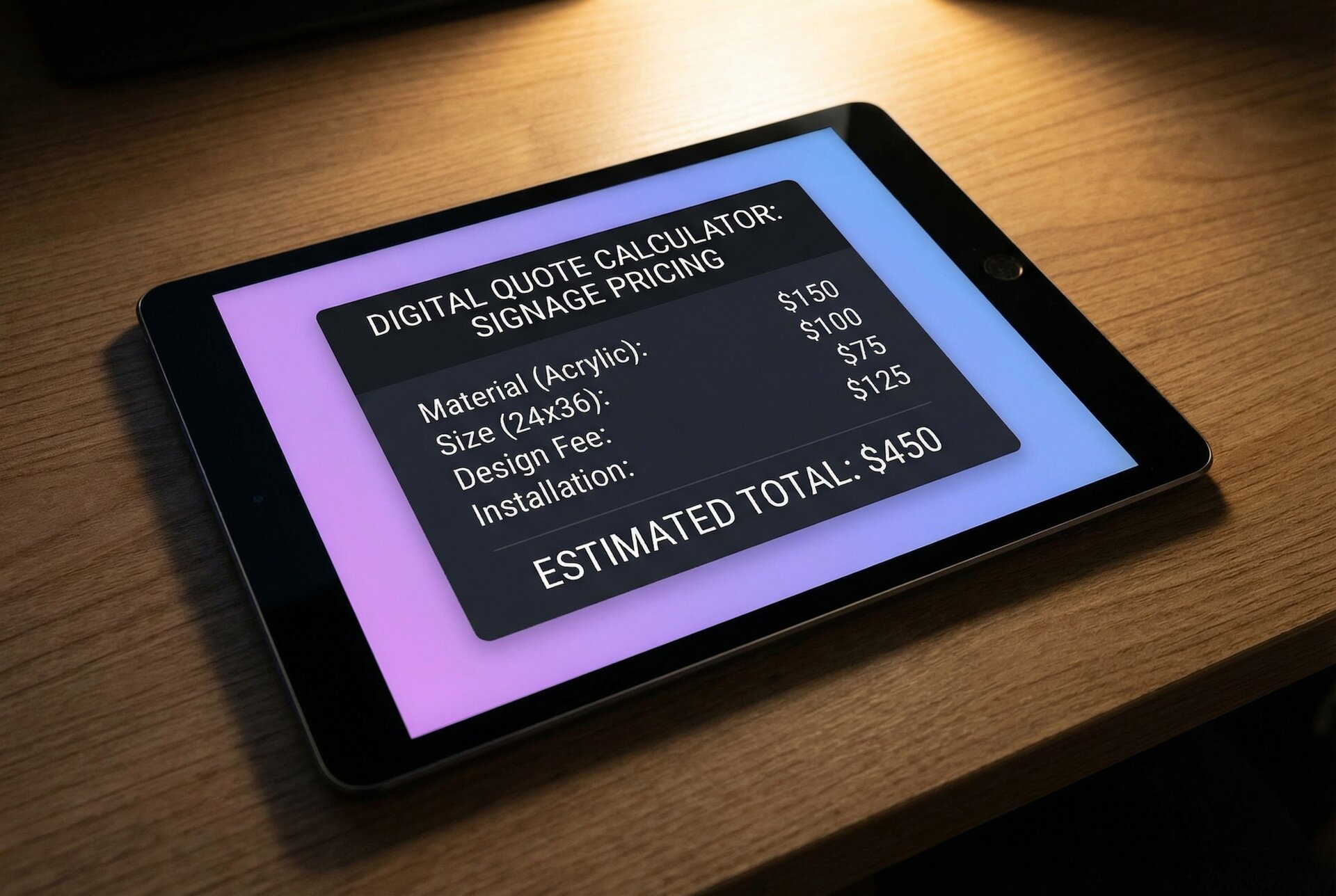
Multiple Pricing Models: Sign Customiser supports several pricing approaches to match different product types:
- Simple Letter Pricing: Ideal for character-based pricing where each letter has a fixed cost
- Advanced Letter Pricing: Uses precise material length calculations based on actual font path data
- Frame Fit Pricing: Perfect for signs sold in frames where overall dimensions determine the price
Seamless Shopify Integration: For businesses using Shopify, Sign Customiser embeds directly into product pages. Customers can design their custom banner or sign without leaving your store, and their customised product flows directly into the standard checkout process.
Professional Output: Unlike consumer design tools, Sign Customiser generates production-ready files that can be sent directly to manufacturing equipment like laser cutters. This eliminates the manual conversion steps that waste time and introduce errors.
Conversion Tracking: Built-in analytics and event tracking help you understand how customers interact with your customisers and optimise for conversions.
Best For
Sign Customiser is the clear choice for businesses that manufacture and sell custom signs, banners, neon signs, channel letters, or any customisable signage products. If you’re looking to offer customers a self-service design experience with real-time pricing and seamless checkout, this is the only tool built specifically for that purpose.
Pricing
Sign Customiser offers tiered plans based on features and volume. Visit their pricing page for current rates.
#2 Canva – Best for DIY Digital Banners
Canva has become synonymous with accessible design, and for good reason. Its intuitive drag-and-drop interface makes creating digital banners, social media graphics, and marketing materials accessible to non-designers.
Key Features
Extensive Template Library: Canva offers thousands of professionally designed templates for banners, posters, social media graphics, and more. This vast library means you can start with a polished foundation and customise from there, rather than designing from scratch.
Drag-and-Drop Interface: No design experience is required. Simply select elements—text, images, shapes, icons—and position them where you want. The interface feels intuitive from the first use.
Free Tier Available: Canva’s free version is surprisingly capable, offering access to many templates, stock images, and design tools. This makes it an excellent starting point for small businesses testing the waters of DIY design.
Collaboration Features: Teams can work together on designs, leave comments, and maintain brand consistency through shared brand kits. This collaborative approach works well for businesses with multiple stakeholders involved in marketing decisions.
Cross-Platform Access: Canva works in any web browser and offers mobile apps, making it accessible from virtually any device.
Limitations
While Canva excels at digital graphics, it has notable limitations for physical signage:
- Output files may not meet professional print specifications for large-format banners
- No direct integration with sign manufacturing equipment
- Limited options for real-time pricing or customer-facing customisation
- Designed for individual users creating their own graphics, not businesses selling custom products
Best For
Canva is ideal for small business owners who need to create digital marketing materials in-house—social media banners, email graphics, flyers, and simple printed materials. It’s less suitable for businesses selling custom signage or requiring professional print-ready outputs.
Pricing
Canva offers a capable free tier. Canva Pro costs approximately $15/month and adds premium templates, brand kit features, and expanded storage. Canva for Teams provides additional collaboration tools at $30/month for the first five users.
#3 Vistaprint – Best for One-Off Printed Banners
Vistaprint takes a fundamentally different approach: rather than providing design software, they offer an end-to-end service that handles both design and production. You create your banner using their online tools, and Vistaprint manufactures and ships the physical product directly to you.
Key Features
Design-to-Print Workflow: The design process is tightly integrated with production specifications. You know exactly what you’re getting because the design tool reflects the actual printing constraints and capabilities.
Physical Product Delivery: Vistaprint manufactures the actual banner, sign, or marketing material and ships it to your door. For businesses without manufacturing capabilities, this removes a significant logistical challenge.
Business-Focused Templates: Templates are specifically designed for business use cases—marketing banners, retractable displays, yard signs, and more. These templates include appropriate sizing, safe zones, and bleed areas for professional output.
Wide Product Range: Beyond banners, Vistaprint offers business cards, brochures, packaging, promotional products, and virtually any printed marketing material a small business might need.
Quality Guarantees: Vistaprint backs their products with quality guarantees and has established a reputation for consistent output over decades in business.
Limitations
- Higher per-unit costs compared to local printing or in-house production
- Limited customisation compared to dedicated design tools
- Not suitable for businesses selling custom products to customers
- Turnaround times depend on shipping, which can delay time-sensitive projects
- Design capabilities are constrained to what Vistaprint can produce
Best For
Vistaprint works well for small businesses needing occasional printed banners without the hassle of sourcing separate design and printing services. It’s particularly valuable for those who value convenience over cost savings and don’t require advanced customisation options.
Pricing
Vistaprint uses product-based pricing rather than software subscriptions. Vinyl banners typically start around $20-30 for small sizes and scale up based on dimensions and materials. Bulk discounts are available for larger orders.
#4 PosterMyWall – Best for Marketing Campaigns and Social Media
PosterMyWall has carved out a niche in the banner design space by focusing on marketing-ready content, particularly for social media and digital advertising campaigns. Its strength lies in creating eye-catching promotional graphics quickly.
Key Features
Video and Animated Banners: Unlike static design tools, PosterMyWall excels at creating animated graphics and video content. This capability is increasingly valuable as social media platforms prioritise motion content in their algorithms.
Marketing-Focused Templates: Templates are designed with specific marketing goals in mind—sale announcements, event promotions, product launches, and seasonal campaigns. This focus means less adaptation work to make templates fit marketing objectives.
Social Media Optimisation: Built-in sizing presets for every major social platform ensure your banners display correctly whether posted on Instagram, Facebook, LinkedIn, or other channels.
Affordable Pricing: PosterMyWall offers more accessible pricing than some competitors, making it viable for small businesses with tight budgets.
Quick Turnaround: The platform is optimised for speed, allowing you to create marketing graphics in minutes rather than hours.
Limitations
- Less suitable for professional print output
- No e-commerce or customer-facing customisation features
- Animation features may not translate to physical banners
- Template quality can vary significantly
Best For
PosterMyWall is ideal for small businesses focused on digital marketing who need to produce social media content, digital ads, and promotional graphics quickly. It’s particularly valuable for businesses running frequent campaigns that require fresh visual content.
Pricing
PosterMyWall offers a free tier with watermarked downloads. The Premium plan costs approximately $10/month and removes watermarks while adding features. The Premium Plus plan at around $15/month unlocks additional storage and capabilities.
#5 Visme – Best for Professional Presentations and Infographics
Visme positions itself as a comprehensive visual communication platform, extending beyond banner design into presentations, infographics, reports, and data visualisation.
Key Features
Comprehensive Visual Suite: Create presentations, infographics, documents, and graphics from a single platform. This breadth makes Visme valuable for businesses needing consistent visual branding across multiple formats.
Data Visualisation: Visme includes robust charting and data visualisation tools, allowing you to create infographic-style banners that communicate complex information effectively.
Brand Kit Features: Maintain brand consistency across all visual materials with saved colours, fonts, logos, and design elements. This consistency builds professional credibility over time.
Interactive Content: Create interactive presentations and graphics that engage viewers beyond static imagery.
Collaboration Tools: Team features allow multiple users to work on projects, share feedback, and maintain version control.
Limitations
- Higher learning curve than simpler tools
- Not specifically designed for banner production
- No manufacturing or e-commerce integration
- Pricing may exceed budget for occasional use
Best For
Visme works well for businesses that need professional presentations, reports, and infographics alongside occasional banner design. It’s particularly valuable for B2B companies that regularly communicate data-driven messages to clients and stakeholders.
Pricing
Visme offers a limited free tier. The Starter plan costs approximately $15/month. Business and Enterprise plans with advanced features and team capabilities range from $25-79/month.
Feature Comparison Table
| Feature | Sign Customiser | Canva | Vistaprint | PosterMyWall | Visme |
|---|---|---|---|---|---|
| Primary Purpose | E-commerce sign sales | DIY digital design | Print ordering | Marketing graphics | Visual communication |
| Real-Time Preview | ✓ | ✓ | Limited | ✓ | ✓ |
| Customer-Facing Customiser | ✓ | ✗ | ✗ | ✗ | ✗ |
| Dynamic Pricing | ✓ | ✗ | Fixed | ✗ | ✗ |
| Shopify Integration | ✓ | ✗ | ✗ | ✗ | ✗ |
| Production-Ready Output | ✓ | Limited | ✓ | Limited | Limited |
| Physical Manufacturing | ✗ | ✗ | ✓ | ✗ | ✗ |
| Animation/Video | ✗ | Limited | ✗ | ✓ | ✓ |
| Free Tier | Trial | ✓ | ✗ | ✓ | ✓ |
| Best For | Sign sellers | DIY designers | One-off prints | Social media | Presentations |
Key takeaway: If you’re a business selling custom banners and signs to customers, Sign Customiser is the only tool designed specifically for that use case. For DIY design needs, the other tools each have their strengths depending on whether you prioritise templates (Canva), print fulfillment (Vistaprint), animation (PosterMyWall), or comprehensive visual communications (Visme).
How to Choose the Right Tool
With five strong options available, selecting the right banner maker tool depends on understanding your specific situation. Here’s a framework for making that decision.
Consider Your Business Model
Are you selling custom signs to customers? If you manufacture or sell custom banners, neon signs, acrylic letters, or other signage products, you need a tool that supports customer-facing customisation with real-time pricing. Sign Customiser is purpose-built for this scenario.
Are you creating marketing materials for your own business? If you need banners, social media graphics, and promotional materials for internal marketing efforts, consumer design tools like Canva or PosterMyWall offer accessible solutions.
Do you need occasional printed banners? If you only need physical banners occasionally and prefer a one-stop solution, Vistaprint’s integrated design-and-print service minimises hassle.
Evaluate Order Volume
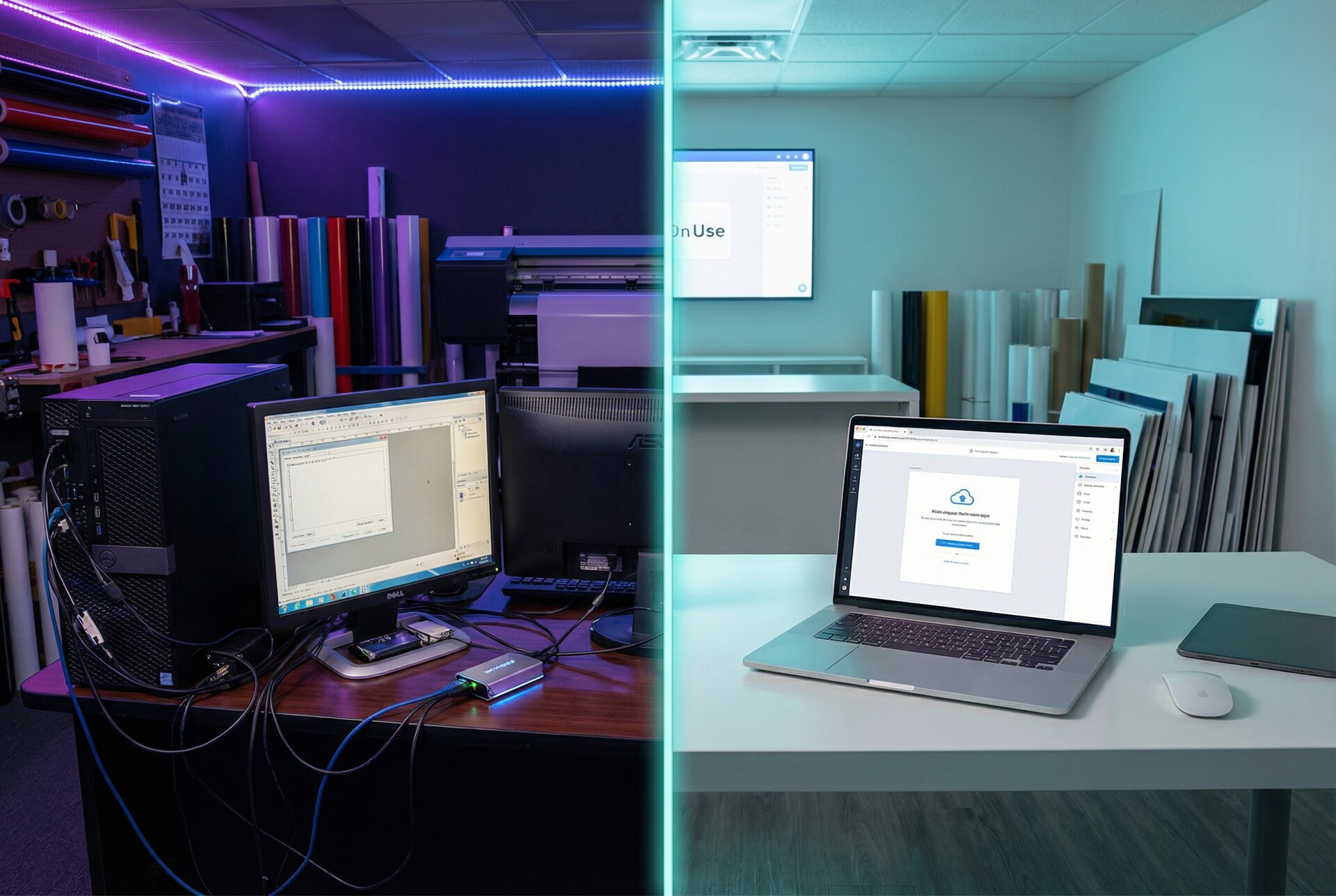
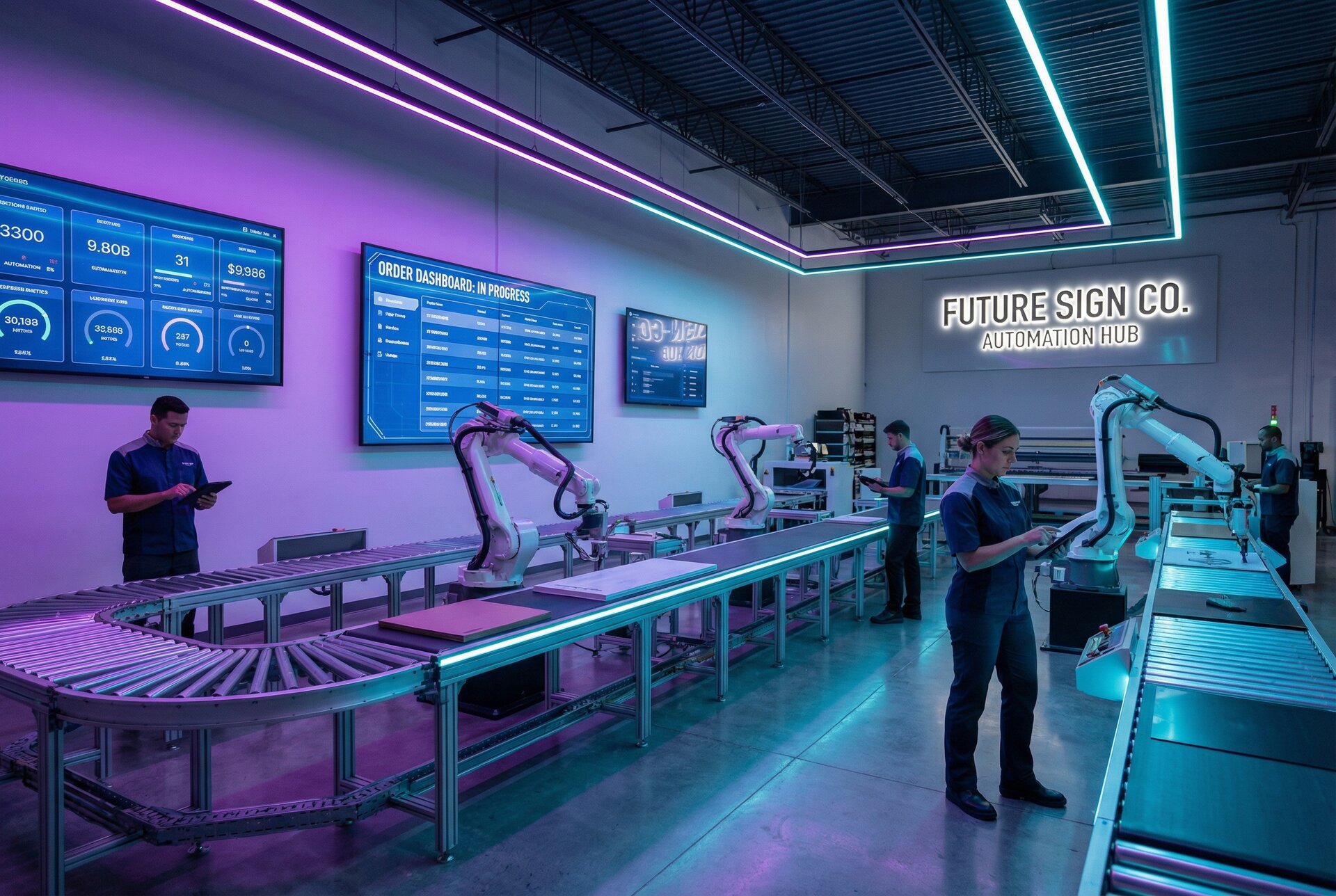
High-volume custom sign businesses benefit significantly from automation and integration features. Manual processes that work for ten orders per month become unsustainable at a hundred or a thousand orders. Sign Customiser’s automated pricing, production file generation, and e-commerce integration become essential at scale.
For low-volume needs—a few banners per year—simpler tools or full-service options like Vistaprint may prove more practical than investing in specialised software.
Assess Customer Experience Needs
If customers interact directly with your design tool, their experience matters enormously. A confusing interface leads to abandoned carts and support requests. A polished, intuitive customiser builds confidence and increases conversions.
Sign Customiser’s real-time preview and clear pricing display address these customer experience concerns directly. The customer knows exactly what they’re ordering and what it will cost before checkout. You can even use the share feature to let customers save and share their designs before purchasing.
Check Integration Requirements
Consider how the banner maker tool fits into your existing technology stack:
- E-commerce platforms: Does the tool integrate with Shopify, WooCommerce, or your existing store?
- Production equipment: Can output files be sent directly to cutting plotters, printers, or other manufacturing equipment?
- Analytics tools: Does the platform provide conversion tracking and integrate with your marketing analytics?
- CRM systems: Can customer data flow into your customer relationship management tools?
- Automation: Does it support webhook subscriptions for real-time order processing?
Sign Customiser offers robust integration capabilities specifically for sign and banner businesses. Consumer design tools typically operate in isolation from e-commerce workflows.
Tips for Making Effective Banners
Regardless of which tool you choose, certain design principles apply universally to creating banners that achieve their marketing objectives.
Keep the Message Clear and Focused
Effective banners communicate a single message quickly. Viewers often have only seconds—or fractions of a second—to absorb your content. Resist the temptation to include every detail about your business or offering. Instead, focus on one compelling message and ensure it’s immediately clear. Need inspiration? Check out our collection of neon sign ideas and sign quote examples for proven messaging approaches.
Ask yourself: if someone glimpsed this banner for two seconds, would they understand the core message? If not, simplify.
Typography Matters More Than You Think
Font selection dramatically impacts banner effectiveness. Understanding how fonts render visually can help you make better typography decisions:
- Readability: Choose fonts that remain legible at viewing distance. Script fonts may look elegant up close but become unreadable from across a trade show floor.
- Hierarchy: Use size, weight, and colour to establish clear hierarchy. The most important information should be immediately obvious.
- Consistency: Limit yourself to two or three fonts maximum. Mixing too many typefaces creates visual chaos.
- Contrast: Ensure sufficient contrast between text and background. Light text on dark backgrounds or dark text on light backgrounds generally works best.
Leverage Colour Psychology
Colours evoke emotional responses and should align with your intended message:
- Red: Creates urgency, perfect for sale banners
- Blue: Builds trust and professionalism, ideal for corporate messaging—electric blue neon is particularly striking
- Green: Suggests growth, health, or environmental consciousness
- Yellow/Orange: Conveys energy and optimism, good for attention-grabbing
- Purple: Represents creativity and luxury—purple neon signs are popular for salons and creative spaces
- White: Clean and minimalist—white neon signs work in almost any setting
- Black: Communicates sophistication and premium positioning
Consider your brand colours, but don’t be afraid to use contrasting accent colours to draw attention to specific elements like calls-to-action.
Include a Clear Call-to-Action
Every banner should prompt a specific action:
- Visit your website
- Call your phone number
- Enter your store
- Attend your event
- Take advantage of an offer
Make the call-to-action prominent and specific. “Shop Now” works better than “Learn More” when driving immediate sales.
Conclusion
Making a banner or custom sign for your small business no longer requires expensive design agencies or specialised technical skills. The tools available in 2026 put professional-quality signage within reach of every business, regardless of size or budget.
For businesses selling custom signs to customers, Sign Customiser provides a purpose-built solution with real-time design previews, flexible pricing models, and seamless e-commerce integration. No other tool on the market offers the same combination of customer-facing customisation and production-ready output.
For small businesses creating marketing materials in-house, tools like Canva, PosterMyWall, and Visme offer accessible design capabilities at various price points. And for those preferring a full-service approach, Vistaprint handles both design and production.
The key is matching the tool to your specific needs. Consider your business model, volume requirements, customer experience goals, and integration needs. With the right banner maker tool in your arsenal, you’ll create signage that builds your brand, attracts customers, and drives results.
Ready to see how Sign Customiser can transform your custom sign business? Explore our features and discover why leading sign makers trust Sign Customiser to power their customer experience. You can also explore our design gallery for inspiration, or see how other businesses are winning more sales with custom signage.