
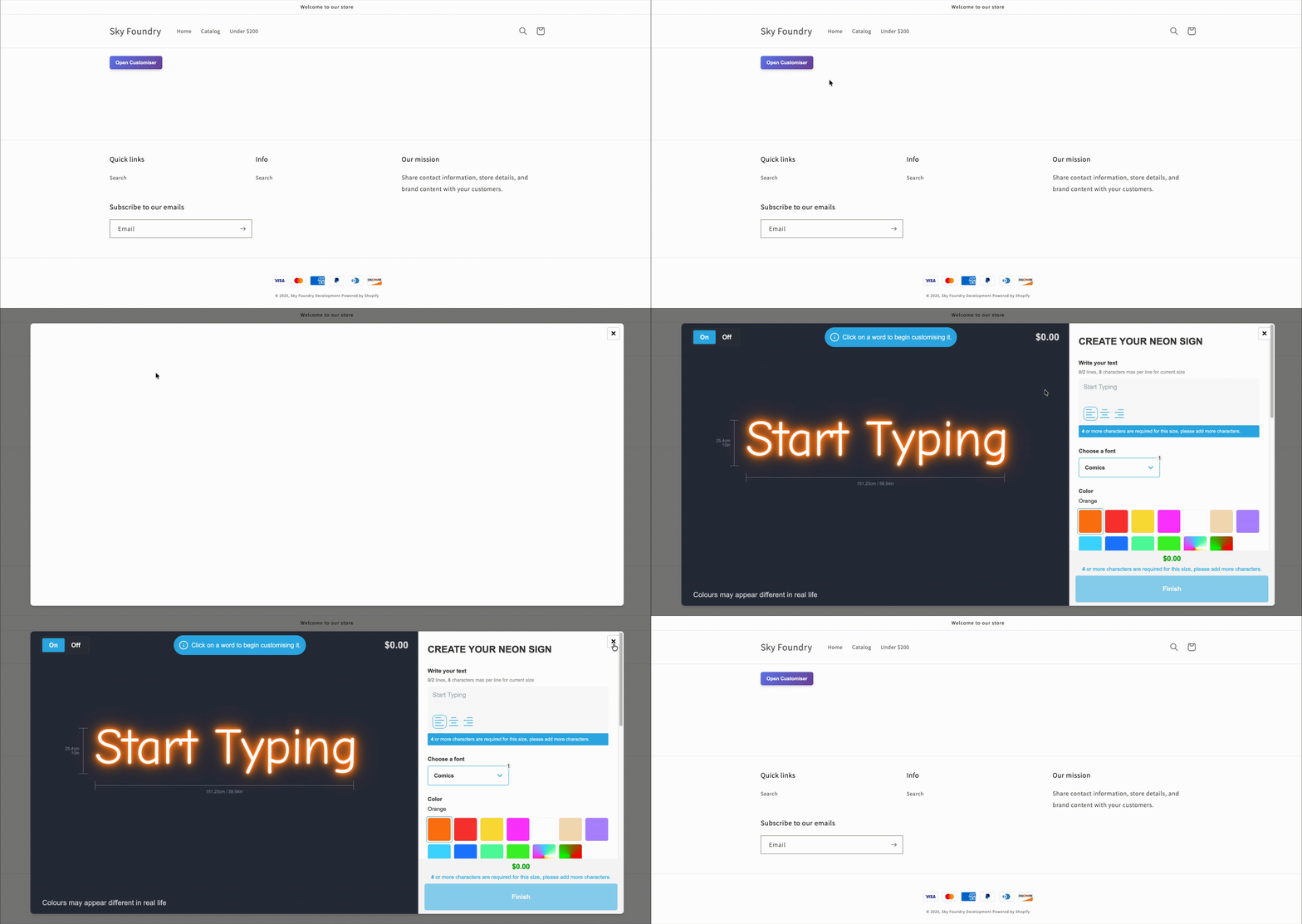
Customisers can now be displayed in a modal with little to no configuration, giving you much more flexibility in how you present your products to customers.
Why use a modal?
Embed on any page with just a button Instead of dedicating an entire page to your customiser, you can now add a simple button anywhere on your site. When clicked, the customiser opens as a modal overlay, keeping your customers on the same page they started on.
Show multiple customisers on one page Want to let customers choose between different sign types on the same page? Now you can. Add multiple buttons that each open different customisers, making it easier for customers to compare options without navigating between pages.
Better user experience The modal approach means the customiser doesn’t take up your entire screen or page layout. Customers can easily close the modal to return to where they were, creating a smoother, less disruptive experience.
Get started
Learn how to add this to your website by visiting our documentation:
[/help/customise/modal-display/)
