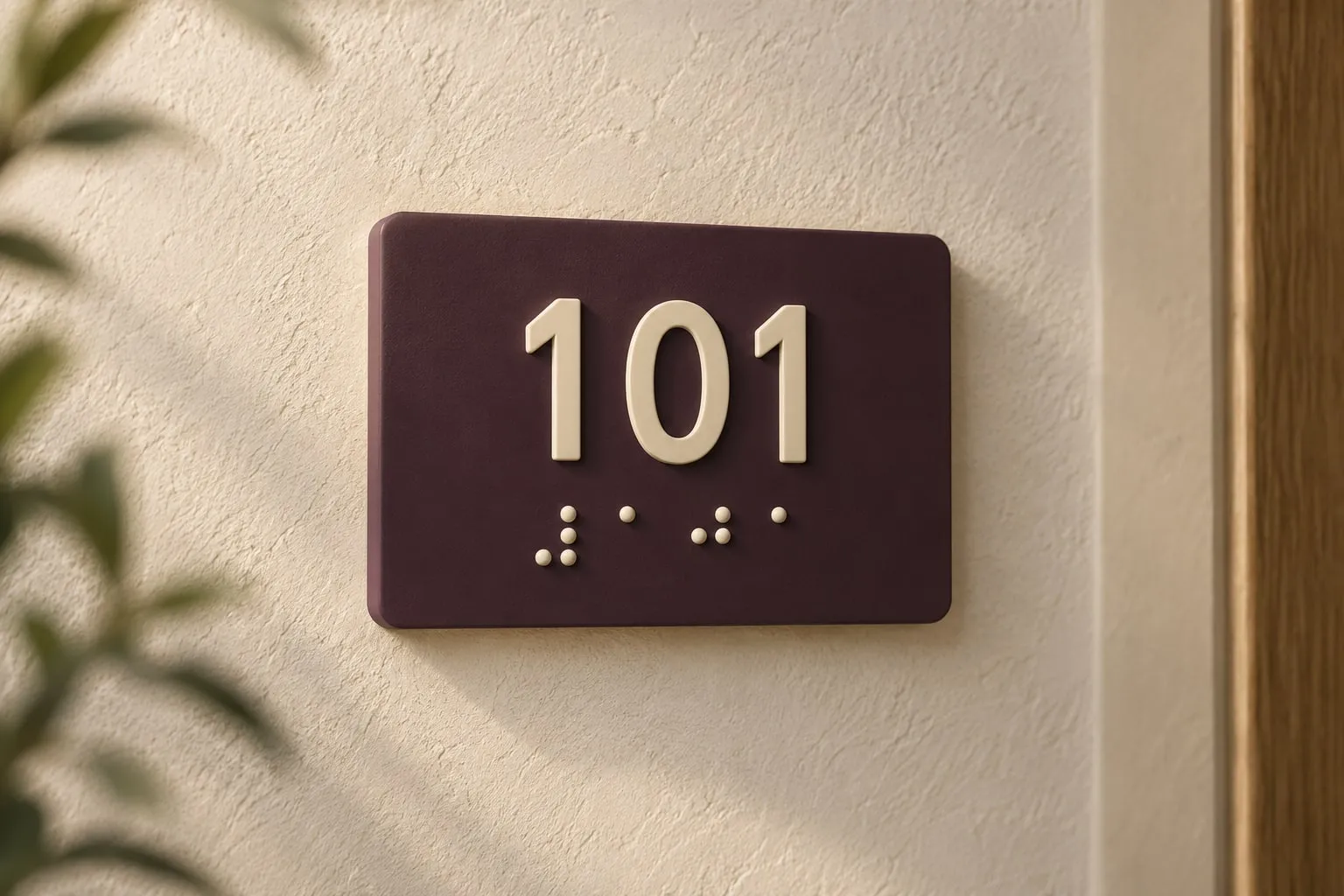
Sell room, wayfinding and accessibility signs online with automatic Braille translation, fixed physical dot geometry, live pricing and order-ready artwork for ADA, ISO 17049 and AS/NZS projects.
Every Sign Customiser product ships with the same four capabilities. Your sign type, your catalogue, your storefront — the software is the constant.
Sign type
NeonMetal plateStencilLightbox
BAY 4OPEN 24/7$149
LED colour
Backboard
NeonPlateStencilLightbox
BAY 4OPEN 24/7$149
LED colour
Live pricing for all sign options
Every choice a customer makes, from text and materials to dimensions, lighting and mounting, reprices the sign on the spot. The figure on screen stays the real, order-ready quote.
Text, materials, finishes, dimensions and mounting repriced live
Per-option, per-finish and per-size pricing rules you control
What the customer sees is the price they pay, with no quote round-trip
shop.example.com/products/sign
Sign
Create your sign
1Write your text
FontOpen Sans
Colour
$72Add to cart
Sign CustomiserTheme block
shop.example.com/products/sign
Sign
Create your signFont · Open Sans
$48Add to cart
Theme block
Drop the builder into any storefront
The customiser drops into your product page as a theme block — no copy-paste, no developer. Customers design, get a quote, and add to cart without leaving your storefront.
Works on Shopify, WooCommerce, Wix and Etsy
Logo upload with built-in AI Sign Designer
Custom CSS and theming to match your brand
New order #2487Draft
Aa
Acrylic channel letters1200 × 400 mmMatte white faceStand-off, 25 mm
3 attachments · 2.4 MB
SVGPDFAI
New order #2487Draft
Aa
Acrylic channel letters1200 × 400 mmMatte white face · Stand-off, 25 mm
3 attachments · 2.4 MB
SVGPDFAI
Production-ready files on every order
Every order emails your fabricator the production files they actually need — SVG cut paths, PDF proofs, Adobe Illustrator artwork — alongside the full spec sheet.
SVG, PDF and Adobe Illustrator files attached
Material, finish and dimension specifications
Mounting, electrical and assembly notes per product type
Sign CustomiserCreate new customiser
+ New
Products Created320Products
Conversion Rate4.2%Conversion
AI Files Created
CustomisersManage your sign designs
OrdersView attributed orders
AI Design FilesView customer artwork
Sign Customiser+ New
Products320
Conversion4.2%
Customisers
Orders
AI Design Files
Configure the catalogue your business actually sells
An admin dashboard for the catalogue you actually run — colours, fonts, finishes, pricing, manufacturers, orders. Reorder rows, toggle options on, edit prices in place.
Configure colour, font and price catalogues
Order tracking and reorder from the admin
Per-finish and per-shape pricing modifiers
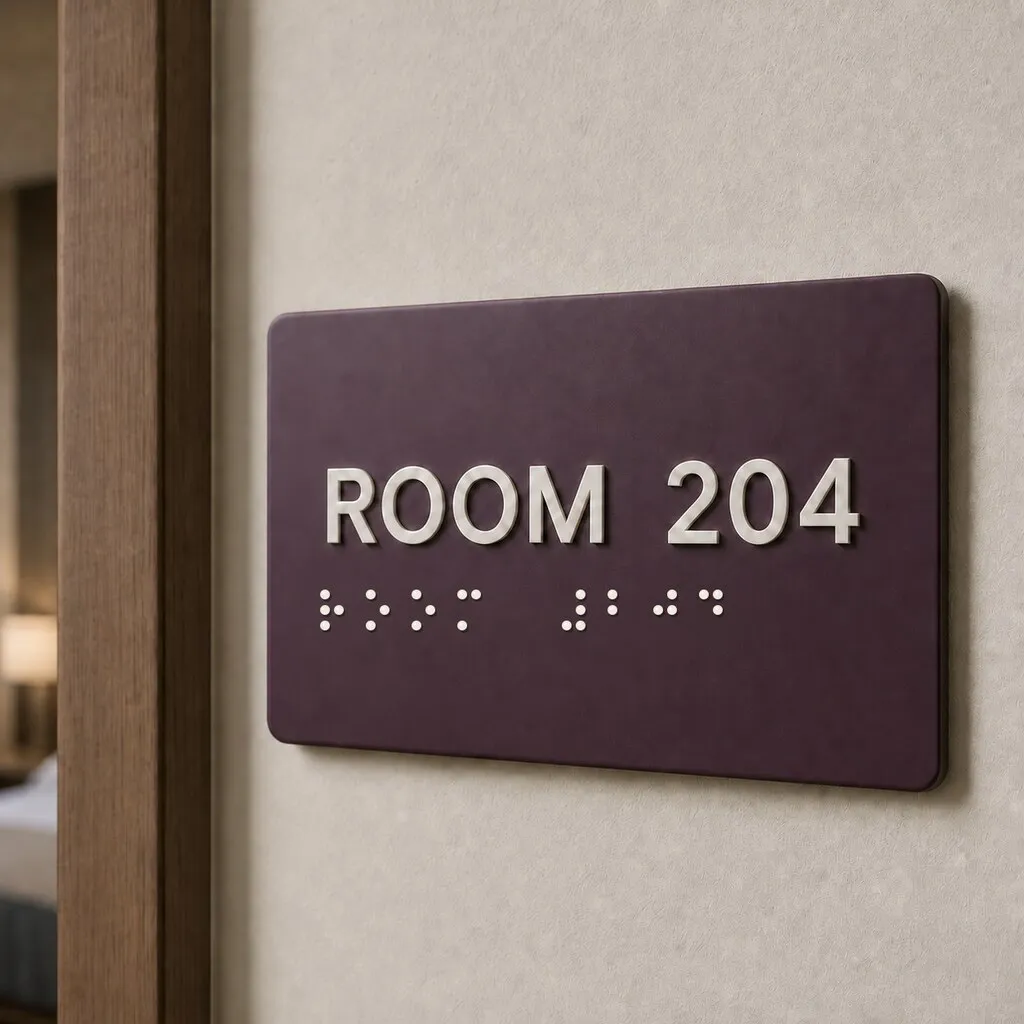
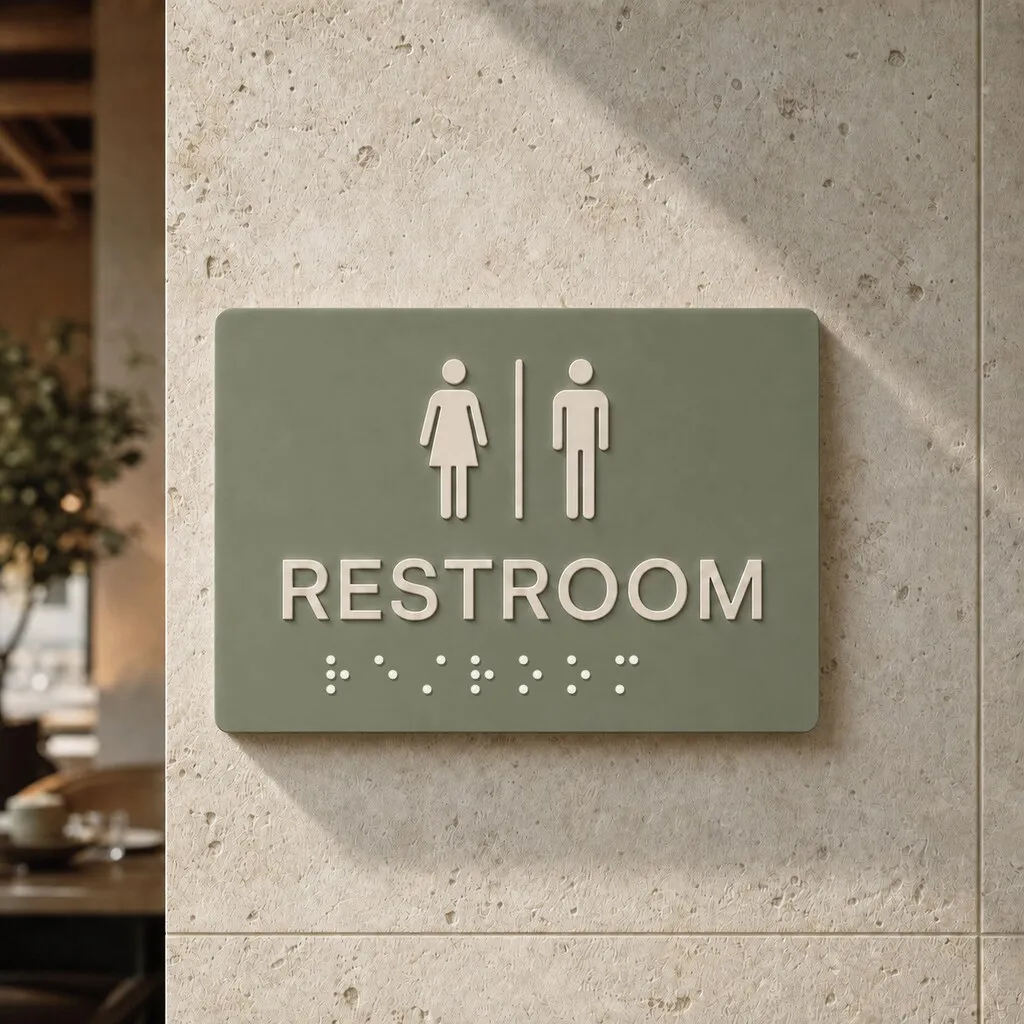
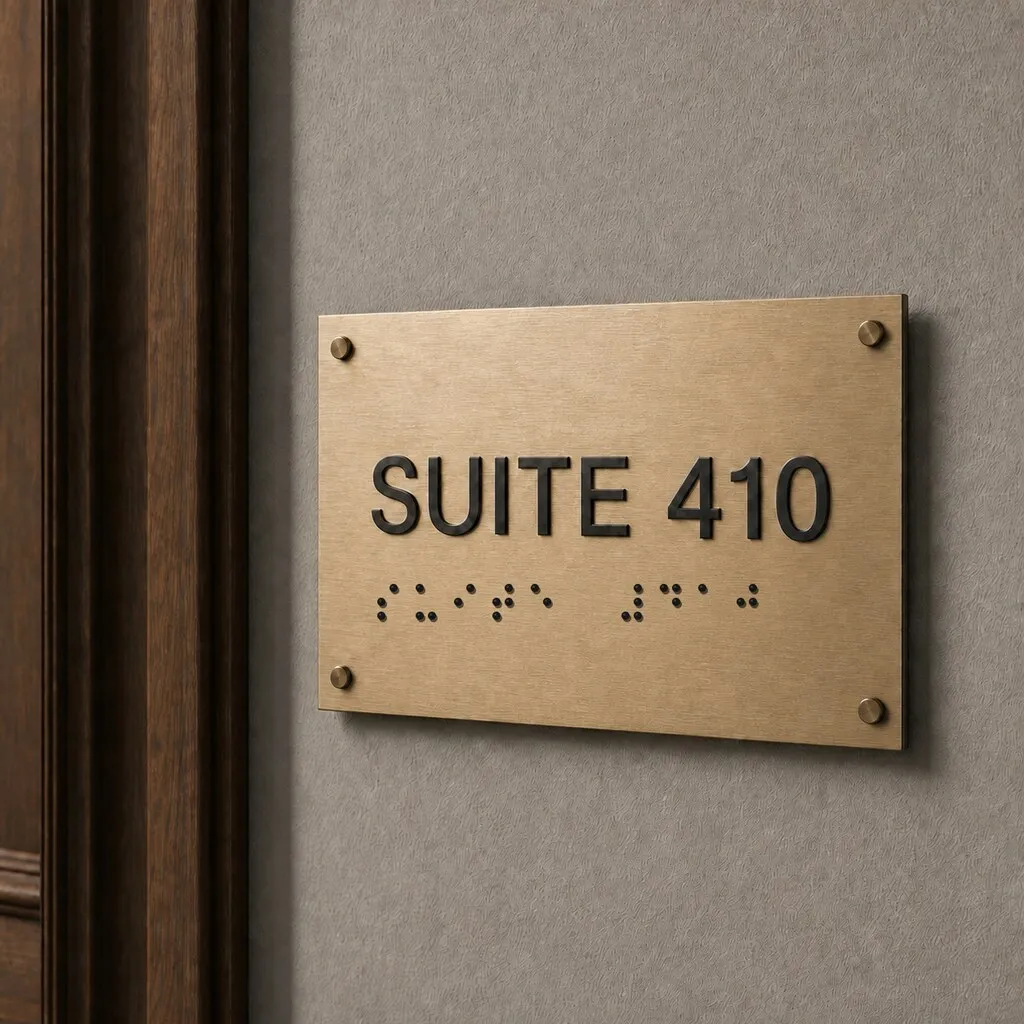
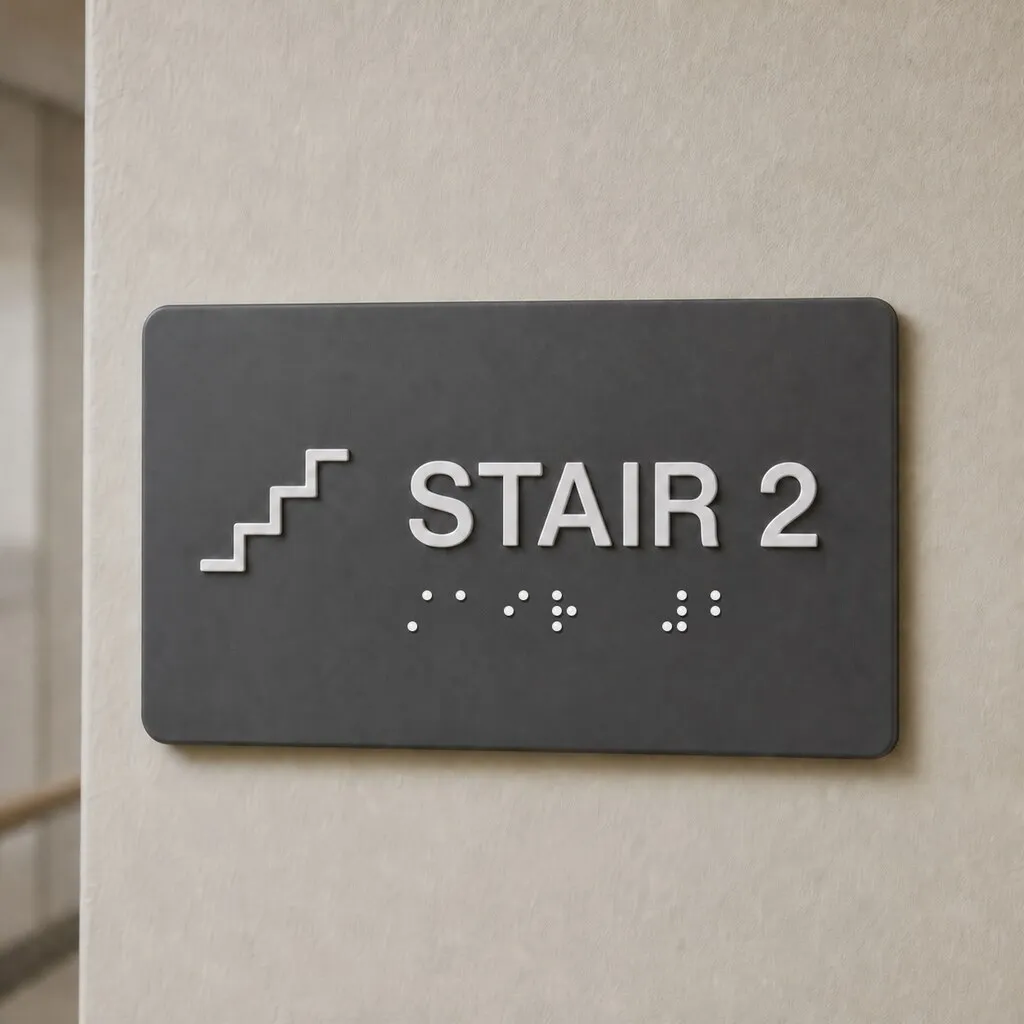
Braille sign layoutsyour customers can configure
Room IDs, washroom plaques, office directories and wayfinding signs can share one customiser while keeping each material, plate size and mounting choice clear.
Hotel room sign, matte acrylic
Washroom sign, engraved acrylic
Office suite sign, brushed brass
Stair sign, tactile engraving laminate
What your Braille signcustomiser supports
Every Braille sign builder ships with the options sign shops actually quote on. Configure the catalogue your business sells and switch off anything you don't.
Standards-based Braille geometry
ADA geometry for United States projects, including fixed dot diameter, spacing and dome-height specifications
AS/NZS 1428.4.2 geometry for Australian and New Zealand wayfinding signs
Marburg Medium geometry for the international default
Fixed physical dot size for projects assessed against ISO 17049 dimensional and material requirements
Straight answers for sign shops adding Braille, tactile room and accessible wayfinding signs to their online catalogue.
What is Braille sign design software?
Braille sign design software lets a sign shop sell tactile room, wayfinding and accessibility signs through its own website. Customers choose a plate, enter the printed wording and see the matching Braille row, finished size and price before ordering.
Does Sign Customiser guarantee ADA compliance?
No. The ADA preset fixes the Braille dot diameter, spacing and dome-height specification used in the preview and production data. The sign shop must still check the wording, contracted Grade 2 Braille, raised characters, finish, contrast, sign location, mounting height and every other requirement that applies to the finished installation.
Which international Braille sign standards can I work with?
Sign Customiser includes fixed geometry presets for ADA projects in the United States, AS/NZS 1428.4.2 projects in Australia and New Zealand, and Marburg Medium as the international default. ISO 17049 covers Braille dimensions, materials and practical use internationally. Always review the complete current standard and local building rules for the project location.
Which Braille languages and grades are supported?
The included tables cover English UEB Grade 1 and Grade 2, Dutch, French, German, Italian, Portuguese and Spanish. Arabic, Greek, Hebrew, Korean, Russian and Vietnamese are available with proofing recommended before fabrication. Japanese, Chinese and Thai are not translated automatically.
Can customers edit the Braille dots themselves?
No. The Braille row is derived from the printed wording, so customers cannot create a mismatch by editing individual dots. They can review the translated Braille string before ordering, and add to cart remains blocked until the current wording has translated successfully.
How are Braille signs sized and priced?
Braille signs use the Frame Fit pricing model, which prices the plate by area. The Braille row keeps a fixed physical size while the printed wording and plate change. If the wording and Braille cannot fit, the customer must choose a larger plate before ordering.
What production files and order details are included?
The SVG places each Braille dot as an exact vector circle in millimetre-accurate positions. Orders and manufacturer emails also carry the source wording, translated Braille string, table, grade and numeric geometry specification so the production team can verify the job before fabrication.
Can I sell Braille signs outside Shopify?
Yes. You can publish the same Braille sign customiser on WooCommerce and Wix. Webflow and Squarespace require a custom add-to-cart integration, while Etsy uses a hosted Customiser Link with a copied configuration summary. Check that your chosen route carries the source wording, translated Braille, table, grade and geometry into your production workflow before accepting orders.
Amazing product, and even better support. I cannot say enough good things about this sign customizer.
The Simple Stencil
The customer support very professionell very very fast. I am happy to work with the team. They have always a solution.
Neon Everglow
If you are looking to increase your end-user experience this app is a winner.
TINKABLE
Very pleased with how easy it was. The design tools made it simple to customize my sign with different fonts, colors and layouts. I could see changes in real-time so I knew what the final product would look like.
Weon Light
Great app! Fantastic support, probably the best ever worked with ;) The admin is so well designed and simple. Just a word : BRAVO
Light My Neon
Great service! The team is extremely helpful and always quick to answer any questions. Highly recommended.
Pricing guides, design references and inspiration galleries — every article links back to a real Sign Customiser feature you can switch on for your storefront.