
In some scenarios, example images were being cut off and not displaying the full preview:
We have just released an update which fixes this issue and greatly improves the overall user experience.
- On desktop devices, the example now appears when you hover over the “example” button. It will intelligently display above or below the label depending on where the user has scrolled to. Clicking on the zoom icon or the example button will open this image in full screen.
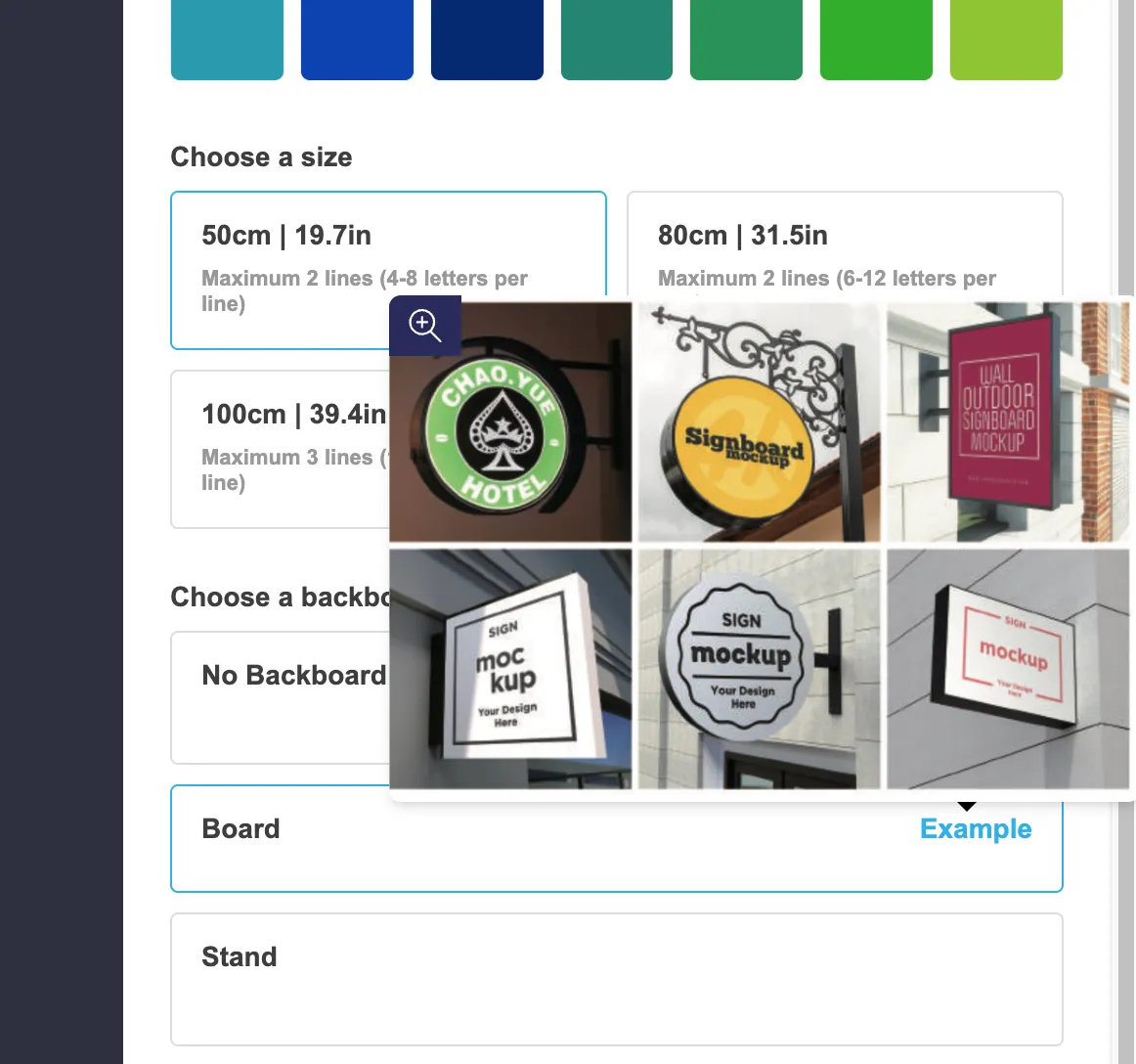
-
On mobile devices, tapping the example button immediately opens it in a full screen view ensuring the image is never cut off.
-
A new setting has been added which enables example images appearing on hover for some selections such as the text color. To enable this, go to the “General Settings” tab of your customiser and find the “Desktop Style Options” heading.
