
Increased File Upload Limit
We have increased the maximum file upload size for all forms from 2 megabytes to 10 megabytes. This is a significant upgrade that will benefit all merchants using our forms, allowing your customers to upload much larger files with their submissions. This improvement is especially useful for customers who need to submit high-resolution images, detailed artwork, or complex design files.
Supported file types for uploads include:
- Images: PNG, JPEG, SVG
- Documents: PDF, PostScript (EPS), Adobe Illustrator (AI)
This broad support ensures your customers can upload the most common file formats used in the sign and design industry.
Brand New Admin for Form Entries
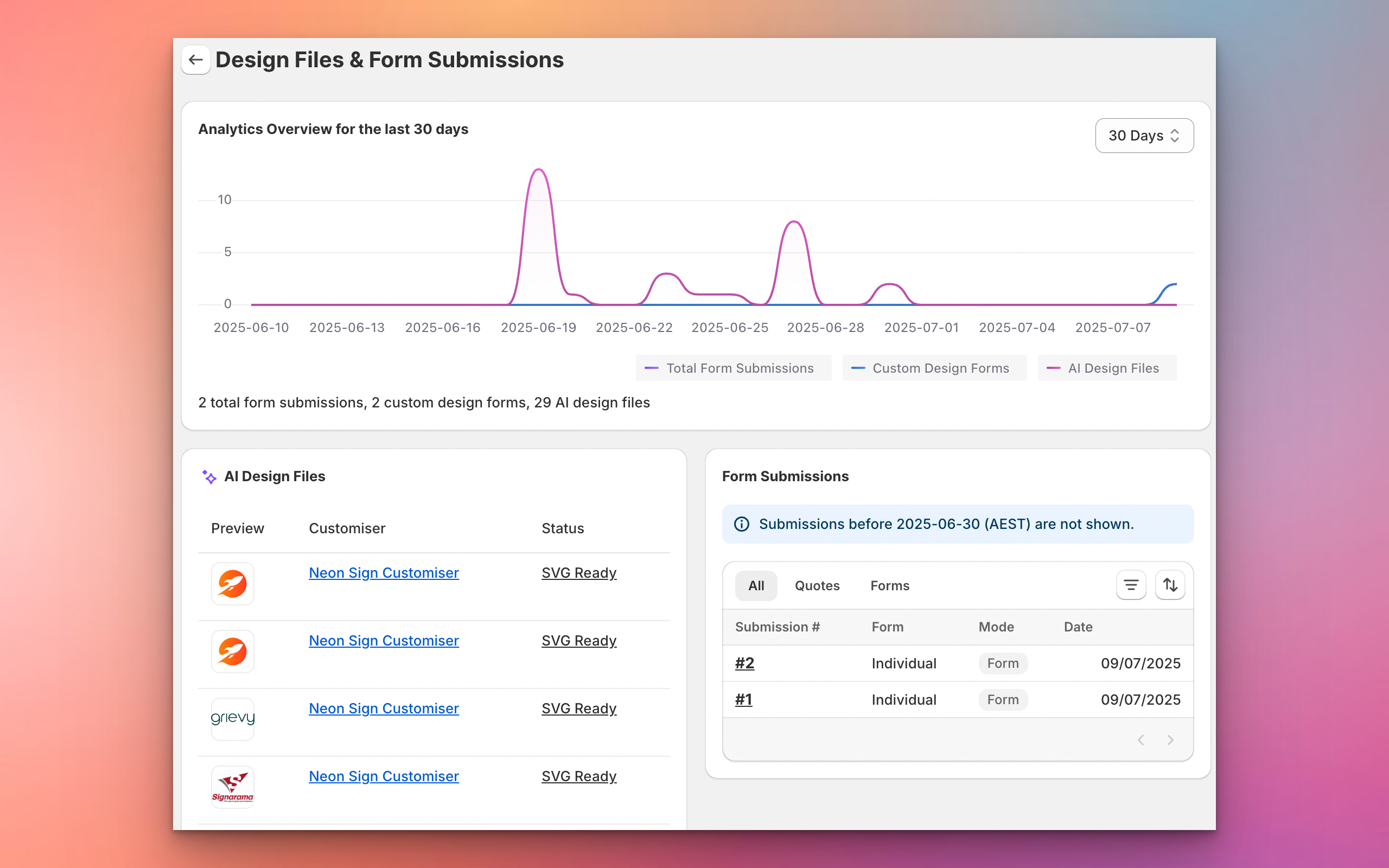
We have also launched a completely new admin interface that allows merchants to view all new form entries directly within the app. This new admin makes it easy to:
- View all data submitted through your forms in one place
- Quickly access uploaded files and customer details
- Manage and respond to customer submissions efficiently
This update streamlines your workflow and ensures you never miss an important customer request or file upload.
New: Tracking Events for Form Submissions
We have set up custom tracking events for form submissions. These events can be used for ad conversions or tracking in platforms like Google and Facebook. You can now listen for these events in your store to track when a customer submits a form or a quote request.
The two new events are:
signCustomiserFormSubmitted(for standard form submissions)signCustomiserQuoteSubmitted(for quote form submissions)
For more details and code examples, see our documentation: Tracking events for ad conversions
Improved After Submission Actions
We have also improved the after submission actions for forms. Merchants can now choose to show a thank you message or redirect customers to a custom page on your website after a form is submitted. This gives you more control over the customer experience and helps drive engagement or provide next steps.
