
Sign Customiser can now carry your customer’s chosen scene background through to the product image, so the picture they see in their cart and order matches the design they built — sign, background and all.
What’s Changed
- Backgrounds follow the design into the cartWhen a shopper picks one of your scene backgrounds in the visualiser, the product image can now use that same background instead of the default product photo.
- True-to-life sizingIf a background image has a real-world width set, the sign is scaled proportionally against it, so a small sign looks small and a large sign fills the scene — giving customers a realistic sense of what they’re ordering.
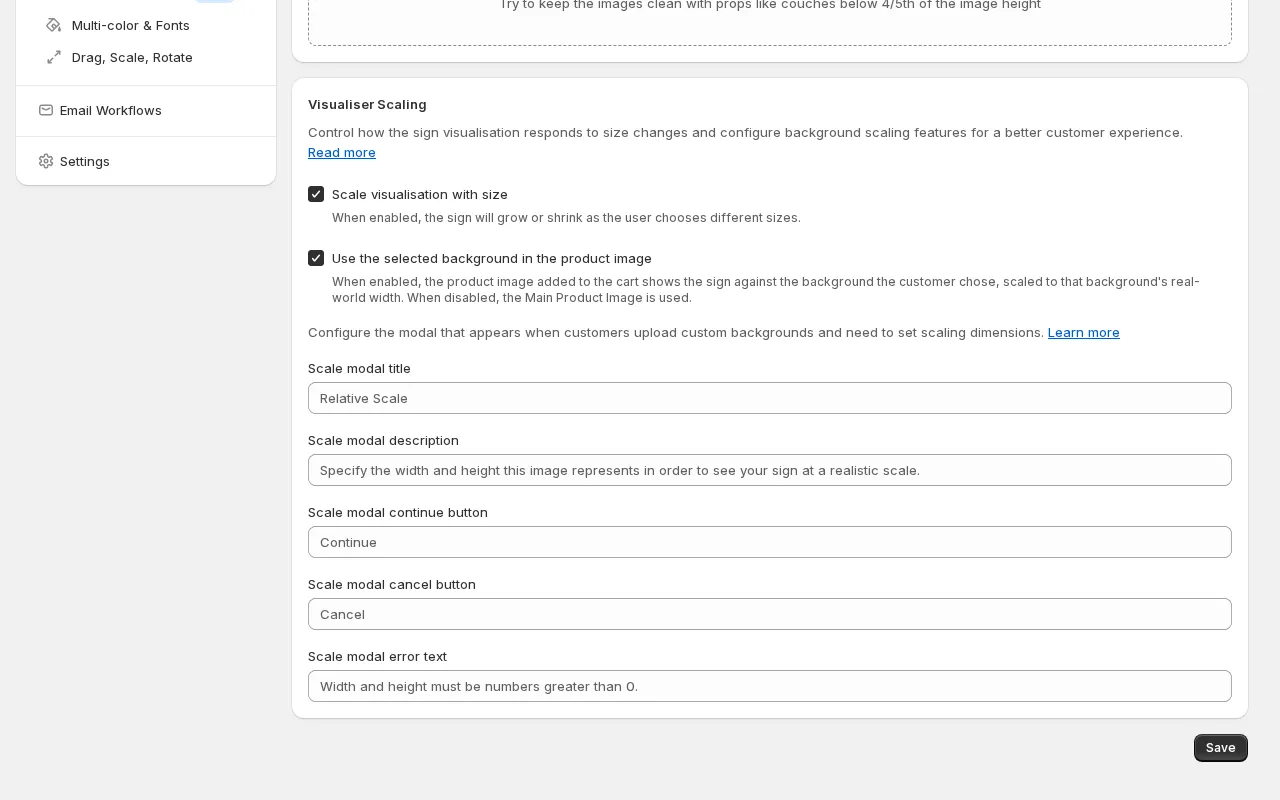
- You’re in controlThe feature is off by default. Turn on “Use the selected background in the product image” from the Scene Editor page whenever you’re ready — existing customisers keep working exactly as before.
- Works hand in hand with size scalingThe option pairs with “Scale visualisation with size”, so the product image only uses the scene background when the visualiser is showing the sign at its true scale.
