
The designer’s guide to neon generators: free tools vs premium options
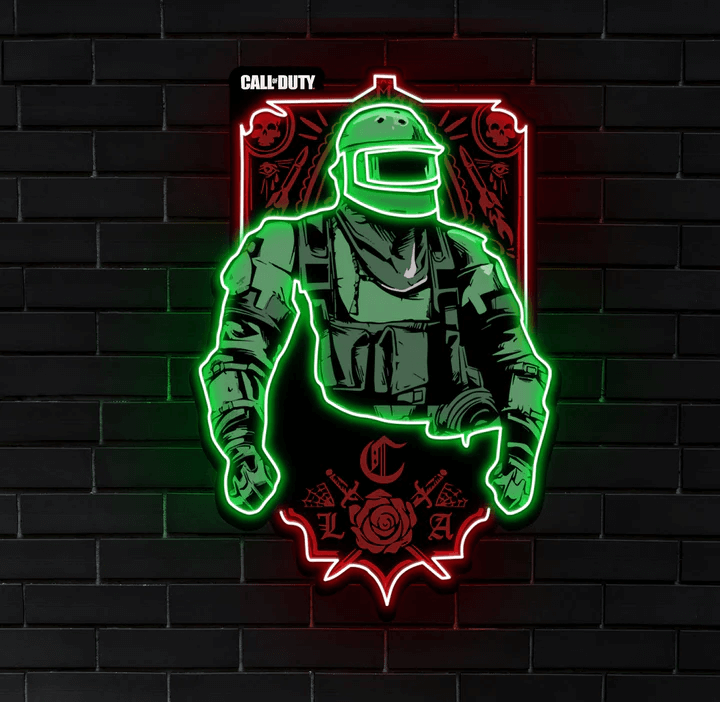
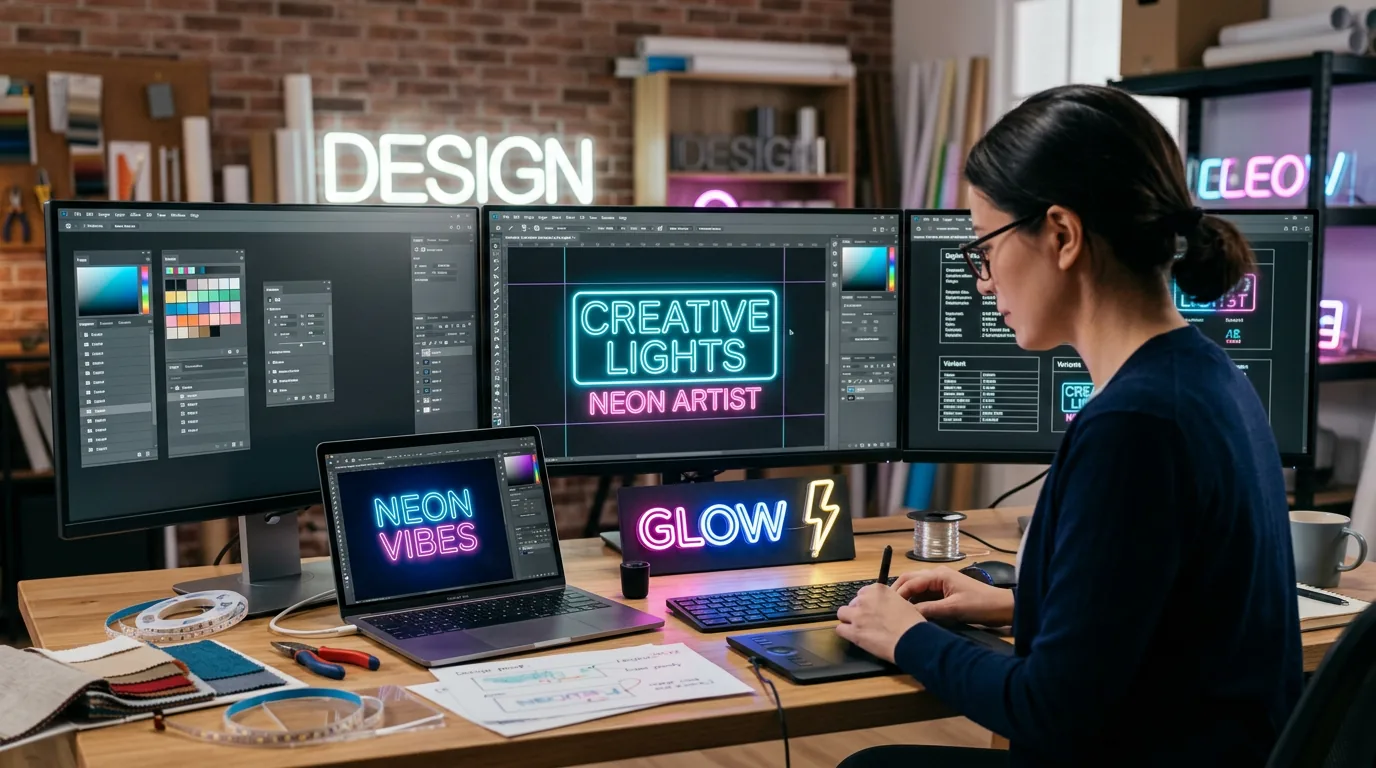
Skip the guesswork. A neon generator shows you exactly how your LED sign will look before you cut a single strip.
The difference between a £50 job and a £500 job often comes down to client confidence. When you can show realistic previews that match the final product, conversations shift from “will it work?” to “when can you install it?”
Free tools handle basic text effects well enough for simple projects. Professional generators add production-ready outputs, accurate colour matching, and workflow integration that saves hours on complex installations. The question isn’t whether you need a neon generator—it’s which one fits your project scale and client expectations.
What separates good generators from time-wasters
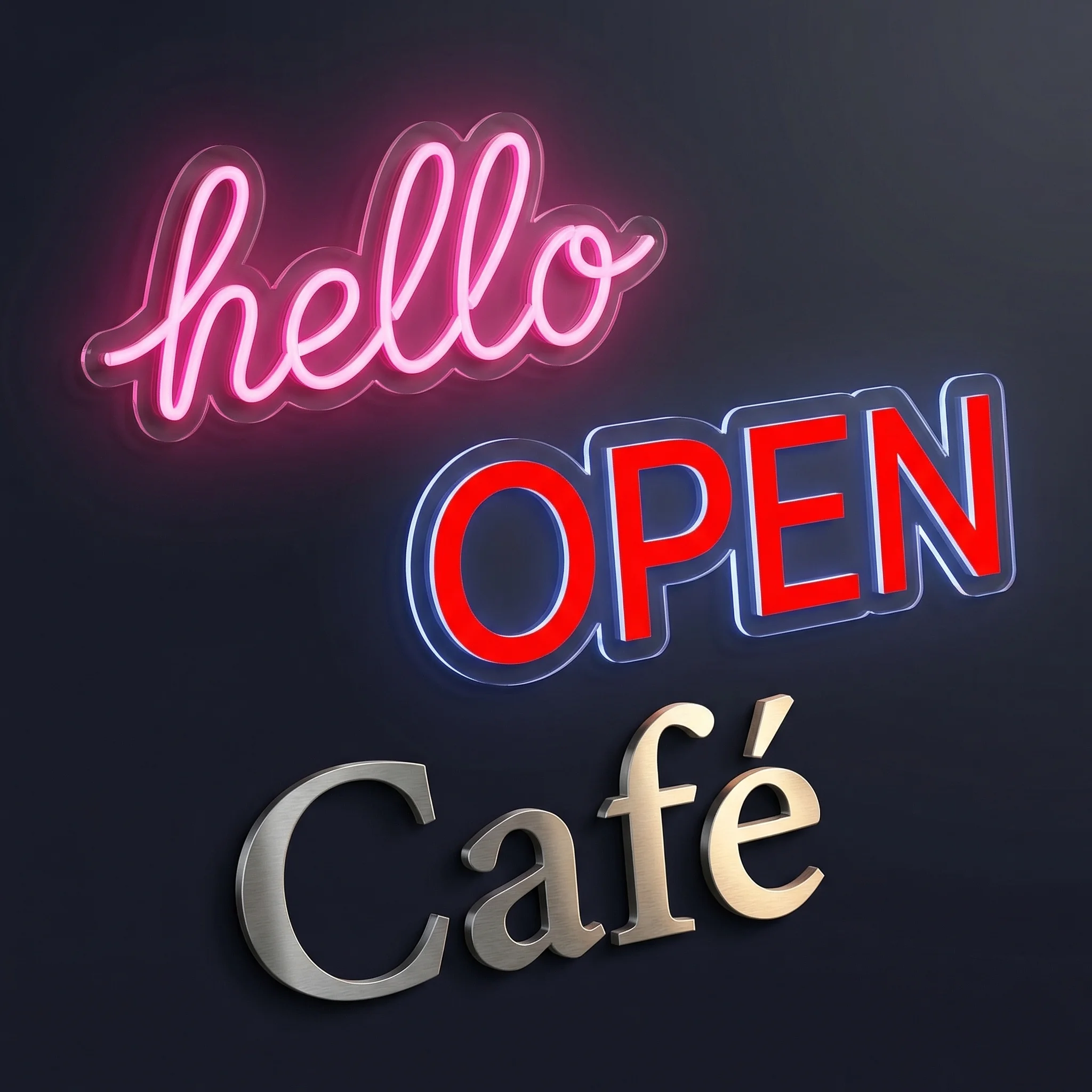
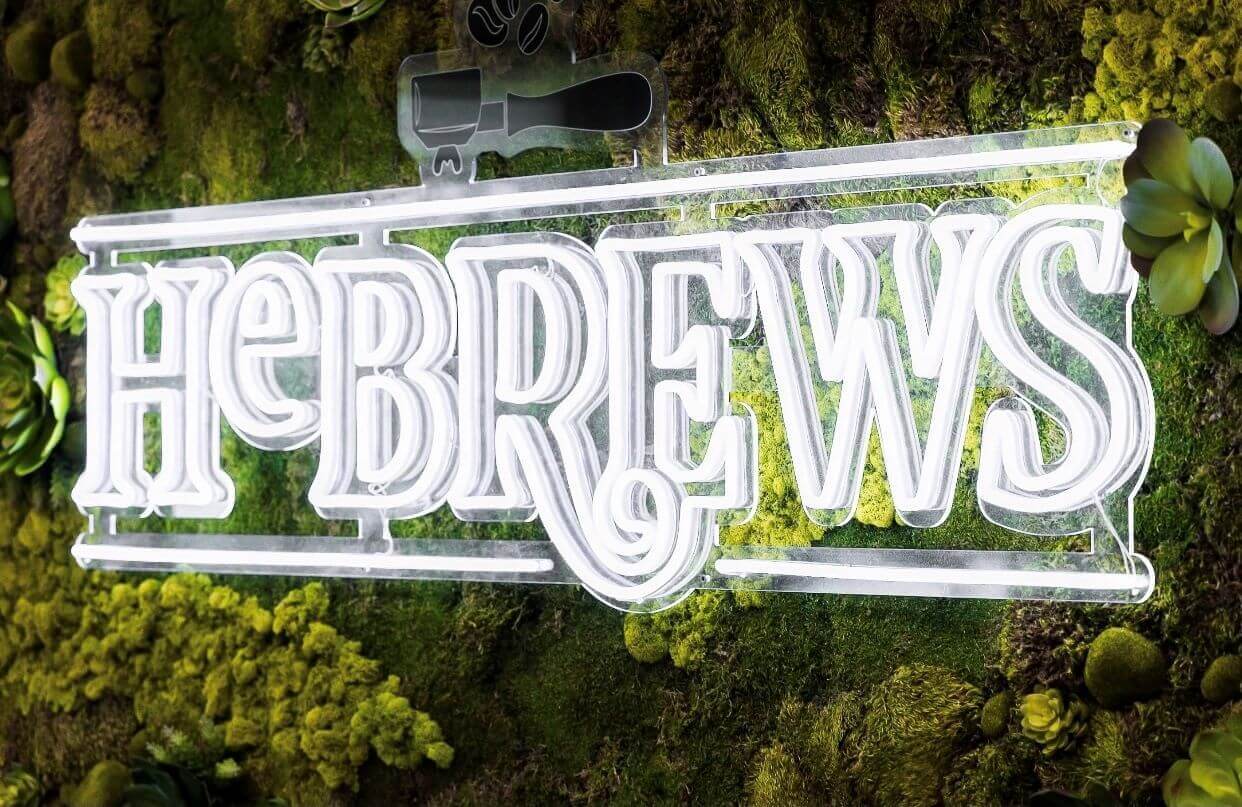
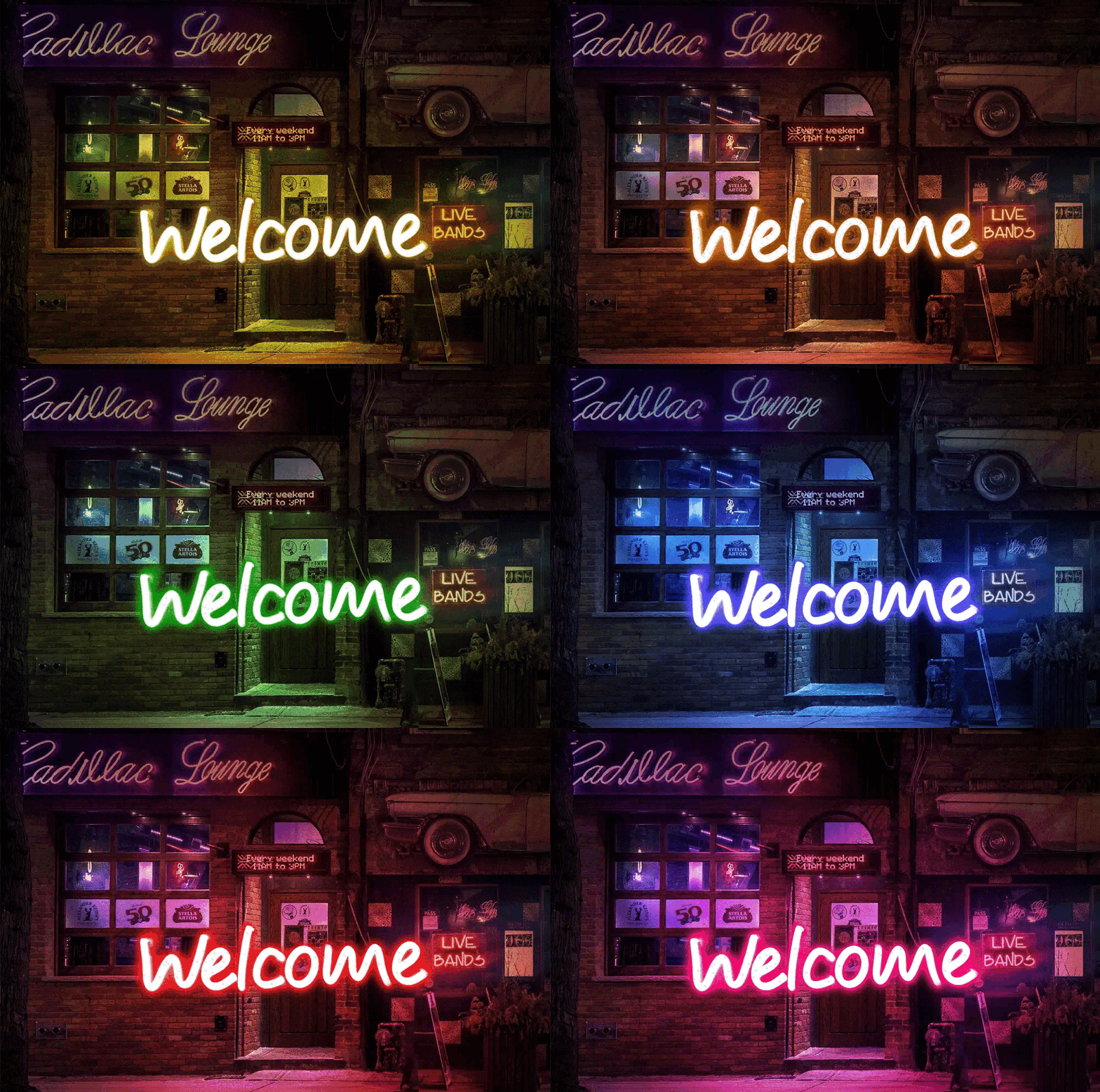
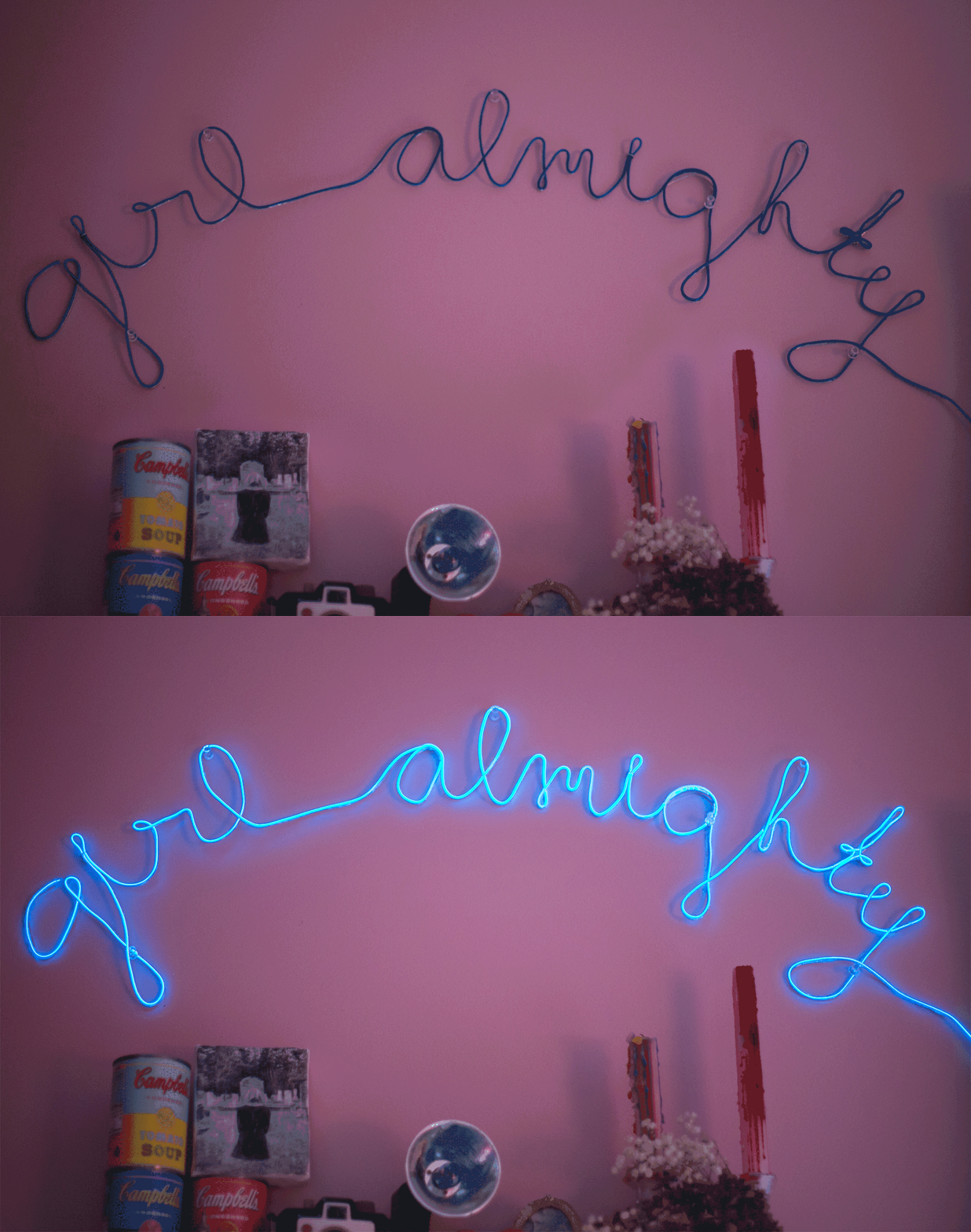
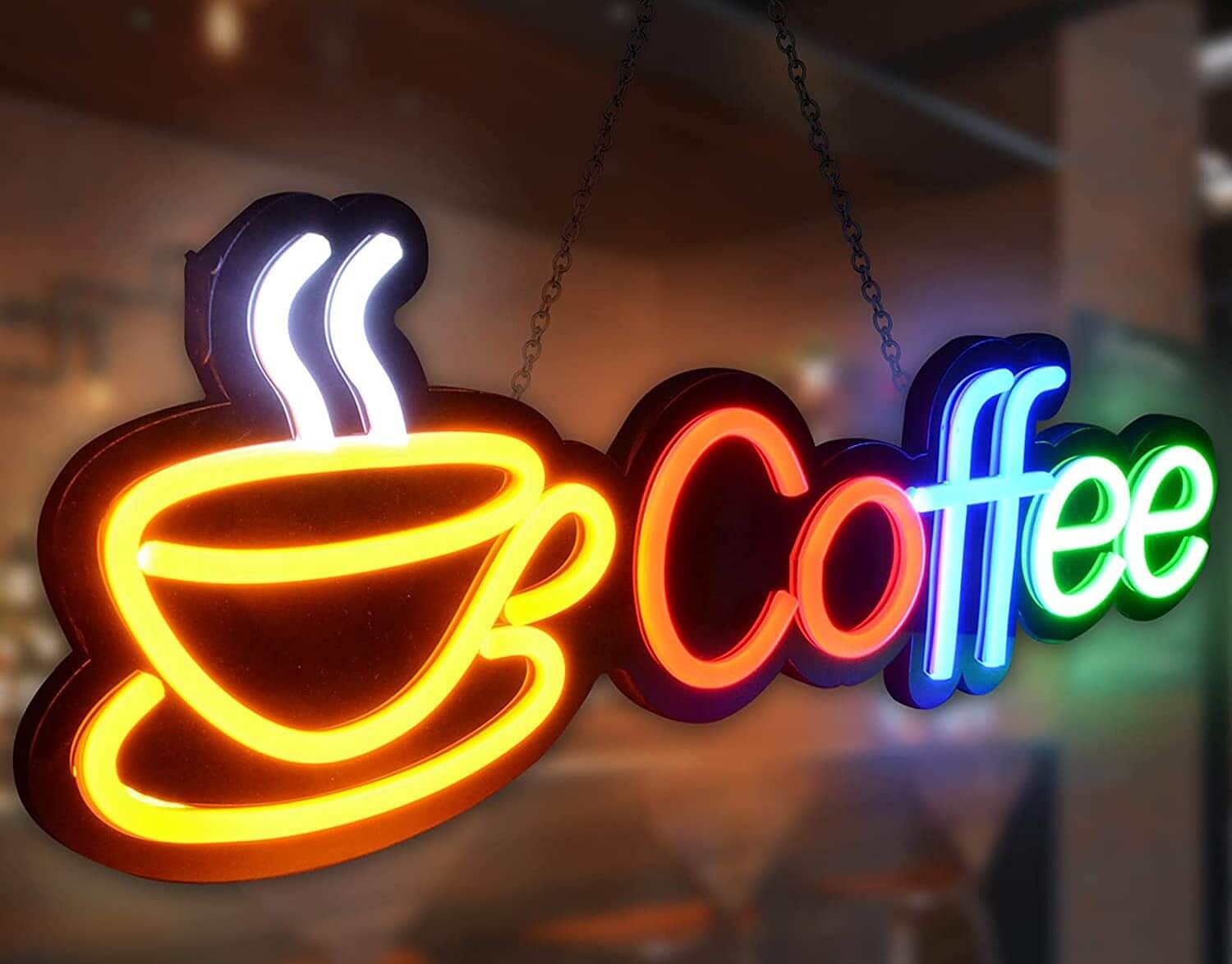
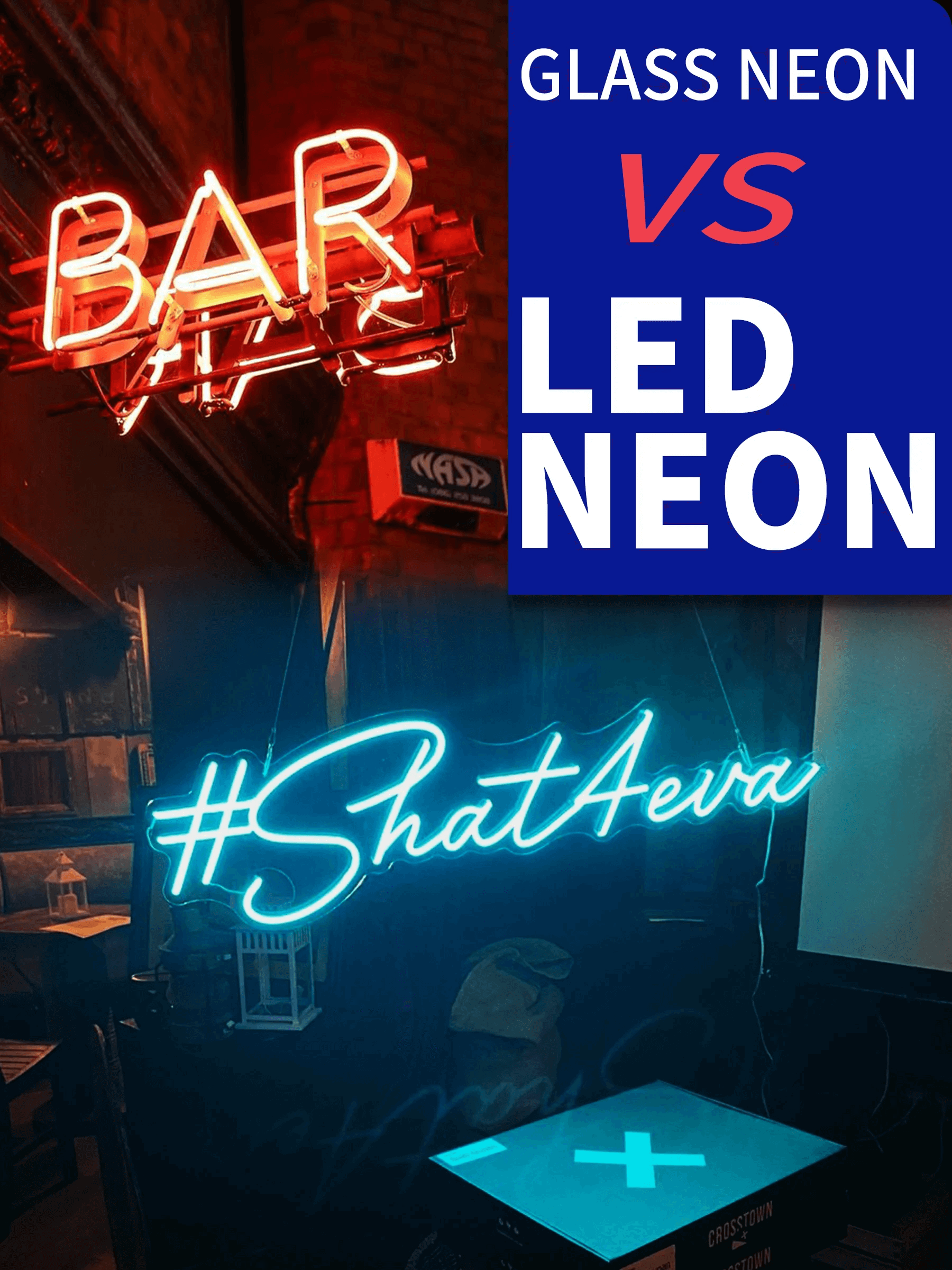
Preview accuracy makes or breaks client presentations. Generic text effects look nothing like real LED neon. Quality generators simulate the actual glow patterns, beam spread, and colour temperature you’ll get from physical strips. Poor previews lead to disappointed clients and expensive revisions.
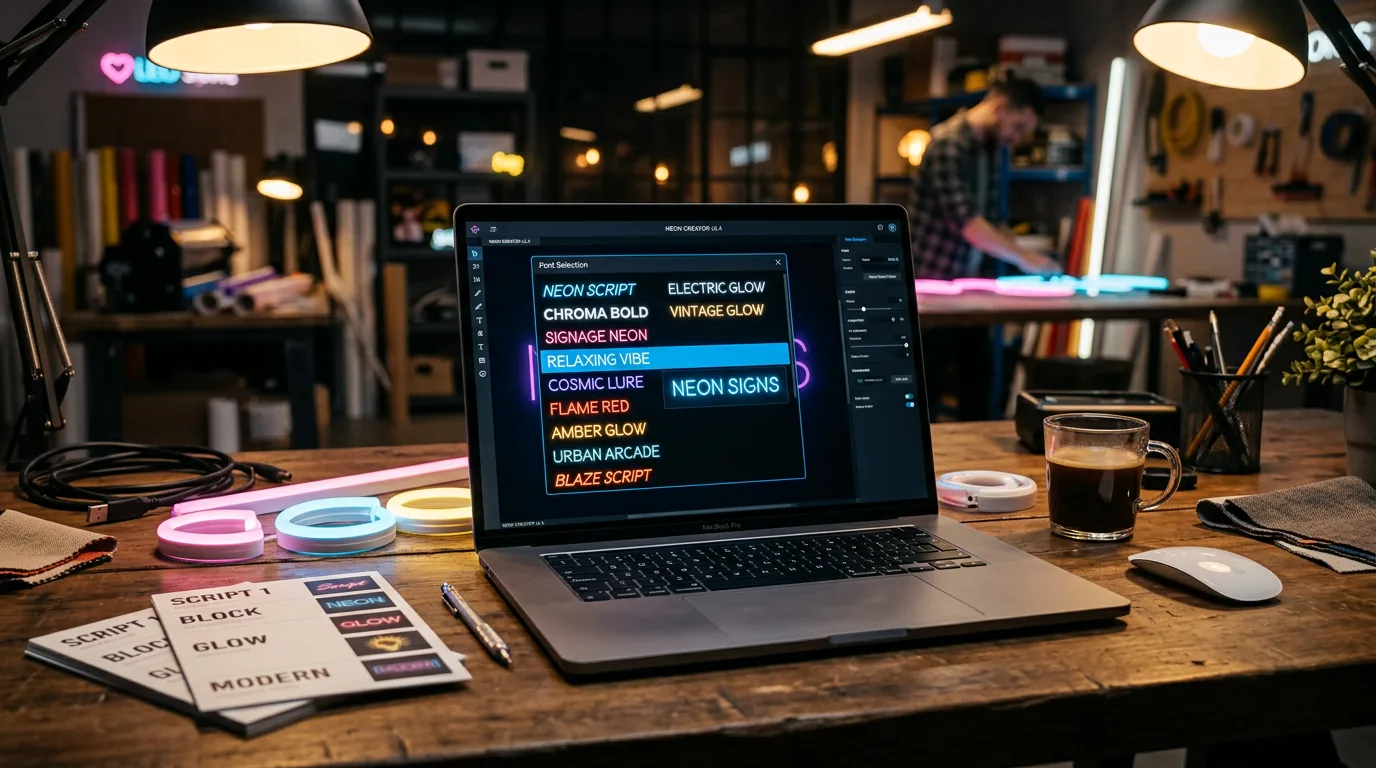
Font libraries matter more than you’d expect. LED strips can’t handle hairline serifs or intricate details. Professional generators include fonts tested for neon production—thick enough for mounting hardware, simple enough to route cleanly, distinctive enough to justify the premium over standard signage.
Export formats determine your workflow efficiency. PNG downloads work for client approval but leave you manually recreating designs for production. Vector exports (SVG, EPS) scale perfectly and import directly into CNC software. Layer separation lets you adjust elements without starting over.
Free generators: where to start without spending
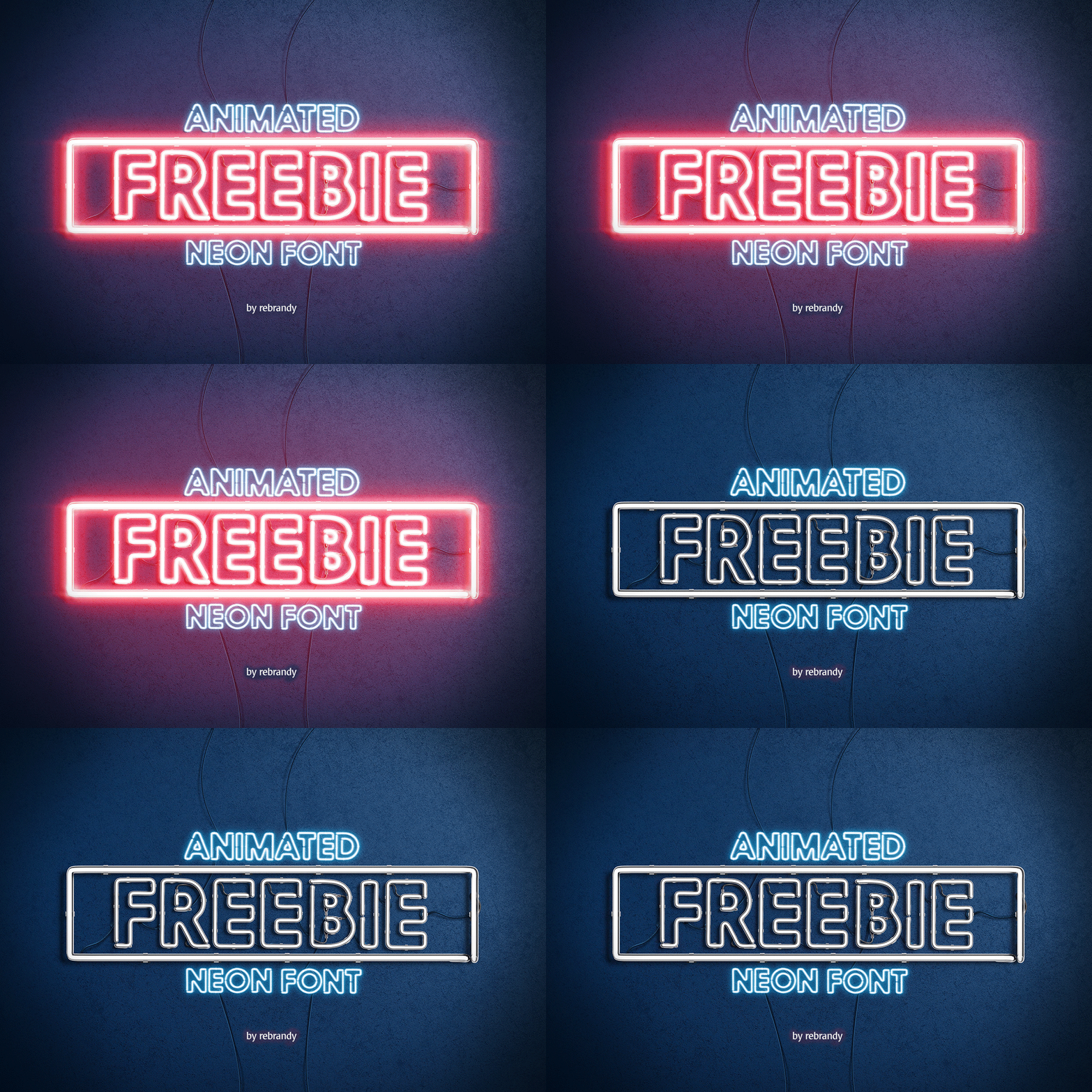
FlamingText wins on variety with 300+ font combinations and decent glow effects. Their interface feels dated but delivers reliable results for client mockups. The catch: their best features hide behind premium paywalls. Still, the free tier handles most basic neon projects without fuss.
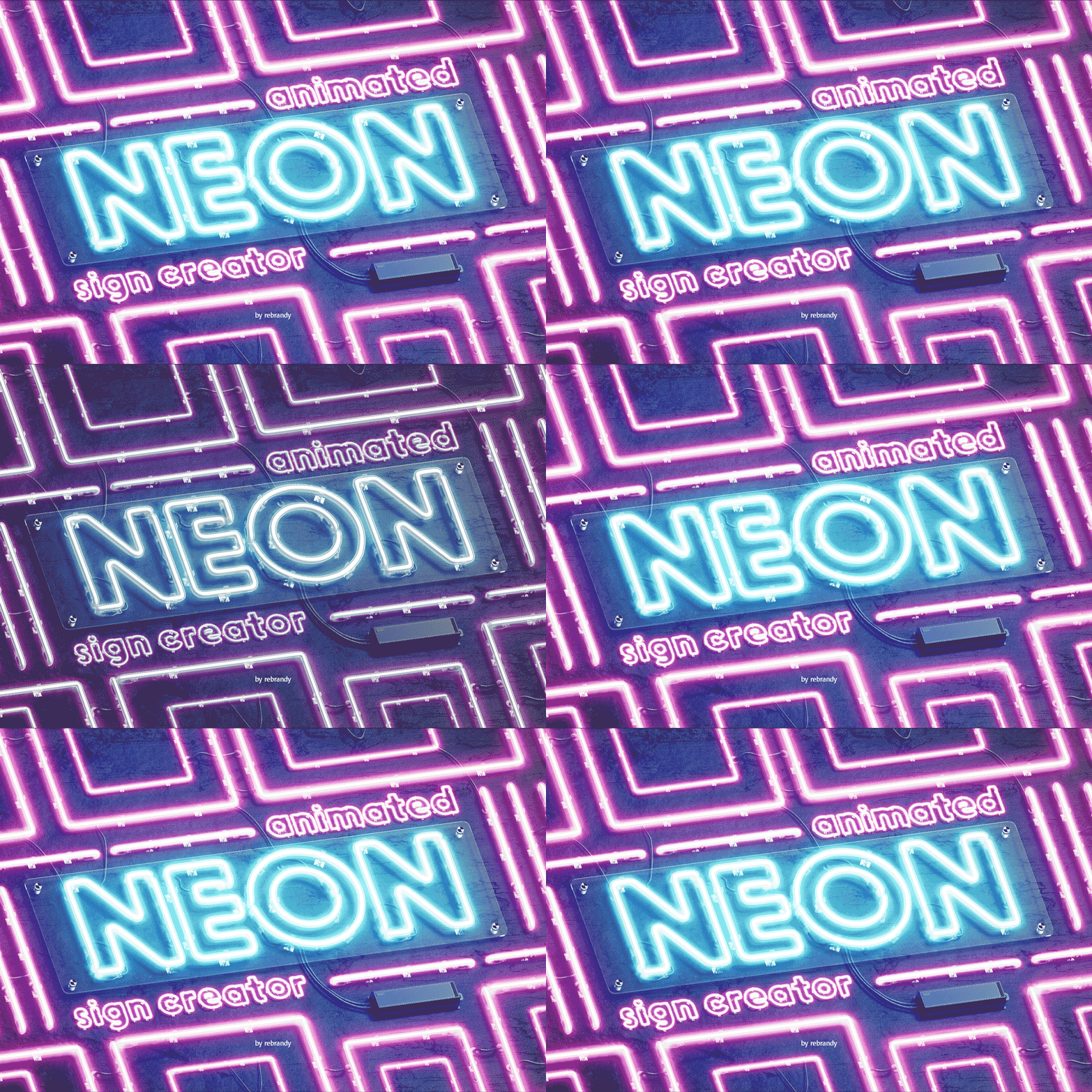
Cool Text has survived since 1998 by doing one thing well—simple, clean neon previews. No bloat, no confusion, just pick a font and colour scheme. Perfect for quick concepts, but you’ll outgrow it fast if clients want anything beyond basic text treatments.
TextStudio offers the best free preview quality. Their lighting effects actually look like neon instead of basic glow filters. The typography controls beat most free alternatives. Consider it the bridge between amateur tools and professional software.
| Tool | Best For | Strengths | Limitations |
|---|---|---|---|
| FlamingText | Variety & options | 300+ fonts, good preview quality | Premium features locked |
| Cool Text | Quick mockups | Simple interface, reliable output | Limited customization |
| TextStudio | Mid-range projects | Better effects, good typography | Some features require payment |
When free tools aren’t enough: premium options
NightCafe Studio brings AI into neon design with results that surprise even experienced designers. Their tool suggests lighting patterns and atmospheric effects you wouldn’t think to try manually. Less about reproducing standard neon, more about pushing creative boundaries for high-end projects.
Integrated sign software like Sign Customiser eliminates the handoff problem entirely. Design your neon sign, get client approval, generate production files, and track the job through completion—all in one system. No file format juggling, no missing details between tools.
The payoff comes from eliminated busy work. Premium tools don’t just make better previews—they cut revision cycles, reduce production errors, and speed up client approvals. A £50/month subscription pays for itself if it saves two hours of rework per week.
Getting results that actually work in practice
Readability trumps fancy effects. Your neon sign fails if customers can’t read it. Test fonts at actual viewing distances—what looks crisp on your monitor might blur when produced as LED strips viewed from across a street.
Environment kills more designs than bad fonts. Indoor signs can use subtle glows and fine details. Outdoor installations need high contrast and simple shapes to cut through ambient light. A gentle blue glow disappears in bright daylight.
Know LED strip limitations upfront. Sharp corners need radius adjustments for physical mounting. Fine details require minimum stroke widths. Gradient effects become stepped colour zones. Good generators show these constraints during design, not after ordering materials.
Why your screen colours won’t match the real LEDs
RGB preview ≠ LED reality. Your monitor can display millions of colours that no LED strip can produce. Professional generators use LED-specific palettes showing only achievable colours. This prevents the “why doesn’t it look like the mockup?” conversation during installation.
Colour temperature changes everything. Warm whites (3000K) feel cozy in restaurants but look dingy in retail environments. Cool whites (5000K+) appear crisp and modern but can feel harsh in hospitality settings. Preview your design under different lighting conditions before committing.
Power costs vary dramatically by colour. Bright whites and blues consume 30-40% more power than reds and ambers. This affects running costs and electrical requirements. Some generators estimate power consumption to help with project budgeting and electrical planning.
Bridging design and production workflows
File format compatibility saves hours of reconstruction. Export SVG or EPS files that import cleanly into SignLab or similar production software. Avoid PNG-only generators that force you to manually recreate designs for CNC cutting or routing equipment.
Layer separation prevents production headaches. Text, backgrounds, and effects on separate layers let production teams adjust elements independently. When a client wants last-minute colour changes, you modify one layer instead of rebuilding the entire design.
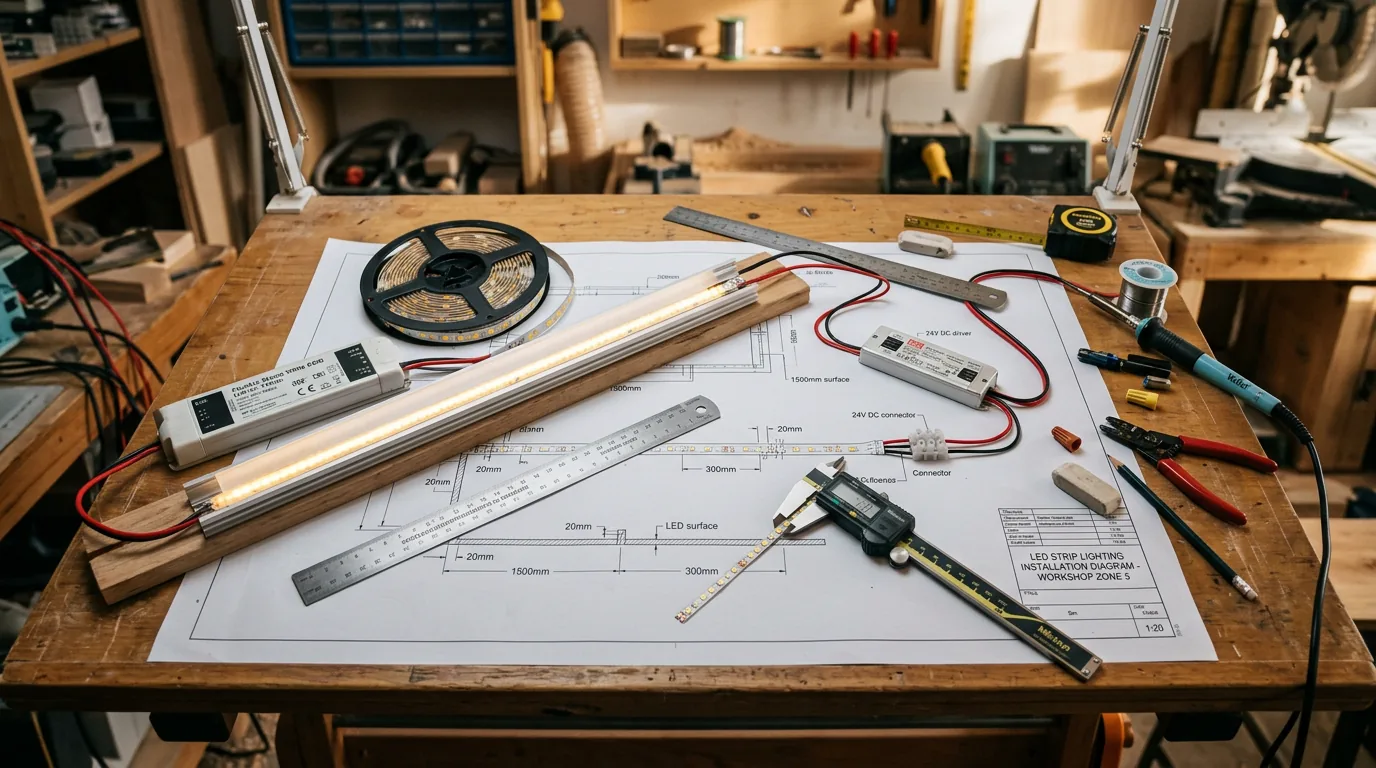
Smart generators include installation reality checks. Mounting hardware needs clearance space. Electrical connections require access panels. Maintenance considerations affect placement decisions. Pure graphics tools ignore these constraints; production-focused generators build them into the design process.
Choosing fonts that work in 3D space
Sans-serif beats serif for LED strips every time. Continuous light paths work with clean, geometric shapes. Serifs create weak connection points where strips bend through tight curves or fragile details.
Stroke width determines what’s physically possible. Ultra-thin fonts can’t accommodate 8mm LED strips. Extra-bold designs need custom mounting brackets. Stick to medium-bold weights for standard hardware compatibility.
Spacing rules change with physical constraints. Digital fonts assume ink on paper. LED strips have actual thickness and mounting requirements. Letters need extra breathing room to accommodate hardware and prevent visual crowding.
Viewing distance drives font complexity decisions. Outdoor signs visible from 50 meters can handle decorative details that disappear at arm’s length. Intimate indoor installations need fonts optimised for close-up reading.
Beyond basic text: effects that actually work
Gradients become stepped zones in real LEDs. Smooth digital transitions turn into discrete colour segments when produced. Good generators preview this stepping effect instead of showing impossible smooth transitions.
Design for animation from day one. Static designs often fail when motion gets added later. Plan transition points and timing during initial design. Simple shapes animate better than complex letterforms.
Depth through layering, not complexity. Multiple LED strips at different mounting depths create sophisticated effects that single-layer installations can’t match. The trick is planning these layers during design, not discovering spacing conflicts during installation.
Free vs paid: the real cost calculation
Occasional projects suit free tools perfectly. Design a few signs per year? Browser generators handle basic mockups and client presentations without monthly fees. Export quality works for approval processes and simple production planning.
Regular users need professional efficiency. Five projects per month? Premium tools pay for themselves through faster workflows and fewer revision cycles. Better previews mean fewer “that’s not what I expected” conversations during installation.
Factor in hidden costs of cheap tools. Free generators that need additional software for production files can cost more than integrated solutions. Include learning curves, client revision time, and production delays in your total cost analysis.
Where neon generator tech is heading
AI suggestions are getting smarter about context. Tools now analyze your text content and suggest fonts, colours, and effects based on usage patterns and current trends. Non-designers can achieve professional-looking results without years of experience.
Augmented reality preview prevents costly mistakes. See your design in the actual installation space before cutting materials. This eliminates spatial surprises and helps identify mounting challenges during planning instead of installation.
Automated production workflows are reducing manual handoffs. Upload a design, confirm specs, receive cut files or finished products. This automation particularly benefits smaller shops that can’t justify dedicated design staff.
Picking the right tool for your workflow
Match tools to project volume. Occasional users get good value from free browser-based tools with zero learning curve. Daily users need professional software efficiency and feature depth.
Preview quality affects client confidence. High-quality previews reduce revision cycles and speed approvals. Poor previews lead to “that’s not what I ordered” problems during installation.
Test before committing to paid tools. Download trial exports and check compatibility with your production software. File format issues discovered during trials prevent expensive project delays later.
Consider the complete workflow, not just design. Design-only tools work if others handle production. If you manage everything from concept to installation, integrated platforms eliminate handoff problems entirely.
The right generator transforms guesswork into confident creation. Whether free tools for occasional projects or professional software for regular work, quality generators create better LED signs with fewer surprises.
For businesses managing complete workflows, integrated solutions like Sign Customiser handle everything from initial design through production management and customer approvals.