
Turn Any Name Into a Professional LED Sign with Online Generators
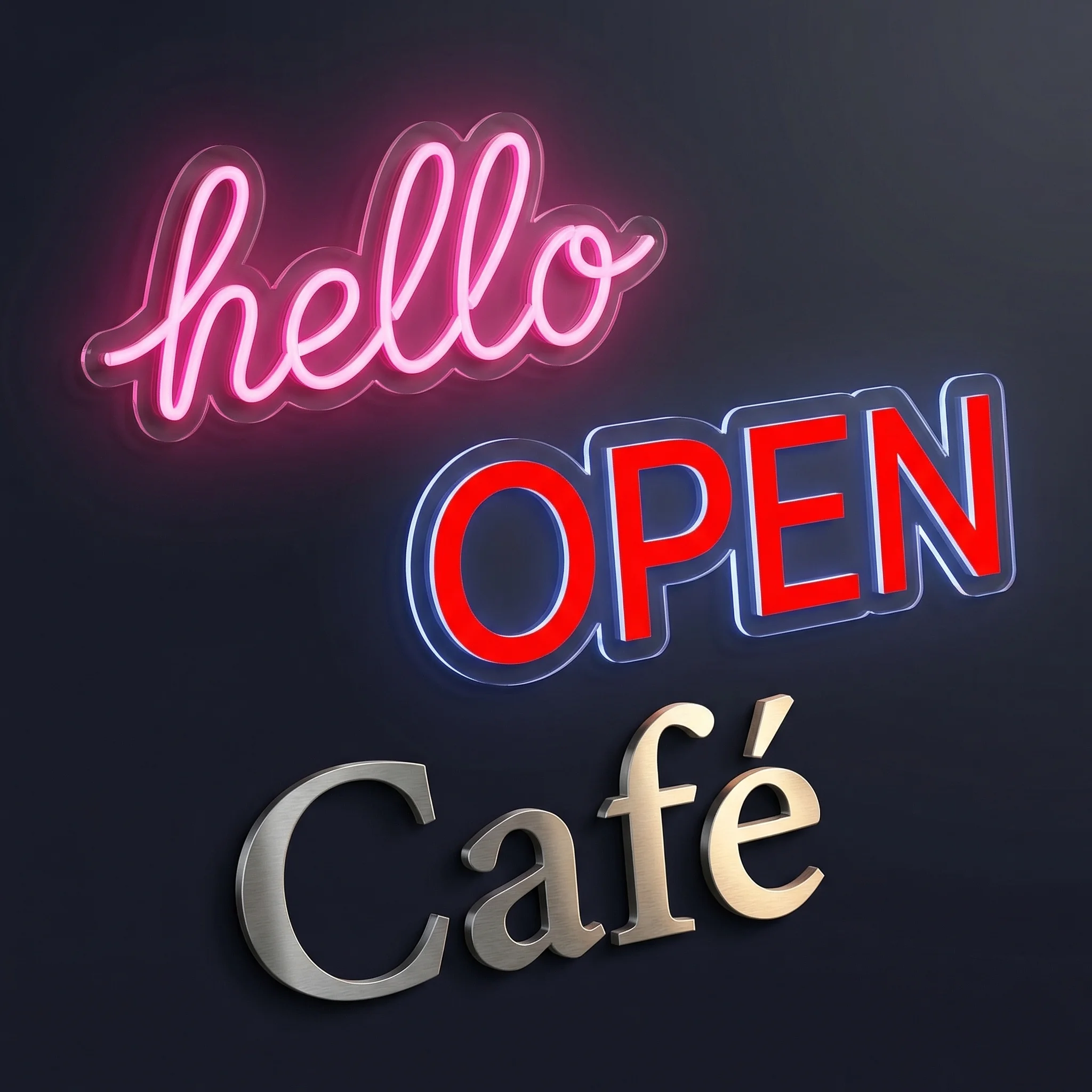
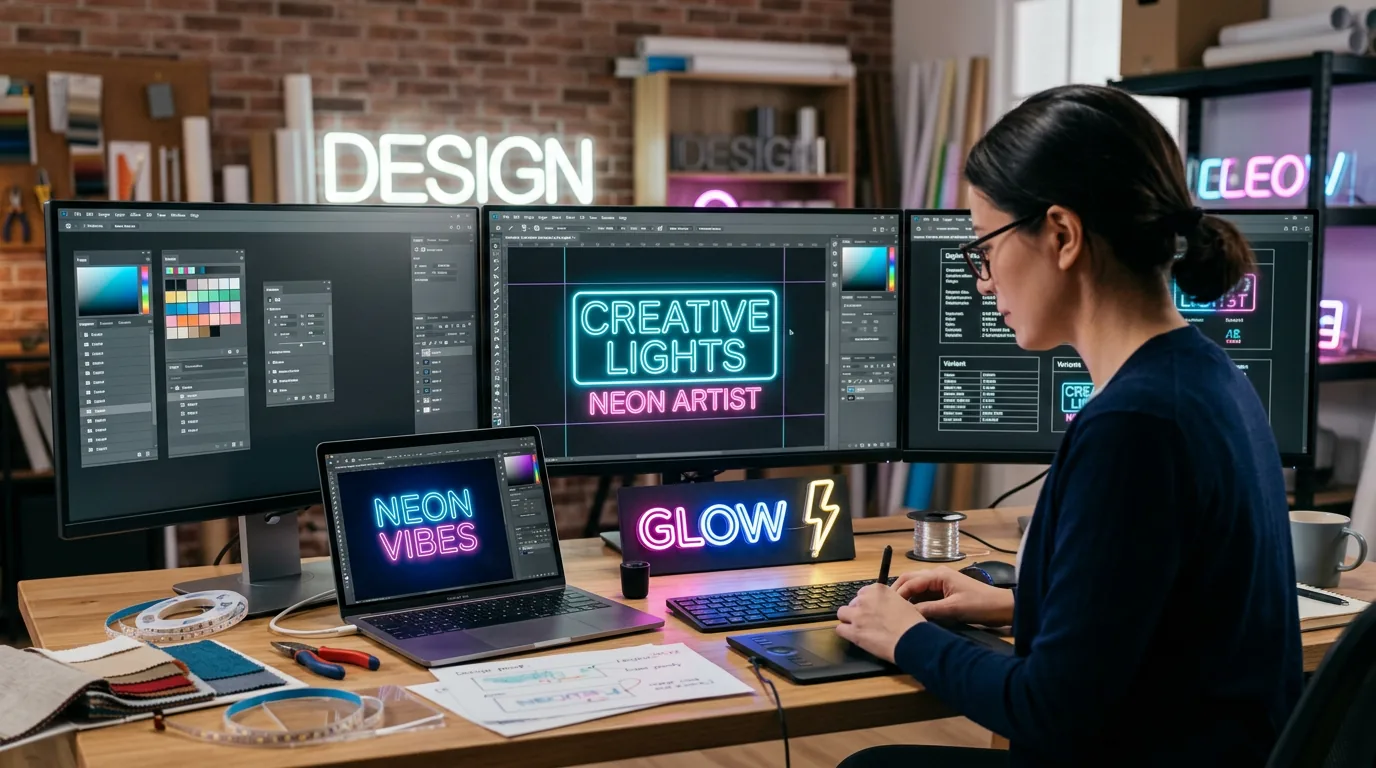
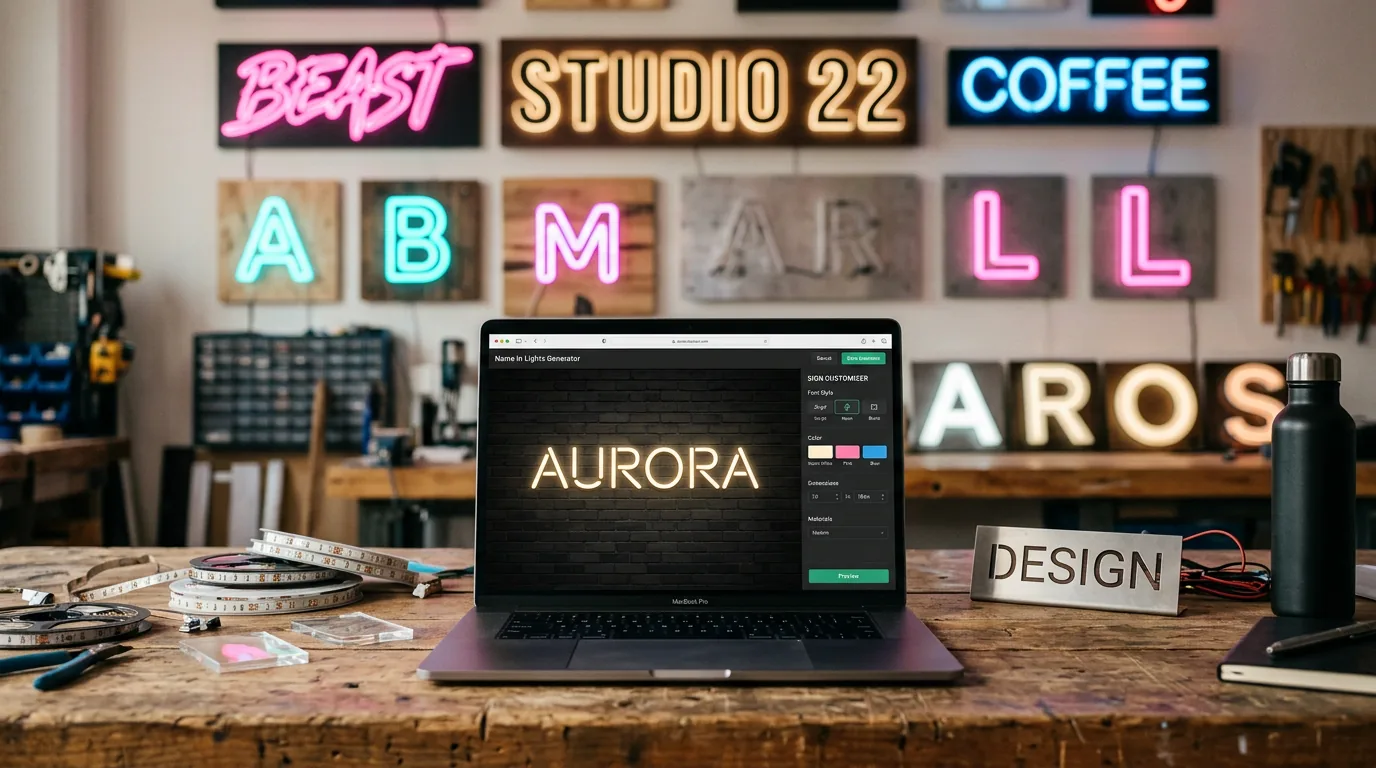
The best name in lights generator does more than spell out letters—it shows you exactly how your LED sign will look before you spend a penny on materials.
Good generators simulate LED glow patterns, test font compatibility with actual mounting hardware, and provide production files that work with real equipment. The difference between a disappointing DIY project and a sign that looks professionally made comes down to using tools that understand LED physics, not just typography.
Start with free generators for personal projects. Upgrade to professional platforms when you need production files, accurate colour matching, or when client work demands predictable results.
Why generators beat drawing letters yourself
LED strips don’t bend like pencil lines. That elegant script font on your screen might be impossible with actual hardware. Good generators flag fonts that create stress points where strips snap or create gaps in the lighting path.
Preview accuracy prevents £200 mistakes. Your laptop shows colours no LED can produce. Professional generators use manufacturer colour palettes from companies like Phillips Hue and WS2812B strips—what you design is what arrives in the box.
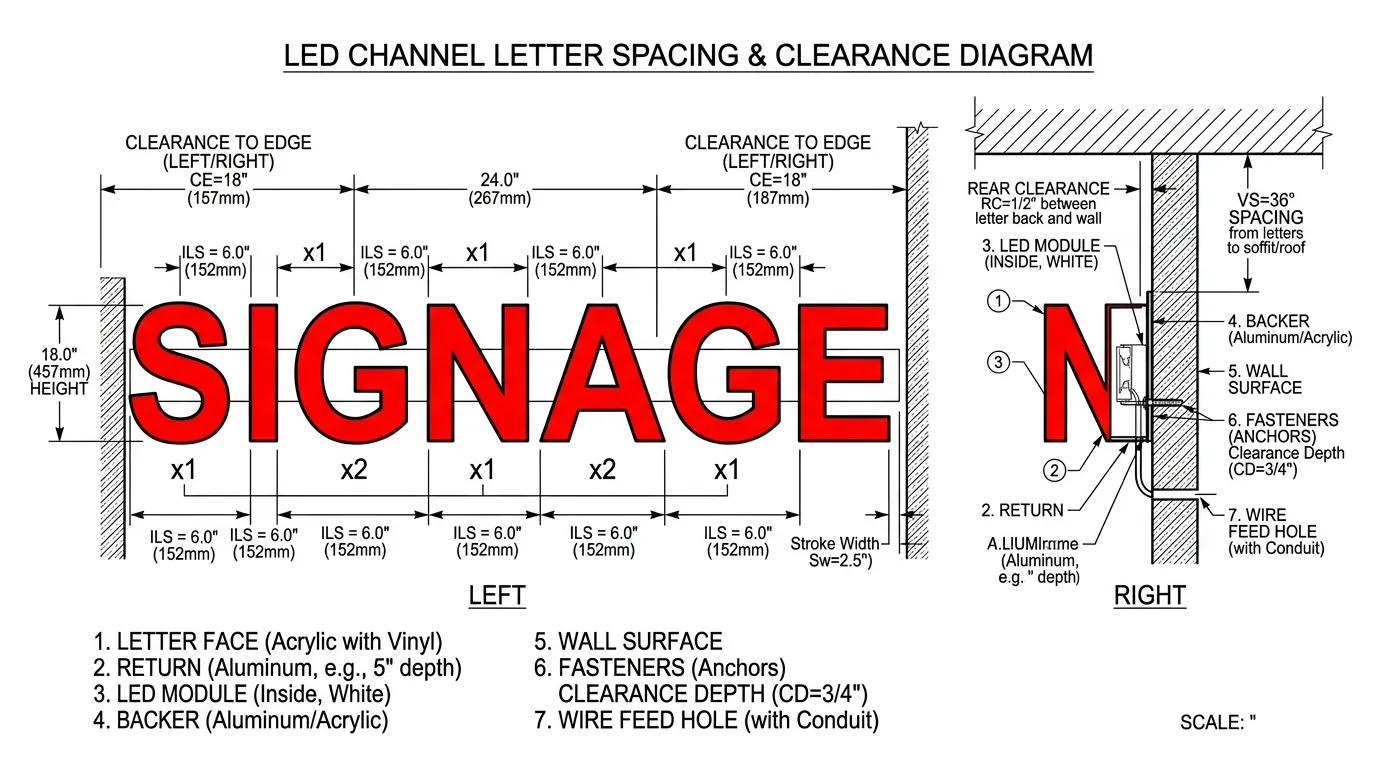
Mounting reality checks matter. Letters need minimum spacing for brackets, power connections require access panels, and outdoor signs need weatherproofing clearance. Generators that understand real-world constraints build these requirements into the design process.
The three free generators worth using
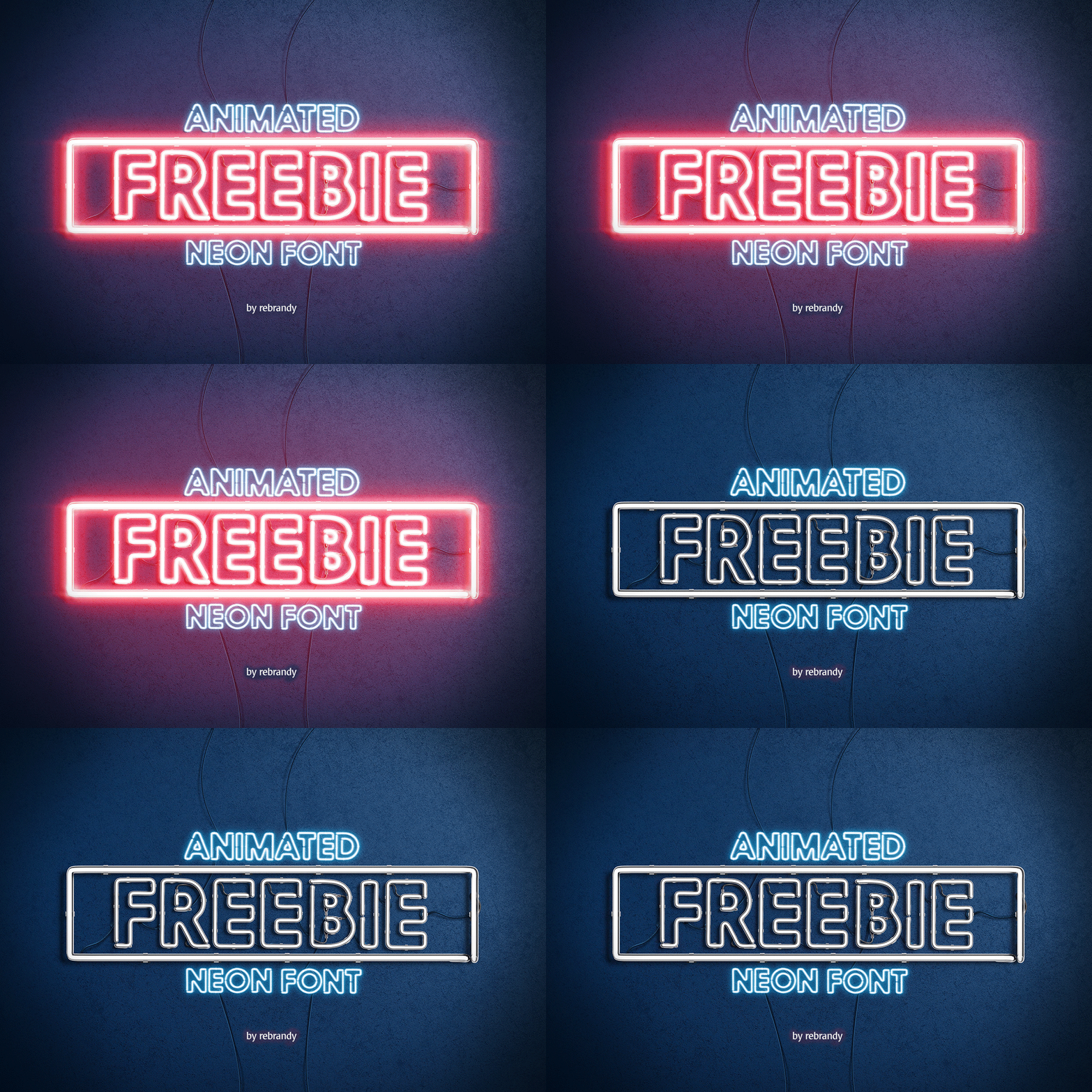
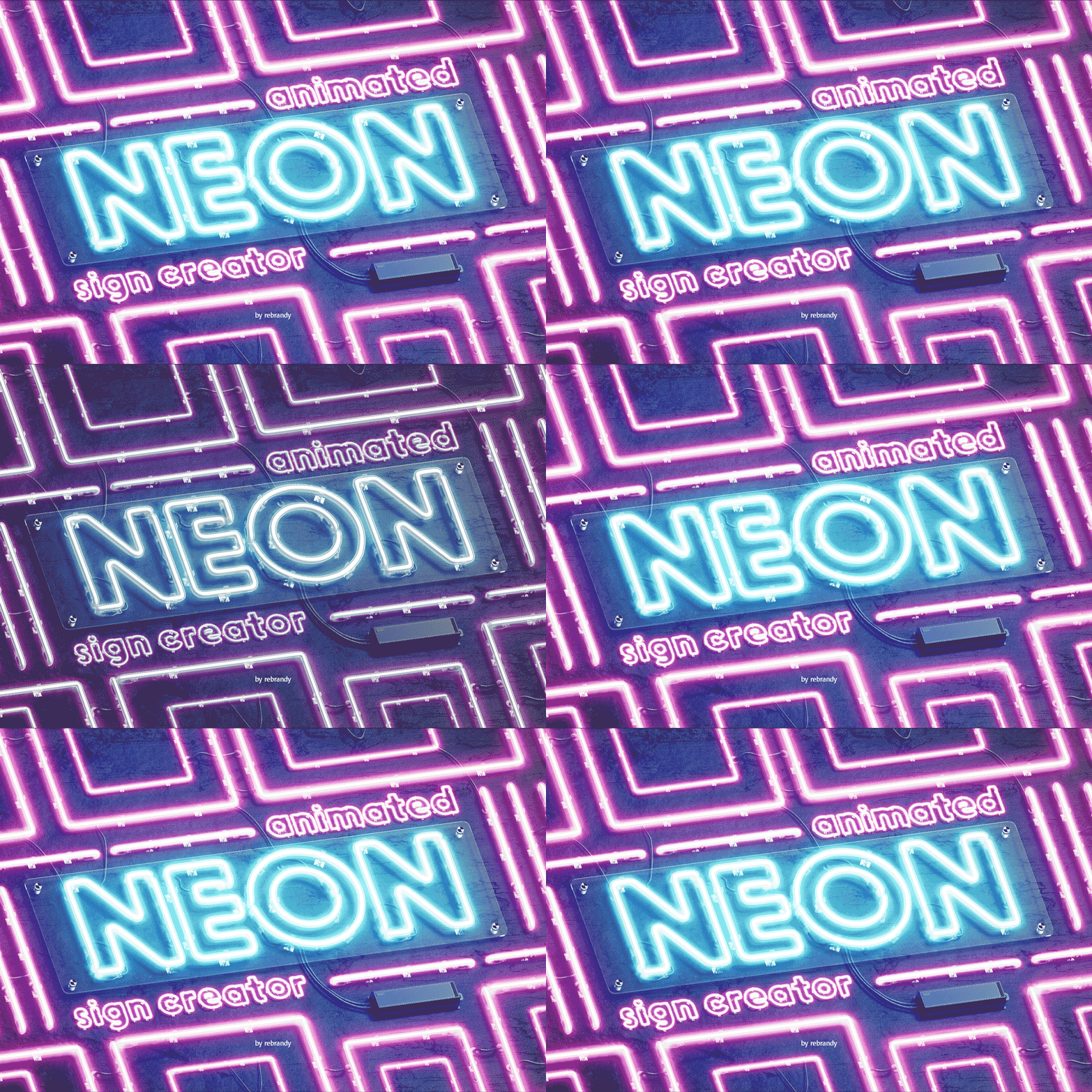
FlamingText delivers reliable results with hundreds of font choices and solid preview quality. The 1990s interface feels clunky, but their neon effects accurately represent how LED strips actually glow. Best for personal projects where you need quick results without learning complex software.
Cool Text keeps it simple: type text, pick font, adjust colours. They’ve refined this workflow since 1998, and it shows. Limited customisation but zero learning curve. Perfect when you need to test ideas quickly before committing to premium tools.
FontSpace bridges free and professional territory with LED-realistic lighting simulation. Their previews show proper beam spread and mounting shadows rather than basic Photoshop glow effects. Use this when free tools need to produce presentation-quality mockups.
| Generator | Best For | Strengths | Limitations |
|---|---|---|---|
| FlamingText | Personal projects | Wide font selection, reliable output | Premium features locked |
| Cool Text | Quick mockups | Simple interface, proven quality | Limited customisation |
| FontSpace | Mid-range needs | Better effects, realistic preview | Some features require payment |
When to pay for professional tools
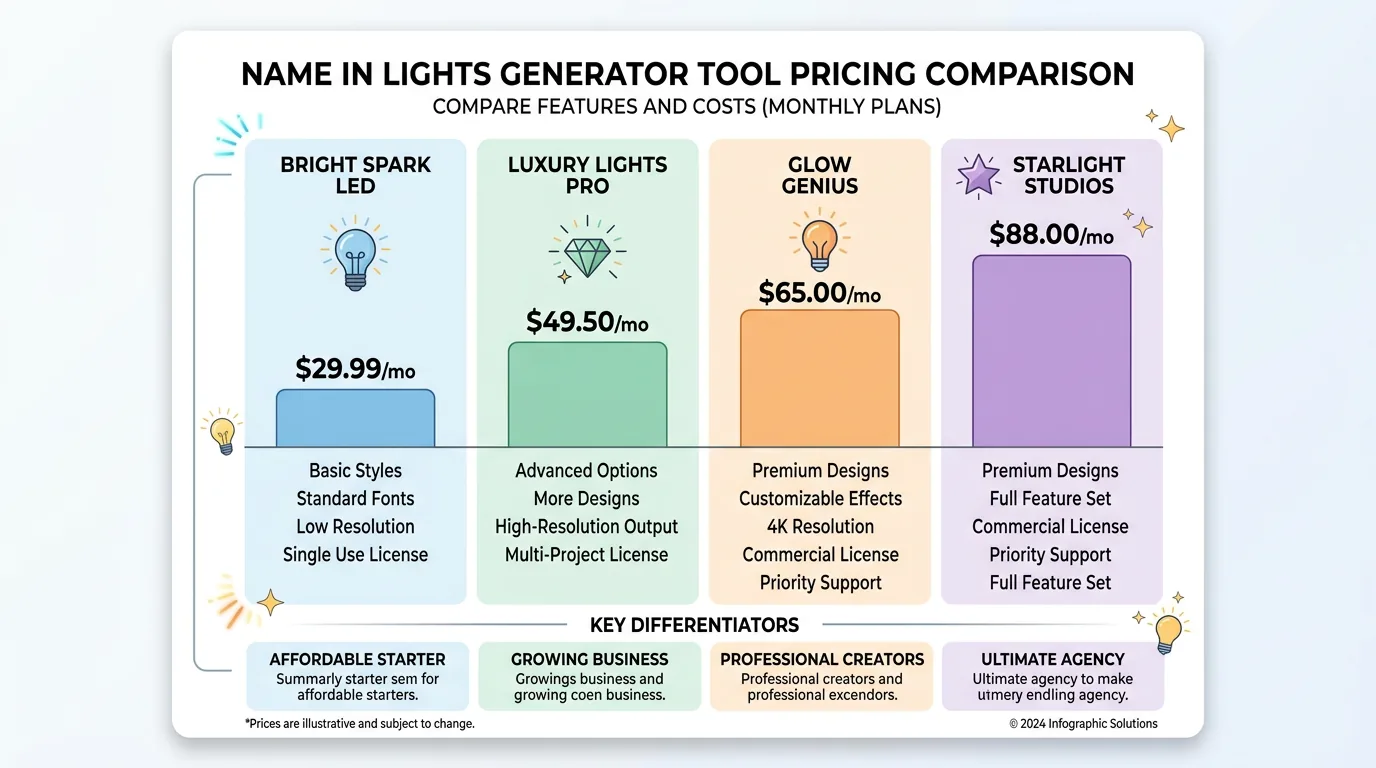
Multiple client projects demand consistency. Free generators work fine for your own bedroom sign. When you’re designing for paying customers, you need tools that produce identical results every time and handle client revisions without starting from scratch.
Production integration saves hidden costs. Professional platforms like Sign Customiser export files that work directly with CNC cutters and LED suppliers. No manual conversion, no format juggling, no missing dimensions that delay production.
Material estimates prevent budget surprises. Advanced generators calculate exact LED strip lengths, power requirements, and mounting hardware based on your design. This precision turns wild guesses into accurate quotes that keep projects profitable.
Study live stores, not just demo tools
If you want to see how serious sign merchants handle online generators, look at live stores that push shoppers straight into a custom flow rather than burying it in a generic catalogue.
Planet Neon is a strong example because the path is obvious. The site sends customers straight to a Custom Neon Sign Creator, an upload flow, and several specialist editors, while the homepage and footer keep repeating the same trust signal: made in London, with a London address behind the brand.
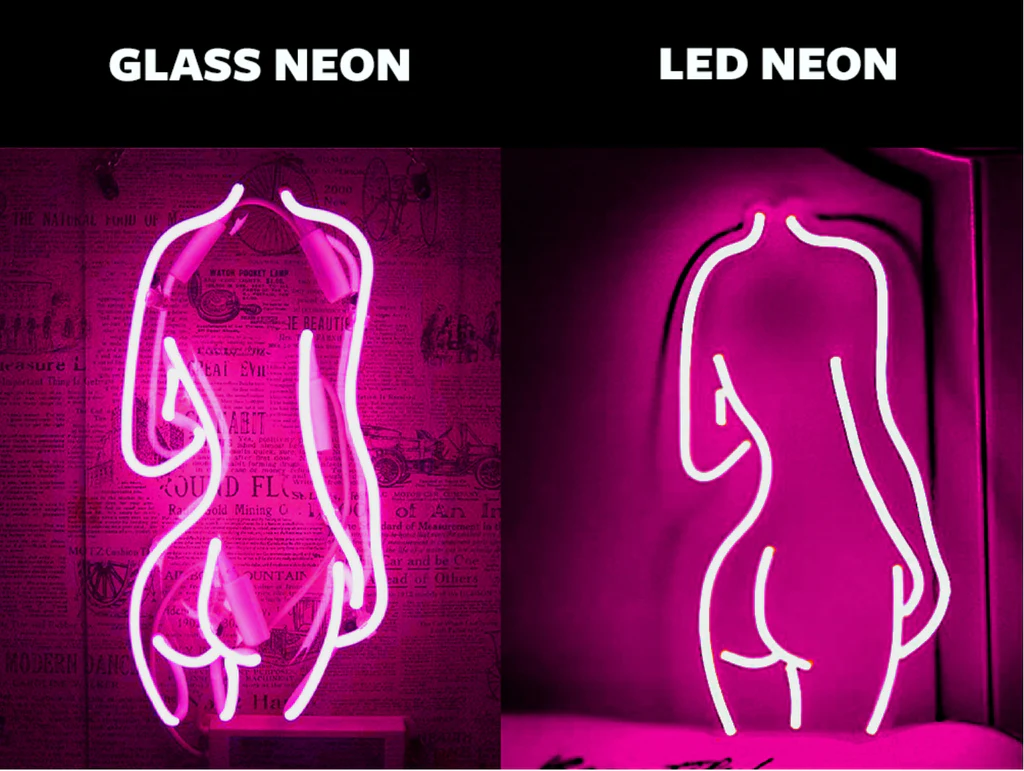
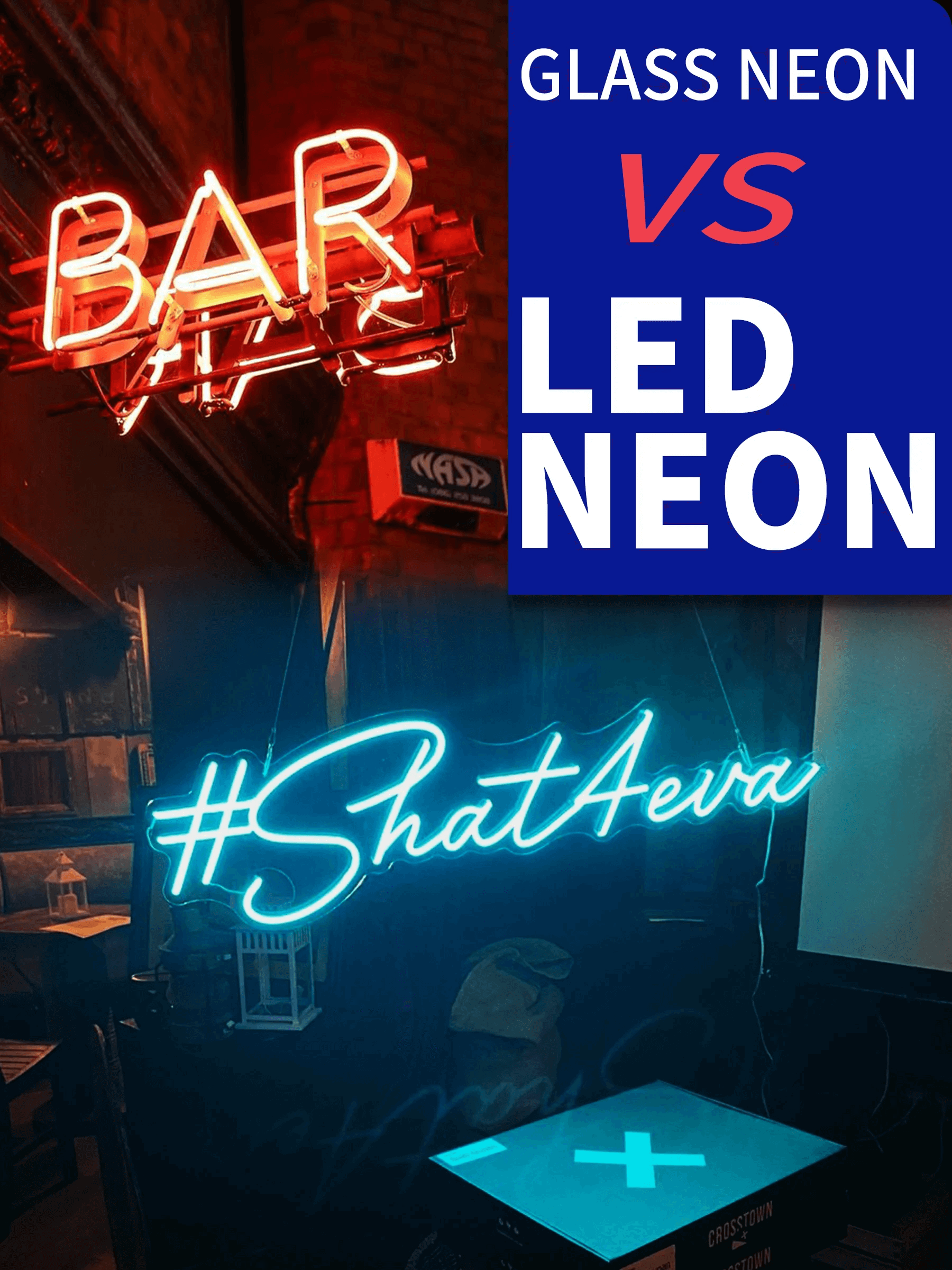
NeonsignLife takes a broader approach. Its custom-made neon page sits alongside text neon, glass neon, and multi-colour LED sign ranges, so shoppers can start with a builder and then move into a more specific product type. The footer also makes the operating footprint clear, with a Portland studio plus Hong Kong and Guangzhou locations.
Crazy Neon is worth studying if you want to see a busier custom-sign storefront. The homepage pushes Create Your Neon, Upload Your Design, acrylic logo work, metal signs, and channel letters from the same navigation, backed by a Hillsborough, New Jersey address and visible support details in the footer.
Size your sign for the viewing distance
Bedroom signs work at arm’s length. Delicate fonts and subtle colour gradients look perfect from 2-3 feet away. These intimate installations can use narrow LED strips and complex mounting patterns that would disappear on larger scales.
Shopfront signs need street-level impact. If customers need to read your name from across the road, forget elegant script fonts. Bold, simple letterforms with high contrast beat decorative designs every time. Test readability by viewing mockups from 20+ metres.
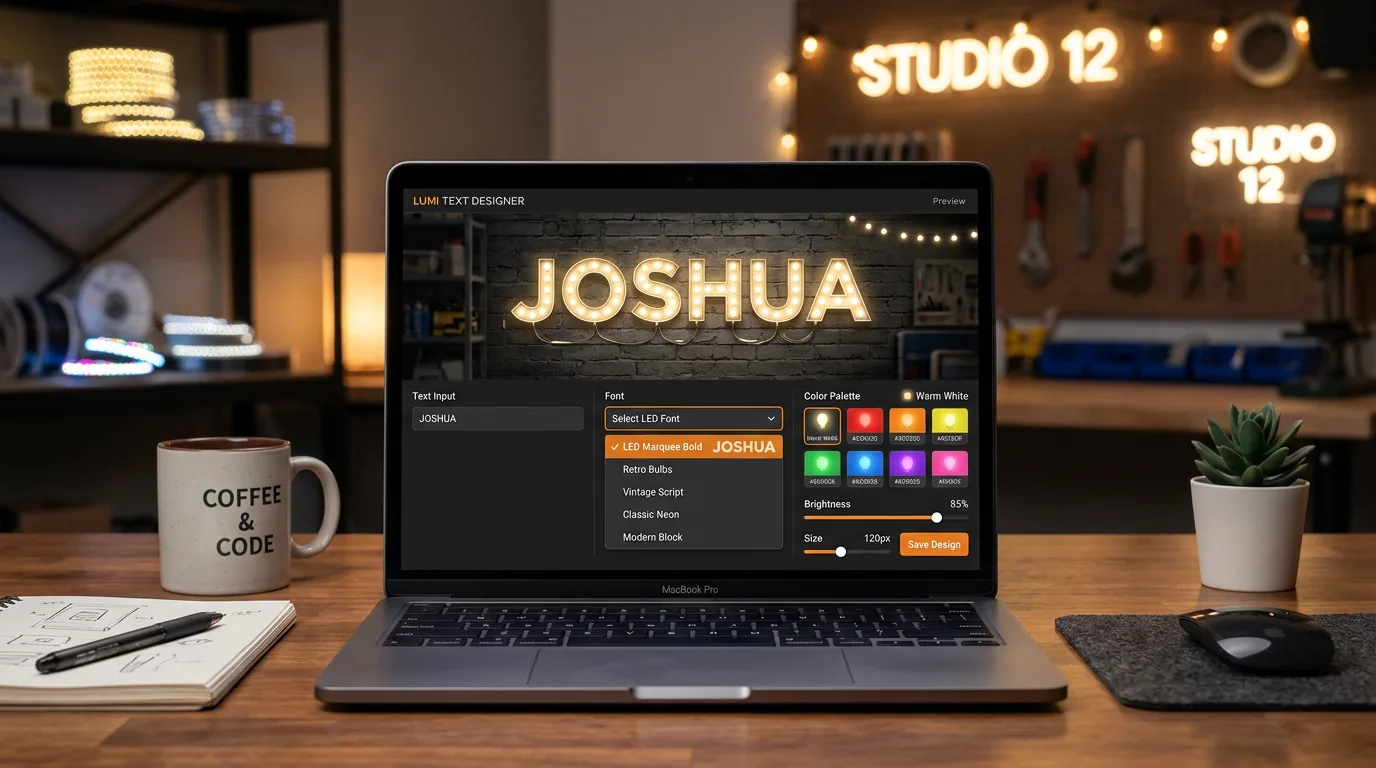
Wall colour changes everything. Light text on white walls disappears in daylight. Dark backgrounds make colours pop but need more LED power to match the visual impact. Your generator should let you test designs against different backgrounds before you commit to mounting.
Pick fonts that survive real-world mounting
Forget decorative serifs. LED strips follow continuous paths—every serif creates a potential failure point where strips bend through impossible angles. Clean, geometric shapes like Helvetica or Futura work reliably with standard mounting hardware.
Account for strip thickness. Digital fonts assume zero-width lines. Physical 12mm LED strips need clearance space between letters and extra room inside closed shapes like “O” or “P”. Good generators automatically adjust spacing for the strip width you specify.
Plan for replacement access. Individual letters mount independently, making repairs simple when sections fail. Elegant script connections look impressive but mean replacing entire sections when one letter goes dark. Choose mounting style based on whether you prioritise aesthetics or maintenance.
Work with LED physics, not against them
Sharp corners break strips over time. LED strips need gentle curves to handle repeated thermal expansion. Professional generators flag designs with turns tighter than 15mm radius and suggest font adjustments that prevent stress failures.
Viewing angle affects colour intensity. Mount a name sign above a shop door and customers approaching from the side see washed-out colours. The best generators show how designs look from multiple angles, not just straight-on views.
Colour choice drives running costs. Cool white and blue LEDs draw 40% more power than warm colours. For a large restaurant sign running 12 hours daily, this difference adds £50+ annually to electricity bills. Factor lifetime costs into design decisions.
Calculate the true cost of “free” tools
One-off projects stay free. Creating a sign for your own space or an occasional gift? Browser generators handle simple names without subscriptions or learning curves. Basic exports work fine for straightforward production.
Client work changes the math. When customers pay for professional results, free tools create expensive problems. Revision cycles, format conversion, and production delays add hidden costs that quickly exceed premium tool subscriptions.
Time has value too. If you’re spending 2 hours converting free generator exports into production-ready files, that labour costs more than professional software that outputs correct formats immediately. Calculate hourly rates, not just tool pricing.
Get production-ready files, not pretty pictures
Vector formats prevent reconstruction work. CNC cutters and laser engravers need precise vector paths, not pixelated images. Choose generators that export SVG or DXF files that import cleanly into production software. PNG-only tools create bottlenecks that delay everything.
Layer organisation speeds modifications. When clients request colour changes at the last minute, you need text, effects, and backgrounds on separate layers. Integrated designs that flatten everything into one layer require complete reconstruction for simple adjustments.
Reality checks save installation headaches. Professional generators factor mounting hardware clearances and electrical access into the design. Free tools ignore these constraints and create designs that look perfect but can’t be installed without major modifications.
Plan installation before you design
Indoor signs allow fine details. Bedroom walls can handle delicate mounting and subtle lighting effects that would disappear outdoors. Interior installations let you use complex shapes and narrow strips that outdoor weather would destroy.
Outdoor signs demand brutal simplicity. Rain, UV exposure, and temperature swings kill elaborate designs quickly. Stick to bold shapes with weather-sealed connections and mounting hardware rated for your local climate conditions.
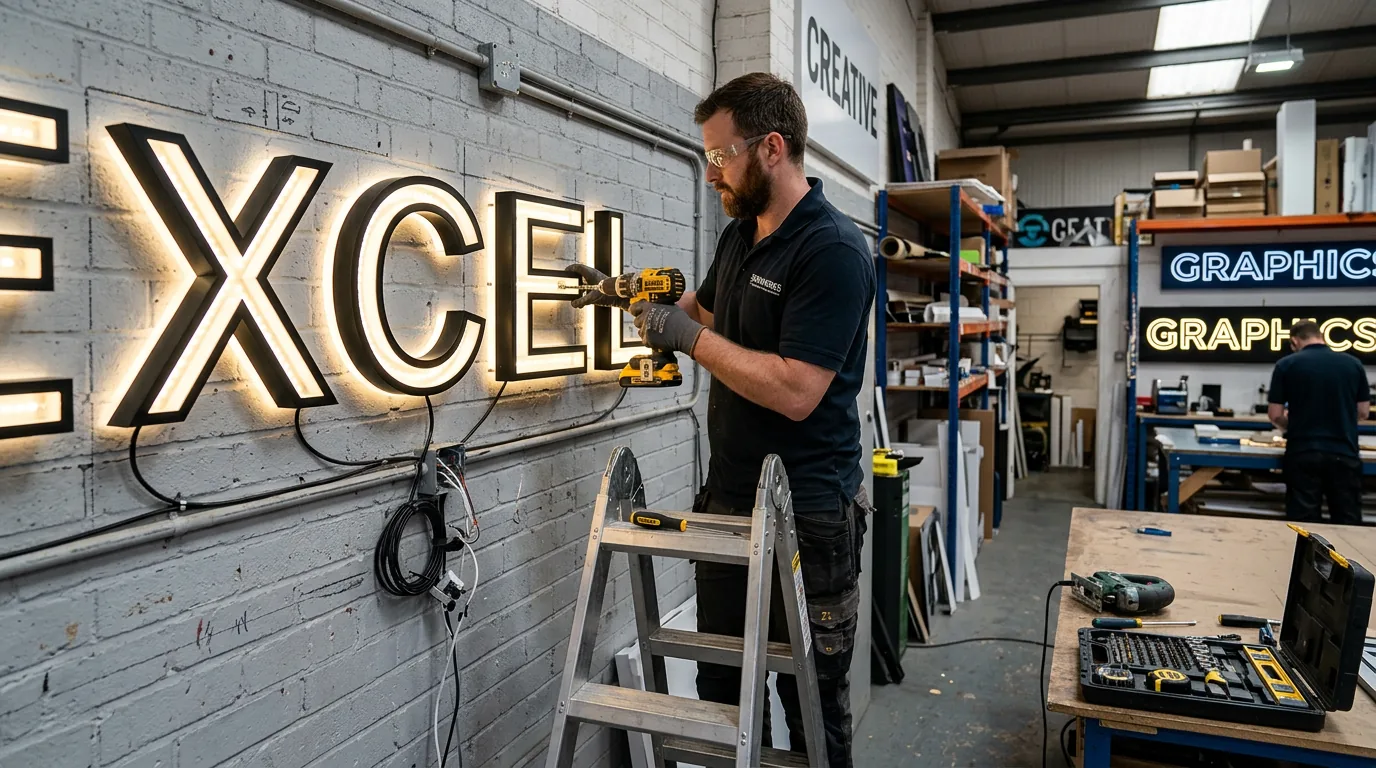
Surface preparation determines success. Mounting LED strips to brick requires different hardware than drywall or metal surfaces. Advanced generators include mounting guides specific to common surface types and calculate weight loads for safe installation.
What’s coming next in generator technology
AI eliminates bad design choices. Smart generators now analyse your text input and automatically flag fonts that won’t work with your chosen LED strip width. Instead of letting you create unbuildable designs, they suggest alternatives that actually work with real hardware.
AR preview shows scale problems early. Point your phone at the installation wall and see exactly how your sign will look in place. This kills size mistakes and mounting conflicts during design, not after you’ve ordered £300 worth of materials.
End-to-end automation removes production friction. Upload a design, confirm materials, receive finished signs. The best platforms handle everything from LED sourcing to final assembly, eliminating the coordination headaches that kill DIY projects.
Match the tool to your ambitions
Personal projects work with free generators. Creating a sign for your own space? Browser tools handle standard fonts and simple layouts without subscriptions. Export quality meets DIY production requirements for straightforward installations.
Client work demands professional reliability. When customers pay for results, you need tools that produce consistent previews, accurate material lists, and files that work with real production equipment. Free generators create expensive surprises that premium tools eliminate.
Test before you commit to complex projects. Download sample exports and verify they work with your production workflow. File format problems discovered during trials cost minutes, not days of project delays.
The best name in lights generator matches your project complexity and quality expectations. Free tools excel for personal creativity. Professional platforms deliver when business reputation depends on predictable results.
For complete sign business workflows, platforms like Sign Customiser integrate design, production, and customer management in one system that scales with your business.