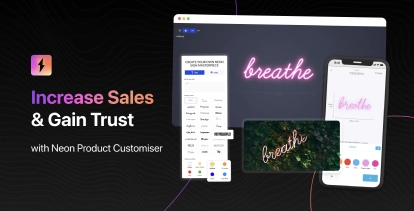
Sign Customiser’s visualiser now offers more intuitive ways to explore and perfect your sign designs. Whether you’re positioning your sign against a background image or getting a closer look at fine details, these new controls put you in the driver’s seat.
What’s Changed
- Pan and zoom support - Drag the visualiser stage around and zoom in or out to get the perfect view of your design. This is particularly useful when positioning signs against background images for realistic previews.
- Unified control bar - The light, background, and share controls are now consolidated into a single convenient control bar. Merchants can enable this by updating their Control Location settings in the admin.
- Improved custom shape backboard interaction - Custom shape backboards can now be dragged within their defined content area without accidentally resizing the backboard itself, giving you more precise control over sign placement.