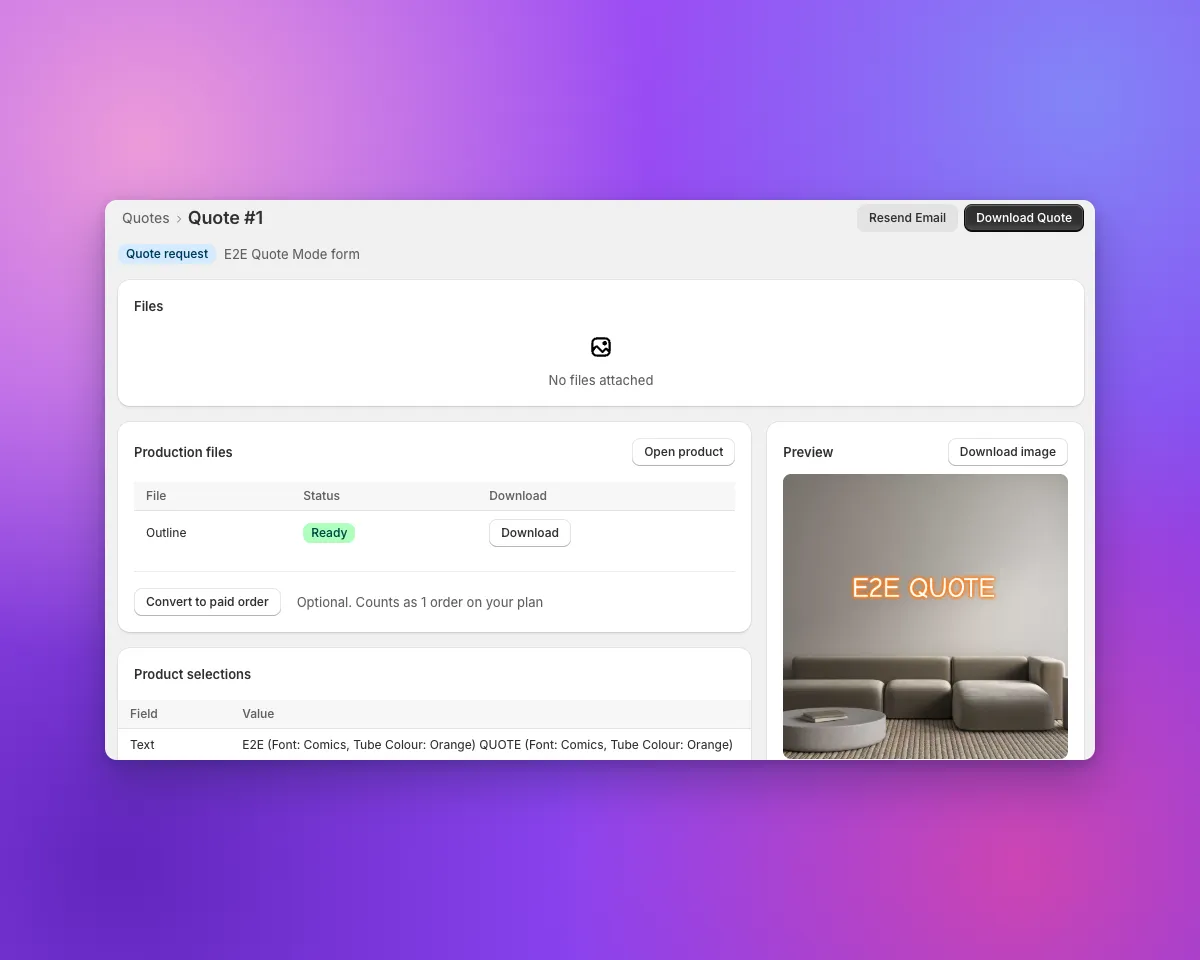
DXF files are free. Each Quote Mode quote now has its production files. You do not have to convert the quote first.
What’s Changed
- Production files on the quoteGo to Quotes and open the quote. The Production files card lists each file that you turned on in Manufacturing files. Each file shows Ready, Making… or Failed, and a Download button. Open product opens the Design Files card of the quote’s product.
- Failed filesThe card tells you why the files failed. If it shows Retry, click it.
- Older quotes have no filesThe card says “This quote was sent before quotes saved the full design, so we can’t make production files from it.”
- Convert to paid orderClick Convert to paid order to add the quote to your Orders page. A conversion counts as 1 order on your plan. It does not charge your customer or create a Shopify order. You cannot undo it. To email the file links to your manufacturer, select Email the order to my manufacturer in the confirm window. This option is off by default.
- Quote products stay hiddenThe product that holds the files of a quote is not on the Products page or in add-to-cart counts.
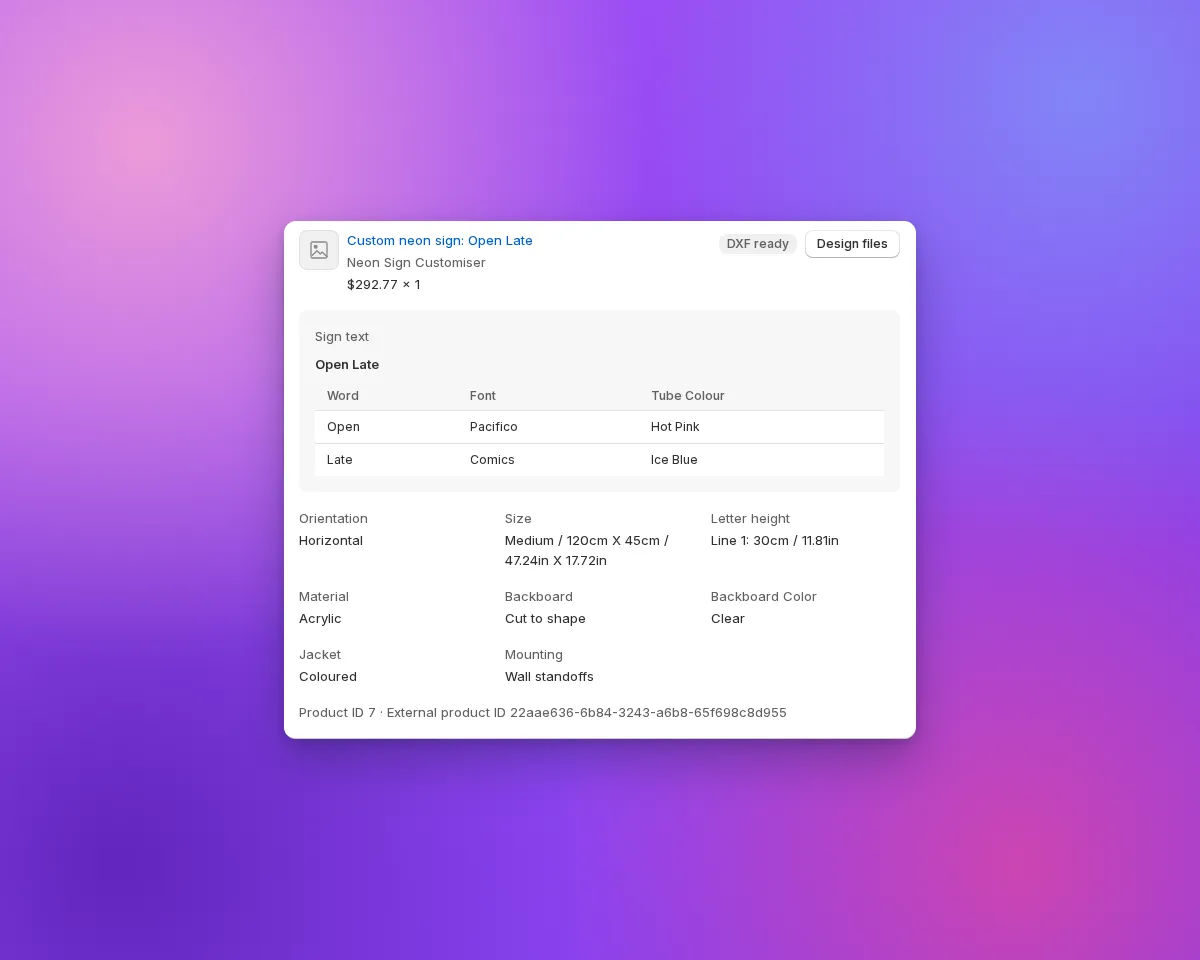
- Easier-to-read order pageEach product on the order page shows the sign text with a table of its words. Each word shows its font and colours. The other selections, such as size, material and backboard, are in a grid below it.