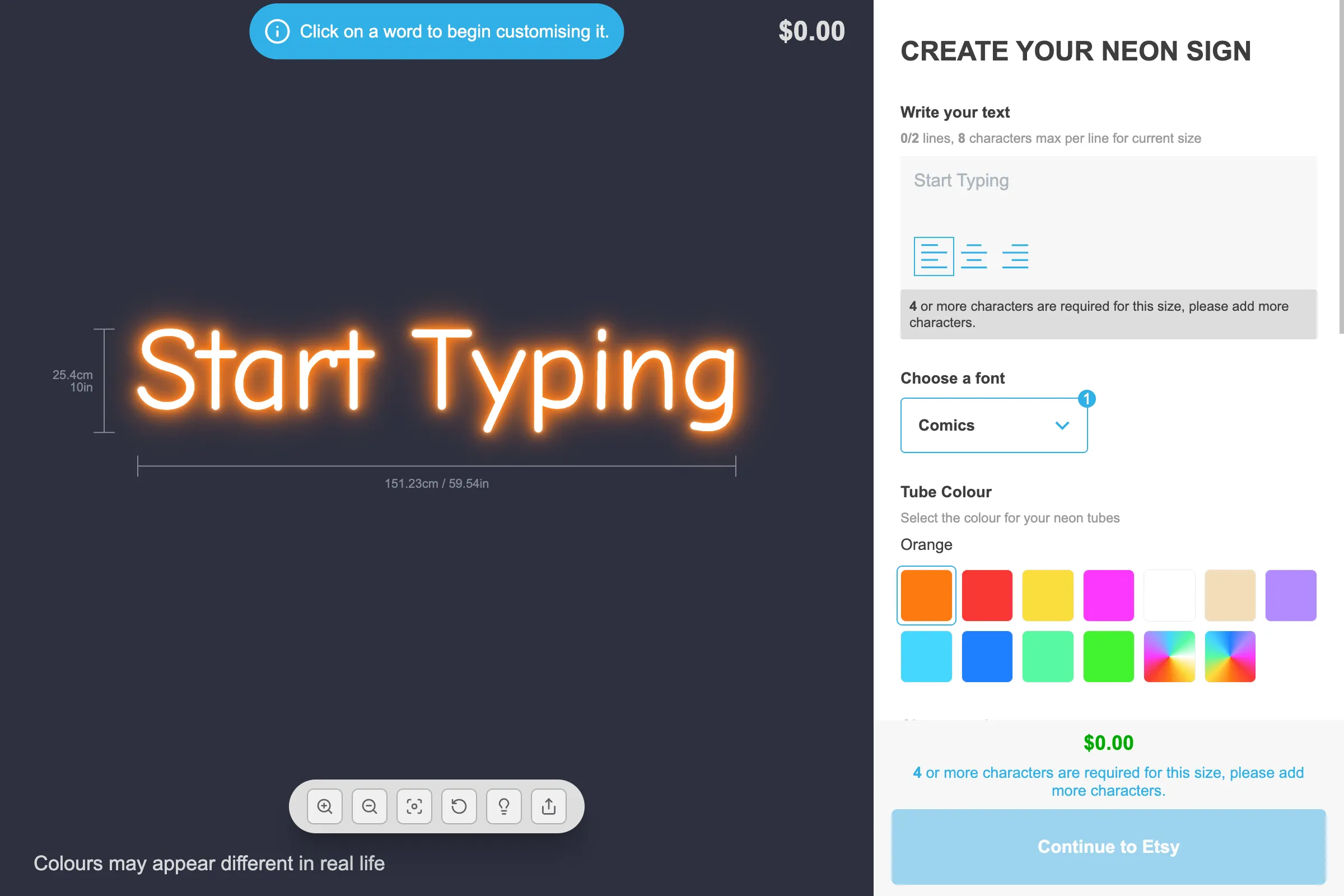
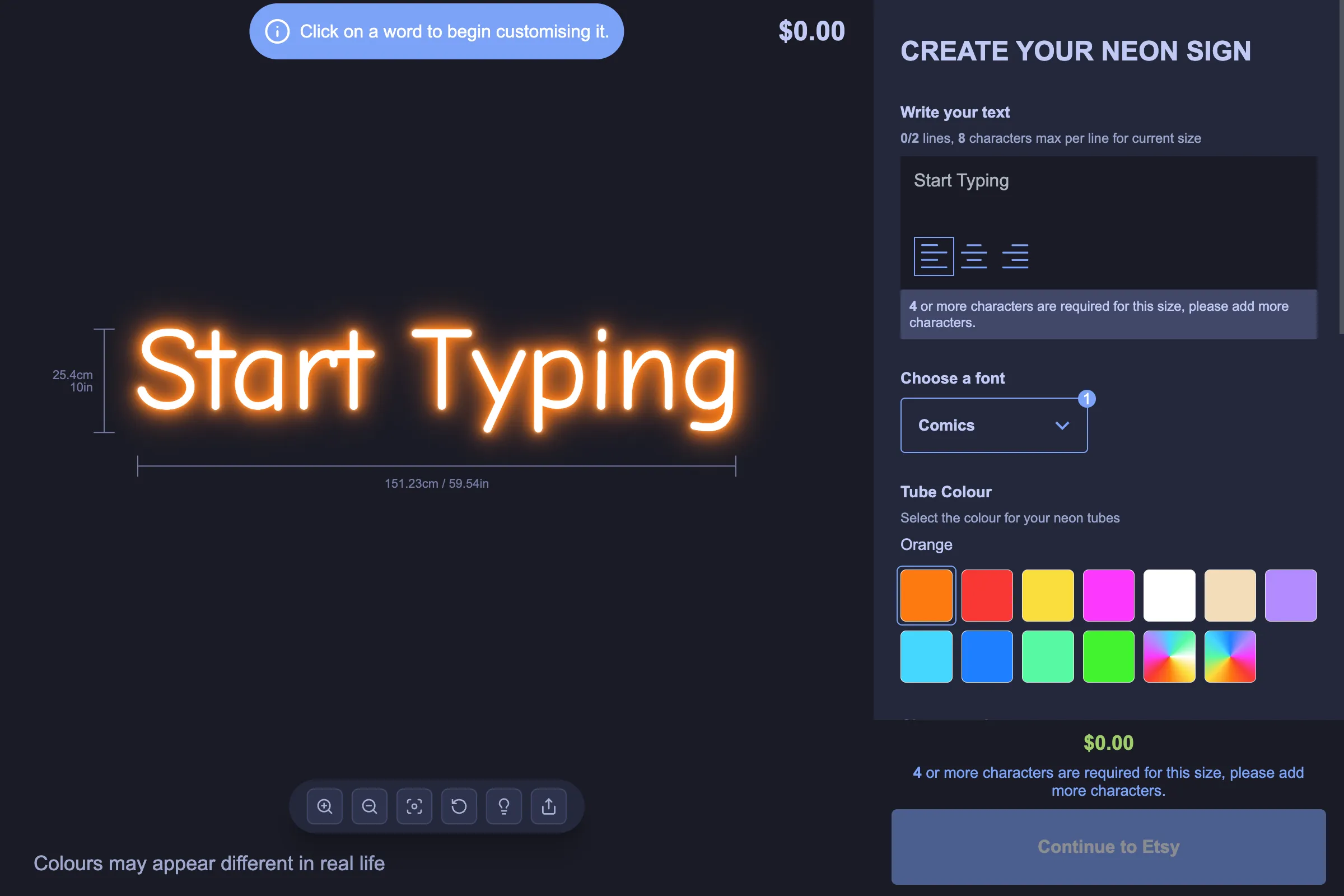
Sign Customiser now ships with one-click theme presets for the customiser’s colour scheme. Pick a starting point that already looks great, then tweak individual colours from there — no more building a coordinated palette from scratch every time you launch a new customiser.
What’s Changed
- Light and Tokyo Night presets - Choose between the default Light palette or a new midnight-inspired Tokyo Night palette with deep surfaces and soft accents
- One-click apply - A new Theme Preset card sits at the top of the Theme Colours page with colour swatches so you can preview each preset before applying it
- Confirmation before overwrite - Applying a preset replaces every colour selection on the page, so we now ask you to confirm first to protect any custom work in progress
- Still fully customisable - After applying a preset, every individual colour stays editable, so you can use a preset as a starting point and adjust accents, prices, or buttons to match your brand