Changelog
Documenting our journey of creating a custom sign builder.
-
Per-Word Measurements
You can now see the exact measurements for each individual word on your sign, not just the overall sign dimensions. Simply select any word to view its specific height, width, and sizing details.
These measurements are currently only supported on signs using either the Multi Color/Font or Drag/Scale/Rotate feature. You can disable this feature in the settings page under “Measurements for individual sign parts”.
We’ve also resolved an issue where resizing individual words wouldn’t properly respect your minimum font height settings. Now when you drag to resize any word, the system correctly checks that word’s size requirements, ensuring your text always meets your specified minimums.
-
Bulk price adjustments across all pricing options
Sign Customiser now makes it simple to apply percentage-based pricing changes across all options in your customiser at once, perfect for seasonal promotions, sales events, or margin adjustments.

What’s Changed
- Percentage-based adjustments - Increase or decrease all prices by a specific percentage for consistent markup changes
- Simple controls - Select whether to increase or decrease prices, then enter your percentage adjustment
- Instant preview - See exactly how your percentage adjustment affects pricing before applying changes
- Bulk application - Apply percentage changes across all pricing tiers simultaneously to maintain your pricing structure
-
Improved volumetric shipping configuration and Shopify weight integration
Sign Customiser’s admin interface for volumetric shipping has been significantly improved, making it easier to configure dimensional weight pricing for your signs.
What’s Changed
- Fixed weight data not being passed to Shopify products - Resolved a critical issue where calculated weights weren’t being added to products when “Add weight to product” was enabled
- Enhanced volumetric shipping UI - Added helpful icons, informational banners, and calculation examples to guide configuration
- Improved visual hierarchy - Nested volumetric options now display in a card with proper indentation for better clarity
- Added documentation links - Direct links to relevant help articles and Shopify shipping settings
- Currency code display - Prices now show currency codes alongside values for clearer international pricing
- Weight calculation examples - Live examples help you understand how volumetric weight is calculated for your products
-
Webhook subscriptions for real-time updates
Sign Customiser now supports webhook subscriptions, enabling your systems to receive real-time notifications whenever important events occur. This powerful feature allows you to build responsive integrations that react instantly to customer actions and order updates.
With webhooks, you can subscribe to various events including order creation, product generation, and form submissions. Each webhook delivers detailed event data directly to your specified endpoint, allowing you to automate workflows such as inventory management, fulfilment processes, or customer notifications. The system includes built-in security with webhook signatures to ensure data integrity and authenticity.
This feature is particularly valuable for businesses that need to synchronise Sign Customiser data with external systems, trigger automated workflows, or maintain real-time reporting dashboards. Whether you’re connecting to manufacturing systems, updating CRM records, or triggering email campaigns, webhooks provide the immediate data flow you need.
To start using webhooks and explore available event subscriptions, check our webhook documentation.
-
Custom API integration for enterprise workflows
Sign Customiser has launched a comprehensive API integration architecture that allows businesses to connect their existing workflows and platforms directly with our sign customisation system. This update particularly benefits larger and enterprise companies who need to integrate Sign Customiser into their established processes.
The new API provides traditional REST endpoints that enable you to programmatically manage customisers, create products, handle orders, and automate your sign business operations. Whether you’re using custom-built systems, enterprise resource planning (ERP) software, or other e-commerce platforms, you can now seamlessly integrate Sign Customiser into your workflow.
We’ve also updated our WordPress integration to leverage this new API architecture, providing improved performance and reliability. Additional platform integrations, including official plugins for Wix and other major platforms, will be available soon.
For detailed implementation guidance and API documentation, visit our Custom API Integration guide.
-
AI Sign Designer enhanced logo and image editing capabilities
Sign Customiser’s AI Sign Designer now features powerful image editing capabilities with significant performance improvements and enhanced functionality.
Key Enhancements
Transparency Support Fixed
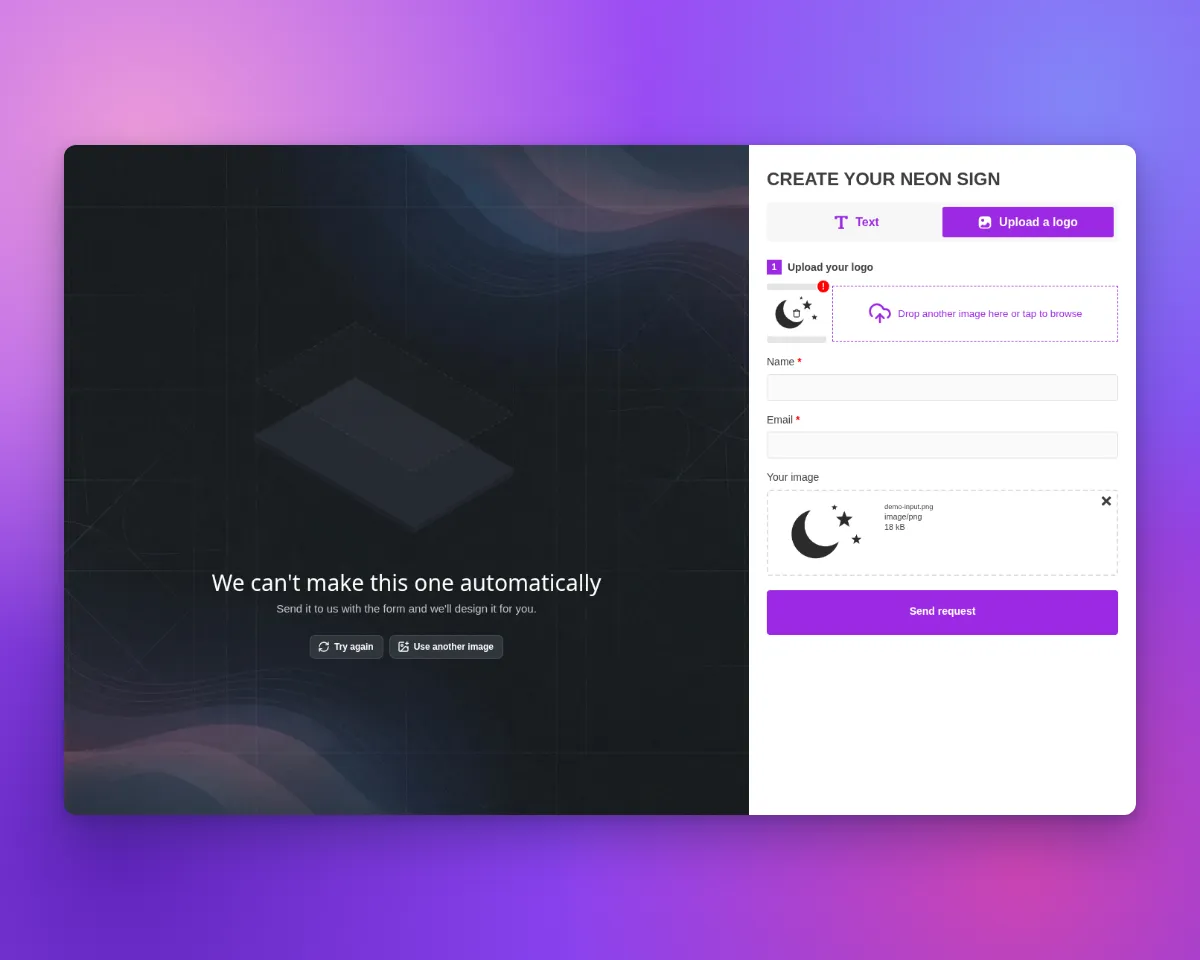
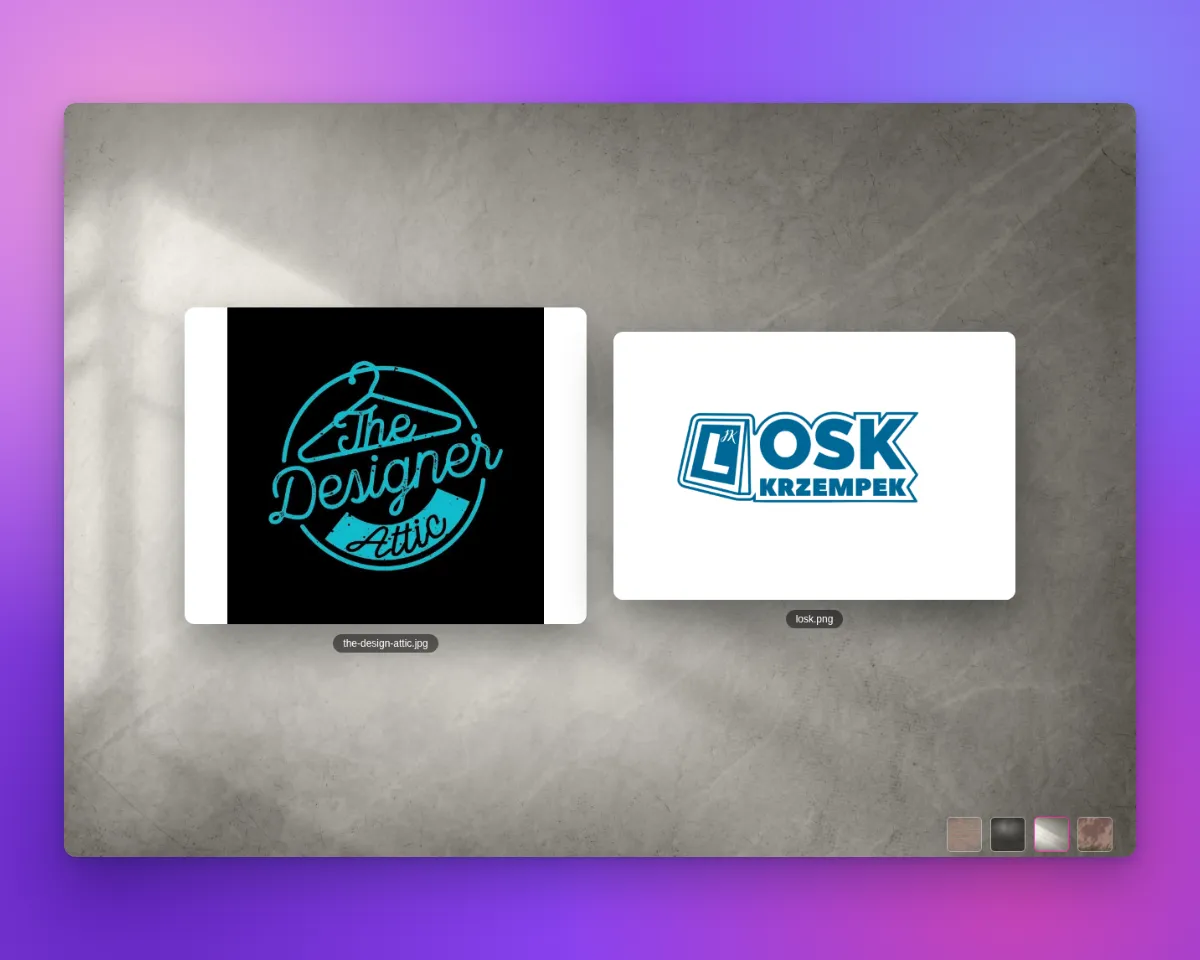
Critical issues with generating images containing transparency have been resolved. Logos with transparent backgrounds are now handled correctly, maintaining their intended visual appearance across all sign materials including neon and acrylic.
Improved Shape Interpretation for Complex Images
Enhanced shape detection algorithms now provide superior interpretation of busy and complex images. The AI Sign Designer can better distinguish between overlapping elements, handle intricate patterns, and accurately identify shapes in visually dense designs. This improvement ensures that even the most detailed logos and graphics are converted with precision, maintaining the integrity of complex brand elements.
-
Multi-dimensional size boundaries for advanced letter and frame fit pricing models
Sign Customiser now provides enhanced control over dimensional pricing limits, allowing you to set separate width, height, and depth constraints for your advanced pricing rules. This update enables more precise pricing configurations that better reflect your manufacturing capabilities and shipping requirements.
Previously, pricing limits were based on a single dimension that applied to both width and height. Now you can configure independent limits for each dimension, giving you complete control over how signs are priced based on their actual size requirements. This is particularly useful when your manufacturing equipment has different constraints for width versus height, or when shipping calculations require volumetric measurements.
The enhanced dimension controls automatically integrate with volumetric shipping calculations, using the depth limit when calculating three-dimensional shipping costs while maintaining backward compatibility with existing two-dimensional pricing configurations.
-
Support for up to 6 lines of text on Simple Letter model
Simple letter customisers in Sign Customiser now support up to 6 lines of text, doubling the previous limit of 3 lines. This enhancement allows your customers to create more complex multi-line signs with individual pricing control for each line. Whether you’re creating address signs, directional signage, or detailed business displays, you now have the flexibility to offer more comprehensive text options while maintaining precise pricing control for each additional line.
-
Increased Form File Upload Limit & New Admin for Form Entries
Increased File Upload Limit
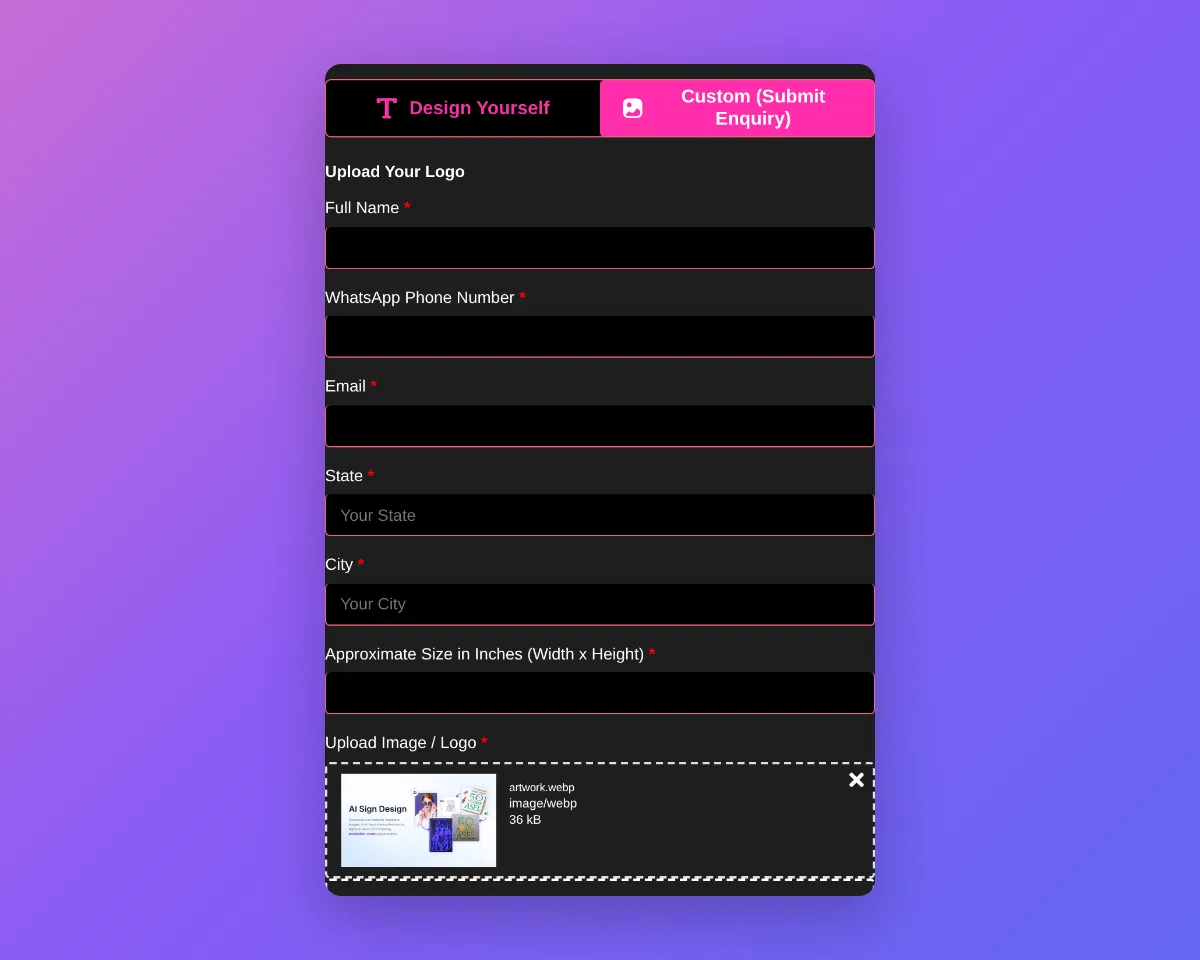
We have increased the maximum file upload size for all forms from 2 megabytes to 10 megabytes. This is a significant upgrade that will benefit all merchants using our forms, allowing your customers to upload much larger files with their submissions. This improvement is especially useful for customers who need to submit high-resolution images, detailed artwork, or complex design files.
Supported file types for uploads include:
- Images: PNG, JPEG, SVG
- Documents: PDF, PostScript (EPS), Adobe Illustrator (AI)
This broad support ensures your customers can upload the most common file formats used in the sign and design industry.
Brand New Admin for Form Entries
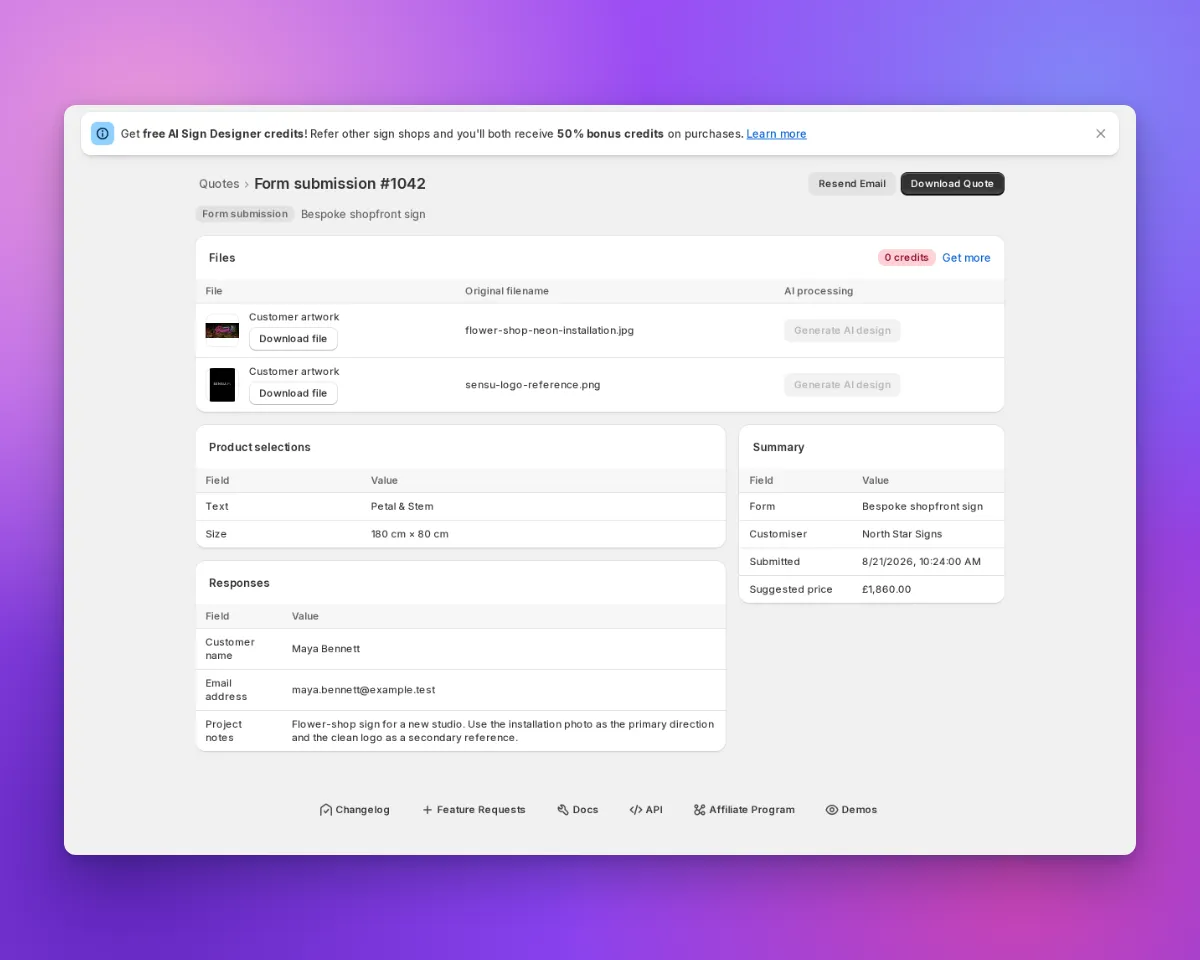
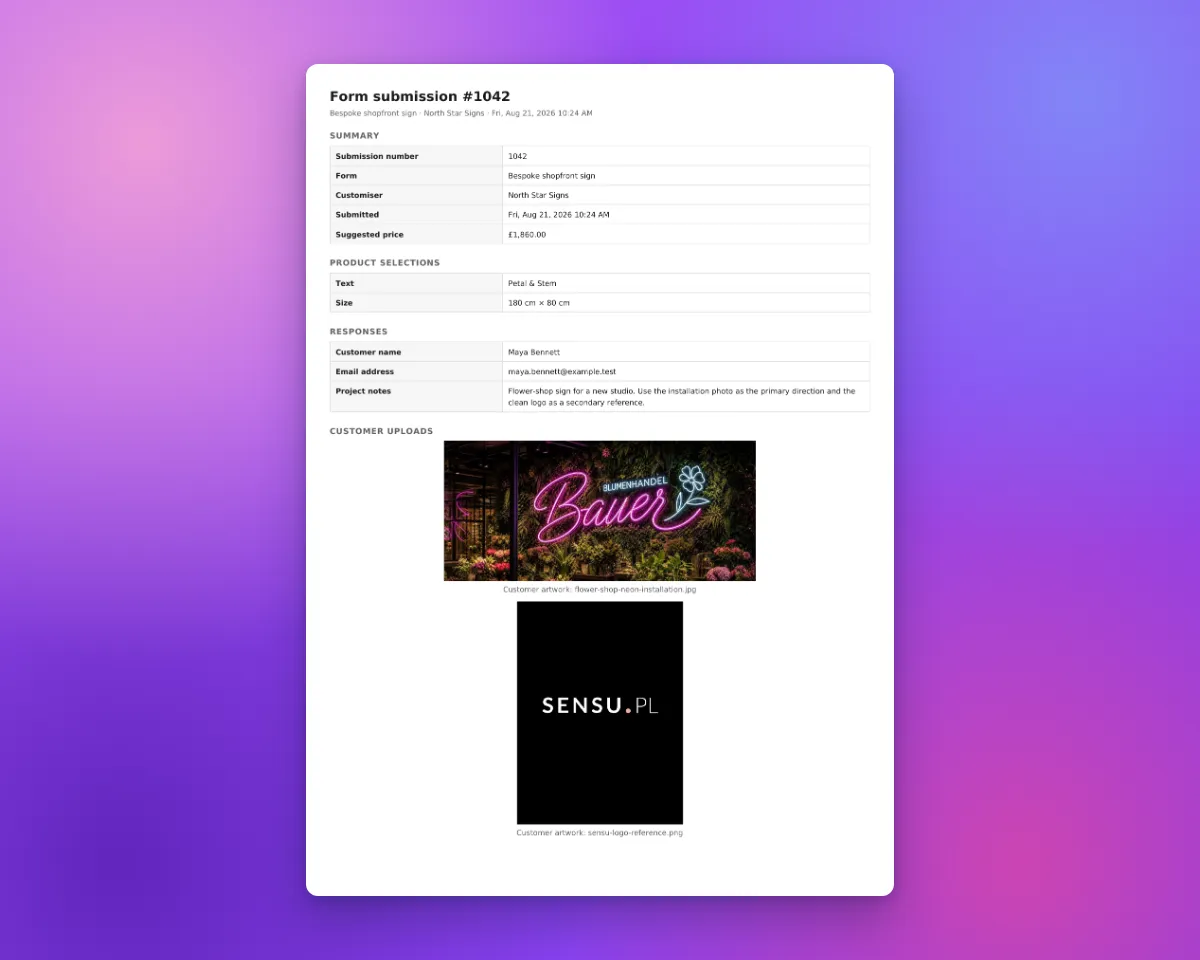
We have also launched a completely new admin interface that allows merchants to view all new form entries directly within the app. This new admin makes it easy to:
- View all data submitted through your forms in one place
- Quickly access uploaded files and customer details
- Manage and respond to customer submissions efficiently
This update streamlines your workflow and ensures you never miss an important customer request or file upload.

New: Tracking Events for Form Submissions
We have set up custom tracking events for form submissions. These events can be used for ad conversions or tracking in platforms like Google and Facebook. You can now listen for these events in your store to track when a customer submits a form or a quote request.
The two new events are:
signCustomiserFormSubmitted(for standard form submissions)signCustomiserQuoteSubmitted(for quote form submissions)
For more details and code examples, see our documentation: Tracking events for ad conversions
Improved After Submission Actions
We have also improved the after submission actions for forms. Merchants can now choose to show a thank you message or redirect customers to a custom page on your website after a form is submitted. This gives you more control over the customer experience and helps drive engagement or provide next steps.
-
Enhanced Order and Manufacturer Email Templates
We’ve completely redesigned how you create and edit your order and manufacturer email templates to make customization much easier and more reliable. The new template editor features advanced code highlighting, real-time error detection, and intelligent fix suggestions that guide you through creating professional email templates without technical expertise.
No more guessing about template syntax or wondering why your emails aren’t displaying correctly. The editor now highlights your code as you type, instantly identifies any errors, and provides clear suggestions on how to fix them. You can also browse and insert customer, order, and product variables directly from the editor, making it simple to personalize your emails with dynamic content that your customers and manufacturers need.