
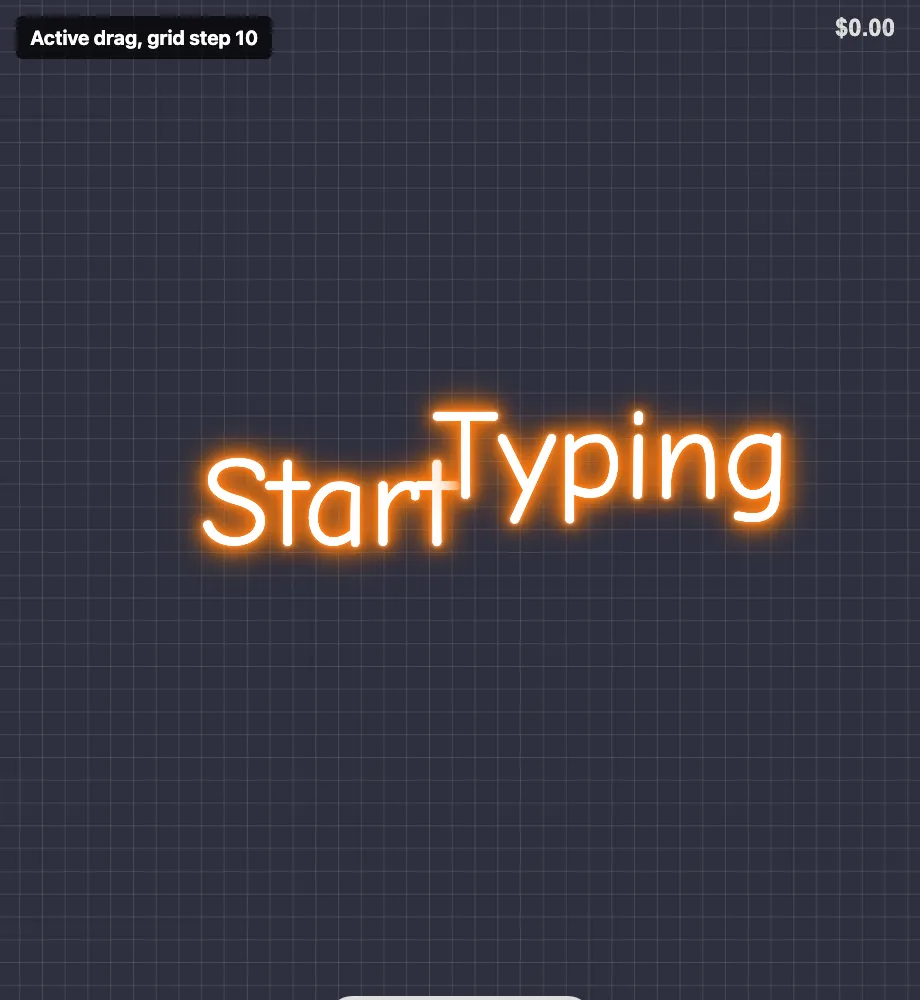
Sign Customiser now lets merchants adjust the snap-to-grid spacing used when customers drag elements around the visualiser. Smaller signs no longer have to use the previous 20-unit grid, so you can give customers finer control when positioning words and shapes.
What’s Changed
- Adjustable grid stepThe Drag, Scale and Rotate settings now include a grid step field when Snap to Grid is enabled
- Finer control for small signsMerchants can choose a smaller step to make positioning feel less jumpy on compact designs
- Same default behaviourExisting customisers continue to use the previous 20-unit grid unless a new value is saved
- Clearer visual feedbackThe grid overlay shown during drag and transform actions now matches the selected spacing
