Sign proof approval is the customer’s written go-ahead on a design proof (or artwork proof): a drawing of the finished sign. A sign proof must show more than a print proof: the size in real units, every colour by name, the backing, the mounting, and how the sign looks switched on. Start production only after a written approval.
Shops disagree about what that approval buys them. Sign Customiser read four signs101 forum threads about customers who approved a proof that had a mistake in it. Of the 45 replies that took a side, 16 said the customer pays, 10 said the shop pays, 8 split the cost or offered a discount and 11 said it depends. Where the shop had typed the error, 7 of the 12 replies that took a side said the shop pays. Where the customer had supplied the artwork, 9 of the 16 that took a side said the customer pays.
We make Sign Customiser, software that lets a sign shop’s customers design and price a sign on the shop’s own website. So this guide also covers the question print-proof guides skip: when an order that the customer designed online is its own proof, and when it is not.
On this page:
- What should a sign proof show?
- How do you get a sign proof approved?
- Sign proof approval form template
- What if the customer does not reply to a proof?
- Who pays when an approved proof has an error?
- What does a signed proof not cover?
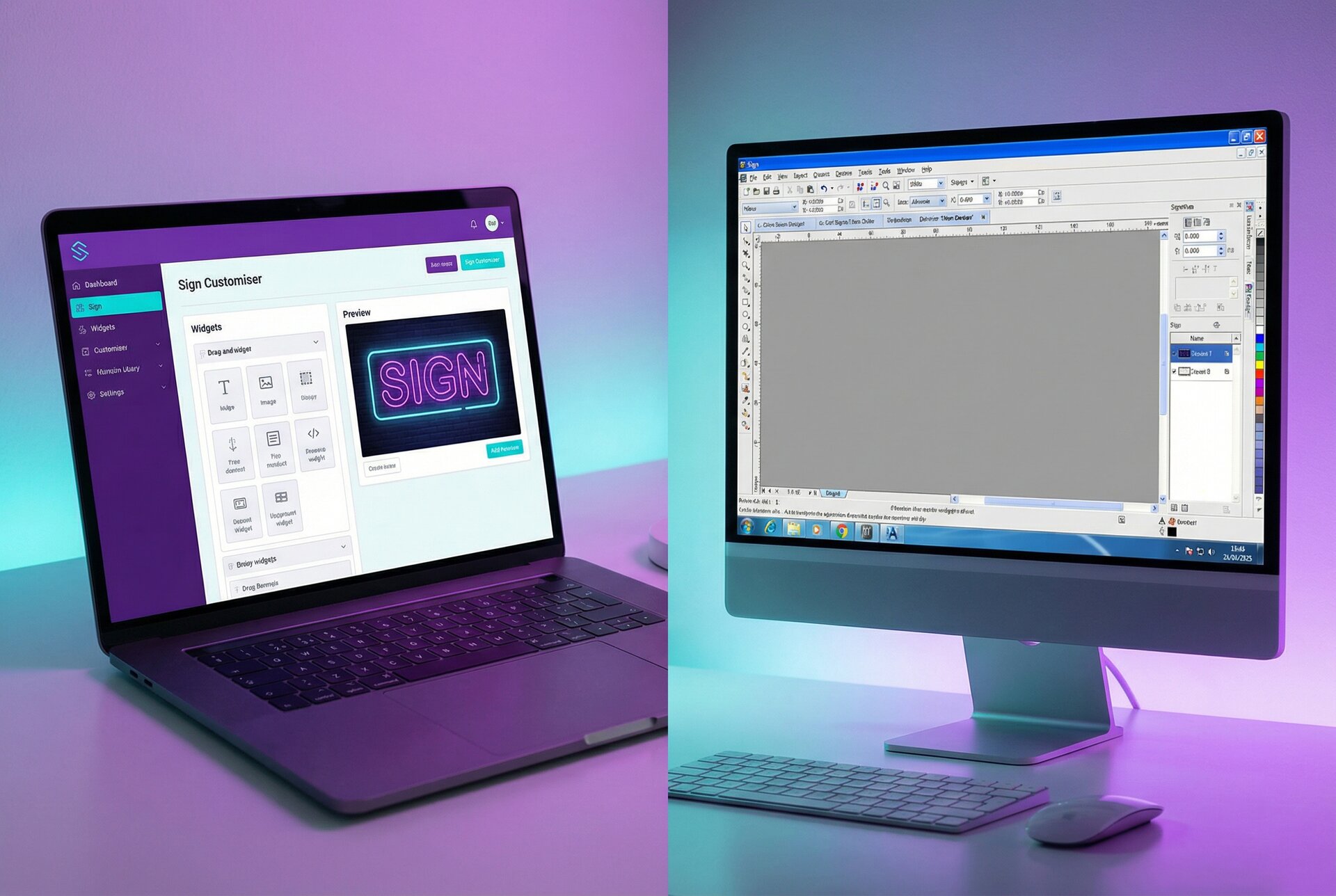
- Does an online customiser order need a proof?
- How we counted
- Frequently asked questions
What should a sign proof show?
A design proof, or artwork proof, is your drawing of the finished job for the customer to check before you make it. Proof forms from printers check spelling, layout and colour on a flat page. A sign has more that can go wrong after the customer says yes: it can arrive the wrong size, glow a different colour, hang from the wrong holes or have its cable come out on the wrong side. Put each of these on the proof.
| On the proof | What to show | Why |
|---|---|---|
| Size | Overall width × height in the customer’s units, plus letter height | Customers judge size from the screen. Neon Champ tells buyers that “the dimensions shown on a mockup represent the finished product, not how large the image appears on your phone or computer screen.” |
| Scale | The sign beside a person, a door or a photo of the customer’s wall | A number on a page is hard to picture. A person or a doorway beside the sign lets the customer check the size against something they know. |
| Text | Every word typed out as plain text under the drawing | Customers look at the picture, not the letters. Names, phone numbers and web addresses are where a one-character error hides, and a typed line is easier to check on a phone. |
| Font | The font name, and any letters you redrew or adjusted | A substituted or redrawn letter is hard to spot at phone size. |
| Colours | Each colour by name or code: LED colour, vinyl brand and colour number, paint or Pantone reference, acrylic colour | Screen colour is not material colour. Pantone says a physical colour reference is “critical” when projects move “out of the digital realm”. |
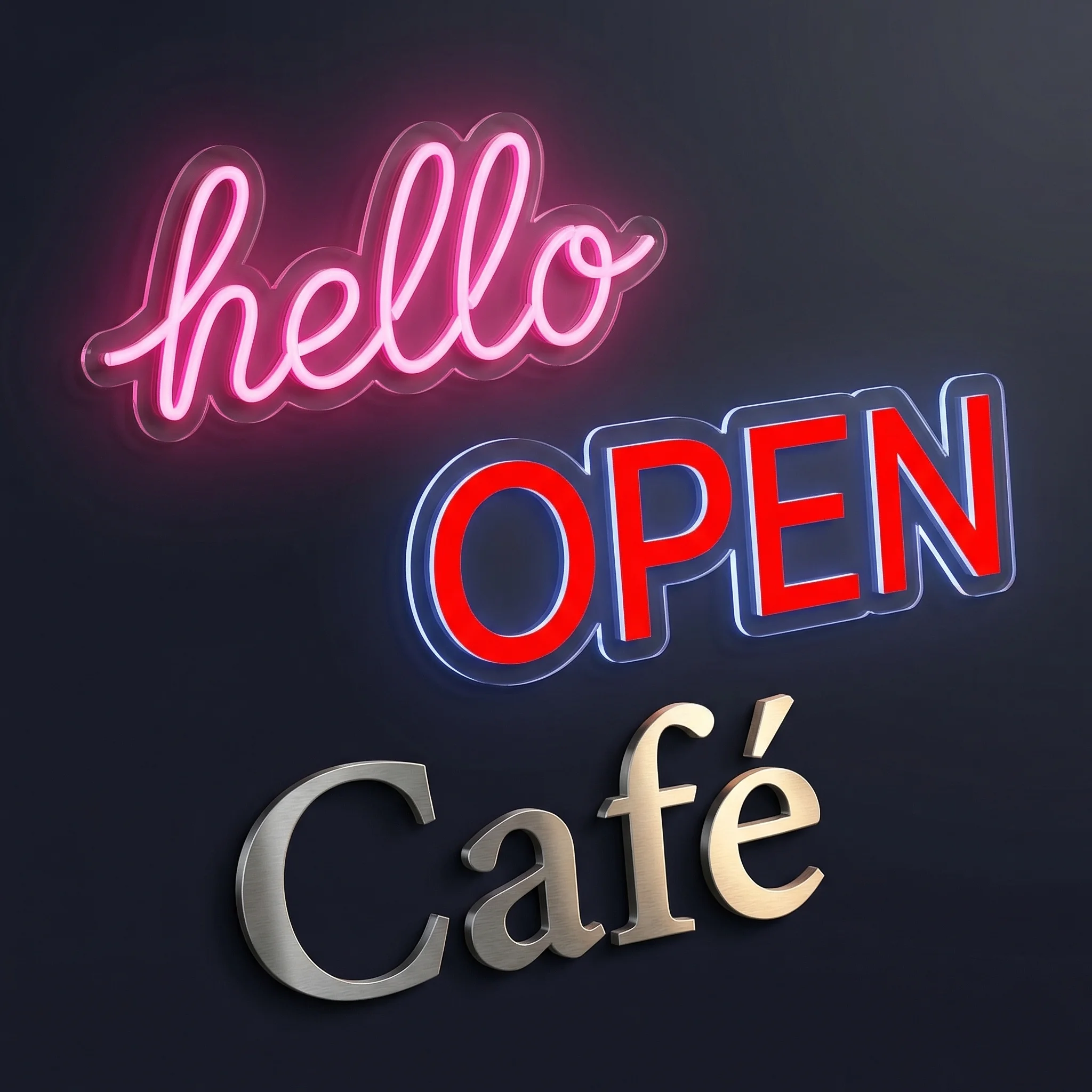
| Lit and unlit | For illuminated signs, the sign switched on and switched off | An LED neon tube can change colour when it is off. Custom Neon says 8 of its 18 colours look white when switched off. |
| Backing | Shape (cut to letter, rectangle, cut to shape), material and colour | The backing is often the biggest visible part of an LED neon or acrylic sign. |
| Mounting | Fixing holes, standoffs, hanging kit, raceway, and which side mounts to the wall | Neon Champ’s mock-up checklist asks buyers to check the number and position of predrilled holes. |
| Power | Cable exit point, cable length, plug type, where the power supply sits, indoor or outdoor use | The same checklist asks buyers to plan how the cable will reach the outlet before they approve. |
| Job details | Quantity, single or double sided, version number and date | One shop on signs101 puts a line on every proof with “size, qty, single or double sided”. |
For printed and vinyl signs, send a printed swatch or a vinyl colour chip when the colour matters, because a screen cannot show a material colour.
Sign-Age of Tampa Bay publishes a sample proof form for a vehicle wrap that shows the idea. It carries the quote or work order number, dimensions, finishing, colour specifications with CMYK values, and tick boxes for spelling, product, quantity, dimensions, colours, layout and art. The customer signature line on the sample reads “Approved via Email 7/9/25”.
A proof is not a shop drawing. Channel letters and other signs that need a permit also need a drawing for the permit office. As AOOS, a business sign supplier, puts it: “A shop drawing is an engineering document, not a pretty rendering”. In its example of Houston’s checklist, the city asks for the letter construction, the attachment method and the electrical load. The customer approves the proof; the shop drawing goes to the permit office.
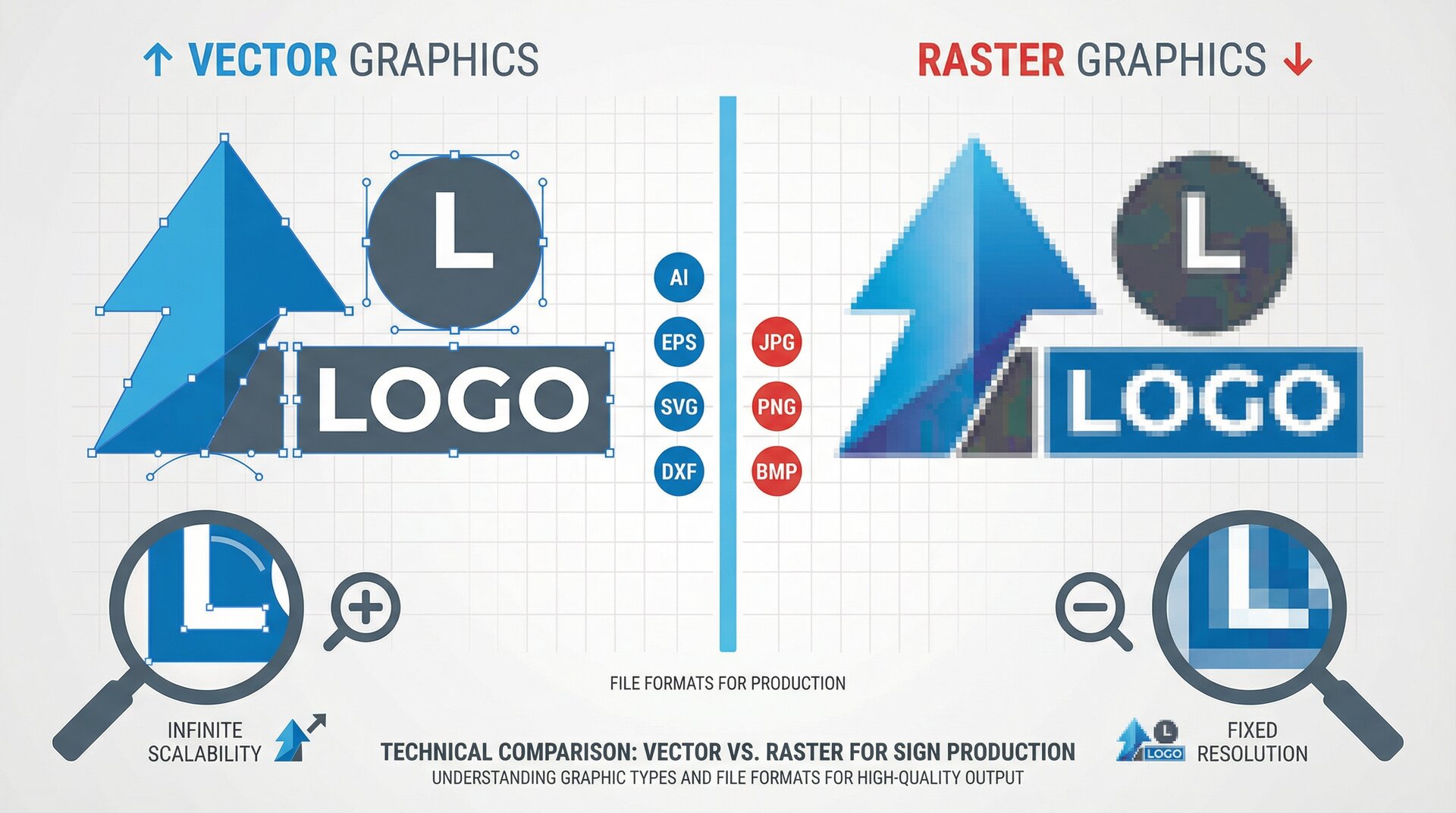
Uploaded artwork needs extra care. Sign Customiser counted 17,076 artwork files that customers attached to design and quote requests on 83 stores between 29 September 2025 and 28 September 2026, and 90% were PNG or JPG images. A PNG or JPG cannot be cut or bent from directly, so for LED neon and cut signs you redraw or trace it, and the customer has to see what you made. Our artwork intake policy for low-resolution and AI files explains how to check the file and proof it at actual size.
How do you get a sign proof approved?
To get a sign proof approved, put the approval rule on the quote, send a proof the customer can check on a phone, and proofread it yourself first. Then ask for a written “Approved for production” reply, keep it with the job, and count the turnaround from the approval date.
1. Put the proof rule on the quote. One shop on signs101 has “a line item on the quote that states they need to read and sign off on the proof as well as the quote for this to become a job.” Say how many rounds of changes the price includes, and that the turnaround starts from approval. Another shop writes on every quote: “Turnaround time 7-10 days after proof approval”.
2. Make a proof the customer can check on a phone. “Trying to proof something on a 3” screen is the biggest problem,” one sign maker wrote. Many customers will open your proof on a phone. Put the typed text and the size in large type under the drawing, and add close-ups of small lettering.
3. Proofread it yourself first. Do not hand the job of finding your mistakes to the customer. In proofreading studies collected by the researcher Raymond Panko, readers caught on average about 81% of misspellings that are not real words, but only about 66% of errors that leave a real word in the wrong place, such as “price” for “pride”. One sign shop owner on signs101 put it more simply: “Your goof, your fix.”
4. Ask for an explicit approval. Email is the normal way. “Written email approval is good enough and 99% of my proofs are approved this way,” one shop wrote in a 2022 signs101 thread. The same thread shows the weak spot: “Sometimes all I get back is a texted ‘thumbs up’.” Another shop’s rule is “getting them to announce in writing their intention for me to start”. If the reply is vague, ask again: “Let me know when these are approved to put into production.” A signed form or an Approve button in proofing software works too, as long as you keep the record.
5. Keep the record and start the clock. Save the approved proof and the approval email in the job folder, and make the sign from that proof. If you change anything after approval, even a size the customer asked for on the phone, send a new version and get a new approval. One shop on signs101 waits at least 24 hours after every approval before production starts, because customers sometimes come back with changes after saying a proof “looks great”. Neon Champ said on 1 October 2026 that its LED neon production usually begins within 24 to 48 hours of approval.
Online LED neon sellers set the pace customers now expect. When we checked on 1 October 2026, for uploaded images Custom Neon emailed “a free mockup, usually within 24 hours”, offered unlimited revisions, and said “nothing goes into production until you’ve approved the proof.”
An approval holds against the customer’s own mistakes, not yours. See what a signed proof does not cover.
Sign proof approval form template
Paste this under the drawing on every proof, then change the parts in square brackets.
Proof [number], version [2], [date]
Sign: [LED neon, cut to letter], [width] × [height] [inches], letter height [x]. Quantity [1], [single sided].
Text, exactly as it will be made: “[typed text]” Font: [font name]
Colours: [LED colour: warm white. Tube colour when off: white. Backing: clear acrylic.] Screen colours are approximate. [LED colours look different when lit and depend on the room.]
Mounting and power: [4 predrilled holes, standoffs included. Cable leaves the bottom right, 2 m clear cable, US plug, indoor use.]
Please check: ☐ spelling ☐ names, phone numbers and web addresses ☐ font ☐ size ☐ colours ☐ lit and unlit ☐ backing ☐ mounting and power ☐ quantity
Reply “Approved for production” to start. We make the sign exactly as shown on this proof, not from earlier files or messages, so check every word. If an error you did not mark came from your order or your artwork, fixing it is new work. This price includes [2] rounds of changes; more rounds and changes after approval are new work, charged at [rate]. Turnaround of [x] working days starts on the day you approve.
The last paragraph follows the printing trade’s long-standing customs. The North American Printing Trade Customs (as reproduced by one Canadian printer) say alterations “shall be charged at the current rates” and that a printer “cannot be held responsible for errors” when work is printed per the customer’s OK. Copies Plus Printing’s online proof form calls changes after approval “new work”.
What if the customer does not reply to a proof?
Shops handle silence in three ways. These are the sellers’ terms as we read them on 1 October 2026.
| Approach | Example | Works best for |
|---|---|---|
| Deemed approval after a set time | Signs.com gives customers 3 business days to approve or reject a proof. After that, “the proof will be deemed to have been approved by User and the order will proceed into production.” | High-volume standard signs, with the rule in terms the customer accepts at checkout |
| Short courtesy window | For standard online orders, Kings of Neon sends a proof email “as a courtesy” and sends the design to manufacturing after 12 hours if the customer does not reply | Text signs the customer designed, where the proof is a final check |
| No production without a yes | Custom Neon, for uploaded artwork: “nothing goes into production until you’ve approved the proof” (a customer who selects no proof when ordering approves the sign automatically) | Custom artwork, logos and anything you redrew |
Whichever you choose, put it in writing before the customer pays, and count your turnaround from approval, not from the order. A customer who waits a week to reply should not expect the sign on the original date.
Who pays when an approved proof has an error?
The answer turns on who made the mistake. Sign Customiser read four signs101 threads from 2011 to 2017 in which a customer approved a proof that had an error in it. Of 76 replies, 45 said who should pay.
In a 2017 thread where the shop had typed “price” for “pride”, 7 of the 12 replies that took a side said the shop should pay. “Customers are not proof readers,” one wrote. In a 2016 thread about errors in artwork the customer supplied, 9 of the 16 that took a side said the customer pays. One owner’s contract makes it clear: “they pay for it.”
Most shops also leave room for goodwill. One owner in a 2011 thread wrote, “I always reprint at 50% of cost.” Another shop offers “cover up decals with the information fixed for free… or re-print the whole sign at a reduced cost.” A third gives “Long term clients that repeat” an “at cost pass”.
The written approval matters most when the customer disputes the charge. In the 2011 thread, one shop forwarded the email in which the customer had replied “print” to PayPal during a payment dispute, and the dispute went the shop’s way.
A practical rule from these threads: if the customer supplied the error and approved it, they pay, and a discount is goodwill. If you put the error there, you pay, signed proof or not. Each cause rests on one thread, so treat this as a pattern, not a measurement.
What does a signed proof not cover?
The law below is as we read it in October 2026. The printing trade’s customs and the British Printing Industries Federation’s standard conditions both say the printer is not liable for errors the buyer approved. Clause 8(a) of the BPIF’s 2004 conditions (hosted by a member printer) reads: “The Seller shall incur no liability for any errors not corrected by the Buyer where the Buyer has been provided with proofs.” Both also allow for a reasonable variation in colour between a proof and the finished job.
Those are trade terms written for business buyers, and they stop where consumer law starts. The BPIF conditions say so themselves: “Nothing in these Terms shall affect the rights of Consumers.”
- Australia. The ACCC says the basic rights in the consumer guarantees “can’t be taken away by anything a business says or does”. Products must match their description and any sample or demonstration model. A customer who “got what they asked for but simply changed their mind” is not entitled to a remedy. A business that buys a sign for its own use for less than A$100,000 including GST is usually covered too.
- United Kingdom. Under section 31 of the Consumer Rights Act 2015, a term is not binding on a consumer to the extent that it would exclude or restrict the trader’s liability for duties that include goods being of satisfactory quality, as described, and matching a sample or a model the consumer saw.
- European Union. For online and other distance sales, Article 16(c) of the Consumer Rights Directive removes the right of withdrawal for goods “made to the consumer’s specifications or clearly personalised”. A sign made to the customer’s own text and size is likely to fit. That covers change of mind, not faulty goods.
- United States. Under section 2-313 of the Uniform Commercial Code, a sample or model that is part of the deal creates an express warranty that the goods will conform to it. An approved proof may be treated as a model, so it can work for you or against you: the customer accepted it, and you may have promised a sign that matches it.
So a signed proof can help show that an error was the customer’s. It does not protect you against a sign that does not match the proof. This is general information, not legal advice; check your terms with a lawyer where you trade.
Does an online customiser order need a proof?
Usually not, for a standard sign. A customer who designs a sign in an online customiser typed every word, chose the font, colour, size and options, and saw the price. That order is the specification. BuildASign works on this basis: its terms of sale say customers have “many opportunities during the purchasing process to check your purchase for layout and content”.
Here is how Sign Customiser covers the items in the proof table before the customer pays, and where it does not:
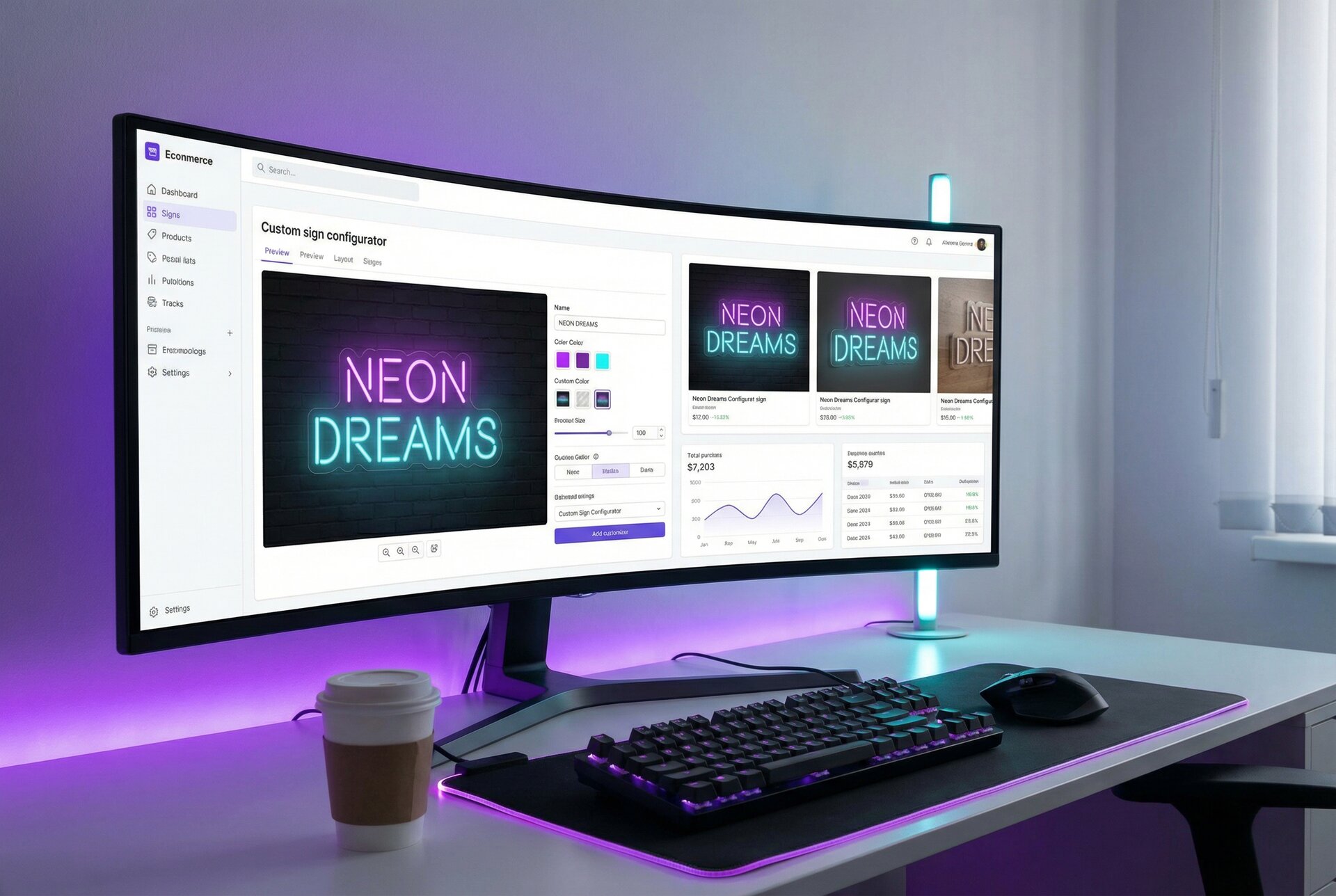
- Size. The live preview can show the sign’s measurements. The Real size view shows the sign next to a 170 cm (5 ft 7 in) person at the same scale. It is on for new customisers and is not available for lightbox signs.
- Lit and unlit. With the Glow Switch setting, the customer can turn the sign’s glow on and off in the preview.
- A last check. If you turn on the review screen, the customer sees the design again before adding it to the cart, with a link to edit it.
- The order details. The order email to you or your manufacturer carries the text, font, colours, final dimensions, letter height, backboard, mounting and other options, with SVG, EPS, DXF or Illustrator file links where they exist. It also carries a JPEG preview image of the design (PNG for lightbox signs), which you can forward to the customer as a proof copy. If the text has characters the chosen font could not produce reliably, the email adds a “Production check required” warning.
Each of these is on every Sign Customiser plan. The Real size view, the Glow Switch and the review screen are settings in each customiser.
What it does not do: Sign Customiser has no proof-approval step. The customer gets no proof to approve after ordering, and there is no required “I have checked the spelling” box before add-to-cart. Read the order email before you start production, and contact the customer if anything looks wrong.
Still send a proof when:
| Order | Proof? |
|---|---|
| Text sign designed in the customiser, standard options | No separate proof. Check the order details before production |
| Design from the AI Sign Designer | The customer saw the design and could change its size, colours and options before ordering. Send a proof if you change it |
| Logo or artwork uploaded through a custom design or quote form | Yes, always |
| Anything you change after the order (size, colour, font, backing) | Yes, a new proof for the change |
| Signs that need a site measure, a shop drawing or a permit | Yes, plus the shop drawing |
For uploaded artwork, Sign Customiser’s custom design and quote forms can collect the file and a required checkbox, and the form email gives you the answers and the files. One way to send the proof back is to build the design in your customiser and send the customer a “Share my design” link: it opens the customiser with the same choices, so the customer can check the live preview and order that exact design.
How we counted
Forum positions. Sign Customiser read four signs101 threads on 1 October 2026: “customer did not spell check his proof” (January 2011, 20 replies on page 1 of 3), “Never thought it would happen” (July to August 2012, 18 replies), “Artwork Approval” (December 2016, 19 replies) and “Getting customers to check proofs” (November 2017, 19 replies on page 1 of 3). Of those 76 replies, 45 said who should pay. Each reply that took a position counts once, so a few posters who replied more than once count more than once. Replies that only agreed with another reply are not counted. A second reader re-counted all four threads independently and found 50 replies that took a side (17 customer, 13 shop, 8 split or discount, 12 depends); every thread was within one of our count in each position. Treat each count as plus or minus one per position. Each cause comparison rests on one thread. These are sign shop owners who chose to post on one forum, not a survey of the industry.
What we could not find. We looked in trade magazines and on association sites for a published figure for how many sign reprints come from approved proofs with errors. We found none, so this guide does not quote one.
File types. The 17,076 files are the artwork files that customers attached to custom design and quote forms on stores using Sign Customiser, excluding test, development and internal stores. Our artwork intake policy gives the full split and the method.
Frequently asked questions
What is a design proof?
A design proof, also called an artwork proof, is the shop’s drawing or mock-up of the finished item, sent to the customer to check before production. A sign proof must also show the finished size, each colour by name, the sign lit and unlit, the backing, the mounting and the power cable, because those are what go wrong on signs.
What is a proof approval?
A proof approval is the customer’s written go-ahead on a drawing or mock-up of the finished job. It confirms the text, sizes, colours and options, and it is the point where production can start. Many shops accept a reply email that says the proof is approved, and the printing trade’s customs treat changes after approval as new, chargeable work.
What should a sign proof include?
A sign proof should show the finished width and height and the letter height, every word typed out in plain text, the font, each colour by name or code, how an LED sign looks switched on and off, the backing shape and material, the mounting method, the power cable and plug, the quantity, and a version number and date.
Is an email approval of a proof binding?
Usually it is good evidence, if the reply clearly approves the proof. In the US, the ESIGN Act says a signature or record cannot be denied legal effect only because it is electronic. One shop on signs101 says 99% of its proofs are approved by email. Ask for an explicit reply such as “Approved for production” and keep it with the job. Check your own country’s law; this is not legal advice.
Who pays if the customer approved a proof with a spelling mistake?
On signs101, the answer turns on who put the mistake there. In a 2017 thread where the shop typed the error, 7 of the 12 replies that took a side said the shop pays. In a 2016 thread about customer-supplied artwork, 9 of the 16 that took a side said the customer pays. Across four threads, Sign Customiser counted 45 replies that took a side: 16 said the customer pays, 10 the shop, 8 split the cost or offered a discount and 11 said it depends.
How long should a customer have to approve a sign proof?
State a time in your terms before the customer orders. When we read their terms on 1 October 2026, Signs.com gave customers 3 business days and then treated the proof as approved. For standard online orders, Kings of Neon sent the LED neon design to manufacturing after 12 hours without a reply. Custom Neon held uploaded artwork until the customer approved the proof, but approved a sign automatically when the customer chose no proof at checkout. For custom artwork, wait for an explicit yes.
Does every sign order need a proof?
No. When a customer designs a standard sign in an online customiser, they typed the text and chose the font, colours, size and options themselves, so the order is the specification. Send a proof when you redraw the customer’s artwork, change anything after the order, or make a sign that needs a shop drawing or a permit.
Why does an LED neon sign look different from the mock-up?
Screens and LEDs make colour in different ways, and room lighting changes how bright a lit sign looks. The tube colour also changes when the sign is off: Custom Neon says 8 of its 18 colours look white when switched off. Show the sign both lit and unlit on the proof and say that screen colours are approximate.