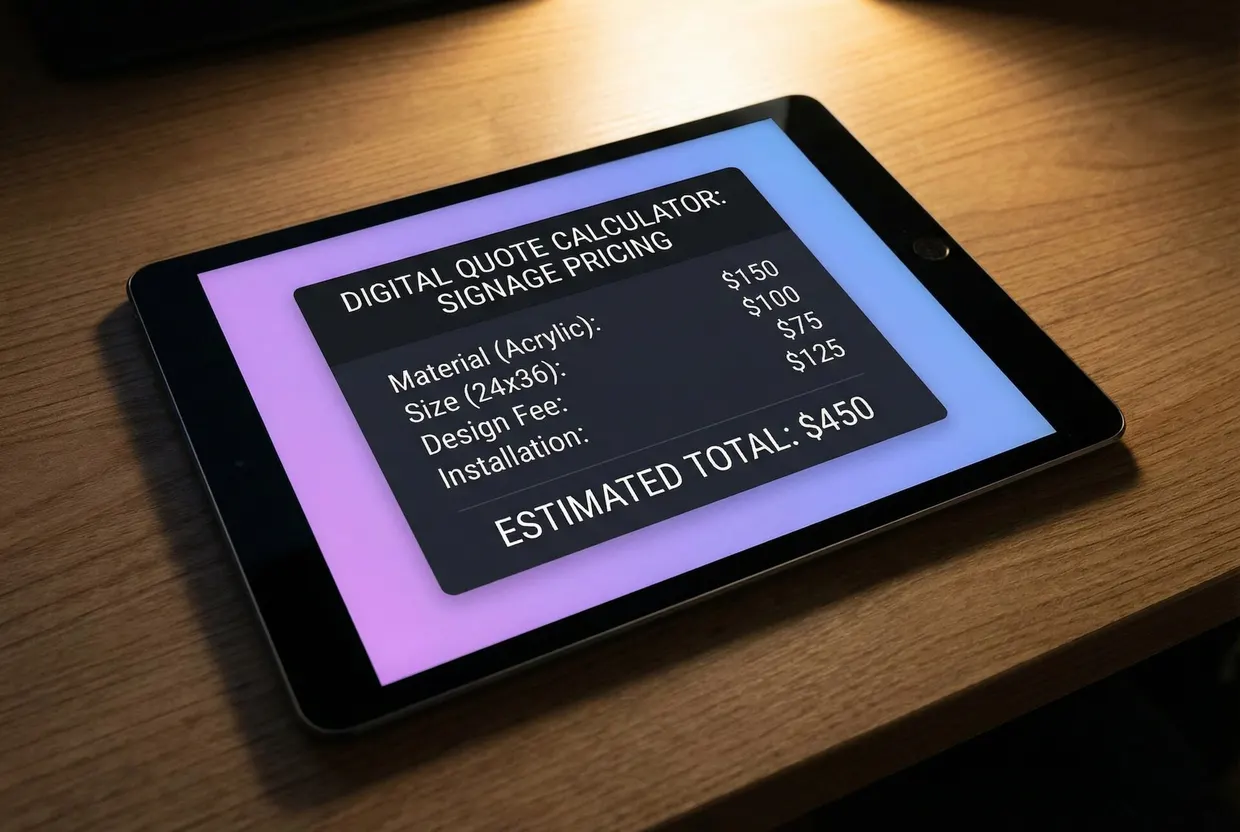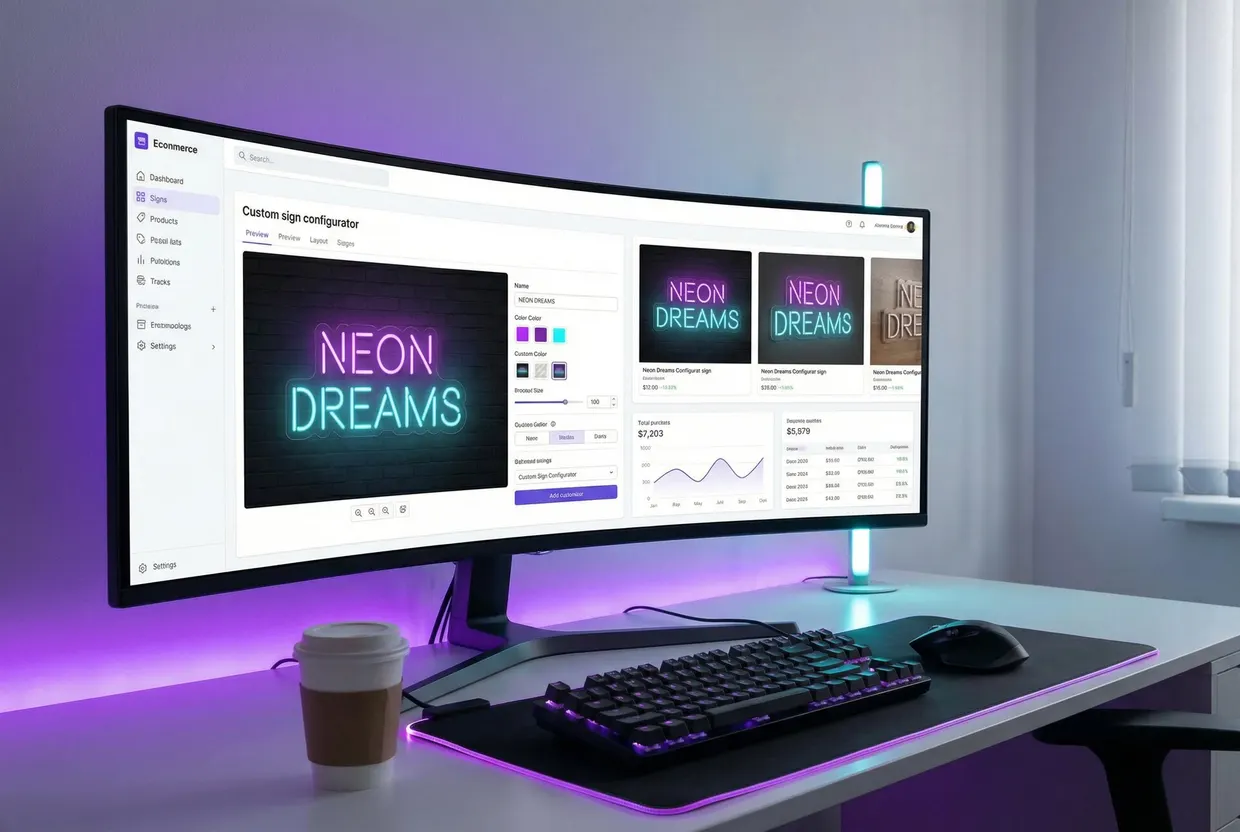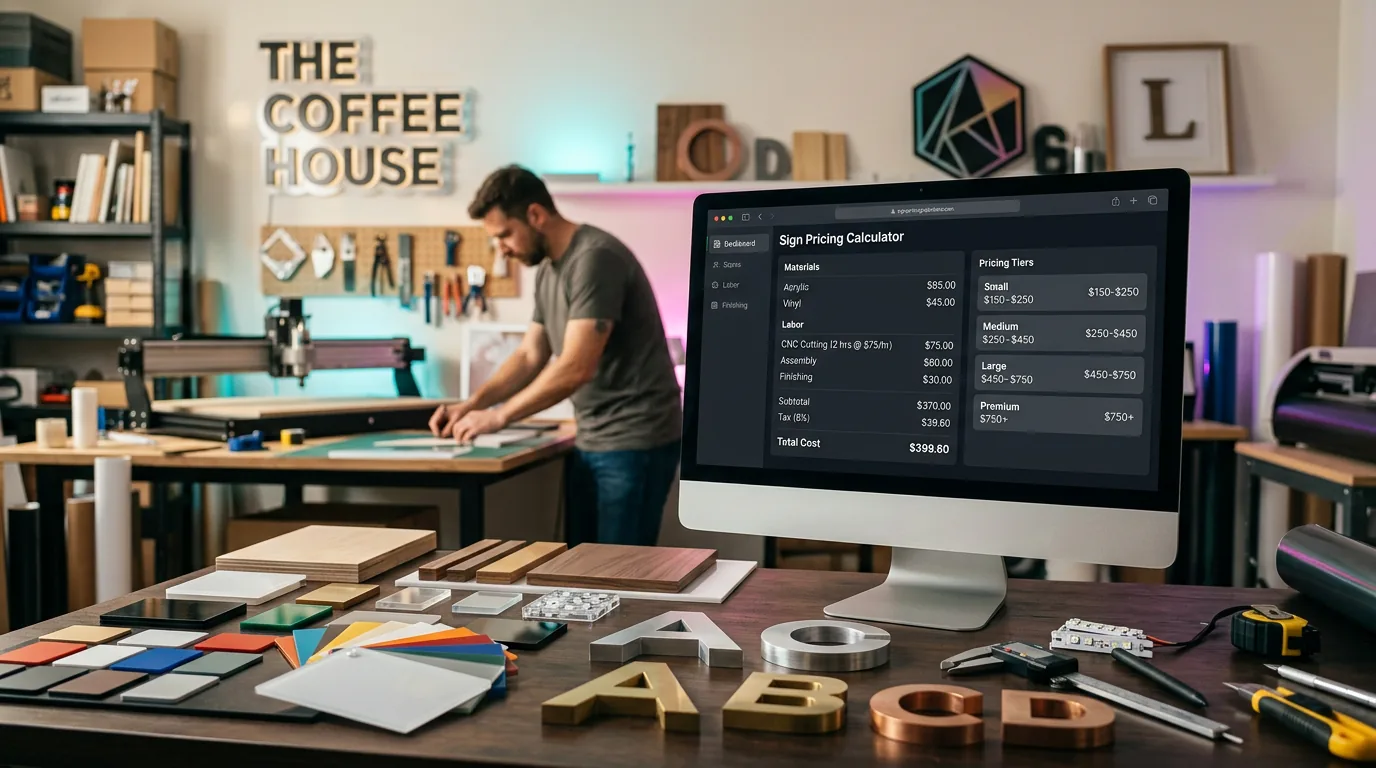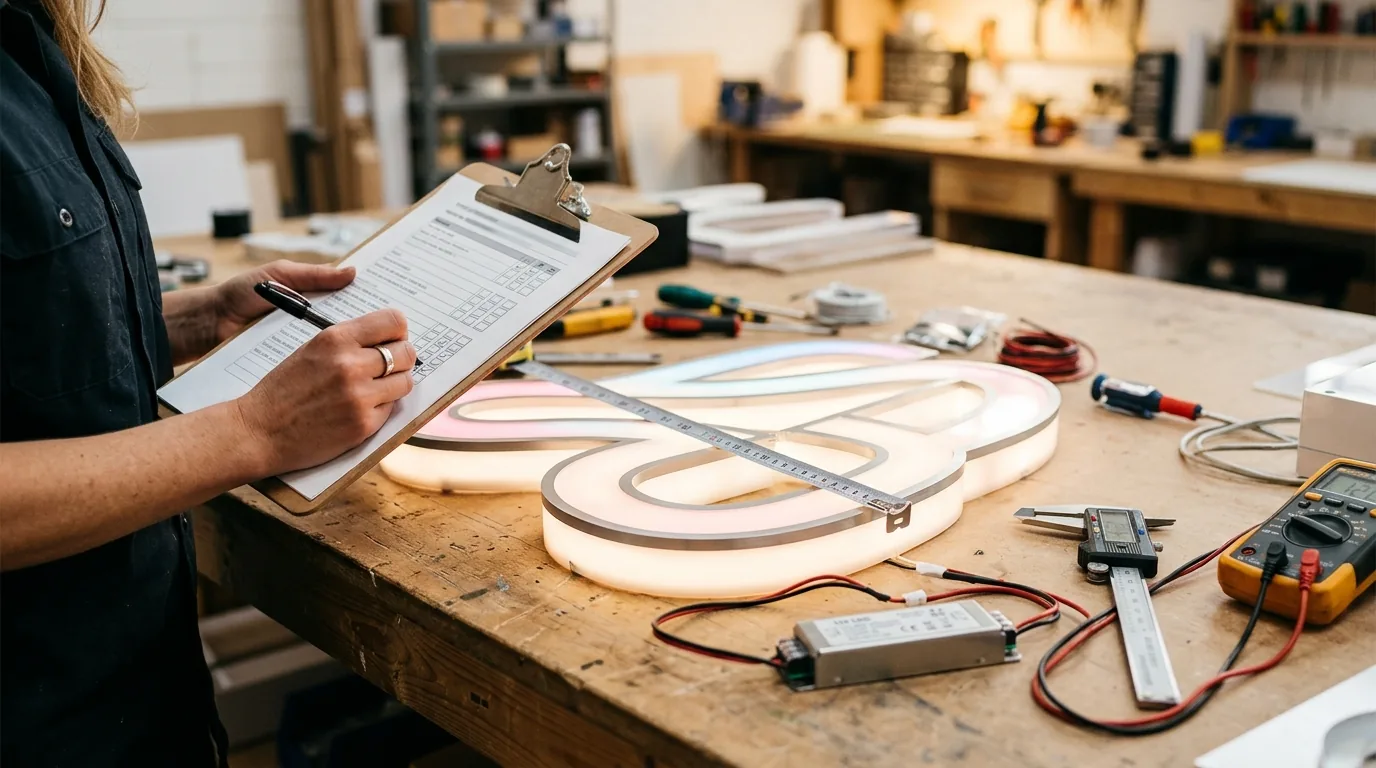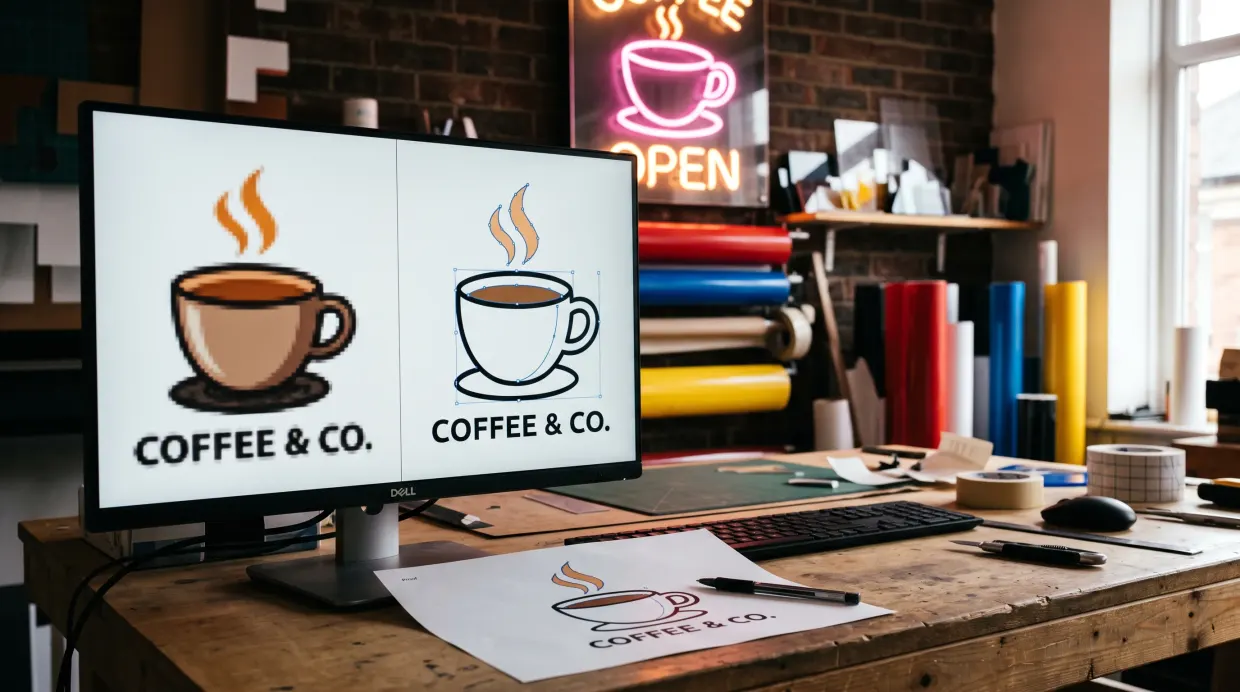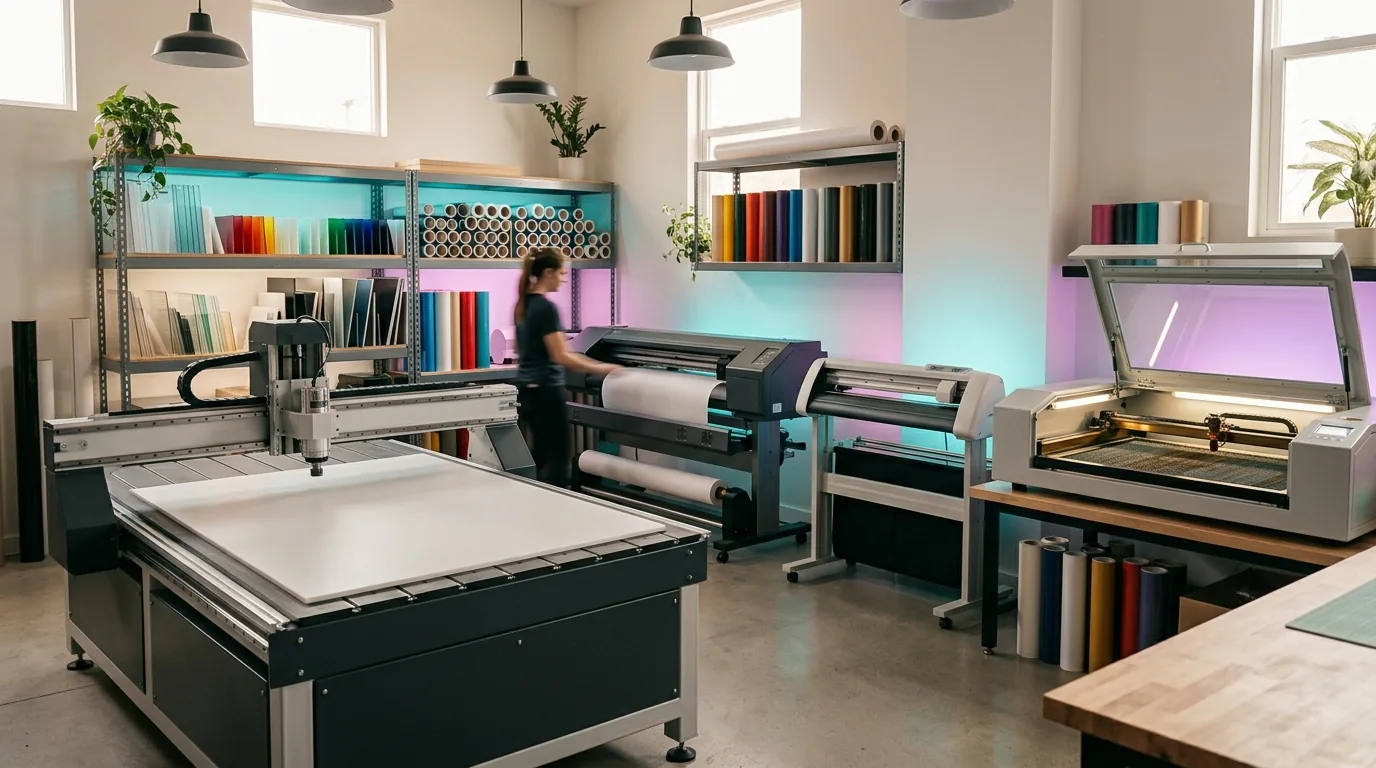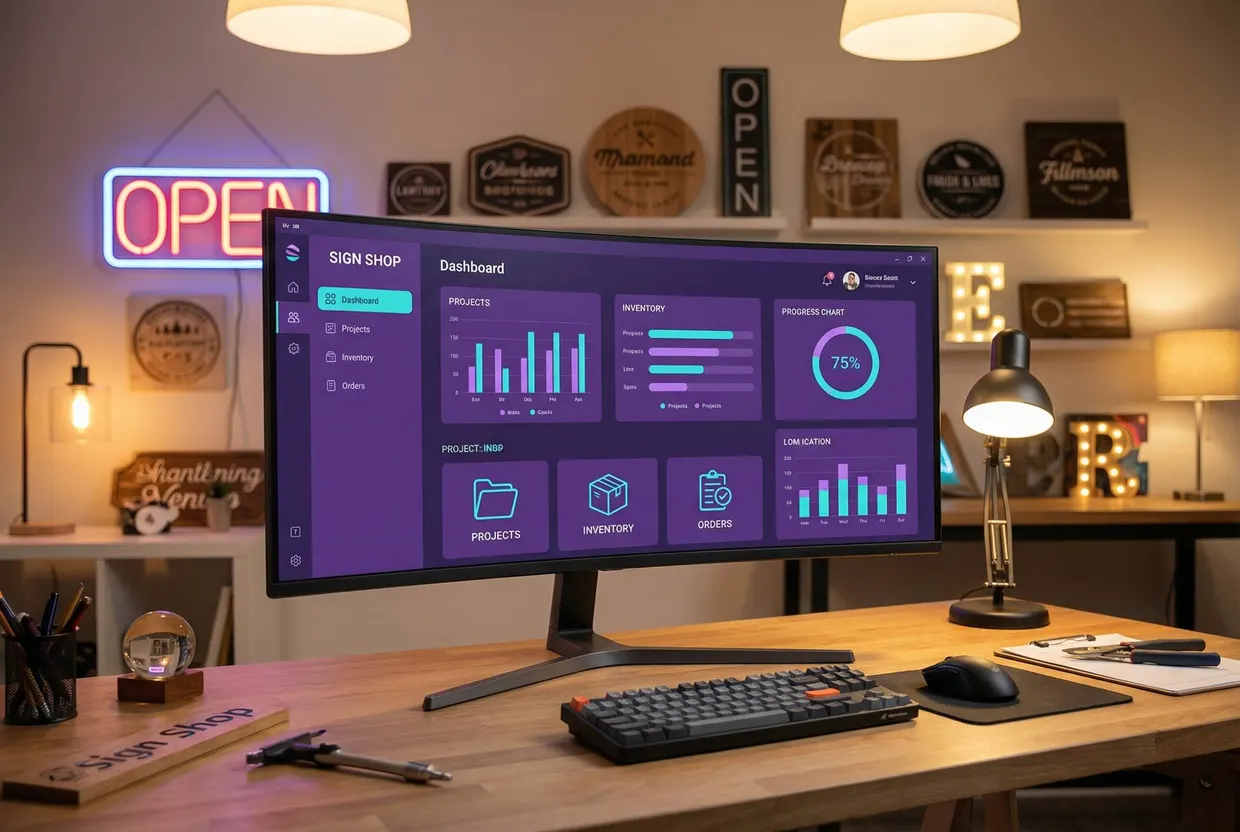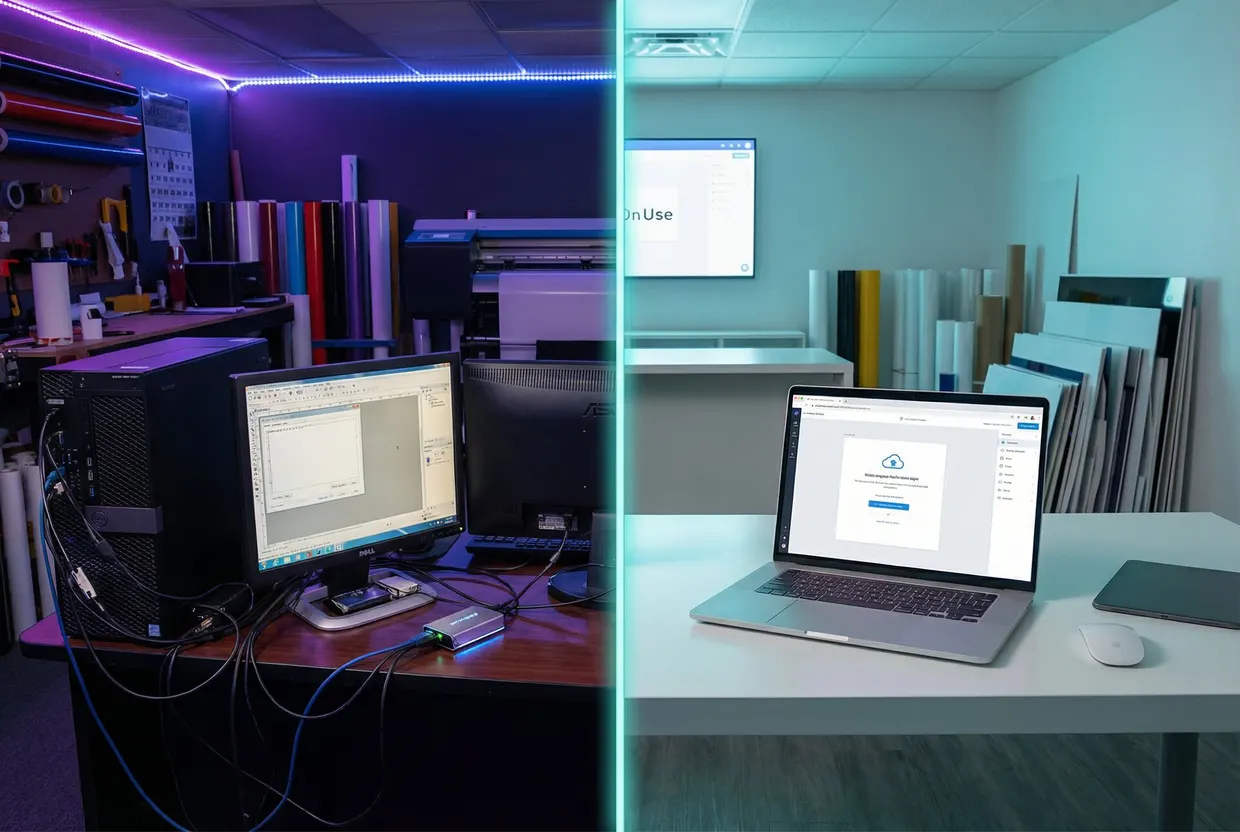
To start a sign business online, choose the signs you will sell and who makes them, register the business, and price every size before launch. Then sell on your own store or a marketplace with a customiser that shows a live price, and set up how each order reaches production and the customer.
The quote is the hard part. Much sign work is custom, and a customer who has to email for a price may never come back. This guide is for people starting a sign business who want orders to arrive online, priced and ready to make. It covers the business model, the sign types that sell well online, the setup steps, platform costs, pricing, the order flow and the first customers. If you only sell LED neon on Shopify, our guide to starting an LED sign business on Shopify goes deeper on that one route.
Who you compete with: most sign shops are small
The US sign industry is made of small shops. The US Census Bureau’s County Business Patterns for 2023 counts 5,895 sign manufacturing establishments with paid employees (NAICS 339950), employing 75,898 people in the week of 12 March 2023. Just over half of them, 3,024 or 51.3%, have fewer than five employees. Nearly three in four (4,274, or 72.5%) have fewer than ten. Fewer than 2% have 100 or more.
| Employees | Establishments | Share |
|---|---|---|
| Fewer than 5 | 3,024 | 51.3% |
| 5 to 9 | 1,250 | 21.2% |
| 10 to 19 | 767 | 13.0% |
| 20 to 49 | 563 | 9.6% |
| 50 to 99 | 183 | 3.1% |
| 100 to 499 | 105 | 1.8% |
| 500 or more | 3 | under 0.1% |
| All | 5,895 | 100% |
The Census does not publish the size classes from 500 employees up; the three in that row are the total less the published classes.
So a new sign business competes with shops much like itself. And a shop of two or three people cannot spend half its week writing quotes. The census counts only establishments with paid employees, so businesses with no paid staff come on top of these figures.
Some sign makers doubt that a sign business can work online. On the Signs101 forum in January 2025, one poster wrote that “Online Only is a tough nut to crack, unless you only make specific cookie cutter products”, and that custom work becomes a one-to-one consultative process “unless you have some sort of design online web tool.” In a 2017 thread, another said “I doubt you can make it 100% online because you need to be local and transport things that are not easily shipped”.
The two posts name the same two problems: signs that do not ship easily, and custom work that needs a conversation. Pick signs that ship in a box, and give customers a way to design and price the sign themselves.
Choose your business model
Before you buy anything, decide who makes the signs. There are three common models.
| Model | Who makes the sign | What you need to start | Best for |
|---|---|---|---|
| Made to order with a manufacturing partner | A manufacturer makes and ships each order | A store, samples, and a partner whose price list you trust | Starting with little cash; testing which signs sell |
| In-house production | You do | Equipment, materials, space and the skills to run them | Makers who already own a laser, router or vinyl cutter |
| Hybrid | You make some types and send others to a partner | Both of the above, on a smaller scale | Shops that want to add sign types without new machines |
The published startup costs show how much the model matters. At the low end, Signs101’s 2008 starter thread notes that you “can pick up a plotter and some software for under $1,000 and call yourself a sign maker”, then warns that running a business costs a lot more. Serif’s 2025 guide says “the average startup cost for a sign business ranges from $50,000 to $250,000”, with no source given. Signworld’s 2021 fact sheet puts its own start-up investment at $210,000. Each figure fits the business it describes. A home vinyl setup and a Signworld sign location are different businesses.
If you plan to make signs yourself, our sign making equipment guide prices each machine and says what to buy first for the signs you sell. If you plan to work with a partner, Find Sign Makers, our directory of sign manufacturers, lists makers with the sign types they make and the countries they ship to. Order samples before you sign up with anyone, and check them against a sign quality control checklist.
Pick sign types that sell online
A sign sells well online when three things are true: the customer can describe it without a site visit, it ships in a parcel, and you can price it from what the customer chooses. The table sorts the common types by those tests.
| Sign type | How it usually reaches the customer | How you can price it in a customiser | Online fit |
|---|---|---|---|
| LED neon | Parcel, with a plug-in power supply | Per letter by size (Simple Letter), by letter outline length (Advanced Letter), or by size range (Frame Fit) | Strong |
| Acrylic letters, wood letters and stencils | Parcel | Per letter by size, by outline length or by size range; stencils per letter by size | Strong |
| Metal cut-out and aluminium plate signs | Parcel; large panels may need freight | By size range (Frame Fit) | Strong for standard sizes |
| Braille signs | Parcel | By size range (Frame Fit) | Good, when the customer supplies the wording; you choose the braille table |
| Lightboxes | Parcel for small boxes, freight for large ones | By size range (Frame Fit) | Good for indoor sizes; quote large outdoor boxes |
| Channel letters | Freight, then installation and electrical work on site | Per letter at each height, by outline length, or by size range | Sell the letter set online; quote the installed job |
Lit signs fixed to a building need more than a parcel. In the US, the National Electrical Code generally requires electric signs to be listed, and UL 48 is the safety standard for them. Check your local permit and electrical rules before you offer installation. Our channel letter signs guide shows how to sell the letters online and quote the installation separately.
Start with one or two types you can make or source well. The neon sign software and wood sign software pages show how a sign-type customiser works for those two, and the solutions pages cover the other types in the table. A niche helps as well: a store that sells wedding signs speaks to one customer, with one set of occasions and deadlines.
Set up the business
The US Small Business Administration’s “Launch your business” guide lists eight steps: pick a location, choose a business structure, choose a name, register the business, get federal and state tax ID numbers, apply for licences and permits, open a business bank account and get business insurance.
- Structure and name. Choose the structure before you take money from customers, and check the name is free as a domain as well as a business name.
- Tax IDs. An EIN comes from the IRS. The IRS says “You never have to pay a fee for an EIN”, so ignore sites that charge for one.
- Licences and permits. Check which business licences and sales tax registration your state and city require. Installing lit signs brings its own rules, so check those before you offer installation.
- Insurance. Ask about product liability as well as general liability. Signs hang over people.
Outside the US, the steps are similar, but the names and forms change. Ask your local business support office.
Choose where to sell
You have three places to sell: a marketplace such as Etsy, your own store on a platform such as Shopify or WooCommerce, or both. A marketplace brings buyers who are already searching. Your own store has no per-order marketplace fee but has to earn its own traffic.
The fees decide the maths. On 6 November 2026, Etsy’s US fees were a $0.20 listing fee, a 6.5% transaction fee on the order total and payment processing of 3% plus $0.25. Shopify’s Basic plan cost $39 a month (or $29 a month billed yearly), and Shopify Payments charged 2.9% plus 30¢ an online card payment on that plan. The WooCommerce plugin is free, and WooPayments charges 2.9% plus $0.30 in the US, but you pay for your own hosting.
| Sign price | Etsy fees per order | Card fee on Shopify Basic | Difference | Orders a month to cover Basic at $39 |
|---|---|---|---|---|
| $100 | $9.95 | $3.20 | $6.75 | 6 |
| $250 | $24.20 | $7.55 | $16.65 | 3 |
| $500 | $47.95 | $14.80 | $33.15 | 2 |
The table assumes one $0.20 listing fee per order and leaves out shipping, sales tax and Etsy’s Offsite Ads. Etsy charges its 6.5% transaction fee and its 3% processing fee on shipping too, when you charge the buyer for it. An order attributed to one of Etsy’s Offsite Ads costs another 15% of the sale ($37.50 on a $250 sale), capped at $100 an order. Shops that have never made $10,000 in a 365-day period can opt out; from $10,000 the rate is 12% and the ads are compulsory. For signs priced from $250, your own store’s monthly fee is paid for by about the third order a month. Below that price, Etsy’s built-in buyers can be worth the higher fee while you find your customers.
What the software costs each month
Before the first sale, your fixed software bill is small. These are the starting prices on each route, read on 6 November 2026, with Sign Customiser’s Seed plan for up to five orders in 30 days.
| Route | Store or marketplace | Sign Customiser | Fixed a month | Per-order fees |
|---|---|---|---|---|
| Your own Shopify store | Basic, $39 (or $29 a month billed yearly) | Seed, $29 (or $23.17 a month, billed as $278 a year) | $68 (or $52.17 a month on yearly billing) | 2.9% + 30¢ with Shopify Payments |
| Etsy with a Customiser Link | No monthly fee | Seed, $29 | $29 | 9.5% + $0.25, plus $0.20 a listing every four months |
| WooCommerce on your own site | Plugin free; hosting is yours to buy | Seed, $29 | $29 plus hosting | 2.9% + $0.30 with WooPayments |
Your domain, samples and advertising come on top. Order the samples before you pay for any software.
Many sellers do both: Etsy for discovery, their own store for repeat and business customers. Our ecommerce platform comparison for sign businesses compares Shopify, WooCommerce and the rest, and our guide to selling custom signs on Etsy covers Etsy shop setup, listings and pricing.
Price every sign before you launch
Guessed prices show up as losses after the sale. Work out a price for every size and option before the first customer sees it.
- List every cost for one sign: materials, labour or the manufacturer’s price, packaging, shipping, card or marketplace fees and software.
- Add the margin you need to pay for advertising, remakes and your own time.
- Check the smallest and largest sizes on their own. Fixed costs make small signs dearer per inch, and big signs use more material than their height suggests.
- Decide which jobs get a fixed online price and which get a quote.
Our guide to pricing signs works through the full method, and the free sign cost calculator works out the price for your target margin from your costs. For lettering, the sign letter height calculator tells customers how tall the letters need to be to read from a distance, which is the question they ask before they choose a size.
Put a customiser on your store
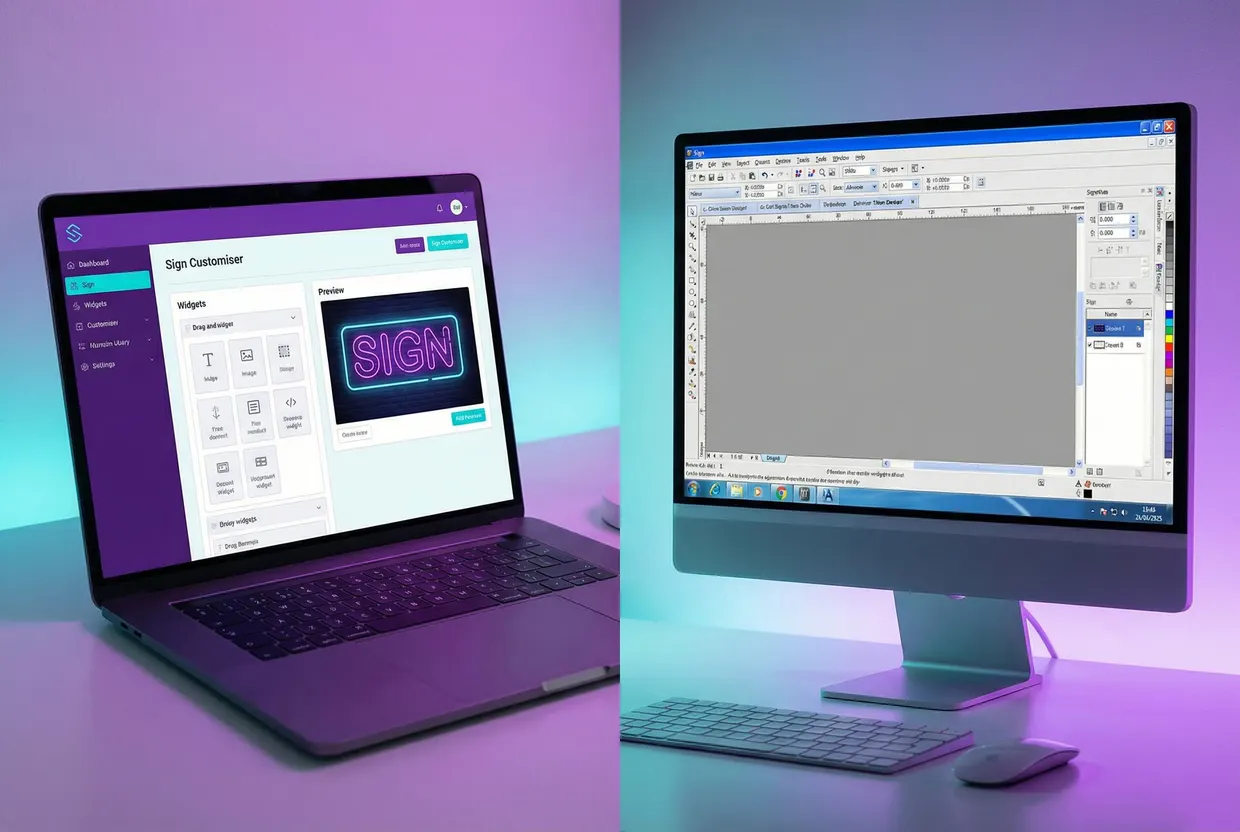
A sign customiser is the kind of “design online web tool” the Signs101 poster meant. The customer types their wording, picks a font, colours and size, sees a preview of the sign and watches the price change as they go. Then they order it.
In Sign Customiser, you set up the customiser once, and three pricing models cover the sign types above:
- Simple Letter (Fixed Width) prices each size with a base price per line and a price per letter. A size can fix the letter height.
- Advanced Letter (Material Length) prices each letter from its outline as measured from the font, at your rate per centimetre or inch, or at a fixed price per letter.
- Frame Fit charges the base price of the size range the sign falls in, and adds a parcel charge worked out from its size.
The pricing and sizing guide explains each model, and the quick start takes you through your first customiser. Jobs that need checking first, such as large signs or installation, can use Quote Mode: the customer designs the sign and sends you a quote request instead of adding it to the cart. The price is hidden unless you choose to show it.
Sign Customiser connects to Shopify, WooCommerce (on WordPress) and Wix, works on Etsy through a Customiser Link in your listing, and embeds on other websites, including Squarespace and Webflow. On Etsy, customers design the sign on your customiser and paste a summary of the design details into the listing’s personalisation box. With no website at all, a Customiser Link gives you a hosted customiser page to share. If you want to see the customer’s side first, try the free neon sign maker.
Plans start at $29 a month for up to five orders in 30 days and go to $299 for more than 50, and every plan includes every feature. Every plan starts with a 7-day free trial—all features, no credit card up front. The pricing page lists every plan.
Set up the order flow
An online order is not finished when the customer pays. Plan each step before the first one arrives.
- Order details. Sign Customiser emails each order’s details to the address you choose, which can be your manufacturer’s. If you set no address, it goes to your assigned manufacturer; failing that, to your Shopify store’s email address, or on other platforms to the account owner. It includes the preview images, wording, font, colours, size, materials, mounting, the customer’s shipping address and, where they apply, the weight and final dimensions. Production files such as SVG are off by default; turn them on in the settings when your workshop or partner needs them (lightbox customisers do not offer them). The help article on manufacturer emails shows the setup.
- Artwork and proofs. Decide what you accept and when you send a proof. Our artwork policy for sign shops and sign proof approval guide cover both.
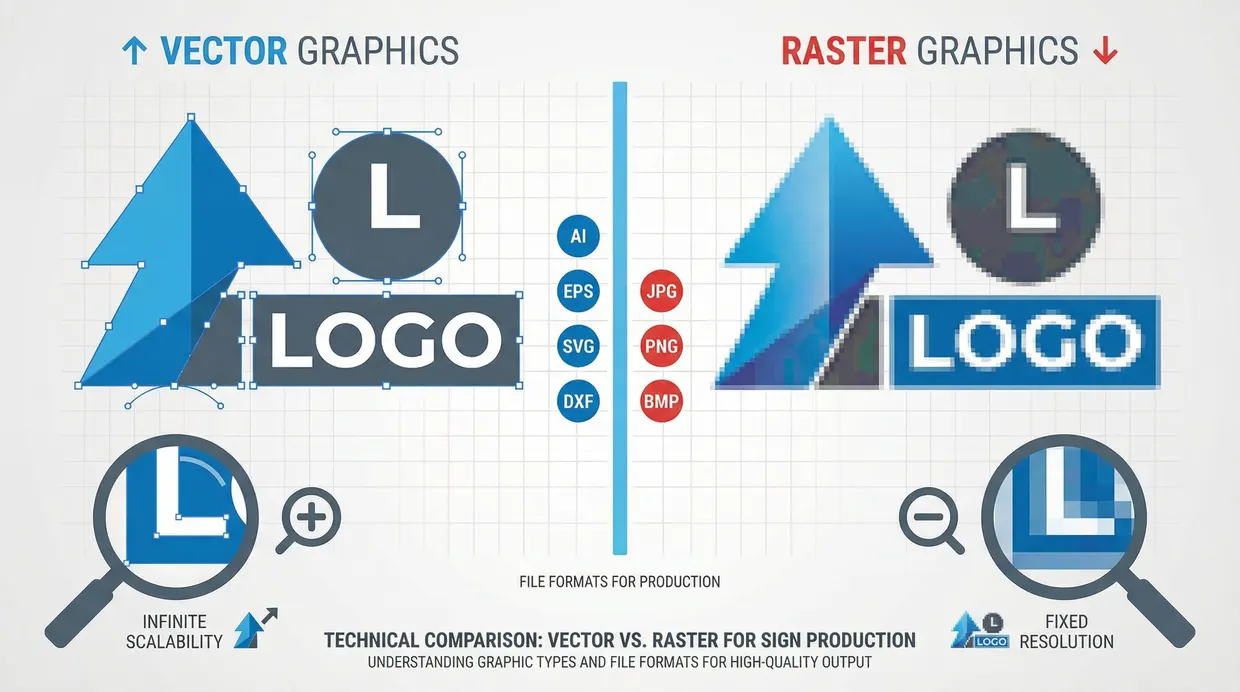
- Production files. Agree file types with your workshop or partner. The sign production file formats guide lists what each machine reads.
- Shipping. Sign Customiser works out a shipping charge for each sign, by its width and height or by its volumetric size, from a shipping cost matrix you set. You or your manufacturer still pack and ship every sign.
- Quality check and delivery. Test lit signs before they ship, photograph each sign, and send tracking to the customer.
Write the steps down. When you hire your first helper or change manufacturer, that document is the training.
Get your first orders
New online sign businesses get their first orders in three ways.
- Your own network and local businesses. The Signs101 voices are right that local work matters. Cafés, salons, gyms and event planners near you are good places to start. Send them a link to the page where they can design their sign, instead of a brochure.
- Marketplaces. Etsy brings buyers who search for a sign. Use it to learn which designs and sizes sell, then bring repeat customers to your own store.
- Search and social. Photograph every sign you make, lit and unlit. Post short videos of a neon sign switching on or a letter set going up. Write pages that answer the questions your customers ask, such as size, mounting and delivery time.
Expect it to take time. In the 2008 Signs101 starter thread, the opening post warns that “if you don’t have 3 to 5 years (or more) to invest to become a successful business, you may want to consider a different line of work”. A store that prices its own signs saves you the quoting time. You still have to find the customers.
Mistakes that sink new sign businesses
- Buying equipment before the first sale. Start with the model that needs the least cash, and buy machines when orders justify them.
- Quoting by email for every job. Customers who have to wait for a price go elsewhere. Give a live price for standard work and keep quotes for the jobs that need them.
- Pricing from competitors’ prices. Their costs are not yours. Price from your own costs, then compare.
- Too many options at launch. Start with a few fonts, colours and sizes that you know you can make well, and add more once orders show what customers want.
- Selling installation without the paperwork. Lit signs on buildings bring permits and electrical rules. Quote installation separately and check the rules first.
- No samples. Never sell a sign type you have not seen made.
Frequently asked questions
How much does it cost to start a sign business?
It depends on who makes the signs. Serif’s 2025 guide puts the average at $50,000 to $250,000, with no source given, while a 2008 Signs101 thread notes you can buy a plotter and software “for under $1,000” but that running a business costs a lot more. Working with a manufacturing partner means no equipment to buy: you pay for a store, samples and software. On 6 November 2026, Shopify’s Basic plan cost $39 a month, and Sign Customiser plans start at $29 a month.
Can you start a sign business online without making the signs?
Yes. Many online sign businesses work with a manufacturer that makes and ships each order. You run the store, the designs, the pricing and the customer service. Order samples from several makers first, and check their quality and delivery times before you sell their work.
Can you run a sign business from home?
Yes, if you sell online and work with a manufacturer, or make small signs with compact equipment. Check your local zoning rules for a home business, especially if you plan to run lasers, routers or paint.
Do you need a licence to sell signs?
You need the usual business registration, tax IDs and any state or local licences that apply to you. The US Small Business Administration’s “Launch your business” guide lists the steps. Installing lit signs on buildings often needs permits and licensed electrical work, so check your state and city rules first.
Which signs sell best online?
Signs that the customer can describe without a site visit, that ship in a parcel and that you can price from the customer’s choices. LED neon, acrylic, wood, stencil and metal signs in standard sizes fit well. Large lightboxes and installed channel letters usually need a quote.
How long does it take for a sign business to make money?
There is no reliable figure. On the Signs101 forum, advice from posters ranges from “Broker for the first year or two and expect to lose money” (2016) to three to five years or more to become a successful business (2008). Pricing every sign from your real costs before launch is the fastest way to make sure each sale makes money.
Sources
- US Census Bureau, County Business Patterns: 2023, NAICS 339950 Sign Manufacturing, US totals, and the CBP methodology
- UL Standards & Engagement, UL 48, Electric Signs; Mike Holt, NEC Rules for Electric Signs and Outline Lighting, EC&M (2013)
- US Small Business Administration, Launch your business
- Internal Revenue Service, Get an employer identification number
- Signs101, Sign business startup questions (January 2025), Do you sell online? (2017), Sign business as side hustle… (2016) and So You Want To Start a Sign and Graphics Business (2008)
- Shopify, Pricing; Etsy, What are the Fees and Taxes for Selling on Etsy?, Payment Processing Fees and How Etsy’s Offsite Ads Work; WooCommerce, WooPayments fees; all read on 6 November 2026
- Pages named in the text, read on 6 November 2026: Serif, “How to Start a Sign Business [2025 Guide: 9 Steps + Free Business Plan]”; Signworld, “Sign Start-Up Fact Sheet: How To Start A Sign Location In 2021”