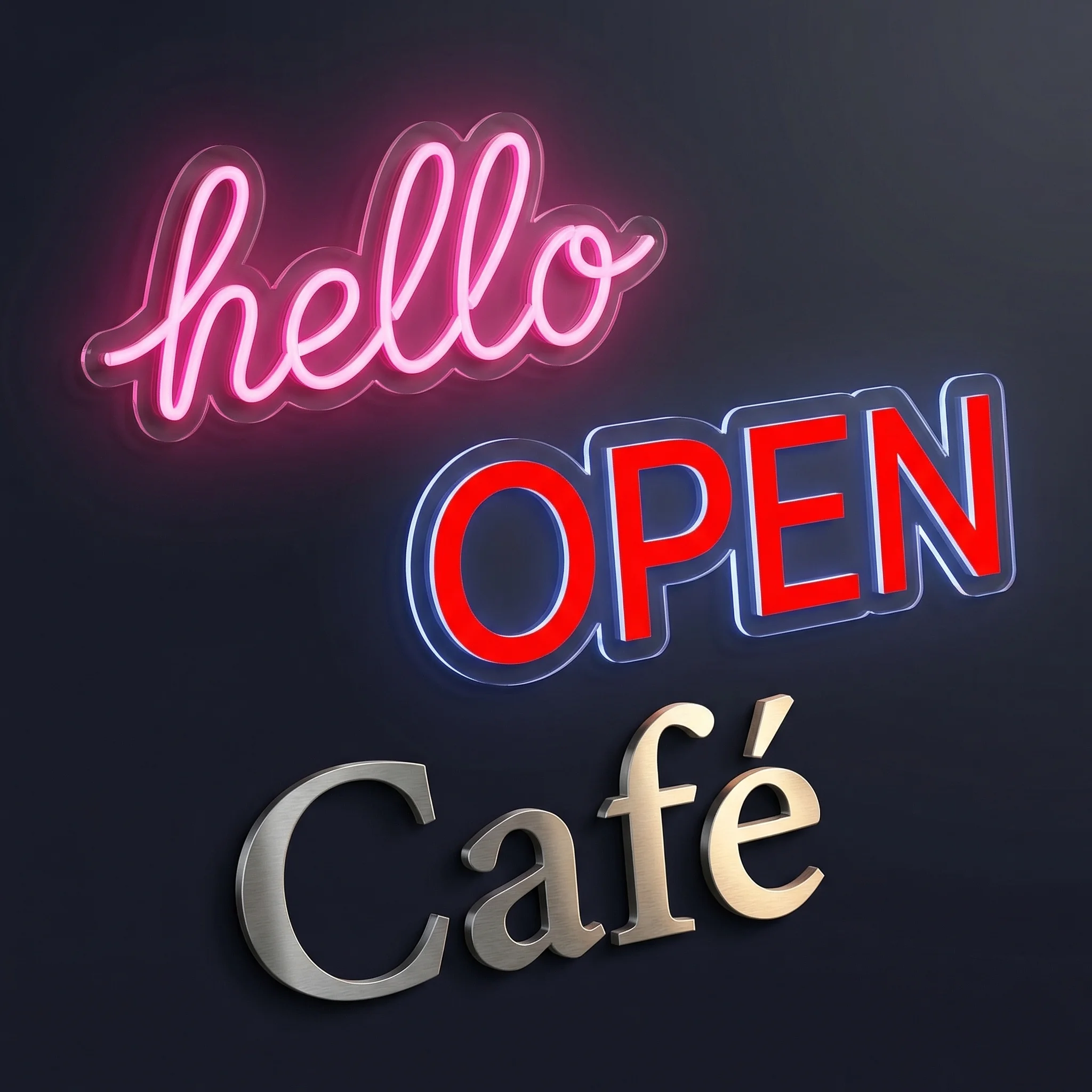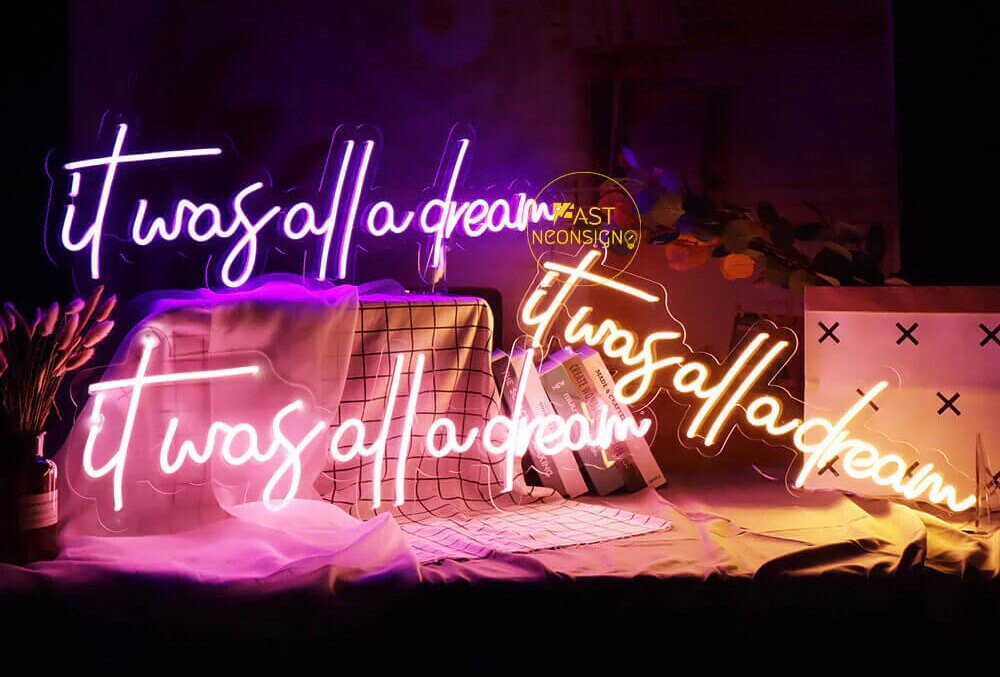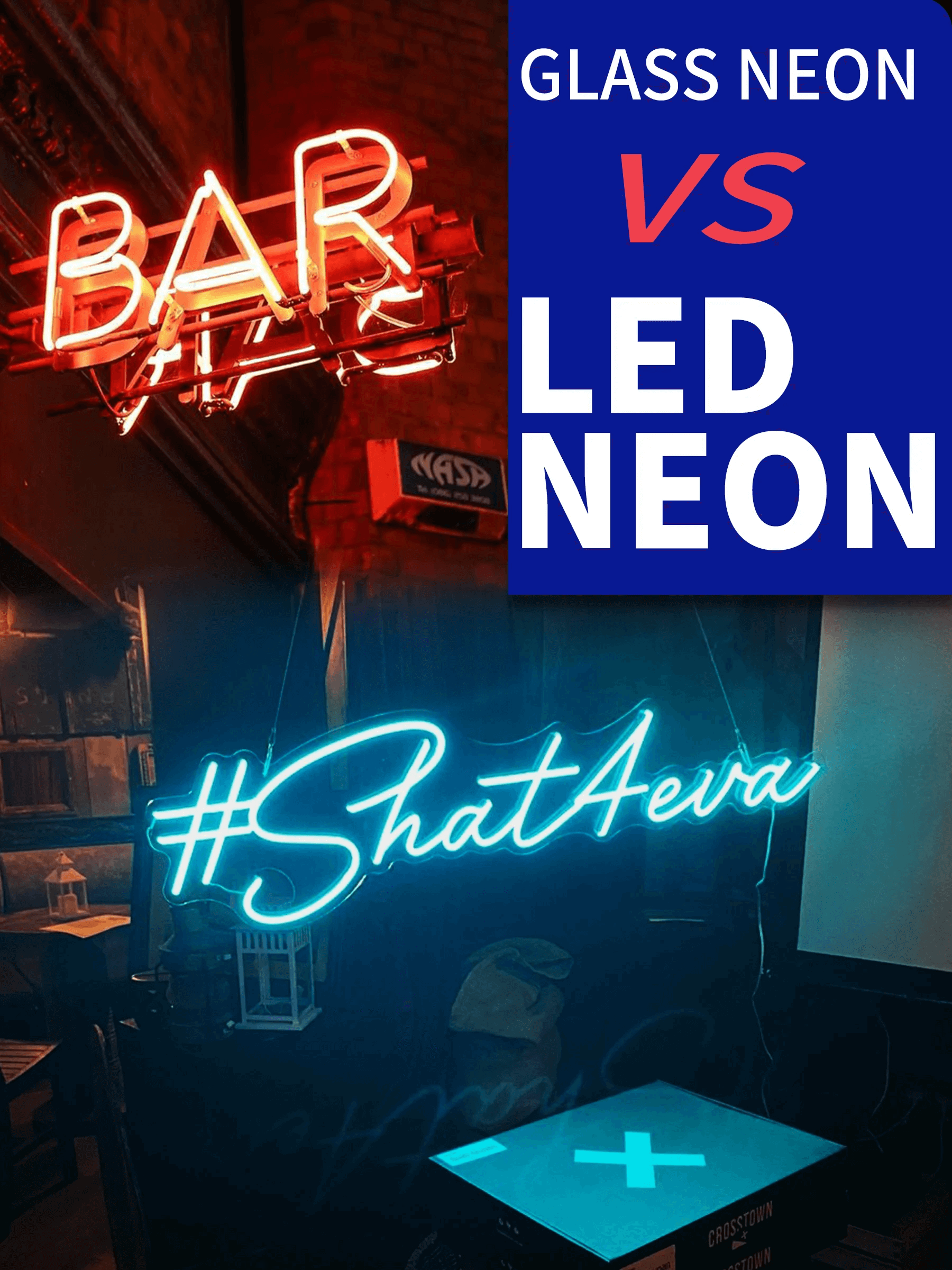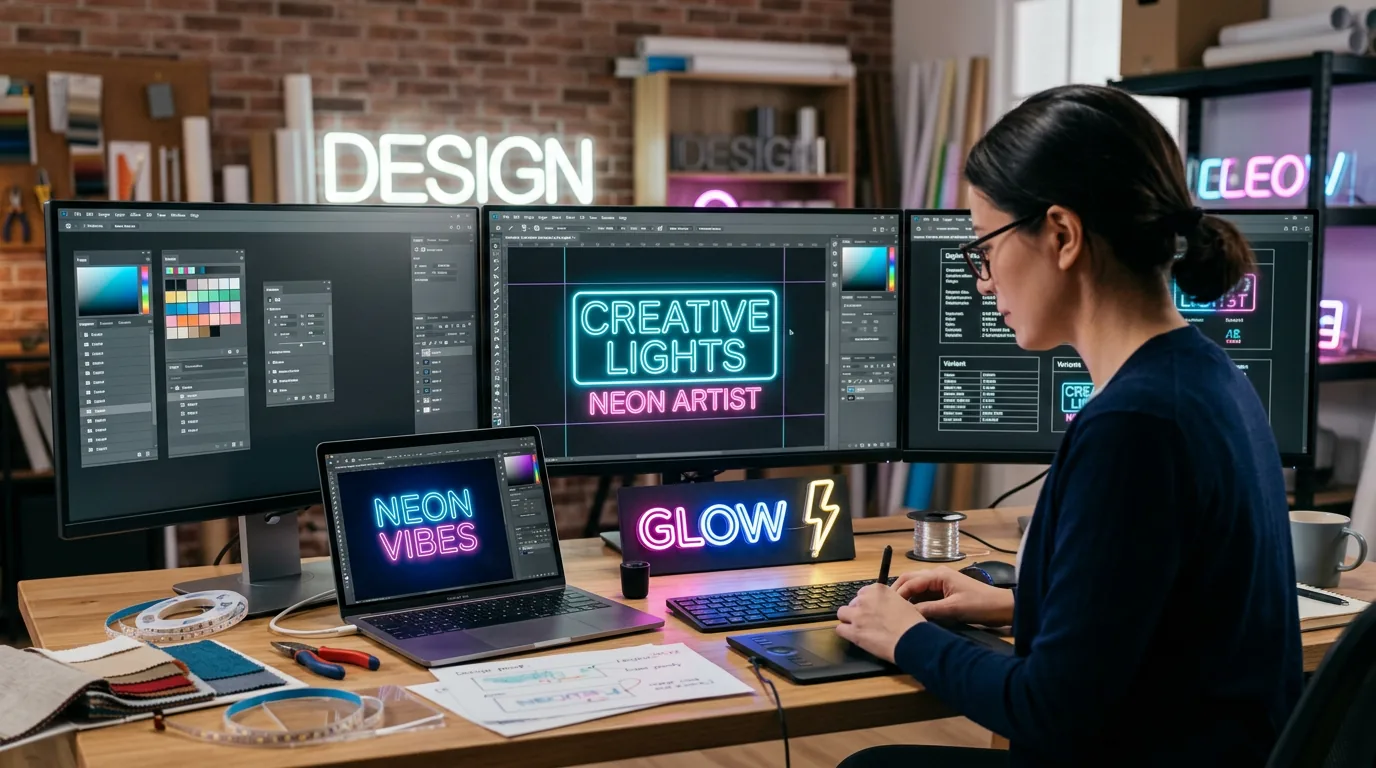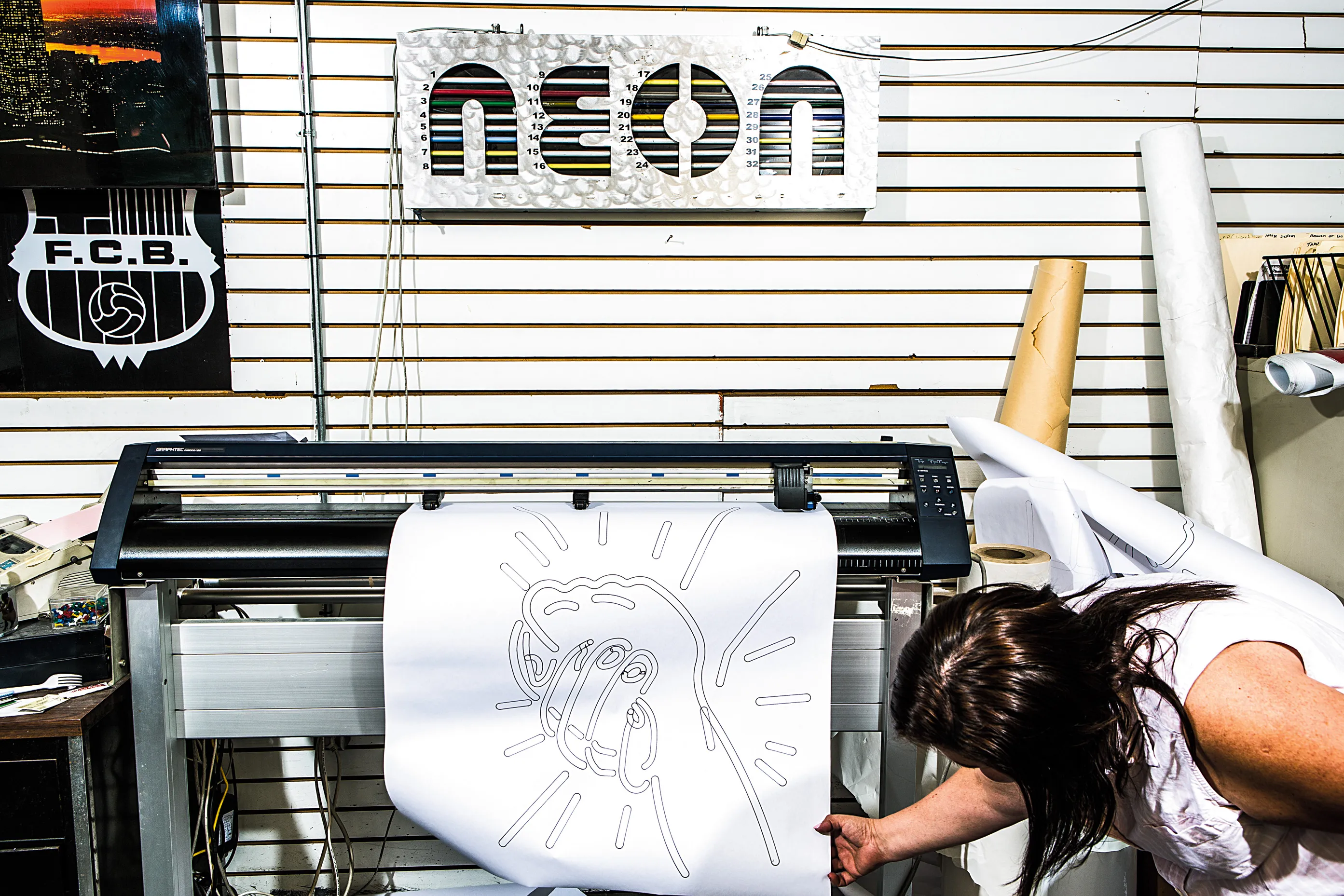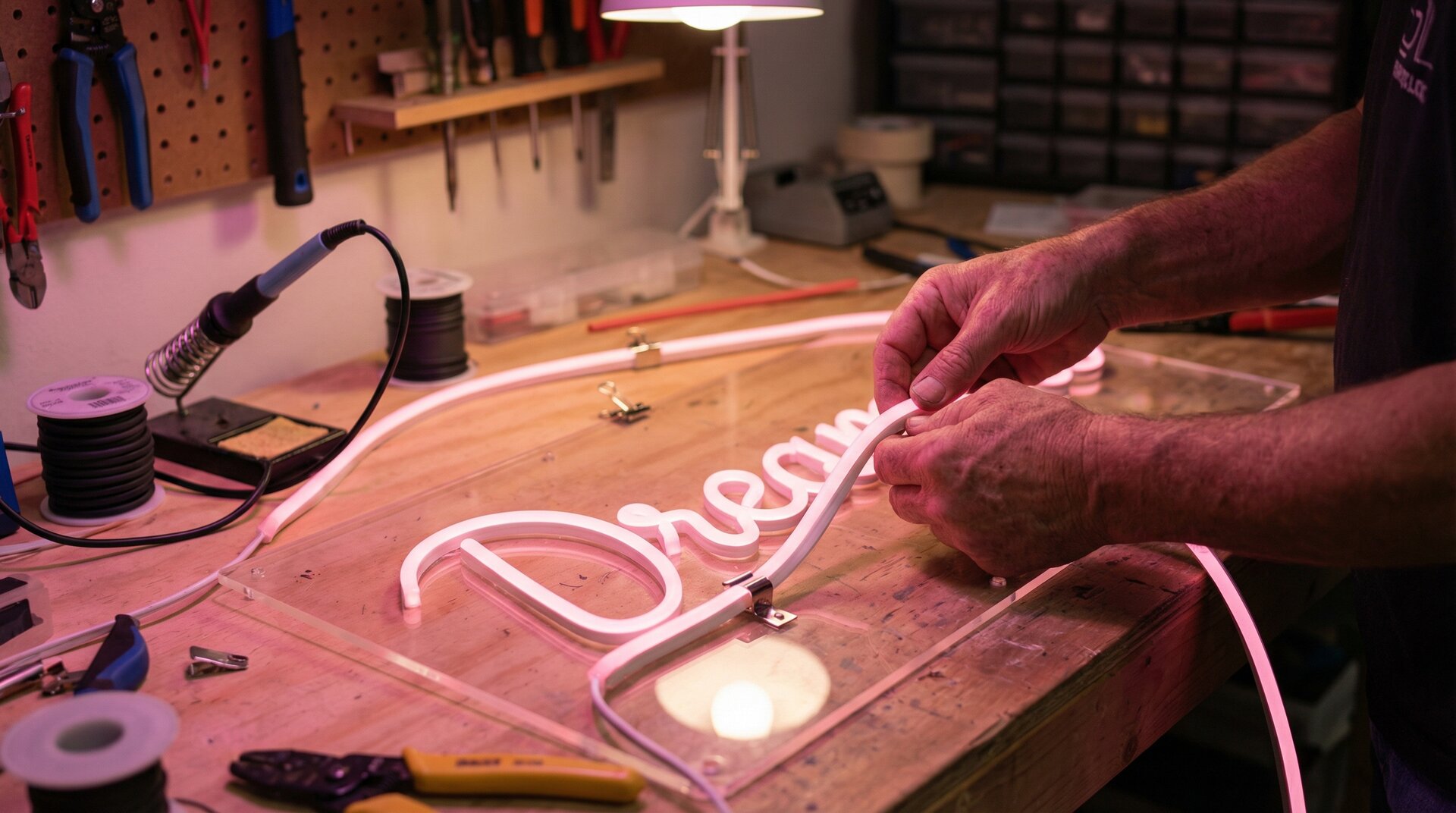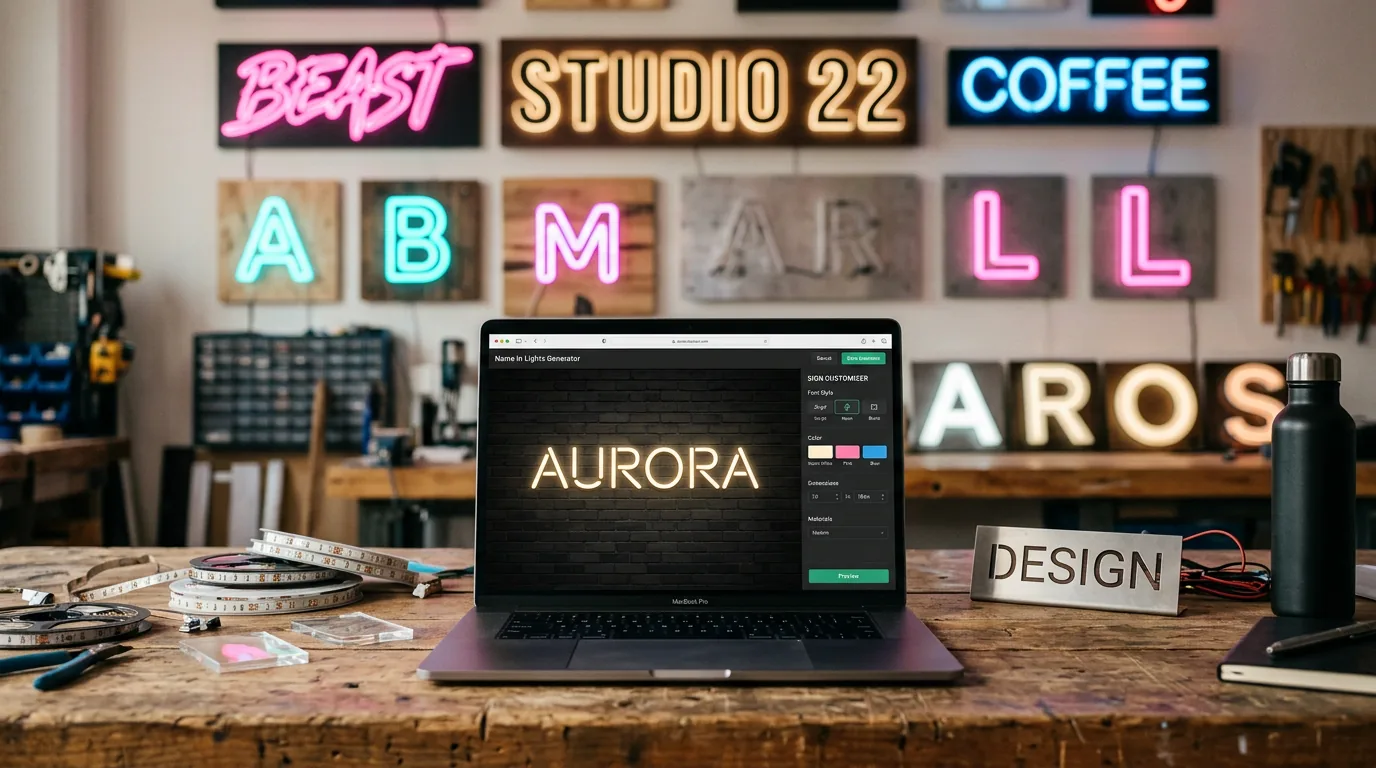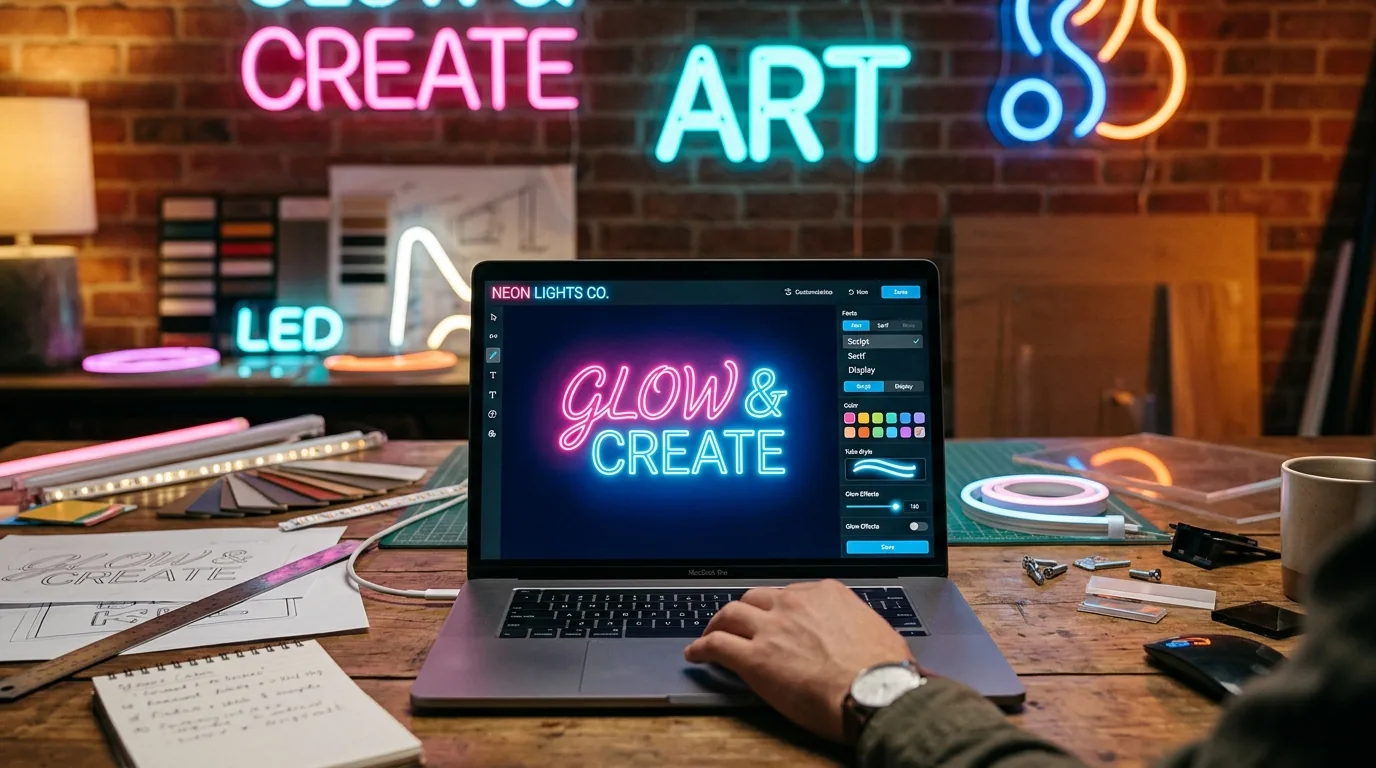

Most neon sign shops waste 3-4 hours per order converting client sketches into production files. A good neon light writer cuts that to under 20 minutes.
We tested 12 tools over six months, from free browser generators to $300/month professional platforms. Free tools work for mockups but break down for production—no vector exports, wrong colour profiles, unusable files for CNC routing.
Professional tools cost more but pay back quickly. Sign Customiser users report 60% fewer revision cycles. NeonCNC customers cut file prep time from hours to minutes.
What makes a good neon light writer
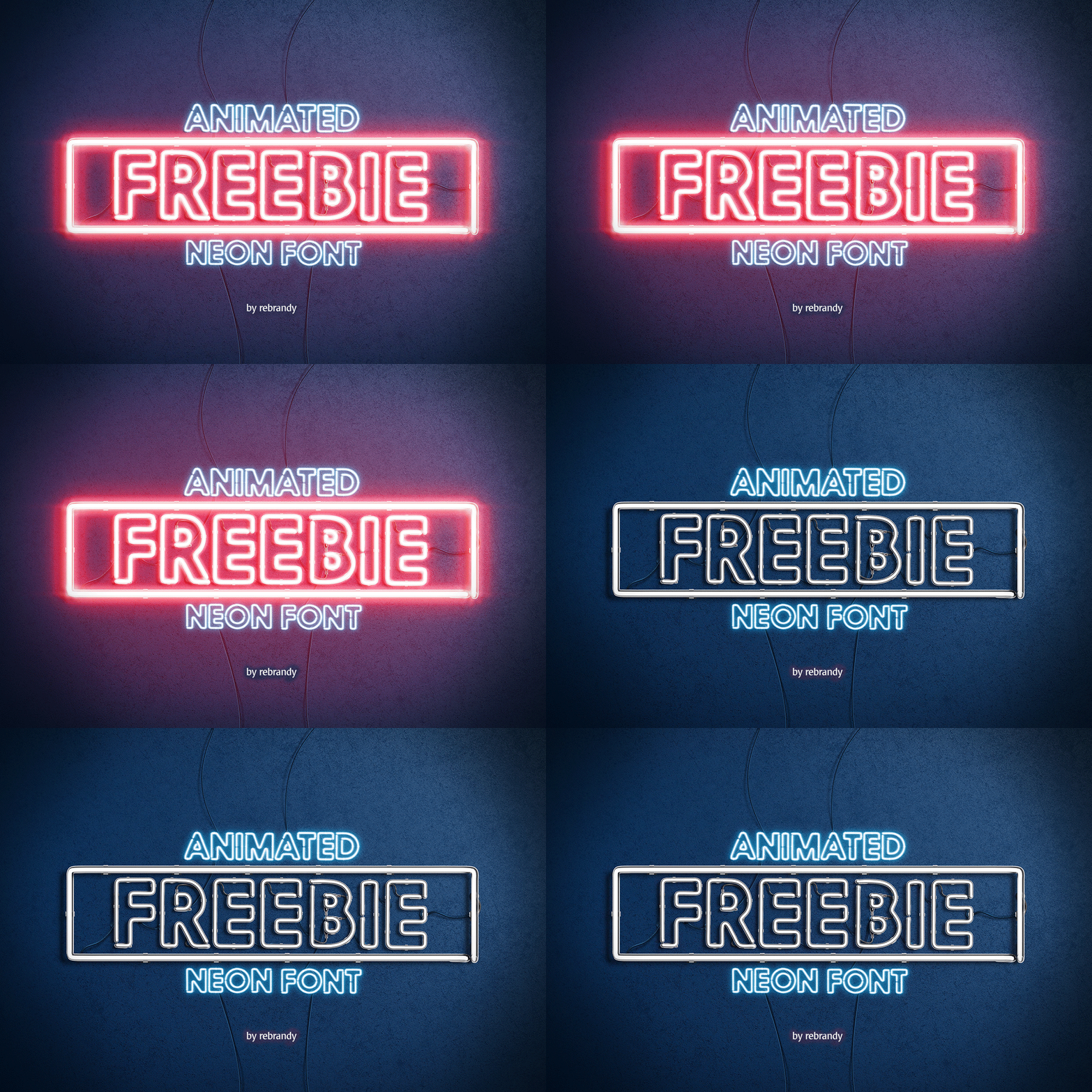
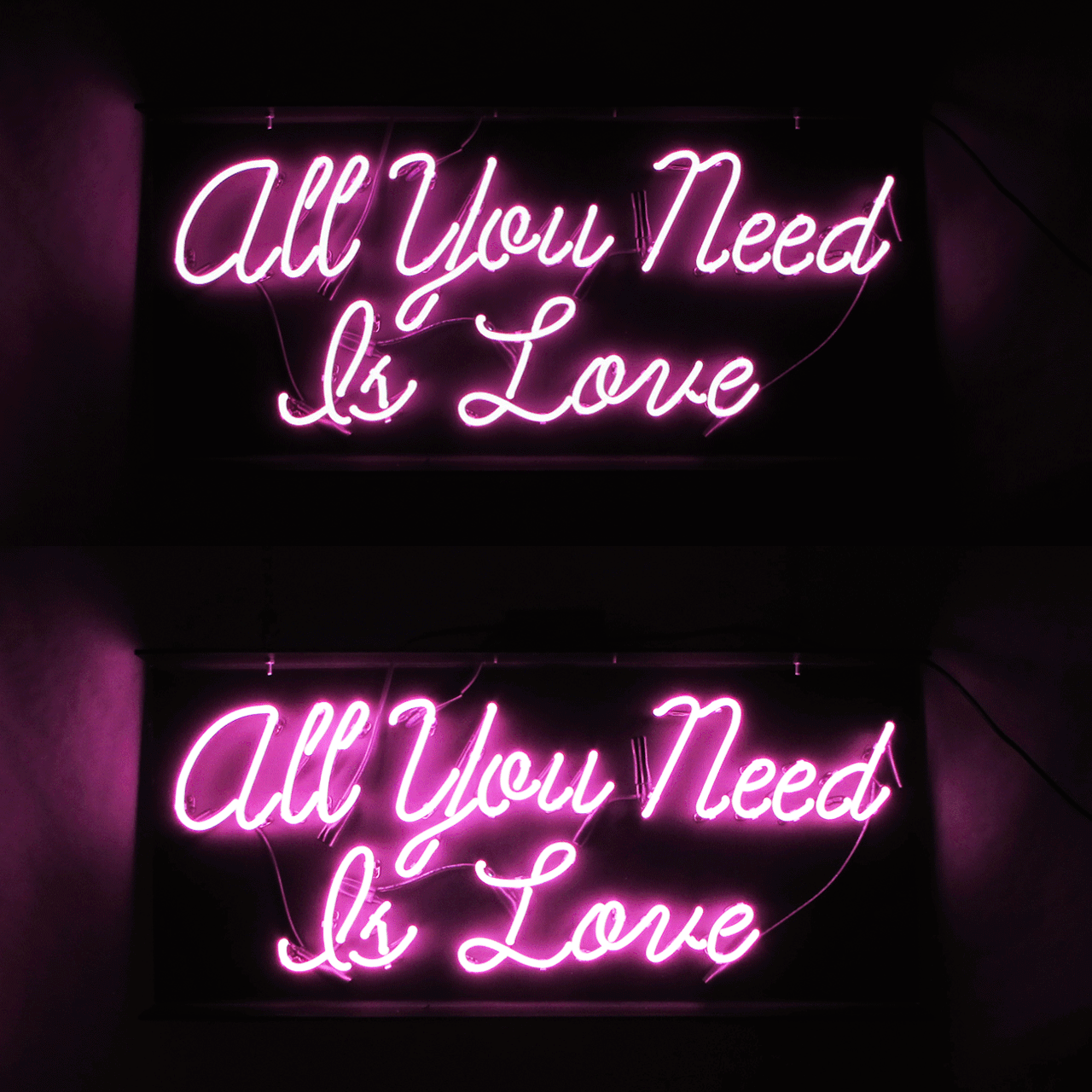
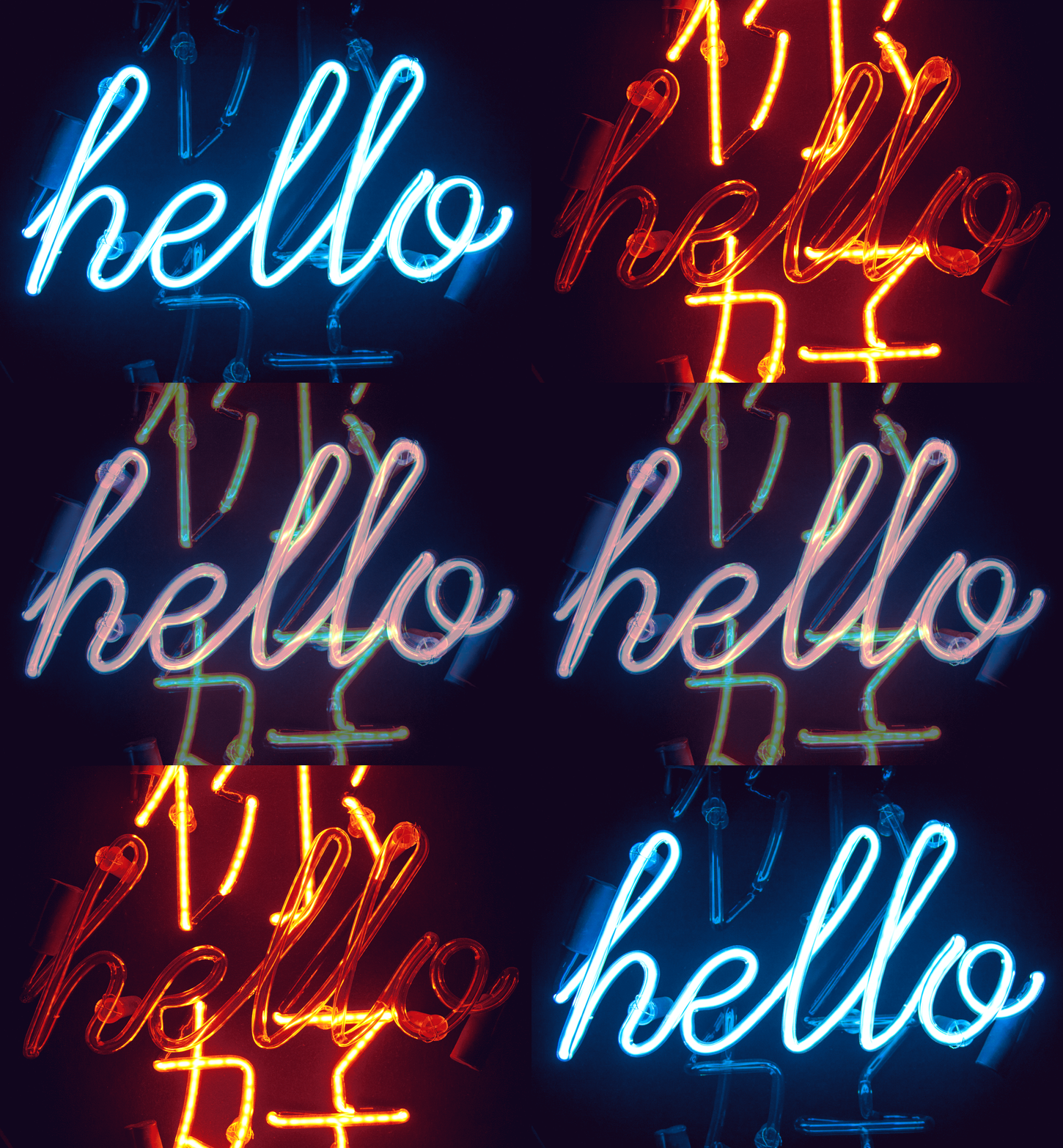
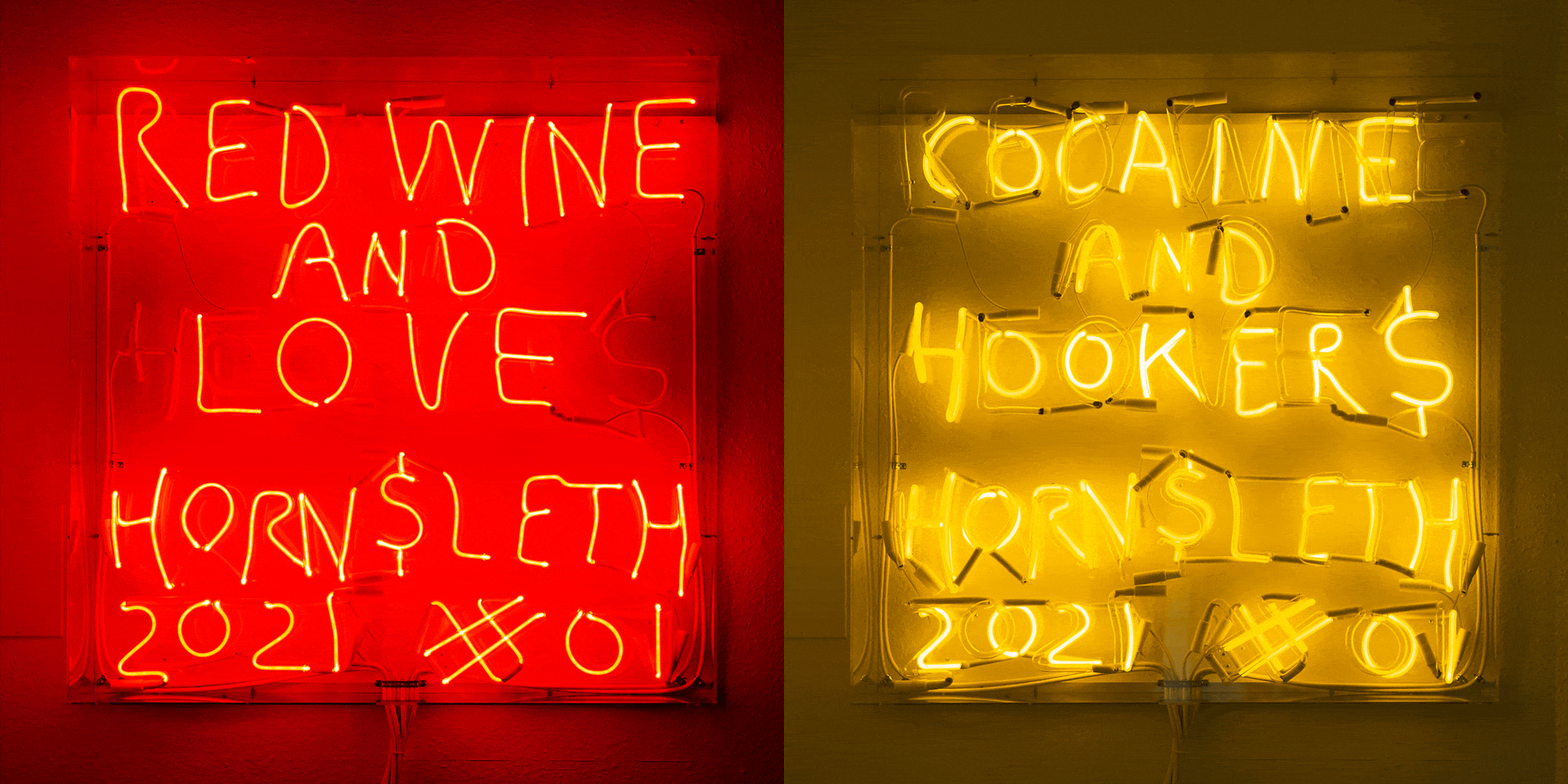
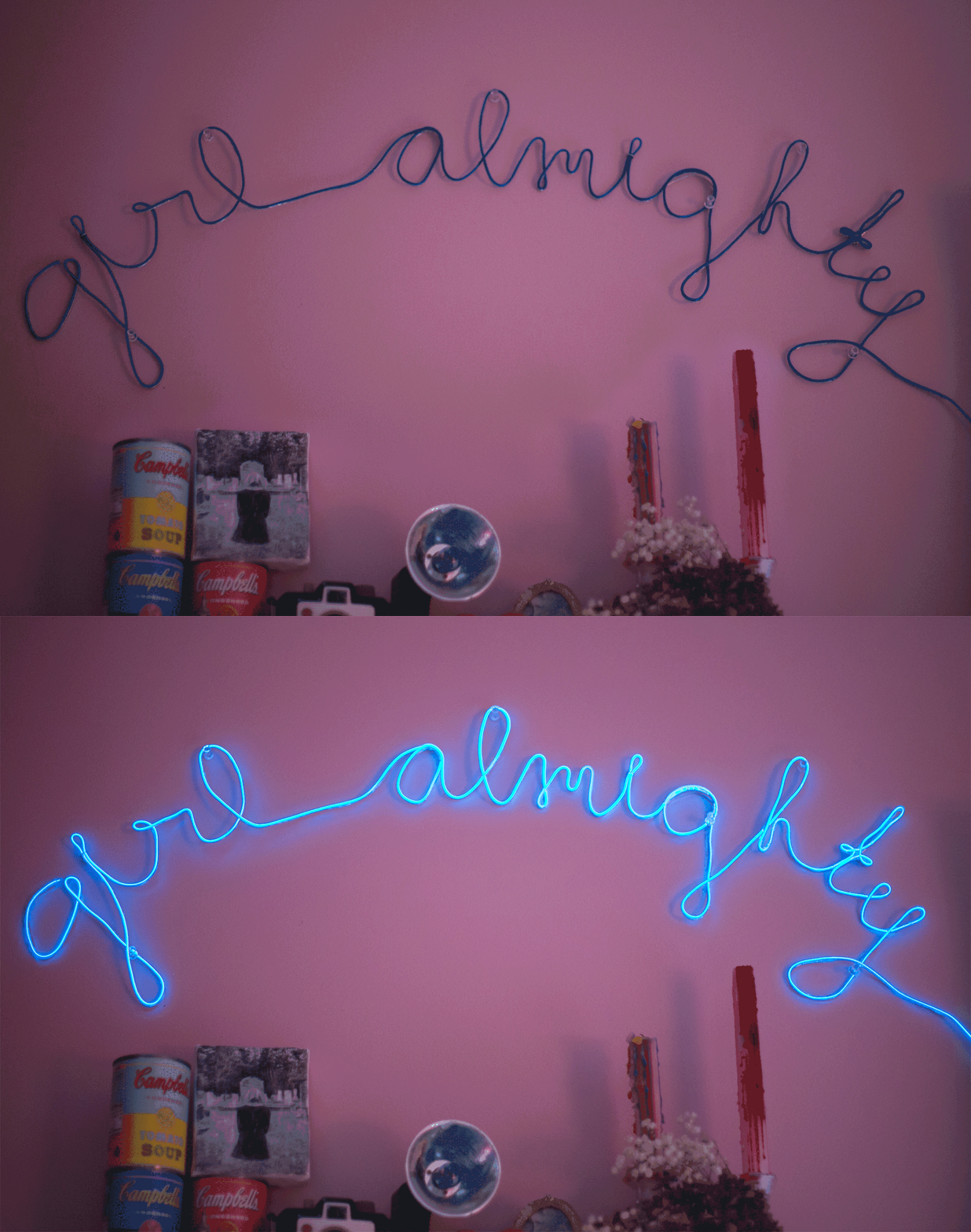
Preview quality determines revision cycles. Flat graphics with basic glow filters look nothing like real LED neon. Quality tools simulate actual LED characteristics: glow spread follows physics, colour mixing matches real strips, lighting behaves like installed signs.
Font compatibility prevents production failures. LED strips can’t make 90-degree corners—they need 15mm radius minimum. Stroke widths under 8mm look weak when backlit. Professional tools include fonts tested on actual LED strips, not just screen mockups.
Wrong export format kills your workflow. PNG files approve fast but CNC routers can’t read them. SVG files scale infinitely and import directly into cutting software. Layer separation saves hours—change one element without rebuilding the entire design.
Automated pricing beats guesswork. Manual quotes take 30 minutes and invite 15% error rates. Advanced tools calculate exact LED strip length from font paths, generating pricing that reflects real material costs.
Free neon light writer tools
FlamingText
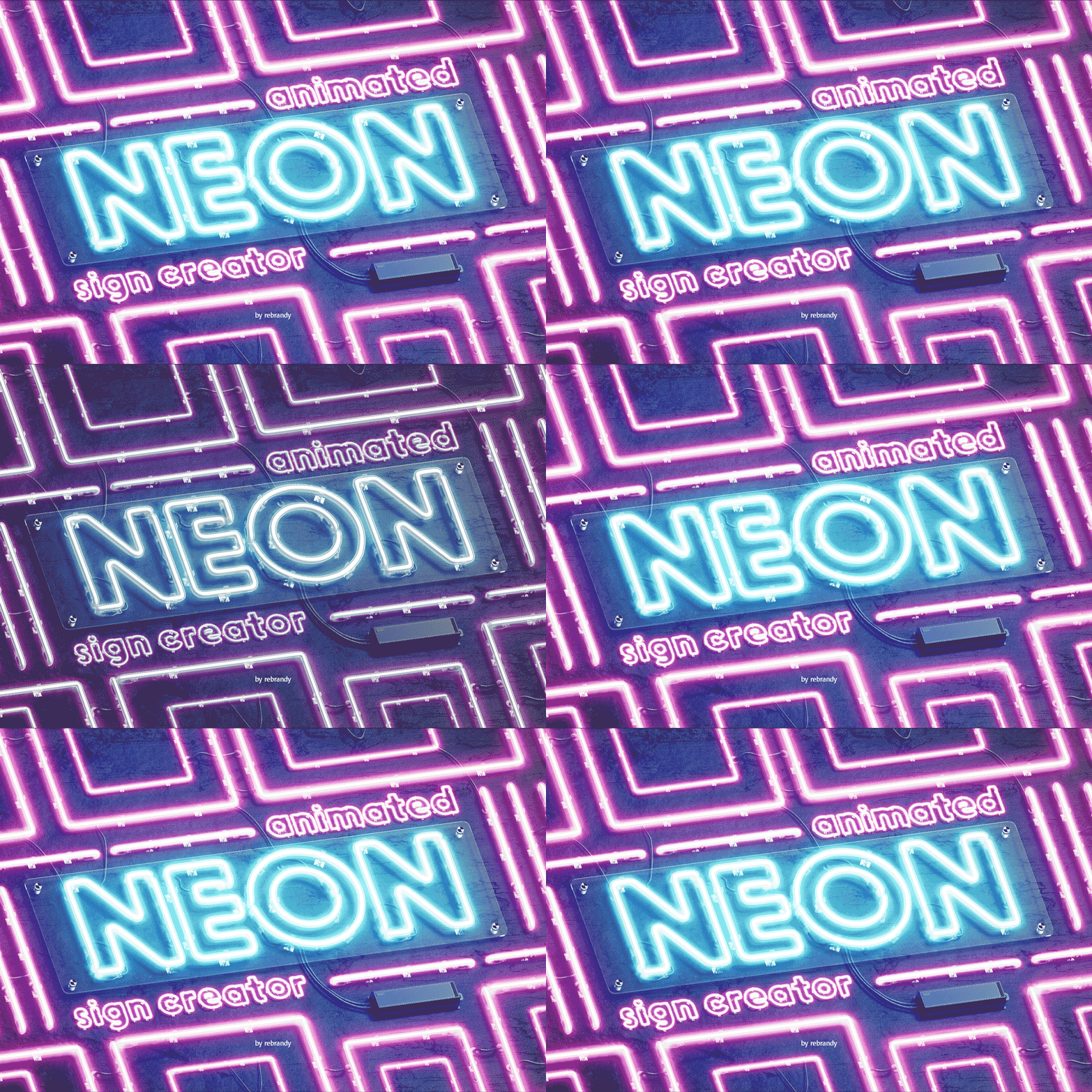
350+ font combinations with dated but functional interface. Operates since 2003, so they’ve debugged the obvious problems. Glow effects actually look reasonable compared to newer free tools that overdone the saturation.
Best for: Client mockups when you need it done in 5 minutes
Export options: PNG, JPG, GIF
Limitations: Custom colours cost extra, no size control on free tier
The rendering quality beats newer competitors, but you’ll hit paywalls quickly. Useful for “here’s roughly what it could look like” conversations.
Cool Text
26 years in operation tells you something about reliability. Ultra-minimal interface: type text, click style, download PNG. Zero learning curve.
Best for: Basic text when clients aren’t picky about details Export options: PNG, GIF Limitations: No customisation beyond predefined styles
Does one thing competently. You’ll outgrow it after your third client asks “can we make it blue instead?”
Canva Neon Templates
200+ neon-style templates in their drag-and-drop editor. More composition control than basic text generators. Good for complete marketing materials, not just isolated text.
Best for: Social media posts and promotional graphics Export options: PNG, JPG, PDF Limitations: Templates ≠ production files, no vector exports
Looks professional in presentations. Useless for manufacturing—you’ll recreate everything from scratch for production.
| Tool | Best Use Case | Export Quality | Learning Curve | Cost |
|---|---|---|---|---|
| FlamingText | Client mockups | Good | Low | Free tier limited |
| Cool Text | Basic text | Basic | Very low | Free |
| Canva | Marketing graphics | Good | Medium | Free with limits |
Professional neon light writer platforms
Sign Customiser
Customer-facing design tool with production workflow integration. Clients design their own signs with live pricing—you get SVG files ready for cutting equipment.
Core capabilities:
- Interactive editor with material length calculations
- Live pricing based on actual LED strip usage
- Automated SVG export with production specifications
- Shopify integration for e-commerce stores
- Order management from design through delivery
Output formats: SVG, PDF, PNG with cut paths and assembly notes Pricing: $29-299/month based on monthly order volume
Eliminates the design approval cycle entirely. Customers iterate until they’re happy, then place orders. You receive files ready for CNC routing—no interpretation or recreation required.
One customer reported: “We went from 2-day quote turnarounds to instant ordering. Revenue up 40% because customers don’t abandon the process.”
NeonCNC
CAD/CAM integration for production shops. Type text, get G-code toolpaths for CNC routers or tube benders. Skips the middleman—no manual CAD recreation.
Best for: Shops with CNC routers or tube bending equipment Export options: G-code, DXF, SVG with toolpaths Requirements: Windows PC, compatible CNC controller
$350-1,200 depending on machine integration. Pays for itself if you cut more than 5 signs per week.
Adobe Illustrator + Neon Plugins
Maximum control for designers who know vector workflows. Plugins like VectorScribe or Astute Graphics add physics-based glow effects to any text or shape.
Advantages: Unlimited customisation, integrates with existing design workflow Disadvantages: $240/year subscription, plugins cost extra, 40+ hour learning curve Total cost: $300-500/year including useful plugins
For designers already fluent in Illustrator who need effects no other tool provides. Everyone else should start with specialised neon software.
Web-based vs desktop neon light writers
Web tools suit client collaboration. Share design links instantly, no software installation required for clients. Updates happen automatically—no version compatibility issues.
Desktop software handles heavy lifting. Complex neon effects render faster locally. Large files (500+ characters) don’t timeout on slow connections. Offline access when internet fails.
Hybrid workflow works best. Use web tools for client approval, desktop software for production files. Many shops run both—different tools for different stages.
Solo designers often prefer desktop control. Teams with remote clients lean towards web-based collaboration.
Getting production-ready files from neon light writers
Vector files or production stops. SVG and EPS scale infinitely and import into CNC software. PNG files look pretty but can’t drive cutting equipment—you’ll recreate everything manually.
Layer separation saves revision cycles. Text, cut paths, and mounting holes on separate layers. Client wants different colours? Change one layer, not the whole file. Saves 2-3 hours per revision.
Real dimensions prevent ordering mistakes. Files need actual measurements in millimetres, not screen pixels. Wrong dimensions mean wrong material orders and expensive remakes.
LED colour palettes matter. Standard RGB pickers show 16 million colours. LED strips produce maybe 1,000 accurately. Professional tools show only achievable colours—prevents “that’s not the blue we wanted” problems.
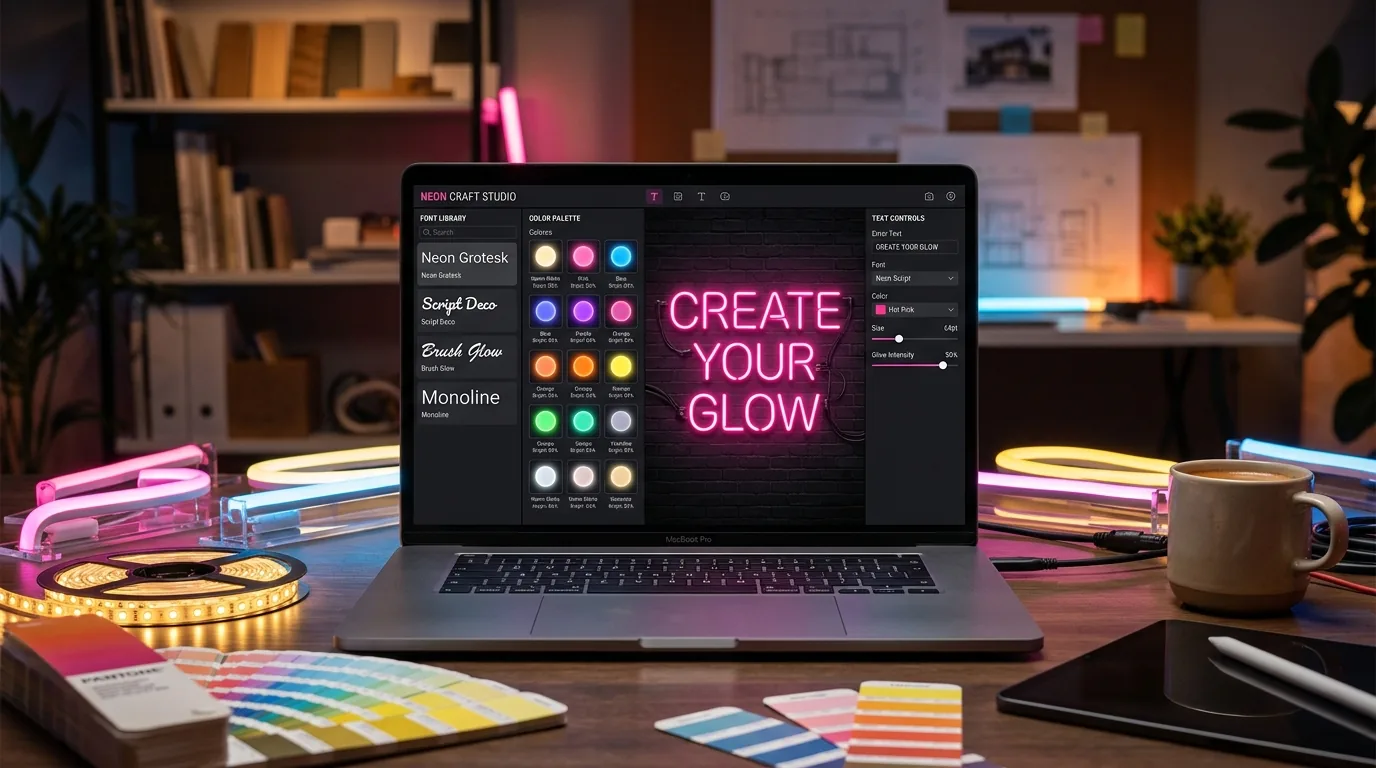
Choosing fonts that work in real neon
Sans-serif fonts avoid production failures. Clean geometric shapes follow LED strip bending limits. Serif fonts create stress points at delicate details—strips break during installation.
Stroke width determines cost. Ultra-thin fonts need custom narrow strips ($4/metre premium). Extra-bold designs require structural reinforcement. Medium weights (12-20mm) use standard strips at standard prices.
Script fonts often disappoint clients. Elegant cursive designs hit physical limitations—LED strips can’t make impossible connections. Test script viability before showing clients options you can’t deliver.
Screen distance ≠ installation distance. Fonts perfect on your 24-inch monitor might blur at 3-metre viewing distance. Design for the actual installation environment, not your desk.
Realistic colour and glow effects
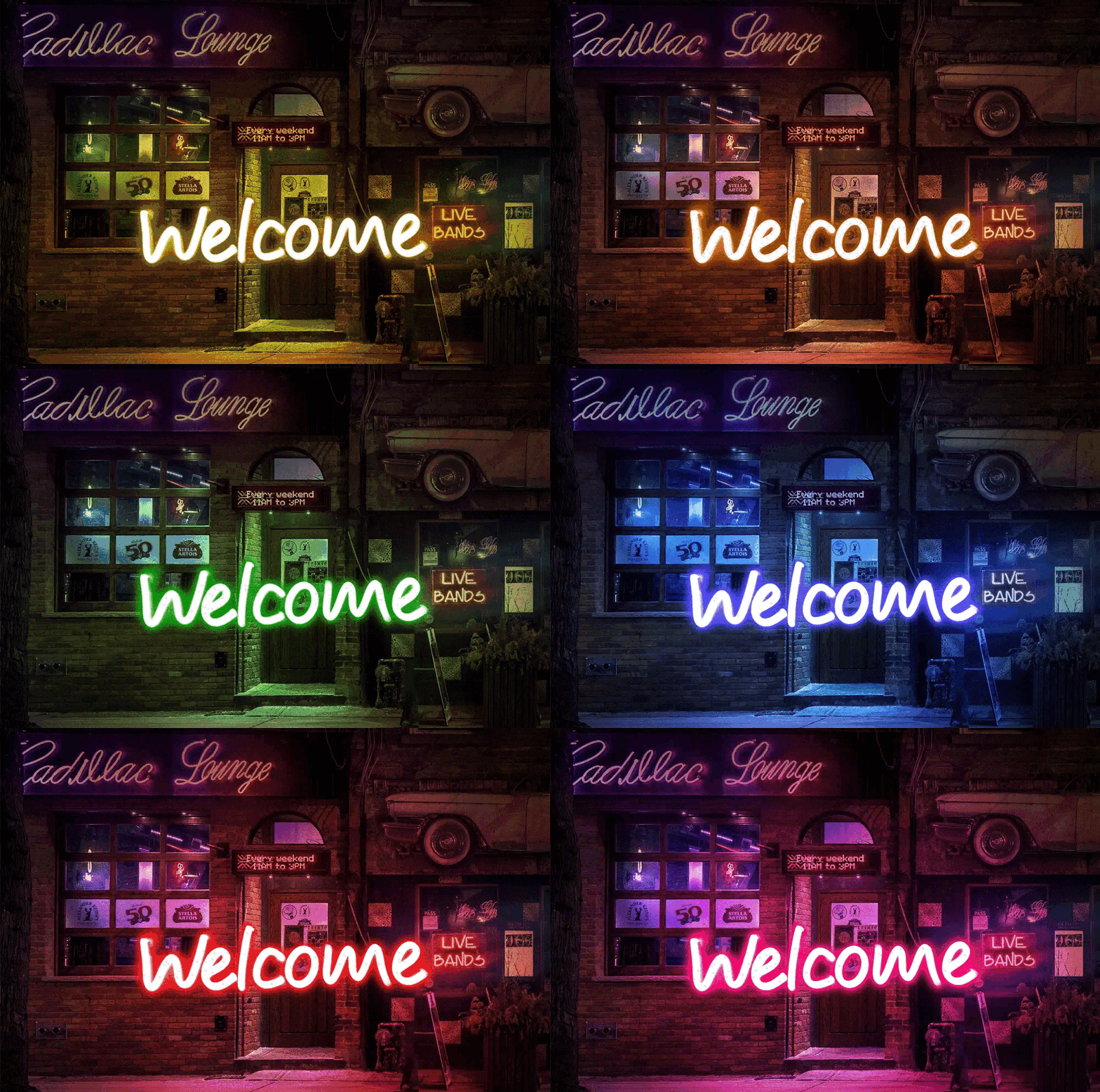
LED physics beats screen simulation. Overlapping strips create additive colour mixing—blue + yellow makes white, not green like RGB pixels. Quality tools simulate real LED behaviour, not computer graphics.
Environment determines glow intensity. Indoor signs with subtle glow disappear in bright retail environments. Outdoor signs need 40% higher contrast to remain visible against daylight. Design for the installation location.
Background colour affects everything. White walls double apparent brightness through reflection. Dark backgrounds increase saturation by 20%. Black mounting eliminates bleed—colours appear pure.
Power costs vary 300% by colour. Cool white LEDs draw 14W/metre. Deep blue draws 18W/metre. Warm amber draws only 6W/metre. Factor power consumption into pricing for large installations.
Integrating neon light writers with business workflows
Self-service design eliminates revision cycles. Customers iterate until satisfied, then place orders. You skip the “that’s not what I meant” conversation entirely. Sign Customiser users report 70% fewer design revisions.
Automated files beat manual recreation. Client sketches take 2-4 hours to convert into production files. Automated systems output ready-to-cut SVGs instantly—zero transcription errors.
Live pricing prevents under-quoting. Tools calculating actual material usage from font paths generate accurate quotes. Manual estimates average 15% low on complex designs—automated calculations reflect real costs.
Integrated order tracking reduces mistakes. Connected platforms track jobs from design approval through shipping. Standalone tools require manual handoffs where orders get lost or details change.
Common neon light writer mistakes
Feature creep wastes money. Advanced animation controls look impressive in demos but add zero value for static text signs. Buy tools that match actual requirements, not impressive feature lists.
Export format compatibility assumptions kill timelines. Test file exports with your CNC software before committing. “Industry standard” formats often have subtle incompatibilities that surface during production rushes.
Font licensing gotchas create legal problems. Many commercial fonts restrict manufacturing use—you can design but not produce signs. Verify licensing before promising specific typefaces to clients.
Mobile testing neglect loses customers. 40% of customers design on phones or tablets. Tools that break on mobile devices lose those sales to competitors with mobile-friendly interfaces.
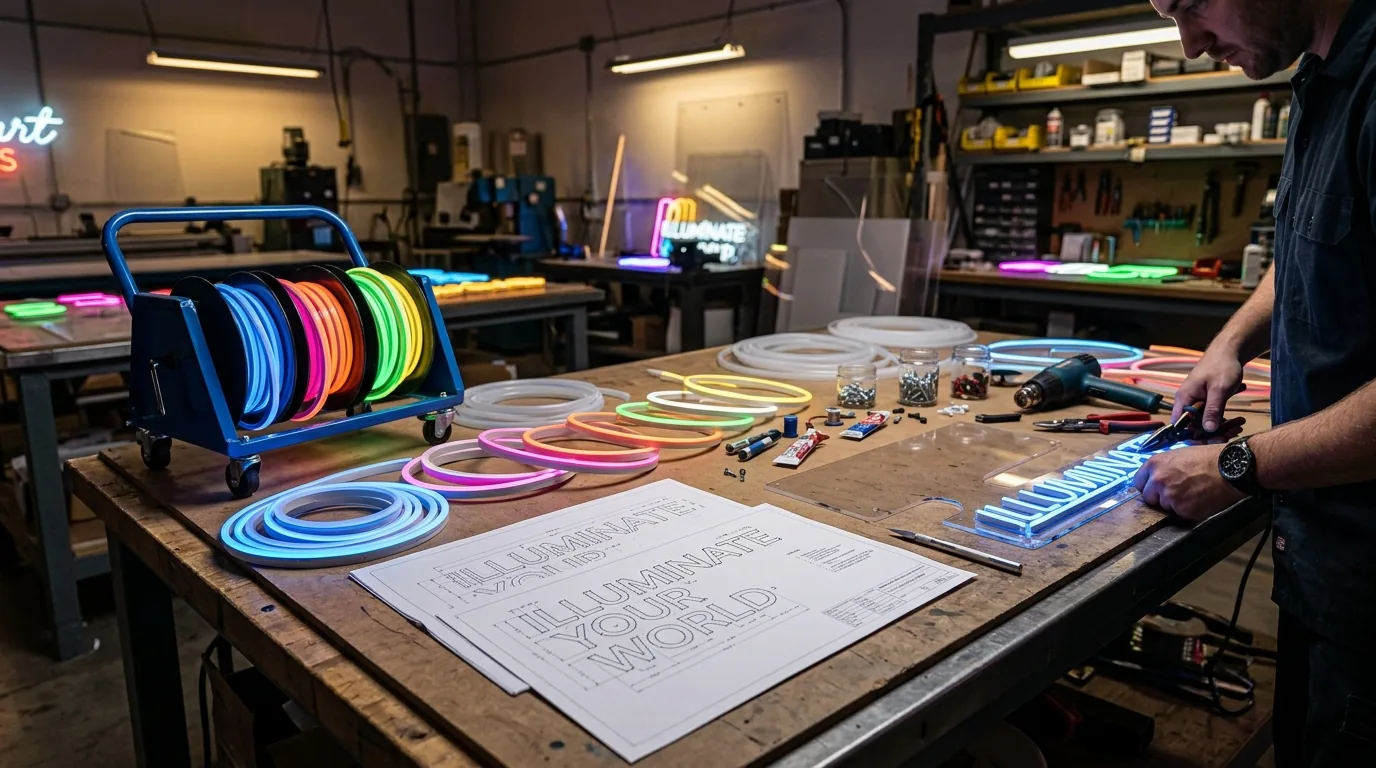
Cost analysis: free vs premium tools
Free tools work for occasional use. Designing 3-4 signs yearly? Browser generators handle client mockups without subscription costs. Accept format limitations and manual file conversion.
Professional tools pay back quickly at volume. $100/month subscription breaks even at 8-10 monthly orders when it saves 2 hours per project. Better previews reduce revision cycles from 2.4 to 1.1 iterations average.
Hidden costs exceed obvious savings. Free tools require additional software for production files, manual colour matching, and extensive revision cycles. Total time cost often exceeds premium subscriptions.
Volume pricing changes economics completely. Sign Customiser starts at $29/month for up to 5 attributed orders and scales to $299/month for high-volume stores. Heavy users get better per-project economics than occasional users.
| Monthly Volume | Free Tools | Premium Tools | Break-even Point |
|---|---|---|---|
| 1-5 signs | Cost effective | Overkill | Never |
| 6-15 signs | Manual but viable | Time savings start | 8-10 signs |
| 16+ signs | Major bottleneck | Essential for sanity | 6-8 signs |
The future of neon light writing tools
AI suggestions reduce design time. Current tools suggest appropriate fonts based on text content—“Restaurant” triggers script options, “SALE” suggests bold sans-serif. Non-designers get professional results without design training.
AR preview prevents expensive mistakes. Point your phone at the installation wall, see the sign in actual size and lighting. Catches scaling errors that cost $500-2000 in remakes per incident.
Cloud rendering democratises quality previews. Complex glow calculations run on powerful servers—realistic previews load in under 3 seconds on basic smartphones. No longer limited by device hardware.
Deep integration creates business systems. Modern tools connect inventory management, CNC control software, and customer communication. Design becomes one step in automated workflow, not isolated software tool.
Making your choice
Business model determines tool requirements. Solo designers need different capabilities than production shops or e-commerce stores. Choose based on actual workflow needs, not impressive feature demonstrations.
Preview quality controls revision cycles. High-quality previews reduce client revisions and build confidence. Poor previews create production problems that cost more than premium software subscriptions.
Calculate total workflow cost, not software price. Free tools requiring additional production software often cost more than integrated platforms. Include your hourly value in economic calculations.
Test export compatibility before contracts. Download sample files and verify compatibility with production equipment. File format problems discovered after annual signup create expensive project delays.
The right neon light writer eliminates workflow bottlenecks and reduces revision cycles. Free browser tools suit occasional projects. Integrated platforms pay back quickly for regular production.
Test export compatibility with your equipment before committing. Factor total workflow time into cost calculations, not just software price. Choose tools that match your actual business requirements.
For businesses selling custom neon signs, Sign Customiser combines customer-facing design tools with production workflow management. Also explore our neon generator comparison for related analysis.