
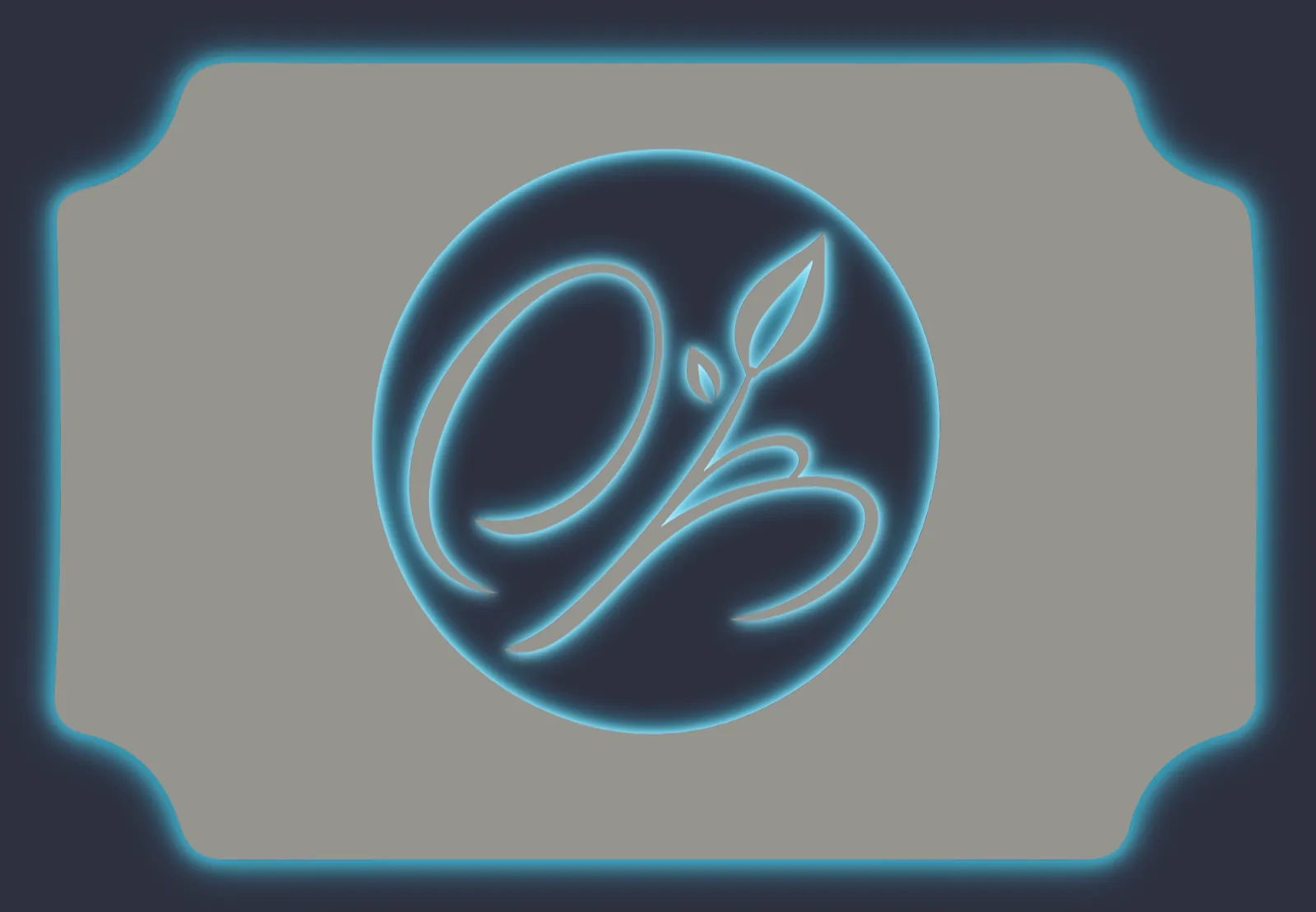
Sign Customiser now lets you offer a backlit glow on cut-out metal sign customisers. Add a backlight option and your customers can switch the lighting on, pick a colour, and watch the preview update live — light blooming around the panel edge and through the inside of every cut-out shape, just like a real LED-backlit sign lit up against a wall.

The same glow follows any design. Whether your customer types their own text or uploads a logo through the AI Sign Designer, the shape is cut from the panel and lit around every edge.

What’s Changed
- New backlight optionAdd a backlight selection to any cut-out metal customiser so customers can choose to light their sign up.
- A range of glow coloursOffer warm white, amber and other single colours, or multi-colour RGB and Flow effects — each with its own optional price adjustment.
- Works for text and logosCustomer-typed text and AI Sign Designer logos are both cut from the panel, with the glow tracing every edge of the design.
- True-to-life glow previewThe light blooms softly out from the panel edge and the inside edge of every cut-out shape, with see-through centres, instead of a hard painted outline.
- Carried right through to the orderThe selected backlight and its price flow into the live quote, the product image, the cart and the manufacturer’s order details.
