
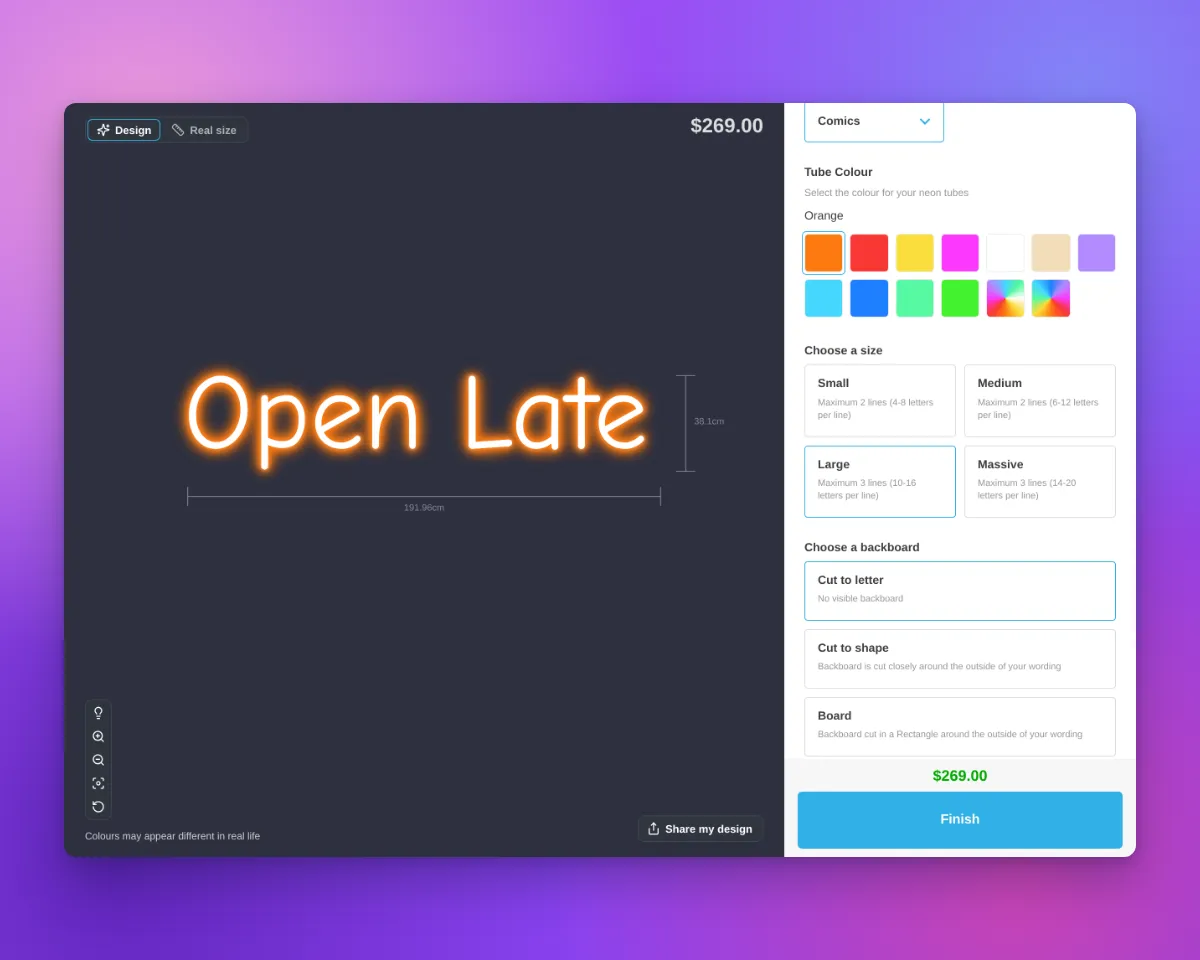
Sign Customiser now reads the variant in a Shopify product link. The customer customiser then opens with the size of that variant selected. Google Shopping can show each variant of a Shopify product as a separate offer with its own link. A Shopify link to one variant has ?variant= in the URL. Before this update, a new design always started with the first size selected. Because of this, a shopper who clicked a larger size in Google saw the first size and its price.
What’s Changed
- The customiser shows the size of the variant. When the product page URL has
?variant=, the customiser selects the size that has the same text as an option value of that variant. This applies to all sign types that have size options. - How an option value agrees with a size. An option value agrees with a size when it is the same as the size label, for example
30 inch. It also agrees when it is the size label, then the text of the size Description field in brackets, for example30 inch (75 cm). Letter case and extra spaces have no effect. A typographic inch mark agrees with a straight inch mark, for example30″and30". - The first size is the default. If no size agrees, or if more than one size agrees, the customiser selects the first size. This is the same as before.
- Saved designs come first. When “Save sign design for next visit” is on, the customiser still opens the design from the last visit of the shopper. It also still opens a ShareLink or a preset. These designs come before the variant in the link.
- Only the Sign Customiser app block. This function works on Shopify product pages that use the Sign Customiser app block. The Sign Customiser Modal block, the Sign Customiser - Embed app embed and the “Use iframe (experimental)” setting do not read the variant.
How to set it up
- In the merchant admin, find the Label field of each size in your customiser.
- Use one size label as an option value of each Shopify variant, for example
30 inch. - If a size has a Description, add it in brackets after the label, for example
30 inch (75 cm). - Make sure that each option value agrees with only one size.
