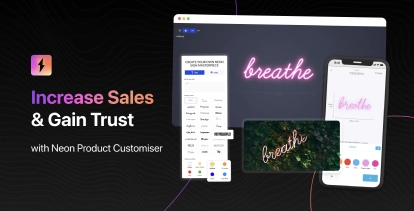
Sign Customiser now gives store owners full control over which design interfaces are available to customers. With the new “Editor Modes” setting, you can disable the text editor entirely, leaving only the AI sign designer or embedded form option visible to your customers.
This is ideal for stores that want to streamline the customer experience by directing all orders through a single, focused workflow—whether that’s leveraging the AI sign designer for custom graphics or collecting detailed requirements through an embedded form.
What’s Changed
- New Editor Modes admin page - A dedicated settings page under each customiser allows you to enable or disable the text editor
- Automatic interface switching - When the text editor is disabled, customers are automatically shown the AI sign designer or custom design form without any tab navigation
- Cleaner customer experience - The tab switcher is hidden when only one design mode is available, creating a more streamlined interface
- Smart validation - The text editor can only be disabled when a custom design option (AI designer, form, or link) is already configured