

Quote Mode
Last updated:
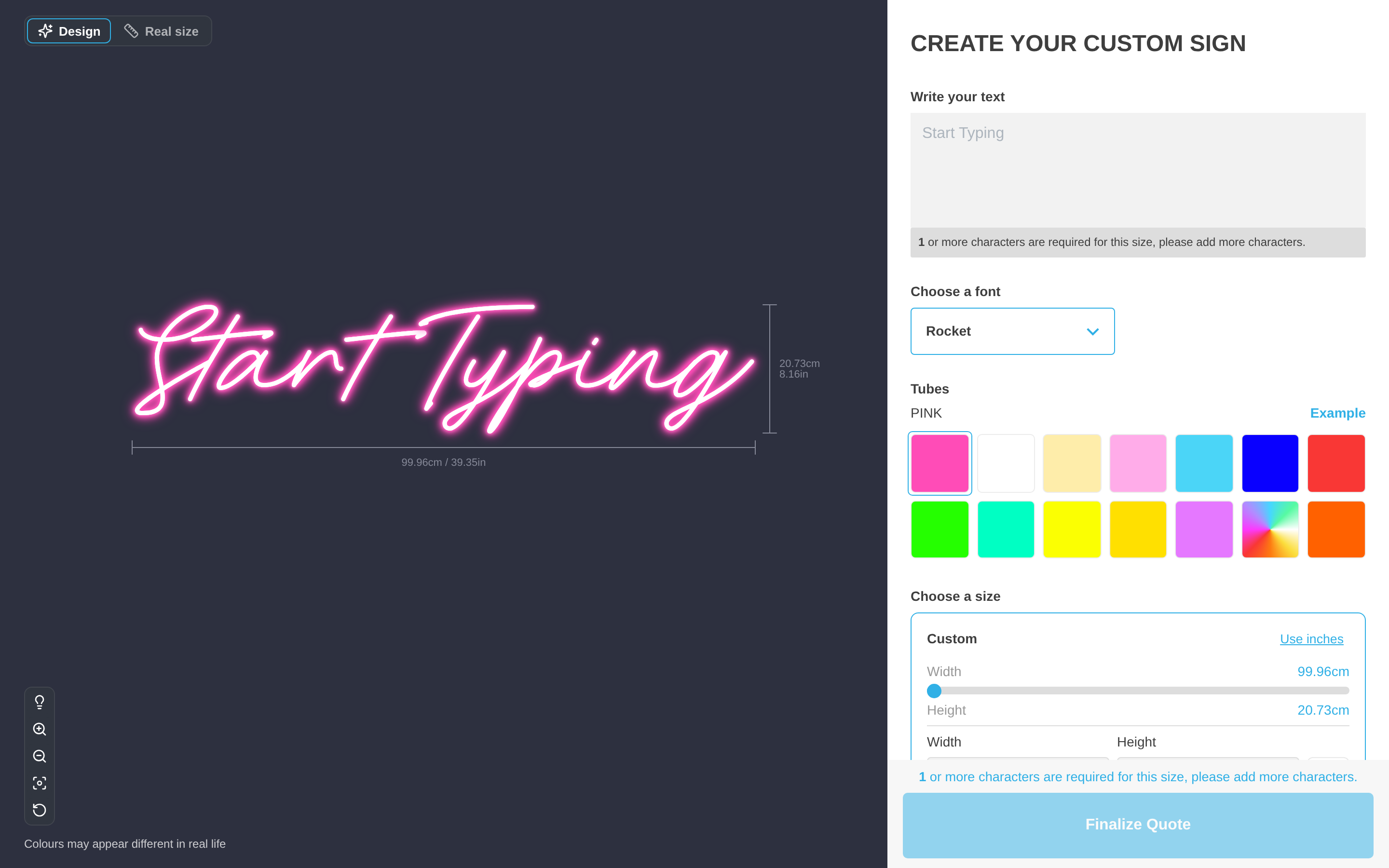
Quote Mode replaces add to cart with a quote form. The customer designs the sign and sees the live preview. Then the customer sends the design to your team for review. The customer does not pay at this time.
By default, the customer does not see the price. To show the suggested price to the customer, turn on Show suggested price.
Sign Customiser saves each request under Quotes in your admin. To see the full details, select the blue quote number and form name. The quote details page has a Download Quote button. This button saves the quote as a PDF.
The designated inbox also receives these items:
-
the form answers of the customer
-
the selected sign options
-
the preview images
The inbox receives the suggested price only when Show suggested price is on. The email also includes a download link to an SVG file when SVG generation is on and the design supports it.
When Send a confirmation email to my customer is turned on, the customer also gets an email after the customer submits a quote. To set up this email, go to Email Workflows → Customer Confirmation Email in the customiser.
Quote Mode stops at the quote request. It does not create a paid order. It does not send the manufacturer order email. Your team reviews the request and confirms the final price. Then your team invoices the customer through your usual process.
Use Quote Mode when customers do the first design themselves, but a person must check some details before you accept the order. These details can be feasibility, shipping, installation or a bespoke production detail.
How to enable Quote Mode
Before you enable Quote Mode, create a Quote Mode form. When you create the form, choose the Quote Mode form type. The form must contain a required Email field.
-
Open the admin of Sign Customiser for your store.
-
Click Customisers in the left-hand menu.
-
Click the customiser that you want to edit.
-
In the left-hand menu, go to Features → Quote Mode.
-
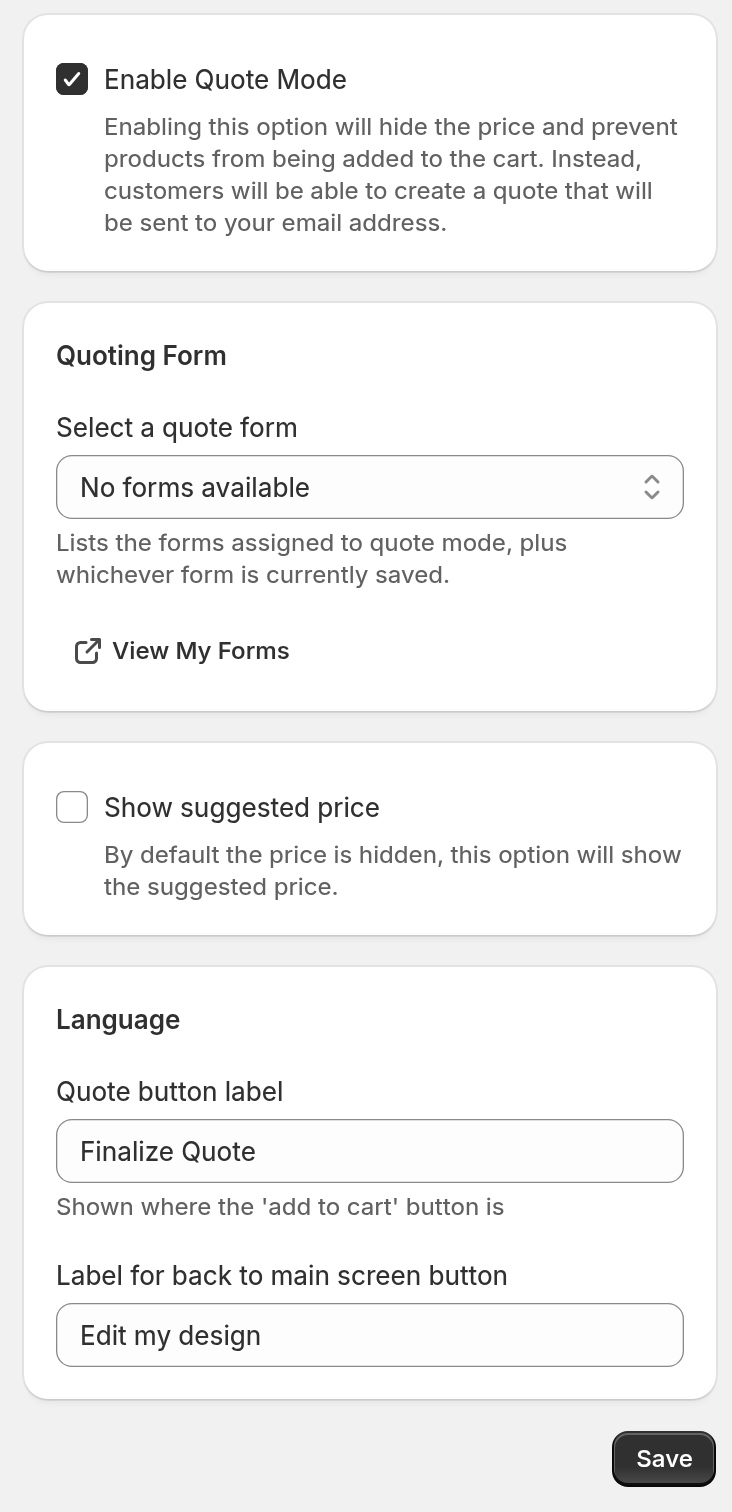
Select Enable Quote Mode.
-
Under Quoting Form, use Select a quote form to choose the form for Quote Mode requests.
Only forms with a required Email field are available. New forms include this field.
-
Optional: To show the price to customers, select Show suggested price. This option is off by default.
-
Optional: Under Language, change Quote button label. This button takes the customer from the design screen to the form. The default label is “Finalize Quote”.
-
Optional: Change Label for back to main screen button. This button takes the customer back to the design screen. The default label is “Edit my design”.
-
Click Save.
Optional: Hook into Quote Mode form submissions with JavaScript
Use external JavaScript code to listen for each successful Quote Mode form submission. Sign Customiser does not send the event for customisers on the legacy Starter, Standard or Pro plans.
// Listen for quote submissionsdocument.addEventListener('signCustomiserQuoteSubmitted', function(event) { console.log('Quote submitted:', event.detail); // Access form data: event.detail.data // Access customiser ID: event.detail.customiserId // Access domain: event.detail.domain});