Changelog
Documenting our journey of creating a custom sign builder.
Braille signs built for international production
Since launching Braille Signs, we’ve connected the customer preview, merchant settings and production handoff in one product. Customers see the Braille translation on the sign as they type, while merchants choose the translation, appearance and quote behaviour. Sign Customiser carries the verified Braille data into every order and production file.

What’s Changed
- International Braille support. Sign Customiser includes 14 translation tables for 13 languages. It chooses a starting table and dot geometry from the merchant’s store country, with manual table selection for projects that need it. Tables that need human proofing say so clearly, and unsupported wording can follow the custom quote path.
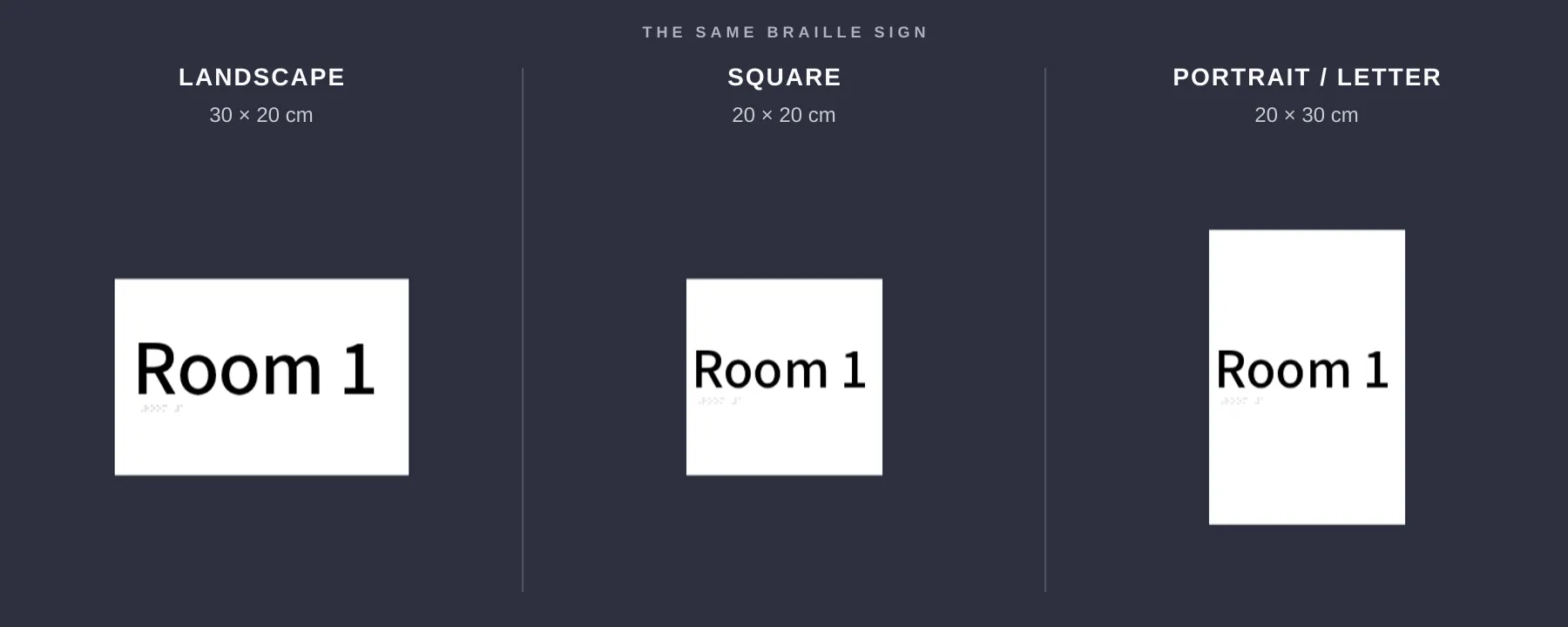
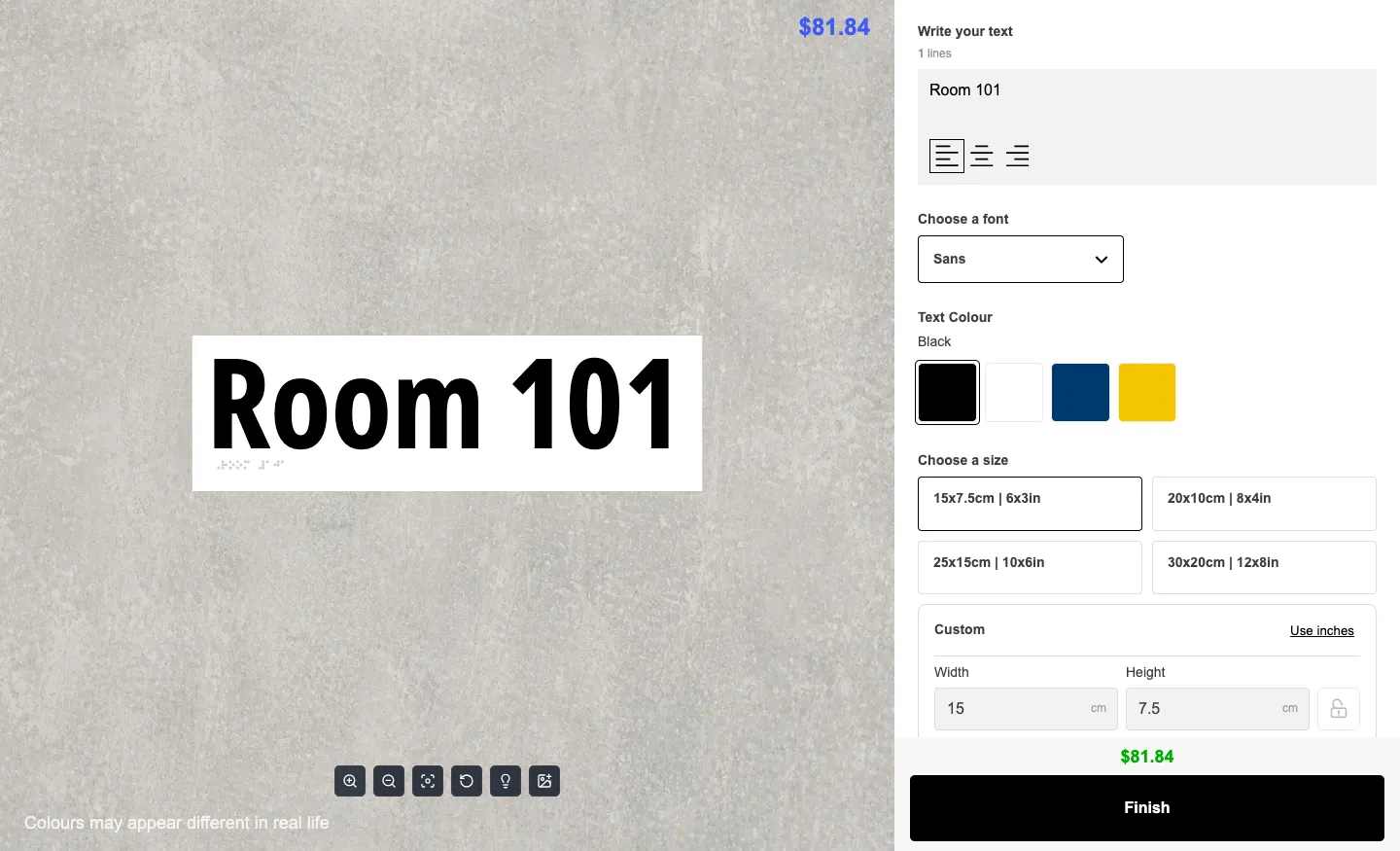
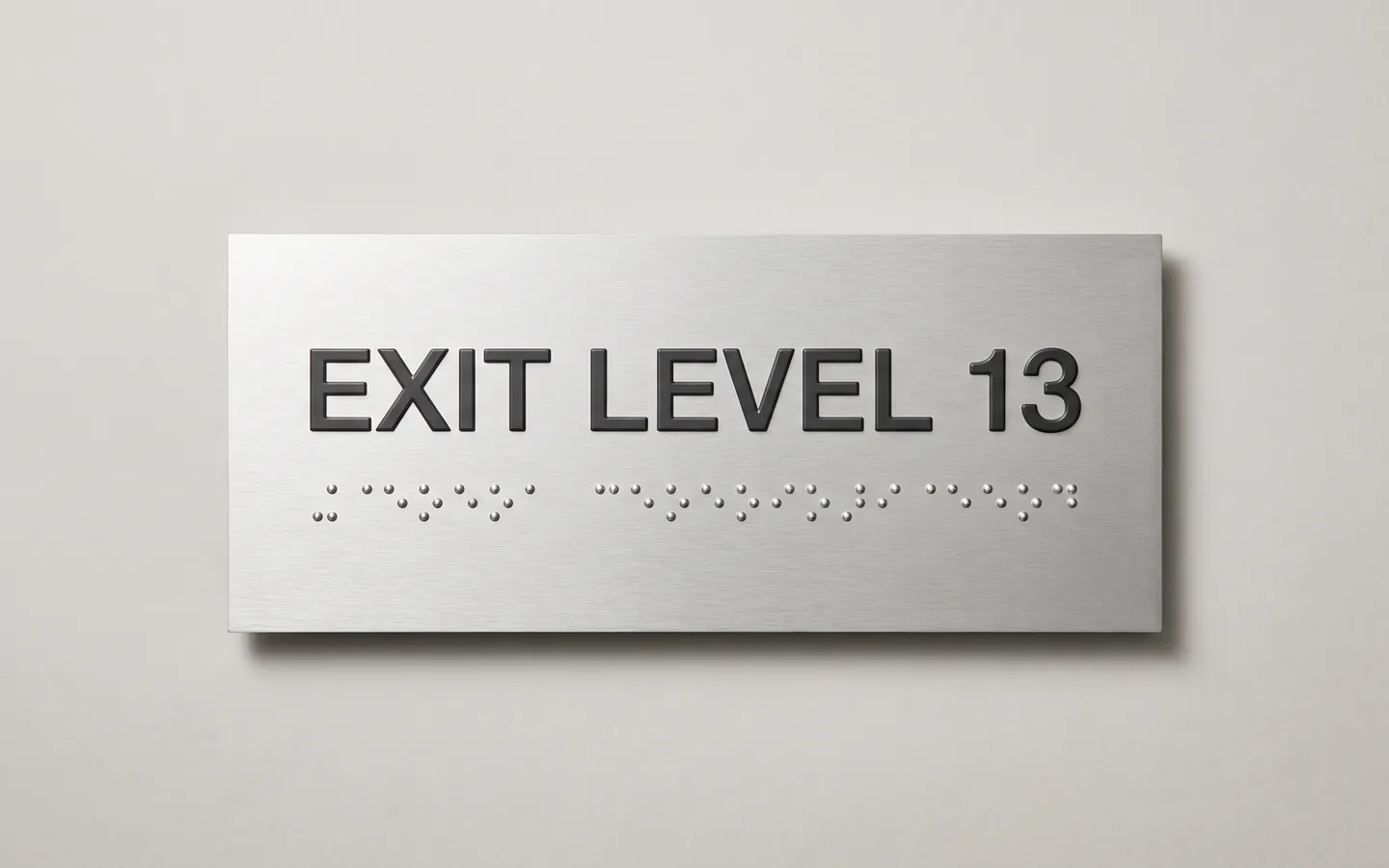
- Braille shown on the sign. The translated row appears beneath the tactile wording in the live preview. ADA, AS/NZS 1428.4.2 and Marburg Medium geometry presets keep the dots at their physical size when the plate changes. Customers also see when translation is in progress, when it needs another try or when the selected plate is too small.
- Merchant controls in one place. A dedicated Braille settings page lets merchants choose automatic translation or a specific table, use the plate or text colour for the dots and control whether untranslatable wording opens the quote prompt. Translation status, retry, fixed-size and quote messages remain editable for each customiser.
- The same data reaches production. Sign Customiser keeps the source wording, Braille string, table, grade and geometry with the product image, order details and manufacturer email. It checks the translation again at checkout, while SVG, EPS and Illustrator-compatible files place every dot as an exact vector circle.
- One-click demo setup. Merchants can install a ready-made Braille Sign Customiser with Frame Fit pricing, four plate sizes, tactile text styles, colours, plate materials, mountings and customer labels already configured.
Braille signs
Sign Customiser now supports Braille Signs, a new plate-style product type for merchants selling accessibility and wayfinding signage. Customers type the printed wording, see a live braille row appear underneath it, and the same braille data flows through checkout, product images, manufacturer emails, and production files.

What’s Changed
- New Braille Signs product type - Pick “Braille Signs” in the customiser create flow to start from a complete plate-sign setup with demo sizes, colours, fonts, plate options, and mountings.
- Automatic braille translation - Customer wording is translated into braille automatically as they type, with country-based table defaults and a merchant override when a project needs a specific braille table.
- Honest language tiers - The 14-table support matrix is backed by the same registry used by the app, with included, review-recommended, and not-supported tiers so merchants know when to proof output or route the customer to a quote path.
- Standards-exact dot geometry - Braille dots keep their physical size when the plate changes, with ADA and AU geometry presets feeding the preview, measurements, validation, and fulfilment data.
- Manufacturing-ready vector output - SVG, EPS, and Illustrator-compatible files include the braille dots as exact vector circles, so production teams get usable artwork instead of a visual-only preview.
- Included in current plans - Braille signs are part of the current Sign Customiser plan system with no braille-specific surcharge.