AI neon designs now show as lit tubes
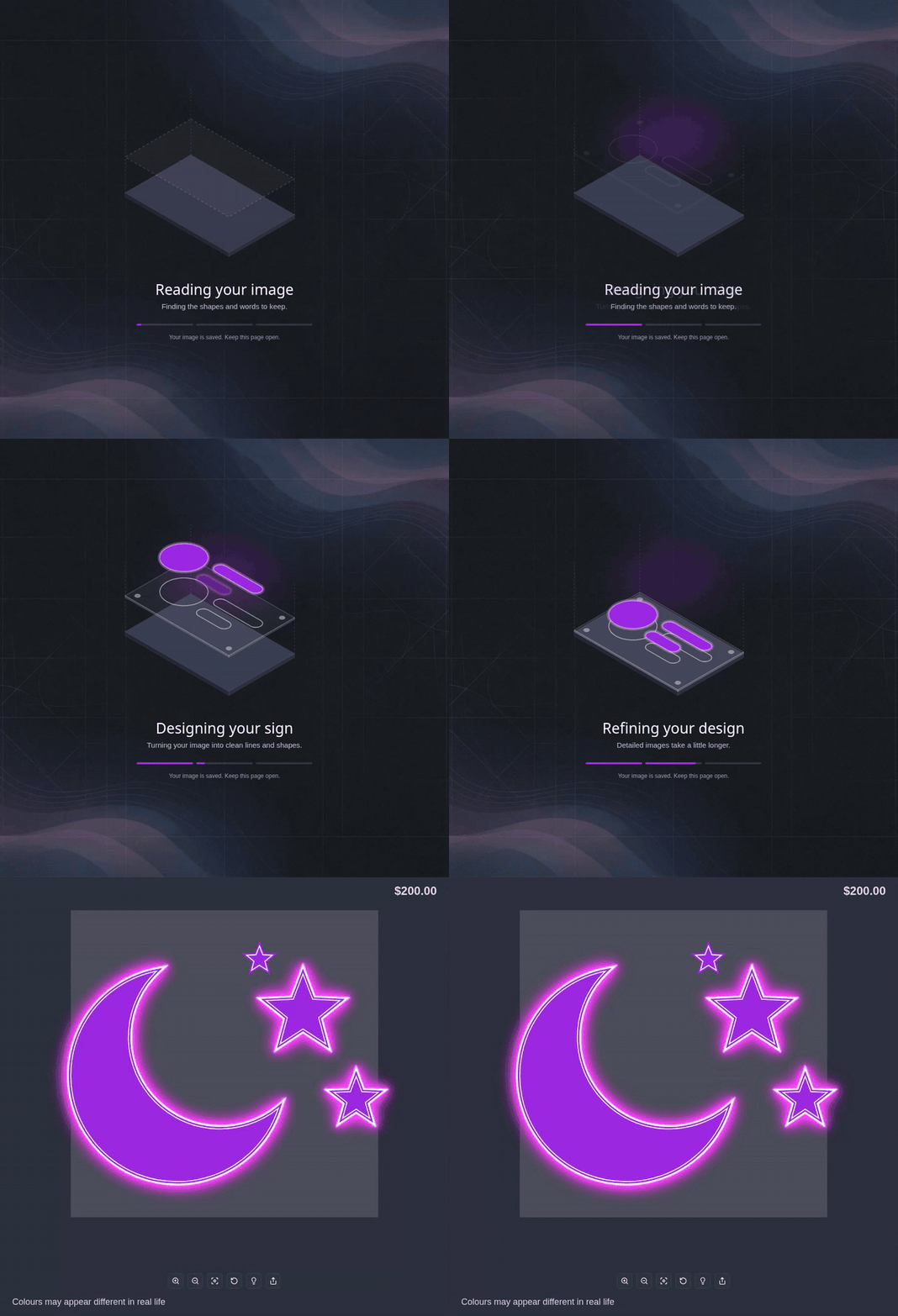
When AI Sign Designer V2 draws a neon design as neon line work, the customiser now shows the line work as lit neon tubes. The tubes have the same glow as neon text.
Update, 1 October 2026:From 1 October 2026, AI Sign Designer V2 does not add a UV print to new neon designs. The images on this page show designs from before this change. They have a UV print under the tubes. Those designs keep their UV print. When the UV print shows, the order includes the UV print file. Your manual UV print options do not change.
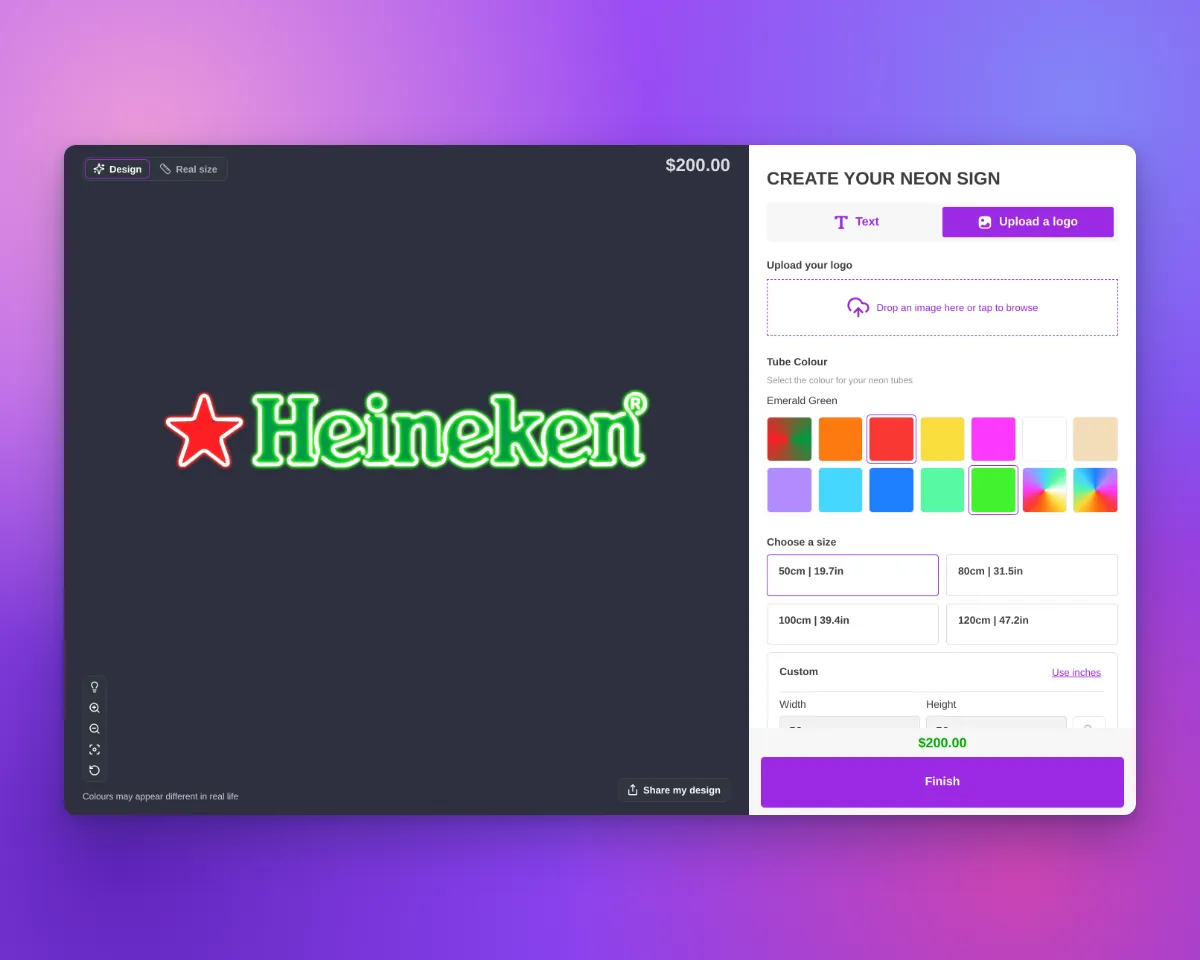
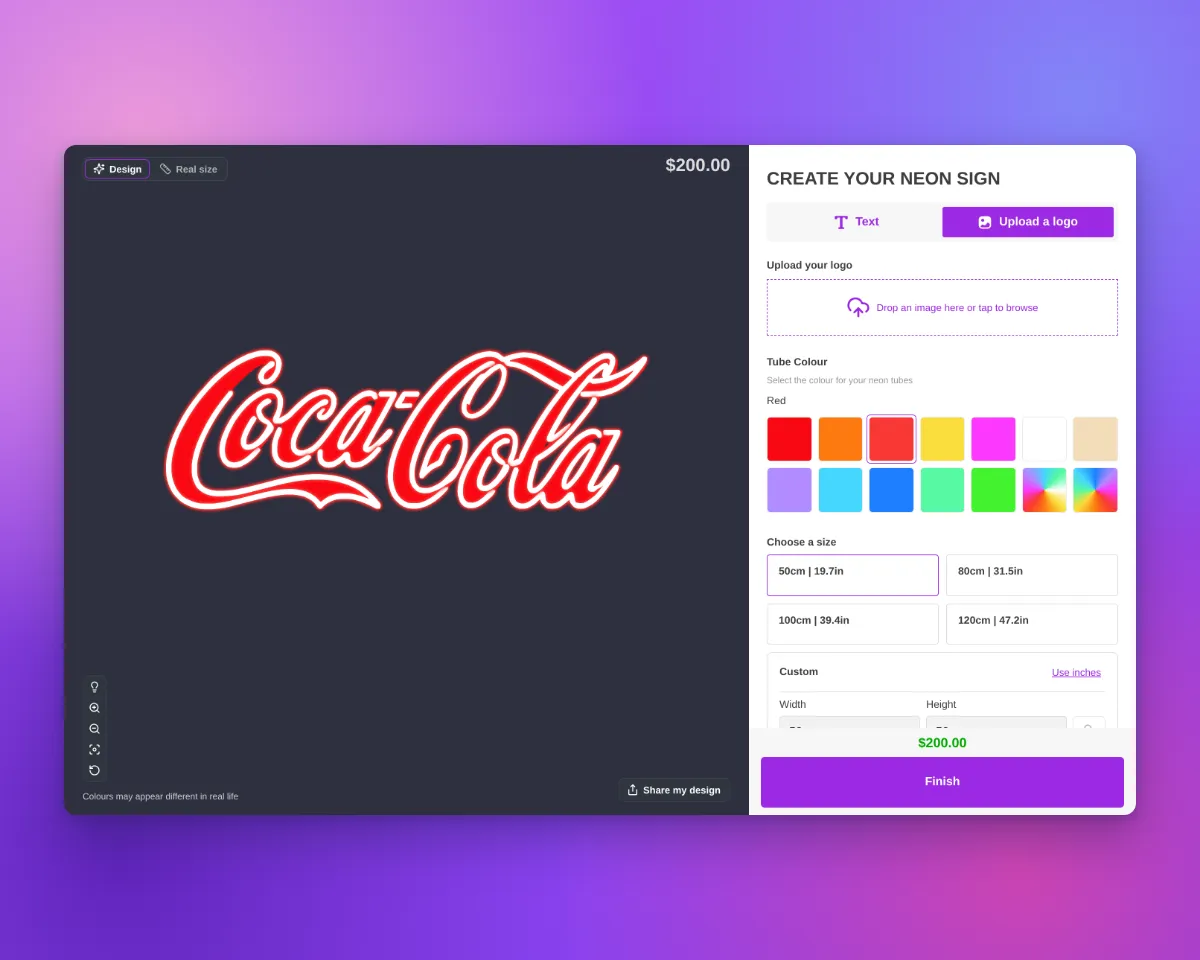
What’s Changed
- Lit neon tubesThe tubes use the Glow Effect setting of your tube part, as neon text does. When the lights are off, the tubes show the jacket colour.
- Tubes aligned to the artworkWhen it gives a better fit, Sign Customiser moves the tube drawing to align it with the flat artwork.
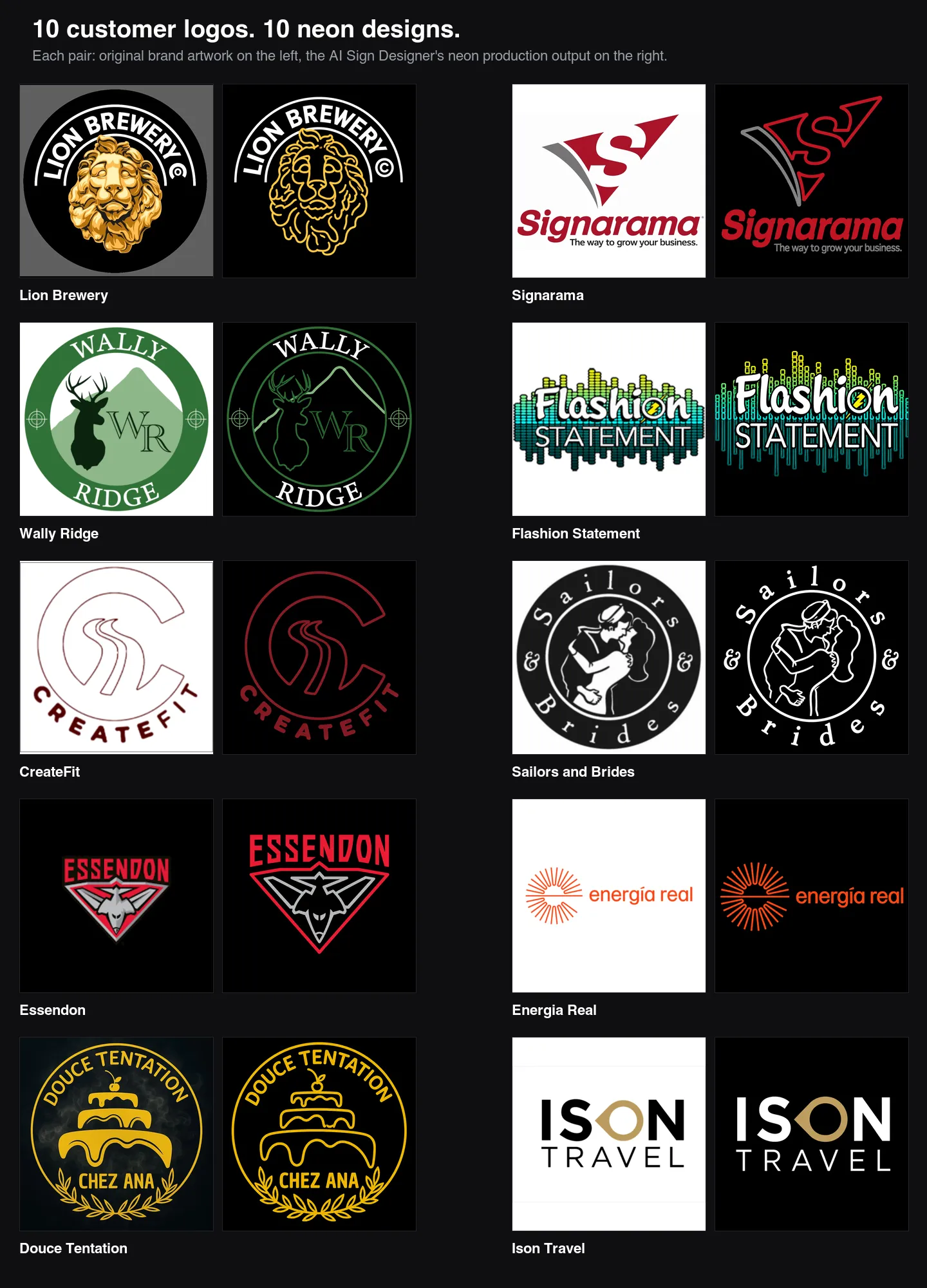
- Uploaded logosShapes in uploaded neon logos no longer show an extra thin line on their edge. The trim outline does not change. Filled shapes now glow from their fill, as neon text does. When the tubes are white with a coloured glow, the glow is also smaller. Uploaded logos with Flow tube colours look the same as before.
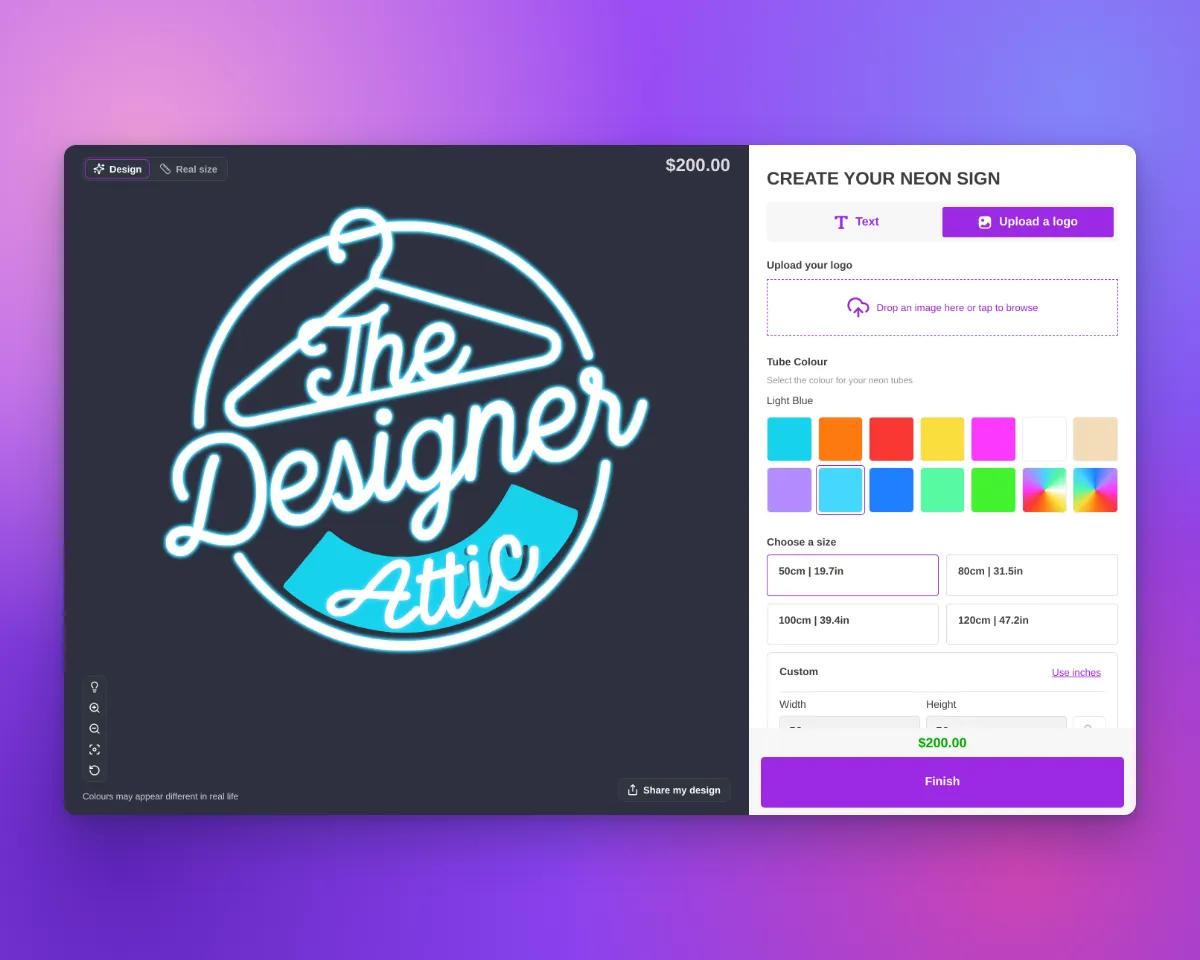
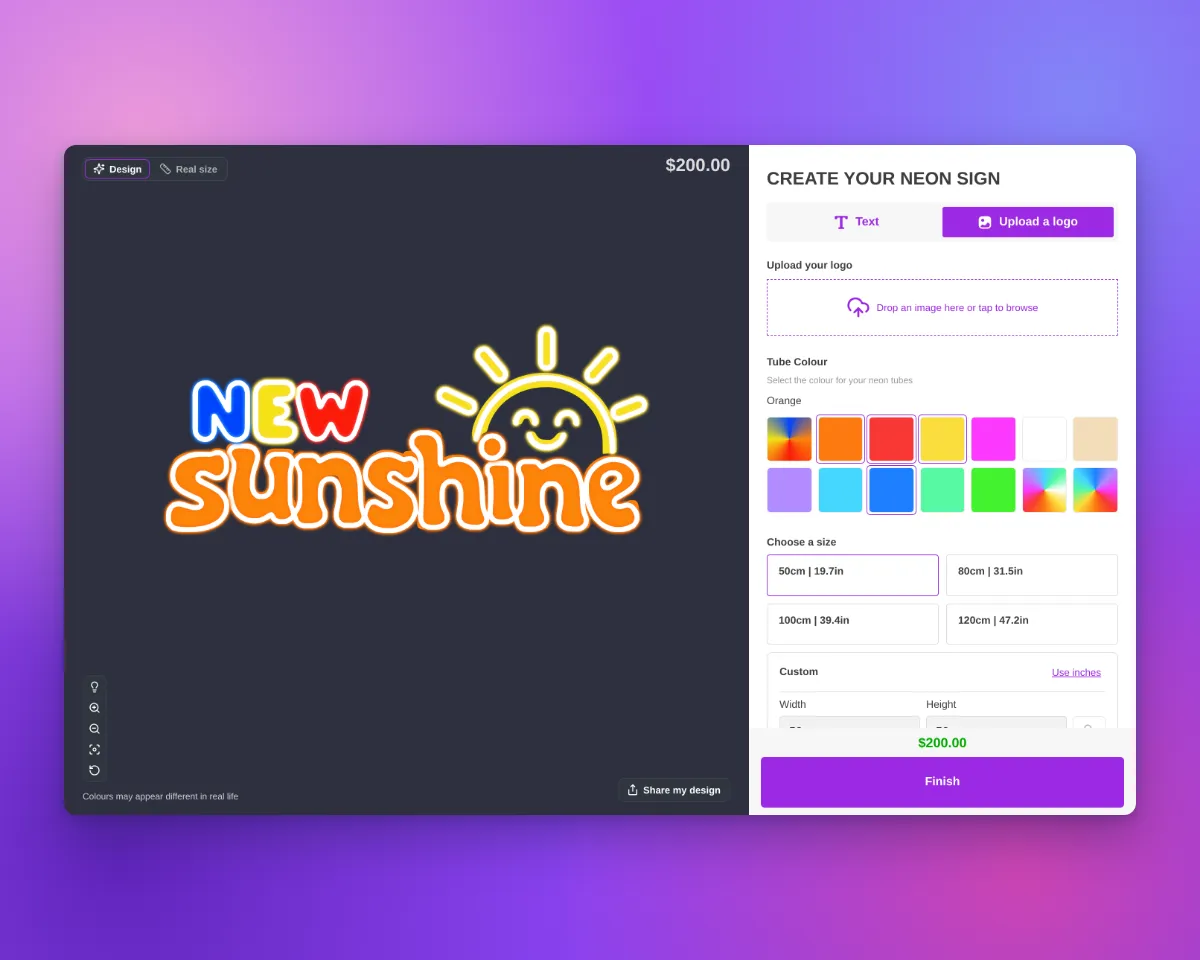
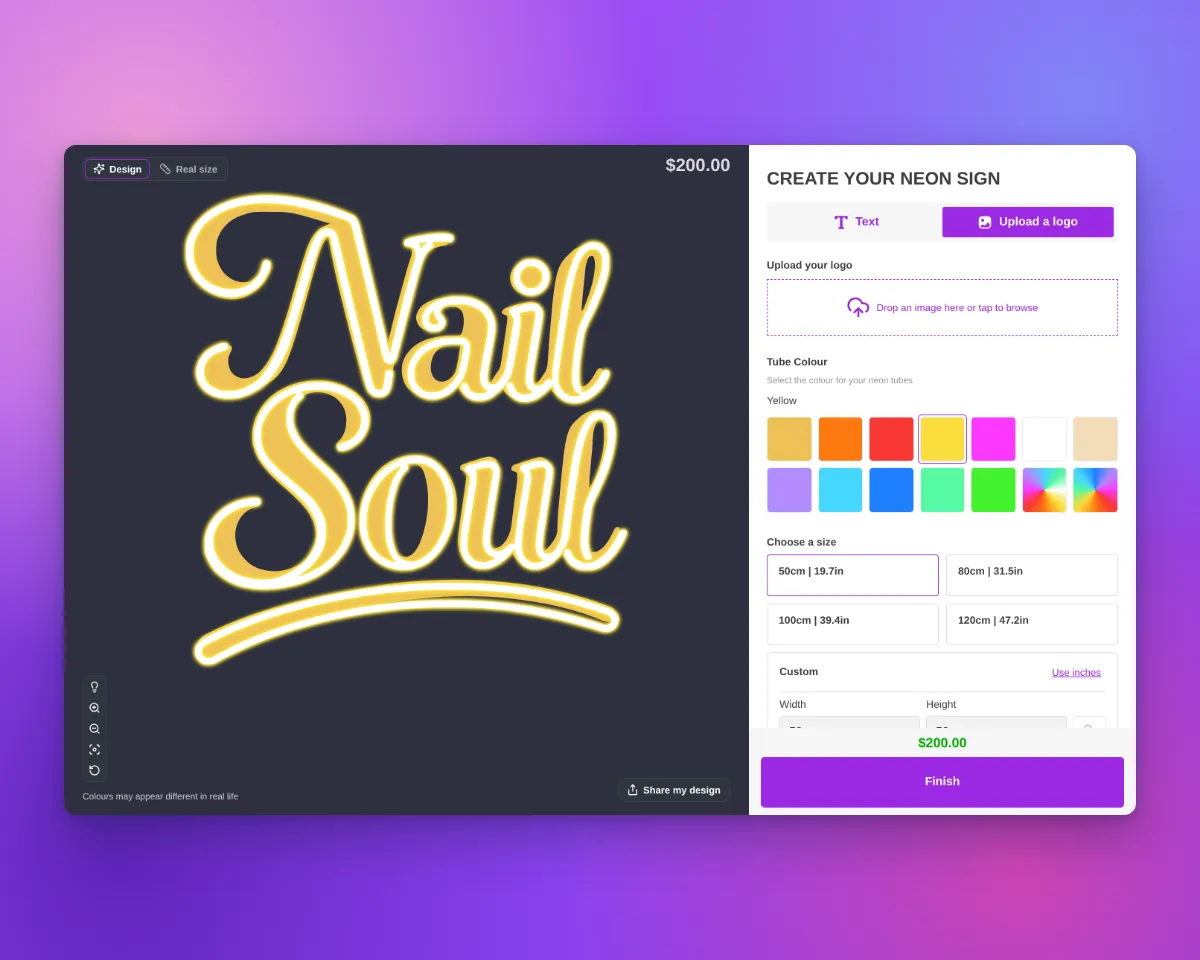
Designs that have a UV print
Before 1 October 2026, AI Sign Designer V2 added a UV print to some new neon designs. For a UV print, the selected product type had an active UV part with at least one UV colour or a custom image. The flat colours of the design then showed as a UV print under the tubes. These designs keep their UV print:
- Follows the product typeIf the customer selects a product type without UV print, the customiser hides the UV print. If they select a product type with UV print, the UV print shows again.
- File with the orderWhen the design in the cart shows a UV print, Sign Customiser saves a UV print file with the product. The file has the UV colours of the final design and uses the same frame as the sign SVG.
- Order emailThe default neon order email has a UV print artwork: line with a link to the file. If your customiser uses its own order email template, add the
uvPrintLinkvariable to it. - Product pageIn the Design Files section of the product, the file shows as UV print artwork.
- Hidden order propertyThe order line item has a hidden
_UV print artworkproperty with the link to the file. - AI Design FilesA delivered design with a UV print has a Download UV print artwork button. This file has the colours from the AI, not the colours from the customer.
- Sign SVGIf your customiser makes an SVG image of the sign, that file keeps the UV print and the tubes in separate groups. The tubes show in their tube colours.