
Lightbox Mounting Visualizations
We’ve added new mounting visualisation options for lightbox signs, making it easier for customers to see exactly how their finished sign will look with hardware attached. These realistic previews help reduce uncertainty and boost buyer confidence.
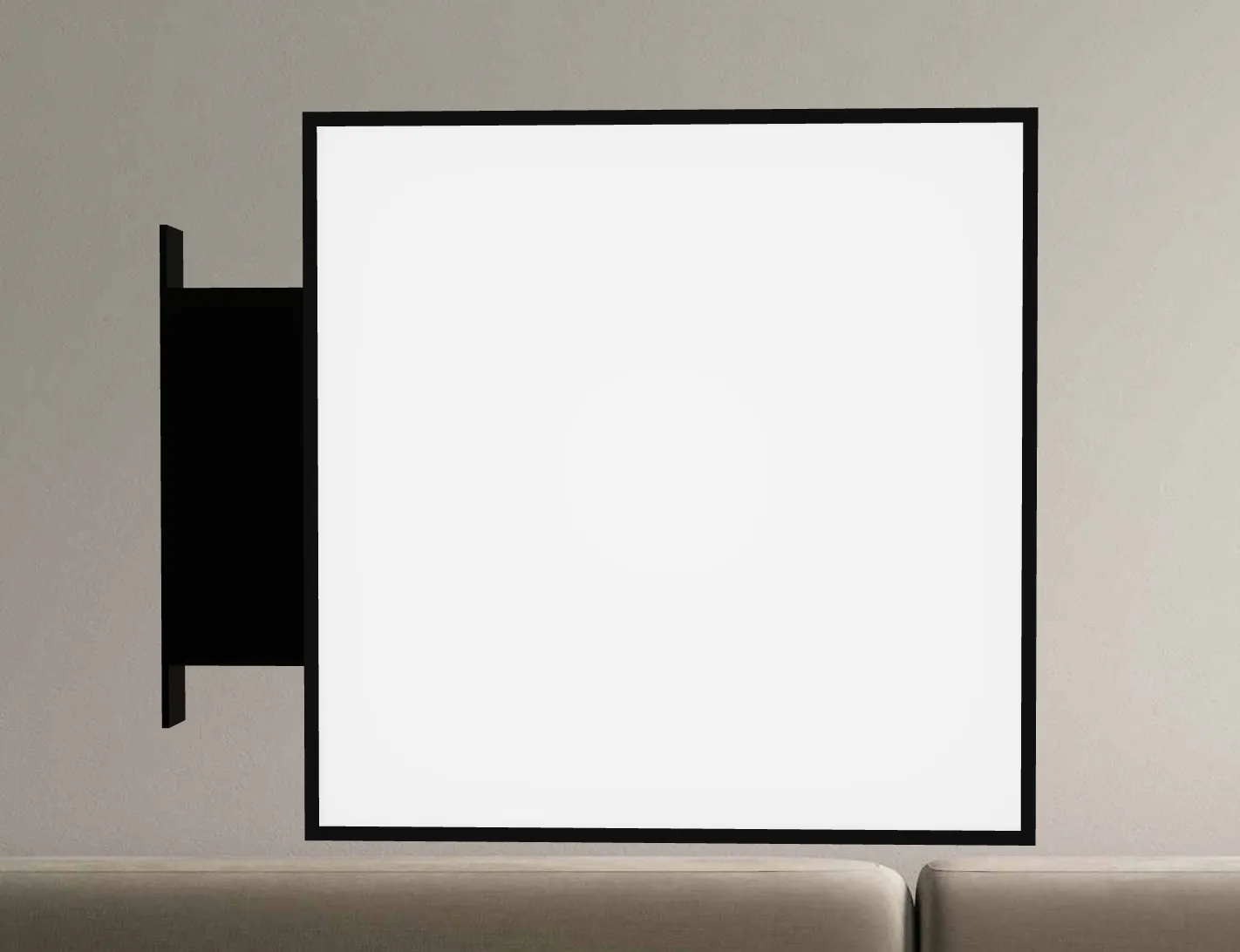
Single Column Mounting Kit
The single column mounting kit displays a sleek, vertical mounting post attached to your lightbox sign. This mounting style is ideal for wall-mounted installations where a clean, minimal aesthetic is desired.
Customers can position the column on any side of the lightbox—top, bottom, left, or right—giving them flexibility to match their installation requirements.
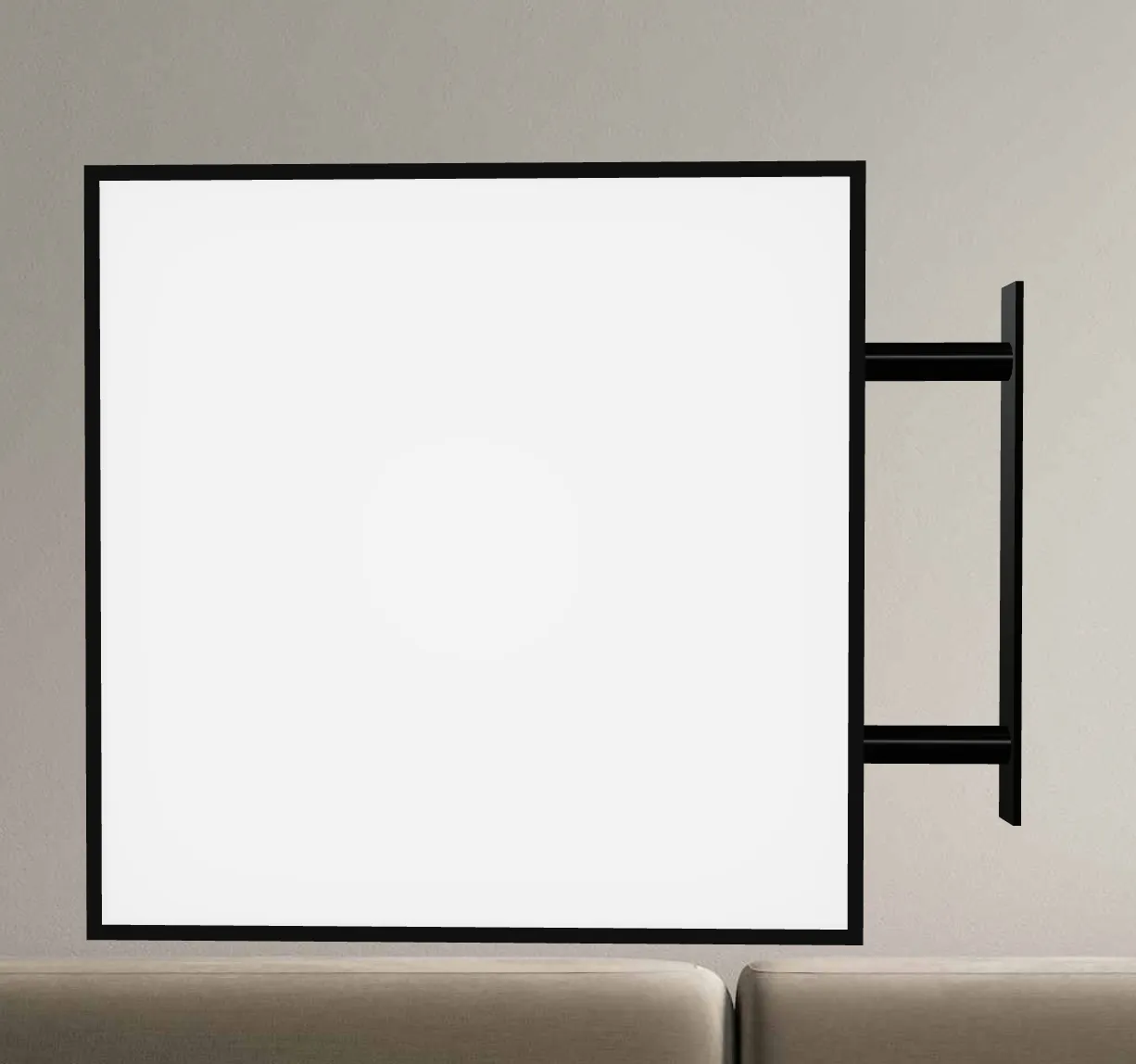
Two-Prong Mounting Kit
The two-prong mounting kit visualises a pair of mounting brackets that provide additional stability and a balanced look. This option is perfect for larger lightbox signs or installations where extra support is needed.
Like the single column option, the two-prong kit can be positioned on any side of the sign, allowing customers to preview the exact configuration they need for their space.
How to Enable
Learn how to enable mounting visualisations on the lightbox
Improved Image Upload Experience
We’ve enhanced the user experience when customers upload images to be displayed on their lightbox signs.
Auto-Scroll to Lightbox
When a customer uploads an image to be shown on the lightbox, the 3D viewer now automatically scrolls into view and focuses on the side where the image was applied. This ensures customers can immediately see their uploaded image displayed on the sign without needing to manually navigate or rotate the preview.
Disable Auto-Scroll Animation
For merchants who prefer a more static experience, or for customers who find the automatic scrolling distracting, you can now disable the auto-scroll animation. This will keep the rotating animation paused on initial load.
