
Linking to an External Page for Custom Designs
Last updated:
Instead of embedding a custom form within the customiser, you can add a link to an external page. This link will be placed at the top of the selections column in your customiser.
How to Add a Link to an External Page in Your Customiser
-
Go to the Sign Customiser Admin:
-
Universal subscribers: Go to Home in your account.
-
Shopify users: Navigate to Shopify admin → Apps → Sign Customiser.
-
-
Click on Customisers in the menu.
-
Select the customiser you want to edit.
-
In the left-hand menu, go to Custom Design.
-
In the Choose how you would like to handle custom designs on the customiser section, select Add a link to an external page.
-
A Link to external page section will appear. Enter the URL in the URL of external page field.
-
(Optional) Customise the link text in the Phrase for URL to external page field.
-
Choose a Display Type:
-
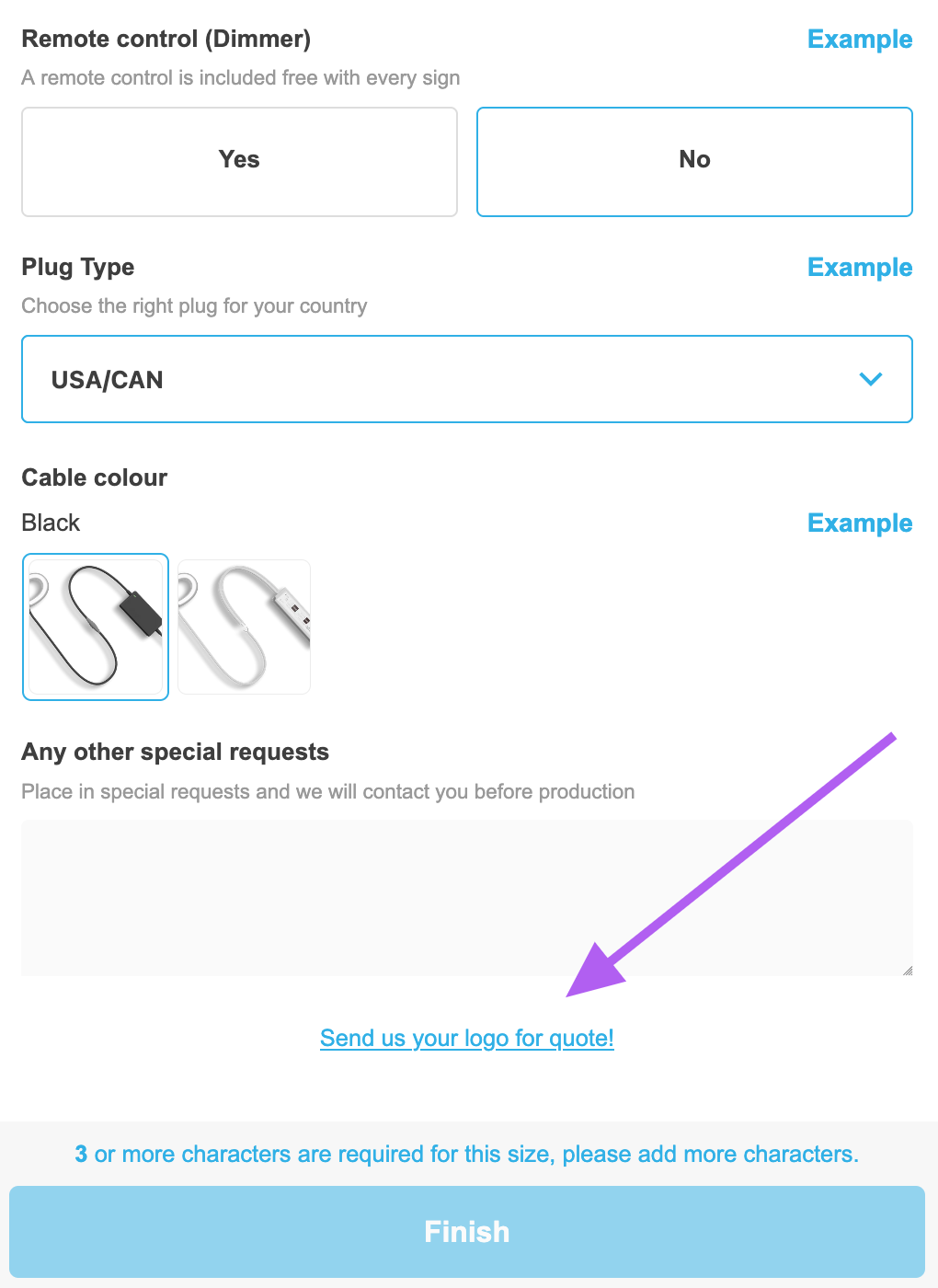
Link Only – A simple link placed at the top of the selections column. (On mobile, this appears after the selections) Desktop view:
Mobile view:
-
Custom Design Screen with Additional Instructions – This displays an additional screen before redirecting customers to the external page. Follow our Custom Design Screen: Add Additional Information to Your Forms guide for further instructions.
-