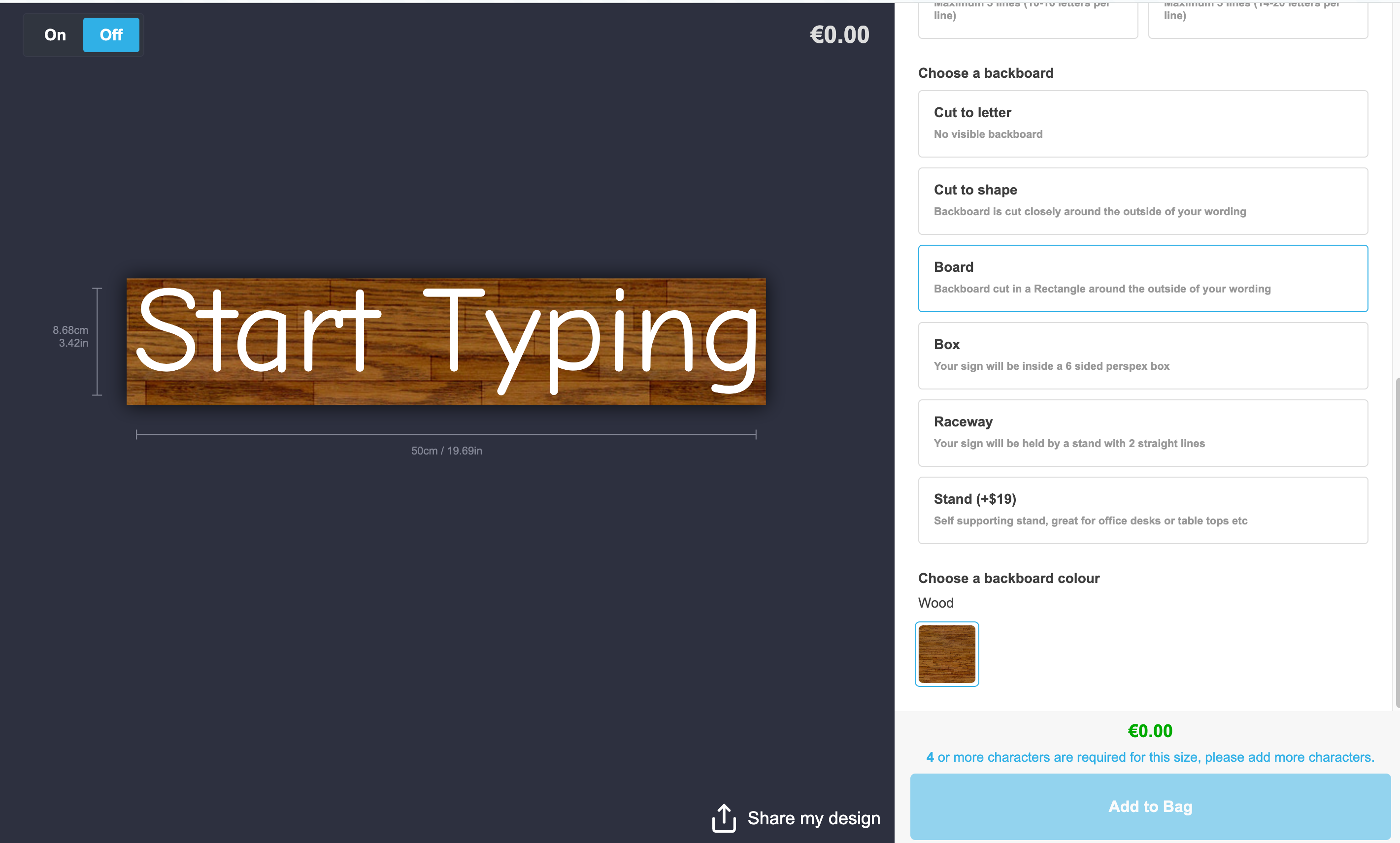
Backboard Colours, Images, Textures & Materials
Last updated:
You can create different backboard textures each with their own images and assign them to multiple backboards. This feature allows you to give your backboards the appearance of things like wood, metal, and more.
How to create a backboard texture
For the best results, upload an image that is 1024x1024 pixels.
-
Navigate to the admin of Sign Customiser for your store.
-
Click on the “Customisers” menu item in the home screen.
-
Click on the customiser you wish to edit.
-
From the left-hand menu, go to Sign Components → Backboards (the backboard colours and materials are now managed from this single page).
-
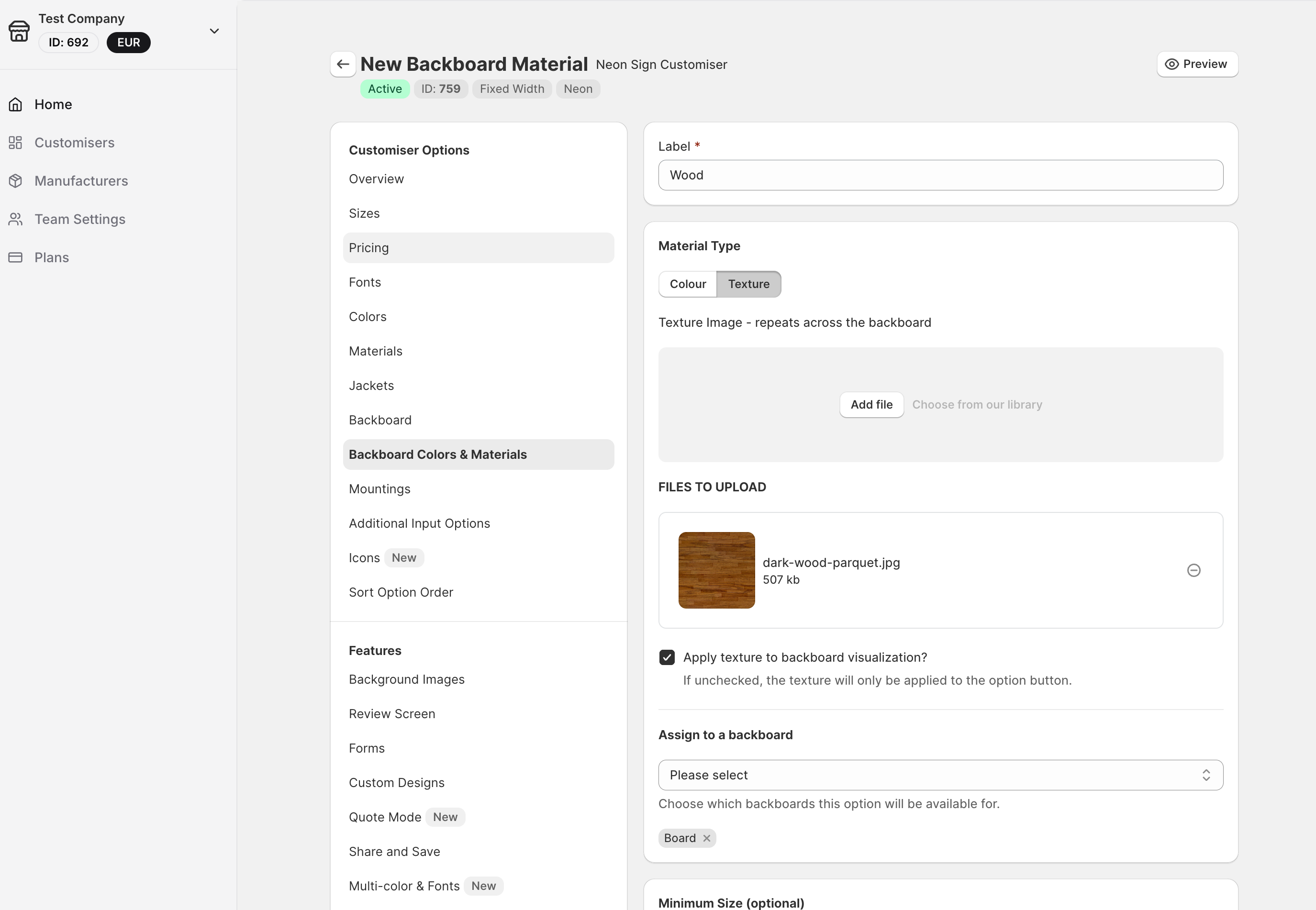
You can either create a new material or select an existing on from the list.
-
Select the “Texture” button inside the backboard material form.
-
Upload your image or choose one from our library.
Now when you view your customiser on your store you will see the material as an option for the backboards you assigned it to.