Install Sign Customiser in a Shopify theme without app blocks
Use this guide when a Shopify Online Store theme serves the page, but the Liquid template cannot accept a Sign Customiser app block.
Last updated:
Use this guide when a page cannot accept a Sign Customiser app block. A Shopify Online Store theme must serve the page.
This setup needs a page where Shopify renders Liquid.
Do not use this guide for a headless storefront. A headless storefront runs outside Shopify’s Online Store theme. Start with Choose how to install Sign Customiser on Shopify if you are not sure.
If Add section > Apps contains Sign Customiser, use the Install Sign Customiser in a Shopify theme with an app block.
Before you start
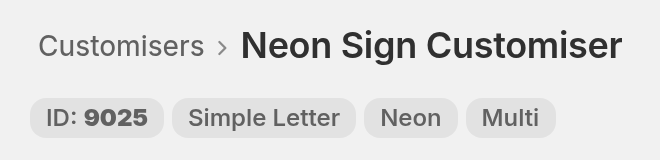
Get the ID of the customiser that you want to show. See Find your Sign Customiser ID. The ID is in the customiser header, under the customiser name. In this example, it is ID: 9025.
You must also have the Shopify Edit code permission.
Recommended method: add the iframe wrapper to Liquid
This method keeps the customiser separate from the theme’s CSS and JavaScript. It also connects the generated product to the Shopify cart.
Step 1: Open the theme code
-
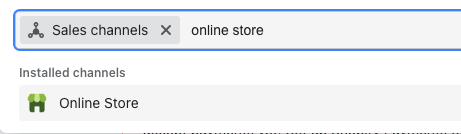
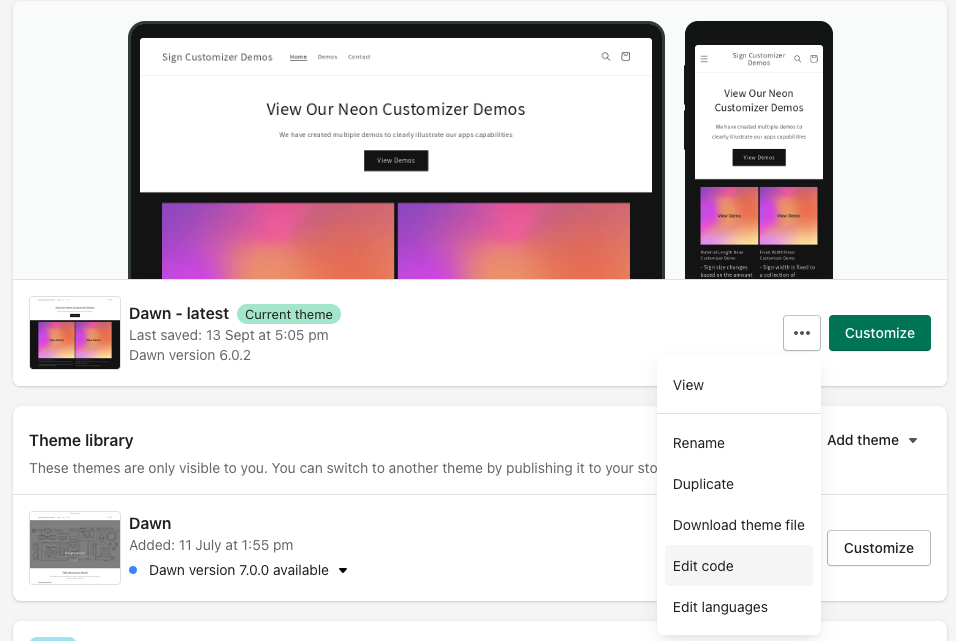
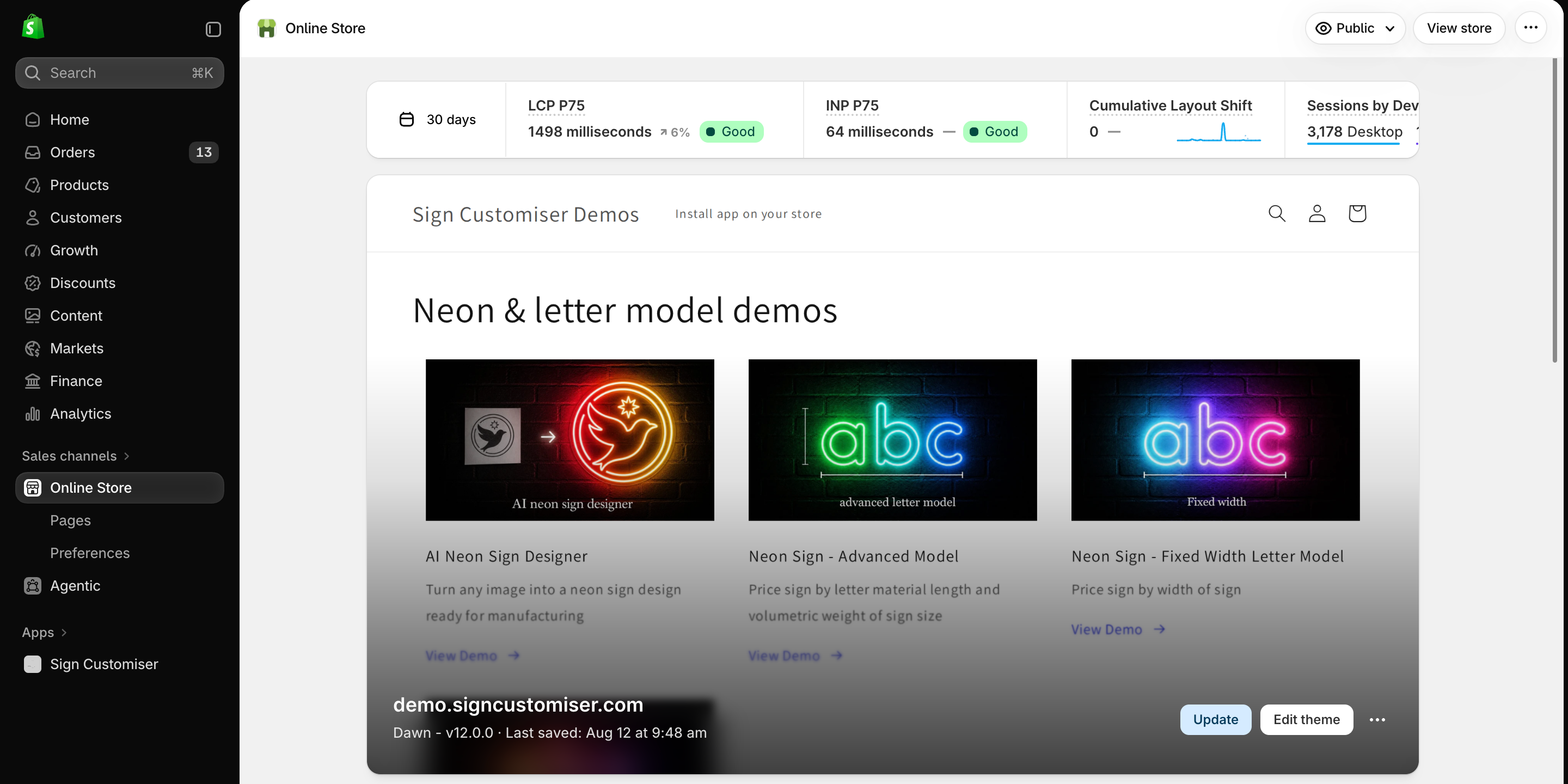
In Shopify admin, go to Online Store > Themes.
-
Find the theme that you want to edit.
-
Select the horizontal menu icon (…), then select Edit code.
Step 2: Open the correct Liquid file
Open the template or section that shows the customiser.
-
For a
.liquidtemplate, add the code to that template. -
For a
.jsontemplate, open the Liquid section file that the template uses. -
For a page builder, add the code only where Shopify processes Liquid.
The code contains Shopify Liquid values. Do not paste it into a plain HTML field.
Step 3: Add the customiser
Paste this code where you want the customiser to appear:
<script src="https://integrations.signcustomiser.com/sign-customiser-embed.js" defer></script><sign-customiser-embed customiser-id="123" shop="{{ shop.permanent_domain }}" driver="shopify" currency-format="{{ shop.money_format }}" currency-code="{{ shop.currency }}" shopify-market-id="{{ localization.market.id }}" shopify-market-handle="{{ localization.market.handle }}" initial-screen="VISUALISER" frame-height="100" height-reduction="0" height-reduction-mobile="0" price-box-options="bottom"></sign-customiser-embed>Replace 123 with your customiser ID. Do not change the other values. The values in double braces are Shopify Liquid objects. For example, shop.permanent_domain is the .myshopify.com domain of your store.
You do not need to enable Sign Customiser - Embed under App embeds for this method. The code loads the integration script directly.
Step 4: Save and test the page
-
Select Save.
-
Open the storefront page.
-
Confirm that the customiser shows a price.
-
Complete a test design.
-
Add the design to the Shopify cart.
-
Confirm that the cart contains the design details.
Adjust the iframe height
The default iframe uses the full viewport height.
Use frame-height to set the iframe height as a percentage of the viewport height. Enter a number from 1 to 100.
Use height-reduction when a fixed desktop header covers the customiser. Enter the header height in pixels.
Use height-reduction-mobile for the mobile header height.
For example:
frame-height="100"height-reduction="80"height-reduction-mobile="64"The price-box-options value can be bottom, top, or hidden.
Shopify Markets
Keep these attributes in the embed code if the store uses Shopify Markets:
shopify-market-id="{{ localization.market.id }}"shopify-market-handle="{{ localization.market.handle }}"The localization.market Liquid object is the market that applies to the shopper’s country. See Enable Shopify markets on your store.
Existing Theme App Embed installations
The video below is titled “Install Sign Customiser on Shopify using App Embed”. For a new installation, use the recommended iframe wrapper.
Use the older method only for an existing direct embed, or when Sign Customiser support tells you to.
An existing direct embed uses this element in a Shopify Liquid template:
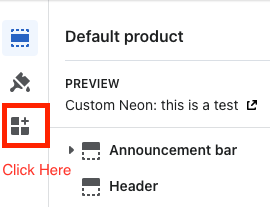
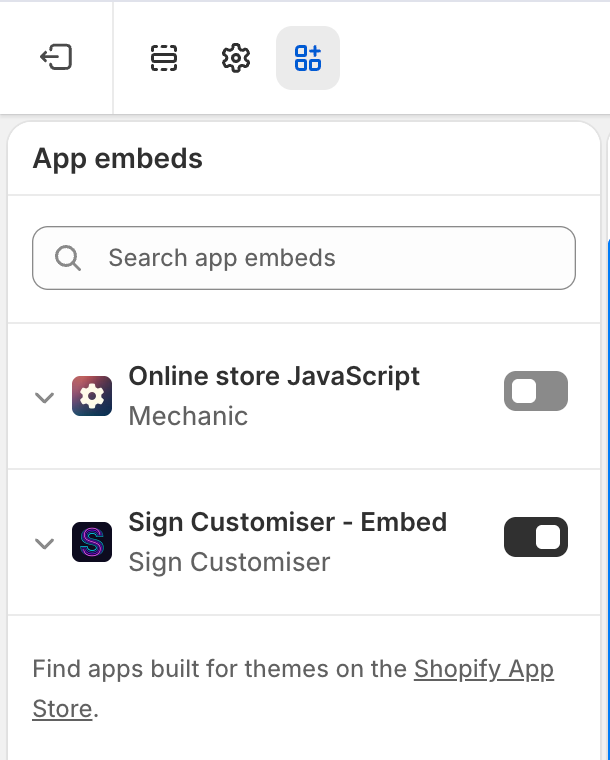
<div id="neon-customiser-app" data-customiserid="YOUR_CUSTOMISER_ID"></div>It also needs Sign Customiser - Embed enabled under App embeds in the Shopify theme editor, unless the page already includes a Sign Customiser app block with Use iframe (experimental) turned off.
To open the theme editor, go to Online Store > Themes. Then select Edit theme.
Previous Shopify editor reference
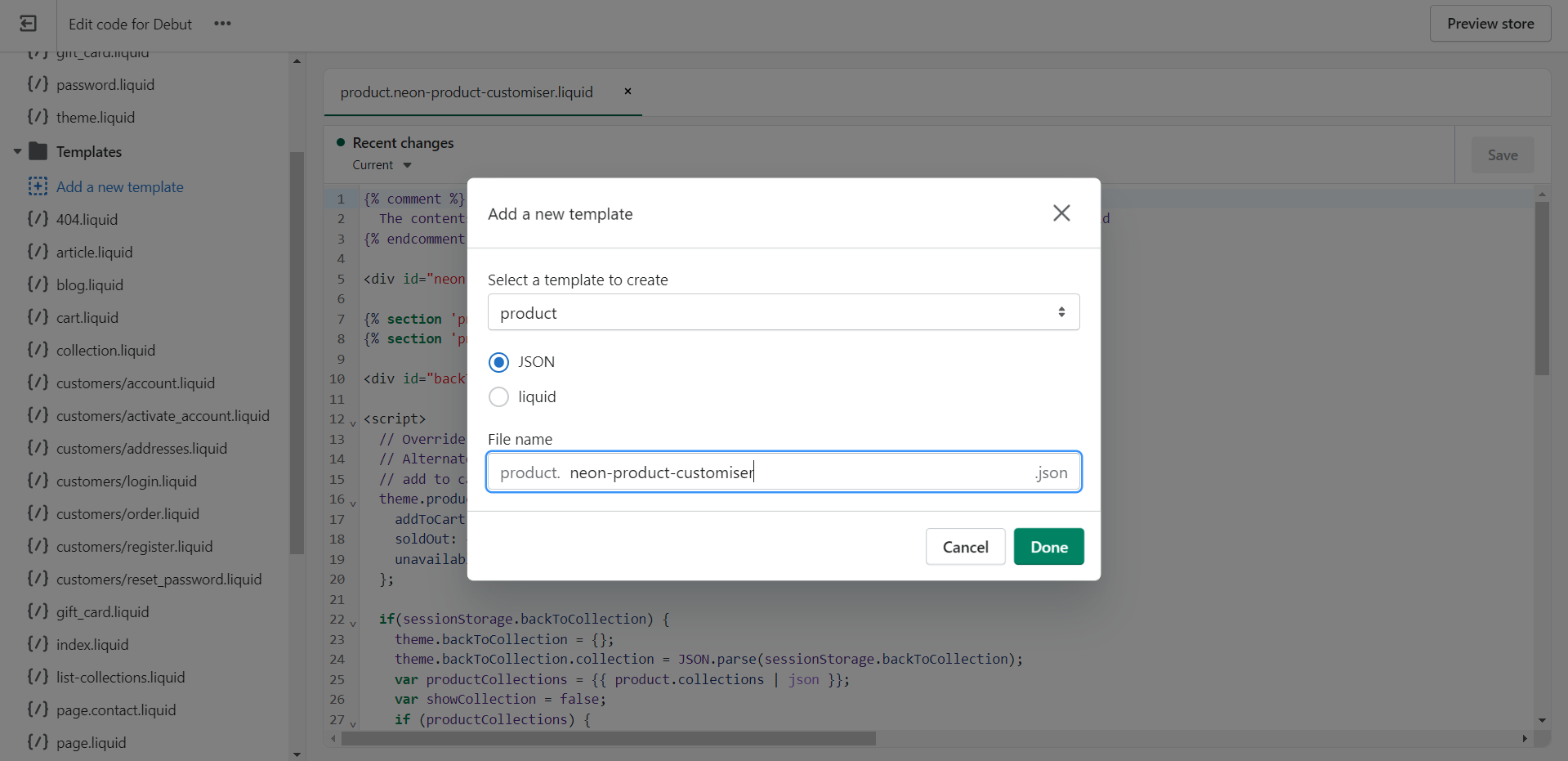
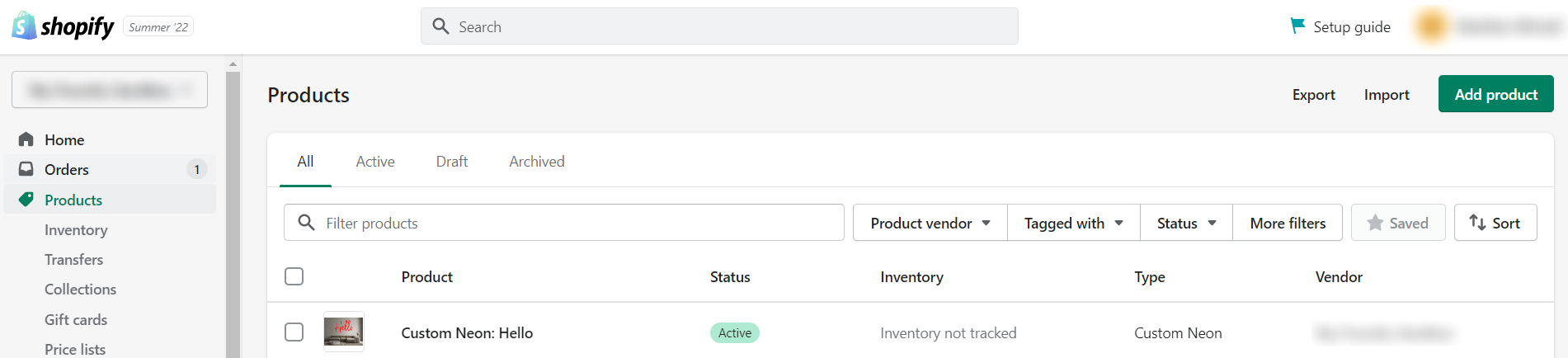
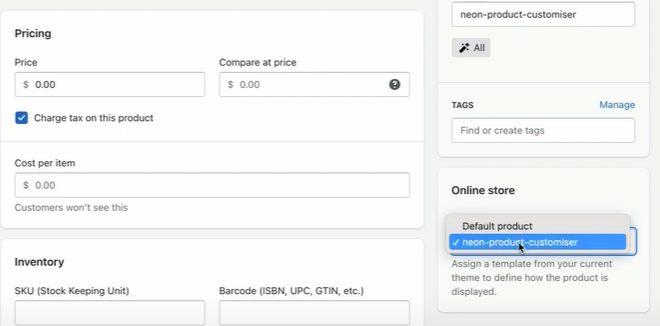
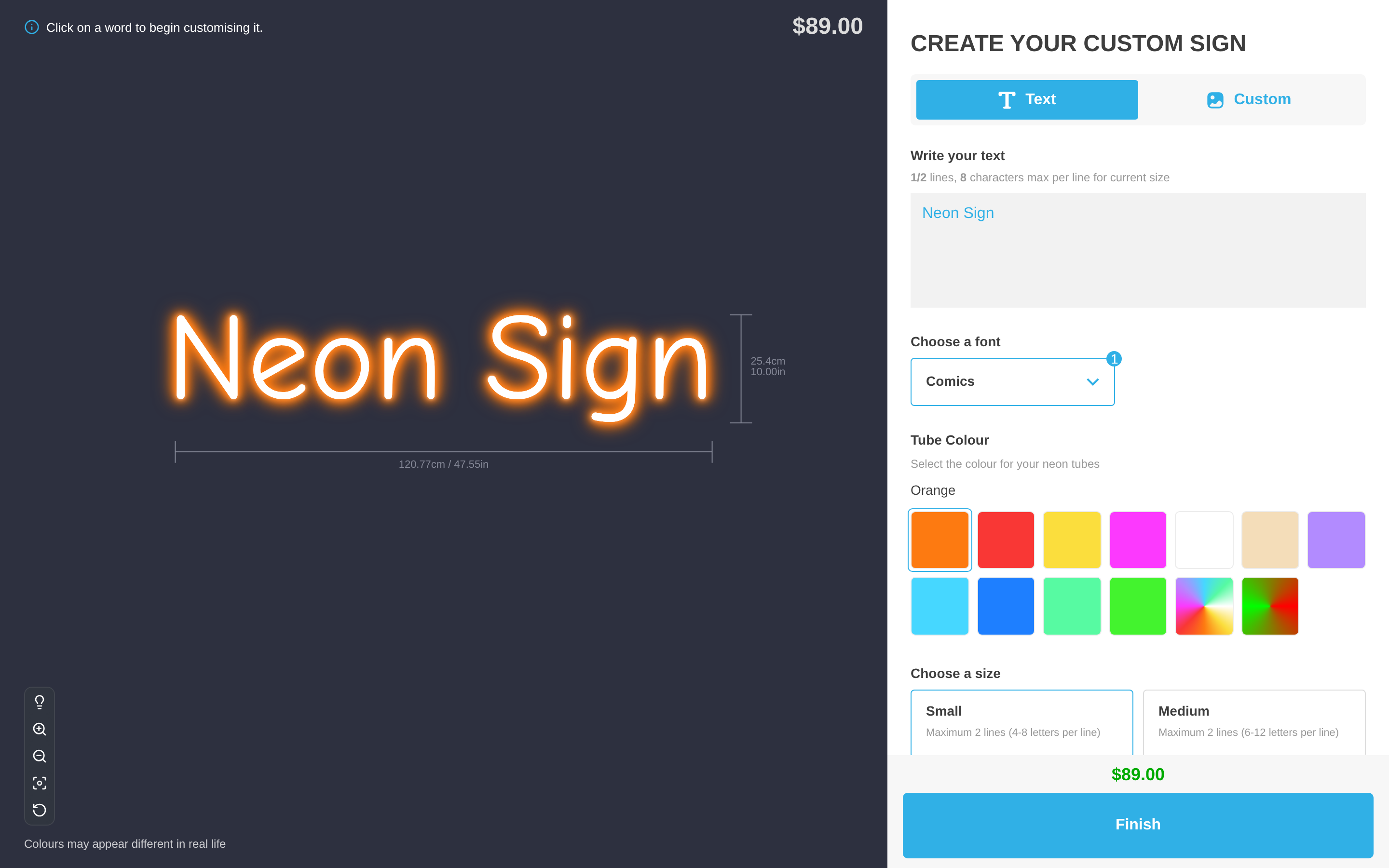
These images remain here for existing installations.
Follow the current text above when a screenshot contains a different label.