

Change Shopify Sale Channel for Products
Last updated:
Use the Publication field in your Shopify integration. It sets the publication for new sign products. The sign customiser publishes each new product to this publication.
The setting applies only to products that the sign customiser creates after you click Update. Products that already exist keep their current publication. This change does not move them.
-
In Shopify Admin, open the Sign Customiser app.
-
On the Home page, in the Menu card, click Tools & Settings.
-
Click Integrations and Webhooks.
-
On the Shopify card, click View Details.
-
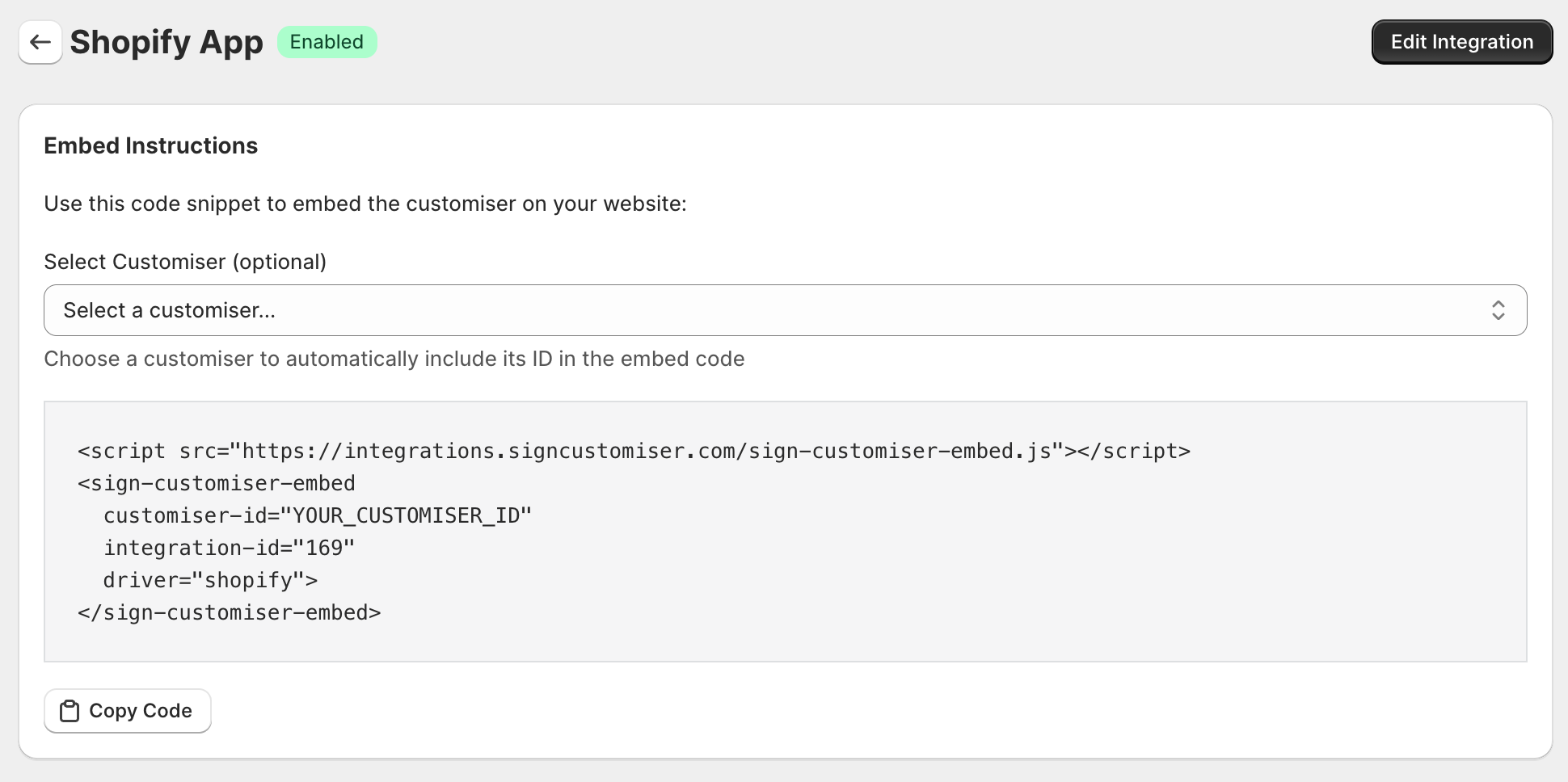
In the top right corner, click Edit Integration.
-
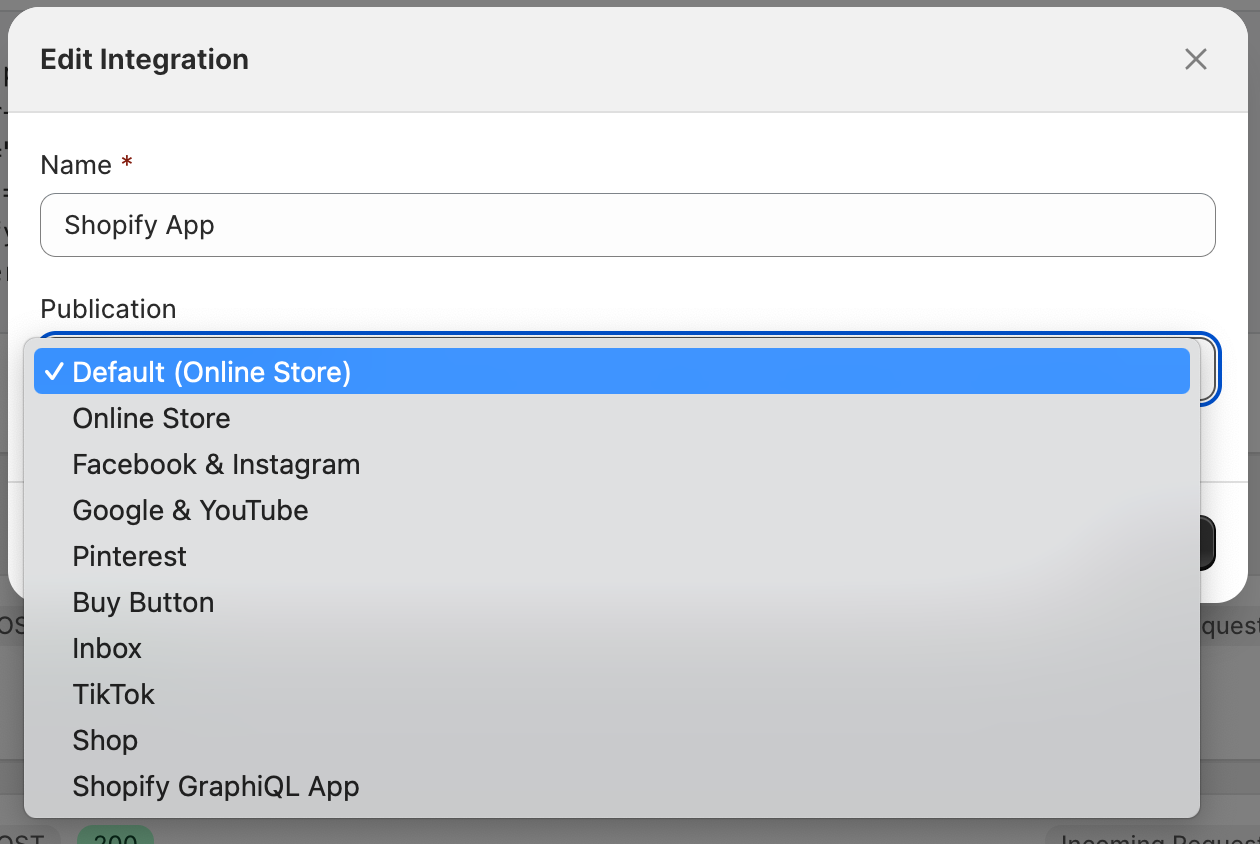
In the Publication field, select a publication. If you select Default (Online Store), the sign customiser publishes new products to the Online Store publication.
-
Click Update.