

Set the Custom Design Form as the Initial Screen
Last updated:
You can show a Custom Design Form as the initial screen of your customiser. The form then replaces the default sign visualiser.
Before You Start
The initial screen setting does nothing if the customiser has no form of type Custom designs. Create and embed the form first.
-
Open the Sign Customiser admin.
-
Universal: sign in at web.signcustomiser.com.
-
Shopify: open the app that you installed from the Shopify App Store.
-
-
Click Customisers and select your customiser.
-
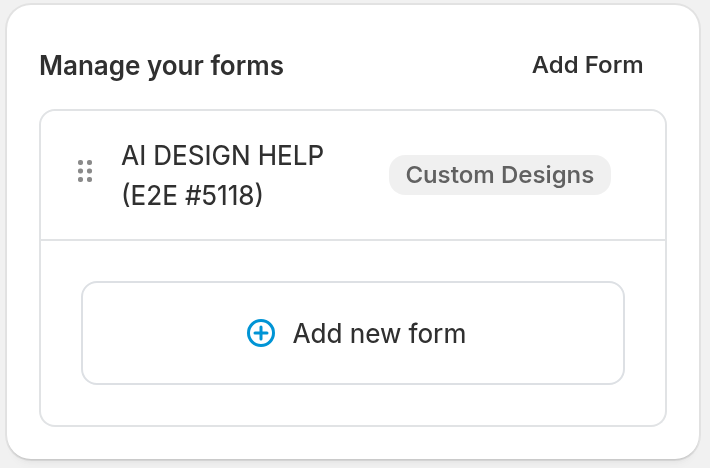
Under Features, click Forms.
-
Click Add Form.
-
Set Form Quote Type to Custom designs.
-
Enter a Label. This field is required.
-
Click Save.
For more about Custom Design Forms, read Custom Design Forms.
Now embed the form in the customiser:
-
Under Core Setup, click Custom designs, then click Upload form.
-
Turn on the Upload form switch. The switch saves this change immediately.
- Only one way to get custom designs can be on. If AI Sign Designer or Link to a page is on, a dialog opens. Click Switch to Upload form. The other way then turns off.
-
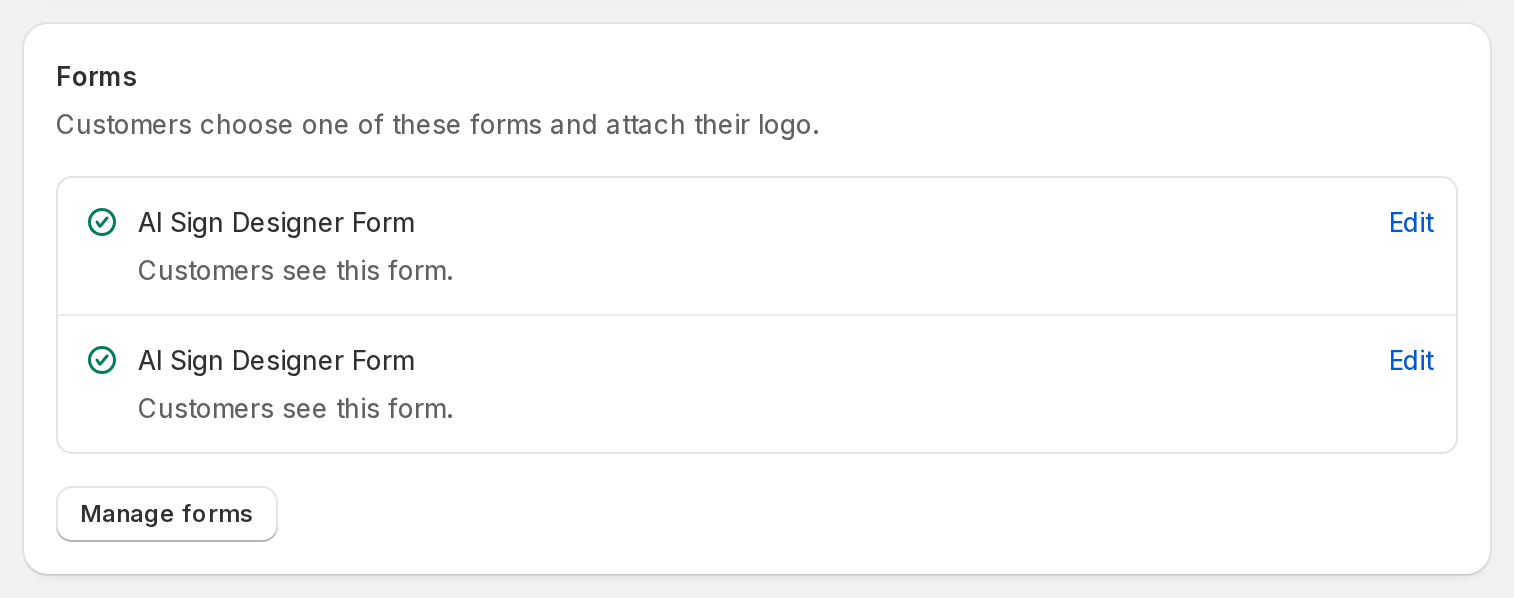
In the Forms card, make sure that your form shows “Customers see this form.” While Upload form is off, the row shows “Customers will see this form.” A form shows one of these texts when its type is Custom designs and it has at least one field.
How to Enable in Shopify
-
Log in to your Shopify Admin.
-
Go to Online Store → Themes.
-
Find your active theme and open its theme editor.
-
In the theme editor, use the template menu at the top to select the product or page template that includes your customiser.
-
Click the Sign Customiser app block. The Sign Customiser - Embed app embed and the Sign Customiser Modal app block have the same Initial Screen setting.
-
In the Initial Screen dropdown, select Custom Design.
How to Enable in the Universal App
For Universal subscribers, change your iframe code to set the Custom Design Form as the initial screen. Add the initial_screen=CUSTOM_DESIGN query parameter to your URL. For more about iframe embeds, read Embed the customiser on any website.
Note: Replace "YOUR_CUSTOMISER_ID" with your customiser ID.
Example:
Before:
<iframe src="https://web.signcustomiser.com/embed/YOUR_CUSTOMISER_ID"></iframe>After:
<iframe src="https://web.signcustomiser.com/embed/YOUR_CUSTOMISER_ID?initial_screen=CUSTOM_DESIGN"></iframe>