

Translate cart and order details
Understand which translated labels reach products, carts, orders and fulfilment, and why later edits do not rewrite old orders.
Last updated:
When Sign Customiser creates a product, it freezes the shopper’s language and supported shopper-visible labels for that product. This keeps the cart, order and production handoff tied to what the shopper reviewed.
Where translated wording can appear
Supported labels can appear in the product description, order email, webhooks and exports. The sign text and size in the production handoff come from canonical product fields. Extra option rows in the order email show the labels and values that the shopper saw, so they can contain translated wording.
Later translation edits do not rewrite existing items. Products already created, carts that hold an item, and historical orders keep the wording captured when the product was created.
Product title is separate
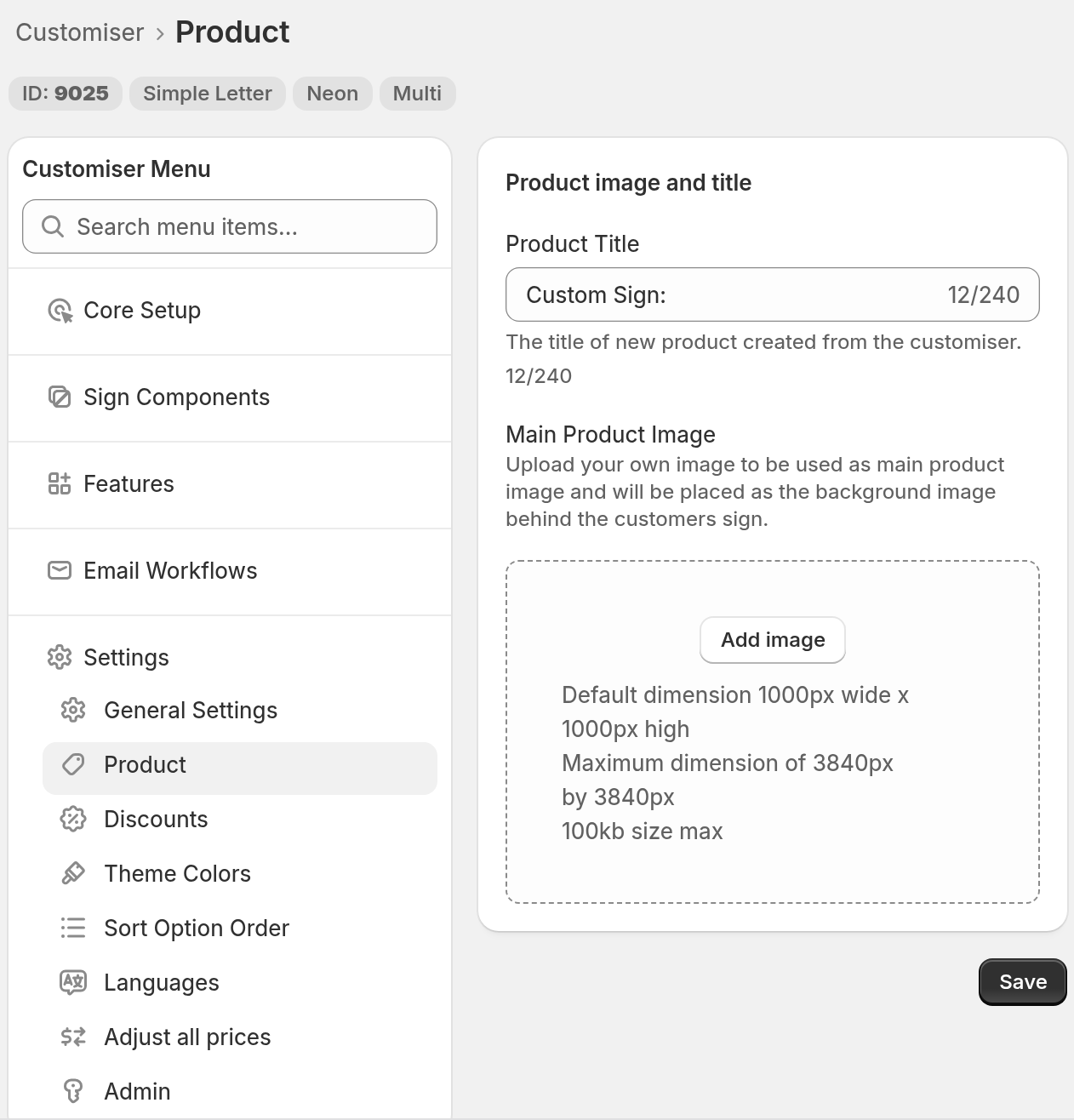
The Shopify product title always comes from the default language. Set it in the Product Title field. Go to Customisers -> [customiser] -> Settings -> Product. Sign Customiser adds the start of the shopper’s text after the title.
Each language also has a Product title row in General labels. To find it, go to Customisers -> [customiser] -> Settings -> Languages. Select Edit on the language card. Fill this row before you publish the language. A translated value in this row does not change the Shopify product title. Only the default language value is used.
The Product title (neon) row must also be filled before you publish. Sign Customiser does not use this row to set the Shopify product title.
You can translate the supported internal product and order labels in the Languages editor. If a language shows Translate with AI, you can select it to create a first draft that you review and accept. You do not need an external translation app for these labels. Sign Customiser does not translate theme or page content. Use your Store’s translation tools for that.
Test the handoff
-
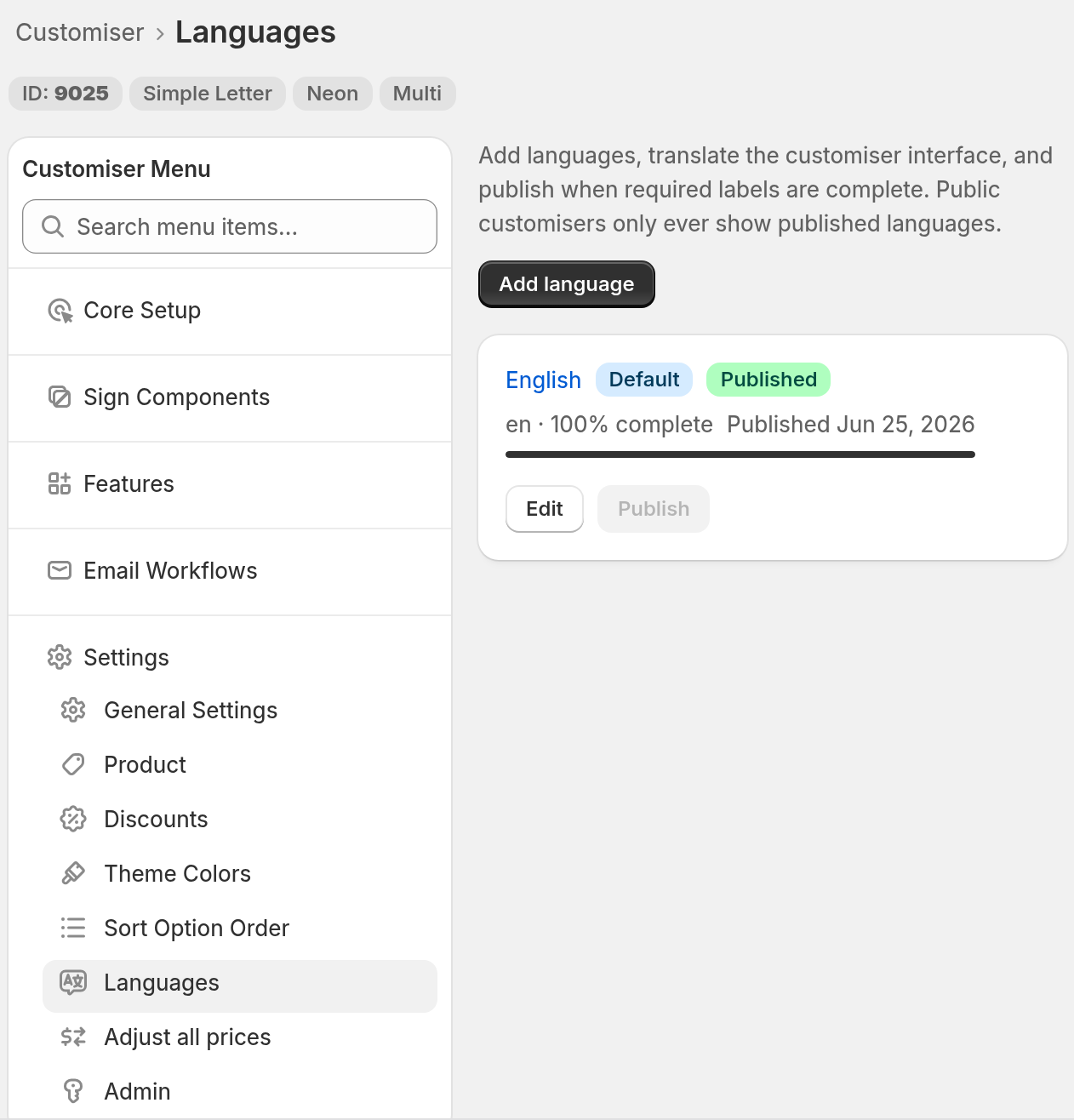
Go to Customisers -> [customiser] -> Settings -> Languages. Select Publish for the target language.
-
Open the live Store or Universal integration in that non-default language.
-
A Store follows the storefront language. A theme block can override this with its Language code override.
-
A Universal link can include
language_code=<code>in the URL. -
Sign Customiser uses only a published language. If the language code in the link or the block is not published, the customiser shows the default language.
-
For more information, see Choose the customiser language on Shopify and Universal.
-
-
Create a test design and add it to the cart.
-
Check the shopper-visible option headings and values in the cart.
-
Complete a test order or inspect the test output used by your production workflow.
Set review-screen wording under Features -> Review Screen. Translate it under Settings -> Languages. See Translate the review screen.