
Additional Options
Last updated:
You can use our “additional options” feature to provide your customers with greater flexibility in product options. This is a great way to include options for geographic power supplies, delivery dates, additional notes to speed up the manufacturing process, and any other options that you can think of.
In the admin, this section is now called Additional Input Options and lives under Sign Components in the customiser sidebar.
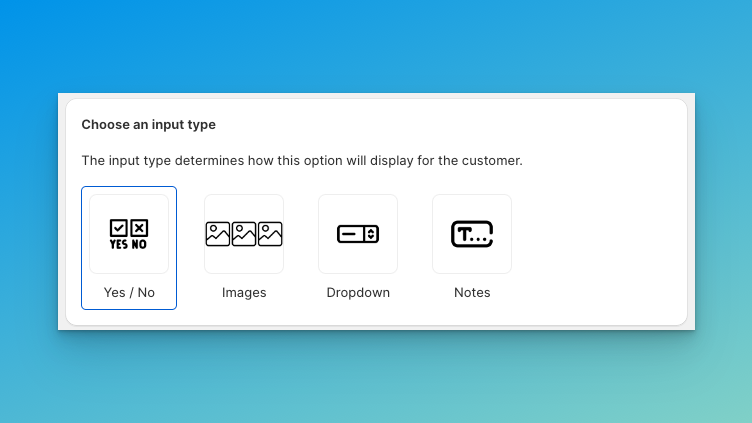
Additional options include four unique input types; below is a breakdown of each input type and its capabilities:
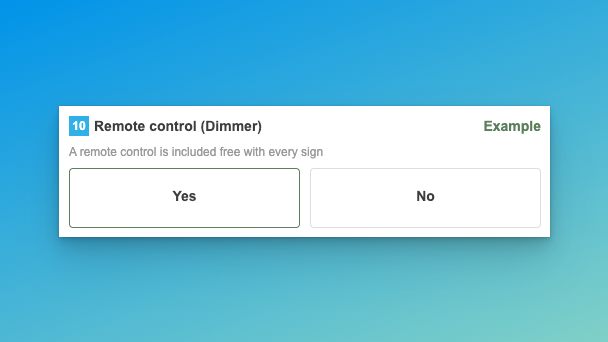
Yes / No
Two-button, side-by-side display. Each option can control the price and exclude certain colour options.
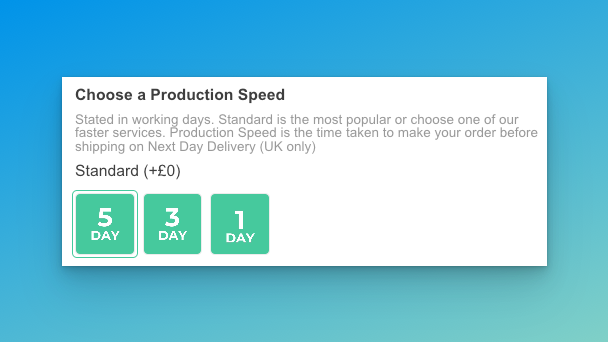
Images
A row of image button, great for showcasing each option visually to your customers, each option can control the price.
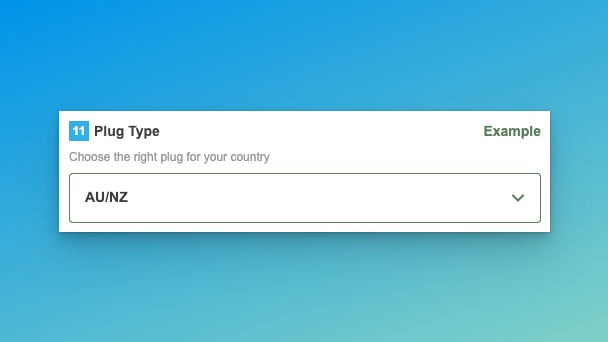
Dropdown
Displays as a traditional dropdown input, best for options with three or more choices, e.g. power supplies.
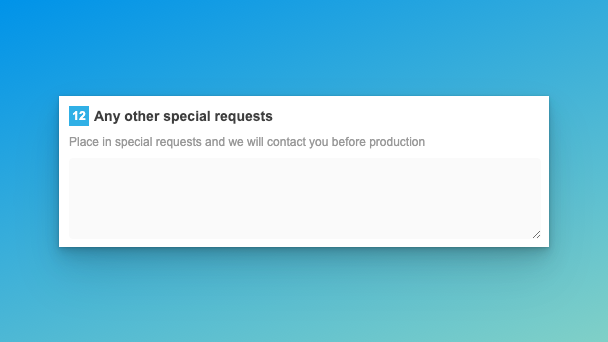
Notes
Displays as a text field and allows the customer to enter a description that will be included in the product data.
How to add or edit additional options.
-
Go to the admin of Sign Customiser on your store.
-
Click on Customisers in the home menu.
-
Click on the customiser you wish to edit.
-
From the left-hand menu, go to Sign Components → Additional Input Options.
-
Click on Add new additional option to create a new one, or click an existing option in the list on this page.
-
You can then select the input type.
-
The available functionality differs for each input type — make the necessary adjustments.
-
Hit Save.