

Restrict mounting options
Last updated:
You can stop customers from finishing a sign with a mounting that does not fit their colour or backboard. When a customer chooses an excluded mounting, a message tells them that the mounting is not available. The customer cannot finish the sign until the mounting fits both the colour and the backboard. To do this, the customer chooses a different mounting, or changes the colour or backboard that the mounting excludes.
Do these steps:
-
Open the Sign Customiser admin for your Store.
-
Click Customisers.
-
Click the customiser that you want to change.
-
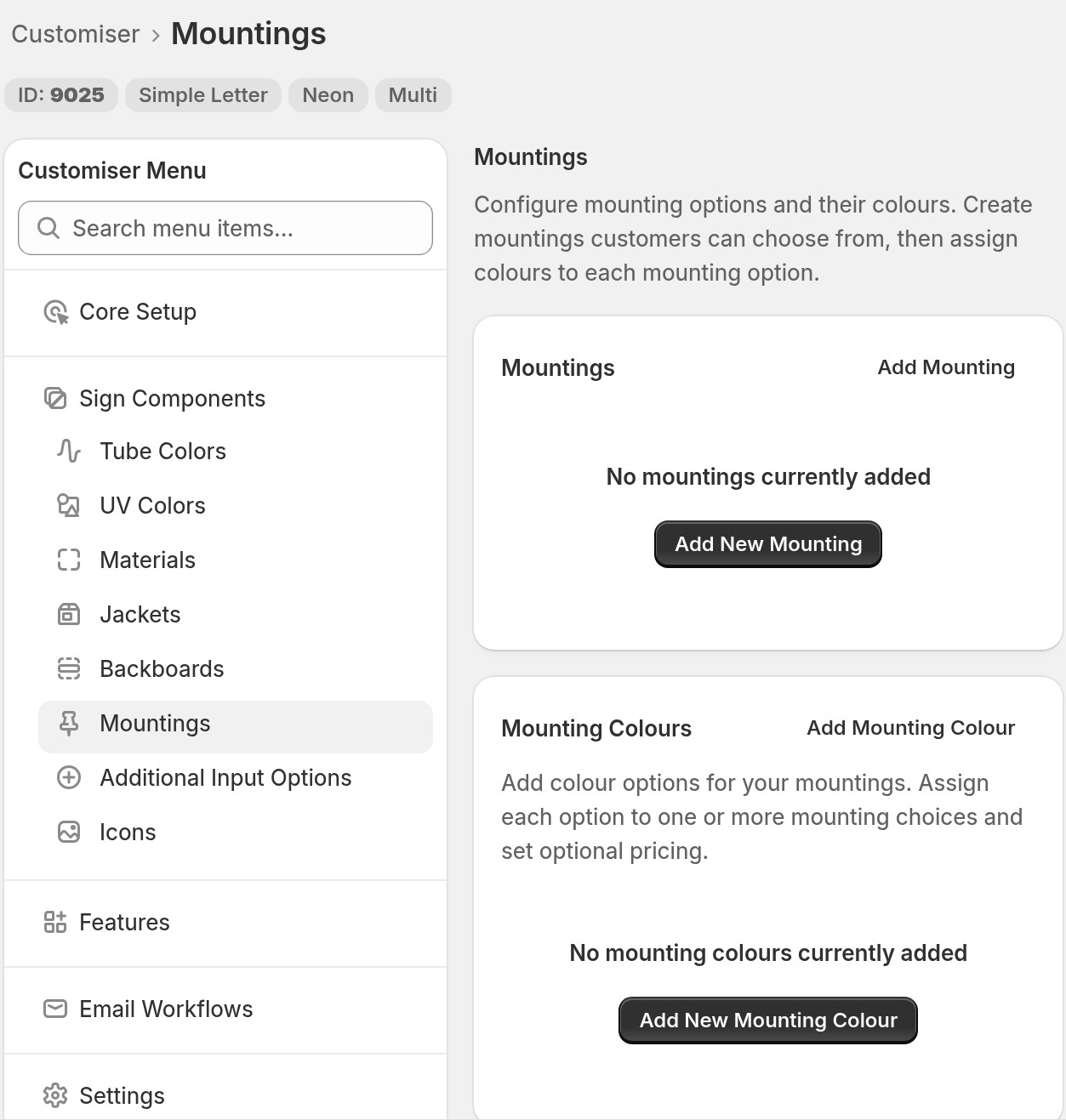
In the Customiser Menu, go to Sign Components → Mountings.
-
Click Add Mounting, or click an existing mounting.
-
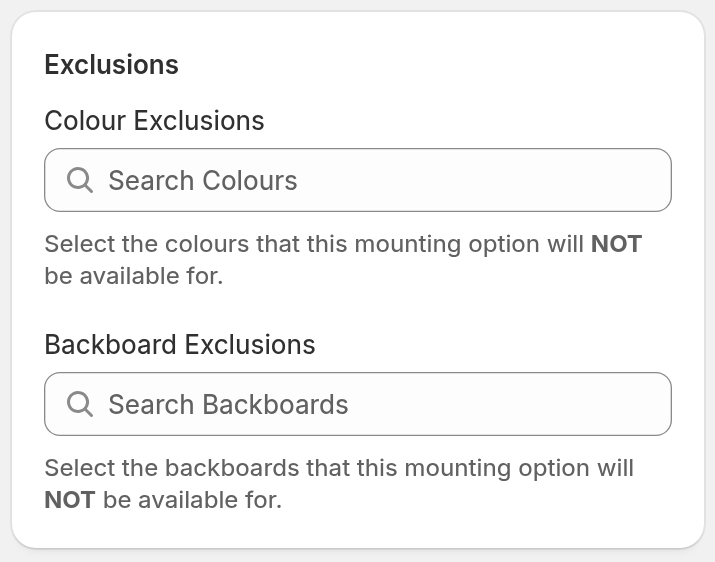
In the Exclusions section, select the incompatible colours in Colour Exclusions.
-
Select the incompatible backboards in Backboard Exclusions.
- Click Save.
Lightbox customisers do not show the exclusion fields. For Lightbox mountings, read Lightbox mounting options.
What customers see
A customer can choose a mounting that you excluded for their backboard. The customer then sees this message: “The selected mounting option is not available with this backboard.” For an excluded colour, the message says “this colour” instead of “this backboard”. The customer cannot finish the sign until the mounting fits both the colour and the backboard. To do this, the customer chooses a different mounting, or changes the colour or backboard that the mounting excludes.