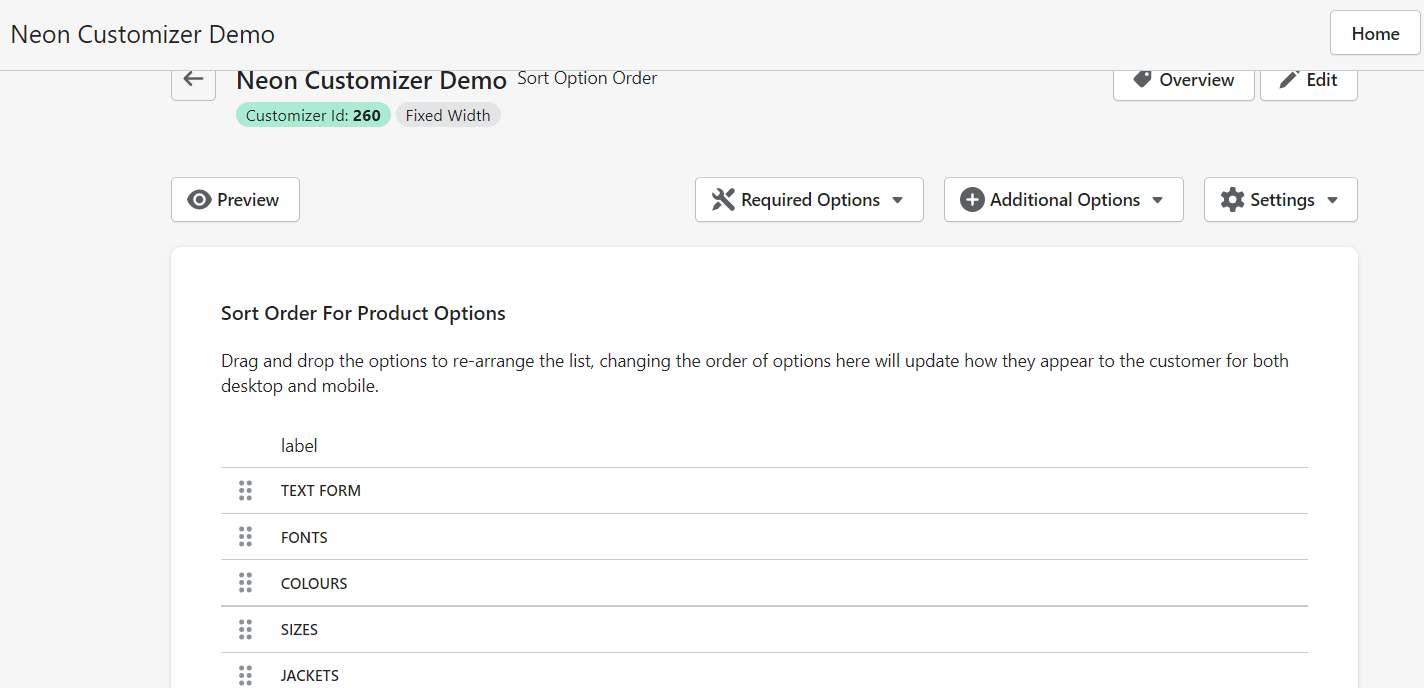
Arranging the option order
Sort the order of options as they appear in the customiser
Last updated:
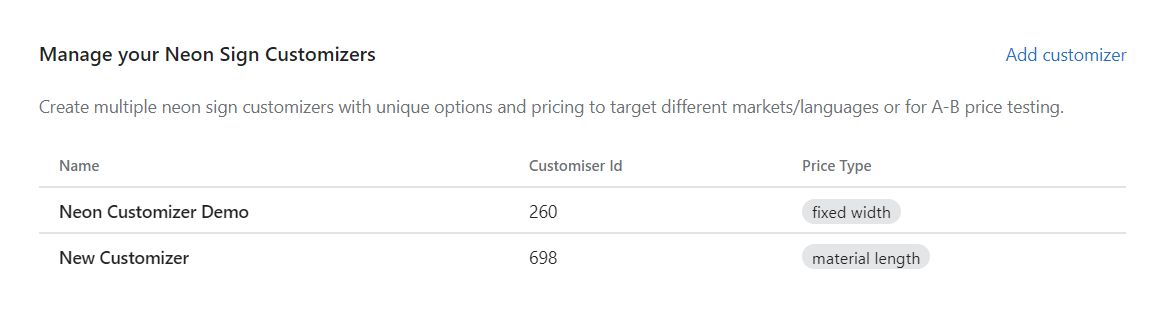
1. In the app dashboard, please click on Customiser which you want to edit:
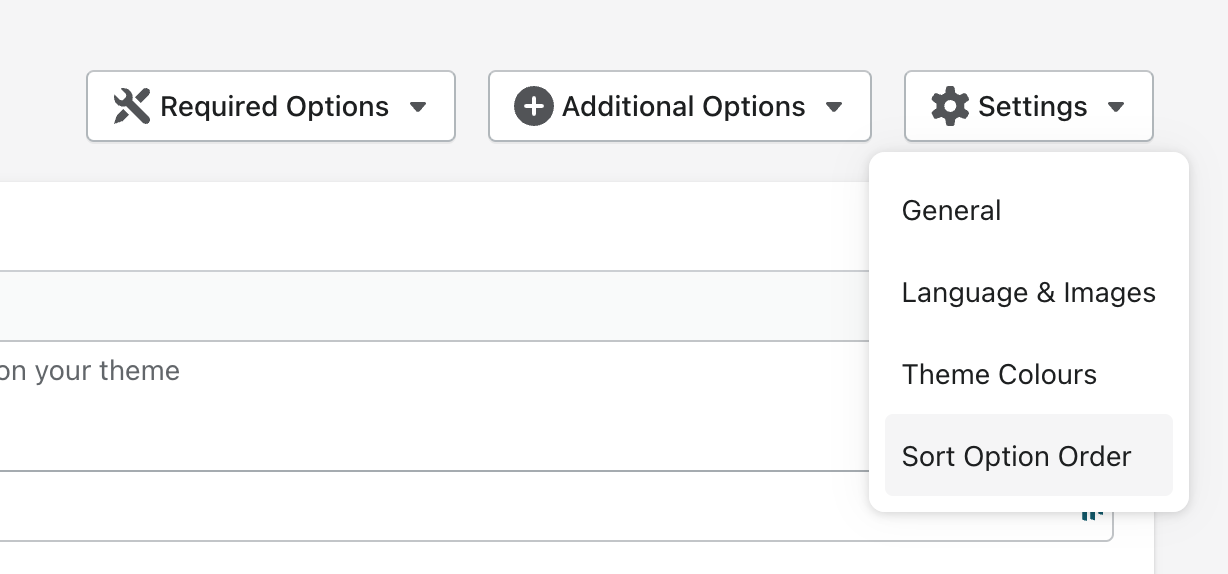
2. On the Customiser Page, click on Settings on the right side of the screen and click Sort Order Option:
3. Drag and drop the items in the list to your desired arrangement.