
Background Images for Sign Visualisations
How to change the background image that displays behind the sign design in the visualiser
Last updated:
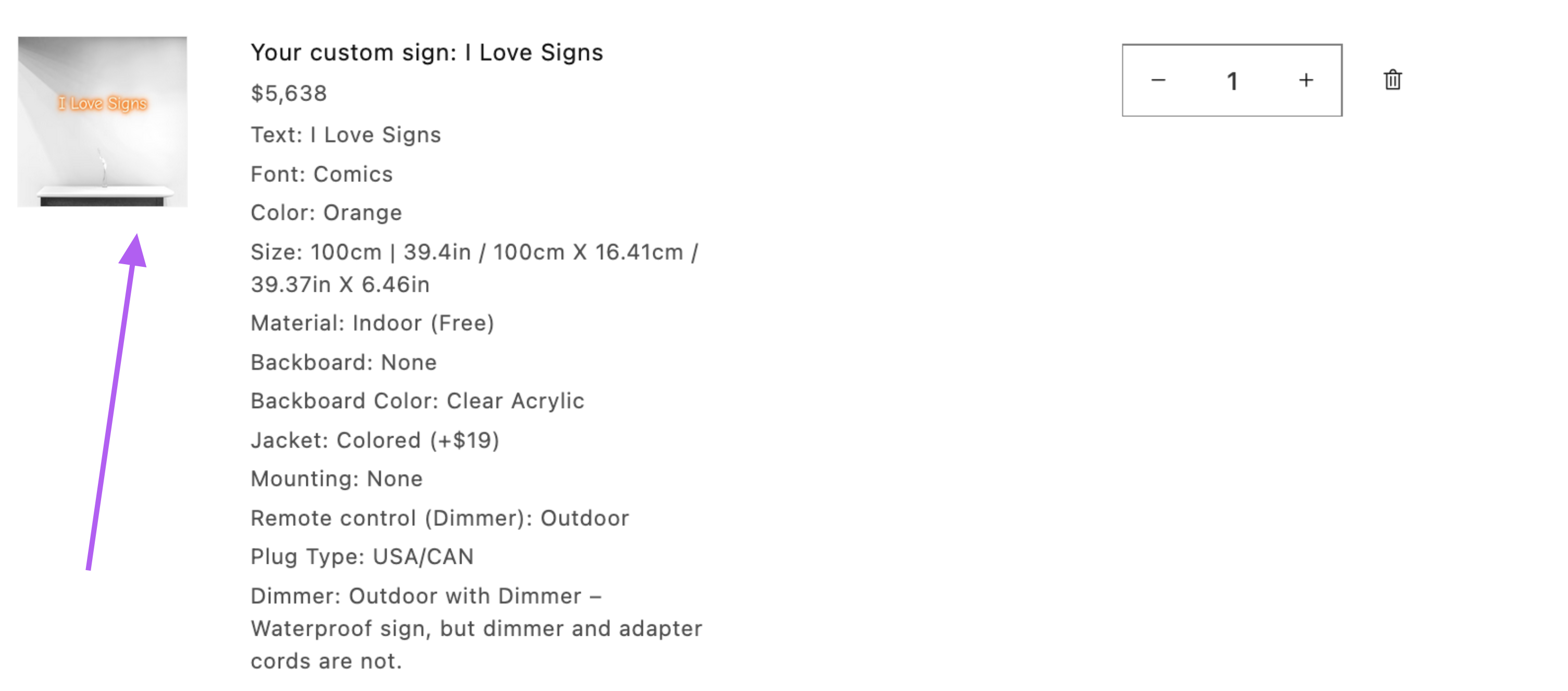
This guide will show you how to change the background image of the custom sign product when a user places their custom sign in the cart.
Steps to Change the Background Image
-
Navigate to the Sign Customiser Admin for your store.
-
Universal subscribers: Go to Home in your account.
-
Shopify users: Navigate to Shopify admin → Apps and select Sign Customiser.
-
-
Click on Customisers in the menu.
-
Select the customiser you want to edit.
-
From the left-hand menu, go to Language.
-
Click on the Product tab.
-
Customise the Product title and replace the default background image.
-
Choose an appropriate image that is no more than 20 KB.
-
You can achieve this by minimizing the image dimensions and optimizing the image.
-
-
Save your changes.