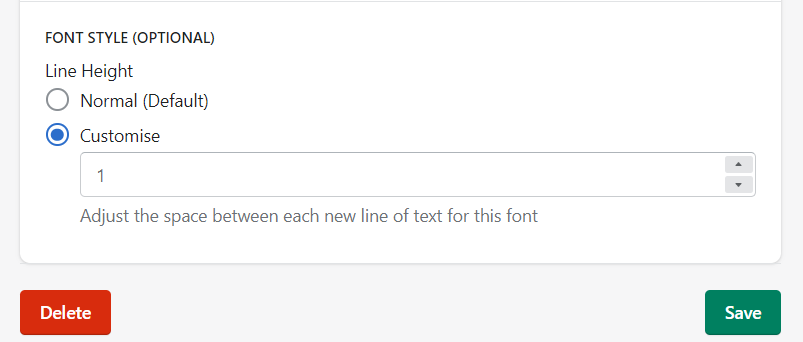
Change A Font's Line Height / Line Spacing
Last updated:
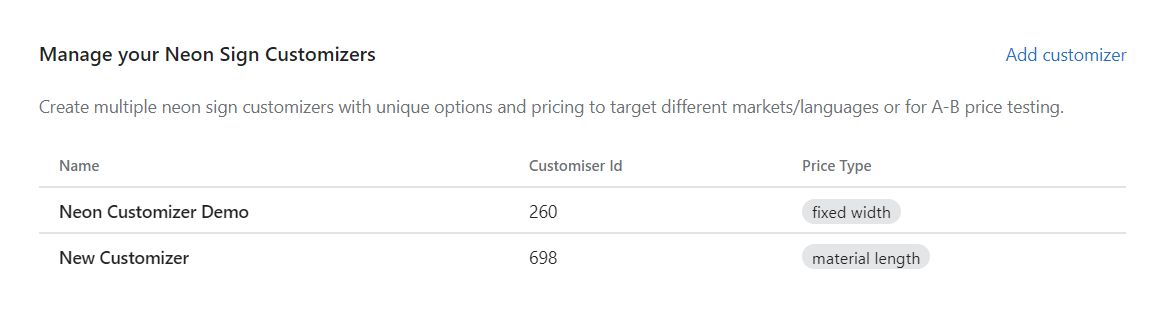
1. In the app dashboard, please click on C****ustomizer which you want to change:
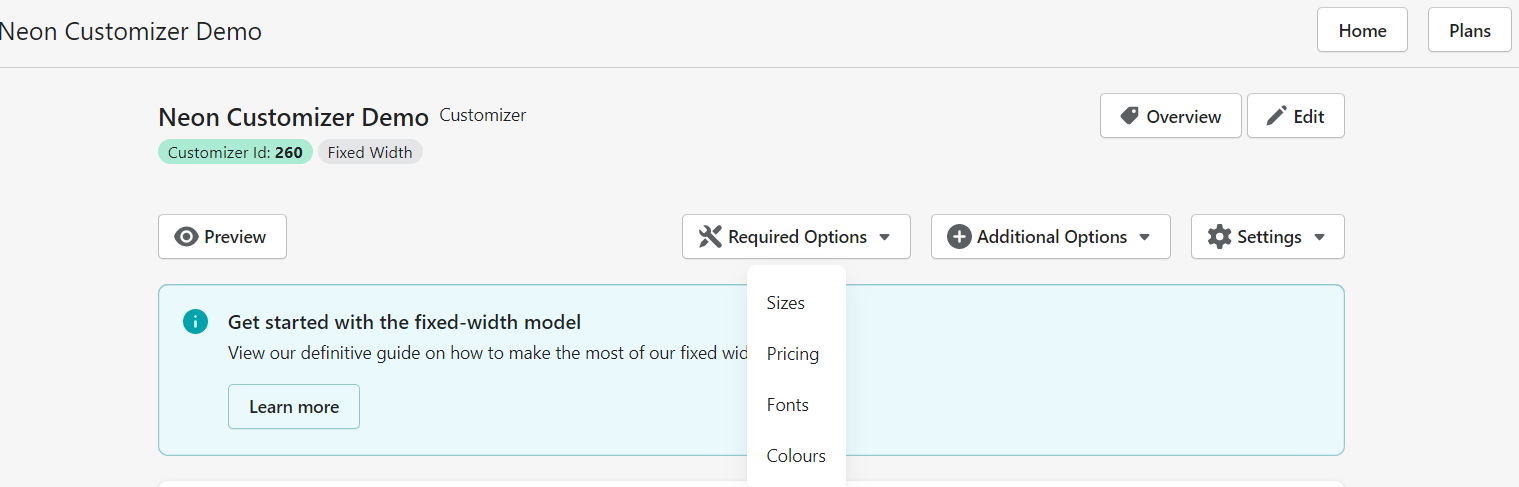
2. On the Customiser Page, click the Required Options button with the tool icon and click Fonts:
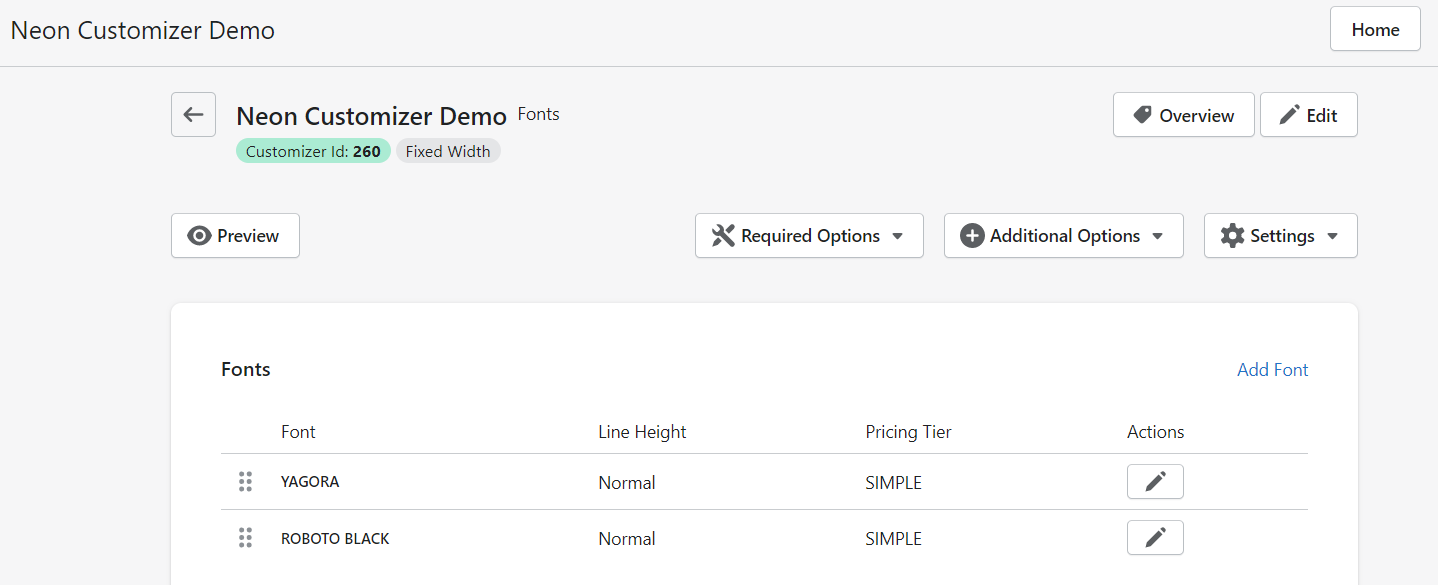
3. Click the Font whose line height/line spacing you want to change:
4. In the Edit Font page, scroll down to this section to make the required changes and click Save: