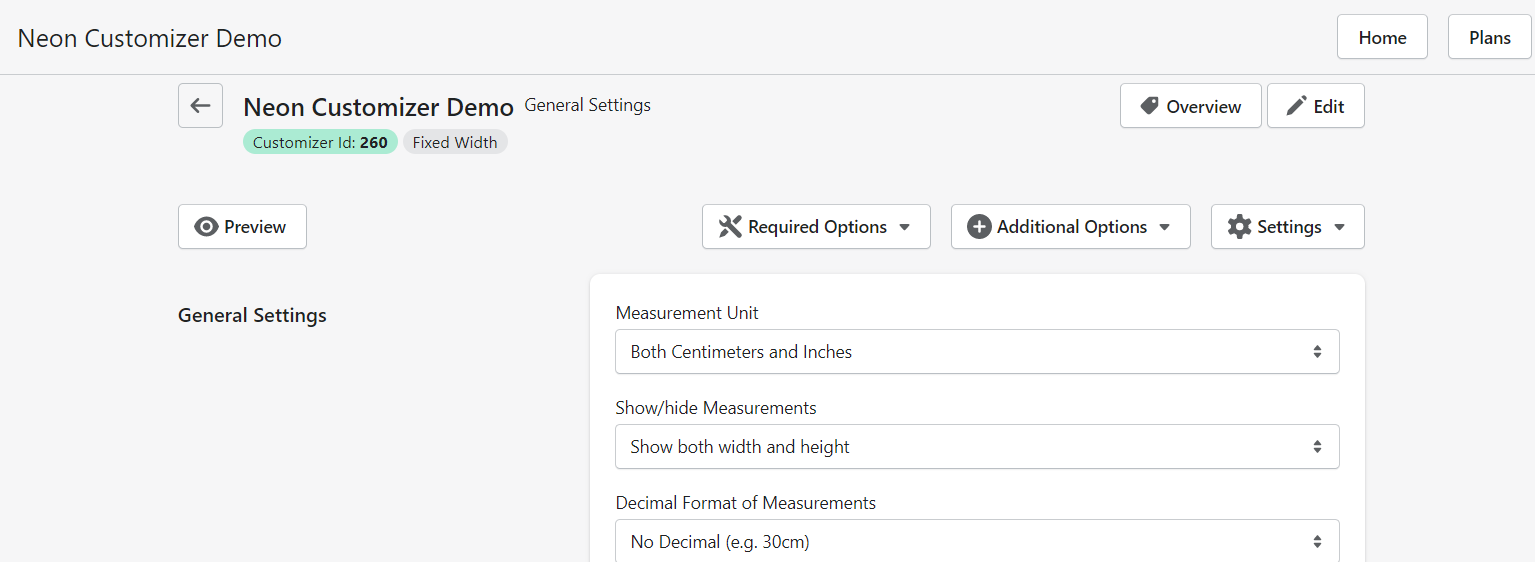
Decimal Format for Measurements
Last updated:
Please follow these instructions to change the decimal format of measurements:
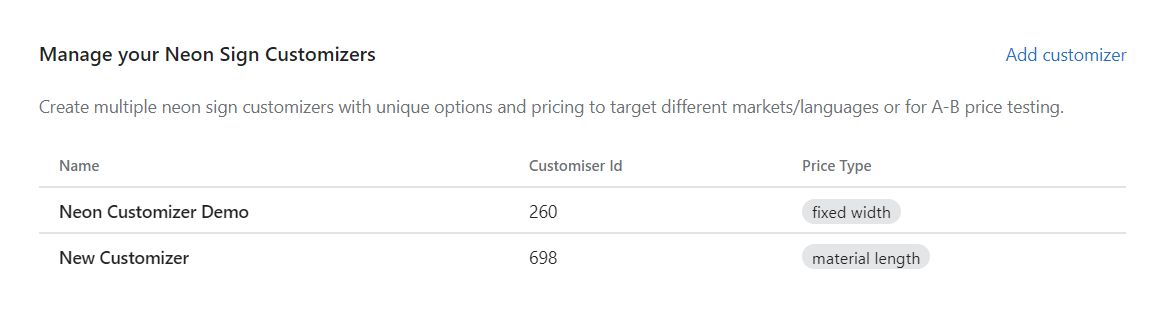
1. Once you have created the Customiser, please click C****ustomizer which you want to change:
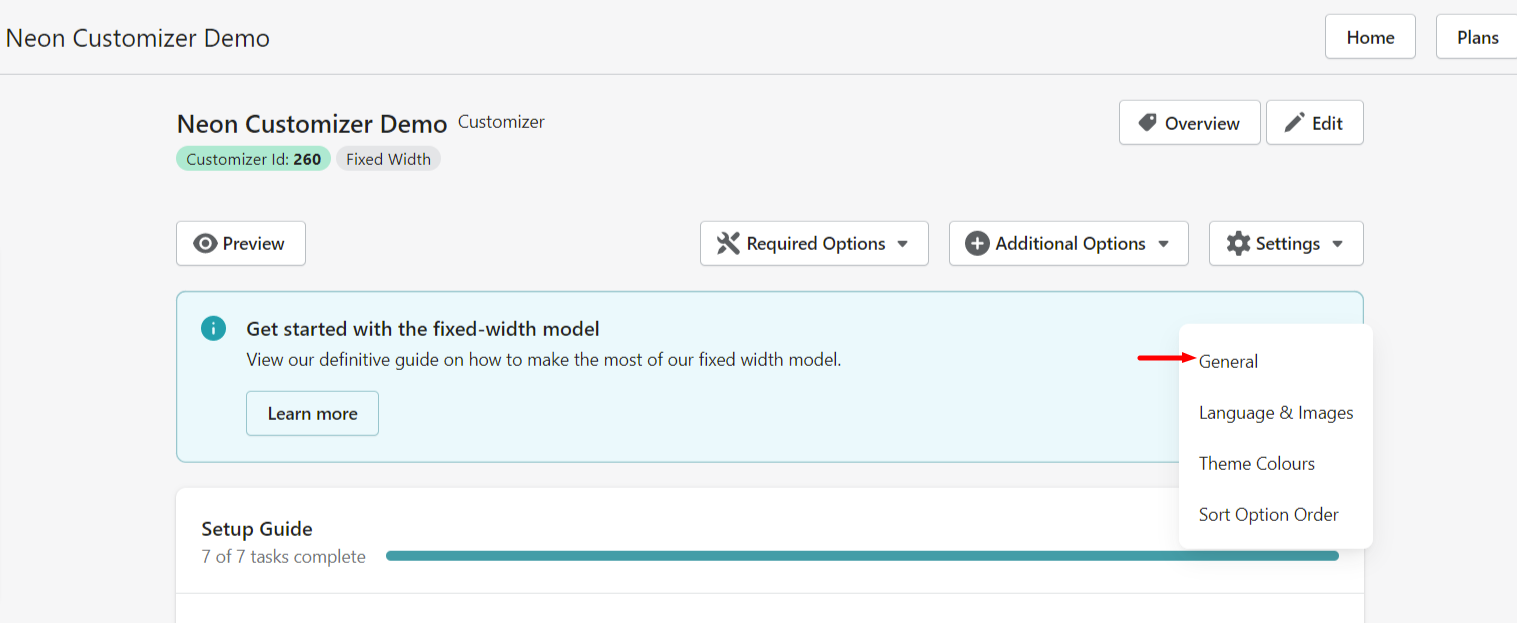
2. Click Settings on the top right side and click General:
3. Refer to the third option in General, click the dropdown menu to choose With Decimal / No Decimal option and click Save at the end of the page to save the changes: