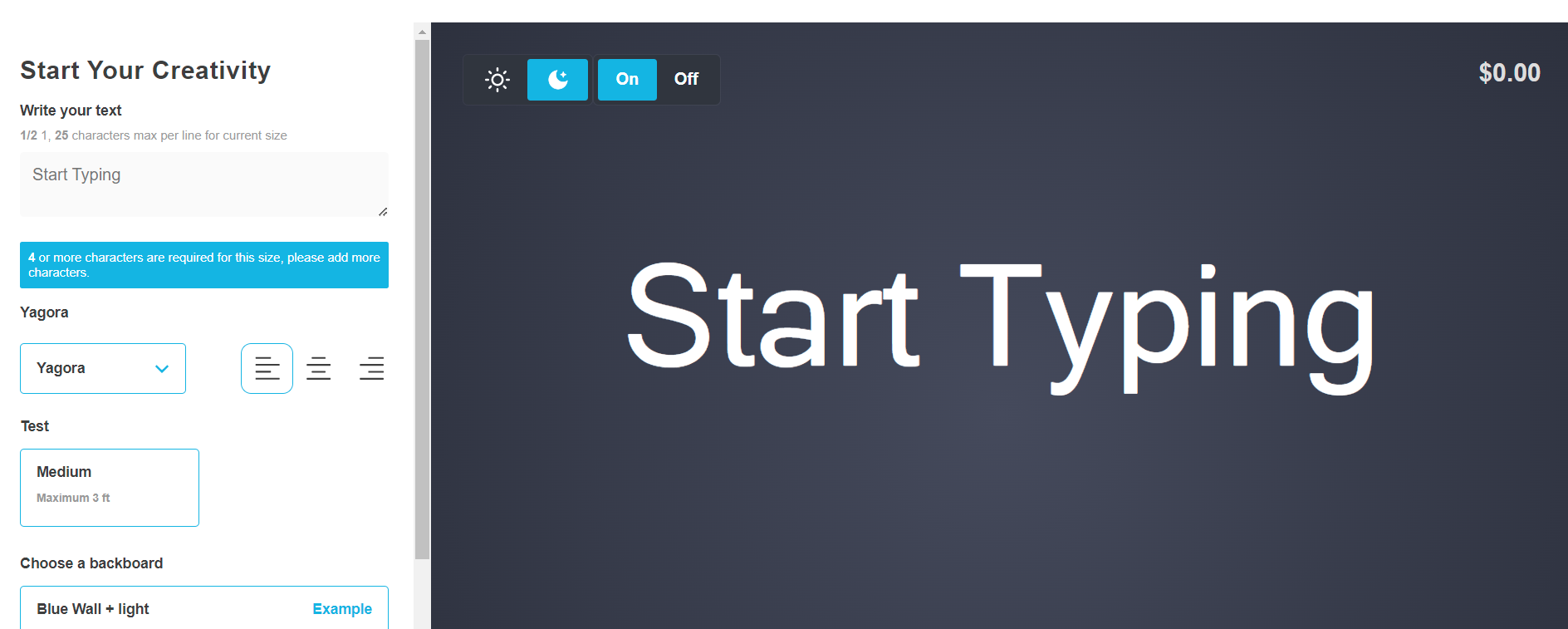
Options sidebar position - desktop only
Display the options sidebar on the left or right, option only available for desktop.
Last updated:
The options sidebar can be placed on the left or right side of the visualiser when on a desktop. By default, it displays on the right side.
To change the side the options sidebar displays on desktop do the following
-
Navigate to Sign Customiser admin in your store
-
Click on “Customisers” in the home menu
-
Click on the customiser you wish to edit
-
Click on “General settings” in the left-hand side navigation menu
-
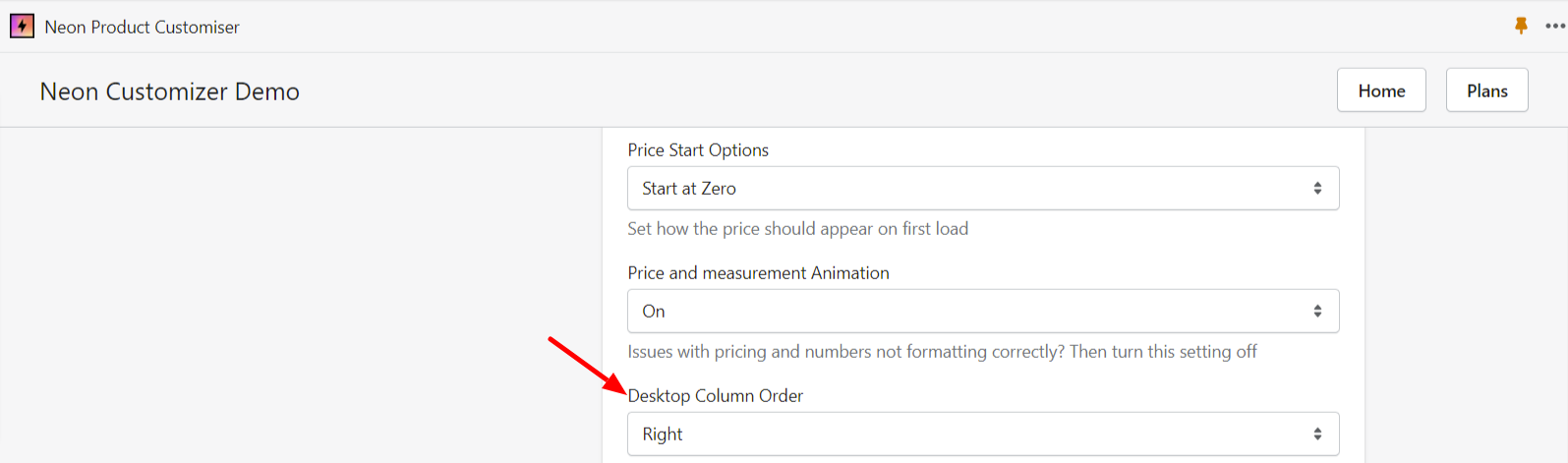
Scroll down to Desktop Column Order, choose Left / Right from the dropdown menu and
-
click Save at the end of the page to save the changes:
Here’s what it will look like being on the right side:
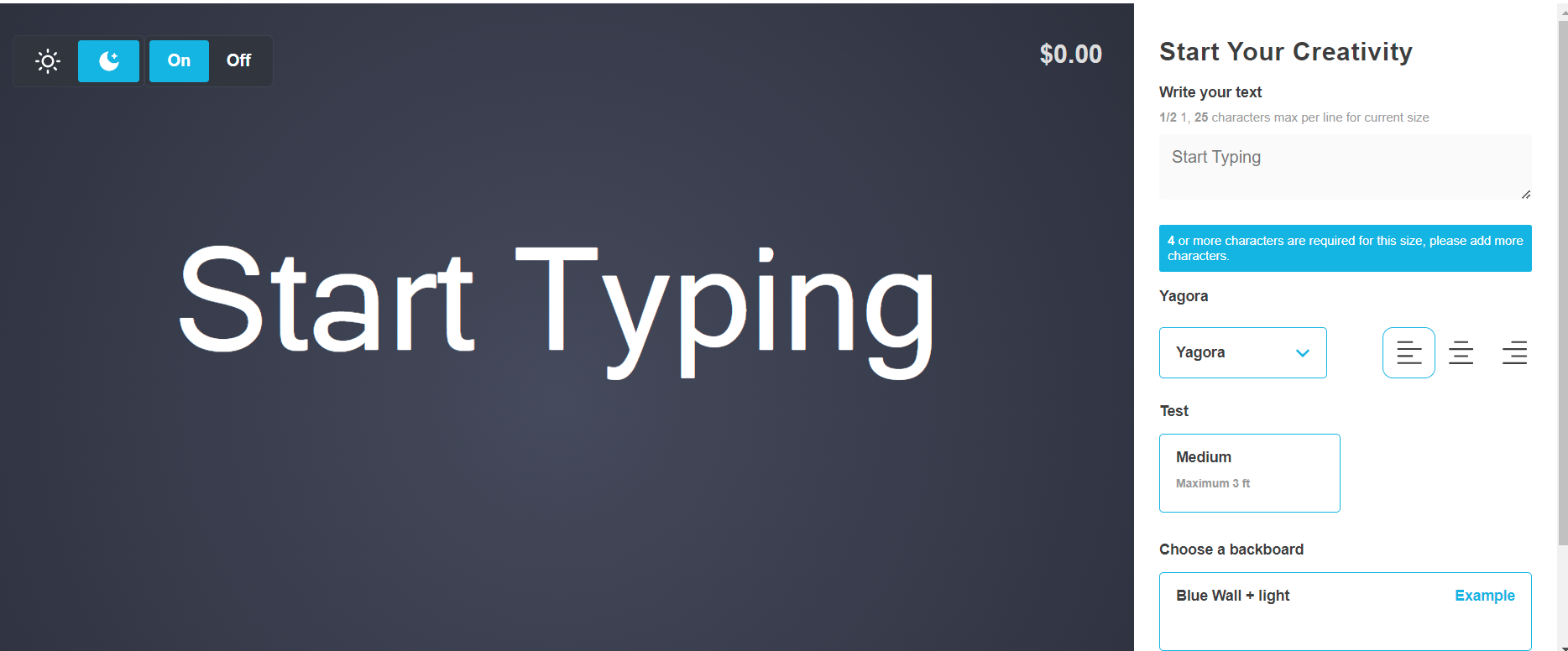
Here’s what it will look like being on the left side: