Show / Hide Measurements?
Last updated:
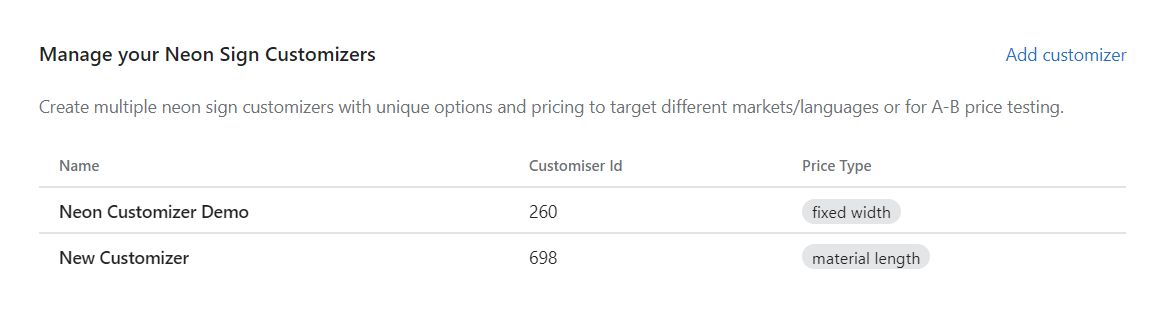
1. In the app dashboard, please click on the Customiser which you want to edit:
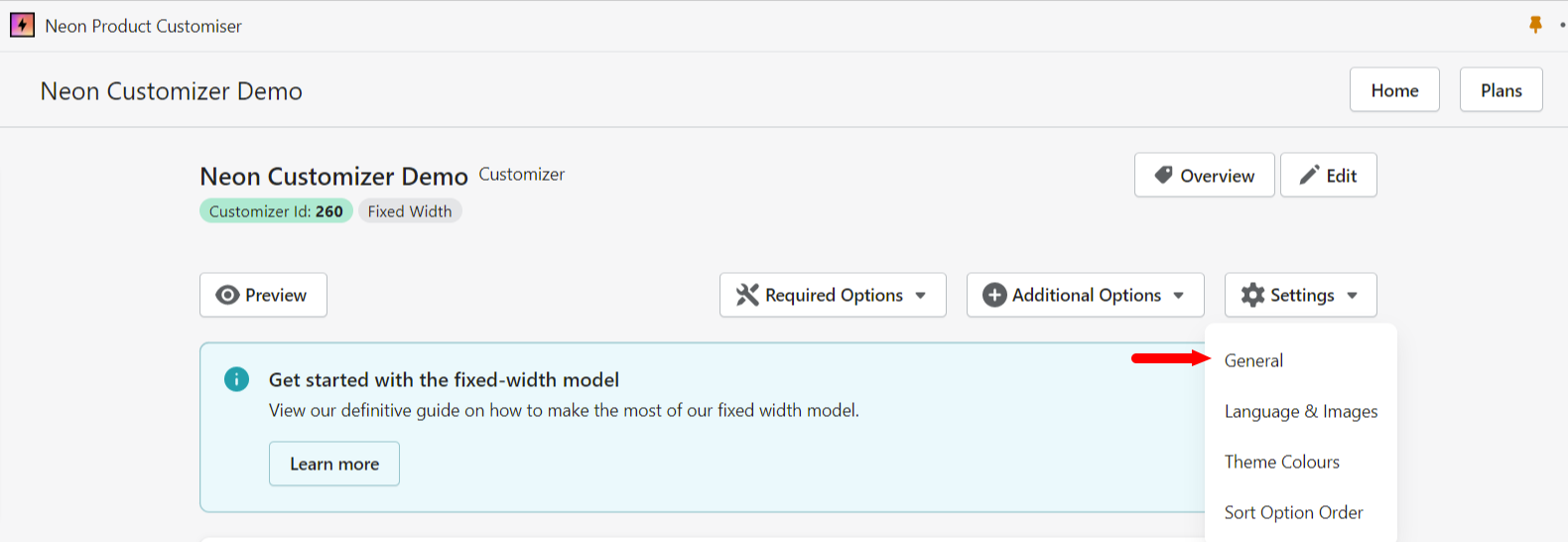
2. Click on Settings on the right side of the screen and click General:
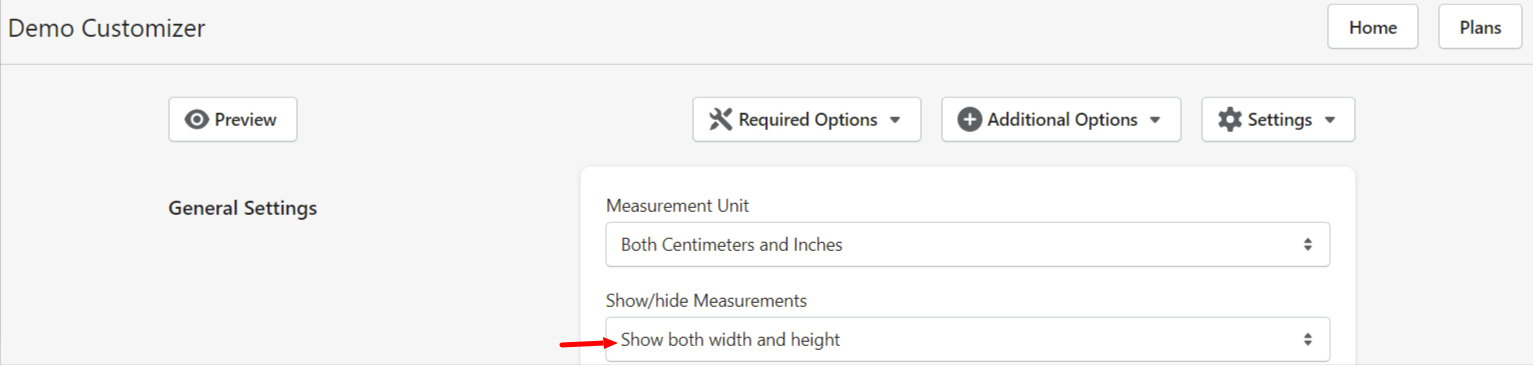
3. Refer to the second section in the General Settings to Show/hide Measurements:
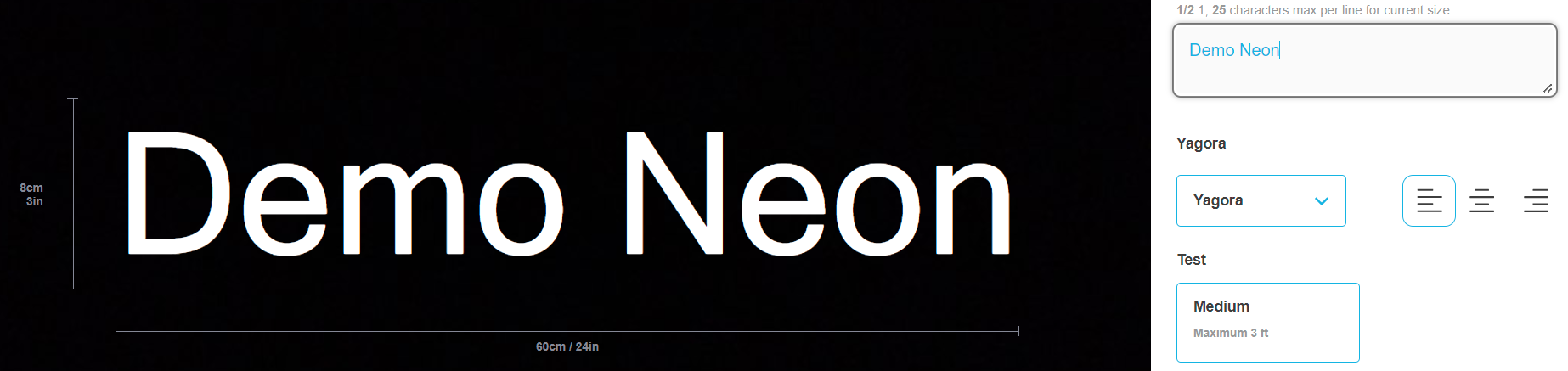
Here’s what it looks like when you choose Show both width and height:
Here’s what it looks like when you choose Show Only Width:

Here’s what it looks like when you choose Show Only Height: