
Translate Words & Phrases?
Last updated:
The Sign Customiser app allows you to change all the front-end text. You can use this feature to translate customisers to your store language.
-
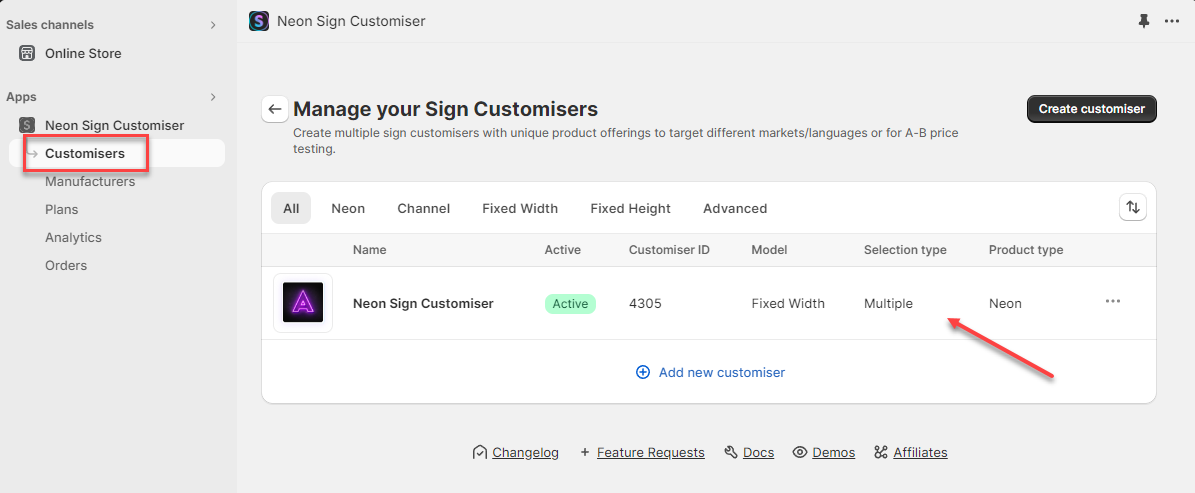
In the Customisers tab, click on the customiser you want to edit:
-
On the customiser editor page, locate the Language tab under the Settings section. On the Language settings page, you can find all the front-end text. Type in the text you want to display instead. The texts are divided into four groups: Main, Visualiser, Notifications, and Product.
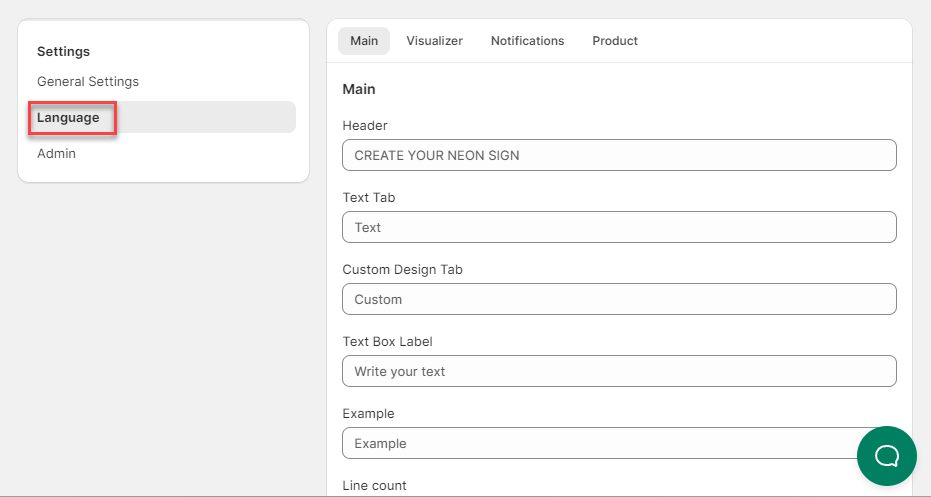
Every option, phrase, button, and text can be translated from here. You can translate everything by referring to all the sections you see on the Languages page.