Visually scale signs for size dimensions
Last updated:
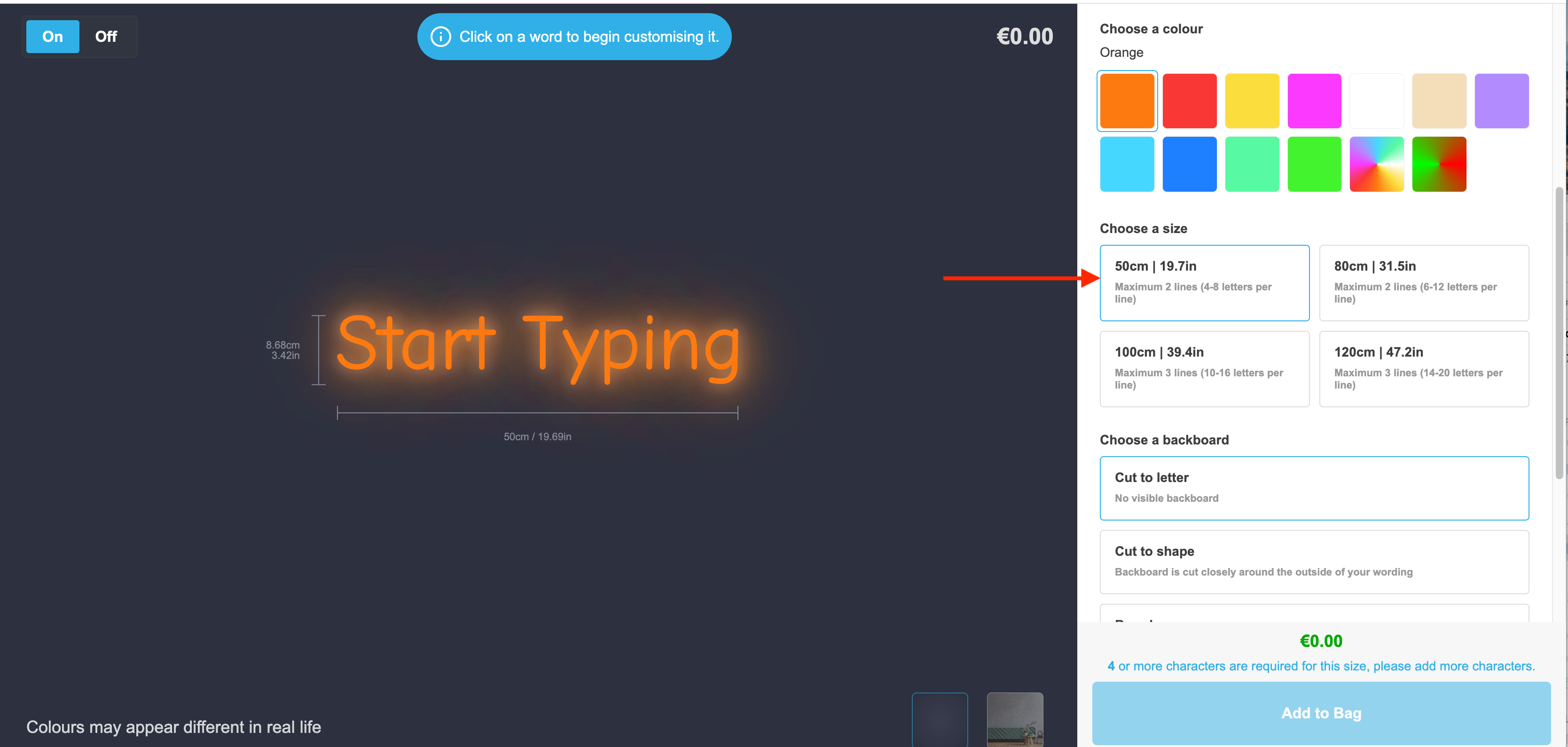
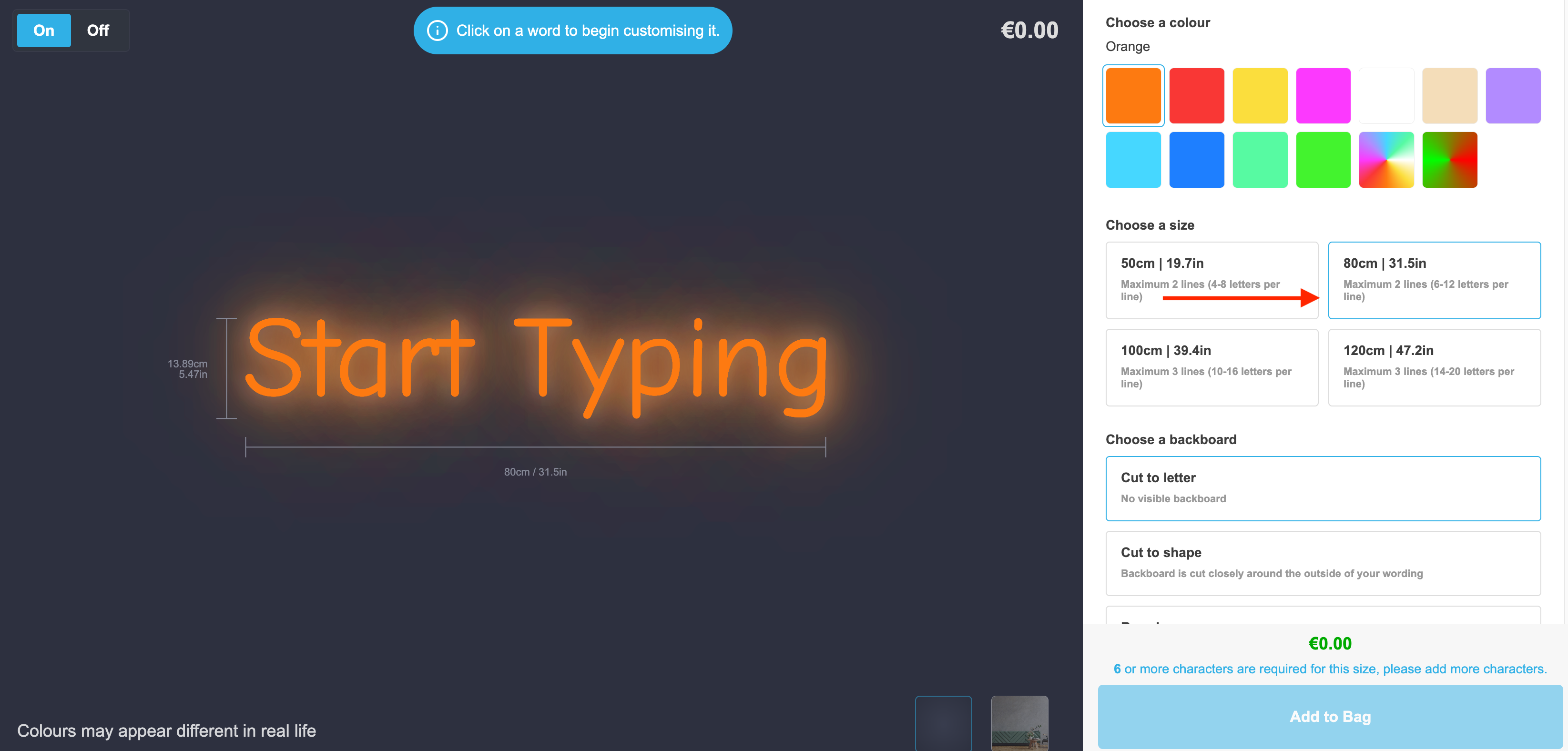
You can give the visualiser the appearance of the sign getting bigger or smaller relative to the size the customer has chosen.
To enable this feature:
-
Navigate to the Sign Customiser admin
-
Select the customiser you would like to edit
-
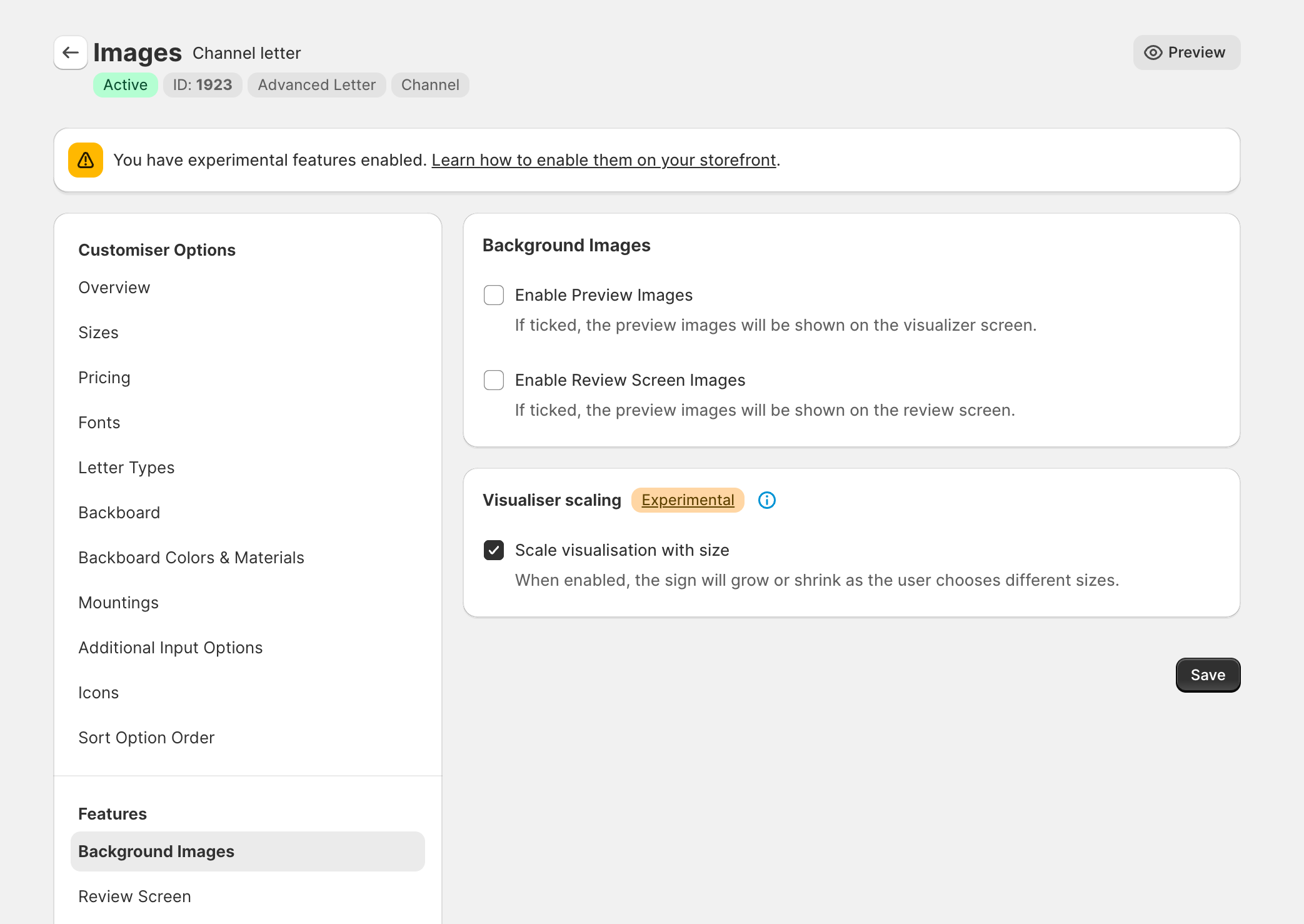
Navigate to “Background Images” on the left side menu
-
Enable the “Scale visualisation with size” checkbox
-
Save the form
The visualiser will now grow and shrink the text relative to the smallest and largest size: