
Match your themes font family with Sign Customiser App
Last updated:
This article allows you to change the font family of the customiser to match your theme’s font family.
Follow these instructions
-
Go to our app in your Shopify admin
-
Click on “Customisers”
-
Select the customiser you want to edit
-
Click on “General Settings” in the side menu
-
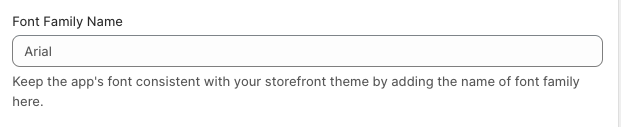
Scroll down until you see this input labelled “Font Family Name”
-
Click save at the bottom of the form